Get 50% OFF All Premium 3D & STL Models!

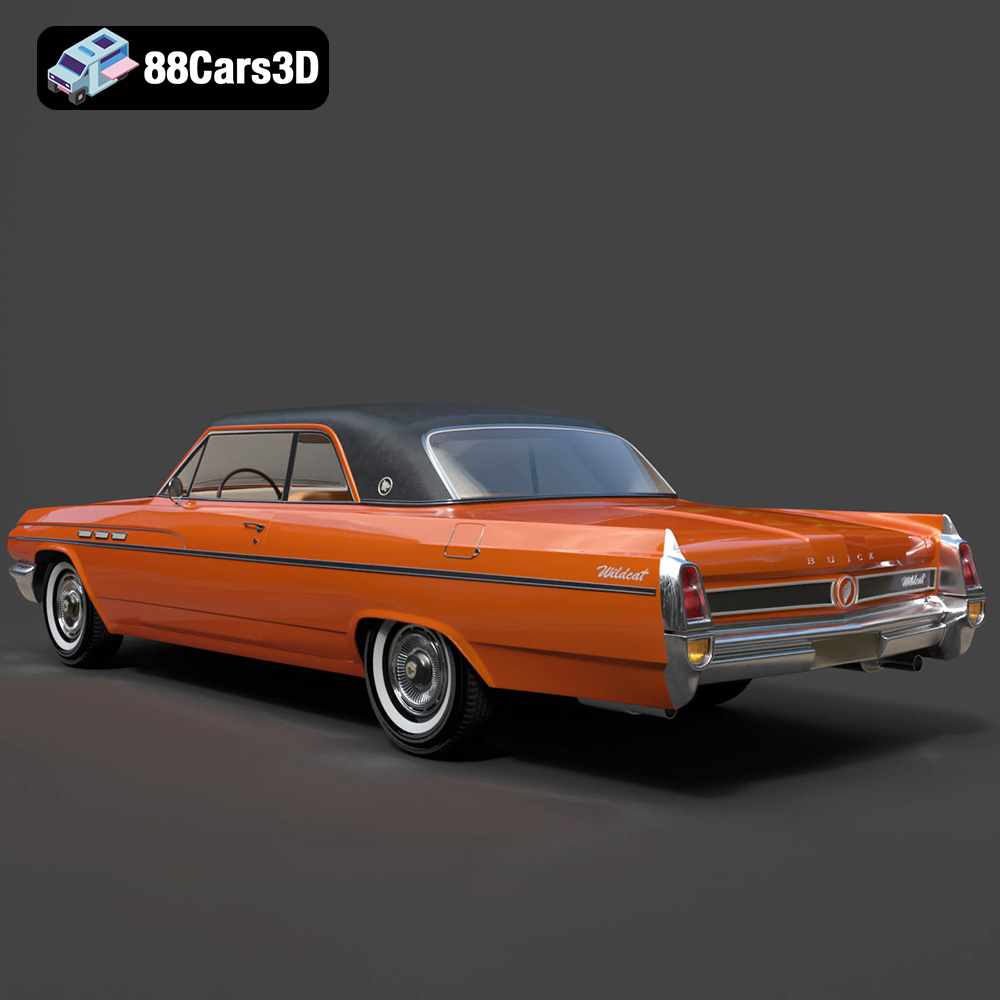
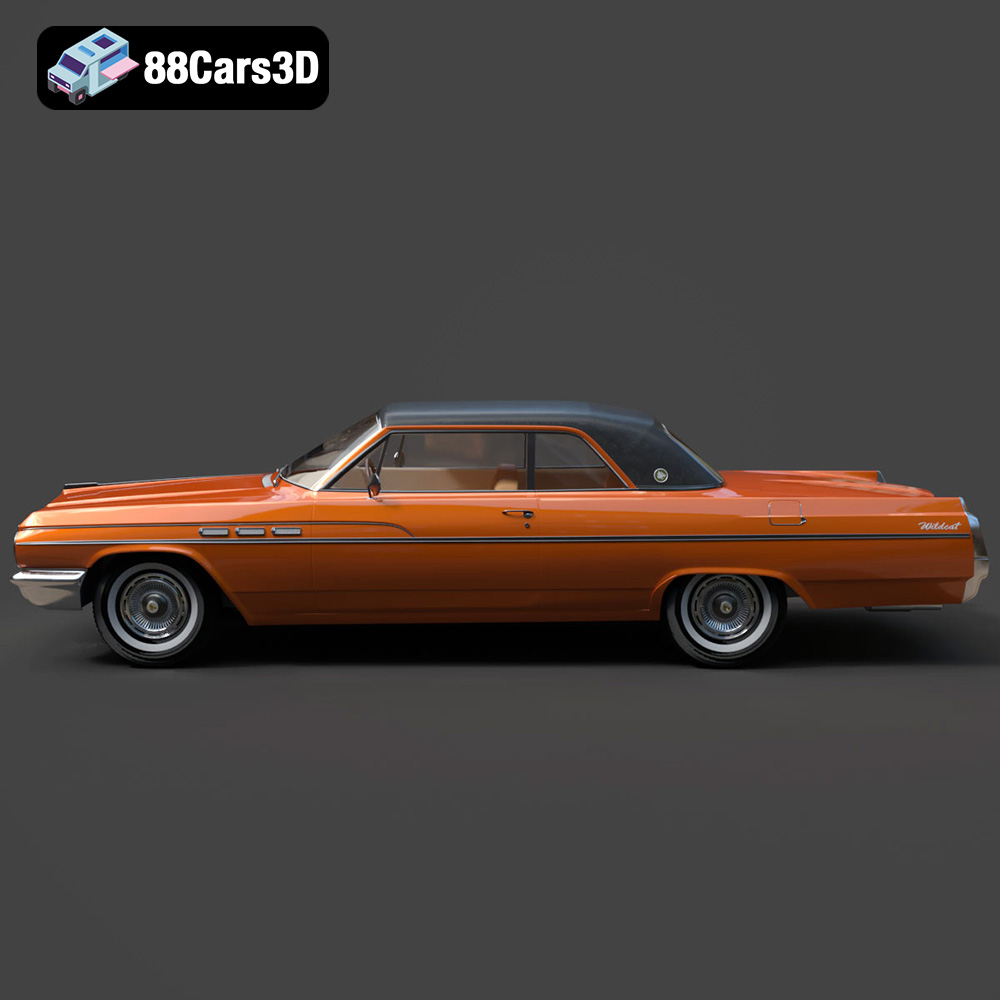
The Buick Wildcat Convertible 1963, a symbol of American automotive boldness, roars back to life, not on the open road, but on the 3D printing bed. With its sweeping lines, iconic chrome details, and the allure of a bygone era, this car is a dream for collectors, hobbyists, and anyone who appreciates classic design. Thanks to 88cars3d.com and their meticulously crafted 3D model, that dream can now be a reality. This article delves into the intricacies of 3D printing this iconic vehicle, providing a comprehensive guide to achieving stunning results. We’ll cover everything from choosing the right materials and printer settings to mastering post-processing techniques for a showroom-worthy finish.
Before diving into the specifics of printing the Buick Wildcat, it’s crucial to understand the different file formats that come with the model and how they relate to 3D printing. Understanding these formats will help you prepare the model correctly for your printer and achieve the best possible results.
The .stl (Stereolithography) format is the workhorse of 3D printing. It represents the surface geometry of a 3D object as a collection of triangles. This simplicity makes it universally compatible with slicing software, which translates the 3D model into instructions your printer can understand. The STL format is the primary file format for 3D printing the Buick Wildcat. When preparing your model, prioritize the STL file for slicing and printing.
The .obj (Wavefront Object) format is more versatile than STL, as it can store color and texture information along with the 3D geometry. While STL only describes the shape of the object, OBJ can also specify the material properties and how light interacts with the surface. However, most 3D printers designed for single-material printing ignore the color data. If you intend to paint your 3D printed Wildcat, you can disregard the OBJ file and focus on the STL.
.ply (Polygon File Format) is designed to store 3D data acquired from 3D scanners. It’s particularly adept at handling high-resolution meshes with complex details. While offering high precision, it may not be as universally supported by all slicing software as STL. It’s also worth noting that very high polygon counts can strain your printer’s processing power. For the Buick Wildcat model, start with the STL file and only consider using the PLY version if you encounter issues with the STL’s mesh quality.
File formats such as .blend (Blender), .fbx (Autodesk Filmbox), .glb (GL Transmission Format), and .max (3ds Max) are mainly used for model editing, animation, and rendering purposes. These formats allow you to modify the car’s design before exporting it to a 3D printable format like STL. For example, you can use Blender (.blend) to create a custom version with a different hood ornament or change the wheel design. The .fbx and .glb formats are suitable for previewing the model with its materials and textures in different applications, including augmented reality (AR). However, remember that you need to export the modified model as an STL file before you can 3D print it.
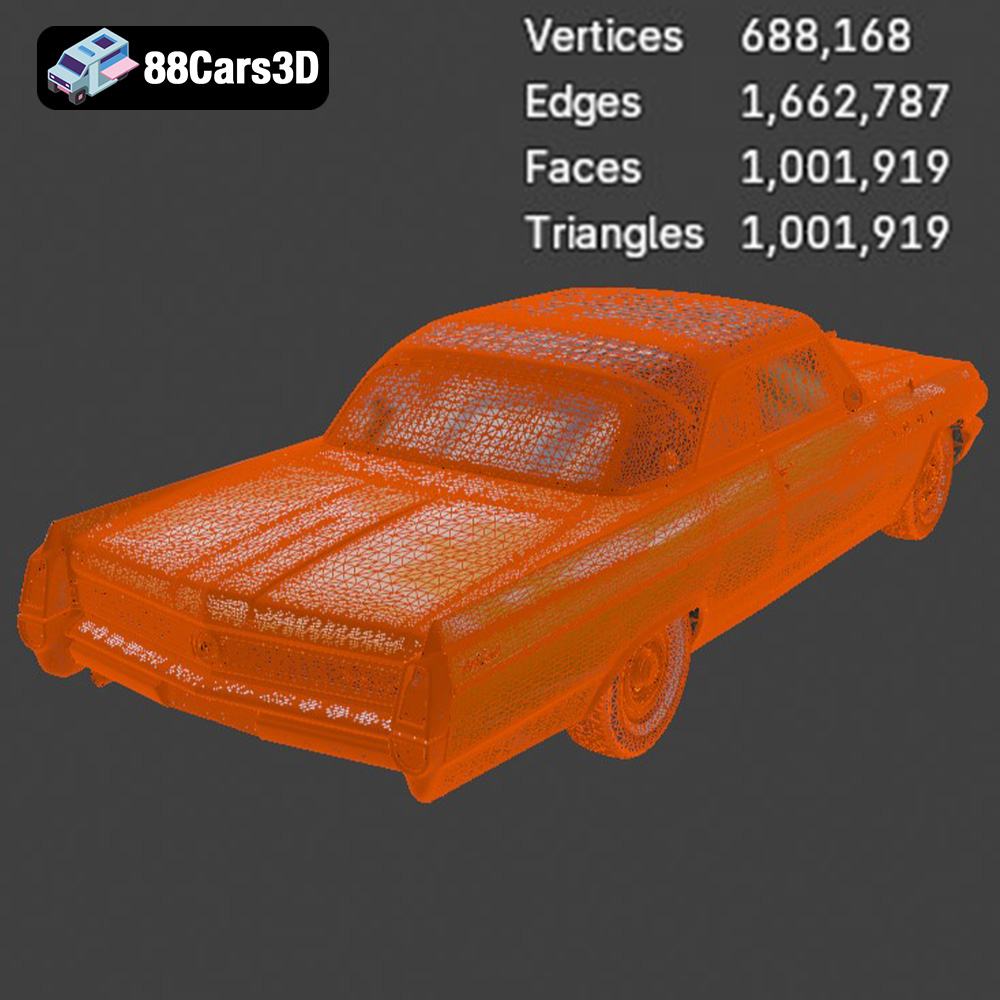
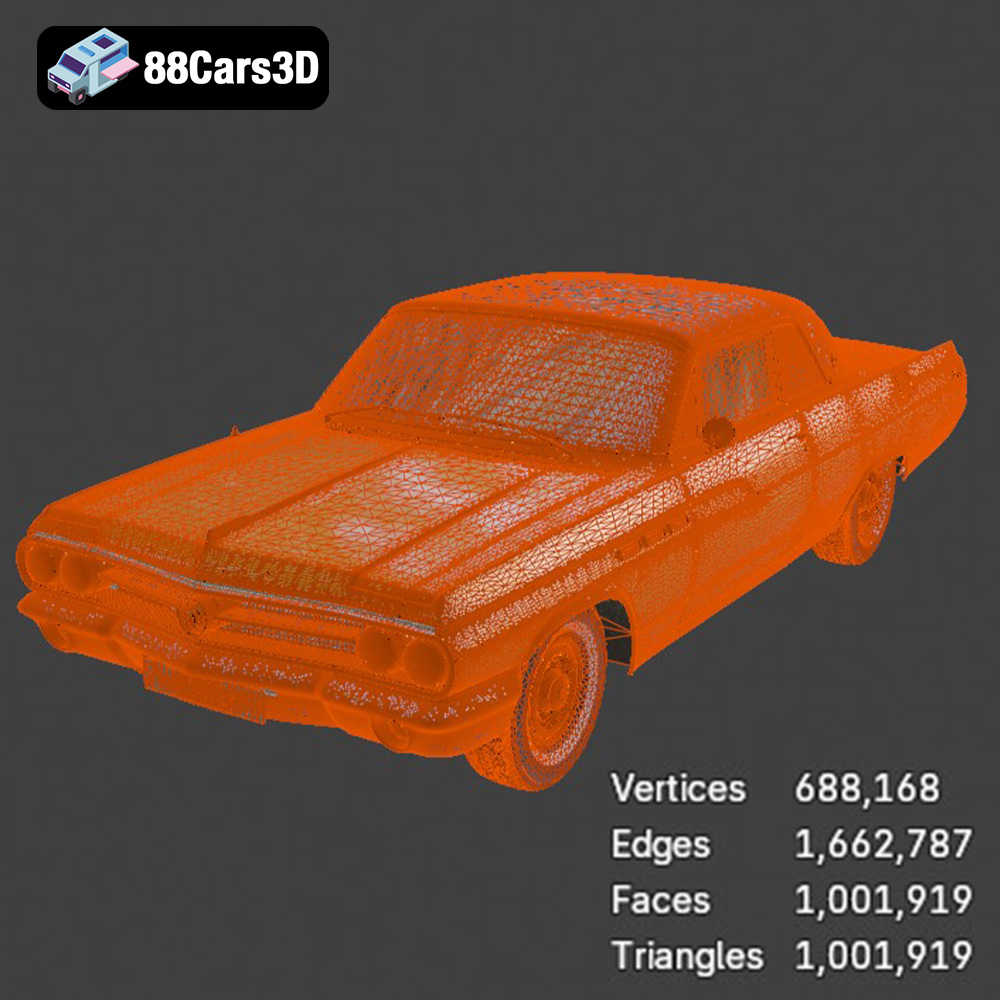
When preparing the Buick Wildcat model for 3D printing, always begin with the STL file. Ensure the mesh is watertight (no holes) and that the polygon count is appropriate for your printer’s capabilities. You may need to use mesh repair tools in your slicing software to fix any errors before generating the G-code instructions for your printer.
The quality and detail of your 3D printed Buick Wildcat will heavily depend on the technology and materials you select. There are two main contenders: Fused Deposition Modeling (FDM) and Resin printing (SLA/DLP/MSLA).
FDM printers are widely accessible and use filaments like PLA, PETG, and ABS. For the Wildcat, PLA is a good starting point due to its ease of use and biodegradability. PETG offers increased strength and heat resistance, which might be beneficial for parts exposed to sunlight. ABS, known for its durability, requires a heated bed and enclosure to prevent warping.
* **Material Recommendations:**
* PLA: Easy to print, good for initial prototypes and larger parts.
* PETG: Stronger and more heat-resistant than PLA, suitable for functional parts.
* ABS: Durable and heat-resistant, requires more controlled printing conditions.
* **Printer Considerations:** FDM printers excel at larger parts but might struggle with the intricate details of the Wildcat’s chrome trim and interior components. Layer height significantly impacts the surface finish; a lower layer height (0.1mm or less) yields smoother results but increases print time.
Resin printers utilize liquid resins cured by UV light, allowing for exceptionally high detail and smooth surfaces. This makes them ideal for reproducing the Wildcat’s fine features, especially at smaller scales. However, resin prints tend to be more brittle than FDM prints and require careful post-processing.
* **Resin Types:**
* Standard Resin: Good for general-purpose printing and detailed models.
* Tough Resin: Offers increased impact resistance, suitable for parts prone to breaking.
* ABS-Like Resin: Combines high detail with enhanced durability.
* **Printer Considerations:** Resin printers are excellent for small-scale models and intricate details. However, the build volume is typically smaller than FDM printers, so you may need to print the Wildcat in multiple parts. Proper ventilation and safety precautions are essential when working with resins.
Once you’ve chosen your printing technology and material, it’s time to prepare the 3D model for printing using slicing software. Popular options include Cura, PrusaSlicer, Simplify3D, and Chitubox (for resin printing).
Proper orientation is crucial for minimizing support material and maximizing surface quality. For the Buick Wildcat’s body, consider printing it at an angle to reduce the need for supports on the curved surfaces. Experiment with different orientations to find the optimal balance between print time, support usage, and surface finish.
* **Support Strategies:**
* FDM: Use tree supports for easier removal and minimal impact on the surface finish.
* Resin: Employ light supports with small contact points to avoid damaging the delicate features.
* **Part Subdivision:** Depending on your printer’s build volume, you may need to divide the model into multiple parts (e.g., body, chassis, interior, wheels). This allows for printing larger models on smaller printers and optimizing the orientation of individual components.
The slicing settings determine the print quality, strength, and overall appearance of your 3D printed Wildcat.
* **Layer Height:**
* FDM: 0.08-0.16mm for a balance of detail and print time.
* Resin: 0.025-0.05mm for exceptional detail.
* **Infill Density:** 15-25% infill is sufficient for most parts, providing adequate strength without excessive material usage. Increase infill for parts that require higher structural integrity.
* **Wall Thickness:** 1.2-2.0mm for FDM printing, ensuring sufficient strength and rigidity.
* **Print Speed:** Reduce print speed for intricate details and overhangs to improve accuracy and prevent warping.
With the model prepared and the printer settings dialed in, it’s time to start printing. Monitor the print process closely, especially during the initial layers, to ensure proper adhesion.
Consider printing the wheels, interior, and chrome trim separately to achieve the best possible finish. This allows for optimizing the orientation and settings for each component and using different materials or colors.
* **Wheel Printing:** Print the wheels with a high infill density for strength and durability. Consider using flexible filament for the tires to add realism.
* **Interior Detailing:** Print the dashboard, seats, and other interior components with a fine layer height to capture the intricate details.
Once all the parts are printed, carefully remove the supports and assemble the model using glue or other joining methods.
* **Adhesive Selection:** Use super glue (cyanoacrylate) for strong, fast bonding. Epoxy provides a more durable and gap-filling solution.
* **Alignment and Clamping:** Ensure proper alignment of parts during assembly. Use clamps or tape to hold the pieces in place while the adhesive cures.
Post-processing is where your 3D printed Buick Wildcat truly comes to life. Sanding, priming, painting, and adding details will transform the raw print into a stunning replica.
Start with coarse sandpaper (200-400 grit) to remove any imperfections and layer lines. Gradually move to finer grits (600-800 grit) for a smooth surface.
* **Wet Sanding:** Wet sanding helps to reduce friction and prevents the sandpaper from clogging.
* **Filling Imperfections:** Use filler or spot putty to fill any remaining imperfections or gaps.
Apply multiple thin coats of primer to create a smooth, even surface for painting. Choose high-quality automotive paints for a durable and realistic finish.
* **Color Matching:** Research the original Buick Wildcat color options and choose paints that accurately replicate the classic hues.
* **Detail Painting:** Use fine brushes to paint the chrome trim, emblems, and other details.
Chrome accents are a defining feature of the Buick Wildcat. Use chrome paint, foil, or plating techniques to replicate the shiny details.
* **Chrome Paint:** Apply multiple thin coats of chrome paint for a reflective finish.
* **Chrome Foil:** Use adhesive-backed chrome foil to wrap the bumpers, grille, and other chrome parts.
Even with careful preparation, you may encounter challenges during the 3D printing process. Here are some common issues and their solutions:
Warping occurs when the corners of the print lift off the build plate due to uneven cooling.
* **Solutions:**
* Increase bed adhesion using glue stick, hairspray, or blue tape.
* Use a heated bed to maintain a consistent temperature.
* Enclose the printer to minimize drafts.
Stringing happens when the printer extrudes filament while moving between parts.
* **Solutions:**
* Increase retraction settings in your slicing software.
* Lower the printing temperature.
* Increase travel speed.
Layer shifting occurs when the layers of the print are misaligned.
* **Solutions:**
* Tighten belts and screws on the printer.
* Reduce printing speed.
* Ensure the printer is on a stable surface.
The print time and material costs will vary depending on the size of the model, the chosen material, and the printer settings. Use your slicing software to estimate the print time and material usage before starting the print.
* **Material Cost:** Calculate the cost of the filament or resin based on its price per kilogram or liter.
* **Electricity Cost:** Estimate the electricity cost based on the printer’s power consumption and the duration of the print.
3D printing the Buick Wildcat Convertible 1963 is a rewarding project that combines technology with a passion for classic cars. While it requires patience, attention to detail, and a willingness to experiment, the end result is a stunning replica that captures the spirit of this iconic vehicle. By following the guidelines outlined in this article, you can overcome the challenges and achieve a showroom-worthy finish. Remember to explore the exceptional 3D models available at 88cars3d.com for your next project. With the right tools and techniques, you can bring your favorite cars to life in the world of 3D printing.
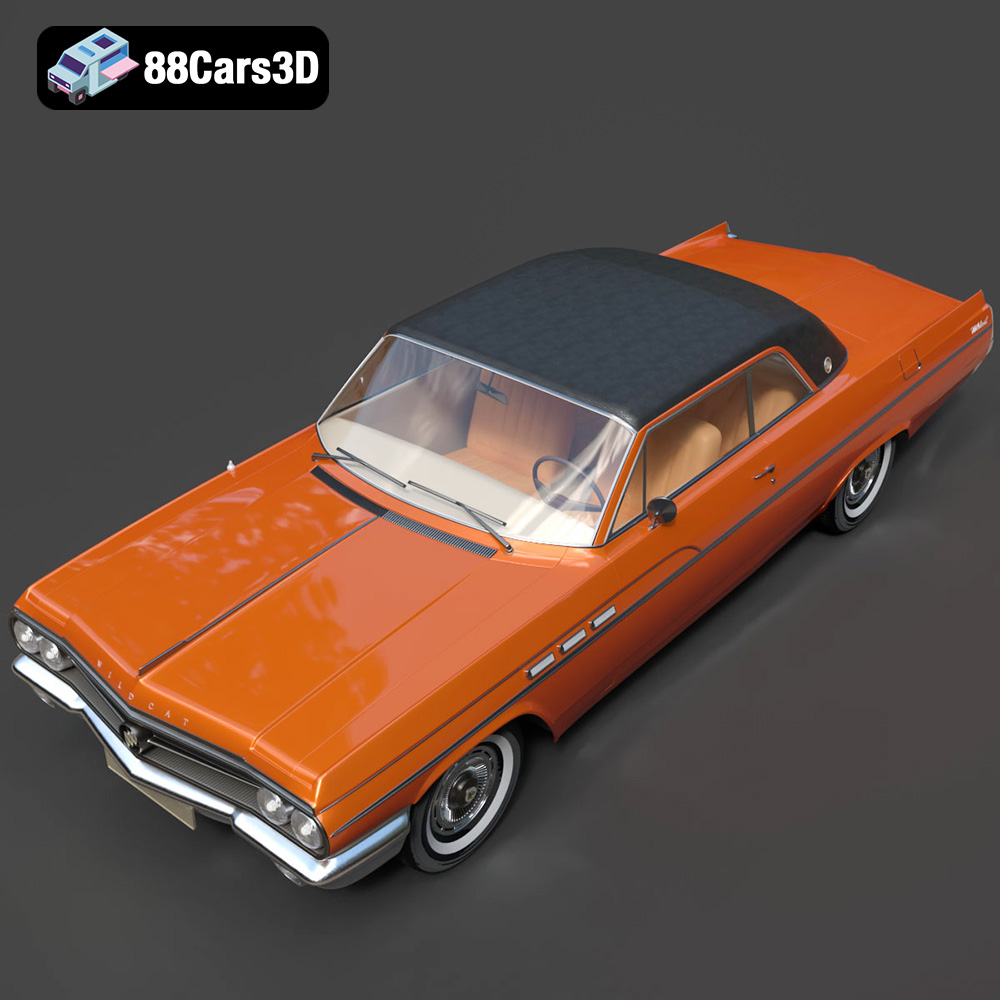
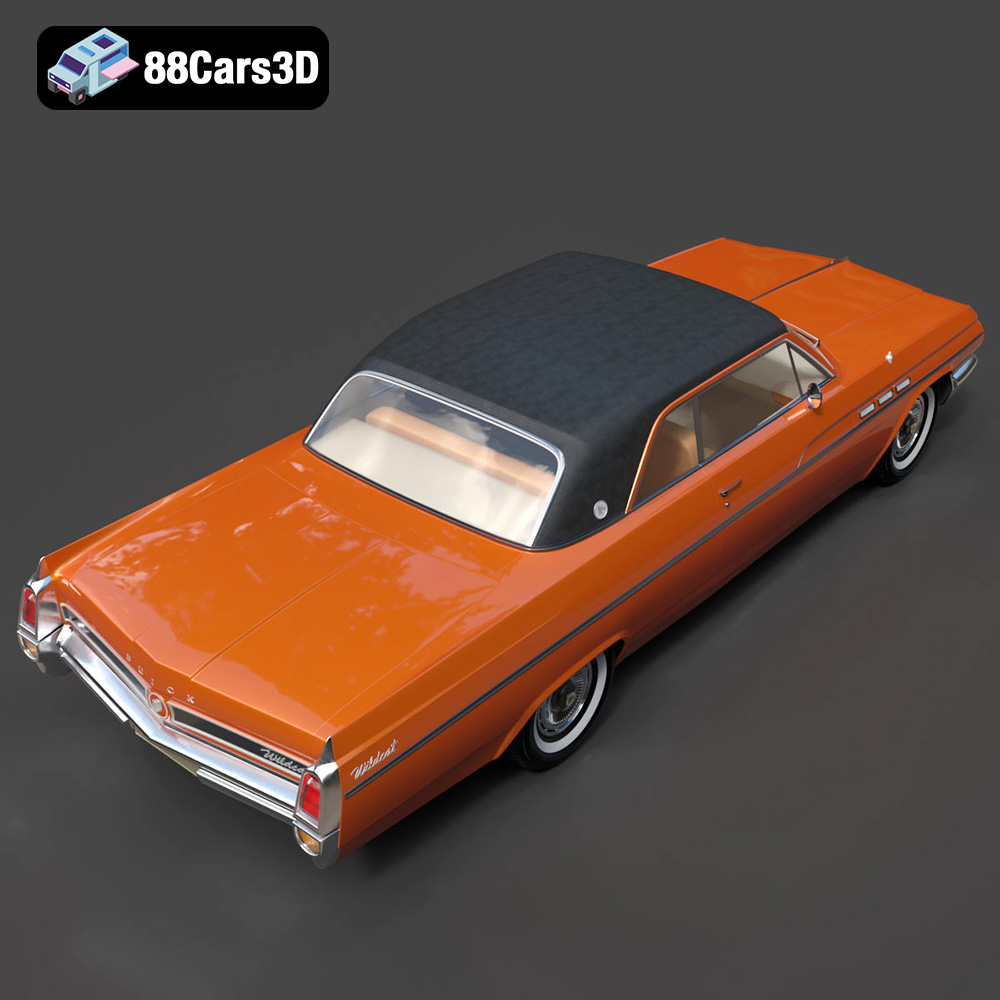
The Buick Wildcat Convertible 1963 3D Model is a high-detail digital recreation of the classic American full-size performance convertible known for its bold styling, powerful V8 engine heritage, and open-top cruising appeal. The 1963 Wildcat combined luxury comfort with muscle-era presence, making it a standout of early 1960s American automotive design.
$9.99
.1960scar
.americanclassic
.arvr
.automotive
.blend
.buick
.car3dmodel
.classiccar
.convertible
.fbx
.gameasset
.glb
.max
.obj
.ply
.rendering
.simulation
.stl
.unreal
.vintagecar
.wildcat1963