Get 50% OFF All Premium 3D & STL Models!

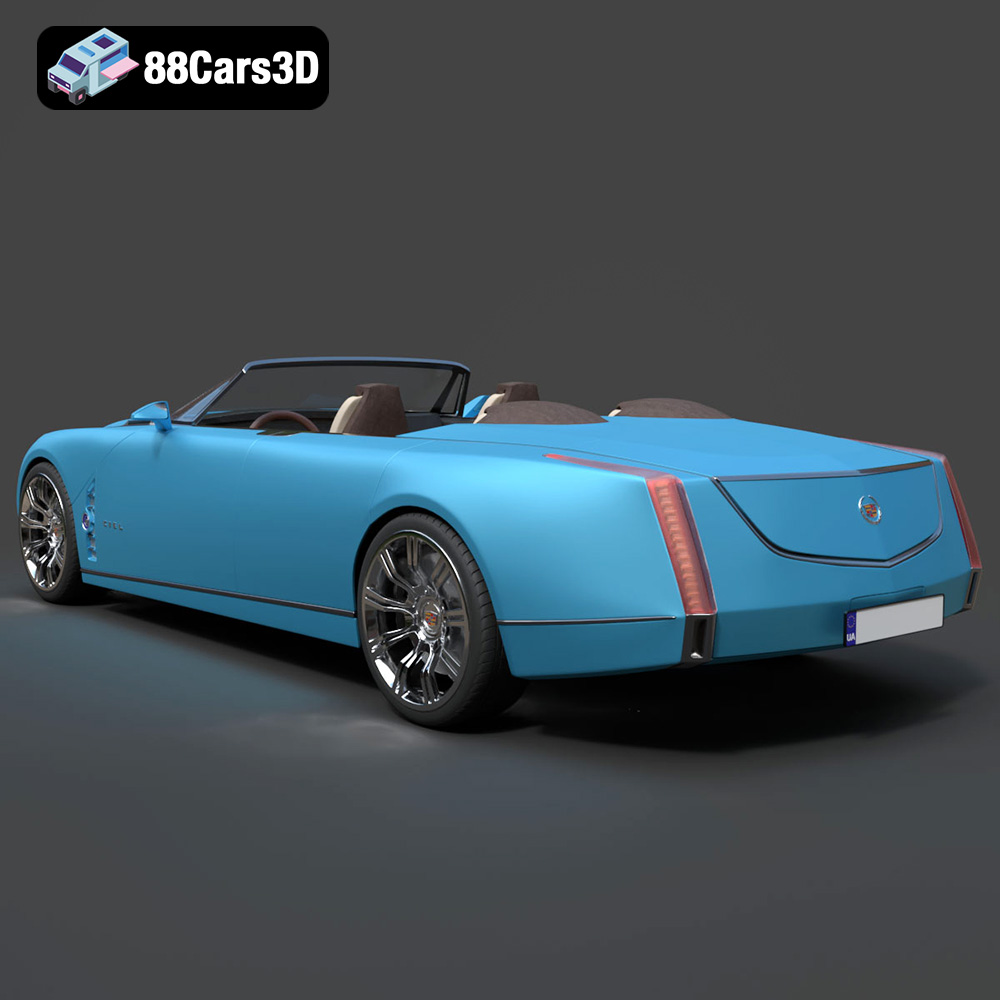
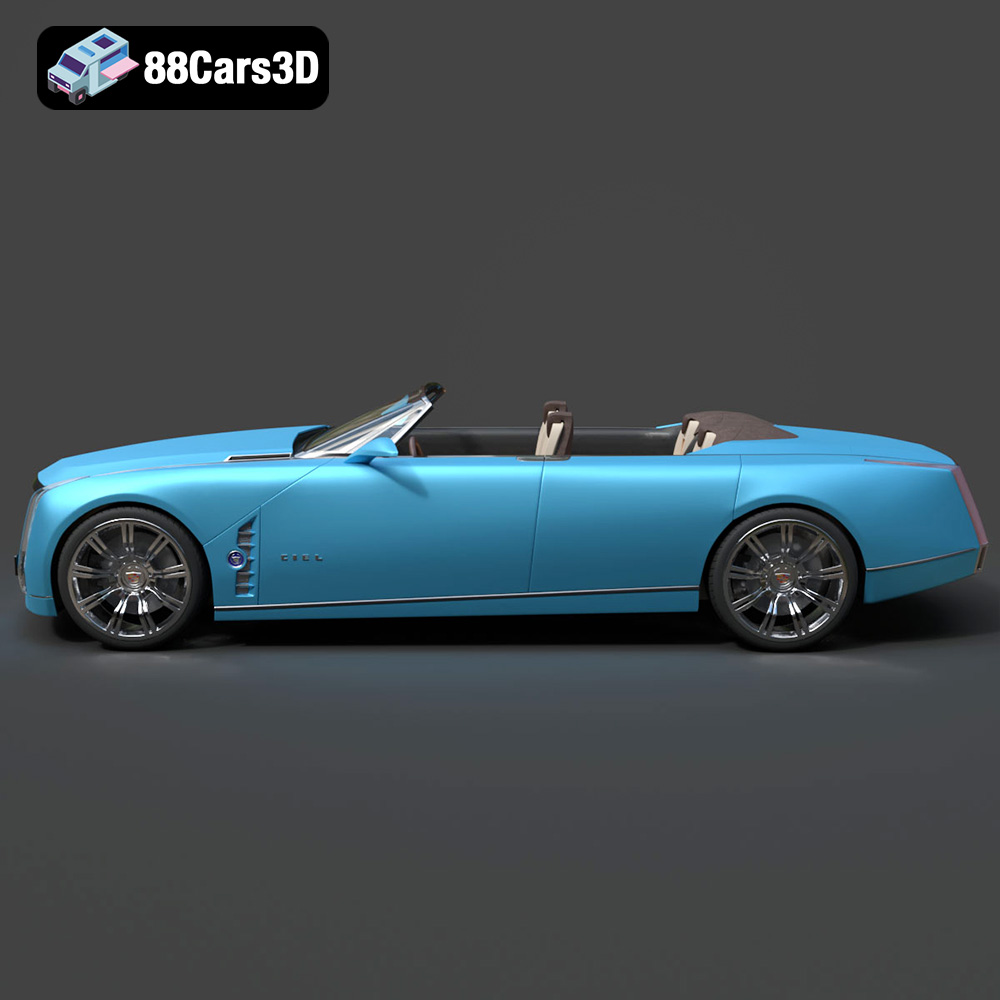
The Cadillac Ciel Concept 2011 is a stunning vehicle, a testament to luxury and innovative design. Now, thanks to 3D printing, you can bring this iconic concept car to life in your own home. This guide will provide a comprehensive overview of how to successfully 3D print the Cadillac Ciel Concept 2011 3D model, covering everything from pre-print preparation to post-processing techniques. This high-quality 3D model available on 88cars3d.com is optimized for additive manufacturing, allowing you to create a detailed replica of this automotive masterpiece.
Before you even load the STL file into your slicer, careful preparation is crucial for a successful 3D print. This involves inspecting the model, making necessary repairs, and choosing the right scale for your printer and desired level of detail.
* **Mesh Analysis:** Use software like MeshLab or Netfabb to analyze the STL file for any errors such as non-manifold edges, holes, or flipped normals. These imperfections can cause printing issues, so it’s essential to fix them before proceeding.
* **Cleanup:** Some 3D models may have small, disconnected parts or floating geometry that can cause problems during printing. Remove these unnecessary elements to ensure a clean and efficient print.
* **Watertight Check:** Ensure the model is watertight, meaning it has no open edges or holes. Watertight models are necessary for proper slicing and printing.
* **Choosing the Right Scale:** The product description recommends scales of 1:32, 1:24, or 1:18. Consider your printer’s build volume and the desired level of detail when choosing a scale. Smaller scales will be more challenging to print but will result in a smaller, more manageable model.
* **Orientation for Optimal Results:** The recommended print orientation is with the body angled to achieve a smoother surface finish. Experiment with different angles in your slicing software to minimize the need for supports and improve the overall aesthetic of the print. Wheels should always be printed separately for better detail.
Choosing the right file format is essential for successful 3D printing. While various formats exist, some are better suited for specific purposes and workflows. Let’s examine some common 3D model file formats and their relevance to 3D printing, with a particular focus on STL.
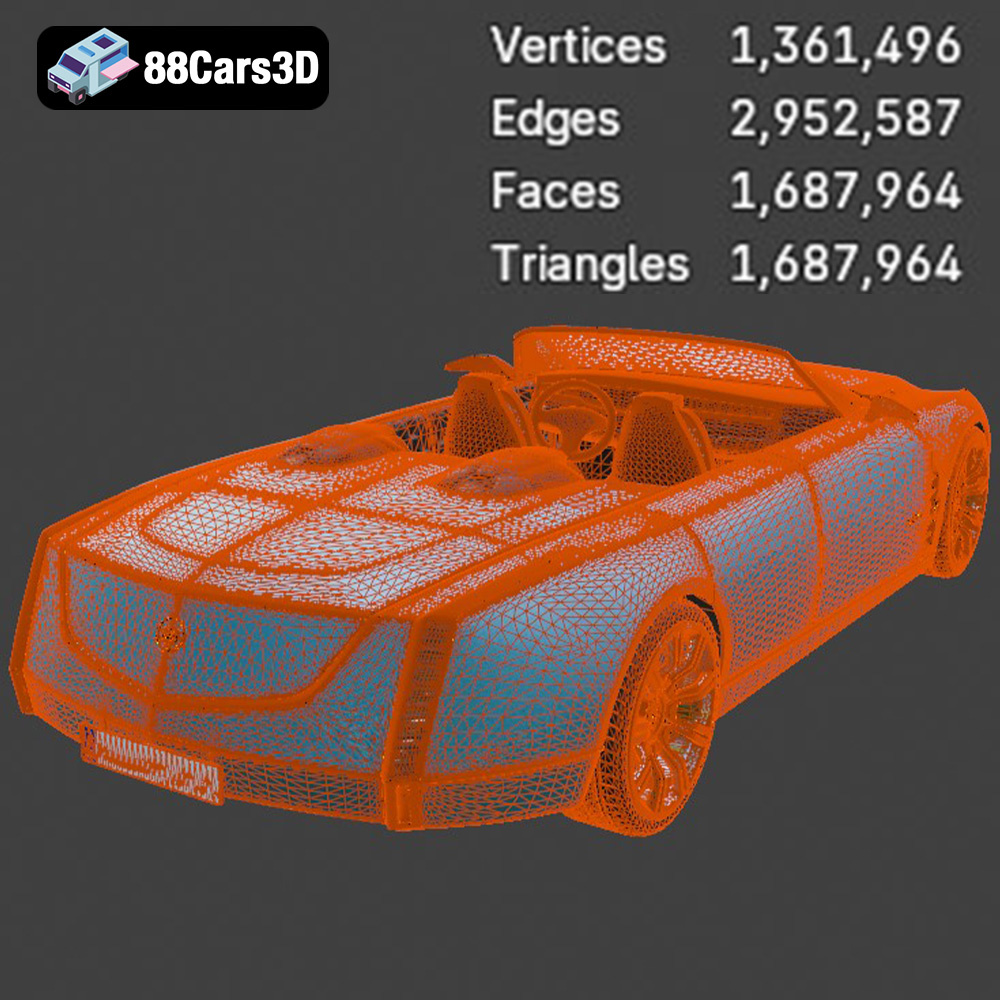
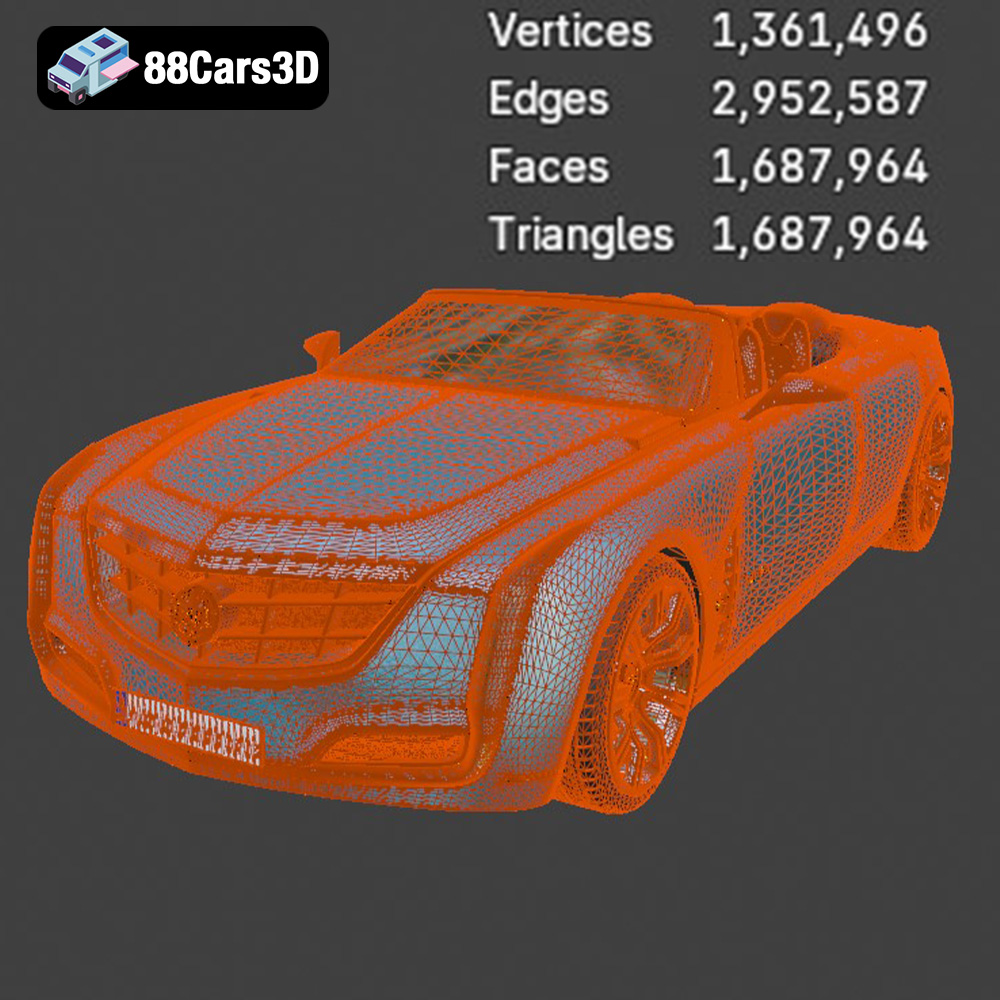
The STL (stereolithography) file format has become the de facto standard for 3D printing. It represents the surface geometry of a 3D object as a collection of triangles. This simple representation makes it universally compatible with slicing software and 3D printers. The STL format excels at defining shapes but does not store information about color, texture, or materials. The Cadillac Ciel Concept 2011 3D model on 88cars3d.com includes an STL file optimized for printing. This ensures a seamless experience when importing the model into your chosen slicer. When working with STL files, it’s crucial to pay attention to the mesh quality. A higher number of triangles results in a smoother surface but also increases file size and processing time. Finding the right balance between detail and performance is key for efficient 3D printing. Slicing software will automatically convert the STL data into a series of instructions that the 3D printer can understand, controlling the movement of the print head or laser and the deposition of material.
The OBJ format is another widely used 3D model format that, unlike STL, supports color and texture information. This makes it suitable for models that require a more visually rich representation. However, for standard 3D printing, the color and texture data are often ignored unless you’re using a multi-material printer capable of color blending.
PLY (Polygon File Format) is designed for storing 3D data acquired from 3D scanners. It supports a wide range of data types, including color, normals, and texture coordinates, making it suitable for high-detail prints where accuracy is paramount.
The .blend format is the native file format for Blender, a popular open-source 3D modeling software. It stores the entire scene, including objects, textures, lighting, and animation data. While not directly used for 3D printing, having the .blend file allows you to customize the Cadillac Ciel Concept 2011 model before exporting it to a 3D printable format like STL.
FBX (Filmbox) is a proprietary file format developed by Autodesk. It’s commonly used for exchanging 3D data between different software applications. While FBX supports materials and animation, it’s primarily used for transferring models between different stages of a design workflow rather than for final 3D printing.
GLB is a binary file format that represents 3D models in the glTF (Graphics Language Transmission Format) format. It is designed to be compact and efficient for transmitting 3D models over the web and is often used for AR (Augmented Reality) applications. While not directly used for printing, it’s a good way to preview the model in a real-world context before committing to the printing process.
Similar to .blend for Blender, .max is the native file format for Autodesk 3ds Max. It stores the entire scene and allows for extensive modifications of the 3D model before exporting it for printing.
When preparing the Cadillac Ciel Concept 2011 for 3D printing, focus on using the STL file provided. If customization is needed, modify the model in Blender or 3ds Max (using the .blend or .max files), and then export it as an STL file for slicing.
Slicing software is the bridge between your 3D model and your 3D printer. It converts the STL file into a series of instructions (G-code) that the printer can understand. Choosing the right settings is crucial for achieving a high-quality print.
* **Finding the Sweet Spot:** A lower layer height (e.g., 0.08-0.16mm, as suggested in the product description) results in a smoother surface finish and finer details. However, it also increases print time. Experiment with different layer heights to find the optimal balance between quality and speed.
* **Resin Printing Considerations:** For resin printing, layer height is even more critical. Extremely fine layers (e.g., 0.025-0.05mm) can capture incredibly intricate details, making resin printing ideal for smaller-scale models of the Cadillac Ciel Concept 2011.
* **Balancing Strength and Weight:** Infill density determines the internal structure of your print. A higher infill percentage (e.g., 15-25%) provides greater strength and rigidity, but also increases material consumption and print time.
* **Choosing the Right Pattern:** Different infill patterns (e.g., gyroid, honeycomb, rectilinear) offer varying levels of strength and material efficiency. Experiment to find the pattern that best suits the shape and purpose of your 3D printed model.
* **Placement is Key:** Support structures are essential for printing overhangs and complex geometries. The product description mentions the need for supports on door edges, mirrors, and bumper overhangs.
* **Support Type and Density:** Choose a support type (e.g., tree, linear) and density that provides adequate support without being too difficult to remove after printing. Optimize the support placement in your slicing software to minimize material usage and potential surface blemishes.
The choice of material significantly impacts the final appearance, strength, and durability of your 3D printed Cadillac Ciel Concept 2011. Consider the following options:
* **Pros:** PLA is easy to print, biodegradable, and available in a wide range of colors. It’s a good option for initial test prints and for models that don’t require high strength or heat resistance.
* **Cons:** PLA is relatively brittle and can warp at higher temperatures.
* **Pros:** PETG offers a good balance of strength, flexibility, and heat resistance. It’s a more durable option than PLA and is suitable for parts that may experience some stress or wear.
* **Cons:** PETG can be slightly more challenging to print than PLA and may require adjustments to temperature and print speed.
* **Pros:** Resin printing offers exceptional detail and a smooth surface finish. It’s ideal for smaller-scale models with intricate features, such as the Cadillac Ciel Concept 2011.
* **Cons:** Resin printing requires specialized equipment (resin printer, washing and curing stations) and involves handling potentially toxic chemicals. It can also be more expensive than filament printing.
Post-processing is the final stage in the 3D printing process, where you refine and enhance the appearance of your model. This can involve removing supports, sanding, painting, and assembling multiple parts.
* **Gentle Removal:** Carefully remove support structures using pliers or a sharp knife. Be mindful of delicate areas to avoid damaging the model.
* **Sanding and Filling:** Use sandpaper with progressively finer grits to smooth out any imperfections on the surface. For larger gaps or blemishes, use a filler primer or putty to fill them in before sanding.
* **Priming:** Apply a primer coat to create a smooth and uniform surface for painting.
* **Color Selection:** Choose colors that accurately represent the Cadillac Ciel Concept 2011. Consider using metallic or pearl paints to replicate the car’s luxurious finish.
* **Detailing:** Add chrome detailing to the model using paint pens or specialized chrome tape. Consider using a clear coat to protect the paint and add a glossy finish.
* **Joining Parts:** If the model consists of multiple parts (e.g., body and wheels), use glue or epoxy to assemble them. Ensure proper alignment and allow the adhesive to fully cure before handling the finished model.
Even with careful preparation and planning, 3D printing can sometimes present challenges. Here are some common issues and their solutions:
* **Cause:** Warping occurs when the corners of the print lift off the build plate due to uneven cooling.
* **Solution:** Ensure the build plate is properly leveled and heated. Use a brim or raft to increase adhesion. Adjust the printing temperature and cooling fan settings.
* **Cause:** Stringing is the formation of thin strands of filament between different parts of the print.
* **Solution:** Reduce the printing temperature and retraction distance. Increase the travel speed and enable retraction during travel.
* **Cause:** Layer shifting occurs when the print head or build plate unexpectedly shifts position during printing.
* **Solution:** Check the belts and pulleys on your printer to ensure they are properly tensioned. Reduce the printing speed and ensure the printer is placed on a stable surface.
By understanding these common issues and their solutions, you can minimize printing errors and achieve better results.
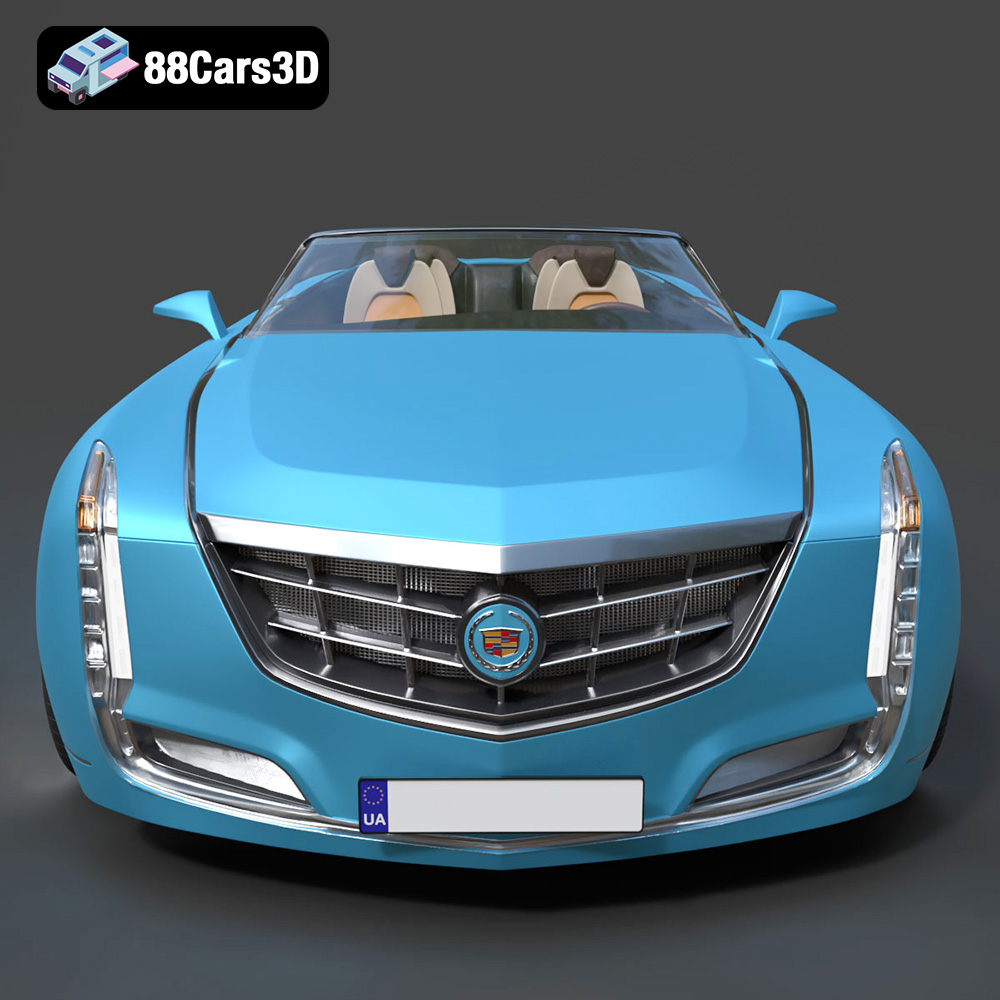
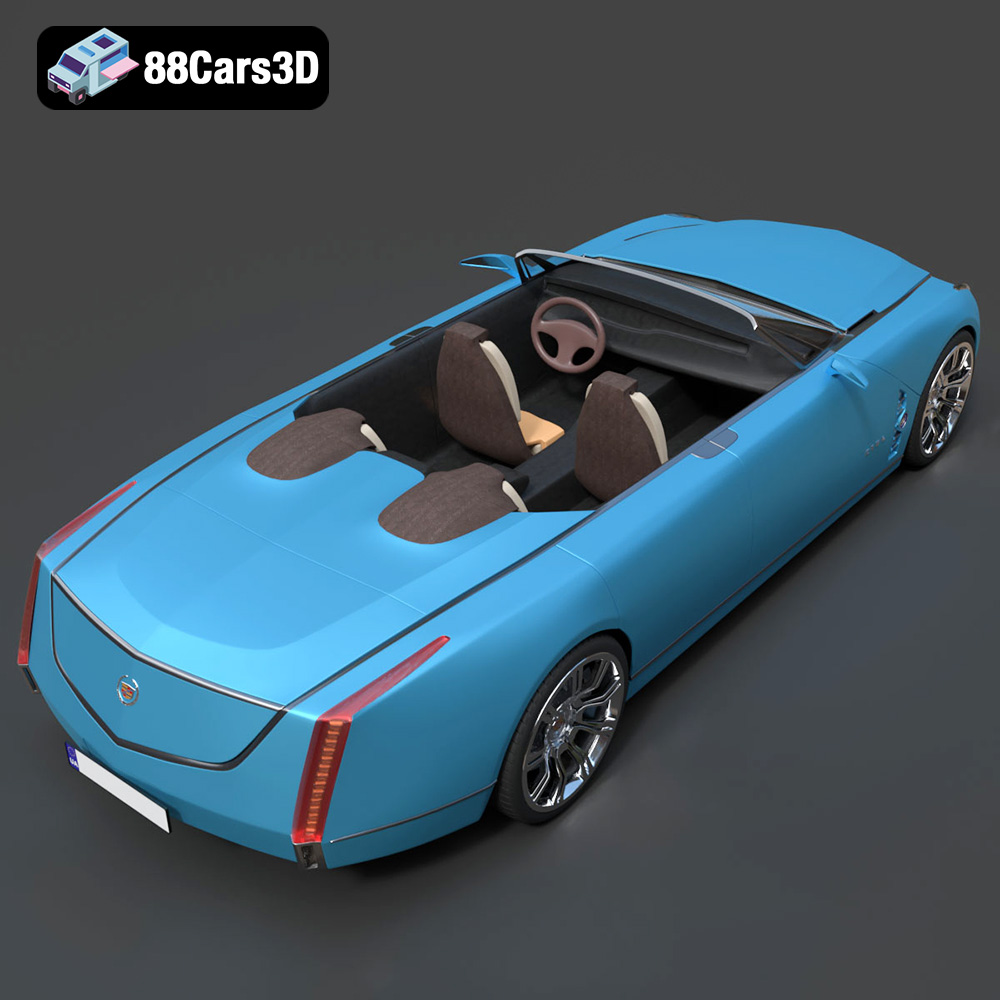
The Cadillac Ciel Concept 2011 3D Model is a high-detail digital recreation of the stunning four-door convertible luxury concept revealed in 2011. Designed as a vision of open-air grand touring, the Ciel combines dramatic proportions, elongated body lines, rear-hinged doors, and futuristic luxury styling that reflects Cadillac’s modern design language.
$9.99
3D printing the Cadillac Ciel Concept 2011 is a rewarding project that combines the precision of additive manufacturing with the beauty of automotive design. By carefully preparing your model, selecting the right materials, configuring your slicing software, and mastering post-processing techniques, you can create a stunning replica of this iconic concept car. Remember to visit 88cars3d.com for high-quality STL files and other 3D models optimized for printing. With patience and attention to detail, you can bring your automotive dreams to life, one layer at a time.
.automotive
.blend
.cadillac
.fbx
.obj
.rendering
.stl
1m-polygons
2011-concept-car
3d printing
blue-convertible
car-3d-model
ciel-concept
futuristic-car
game asset
high poly
luxury-convertible
vehicle-design
VR/AR