Get 50% OFF All Premium 3D & STL Models!

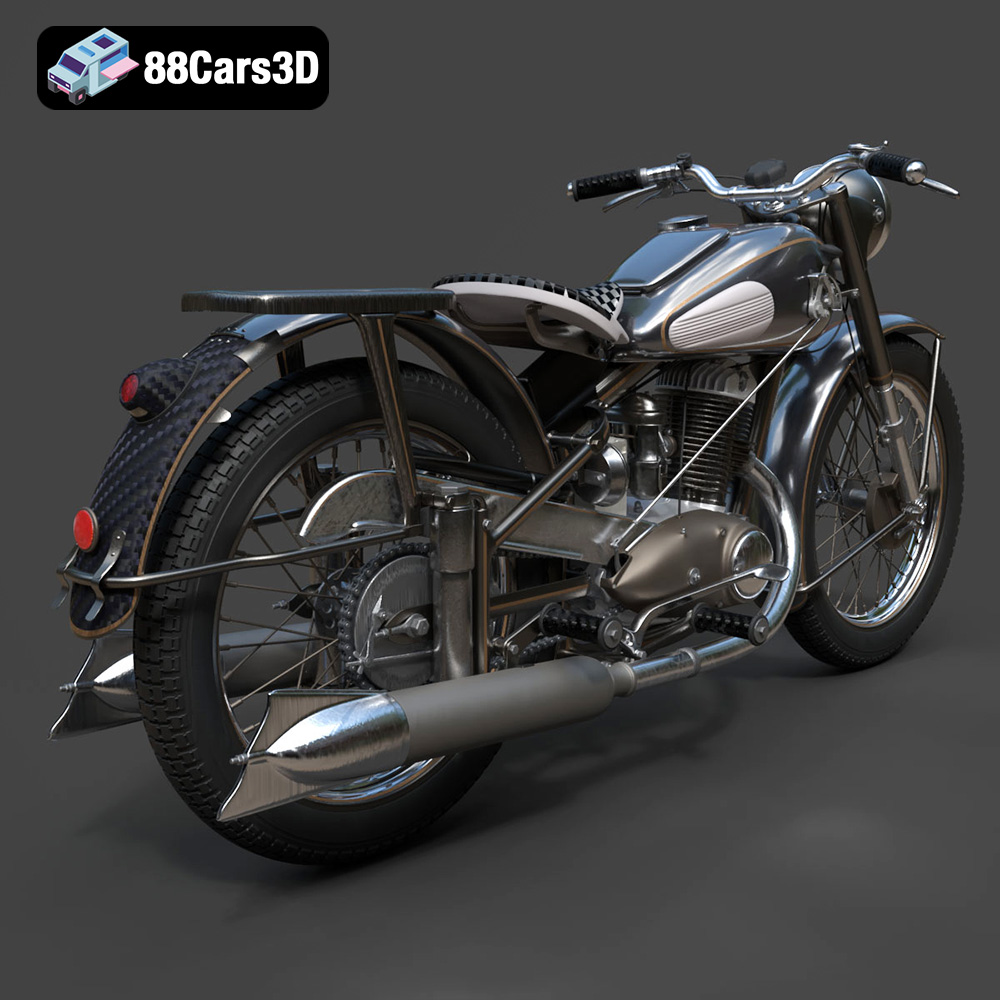
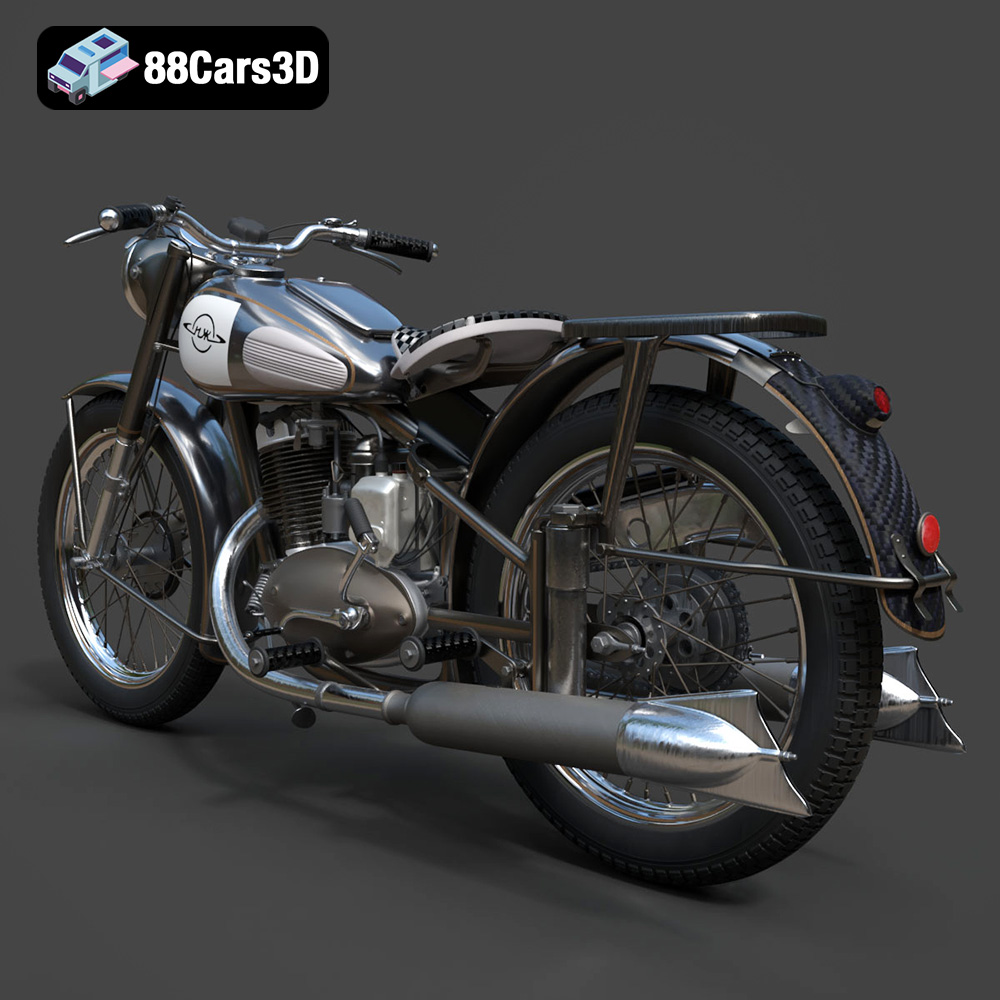
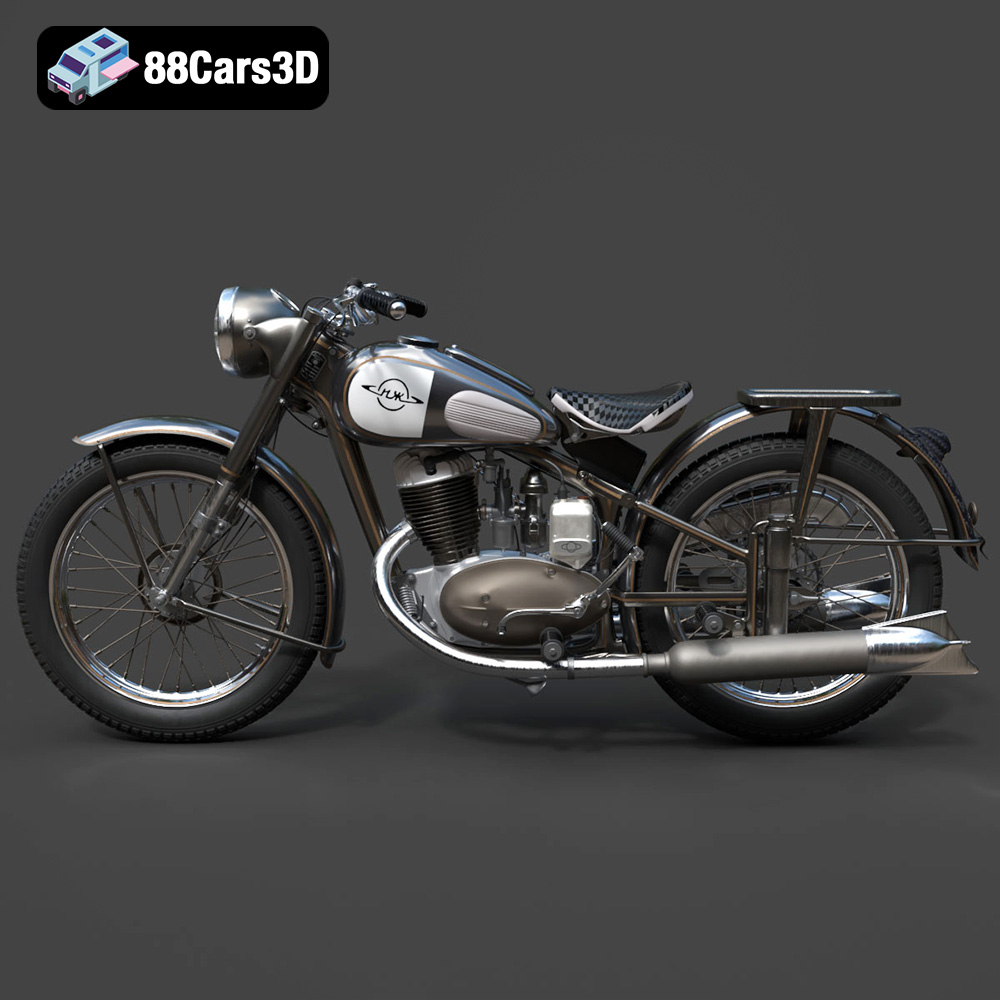
The IZ-49 Classic Motorcycle, a symbol of post-war Soviet engineering, is now within reach thanks to the power of 3D printing. This detailed 3D model, available at 88cars3d.com, offers a fantastic opportunity for hobbyists and model enthusiasts to create a tangible piece of history. This blog post will guide you through the entire process of 3D printing this iconic motorcycle, from pre-print preparation to post-processing techniques, ensuring a successful and satisfying build.
Before diving into the specifics of printing the IZ-49 Classic Motorcycle 3D model, it’s crucial to understand the different file formats available and their suitability for 3D printing. This will help you choose the right files and ensure a smooth printing experience.
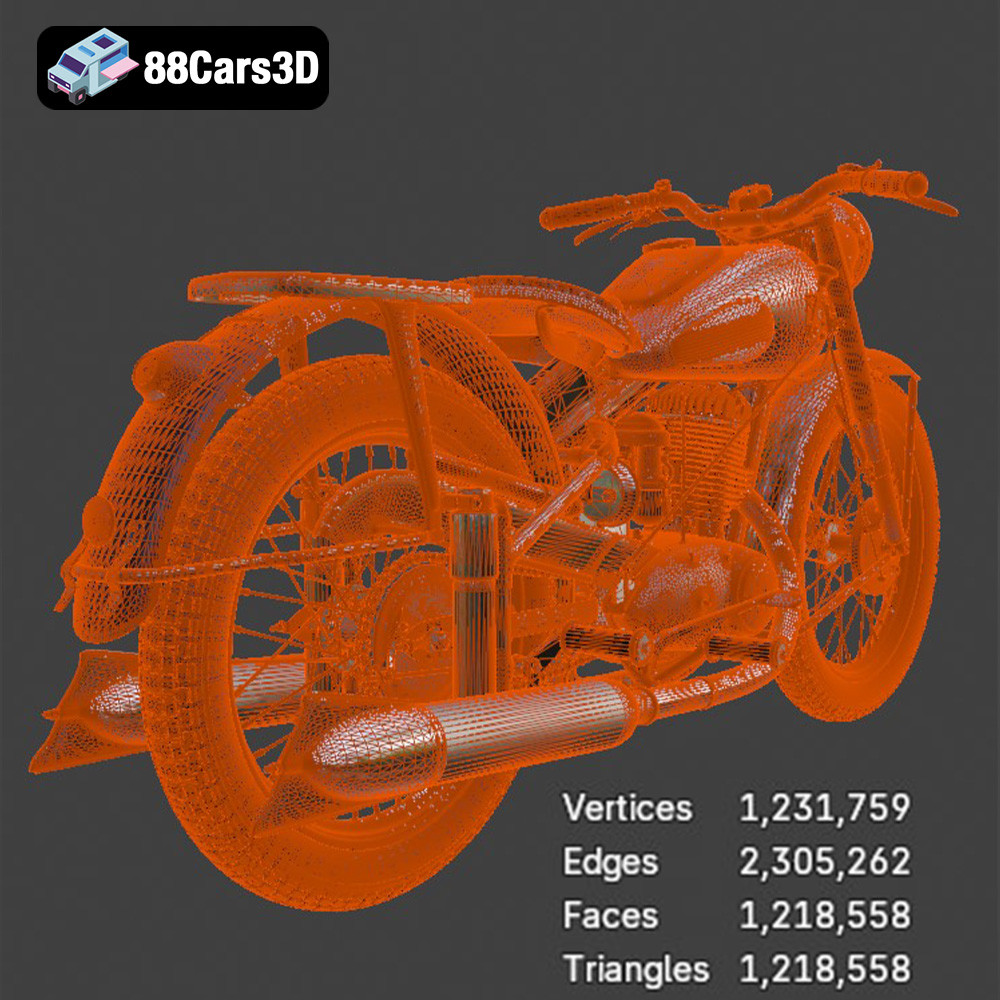
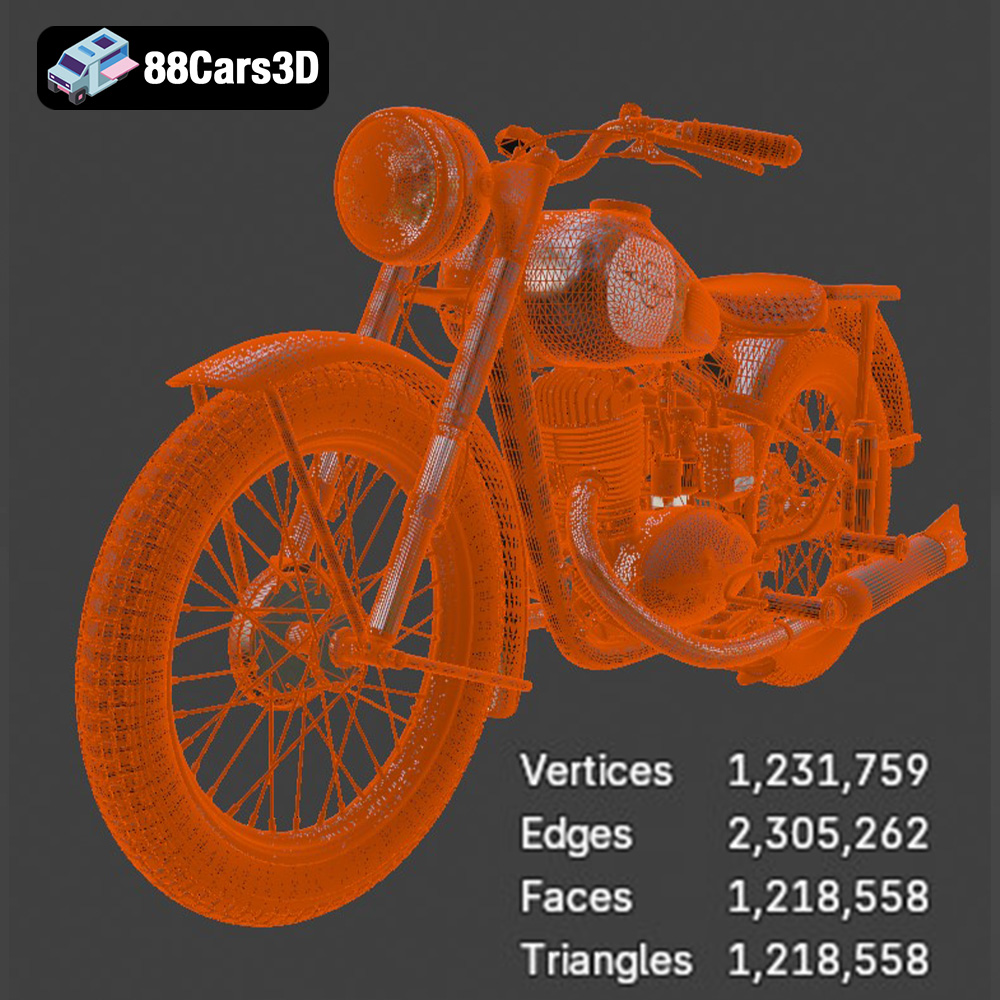
The file format determines how 3D model data is stored and interpreted by slicing software and 3D printers. Choosing the correct format ensures that the intricate details of the IZ-49 Classic Motorcycle, such as its single-cylinder engine and vintage fuel tank, are accurately reproduced.
Here’s a breakdown of common 3D model file formats and their relevance to 3D printing:
* **.stl (Stereolithography):** This is the industry standard for 3D printing. STL files represent the surface geometry of a 3D object as a collection of triangles. It’s a mesh-only format, meaning it doesn’t store color or texture information. The IZ-49 Classic Motorcycle model, when downloaded from 88cars3d.com, includes STL files optimized for 3D printing.
* **.obj (Object):** OBJ is a more versatile format than STL, as it can store color and texture information in addition to the mesh geometry. This is useful for models intended for rendering or animation, where visual appearance is critical. However, for pure 3D printing, the STL format is generally preferred due to its simplicity and wide compatibility.
* **.ply (Polygon File Format):** PLY is a precision mesh format designed for high-detail 3D scans and models. It can store vertex colors, normals, and other properties, making it suitable for applications where accuracy is paramount. While PLY files can be used for 3D printing, they are often larger than STL files and may not be supported by all slicing software.
* **.blend (Blender):** BLEND files are native to the Blender 3D modeling software. They contain the entire Blender scene, including the model geometry, textures, lighting, and animation data. BLEND files are primarily used for editing and customizing the model before exporting it to a 3D printing format like STL.
* **.fbx (Filmbox):** FBX is a proprietary format developed by Autodesk, commonly used for exchanging 3D data between different software applications. It supports materials, textures, and animations, making it suitable for importing models into slicing software with pre-defined material assignments.
* **.glb (GL Transmission Format Binary):** GLB is a binary file format that represents 3D models in a compact and efficient manner. It’s often used for previewing models in augmented reality (AR) applications before printing, allowing users to visualize the final product in their environment.
* **.max (3ds Max):** MAX files are native to the 3ds Max 3D modeling software. Similar to BLEND files, they contain the entire 3ds Max project, allowing for extensive editing and customization before exporting to a 3D printing format.
For the IZ-49 Classic Motorcycle 3D model, the STL format will be your primary choice for 3D printing. It’s compatible with virtually all slicing software and 3D printers. When using STL files, ensure that the mesh quality is sufficient to capture the model’s details. Look for STL files that have been optimized for 3D printing, with a good balance between detail and file size. Repairing the STL file is sometimes necessary to eliminate errors like non-manifold geometry. Software such as MeshMixer and Netfabb Basic are ideal for this.
The choice of material will significantly impact the final look, feel, and durability of your 3D printed IZ-49 Classic Motorcycle.
PLA (Polylactic Acid) is a biodegradable thermoplastic derived from renewable resources. It’s easy to print with, requires relatively low temperatures, and produces minimal warping. PLA is an excellent choice for beginners and for creating visually appealing models. However, PLA is not as durable or heat-resistant as other materials, so it might not be ideal for parts that require structural integrity or will be exposed to high temperatures. Consider using PLA for the body and cosmetic parts of the motorcycle.
PETG (Polyethylene Terephthalate Glycol-modified) offers a good balance of strength, flexibility, and ease of printing. It’s more durable and heat-resistant than PLA, making it suitable for parts that need to withstand some stress. PETG also has good layer adhesion, reducing the risk of delamination. PETG would be a solid choice for the frame and wheels of the IZ-49, offering increased durability.
For those seeking the highest level of detail, resin 3D printing is the way to go. Resin printers use liquid photopolymer resins that are cured by UV light. Resin printing can produce models with incredibly fine details and smooth surfaces, making it ideal for small-scale models or parts with intricate features like the engine block or spoked wheels. However, resin prints tend to be more brittle than filament-based prints and require post-processing steps like washing and curing.
Slicing software is the bridge between your 3D model and your 3D printer. It converts the 3D model into a set of instructions (G-code) that the printer can understand.
* **Cura:** A free and open-source slicing software that’s popular for its ease of use and extensive features.
* **PrusaSlicer:** Another excellent free option, known for its advanced algorithms and precise control over printing parameters.
* **Simplify3D:** A commercial slicing software that offers advanced features and customization options for experienced users.
* **Layer Height:** A smaller layer height (0.08-0.16mm) will result in a smoother surface finish and finer details, especially important for the curved surfaces of the fuel tank and fenders.
* **Infill Density:** A 15-25% infill density is sufficient for most parts of the IZ-49. Increase the infill density for parts that require more strength, such as the frame.
* **Wall Thickness:** A wall thickness of 1.5-2.5mm will provide adequate strength and rigidity to the printed parts.
* **Support Structures:** The IZ-49 model will require support structures for overhanging features like the exhaust pipe, handlebars, and fender edges. Experiment with different support patterns and densities to find the optimal balance between support and ease of removal.
* **Print Orientation:** Consider printing the frame angled to optimize detail and minimize the need for supports. Print the wheels separately to ensure a clean, round shape.
Fine-tuning your printer settings is crucial for achieving the best possible results with the IZ-49 Classic Motorcycle model.
The optimal temperature settings will depend on the material you choose. Follow the manufacturer’s recommendations for nozzle temperature and bed temperature. Generally, PLA prints well at around 200-220°C nozzle temperature and 60°C bed temperature. PETG typically requires higher temperatures, around 230-250°C nozzle temperature and 70-80°C bed temperature.
A slower print speed will generally result in better print quality, especially for intricate details. Start with a print speed of around 40-60mm/s and adjust as needed.
Proper retraction settings are essential for preventing stringing and blobs, especially when printing parts with small gaps or overhangs. Experiment with different retraction distances and speeds to find the optimal settings for your printer and material.
Post-processing is the final step in the 3D printing process, where you refine the printed parts to achieve the desired look and feel.
Carefully remove the support structures from the printed parts. Use a sharp knife or pliers to avoid damaging the model. Sand the surfaces to smooth out any imperfections and layer lines. Start with a coarse grit sandpaper and gradually move to finer grits.
Apply a primer coat to the sanded parts to create a smooth and uniform surface for painting. Choose a paint color that matches the original IZ-49 motorcycle or customize it to your liking. Consider using vintage matte paint finishes for an authentic look.
Assemble the printed parts according to the original motorcycle design. Use glue or other adhesives to secure the parts together.
Even with careful preparation, you may encounter some issues during the 3D printing process.
Warping occurs when the printed part detaches from the build plate due to uneven cooling. To prevent warping, ensure that your build plate is properly leveled and heated. Use a brim or raft to increase adhesion.
Stringing occurs when the nozzle leaks filament while moving between different parts of the model. To prevent stringing, adjust your retraction settings and reduce the print temperature.
Delamination occurs when the layers of the printed part separate due to poor layer adhesion. To prevent delamination, increase the print temperature and reduce the print speed.
The estimated print time and material cost will vary depending on the size of the model, the material used, and the printer settings. A 1:10 scale model printed with PLA could take anywhere from 10-20 hours and cost around $5-10 in materials. Resin prints will generally take longer due to the layer curing process.
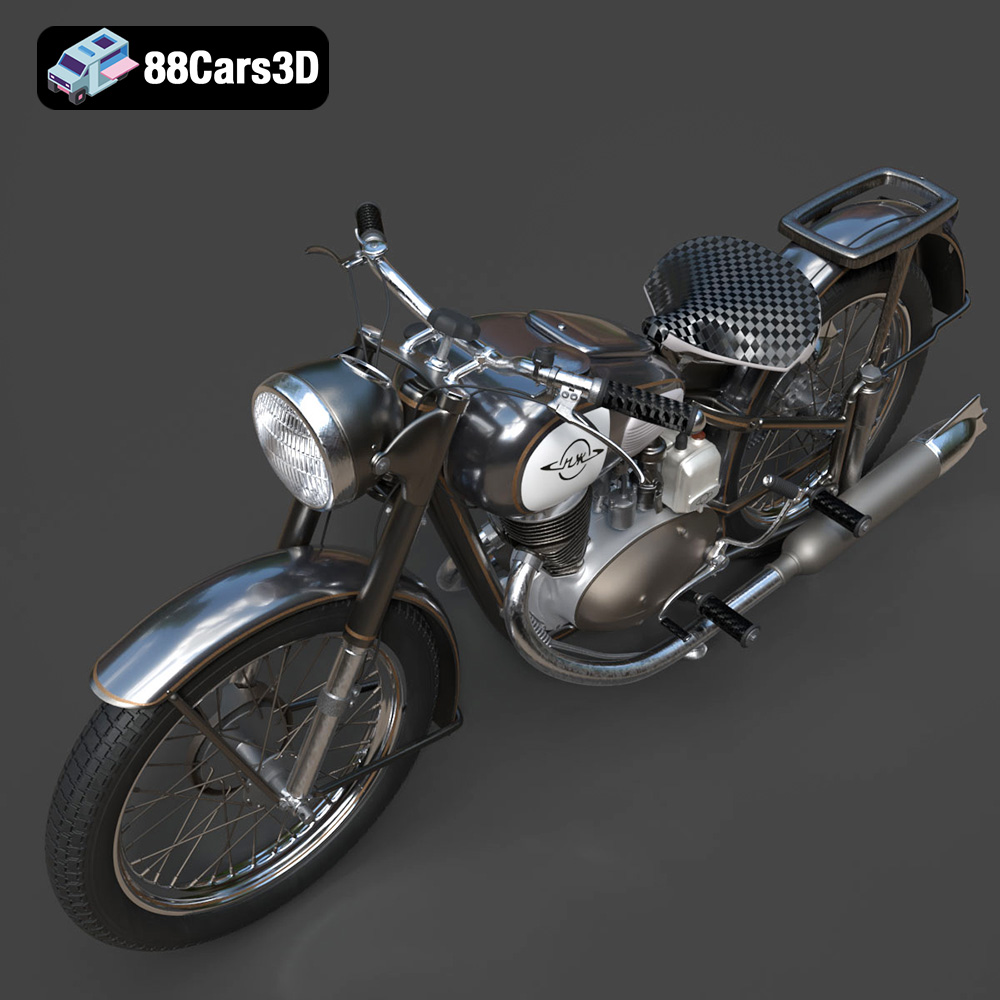
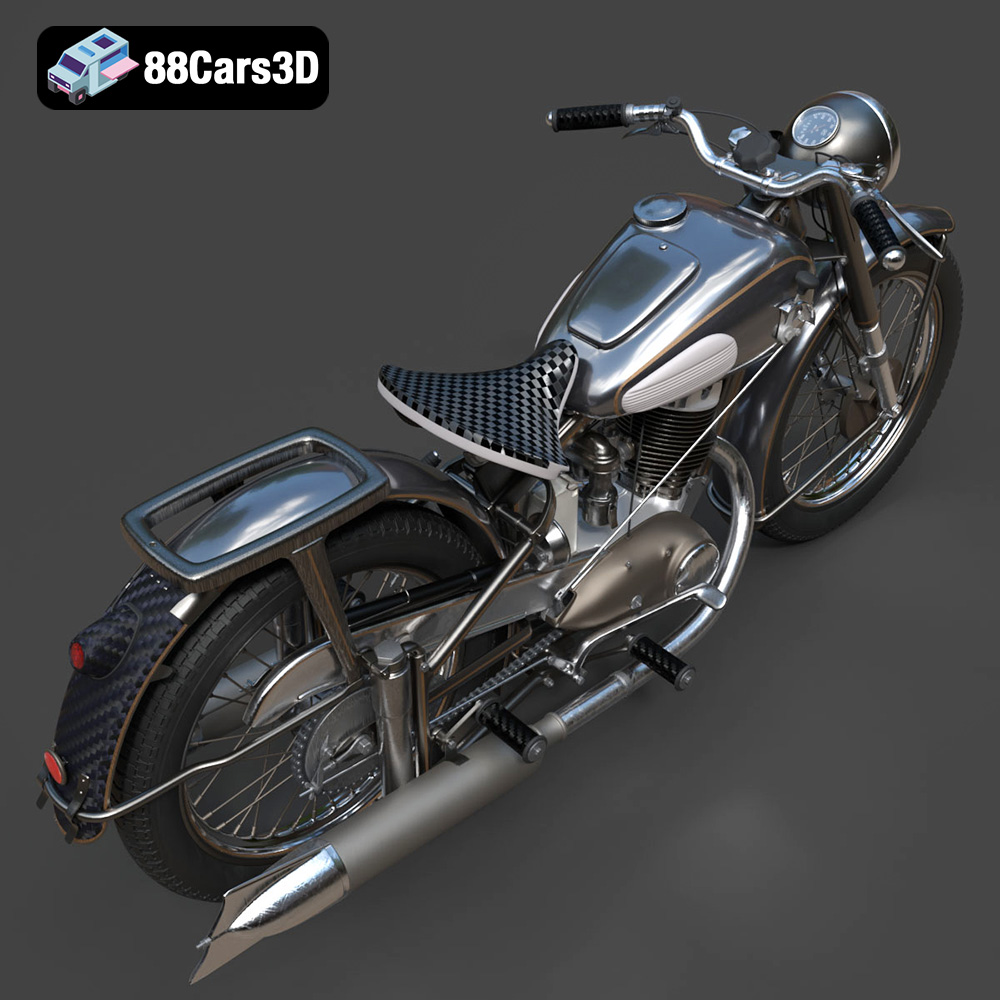
The IZ-49 Classic Motorcycle 3D Model is a high-detail digital recreation of the iconic mid-20th century Soviet motorcycle known for its simplicity, durability, and post-war engineering heritage. Originally produced between 1951 and 1958, the IZ-49 became a symbol of reliable transportation across Eastern Europe.
$9.99
3D printing the IZ-49 Classic Motorcycle model is a rewarding project that combines historical appreciation with technical skill. By carefully selecting your materials, optimizing your printer settings, and mastering post-processing techniques, you can create a stunning replica of this iconic vehicle. Remember to visit 88cars3d.com for more high-quality 3D models perfect for additive manufacturing. Happy printing!
.arvr
.blend
.classicmotorcycle
.fbx
.gameasset
.glb
.historicalvehicle
.iz49
.max
.motorcycle3dmodel
.obj
.ply
.rendering
.retrovehicle
.simulation
.sovietbike
.stl
.unreal
.vintagemotorcycle