Get 50% OFF All Premium 3D & STL Models!

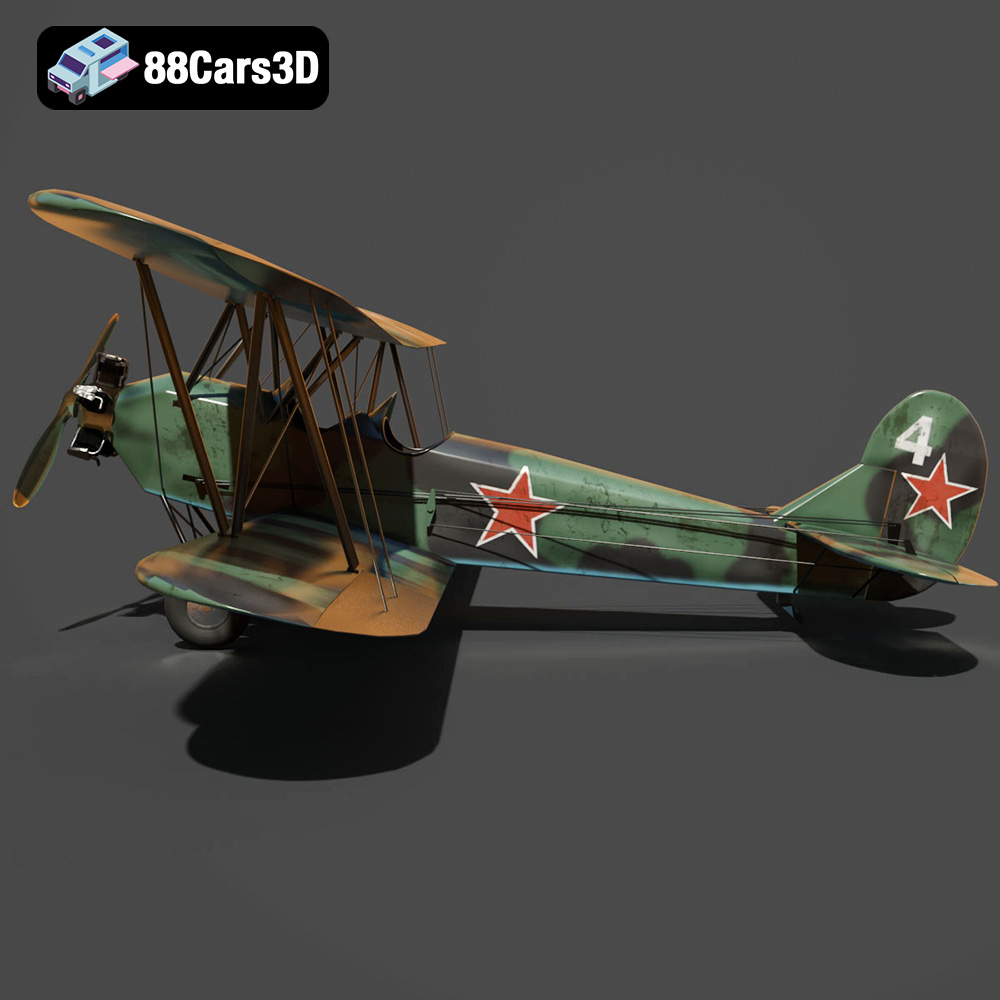
The Polikarpov Po-2, a symbol of resilience and versatility in aviation history, can now grace your desk or collection thanks to the power of 3D printing. This legendary biplane, renowned for its service in training, reconnaissance, and even light bombing roles, offers a unique opportunity to combine historical appreciation with the cutting-edge world of additive manufacturing. This blog post will guide you through the process of 3D printing a stunningly detailed Polikarpov Po-2 model, sourced from 88cars3d.com, ensuring a satisfying and historically accurate result. We’ll delve into everything from selecting the right materials and printer settings to mastering post-processing techniques.
The Polikarpov Po-2 3D model, with its intricate details like wing struts, fabric textures, and cockpit components, benefits from careful consideration of the 3D printing technology used. Two primary options stand out: Fused Deposition Modeling (FDM) and Stereolithography (SLA) or resin printing.
FDM printing, using materials like PLA or PETG, is a more accessible and cost-effective method. It’s ideal for larger scale models of the Po-2 where overall size is more important than ultra-fine detail. However, achieving the smooth curves and fine features of the aircraft may require more post-processing, such as sanding and filling.
Resin printing excels in capturing intricate details and producing smoother surfaces. This makes it perfect for smaller scale models of the Po-2, where replicating details like the fabric texture on the wings and the interior cockpit components is crucial. Resin printing generally requires more careful handling of materials and specialized post-processing, like UV curing.
Before diving into the printing process, it’s vital to understand the different file formats in which the Polikarpov Po-2 3D model is available and how they relate to 3D printing.
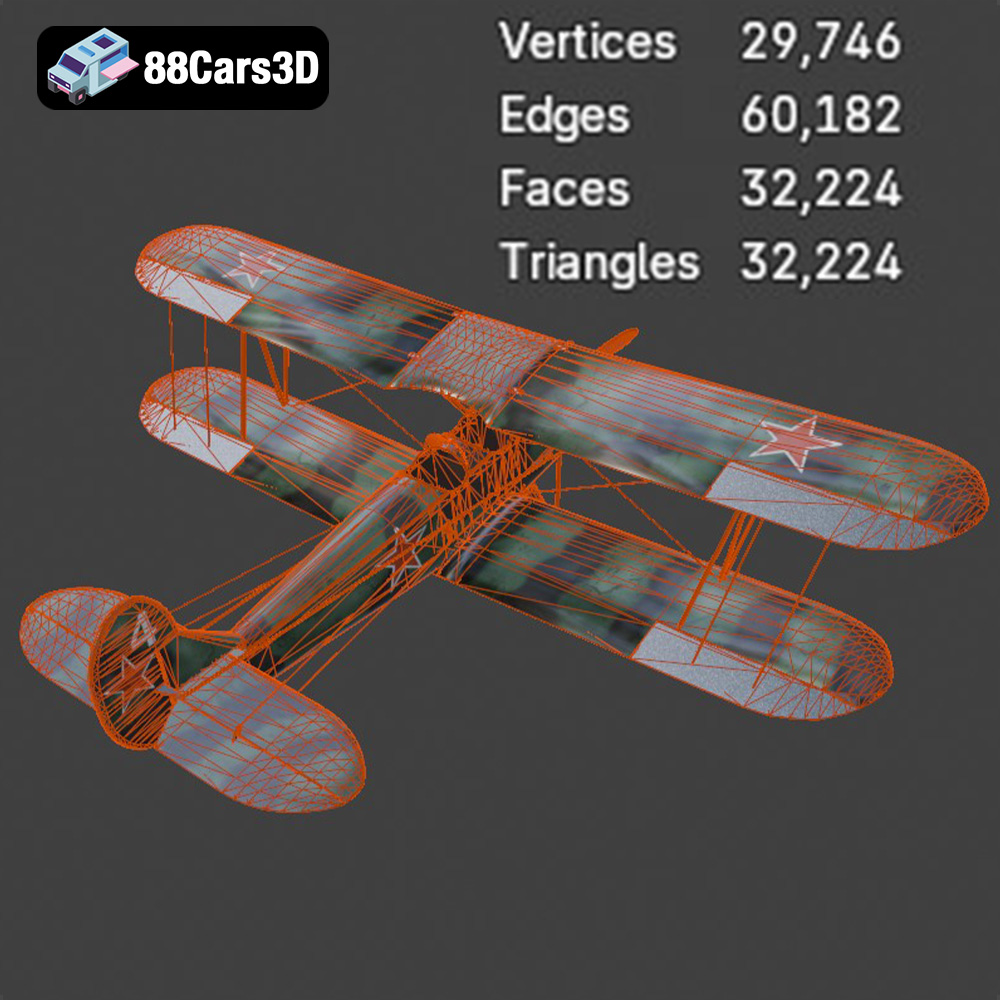
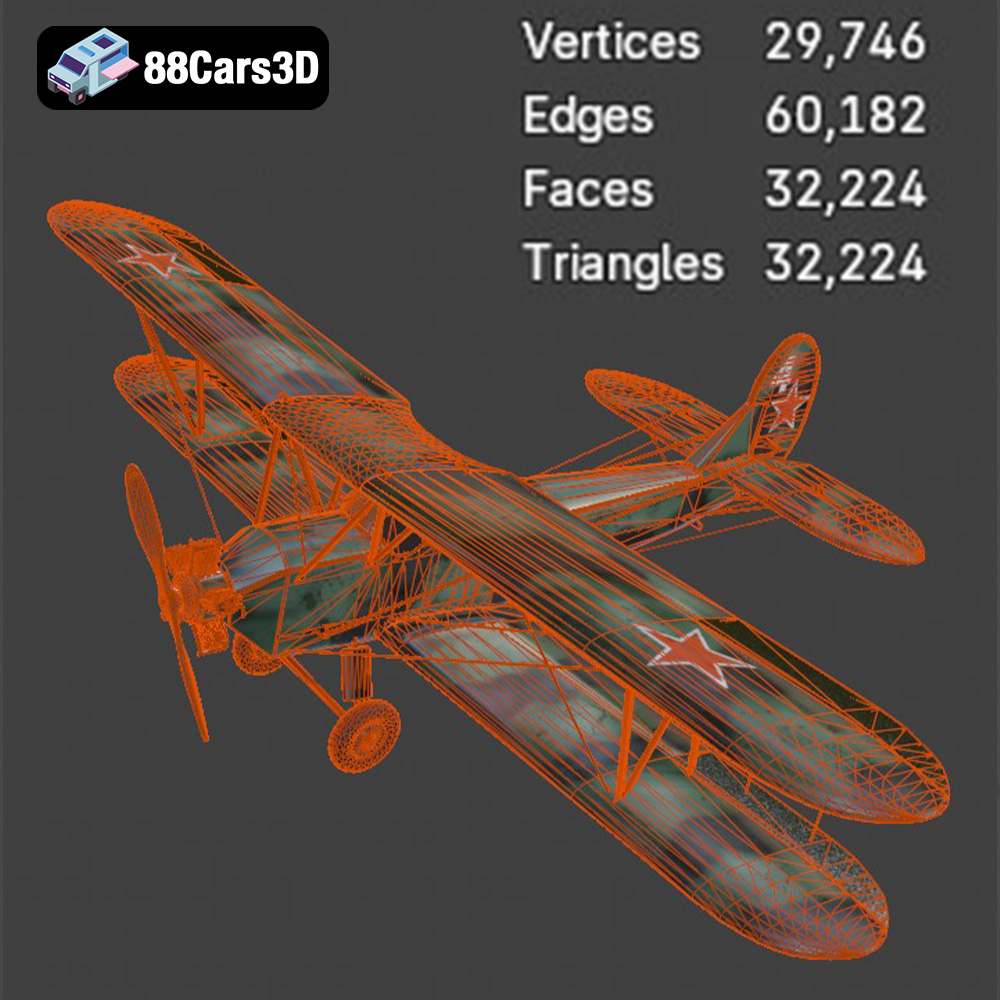
The STL (Stereolithography) file format is the workhorse of 3D printing. It represents the 3D model’s surface geometry as a collection of triangles. This format is universally compatible with slicing software, the programs that translate a 3D model into instructions for your 3D printer. For 3D printing, STL is often the preferred format due to its simplicity and widespread support. When working with STL files, pay attention to the mesh quality. A higher triangle count results in a smoother surface but increases file size and processing time. Conversely, a low triangle count can lead to faceting and a loss of detail. Aim for a balance that captures the Po-2’s features accurately without overburdening your system. 88cars3d.com often provides optimized STL files for its models.
While STL is the go-to format for printing, other formats offer different advantages:
* **.obj (Object):** This format supports color and texture information, which is useful if you plan to paint your 3D printed Po-2 model realistically.
* **.ply (Polygon File Format):** PLY files are known for storing high-detail mesh data and are often used in 3D scanning.
* **.blend (Blender):** This is the native file format for Blender, a popular open-source 3D modeling software. It’s useful for making modifications to the model before exporting it to STL for printing.
* **.fbx (Filmbox):** FBX is commonly used for exchanging 3D models between different software packages, often preserving material and animation data.
* **.glb (GL Transmission Format Binary):** GLB is designed for efficient delivery and loading of 3D models in web applications and AR/VR environments.
* **.max (3ds Max):** The native format for Autodesk 3ds Max, another professional 3D modeling software.
All of the listed file formats can be imported into various slicing software programs, such as Cura, PrusaSlicer, Simplify3D, and others. However, the STL format generally offers the most seamless experience due to its focus on geometric data, simplifying the slicing process.
Once you’ve chosen your printing technology and file format (ideally STL), the next step is preparing the model for printing using slicing software. This involves several crucial steps.
The Polikarpov Po-2 has a complex geometry with overhanging features like wings and landing gear. Optimizing the model’s orientation on the print bed is crucial for minimizing the need for support structures and maximizing print quality. For the fuselage, a horizontal orientation is often best, minimizing supports and providing a smooth surface finish. The wings, however, may benefit from a slight angle to reduce the support needed for the wing struts. Experiment with different orientations in your slicing software to find the optimal balance between support material and surface quality.
Support structures are essential for printing overhanging parts of the Po-2 model. In your slicing software, carefully configure the support settings. Consider using “tree” supports, which are more efficient in material usage and easier to remove than traditional linear supports. Pay close attention to the support density and placement, especially around delicate features like the wing struts and landing gear.
* **Layer Height:** For FDM printing, a layer height of 0.1mm to 0.2mm is a good starting point, balancing detail and print time. For resin printing, you can achieve finer details with layer heights of 0.025mm to 0.05mm.
* **Infill Density:** A 15-25% infill density is sufficient for most parts of the Po-2 model, providing structural integrity without excessive material usage.
* **Print Speed:** Reduce print speed for intricate details like the cockpit and engine cowling to improve accuracy.
* **Temperature:** Follow the material manufacturer’s recommendations for nozzle and bed temperature.
The choice of material significantly impacts the final result of your 3D printed Polikarpov Po-2 model.
PLA is a biodegradable thermoplastic that is easy to print and offers good strength for most applications. It’s a good choice for beginners or for larger models where dimensional accuracy is less critical. However, PLA is susceptible to warping in high-temperature environments and may not be the best choice for parts exposed to direct sunlight.
PETG offers a balance of strength, durability, and heat resistance. It’s more flexible than PLA, making it less prone to cracking. PETG is a good option for parts that require more resilience, such as the landing gear and wing struts.
Resin offers the highest level of detail and surface finish. It’s ideal for smaller scale models or parts with intricate features. However, resin printing requires more careful handling and post-processing.
Once the printing is complete, post-processing is essential to refine the appearance of your Polikarpov Po-2 model.
Carefully remove the support structures using pliers, hobby knives, or specialized support removal tools. Take extra care when removing supports from delicate areas to avoid damaging the model.
Sanding is essential to smooth out layer lines and surface imperfections. Start with coarse sandpaper (200-grit) and gradually move to finer grits (400-grit, 600-grit, 800-grit) for a smooth finish. Use filler putty to fill in any gaps or imperfections.
Apply a primer coat to prepare the surface for painting. Choose a primer that is compatible with your chosen paint. Use acrylic paints or model-specific paints to achieve a historically accurate finish. Consider using stencils and masking techniques to create complex camouflage patterns.
Carefully assemble the different parts of the Po-2 model, using glue or adhesive as needed. Add final details like decals, weathering effects, and cockpit components to enhance the realism.
Even with careful planning, 3D printing can present challenges. Here are some common issues and their solutions:
* **Warping:** Ensure proper bed adhesion by using a heated bed, applying adhesive, or using a brim.
* **Stringing:** Adjust retraction settings in your slicing software.
* **Layer Shifting:** Check for loose belts or stepper motor issues.
* **Insufficient Detail:** Reduce layer height and print speed.
* **Support Failure:** Increase support density or adjust support placement.
By addressing these issues proactively, you can ensure a successful 3D printing experience.
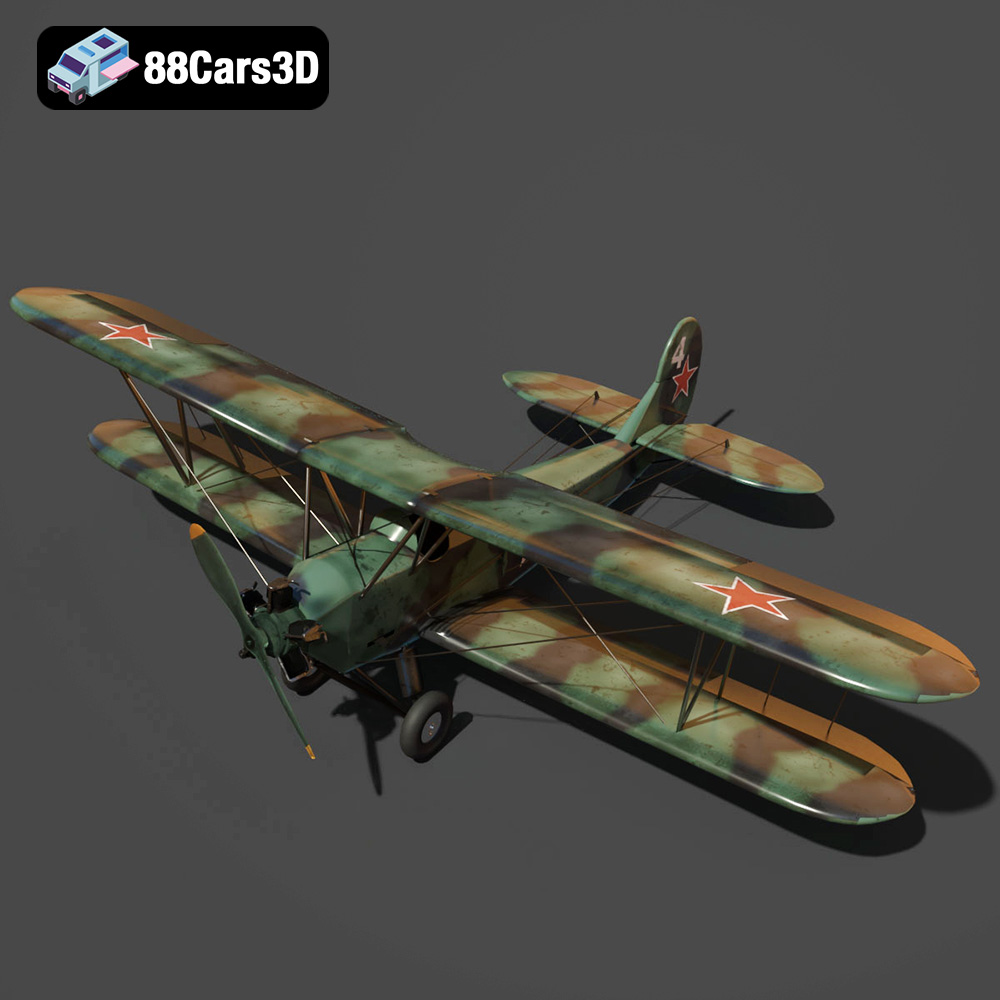
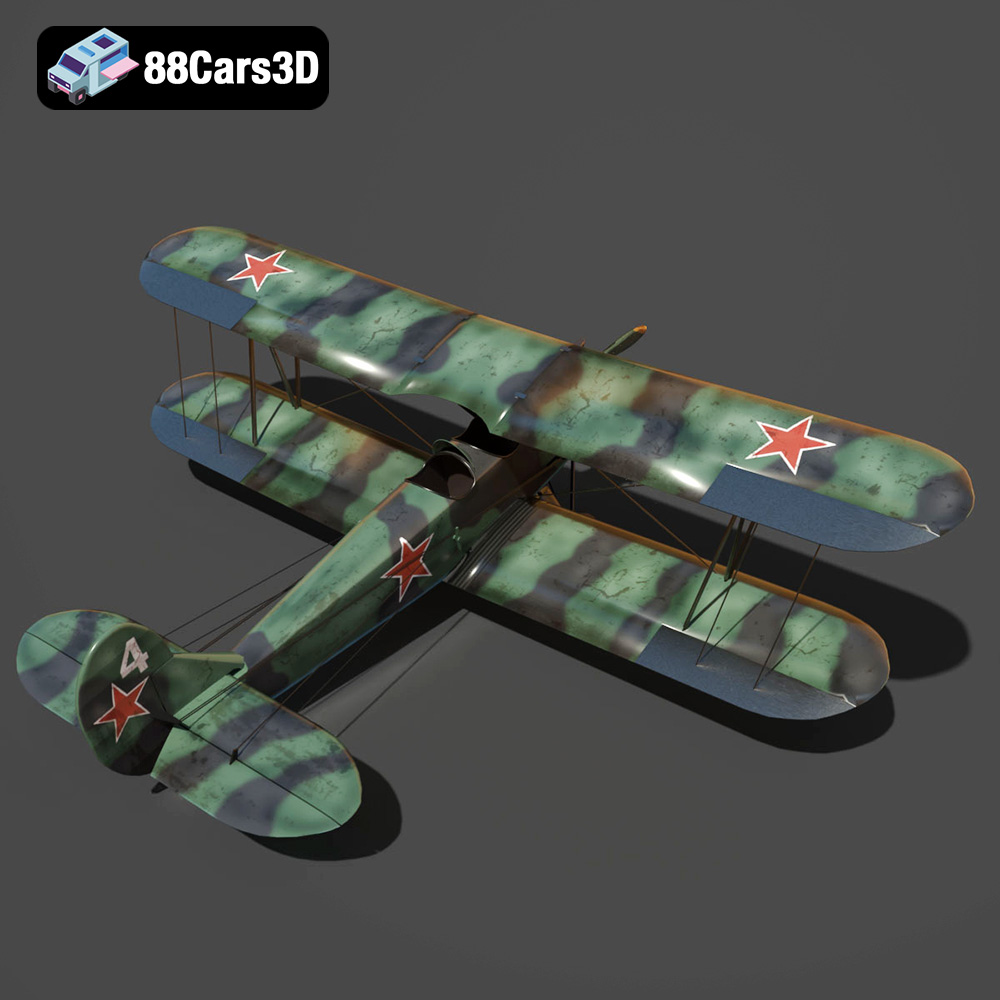
The Polikarpov Po-2 3D Model is a high-detail digital recreation of the legendary Soviet multi-role biplane widely used for training, reconnaissance, and light bombing missions during the mid-20th century. Known for its lightweight wooden structure and fabric-covered wings, the Po-2 became one of the most produced biplanes in aviation history. This 3D model accurately represents the aircraft’s dual-wing configuration, strut-supported wing assembly, radial engine housing, fixed landing gear, open cockpit layout, tailwheel structure, and fabric-textured control surfaces.
$9.99
3D printing the Polikarpov Po-2 model from 88cars3d.com is a rewarding project that combines historical appreciation with the technical challenges of additive manufacturing. By carefully selecting your printing technology, preparing the model meticulously, choosing the right materials, and mastering post-processing techniques, you can create a stunningly detailed and historically accurate replica of this iconic aircraft. Remember to experiment with different settings and techniques to find what works best for your printer and materials. Happy printing, and may your Po-2 soar!
.aircraft3dmodel
.arvr
.aviation
.biplane
.blend
.fbx
.flightsimulator
.gameasset
.glb
.historicalaircraft
.max
.obj
.ply
.po2
.polikarpov
.rendering
.simulation
.stl
.unreal
.wwiiaircraft