Get 50% OFF All Premium 3D & STL Models!

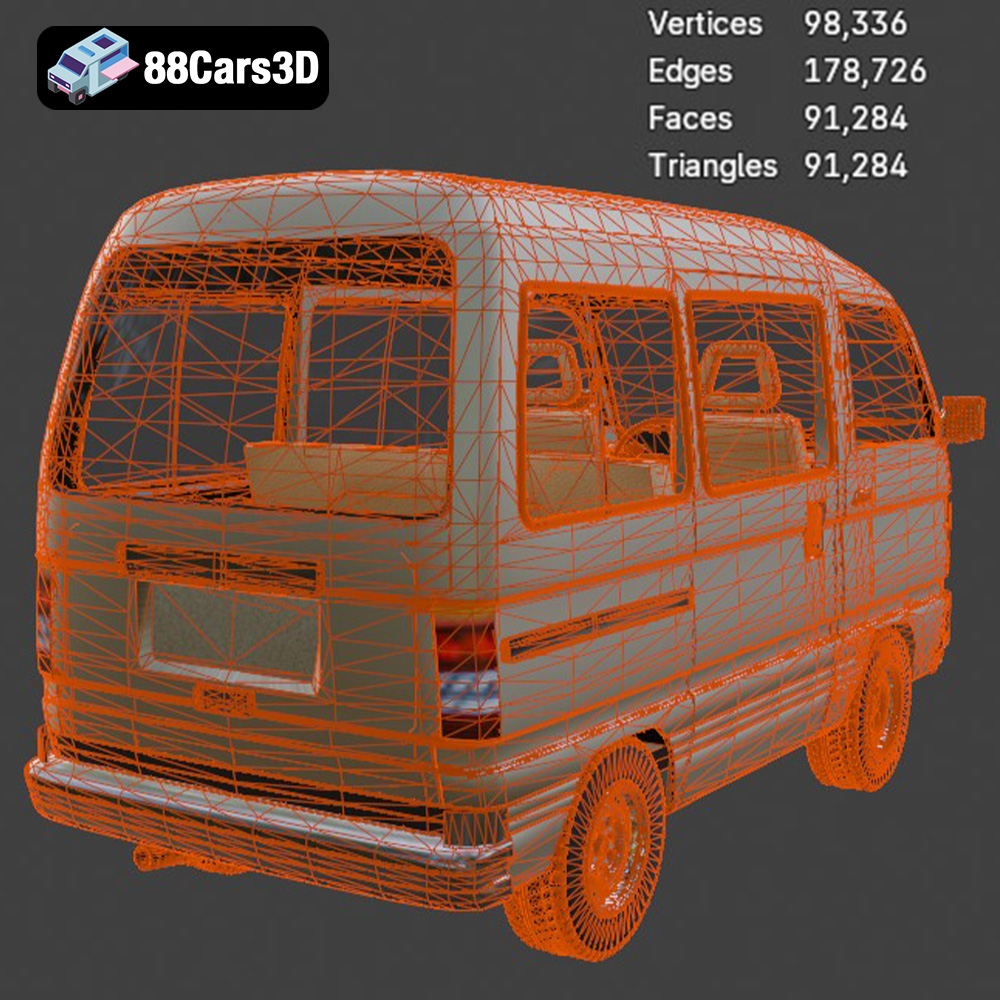
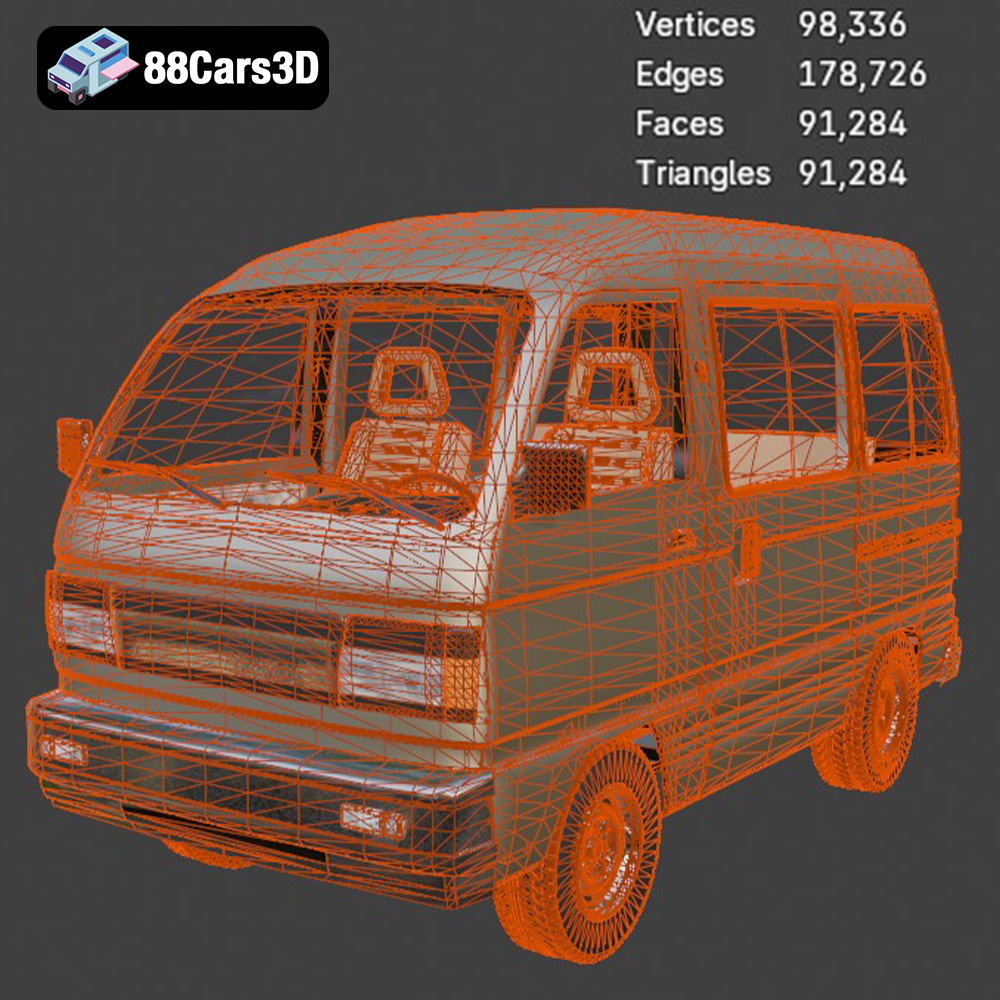
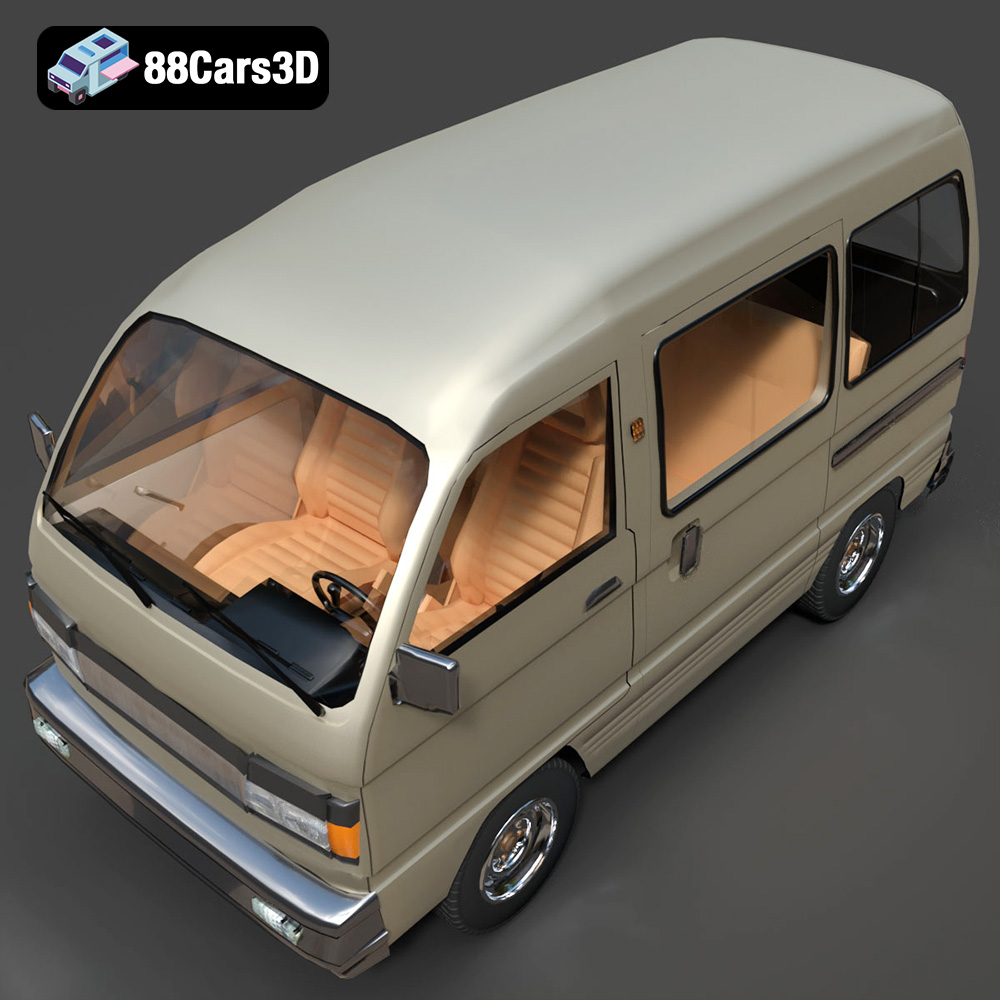
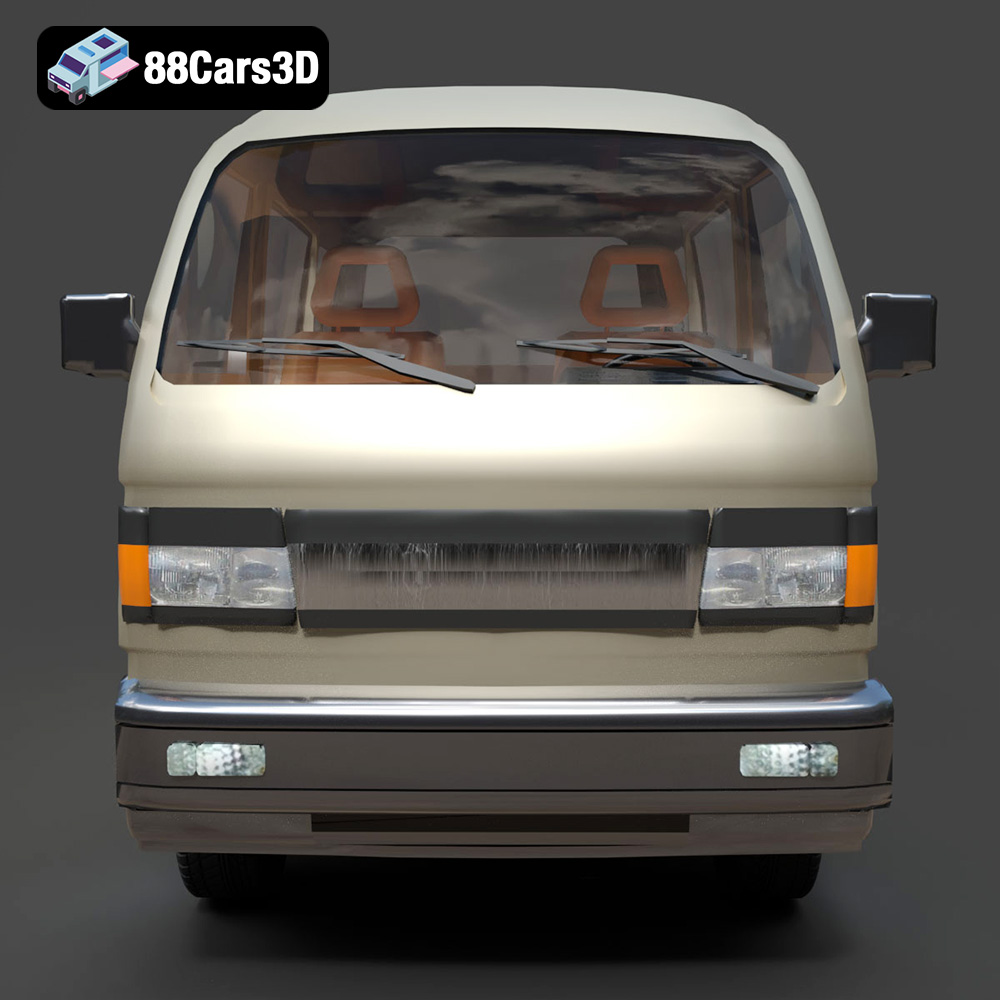
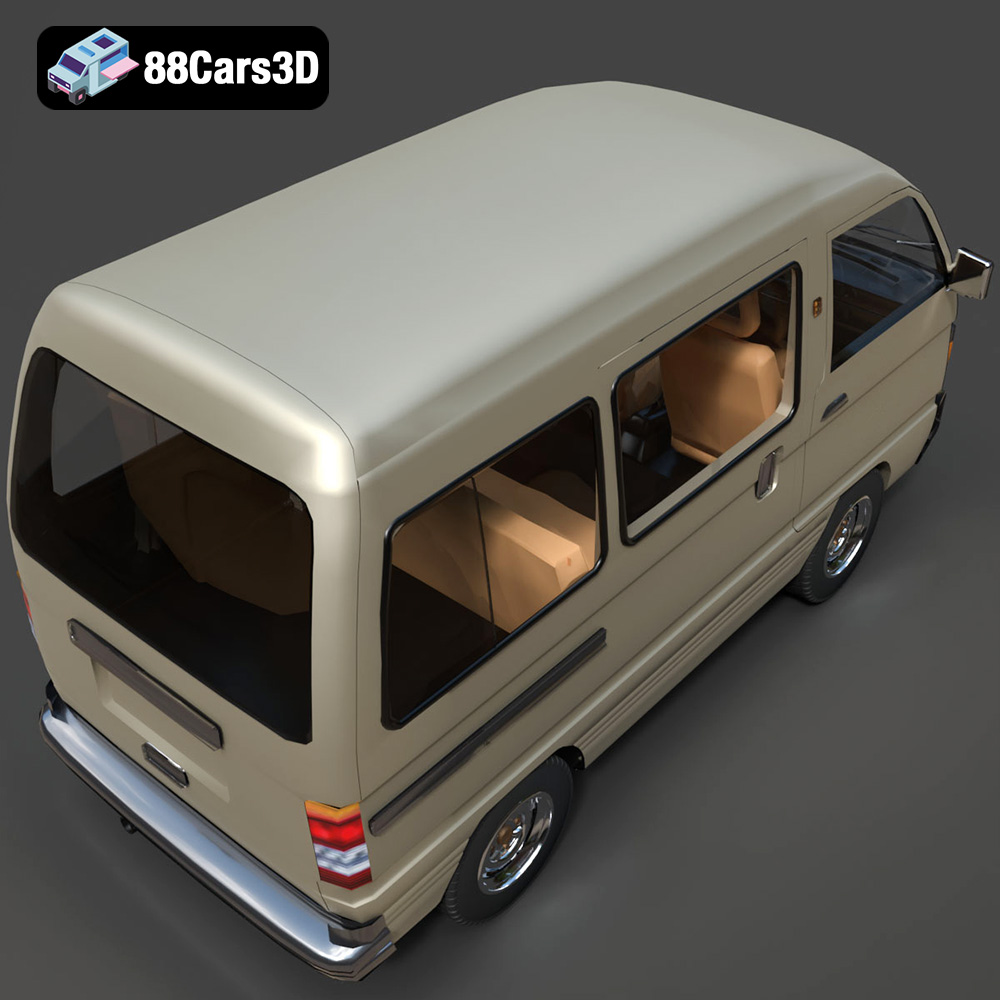
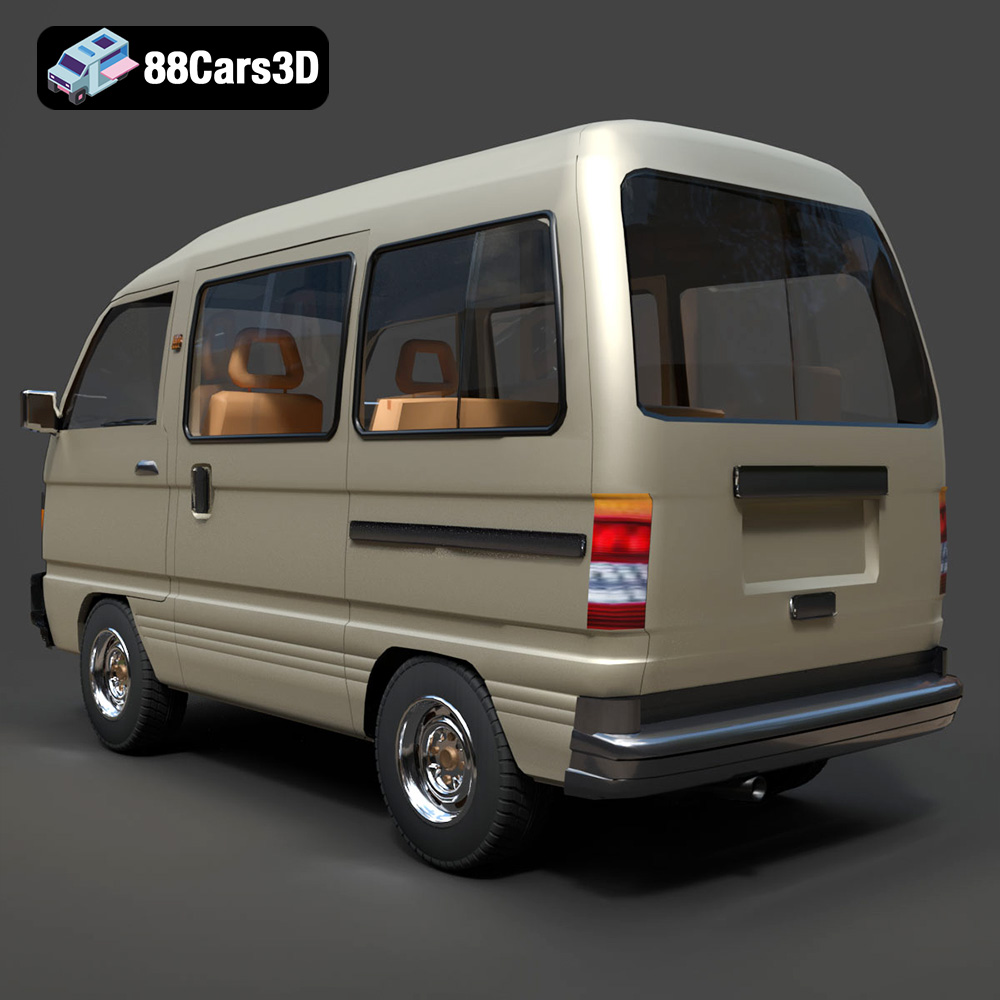
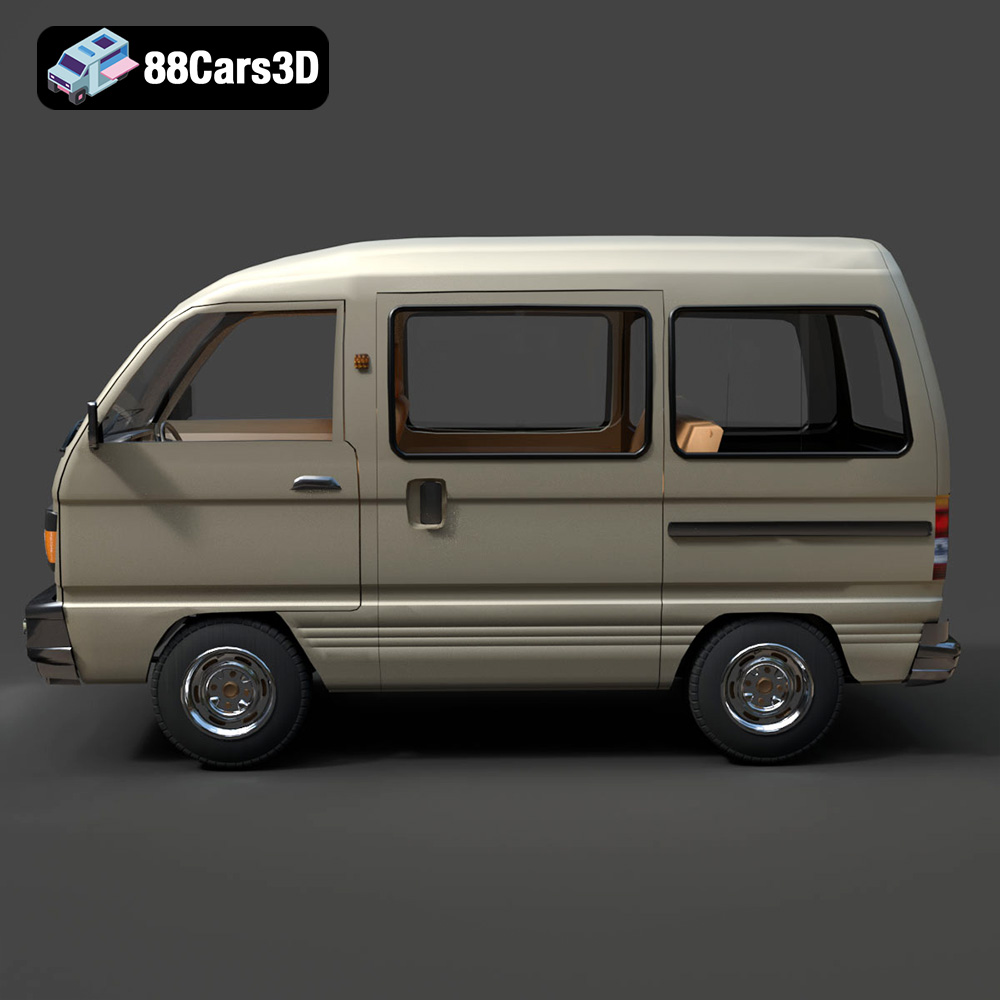
The Suzuki Super Carry 1000 Microvan, a symbol of compact utility from the 80s and 90s, can now be brought into your world through the magic of 3D printing. This iconic vehicle, known for its space efficiency and simple design, is a fantastic project for any 3D printing enthusiast. This comprehensive guide will walk you through every step, from preparing the STL files to the final post-processing touches, ensuring you achieve a high-quality, display-worthy 3D printed model. Whether you’re aiming for a scale model for your desk or a detailed piece for a diorama, understanding the nuances of 3D printing this specific model is key to success. You can find the perfect 3D model of this van at 88cars3d.com.
Before diving into the printing process, it’s essential to understand the various file formats available for 3D models and their suitability for 3D printing. The Suzuki Super Carry 1000 Microvan 3D model is available in several formats, each designed for different purposes. Knowing which formats work best for 3D printing will save you time and frustration.
The STL (Stereolithography) file format is the de facto standard for 3D printing. It represents the surface geometry of a 3D object as a collection of triangles. This simplicity makes it universally compatible with slicing software and 3D printers. When preparing the Suzuki Super Carry 1000 Microvan model for printing, the STL format is the recommended choice. Ensure that the STL file is properly “manifold,” meaning it has a closed, continuous surface without any holes or self-intersections. Most slicing software includes tools to repair minor imperfections in STL files.
The OBJ format is another popular 3D model format, known for its ability to store color and texture information. While it can be used for 3D printing, it’s generally less efficient than STL, especially for models with complex geometries like the Suzuki Super Carry 1000 Microvan. If you plan to add color to your print through multi-material printing (if your printer supports it), the OBJ format might be useful. However, for most standard 3D printing scenarios, STL is preferred.
PLY (Polygon File Format) is designed to store 3D data acquired from 3D scanners. It can handle very high-resolution meshes and also supports color and texture data. For 3D printing, PLY files can be useful if you need to capture extremely fine details, but they often result in larger file sizes and may require more processing power from your slicing software. For the Suzuki Super Carry 1000 Microvan, the added detail might not be necessary unless you are aiming for a very large-scale print with extremely fine features.
The .blend format is the native file format for Blender, a powerful and free 3D modeling software. This format is not directly used for 3D printing. However, if you intend to customize the Suzuki Super Carry 1000 Microvan model before printing, the .blend file provides the most flexibility. You can modify the model’s geometry, add details, or split it into separate parts for easier printing and assembly. Once you’ve made your changes, you’ll need to export the model as an STL file for 3D printing.
FBX (Filmbox) is a proprietary format developed by Autodesk, widely used for exchanging 3D data between different software applications. It supports geometry, materials, textures, and animations. While some advanced slicing software can import FBX files, it’s primarily used for transferring models between 3D modeling, animation, and game development tools. For 3D printing, the key is to export the model in STL format from the software that supports FBX after making any necessary modifications.
GLB (GL Transmission Format Binary) is a file format designed for efficient transmission and loading of 3D scenes and models, especially in web and augmented reality (AR) applications. It’s a binary format that includes textures, animations, and scene information. While .glb is excellent for previews, it is not ideal for 3D printing directly. Like with .fbx, you’d typically export the model as an STL file for printing after any customizations are made.
MAX is the native file format for 3ds Max, another professional 3D modeling, animation, and rendering software. Similar to .blend, this format is primarily used for editing and modifying the 3D model. If you have access to 3ds Max, you can use the .max file to make detailed adjustments to the Suzuki Super Carry 1000 Microvan model. Again, remember to export the final model as an STL file for 3D printing.
Preparing the 3D model is a crucial step to ensure a successful print. This involves using slicing software to convert the STL file into a format your 3D printer can understand, as well as making any necessary adjustments to the model’s scale, orientation, and support structures.
Choosing the right slicing software is essential. Popular options include Cura, PrusaSlicer, Simplify3D, and others. These programs allow you to adjust various settings that directly impact the print quality, strength, and overall success. For the Suzuki Super Carry 1000 Microvan model, consider the following settings:
The orientation of the model on the print bed can significantly affect the print quality and the amount of support material required. For the Suzuki Super Carry 1000 Microvan, consider printing the body at an angle to minimize the need for supports on the curved surfaces. The wheels and other smaller parts should be printed separately and oriented for optimal detail and minimal support usage. Generate supports for overhanging features such as the side mirrors, bumpers, and wheel arches. Use a support density that provides adequate support without being too difficult to remove. Tree supports are often a good option as they minimize the contact area with the model.
Before slicing, ensure the model is scaled appropriately for your desired size. The product description recommends scales of 1:32, 1:24, or 1:18. Import the STL file into your slicing software and adjust the scale accordingly. Inspect the model for any errors or non-manifold edges. Many slicing software packages include tools to automatically repair these issues. If the errors are more significant, consider using a dedicated mesh repair tool like Meshmixer or Netfabb Basic.
The choice of material will influence the final appearance, strength, and durability of your 3D printed Suzuki Super Carry 1000 Microvan. Different materials offer various advantages and disadvantages, so understanding these properties is essential.
PLA is a popular choice for 3D printing due to its ease of use, low odor, and biodegradability. It’s a good option for printing the body and interior components of the Suzuki Super Carry 1000 Microvan. PLA offers good detail resolution and is available in a wide range of colors. However, it’s not as heat-resistant or durable as other materials, so it may not be suitable for parts that will be subjected to high temperatures or stress.
PETG is a stronger and more heat-resistant alternative to PLA. It’s also more flexible, making it less prone to cracking. PETG is a good choice for printing parts that require more durability, such as the wheels, chassis, and suspension components of the Suzuki Super Carry 1000 Microvan. It can be slightly more challenging to print than PLA, requiring higher temperatures and slower print speeds.
Resin printing, using technologies like SLA (Stereolithography) or DLP (Digital Light Processing), offers the highest level of detail and surface finish. Resin is an excellent choice for printing small, intricate parts of the Suzuki Super Carry 1000 Microvan, such as the headlights, taillights, and interior details. Resin prints are typically more brittle than FDM prints and may require post-curing to achieve their final strength and hardness. Handle resin with care, as it can be harmful to skin and eyes.
ABS is a strong and durable plastic that is commonly used in automotive applications. It’s a good option for printing parts of the Suzuki Super Carry 1000 Microvan that require high strength and heat resistance. However, ABS is more challenging to print than PLA or PETG, as it requires a heated bed and is prone to warping. Proper ventilation is also necessary when printing with ABS due to the fumes it produces.
Achieving a high-quality 3D print of the Suzuki Super Carry 1000 Microvan requires fine-tuning your printer settings based on the material you’ve chosen and the specific part you’re printing.
For detailed parts like the body and interior, a layer height of 0.1mm to 0.15mm for FDM printing or 0.025mm to 0.05mm for resin printing will capture finer details. For larger, less detailed parts like the chassis, you can increase the layer height to reduce print time. Adjust the print speed based on the material and the complexity of the part. Slower print speeds generally result in better detail and fewer errors.
Use an infill density of 15-25% for most parts. Increase the infill density for parts that require more strength, such as the wheels or axles. Carefully consider the placement of support structures to minimize their impact on the surface finish. Use a support density that provides adequate support without being too difficult to remove. Experiment with different support patterns to find the best balance between support strength and ease of removal.
Set the nozzle and bed temperatures according to the material manufacturer’s recommendations. Proper bed adhesion is essential to prevent warping and ensure that the print stays firmly attached to the bed throughout the printing process. Use a bed adhesive such as glue stick, hairspray, or painter’s tape to improve adhesion. Ensure that the bed is properly leveled before starting the print.
Once the 3D printing is complete, post-processing is essential to refine the surface finish, remove support structures, and assemble the various parts of the Suzuki Super Carry 1000 Microvan.
Carefully remove the support structures using pliers, cutters, or a sharp knife. Take care not to damage the surface of the model. Use sandpaper to smooth out any rough edges or imperfections. Start with a coarse grit sandpaper (e.g., 220 grit) and gradually move to finer grits (e.g., 400 grit, 600 grit, 800 grit) to achieve a smooth surface finish. For resin prints, use wet sanding to prevent dust from becoming airborne.
Apply a primer to the model to create a uniform surface for painting. Use a spray primer designed for plastic models. Allow the primer to dry completely before painting. Apply multiple thin coats of paint, allowing each coat to dry before applying the next. Use masking tape to create sharp lines and protect areas that you don’t want to paint. Consider using an airbrush for a more even and professional finish. The Suzuki Super Carry 1000 Microvan was typically available in colors like Commercial White, Pastel Blue, Forest Green, and Bright Red. Research these colors to achieve an authentic look.
Assemble the various parts of the Suzuki Super Carry 1000 Microvan using glue or epoxy. Ensure that the parts are properly aligned before the glue sets. Add any finishing touches, such as decals, chrome accents, or clear coats, to enhance the appearance of the model. For added realism, consider adding details like miniature license plates or interior trim.
Even with careful preparation, you may encounter some common 3D printing issues. Here’s how to troubleshoot them for your Suzuki Super Carry 1000 Microvan project.
Warping occurs when the corners of the print lift off the bed during printing. This is often caused by poor bed adhesion or uneven temperature distribution. To prevent warping, ensure that the bed is properly leveled and clean. Use a bed adhesive such as glue stick or hairspray. Enclosing the printer can also help to maintain a more consistent temperature and reduce warping.
Stringing and blobs are caused by excess material oozing from the nozzle during printing. To prevent stringing, reduce the nozzle temperature and increase the retraction distance. Ensure that the filament is dry, as moisture can contribute to stringing. Blobs can be caused by inconsistent extrusion or sudden changes in print speed. Calibrate the extruder and adjust the print speed to minimize blobs.
Layer shifting occurs when the print head suddenly shifts position during printing, resulting in misaligned layers. This can be caused by loose belts, stepper motor issues, or obstructions on the print bed. Check the belts and tighten them if necessary. Ensure that the stepper motors are properly calibrated and that there are no obstructions on the print bed that could cause the print head to skip.
The print time and material costs for the Suzuki Super Carry 1000 Microvan model will vary depending on the size of the model, the material used, and the printer settings.
A 1:24 scale model printed with PLA at a layer height of 0.15mm and an infill density of 20% could take approximately 20-30 hours to print, depending on the complexity of the model and the print speed. Resin prints will generally be faster, but require post-curing time. Use your slicing software to estimate the print time based on your specific settings.
A 1kg spool of PLA typically costs around $20-$30. A 1:24 scale model printed with PLA could use approximately 200-300g of filament, resulting in a material cost of $4-$9. Resin costs more, typically $30-60 per liter. The same model in resin may only use 50-100ml costing $1.50 – $6. These are rough estimates, and the actual material cost will depend on the specific material you use and the size of the model.
By following this comprehensive guide, you’ll be well-equipped to successfully 3D print your own Suzuki Super Carry 1000 Microvan model. Remember to take your time, experiment with different settings, and enjoy the process of bringing this iconic vehicle to life. Check out 88cars3d.com for other amazing 3D models.
The Suzuki Super Carry 1000 Microvan 3D Model is a high-detail digital recreation of the legendary compact utilitarian workhorse from the 1980s and 1990s. Known for its incredible space efficiency and rugged simplicity, the Super Carry combines a classic cabover design with highly practical proportions, making it a global icon of urban logistics and everyday transport.
$9.99
.automotive
.blend
.cabover
.fbx
.obj
.rendering
.stl
.suzuki
1000cc
3d printing
car-3d-model
game asset
high poly
kei-van
microvan
retro-van
super-carry
utility-vehicle