Get 50% OFF All Premium 3D & STL Models!

“`html
Creating immersive and believable environments is crucial for any successful Unreal Engine project, especially in automotive visualization. The environment not only sets the scene but also enhances the realism of the 3D car models. One of the most effective tools for achieving this realism is Unreal Engine’s Foliage System. This comprehensive system allows you to populate your scenes with vast amounts of vegetation, from simple grass blades to complex forests, all while maintaining optimal performance. In this article, we’ll delve into the intricacies of the Foliage System, exploring how to create, customize, and optimize realistic vegetation for your automotive visualizations. Whether you’re showcasing a sleek sports car against a backdrop of rolling hills or placing a rugged SUV in a dense forest, mastering the Foliage System is key to elevating your project’s visual impact. We’ll cover everything from importing foliage assets to advanced material techniques and optimization strategies, ensuring your scene looks stunning without sacrificing performance. Let’s get started!
The Foliage System in Unreal Engine is a powerful tool designed for efficient and realistic placement of vegetation and other small assets across large areas. It utilizes instanced static meshes, which drastically reduces the performance overhead compared to placing individual objects. This allows you to create dense forests, sprawling meadows, and detailed ground cover without overwhelming your system. The Foliage tool, found within the Landscape editing mode, provides a suite of features for painting, erasing, and customizing your foliage.
The Foliage System relies heavily on instanced static meshes (ISM). Instead of rendering each individual blade of grass or tree separately, Unreal Engine renders a single base mesh and then creates multiple instances of it. These instances share the same geometry and material, but can have different locations, rotations, and scales. This significantly reduces the number of draw calls and memory usage, resulting in substantial performance improvements, especially when dealing with thousands or even millions of foliage instances. If you are building a AAA quality environment with stunning vegetation, consider using assets that are optimized with instanced static meshes from the start. Platforms like 88cars3d.com offer optimized models for Unreal Engine projects, which may include vegetation assets ready for instancing.
The Foliage tool interface is located within the Landscape editing mode. It allows you to select the static meshes you want to use as foliage, adjust their density, scale, alignment, and other parameters. You can then “paint” the foliage onto your landscape, controlling the density and distribution with your brush. The interface also provides options for erasing foliage, re-scattering existing foliage, and selecting specific instances for individual adjustments. Understanding the brush settings is crucial for creating natural-looking distributions. Experiment with different brush sizes, densities, and falloff curves to achieve the desired effect. You can also use layers to control the distribution of different types of foliage, creating more complex and realistic ecosystems. Refer to the official Unreal Engine documentation at https://dev.epicgames.com/community/unreal-engine/learning for detailed information on the Foliage tool interface and its functionalities.
Before you can start populating your scene with vegetation, you need to import and prepare your foliage assets. This involves selecting appropriate models, optimizing their geometry and materials, and configuring them for use with the Foliage System. The quality and optimization of your assets directly impact the performance and visual fidelity of your scene. Therefore, careful preparation is essential.
The first step is to source high-quality 3D models of plants, trees, and other vegetation. You can create your own models using 3D modeling software like Blender or Maya, or you can purchase pre-made assets from online marketplaces. When selecting assets, pay attention to the polygon count, texture resolution, and overall visual quality. Look for models that have clean topology, realistic materials, and appropriate UV mapping. When sourcing automotive assets from marketplaces such as 88cars3d.com, you might also find complementary vegetation packs optimized for similar visual styles.
Once you have your models, it’s crucial to optimize them for performance. This includes reducing the polygon count, simplifying the materials, and creating LODs (Level of Detail). Use decimation tools to reduce the polygon count of your models without significantly impacting their visual quality. Simplify complex materials by baking textures and reducing the number of shader instructions. LODs are different versions of the same model with varying levels of detail. As the distance from the camera increases, the engine automatically switches to lower-detail LODs, further improving performance. For high-poly models, consider using Nanite (discussed later) to handle the complexity without traditional LODs.
The visual quality of your foliage is heavily dependent on the materials used. PBR (Physically Based Rendering) materials provide a realistic and consistent look across different lighting conditions. Unreal Engine’s Material Editor allows you to create complex PBR materials using a node-based system. Understanding the different material properties and how they interact with light is crucial for creating convincing foliage.
PBR materials are defined by several key properties: Albedo (base color), Normal (surface detail), Roughness (surface smoothness), Metallic (metallic reflectivity), and Ambient Occlusion (self-shadowing). The Albedo map determines the base color of the foliage. The Normal map adds surface detail, simulating bumps and wrinkles. The Roughness map controls how diffuse the reflections are. Lower roughness values result in sharper, more mirror-like reflections, while higher values result in softer, more diffuse reflections. The Metallic map determines how metallic the surface is. Non-metallic surfaces typically have a metallic value of 0, while metallic surfaces have a value of 1. The Ambient Occlusion map simulates self-shadowing, adding depth and detail to the material.
Leaves are translucent, meaning that light can pass through them. To simulate this effect, you need to use a translucent material and adjust the subsurface scattering settings. Subsurface scattering allows light to penetrate the surface of the leaf and scatter internally, creating a soft, glowing effect. Adjust the scattering radius and color to achieve the desired look. You can also use a translucency mask to control the areas of the leaf that are translucent. This is particularly useful for simulating thin or damaged areas of the leaf. Experiment with different translucency settings to find the perfect balance between realism and performance. When building complex materials, keep in mind that material complexity has a direct impact on performance. Simplify complex materials whenever possible to optimize your scene. You should aim for consistent quality without unnecessary complexity.
Lighting plays a crucial role in the realism of your foliage. Unreal Engine offers several lighting options, including Lumen (Global Illumination and Reflections) and traditional methods like static lighting and dynamic lighting. Lumen is a powerful feature that provides realistic global illumination and reflections in real-time. However, it can be computationally expensive. Traditional lighting methods offer a good balance between performance and visual quality.
Lumen is Unreal Engine’s fully dynamic global illumination and reflections system. It provides realistic lighting and reflections without the need for precomputed lightmaps. Lumen can significantly enhance the realism of your foliage by accurately simulating the way light interacts with the leaves and branches. However, Lumen can be computationally expensive, especially in scenes with dense foliage. To optimize Lumen performance, adjust the settings in the Project Settings and Post Process Volume. Reduce the Global Illumination Quality and Reflections Quality settings to improve performance at the expense of visual fidelity. You can also use Lumen Hardware Ray Tracing for even more realistic results, but this requires a compatible graphics card. Enabling “Surface Cache” in the Lumen settings can drastically improve performance in static scenes with limited camera movement. Experiment with different settings to find the optimal balance between visual quality and performance.
Traditional lighting methods include static lighting and dynamic lighting. Static lighting involves precomputing the lighting and baking it into lightmaps. This results in excellent performance but does not allow for dynamic lighting changes. Dynamic lighting allows for real-time lighting changes but can be more computationally expensive. When using dynamic lighting, pay attention to the shadow settings. Use cascaded shadow maps (CSM) to improve shadow quality at the expense of performance. Reduce the number of cascades and the shadow resolution to improve performance. You can also use distance field ambient occlusion (DFAO) to add subtle shadows and depth to your foliage. DFAO is a computationally inexpensive method for simulating ambient occlusion. Experiment with different lighting and shadow settings to find the best balance between performance and visual quality. One optimization technique is to use static lighting for the environment and dynamic lighting for the car to highlight it in a cinematic way.
Unreal Engine’s Blueprint visual scripting system allows you to add interactivity and dynamic effects to your foliage. You can use Blueprints to create wind effects, interaction events (e.g., foliage bending when touched), and other dynamic behaviors. This can significantly enhance the realism and immersiveness of your scene.
One common use case for Blueprints is to create wind effects for foliage. You can achieve this by using material parameter collections. A material parameter collection is a set of parameters that can be accessed and modified by Blueprints. Create a material parameter collection and add a parameter for wind intensity. Then, in your foliage material, use the wind intensity parameter to drive a vertex offset that simulates the movement of the leaves and branches. In your Blueprint, use a timeline or other animation system to smoothly change the wind intensity parameter over time. This will create a realistic wind effect without requiring complex simulations. Experiment with different wind patterns and intensities to achieve the desired look.
You can also use Blueprints to create interaction events for your foliage. For example, you can make the foliage bend when the player or a vehicle touches it. To achieve this, use a collision component on the foliage mesh. When the collision component overlaps with the player or a vehicle, trigger a Blueprint event that modifies the foliage’s material or transform. You can also use particle effects to add visual feedback to the interaction. For example, you could spawn dust particles when the foliage bends. These small details can significantly enhance the realism and immersiveness of your scene. Complex interactions are best achieved by using efficient code in Blueprints, optimized collision volumes, and avoiding “tick” events where possible to keep the frame rate smooth.
Nanite is Unreal Engine’s virtualized geometry system that allows you to import and render extremely high-poly models without the performance limitations of traditional rendering methods. This is particularly useful for foliage, which often consists of complex and detailed meshes. Nanite can handle millions or even billions of polygons per model, allowing you to create incredibly realistic and detailed vegetation.
To enable Nanite for a foliage asset, simply enable the “Enable Nanite Support” option in the Static Mesh Editor. Unreal Engine will automatically generate the necessary data structures for Nanite rendering. Once Nanite is enabled, you can import models with extremely high polygon counts without significantly impacting performance. However, keep in mind that Nanite requires a compatible graphics card and can consume a significant amount of memory. Optimize your Nanite settings in the Project Settings and Static Mesh Editor to achieve the best balance between visual quality and performance. Experiment with different settings to find the optimal configuration for your specific hardware and scene requirements.
One of the biggest advantages of Nanite is that it eliminates the need for traditional LODs. Nanite automatically handles the level of detail based on the distance from the camera. As the distance increases, Nanite reduces the polygon count of the model, ensuring that performance remains optimal. This simplifies the workflow significantly, as you no longer need to create and manage multiple LODs for each foliage asset. However, it’s still important to optimize your base mesh to ensure that Nanite can effectively reduce the polygon count without sacrificing visual quality. Nanite works best with closed, manifold meshes. For optimal visual results when using Nanite, ensure your PBR materials are built properly with high-resolution textures.
The Unreal Engine Foliage System is a powerful tool for creating realistic and immersive environments for your automotive visualizations. By understanding the fundamentals of the Foliage System, importing and preparing your assets correctly, creating realistic PBR materials, leveraging real-time lighting and shadows, using Blueprint scripting for interactivity, and utilizing Nanite for high-poly models, you can create stunning scenes that showcase your 3D car models in the best possible light. Always remember to prioritize performance optimization to ensure that your scene runs smoothly on your target hardware. Experiment with different techniques and settings to find the best balance between visual quality and performance. Mastering these skills will undoubtedly elevate the visual impact of your projects and help you create truly captivating experiences. Now that you have learned the essentials, start experimenting with the various features in Unreal Engine to create custom environments. Consider investing in high-quality assets from marketplaces like 88cars3d.com to jumpstart your projects with optimized models.
“`
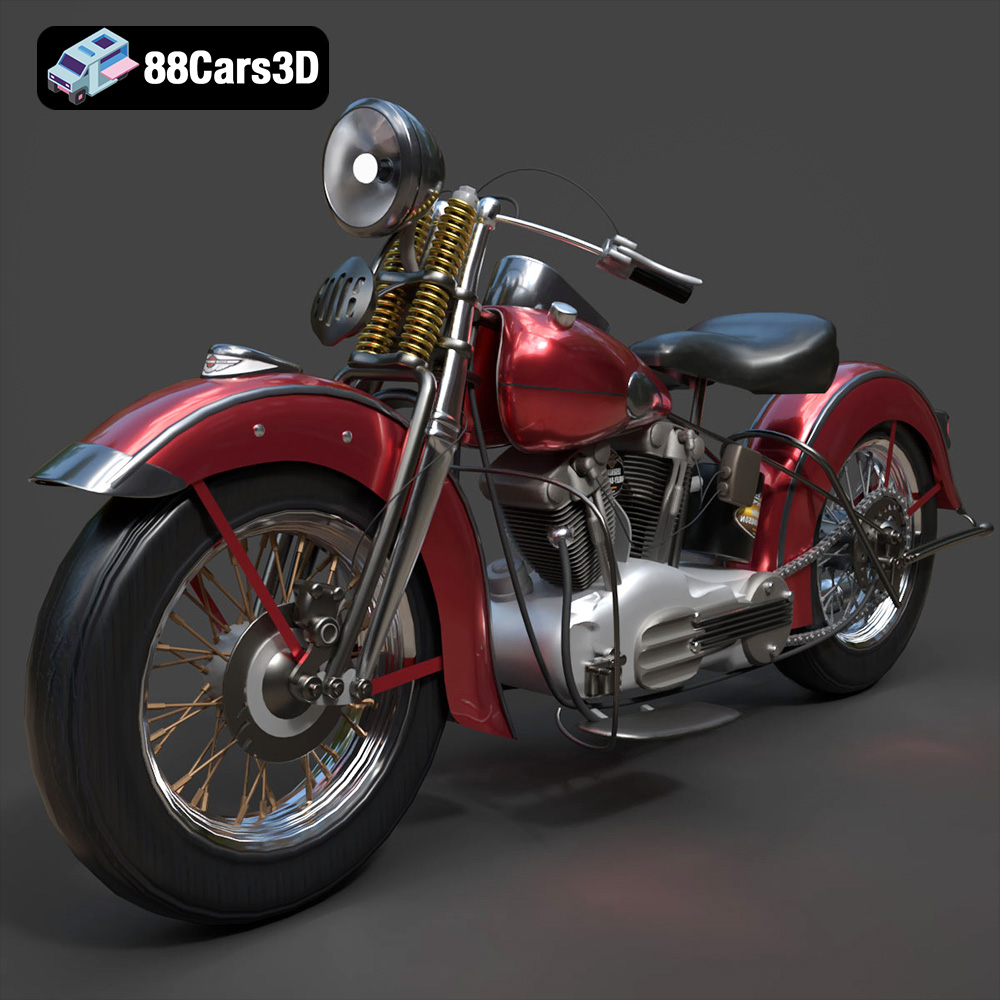
Texture: Yes
Material: Yes
Download the Harley Davidson F 1946 3D Model featuring clean geometry, realistic detailing, and a fully modeled interior. Includes .blend, .fbx, .obj, .glb, .stl, .ply, .unreal, and .max formats for rendering, simulation, and game development.
Price: $19.99
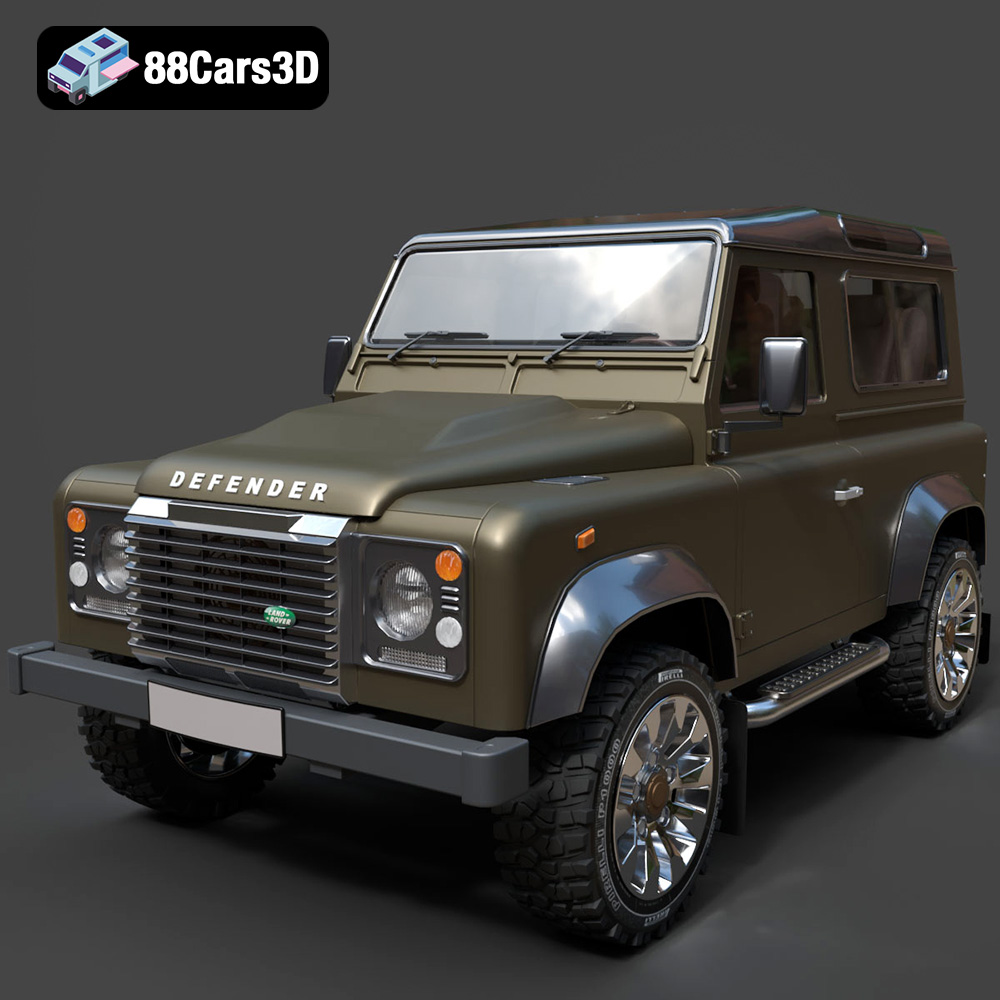
Texture: Yes
Material: Yes
Download the Land Rover Defender Works V8 3D Model featuring clean geometry, realistic detailing, and a fully modeled interior. Includes .blend, .fbx, .obj, .glb, .stl, .ply, .unreal, and .max formats for rendering, simulation, and game development.
Price: $19.99
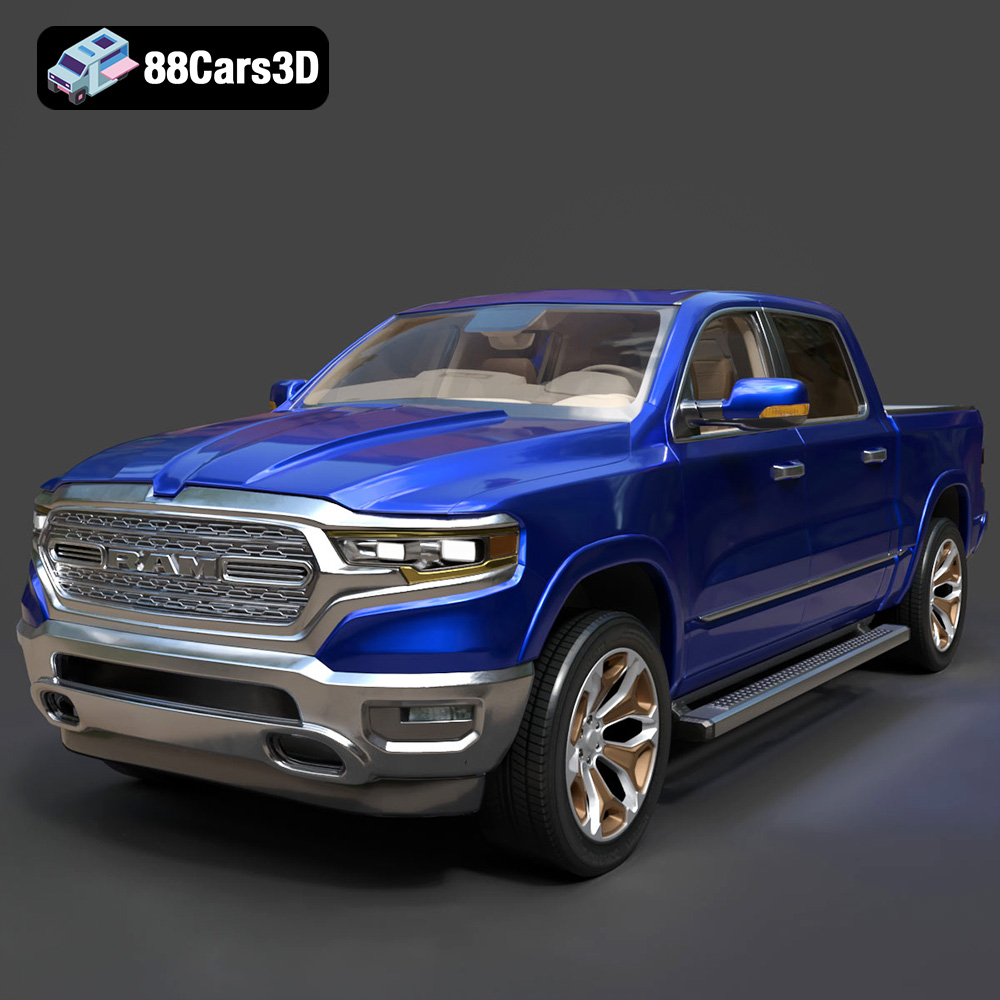
Texture: Yes
Material: Yes
Download the Dodge RAM 2019 3D Model featuring clean geometry, realistic detailing, and a fully modeled interior. Includes .blend, .fbx, .obj, .glb, .stl, .ply, .unreal, and .max formats for rendering, simulation, and game development.
Price: $19.99
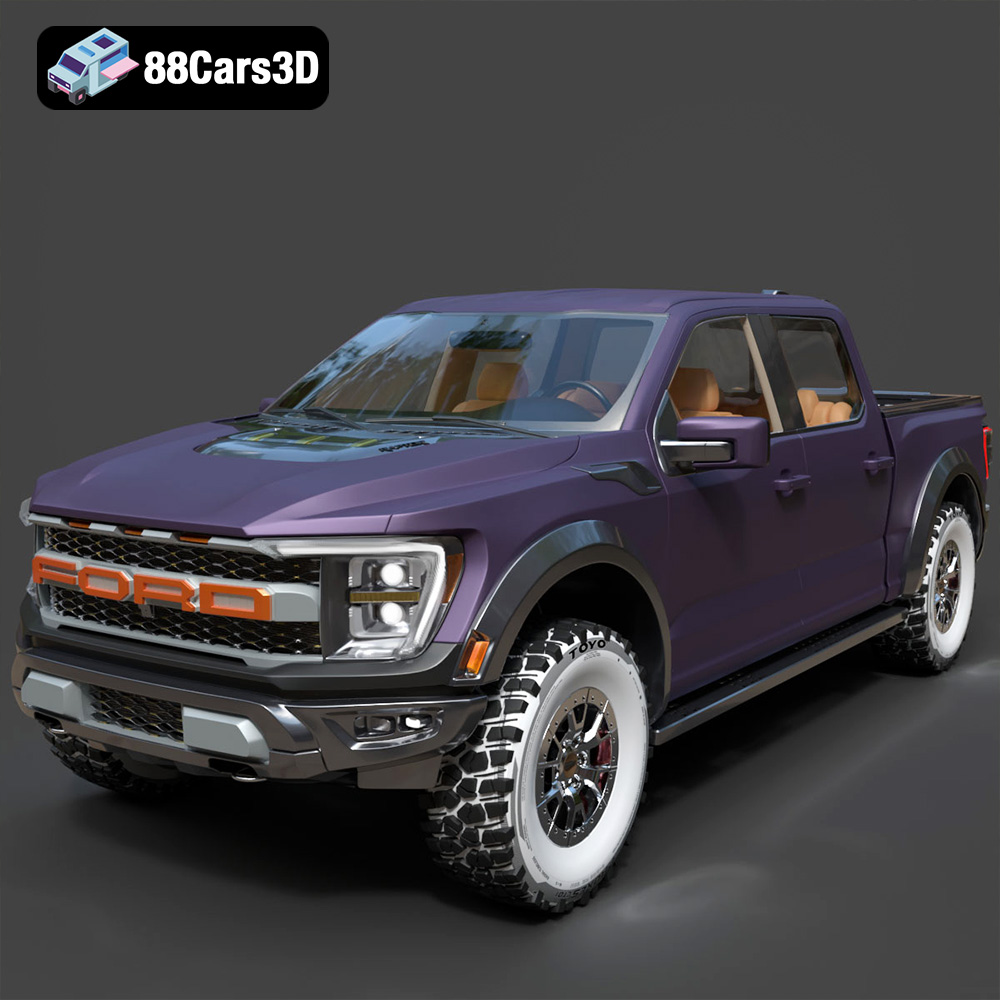
Texture: Yes | Material: Yes Download the ultra-high-detail Ford F-150 Raptor 2021 3D Model (8.73M Triangles). Features uncompromised widebody styling, fully modeled Fox Live Valve suspension, 37-inch tires, and interior. Perfect for premium VFX, cinematic rendering, and ArchViz. Includes .blend, .fbx, .obj, .glb, .stl, and .max formats.
Price: $29.99

Texture: Yes | Material: Yes Download the ultra-high-detail BMW 3 Series Limousine (2022) 3D Model (4.16M Triangles). Features the modernized G20 LCI exterior, the all-new BMW Curved Display interior, and ultra-dense topology. Perfect for ArchViz, VFX, and cinematic rendering. Includes .blend, .fbx, .obj, .glb, .stl, and .max formats.
Price: $19.99
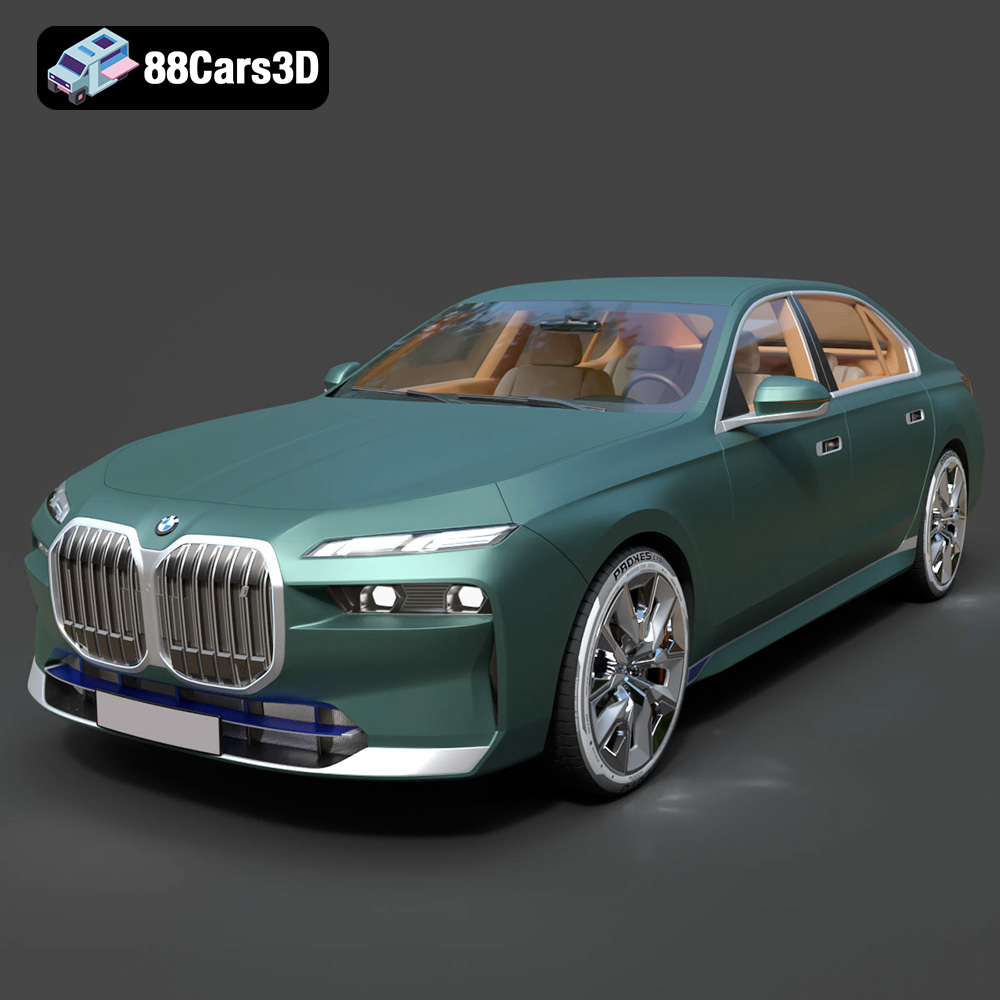
Texture: Yes | Material: Yes Download the ultra-high-detail BMW i7 (2023) 3D Model (4.14M Triangles). Features the illuminated kidney grille, split crystal headlights, fully modeled Theatre Screen interior, and monolithic luxury styling. Perfect for ArchViz, VFX, and cinematic rendering. Includes .blend, .fbx, .obj, .glb, .stl, and .max formats.
Price: $19.99
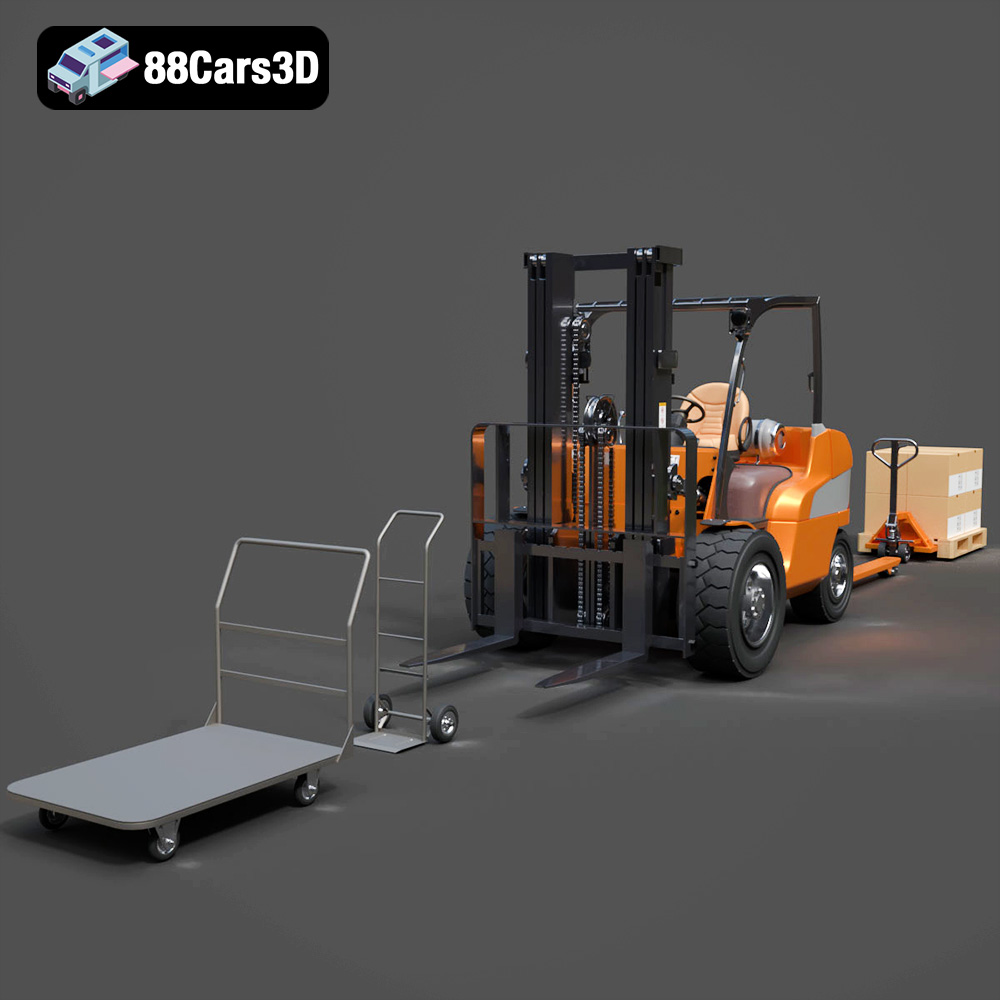
Texture: Yes | Material: Yes Download the highly detailed CAT Manual Loader & Warehouse Carts Kit 3D Model (2.4M Triangles). Features a macro-detailed hydraulic pallet jack, heavy-duty forks, and transport carts. Perfect for industrial ArchViz, factory rendering, and logistics simulations. Includes .blend, .fbx, .obj, .glb, .stl, and .max formats.
Price: $19.99

Texture: Yes | Material: Yes
Download the highly optimized Mazda CX-5 2014 3D Model (294k Triangles). Features the dynamic Kodo design language, signature grille, and a clean interior. Perfectly balanced for ArchViz, background traffic, and game development. Includes .blend, .fbx, .obj, .glb, .stl, and .max formats.
Price: $19.99
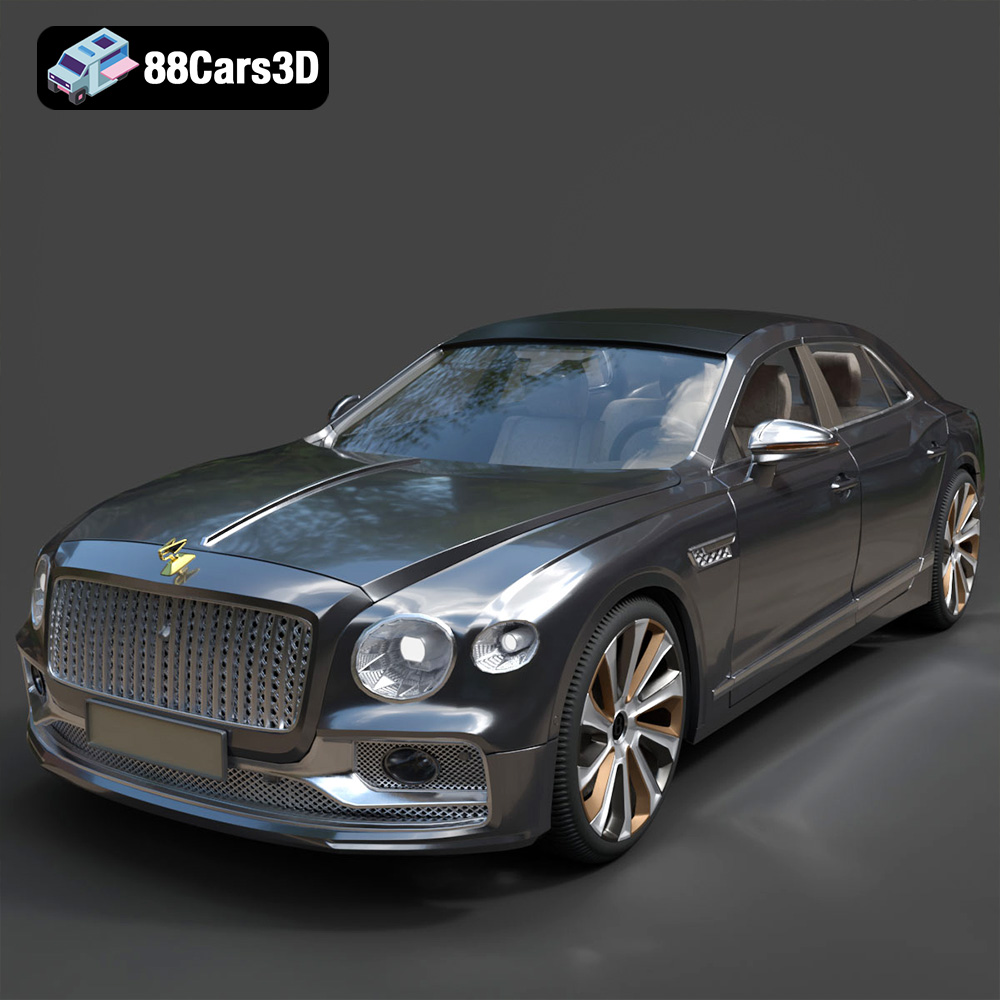
Texture: Yes | Material: Yes Download the ultra-high-detail Bentley Flying Spur Mulliner 2022 3D Model (2.94M Triangles). Features the bespoke Double Diamond grille, a fully modeled diamond-quilted interior, and exquisite luxury styling. Perfect for high-end ArchViz, VFX, and cinematic rendering. Includes .blend, .fbx, .obj, .glb, .stl, and .max formats.
Price: $19.90

Texture: Yes | Material: Yes | 3D Printable: Yes. Download the Ultimate Creators’ Showcase featuring 5 premium 3D models: Lamborghini Huracan, ZAV Concept Motorcycle, Sukhoi SU-26, Presidential Limousine, and Daewoo Damas. Optimized for 4K CGI rendering and 3D printing. Save massive with this exclusive multi-category bundle!
Price: $99.99

