Get 50% OFF All Premium 3D & STL Models!

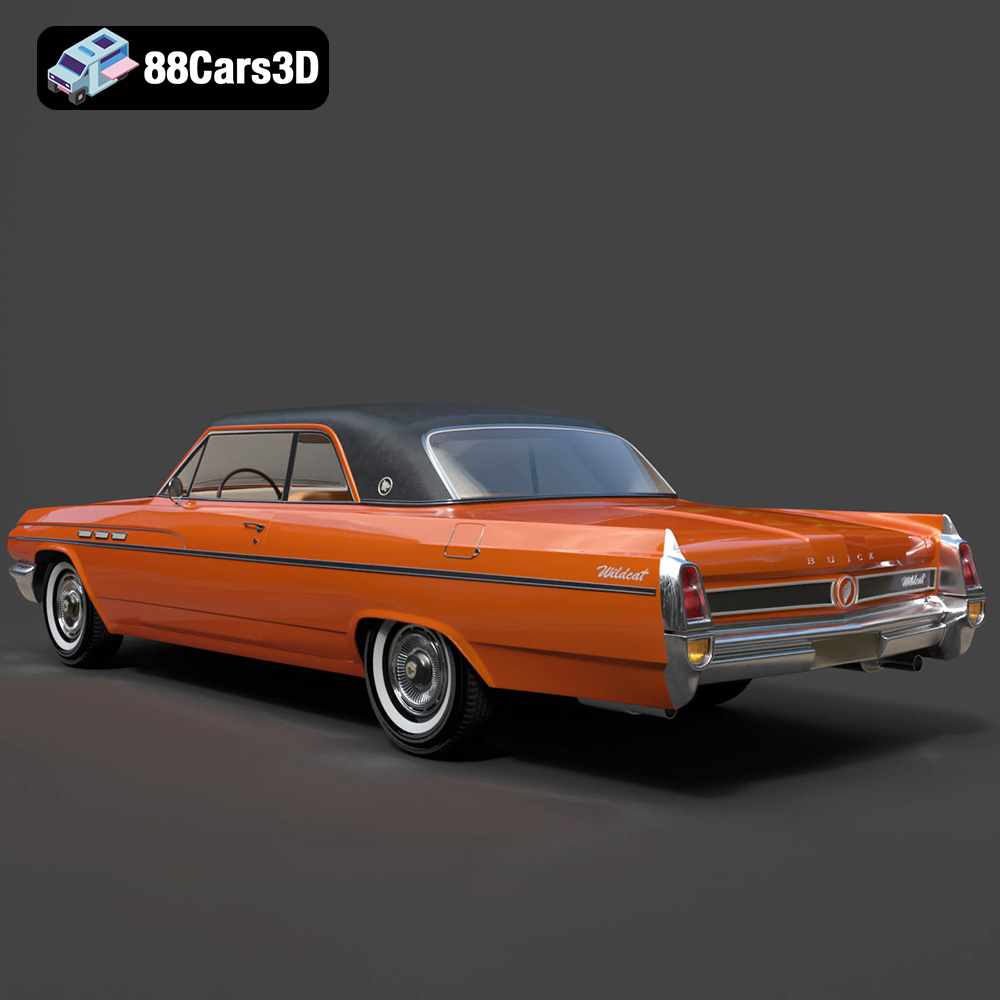
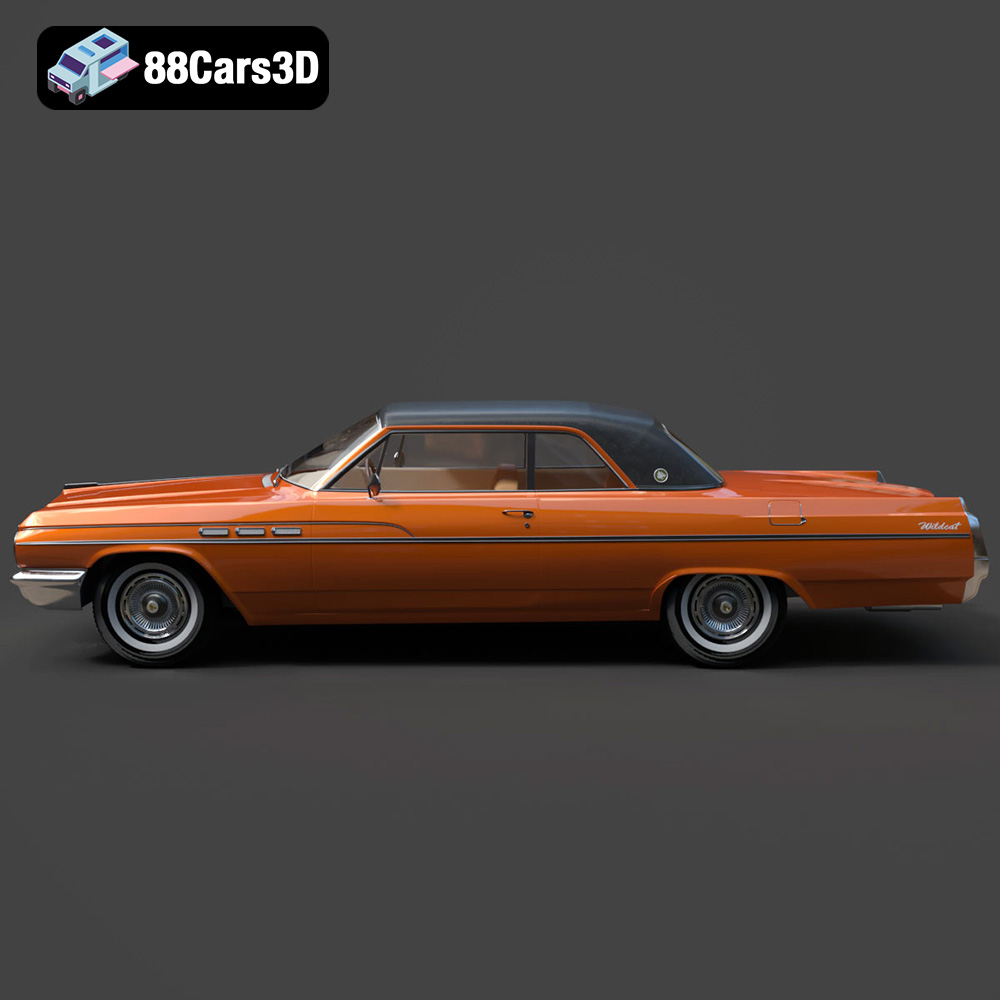
The Buick Wildcat Convertible 1963, a symbol of American automotive boldness and open-top freedom, is now within reach for 3D printing enthusiasts. This detailed 3D model from 88cars3d.com allows you to recreate a piece of automotive history in your own home. Whether you’re a seasoned 3D printing expert or a beginner looking for a rewarding project, this guide will walk you through the entire process, from preparing the model to the final touches that will make your 3D printed Wildcat truly shine. This guide will help you navigate the nuances of 3D printing this iconic vehicle, ensuring a successful and satisfying build.
Before diving into the specifics of 3D printing the Buick Wildcat Convertible 1963, it’s essential to understand the different file formats used to represent 3D models. Each format has its strengths and weaknesses, and knowing which ones are best suited for 3D printing will save you time and frustration.
The .stl (stereolithography) file format is the undisputed industry standard for 3D printing. It represents the surface geometry of a 3D object as a collection of triangles. This simplicity is what makes it so universally compatible with slicing software and 3D printers.
* **Advantages:** Near-universal compatibility, small file size compared to other formats, well-understood by slicing software.
* **Disadvantages:** Only stores geometric data (no color or texture information), mesh-only format can sometimes lead to faceted surfaces if the model resolution is too low.
When preparing the Buick Wildcat Convertible 1963 for 3D printing, the .stl format will be your primary choice. Ensure the .stl file you download from 88cars3d.com is optimized for printing, with a sufficient number of triangles to capture the car’s intricate details without creating an excessively large file.
While .stl is the king of 3D printing, other formats can play a role in the overall workflow, especially if you plan on modifying the model or using it for other applications.
* **.obj:** A more versatile format than .stl, .obj can store color and texture information along with the geometry. This is useful if you plan to paint the 3D printed model and want to use the file as a reference. However, .obj files can be larger than .stl files.
* **.ply:** This format is known for its ability to store high-detail mesh data, often used in 3D scanning. While excellent for capturing intricate details, .ply files can be very large and may not be directly compatible with all slicing software.
* **.blend:** The native file format for Blender, a popular open-source 3D modeling software. If you want to make modifications to the Buick Wildcat Convertible 1963 before printing, having the .blend file allows you to directly edit the model.
* **.fbx:** Commonly used for animation and game development, .fbx supports materials and animations. While not directly used for 3D printing, it can be useful for importing the model into slicing software that supports material assignments for multi-material printing (if your printer supports it).
* **.glb:** A binary file format that stores 3D models, textures, and animations. Often used for AR/VR applications, .glb allows you to preview the model in augmented reality before committing to a print.
* **.max:** The native file format for 3ds Max, a professional 3D modeling and animation software. Similar to .blend, having the .max file allows for extensive modifications to the model before exporting it as an .stl for printing.
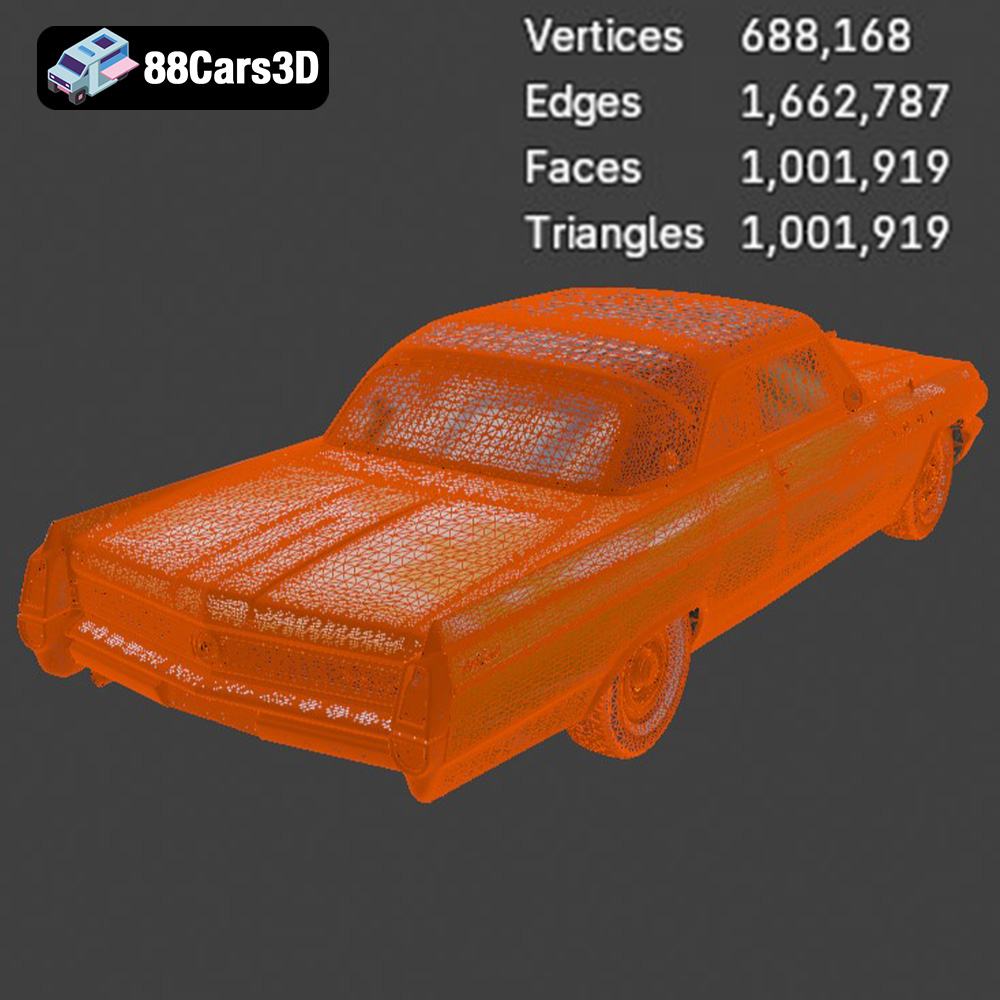
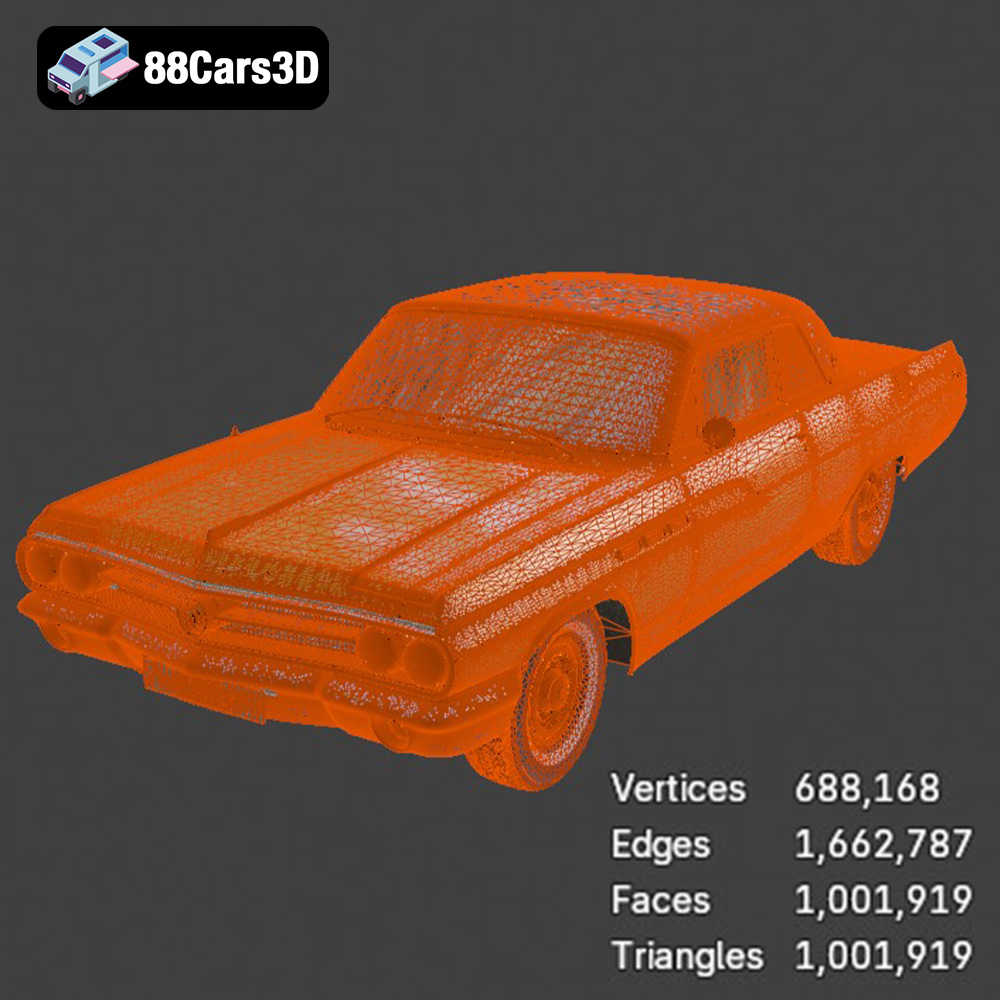
Regardless of the file format, the quality of the mesh is crucial for successful 3D printing. A poorly constructed mesh with holes, self-intersections, or non-manifold geometry can lead to printing errors. Most slicing software includes tools to repair minor mesh issues, but it’s always best to start with a clean, well-defined mesh.
Compatibility with slicing software is also essential. Popular slicing software options include Cura, PrusaSlicer, Simplify3D, and others. Ensure that your chosen software supports the file format you’re using (ideally .stl) and that it has the necessary tools to generate support structures, adjust print settings, and prepare the model for your specific 3D printer. The .STL from 88cars3d.com should be compatible with all major slicing software.
The journey to a perfect 3D printed Buick Wildcat Convertible 1963 begins long before you hit the “print” button. Proper preparation is key to a successful outcome.
Before importing the .stl file into your slicing software, it’s crucial to inspect the model for any potential issues. Use a mesh editing tool like MeshLab or the built-in repair tools in your slicing software to identify and fix problems such as:
* **Non-manifold geometry:** Areas where the mesh is not properly connected, leading to holes or gaps.
* **Inverted normals:** Surfaces that are facing the wrong way, causing printing errors.
* **Self-intersections:** Parts of the model that intersect with themselves, creating printing conflicts.
Addressing these issues early on will prevent headaches during the printing process. The models from 88cars3d.com are typically prepared to a high standard, however, it is best practice to check.
The Buick Wildcat Convertible 1963 3D model can be scaled to your desired size, but it’s important to consider the limitations of your 3D printer and the level of detail you want to achieve. The product description recommends scales of 1:32, 1:24, 1:18, and 1:12.
* **Smaller scales (1:32, 1:43):** These scales are great for creating a collection of miniature cars, but they require a printer with high resolution capabilities to accurately reproduce fine details like the grille, emblems, and trim. Resin printers are typically better suited for these smaller scales.
* **Larger scales (1:18, 1:12):** Larger scales allow for more detail and easier post-processing, but they also require more material and longer print times. FDM printers can be used effectively at these scales.
Careful consideration should be given to print orientation to minimise the need for supports, and to maximize surface finish quality. Printing the body at an angle will help avoid stair stepping on the curved surfaces.
The choice of material significantly impacts the final appearance and durability of your 3D printed Buick Wildcat Convertible 1963. Each material has its own properties, advantages, and disadvantages.
* **Pros:** Easy to print, biodegradable, wide range of colors, low odor.
* **Cons:** Lower heat resistance, can be brittle, not ideal for parts that will be exposed to high temperatures or stress.
PLA is a good starting point for beginners due to its ease of use. It’s suitable for creating display models that won’t be subjected to harsh conditions.
* **Pros:** Stronger and more flexible than PLA, good heat resistance, chemical resistance.
* **Cons:** Can be more difficult to print than PLA, requires higher printing temperatures, may require a heated bed.
PETG is a better choice if you want a more durable and heat-resistant model. It’s suitable for parts that might experience some stress or be used in warmer environments.
* **Pros:** Exceptional detail, smooth surface finish, high precision.
* **Cons:** More expensive than filament, requires post-processing (washing and curing), can be brittle, limited color options.
Resin printing is the way to go if you want to capture the finest details of the Buick Wildcat Convertible 1963, especially at smaller scales. However, it requires more effort and specialized equipment.
The ideal printer settings for the Buick Wildcat Convertible 1963 will depend on your chosen material and 3D printer. However, here are some general guidelines to get you started.
* **FDM:** A layer height of 0.08-0.16 mm is recommended for a good balance of detail and print time. Lower layer heights will result in finer details but longer print times.
* **Resin:** Layer heights of 0.025-0.05 mm are typical for resin printing, providing exceptional detail.
* An infill density of 15-25% is sufficient for most parts of the Buick Wildcat Convertible 1963. Higher infill densities will increase the strength of the model but also increase print time and material usage.
* Supports are essential for overhangs, such as the mirrors, wheel arches, and subtle rear roof spoiler. Use tree supports or manually placed supports for optimal results. Be mindful of support placement to minimise damage to visible surfaces when removing them.
* A moderate print speed is recommended to ensure good layer adhesion and detail. Start with the recommended print speeds for your chosen material and adjust as needed.
Once the printing is complete, the real fun begins! Post-processing is where you transform a raw 3D print into a polished and eye-catching replica of the Buick Wildcat Convertible 1963.
Carefully remove the support structures, using tools like pliers or a hobby knife. Sand down any rough edges or imperfections with progressively finer grits of sandpaper, starting with a rough grit (e.g., 220) and working your way up to a fine grit (e.g., 600 or higher).
Apply a primer coat to the entire model to create a smooth surface for painting. Once the primer is dry, you can apply your chosen paint colors. Consider using classic 1960s Buick colors for an authentic look. Multiple thin coats are better than one thick coat to avoid drips and runs.
Add fine details with a small brush and acrylic paints, such as chrome trim, emblems, and interior accents. Assemble the different parts of the model, such as the wheels, axles, and body, using glue or epoxy.
Even with careful preparation, you may encounter some challenges during the 3D printing process. Here are some common issues and their solutions:
* **Warping:** This occurs when the corners of the print lift off the build plate. Ensure your bed is properly leveled and heated, and use an adhesive like glue stick or hairspray to improve bed adhesion.
* **Stringing:** This is when thin strands of plastic are left between different parts of the print. Reduce the printing temperature, increase retraction settings, or adjust the travel speed.
* **Layer separation:** This is when the layers of the print do not adhere properly. Increase the printing temperature, reduce the print speed, or ensure the bed is properly leveled.
* **Insufficient detail:** If small details are not printing correctly, reduce the layer height, increase the resolution, or try printing with a resin printer.
The print time and material cost will vary depending on the size of the model, the chosen material, and the printer settings. However, here are some rough estimates:
* **Print time:** 10-30 hours for FDM, 4-12 hours for resin.
* **Material cost:** $10-$30 for FDM, $20-$50 for resin.
These are just estimates, so be sure to factor in the cost of electricity, support material, and post-processing supplies.
3D printing the Buick Wildcat Convertible 1963 is a rewarding project that combines technology with automotive history. By following the steps outlined in this guide, you can create a stunning replica of this iconic car. Remember to focus on proper model preparation, material selection, printer settings, and post-processing techniques. With patience and attention to detail, you’ll have a beautiful 3D printed Buick Wildcat Convertible 1963 to display and admire, all thanks to the accessible models available at 88cars3d.com. Enjoy the journey, and happy printing!
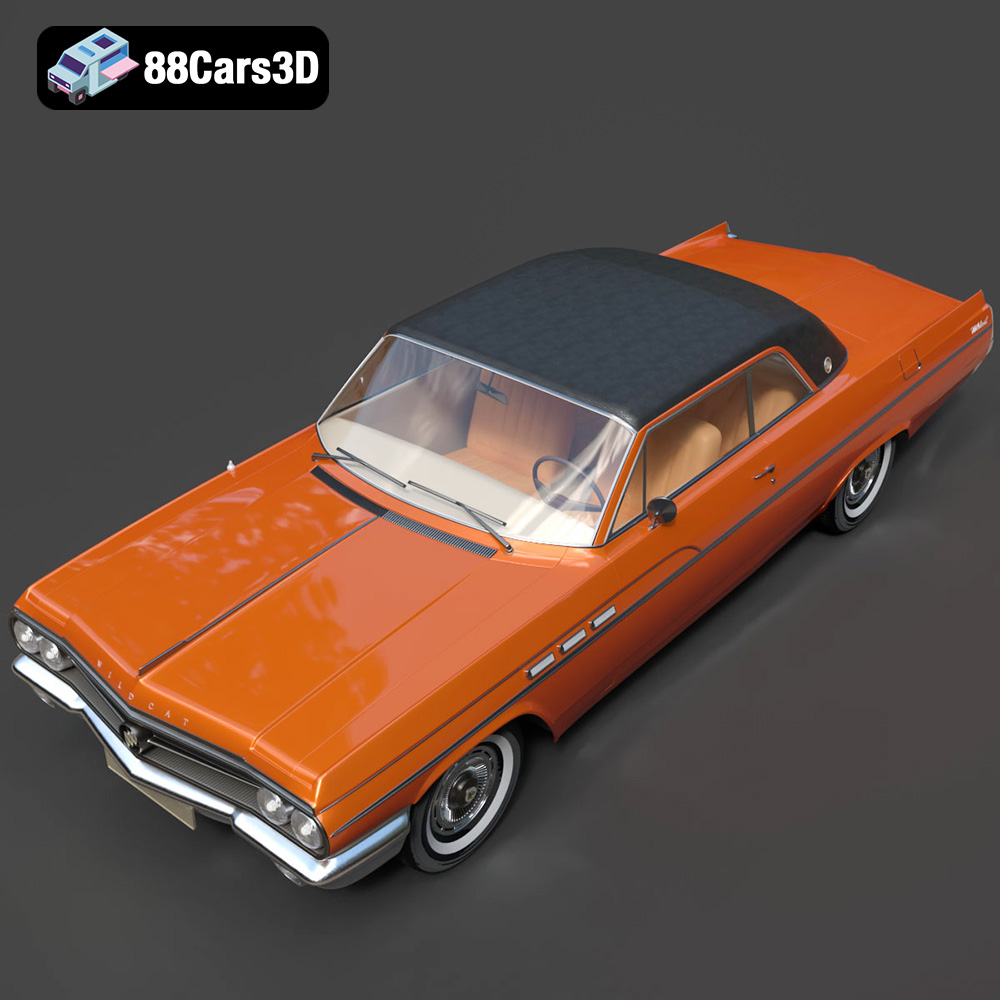
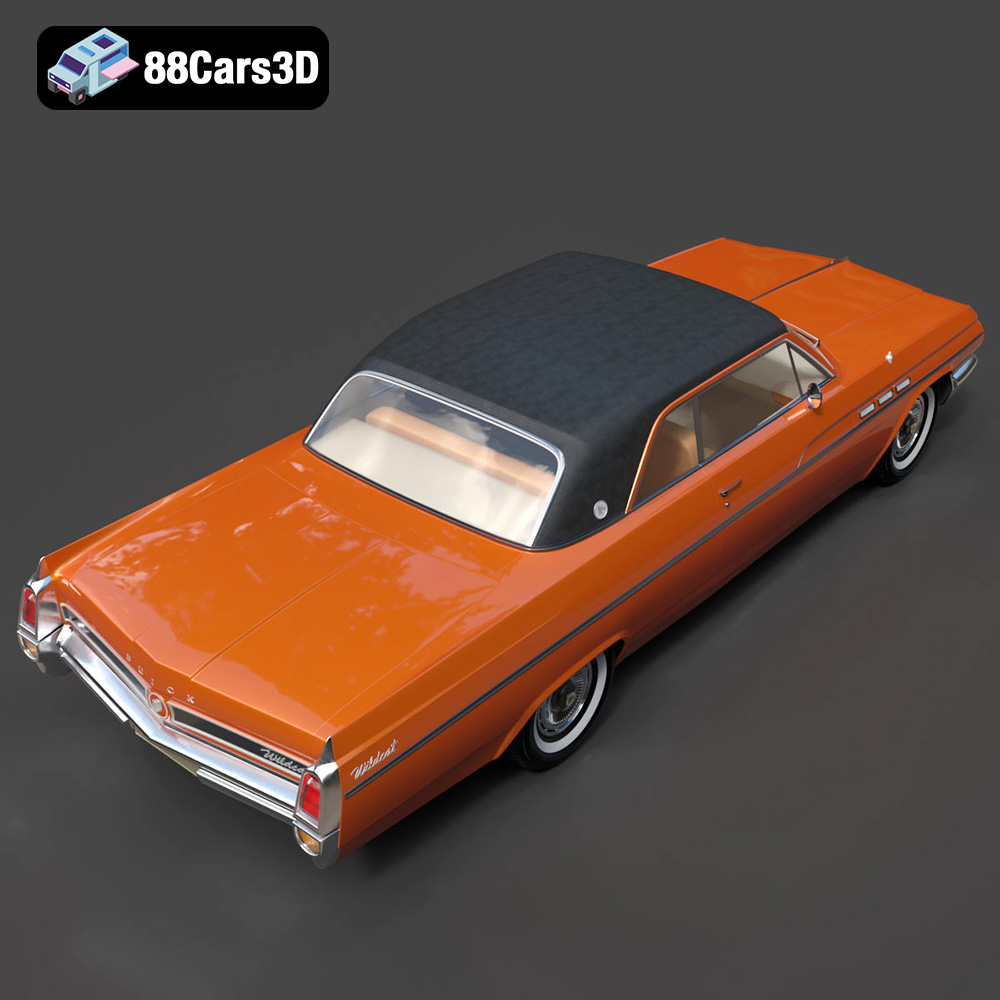
The Buick Wildcat Convertible 1963 3D Model is a high-detail digital recreation of the classic American full-size performance convertible known for its bold styling, powerful V8 engine heritage, and open-top cruising appeal. The 1963 Wildcat combined luxury comfort with muscle-era presence, making it a standout of early 1960s American automotive design. Perfect for retro boulevard scenes, beach environments, classic car showcases, cinematic productions, and vintage driving simulations.
$9.99
.1960scar
.americanclassic
.arvr
.automotive
.blend
.buick
.car3dmodel
.classiccar
.convertible
.fbx
.gameasset
.glb
.max
.obj
.ply
.rendering
.simulation
.stl
.unreal
.vintagecar
.wildcat1963