Get 50% OFF All Premium 3D & STL Models!

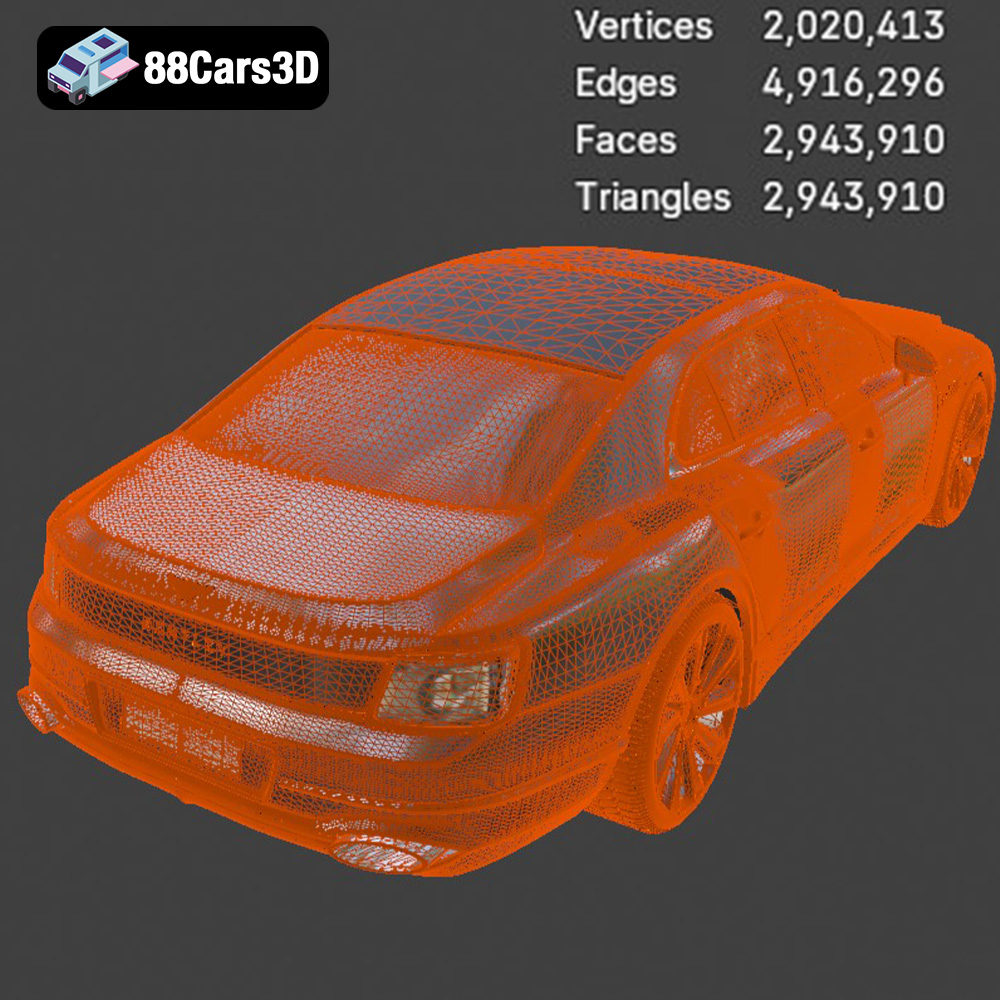
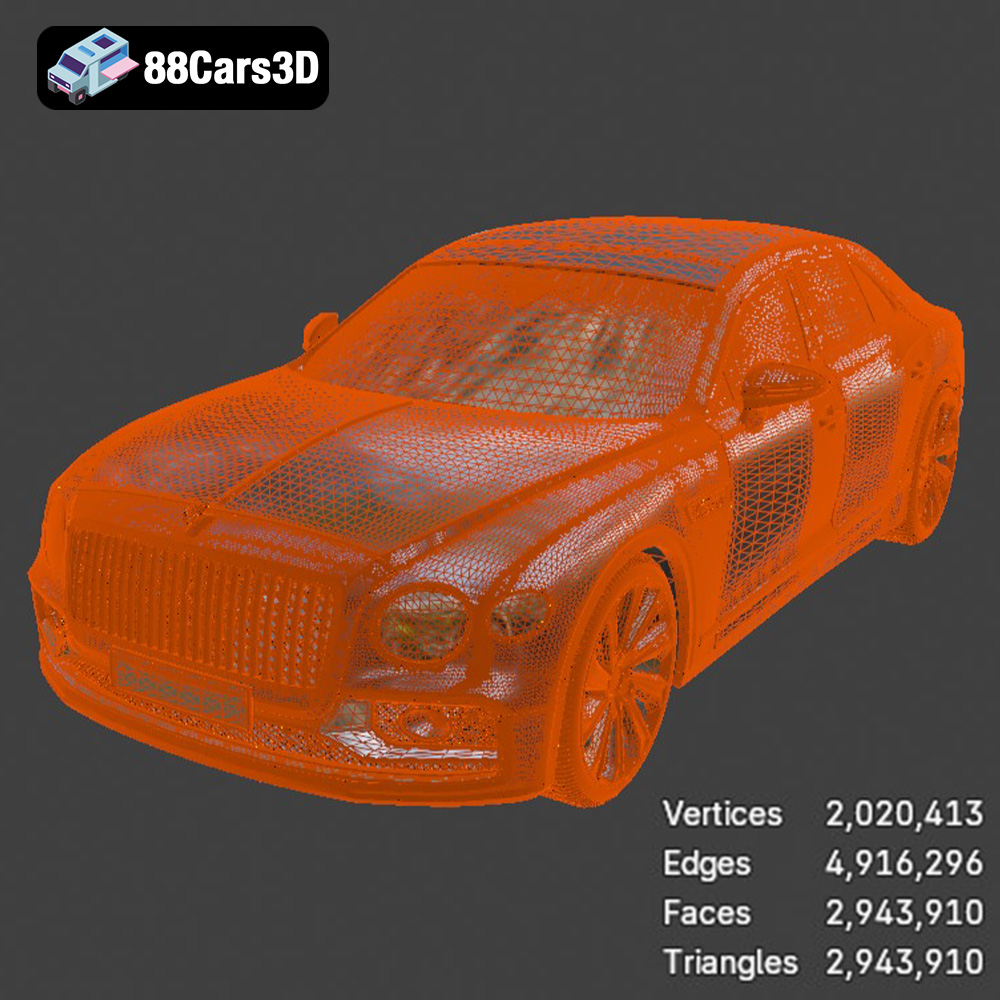
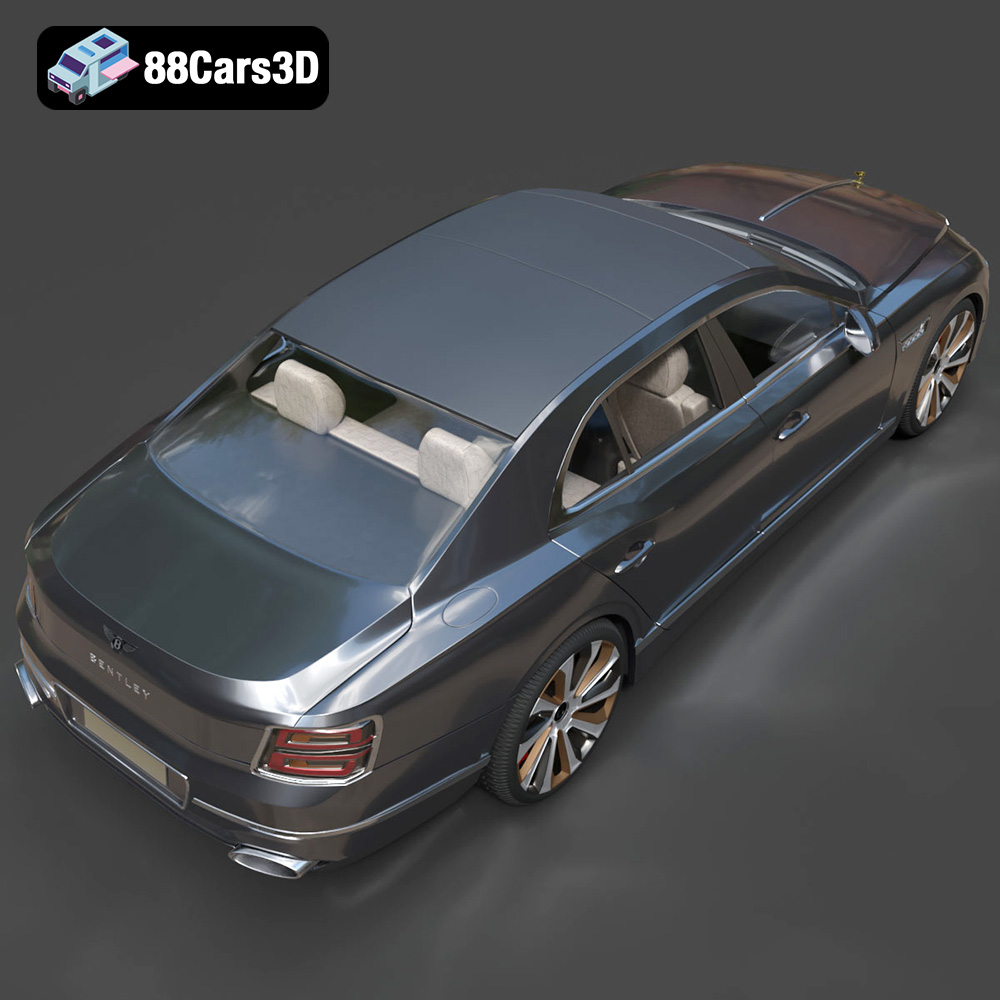
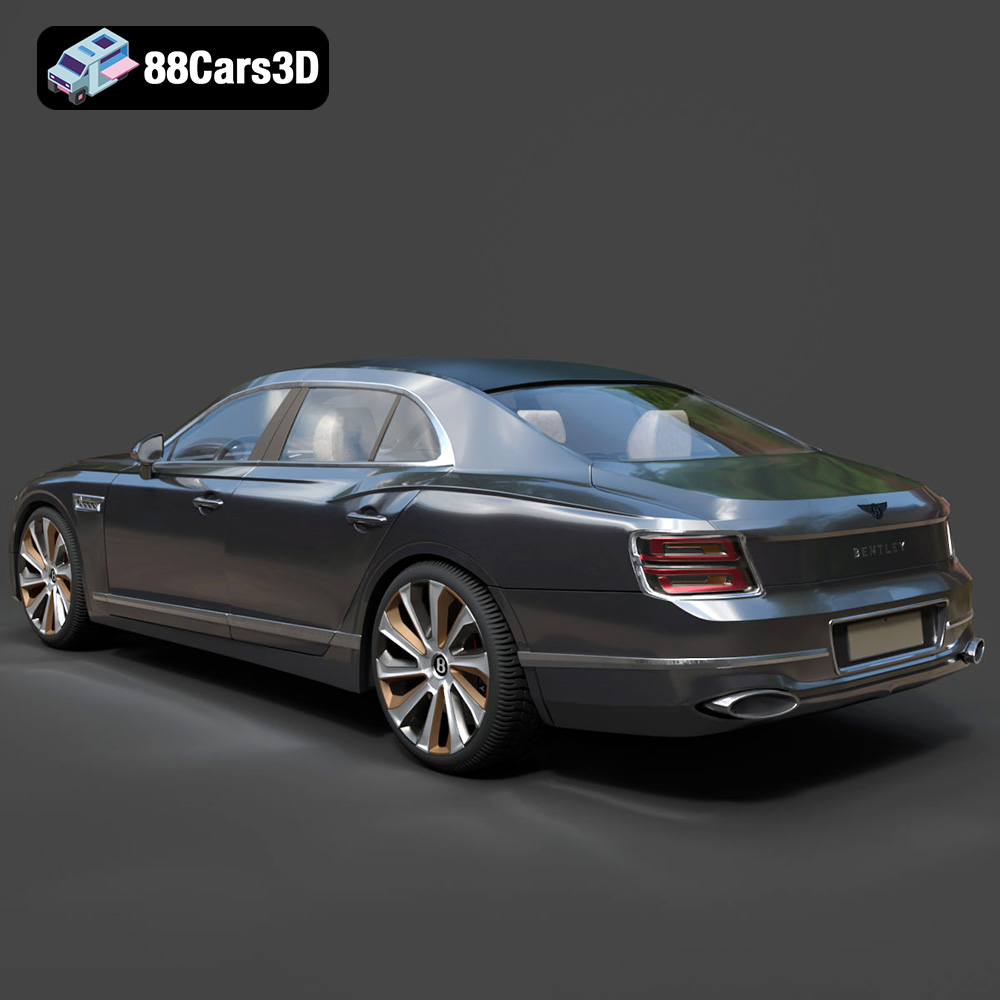
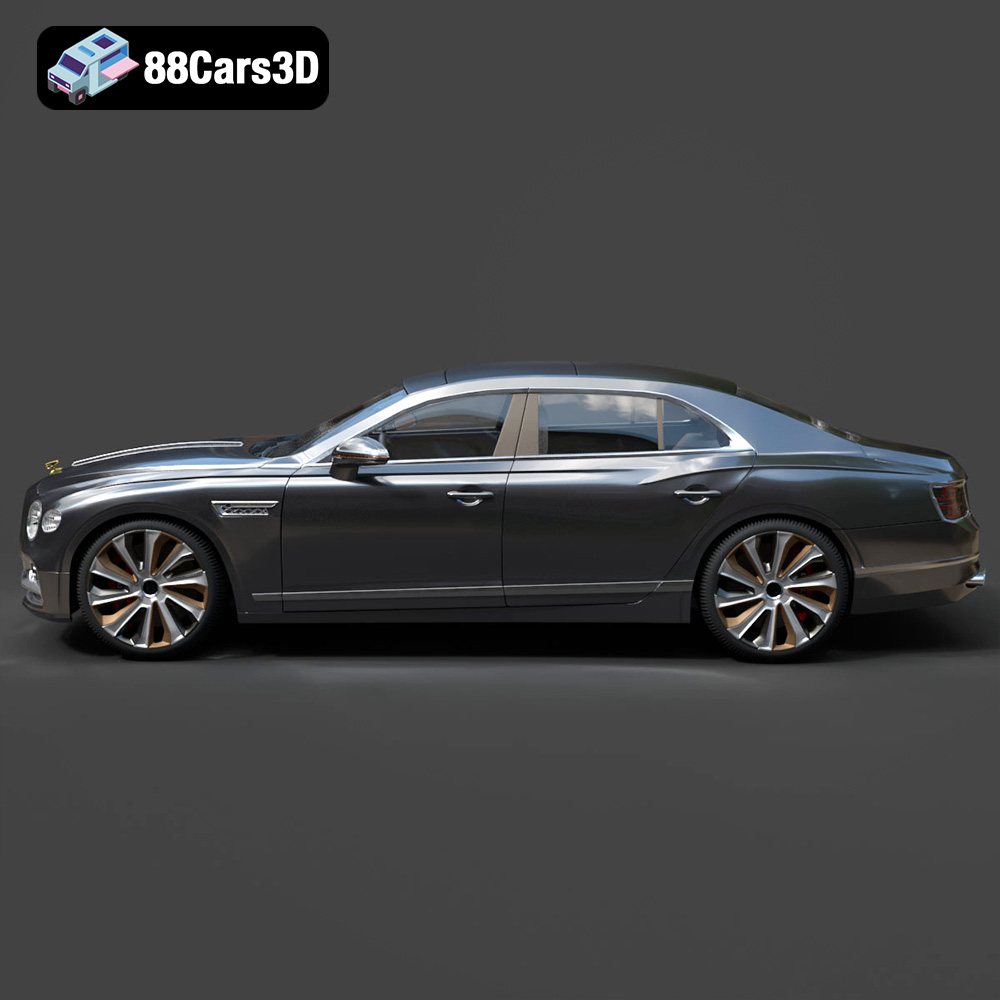
The Bentley Flying Spur Mulliner 2022 3D model, available on 88cars3d.com, represents the pinnacle of automotive luxury. Capturing the intricate details of this grand tourer in a 3D print is an ambitious but rewarding project. With its complex “Double Diamond” grille, quilted interior, and elegant lines, replicating this model requires careful planning, the right equipment, and a dedication to post-processing. This guide provides a comprehensive overview of how to successfully 3D print this stunning vehicle, transforming a digital file into a tangible masterpiece. The ultra-high poly count of the model from 88cars3d.com makes it ideally suited for large-scale, highly detailed prints.
Before diving into the printing process, it’s crucial to understand the different file formats included with the Bentley Flying Spur Mulliner 2022 model and how they relate to 3D printing. While the model comes in various formats suited for rendering and visualization, the .STL format is the primary choice for additive manufacturing.
STL (Stereolithography) is the most common file format used in 3D printing. It represents the surface geometry of a 3D object as a collection of triangles. The density of these triangles determines the resolution and smoothness of the printed object. The STL file for the Bentley Flying Spur Mulliner 2022 is likely a substantial file due to the model’s high polygon count, necessary to capture the intricate details of the car. When working with STL files, consider the following:
* **Mesh Quality:** High-quality STL files are essential for successful 3D printing. Check for any errors in the mesh, such as non-manifold edges, flipped normals, or gaps. These errors can cause problems during slicing and printing, resulting in imperfections or print failures. Mesh repair tools, available in software like Meshmixer or Netfabb, can help fix these issues. The Bentley Flying Spur Mulliner 2022 model’s high polygon count should minimize faceting, but repair may still be necessary to ensure a watertight model.
* **File Size:** STL files can be large, especially for complex models. Ensure your slicing software can handle the file size without crashing or slowing down significantly. If necessary, you can reduce the polygon count of the model using decimation tools, but be mindful of preserving the critical details of the car.
OBJ files are another common 3D model format that supports both geometry and texture information. Unlike STL files, OBJ files can store color data, making them suitable for 3D printing in full color, if your printer supports it. However, for most 3D printing applications, STL remains the preferred choice due to its simplicity and widespread compatibility.
PLY is designed to store 3D data acquired from 3D scanners. It’s often used when high precision is needed. For the Bentley Flying Spur Mulliner 2022, the PLY format would retain a lot of detail; however, your slicer needs to support the format. Like OBJ, STL is still generally preferred, but PLY offers another potential avenue for printing.
The .blend file is the native format for Blender, a popular open-source 3D modeling software. This format allows you to directly modify the 3D model before exporting it to a printable format like STL. You can use Blender to optimize the model for 3D printing, such as hollowing it out to save on material, adding support structures, or separating parts for easier printing.
FBX is a proprietary file format developed by Autodesk, commonly used for exchanging 3D data between different software applications. It supports geometry, textures, materials, and animation data. While FBX files are not directly used for 3D printing, they can be imported into some slicing software that supports material properties, allowing you to assign different materials to different parts of the model.
GLB is a binary file format that represents 3D models using the glTF (GL Transmission Format) standard. It’s designed to be compact and efficient for real-time rendering, making it suitable for web-based applications and augmented reality (AR) experiences. Before printing, you can use the GLB file to preview the model in AR, allowing you to visualize how it will look in the real world.
.max files are the native format for 3ds Max, another professional 3D modeling software. Similar to .blend files for Blender, .max files allow for extensive modification of the 3D model before preparing it for 3D printing.
In summary, for 3D printing the Bentley Flying Spur Mulliner 2022 model, the STL format is the most practical choice. Ensure the mesh is clean and error-free. For advanced users, Blender (.blend) or 3ds Max (.max) can be used to customize the model before exporting it as an STL file for slicing.
Before sending the STL file to your 3D printer, it’s essential to prepare it using slicing software. This software converts the 3D model into a series of instructions (G-code) that the printer can understand. Furthermore, optimizing the model for 3D printing ensures the best possible results.
Choosing the right slicing software is crucial. Popular options include Cura, Simplify3D, PrusaSlicer, and Chitubox (for resin printing). The software you choose will depend on your printer type (FDM or resin) and your desired level of control over the printing process. For the Bentley Flying Spur Mulliner 2022, fine-tuning the settings is key to capturing the model’s intricate details. Recommended settings include:
* **Layer Height:** A low layer height is essential for capturing fine details. For FDM printing, aim for 0.1mm or lower. For resin printing, 0.05mm or even 0.025mm is recommended to truly showcase the “Double Diamond” grille and the quilted interior.
* **Infill Density:** The infill density affects the strength and weight of the print. For a display model like the Bentley Flying Spur Mulliner 2022, a moderate infill density of 15-25% is sufficient.
* **Wall Thickness:** A thicker wall thickness (1.5-2.5mm) provides better structural integrity and prevents warping.
* **Print Speed:** Reduce the print speed to improve the quality of the surface finish, especially for intricate details. A speed of 30-40mm/s is a good starting point.
* **Support Structures:** Support structures are necessary for overhanging features such as the “Flying B” mascot, side mirrors, and grille overhangs. Optimize support placement to minimize their impact on the surface finish.
The orientation of the model on the print bed can significantly affect the print quality and the amount of support material required. Printing the body at an angle, as recommended, can minimize the need for supports on the curved surfaces. Consider the following:
* **Body Orientation:** Rotate the body of the car so that the roof or side faces the print bed. This minimizes the amount of support needed for the body and allows for a smoother surface finish on the visible areas.
* **Wheel Orientation:** Print the wheels separately. Orient them vertically to achieve the best detail on the rims.
* **Scaling:** The Bentley Flying Spur Mulliner 2022 model is recommended for scales of 1:24, 1:18, or 1:12. Choose a scale that suits your printer’s build volume and desired level of detail. Be aware that scaling up the model will increase print time and material usage.
The choice of material is critical for achieving a high-quality 3D print of the Bentley Flying Spur Mulliner 2022. The material should be chosen based on the desired level of detail, strength, and aesthetic appeal.
For FDM (Fused Deposition Modeling) printing, PLA (Polylactic Acid) and PETG (Polyethylene Terephthalate Glycol) are common choices.
* **PLA:** PLA is a biodegradable thermoplastic that is easy to print and produces good detail. It is a good option for beginners and for models that don’t require high strength or heat resistance. However, PLA can be brittle and is not suitable for outdoor use.
* **PETG:** PETG is a more durable and heat-resistant thermoplastic than PLA. It is also more flexible, making it less prone to cracking. PETG is a good option for models that need to withstand some wear and tear.
While FDM printing is possible, it’s challenging to capture the finer details of the Mulliner, particularly the “Double Diamond” grille and intricate interior quilting. The layer lines inherent in FDM printing can also detract from the overall aesthetic.
For the Bentley Flying Spur Mulliner 2022, resin printing is highly recommended. Resin printers use liquid photopolymer resin that is cured by UV light, resulting in much higher resolution and finer details than FDM printers.
* **Standard Resin:** Standard resin is a good option for general-purpose printing. It is relatively inexpensive and produces good detail.
* **ABS-Like Resin:** ABS-like resin offers higher strength and durability compared to standard resin. It is more resistant to impacts and can withstand higher temperatures.
* **High-Detail Resin:** High-detail resins are specifically formulated to capture the finest details. These resins are more expensive but are worth the investment for models like the Bentley Flying Spur Mulliner 2022, where capturing the intricate design elements is paramount.
When using resin, ensure proper ventilation and wear gloves to avoid skin contact. Follow the manufacturer’s instructions for curing the resin after printing.
The print time and material cost for the Bentley Flying Spur Mulliner 2022 will vary depending on the scale, material, and printer settings used.
Print time is influenced by several factors, including:
* **Scale:** Larger scales will require more print time.
* **Layer Height:** Lower layer heights increase print time.
* **Print Speed:** Slower print speeds increase print time.
* **Infill Density:** Higher infill densities increase print time.
* **Support Structures:** More support structures increase print time.
A 1:18 scale model printed with resin at a layer height of 0.05mm could take anywhere from 24 to 48 hours to print, depending on the complexity of the support structures.
Material costs depend on the type of material used and the amount required.
* **FDM (PLA/PETG):** A 1kg spool of PLA or PETG typically costs between $20 and $40.
* **Resin:** A 1kg bottle of resin typically costs between $40 and $100, depending on the type and brand.
A 1:18 scale model could require between 200 and 400 grams of material, depending on the infill density and wall thickness.
Post-processing is an essential step in achieving a professional-looking finish for the 3D-printed Bentley Flying Spur Mulliner 2022.
Sanding is necessary to remove layer lines and imperfections from the surface of the print. Start with coarse-grit sandpaper (200-300 grit) to remove the most prominent imperfections, then gradually move to finer grits (400-600 grit) to smooth the surface. For resin prints, wet sanding is recommended to prevent the sandpaper from clogging.
After sanding, apply a primer to the model. The primer fills in any remaining imperfections and provides a smooth surface for painting.
Painting is where the Bentley Flying Spur Mulliner 2022 truly comes to life. Consider replicating Bentley’s signature two-tone paint schemes, such as Moonbeam over Onyx.
* **Base Coat:** Apply several thin coats of the base color, allowing each coat to dry completely before applying the next.
* **Masking:** Use masking tape to create sharp lines between different colors.
* **Top Coat:** Apply a clear coat to protect the paint and add a glossy finish. Multiple coats may be necessary to achieve the desired level of gloss.
After painting, carefully assemble the different parts of the model. Use glue or epoxy to attach the wheels, side mirrors, and other components. Pay attention to the alignment of the parts to ensure a professional-looking finish.
Even with careful planning, you may encounter issues during the 3D printing process. Here are some common problems and their solutions:
Warping occurs when the corners of the print lift off the print bed due to uneven cooling. To prevent warping:
* Ensure the print bed is level and clean.
* Use a heated print bed to maintain a consistent temperature.
* Apply an adhesive, such as glue stick or hairspray, to the print bed.
Stringing occurs when the printer nozzle leaves thin strands of material between different parts of the print. To prevent stringing:
* Reduce the printing temperature.
* Increase the retraction distance and speed.
* Ensure the filament is dry.
Support structures can sometimes be difficult to remove or leave blemishes on the surface of the print. To minimize support structure issues:
* Optimize support placement to minimize their impact on the surface finish.
* Use dissolvable support material for easier removal.
* Carefully remove support structures with a sharp knife or pliers.
Delamination is when the printed layers separate. To prevent it:
* Ensure proper bed adhesion.
* Calibrate your extruder temperature and extrusion multiplier.
* Reduce print speed.
By understanding these common issues and their solutions, you can increase your chances of a successful 3D print of the Bentley Flying Spur Mulliner 2022.
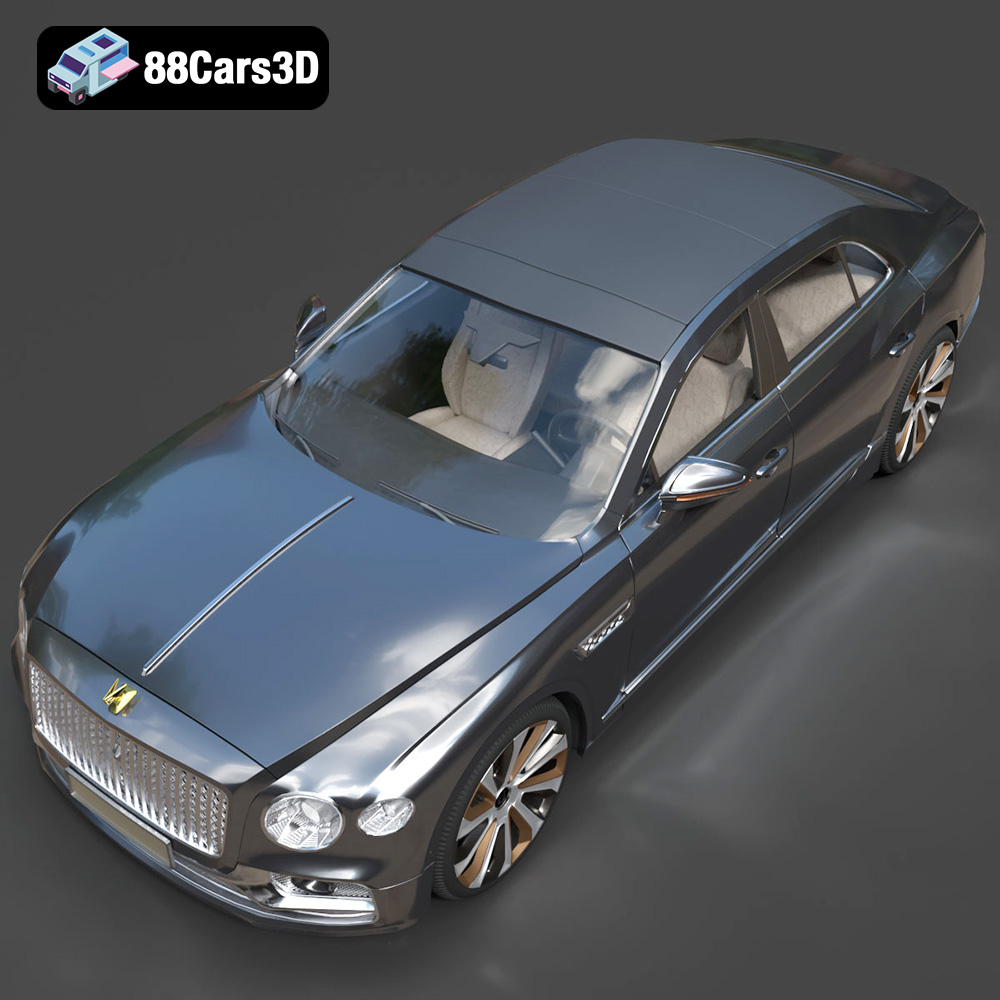
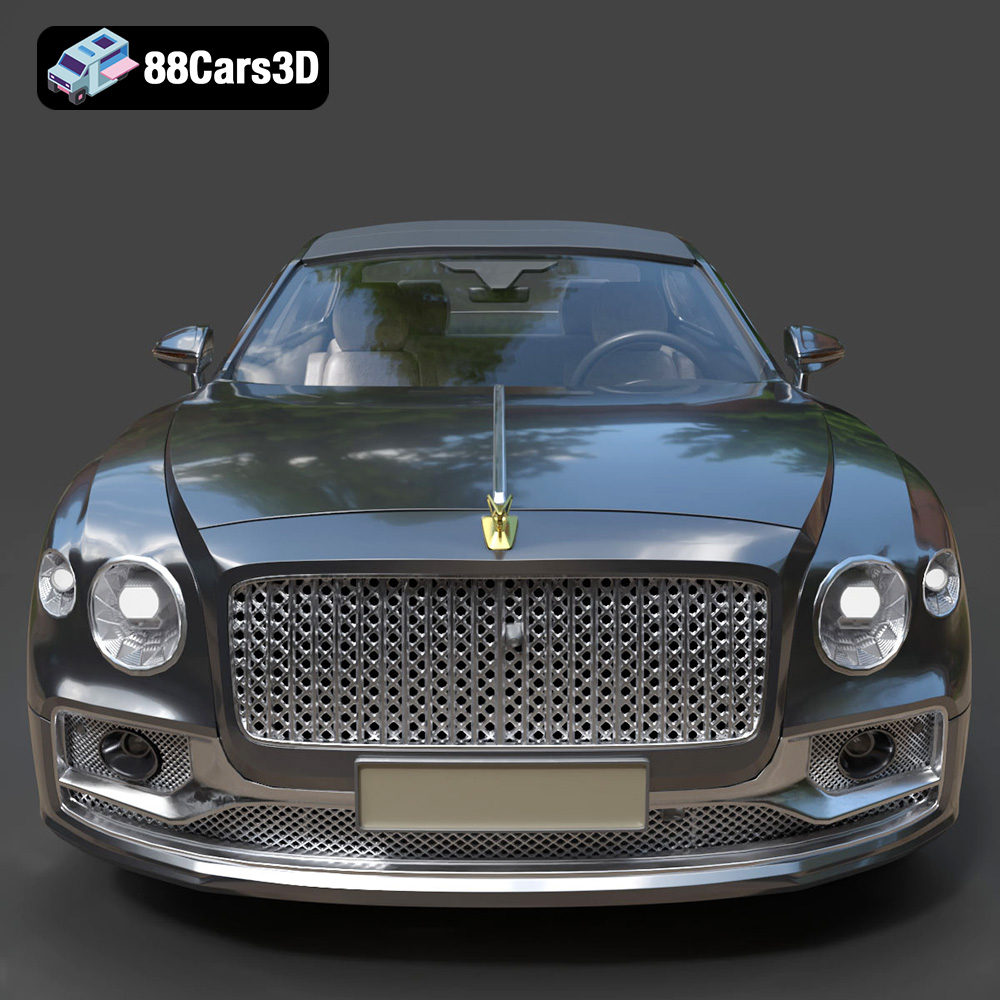
The Bentley Flying Spur Mulliner 2022 3D Model is an uncompromising, ultra-high-detail digital recreation of the pinnacle of British grand touring luxury. As the flagship of the Flying Spur range, the Mulliner edition is crafted by Bentley’s bespoke commissioning division, representing the ultimate expression of modern craftsmanship and automotive opulence. This 3D model meticulously captures the bespoke exterior elements unique to the Mulliner, including the exclusive “Double Diamond” front grille, the intricate Mulliner-branded wing vents, Satin Silver mirror caps, and the beautifully complex 22-inch Mulliner wheels.
$19.90
3D printing the Bentley Flying Spur Mulliner 2022 is a challenging but rewarding project that requires careful planning, the right equipment, and a dedication to post-processing. By understanding the nuances of 3D printing, selecting the appropriate materials, and mastering post-processing techniques, you can transform a digital file from 88cars3d.com into a tangible work of art. Remember, patience and attention to detail are key to achieving a flawless replica of this iconic luxury vehicle. Good luck, and happy printing!
.archviz
.automotive
.bentley
.blend
.fbx
.flying spur
.mulliner
.obj
.rendering
.sedan
2022-bentley
car-3d-model
grand-tourer
hero-car
high poly
luxury car
vfx