Get 50% OFF All Premium 3D & STL Models!

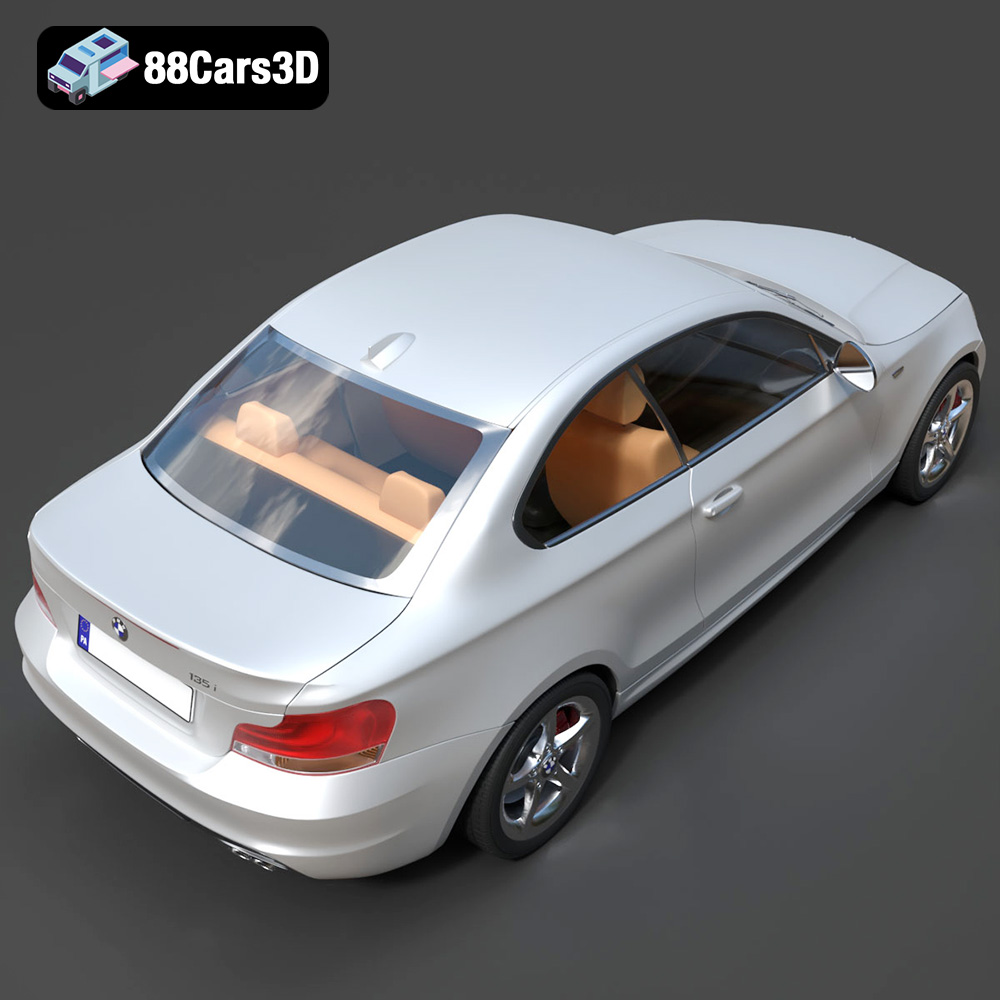
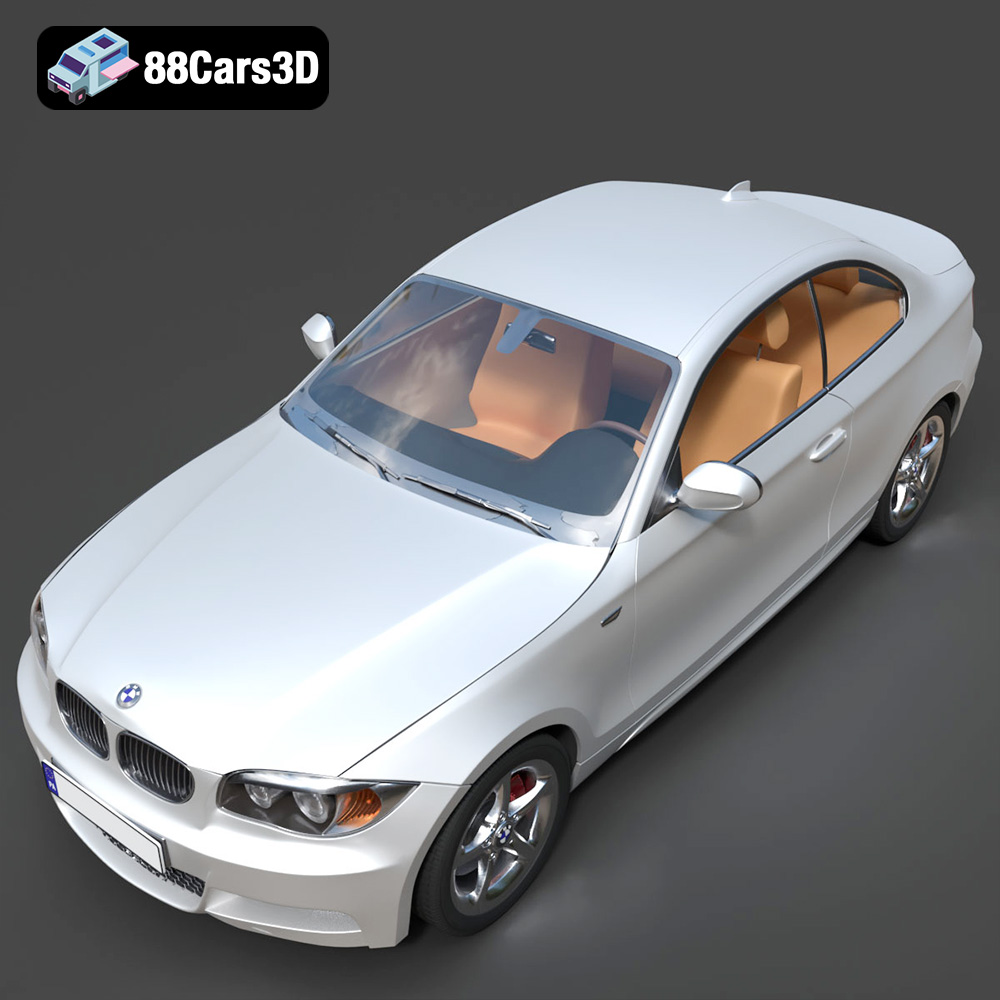
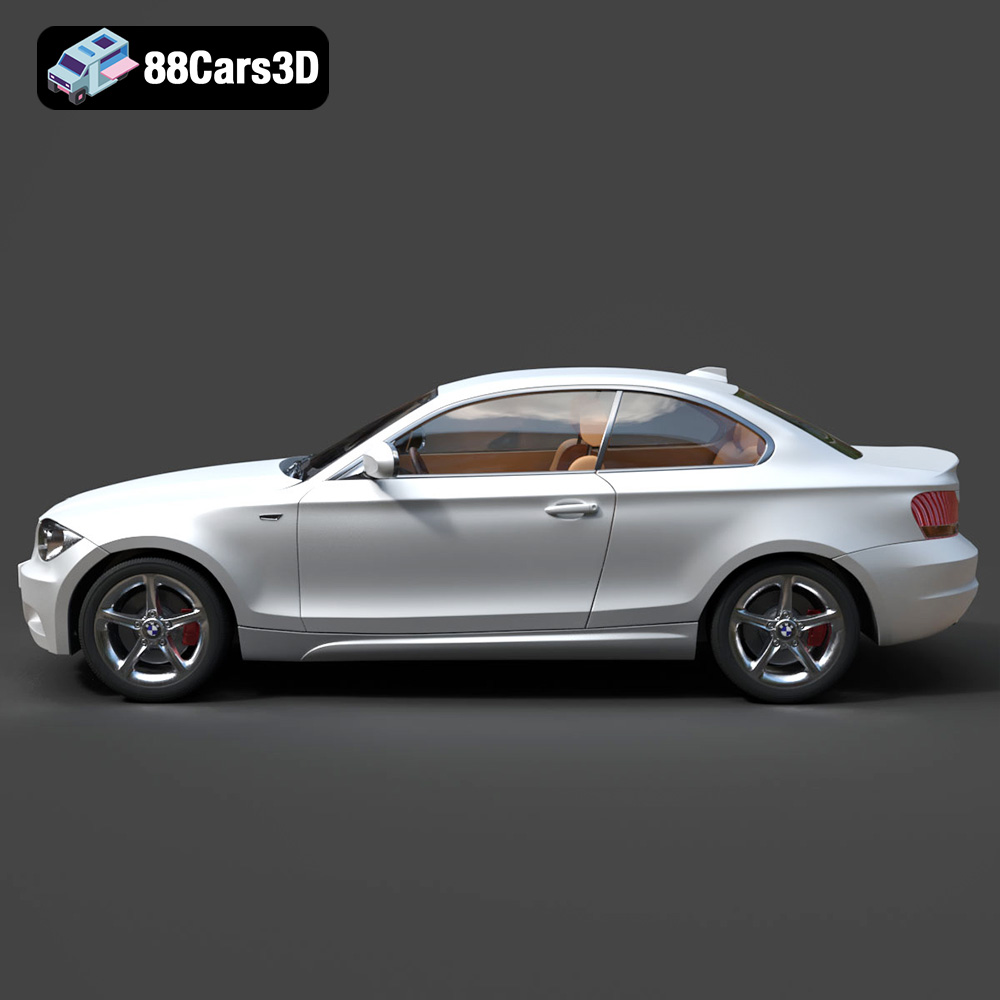
The BMW 1 Series Coupe 2009 is a fantastic subject for 3D printing, capturing the essence of a compact, sporty coupe in miniature form. Whether you’re a seasoned 3D printing enthusiast or just starting out, this guide will provide you with the knowledge needed to successfully bring this iconic vehicle to life. We’ll cover everything from selecting the right materials and printer settings to post-processing techniques that will elevate your finished model. This model is available in high quality on 88cars3d.com, optimized for 3D printing and other uses.
Choosing the right file format is a critical first step in ensuring a successful 3D printing experience. While numerous formats exist, some are better suited for additive manufacturing than others. Let’s explore the most common file formats and their relevance to 3D printing, with a particular emphasis on the industry-standard .STL format.
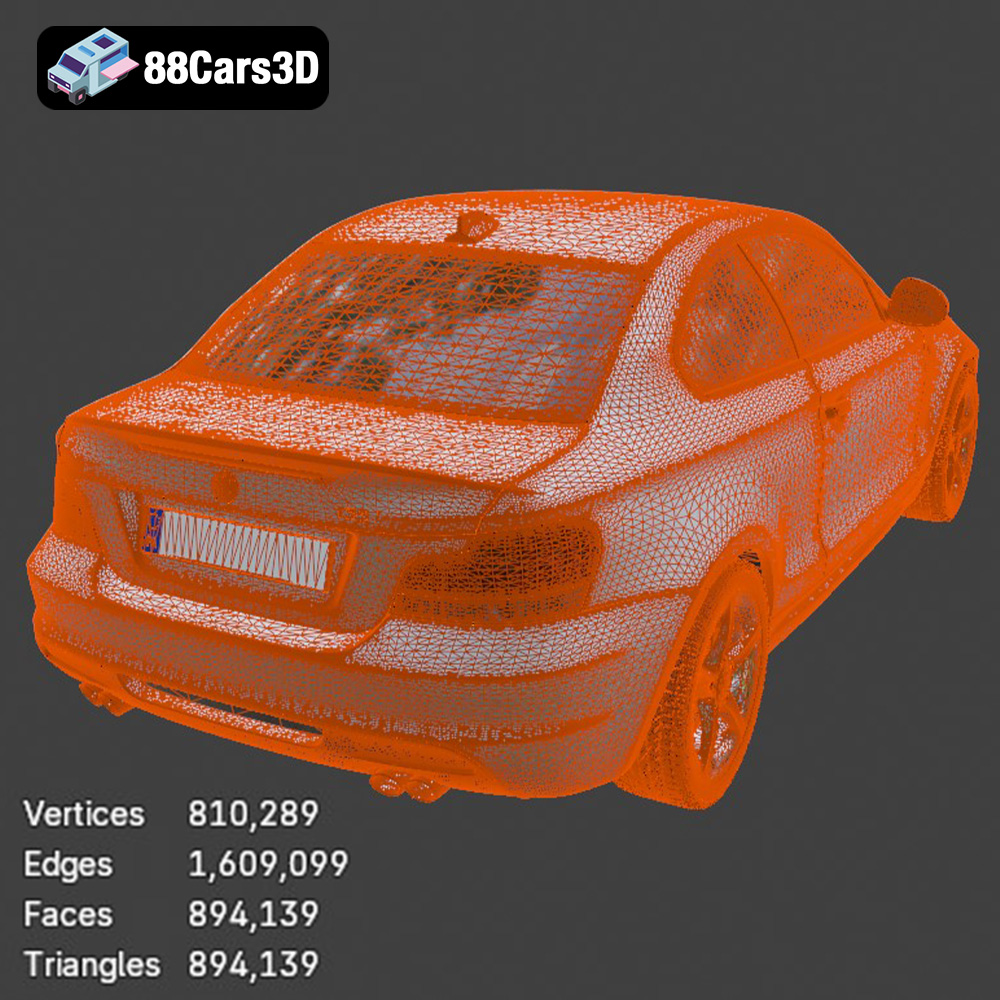
The .STL (Stereolithography) file format is the undisputed king of 3D printing. It represents the surface geometry of a 3D object as a collection of triangles, forming a mesh. Its simplicity and near-universal compatibility make it the go-to choice for most 3D printing applications. However, the .STL format only stores the shape of the object; it doesn’t contain information about color, texture, or materials. This means that .STL files are inherently monochrome.
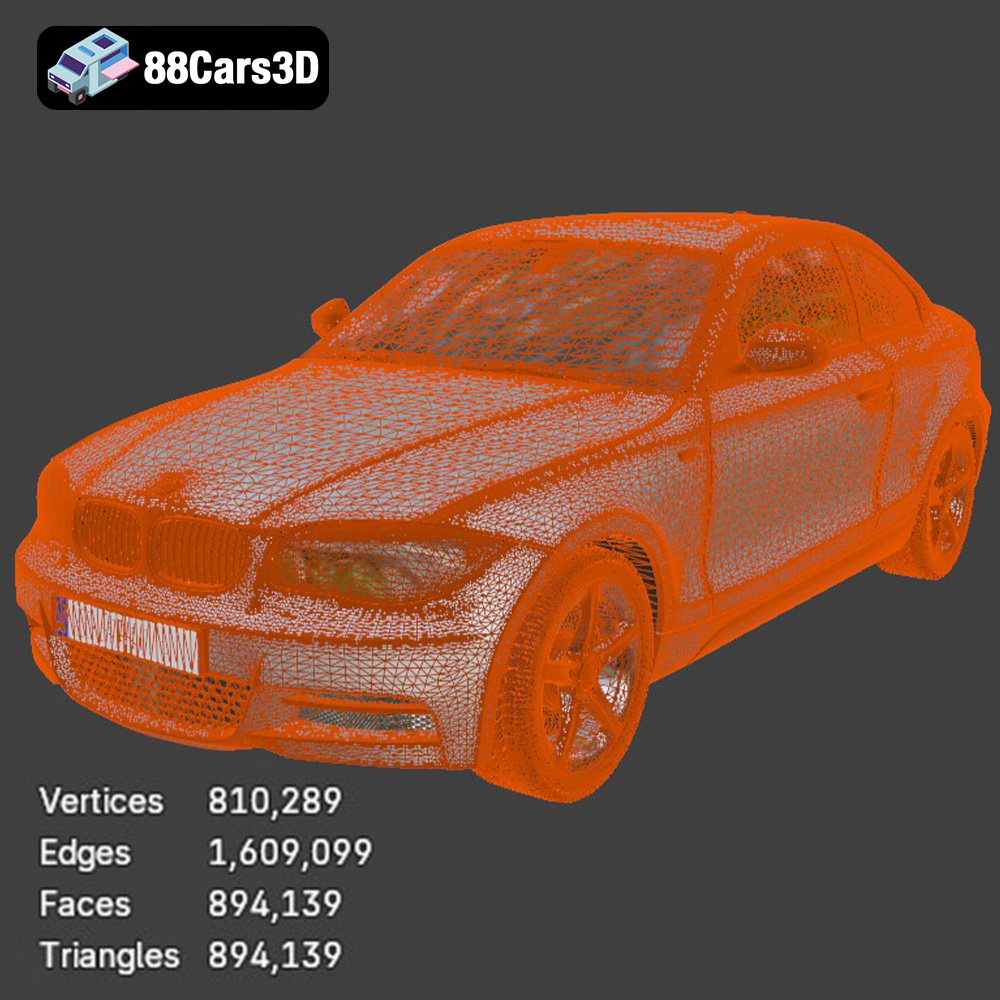
When preparing an .STL file for printing, it’s essential to ensure the mesh is watertight (i.e., no holes or gaps) and that the triangles are properly oriented (normals pointing outwards). Non-manifold geometry (where edges are shared by more than two faces) can also cause problems during slicing. Slicing software often has built-in tools to repair minor mesh issues, but complex problems may require manual correction in a 3D modeling program. The resolution of the triangle mesh also affects the smoothness of the printed object. Higher resolution meshes result in smoother surfaces but can lead to larger file sizes and increased processing time.
The .OBJ format is a more versatile file format that, unlike .STL, can store color and texture information. This makes it suitable for printing objects with multiple colors or intricate surface details, although multi-color 3D printing is still a relatively advanced technique requiring specialized hardware. .OBJ files also represent geometry as a mesh of polygons but can use quadrilaterals (quads) in addition to triangles. While .OBJ supports color, many 3D printers and slicing software packages primarily focus on .STL, so compatibility isn’t always guaranteed.
The .PLY format, originally developed at Stanford University, is designed to store 3D data acquired from 3D scanners. It can represent geometry, color, texture, and other properties like surface normals and transparency. .PLY files are often used in research and scientific applications due to their ability to capture high-detail geometric information. However, their complexity can sometimes pose challenges for 3D printing workflows.
.BLEND files are the native file format for Blender, a popular open-source 3D modeling software. They contain the entire Blender scene, including the object’s geometry, materials, textures, lighting, and animation data. While you cannot directly 3D print a .BLEND file, it’s invaluable for customizing the BMW 1 Series Coupe 2009 model before exporting it to a printable format like .STL. You can modify the model’s shape, add details, or adjust the scale within Blender and then export the final version as an .STL file for 3D printing.
.FBX (Filmbox) is a proprietary file format developed by Autodesk, primarily used for exchanging 3D data between different software applications. It can store geometry, materials, textures, animation, and other scene data. While .FBX is commonly used in game development and animation, its use in 3D printing is less prevalent. Some advanced slicing software packages might support importing .FBX files, potentially allowing you to retain material information (if your printer supports multi-material printing). However, it’s more common to export the model as an .STL file for broader compatibility.
.GLB (GL Transmission Format Binary) is a file format designed for efficient transmission and loading of 3D models in web and mobile applications. It’s particularly well-suited for augmented reality (AR) and virtual reality (VR) applications. You can use .GLB files to preview the BMW 1 Series Coupe 2009 model in an AR environment before printing it, allowing you to visualize its size and appearance in the real world. However, .GLB is not directly used for 3D printing; you’ll still need to convert the model to a printable format like .STL.
.MAX files are the native file format for 3ds Max, another popular professional 3D modeling software package. Similar to .BLEND files, .MAX files contain the complete scene data, including geometry, materials, textures, lighting, and animation. If you have access to 3ds Max, you can use it to customize the BMW 1 Series Coupe 2009 model before exporting it to a printable format like .STL.
In conclusion, while other formats offer additional features, .STL remains the most widely supported and reliable format for 3D printing due to its simplicity and broad compatibility with slicing software and 3D printers. Ensuring a clean, watertight mesh in your .STL file is crucial for a successful print.
Choosing the right material is essential for achieving the desired look, feel, and durability for your 3D printed BMW 1 Series Coupe. Different materials offer varying properties in terms of strength, flexibility, heat resistance, and surface finish. Here’s a breakdown of some popular options:
PLA is a biodegradable thermoplastic derived from renewable resources like cornstarch or sugarcane. It’s known for its ease of use, low printing temperature, and minimal warping, making it an excellent choice for beginners. PLA produces relatively stiff and brittle parts with a smooth surface finish. It’s ideal for creating display models and prototypes but may not be the best choice for parts that require high strength or heat resistance.
For the BMW 1 Series Coupe, PLA is well-suited for printing the main body and interior components. Its smooth surface finish can be further enhanced with post-processing techniques like sanding and painting. However, avoid using PLA for parts that might be exposed to high temperatures, such as the dashboard, as it can soften and deform.
PETG is a modified version of PET (the plastic used in water bottles) that offers improved strength, flexibility, and heat resistance compared to PLA. It’s also less prone to warping and shrinking, making it easier to print larger objects. PETG is a good all-around material for 3D printing, striking a balance between ease of use and performance.
PETG would be a great material for the wheels, axles, and other parts that need some degree of flexibility. It can also be used for the body if you want something more durable than PLA.
Resin 3D printing (SLA/DLP) uses liquid photopolymer resins that are cured by UV light. Resin printing produces parts with exceptional detail, smooth surfaces, and high dimensional accuracy. It’s ideal for creating intricate models with fine features, making it a popular choice for miniatures, jewelry, and dental models.
For the BMW 1 Series Coupe, resin printing is perfect for capturing the fine details of the body, such as the grilles, headlights, and badging. It can also be used to create highly detailed interior components. However, resin parts tend to be more brittle than FDM-printed parts, and require careful handling.
* **ABS (Acrylonitrile Butadiene Styrene):** A strong and durable thermoplastic often used in automotive parts and consumer electronics. It requires higher printing temperatures and is prone to warping, making it more challenging to print than PLA or PETG.
* **Nylon:** A strong, flexible, and heat-resistant material suitable for functional parts. It can be challenging to print due to its tendency to absorb moisture.
* **TPU (Thermoplastic Polyurethane):** A flexible and elastic material ideal for creating rubber-like parts.
Before you hit the “print” button, it’s crucial to prepare your 3D model using slicing software. This software converts the 3D model into a series of instructions (G-code) that the printer can understand. Slicing also allows you to adjust various settings that affect the print quality, strength, and speed.
Several excellent slicing software options are available, both free and paid. Popular choices include:
* **Cura:** A free, open-source slicer with a user-friendly interface and a wide range of settings.
* **PrusaSlicer:** Another free, open-source slicer known for its advanced features and accurate print predictions.
* **Simplify3D:** A paid slicer with a more advanced feature set and customizable settings.
The choice of slicing software depends on your experience level and the specific features you require. Cura and PrusaSlicer are excellent options for beginners, while Simplify3D offers more advanced control for experienced users.
The orientation of your model on the print bed can significantly impact the print quality and the amount of support material required. For the BMW 1 Series Coupe, printing the body at an angle (e.g., 45 degrees) can help minimize the need for supports on the curved surfaces. Experiment with different orientations to find the optimal balance between surface finish and support usage.
Support structures are necessary to support overhanging features, such as the mirrors, bumpers, and underbody details. Choose a support type that is easy to remove and doesn’t leave excessive marks on the printed surface. Tree supports are often a good option, as they use less material and are easier to remove than linear supports.
* **Layer Height:** A smaller layer height results in a smoother surface finish but increases the print time. A layer height of 0.1mm to 0.15mm is a good starting point for the BMW 1 Series Coupe. For resin printing, layer heights can be significantly lower, down to 0.025mm.
* **Infill Density:** The infill density determines the internal strength of the printed part. A higher infill density results in a stronger but heavier part. An infill density of 15% to 25% is usually sufficient for display models.
* **Wall Thickness:** The wall thickness affects the strength and rigidity of the printed part. A wall thickness of 1.2mm to 2mm is recommended for the BMW 1 Series Coupe.
* **Print Speed:** The print speed affects the print quality and the print time. A slower print speed generally results in a better surface finish. Experiment with different print speeds to find the optimal balance between quality and speed.
Achieving a high-quality 3D printed BMW 1 Series Coupe requires careful selection of printing parameters. These parameters will vary depending on the material, printer type, and desired level of detail. Here are some recommended settings:
* **Layer Height:** 0.1mm – 0.15mm
* **Infill Density:** 15% – 25%
* **Wall Thickness:** 1.2mm – 2mm
* **Print Speed:** 40mm/s – 60mm/s
* **Support Type:** Tree supports or linear supports
* **Bed Temperature:** 60°C (PLA), 70°C – 80°C (PETG)
* **Nozzle Temperature:** 200°C – 220°C (PLA), 230°C – 250°C (PETG)
* **Layer Height:** 0.025mm – 0.05mm
* **Exposure Time:** Refer to the resin manufacturer’s recommendations
* **Lift Speed:** Refer to the resin manufacturer’s recommendations
* **Support Type:** Light supports with small contact points
The print time and material cost for the BMW 1 Series Coupe will vary depending on the size, complexity, and printing parameters. As a rough estimate, a 1:24 scale model printed in PLA could take 12-24 hours and cost $5-$10 in material. A resin print of the same size could take 6-12 hours and cost $10-$20 in resin. These are just estimates, and the actual values may vary.
Post-processing is the key to transforming a raw 3D print into a polished and professional-looking model. This involves removing support structures, sanding the surface, painting the model, and assembling the various components.
Carefully remove the support structures using pliers or a sharp knife. Be gentle to avoid damaging the printed surface. Once the supports are removed, sand the surface with progressively finer grits of sandpaper (e.g., 220, 400, 600, 800 grit) to smooth out any imperfections.
Apply a primer to the sanded surface to create a smooth and uniform base for the paint. Choose a primer that is compatible with your chosen paint type. Once the primer is dry, apply several thin coats of paint, allowing each coat to dry completely before applying the next. Consider using automotive-grade paints for a durable and realistic finish. For added realism, consider using masking tape to create two-tone paint jobs or add stripes.
Assemble the various components of the BMW 1 Series Coupe, such as the wheels, axles, and interior parts. Use glue or adhesive to secure the parts together. Add details like decals, badges, and window trim to enhance the realism of the model.
Even with careful preparation, 3D printing can sometimes present challenges. Here are some common issues and their solutions:
* **Warping:** This occurs when the printed part lifts off the print bed due to uneven cooling. To prevent warping, ensure the bed is properly leveled, use a heated bed, and apply an adhesive like glue stick or hairspray.
* **Stringing:** This occurs when the printer extrudes plastic while moving between different parts of the model. To prevent stringing, reduce the printing temperature, increase retraction settings, and ensure the filament is dry.
* **Layer Separation:** This occurs when the layers of the printed part don’t adhere properly to each other. To prevent layer separation, increase the printing temperature, reduce the print speed, and ensure the bed is properly leveled.
* **Under-Extrusion:** This occurs when the printer doesn’t extrude enough plastic. To fix this, increase the printing temperature, reduce the print speed, and ensure the nozzle is not clogged.
* **Clogging:** This occurs when the nozzle becomes blocked with filament. To clear a clog, use a needle or a thin wire to push the blockage out of the nozzle.
By understanding these common issues and their solutions, you can troubleshoot problems and improve your 3D printing success rate. The BMW 1 Series Coupe 2009 3D Model from 88cars3d.com is a great model to hone your 3D printing skills and create a fantastic miniature replica.
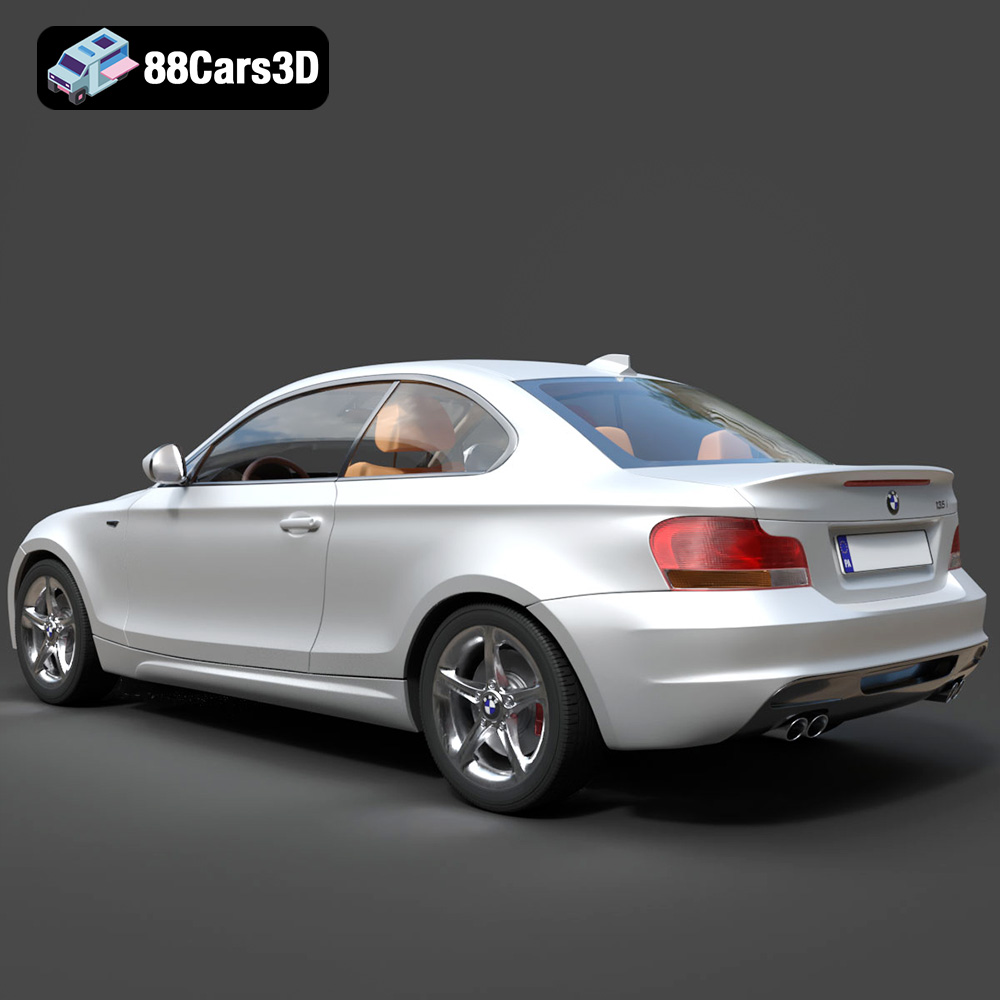
The BMW 1 Series Coupe 2009 3D Model is a high-detail digital recreation of the compact premium sports coupe known for its balanced chassis, rear-wheel-drive dynamics, and distinctive BMW styling. The 2009 1 Series Coupe blends everyday practicality with sporty performance, making it a popular choice among driving enthusiasts.
$9.99
.1series
.arvr
.automotive
.blend
.bmw
.bmw2009
.car3dmodel
.compactcoupe
.fbx
.gameasset
.glb
.max
.obj
.ply
.rendering
.simulation
.sportcoupe
.stl
.unreal