Get 50% OFF All Premium 3D & STL Models!

The BMW S 1000 RR 2018, a marvel of German engineering, is now within reach of 3D printing enthusiasts. This guide provides a comprehensive breakdown of how to successfully 3D print a detailed replica of this iconic superbike, leveraging the STL files available for purchase. From selecting the right materials and printer settings to mastering post-processing techniques, we’ll cover everything you need to bring this high-performance machine to life on your desktop. Whether you’re aiming for a display model, a scale replica for a diorama, or simply a fun project, this guide will equip you with the knowledge to achieve impressive results. Let’s dive into the world of additive manufacturing and explore the best practices for 3D printing the BMW S 1000 RR 2018.
Choosing the right file format is paramount for a successful 3D printing experience. While numerous formats exist, some are better suited for additive manufacturing than others. Understanding the strengths and limitations of each format will help you optimize your workflow and achieve the best possible results with the BMW S 1000 RR 2018 3D model.
The .stl (Stereolithography) format is the industry standard for 3D printing. It represents the surface geometry of a 3D object as a collection of triangles. This simplicity makes it universally compatible with slicing software and 3D printers. The BMW S 1000 RR 2018 model from 88cars3d.com includes STL files, ensuring immediate usability. However, STL files only store mesh data; they do not contain color or texture information.
The .obj (Object) format is another widely used format that, unlike STL, can store color and texture information. This makes it suitable for 3D models intended for colored printing or rendering applications. However, for purely 3D printing purposes where color is not a factor, the STL format often suffices. The mesh quality in OBJ files can vary, so it’s essential to inspect the model in your slicing software.
The .ply (Polygon File Format) is designed for storing 3D data acquired from 3D scanners. It’s known for its ability to represent high-detail meshes accurately. While less common than STL, it can be beneficial for models with intricate surface details. However, not all slicing software fully supports .ply files, so compatibility should be verified beforehand.
The .blend format is the native file format for Blender, a popular open-source 3D modeling software. Having the .blend file allows you to directly modify the BMW S 1000 RR 2018 model before exporting it to a printable format. This is useful for making custom modifications, simplifying the model for easier printing, or adding features like keychains or stands. However, you need Blender installed to use this format.
The .fbx format is often used for importing models into game engines and other 3D applications. It supports materials and animations. While not directly used for 3D printing, you can import the .fbx file into a 3D modeling software, adjust it and export an STL for printing.
The .glb format is designed for real-time applications and augmented reality (AR) previews. It’s a binary file format that includes both the 3D model and its textures. While not directly used for 3D printing, it allows you to preview the model in AR environments before committing to a physical print.
The .max format is the native file format for 3ds Max, a professional 3D modeling and animation software. Like .blend, having the .max file grants you full editing capabilities over the model, allowing for extensive customization before exporting to a printable format like STL. This is useful for advanced users who require precise control over the model’s geometry.
Before sending the STL file to your 3D printer, several crucial steps ensure a successful print. These include model inspection, orientation, and support generation.
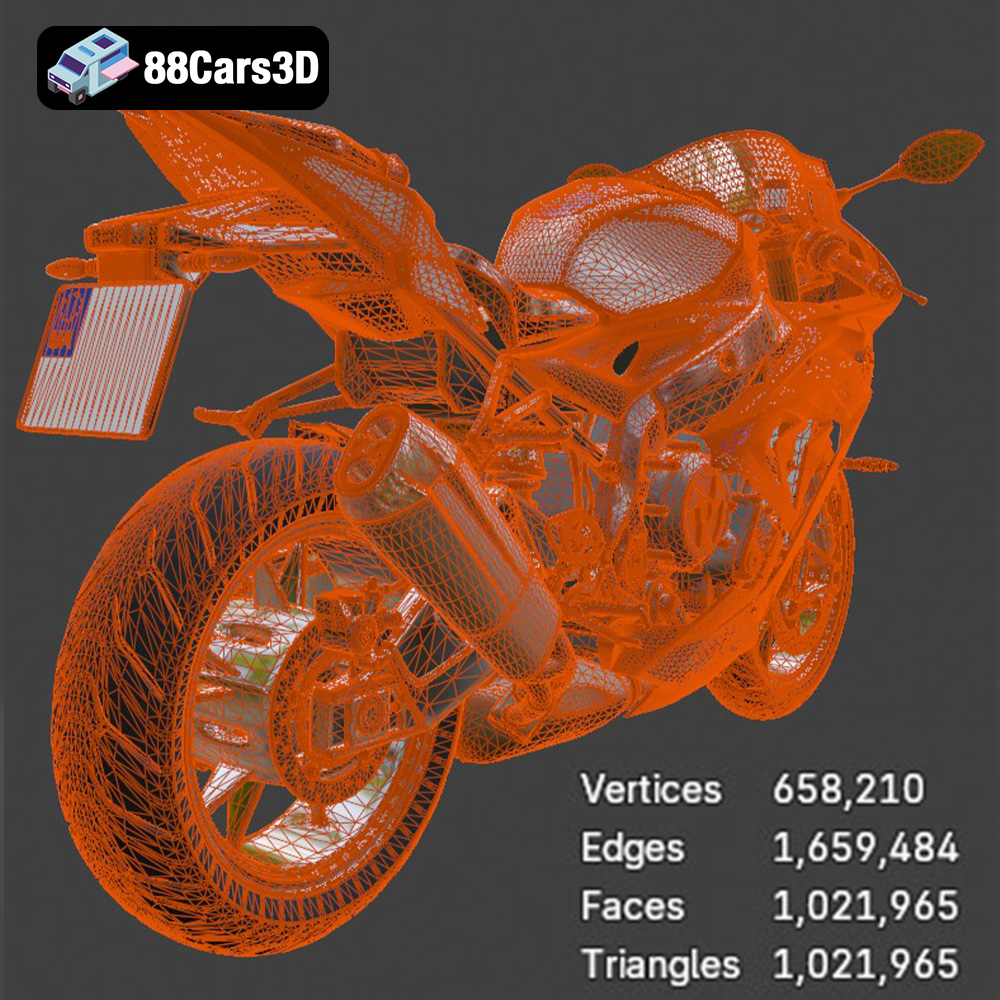
Open the STL file of the BMW S 1000 RR 2018 in your slicing software (e.g., Cura, PrusaSlicer, Simplify3D). Examine the model for any errors, such as non-manifold geometry (holes or gaps in the mesh) or self-intersecting faces. Most slicing software has built-in tools to automatically repair these issues. Alternatively, you can use dedicated mesh repair software like MeshMixer or Netfabb. Ensuring a clean, error-free mesh is vital for a successful print.
The orientation of the model on the print bed significantly impacts print quality and support requirements. For the BMW S 1000 RR 2018, consider printing the main frame at an angle (e.g., 45 degrees) to minimize the need for supports on the fairings and other intricate details. Separately print the wheels and other smaller components. Strategic support placement is key. Use tree supports or manually add supports in areas that overhang significantly, such as the fairings, exhaust, and rear swingarm. Avoid placing supports on surfaces that require a smooth finish.
The BMW S 1000 RR 2018 model can be scaled to your desired size. The product description suggests scales of 1:18, 1:12, 1:10, or 1:8. Choose a scale that balances detail and printability. If the model is a single STL file, consider separating it into smaller parts (e.g., frame, wheels, fairings) using a 3D modeling software. This allows for individual optimization and easier post-processing.
The choice of 3D printing technology and materials significantly impacts the final result. Both FDM (Fused Deposition Modeling) and SLA (Stereolithography) are viable options, each with its strengths and weaknesses.
FDM printing involves extruding a thermoplastic filament layer by layer. PLA (Polylactic Acid) is a popular choice due to its ease of use, biodegradability, and wide availability. PETG (Polyethylene Terephthalate Glycol-modified) offers higher strength and temperature resistance compared to PLA, making it suitable for parts that may experience stress or heat. For the BMW S 1000 RR 2018, PLA is suitable for display models, while PETG can be used for parts requiring more durability.
Recommended FDM settings:
* Layer height: 0.08-0.16 mm (lower layer height for finer details)
* Infill: 15-25% (adjust based on desired strength and weight)
* Wall thickness: 1.2-2.0 mm (at least 3 perimeters for good strength)
* Print speed: 40-60 mm/s (reduce speed for intricate details)
* Nozzle temperature: PLA: 200-220°C, PETG: 230-250°C
* Bed temperature: PLA: 60°C, PETG: 70-80°C
SLA printing uses a laser to cure liquid resin layer by layer. This technology offers significantly higher resolution and surface finish compared to FDM, making it ideal for intricate details and small parts. For the BMW S 1000 RR 2018, resin printing is highly recommended, especially for smaller scales, as it can accurately capture the fine details of the fairings, engine, and other components.
Recommended SLA settings:
* Layer height: 0.025-0.05 mm (lower layer height for finer details)
* Exposure time: Varies depending on the resin and printer (refer to the resin manufacturer’s recommendations)
* Lift speed: 60-80 mm/min
* Retract speed: 150-200 mm/min
When selecting a material, consider its properties, such as strength, flexibility, temperature resistance, and ease of printing. For the BMW S 1000 RR 2018, the choice depends on the intended use. If the model is purely for display, PLA or standard resin is sufficient. If the model needs to withstand some handling or stress, PETG or a more durable resin is recommended.
Achieving a high-quality print of the BMW S 1000 RR 2018 requires careful attention to printer settings. Fine-tuning these parameters can significantly improve the level of detail and accuracy.
Lower layer heights result in smoother surfaces and finer details. For FDM printing, a layer height of 0.08-0.12 mm is recommended. For SLA printing, aim for 0.025-0.05 mm. However, lower layer heights increase print time. Finding a balance between detail and print time is crucial.
Reducing print speed can improve the accuracy of intricate details. A speed of 40-60 mm/s is recommended for FDM printing. Adjust the flow rate to ensure proper extrusion and avoid over- or under-extrusion.
Experiment with different support structures and densities to optimize support removal and surface quality. Tree supports are often a good choice as they minimize contact with the model. Adjust the support density based on the overhang angle and size.
Post-processing is essential for achieving a professional-looking 3D printed BMW S 1000 RR 2018. This involves removing supports, sanding, priming, and painting.
Carefully remove the supports using pliers or a sharp knife. Be gentle to avoid damaging the model. Sand the surfaces to remove any remaining support marks and smooth out layer lines. Start with coarse sandpaper (e.g., 220 grit) and gradually move to finer grits (e.g., 400, 600, 800 grit).
Apply a primer to the model to create a smooth surface for painting. Use multiple thin coats of primer, allowing each coat to dry completely. Sand the primed surface with fine-grit sandpaper (e.g., 800 grit) to remove any imperfections. Paint the model with high-quality acrylic paints. Use masking tape to create clean lines and sharp edges. Consider using an airbrush for a smoother, more professional finish. The product description lists factory colors, so use those for a realistic finish.
If the model was printed in separate parts, carefully assemble them using superglue or epoxy. Add any additional details, such as decals, stickers, or weathering effects, to enhance the realism.
Even with careful preparation, issues can arise during 3D printing. Here are some common problems and their solutions:
* **Warping:** Ensure proper bed adhesion by using a heated bed and applying a layer of glue stick or hairspray.
* **Stringing:** Reduce nozzle temperature and retraction settings.
* **Layer shifting:** Check belt tension and ensure the printer is stable.
* **Under-extrusion:** Increase nozzle temperature and flow rate.
* **Support failure:** Increase support density and adjust support placement.
By understanding these common issues and their solutions, you can minimize printing failures and achieve better results.
3D printing the BMW S 1000 RR 2018 is a rewarding project that allows you to create a detailed replica of this iconic superbike. By following the guidelines outlined in this article, including careful model preparation, material selection, printer setting optimization, and post-processing techniques, you can achieve impressive results. Remember to consult the resources available at 88cars3d.com for high-quality STL files and inspiration. With patience and practice, you’ll be able to showcase your 3D printing skills and proudly display your own miniature BMW S 1000 RR 2018.
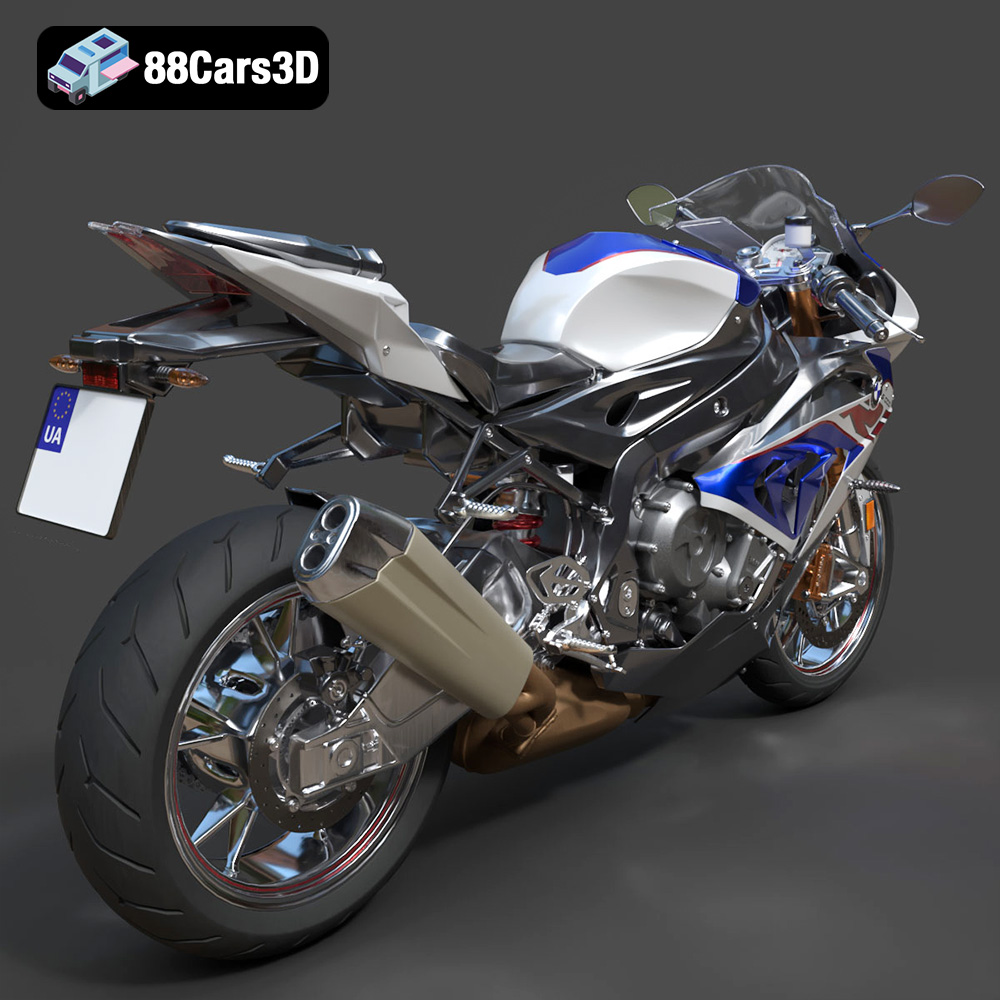
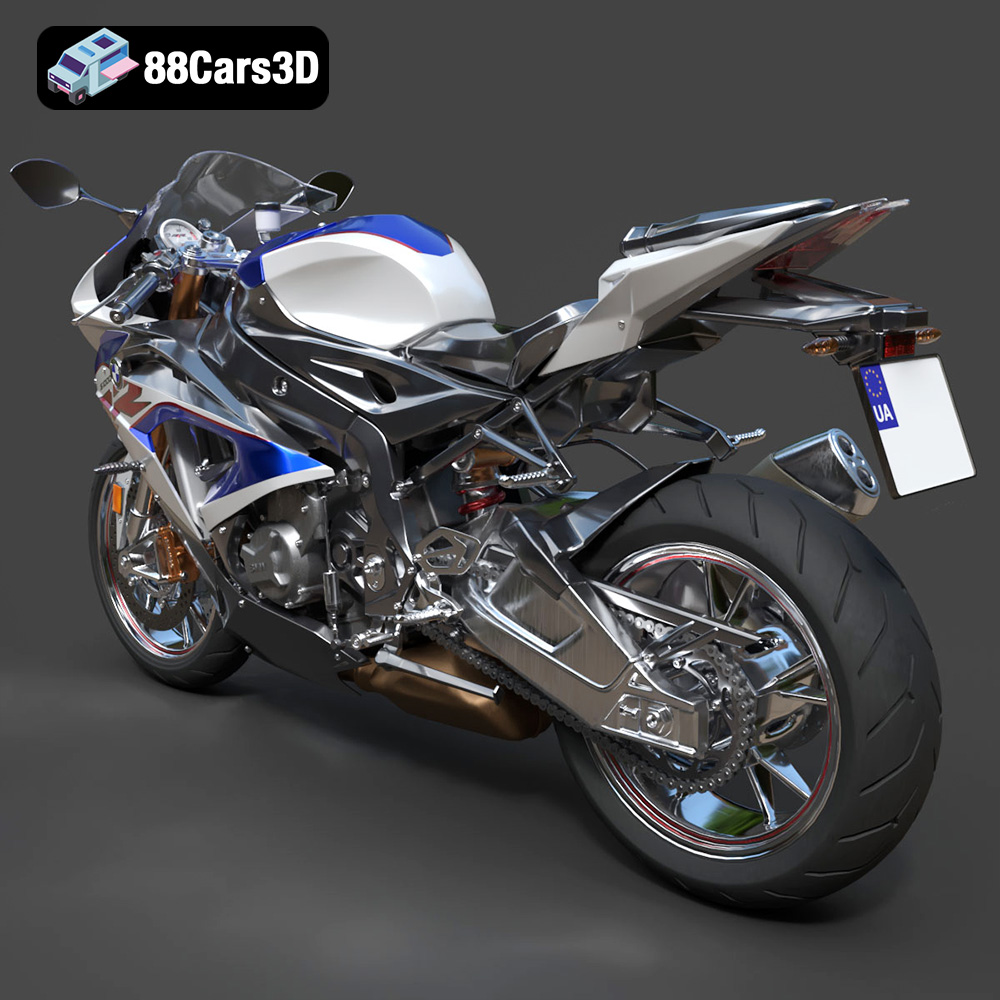
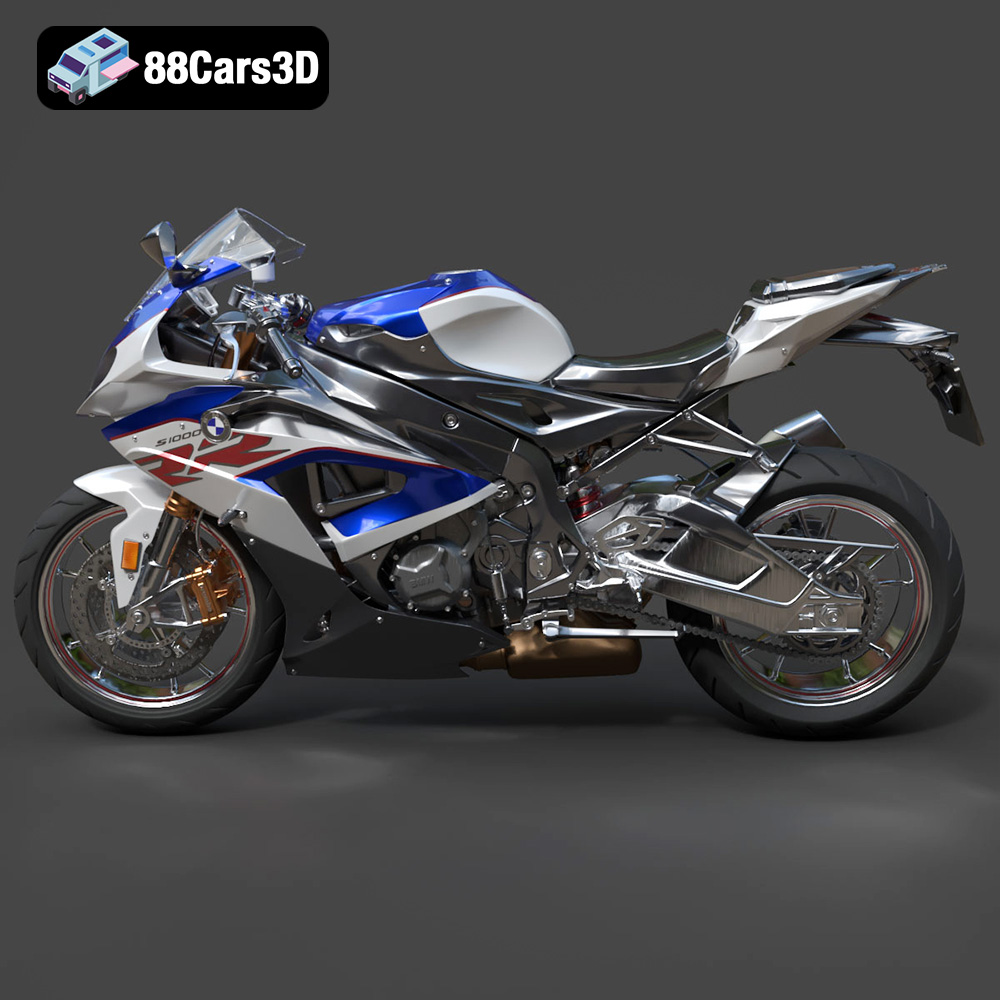
The BMW S 1000 RR 2018 3D Model is a high-detail digital recreation of BMW Motorrad’s iconic superbike, engineered for high performance on both road and track. Known for its aggressive aerodynamic styling, inline-four engine power, and advanced electronic systems, the 2018 S 1000 RR represents precision German sportbike engineering.
$9.99
.2018superbike
.arvr
.blend
.bmw
.fbx
.gameasset
.glb
.max
.motorcycle3dmodel
.obj
.performancebike
.ply
.racingbike
.rendering
.s1000rr
.simulation
.sportbike
.stl
.twowheeler
.unreal