Get 50% OFF All Premium 3D & STL Models!

The BMW S 1000 RR 2018 is a legend in the world of superbikes, a machine celebrated for its blistering performance and aggressive styling. Now, thanks to the power of 3D printing and sites like 88cars3d.com, you can bring this iconic motorcycle to life in miniature form. This comprehensive guide will walk you through every step of the process, from preparing the STL files to achieving a showroom-worthy finish. Whether you’re a seasoned 3D printing enthusiast or a newcomer eager to explore the possibilities, this article will provide the knowledge and insights you need to successfully 3D print your own BMW S 1000 RR 2018 model.
Before you even think about loading filament or resin, proper preparation of the 3D model is crucial. This involves inspecting the STL files, making any necessary repairs, and orienting the model for optimal printing.
The first step is to load the STL file into a mesh editing or repair program. Software like MeshMixer, MeshLab, or even the repair tools built into some slicing programs can identify and fix common issues like non-manifold edges, holes, and inverted normals. These imperfections can cause printing errors or weak spots in the final model. Pay close attention to areas with intricate details, such as the fairings, exhaust system, and frame structure. Ensuring a clean, watertight mesh is paramount for a successful print.
Choosing the right orientation for printing is critical for minimizing support material, maximizing detail, and ensuring structural integrity. For the BMW S 1000 RR 2018, consider printing the frame at an angle, perhaps 45 degrees, to reduce the need for supports on the delicate frame components. The fairings will likely require extensive support, so orient them to minimize the visible impact of support removal. Wheels and other cylindrical parts should be printed vertically for best results. A well-planned support strategy is essential, especially for overhanging sections like the rear swingarm and handlebar area. Use tree supports or manually placed supports for maximum control and minimal scarring.
The BMW S 1000 RR 2018 3D model from 88cars3d.com is designed with accuracy in mind. However, you might want to scale the model to fit your desired display size or printing capabilities. Common scales for model vehicles are 1:8, 1:10, 1:12, 1:18, or even smaller. Keep in mind that scaling down will make fine details more challenging to print, while scaling up will increase print time and material consumption. Ensure your chosen scale is appropriate for your printer’s resolution and your desired level of detail.
Choosing the right file format is a foundational step in the 3D printing process. Different formats offer varying levels of compatibility and features, impacting print quality and workflow.
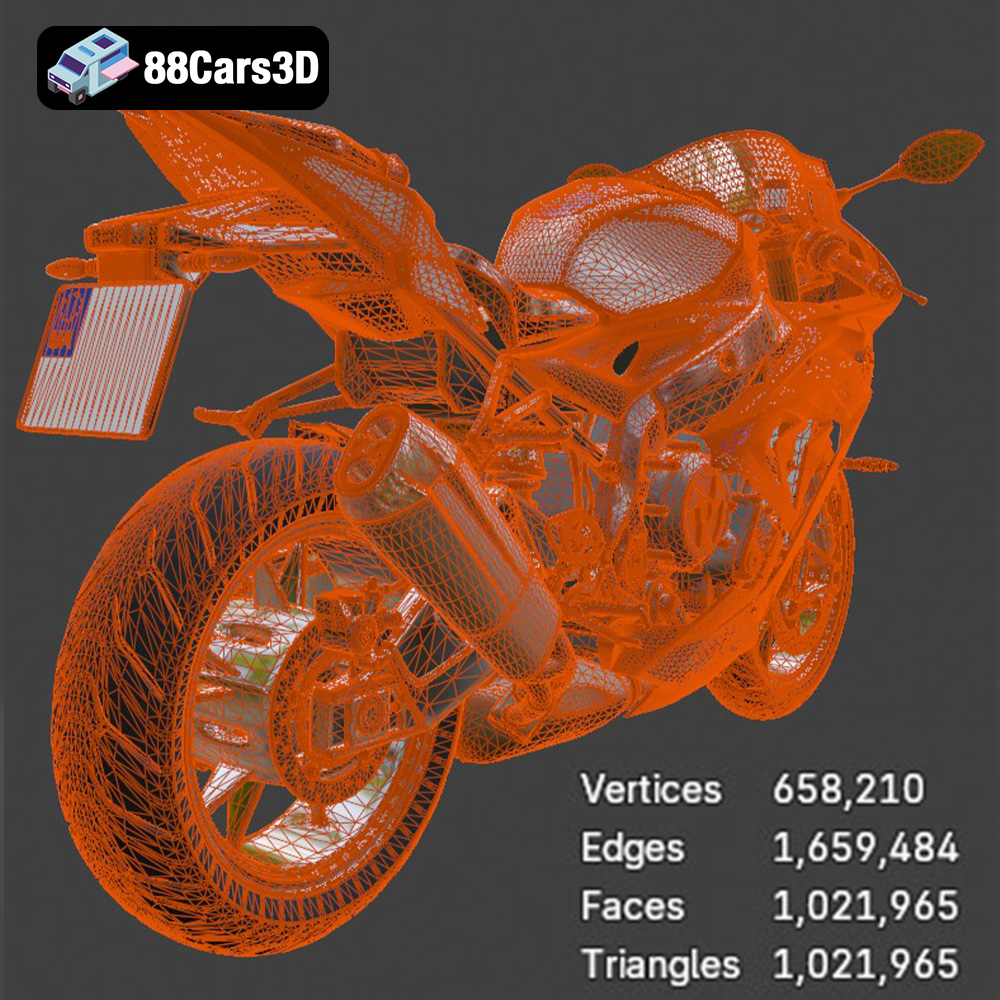
The .stl (stereolithography) format is the workhorse of 3D printing. It represents a 3D object as a collection of triangles, forming a mesh. Its simplicity and widespread compatibility make it the go-to format for most 3D printing applications. Virtually all slicing software can read .stl files, making them universally accessible. However, .stl files only store the geometry of the model, lacking information about color, texture, or materials. Therefore, for single-color prints, .stl is ideal. A high-quality .stl file contains a dense mesh with small triangles, resulting in a smoother surface finish on the printed object. Conversely, a low-quality .stl file with large triangles will produce a faceted, less refined surface. The BMW S 1000 RR 2018 model from 88cars3d.com includes .stl files optimized for printing, but it’s always a good idea to verify the mesh quality within your slicing software.
.obj (object) files are more versatile than .stl, as they can store color and texture information in addition to geometry. This makes them suitable for 3D printing with multi-material printers or for models that require surface details beyond simple shapes. However, not all slicing software fully supports .obj files with textures, so it’s essential to check compatibility before proceeding.
The .ply (polygon) format is designed for storing 3D data acquired from 3D scanners. It can handle highly detailed meshes with complex geometries, making it suitable for capturing intricate details. Similar to .obj, .ply can also store color information.
.blend files are the native format for Blender, a popular open-source 3D modeling software. They contain the entire Blender scene, including the model, materials, textures, lighting, and camera settings. This allows for extensive customization and modification of the model before exporting it to a 3D printable format like .stl.
.fbx (Filmbox) is a proprietary format developed by Autodesk. It’s commonly used for exchanging 3D data between different software applications, including those used in game development and animation. While .fbx can store materials and animations, its compatibility with 3D printing slicing software may be limited.
.glb (GL Transmission Format Binary) is a binary file format that represents 3D models in a compact and efficient manner. It’s often used for displaying 3D models on the web or in augmented reality (AR) applications. While not directly used for 3D printing, .glb files can be helpful for previewing the model before committing to a print.
.max files are the native format for 3ds Max, another professional 3D modeling software. Like .blend files, they contain the entire scene setup, allowing for comprehensive editing and customization.
For 3D printing the BMW S 1000 RR 2018 model, the .stl format will likely be the most practical and widely supported option. While other formats like .obj or .ply might offer advantages for colored prints or highly detailed meshes, .stl provides the best balance of compatibility and ease of use. Regardless of the chosen format, always ensure the mesh quality is sufficient for your desired print resolution.
The success of your 3D printed BMW S 1000 RR 2018 depends heavily on selecting the appropriate 3D printing technology and material.
FDM printing, which uses filaments of thermoplastic materials, is the most common 3D printing technology. Materials like PLA (Polylactic Acid) and PETG (Polyethylene Terephthalate Glycol) are excellent choices for the BMW S 1000 RR 2018. PLA is easy to print with and provides good detail, while PETG offers improved strength and heat resistance. ABS (Acrylonitrile Butadiene Styrene) is another option, known for its durability, but it requires a heated bed and an enclosed printing environment to prevent warping.
Resin printing, also known as stereolithography (SLA) or masked stereolithography (MSLA), uses liquid resin cured by UV light. This technology excels at producing parts with incredibly fine details and smooth surfaces, making it ideal for smaller scales or intricate components of the BMW S 1000 RR 2018. However, resin prints tend to be more brittle than FDM prints and require post-processing steps like washing and curing.
For the BMW S 1000 RR 2018, consider the following material properties:
* **PLA:** Easy to print, good detail, biodegradable, but less heat resistant.
* **PETG:** Strong, heat resistant, slightly flexible, good layer adhesion.
* **ABS:** Durable, impact resistant, requires heated bed and enclosure.
* **Resin:** High detail, smooth surface, but brittle and requires post-processing.
For a display model, PLA or resin are excellent choices. If you intend to handle the model frequently or subject it to stress, PETG or ABS might be more suitable.
Dialing in the right printer settings is paramount for achieving a high-quality 3D print of the BMW S 1000 RR 2018.
Layer height determines the vertical resolution of your print. Lower layer heights (e.g., 0.08-0.12mm) result in smoother surfaces and finer details, but they also increase print time. Higher layer heights (e.g., 0.16-0.2mm) are faster but may sacrifice some detail. Finding the right balance depends on your printer’s capabilities and your desired level of quality.
Infill density affects the internal strength and weight of the model. For the BMW S 1000 RR 2018, a moderate infill density (15-25%) is generally sufficient. Choose an infill pattern that provides good support without excessive material usage. Gyroid or cubic patterns are good choices.
As mentioned earlier, supports are crucial for printing overhanging sections. Optimize your support settings to minimize the contact area with the model’s surface, making removal easier and reducing scarring. Experiment with different support patterns, densities, and interface layers.
Print speed and temperature settings depend on the material you’re using. Refer to the filament or resin manufacturer’s recommendations for optimal settings. Generally, slower print speeds result in better quality, especially for intricate details.
Post-processing is where you transform a raw 3D print into a polished masterpiece.
Carefully remove the support structures using tools like pliers, cutters, or a deburring tool. Sand down any remaining support marks or imperfections with progressively finer grits of sandpaper.
Apply a primer coat to create a smooth, uniform surface for painting. Use spray paint or an airbrush to apply the desired colors. Consider using masking techniques to achieve clean lines and color separation. Apply a clear coat for added protection and shine. The BMW S 1000 RR 2018 is known for its vibrant color schemes, so pay attention to accurate color matching.
If the model consists of multiple parts, carefully assemble them using glue or mechanical fasteners. Add any final details, such as decals, small screws, or other embellishments, to enhance the realism of the model.
Even with careful preparation, 3D printing can sometimes present challenges. Here are some common issues and their solutions:
Warping occurs when the printed part detaches from the build plate due to uneven cooling. To prevent warping, ensure your build plate is clean and level, use a heated bed (if applicable), and increase the bed adhesion by using a brim or raft.
Stringing is caused by filament oozing from the nozzle during travel moves. To reduce stringing, decrease the printing temperature, increase retraction settings, and adjust travel speed.
Poor layer adhesion can result in weak prints. Increase the printing temperature, decrease the layer height, and ensure proper bed adhesion.
3D printing the BMW S 1000 RR 2018 is a rewarding project that combines technical skill with artistic expression. By understanding the principles of 3D printing, carefully preparing the model, and optimizing printer settings, you can create a stunning replica of this iconic superbike. Whether you’re a seasoned enthusiast or a curious beginner, the world of 3D printing offers endless possibilities for bringing your imagination to life. Explore the diverse collection of 3D models available at 88cars3d.com and embark on your next creative adventure!
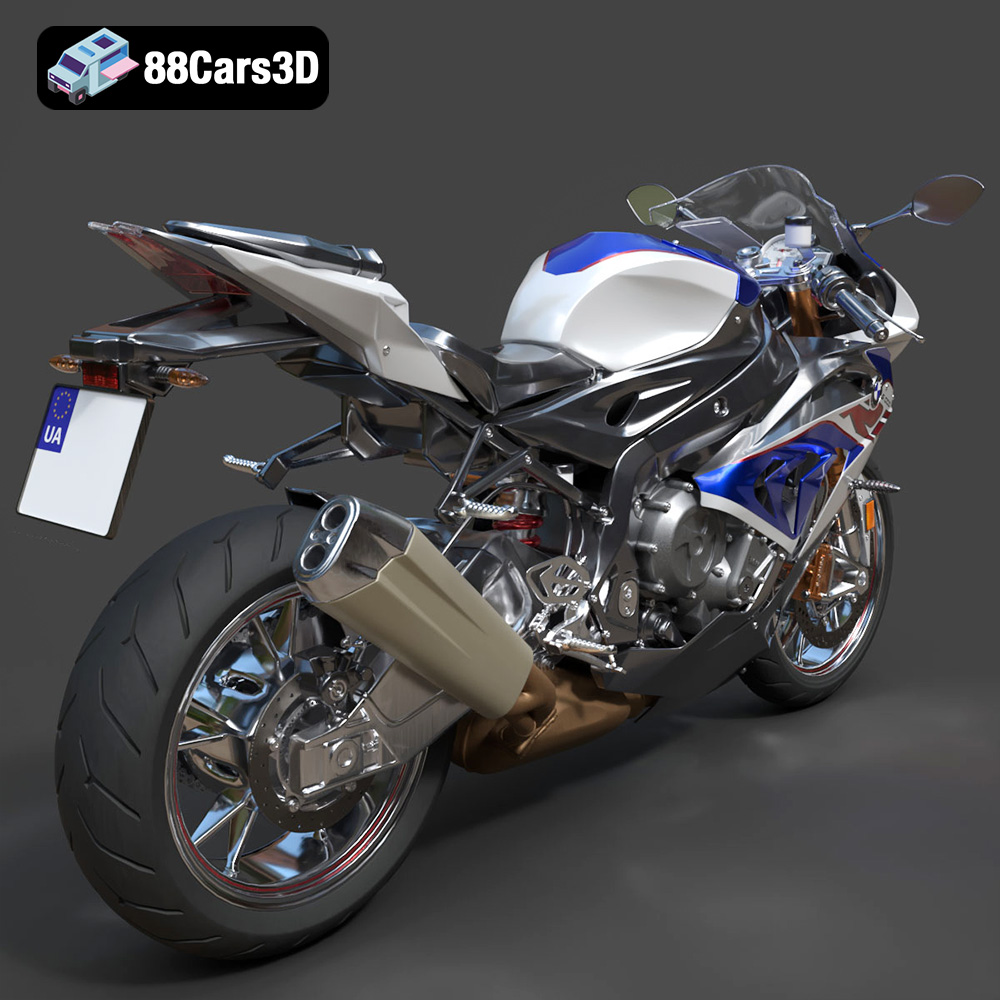
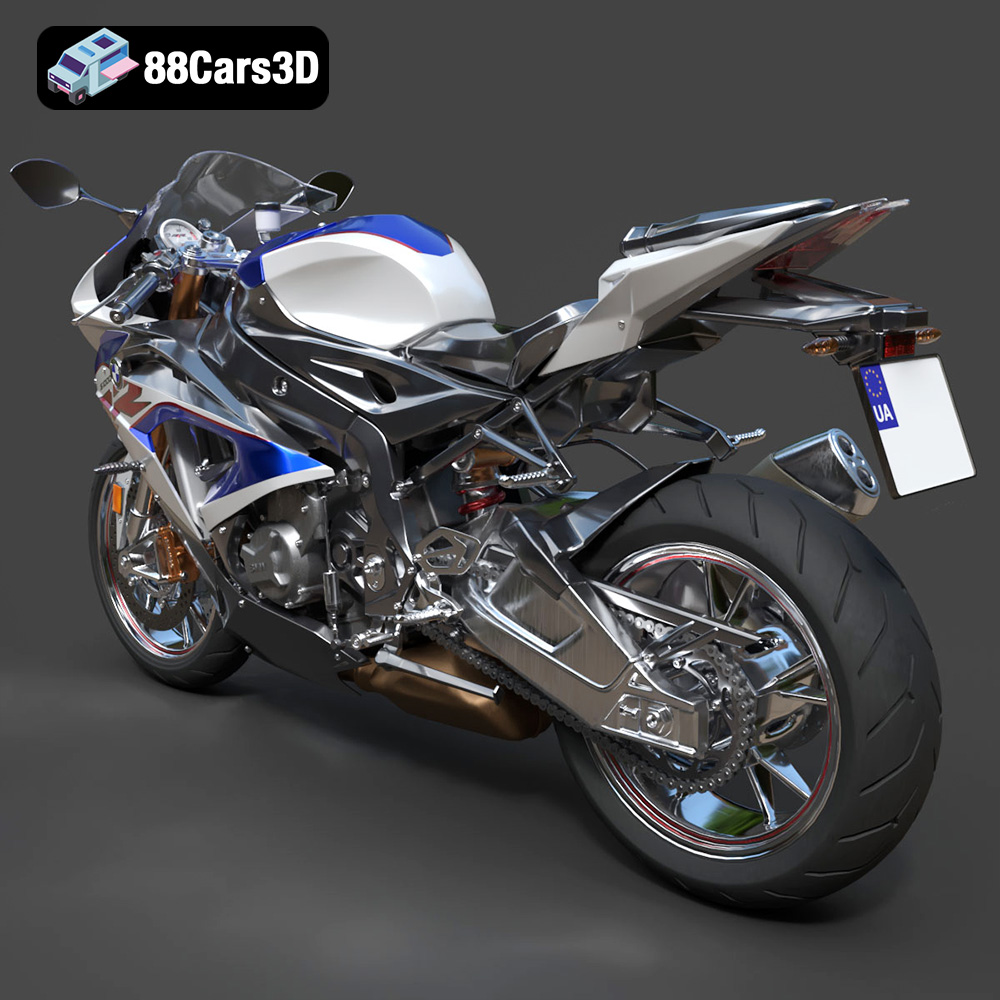
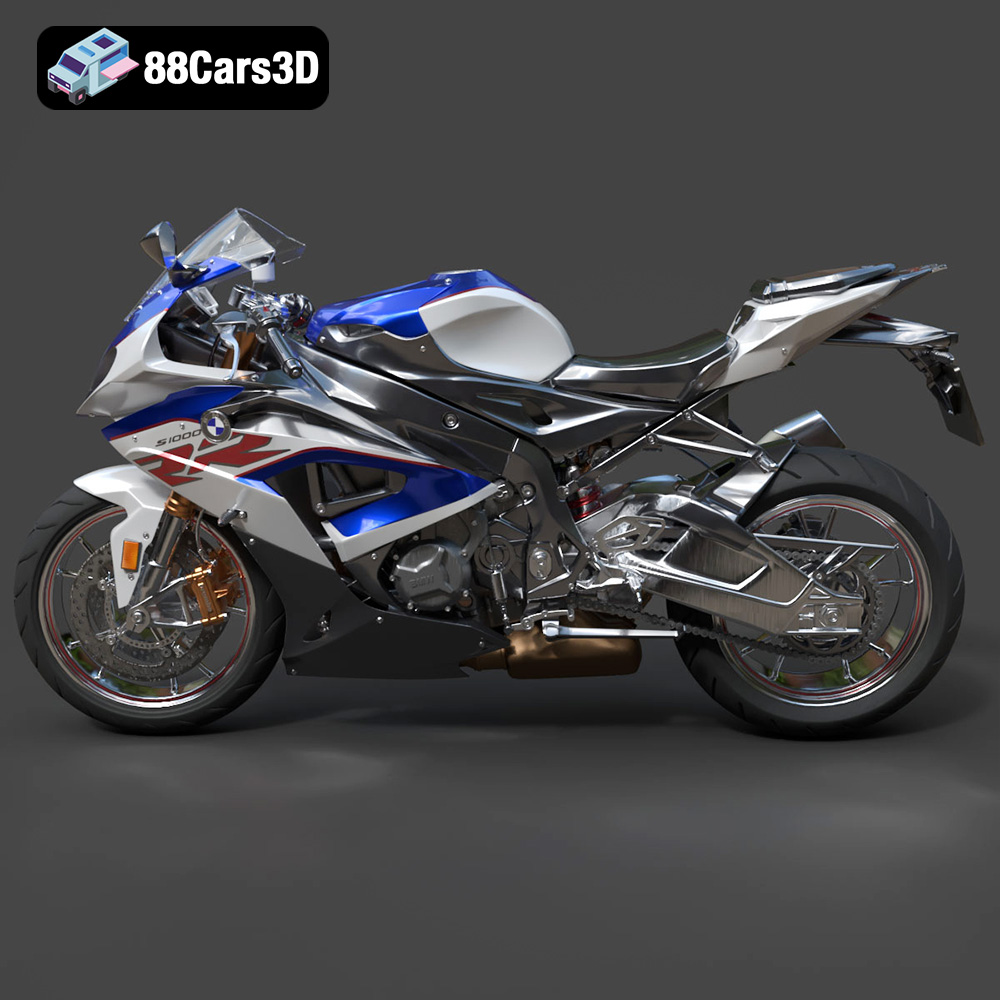
The BMW S 1000 RR 2018 3D Model is a high-detail digital recreation of BMW Motorrad’s iconic superbike, engineered for high performance on both road and track. Known for its aggressive aerodynamic styling, inline-four engine power, and advanced electronic systems, the 2018 S 1000 RR represents precision German sportbike engineering.
$9.99
.2018superbike
.arvr
.blend
.bmw
.fbx
.gameasset
.glb
.max
.motorcycle3dmodel
.obj
.performancebike
.ply
.racingbike
.rendering
.s1000rr
.simulation
.sportbike
.stl
.twowheeler
.unreal