Get 50% OFF All Premium 3D & STL Models!

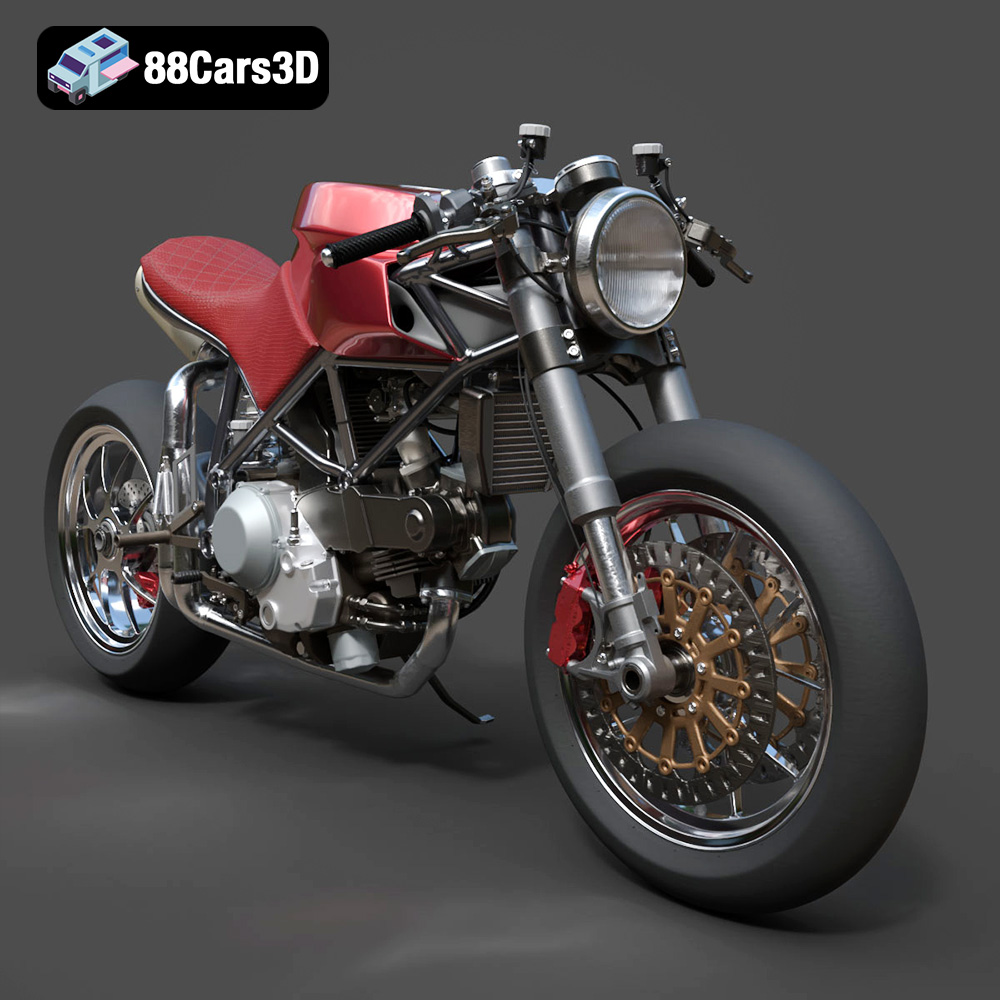
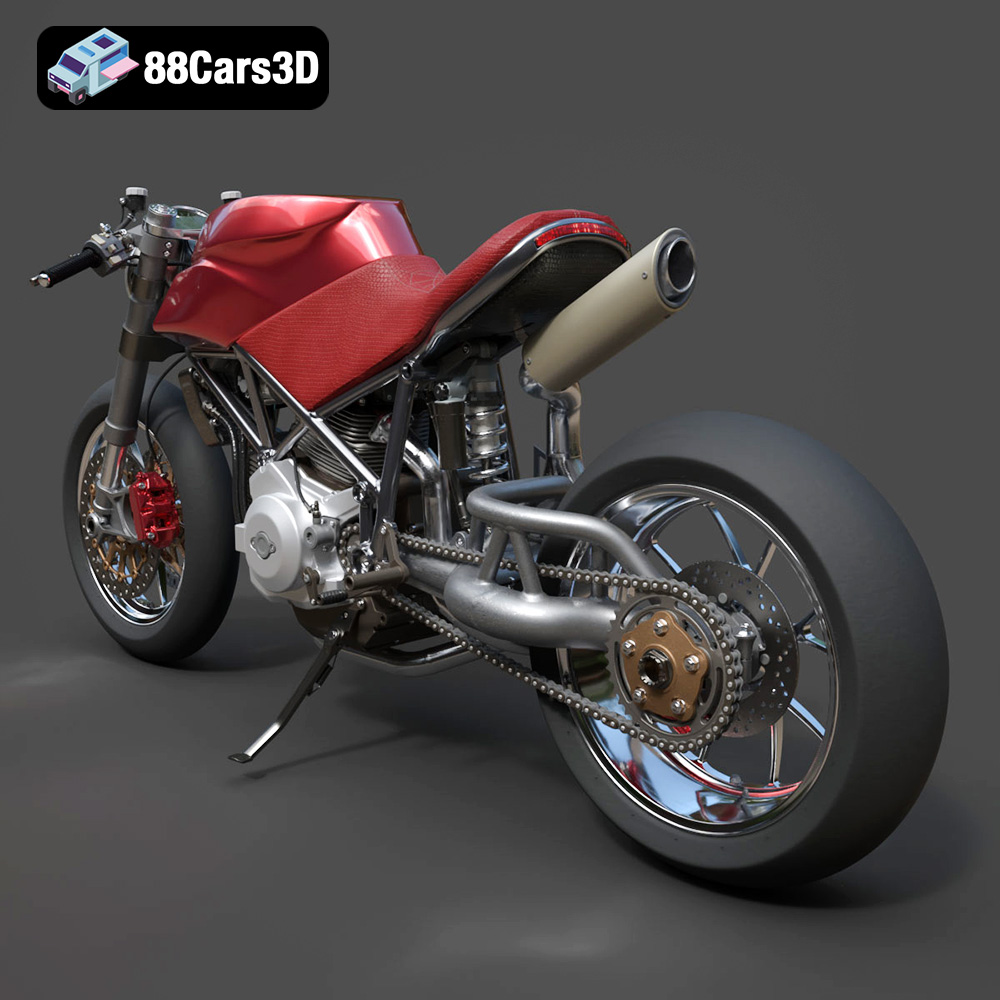
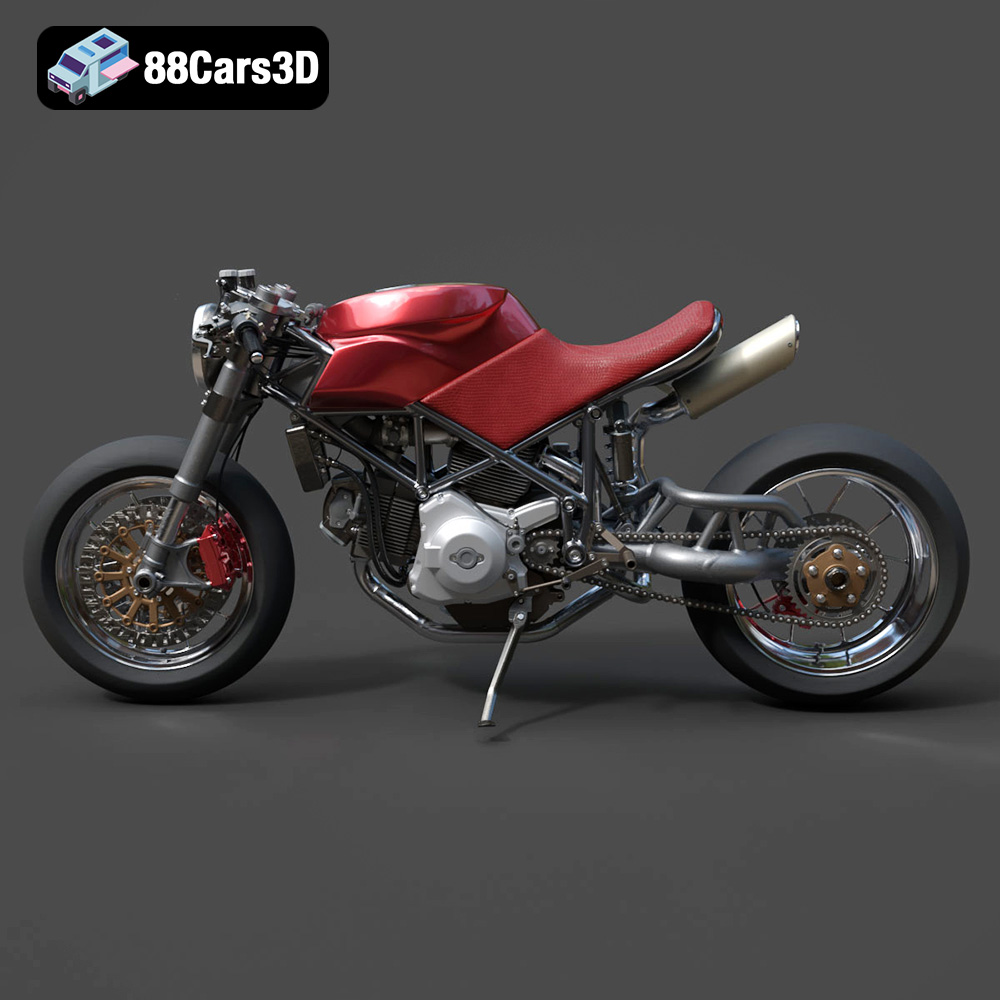
The Ducati 916 is a legend, and this Custom Café Fighter 3D Model captures its essence perfectly. The exposed engine, the trellis frame, the aggressive stance – it’s all there in stunning detail. But how do you translate that digital detail into a physical object using 3D printing? This guide will walk you through the process, from preparing the STL files to applying the final coat of paint, allowing you to create your own miniature masterpiece. This model, available on 88cars3d.com, is designed for enthusiasts who appreciate both the beauty of Italian motorcycles and the precision of additive manufacturing.
Selecting the right file format is crucial for a successful 3D printing experience. While various formats exist, some are better suited for additive manufacturing than others. For the Ducati 916 Custom Café Fighter, understanding the nuances of these formats will help you achieve optimal results.
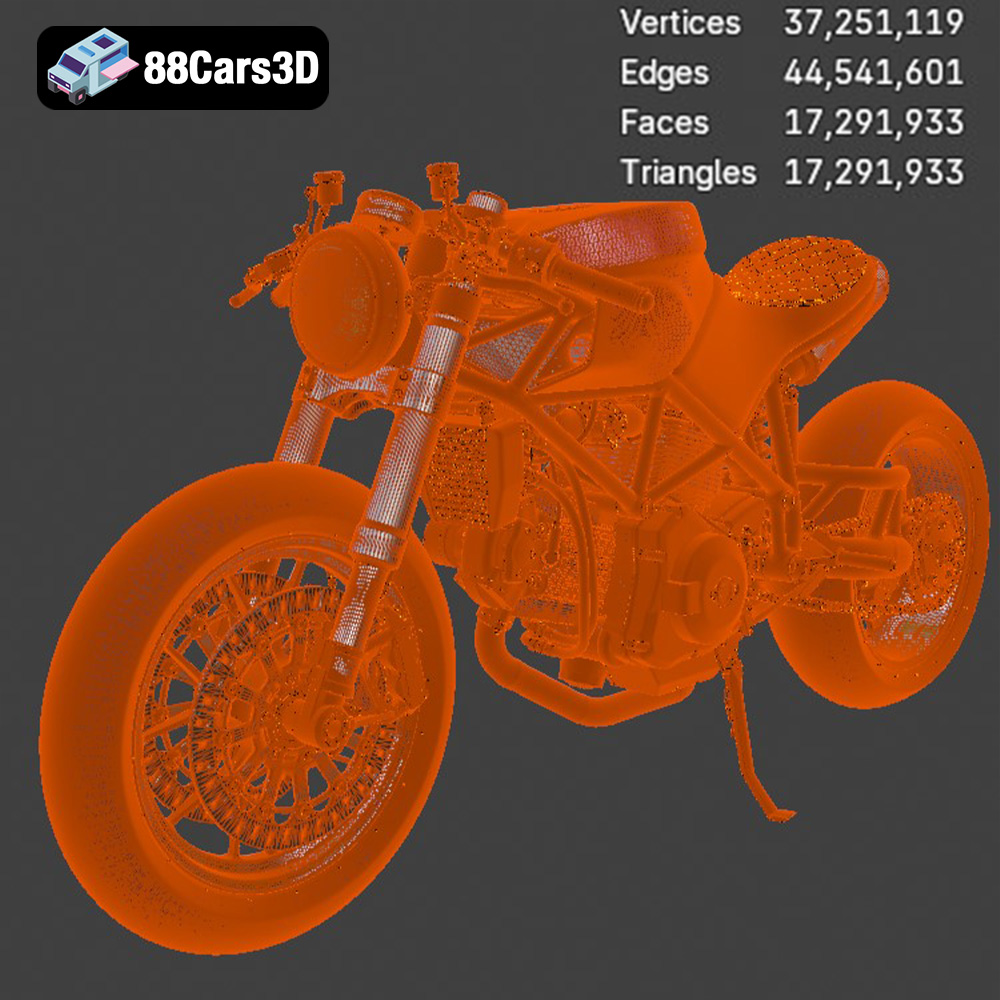
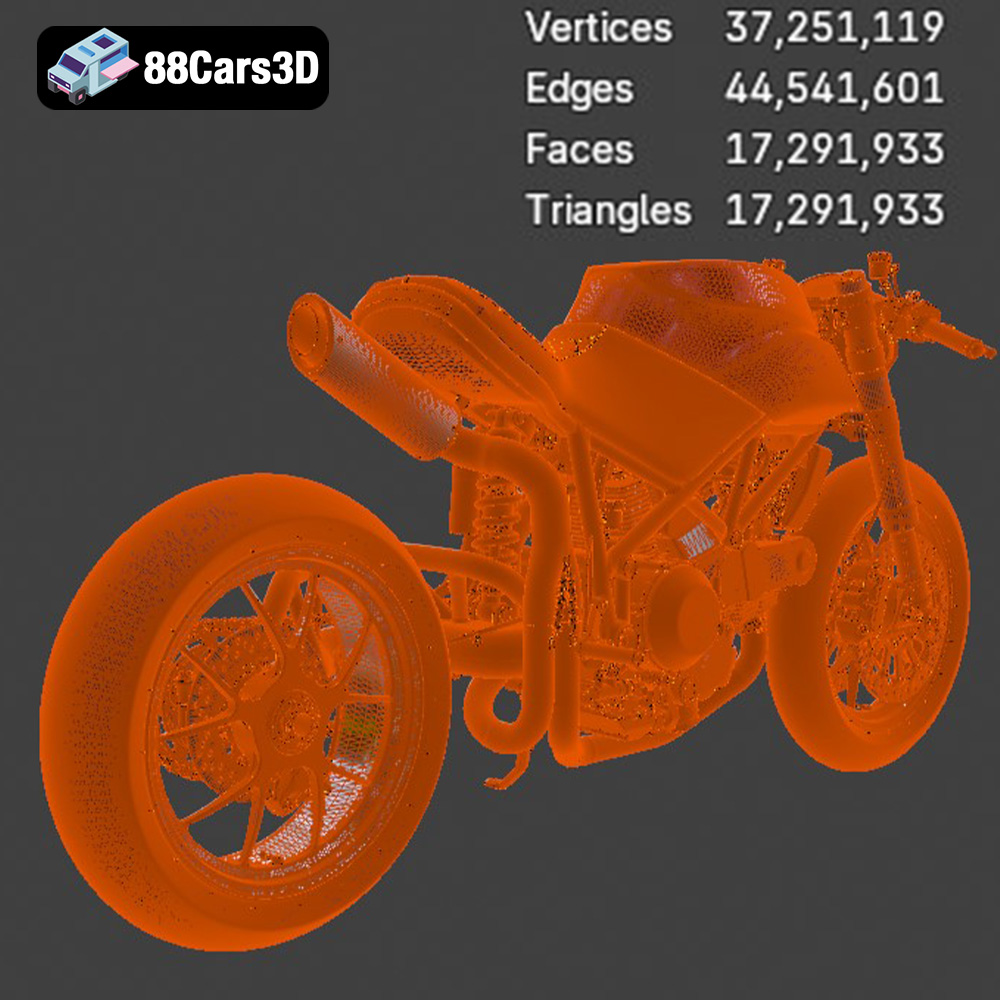
The .stl (Stereolithography) format is the workhorse of 3D printing. It represents the surface geometry of a 3D object as a collection of triangles. This simplicity makes it universally compatible with slicing software and 3D printers. For the Ducati 916 Custom Café Fighter, the .stl file contains all the intricate details of the motorcycle’s body, engine, and frame, broken down into a mesh of interconnected triangles. When preparing the .stl file, ensure that the mesh is watertight (no holes or gaps) and that the triangles are correctly oriented. Non-manifold geometry, where edges are shared by more than two faces, can cause problems during slicing and printing. The resolution of the .stl file also matters. A higher resolution (more triangles) will capture finer details but result in a larger file size and potentially longer slicing and printing times. The provided model from 88cars3d.com is already highly detailed, so careful consideration should be given to scaling and desired print size.
The .obj (Wavefront Object) format is another popular choice, particularly when color or texture information is involved. Unlike .stl, .obj can store color data, material properties, and UV mapping coordinates, which are essential for applying textures to the 3D model. While less common for pure 3D printing, .obj can be useful if you plan to incorporate color into your final print using multi-material printers or by applying textures in post-processing.
The .ply (Polygon File Format) format is designed to store 3D data acquired from 3D scanners. It’s capable of representing complex geometries with high precision, making it suitable for detailed models like the Ducati 916 Custom Café Fighter. However, .ply files can be quite large, and not all slicing software supports them natively.
The .blend file format is the native format for Blender, a powerful open-source 3D modeling software. If you want to customize the Ducati 916 Custom Café Fighter before printing, the .blend file gives you full access to the model’s geometry, materials, and textures. You can modify the design, add custom parts, or optimize the model for 3D printing. Once you’re done, you can export the modified model as an .stl file for slicing.
The .fbx (Filmbox) format is a proprietary file format developed by Autodesk. It is commonly used for exchanging 3D data between different software applications, including 3D modeling programs and game engines. The .fbx format can store geometry, materials, textures, animations, and other scene information. This format is more useful for applications beyond 3D printing itself, but could be used if importing into specific slicing software packages that support material assignment.
The .glb (GL Transmission Format Binary) format is designed for efficient transmission and loading of 3D models in web applications. It’s often used for Augmented Reality (AR) and Virtual Reality (VR) experiences, allowing users to preview 3D models in their real-world environment before printing.
The .max format is the native format for 3ds Max, another professional 3D modeling software. Similar to .blend, the .max file allows you to fully customize the Ducati 916 Custom Café Fighter before exporting it as an .stl file for 3D printing.
For 3D printing the Ducati 916 Custom Café Fighter, the .stl file is the recommended format. Ensure that the file is watertight, correctly oriented, and has a suitable resolution for your desired print size and level of detail. If you need to make modifications, use the .blend or .max file to customize the model before exporting it as an .stl. Remember to check for non-manifold geometry and repair any issues before slicing the model.
Before you even think about starting your 3D printer, you need to prepare the Ducati 916 Custom Café Fighter model using slicing software. This software converts the 3D model into a series of layers that the printer can understand.
There are many slicing software options available, both free and paid. Popular choices include Cura, PrusaSlicer, Simplify3D, and Chitubox (for resin printing). Each software has its own strengths and weaknesses, so experiment to find one that suits your needs and printer. Consider factors like ease of use, available settings, and support for your printer model. For the Ducati 916, Cura and PrusaSlicer offer excellent control over support generation and infill patterns.
The orientation of the model on the print bed is critical, especially for a complex design like the Ducati 916 Custom Café Fighter. Consider these points:
* **Minimize Supports:** Orient the model to reduce the amount of support material needed. This will save time and material, and result in a cleaner final print. For example, printing the frame at an angle can reduce the need for supports on the delicate trellis structure.
* **Surface Finish:** The bottom layer will often have a different finish than the rest of the print. Orient the model so that the most visible surfaces are not directly on the build plate.
* **Structural Integrity:** Consider the direction of stress during printing. Orient the model to maximize the strength of critical parts.
* **Support Type:** Determine if you will use tree or linear supports.
Support generation is another critical aspect of slicing. The Ducati 916 has many overhanging features, such as the handlebars, exhaust pipes, and sections of the frame, that will require support structures to prevent them from collapsing during printing. Experiment with different support settings, such as support density, overhang angle, and support interface thickness, to find the optimal balance between support strength and ease of removal.
The product description recommends scales of 1:12, 1:10, and 1:8. Consider the size of your printer’s build volume and the desired level of detail when choosing a scale. A larger scale will allow for finer details to be printed but will also require more material and a longer print time.
The choice of material will significantly impact the final appearance, strength, and durability of your 3D printed Ducati 916 Custom Café Fighter.
PLA (Polylactic Acid) is a popular, biodegradable filament known for its ease of use and relatively low printing temperature. It’s a good option for beginners and for printing non-functional parts. PLA is available in a wide range of colors, making it easy to achieve the desired aesthetic for your model. However, PLA is not very heat-resistant and can become brittle over time, so it’s not ideal for parts that will be exposed to high temperatures or stress.
PETG (Polyethylene Terephthalate Glycol-modified) is a stronger and more durable filament than PLA. It’s also more heat-resistant and has better layer adhesion. PETG is a good choice for parts that need to withstand some stress or wear and tear. It is more prone to stringing than PLA.
For the Ducati 916 Custom Café Fighter, resin printing is *highly* recommended, particularly for smaller scales where fine details are crucial. Resin printers use liquid resin that is cured by UV light, allowing for much higher resolution and finer detail than FDM (Fused Deposition Modeling) printers that use filament. This is especially important for capturing the intricacies of the trellis frame, engine components, and other fine mechanical details. Resin printers are generally smaller, so larger scales might require printing components separately.
Consider the final paint scheme of your Ducati 916 when choosing your filament or resin color. A neutral color like gray or white can provide a good base for painting. For resin printing, clear resin can be used to create transparent parts, such as the headlight lens.
Achieving a high-quality 3D print of the Ducati 916 Custom Café Fighter requires careful adjustment of printer settings.
A smaller layer height will result in a smoother surface finish and finer detail, but will also increase print time. The product description recommends a layer height of 0.04–0.12 mm for resin printing. For FDM printing with PLA or PETG, a layer height of 0.1-0.2 mm is a good starting point.
Infill provides internal support for the model. A higher infill density will increase the strength and weight of the print, but will also use more material and increase print time. The product description recommends an infill density of 20–30%. Experiment with different infill patterns, such as grid, honeycomb, or gyroid, to find the best balance between strength and material usage.
Slower print speeds generally result in better print quality, especially for complex models like the Ducati 916. Reduce the print speed for external walls and small features to improve detail and reduce the risk of errors.
The optimal printing temperature will depend on the material you are using. Refer to the manufacturer’s recommendations for the specific filament or resin you are using.
Once the print is complete, the real work begins. Post-processing is the key to transforming a raw 3D print into a polished, professional-looking model.
Carefully remove the support structures using tools like pliers, cutters, and a hobby knife. Take your time and be gentle to avoid damaging the model. For resin prints, soaking the model in warm water can help to soften the supports and make them easier to remove.
Sanding is essential for smoothing out layer lines and imperfections on the surface of the print. Start with a coarse grit sandpaper (e.g., 220 grit) and gradually work your way up to finer grits (e.g., 400, 600, 800 grit). Wet sanding can help to reduce dust and create a smoother finish.
Apply a primer coat to the model to create a smooth, uniform surface for painting. Primer also helps to fill in any remaining imperfections and improve paint adhesion.
Painting is where you can really bring the Ducati 916 Custom Café Fighter to life. Use high-quality paints and brushes for the best results. The product description mentions iconic Red for the frame and metallic metalizer paints for the engine block. Consider using masking tape to create clean lines and separate different colors.
The Ducati 916 Custom Café Fighter may be printed in multiple parts, such as the frame, wheels, and exhaust. Use glue or epoxy to assemble the parts together. Ensure that the parts are properly aligned before the glue dries.
3D printing isn’t always smooth sailing. Here are some common issues and how to troubleshoot them:
Warping occurs when the corners of the print lift off the build plate. This is often caused by poor bed adhesion or temperature fluctuations. To prevent warping, ensure that your build plate is clean and level, use a bed adhesive like glue stick or hairspray, and maintain a consistent temperature in your printing environment.
Stringing occurs when thin strands of filament are left between different parts of the print. This is often caused by excessive retraction or printing temperature. To reduce stringing, adjust the retraction settings in your slicing software, lower the printing temperature, and increase the travel speed.
Layer shifting occurs when the layers of the print are misaligned. This is often caused by loose belts or stepper motors. To prevent layer shifting, tighten the belts on your printer and ensure that the stepper motors are properly calibrated.
Inconsistent extrusion can result in gaps or bumps in the print. This is often caused by a clogged nozzle or a problem with the extruder. To fix inconsistent extrusion, clean or replace the nozzle, check the extruder for any obstructions, and ensure that the filament is feeding properly.
By following these tips and techniques, you can successfully 3D print the Ducati 916 Custom Café Fighter and create a stunning replica of this iconic motorcycle. Remember to be patient, experiment with different settings, and enjoy the process! The models at 88cars3d.com are a great starting point for your additive manufacturing journey.
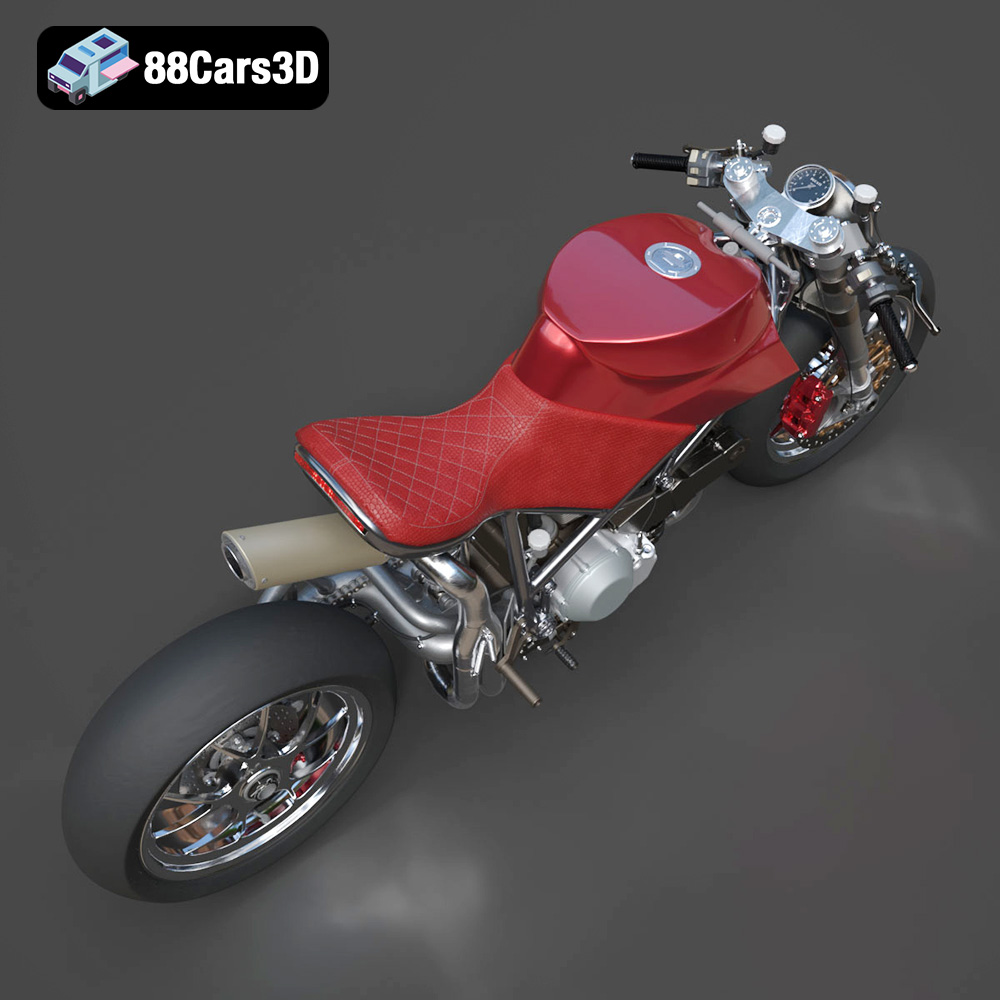
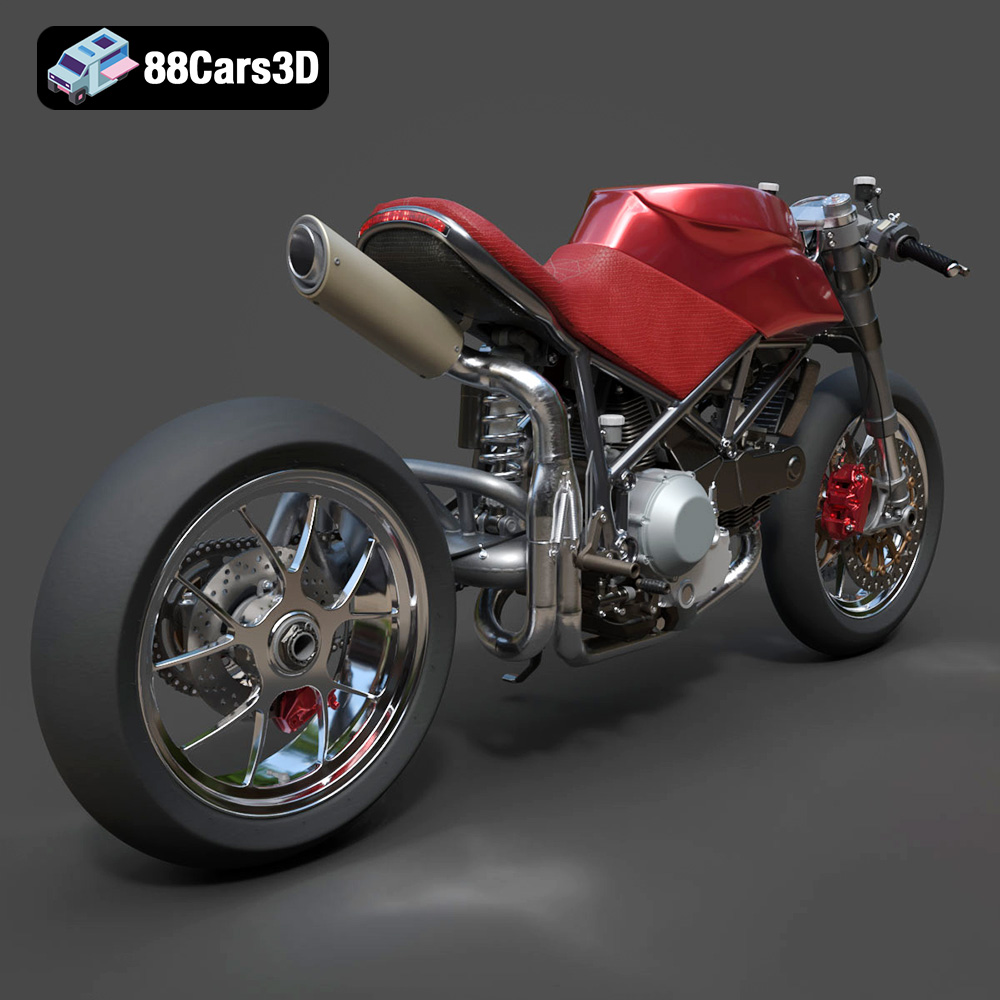
The Ducati 916 Custom Café Fighter 3D Model is an ultra-high-detail digital recreation of a bespoke custom motorcycle build, based on the legendary 1990s Italian sportbike. Inspired by iconic digital concepts that blend the raw mechanical aggression of a streetfighter with the retro-modern sleekness of a café racer, this model strips away the factory fairings to proudly expose the beautiful steel trellis frame, the legendary L-twin engine, and the signature single-sided swingarm.
$130
.blend
.ducati
.fbx
.obj
.rendering
.stl
.streetfighter
17m-polygons
3d printing
916
cafe-racer
car-3d-model
custom-motorcycle
engine-details
l-twin
trellis-frame
ultra-high-poly