Get 50% OFF All Premium 3D & STL Models!

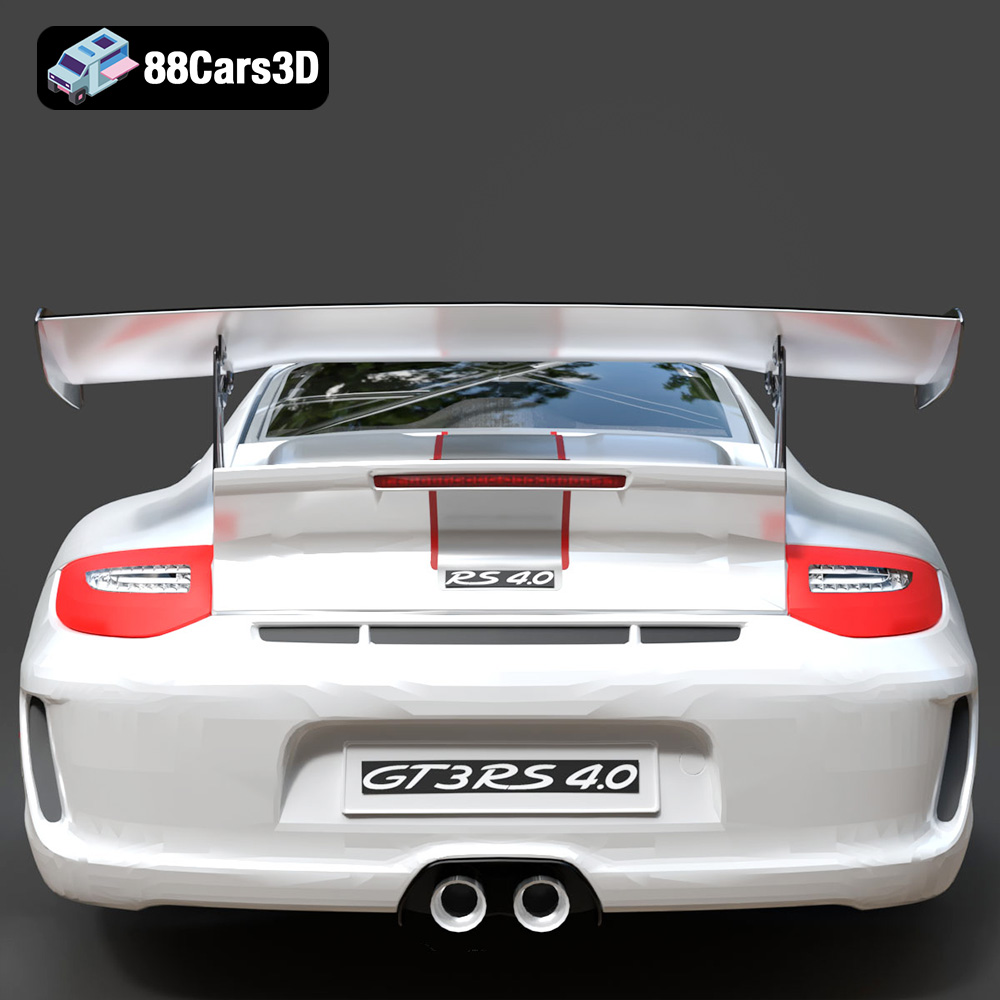
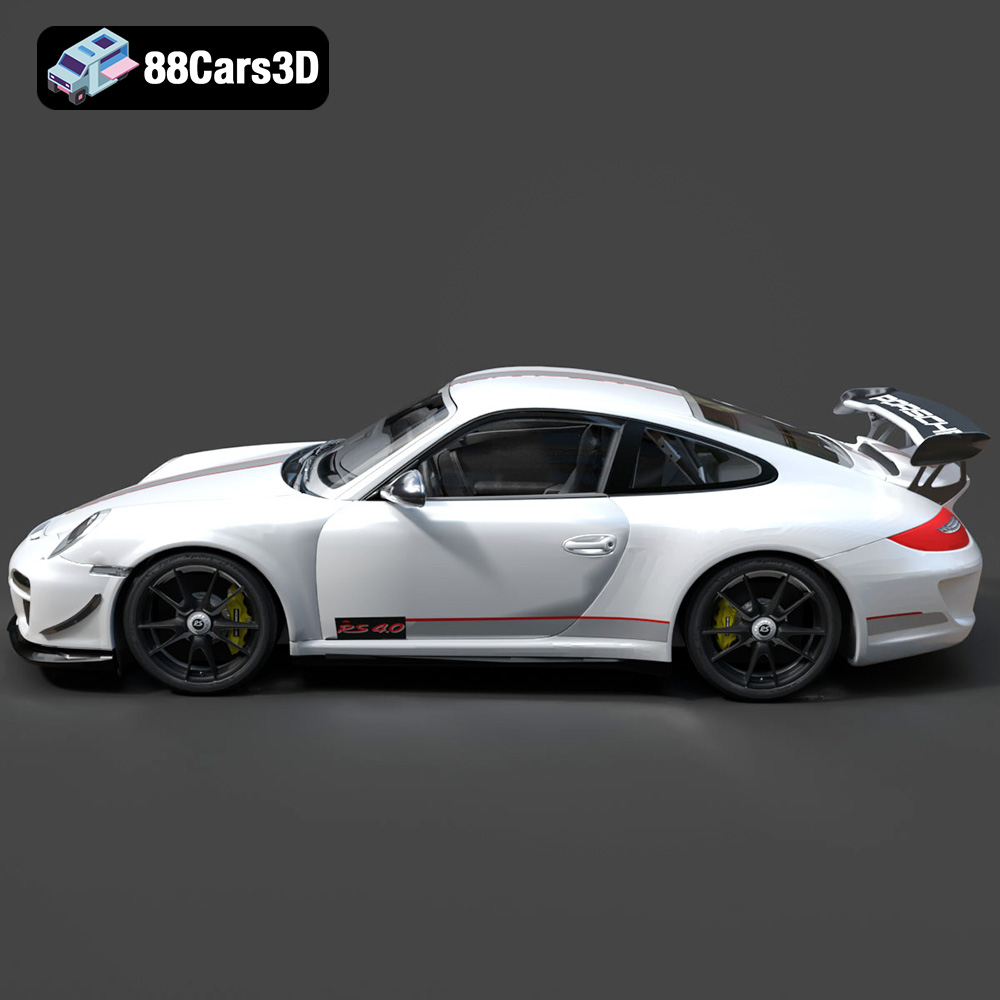
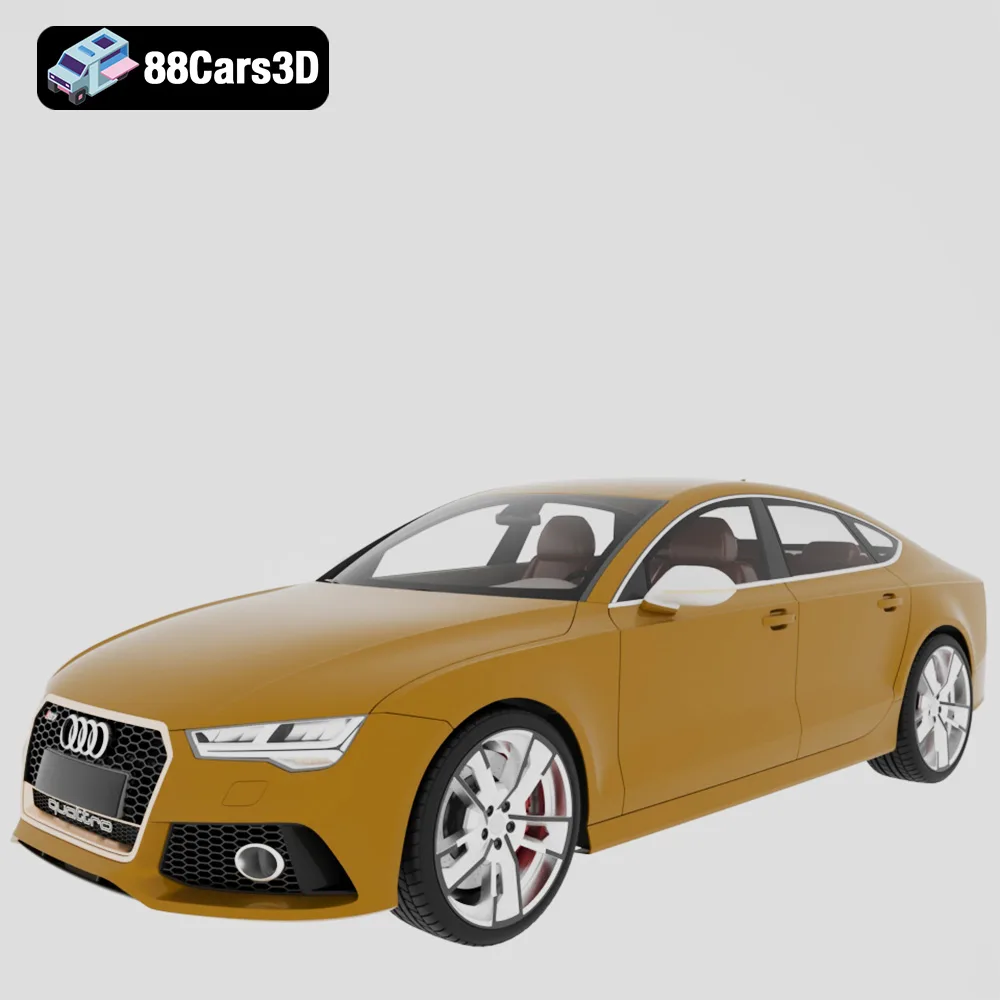
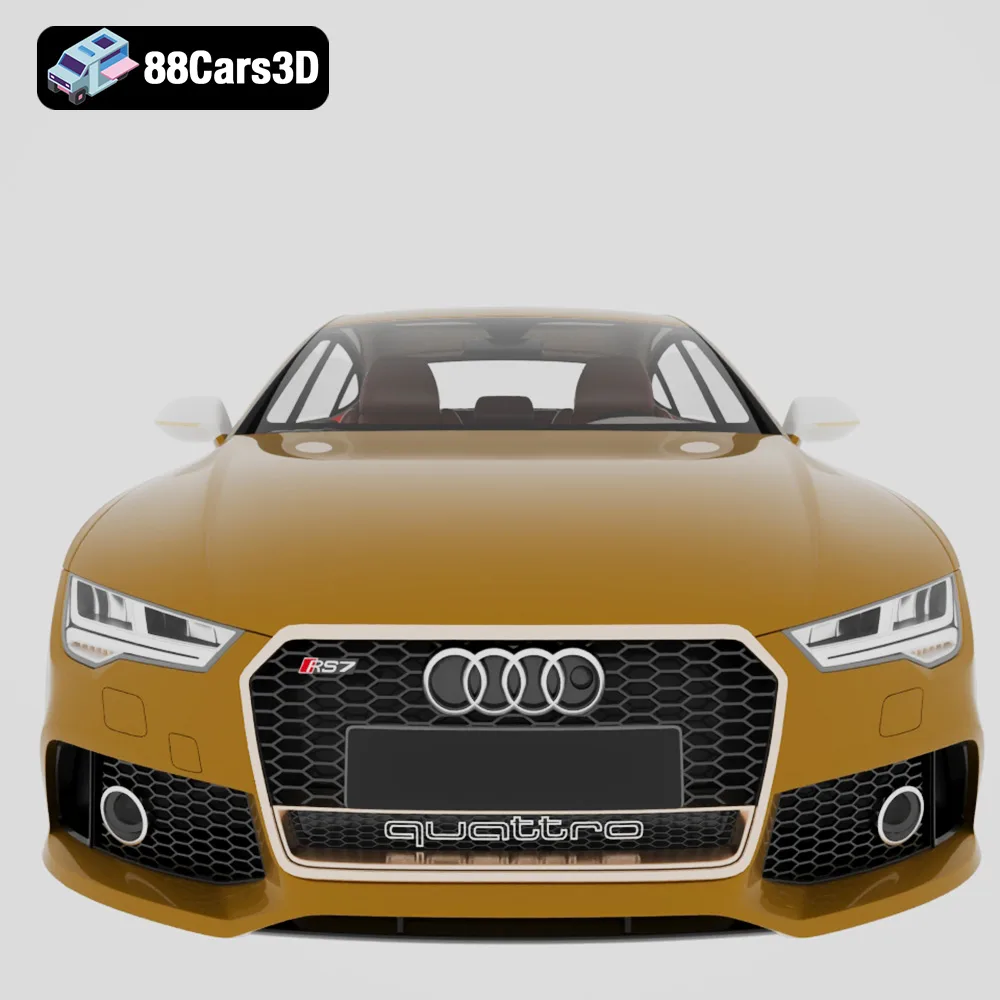
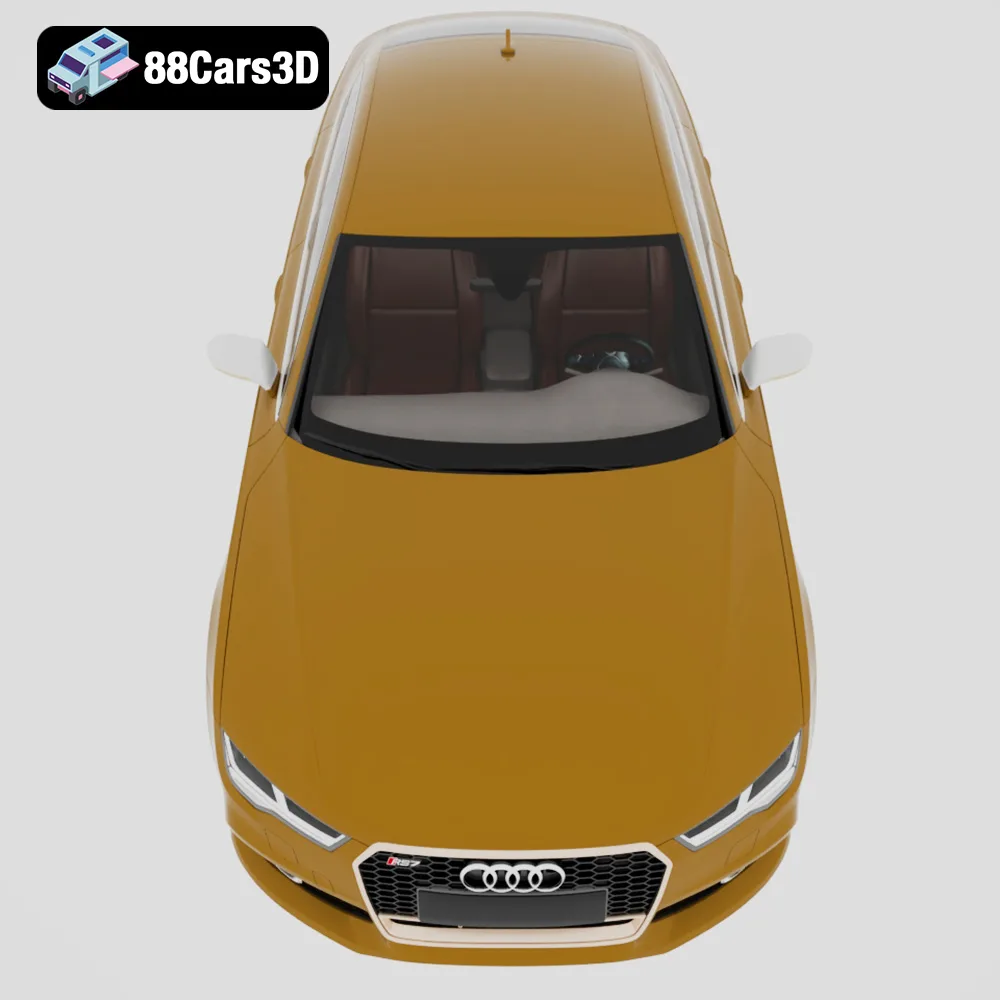
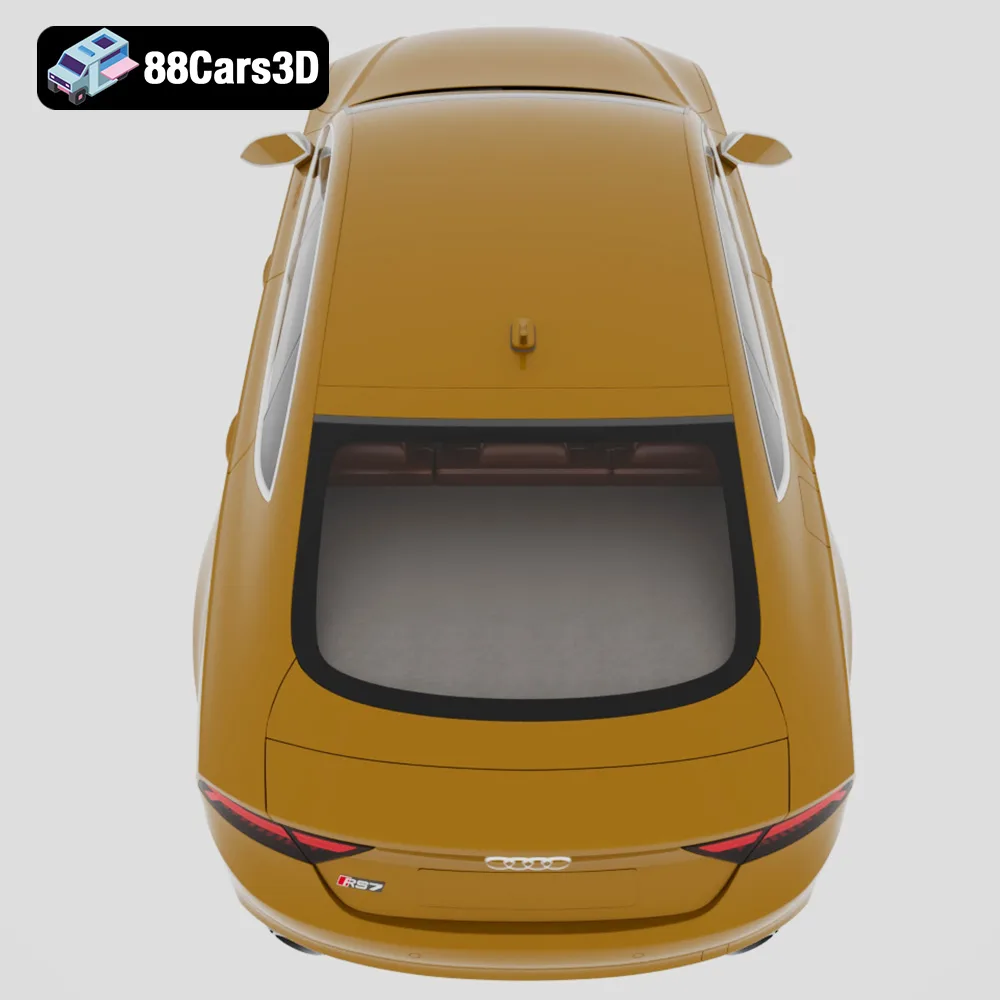
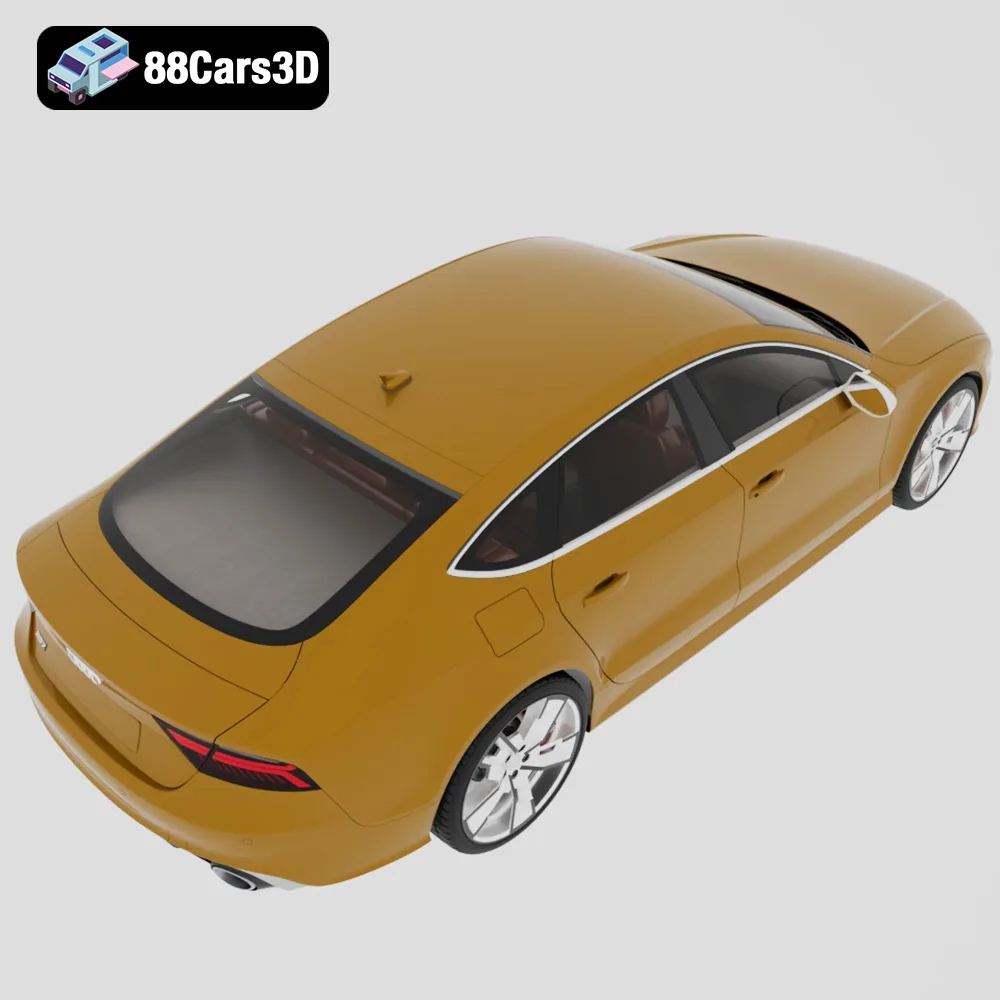
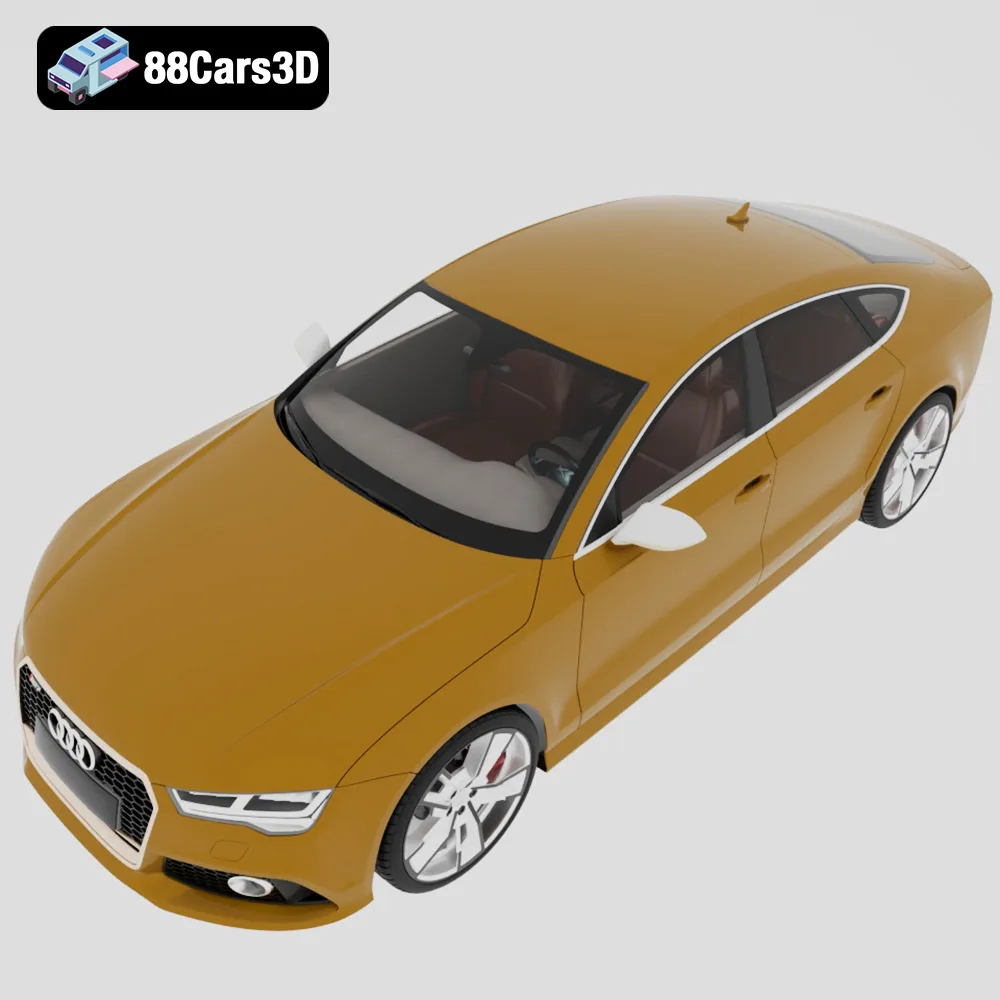
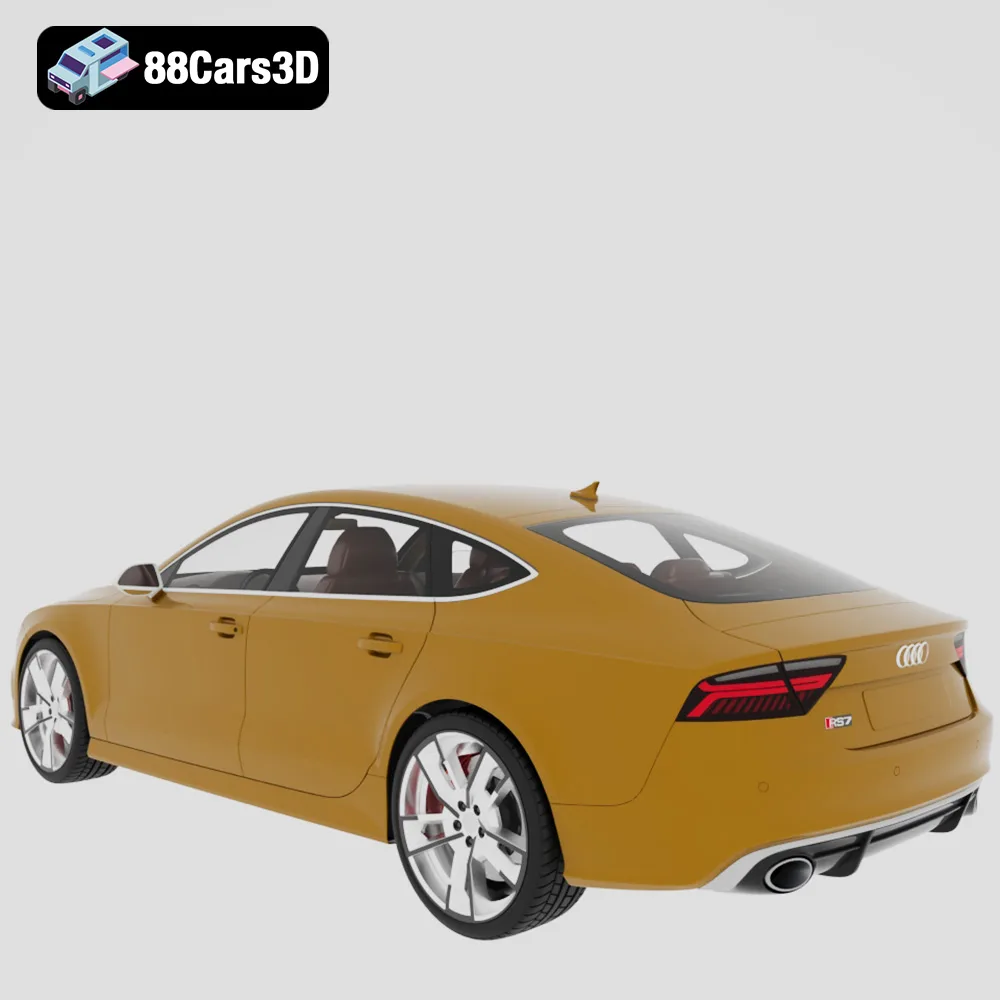
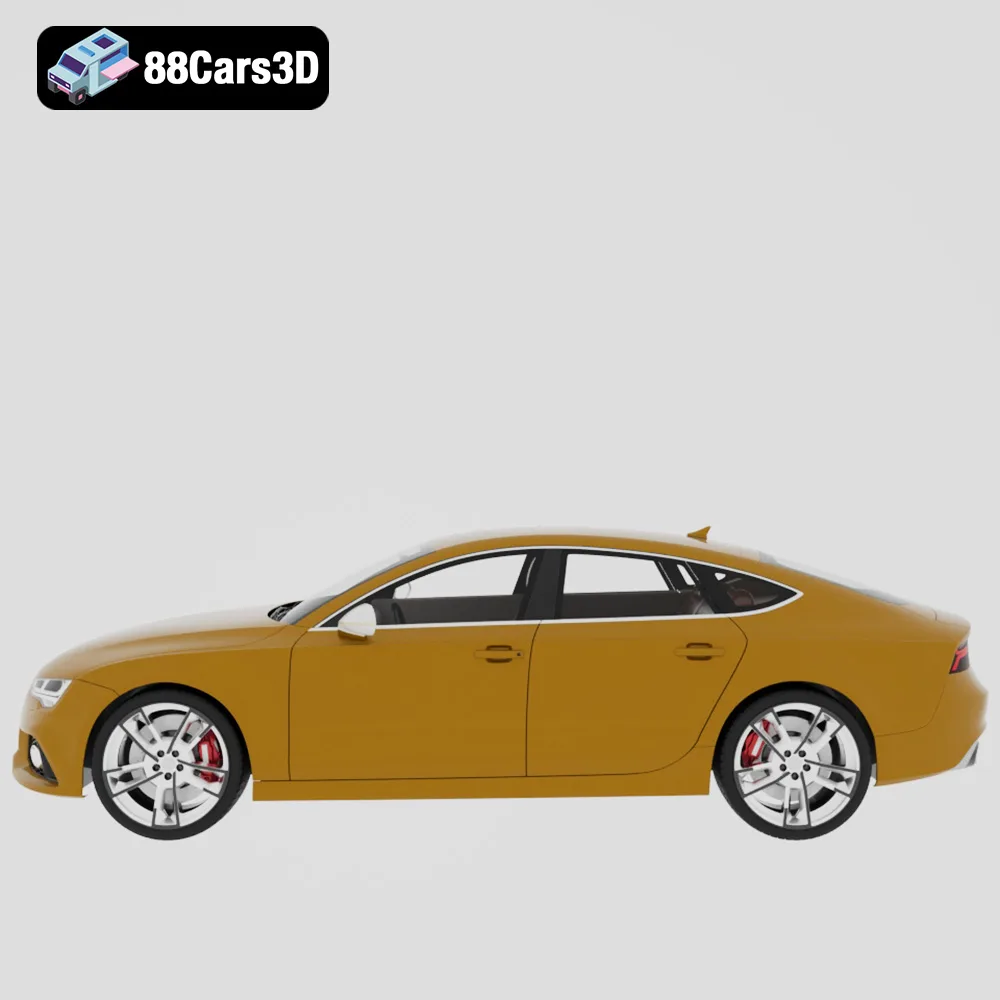
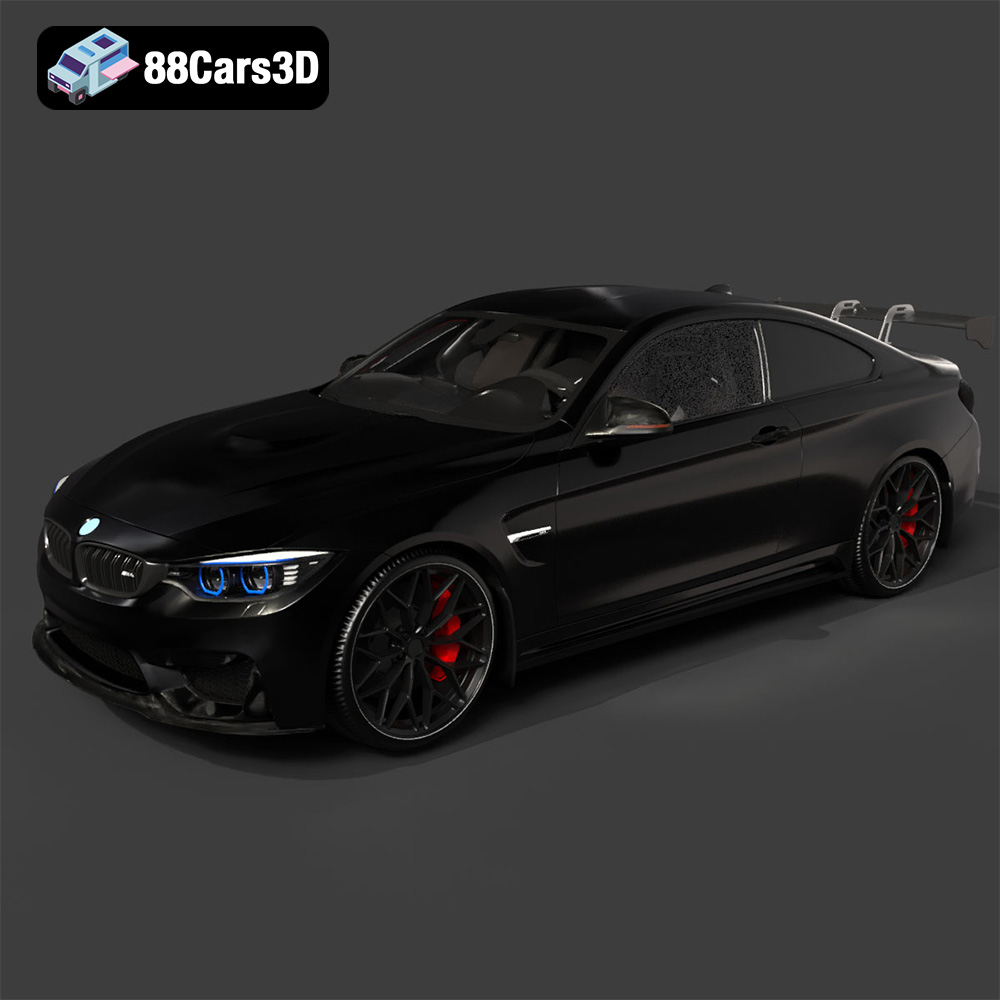
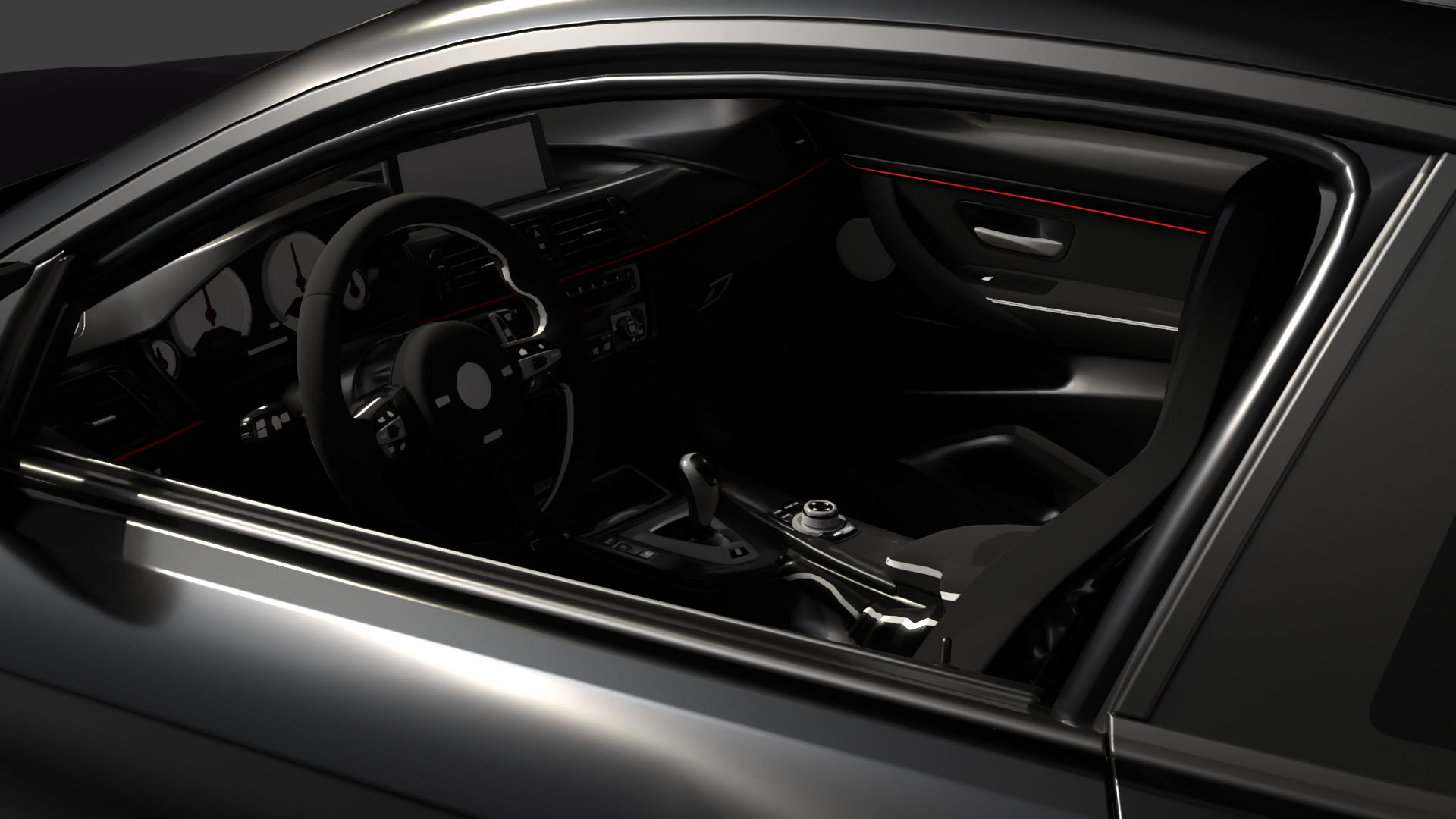
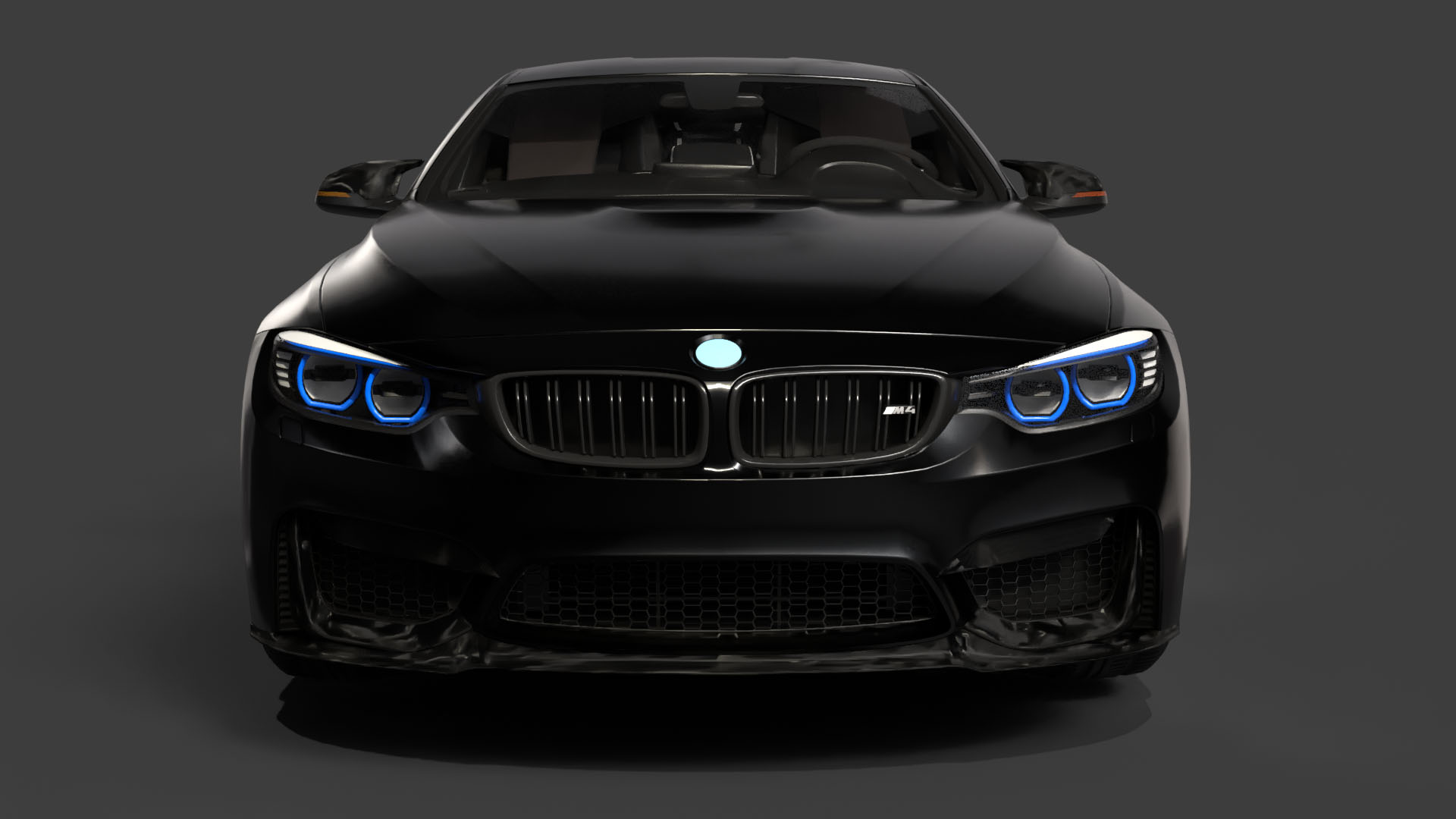
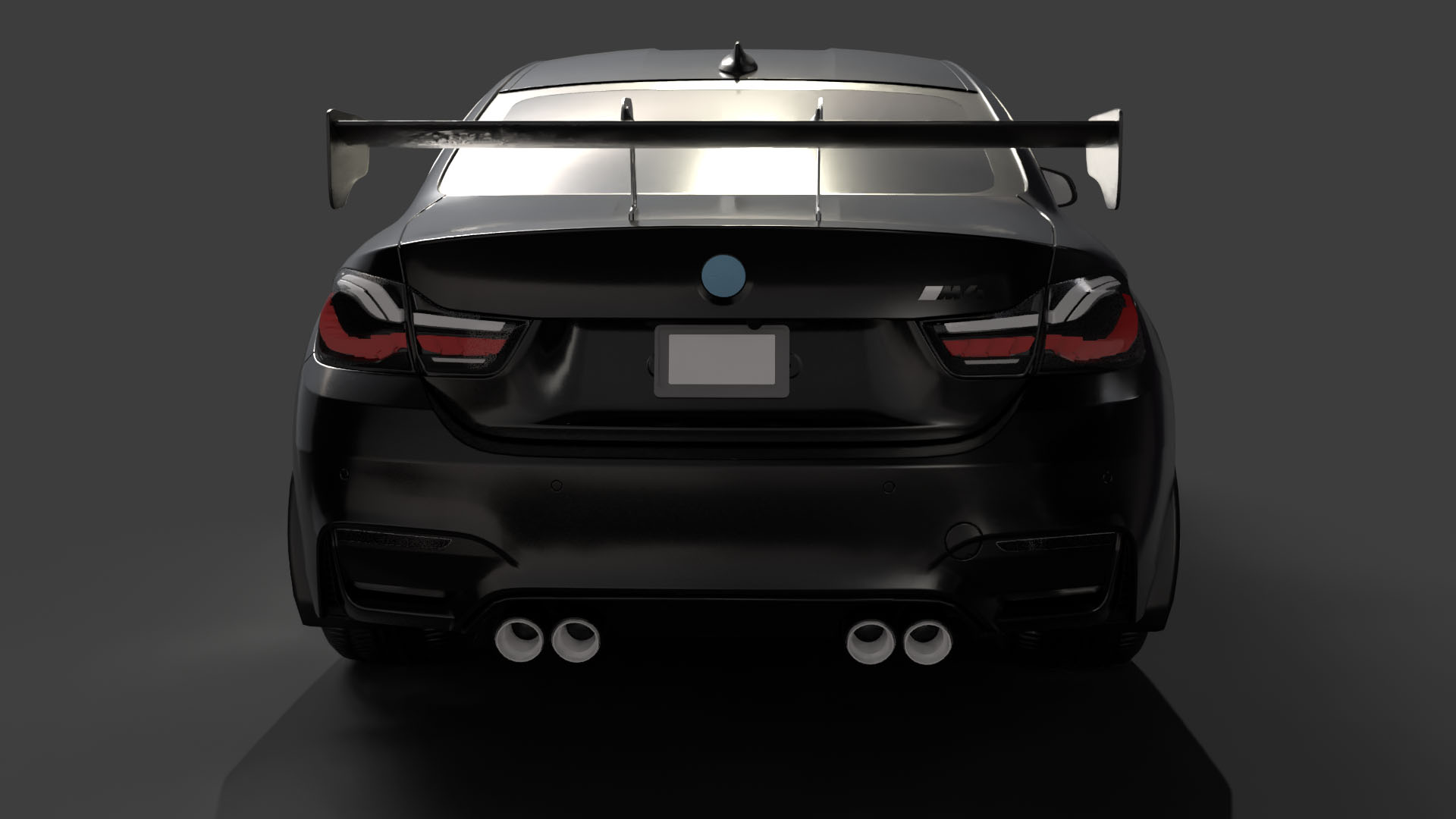
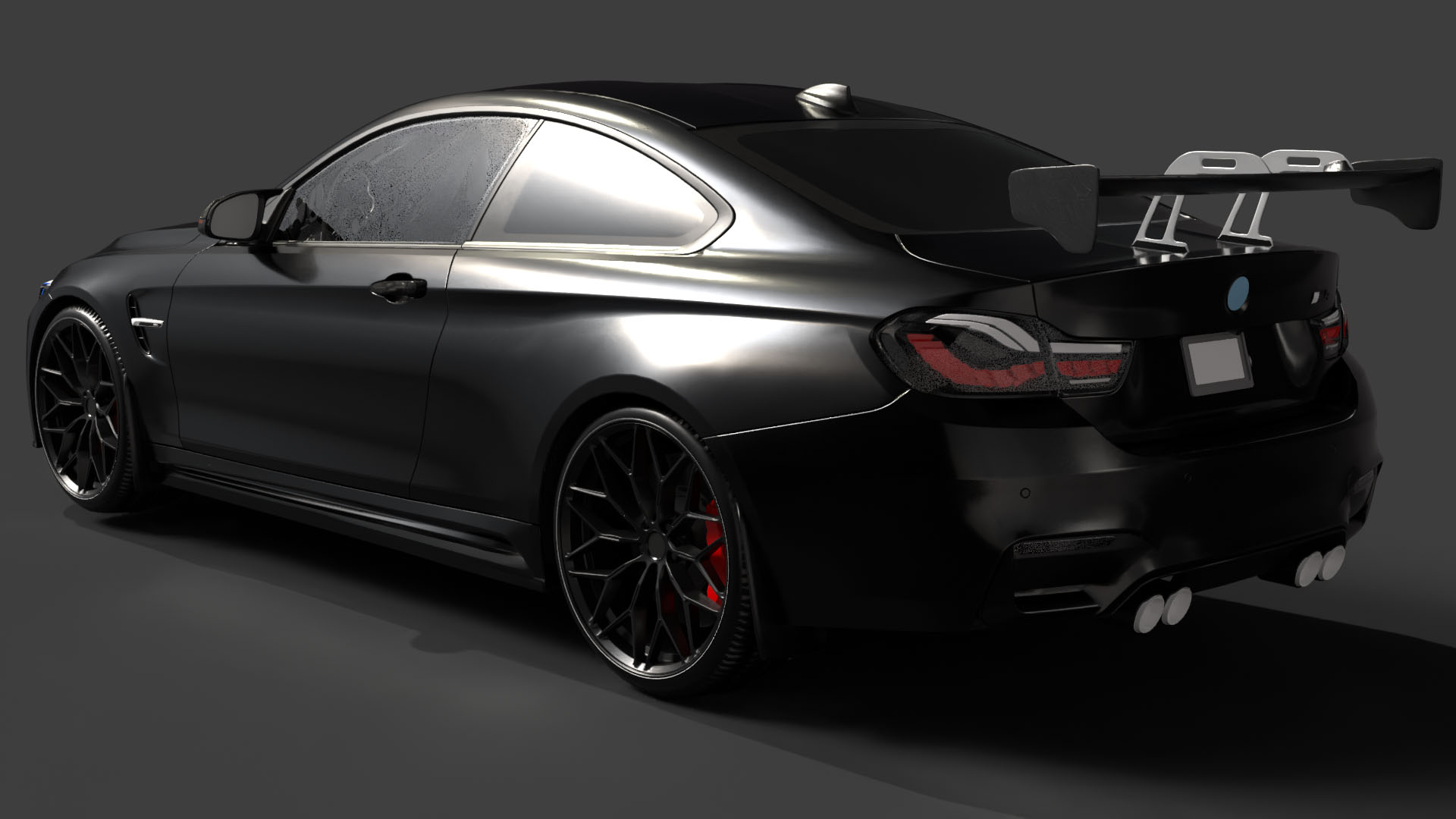
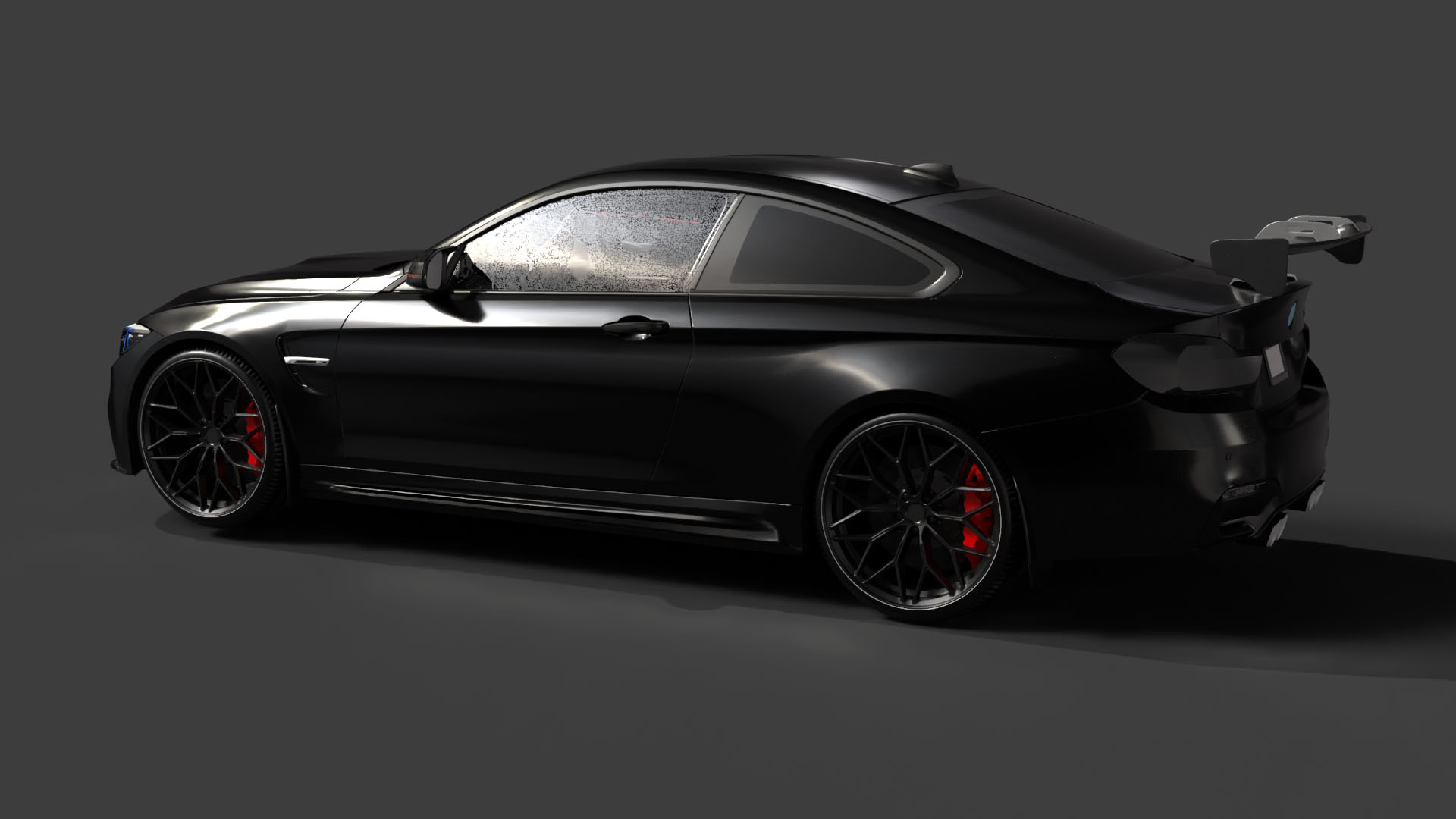
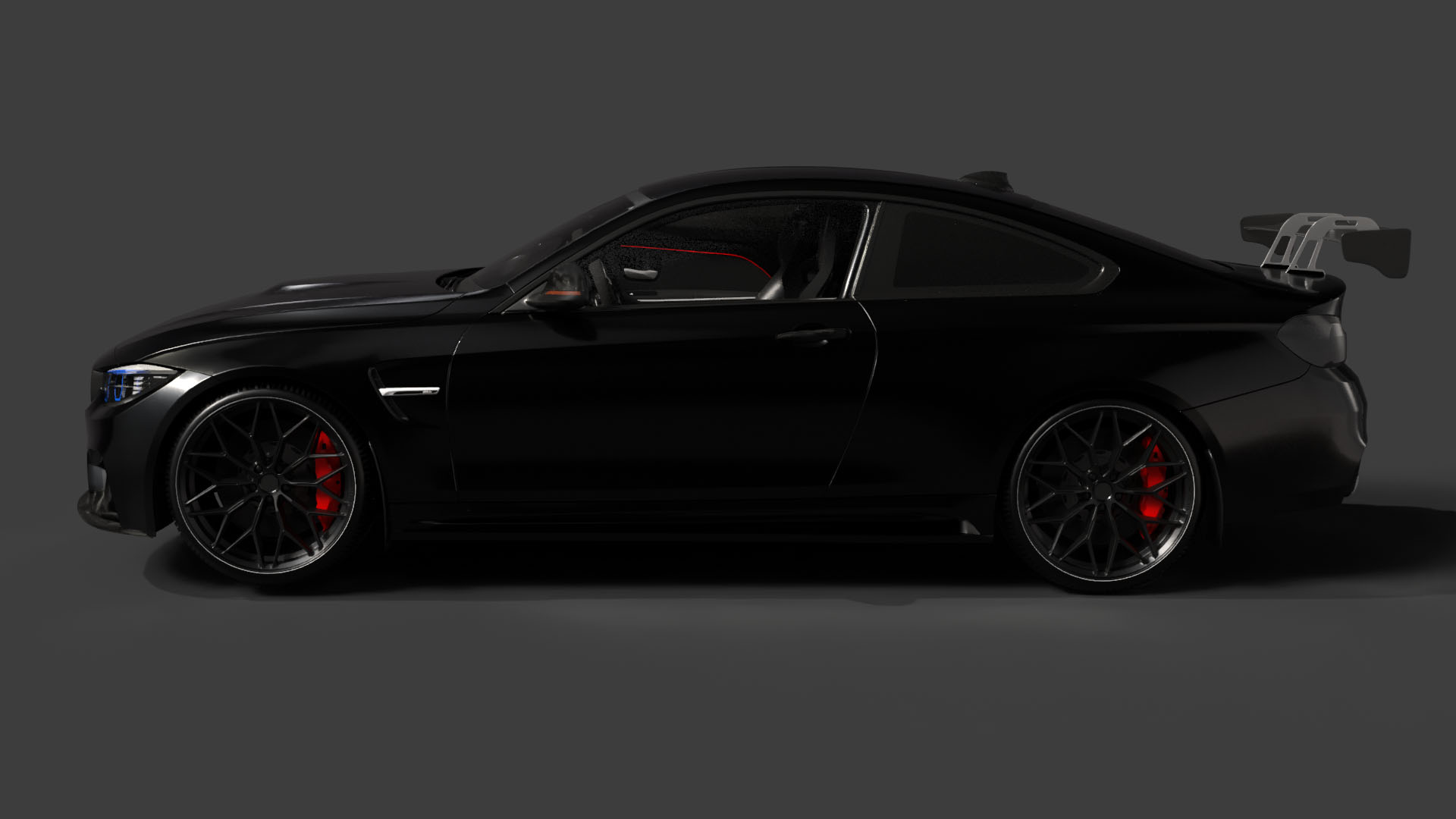
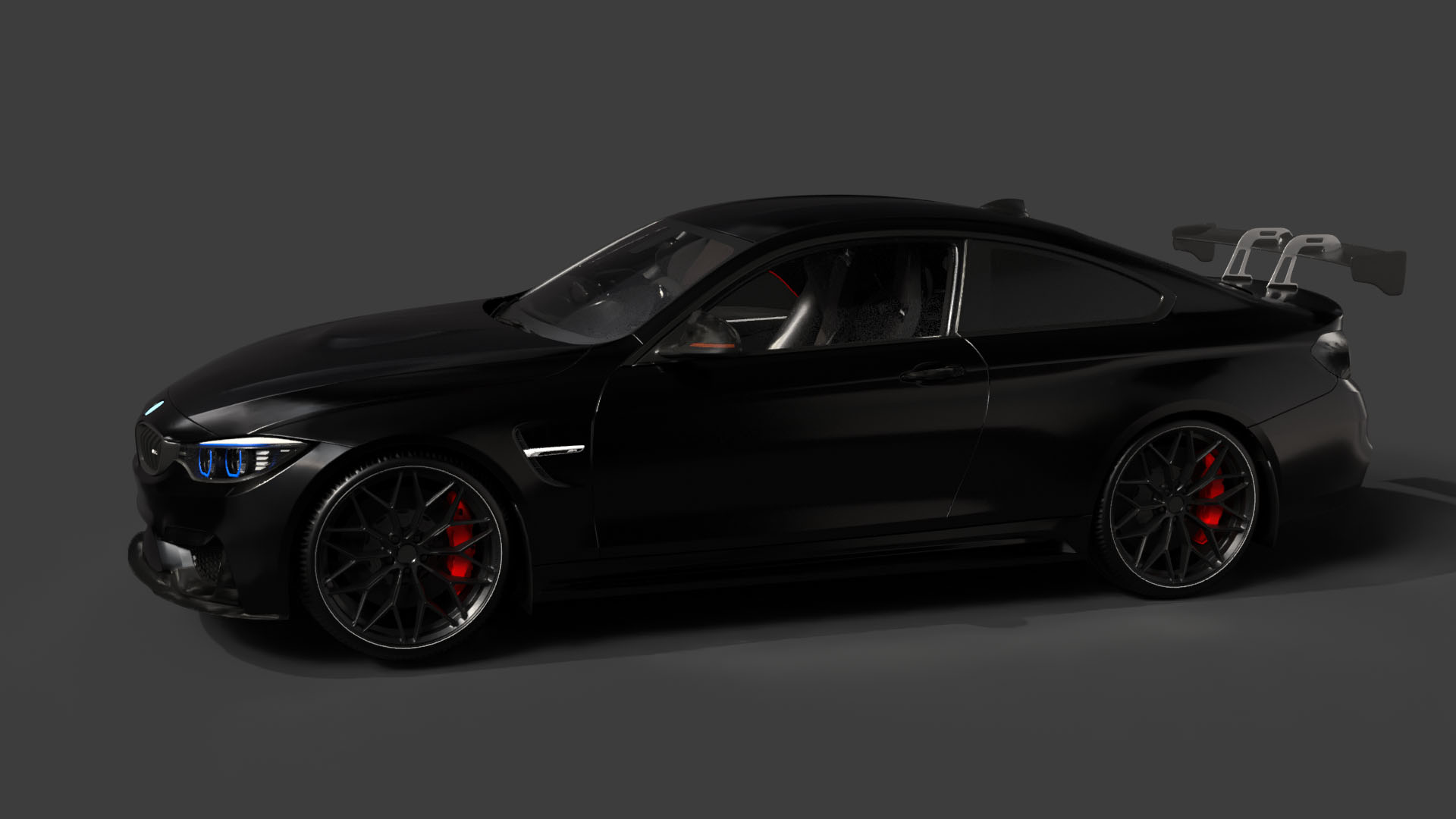
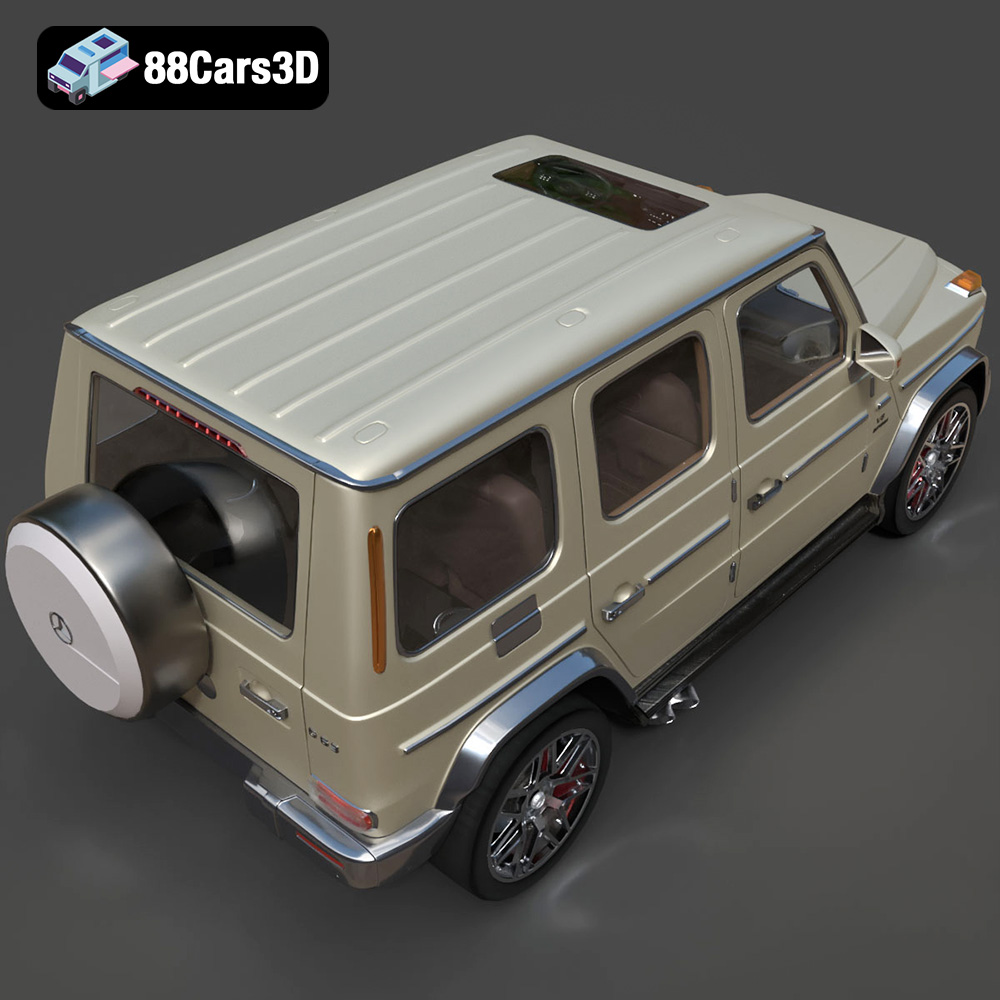
The allure of owning a collection of high-performance German luxury cars is undeniable. Thanks to advancements in 3D printing technology, enthusiasts can now bring these automotive icons to life, albeit in a smaller scale. The “Ultimate German Luxury Cars 3D Models Bundle” available at 88cars3d.com provides meticulously crafted digital replicas of the Porsche 911 GT3, Audi RS7, BMW M4 F82, and Mercedes-Benz G63 AMG. This article will guide you through the process of successfully 3D printing these models, covering everything from pre-print preparation to post-processing techniques.
The “Ultimate German Luxury Cars 3D Models Bundle” is designed not just for rendering or game development, but also for tangible creation through 3D printing. This bundle offers several advantages for 3D printing enthusiasts:
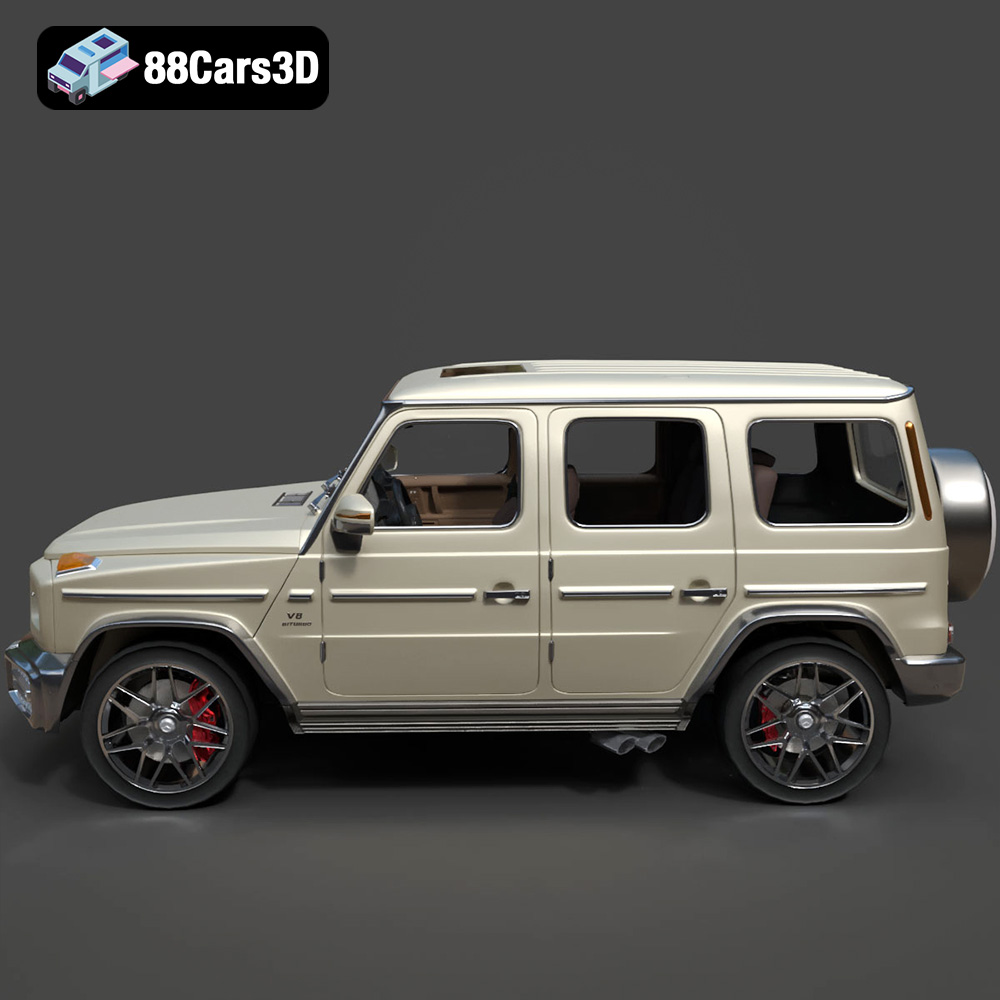
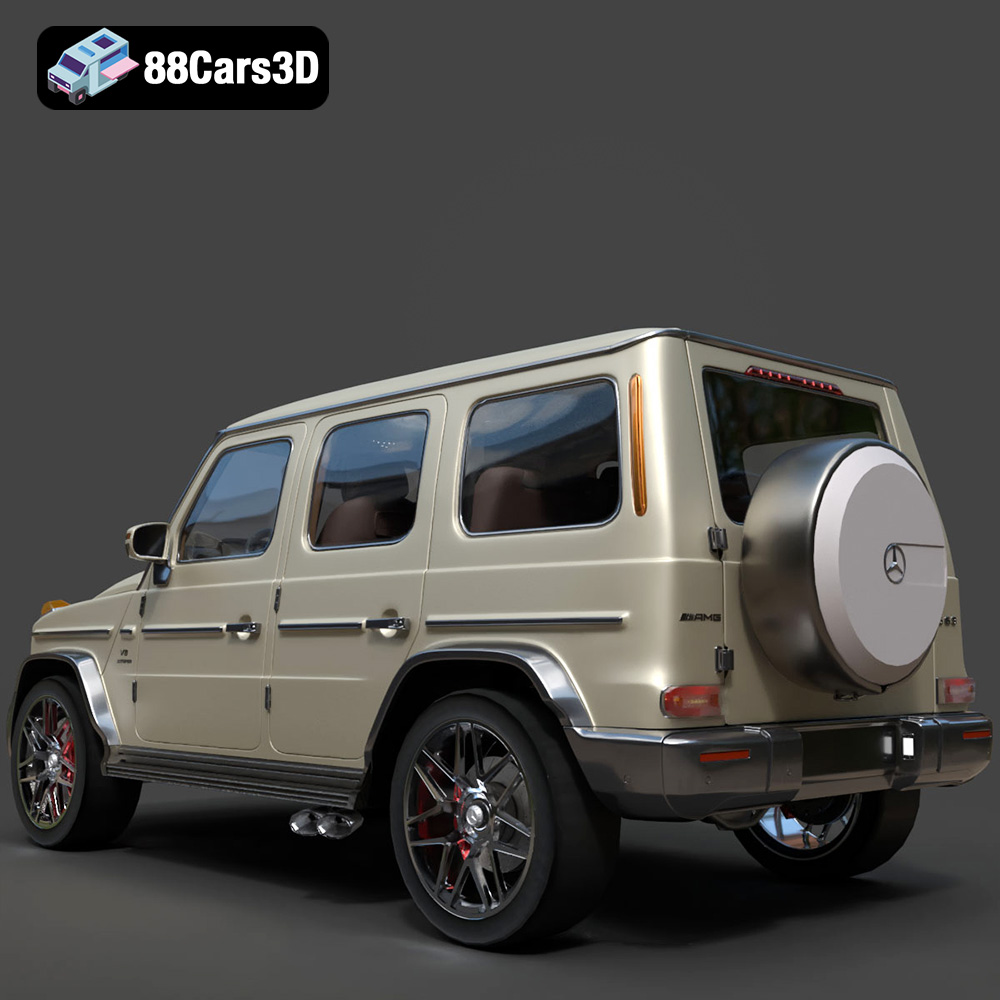
Each car model boasts highly detailed exteriors, including accurate headlights, taillights, and intricate wheel designs. This level of detail allows for stunningly realistic 3D printed replicas.
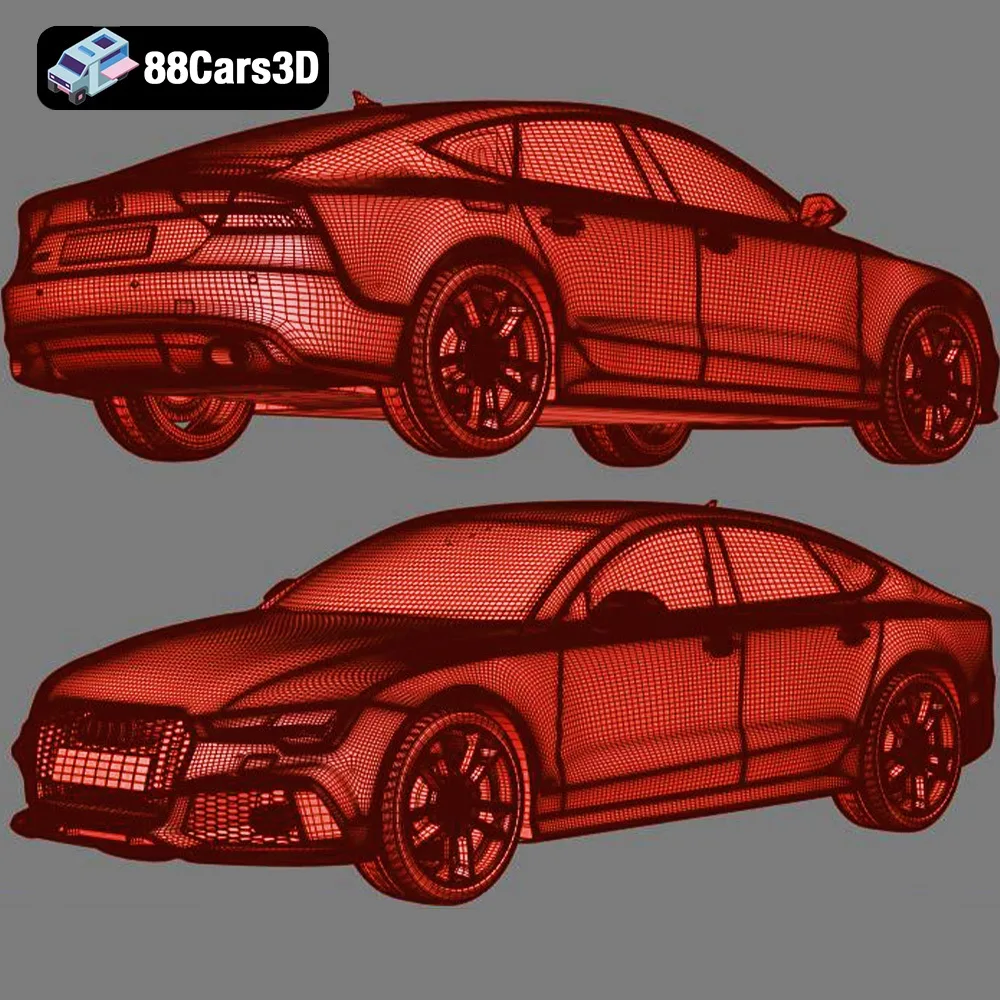
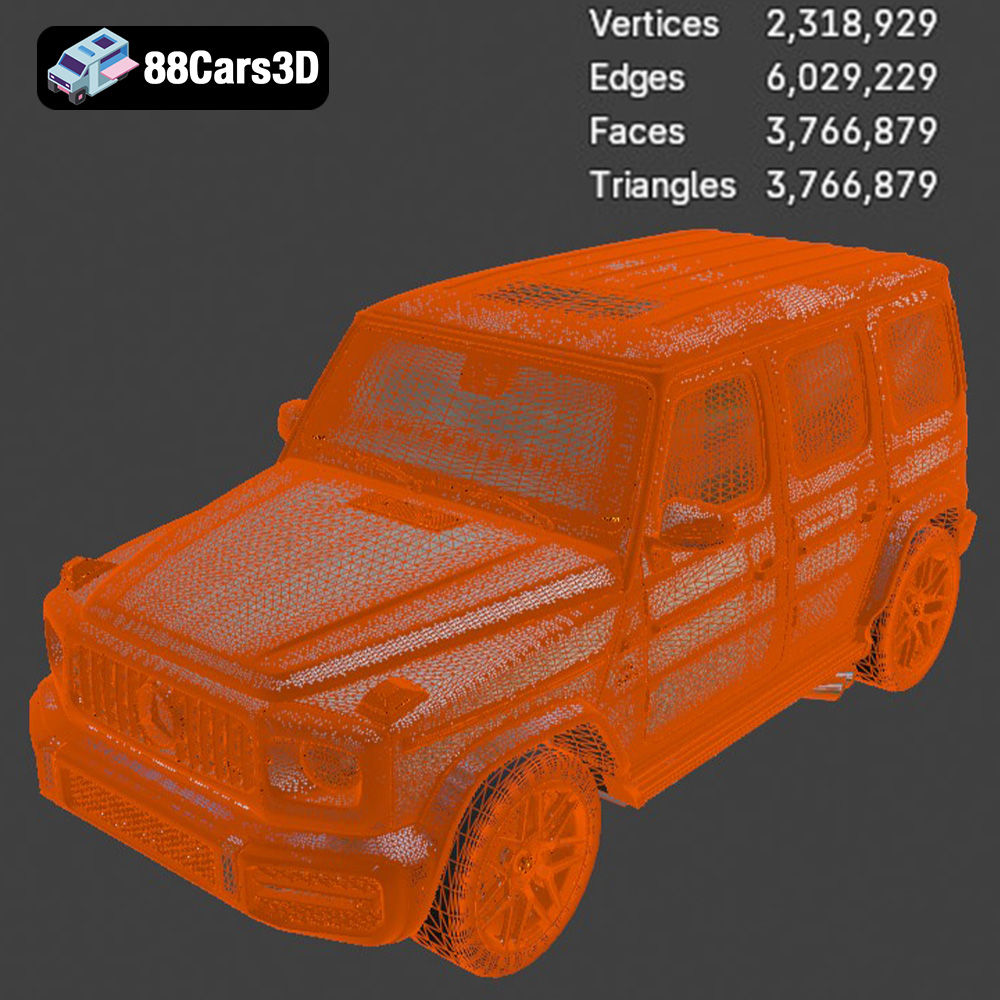
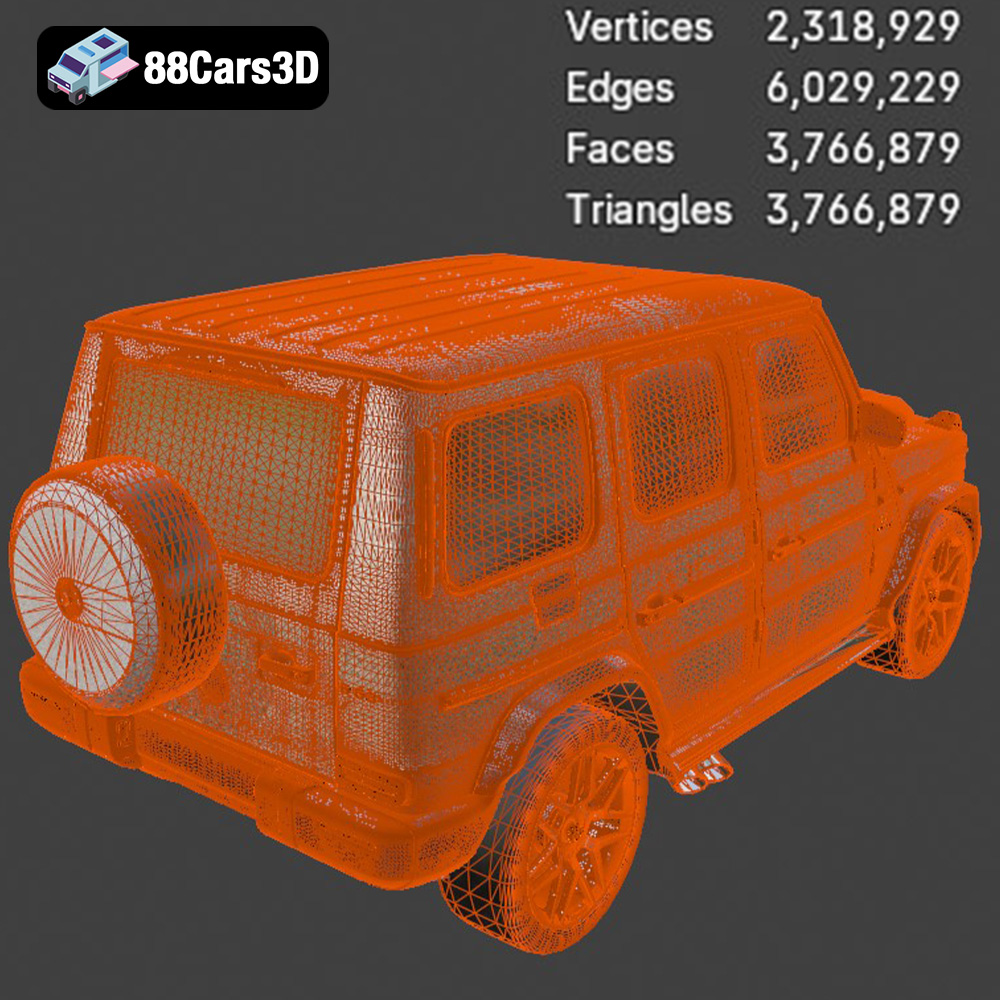
While primarily designed for ArchViz, the included STL files are optimized for 3D printing. 88cars3d.com ensures the models are manifold and ready for slicing, minimizing potential printing errors.
Instead of sourcing individual models, this bundle provides four iconic cars at a reduced cost. This allows you to build a diverse collection of luxury vehicles with a single purchase.
Choosing the right file format is crucial for a successful 3D printing experience. The “Ultimate German Luxury Cars 3D Models Bundle” includes various formats, but some are better suited for 3D printing than others.
The .stl (stereolithography) format is the most widely used file type for 3D printing. It represents the surface geometry of a 3D object as a collection of triangles. This simplicity makes it universally compatible with slicing software and 3D printers. The .stl format does not store color or texture information, so printed objects will be a single color. When working with .stl files, ensure the mesh is watertight (no holes or gaps) and the normals are correctly oriented (facing outwards).
The .obj (object) format is another common 3D file type that supports both geometry and texture information. This format can store color data, allowing for the possibility of multi-colored 3D prints (if your printer supports it). However, .obj files can be larger and more complex than .stl files, potentially causing issues with some slicing software.
The .ply (polygon) format is designed to store 3D data acquired from 3D scanners. It can represent complex geometries with high precision, making it suitable for very detailed models. While .ply files can be used for 3D printing, they are not as widely supported as .stl or .obj files. You may need to convert .ply files to .stl before slicing.
The .blend format is the native file format for Blender, a popular open-source 3D modeling software. This format contains the entire Blender scene, including the model geometry, textures, lighting, and animation data. While you can’t directly 3D print a .blend file, it allows you to modify the model before exporting it to a 3D printable format like .stl.
The .fbx (Filmbox) format is a proprietary file format developed by Autodesk. It’s commonly used for exchanging 3D data between different software applications. .fbx files can store geometry, textures, materials, and animation data. While some slicing software can import .fbx files, compatibility may vary. It’s generally recommended to export the model to .stl for 3D printing.
The .glb (GL Transmission Format Binary) format is designed for efficient transmission and loading of 3D models, particularly in web applications and augmented reality (AR) experiences. .glb files are self-contained and include all the necessary data, such as geometry, textures, and animations. While .glb files are not directly used for 3D printing, they are useful for previewing the model in AR to get a sense of its size and appearance before printing.
For the “Ultimate German Luxury Cars 3D Models Bundle,” the .stl format is the most suitable for 3D printing. It ensures compatibility with virtually all slicing software and 3D printers. Before slicing, it’s essential to inspect the .stl files for any errors, such as non-manifold geometry or flipped normals. Mesh editing software like MeshMixer or Blender can be used to repair these issues.
Before sending the STL files to your 3D printer, you need to process them using slicing software. This software converts the 3D model into a series of instructions (G-code) that the printer can understand.
Numerous slicing software options are available, each with its own strengths and weaknesses. Popular choices include:
* **Cura:** A free and open-source slicer with a user-friendly interface and extensive customization options.
* **PrusaSlicer:** Another excellent free slicer, known for its advanced features and accurate print predictions.
* **Simplify3D:** A commercial slicer offering advanced control over printing parameters and support structures.
The orientation of the model on the print bed significantly impacts print quality and support requirements. For the car bodies, printing at a 45-degree angle, as suggested in the product description, is generally a good starting point. This minimizes the need for supports on the smooth surfaces of the roof and hood. Experiment with different orientations to find the optimal balance between surface finish and support material usage.
The recommended scales for diecast enthusiasts are 1:18, 1:24, and 1:43. Choose a scale that suits your printer’s build volume and desired level of detail. Ensure that all parts are scaled uniformly to maintain accurate proportions.
Support structures are essential for printing overhanging features like side mirrors, wheel arches, and spoilers. Slicing software automatically generates supports, but you may need to manually adjust their placement and density for optimal results. Consider using tree supports or light supports to minimize the impact on the model’s surface finish.
The choice of material depends on your printer type, desired level of detail, and aesthetic preferences.
For Fused Deposition Modeling (FDM) printers, PLA (Polylactic Acid) and PETG (Polyethylene Terephthalate Glycol) are the most common materials. PLA is biodegradable, easy to print, and offers good detail. PETG is more durable, heat-resistant, and flexible than PLA, but it can be more challenging to print.
* **PLA:** Ideal for beginners due to its ease of use and low printing temperature.
* **PETG:** A good choice for parts that require higher strength and durability.
For Stereolithography (SLA) or Digital Light Processing (DLP) printers, resin is the only option. Resin printing offers significantly higher resolution and detail than FDM printing, making it ideal for capturing the intricate features of the luxury car models.
* **Standard Resin:** A versatile resin suitable for general-purpose printing.
* **Tough Resin:** Offers increased strength and impact resistance.
* **ABS-Like Resin:** Mimics the properties of ABS plastic, providing a balance of strength and flexibility.
Given the intricate grilles and rims of the models, resin printing is highly recommended to fully capture their detail, especially at smaller scales.
Achieving high-quality 3D prints requires careful calibration of printer settings. Here are some recommended settings for the “Ultimate German Luxury Cars 3D Models Bundle”:
* **FDM (PLA/PETG):** 0.1mm – 0.2mm layer height provides a good balance between print speed and detail.
* **Resin:** 0.025mm – 0.05mm layer height is recommended for capturing fine details. The product description suggests 0.04-0.05mm for resin printing.
* **FDM (PLA/PETG):** 15-25% infill is sufficient for most parts. Increase infill density for parts that require higher strength.
* **Resin:** Resin prints are typically solid, so infill density is not a factor.
* **FDM (PLA/PETG):** 40-60 mm/s is a good starting point. Adjust speed based on the material and printer capabilities.
* **Resin:** Print speed is determined by the layer exposure time. Refer to the resin manufacturer’s recommendations.
* **FDM (PLA/PETG):** Experiment with different support types (linear, tree) and densities to minimize impact on the surface finish.
* **Resin:** Use light supports with small contact points to facilitate easy removal and minimize scarring.
* **PLA:** 200-220°C nozzle temperature, 60°C bed temperature.
* **PETG:** 230-250°C nozzle temperature, 70-80°C bed temperature.
* **Resin:** Room temperature is generally sufficient.
Once the parts are printed, post-processing is necessary to achieve a polished, professional finish.
Carefully remove support structures using pliers, cutters, or a hobby knife. Take care not to damage the model’s surface.
Sand the parts to remove any imperfections, such as layer lines or support marks. Start with coarse sandpaper (e.g., 220 grit) and gradually move to finer grits (e.g., 400, 600, 800) for a smooth finish. Wet sanding can help reduce dust and improve the sanding process.
Apply a primer coat to the parts to prepare them for painting. Primer helps to fill in any remaining imperfections and provides a better surface for paint adhesion.
Paint the parts using acrylic paints or automotive spray paints. Apply multiple thin coats for a smooth, even finish. Consider using stencils or masking tape to create intricate details. For an authentic look, research the original factory colors of each car model.
Assemble the individual parts using glue or screws. Ensure that all parts are properly aligned and securely attached.
Even with careful preparation, 3D printing can sometimes present challenges. Here are some common issues and their solutions:
Warping occurs when the corners of the print lift off the build plate. To prevent warping, ensure that the build plate is clean and level, use a heated bed (if available), and apply an adhesive like glue stick or hairspray.
Stringing refers to thin strands of plastic that form between different parts of the print. To reduce stringing, decrease the nozzle temperature, increase retraction distance, and adjust travel speed.
Layer shifting occurs when the print head suddenly shifts position during printing. This can be caused by loose belts, stepper motor issues, or mechanical problems. Check the printer’s hardware and ensure that everything is properly tightened and calibrated.
If supports are difficult to remove or leave excessive scarring, try adjusting the support settings in your slicing software. Reduce the support density, increase the support Z distance, or use a different support type.
The print time and material cost for the “Ultimate German Luxury Cars 3D Models Bundle” will vary depending on the scale, material, and printer settings used. As a rough estimate, printing a single car model at 1:24 scale could take anywhere from 8 to 24 hours and use 50-150 grams of material. The entire bundle could therefore take several days to print and use a significant amount of filament or resin.
Material costs will depend on the type of material used. PLA is typically the cheapest, followed by PETG, and then resin.
The “Ultimate German Luxury Cars 3D Models Bundle” from 88cars3d.com offers a fantastic opportunity for 3D printing enthusiasts to create their own miniature collection of iconic German automobiles. By following the tips and techniques outlined in this article, you can overcome common printing challenges and achieve stunningly realistic results. From pre-print preparation and material selection to post-processing and troubleshooting, each step plays a crucial role in the final outcome. So, fire up your 3D printer and get ready to bring these luxury cars to life!
The Ultimate German Luxury Cars 3D Models Bundle is an elite collection featuring the pinnacle of European automotive engineering. Designed for high-end architectural visualization (ArchViz), AAA game development, and photorealistic rendering, this 4-in-1 premium package provides everything a 3D artist needs to populate luxury driveways, urban streetscapes, and virtual showrooms. Includes the Porsche 911 GT3, Audi RS7, BMW M4 F82, and Mercedes-Benz G63 AMG.
$129.99
.corona
3d-assets
archviz-pack
audi-rs7
bmw-m4
car-collection
game-ready
german-cars-bundle
luxury-car-3d-model
mercedes-g63
porsche-911-gt3
vehicle-bundle
vray