Get 50% OFF All Premium 3D & STL Models!

The future of transportation is here, and you can hold it in your hand thanks to the Elite Future Mobility Bundle from 88cars3d.com. This collection of four stunning 3D models – the Tesla Model S, Avatr 11, Li L9, and Zoox Robotaxi – offers a glimpse into the next generation of vehicles. But what does it take to bring these futuristic designs to life through 3D printing? This comprehensive guide will walk you through every step, from pre-print preparation to post-processing, ensuring a successful and rewarding 3D printing experience. Whether you’re a seasoned enthusiast or a newcomer to additive manufacturing, this bundle provides an exciting opportunity to explore the intersection of technology and design.
Before diving into specific print settings, it’s crucial to understand the various file formats included in the Elite Future Mobility Bundle and how they relate to 3D printing. While the bundle offers a range of formats for different applications, the .STL format is the workhorse for 3D printing.
The STL (stereolithography) file format is the industry standard for 3D printing. It represents the surface geometry of a 3D object as a collection of triangles. This simplicity makes it universally compatible with slicing software, the programs that translate 3D models into instructions for your 3D printer. The Elite Future Mobility Bundle includes STL files optimized for printing, but it’s important to understand their characteristics.
The primary advantage of STL is its widespread support. Every 3D printer and slicer can handle STL files. However, STL files only contain mesh data, meaning they lack color, texture, or material information. This means your 3D print will be a single color based on the filament you use.
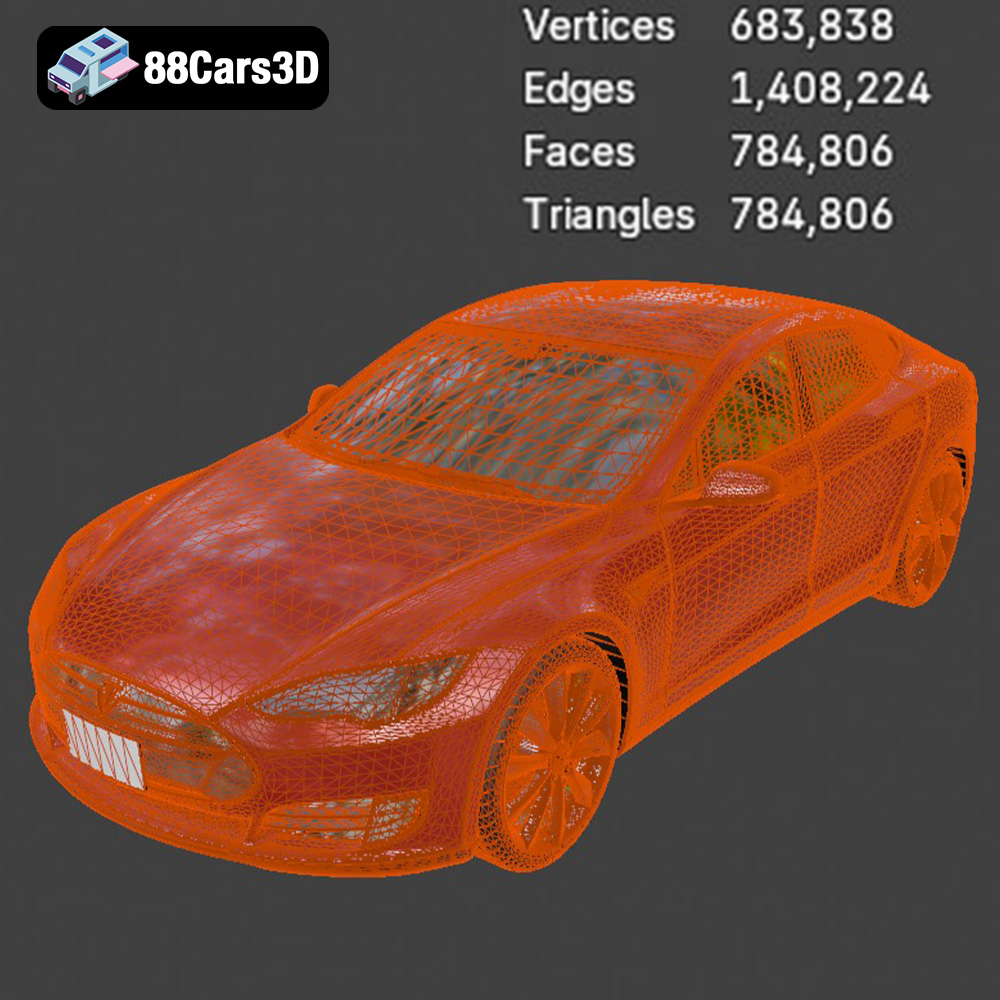
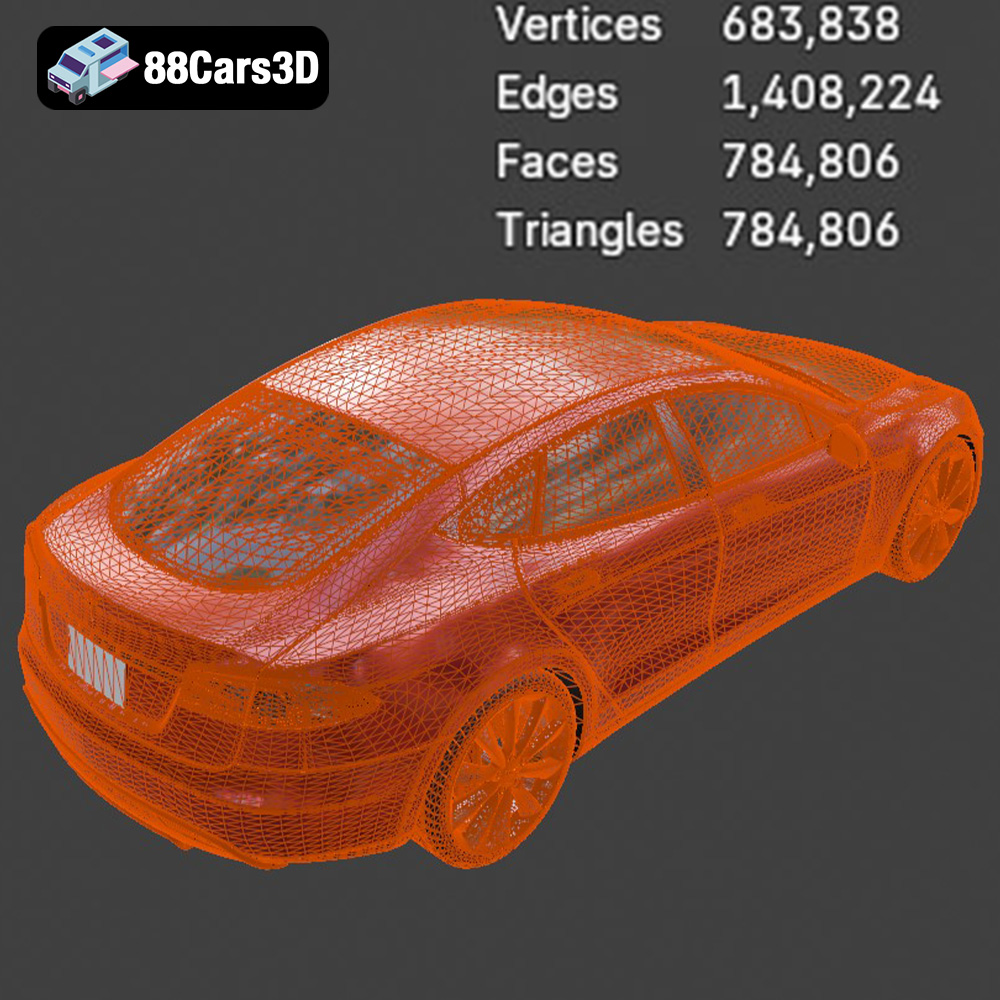
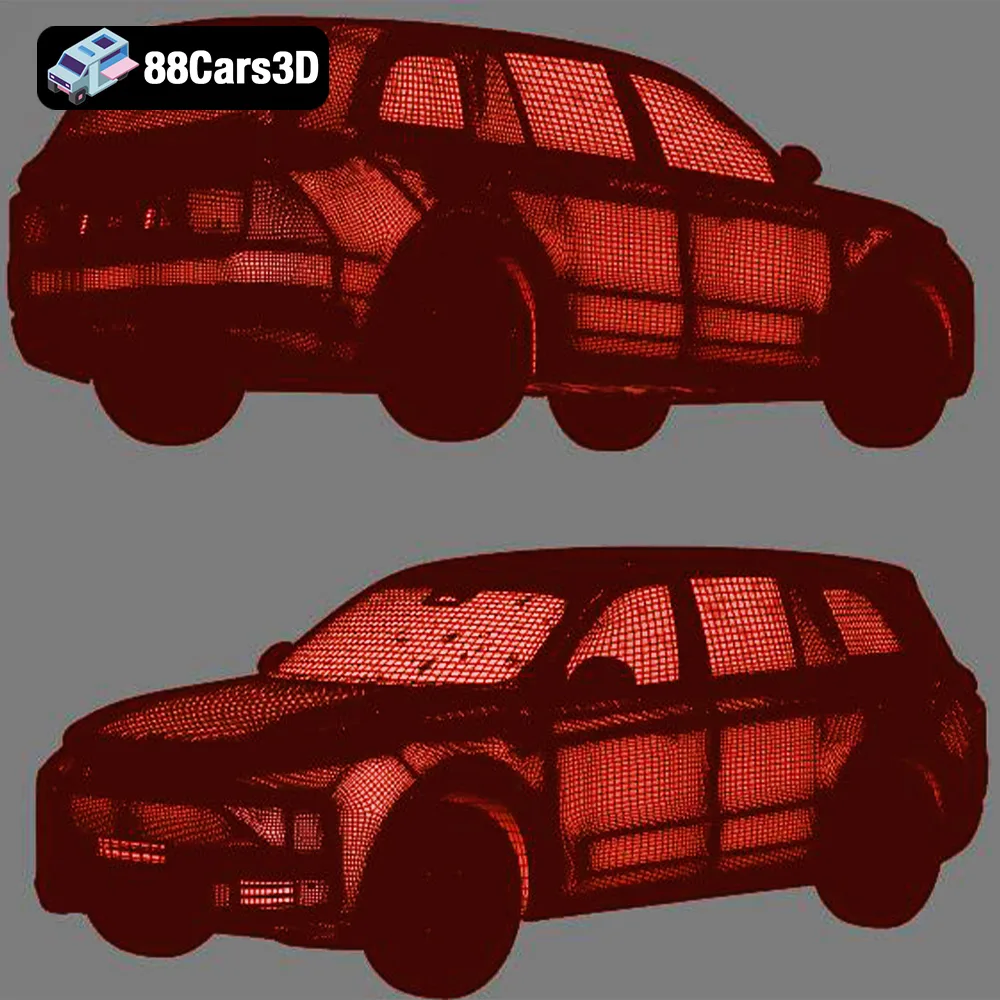
When working with STL files, mesh quality is paramount. A poorly constructed STL file can lead to printing errors or a weakened final product. Ensure the STL files you use are “manifold” (watertight) and have no intersecting faces or holes. Fortunately, the STL files from 88cars3d.com are pre-checked for manifold geometry to minimize print failures. Slicing software also has built-in tools to repair minor errors, but it’s always best to start with a clean model. Triangle count is another important factor. While higher triangle counts lead to smoother surfaces, they also increase file size and processing time. The Elite Future Mobility Bundle strikes a good balance, using optimized mid-poly models that provide sufficient detail without overwhelming your 3D printer.
While STL is best for 3D printing, the other formats in the bundle are useful for other applications:
* **.obj:** A more universal format than STL, OBJ files can store color and texture information. While some advanced 3D printers can utilize this data for multi-color prints, it’s not as widely supported as STL.
* **.ply:** This format is known for its ability to store high-detail mesh data, making it suitable for models with complex geometries. It’s compatible with some slicing software, but STL remains the preferred format.
* **.blend:** This is the native file format for Blender, a popular open-source 3D modeling software. You can use this format to customize the models before exporting them as STL files for printing.
* **.fbx:** FBX is primarily used for animation and game development. It can contain mesh, material, and animation data. It’s less relevant for 3D printing unless you plan to modify the model in a 3D software package and then export it as an STL.
* **.glb:** GLB is a binary file format that’s designed for efficient transmission and loading of 3D models. It’s commonly used for displaying 3D models on the web and in AR applications, allowing you to preview the Elite Future Mobility models in augmented reality.
* **.max:** The native file format for 3ds Max, a professional 3D modeling and rendering software. Similar to .blend, use this to modify and then export as .STL.
In summary, for 3D printing the Elite Future Mobility Bundle, the STL files are your primary focus. Ensure they are clean, manifold, and have an appropriate triangle count for your desired level of detail.
The Elite Future Mobility Bundle can be brought to life using various 3D printing technologies. However, the two most common and accessible options are Fused Deposition Modeling (FDM) and Stereolithography (SLA) or resin printing. Understanding the strengths and weaknesses of each will help you make the best choice for your project.
FDM printing involves extruding a thermoplastic filament through a heated nozzle and depositing it layer by layer onto a build platform. This technology is widely accessible, relatively affordable, and can utilize a variety of materials like PLA, PETG, ABS, and more. For the Elite Future Mobility Bundle, PLA and PETG are excellent starting points.
* **PLA (Polylactic Acid):** This biodegradable thermoplastic is easy to print, produces minimal odors, and offers good detail for larger scale models. It’s a great choice for beginners and is ideal for printing the Tesla Model S, Avatr 11, or Li L9 at a scale of 1:24 or larger.
* **PETG (Polyethylene Terephthalate Glycol-modified):** PETG offers increased strength, flexibility, and heat resistance compared to PLA. It’s a good option for parts that might experience stress or require more durability. While it can be slightly more challenging to print than PLA, the added benefits make it worthwhile for more experienced users.
For FDM printing, consider these factors:
* **Layer Height:** A layer height of 0.1mm to 0.2mm is a good starting point for balancing detail and print time.
* **Infill:** 15-25% infill provides sufficient internal support without adding excessive weight or material cost.
* **Supports:** FDM printing often requires supports for overhanging features like side mirrors and wheel arches.
* **Print Orientation:** Printing the car body at an angle can improve surface finish, but may require more extensive support structures.
Resin printing, also known as Stereolithography (SLA) or Digital Light Processing (DLP), uses a light source to cure liquid resin layer by layer. This technology offers significantly higher resolution and detail compared to FDM printing, making it ideal for smaller scale models and intricate features. The Elite Future Mobility Bundle, particularly details like the “Thor’s Hammer” headlights on the Volvo, will benefit from resin printing.
When using resin printing, keep in mind:
* **Layer Height:** Aim for a layer height of 0.04mm to 0.08mm to maximize detail.
* **Supports:** Resin printing also requires supports, but they are typically finer and easier to remove than FDM supports.
* **Resin Selection:** Standard resin is a good starting point, but consider using tough or engineering resins for increased durability.
* **Post-Processing:** Resin prints require thorough washing in isopropyl alcohol (IPA) and curing under UV light.
Ultimately, the choice between FDM and resin printing depends on your desired level of detail, model size, and budget. FDM is a versatile and affordable option for larger models, while resin printing excels at producing highly detailed smaller models.
The Elite Future Mobility Bundle offers four unique vehicles, each with its own design characteristics. Optimizing your print settings for each model can significantly improve the final result.
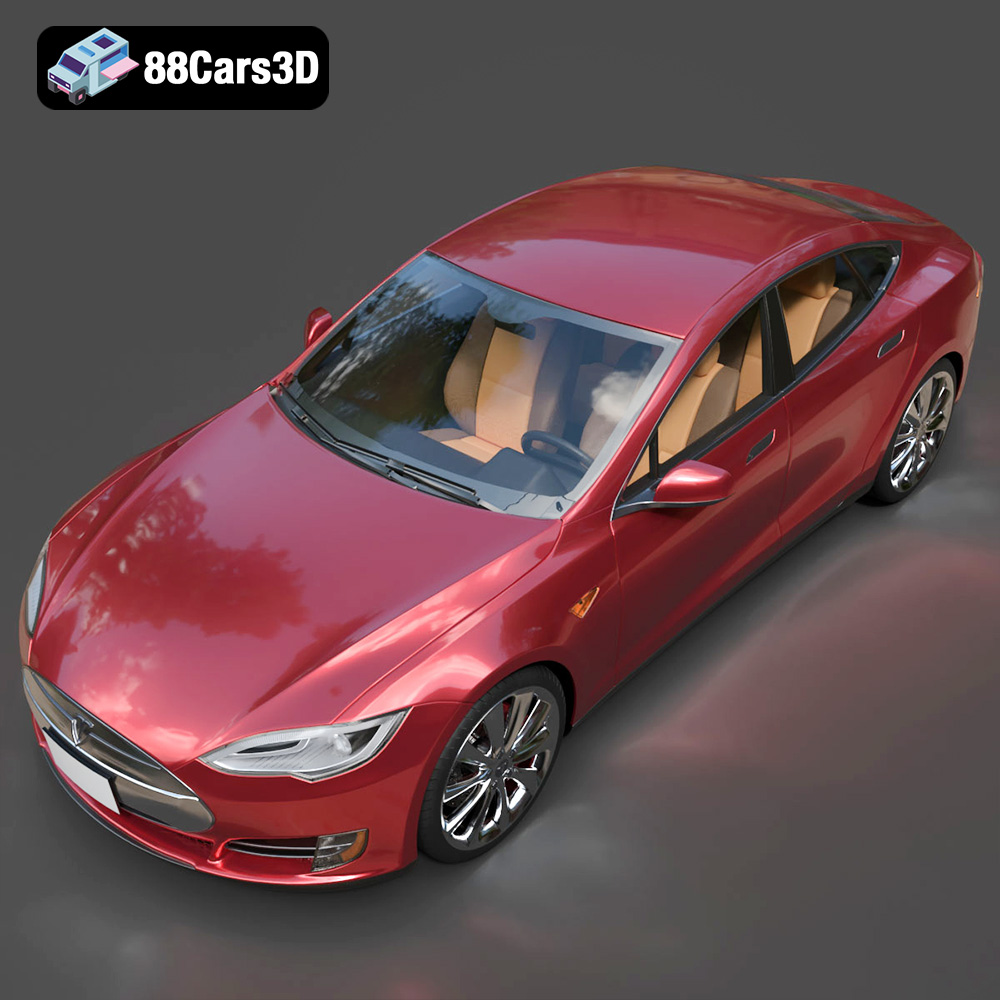
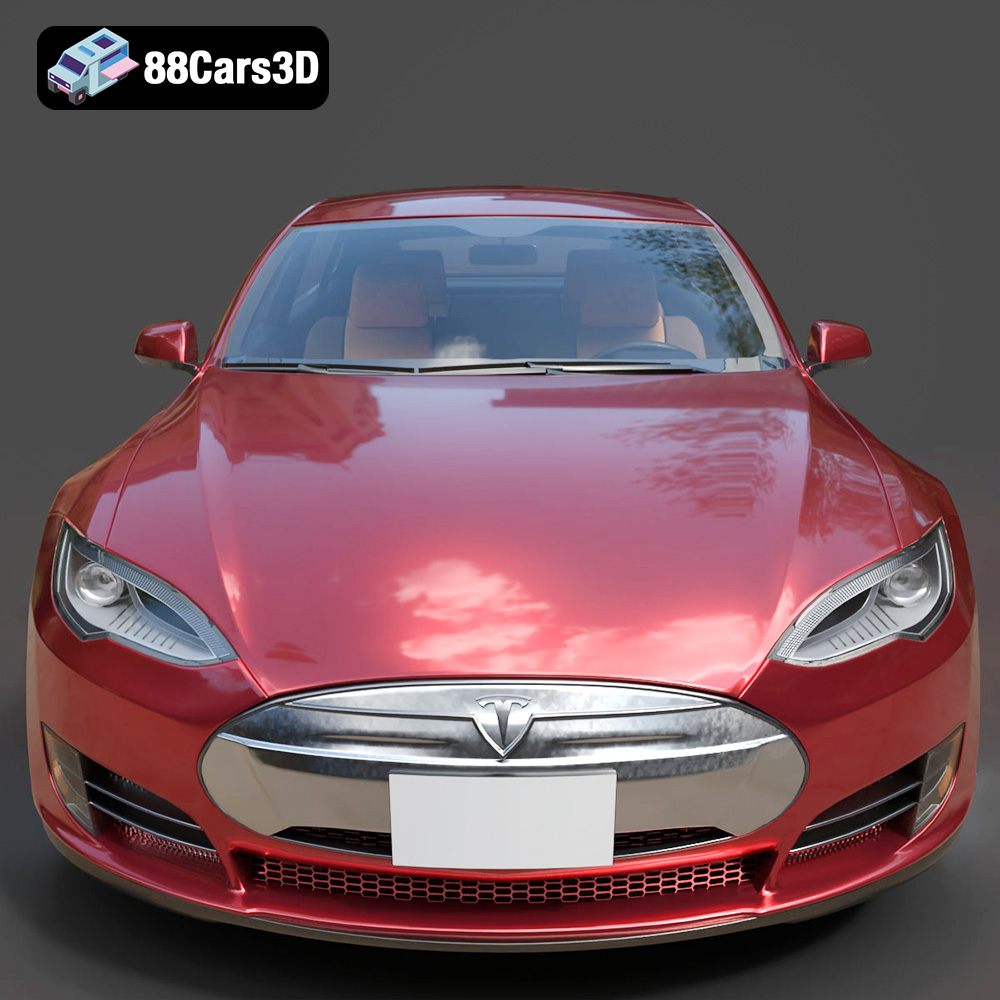
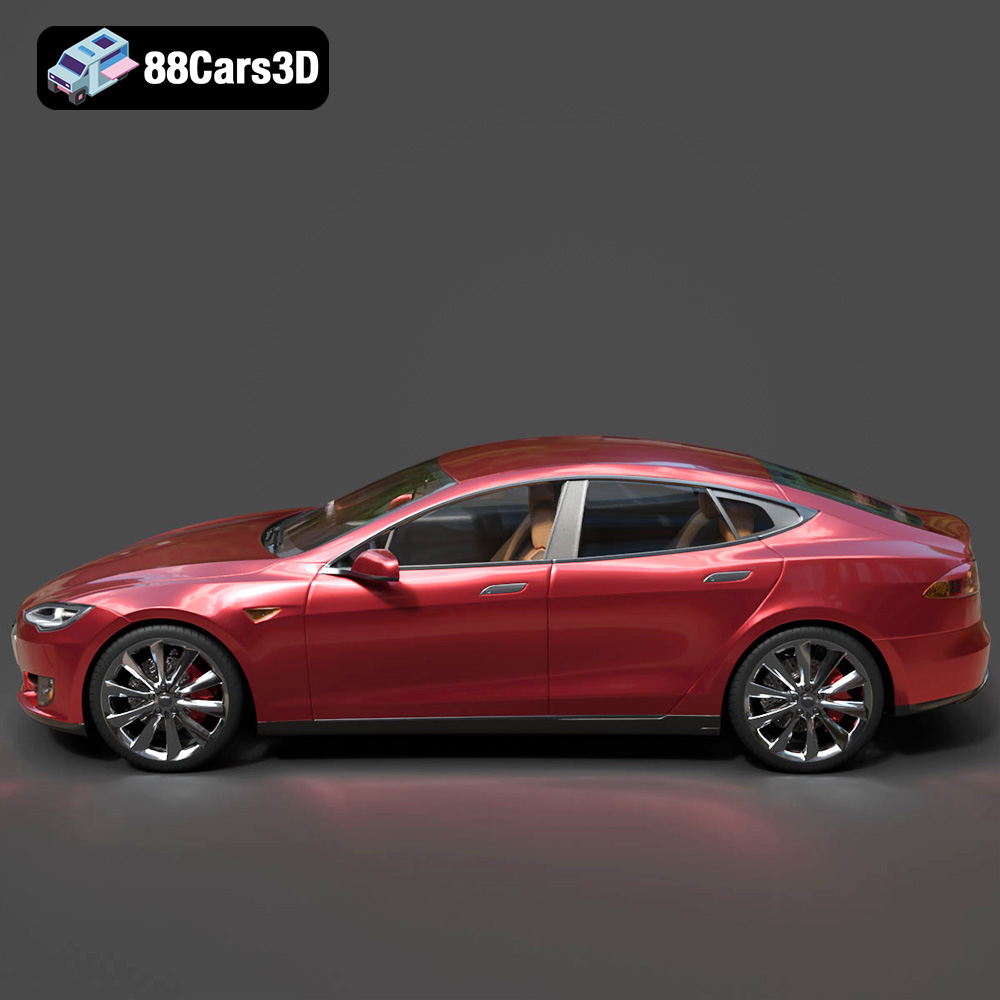
The Tesla Model S is known for its sleek aerodynamic design. When printing this model, prioritize a smooth surface finish.
* **Material:** PLA or PETG for FDM, standard resin for SLA.
* **Orientation:** Angle the body to minimize support requirements on the roof and hood.
* **Supports:** Use minimal supports, focusing on the side mirrors and rear spoiler.
* **Layer Height:** 0.1mm for FDM, 0.05mm for SLA.
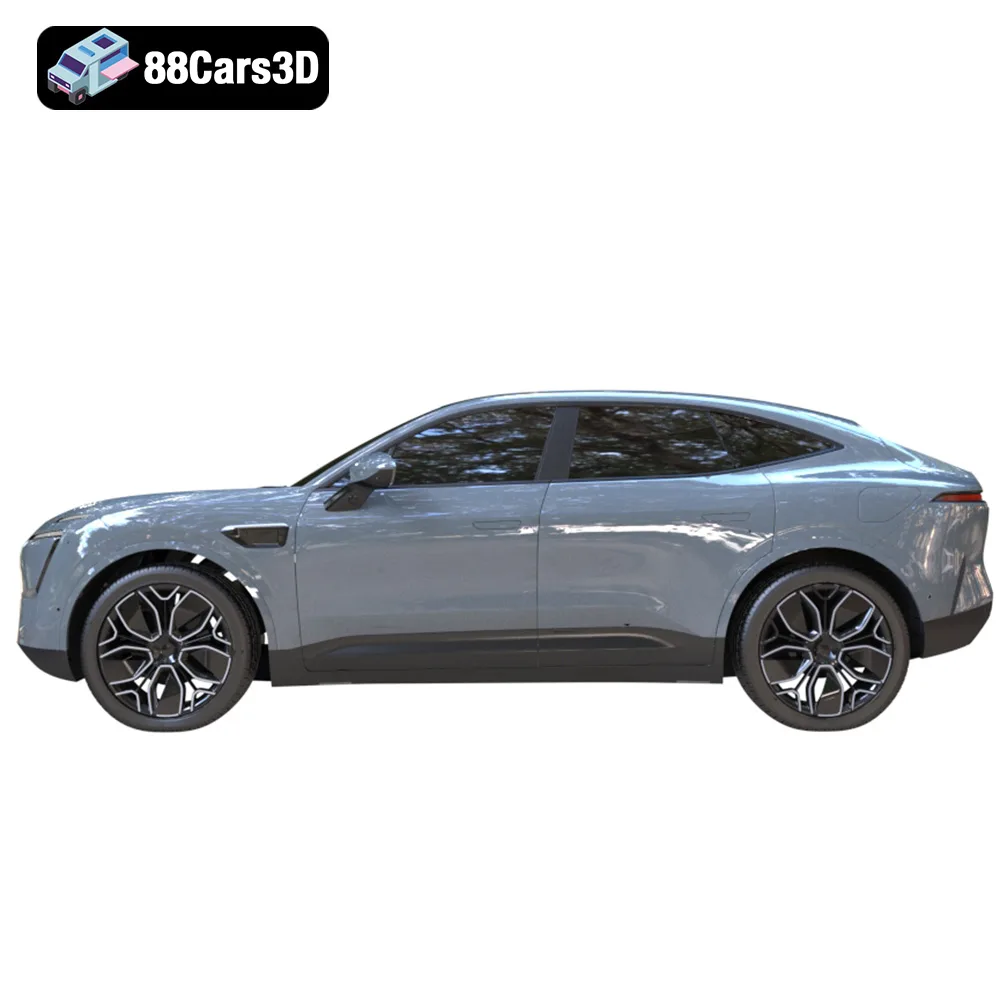
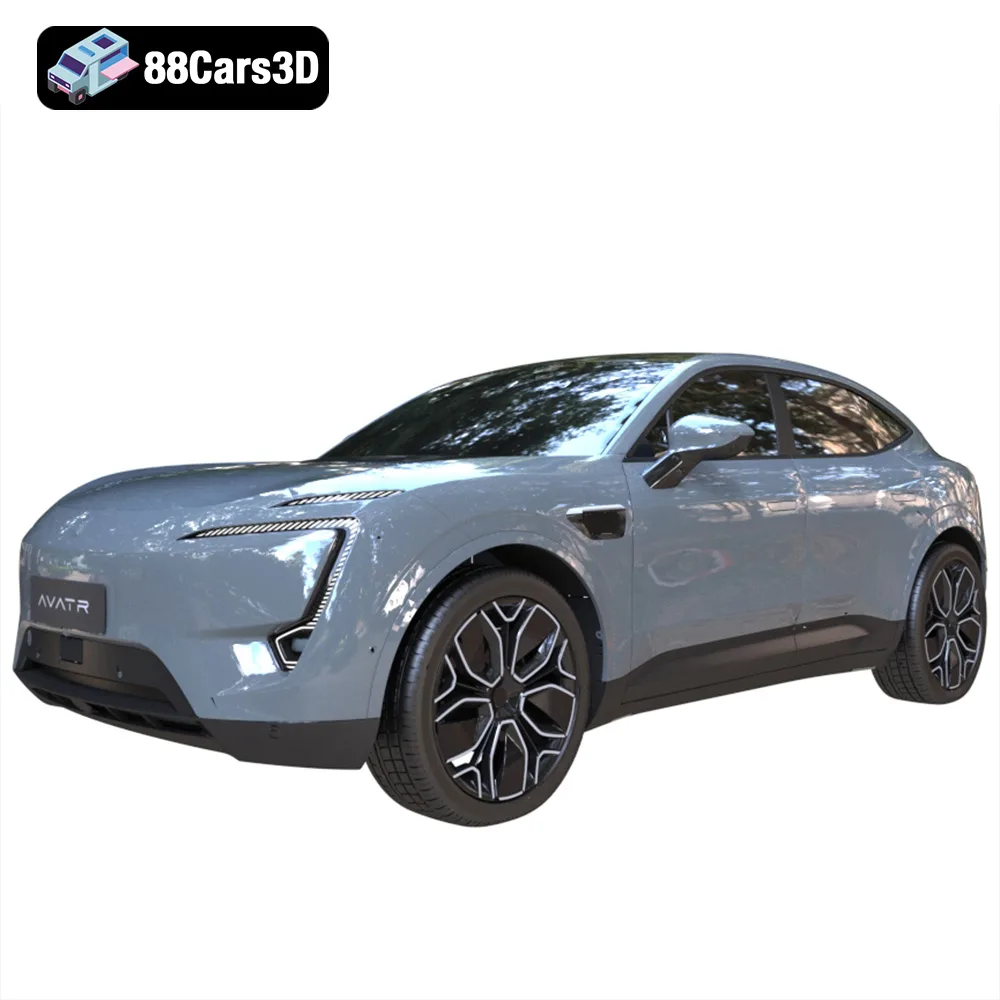
The Avatr 11’s unique rear window-less design and sharp lines require careful attention to detail.
* **Material:** PETG for FDM (for added strength), tough resin for SLA.
* **Orientation:** Experiment with different orientations to minimize supports on the complex rear section.
* **Supports:** Pay close attention to support placement on the rear fenders and roofline.
* **Layer Height:** 0.1mm for FDM, 0.04mm for SLA.
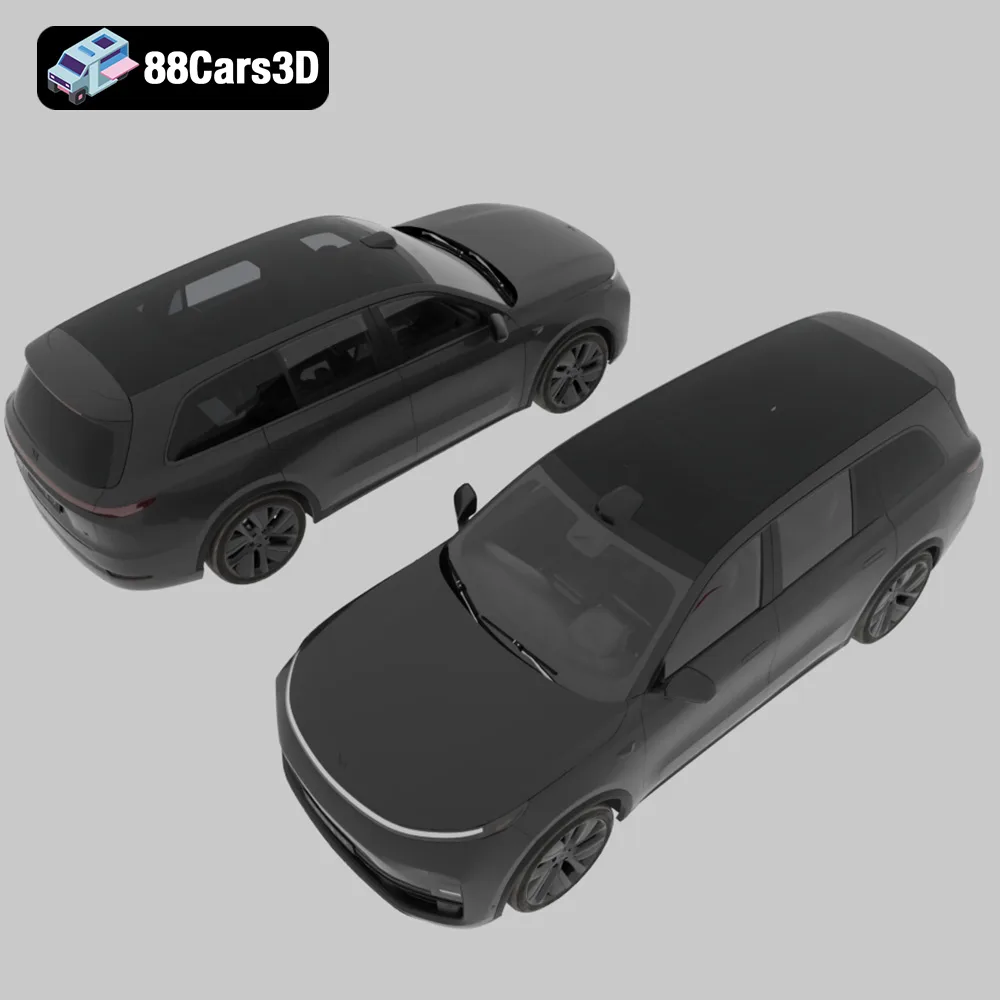
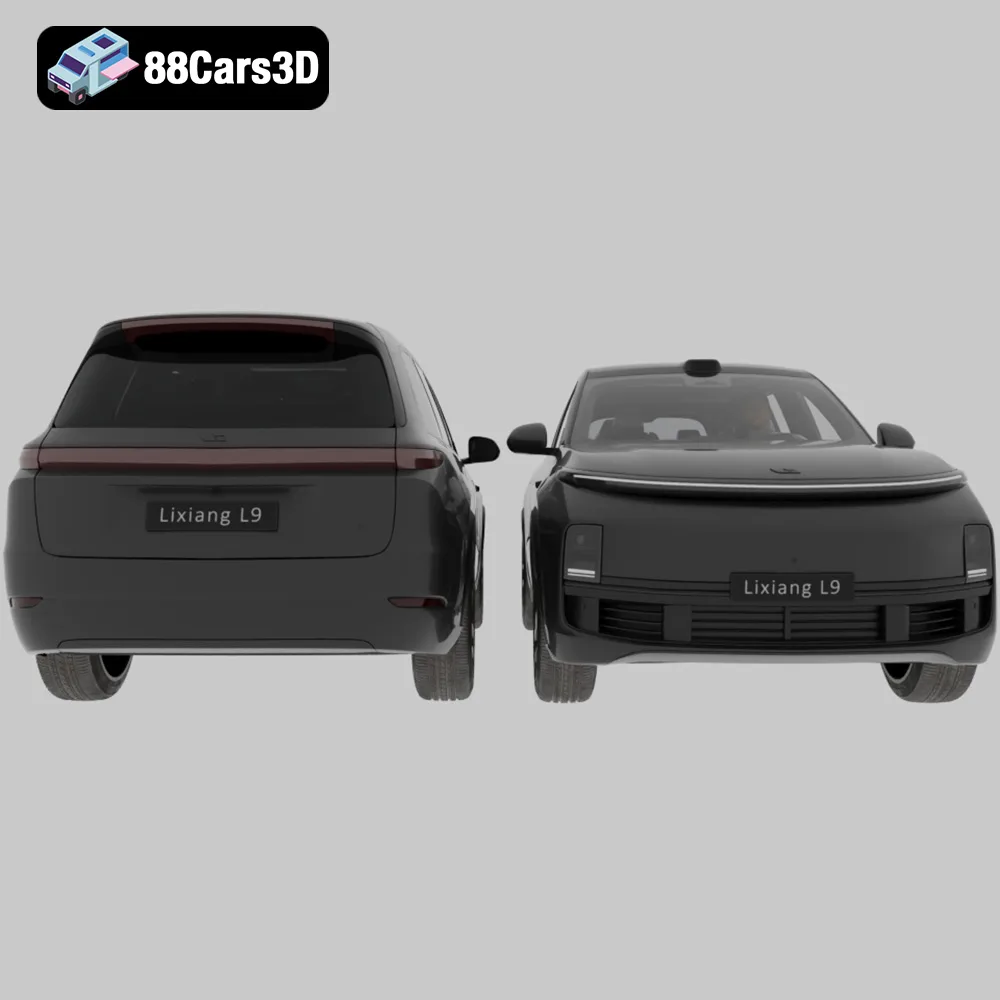
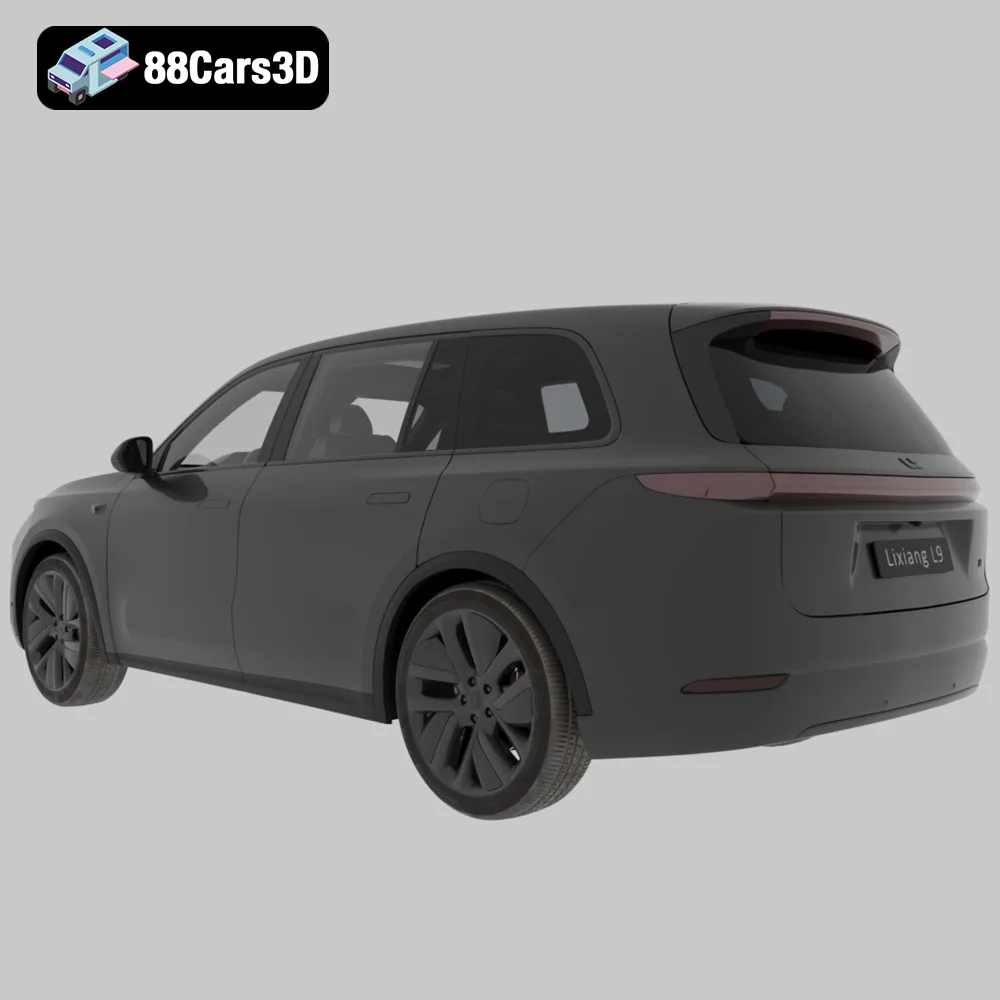
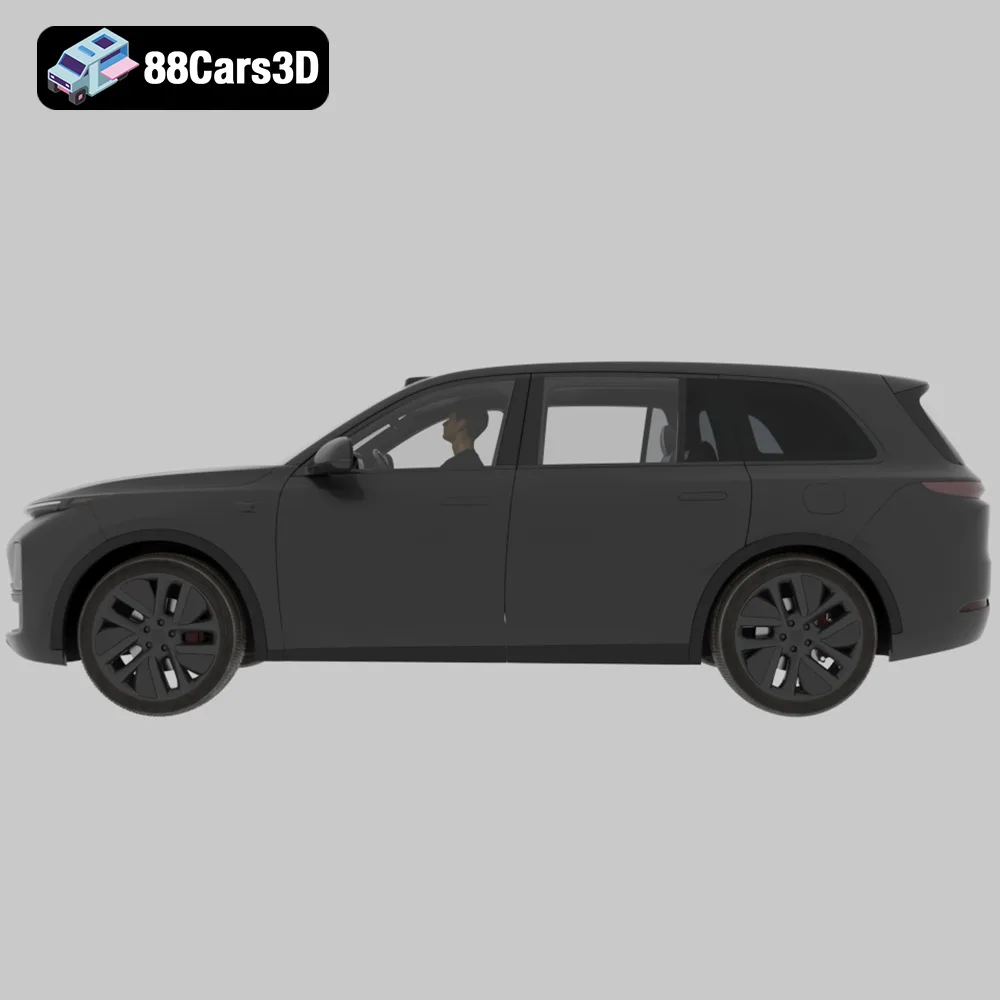
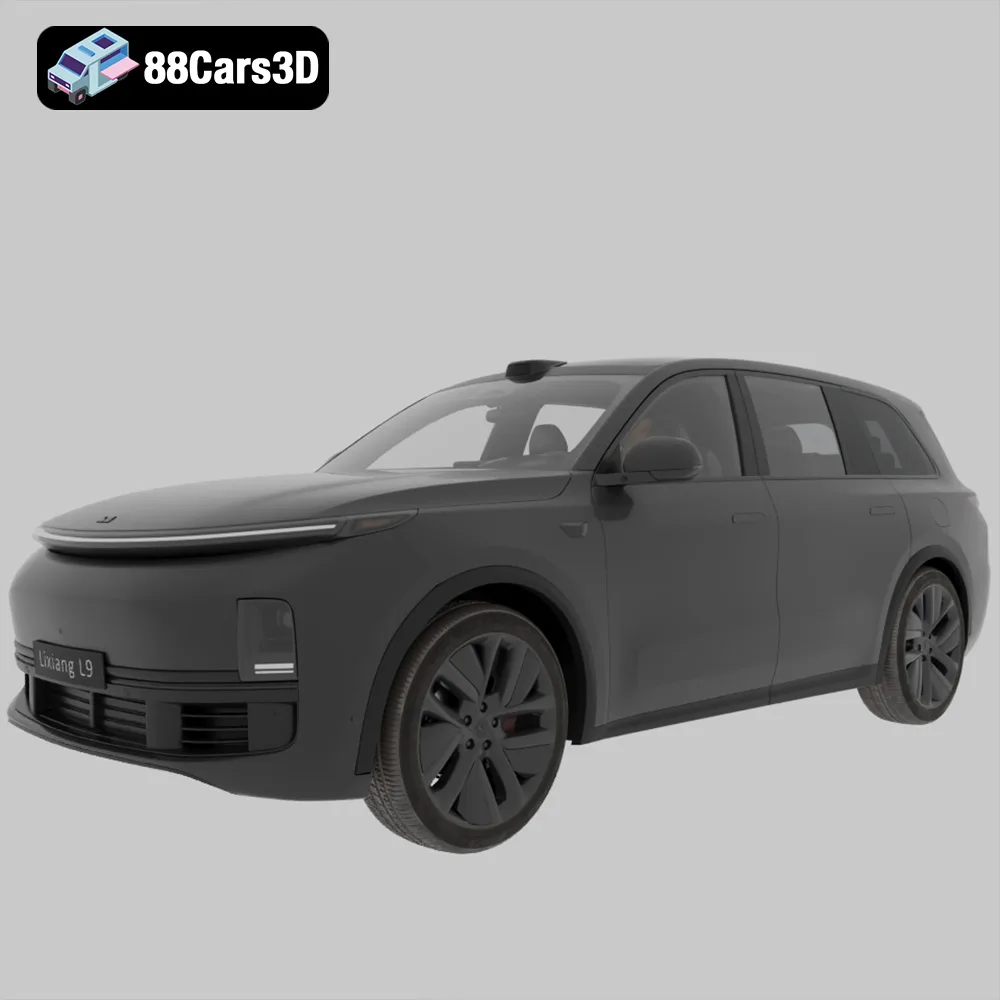
The Li L9’s large size and intricate details, such as the “Halo” light bar, require a balance of strength and precision.
* **Material:** PLA for FDM (for larger prints), standard resin for SLA.
* **Orientation:** Print the body upright to capture the shape of the roof.
* **Supports:** Generate supports for the side mirrors, light bar, and undercarriage.
* **Layer Height:** 0.15mm for FDM, 0.06mm for SLA.
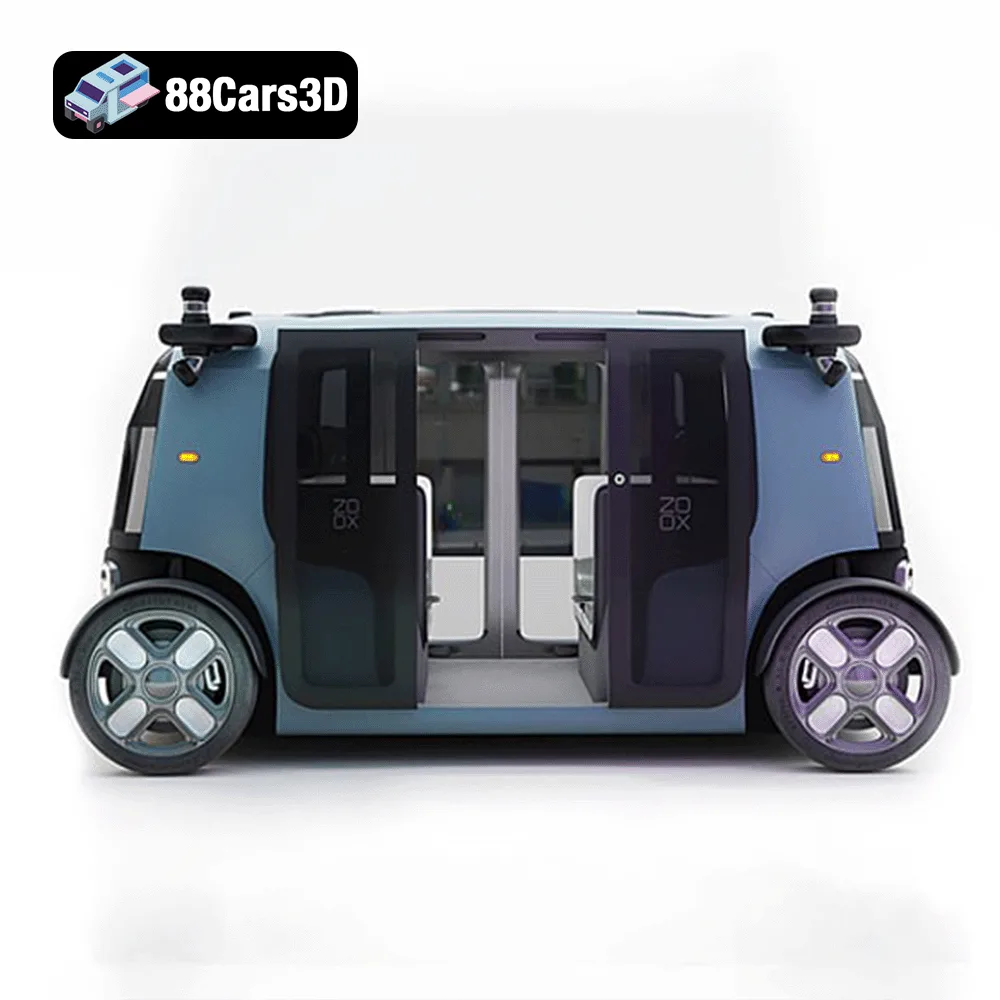
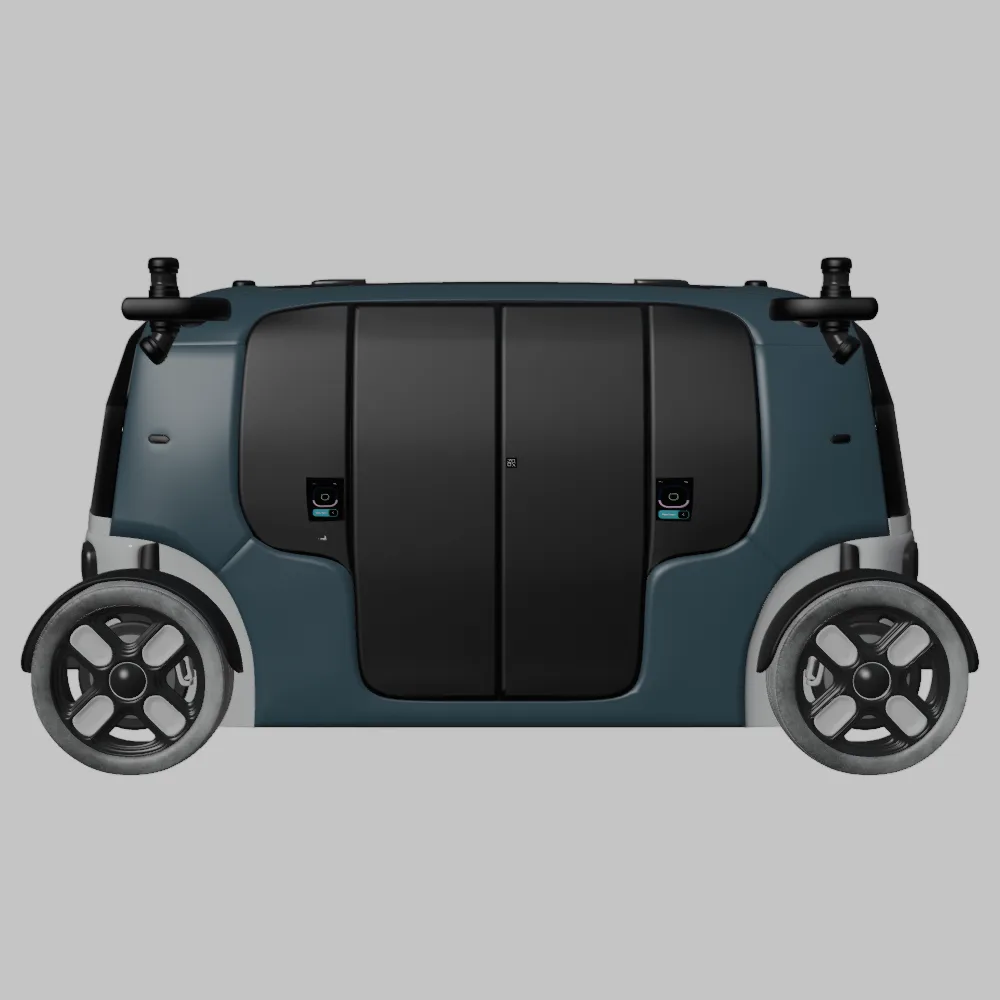
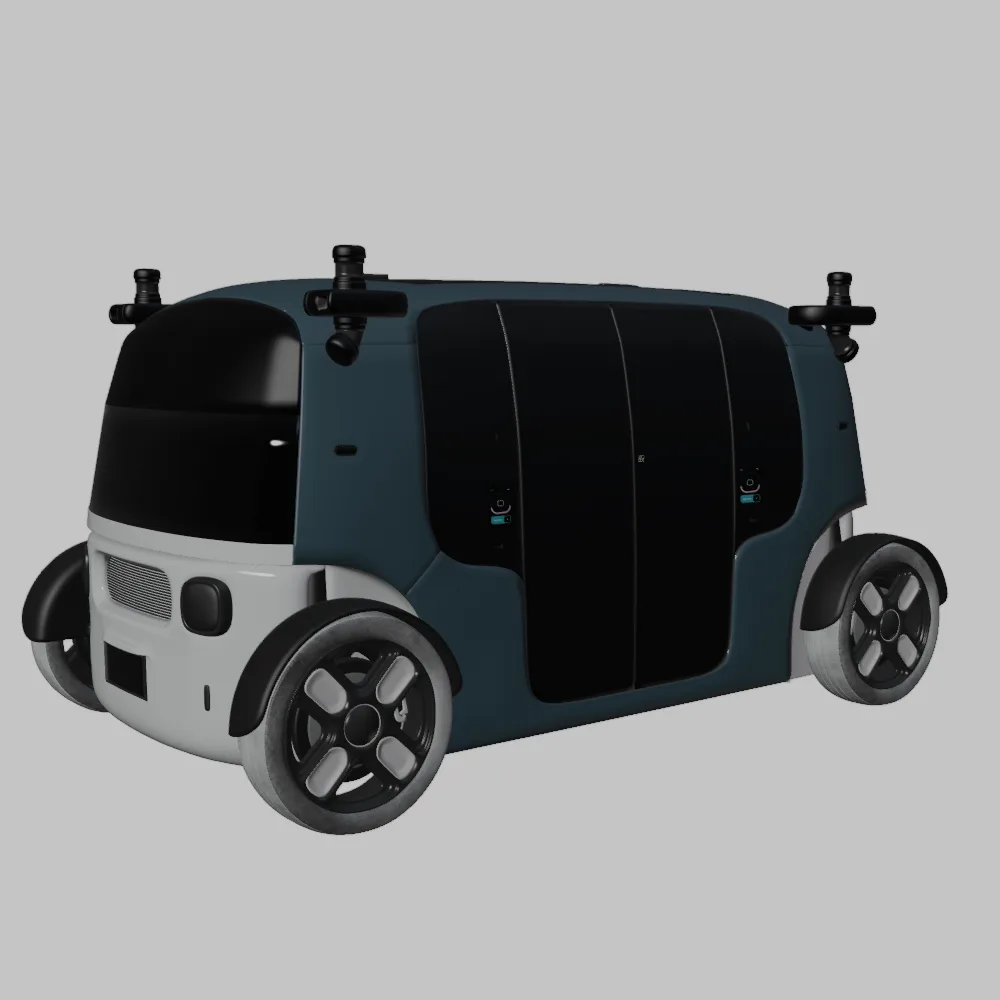
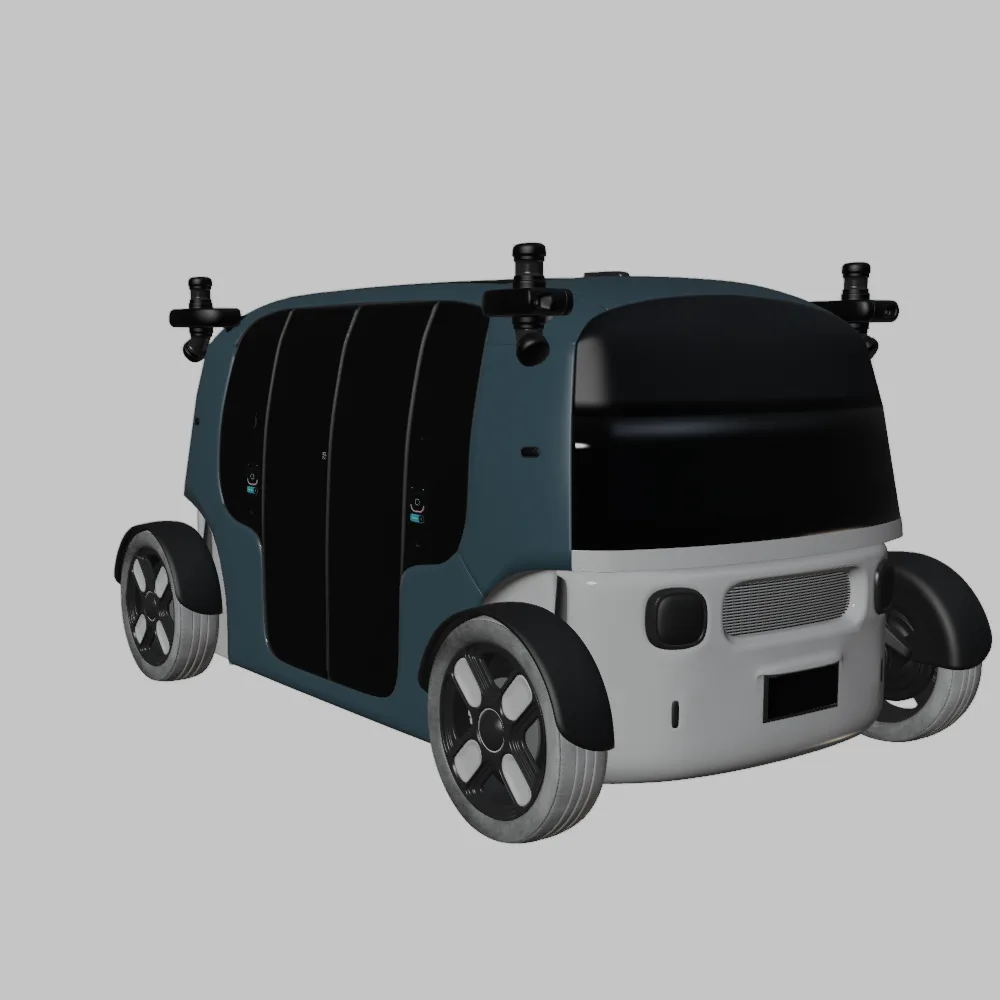
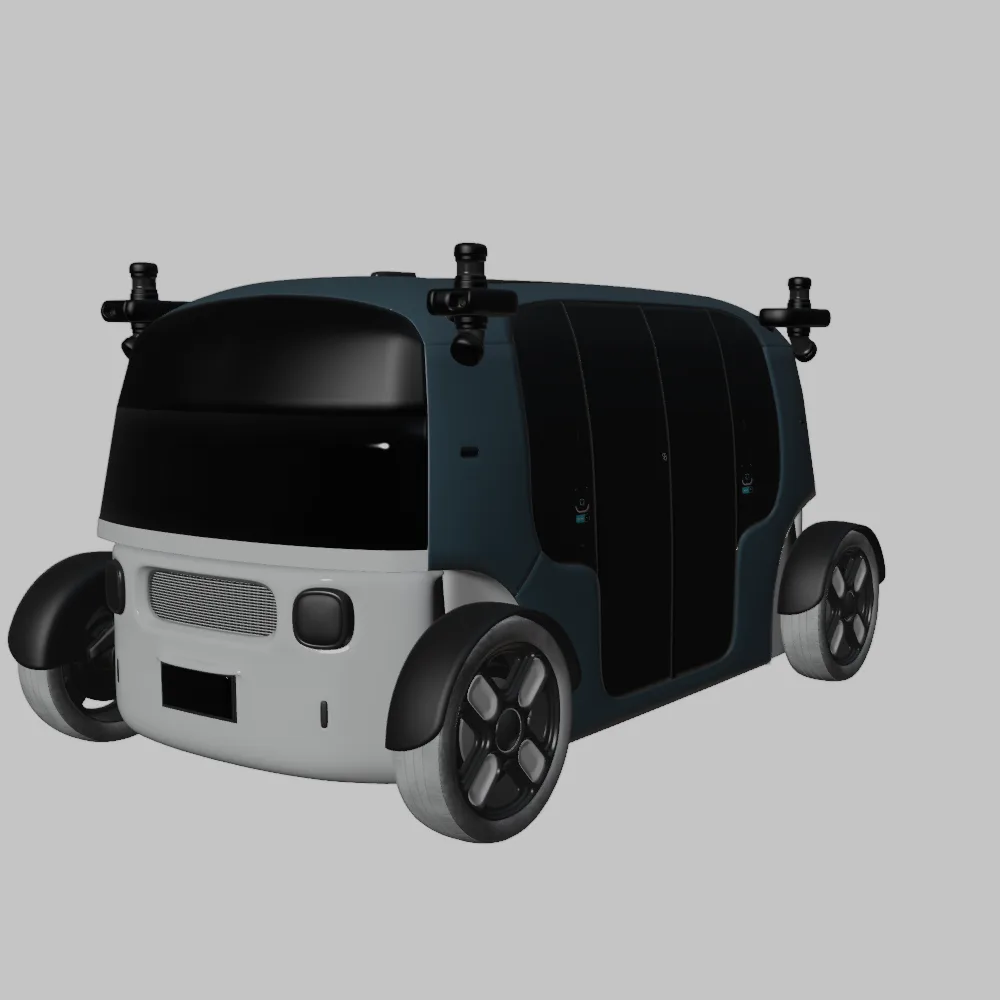
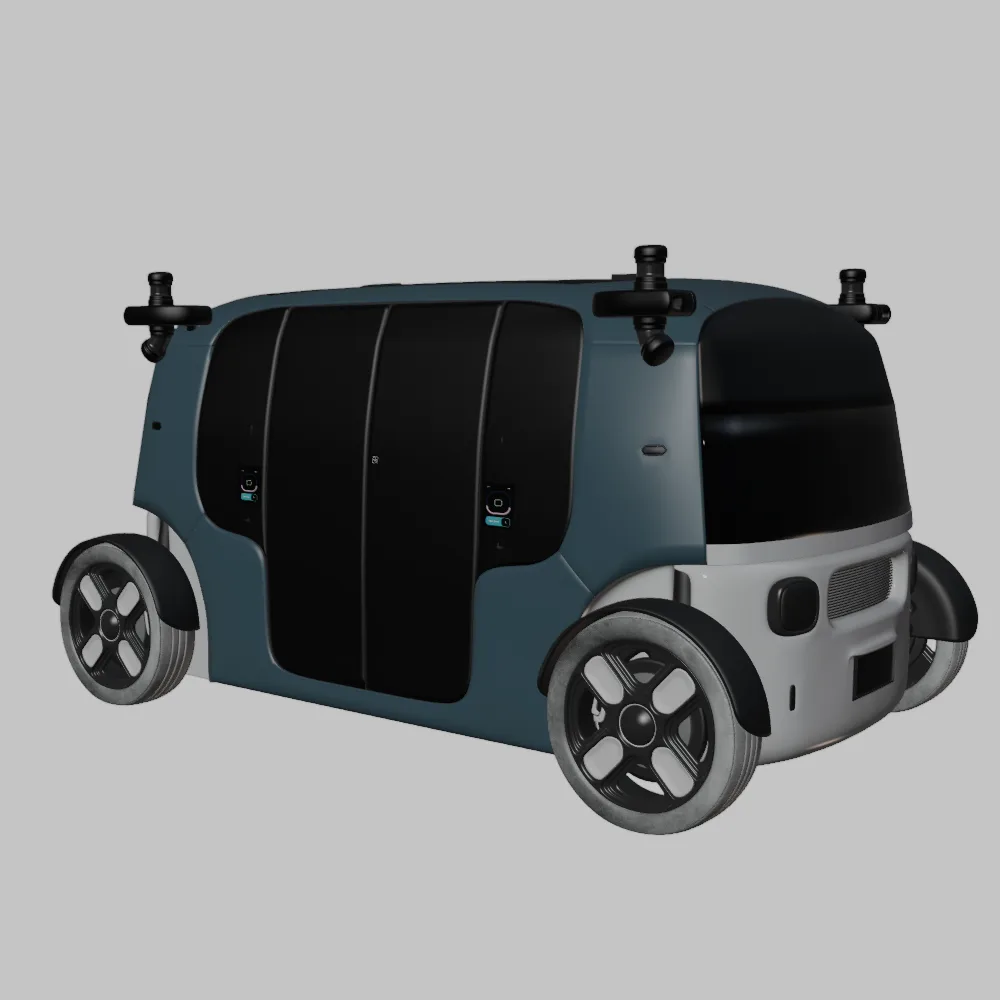
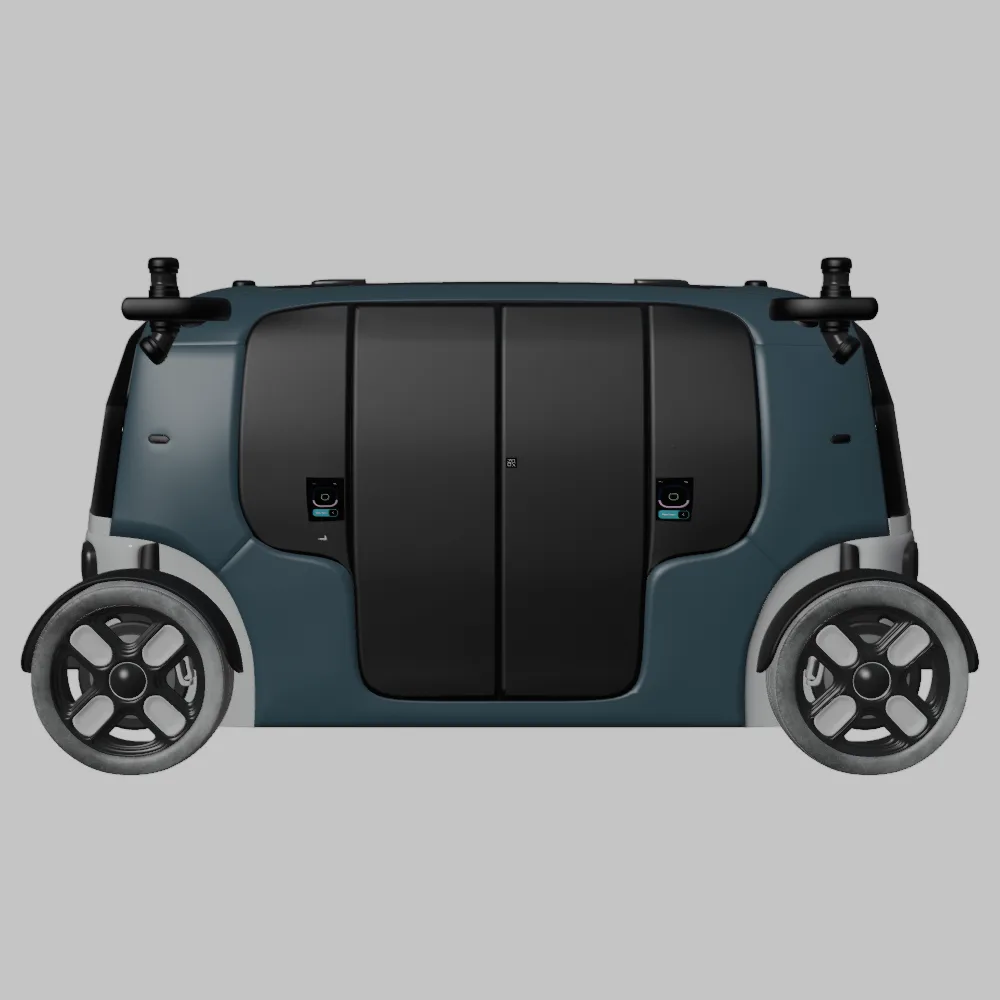
The Zoox Robotaxi’s symmetrical design and rounded edges make it relatively easy to print, but its unique features require attention.
* **Material:** PLA for FDM, standard resin for SLA.
* **Orientation:** Print the body upright to maintain symmetry.
* **Supports:** Provide support for the wheel arches and any overhanging details.
* **Layer Height:** 0.1mm for FDM, 0.05mm for SLA.
Remember that these are starting points, and you may need to adjust the settings based on your specific printer and material. Always run a test print of a small section to dial in the optimal settings before printing the entire model.
Before sending your 3D models to the printer, you need to prepare them using slicing software. This software converts the 3D model into a series of instructions (G-code) that the printer can understand. Popular slicing software options include Cura, PrusaSlicer, Simplify3D, and Chitubox (for resin printing).
Slicing software allows you to control various parameters, including layer height, infill density, support structures, print speed, and temperature. Experiment with these settings to optimize your prints.
When slicing the Elite Future Mobility Bundle, consider these tips:
* **Import the STL file:** Load the STL file for your chosen vehicle into the slicer.
* **Adjust orientation:** Position the model on the build plate for optimal printing.
* **Configure print settings:** Set the layer height, infill, temperature, and speed according to the material and your desired results.
* **Generate supports:** Add supports to overhanging areas like side mirrors, wheel arches, and spoilers.
* **Preview the print:** Use the slicer’s preview function to visualize the print layer by layer and identify potential issues.
* **Generate G-code:** Once you’re satisfied with the settings, generate the G-code file and save it to a memory card or send it directly to your printer.
While the STL files from 88cars3d.com are pre-checked, it’s always a good idea to inspect the models for any potential issues before slicing. Common problems include non-manifold geometry, holes, and intersecting faces.
Most slicing software includes basic model repair tools that can automatically fix these issues. Alternatively, you can use dedicated mesh repair software like Meshmixer or Netfabb. These tools can analyze the model and automatically correct any errors, ensuring a successful print.
Once the 3D printing process is complete, post-processing is essential to refine the appearance and functionality of your models. The Elite Future Mobility Bundle deserves a high-quality finish to showcase its futuristic design.
3D printed models often exhibit layer lines and imperfections on the surface. Sanding is a crucial step to smooth these out and create a flawless finish.
* **Start with coarse sandpaper:** Begin with a lower grit sandpaper (e.g., 220) to remove larger imperfections.
* **Gradually increase the grit:** Progress to finer grit sandpapers (e.g., 400, 600, 800) to refine the surface.
* **Wet sanding:** Wet sanding can help to reduce friction and produce a smoother finish.
* **Pay attention to detail:** Focus on areas with intricate details and hard-to-reach spots.
Once the surface is smooth, priming and painting can bring your 3D printed models to life.
* **Apply primer:** A primer coat helps to create a uniform surface for painting and improves adhesion.
* **Choose your paint:** Select high-quality acrylic paints in the desired colors. Consider using modern car colors like Sage Green, Glacier Silver, or Crystal White, paired with a gloss black roof.
* **Apply multiple coats:** Apply several thin coats of paint, allowing each coat to dry completely before applying the next.
* **Consider clear coat:** Apply a clear coat to protect the paint and add a glossy or matte finish.
The Elite Future Mobility Bundle is designed with separate components for wheels, steering, and doors, allowing for animation and customization.
* **Carefully assemble the parts:** Use glue or screws to attach the various components together.
* **Ensure proper alignment:** Make sure all parts are aligned correctly to maintain the model’s integrity.
* **Test functionality:** If the model includes moving parts, test their functionality to ensure they operate smoothly.
Even with careful preparation, 3D printing can sometimes present challenges. Here are some common issues and their solutions:
* **Warping:** This occurs when the corners of the print lift off the build plate due to uneven cooling. Solution: Use a heated bed, apply adhesive to the build plate, or enclose the printer.
* **Stringing:** This is when thin strands of filament are left between different parts of the print. Solution: Adjust retraction settings, lower print temperature, or increase travel speed.
* **Layer shifting:** This happens when the layers of the print are misaligned. Solution: Tighten belts, reduce print speed, or check for obstructions.
* **Support failure:** This occurs when the supports collapse during printing. Solution: Increase support density, adjust support angle, or use a stronger support material.
* **Resin printing issues:** Incomplete curing, warping, elephant foot. Solution: Increase exposure time, level the build plate carefully, use correct support settings.
By understanding these common issues and their solutions, you can overcome challenges and achieve successful 3D prints of the Elite Future Mobility Bundle. Remember to always consult your printer’s manual and online resources for additional troubleshooting tips.
Before embarking on a 3D printing project, it’s helpful to estimate the print time and material costs. This will allow you to plan your project effectively and avoid any surprises.
Print time depends on various factors, including model size, layer height, print speed, and infill density. Slicing software typically provides an estimated print time after you’ve configured the settings. For a 1:24 scale model of the Tesla Model S, expect a print time of 10-20 hours on an FDM printer, and 5-10 hours on a resin printer.
Material costs depend on the type of filament or resin you use and the amount required for the print. Slicing software can also estimate the amount of material needed. A 1kg spool of PLA filament typically costs $20-$30, while 1kg of standard resin costs $30-$50. The Tesla Model S in 1:24 scale would likely cost $2-5 in filament or resin.
Keep in mind that these are just estimates, and the actual print time and material costs may vary. It’s always a good idea to overestimate to account for any unexpected issues.
The Elite Future Mobility Bundle from 88cars3d.com offers an incredible opportunity to explore the world of 3D printing while bringing the future of automotive design to life. By understanding the nuances of STL files, choosing the right printing technology, optimizing print settings, mastering pre-print preparation, and perfecting post-processing techniques, you can create stunning 3D printed models of the Tesla Model S, Avatr 11, Li L9, and Zoox Robotaxi. Don’t be afraid to experiment, learn from your mistakes, and embrace the endless possibilities of additive manufacturing. The future is in your hands – quite literally! Head over to 88cars3d.com to download your models and start printing today.
The Elite Future Mobility Bundle is a curated collection of four groundbreaking vehicles that define the next era of transportation. This pack combines the elegance of high-performance electric sedans, the rugged luxury of next-gen SUVs, and the visionary design of autonomous urban pods.
$99
3d-vehicle-pack
archviz-assets
autonomous-driving
avatr-11
electric-vehicles
ev-bundle
future-cars
futuristic-suv
game-ready-cars
li-l9
luxury-ev
smart-city
tesla-3d-model
zoox-robotaxi