Get 50% OFF All Premium 3D & STL Models!

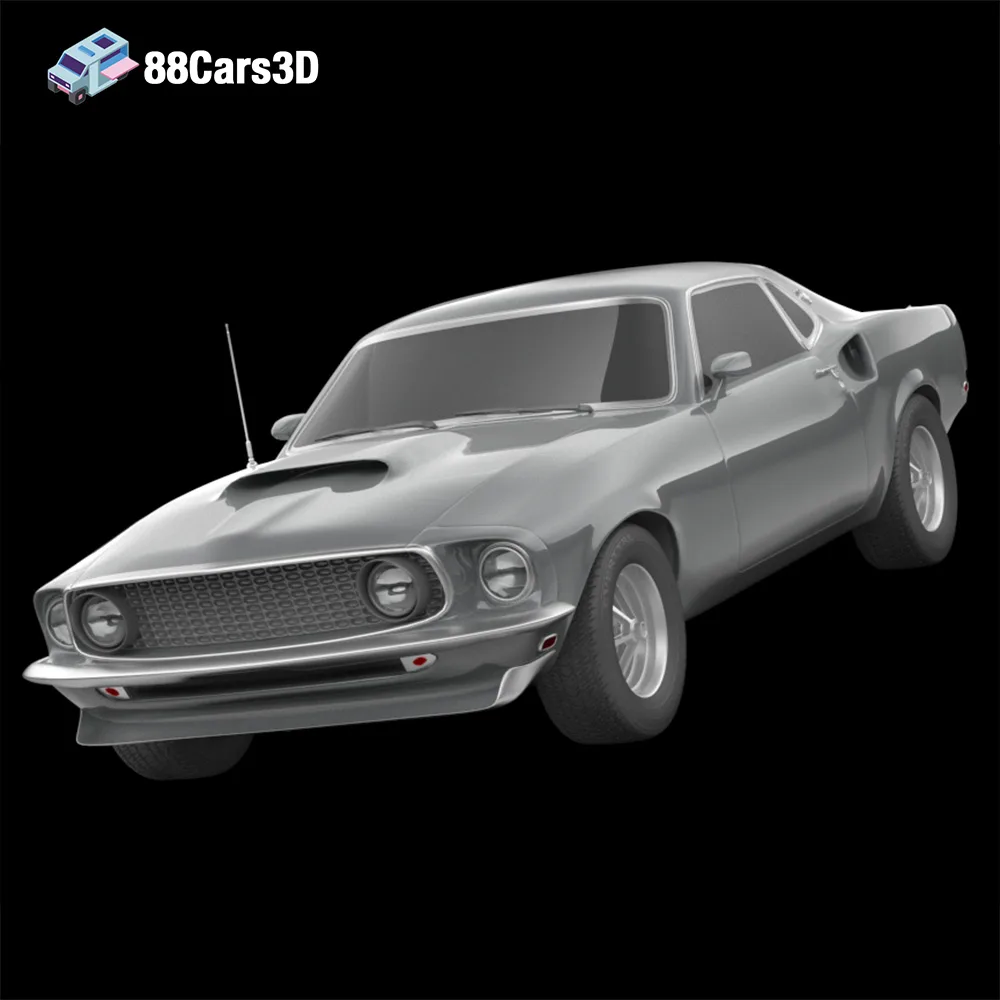
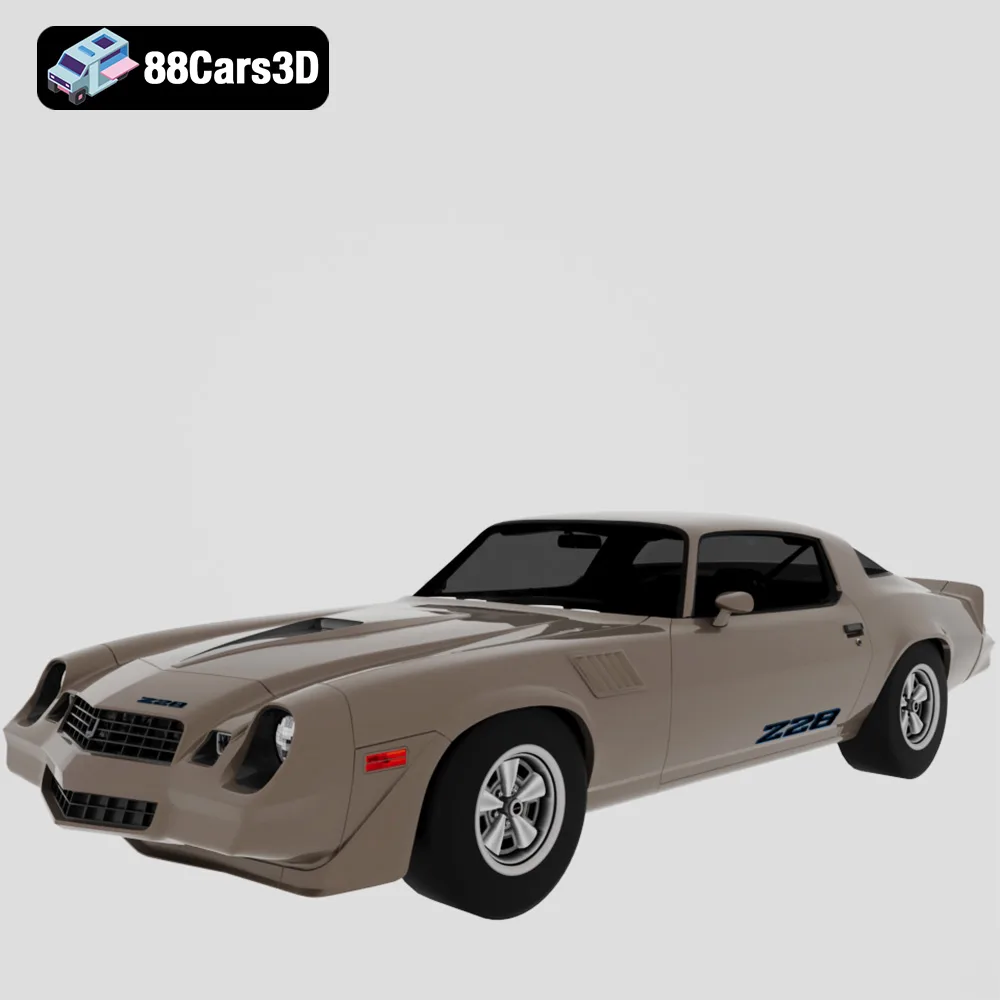
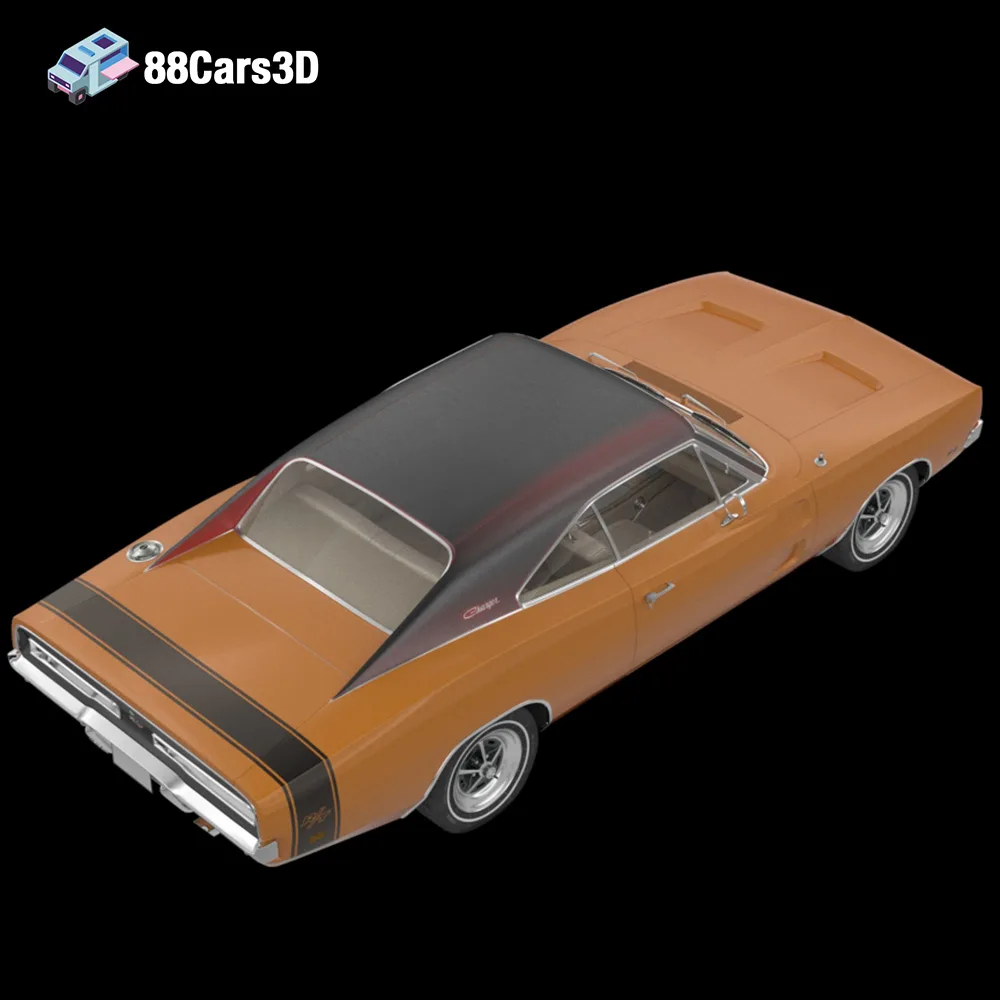
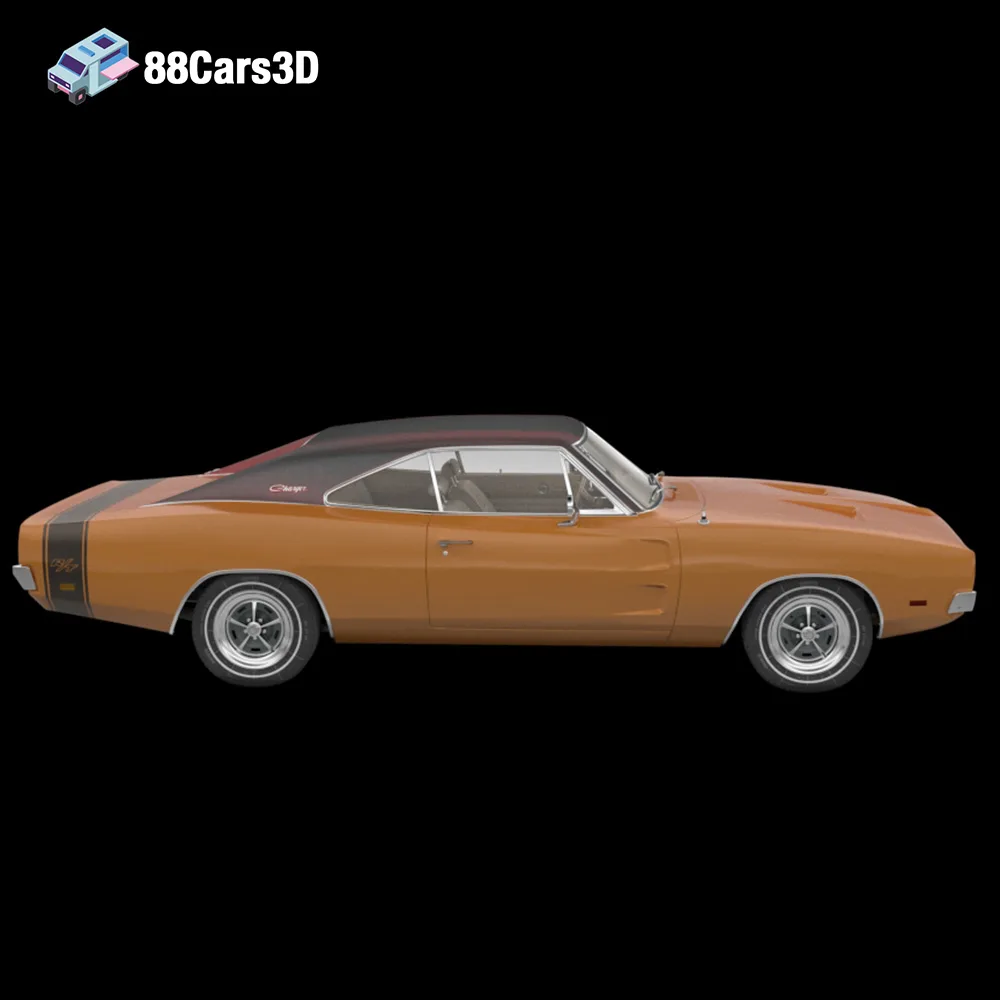
The roar of a V8 engine, the gleam of chrome, and the iconic silhouettes of American muscle cars – these are images that evoke a powerful sense of nostalgia and automotive passion. Now, thanks to 88cars3d.com and their American Muscle & Classics Pack, you can bring these legends to life in your own home using the magic of 3D printing. This comprehensive guide will walk you through the process of 3D printing these incredible models, covering everything from selecting the right materials and printer settings to post-processing techniques that will make your finished prints truly shine. This pack, featuring the Dodge Charger ’68, Ford Mustang ’69 (modern custom), Ford Mustang Eleanor GT500, and Chevrolet Camaro Z28 ’79, offers a diverse range of printing challenges and rewarding results. Let’s dive in and explore how to transform these STL files into tangible works of art.
Before you start slicing and printing, it’s crucial to understand the various file formats included in the American Muscle & Classics Pack and how they relate to 3D printing. While the pack includes formats suitable for rendering and game development, the .STL file format is your primary key to unlocking these models on your 3D printer.
The .STL (Stereolithography) format is the workhorse of 3D printing. It represents the surface geometry of a 3D object as a collection of triangles. The more triangles, the smoother and more detailed the model. However, a higher triangle count also means a larger file size and potentially longer slicing and printing times. The STL files from 88cars3d.com are specifically optimized for printing, balancing detail and file size for efficient production. When preparing your STL files, ensure they are manifold (watertight) and free of errors. Slicing software can often detect and repair minor issues, but complex problems may require the use of dedicated mesh editing software. STL files do not contain color or texture information; therefore, any post-processing painting will be necessary to enhance the models.
The .OBJ format is a more versatile format than STL, capable of storing color and texture information along with the geometry. While it’s possible to 3D print OBJ files, it’s not the ideal format for most desktop 3D printers. If you have a full-color 3D printer, you can potentially leverage the texture data within an OBJ file. However, for standard FDM or resin printing, the STL format will provide a cleaner and more streamlined workflow. Slicing software compatibility for OBJ files is generally good, but you may need to convert them to STL for optimal printing results.
The .PLY format, also known as Polygon File Format or Stanford Triangle Format, is designed for storing 3D data acquired from 3D scanners. It can handle high-resolution meshes and store color information, making it suitable for capturing detailed surface data. However, like OBJ, it’s not a primary format for standard 3D printing workflows. While some slicing software supports PLY files, STL remains the preferred choice for its simplicity and wide compatibility.
The .BLEND format is the native file format for Blender, a powerful and free 3D modeling software. Having the .BLEND file gives you the ultimate flexibility to customize the models before printing. You can modify the geometry, add details, or even create variations of the original designs. However, you’ll need to export the model as an STL file once you’re done editing for it to be compatible with your slicing software. This format is excellent for advanced users who want to personalize their 3D printed American muscle cars.
The .FBX (Filmbox) format is a popular format for exchanging 3D data between different software applications, particularly in game development and animation. It supports geometry, materials, textures, and animations. While some advanced slicing software may be able to import FBX files, it’s generally not recommended for direct 3D printing. The primary use of FBX in this context would be for transferring the model into a 3D modeling program, making adjustments, and then exporting as an STL for printing.
The .GLB format is a binary file format that represents 3D models in a compact and efficient way. It’s often used for displaying 3D models on the web and in augmented reality (AR) applications. While you can’t directly 3D print a GLB file, it’s incredibly useful for previewing the model in AR on your smartphone or tablet before committing to a print. This allows you to visualize the size and details of the model in your real-world environment.
.MAX files are native to Autodesk 3ds Max, a professional 3D modeling, animation, and rendering software. Similar to .BLEND files, .MAX files provide the most flexibility for advanced users who want to customize the 3D models before 3D printing. With 3ds Max, you can make detailed modifications to the model’s geometry, add custom features, or optimize the mesh for 3D printing. Once you’re satisfied with your changes, you can export the model as an .STL file for slicing and printing. This format gives experienced users full control over the final printed product.
Selecting the appropriate 3D printing technology and materials is paramount for achieving high-quality results when printing the American Muscle & Classics Pack. The level of detail in these models, particularly in the intricate grilles and wheels, demands careful consideration.
FDM is the most common and affordable 3D printing technology. It works by extruding molten plastic filament layer by layer to build the model. While FDM is suitable for larger parts of the car bodies, it may struggle to capture the fine details of the grilles, emblems, and wheels.
* **Material Recommendations:** PLA is a good starting point for FDM printing due to its ease of use and biodegradability. However, for parts requiring higher strength and heat resistance, consider PETG or ABS.
* **Printer Settings:**
* Layer Height: 0.1mm – 0.2mm (for a balance of speed and detail)
* Infill: 15-25% (for structural integrity without excessive material usage)
* Supports: Required for overhangs, especially on the car bodies and wheel arches.
* Orientation: Experiment with different orientations to minimize support usage and improve surface finish.
Resin printing, using SLA or DLP technology, is highly recommended for this project, especially for smaller scales and intricate details. Resin printers use liquid photopolymer resins that are cured by UV light, resulting in much higher resolution and smoother surfaces compared to FDM.
* **Material Recommendations:** Standard resin is suitable for display models. For functional parts or models that will be handled frequently, consider using a tough or engineering resin for increased durability.
* **Printer Settings:**
* Layer Height: 0.025mm – 0.05mm (for exceptional detail)
* Exposure Time: Follow the resin manufacturer’s recommendations, adjusting as needed for optimal curing.
* Supports: Essential for resin printing due to the nature of the process. Use a well-configured support structure to prevent warping and ensure successful prints.
* Orientation: Carefully orient the parts to minimize support structures and optimize print quality.
Before sending your STL files to the printer, proper pre-print preparation is crucial. This involves slicing the model, optimizing its orientation, and adding necessary support structures.
Choosing the right slicing software is essential for preparing your 3D models for printing. Popular options include:
* **Cura:** A free and open-source slicer with a user-friendly interface and a wide range of settings.
* **PrusaSlicer:** Another excellent free option, known for its advanced features and accurate print estimations.
* **Simplify3D:** A commercial slicer offering advanced control over print settings and support structures.
* **ChiTuBox/Lychee Slicer:** Popular choices for resin printing, providing specialized tools for support generation and hollowing.
Optimizing the orientation of your model is critical for minimizing support usage, improving surface finish, and ensuring print success. For the car bodies, printing at an angle (e.g., 45 degrees) can help to reduce the staircase effect and improve the smoothness of curved surfaces. Carefully place supports to provide adequate support for overhangs without damaging delicate features. In resin printing, angling the model allows resin to drain properly, preventing cupping and other issues.
For resin printing, hollowing out the car bodies is highly recommended to reduce material consumption and printing time. However, be sure to include drain holes to allow the resin to escape after printing. Properly placed drain holes are essential for preventing resin buildup inside the model, which can lead to cracking and other issues.
Each model in the American Muscle & Classics Pack presents unique challenges and opportunities in 3D printing. Here’s a breakdown of specific considerations for each car:
The Charger’s aggressive grille and hidden headlights are key features to focus on. Resin printing is highly recommended to capture the intricate details of the grille. When printing the body, consider orienting it to minimize supports on the hood and roof.
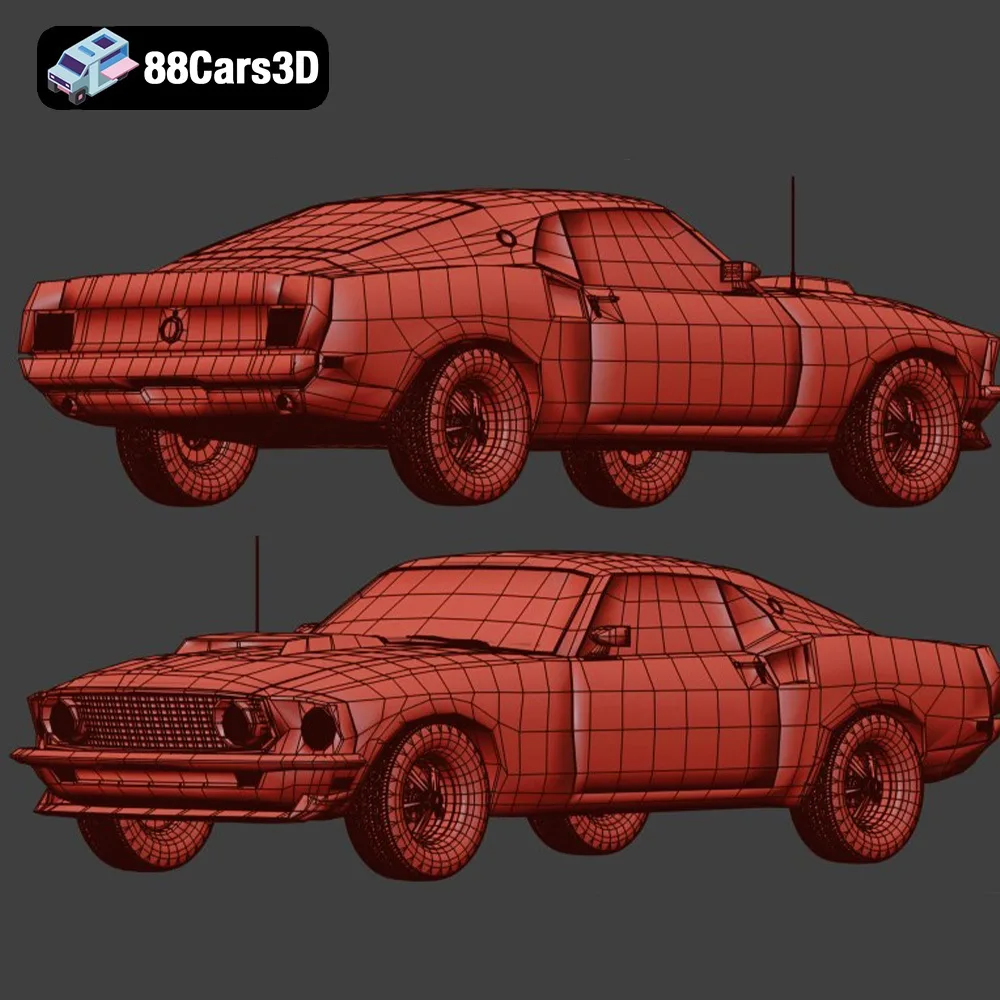
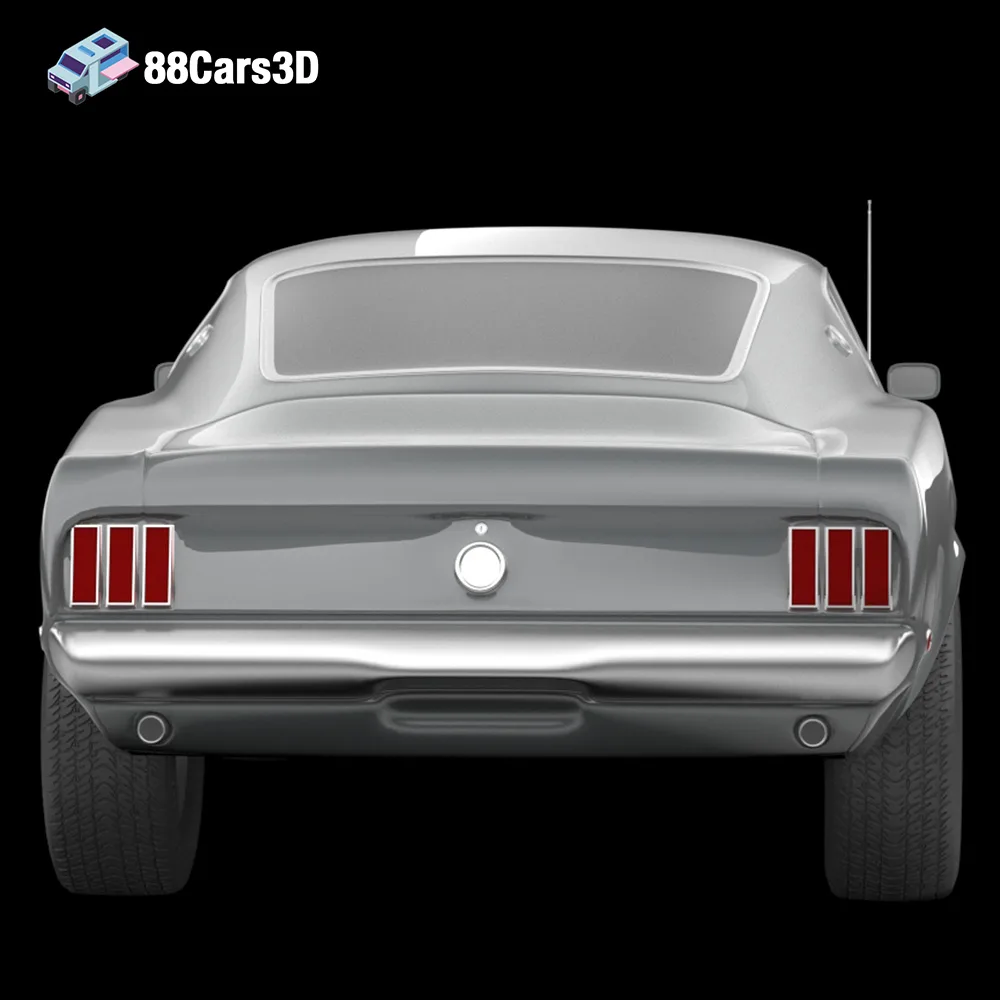
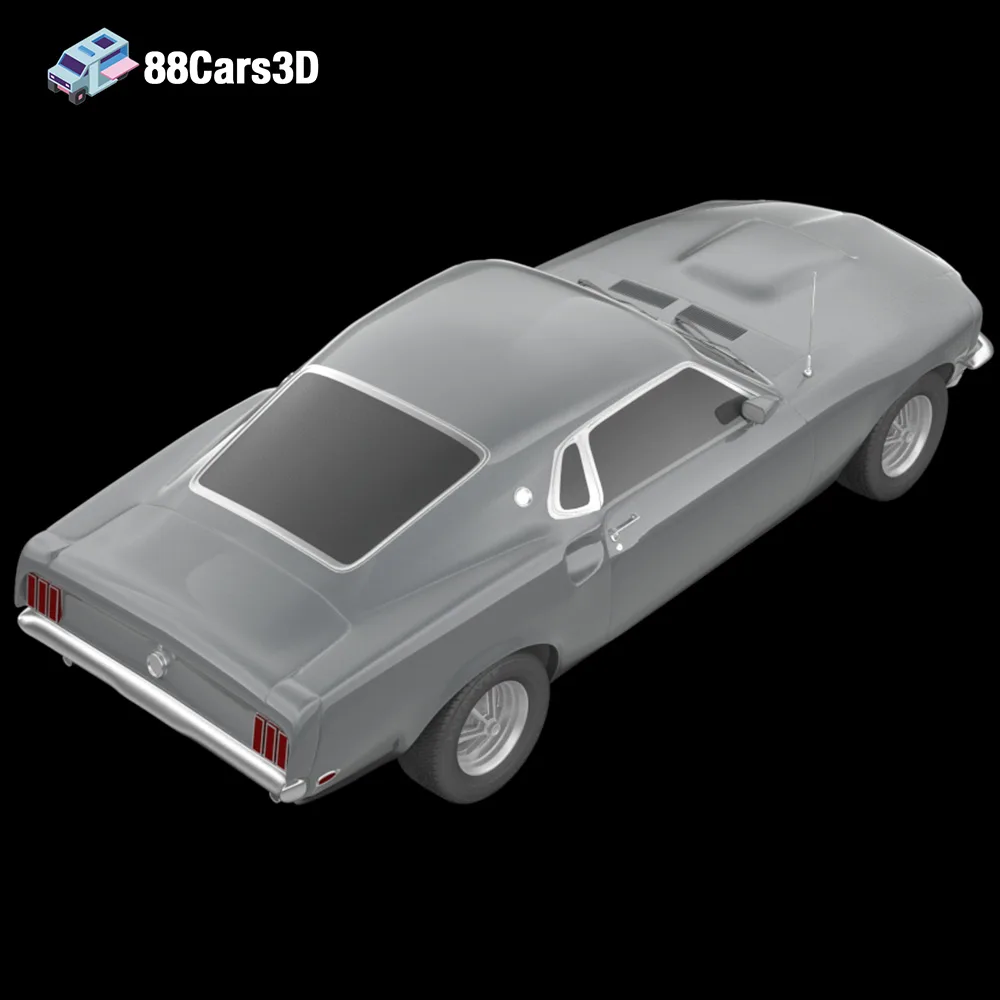
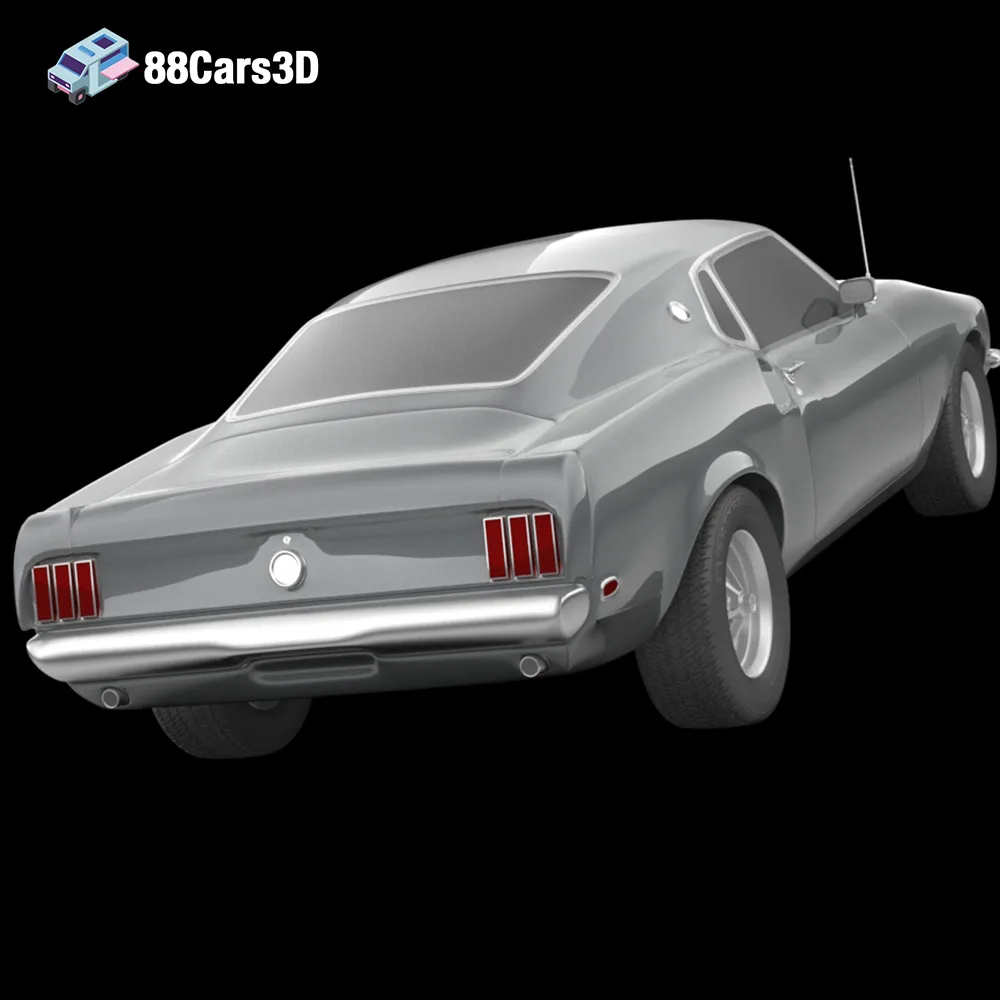
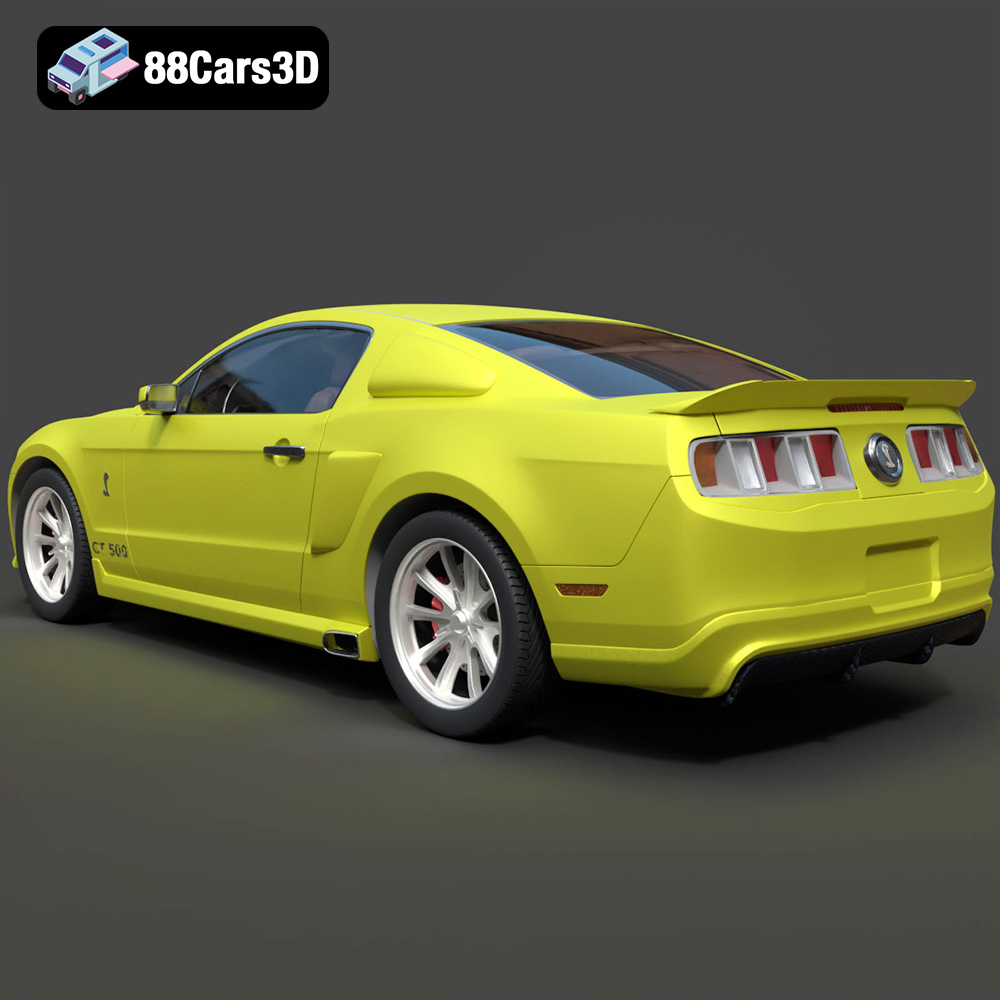
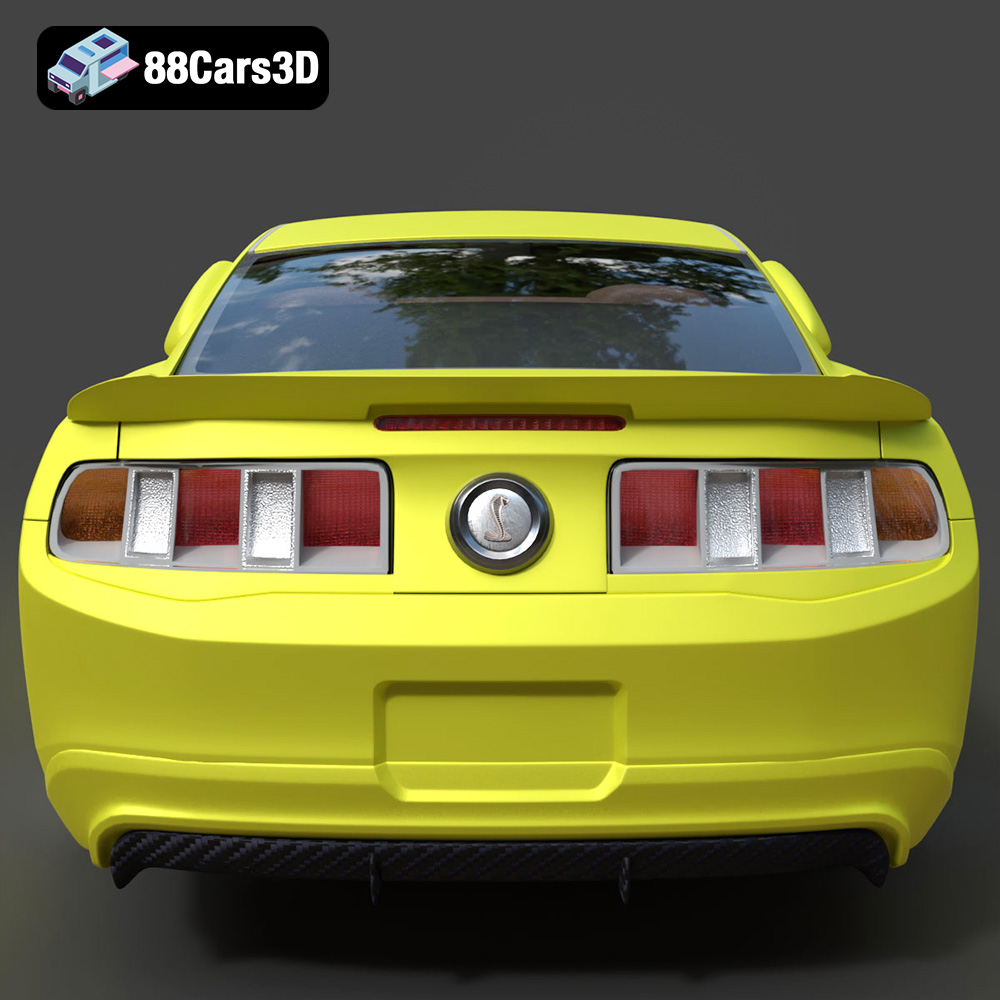
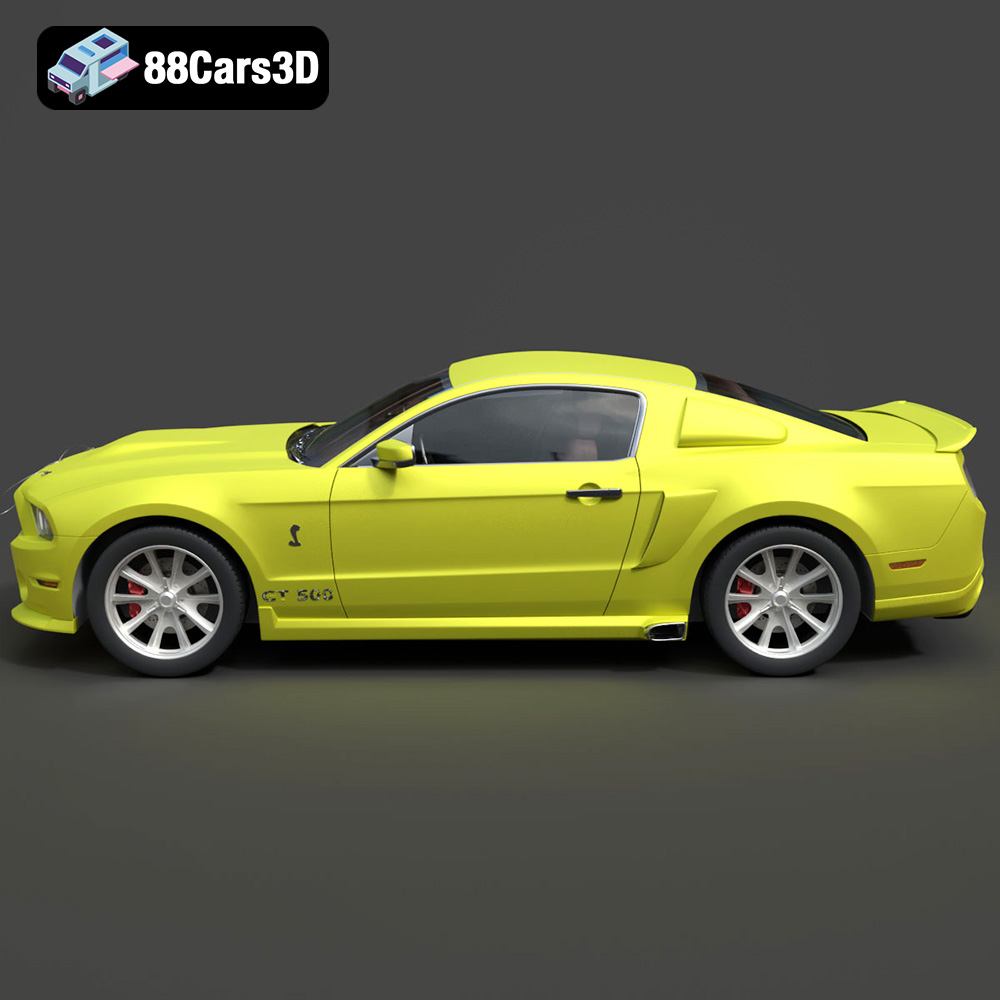
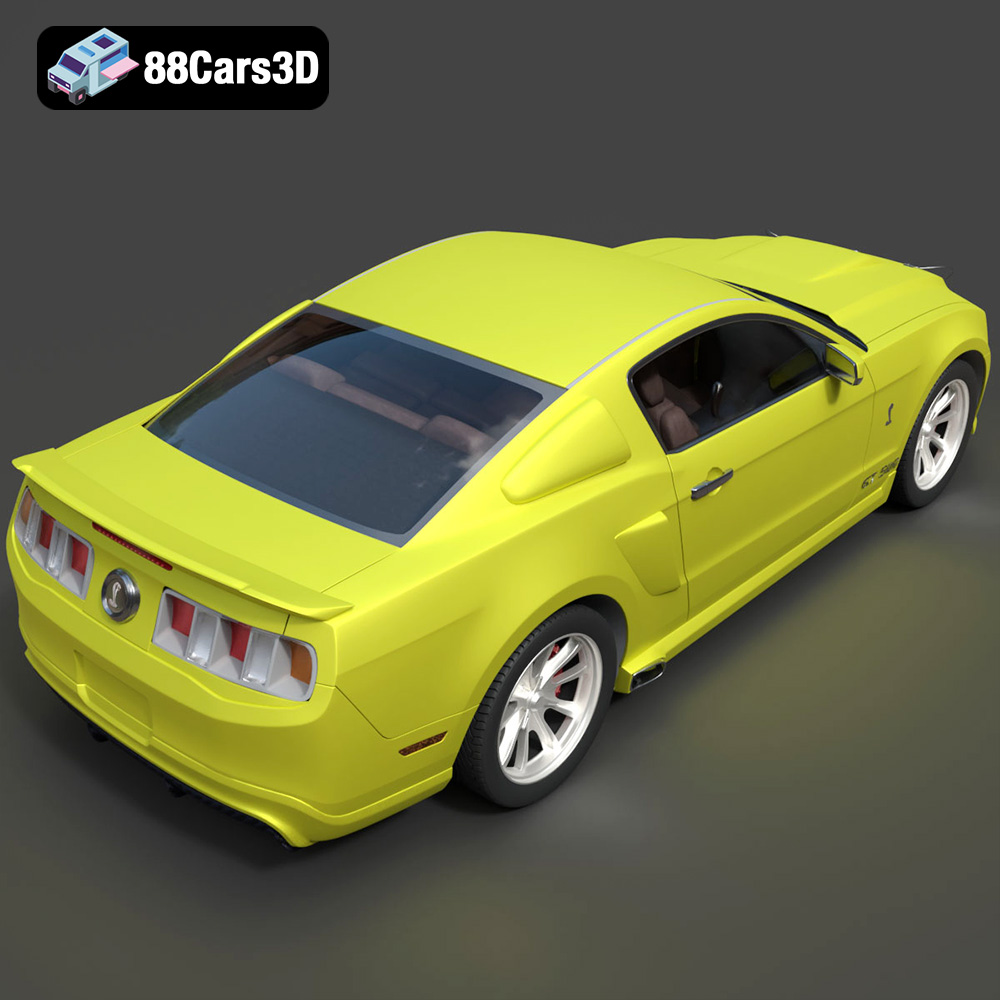
The modern body kit on this Mustang adds a level of complexity to the printing process. Pay close attention to the support structures needed for the front splitter, side skirts, and rear diffuser. Ensure these supports are easily removable without damaging the delicate details of the body kit.
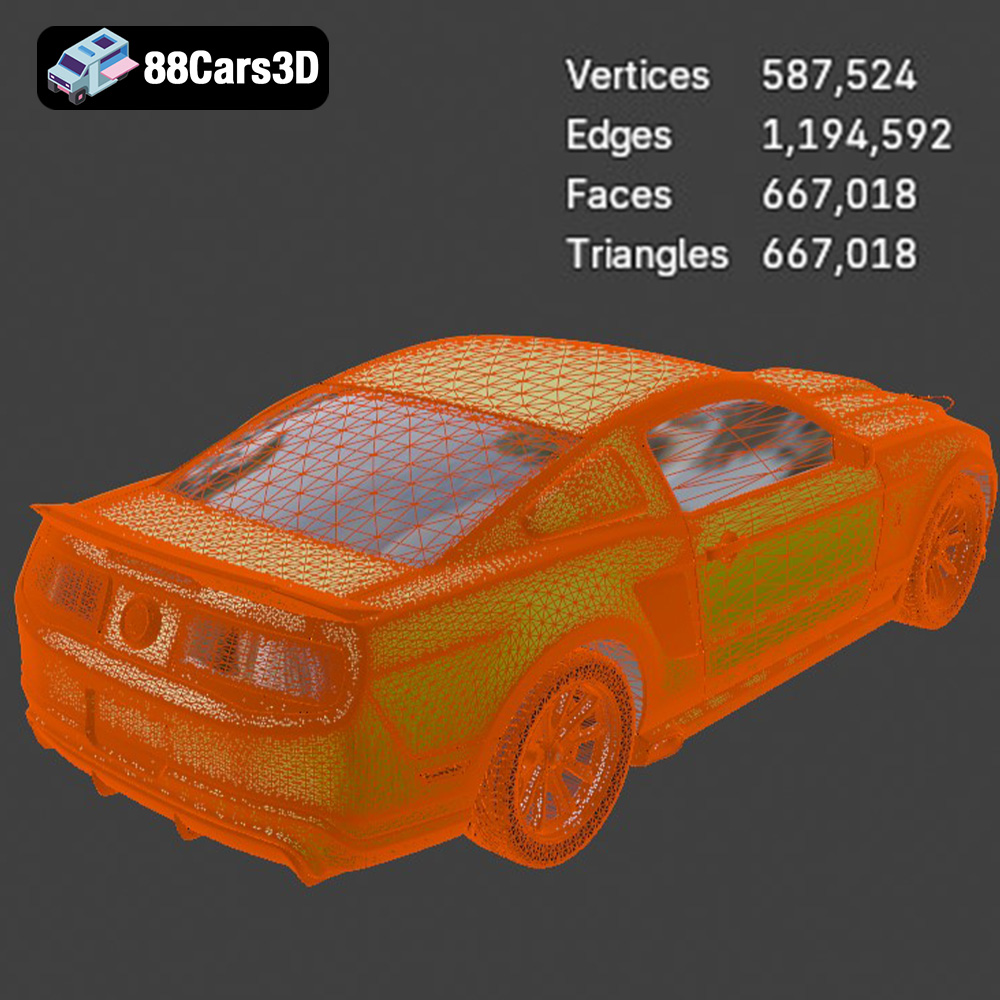
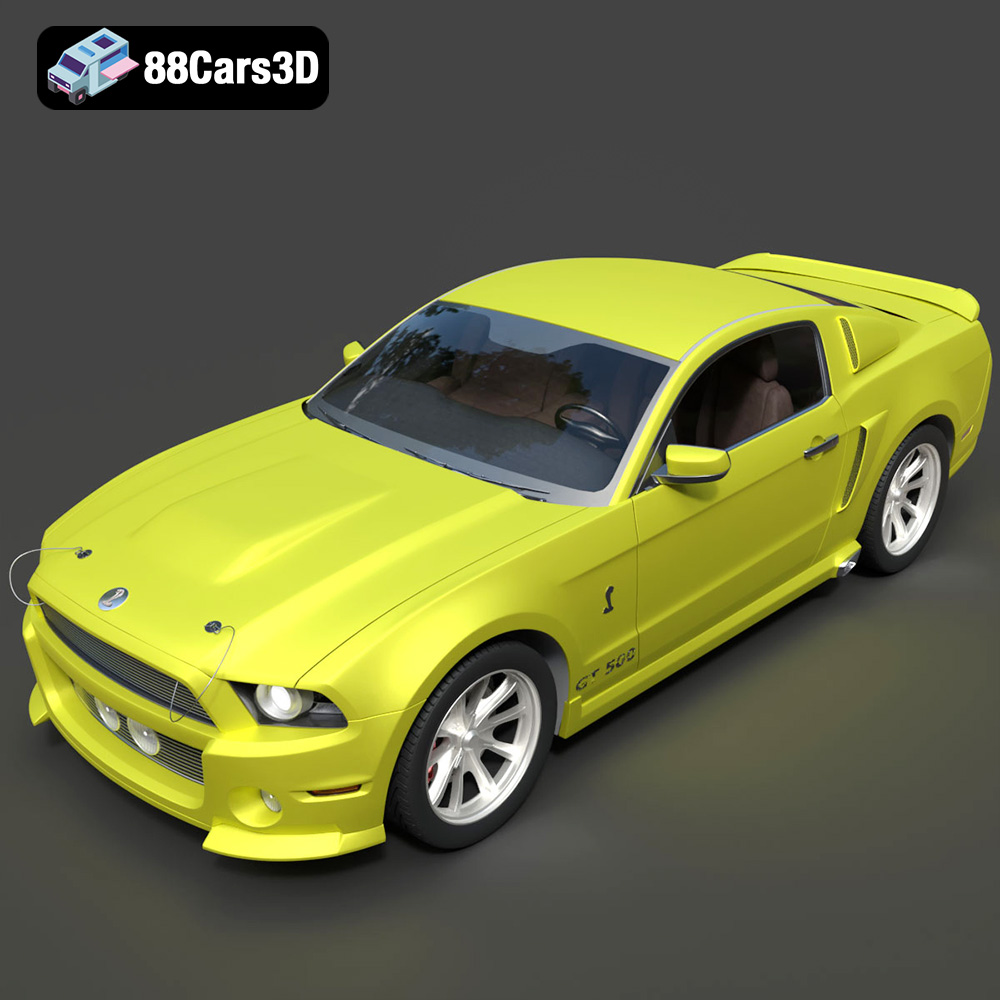
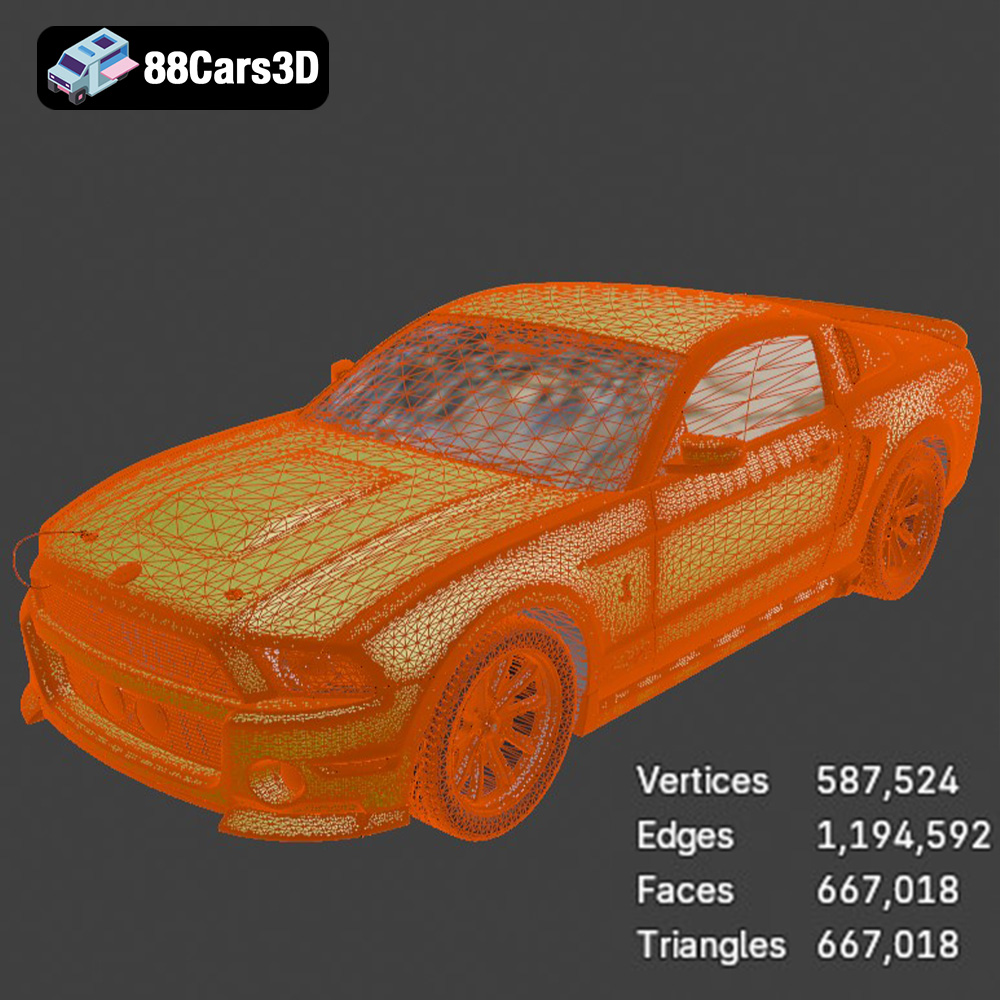
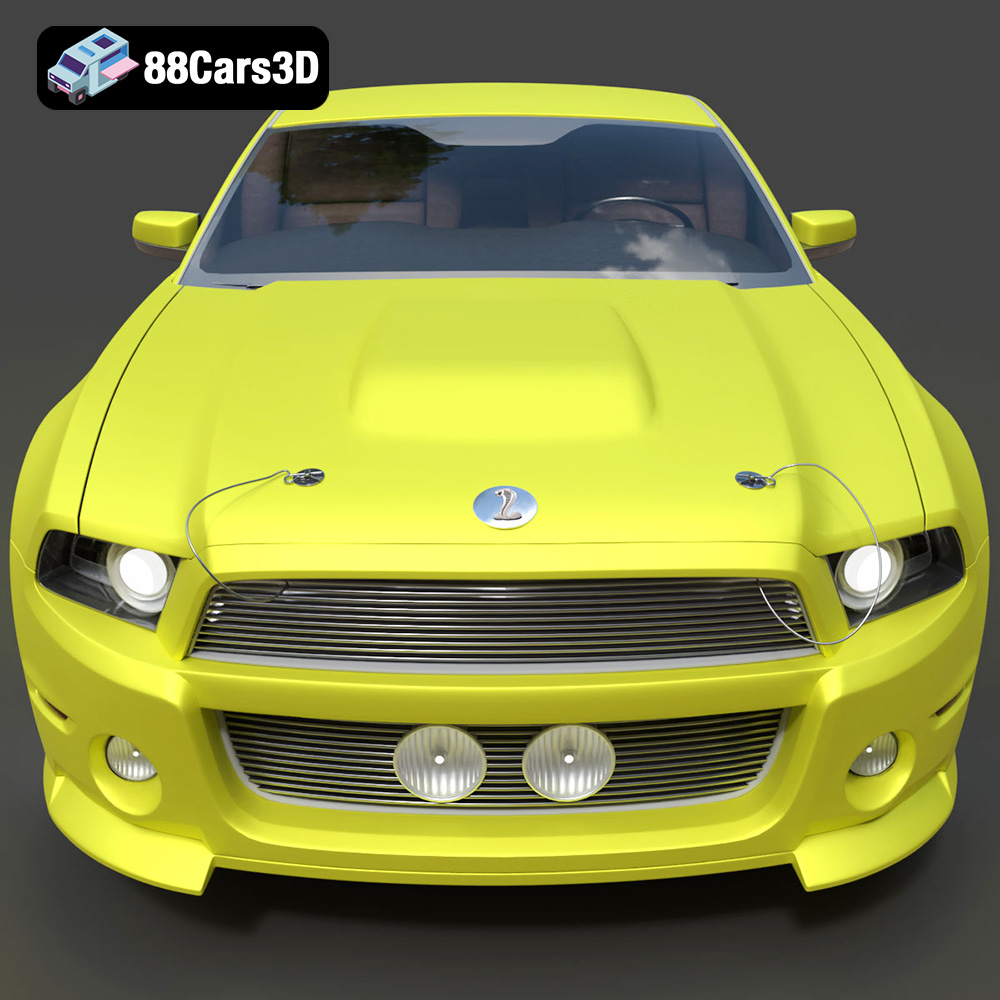
Eleanor’s custom front bumper with center-mounted fog lights requires careful support placement. Consider printing the bumper separately and attaching it to the body after printing for better results.
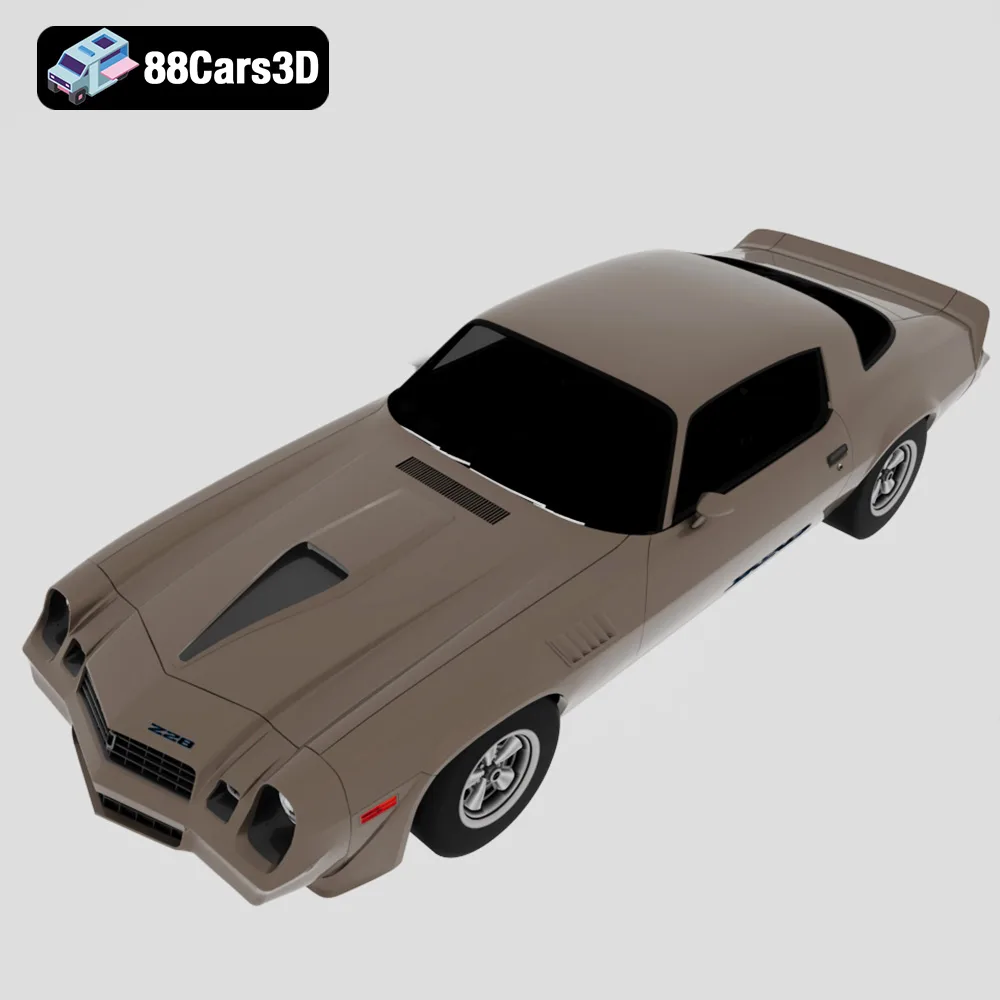
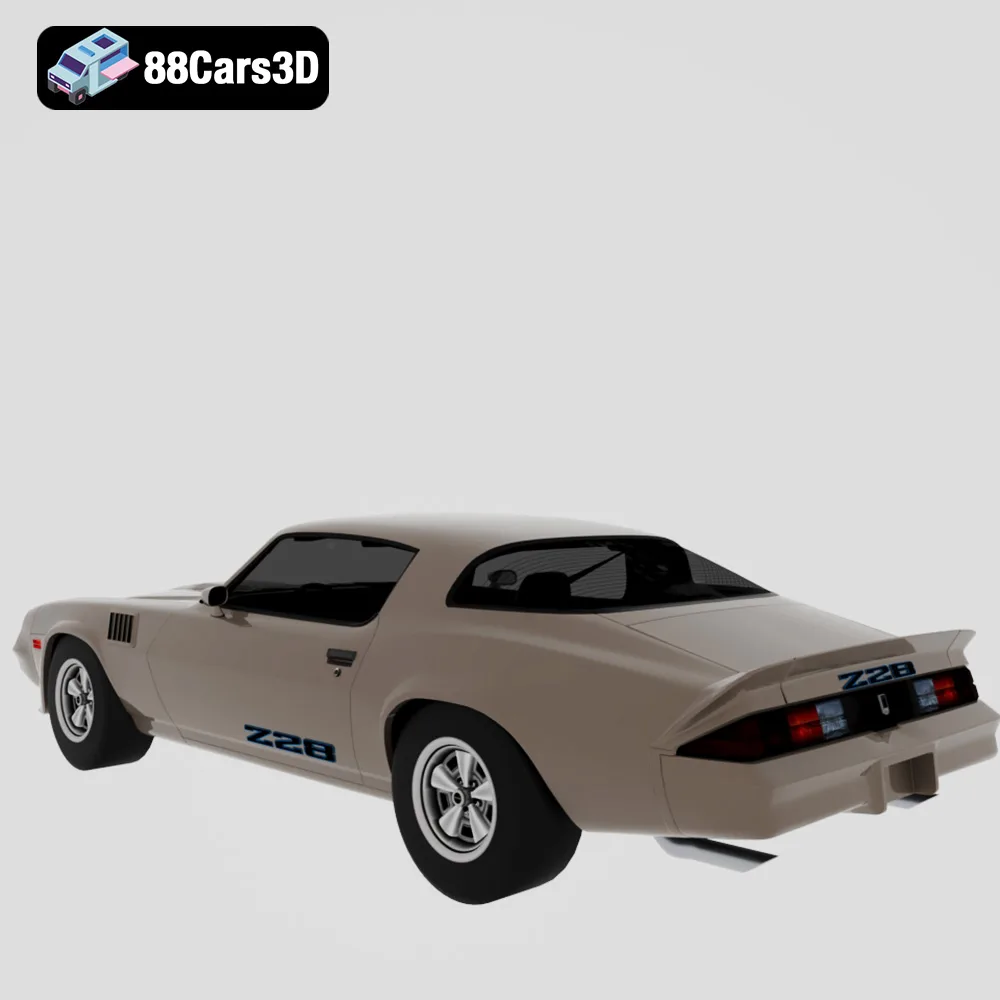
The Camaro’s sharp nose and front spoiler can be challenging to print without warping. Using a brim or raft can help to improve adhesion and prevent warping, especially with FDM printing.
Post-processing is where you truly elevate your 3D printed models from raw prints to stunning replicas.
Carefully remove support structures using specialized tools like flush cutters or hobby knives. Be patient and avoid applying excessive force, which can damage the model. Once the supports are removed, sand the surface to smooth out any imperfections and prepare it for painting. Start with a coarse grit sandpaper (e.g., 220 grit) and gradually move to finer grits (e.g., 400, 600, 800) for a smooth finish.
Apply a primer coat to the model to create a uniform surface for painting. This will also help the paint adhere better and prevent it from soaking into the plastic. Use multiple thin coats of primer, allowing each coat to dry completely before applying the next. Once the primer is dry, paint the model with your desired colors. Automotive spray paints are a great option for achieving a glossy, durable finish. Consider using masking tape to create clean lines and separate different colors.
After the paint has dried completely, apply a clear coat to protect the paint and add a glossy finish. Use multiple thin coats of clear coat, allowing each coat to dry before applying the next. Once the clear coat is dry, you can polish the model with a polishing compound to achieve a showroom-worthy shine.
Even with careful preparation, 3D printing can sometimes present challenges. Here are some common issues and their solutions:
Warping occurs when the corners of the print lift off the build plate due to uneven cooling. To prevent warping, ensure your build plate is properly leveled and heated. Using a brim or raft can also improve adhesion.
Stringing happens when thin strands of filament are left between different parts of the print. To reduce stringing, decrease the printing temperature, increase retraction settings, and ensure your filament is dry.
Layer separation occurs when the layers of the print don’t adhere properly to each other. This can be caused by low printing temperature, insufficient cooling, or poor bed adhesion. Increase the printing temperature, decrease cooling, and ensure your build plate is clean and properly leveled.
Resin printing has its own set of potential failures. Insufficient exposure can lead to parts not forming correctly. Too much exposure can cause over-curing and a loss of detail. Ensure your resin and printer settings are dialed in correctly. Also, ensure the FEP film in your resin vat is clean and free of debris.
The print time and material cost will vary depending on the size of the model, the layer height, the infill density, and the material used. As a general guideline, a 1:24 scale model of one of these cars could take anywhere from 10 to 30 hours to print, depending on the complexity and the printer used. Material costs can range from a few dollars for a small PLA print to $20 or more for a larger resin print using specialty resins. Remember to factor in the cost of supports and any failed prints.
3D printing the American Muscle & Classics Pack from 88cars3d.com is a rewarding project that combines technical skill with a passion for automotive history. By carefully selecting the right materials, optimizing your printer settings, and mastering post-processing techniques, you can create stunning replicas of these iconic vehicles that will be the envy of any car enthusiast. Whether you’re a seasoned 3D printing veteran or a curious beginner, this guide provides the knowledge and tools you need to bring these automotive legends to life in your own home. So fire up your 3D printer, grab your STL files from 88cars3d.com, and get ready to unleash the power of American muscle!
The American Muscle & Cinematic Classics 3D Models Bundle is a high-octane, premium collection built for automotive rendering artists, game developers, and cinematic VFX studios. There is nothing quite like the aggressive stance, bold lines, and nostalgic raw power of classic American muscle cars. Whether you are building a retro 1970s street environment, a high-speed racing game, or a virtual collector’s dream garage, this pack delivers absolute perfection.
$149.99
american-muscle-bundle
camaro-z28
car-pack
classic-car-3d
dodge-charger-1968
ford-mustang-69
game-ready-cars
muscle-car-3d-model
mustang-eleanor
retro-cars
vfx-vehicles