Get 50% OFF All Premium 3D & STL Models!

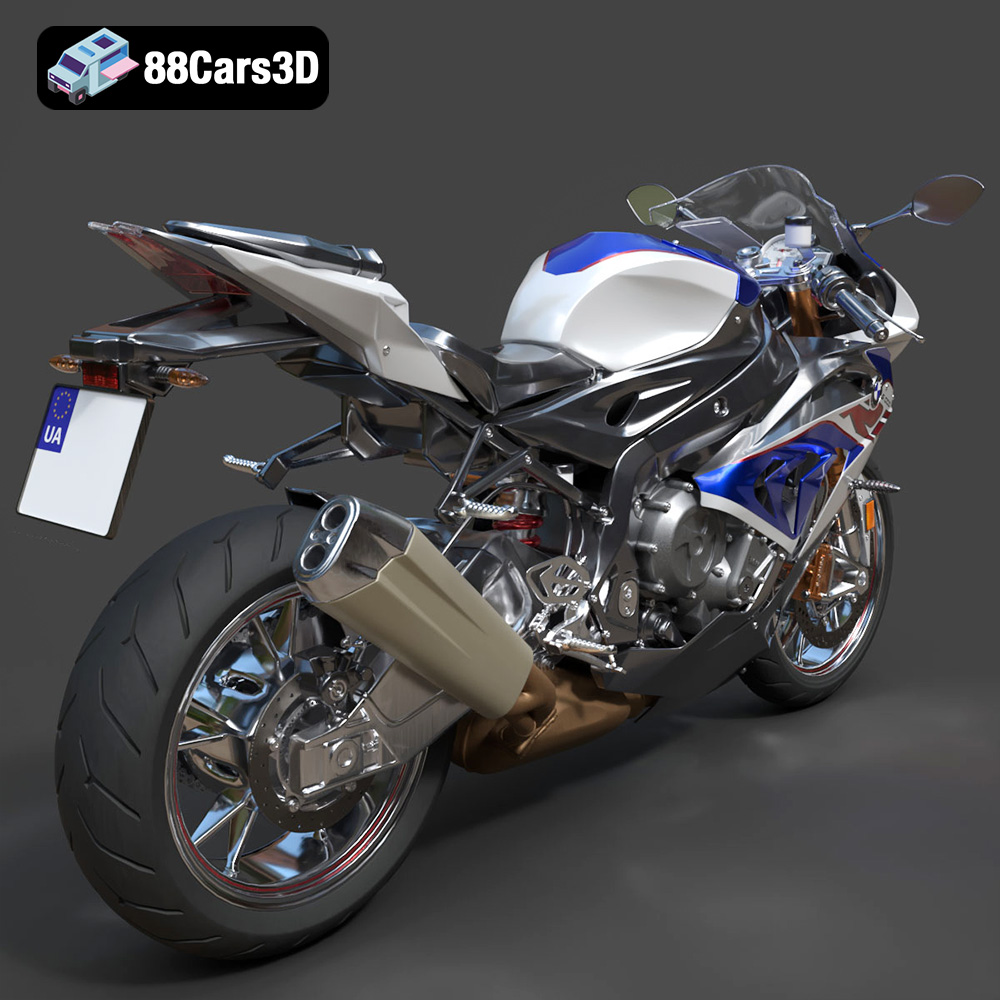
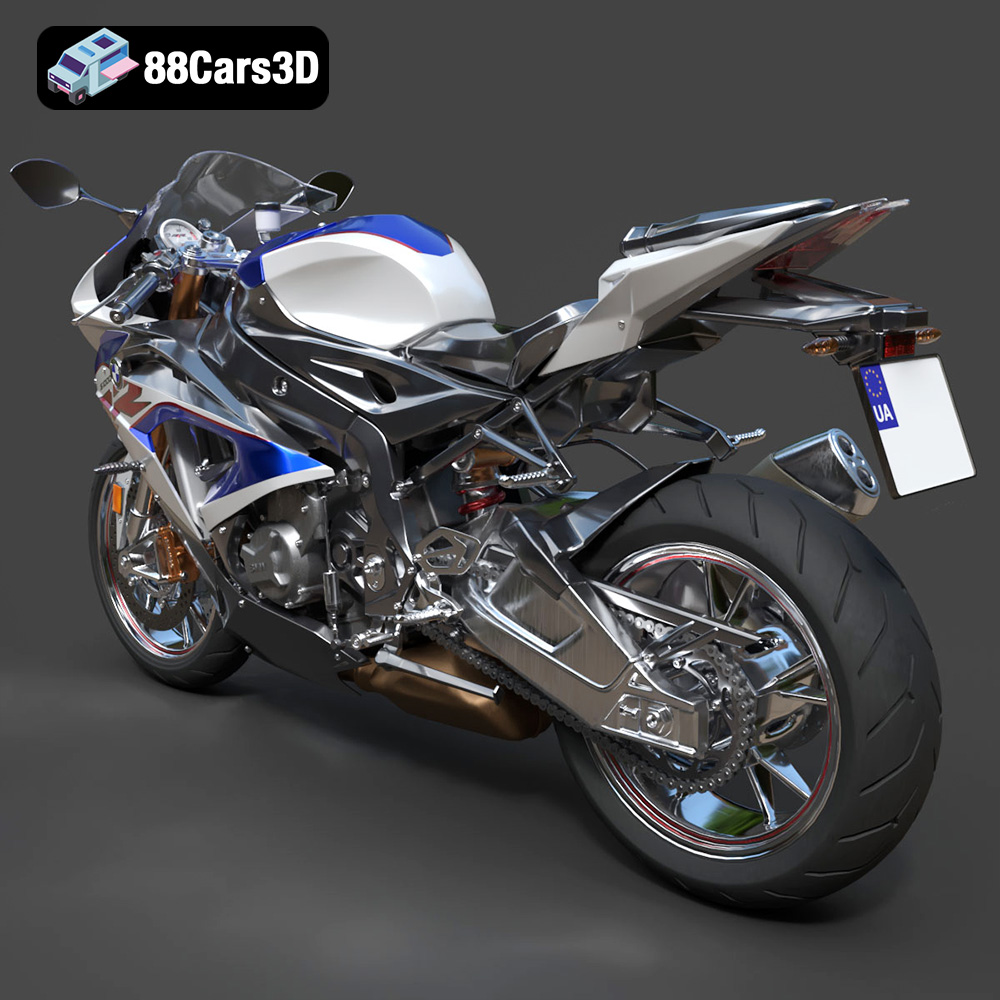
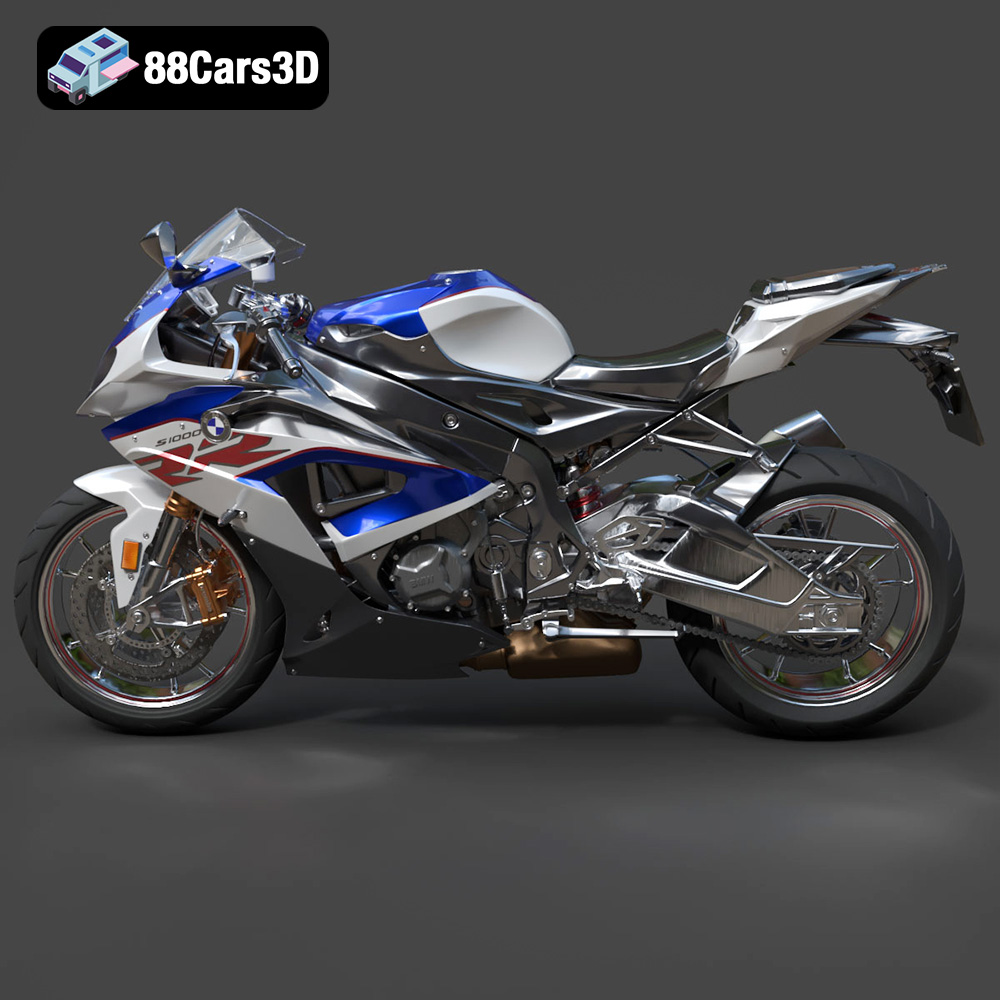
The BMW S 1000 RR is a legend in the world of superbikes, known for its blistering performance and aggressive styling. Now, thanks to 88cars3d.com, you can bring a piece of that legend to your desk, shelf, or gaming setup by 3D printing your own highly detailed BMW S 1000 RR 2018 model. This blog post will guide you through the entire process, from preparing the STL files to applying the final touches, ensuring a successful and satisfying 3D printing experience. We’ll cover everything from choosing the right materials and printer settings to post-processing techniques that will make your 3D printed model a true showpiece.
Before diving into the specifics of printing the BMW S 1000 RR 2018 model, it’s crucial to understand the different file formats commonly used in the 3D printing world. Choosing the right format can significantly impact the success and quality of your print. While several formats exist, some are better suited for additive manufacturing than others.
The .stl (Stereolithography) file format is the undisputed king of 3D printing. It represents the surface geometry of a 3D object as a collection of triangles. This simplicity makes it universally compatible with virtually all slicing software and 3D printers. When you download the BMW S 1000 RR 2018 3D model from 88cars3d.com, you’ll find that STL files are included, making it immediately ready for printing.
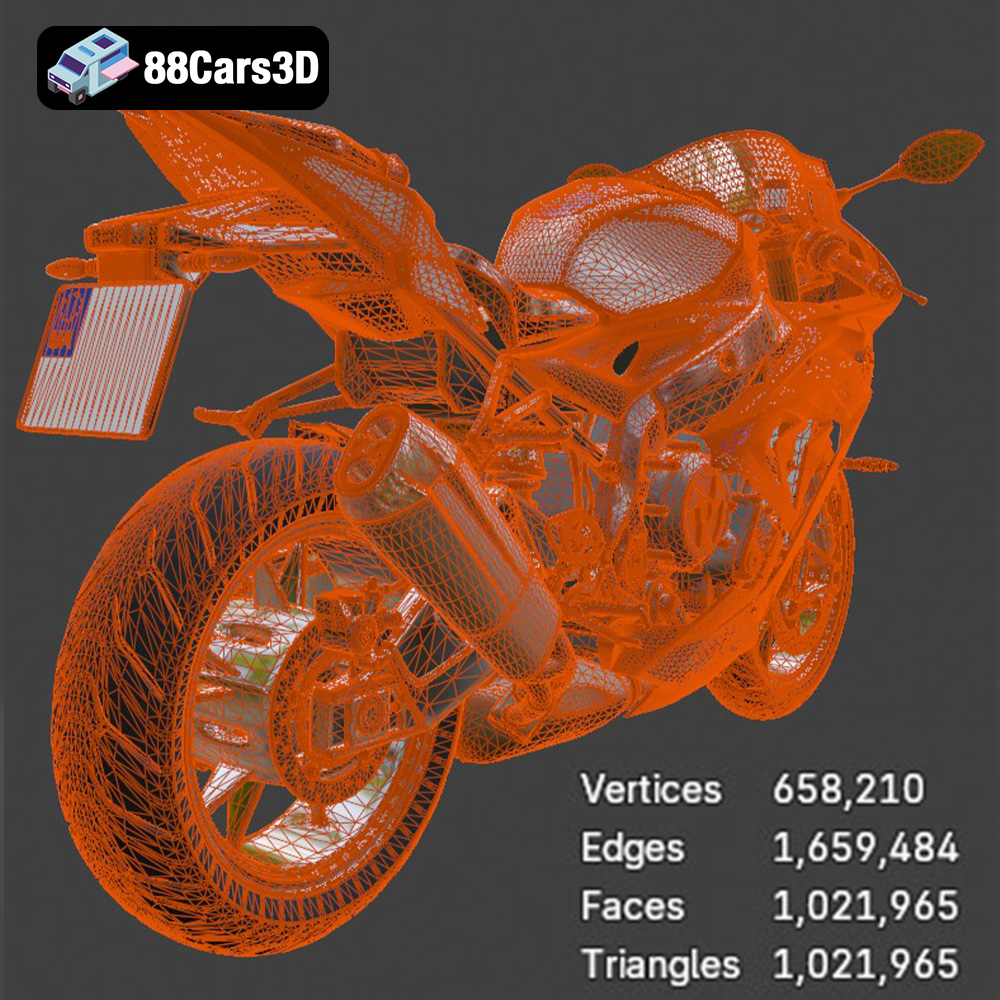
However, the STL format has limitations. It only stores the mesh data, lacking information about color, texture, or material properties. This means that if you’re aiming for a multi-colored print, you’ll need to rely on post-processing techniques like painting or consider using a format that supports color information. The quality of an STL file depends on the number of triangles used to represent the object’s surface. A higher triangle count results in a smoother, more detailed model but also a larger file size. It’s essential to strike a balance between detail and file size to ensure optimal performance in your slicing software and 3D printer.
While STL is the primary format, others are worth knowing about:
* **.obj (Object):** This is a more versatile format than STL, as it can store color and texture information. This makes it suitable for projects where you want to achieve a multi-colored print directly from the 3D model (if your printer supports it). However, OBJ files can be larger and may not be as universally supported as STL.
* **.ply (Polygon File Format):** PLY is designed for storing 3D data acquired from 3D scanners. It can store color, texture, and other properties, making it suitable for high-detail prints where accuracy is paramount.
* **.blend (Blender File):** This is the native file format for Blender, a popular open-source 3D modeling software. If you want to make modifications to the BMW S 1000 RR 2018 model before printing, having the .blend file allows you to do so easily within Blender.
* **.fbx (Filmbox):** Commonly used for animation and game development, FBX supports materials and textures. It can be useful for importing the model into slicing software that supports material-based settings.
* **.glb (GL Transmission Format Binary):** GLB is designed for efficient transmission and loading of 3D models, particularly in web applications and AR/VR environments. While not directly used for printing, it’s handy for previewing the model before committing to a print.
* **.max (3ds Max):** Similar to Blender, 3ds Max is a professional 3D modeling and animation software. The .max file allows for advanced customization of the model.
For the BMW S 1000 RR 2018 model, the STL format is the most straightforward and widely compatible option for 3D printing. If you wish to customize the model, use the .blend or .max files in their respective software, then export to STL for printing. Ensure your slicing software supports the chosen format and that the mesh quality is sufficient for the desired level of detail. Remember that a well-prepared STL file is the foundation for a successful 3D print.
Once you’ve downloaded the STL files for the BMW S 1000 RR 2018 from 88cars3d.com, the next crucial step is pre-print preparation. This involves using slicing software to convert the 3D model into a set of instructions that your 3D printer can understand. This section will cover essential aspects of slicing and model optimization to ensure a smooth and successful print.
Slicing software is the bridge between your 3D model and your 3D printer. Popular options include Cura, Simplify3D, PrusaSlicer, and others. Each software offers a range of settings that can be tailored to your specific printer, material, and desired print quality.
Key settings to consider include:
* **Layer Height:** This determines the thickness of each layer of material deposited by the printer. Lower layer heights (e.g., 0.1mm) result in smoother surfaces and finer details, but increase print time. For the BMW S 1000 RR 2018, a layer height of 0.08-0.16mm is recommended to capture its intricate features.
* **Infill Density:** This determines the amount of material used inside the model. Higher infill densities increase strength and weight but also increase print time and material consumption. For a display model like the BMW S 1000 RR 2018, an infill density of 15-25% should provide sufficient strength without being overly wasteful.
* **Wall Thickness (Shells):** This refers to the number of perimeters (outer walls) printed around the model. Increasing wall thickness enhances the model’s strength and rigidity. A wall thickness of 1.2-2.0mm is recommended for this model.
* **Print Speed:** This affects how quickly the printer moves while depositing material. Slower speeds generally result in higher quality prints, especially for models with intricate details. Experiment with different speeds to find the optimal balance between speed and quality for your printer and material.
* **Support Structures:** These are temporary structures that support overhanging parts of the model during printing. The BMW S 1000 RR 2018 will require supports for areas like the fairings, exhaust, rear swingarm, and handlebar area. Choose support settings that are easy to remove without damaging the model’s surface.
* **Bed Adhesion:** This refers to techniques used to ensure that the first layer of the print adheres properly to the print bed. Options include using a brim, raft, or glue stick.
The orientation of the model on the print bed can significantly impact the print’s quality, strength, and the amount of support material required. For the BMW S 1000 RR 2018, consider printing the frame at an angle to maximize detail preservation. Print the wheels separately to avoid the need for excessive support material.
Careful placement of support structures is crucial. Focus on supporting overhanging features while minimizing the amount of support material used. Some slicing software allows for manual placement of supports, giving you more control over the process.
The BMW S 1000 RR 2018 model can be scaled to different sizes depending on your preference and the capabilities of your printer. The product description recommends scales of 1:18, 1:12, 1:10, and 1:8. Consider the level of detail you want to achieve and the limitations of your printer when choosing a scale. Smaller scales may require finer layer heights and more precise printing to capture the model’s details accurately.
Before slicing, it’s essential to inspect the STL files for any errors or imperfections. These can include non-manifold geometry, holes, or self-intersecting faces. Many slicing software programs have built-in tools for repairing models, or you can use dedicated software like MeshLab or Netfabb. Repairing any issues before printing will help prevent print failures and ensure a higher quality final product.
The choice of material is a critical factor in determining the final look, feel, and durability of your 3D printed BMW S 1000 RR 2018 model. Different materials offer unique properties, advantages, and disadvantages. This section will explore some of the most popular materials for 3D printing and their suitability for this specific model.
PLA is a biodegradable thermoplastic derived from renewable resources like cornstarch or sugarcane. It’s one of the most popular materials for 3D printing due to its ease of use, low printing temperature, and minimal warping. PLA is a good choice for printing the BMW S 1000 RR 2018 if you’re looking for a visually appealing display model. It’s available in a wide range of colors, making it easy to match the superbike’s iconic livery.
**Pros:**
* Easy to print with minimal warping
* Wide range of colors available
* Biodegradable
**Cons:**
* Relatively low strength and heat resistance
* Can be brittle
PETG combines the ease of printing of PLA with the strength and durability of ABS. It’s more resistant to heat and impact than PLA, making it a good choice for parts that need to withstand some wear and tear. PETG is a suitable option for the BMW S 1000 RR 2018 if you want a model that’s more robust and less prone to breaking.
**Pros:**
* Good strength and durability
* Higher heat resistance than PLA
* Relatively easy to print
**Cons:**
* Can be prone to stringing
* Fewer color options than PLA
Resin printing (SLA or DLP) offers the highest level of detail and surface finish. Resin printers use liquid photopolymer resins that are cured by UV light. This allows for incredibly fine layer heights and intricate details, making it ideal for printing small, highly detailed models like the BMW S 1000 RR 2018. If you want to capture every nuance of the superbike’s design, resin printing is the way to go.
**Pros:**
* Exceptional detail and surface finish
* Ideal for small, intricate models
**Cons:**
* More complex printing process than FDM
* Resins can be expensive and require careful handling
* Requires post-curing
* **ABS (Acrylonitrile Butadiene Styrene):** A strong and heat-resistant material commonly used in engineering applications. However, ABS is more difficult to print than PLA and PETG due to its tendency to warp.
* **Nylon:** A very strong and durable material with good chemical resistance. Nylon is challenging to print and requires specialized equipment and techniques.
* **TPU (Thermoplastic Polyurethane):** A flexible and elastic material that can be used to print tires or other flexible components for the BMW S 1000 RR 2018 model.
* **Display Model:** PLA or PETG
* **Durable Model:** PETG
* **High-Detail Model:** Resin
Achieving a successful 3D print of the BMW S 1000 RR 2018 model requires careful attention to printer settings. The optimal settings will vary depending on your printer, material, and desired print quality. This section provides a comprehensive guide to fine-tuning your printer settings for this specific model.
As mentioned earlier, layer height significantly impacts the print’s resolution and surface finish. Lower layer heights result in smoother surfaces and finer details but increase print time. For the BMW S 1000 RR 2018, the product description recommends a layer height of 0.08-0.16mm.
* **For FDM printing (PLA, PETG):** Start with a layer height of 0.12mm and adjust as needed. If you’re aiming for maximum detail, try 0.08mm, but be prepared for longer print times.
* **For Resin printing:** Use the lowest layer height recommended by your resin manufacturer and printer. This will typically be in the range of 0.025-0.05mm.
Proper temperature settings are crucial for ensuring good layer adhesion and preventing warping or other issues.
* **PLA:**
* Nozzle Temperature: 200-220°C
* Bed Temperature: 50-60°C
* **PETG:**
* Nozzle Temperature: 230-250°C
* Bed Temperature: 70-80°C
* **Resin:** Follow the resin manufacturer’s recommendations for exposure time and other settings.
Printing too fast can lead to poor layer adhesion, stringing, and other issues. It’s generally best to start with a moderate print speed and adjust as needed.
* **For FDM printing:**
* Outer Wall Speed: 30-40 mm/s
* Inner Wall Speed: 40-60 mm/s
* Infill Speed: 60-80 mm/s
* **For Resin printing:** Print speed is determined by the exposure time and other settings recommended by the resin manufacturer.
As mentioned earlier, the BMW S 1000 RR 2018 will require support structures for overhanging features. Use support settings that are easy to remove without damaging the model’s surface.
* **Support Density:** 15-25%
* **Support Overhang Angle:** 45-60 degrees
* **Support Placement:** Everywhere or Touch Plate Only
Retraction settings control how much the printer retracts the filament when moving between different parts of the print. Proper retraction settings can help prevent stringing and improve print quality.
* **Retraction Distance:** 4-7mm
* **Retraction Speed:** 40-60 mm/s
Ensuring that the first layer of the print adheres properly to the print bed is crucial for preventing print failures.
* **Brim:** A brim is a single-layer outline printed around the base of the model. It provides a larger surface area for adhesion and can be easily removed after printing.
* **Raft:** A raft is a multi-layer platform printed beneath the model. It provides a very stable base for printing and can be helpful for materials that are prone to warping.
* **Glue Stick:** Applying a thin layer of glue stick to the print bed can also improve adhesion.
Once your 3D print is complete, the real fun begins! Post-processing is the process of refining and finishing your print to achieve the desired look and feel. This section will cover essential post-processing techniques for the BMW S 1000 RR 2018 model.
The first step is to carefully remove the support structures from the model. Use a pair of pliers, a hobby knife, or other tools to gently break away the supports. Be careful not to damage the model’s surface.
Sanding is essential for smoothing out any imperfections or layer lines on the surface of the print. Start with a coarse grit sandpaper (e.g., 120 grit) and gradually move to finer grits (e.g., 220, 400, 600 grit) to achieve a smooth finish. Wet sanding can help reduce dust and improve the sanding process.
Priming is the process of applying a thin coat of primer to the model. Primer helps to fill in any remaining imperfections and provides a smooth surface for painting. Choose a primer that is compatible with your chosen material.
Painting is where you can truly bring your 3D printed BMW S 1000 RR 2018 to life. Use high-quality paints designed for models or miniatures. Apply multiple thin coats of paint, allowing each coat to dry completely before applying the next. Consider using masking tape to create clean lines and separate different color areas. The product description recommends a gloss sport paint finish to capture the superbike’s sleek appearance.
Adding details like racing decals, panel lines, and other features can enhance the realism of your model. Use fine-tipped paintbrushes, markers, or decals to add these details. You can find racing decals online or create your own using a vinyl cutter.
The BMW S 1000 RR 2018 model may consist of multiple parts that need to be assembled after printing. Use super glue or other adhesives to carefully attach the parts together.
Even with careful preparation, you may encounter some challenges during the 3D printing process. This section addresses some of the most common 3D printing issues and provides troubleshooting tips.
* **Warping:** This occurs when the corners of the print lift off the print bed. To prevent warping, ensure that your print bed is level and properly heated. Use a brim or raft to improve adhesion.
* **Stringing:** This is caused by excessive filament oozing from the nozzle during travel moves. To prevent stringing, adjust your retraction settings and reduce the nozzle temperature.
* **Layer Adhesion Issues:** This occurs when layers of the print don’t properly adhere to each other. To improve layer adhesion, increase the nozzle temperature and reduce the print speed.
* **Support Structure Problems:** Supports may be difficult to remove or may damage the model’s surface. To prevent this, optimize your support settings and use supports that are easy to break away.
* **Print Bed Adhesion Issues:** The first layer may not stick properly to the print bed. To improve bed adhesion, clean the print bed thoroughly and use a brim, raft, or glue stick.
By understanding these common issues and their solutions, you can overcome challenges and achieve a successful 3D print of the BMW S 1000 RR 2018 model.
3D printing the BMW S 1000 RR 2018 model is a rewarding project that combines technical skill with creative expression. By following the steps outlined in this guide, you can create a stunning replica of this iconic superbike. Remember to choose the right materials, optimize your printer settings, and take your time with post-processing. With a little patience and attention to detail, you’ll have a 3D printed model that you can be proud of. Head over to 88cars3d.com to download the STL files and start your 3D printing adventure today!
The BMW S 1000 RR 2018 3D Model is a high-detail digital recreation of BMW Motorrad’s iconic superbike, engineered for high performance on both road and track. Known for its aggressive aerodynamic styling, inline-four engine power, and advanced electronic systems, the 2018 S 1000 RR represents precision German sportbike engineering. Perfect for racetrack scenes, high-speed urban environments, motorsport visuals, and cinematic action productions. Includes .blend, .fbx, .obj, .glb, .stl, .ply, .unreal, and .max formats.
$9.99
.2018superbike
.arvr
.blend
.bmw
.fbx
.gameasset
.glb
.max
.motorcycle3dmodel
.obj
.performancebike
.ply
.racingbike
.rendering
.s1000rr
.simulation
.sportbike
.stl
.twowheeler
.unreal