Get 50% OFF All Premium 3D & STL Models!

The roar of a custom motorcycle, the gleam of chrome, the feeling of the open road – these are sensations many enthusiasts crave. While owning a full-sized custom build might be a dream for some, 3D printing offers an exciting way to bring a piece of that world into your home. The Custom_Motorcycle 3D Model available at 88cars3d.com provides a fantastic opportunity to create a detailed replica of a bespoke bike, perfect for display, dioramas, or simply as a testament to your passion for motorcycle culture. This blog post will guide you through the process of 3D printing this model, covering everything from selecting the right materials and printer settings to post-processing techniques that will bring your custom motorcycle to life.
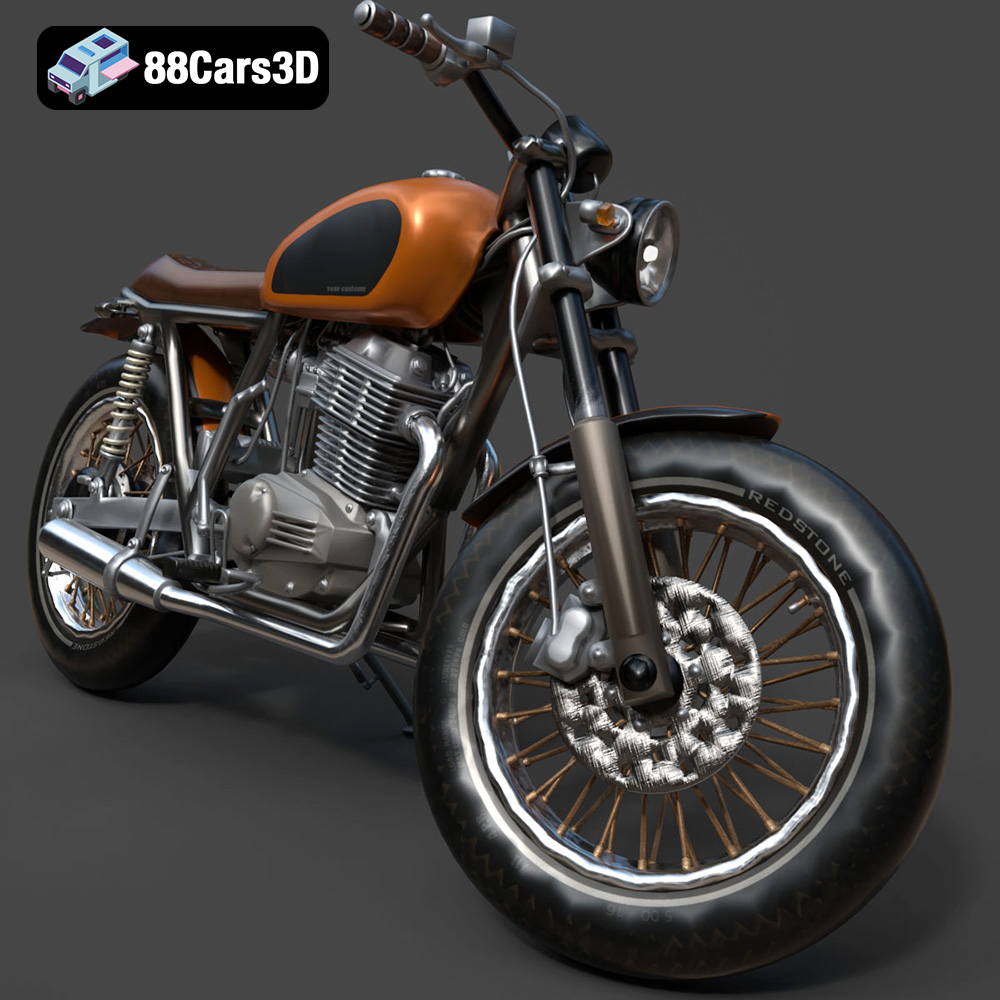
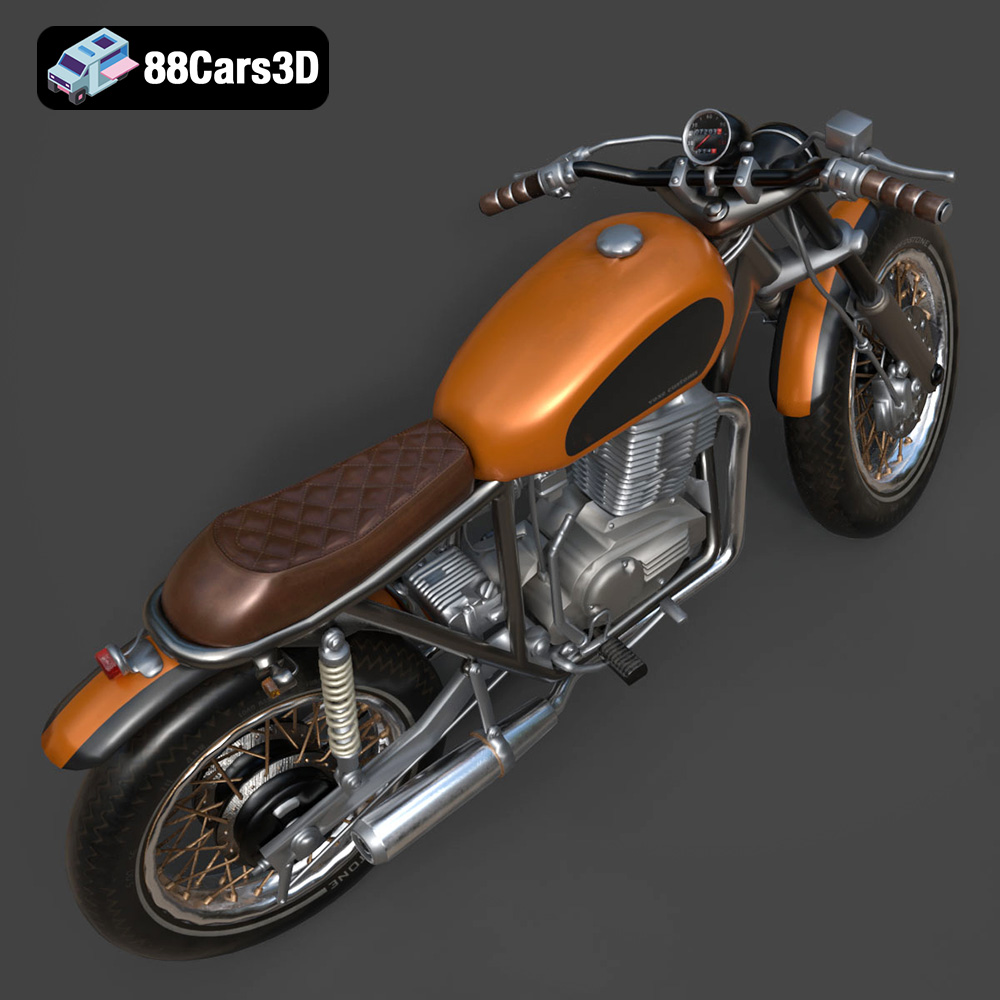
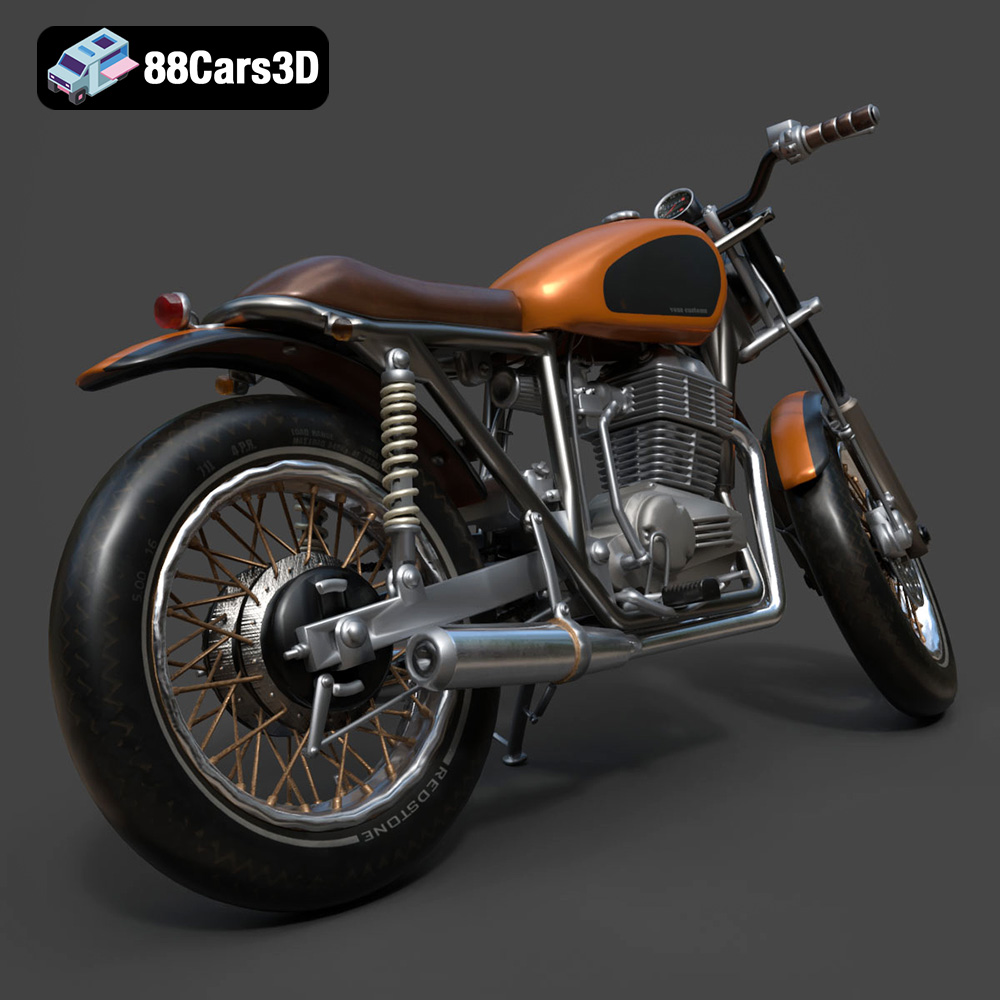
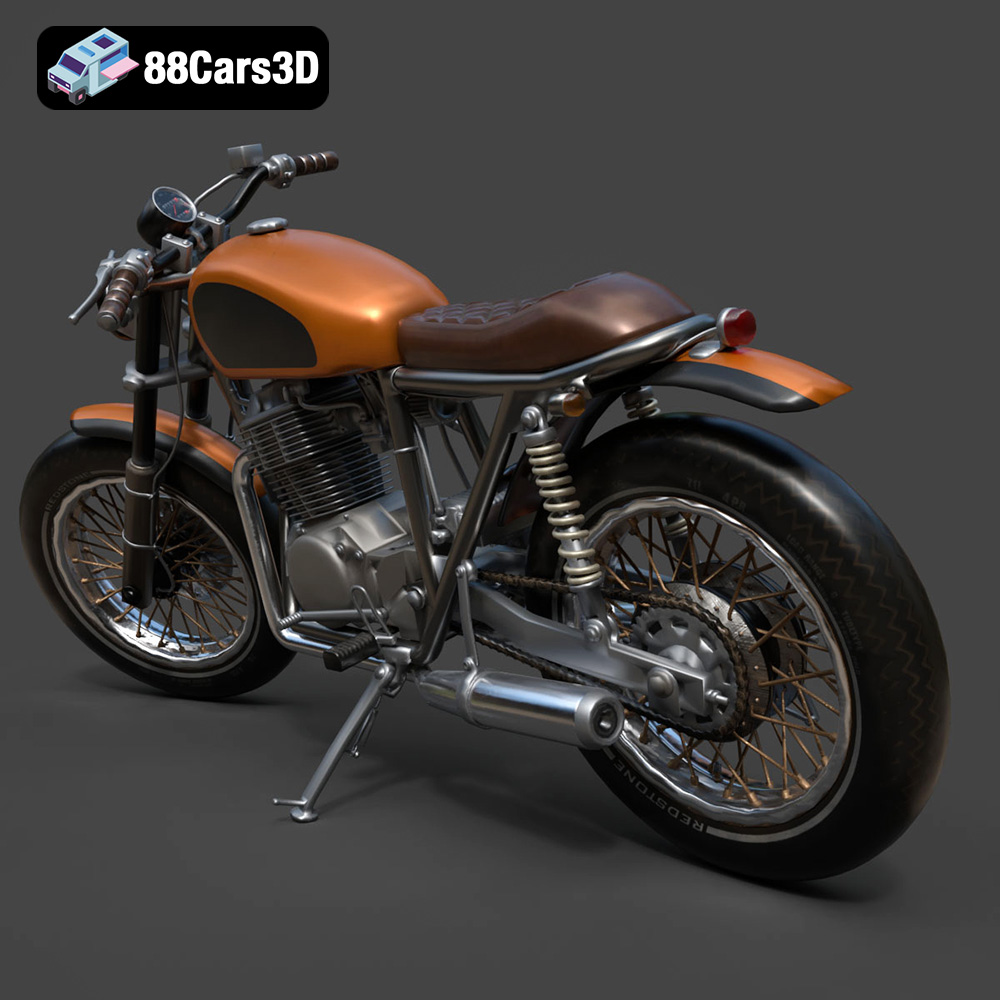
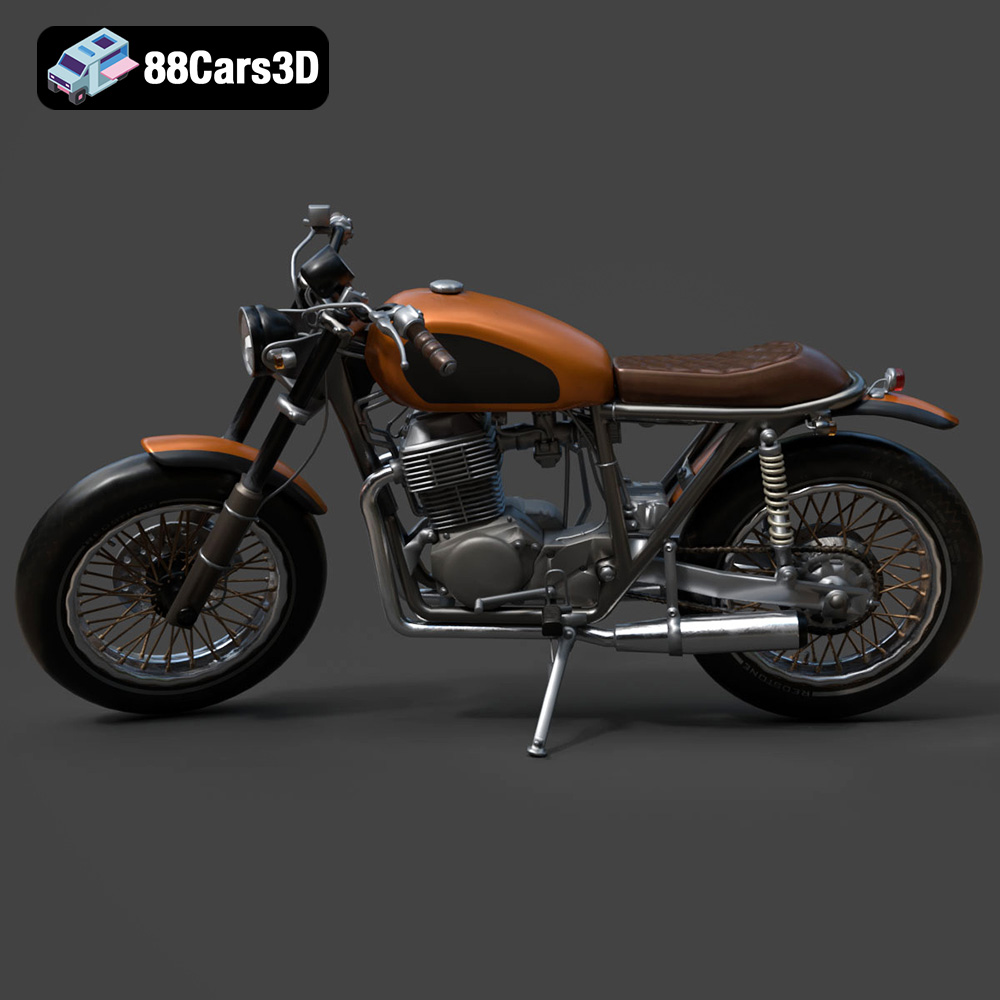
Before diving into the specifics of 3D printing, let’s take a closer look at the model itself. The Custom_Motorcycle 3D Model on 88cars3d.com is designed to capture the essence of custom bike culture. It boasts aggressive styling, an exposed engine, and premium aftermarket detailing. The model includes a bespoke frame geometry adaptable to various styles like bobber, chopper, or cafe racer, a handcrafted-style fuel tank, a detailed engine block, custom exhaust pipes, specialized wheels, and separate components for animation.
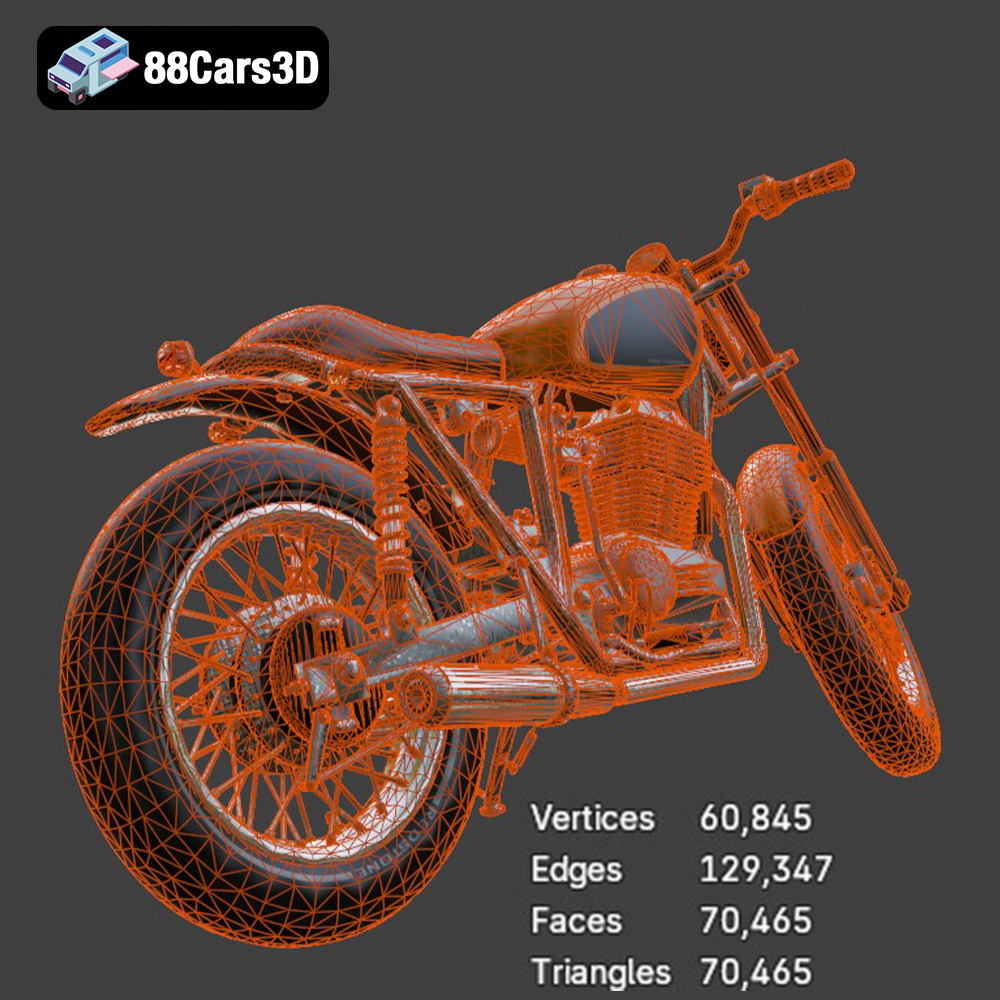
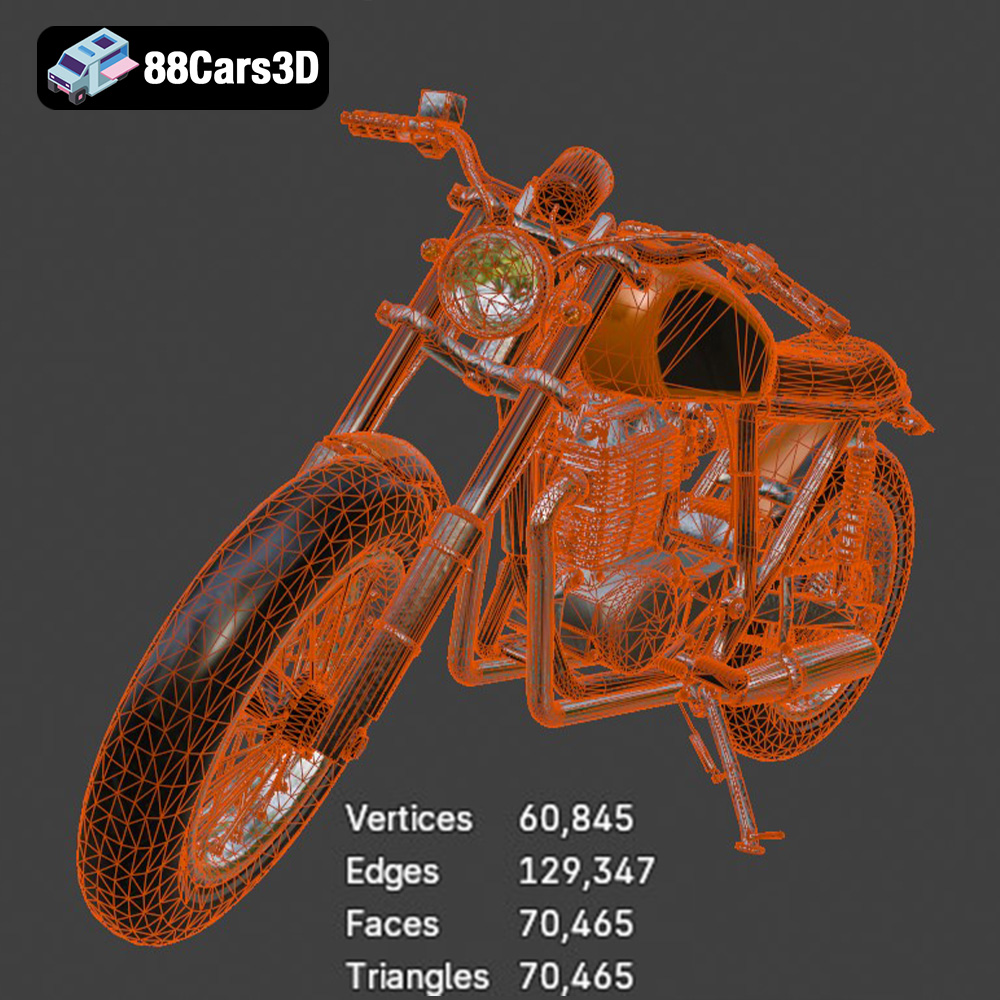
This attention to detail makes it an excellent choice for 3D printing. With a high polygon count, the model is designed for visual fidelity, meaning that even at smaller scales, you can capture intricate details. The recommended scales for 3D printing range from 1:8 to 1:12, balancing detail and print size.
Choosing the right file format is crucial for a successful 3D printing project. The Custom_Motorcycle 3D Model is available in several formats, each with its strengths and weaknesses. Let’s examine the most common formats and their suitability for 3D printing.
The .stl (Stereolithography) format is the de facto standard for 3D printing. It represents the surface geometry of a 3D object as a collection of triangles. STL files are simple, widely supported by slicing software, and generally produce good results for 3D printing. The simplicity of the format means that it only stores information about the shape of the object, lacking color, texture, or material properties. For the Custom_Motorcycle 3D Model, the STL format is your primary choice for printing. It’s universally compatible and ensures the model’s geometry is accurately translated into the printing process.
The .obj (Wavefront Object) format is another popular format that, unlike STL, can store color and texture information. This is particularly useful if you plan to paint your 3D printed Custom_Motorcycle model and want to use the .obj file as a reference for applying colors and textures accurately. While .obj files can be used for 3D printing, they sometimes require more processing in slicing software compared to STL files. Slicing software compatibility is generally good, but you may need to ensure your software supports colored printing if you intend to leverage the texture information.
The .ply (Polygon File Format) is designed for storing 3D data acquired from 3D scanners. It can store not only geometric data but also color, transparency, and surface normals, making it suitable for high-detail prints. While less common than STL, .ply files can be used for 3D printing, especially when you need to preserve fine details. Ensure your slicing software supports .ply files and be prepared for potentially larger file sizes.
The .blend format is the native file format for Blender, a free and open-source 3D creation suite. This format is invaluable if you want to modify the Custom_Motorcycle 3D Model before printing. You can use Blender to adjust the model’s geometry, add or remove details, or even split the model into smaller parts for easier printing. Before you can 3D print a .blend file, you must export it to a 3D-printable format like .stl. This format is not directly compatible with slicing software and is used for pre-processing only.
The .fbx (Filmbox) format is primarily used for exchanging 3D data between different software applications, often retaining material and animation information. While you can import .fbx files into some slicing software, they are not the ideal format for 3D printing. The strength of .fbx lies in transferring models between platforms while preserving visual data.
The .glb (GL Transmission Format Binary) is designed for efficient transmission and loading of 3D models, especially in web and mobile applications. It’s often used for augmented reality (AR) applications, allowing you to preview the Custom_Motorcycle 3D Model in a real-world environment before printing. .glb is not directly used for 3D printing; it is primarily for visualization and presentation.
The .max format is the native file format for 3ds Max, a professional 3D modeling, animation, and rendering software. Similar to .blend, this format is useful if you want to make significant modifications to the Custom_Motorcycle 3D Model before printing. You’ll need to export the model to a 3D-printable format like .stl before slicing.
**Mesh Quality and Slicing Compatibility:**
For optimal 3D printing results, focus on the .stl format. Ensure that the mesh is manifold (watertight) and free of errors like non-manifold edges or flipped normals. Use mesh repair tools in software like Meshmixer or Netfabb to fix any issues before slicing. Slicing software like Cura, PrusaSlicer, Simplify3D, and others readily accept STL files and allow you to configure printing parameters to achieve the desired level of detail and strength.
Once you’ve chosen the right file format, the next step is to prepare the model for 3D printing. This involves using slicing software to convert the 3D model into a set of instructions (G-code) that your 3D printer can understand. It also includes optimizing the model’s orientation, adding supports, and ensuring the mesh is error-free.
Several excellent slicing software options are available, each with its strengths and weaknesses. Some popular choices include:
* **Cura:** A free and open-source slicer known for its user-friendly interface and wide range of settings.
* **PrusaSlicer:** Another excellent free option, offering advanced features and support for a wide range of printers.
* **Simplify3D:** A commercial slicer known for its advanced customization options and support generation.
For the Custom_Motorcycle 3D Model, any of these slicers will work well. Consider your experience level and the features you need when making your choice.
The orientation of the model on the print bed significantly impacts print quality, support requirements, and print time. For the Custom_Motorcycle 3D Model, printing the frame at an angle (approximately 45 degrees) is recommended to improve structural integrity and surface finish. This orientation will likely require supports for overhanging features like the handlebars, exhaust pipes, kickstand, and footpegs.
Carefully consider the placement and type of supports. Too few supports can lead to print failures, while too many can be difficult to remove and leave blemishes on the surface. Experiment with different support settings in your slicing software to find the optimal balance.
Before slicing, it’s essential to ensure that the 3D model is free of errors. Non-manifold edges, holes in the mesh, and flipped normals can all lead to printing problems. Use mesh repair tools in software like Meshmixer or Netfabb to identify and fix any issues. These tools can automatically repair common mesh errors, ensuring a clean and printable model.
The choice of material plays a crucial role in the final appearance and durability of your 3D printed Custom_Motorcycle model. Different materials offer varying properties, making them suitable for different applications.
* **PLA (Polylactic Acid):** A biodegradable thermoplastic known for its ease of printing and wide availability. PLA is a good choice for beginners and for models that don’t require high strength or heat resistance.
* **PETG (Polyethylene Terephthalate Glycol):** A stronger and more durable alternative to PLA, offering better heat resistance and flexibility. PETG is a good choice for parts that need to withstand some stress or outdoor conditions.
* **ABS (Acrylonitrile Butadiene Styrene):** A strong and heat-resistant plastic commonly used in automotive applications. ABS requires a heated bed and an enclosed printer to prevent warping.
For the Custom_Motorcycle 3D Model, PETG is a recommended choice for FDM printing. It offers a good balance of strength, durability, and ease of printing.
* **Standard Resin:** Affordable and easy to use, suitable for general-purpose printing.
* **Tough Resin:** Offers higher impact resistance and durability, ideal for functional parts.
* **High-Detail Resin:** Designed for capturing fine details, perfect for intricate models like the Custom_Motorcycle.
Resin printing is highly recommended for this model, especially for smaller scales (1:12 or smaller), as it can capture the fine mechanical details and the intricate spokes on the wheels. A high-detail resin will yield the best results.
The right printer settings are crucial for achieving a successful 3D print. These settings will vary depending on the material and printer you are using, but here are some general guidelines for the Custom_Motorcycle 3D Model.
* **FDM Printing:** 0.1mm – 0.2mm. A lower layer height will result in a smoother surface finish but will increase print time.
* **Resin Printing:** 0.025mm – 0.05mm. Resin printing allows for much finer layer heights, capturing intricate details.
* **FDM Printing:** 15-30%. The infill density affects the strength and weight of the model. For a display model, a lower infill density is sufficient.
* **FDM Printing:** 1.2mm – 2.0mm (3-5 perimeters). A thicker wall will increase the strength of the model.
* **FDM Printing:** 40-60 mm/s. A slower print speed will improve print quality.
* **Resin Printing:** Refer to the resin manufacturer’s recommendations.
* **FDM Printing:** Use supports for overhanging features. Experiment with different support patterns and densities to find the optimal balance between support strength and ease of removal.
* **Resin Printing:** Use supports to hold the model in place during printing. Consider using a raft to improve adhesion to the build plate.
Once the 3D print is complete, post-processing is essential to achieve a professional-looking finish. This involves removing supports, sanding the surface, priming, painting, and assembling the parts.
Carefully remove the supports using pliers or a sharp knife. Be patient and avoid damaging the surface of the model. Once the supports are removed, sand the surface to smooth out any imperfections. Start with coarse sandpaper (e.g., 220 grit) and gradually move to finer grits (e.g., 400 grit, 600 grit) for a smooth finish.
Apply a primer coat to the model to create a smooth surface for painting. Choose a primer that is compatible with the material you used to print the model. Once the primer is dry, you can paint the model with your desired colors. Consider using metalizer paints for the engine block and chrome or matte black finishes for other parts. Custom tank livery can add a unique touch to your model.
The Custom_Motorcycle 3D Model includes separate parts for the wheels, suspension forks, and steering components. Assemble these parts carefully using glue or other suitable adhesives. Ensure that the parts are aligned correctly for a realistic appearance.
Even with careful preparation, 3D printing can sometimes present challenges. Here are some common issues and how to address them:
* **Warping:** This occurs when the plastic cools unevenly and pulls away from the print bed. Use a heated bed and an enclosed printer to prevent warping.
* **Stringing:** This occurs when the printer extrudes plastic while moving between parts. Reduce the printing temperature and retraction speed to minimize stringing.
* **Layer Separation:** This occurs when the layers of the print do not adhere properly. Increase the printing temperature and reduce the print speed to improve layer adhesion.
* **Support Issues:** If supports are difficult to remove or are not providing adequate support, adjust the support settings in your slicing software.
By understanding these common issues and how to address them, you can increase your chances of a successful 3D print.
The print time and material costs will vary depending on the size of the model, the material used, and the printer settings. A smaller-scale model with a lower infill density will print faster and use less material than a larger-scale model with a higher infill density.
As a rough estimate, printing a 1:10 scale model with PETG might take 20-30 hours and cost $10-20 in material. Resin printing, while potentially more detailed, can also be more expensive due to the cost of resin. Always factor in the cost of supports and potential failed prints when estimating the overall cost.
The Custom_Motorcycle 3D Model is a high-detail digital recreation of a bespoke, one-of-a-kind two-wheeled build. Designed to capture the raw mechanical beauty and rebellious spirit of custom bike culture, this model combines aggressive styling, exposed engine components, and premium aftermarket detailing that reflects top-tier motorcycle craftsmanship.
$9.99
3D printing the Custom_Motorcycle 3D Model from 88cars3d.com is a rewarding project that allows you to create a stunning replica of a custom bike. By carefully selecting your materials, optimizing your printer settings, and mastering post-processing techniques, you can achieve professional-looking results. While the process might seem daunting at first, breaking it down into manageable steps will lead to a successful outcome. So, gear up, fire up your 3D printer, and get ready to ride into the world of 3D printed motorcycles!
.biker
.blend
.bobber
.chopper
.fbx
.obj
.rendering
.stl
3d printing
cafe-racer
custom-bike
custom-motorcycle
engine-details
game asset
high poly
motorcycle-3d-model
two-wheeler
VR/AR