Get 50% OFF All Premium 3D & STL Models!

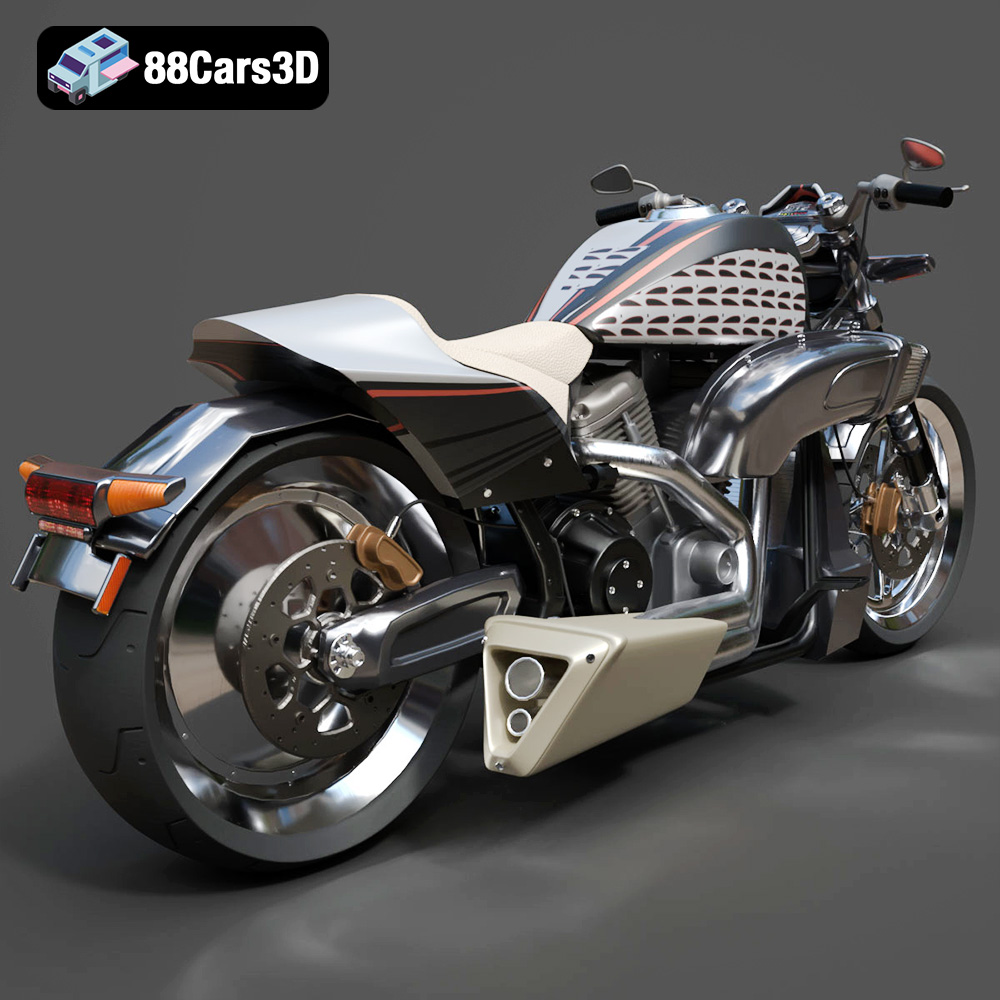
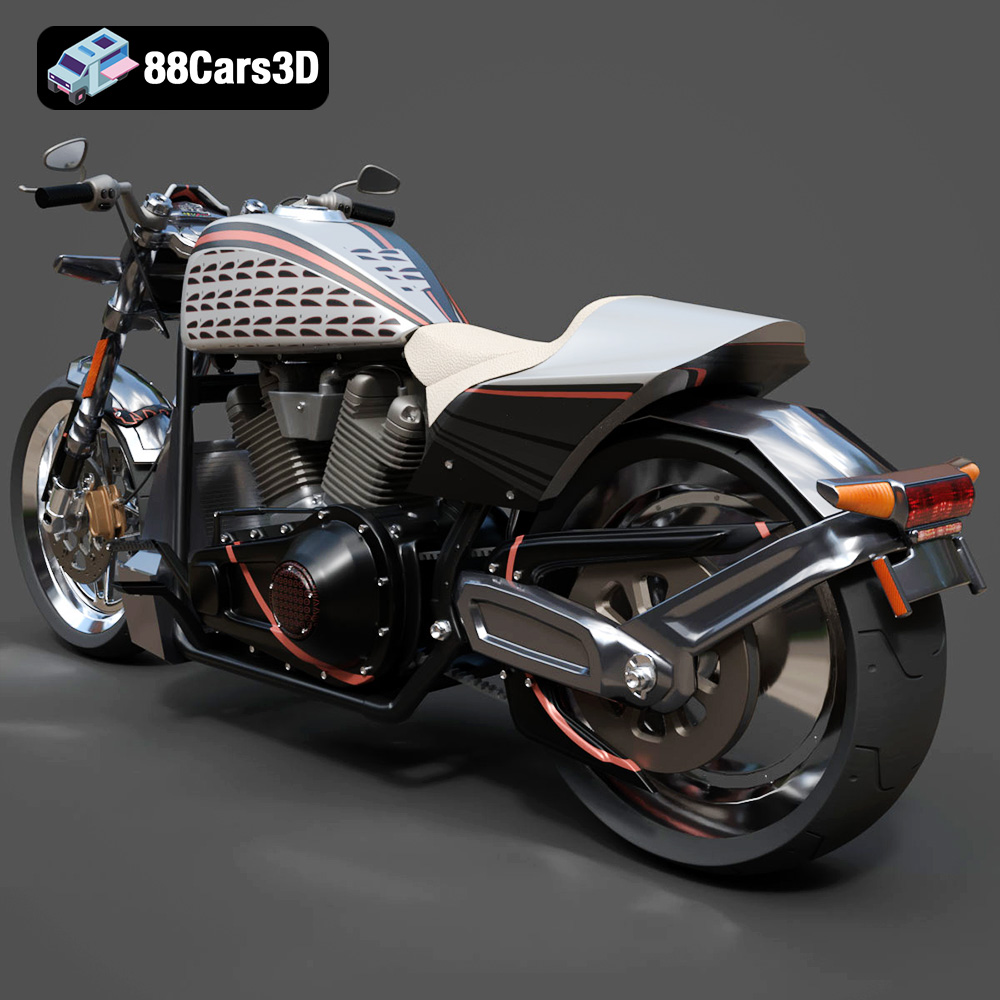
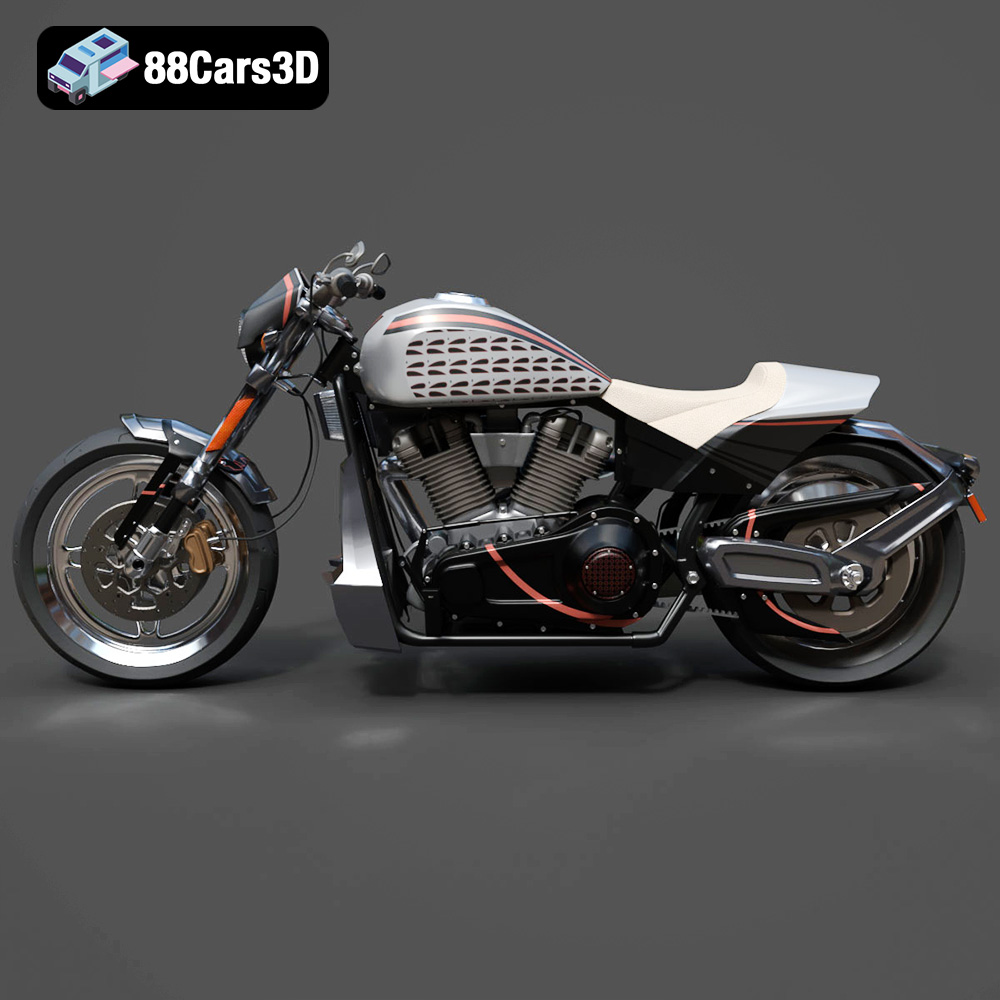
The Harley-Davidson FXDR 114 is a statement. A muscular power cruiser that blends drag-strip attitude with modern technology. Now, you can bring that raw energy to your desk or display shelf by 3D printing your own version of this iconic motorcycle. This guide will walk you through the process of 3D printing the Harley-Davidson FXDR 114 model, available as an STL file on 88cars3d.com, ensuring a successful and rewarding build. We’ll cover everything from choosing the right materials and printer settings to post-processing techniques that will make your 3D printed FXDR 114 stand out.
Before diving into the specifics of printing the FXDR 114, it’s crucial to understand the different 3D model file formats and their implications for additive manufacturing. Choosing the right format and knowing its strengths and limitations can significantly impact the final quality of your 3D printed model.
The file format determines how the 3D model’s geometry, textures, and other data are stored and interpreted by slicing software and 3D printers. Different formats offer varying levels of detail, compatibility, and suitability for different printing technologies. Some are geared toward visual rendering, while others are optimized for the specific needs of additive manufacturing.
Here’s a breakdown of the common 3D model file formats, their characteristics, and their relevance to 3D printing:
* **.stl (Stereolithography):** This is the industry-standard format for 3D printing. STL files represent the surface geometry of a 3D object as a collection of triangles. It is a mesh-only format, meaning it only stores the shape of the object, without any color, texture, or material information. While its simplicity makes it universally compatible with slicing software, it can also lead to faceted surfaces, especially on curved areas, if the mesh resolution is too low. For the FXDR 114, the provided STL file from 88cars3d.com is optimized for printability, balancing detail with manageable file size. When working with STL, ensure the mesh is “watertight” (closed and without holes) for successful slicing.
* **.obj (Object):** A more versatile format than STL, OBJ files can store color, texture, and material information along with the 3D geometry. This is particularly useful if you plan to paint your 3D printed FXDR 114 model and want to use the OBJ file as a reference for color placement or even attempt a multi-material print (if your printer supports it). However, not all slicing software fully supports OBJ’s material features, so it’s important to check compatibility beforehand.
* **.ply (Polygon File Format):** PLY is a format designed for storing 3D data acquired from 3D scanners. It can represent color and surface normals, making it suitable for high-detail prints where capturing subtle surface variations is important. While less common than STL, PLY can be useful for printing models with complex geometries, provided your slicing software supports it.
* **.blend (Blender):** This is the native file format for the Blender 3D creation suite. BLEND files contain the entire Blender scene, including the 3D model, materials, textures, lighting, and animation data. While not directly used for 3D printing, having the BLEND file of the FXDR 114 allows for extensive customization before exporting to a printable format like STL. You can modify the model’s geometry, add details, or create variations to suit your specific needs.
* **.fbx (Filmbox):** FBX is a popular format for exchanging 3D data between different software applications, particularly in game development. It supports geometry, materials, textures, animation, and rigging. While you can import FBX files into some slicing software, it’s primarily used to transfer the model with its associated materials and textures for visual representation, rather than direct printing.
* **.glb (GL Transmission Format Binary):** GLB is a binary file format for representing 3D models. It is designed to be compact and efficient for transmitting and displaying 3D models in real-time applications, such as AR (Augmented Reality) and VR (Virtual Reality). GLB files are useful for previewing the FXDR 114 model in AR before printing, allowing you to visualize the model in your physical space and determine the optimal scale and placement.
* **.max (3ds Max):** Similar to Blender’s BLEND format, MAX files contain the complete scene data for Autodesk 3ds Max. This format allows for detailed editing and modification of the 3D model within 3ds Max before exporting it for 3D printing.
For 3D printing the Harley-Davidson FXDR 114, the **STL file is the most important**. Ensure that the STL file is properly prepared – scaled appropriately, oriented for optimal printing, and repaired for any mesh errors – before loading it into your slicing software. The other formats are valuable for pre-print customization, reference, and visualization.
Before you even think about firing up your 3D printer, meticulous preparation is key to a successful print. This stage involves scaling, orientation, support planning, and ensuring the STL file is free of errors.
The FXDR 114 model details suggest recommended scales of 1:12, 1:10, or 1:8. Consider your printer’s build volume and the level of detail you want to preserve when choosing a scale. Smaller scales will be more challenging to print without resin, especially the engine cooling fins.
Orientation is equally crucial. The product description recommends printing the frame angled for structural integrity. Experiment with different angles in your slicing software to minimize the need for supports on visible surfaces. Separate components, like the wheels and exhaust, should be printed separately in orientations that best suit their geometry. For example, the wheels can be printed vertically with minimal supports.
Slicing software converts the 3D model into a series of instructions (G-code) that your 3D printer can understand. Popular choices include Cura, PrusaSlicer, Simplify3D, and Chitubox (for resin printing). Each slicer offers different features and levels of control over print settings. Take the time to learn the nuances of your chosen slicer.
STL files can sometimes contain errors such as non-manifold geometry, holes, or flipped normals. These errors can lead to printing problems. Fortunately, several software tools can automatically repair these issues. MeshMixer, Netfabb Basic, and online services like MakePrintable are excellent for fixing STL files before slicing. Always run your STL file through a repair tool before proceeding to ensure a clean and printable model.
The choice of material significantly impacts the final appearance, strength, and durability of your 3D printed Harley-Davidson FXDR 114. Each material has its own set of advantages and disadvantages, making it crucial to choose one that aligns with your desired outcome.
For FDM (Fused Deposition Modeling) printers, PLA and PETG are two popular options. PLA is biodegradable, easy to print with, and offers good detail. However, it’s less heat-resistant and can be brittle. PETG, on the other hand, is more durable, flexible, and heat-resistant than PLA. It can be slightly more challenging to print with, requiring careful temperature and cooling settings to avoid stringing. If you prioritize ease of printing and fine details (especially at larger scales), PLA is a good choice. If you want a more robust and durable model, PETG is the better option.
The product description HIGHLY recommends resin printing to preserve the intricate details of the engine cooling fins and wheel spokes. Resin printers offer significantly higher resolution than FDM printers, allowing you to capture even the smallest details with exceptional clarity. There are various types of resin available, each with its own properties. Standard resin is affordable and suitable for general-purpose printing. Tough resin offers increased strength and impact resistance. Flexible resin can be used for parts that need to bend or flex. Choose the resin that best suits your desired properties. Keep in mind that resin printing requires proper ventilation and safety precautions, as the resin is toxic.
The base colors for the FXDR 114 are typically black, grey, and metallic. Consider purchasing filaments or resins in these colors to minimize the need for painting. Material costs vary depending on the type and brand. PLA is generally the most affordable, followed by PETG, and then resin. Estimate the amount of material you’ll need based on the model’s volume and your chosen infill percentage to get an idea of the overall cost.
Fine-tuning your 3D printer settings is essential for achieving a high-quality print. These settings include layer height, infill density, support settings, and print speed.
Smaller layer heights result in smoother surfaces and finer details but increase print time. The product description suggests layer heights of 0.04–0.08 mm for resin printing. For FDM printing, experiment with layer heights between 0.1 and 0.2 mm. Find the balance between detail and print time that works best for your printer and desired outcome.
Infill affects the strength, weight, and print time of your model. A higher infill density results in a stronger but heavier and longer print. The suggested infill range is 20–30%. For a display model, this is generally sufficient. Experiment with different infill patterns, such as gyroid, honeycomb, or rectilinear, to find one that provides good strength and stability.
Support structures are necessary for printing overhanging features, such as the air intake, handlebars, exhaust pipes, and kickstand. Use your slicing software to strategically place supports, minimizing their contact with visible surfaces. Experiment with different support types, such as tree supports or linear supports, to find one that is easy to remove and leaves minimal marks. For resin printing, light supports are crucial to avoid damaging the delicate model during removal.
Ensuring good bed adhesion is crucial to prevent warping or detachment during printing. Use a heated bed and apply a bed adhesion agent, such as glue stick or hairspray, to improve adhesion. Proper temperature control is also important. Follow the recommended temperature settings for your chosen material.
Once the print is complete, post-processing is the final step in transforming your 3D printed parts into a polished and impressive Harley-Davidson FXDR 114 model.
Carefully remove the support structures using pliers, flush cutters, or a hobby knife. Take your time and avoid damaging the model. For resin prints, soaking the model in warm water can soften the supports and make them easier to remove. Clean up any remaining imperfections with a hobby knife or sandpaper.
Sanding is essential for smoothing out layer lines and imperfections. Start with coarse sandpaper and gradually move to finer grits. Apply a primer to create a smooth surface for painting. The product description suggests classic Vivid Black or Industrial Gray Denim for the tank, and bronze/matte metallic finishes for the exhaust and engine accents. Use masking tape to create clean lines and apply multiple thin coats of paint for the best results.
Once the parts are painted, carefully assemble them using glue or epoxy. Pay attention to the alignment of the parts to ensure a seamless fit. Add any additional details, such as decals or weathering effects, to further enhance the realism of your model.
Even with careful preparation, 3D printing can sometimes present challenges. Here are some common issues and their solutions:
* **Issue:** The model lifts off the print bed during printing.
* **Solution:** Increase bed temperature, use a bed adhesion agent, level the print bed, and ensure proper first layer calibration.
* **Issue:** Thin strands of plastic appear between parts of the model, or small blobs of plastic accumulate on the surface.
* **Solution:** Adjust retraction settings, decrease printing temperature, and increase travel speed.
* **Issue:** Layers of the model are shifted or misaligned.
* **Solution:** Check belt tension, tighten screws, and reduce printing speed.
* **Issue:** Small details are not printing correctly or are missing altogether.
* **Solution:** Decrease layer height, use a smaller nozzle, and increase print resolution. Consider switching to resin printing for maximum detail.
The estimated print time and material costs will vary depending on the scale, material, printer settings, and printer type. A smaller scale model printed with PLA on an FDM printer will take less time and material than a larger scale model printed with resin.
As a rough estimate, a 1:12 scale model printed with PLA could take anywhere from 10 to 20 hours and use approximately 100-200 grams of filament. A similar model printed with resin could take 5 to 10 hours and use 50-100 ml of resin. The actual time and cost will depend on your specific settings and printer. It’s always a good idea to do a test print of a small section of the model to estimate the print time and material usage.
3D printing the Harley-Davidson FXDR 114 model is a rewarding project that combines technical skill with artistic expression. By carefully selecting the right materials, optimizing your printer settings, and mastering post-processing techniques, you can create a stunning replica of this iconic motorcycle. Remember to visit 88cars3d.com for high-quality STL files and other 3D models. With patience and practice, you’ll be cruising with your own 3D printed FXDR 114 in no time. Remember, the STL files are optimized for 3D printing, so half the battle is already won.
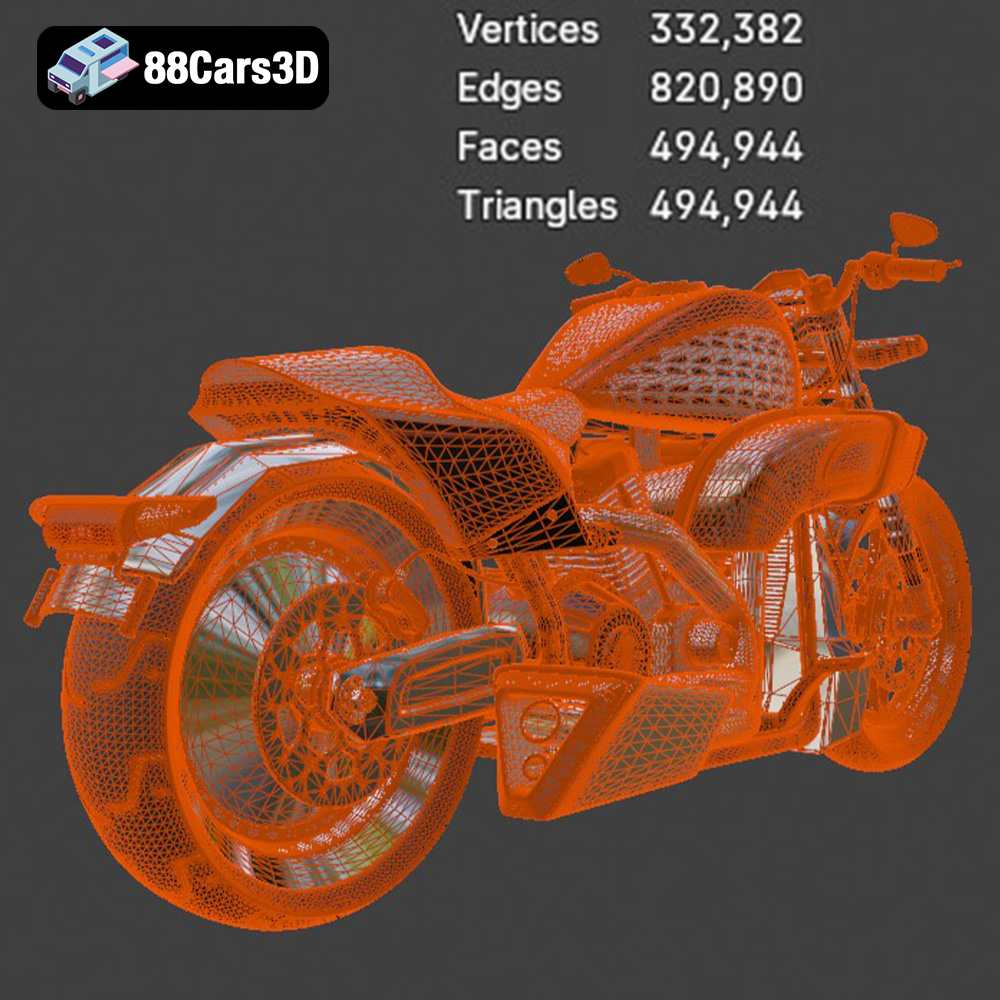
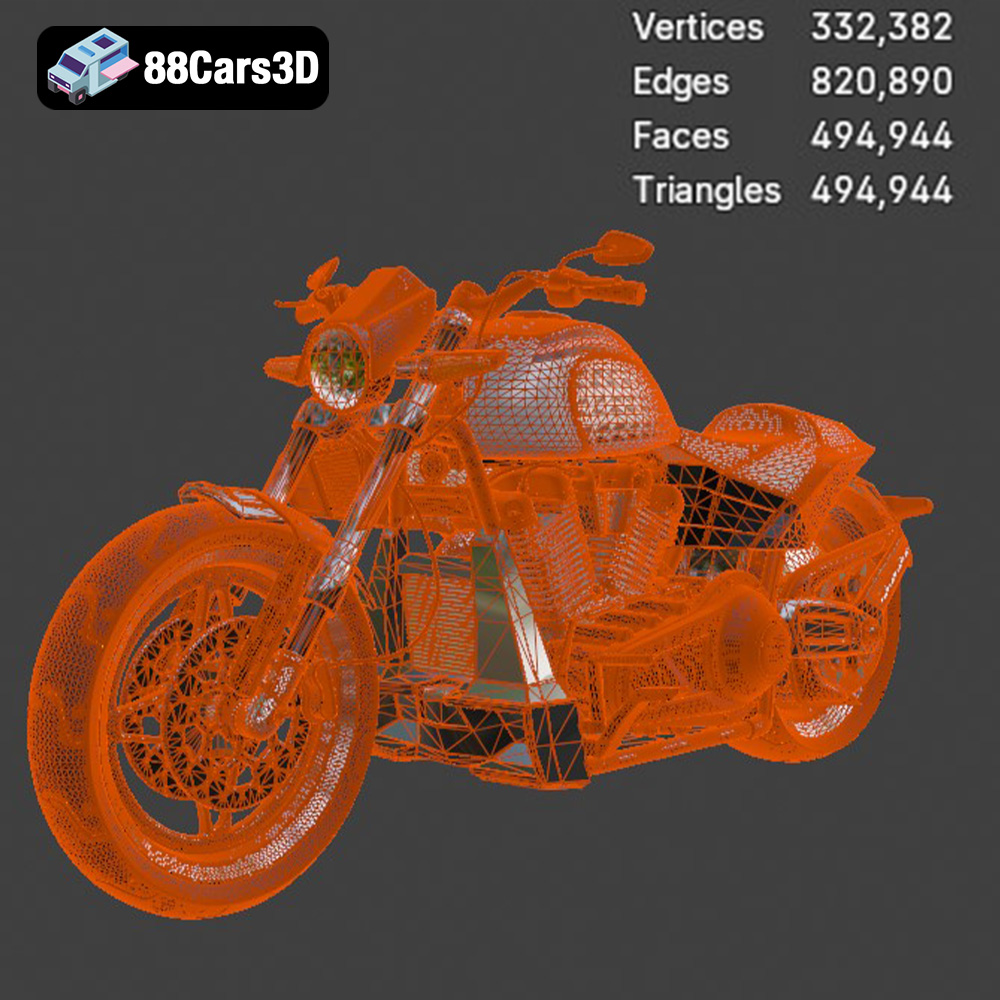
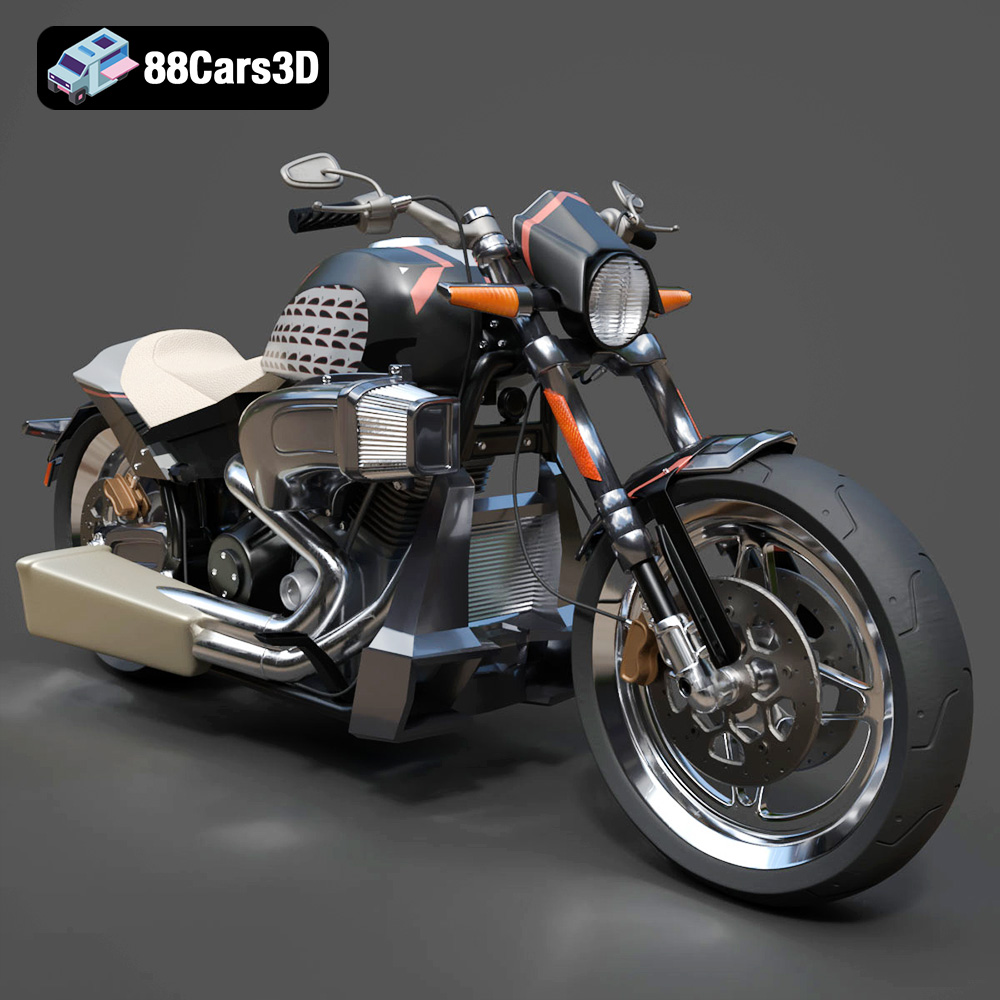
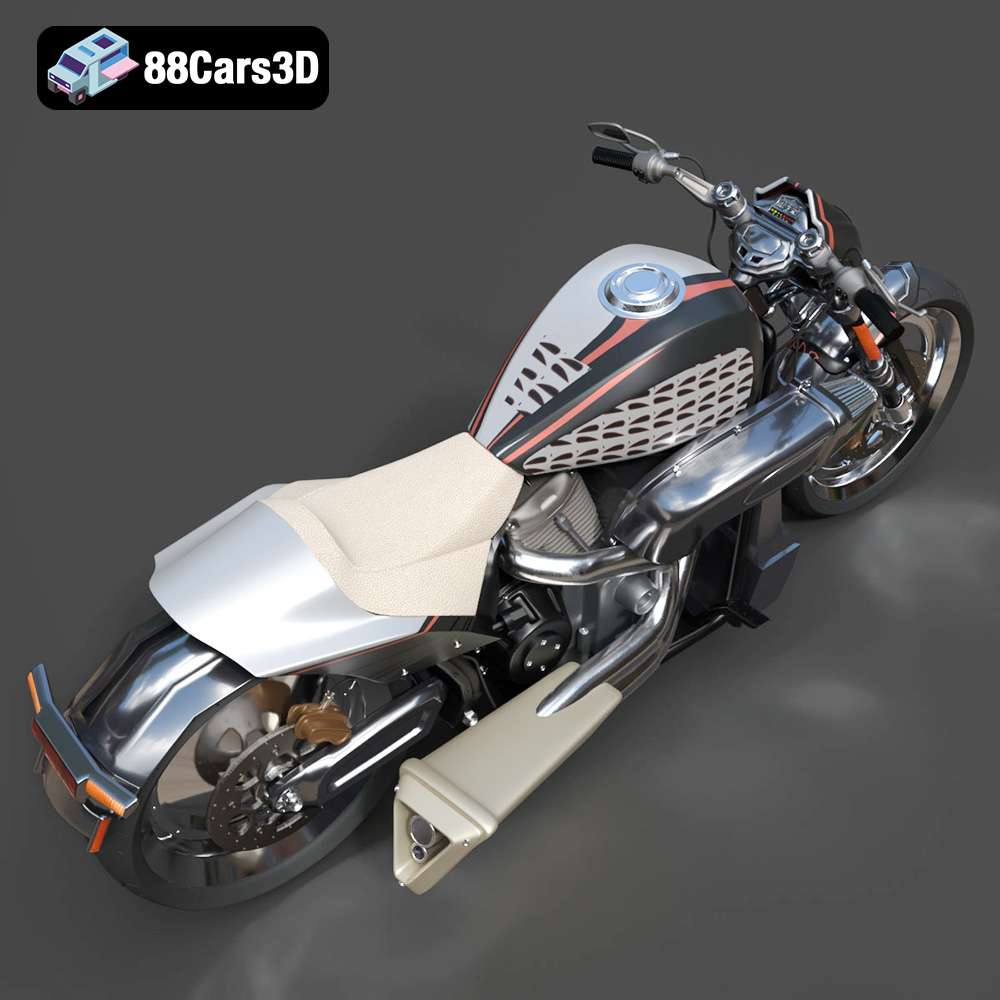
The Harley-Davidson FXDR 114 3D Model is a high-detail digital recreation of the aggressive, drag-inspired power cruiser. Built to represent raw, unapologetic muscle, the FXDR 114 combines the massive torque of the Milwaukee-Eight 114 V-Twin engine with weight-saving aluminum components, a clipped tail, and a massive 240mm rear tire. This 3D model accurately captures the drag-strip attitude of the original bike, featuring the signature forward-reaching air intake, 2-into-1 tuned exhaust, lightweight cast aluminum swingarm, and the sleek LED Daymaker headlamp surround. Built with an optimized mid-to-high polygon topology (just under 500k triangles), it strikes a fantastic balance between premium visual fidelity for close-up rendering and manageable performance for modern current-gen game engines as a hero asset. Perfect for gritty urban street-racing scenes, biker lifestyle campaigns, modern open-world video games, and automotive visualization.
$9.99
.blend
.fbx
.obj
.rendering
.stl
car-3d-model
drag-bike
fxdr
fxdr-114
game asset
harley-davidson
mid-poly
milwaukee-eight
motorcycle-3d-model
power-cruiser
softail
VR/AR