Get 50% OFF All Premium 3D & STL Models!

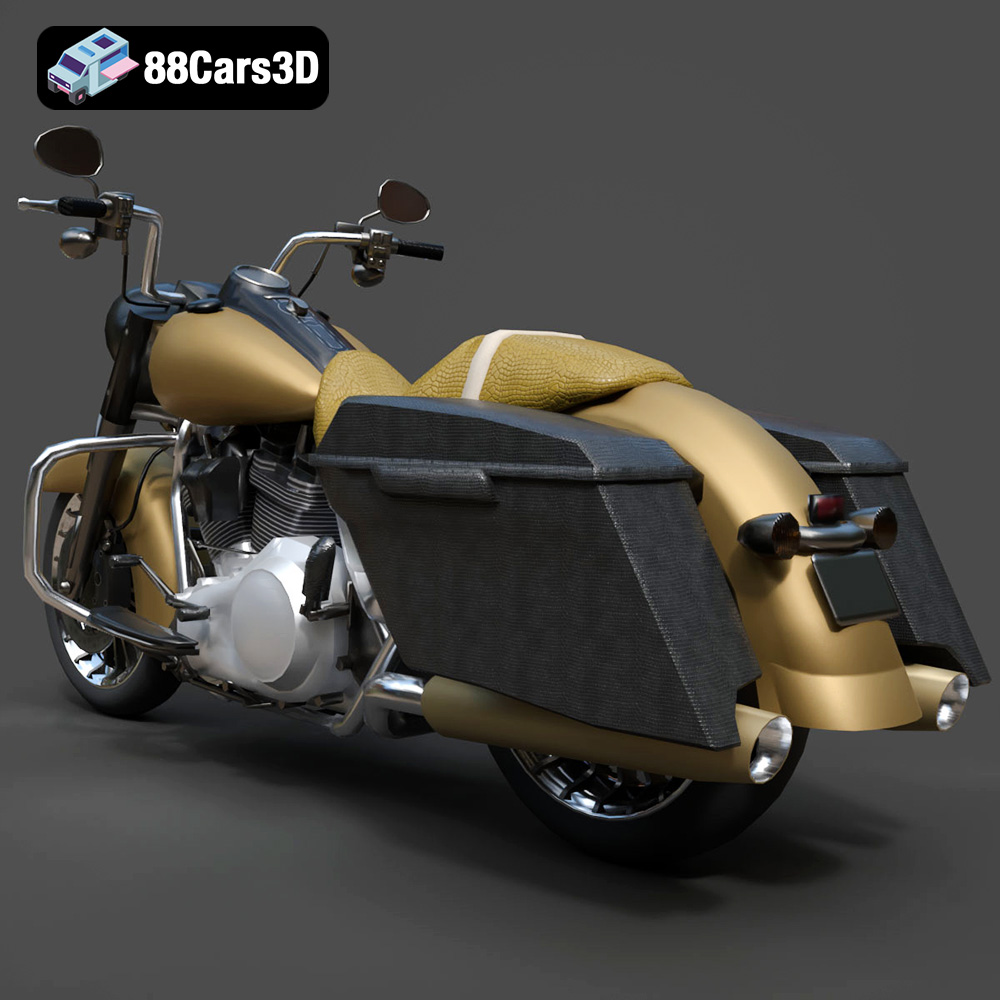
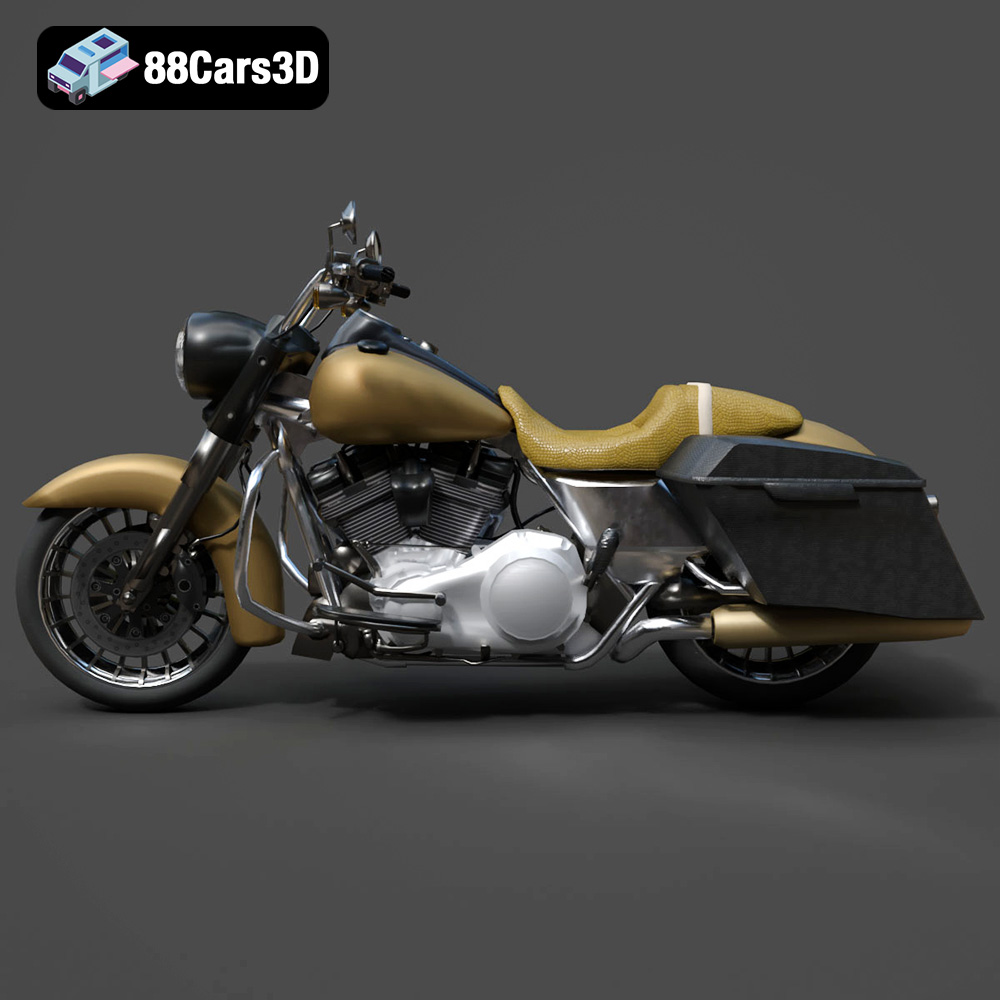
The Harley-Davidson Road King, a symbol of American touring motorcycles, is now within reach for 3D printing enthusiasts. Thanks to 88cars3d.com, you can bring this legendary cruiser to life in miniature form. This guide will walk you through the process of 3D printing the Harley-Davidson Road King 3D Model (Game-Ready) STL, from pre-print preparation to post-processing, ensuring a successful and satisfying project. This model, optimized for game development, also translates surprisingly well into a 3D printable miniature, especially when printed with the right settings and post-processing techniques.
Selecting the appropriate 3D printing technology is crucial for achieving the desired level of detail and quality with the Harley-Davidson Road King model. Two primary technologies are suitable: Fused Deposition Modeling (FDM) and Stereolithography (SLA) or resin printing.
FDM printing involves extruding molten filament layer by layer to build the object. While FDM is cost-effective and widely accessible, it may struggle to capture the finer details of the Road King model, especially at smaller scales. Layer lines are typically more visible, requiring more post-processing. However, with careful tuning of settings and the right filament, acceptable results can be achieved.
Resin printing utilizes liquid resin that is cured by UV light. This technology offers significantly higher resolution and detail compared to FDM, making it ideal for capturing the intricate features of the Road King, such as the V-twin engine and chrome accents. Resin printing is highly recommended, as mentioned in the product description, for preserving the optimized details. The smoother surface finish also reduces the amount of post-processing needed.
A crucial aspect of preparing your 3D model for printing involves understanding the various file formats and their suitability for additive manufacturing. While 88cars3d.com provides a range of formats, some are better suited for 3D printing than others.
The .stl (Stereolithography) file format is the undisputed industry standard for 3D printing. It represents the 3D model’s surface geometry as a collection of triangles, creating a mesh. The smaller the triangles, the higher the resolution and detail of the printed object. However, excessively small triangles can lead to large file sizes and increased processing time. STL files are universally compatible with slicing software, making them the go-to choice for most 3D printing applications. For the Harley-Davidson Road King, the .stl file is the primary format for achieving a successful print. Slicing software takes the STL file and converts it into a set of instructions (G-code) for the 3D printer to follow.
The .obj (Object) file format is another widely used format that supports both geometry and texture information. Unlike .stl, .obj files can store color data, allowing for the possibility of printing multi-colored objects (if your printer supports it). However, the Road King model from 88cars3d.com might not utilize the .obj’s texture capabilities directly for 3D printing, but this can be useful if you’re planning on rendering the model after editing it. While compatible with some slicing software, .stl remains the preferred choice for its simplicity and widespread support.
The .ply (Polygon File Format) is designed for storing 3D data acquired from 3D scanners. It can handle complex geometry and color information, making it suitable for high-detail models. While .ply files can be imported into some slicing software, they are less commonly used for 3D printing compared to .stl.
The .blend file is the native format for Blender, a free and open-source 3D creation suite. It contains the entire scene, including the model, textures, lighting, and animation data. If you want to customize the Road King model before printing, Blender provides a powerful platform for making modifications. After editing, you can export the model as an .stl file for 3D printing.
The .fbx (Filmbox) format is a proprietary format developed by Autodesk. It supports geometry, textures, materials, and animations. It is commonly used for exchanging 3D data between different software applications. While some advanced slicing software might support importing .fbx files with material information, it’s less relevant for standard 3D printing where the focus is primarily on the model’s geometry.
The .glb (GL Transmission Format Binary) is a binary file format that represents 3D models in a compact and efficient manner. It is commonly used for displaying 3D models in web browsers and augmented reality (AR) applications. While not directly used for 3D printing, the .glb format allows you to preview the Road King model in AR to get a better sense of its scale and appearance before committing to a print.
The .max file is the native format for Autodesk 3ds Max, a professional 3D modeling, animation, and rendering software. Similar to Blender’s .blend format, the .max file contains the entire scene data. If you have access to 3ds Max, you can use it to modify the Road King model before exporting it as an .stl file for 3D printing.
For 3D printing the Harley-Davidson Road King model, the .stl format is the most suitable. It is universally compatible with slicing software and provides the necessary geometric data for creating a physical object. The mesh quality of the .stl file is crucial for print quality; ensure the file is not corrupted and that the triangle density is appropriate for the desired level of detail. While other formats like .obj, .fbx and .ply have their uses in 3D workflows, the .stl is the final deliverable for the printer.
Before sending the Harley-Davidson Road King model to the printer, you need to prepare it using slicing software. This software converts the 3D model into a series of layers that the printer can understand.
Popular slicing software options include Cura, PrusaSlicer, Simplify3D, and Chitubox (for resin printing). Each software has its own set of features and settings, so choose one that you are comfortable with. Import the .stl file of the Road King into the slicer.
Orientation plays a critical role in the print’s success. For the Road King, printing the frame at an angle (e.g., 45 degrees) can improve the surface finish and structural integrity, as suggested in the product description on 88cars3d.com. This minimizes the visibility of layer lines and distributes stress more evenly. Wheels should be printed separately for optimal results. Supports are necessary for overhanging features like the handlebars, saddlebags, and exhaust pipes. Experiment with support placement to minimize their impact on the final surface finish. Using tree supports can be helpful for complex geometries, reducing material usage and improving removal.
The choice of material significantly impacts the appearance, strength, and durability of the 3D printed Harley-Davidson Road King.
PLA is a biodegradable thermoplastic polymer derived from renewable resources. It’s easy to print, making it a good choice for beginners. PLA is suitable for creating display models of the Road King but may not be ideal for functional parts or outdoor use due to its lower heat resistance and impact strength.
PETG offers a balance of strength, flexibility, and ease of printing. It has better heat resistance and impact strength than PLA, making it a more durable option for the Road King. PETG is a good all-around choice for those seeking a more robust print.
Resin offers the highest level of detail and surface finish. Standard resin is suitable for display models, while tougher resins can be used for parts that require higher strength and durability. Resin prints tend to be more brittle than FDM prints, so handle with care. Given the Road King model’s design, resin is the preferred option to capture the fine details, as recommended by 88cars3d.com. Ensure proper ventilation and wear gloves when handling resin.
Fine-tuning printer settings is essential for achieving a high-quality 3D printed Harley-Davidson Road King. These settings will need adjusting based on your specific printer, material choice and slicing software.
For FDM printing, a layer height of 0.1mm to 0.15mm is a good starting point. Lower layer heights (e.g., 0.05mm) can improve detail but increase print time. For resin printing, layer heights of 0.04mm to 0.08mm are recommended to preserve the optimized details, as indicated in the product description.
An infill density of 20-30% provides a good balance of strength and material usage for most parts of the Road King. For parts that require higher strength, such as the frame, consider increasing the infill density.
A wall thickness of 1.2mm to 2.0mm is recommended to ensure sufficient strength and rigidity. Thicker walls can improve the structural integrity of the print.
Slower print speeds generally result in better quality prints, especially for intricate models like the Road King. Experiment with different speeds to find the optimal balance between print time and quality.
Refer to the filament or resin manufacturer’s recommendations for the appropriate printing temperature. Incorrect temperatures can lead to warping, poor adhesion, and other printing issues.
Post-processing is a crucial step in achieving a professional-looking 3D printed Harley-Davidson Road King.
Carefully remove the supports using pliers, cutters, or a sharp knife. Take your time to avoid damaging the model. For resin prints, supports are typically easier to remove after a brief soak in warm water.
Sanding smooths out imperfections and layer lines. Start with coarse-grit sandpaper (e.g., 220 grit) and gradually move to finer grits (e.g., 400, 600, 800 grit) for a smooth surface finish. Wet sanding can help to minimize dust.
Priming creates a uniform surface for painting. Apply multiple thin coats of primer, allowing each coat to dry completely before applying the next. Sand lightly between coats for an even smoother finish.
Painting brings the Harley-Davidson Road King to life. Use high-quality acrylic paints and apply multiple thin coats for the best results. Consider using stencils or masking tape to create intricate designs. As the product description suggests, Vivid Black or two-tone classic paint schemes are excellent options. Metallic silver or chrome detailing can be added to the engine, exhaust, and other parts to enhance the realism.
If you printed the Road King in multiple parts, carefully assemble them using glue or epoxy. Ensure proper alignment and allow the adhesive to dry completely before handling the model.
Even with careful preparation, 3D printing can present challenges. Here are some common issues and their solutions:
Warping occurs when the print detaches from the build plate. Ensure the build plate is clean and level. Use a heated bed (if available) and apply an adhesive like glue stick or hairspray to improve adhesion.
Stringing is caused by excess filament oozing from the nozzle during travel moves. Reduce the printing temperature, increase retraction settings, and adjust travel speed.
Layer shifting occurs when the printer’s axes move unexpectedly. Check the belts and pulleys for tightness and ensure the printer is stable.
Elephant’s foot is a widening of the first layer due to excessive squish. Reduce the initial layer height and printing temperature.
3D printing the Harley-Davidson Road King 3D Model (Game-Ready) STL from 88cars3d.com is a rewarding project that combines technology and craftsmanship. By carefully selecting the right 3D printing technology, preparing the model with slicing software, choosing appropriate materials, fine-tuning printer settings, and applying post-processing techniques, you can create a stunning miniature replica of this iconic American motorcycle. Remember that the game-ready, low-poly nature of the model lends itself well to smaller-scale printing, and resin printing is highly recommended for capturing the finer details. With patience and attention to detail, you’ll be cruising along with your own 3D printed Road King in no time.
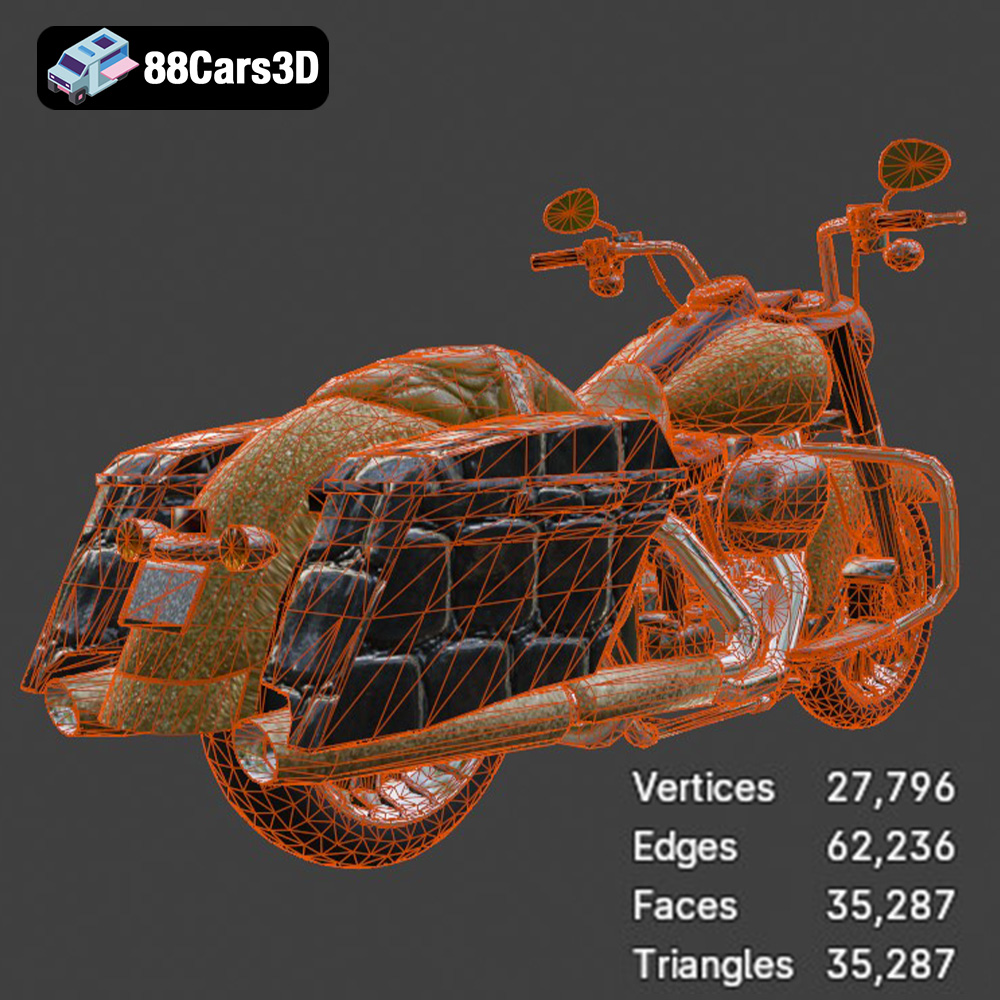
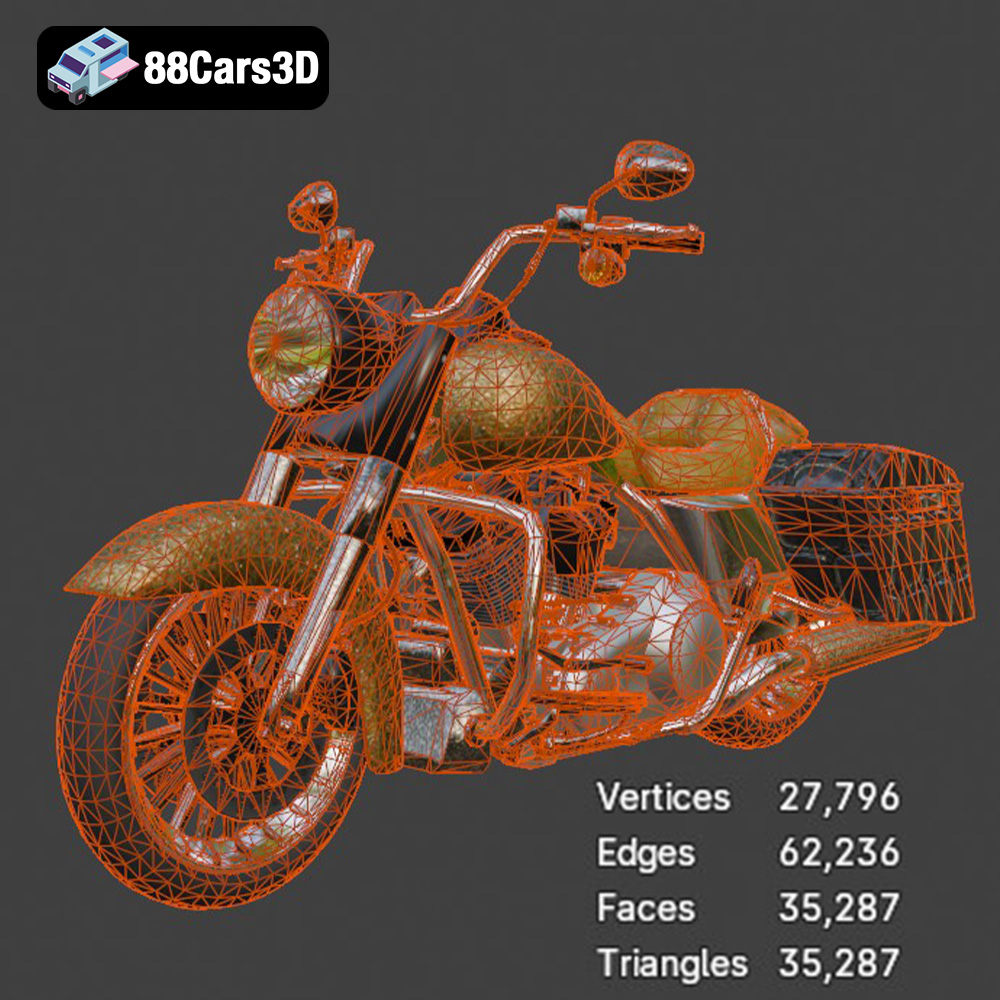
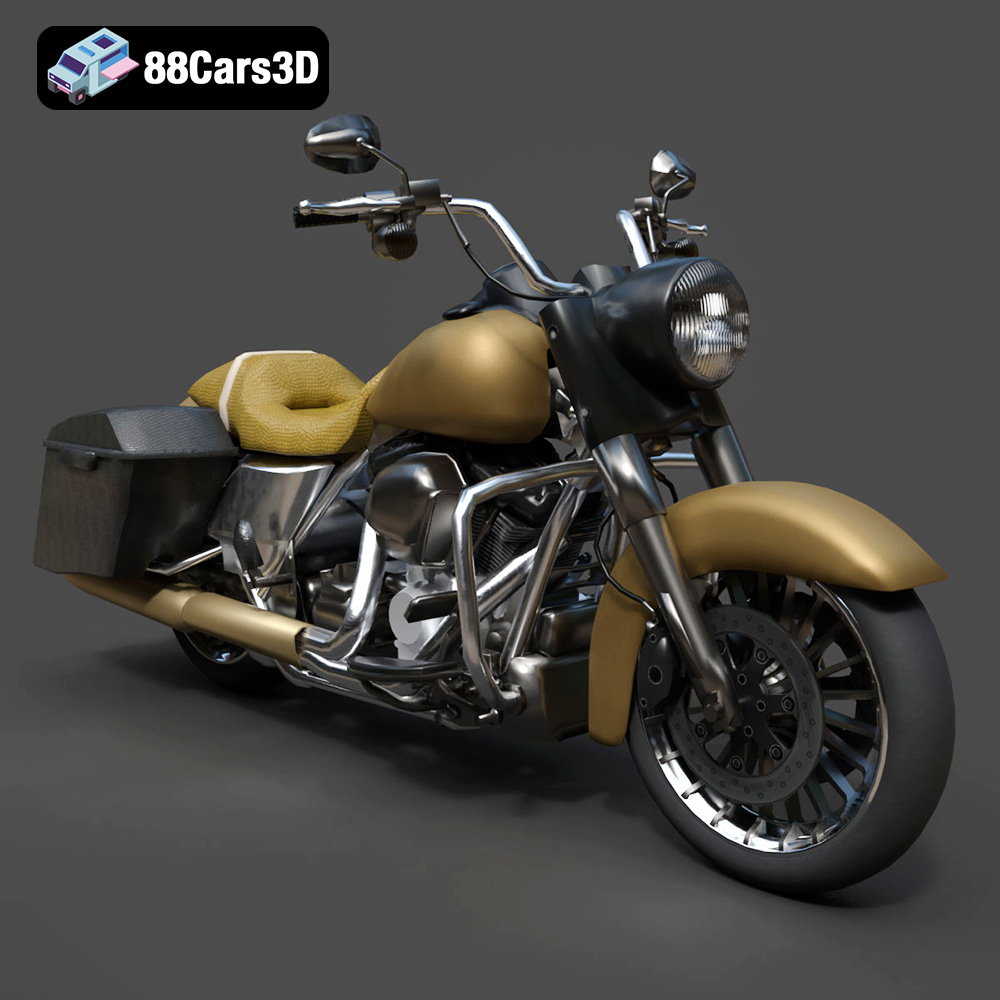
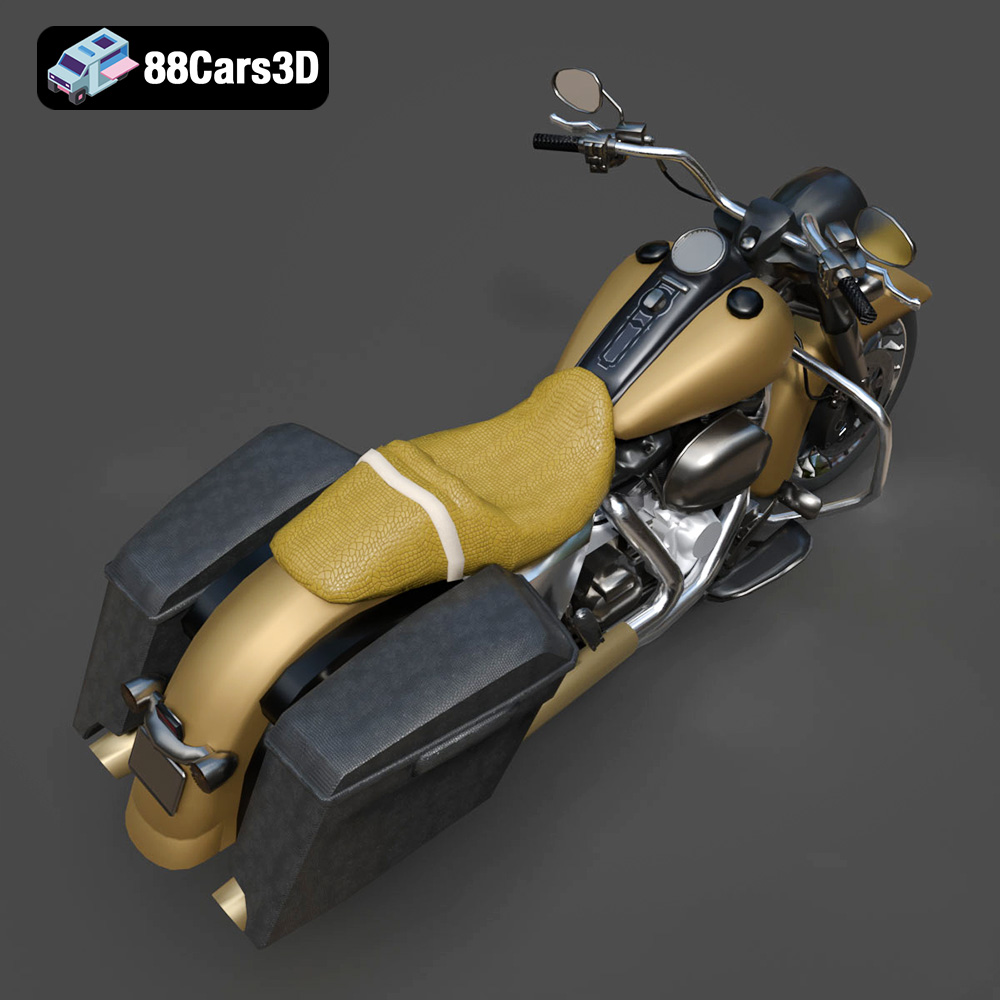
The Harley-Davidson Road King 3D Model is an incredibly optimized, game-ready digital recreation of the quintessential American touring cruiser. Stripping away the heavy fairings of other touring models, the Road King is famous for its classic, nostalgic silhouette, featuring a large chrome headlight nacelle, a prominent V-twin engine, and iconic hard saddlebags.
$9.99
.blend
.cruiser
.fbx
.obj
.rendering
.stl
35k-polygons
car-3d-model
game-ready
harley-davidson
low-poly
mobile-game-asset
optimized
road-king
touring-motorcycle
VR/AR