Get 50% OFF All Premium 3D & STL Models!

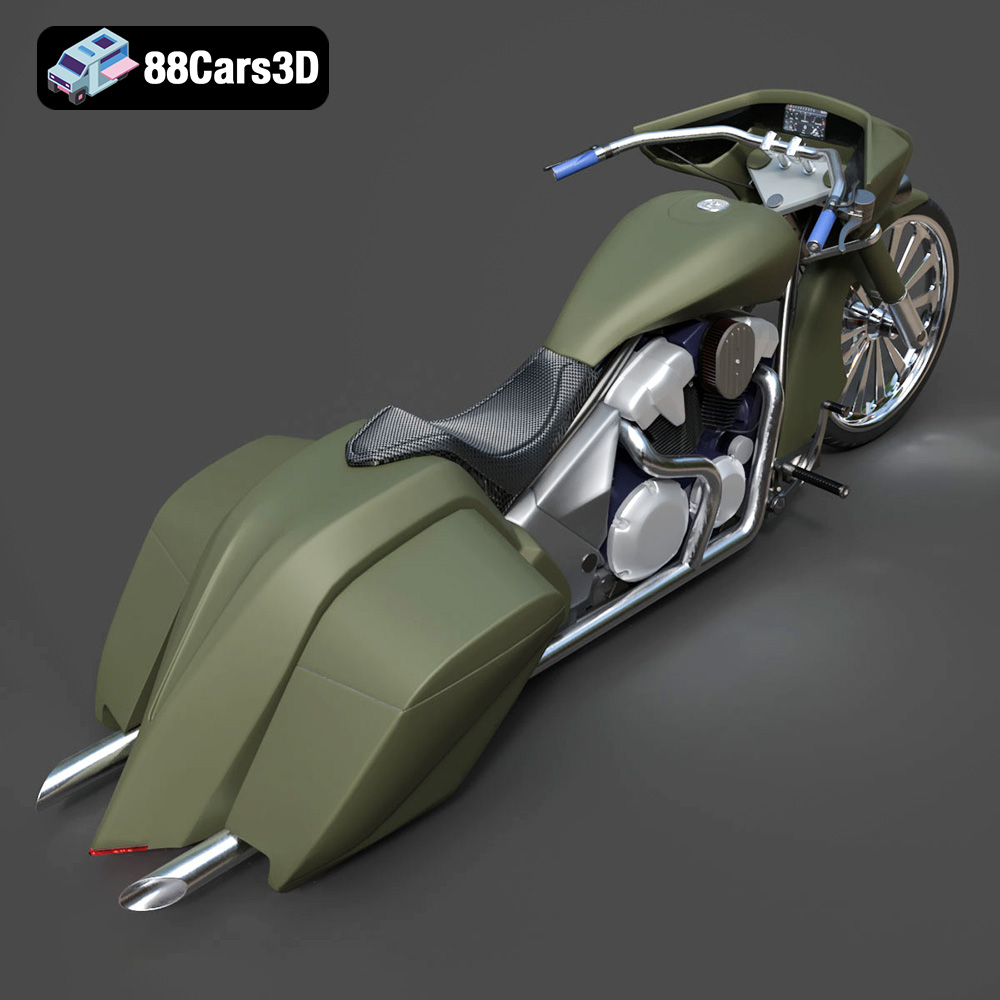
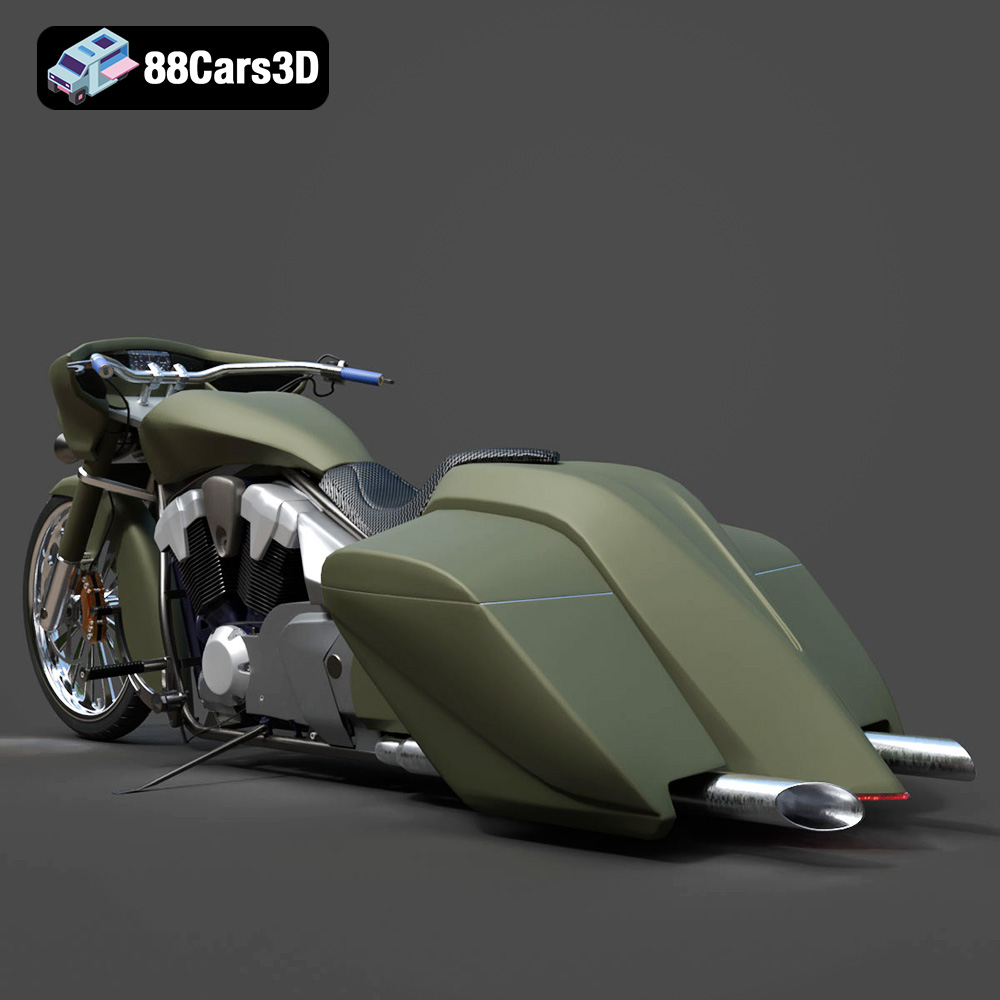
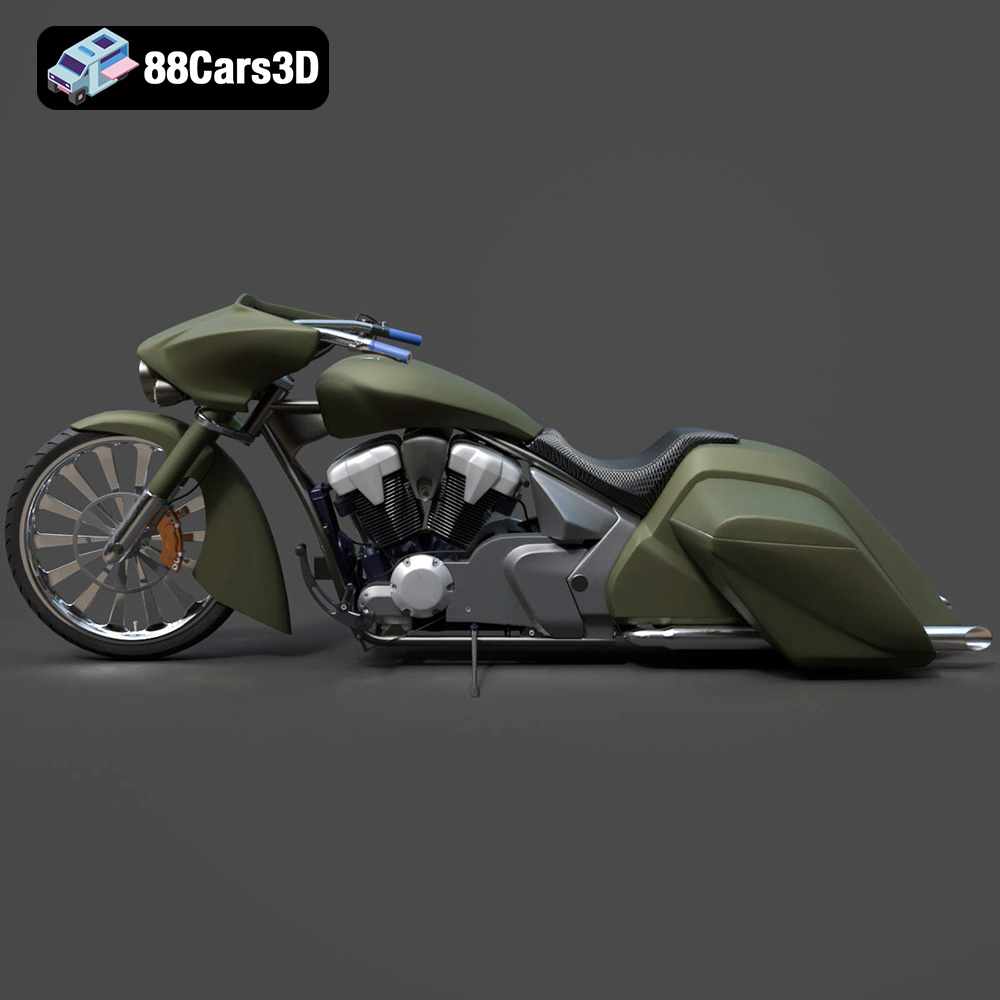
The Honda Stateline Bagger Slammer, with its aggressive stance and custom detailing, is a fantastic subject for 3D printing. This blog post will guide you through the process of turning the digital 3D model available at 88cars3d.com into a tangible scale replica. Whether you’re a seasoned 3D printing enthusiast or a beginner, this guide will provide you with the necessary information to achieve a high-quality 3D printed model.
Before diving into the specifics of printing the Honda Stateline Bagger Slammer, it’s crucial to understand the different file formats available and their suitability for 3D printing. The 3D model comes with various file formats, but some are better suited for 3D printing than others.
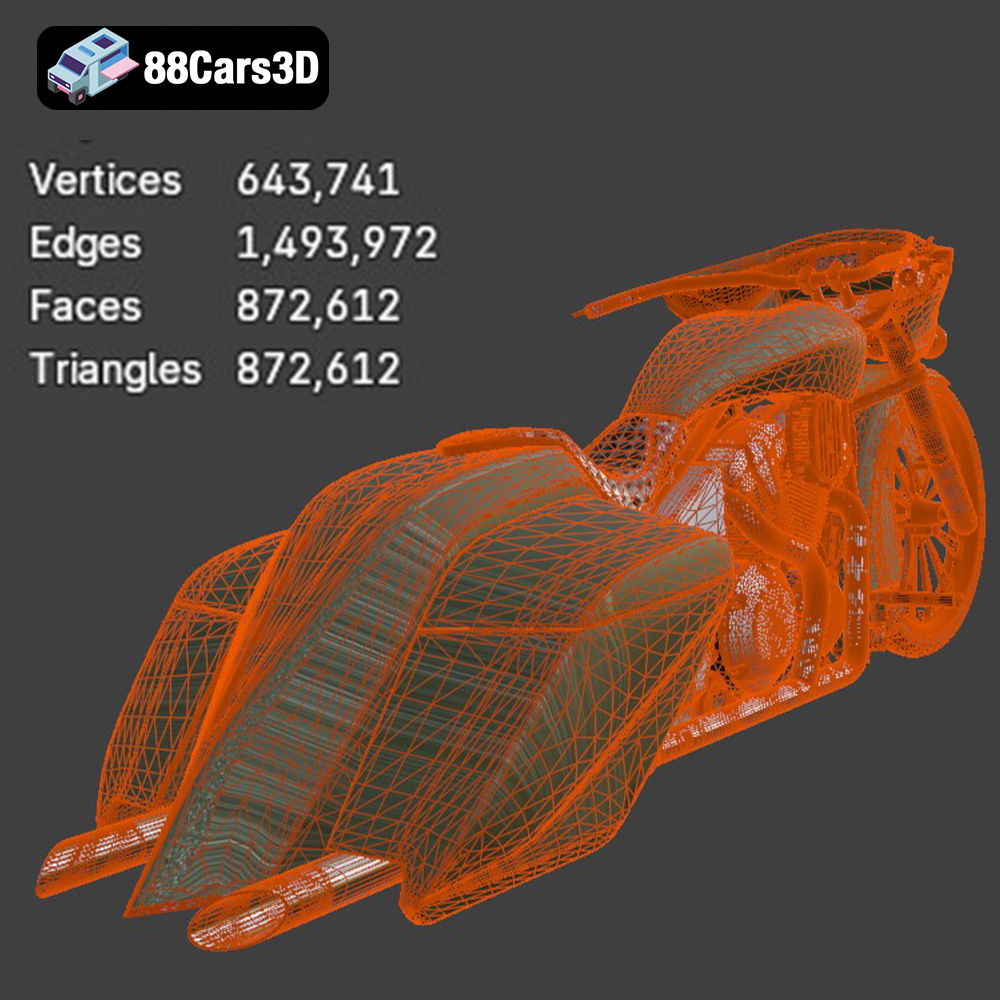
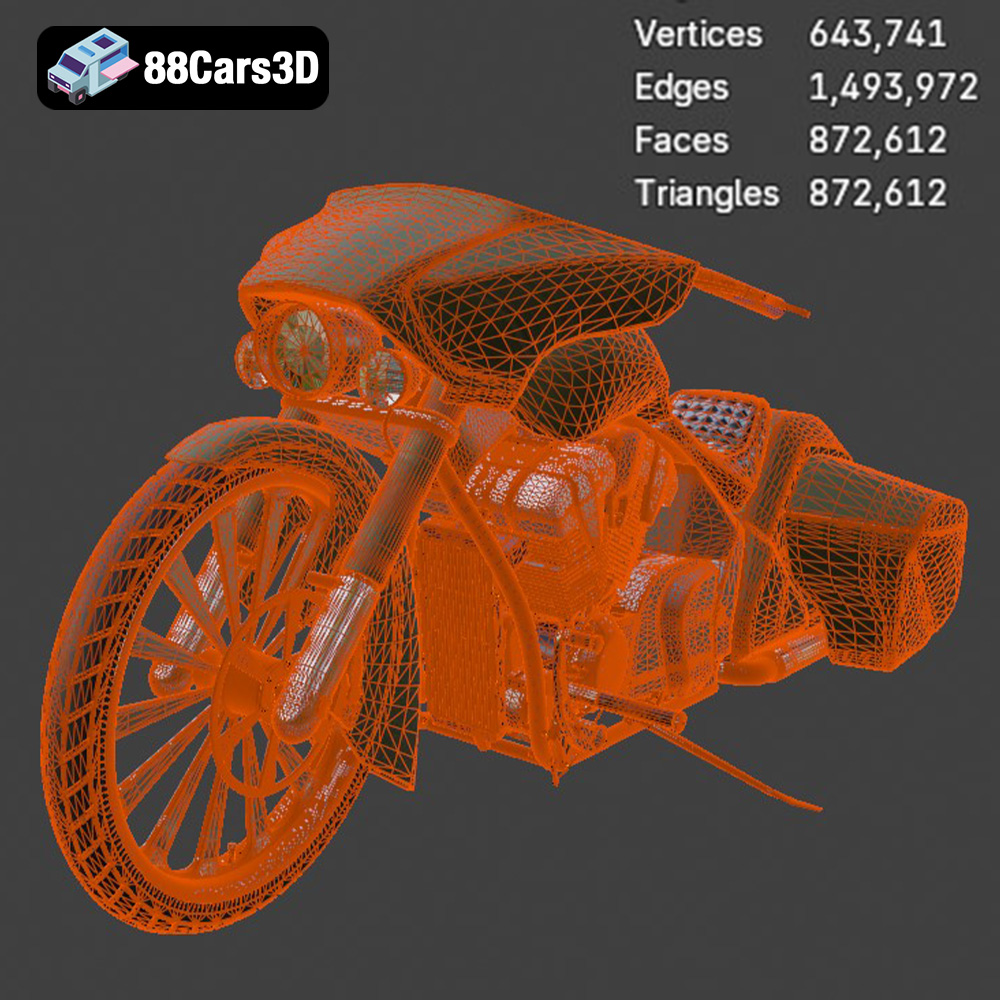
The .stl (Stereolithography) file format is the industry standard for 3D printing. It represents the surface geometry of a 3D object as a collection of triangles. This format is widely supported by slicing software and 3D printers, making it the go-to choice for most 3D printing applications. The .stl format only stores the mesh data, lacking color or texture information. This is generally sufficient for 3D printing as most processes create single-color objects which are then post-processed with painting or finishing. However, the resolution of the .stl file impacts the print quality. Higher resolution .stl files contain more triangles, resulting in smoother surfaces on the printed model. For the Honda Stateline Bagger Slammer, ensuring a high-resolution .stl export will capture the intricate details of the engine, saddlebags, and frame.
The .obj (Wavefront Object) format is another popular file format that can store both geometry and texture information. Unlike .stl, .obj files can include color and material data, which is beneficial if you plan to create a multi-colored print (though this requires specialized 3D printers). While .obj is supported by many slicing programs, it may require additional processing compared to .stl files.
The .ply (Polygon File Format) is designed for storing 3D data acquired from 3D scanners. It excels in capturing high-detail meshes, making it suitable for models with complex geometries. While it’s less common than .stl for general 3D printing, it can be useful for replicating fine details of the Honda Stateline Bagger Slammer, particularly if you’re aiming for a very high-resolution print.
The .blend file is the native format for Blender, a free and open-source 3D creation suite. This format allows you to directly edit the 3D model within Blender before exporting it to a 3D printable format like .stl. If you want to customize the Honda Stateline Bagger Slammer model, such as modifying the handlebars or adding custom details, the .blend file provides the greatest flexibility.
The .fbx (Filmbox) format is widely used for exchanging 3D data between different software applications. It supports geometry, materials, textures, and animations. While primarily used in game development and animation, it can be imported into some slicing software, preserving material information where supported by the printer.
The .glb (GL Transmission Format Binary) format is designed for efficient transmission and loading of 3D models in applications like augmented reality (AR). It’s a self-contained format that includes all necessary data, such as geometry, textures, and animations, in a single file. While not directly used for 3D printing, it can be helpful for previewing the model on a mobile device using AR before committing to a print.
The .max file is the native format for 3ds Max, a professional 3D modeling and animation software. Similar to the .blend file, it allows for complete customization of the 3D model before exporting it for 3D printing.
Ultimately, the **.stl format is the best choice for 3D printing the Honda Stateline Bagger Slammer**, due to its wide compatibility and simplicity. Ensure that the .stl file is properly prepared with a sufficient level of detail to capture the nuances of the motorcycle’s design. You can use Blender or 3ds Max to make edits before exporting to .stl if desired.
Before sending the Honda Stateline Bagger Slammer 3D model to your printer, you need to prepare it using slicing software. This software converts the 3D model into a series of layers that the printer can understand.
Popular slicing software options include Cura, PrusaSlicer, Simplify3D, and Chitubox (for resin printing). Cura and PrusaSlicer are excellent free options, while Simplify3D offers more advanced features for experienced users. Choose the software that best suits your printer and skill level.
Before slicing, inspect the .stl file for any errors, such as non-manifold geometry or holes. These errors can cause printing problems. Use software like Meshmixer or Netfabb to repair the model. Additionally, optimize the model by reducing the number of polygons if necessary, while preserving the essential details of the motorcycle. The goal is to balance print quality with print time and material usage. For the Honda Stateline Bagger Slammer, pay attention to areas like the V-twin engine, exhaust pipes and saddlebags, ensuring those are manifold.
The choice of material significantly impacts the final look and feel of your 3D printed Honda Stateline Bagger Slammer. Consider these options:
PLA (Polylactic Acid) is a biodegradable thermoplastic derived from renewable resources. It’s easy to print with, has low warping, and comes in a wide range of colors. PLA is ideal for beginners and for models where strength and heat resistance are not critical. It’s a good option for the Honda Stateline Bagger Slammer if you’re focusing on visual aesthetics.
PETG (Polyethylene Terephthalate Glycol-modified) offers a good balance of strength, flexibility, and heat resistance. It’s more durable than PLA and less prone to warping than ABS. PETG is a good choice if you want a more robust model that can withstand some handling.
Resin printing (SLA or DLP) uses liquid resin cured by UV light. This method produces incredibly detailed prints with smooth surfaces, making it ideal for intricate models like the Honda Stateline Bagger Slammer, especially at smaller scales (1:24, 1:32, 1:43). However, resin prints are typically more brittle than filament prints and require more post-processing. Resin printing is highly recommended if you intend to capture all fine details.
The right printer settings are crucial for a successful 3D print. Here are some recommended settings for the Honda Stateline Bagger Slammer:
* **FDM Printing (PLA/PETG):** Use a layer height of 0.08-0.16 mm for a good balance between detail and print time. Lower layer heights (e.g., 0.08 mm) will result in smoother surfaces, especially on curved areas like the fuel tank and fenders.
* **Resin Printing:** Layer heights of 0.04-0.08 mm are recommended for high detail. Resin printing excels at these very fine resolutions.
An infill density of 15-25% is generally sufficient for this model. Higher infill will increase the strength of the print but also increase print time and material usage.
A wall thickness of 1.5-2.5 mm provides adequate strength and rigidity. Increase the wall thickness if you plan to handle the model frequently.
* **Supports:** The Honda Stateline Bagger Slammer will require supports for overhanging features like the handlebars, exhaust pipes, fender edges, and potentially the underside of the saddlebags. Experiment with support placement to minimize scarring on visible surfaces.
* **Bed Adhesion:** Use a brim or raft to ensure good bed adhesion, especially for larger parts like the frame.
* **Frame:** Print the frame at an angle (e.g., 45 degrees) to minimize the need for supports on the main body and to improve surface finish.
* **Wheels:** Print the wheels separately, oriented vertically to ensure a round shape.
* **Saddlebags:** Print these on their side, with supports, to maintain their shape.
Reduce print speed for the first layer and for intricate details. A slower print speed will improve bed adhesion and detail resolution.
Post-processing is essential to achieve a professional-looking finish on your 3D printed Honda Stateline Bagger Slammer.
Carefully remove the supports using pliers or a sharp knife. Sand the model to remove any imperfections and smooth the surfaces. Start with coarse sandpaper (e.g., 220 grit) and gradually move to finer grits (e.g., 400, 600, 800 grit) for a smooth finish.
Apply a primer coat to prepare the surface for painting. Choose a primer that is compatible with your chosen paint. Once the primer is dry, apply several thin coats of your desired paint colors. Consider using automotive paints for a realistic finish. The Honda Stateline Bagger Slammer allows for a lot of customization, with options for custom paint finishes and chrome detailing.
If you printed the model in multiple parts, carefully assemble them using glue or epoxy. Ensure proper alignment before the adhesive sets.
Even with careful preparation, you may encounter some common 3D printing issues.
Warping occurs when the printed part lifts from the build plate, especially with ABS. Ensure good bed adhesion by using a heated bed, applying adhesive (e.g., glue stick or hairspray), and using a brim or raft.
Stringing is the formation of thin strands of filament between parts of the model. Reduce stringing by adjusting retraction settings in your slicing software and by ensuring the filament is dry.
Layer shifting occurs when the layers of the print are misaligned. This can be caused by loose belts, high print speeds, or vibrations. Tighten the belts, reduce print speed, and ensure the printer is on a stable surface.
If you’re not getting enough detail in your print, try reducing the layer height, slowing down the print speed, and using a smaller nozzle (for FDM printing) or switching to resin printing.
The print time and material costs will vary depending on the size of the model, the material used, and the printer settings. A typical 1:18 scale model of the Honda Stateline Bagger Slammer could take 20-40 hours to print and use approximately 200-400 grams of filament. Resin prints will generally take less time but have higher material costs. Always consider this when planning your printing process.
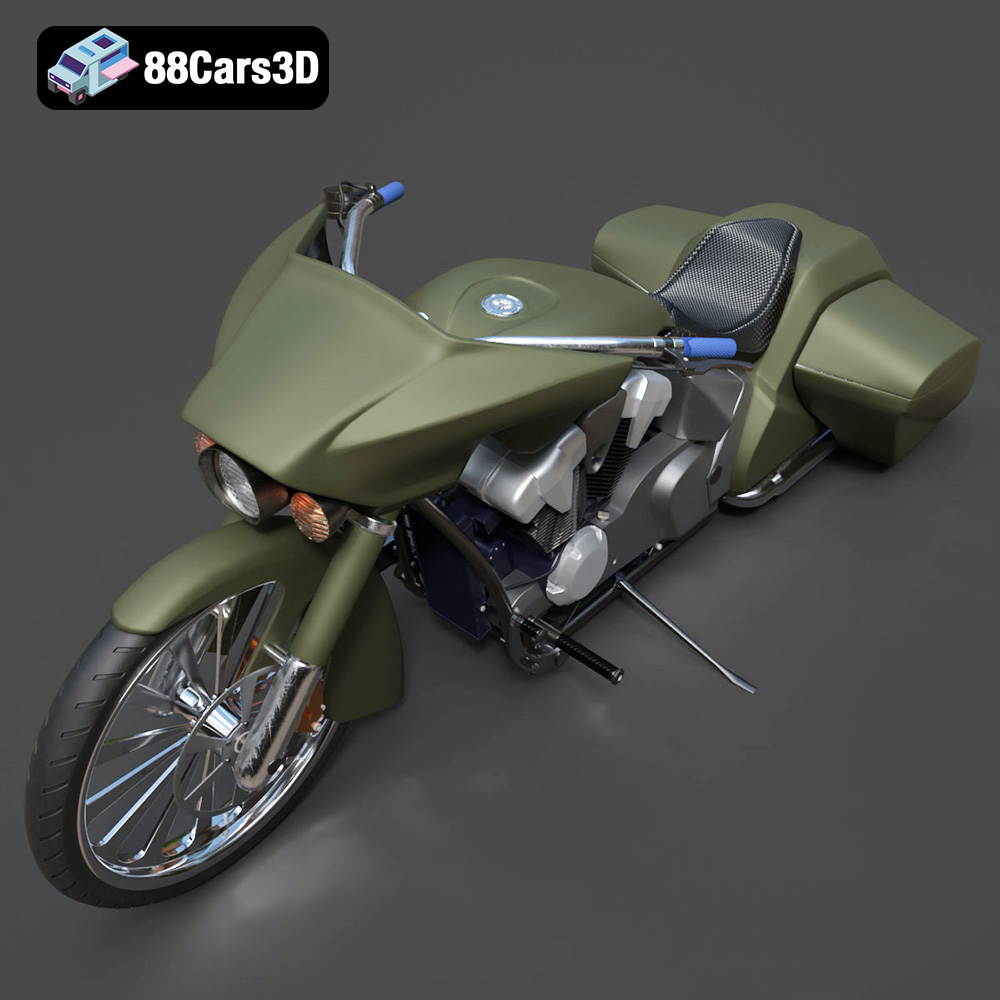
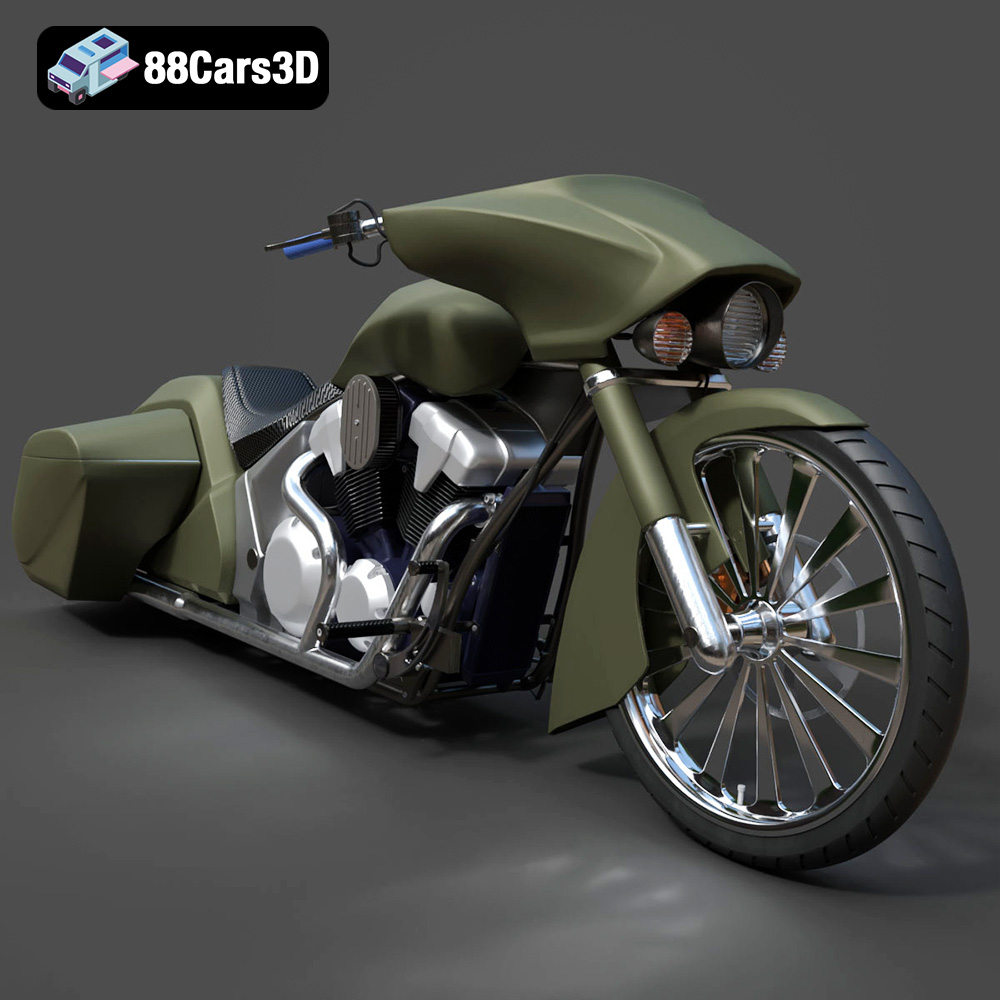
The Honda Stateline Bagger Slammer 3D Model is a high-detail digital recreation of the custom low-slung cruiser motorcycle inspired by the Honda Stateline platform. Designed with an aggressive bagger stance and slammed suspension profile, this model captures the bold styling, extended fenders, stretched saddlebags, and powerful V-twin character that define the bagger culture.
$9.99
3D printing the Honda Stateline Bagger Slammer is a rewarding project that allows you to create a detailed scale replica of this iconic motorcycle. By carefully selecting the right materials, optimizing your printer settings, and following the post-processing techniques outlined in this guide, you can achieve a stunning 3D printed model. Visit 88cars3d.com to download the STL files and start your 3D printing journey today. Remember to experiment with different settings and techniques to find what works best for your printer and your desired outcome. Happy printing!
.arvr
.bagger
.blend
.cruisermotorcycle
.custombike
.fbx
.gameasset
.glb
.honda
.max
.motorcycle3dmodel
.obj
.ply
.rendering
.simulation
.stateline
.stl
.touringbike
.unreal
.v-twin