Get 50% OFF All Premium 3D & STL Models!

“`html
The world of 3D printing opens up incredible possibilities, particularly for automotive enthusiasts who dream of crafting their own scale models. Whether you’re aiming to replicate a classic beauty or a modern marvel, the key to a successful print lies in mastering the preparation of your STL files. This comprehensive guide will delve into the crucial aspects of scaling, hollowing, and optimizing STL models, specifically focusing on how these techniques can dramatically reduce print time and material usage, without compromising on the final result. We’ll cover practical techniques applicable to models sourced from platforms like 88cars3d.com, ensuring your 3D printing journey is both efficient and rewarding. Prepare to unlock the secrets of streamlined printing and bring your dream car models to life faster than ever before.
In this guide, you’ll learn:
Scaling is a fundamental step in preparing your STL file for 3D printing. It determines the final size of your model and ensures it meets your specific requirements. Whether you need a miniature replica for your desk or a larger display piece, accurate scaling is paramount.
The first step in scaling is understanding the units your STL file is designed in. Most models are created in millimeters (mm), but it’s crucial to verify this. If your STL file is intended to be 100mm long, and you want to print it at half that size, you would apply a scale factor of 0.5 (or 50%). Most slicing software allows you to input the desired dimensions directly, and it will automatically calculate the necessary scale factor. Remember that scaling affects all dimensions (X, Y, and Z) proportionally unless you specifically unlock the aspect ratio for non-uniform scaling (which is generally not recommended for car models to maintain accurate proportions).
In Cura, scaling is straightforward. Simply import your STL file and locate the “Scale” tool in the left-hand panel. You can either enter a percentage value or specify the desired dimensions for the X, Y, and Z axes. Ensure the “Uniform Scaling” box is checked to maintain the correct proportions of your car model. PrusaSlicer offers a similar interface, allowing you to adjust the scale factor or enter specific dimensions. Additionally, PrusaSlicer provides a handy “Measure” tool that allows you to accurately measure existing parts of your model, enabling precise scaling based on known dimensions. Always double-check your measurements before proceeding to the next step.
When downloading models from marketplaces such as 88cars3d.com, the provided dimensions are typically accurate. However, it’s always a good practice to verify them in your slicing software. Furthermore, consider the limitations of your 3D printer. Smaller printers may struggle with large, detailed models, while larger printers can handle more ambitious projects.
Hollowing is a crucial technique for reducing material usage and print time, especially for larger models. By removing the internal volume of your 3D printed car model, you can significantly decrease the amount of filament or resin required, leading to cost savings and faster print times. However, it’s essential to maintain structural integrity to prevent warping or collapsing during printing.
Several software options are available for hollowing STL models. Meshmixer, a free software from Autodesk, is a popular choice due to its user-friendly interface and powerful hollowing capabilities. Other options include Blender (a more complex but versatile 3D modeling software) and specialized slicing software like Chitubox (primarily used for resin printing). The choice depends on your familiarity with the software and the specific requirements of your model.
Here’s a step-by-step guide to hollowing your STL model using Meshmixer:
Remember to inspect the hollowed model carefully for any potential weak points. Adding internal support structures (e.g., using Meshmixer’s support generation tools) can further reinforce the model and prevent collapses during printing.
Optimizing your print settings is crucial for achieving a balance between speed and quality. By carefully adjusting parameters like layer height, infill density, and print speed, you can significantly reduce print time without sacrificing the details of your 3D printed car model.
Layer height directly impacts print time and surface finish. Thicker layers (e.g., 0.2mm – 0.3mm for a 0.4mm nozzle) result in faster prints but may exhibit noticeable layer lines. Thinner layers (e.g., 0.1mm – 0.15mm) produce smoother surfaces but significantly increase print time. For car models, a layer height of 0.15mm to 0.2mm is a good compromise for balancing speed and detail. Print speed is another critical factor. Increasing the print speed reduces print time, but exceeding the material’s recommended speed can lead to poor layer adhesion and other print defects. Experiment with different speeds to find the optimal balance for your chosen material and printer. A starting point of 50-60mm/s is generally safe for PLA, while ABS may require slower speeds of 40-50mm/s.
Infill density determines the amount of material used inside the model. A higher infill density (e.g., 20-30%) provides greater strength and rigidity, but also increases print time and material consumption. For car models that are primarily for display purposes, a lower infill density (e.g., 10-15%) is often sufficient. Infill patterns also play a role. Grid and rectilinear patterns are fast but can be less structurally sound. Gyroid and honeycomb patterns offer better strength but take longer to print. Consider using a lighter infill pattern like “lightning” in Cura for hollowed parts, as it primarily supports the top layers without significantly increasing print time. Remember that for resin prints, infill is not typically used as the models are usually printed solid or hollowed with thin walls.
Support structures are essential for printing overhangs and complex geometries. Properly designed supports ensure that these features are printed correctly and prevent them from collapsing during the printing process. However, generating and removing supports can be time-consuming and can leave behind blemishes on the surface of your model. Therefore, optimizing support structures is crucial for both print quality and efficiency.
Most slicing software offers automatic support generation, which analyzes the model and automatically places supports where needed. While convenient, automatic supports are often overly aggressive and can generate unnecessary supports in areas that don’t require them. Manual support generation allows you to precisely control the placement and density of supports, minimizing material usage and reducing the risk of damage during removal. Software like Meshmixer and PrusaSlicer allow for manual support placement and editing.
Here are some key settings to optimize support structures in your slicing software:
For resin printing, consider using thinner and more delicate supports, as resin is generally more brittle and prone to damage during support removal. Orienting your model at an angle can also minimize the need for supports and improve print quality.
Even with careful preparation, 3D printing can sometimes present challenges. Understanding common issues and their solutions is crucial for achieving successful prints of your car models. Here are some common problems and how to address them:
Warping occurs when the corners of your print lift off the build plate. This is often caused by poor bed adhesion or temperature fluctuations. To prevent warping:
Bed adhesion is essential for a successful print. If your filament isn’t sticking to the bed, try the following:
Stringing occurs when thin strands of filament are left between different parts of your model. This is often caused by excessive retraction or travel speed. To reduce stringing:
Blobs are small, unwanted deposits of filament on the surface of your model. These can be caused by inconsistent extrusion or nozzle oozing. To prevent blobs:
Layer shifting occurs when the layers of your print are misaligned. This can be caused by loose belts, stepper motor issues, or excessive print speed. To resolve layer shifting:
By understanding these common issues and their solutions, you can significantly improve the success rate of your 3D printed car models.
Post-processing is the final step in bringing your 3D printed car models to life. It involves a range of techniques to refine the surface finish, remove imperfections, and assemble multiple parts. Effective post-processing can transform a raw print into a professional-looking model.
Sanding is a crucial step for removing layer lines and smoothing the surface of your 3D printed model. Start with a coarse grit sandpaper (e.g., 220 grit) to remove any major imperfections, and then gradually move to finer grits (e.g., 400, 600, 800, 1000 grit) to achieve a smooth finish. Wet sanding can help to prevent the sandpaper from clogging and produce a smoother result. For detailed areas, consider using small sanding sponges or files. Automotive body filler (like Bondo) can be used to fill in larger gaps or imperfections before sanding. Take your time and be patient, as proper sanding is essential for a professional-looking finish.
Once your model is sanded smooth, it’s time to paint. Start with a primer to provide a smooth and uniform surface for the paint to adhere to. Apply several thin coats of paint, allowing each coat to dry completely before applying the next. Use masking tape to create clean lines and protect areas that you don’t want to paint. Consider using an airbrush for a more professional finish. After painting, apply a clear coat to protect the paint and add a glossy or matte finish. Acrylic paints are a good choice for 3D printed models, as they are durable and easy to work with. Remember to wear appropriate safety gear, such as a respirator, when sanding and painting.
When assembling multi-part models (common with printable car models from platforms like 88cars3d.com), use a strong adhesive like cyanoacrylate (super glue) or epoxy. Ensure that the parts are properly aligned before applying the adhesive. Clamps or tape can be used to hold the parts together while the adhesive cures. Finally, consider adding details like decals, chrome accents, or custom badges to personalize your model.
Mastering the art of scaling, hollowing, and optimizing STL models is paramount to achieving faster, more efficient, and ultimately, more satisfying 3D printing experiences. By carefully considering factors like layer height, infill density, support structures, and post-processing techniques, you can significantly reduce print time and material consumption while maintaining the desired level of detail and quality. Remember that experimentation is key. Don’t be afraid to try different settings and techniques to find what works best for your printer, your chosen material, and your specific model.
The journey from digital design to physical model is a rewarding one, especially when you see your vision come to life in a tangible form. Whether you’re a seasoned 3D printing enthusiast or just starting out, the knowledge and techniques outlined in this guide will empower you to create stunning 3D printed car models with greater speed and efficiency. So, fire up your slicer, download your favorite STL file from a marketplace like 88cars3d.com, and start printing! The road to 3D printing mastery awaits.
Next Steps:
“`

Texture: Yes
Material: Yes
Download the JCB Excavator-001 3D Model featuring clean geometry, realistic detailing, and a fully modeled interior. Includes .blend, .fbx, .obj, .glb, .stl, .ply, .unreal, and .max formats for rendering, simulation, and game development.
Price: $19.99
Texture: Yes
Material: Yes
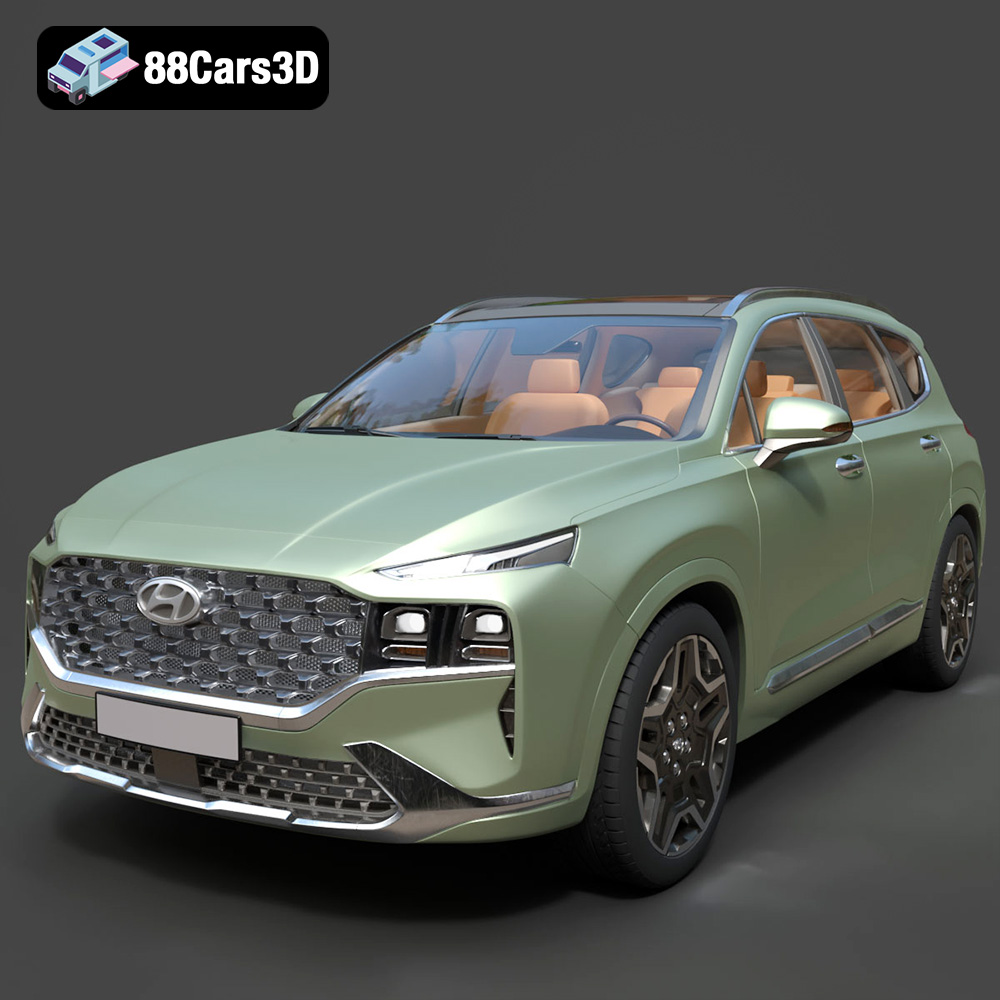
Download the Hyundai Santa Fe 2021 3D Model featuring clean geometry, realistic detailing, and a fully modeled interior. Includes .blend, .fbx, .obj, .glb, .stl, .ply, .unreal, and .max formats for rendering, simulation, and game development.
Price: $19.99
Texture: Yes
Material: Yes
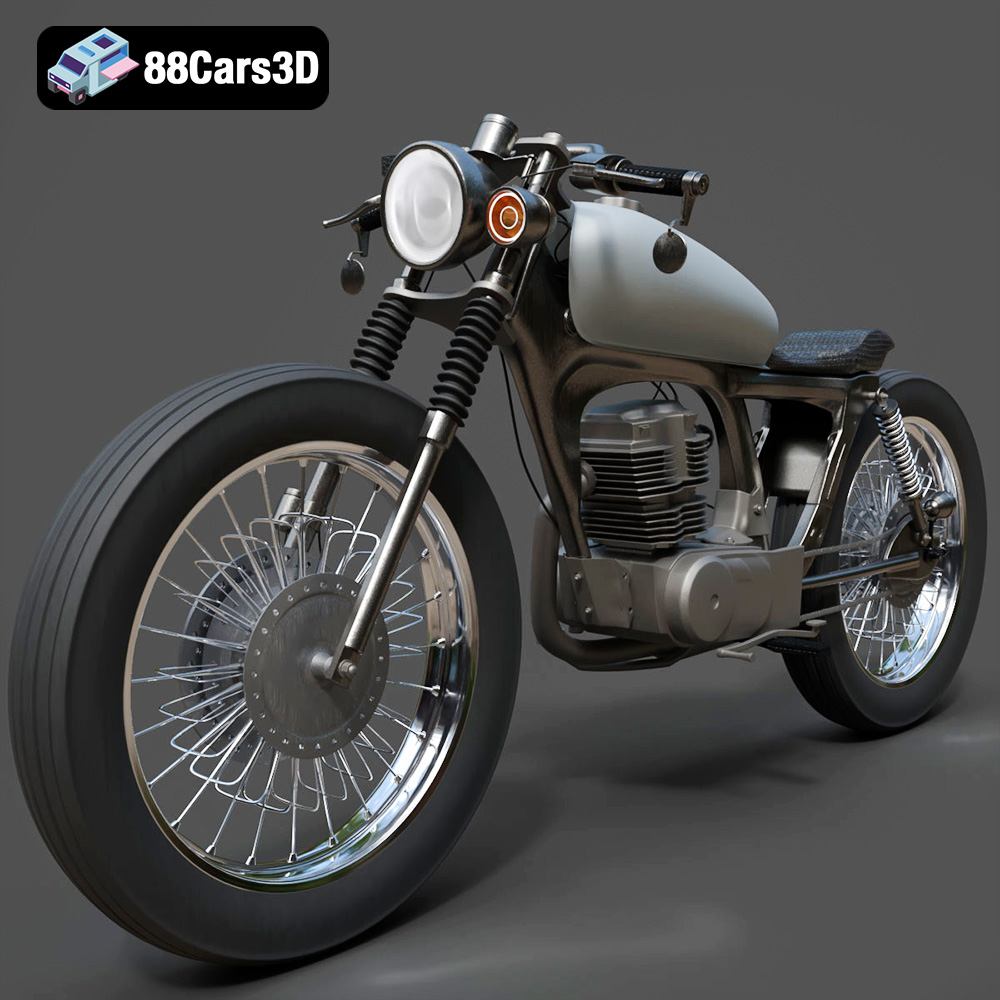
Download the Honda CG125 Motorcycle 3D Model featuring clean geometry, realistic detailing, and a fully modeled interior. Includes .blend, .fbx, .obj, .glb, .stl, .ply, .unreal, and .max formats for rendering, simulation, and game development.
Price: $19.99
Texture: Yes
Material: Yes
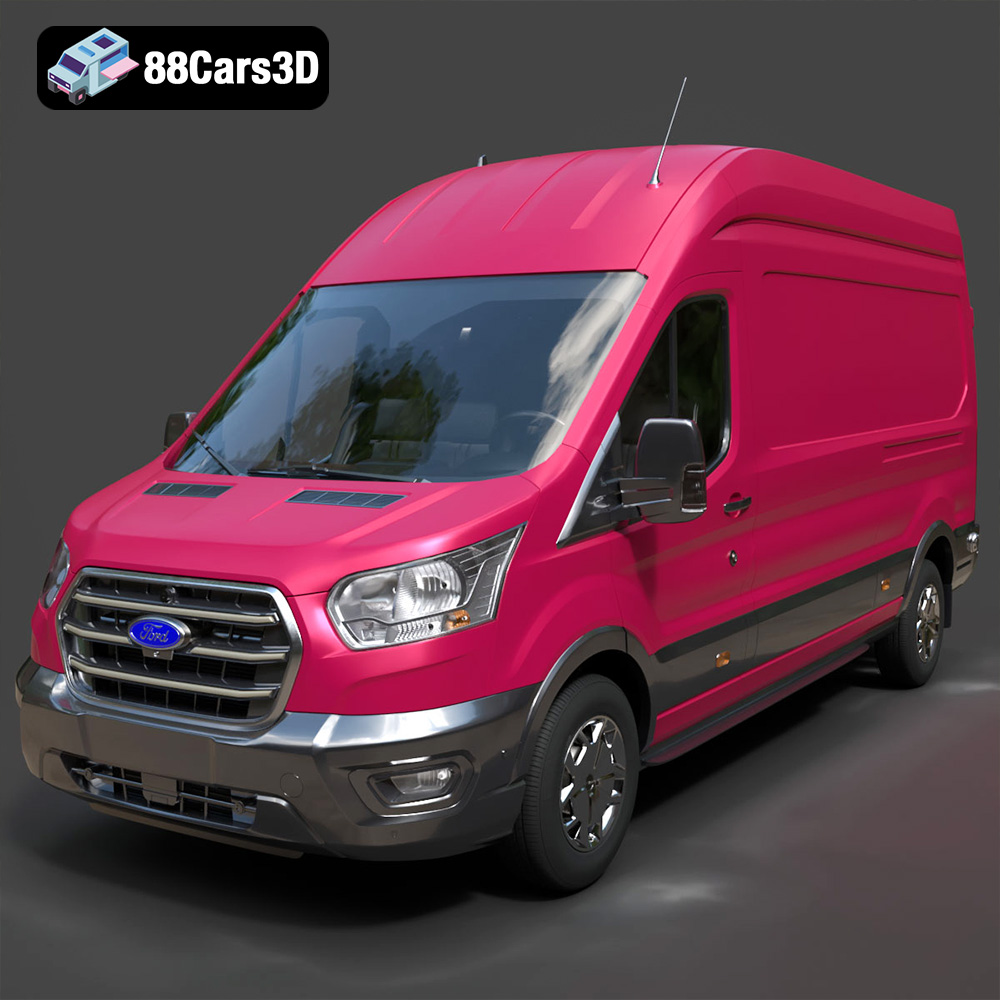
Download the Ford Transit Van L3H3 Trend 2021 3D Model featuring clean geometry, realistic detailing, and a fully modeled interior. Includes .blend, .fbx, .obj, .glb, .stl, .ply, .unreal, and .max formats for rendering, simulation, and game development.
Price: $19.99

Texture: Yes
Material: Yes
Download the Ferrari SF90 Stradale 3D Model featuring clean geometry, realistic detailing, and a fully modeled interior. Includes .blend, .fbx, .obj, .glb, .stl, .ply, .unreal, and .max formats for rendering, simulation, and game development.
Price: $19.99

Texture: Yes
Material: Yes
Download the Harley Davidson F 1946 3D Model featuring clean geometry, realistic detailing, and a fully modeled interior. Includes .blend, .fbx, .obj, .glb, .stl, .ply, .unreal, and .max formats for rendering, simulation, and game development.
Price: $19.99

Texture: Yes
Material: Yes
Download the Land Rover Defender Works V8 3D Model featuring clean geometry, realistic detailing, and a fully modeled interior. Includes .blend, .fbx, .obj, .glb, .stl, .ply, .unreal, and .max formats for rendering, simulation, and game development.
Price: $19.99

Texture: Yes
Material: Yes
Download the Dodge RAM 2019 3D Model featuring clean geometry, realistic detailing, and a fully modeled interior. Includes .blend, .fbx, .obj, .glb, .stl, .ply, .unreal, and .max formats for rendering, simulation, and game development.
Price: $19.99

Texture: Yes | Material: Yes Download the ultra-high-detail Ford F-150 Raptor 2021 3D Model (8.73M Triangles). Features uncompromised widebody styling, fully modeled Fox Live Valve suspension, 37-inch tires, and interior. Perfect for premium VFX, cinematic rendering, and ArchViz. Includes .blend, .fbx, .obj, .glb, .stl, and .max formats.
Price: $29.99

Texture: Yes | Material: Yes Download the ultra-high-detail BMW 3 Series Limousine (2022) 3D Model (4.16M Triangles). Features the modernized G20 LCI exterior, the all-new BMW Curved Display interior, and ultra-dense topology. Perfect for ArchViz, VFX, and cinematic rendering. Includes .blend, .fbx, .obj, .glb, .stl, and .max formats.
Price: $19.99

