Get 50% OFF All Premium 3D & STL Models!

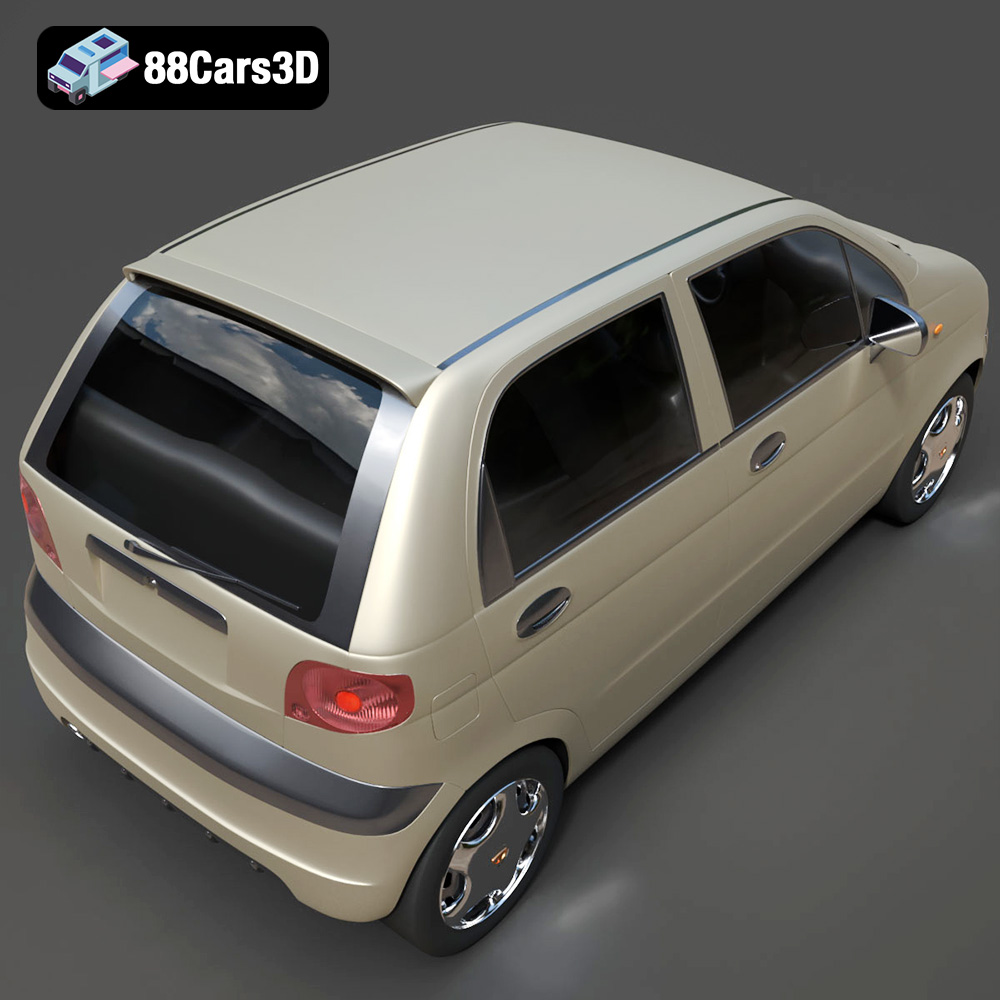
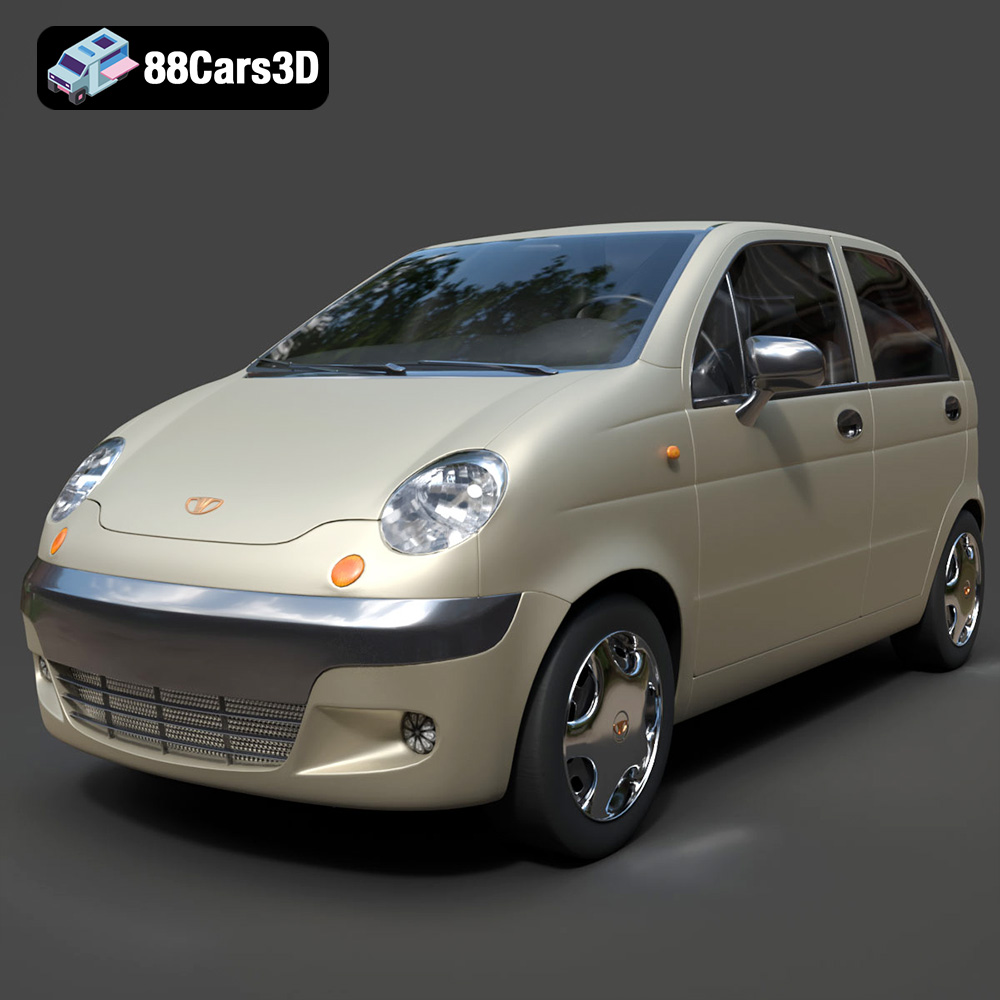
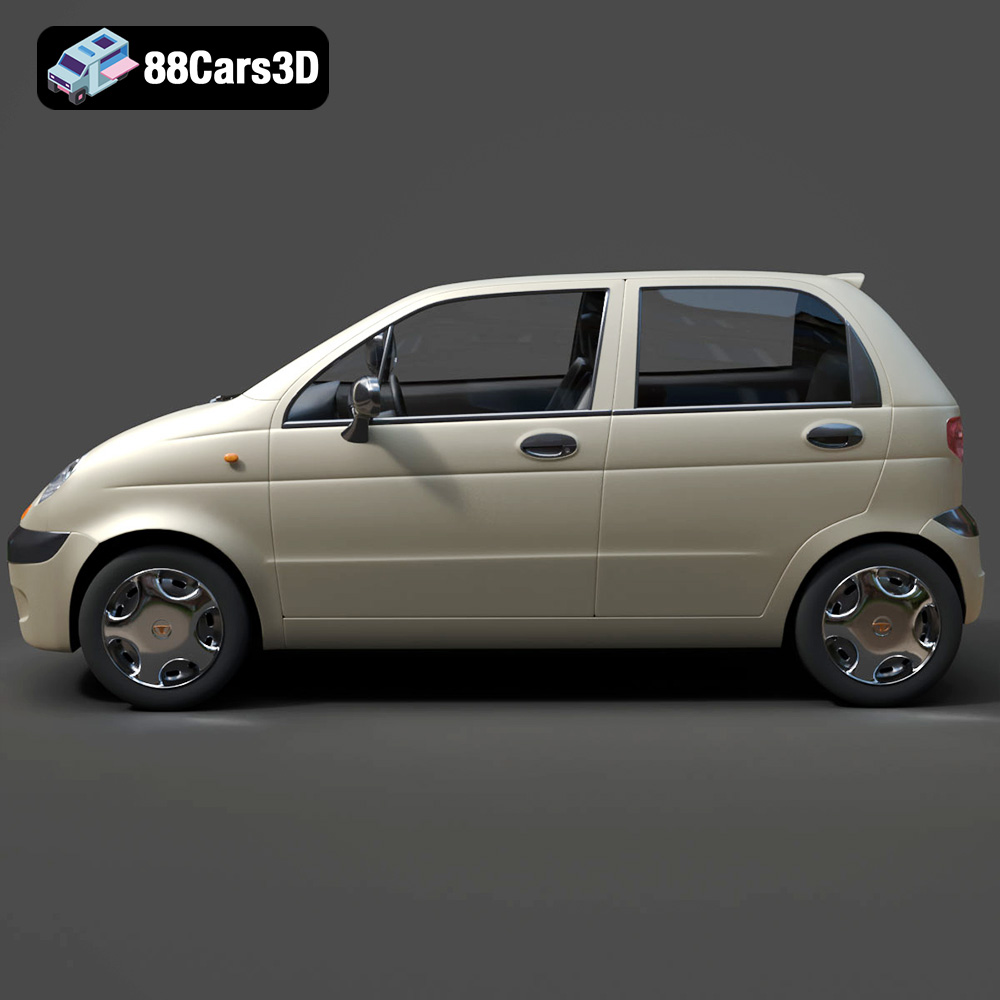
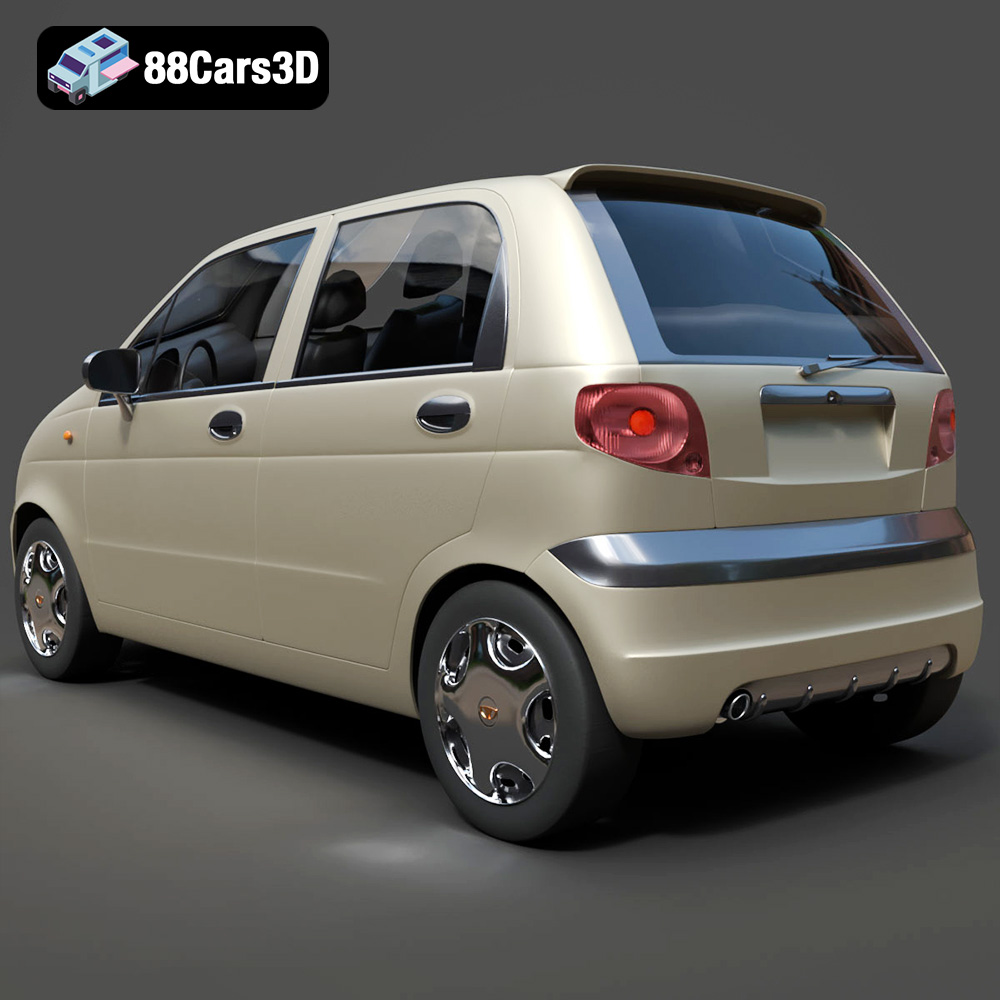
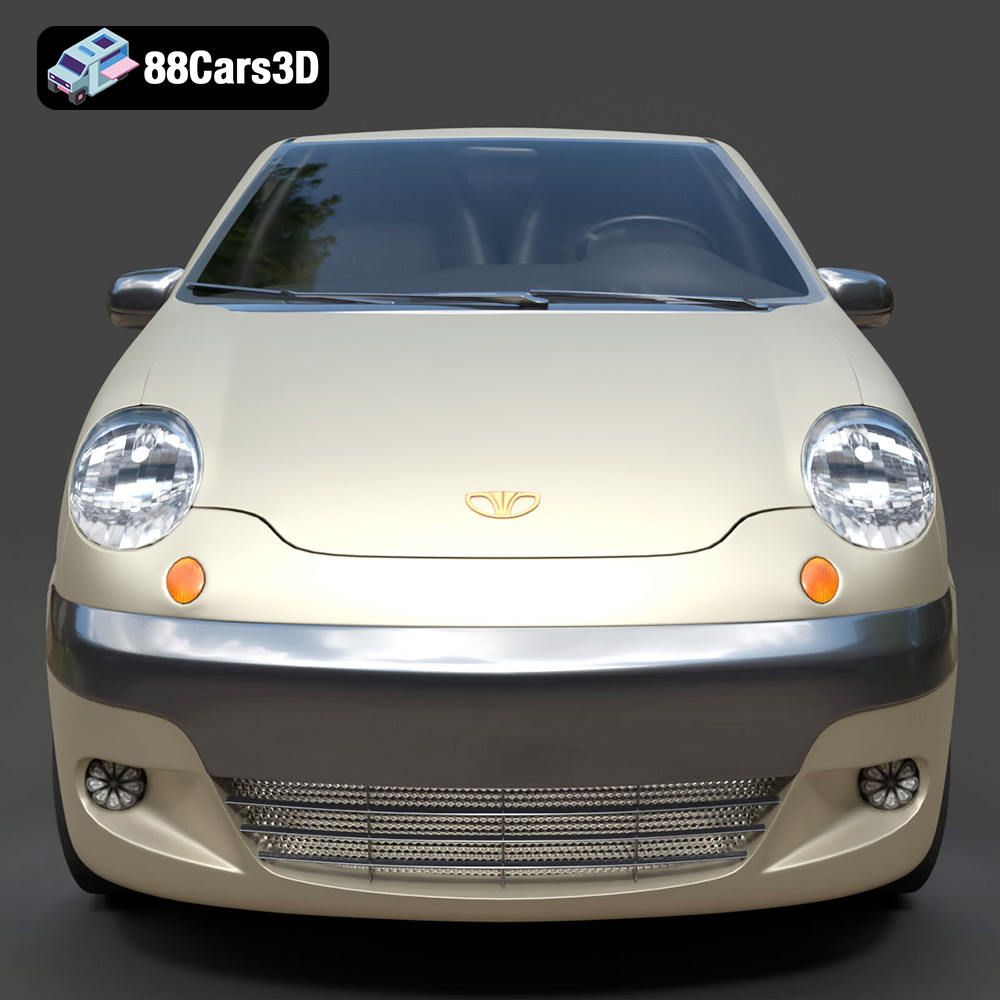
The Daewoo Damas microvan, a ubiquitous sight in many cities around the world, is now available as a highly detailed 3D model from 88cars3d.com. This opens up a fantastic opportunity for 3D printing enthusiasts to create their own miniature version of this iconic vehicle. Whether you’re a seasoned model builder or new to the world of additive manufacturing, this guide will provide you with the technical know-how to successfully 3D print the Daewoo Damas microvan model. We’ll cover everything from choosing the right materials and printer settings to post-processing techniques that will bring your microvan to life.
Before diving into the specifics of printing the Daewoo Damas, it’s crucial to understand the different file formats commonly used in 3D printing and their implications for the final result. This understanding will help you choose the appropriate format for your needs and ensure compatibility with your slicing software.
The STL (Stereolithography) format is the de facto standard for 3D printing. It represents the surface geometry of a 3D object as a collection of triangles. This simplicity makes it universally compatible with almost all 3D printers and slicing software. The Daewoo Damas model on 88cars3d.com includes an STL file, making it readily printable.
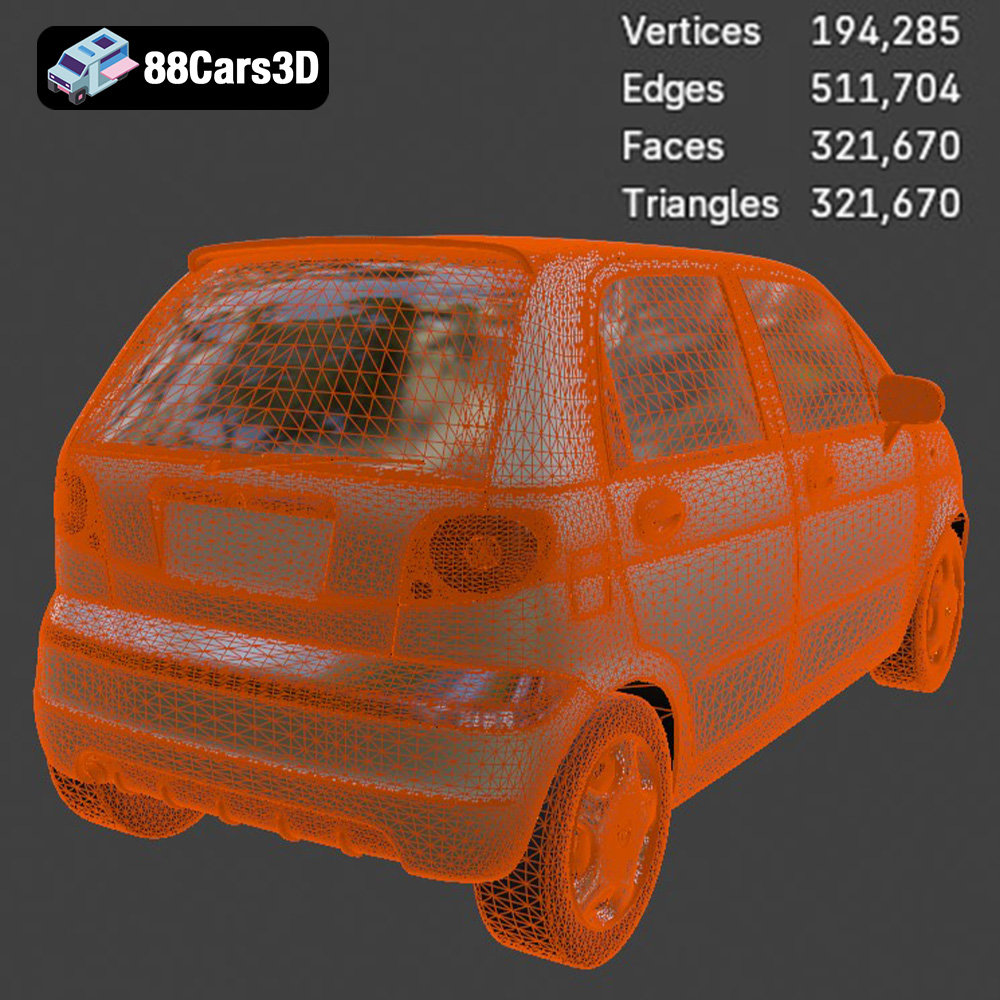
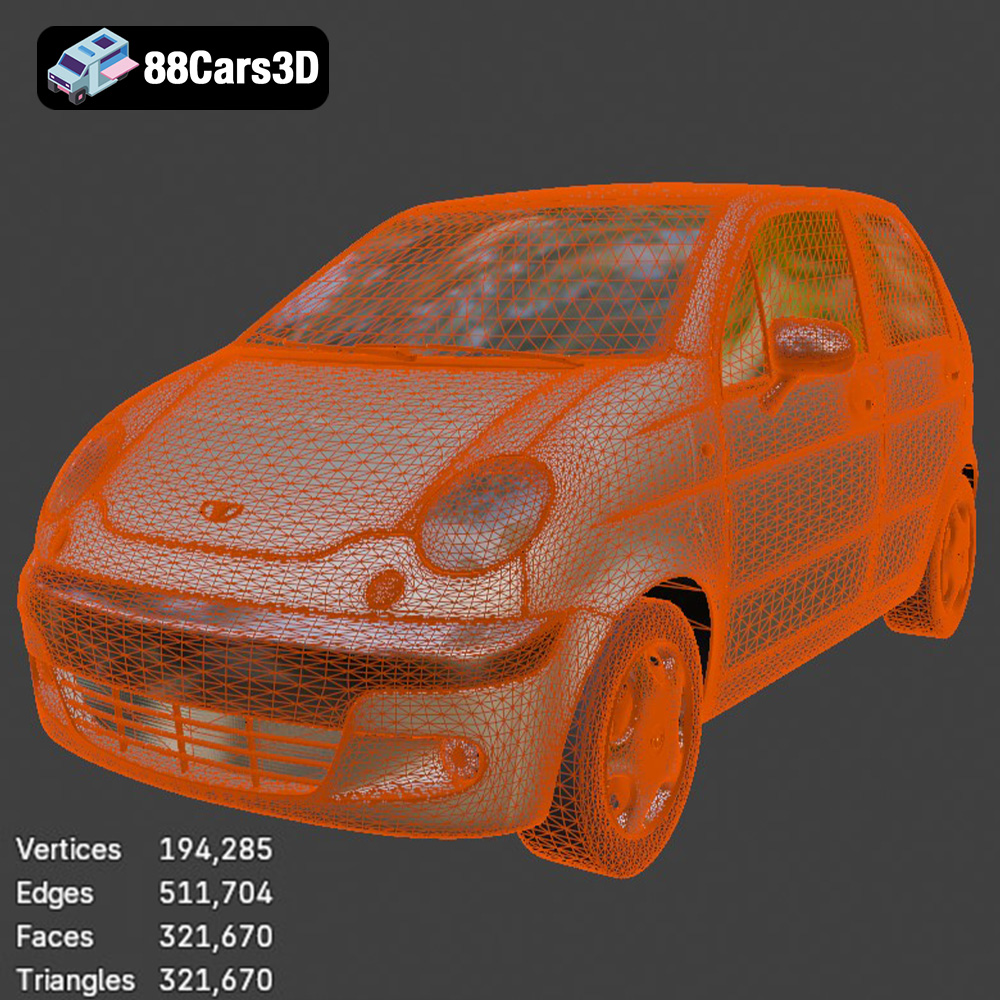
When working with STL files, the mesh quality is paramount. A higher number of triangles results in a smoother surface, but it also increases file size and processing time. The ~321k triangles of the Daewoo Damas model is a good balance of detail and efficiency. Slicing software interprets the STL file and generates instructions (G-code) for the 3D printer, controlling the movement of the print head and the extrusion of material.
OBJ is another popular 3D model format that, unlike STL, can store color and texture information. This is particularly useful if you want to 3D print a multi-colored version of the Daewoo Damas using a printer capable of handling multiple filaments or materials. However, not all 3D printers support direct color printing from OBJ files, and it often requires specialized hardware and software.
PLY (Polygon File Format) is designed to store 3D data acquired from scanning technologies. It can represent color, transparency, and other properties, making it suitable for highly detailed models. While not as widely supported as STL or OBJ, PLY can be used for 3D printing, particularly if you need to preserve fine details.
Blender is a free and open-source 3D creation suite. The .blend file format contains the entire Blender scene, including the model, textures, lighting, and animations. This is invaluable if you want to modify the Daewoo Damas model before printing. You can use Blender to add custom details, adjust the scale, or prepare the model for multi-part printing. After making your changes, you’ll need to export the model as an STL file for 3D printing.
FBX (Filmbox) is a proprietary file format developed by Autodesk, often used for animation and game development. While it supports materials and textures, its primary advantage for 3D printing lies in its ability to retain information about the model’s hierarchy and relationships between different parts. Some advanced slicing software can import FBX files, allowing you to manipulate the model’s components individually.
GLB (GL Transmission Format Binary) is a file format designed for efficient transmission and loading of 3D scenes and models. It’s commonly used for augmented reality (AR) applications, allowing you to preview the Daewoo Damas model in a real-world environment before printing. While not directly used for 3D printing, GLB can be helpful in visualizing the scale and appearance of the printed model.
When 3D printing, .STL is generally the preferred format due to its simplicity, universal compatibility, and suitability for representing complex geometries with a mesh of triangles. While other formats offer additional features like color and texture support, these are often less relevant for standard 3D printing workflows. The Daewoo Damas model is provided as an STL file, which makes it immediately ready for slicing and printing.
Selecting the appropriate 3D printing technology and material is crucial for achieving the desired level of detail, strength, and aesthetic appeal for your Daewoo Damas microvan.
FDM is the most common and affordable 3D printing technology. It works by extruding a thermoplastic filament layer by layer to create the object.
* Material Recommendations: PLA (Polylactic Acid) is a biodegradable and easy-to-print material that’s ideal for beginners. PETG (Polyethylene Terephthalate Glycol) offers better strength and heat resistance than PLA. ABS (Acrylonitrile Butadiene Styrene) provides excellent durability but requires a heated bed and good ventilation due to its fumes. For the Daewoo Damas, PLA or PETG are good starting points.
* Pros: Cost-effective, wide range of materials, relatively simple to use.
* Cons: Lower resolution compared to resin printing, layer lines are visible, may require more post-processing.
* Estimated Print Time and Material Cost: Print time can range from 8-20 hours depending on the size and complexity of the print. Material cost for PLA or PETG is typically between $5-$15.
Resin printing uses a liquid resin that is cured by UV light to create the object. SLA (Stereolithography) uses a laser, while DLP (Digital Light Processing) uses a projector.
* Material Recommendations: Standard resin is suitable for most applications. ABS-like resin offers increased strength and impact resistance. Flexible resin can be used for tires or other flexible parts. For the smaller details of the Daewoo Damas (0.04-0.12mm layer height recommended), resin printing is ideal.
* Pros: High resolution, smooth surface finish, excellent for intricate details.
* Cons: More expensive than FDM, resin can be messy and requires proper handling, limited build volume.
* Estimated Print Time and Material Cost: Print time can be shorter than FDM for small objects, typically 4-12 hours. Resin cost is generally higher, ranging from $15-$30.
For the Daewoo Damas, consider these factors:
* Level of Detail: If you want to capture the fine details of the model, such as the door handles, wipers, and panel lines, resin printing is the better choice.
* Size: FDM printers typically have larger build volumes, allowing you to print larger models in one piece. If you’re printing the Damas at a larger scale, FDM might be more suitable.
* Budget: FDM printers and materials are generally more affordable than resin printers and materials.
Once you’ve chosen your 3D printing technology and material, the next step is to prepare the Daewoo Damas model for printing using slicing software.
Slicing software converts the 3D model into a series of layers that the 3D printer can understand. Popular slicing software options include:
* Cura (Free): User-friendly and widely used for FDM printing.
* PrusaSlicer (Free): Advanced features and excellent support for Prusa printers.
* Simplify3D (Paid): Powerful features and customization options for advanced users.
* Lychee Slicer (Free and Paid): Popular for resin printing with excellent support generation.
* Chitubox (Free and Paid): Another popular choice for resin printing, known for its efficient slicing algorithms.
Key settings to consider include:
* Layer Height: Lower layer heights (e.g., 0.1mm for FDM, 0.04mm for resin) result in smoother surfaces but increase print time. The recommended layer height for the Daewoo Damas is 0.04-0.12 mm, suggesting resin printing for optimal detail.
* Infill Density: Infill determines the internal structure of the print. A higher infill density (e.g., 20-25%) increases strength but also increases print time and material usage.
* Wall Thickness: Wall thickness affects the strength and durability of the outer shell. A wall thickness of 1.2-2.0 mm is recommended for the Daewoo Damas.
* Supports: Supports are necessary to prevent overhangs from collapsing during printing. The Daewoo Damas model requires supports for side mirrors, wheel arches, and bumper overhangs.
The orientation of the model on the build plate can significantly impact print quality and the amount of support material required.
* Body: Print the body angled to minimize the need for supports and achieve a smoother surface finish.
* Wheels: Print the wheels separately to allow for easier detailing and painting. Orient them vertically to minimize support material on the contact surface with the ground.
* Support Placement: Carefully place supports to minimize their impact on the visible surfaces of the model. Use tree supports or light supports to reduce the amount of material used and make removal easier.
Before slicing, it’s essential to check the model for any errors that could cause printing problems.
* Mesh Repair: Use mesh repair tools in your slicing software or dedicated software like Meshmixer or Netfabb to fix any non-manifold edges, holes, or other errors in the model.
* Hollowing (for Resin Printing): To save resin and reduce print time, hollow out the body of the Daewoo Damas model. Be sure to add drain holes to allow resin to escape after printing.
This section provides specific printer settings and material recommendations tailored for both FDM and resin printing of the Daewoo Damas microvan.
* Printer: Ender 3 V2, Prusa i3 MK3S, or similar FDM printer.
* Material: PLA or PETG.
* Layer Height: 0.15-0.2mm.
* Infill Density: 15-25%.
* Wall Thickness: 1.2-1.6mm (3-4 perimeters).
* Print Speed: 40-60mm/s.
* Bed Temperature: 60°C (PLA), 70-80°C (PETG).
* Nozzle Temperature: 200-210°C (PLA), 230-240°C (PETG).
* Supports: Required for overhangs (side mirrors, wheel arches, bumper overhangs). Use tree supports for easier removal.
* Adhesion: Use a brim or raft for better bed adhesion, especially for larger prints.
* Printer: Elegoo Mars 3, Anycubic Photon Mono, or similar resin printer.
* Material: Standard resin or ABS-like resin.
* Layer Height: 0.04-0.05mm.
* Bottom Layer Count: 4-6.
* Exposure Time: 6-8 seconds (adjust based on resin type and printer).
* Bottom Exposure Time: 30-40 seconds.
* Lift Speed: 60-80mm/min.
* Retract Speed: 150-180mm/min.
* Supports: Required for overhangs. Use light supports with small contact points to minimize damage to the surface.
* Hollowing: Hollow out the body of the model to save resin and reduce print time. Add drain holes to allow resin to escape.
* Body: Print the body angled at approximately 45 degrees to minimize support material on the visible surfaces.
* Wheels: Print the wheels separately, oriented vertically to minimize support material on the contact surface.
* Small Details: Consider printing small details like mirrors and wipers separately for better quality and easier assembly. These can be printed in resin for maximum detail, even if the rest of the model is printed in FDM.
After the printing process is complete, post-processing is essential to achieve a professional-looking finish for your Daewoo Damas microvan.
* FDM: Carefully remove the supports using pliers or a sharp knife. Be patient and avoid damaging the model.
* Resin: Remove the model from the build plate and wash it in isopropyl alcohol (IPA) to remove uncured resin. Cure the model in a UV curing station for the recommended time. Remove supports carefully, using flush cutters or a hobby knife.
* Sanding: Sand the surface of the model to remove layer lines and smooth out any imperfections. Start with coarse sandpaper (e.g., 220 grit) and gradually move to finer grits (e.g., 400, 600, 800 grit).
* Filling: Use filler primer or putty to fill any gaps or imperfections. Sand the filler smooth after it dries.
* Priming: Apply a primer coat to the model to improve paint adhesion and create a uniform surface.
* Painting: Use acrylic paints or spray paints to apply the desired color scheme. The product description suggests classic commercial colors like Factory White, Light Blue, or Taxi Yellow. Consider using masking tape to create clean lines and separate different colors.
* Detailing: Add details like panel lines, window trim, and badges using fine-tipped brushes or paint markers. Consider using washes to add depth and realism to the model.
* Dry Fit: Before gluing any parts together, dry fit them to ensure proper alignment.
* Gluing: Use super glue or epoxy to attach the wheels, mirrors, and other small parts to the body.
* Finishing Touches: Apply a clear coat to protect the paint and add a glossy or matte finish.
Even with careful preparation, you may encounter some common 3D printing issues. Here are some tips for troubleshooting:
* Warping: This occurs when the corners of the print lift off the build plate. Increase bed adhesion by using a brim or raft, and ensure your bed is properly leveled.
* Layer Separation: This happens when layers don’t adhere properly. Increase the nozzle temperature and reduce print speed.
* Stringing: This is when thin strands of plastic are left between parts of the print. Reduce the retraction distance and speed in your slicing software.
* Support Failure: If supports are failing, increase the support density and thickness.
* Resin Printing Issues: Ensure your resin is properly mixed and that your printer is calibrated correctly. Check the FEP film for any damage.
By following these guidelines, you’ll be well-equipped to successfully 3D print the Daewoo Damas microvan model and create a stunning miniature replica of this iconic vehicle.
The Daewoo Damas 3D Model is an incredibly accurate, highly optimized digital recreation of the legendary compact commercial microvan. Based on the classic kei-van architecture, the Damas is a ubiquitous and unstoppable workhorse recognized globally—serving as the ultimate urban delivery vehicle, taxi, and daily commuter, particularly across South Korea, Central Asia (such as Uzbekistan), and the Middle East. Perfectly balanced for ArchViz, regional background traffic, and game development. Includes .blend, .fbx, .obj, .glb, .stl, and .max formats.
$9.99