Get 50% OFF All Premium 3D & STL Models!

The Land Rover Defender Works V8 is a classic, a rugged icon that evokes a sense of adventure and timeless style. Thanks to 88cars3d.com, you can now bring this legendary vehicle to life in your own home or workshop through the power of 3D printing. This guide will walk you through every step of the process, from selecting the right materials and settings to post-processing your finished 3D printed model. Whether you’re a seasoned 3D printing enthusiast or a newcomer to the world of additive manufacturing, this article provides the technical details you need to create a stunning 3D printed Land Rover Defender Works V8.
The size and complexity of the Land Rover Defender Works V8 model from 88cars3d.com require careful consideration when selecting a 3D printer. Both Fused Deposition Modeling (FDM) and Stereolithography (SLA) printers can produce excellent results, but each has its own strengths and weaknesses.
FDM printers are generally more affordable and offer a wider range of materials, including durable options like ABS, PETG, and even carbon fiber-infused filaments. These materials are ideal if you plan on creating a robust model that can withstand handling and display. For larger prints, an FDM printer with a heated bed is essential to prevent warping, especially when using materials like ABS.
SLA printers, on the other hand, excel at producing highly detailed models with smooth surfaces. This makes them a great choice if you want to capture the intricate features of the Land Rover Defender Works V8, such as the grille, headlights, and badging. However, SLA resins can be more brittle than FDM filaments, and the build volume of SLA printers is often smaller.
Regardless of the technology you choose, ensure your printer has a build volume large enough to accommodate the model, either as a single piece or in multiple parts. Consider the dimensions of the STL file and factor in the space needed for supports. If your printer’s build volume is limited, you may need to split the model into smaller sections and assemble them after printing.
When working with 3D models, understanding the various file formats is crucial for a successful printing experience. The Land Rover Defender Works V8 model from 88cars3d.com comes in several formats, each suited for different purposes. While some are ideal for editing and visualization, the most common format for 3D printing is the STL file.
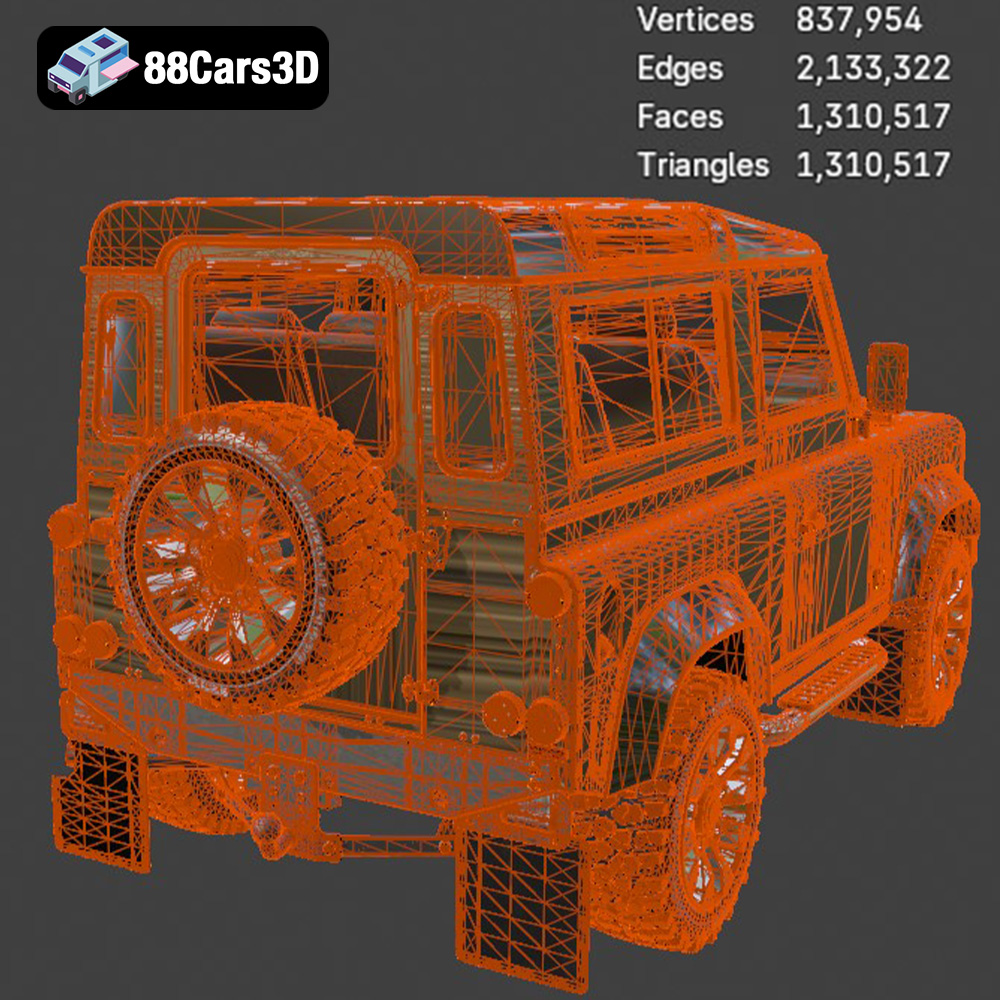
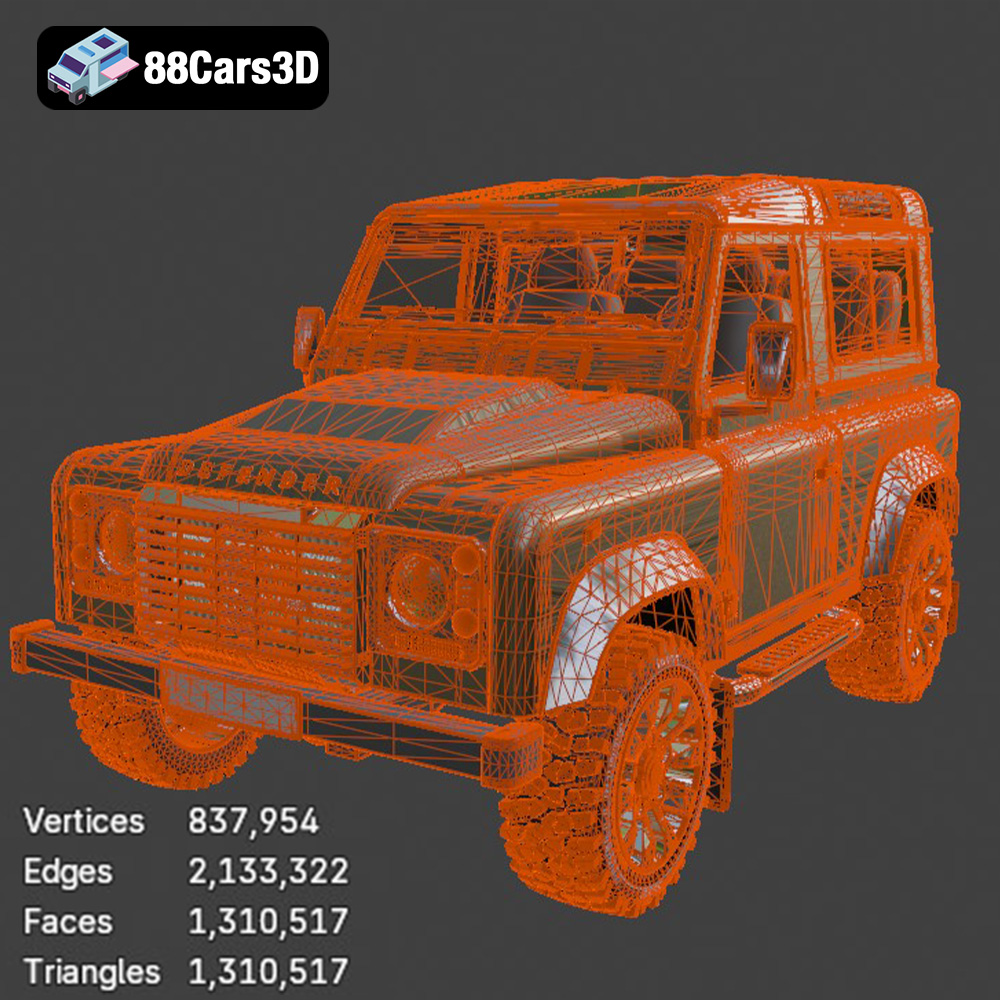
STL (Stereolithography) is the workhorse of 3D printing. This file format represents the surface geometry of a 3D object as a collection of triangles. It’s simple, widely supported, and compatible with virtually all 3D printing software and printers. However, STL files only store the shape of the object; they don’t contain information about color, texture, or materials. When preparing the Land Rover Defender Works V8 for 3D printing, the STL file is what you’ll load into your slicing software. It’s important to check the mesh quality of the STL file. A high-quality STL file will have a dense mesh with small triangles, resulting in a smoother printed surface. However, a very dense mesh can also increase file size and processing time. Conversely, a low-quality STL file with large triangles can lead to a faceted or blocky appearance in the final print. Most slicing software includes tools to repair minor mesh errors in STL files, such as holes or non-manifold edges. If the STL file has significant errors, you may need to use a dedicated mesh editing program like MeshLab or Blender to fix them before slicing.
OBJ (Object) files are another common 3D model format. Unlike STL files, OBJ files can store color and texture information, making them suitable for colored 3D prints or for rendering purposes. However, for simple 3D printing where color is not a factor, STL is generally preferred due to its simplicity and wider compatibility.
PLY (Polygon File Format) is designed to store 3D data acquired from 3D scanners. It can represent not only the surface geometry but also color, texture, and other properties. PLY files are often used in research and engineering applications where high accuracy and detail are required.
BLEND files are native to Blender, a popular open-source 3D modeling software. This format allows you to directly edit the 3D model of the Land Rover Defender Works V8 before exporting it for printing. You can modify the geometry, add details, or even create variations of the model.
FBX (Filmbox) is a versatile file format developed by Autodesk. It supports complex scenes with animations, textures, and materials. While not directly used for 3D printing, it can be useful for importing the model into slicing software that supports material-based printing, where different parts of the model are printed with different materials.
GLB (GL Transmission Format Binary) is designed for efficient transmission and loading of 3D models in web and AR/VR applications. It’s a compact format that includes all the necessary data, such as geometry, textures, and animations, in a single file. You can use GLB files to preview the Land Rover Defender Works V8 model in augmented reality on your smartphone or tablet before committing to a 3D print.
MAX files are native to 3ds Max, another professional 3D modeling software. Similar to BLEND files, MAX files allow you to fully edit and customize the model before exporting it for 3D printing.
For 3D printing the Land Rover Defender Works V8 from 88cars3d.com, the STL file is the most practical choice. Ensure the STL file has sufficient mesh quality for your desired level of detail and use slicing software to prepare the model for printing.
Once you have chosen your printer and understand the file formats, the next crucial step is pre-print preparation. This involves using slicing software to convert the 3D model into a series of instructions that your printer can understand. The slicing process includes setting parameters such as layer height, infill density, support structures, and print orientation.
The orientation of the Land Rover Defender Works V8 on the print bed significantly affects the print quality, support requirements, and overall strength of the model. Experiment with different orientations in your slicing software to find the optimal one. For example, printing the model with the wheels facing down might reduce the need for supports on the body, but could require more supports for the wheels themselves. Consider the placement of critical details and features. Orient the model so that these features are printed with minimal support interference. Flat surfaces are generally easier to print and require less support. Tilting the model slightly can sometimes improve surface quality, but it may also increase the amount of support needed.
* **Layer Height:** A smaller layer height (e.g., 0.1mm) will produce a smoother surface finish but increase print time. A larger layer height (e.g., 0.2mm) will print faster but may result in a more stepped appearance. For the Land Rover Defender Works V8, a layer height of 0.15mm to 0.2mm is a good starting point.
* **Infill Density:** Infill density determines the internal structure of the model. A higher infill density (e.g., 20%) will make the model stronger but also increase print time and material usage. A lower infill density (e.g., 10%) will print faster and use less material but may compromise the model’s strength. For a display model, 15% infill is generally sufficient. If you intend to handle the model frequently, consider increasing the infill density to 25% or higher.
* **Support Structures:** Support structures are necessary to print overhanging features. Use your slicing software to generate supports automatically, but carefully review their placement. You may need to manually adjust the supports to ensure they adequately support the model without being too difficult to remove after printing. Consider using tree supports, which use less material and are often easier to remove than traditional linear supports.
* **Print Speed:** Print speed affects both the print quality and the overall print time. A slower print speed will generally result in better print quality, but it will also take longer to print. A faster print speed will print faster but may result in a loss of detail or warping. Experiment with different print speeds to find the best balance for your printer and material.
The choice of material significantly impacts the appearance, durability, and functionality of your 3D printed Land Rover Defender Works V8.
PLA (Polylactic Acid) is a biodegradable thermoplastic derived from renewable resources. It is easy to print, has low warping, and is available in a wide range of colors. PLA is a good choice for beginners and for creating display models of the Land Rover Defender Works V8. However, PLA is not as heat-resistant or durable as other materials.
PETG (Polyethylene Terephthalate Glycol-modified) is a strong, flexible, and heat-resistant material. It is also relatively easy to print, making it a versatile choice for a variety of 3D printing projects. PETG is a good option for the Land Rover Defender Works V8 if you want a model that is both durable and visually appealing.
ABS (Acrylonitrile Butadiene Styrene) is a strong, impact-resistant, and heat-resistant material. It is commonly used in automotive parts and other demanding applications. ABS is a good choice for the Land Rover Defender Works V8 if you need a model that can withstand significant stress or exposure to high temperatures. However, ABS is more difficult to print than PLA or PETG, as it is prone to warping and requires a heated bed.
For SLA printers, resins offer exceptional detail and smooth surfaces. Standard resins are suitable for display models, while tougher resins can provide increased durability. Consider using a gray or white resin for easy painting and post-processing.
After printing, some post-processing is usually necessary to achieve a professional-looking finish on your Land Rover Defender Works V8. This may involve removing support structures, sanding the surface, painting, and assembling multiple parts.
Carefully remove support structures using pliers, a knife, or specialized support removal tools. Take your time to avoid damaging the model. If the supports are difficult to remove, you can try heating them with a heat gun or hairdryer to soften the plastic.
Sanding the surface of the model will remove any imperfections and create a smoother finish. Start with coarse sandpaper (e.g., 200 grit) and gradually work your way up to finer sandpaper (e.g., 600 grit or higher). Wet sanding can also help to reduce dust and create an even smoother surface.
Painting the model is a great way to add realism and detail. Use primer to prepare the surface for paint and then apply multiple thin coats of paint. Consider using masking tape to create clean lines and different colors. Once the paint is dry, you can apply a clear coat to protect the paint and add a glossy or matte finish.
If you printed the model in multiple parts, you will need to assemble them after post-processing. Use glue or epoxy to join the parts together. Ensure the parts are properly aligned before the glue sets. You can also use clamps or tape to hold the parts in place while the glue dries.
Even with careful preparation, 3D printing can sometimes present challenges. Here are some common issues and how to address them:
Warping occurs when the corners of the print lift off the print bed. This is often caused by poor bed adhesion or uneven cooling. To prevent warping, ensure your print bed is clean and level. You can also use a bed adhesive, such as glue stick or hairspray. Increasing the bed temperature or adding a brim to the print can also help.
Stringing occurs when thin strands of plastic are left between different parts of the print. This is often caused by excessive retraction or nozzle temperature. To reduce stringing, try increasing the retraction distance or speed, lowering the nozzle temperature, or drying your filament.
Layer shifting occurs when the print head shifts position during printing, resulting in misaligned layers. This can be caused by loose belts, vibrations, or stepper motor issues. To prevent layer shifting, ensure your printer is properly calibrated and maintained. Tighten any loose belts, reduce vibrations, and check the stepper motor drivers.
If the first layer doesn’t stick to the bed, the print will fail. Ensure the bed is level and clean. Adjust the Z-offset to bring the nozzle closer to the bed. Use a bed adhesive like glue stick or blue tape.
By following these guidelines, you can successfully 3D print the Land Rover Defender Works V8 and create a stunning replica of this iconic vehicle. Remember to experiment with different settings and materials to find what works best for your printer and your desired outcome.
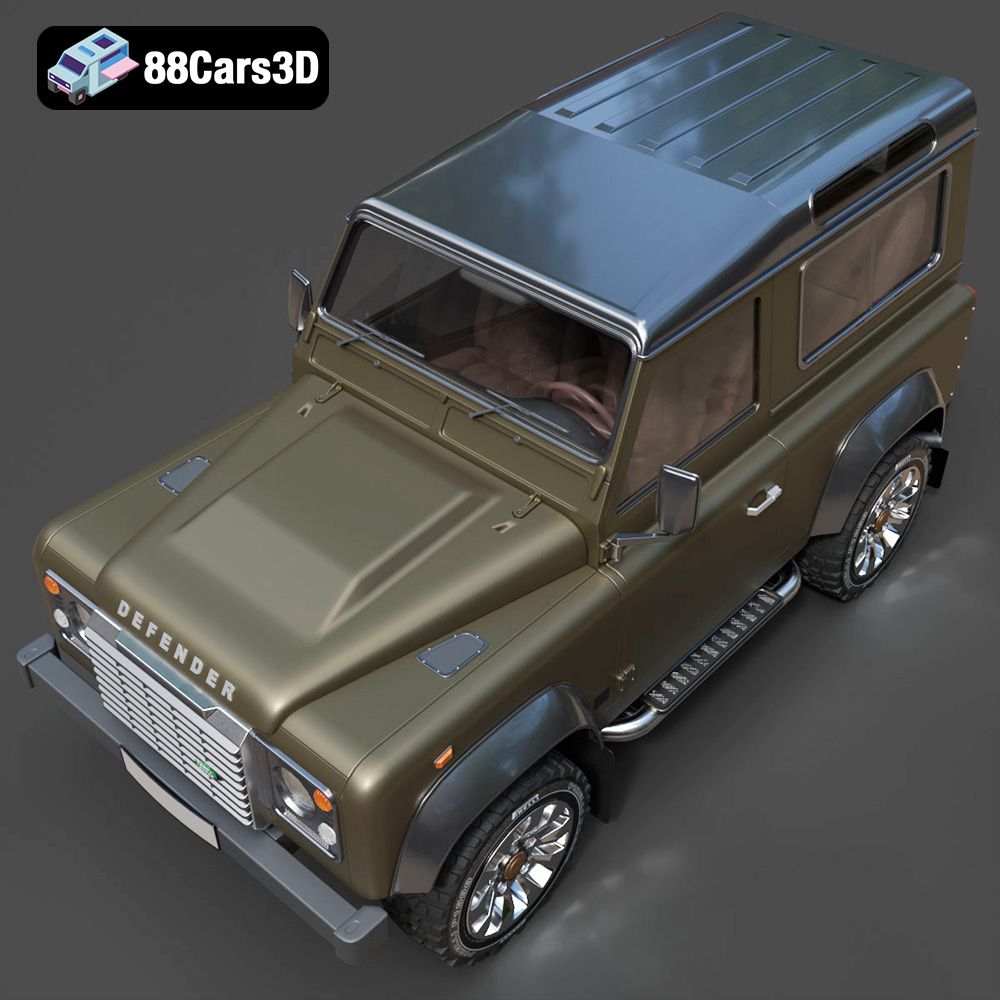
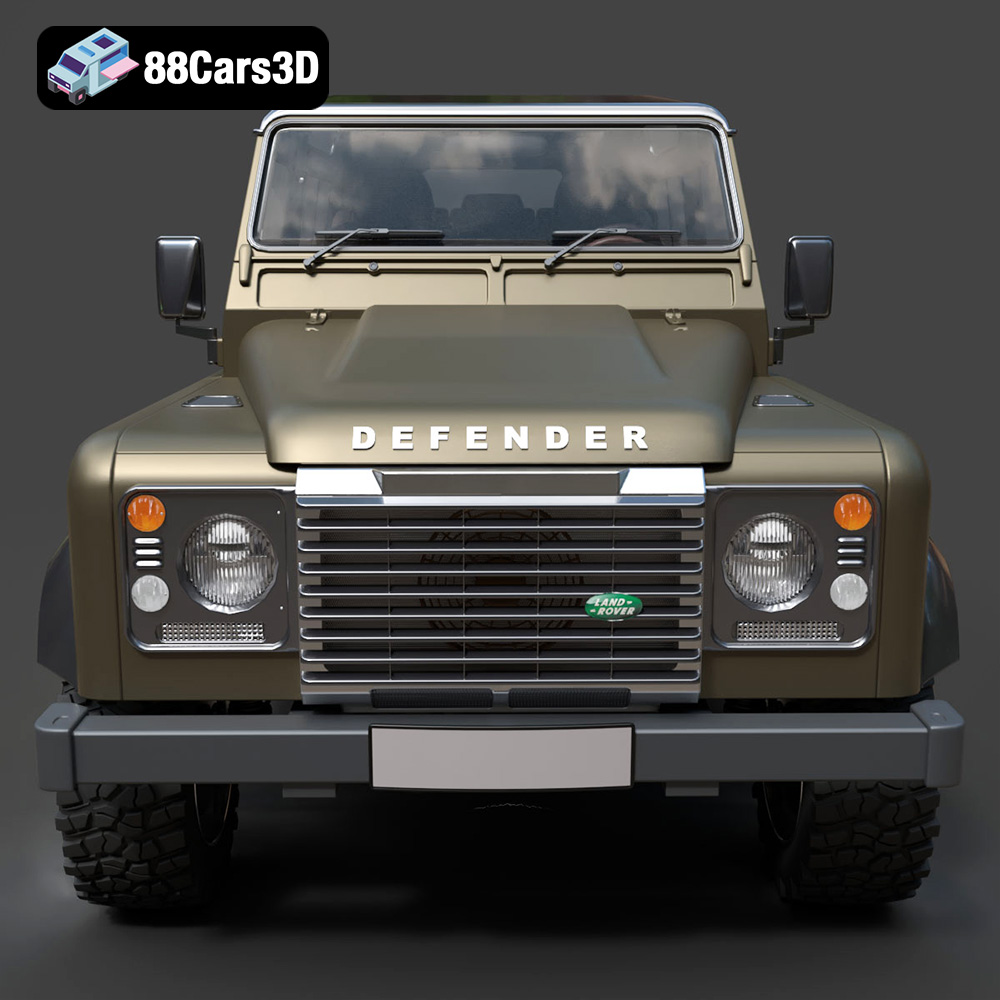
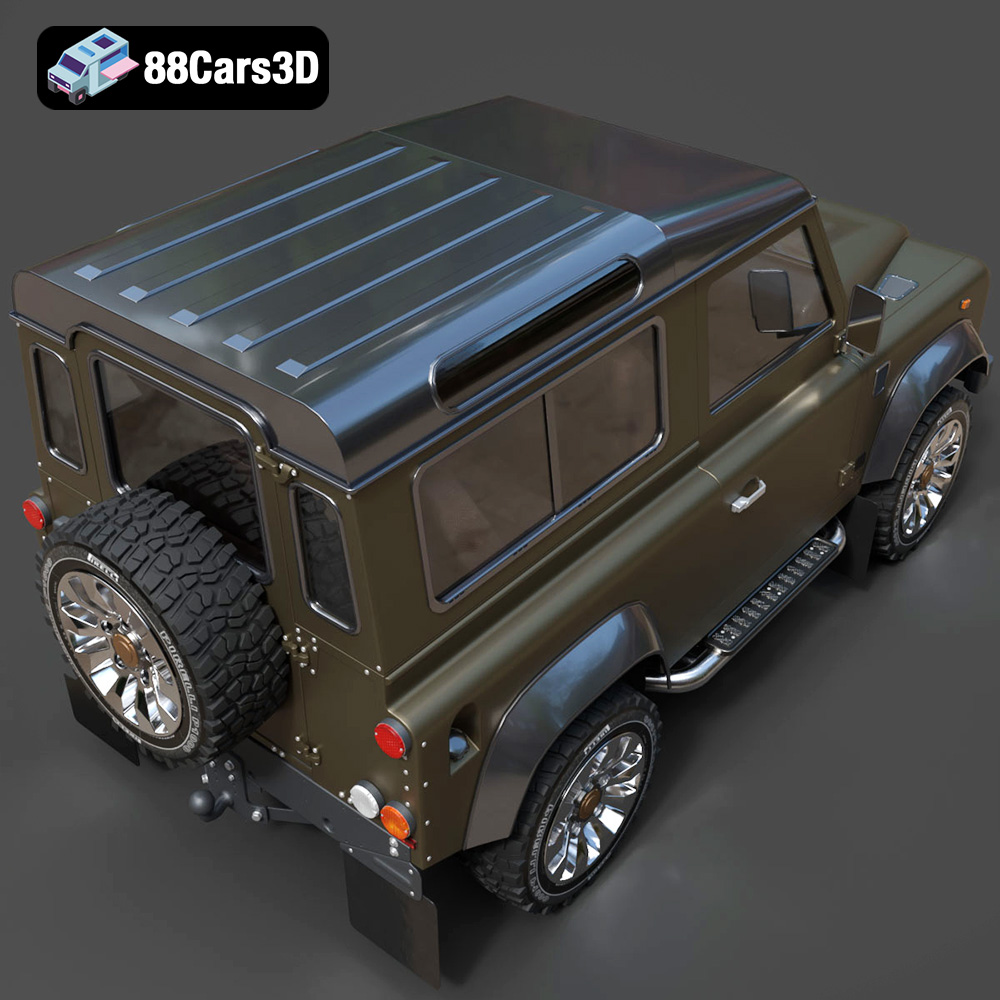
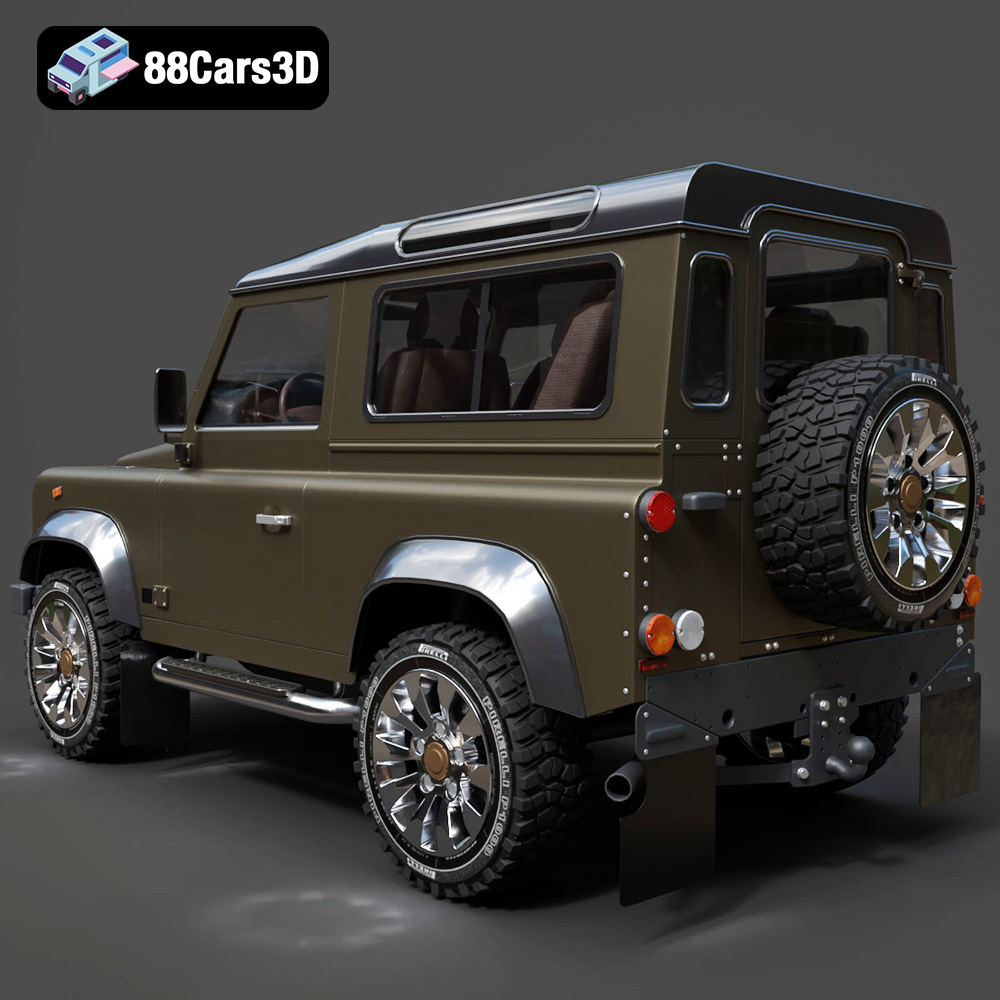
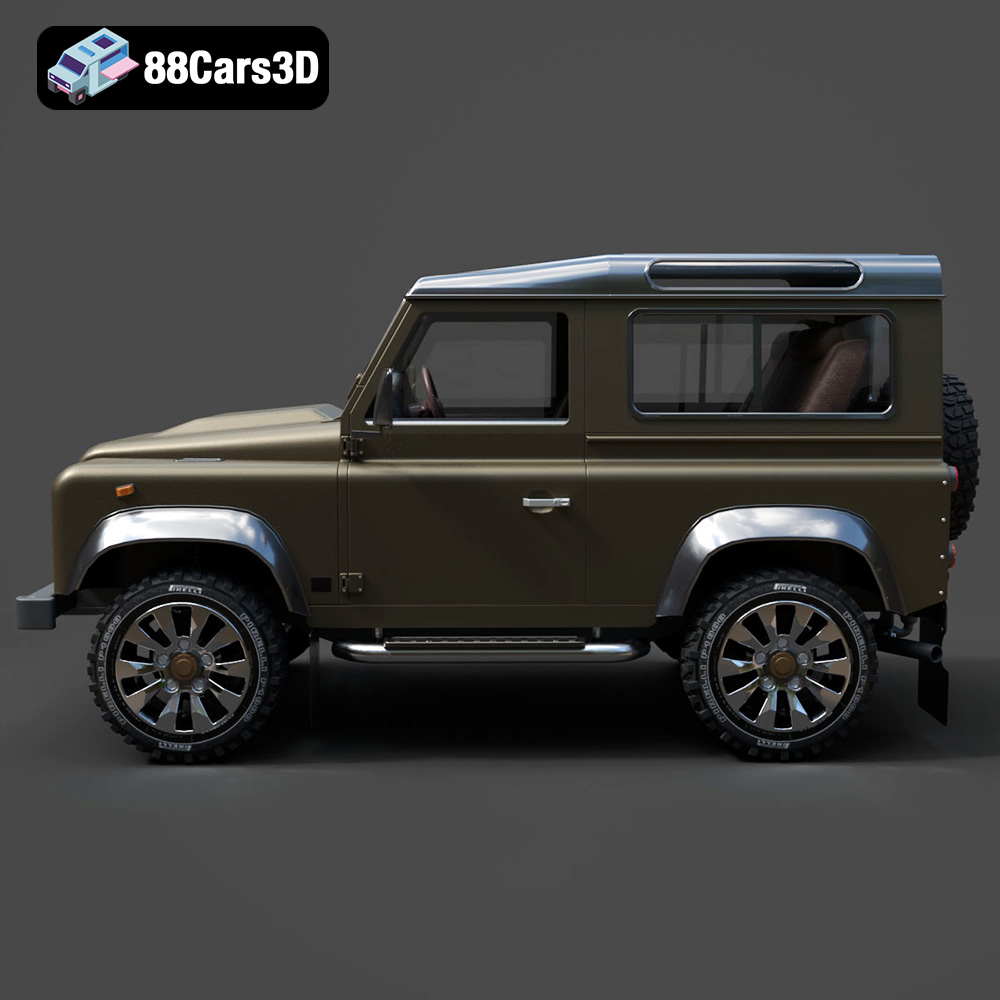
Experience the iconic Land Rover Defender Works V8 in stunning 3D detail. This model is a faithful recreation of the classic vehicle, designed to bring realism and accuracy to your projects. With its clean geometry and realistic materials, it stands as a testament to professional 3D artistry.
$19.99
.arvr
.blend
.car3dmodel
.defender
.defenderworksv8
.fbx
.gameasset
.glb
.landrover
.max
.obj
.ply
.rendering
.simulation
.stl
.unreal
.worksv8
SUV