Get 50% OFF All Premium 3D & STL Models!

“`html
In the dynamic world of 3D printing, file formats are the silent workhorses that translate digital designs into tangible objects. Among the plethora of options, the STL (Stereolithography) file format has maintained its reign as the most widely used and recognized standard. But why, in an era of rapidly evolving technology, does this relatively simple and somewhat dated format continue to dominate the additive manufacturing landscape? This comprehensive guide delves into the intricacies of STL files, exploring their history, technical specifications, strengths, limitations, and the reasons behind their enduring popularity, particularly within contexts like 3D printable car models available on platforms like 88cars3d.com. We’ll explore everything from file preparation to troubleshooting, providing you with the knowledge to effectively utilize STL files for your 3D printing endeavors.
At its core, an STL file is a representation of a 3D object’s surface geometry. It achieves this by dividing the surface into a mesh of interconnected triangles. Each triangle is defined by its three vertices (points in 3D space) and a normal vector (indicating the triangle’s orientation). This simplicity is both a strength and a limitation of the STL format. The format does not store color, texture, material properties, or any other information beyond the surface geometry. The trade-off for this simplicity is widespread compatibility and ease of processing.
The number of triangles in an STL file directly impacts the resolution and accuracy of the 3D model. A higher triangle count results in a smoother, more detailed representation, but also increases the file size and processing time. Conversely, a lower triangle count leads to a coarser, more faceted appearance. Finding the right balance between detail and file size is crucial for efficient 3D printing. When downloading models from marketplaces such as 88cars3d.com, consider the triangle count and its implications for your desired print quality.
STL files can be encoded in two different formats: ASCII and Binary. ASCII STL files are human-readable text files, which makes them easier to inspect and edit manually. However, they are significantly larger than their binary counterparts. Binary STL files store the triangle data in a more compact, machine-readable format, resulting in smaller file sizes and faster processing times. For most 3D printing applications, binary STL is the preferred choice due to its efficiency. Most slicing software automatically handles both formats seamlessly.
Despite its limitations, the STL format continues to be the most popular choice for 3D printing due to several key advantages. Its simplicity translates to broad compatibility across virtually all 3D printers and slicing software. The format has been around for decades, and its well-established ecosystem ensures seamless integration and widespread support. Furthermore, the relatively small file size (especially in binary format) makes it easy to store, share, and process STL files, even for complex models.
The universality of STL files is perhaps its greatest strength. Almost every 3D printer, regardless of the manufacturing technology (FDM, SLA, SLS, etc.) or brand, supports STL files. This widespread compatibility eliminates the need for complex file conversions and ensures that users can readily print models from various sources. This is particularly important in a diverse marketplace like the one for 3D printable car models.
The straightforward nature of STL files makes them relatively easy to understand and manipulate, even for beginners. The simple triangle-based structure allows for efficient processing and slicing, reducing the computational burden on 3D printing software. This ease of use contributes to the format’s accessibility and widespread adoption among hobbyists, makers, and professionals alike. Platforms like 88cars3d.com leverage this ease of use to provide seamless experiences for their users.
While STL boasts numerous advantages, it also has inherent limitations. Its lack of support for color, texture, and material properties can be a drawback in certain applications. More significantly, STL files are prone to errors, such as gaps, overlaps, and self-intersections in the mesh. These errors can lead to printing failures and require mesh repair before printing. Thankfully, a range of software tools and techniques are available to address these issues and optimize STL files for successful 3D printing.
Several dedicated software tools are designed specifically for repairing STL files. Netfabb Basic is a popular free option that automatically detects and fixes common mesh errors. Meshmixer, another free tool from Autodesk, offers a wider range of mesh editing and sculpting capabilities, including advanced repair functions. Other commercial software packages, such as Materialise Magics, provide even more comprehensive mesh repair and optimization features. Using such tools is crucial for ensuring the printability of complex models like those found on 88cars3d.com.
In some cases, automated mesh repair may not be sufficient, and manual editing is required. Software like Blender allows for direct manipulation of the mesh geometry, enabling users to fix complex errors and optimize the model for 3D printing. While manual editing requires more technical expertise, it offers greater control over the final result. For example, you might need to manually add thickness to thin walls or reinforce delicate features to ensure successful printing. When modeling your own designs, always ensure proper wall thickness (at least 0.8mm for FDM printing) to avoid such manual interventions.
Once the STL file is prepared, the next crucial step is slicing. Slicing software converts the 3D model into a set of instructions that the 3D printer can understand. This involves dividing the model into thin horizontal layers and generating a toolpath for the printer’s nozzle or laser. The slicing parameters, such as layer height, infill density, print speed, and temperature, significantly impact the print quality, strength, and printing time. Choosing the right settings is essential for achieving optimal results.
Layer height is one of the most critical slicing parameters. A smaller layer height results in smoother surfaces and finer details, but it also increases the printing time. Conversely, a larger layer height reduces the printing time but sacrifices surface quality. The ideal layer height depends on the specific model and the desired level of detail. For detailed models, such as 1:24 scale car models, a layer height of 0.1mm to 0.15mm is recommended. For larger, less detailed models, a layer height of 0.2mm to 0.3mm may be sufficient. Remember that lower layer heights require more support material, which might increase post-processing time.
Infill refers to the internal structure of the 3D printed object. The infill density determines the amount of material used inside the model, while the infill pattern affects its strength and weight. A higher infill density results in a stronger, heavier model, while a lower infill density reduces material usage and printing time. Common infill patterns include rectilinear, grid, honeycomb, and gyroid. For functional parts that require high strength, a higher infill density (e.g., 50-75%) and a robust infill pattern (e.g., rectilinear or grid) are recommended. For purely aesthetic models, a lower infill density (e.g., 15-25%) and a lightweight infill pattern (e.g., honeycomb) may be sufficient. Gyroid infill offers an excellent balance of strength and weight reduction.
The choice of material is another critical factor influencing the success of 3D printing. Different materials have different properties, such as strength, flexibility, heat resistance, and chemical resistance. The most common materials for FDM printing are PLA (Polylactic Acid) and PETG (Polyethylene Terephthalate Glycol). PLA is a biodegradable thermoplastic that is easy to print and offers good surface quality. PETG is a more durable and heat-resistant material that is suitable for functional parts. For resin printing, a variety of resins are available, each with its own unique properties. Standard resin is suitable for general-purpose printing, while tough resin is designed for parts that require high impact resistance. Flexible resin is ideal for printing flexible or rubber-like parts.
PLA is often the go-to choice for beginners due to its ease of use and relatively low printing temperature (around 200-220°C). It’s great for prototyping and decorative objects. PETG, with its higher strength and temperature resistance (around 230-250°C), is a good choice for parts that need to withstand more stress. ABS (Acrylonitrile Butadiene Styrene) requires higher printing temperatures (around 230-260°C) and a heated bed to prevent warping, but it offers excellent strength and durability. Consider the intended use of your 3D printed car model when selecting the filament. For static display, PLA might suffice. For models that will be handled frequently, PETG or ABS might be better choices.
Resin printing, using technologies like SLA (Stereolithography) and DLP (Digital Light Processing), offers significantly higher resolution and finer details compared to FDM printing. This makes it ideal for printing intricate models with smooth surfaces. However, resin printing typically involves more post-processing, including washing and curing the printed parts. When printing with resin, always wear gloves and eye protection, and work in a well-ventilated area. Experiment with different resin types to find the best balance of properties for your specific application.
Support structures are temporary structures that are printed to support overhanging features and complex geometries during the 3D printing process. Without support structures, these features would collapse or warp due to gravity. Support structures can be generated automatically by the slicing software, and they are typically removed after printing. The type and placement of support structures can significantly impact the print quality and the ease of post-processing. Optimizing support structures is crucial for achieving successful prints, especially for intricate models with overhangs and complex geometries.
Most slicing software offers automatic support generation, which automatically places support structures where they are needed. However, automatic support generation may not always be optimal, and manual adjustments may be necessary. Manual support placement allows for greater control over the support structures, enabling users to minimize material usage, reduce printing time, and improve surface quality. Experiment with different support settings, such as support density, support angle, and support interface layers, to find the optimal configuration for your specific model.
Removing support structures can be a challenging and time-consuming process. The goal is to remove the supports without damaging the printed part. Several techniques can be used for support removal, including using pliers, knives, or specialized support removal tools. For soluble support materials, such as PVA (Polyvinyl Alcohol) for FDM printing and certain resins for SLA printing, the supports can be dissolved in water or other solvents. When removing supports, work carefully and patiently to avoid damaging the printed part. For delicate features, consider using a heat gun or hairdryer to soften the supports before removal.
The STL file format, despite its age and limitations, remains the undisputed king of 3D printing. Its enduring popularity stems from its simplicity, widespread compatibility, and ease of use. While newer file formats, such as AMF and 3MF, offer advanced features like color, texture, and material information, STL’s established ecosystem and universal support continue to make it the preferred choice for most 3D printing applications. However, understanding STL’s limitations and employing appropriate mesh repair and optimization techniques are crucial for achieving successful prints. As 3D printing technology evolves, the future of STL remains uncertain, but its legacy as the foundational file format for additive manufacturing is undeniable. By mastering the techniques outlined in this guide, you can effectively leverage STL files to create stunning 3D printed objects, whether you’re printing intricate car models from 88cars3d.com or bringing your own designs to life.
Next Steps:
“`
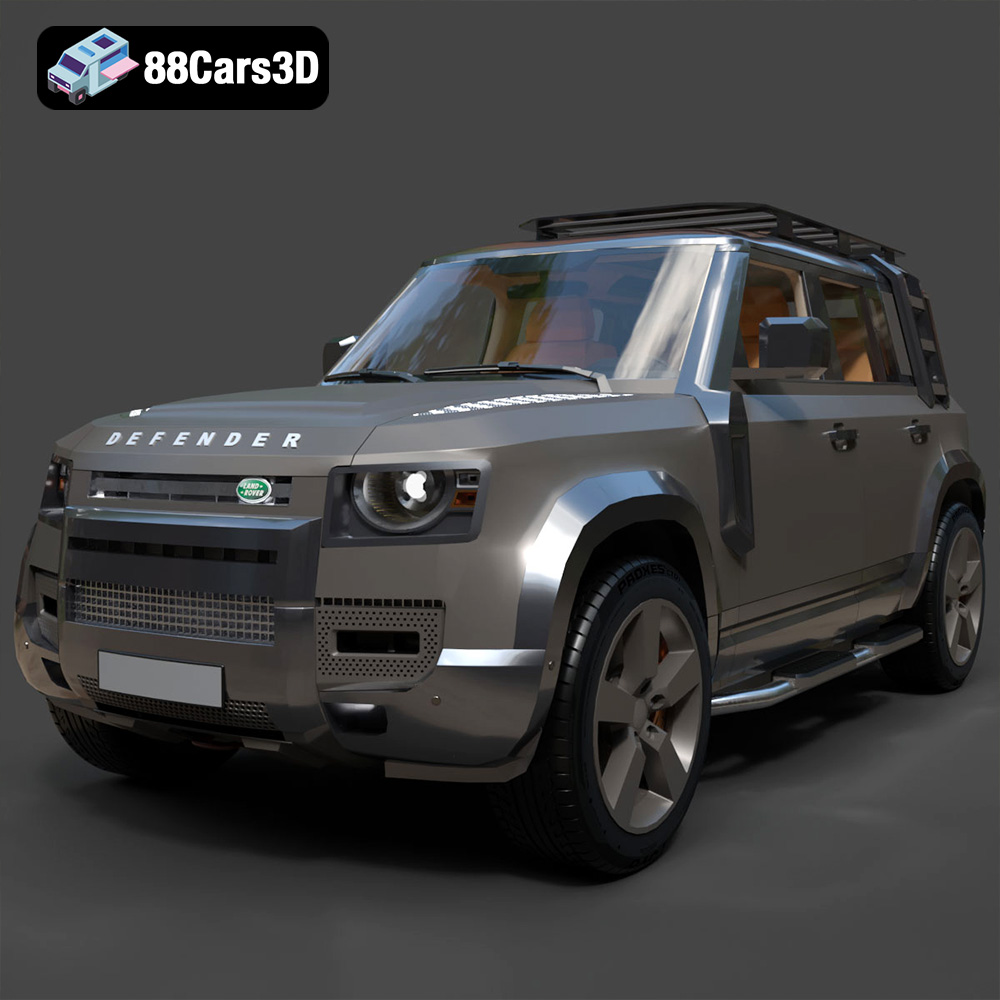
Texture: Yes
Material: Yes
Download the Land Rover Defender EXPLORER PACK-001 3D Model featuring clean geometry, realistic detailing, and a fully modeled interior. Includes .blend, .fbx, .obj, .glb, .stl, .ply, .unreal, and .max formats for rendering, simulation, and game development.
Price: $19.99
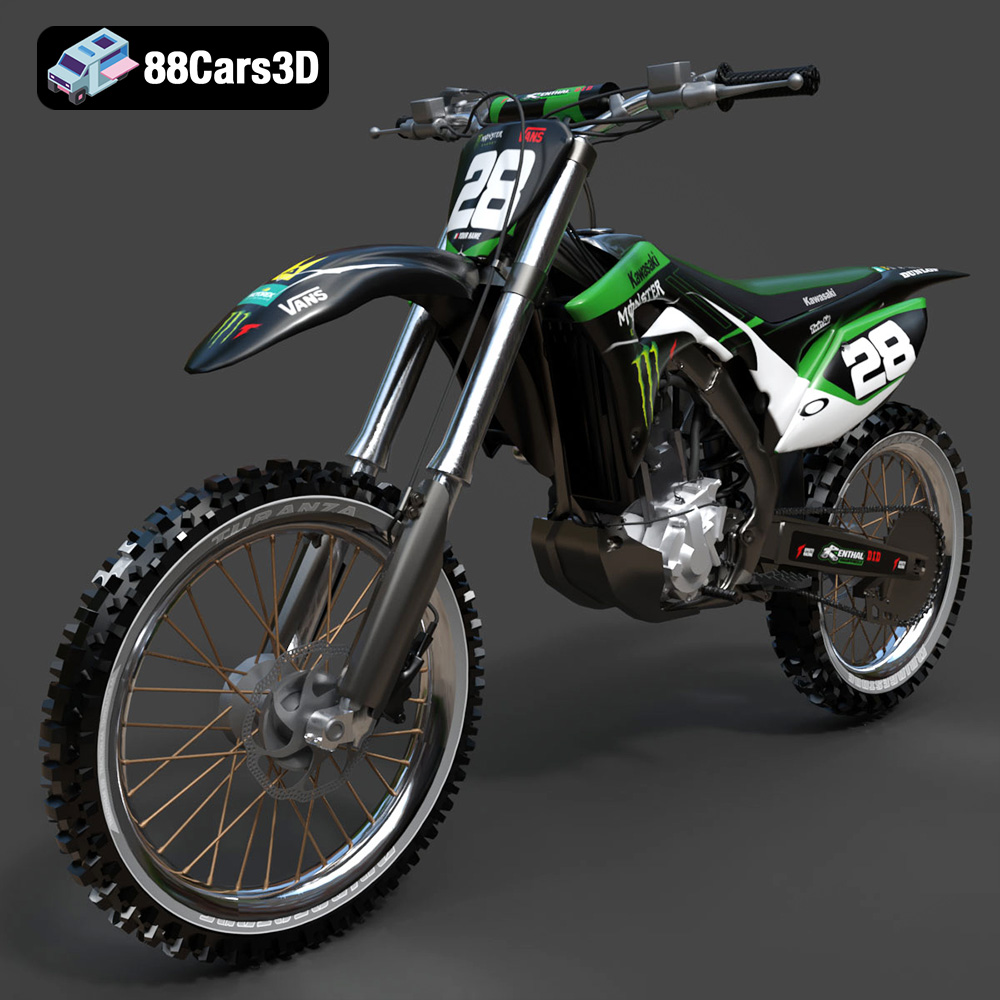
Texture: Yes
Material: Yes
Download the Kawasaki Motorcycle-001 3D Model featuring clean geometry, realistic detailing, and a fully modeled interior. Includes .blend, .fbx, .obj, .glb, .stl, .ply, .unreal, and .max formats for rendering, simulation, and game development.
Price: $19.99
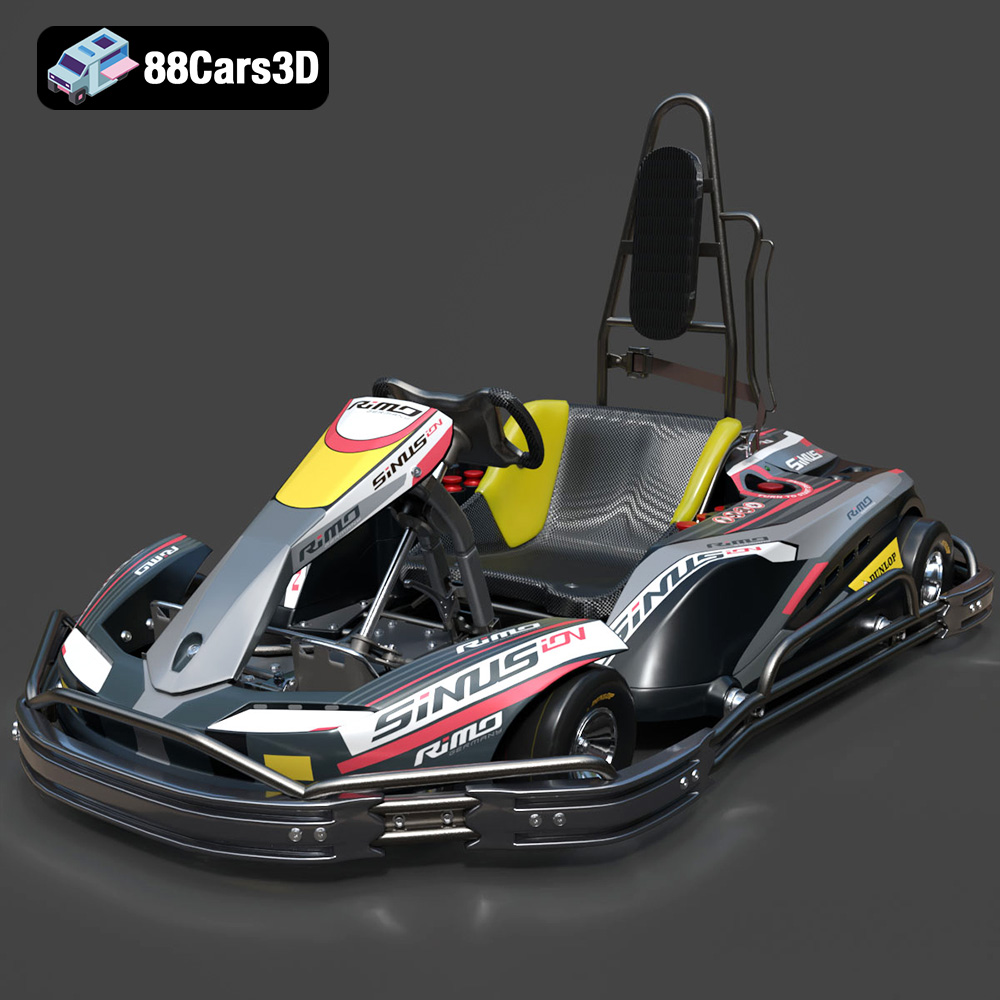
Texture: Yes
Material: Yes
Download the RiMO SiNUS iON-001 Kart 3D Model featuring clean geometry, realistic detailing, and a fully modeled interior. Includes .blend, .fbx, .obj, .glb, .stl, .ply, .unreal, and .max formats for rendering, simulation, and game development.
Price: $19.99

Texture: Yes
Material: Yes
Download the JCB Excavator-001 3D Model featuring clean geometry, realistic detailing, and a fully modeled interior. Includes .blend, .fbx, .obj, .glb, .stl, .ply, .unreal, and .max formats for rendering, simulation, and game development.
Price: $19.99

Texture: Yes
Material: Yes
Download the Hyundai Santa Fe 2021 3D Model featuring clean geometry, realistic detailing, and a fully modeled interior. Includes .blend, .fbx, .obj, .glb, .stl, .ply, .unreal, and .max formats for rendering, simulation, and game development.
Price: $19.99
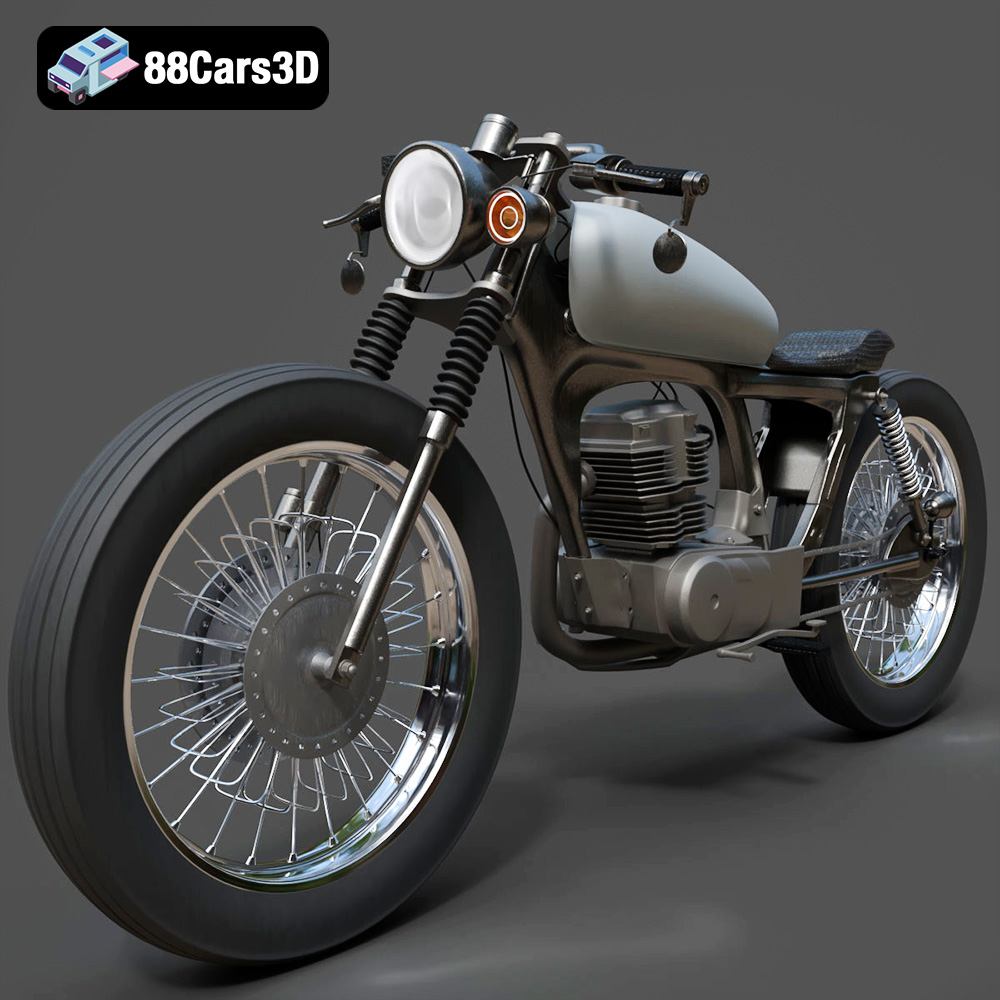
Texture: Yes
Material: Yes
Download the Honda CG125 Motorcycle 3D Model featuring clean geometry, realistic detailing, and a fully modeled interior. Includes .blend, .fbx, .obj, .glb, .stl, .ply, .unreal, and .max formats for rendering, simulation, and game development.
Price: $19.99
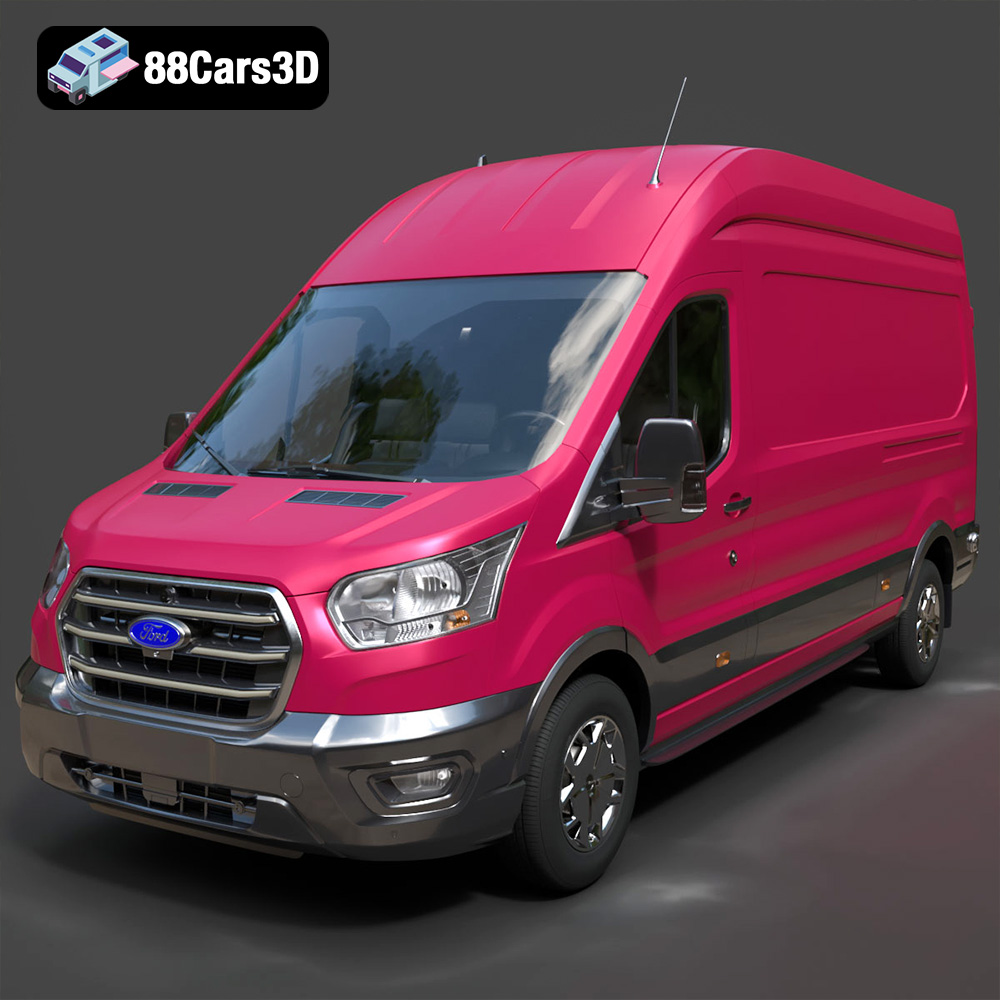
Texture: Yes
Material: Yes
Download the Ford Transit Van L3H3 Trend 2021 3D Model featuring clean geometry, realistic detailing, and a fully modeled interior. Includes .blend, .fbx, .obj, .glb, .stl, .ply, .unreal, and .max formats for rendering, simulation, and game development.
Price: $19.99

Texture: Yes
Material: Yes
Download the Ferrari SF90 Stradale 3D Model featuring clean geometry, realistic detailing, and a fully modeled interior. Includes .blend, .fbx, .obj, .glb, .stl, .ply, .unreal, and .max formats for rendering, simulation, and game development.
Price: $19.99

Texture: Yes
Material: Yes
Download the Harley Davidson F 1946 3D Model featuring clean geometry, realistic detailing, and a fully modeled interior. Includes .blend, .fbx, .obj, .glb, .stl, .ply, .unreal, and .max formats for rendering, simulation, and game development.
Price: $19.99

Texture: Yes
Material: Yes
Download the Land Rover Defender Works V8 3D Model featuring clean geometry, realistic detailing, and a fully modeled interior. Includes .blend, .fbx, .obj, .glb, .stl, .ply, .unreal, and .max formats for rendering, simulation, and game development.
Price: $19.99

