Get 50% OFF All Premium 3D & STL Models!

“`html
The allure of 3D printing lies in its ability to transform digital designs into tangible objects. For automotive enthusiasts and model makers, this translates to the exciting possibility of creating incredibly detailed car interiors. However, achieving truly impressive results requires a deep understanding of STL files, 3D printer settings, and various slicing techniques. This comprehensive guide will walk you through the intricacies of 3D printing detailed car interiors, from preparing your STL files to post-processing your final print. Whether you’re aiming to build a realistic scale model or prototype a novel interior design, mastering these techniques will elevate your 3D printing projects to the next level. We’ll explore file optimization, printer configurations, support strategies, and even delve into post-processing methods that will bring your miniature car interiors to life.
The STL (Stereolithography) file format is the bedrock of 3D printing. It represents the surface geometry of a 3D object using a collection of triangles. For detailed car interiors, a well-structured STL file is crucial. A higher triangle count translates to finer details, but also a larger file size and potentially longer printing times. Striking a balance between detail and efficiency is key.
The mesh topology refers to the arrangement and connectivity of triangles in the STL file. Overlapping or intersecting triangles (non-manifold geometry) can cause printing errors. Ideally, the mesh should be watertight (fully enclosed) and free of self-intersections. The triangle count directly impacts the resolution of curved surfaces. For a dashboard, for example, the curves around the instrument panel require a high triangle density to appear smooth rather than faceted. A model with many sharp corners, such as those found in seats, may require less mesh density. When downloading models from marketplaces such as 88cars3d.com, you can trust that the topology and triangle count will be optimized for 3D printing.
Large STL files can strain your 3D printer’s memory and slow down the slicing process. Techniques like mesh decimation (reducing the number of triangles while preserving the overall shape) can help optimize file size. Software like MeshLab, Blender, and Netfabb offer powerful decimation tools. Experiment with different decimation ratios to find the optimal balance between detail and file size. For example, you could reduce the triangle count of the floor pan, which is a relatively simple geometry, without sacrificing print quality. Prioritize detail in areas like the steering wheel and center console.
The slicing process converts the STL file into a series of instructions (G-code) that your 3D printer can understand. Key slicing parameters include layer height, infill density, print speed, and temperature. Adjusting these settings is crucial for achieving the desired level of detail and structural integrity in your car interior prints.
Layer height determines the vertical resolution of your print. Lower layer heights (e.g., 0.1mm or 0.05mm) produce finer details but increase print time. For intricate interior components like air vents or intricate button details, a smaller layer height is generally recommended. For larger, less detailed parts like the door panels, you might be able to use a slightly larger layer height (e.g., 0.15mm) to save time. Consider using adaptive layer height settings in your slicer software. This dynamically adjusts the layer height based on the geometry, allowing you to prioritize detail in complex areas while maintaining efficiency in simpler regions.
Infill density controls the internal structure of the print. A higher infill density provides greater strength but also increases print time and material consumption. For car interiors, which are typically not subjected to significant stress, a relatively low infill density (e.g., 10-20%) is often sufficient. Experiment with different infill patterns, such as rectilinear, honeycomb, or gyroid. Gyroid infill, while more complex, often provides a good balance of strength and weight. Concentric infill is also good to use in these low-stress applications.
Support structures are temporary scaffolding that supports overhanging features during printing. Car interiors often have complex geometries with significant overhangs, necessitating the use of well-designed support structures. Generating and removing these supports without damaging the delicate interior details requires careful planning and execution.
Slicer software like Cura and PrusaSlicer offer various support generation options. Tree supports, which branch out from the build plate, are often a good choice for intricate models as they minimize contact with the printed part. Adjust the support density and overhang angle to optimize support strength and ease of removal. Manual support placement allows for more precise control, letting you add supports only where they are absolutely needed. Consider using soluble support material for FDM printers, which dissolves in water, eliminating the risk of damage during removal. For example, PVA can be used as a support structure in conjunction with PLA.
Careful support removal is crucial to avoid damaging the delicate interior details. Use specialized tools like small pliers, hobby knives, and sandpaper to gently remove supports. Heat can also soften the supports, making them easier to remove. A heat gun or even a hairdryer can be used sparingly. For resin prints, soaking the model in warm water can help soften the supports. Take your time and work methodically to ensure a clean and professional finish. Always wear safety glasses when removing supports to protect your eyes from flying debris.
The choice of material and proper printer calibration are fundamental to achieving high-quality 3D prints. Different materials offer varying levels of detail, strength, and aesthetic appeal. A well-calibrated printer ensures accurate and consistent prints, minimizing the risk of warping, layer adhesion issues, and other printing defects.
PLA (Polylactic Acid) is a popular choice for beginners due to its ease of printing and relatively low cost. It’s suitable for decorative car interior parts that don’t require high strength or heat resistance. PETG (Polyethylene Terephthalate Glycol) offers improved strength and heat resistance compared to PLA, making it a good option for parts that might be exposed to higher temperatures inside a car. Resin printing, using materials like ABS-like resin, excels at producing incredibly detailed parts with smooth surfaces. This is ideal for intricate interior components like dashboards and steering wheels. However, resin prints often require post-processing, such as washing and curing, and are more brittle than FDM prints.
Proper printer calibration is essential for accurate prints. This includes leveling the build plate, calibrating the extruder, and adjusting the print temperature. Regular maintenance, such as cleaning the nozzle and lubricating moving parts, will help ensure consistent print quality. A well-tuned printer will minimize warping, layer adhesion issues, and other common printing defects. Regularly check the tension of your belts and the tightness of screws. These will ensure proper printing.
Post-processing techniques can significantly enhance the appearance and feel of your 3D-printed car interiors. Sanding, painting, and assembly are common methods used to achieve a polished and professional finish. These techniques are what take your interior prints from looking like plastic toys to miniature works of art.
Sanding removes layer lines and imperfections from the surface of the print, creating a smooth and even finish. Start with coarse-grit sandpaper (e.g., 220 grit) to remove larger imperfections and gradually move to finer grits (e.g., 400, 600, 800 grit) for a smooth, polished surface. Wet sanding can help reduce dust and improve the sanding process. For hard-to-reach areas, use small sanding tools or flexible sanding sponges. Consider using a filler primer to fill in any remaining imperfections before painting. Platforms like 88cars3d.com offer print-ready STL files that require less post-processing.
Painting adds color and realism to your car interior prints. Use acrylic paints designed for plastic models. Apply thin, even coats of paint, allowing each coat to dry completely before applying the next. Masking tape can be used to create clean lines and define different areas. Consider using weathering techniques, such as dry brushing or washes, to add depth and realism to the interior. For example, dry brushing with a light grey paint can highlight edges and simulate wear and tear. Detailing with fine-tipped brushes can bring out the smallest features, such as buttons and switches.
Even with careful planning and execution, 3D printing can sometimes present challenges. Understanding common printing issues and their solutions is crucial for achieving consistent and reliable results. From warping and layer adhesion problems to stringing and over-extrusion, troubleshooting is a critical skill for any 3D printing enthusiast.
Warping occurs when the corners of the print lift off the build plate during printing. This is often caused by poor bed adhesion or temperature fluctuations. Ensure that the build plate is clean and level. Use a heated bed and apply an adhesive, such as glue stick or painter’s tape, to improve bed adhesion. Enclosing the printer can help maintain a consistent temperature and prevent warping. If you are using ABS, warping is especially prevalent so a heated bed is required.
Stringing refers to thin strands of plastic that form between different parts of the print. This is often caused by excessive retraction distance or temperature. Reduce the print temperature and increase the retraction distance in your slicer settings. Over-extrusion occurs when the printer extrudes too much plastic, leading to blobs and imperfections on the surface of the print. Calibrate the extruder and reduce the flow rate in your slicer settings. Proper calibration will minimize material waste and produce better quality prints.
3D printing detailed car interiors is a rewarding but challenging endeavor. By understanding STL file structure, optimizing printer settings, mastering support generation and removal, and employing effective post-processing techniques, you can create stunning miniature replicas and prototypes. Remember to choose the right materials, calibrate your printer meticulously, and troubleshoot common printing issues to achieve consistent and reliable results. Explore resources like 88cars3d.com for high-quality STL files and inspiration for your next 3D printing project. With practice and patience, you can transform your digital designs into tangible works of art, bringing your passion for automotive design to life.
“`
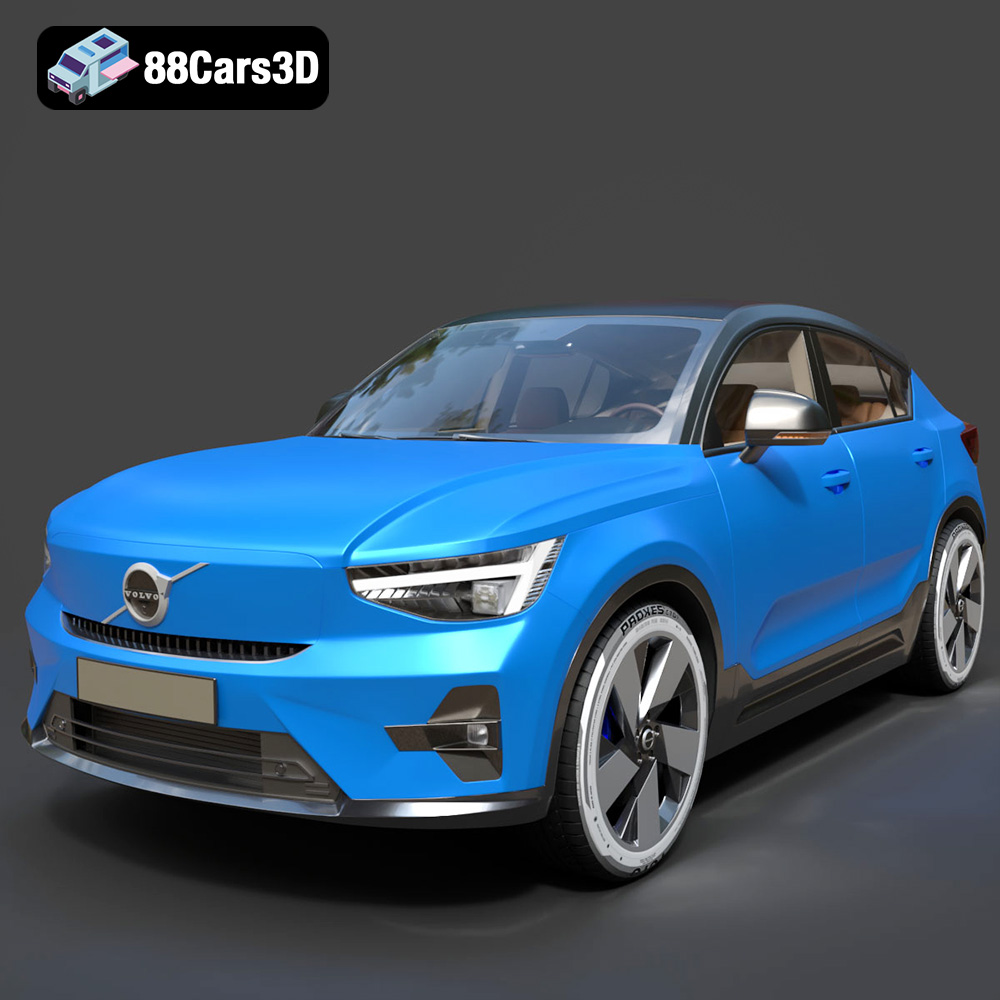
Texture: Yes
Material: Yes
Download the Volvo C40 Recharge 3D Model featuring clean geometry, realistic detailing, and a fully modeled interior. Includes .blend, .fbx, .obj, .glb, .stl, .ply, .unreal, and .max formats for rendering, simulation, and game development.
Price: $19.99
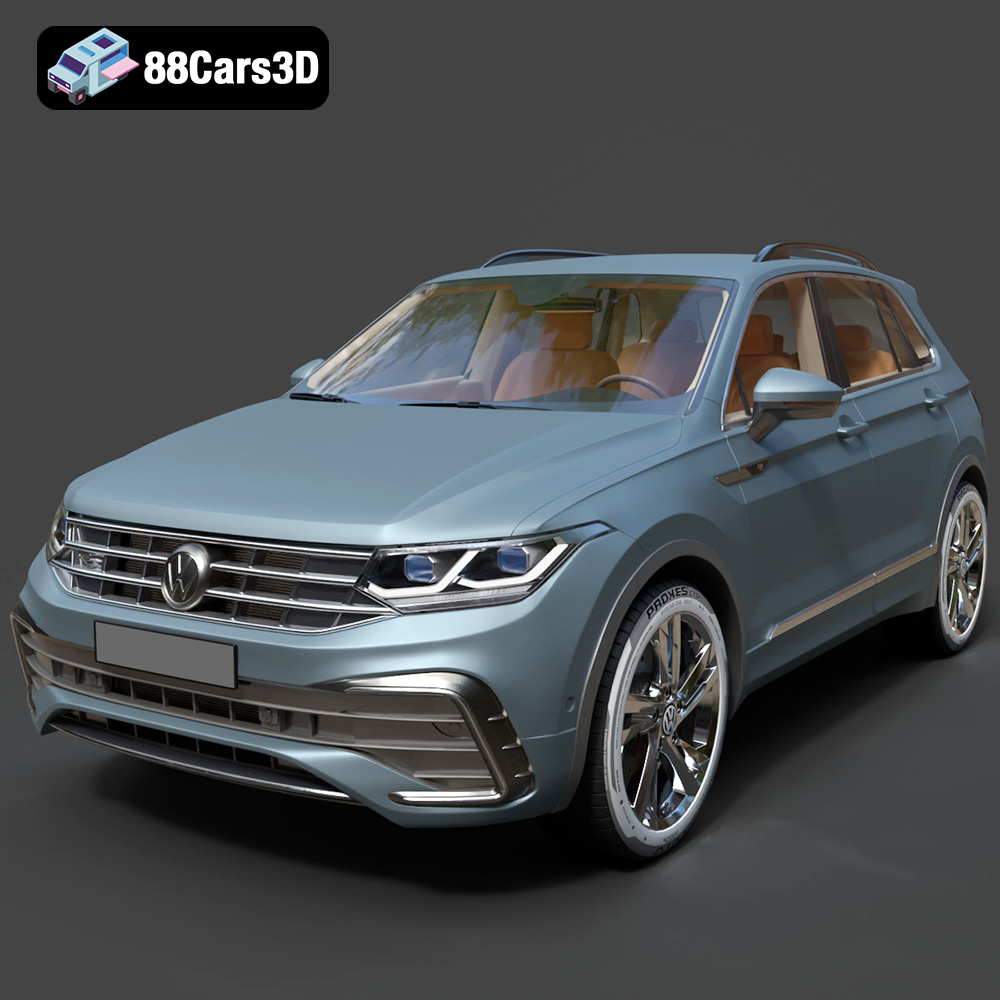
Texture: Yes
Material: Yes
Download the Volkswagen Tiguan 2021 3D Model featuring clean geometry, realistic detailing, and a fully modeled interior. Includes .blend, .fbx, .obj, .glb, .stl, .ply, .unreal, and .max formats for rendering, simulation, and game development.
Price: $19.99
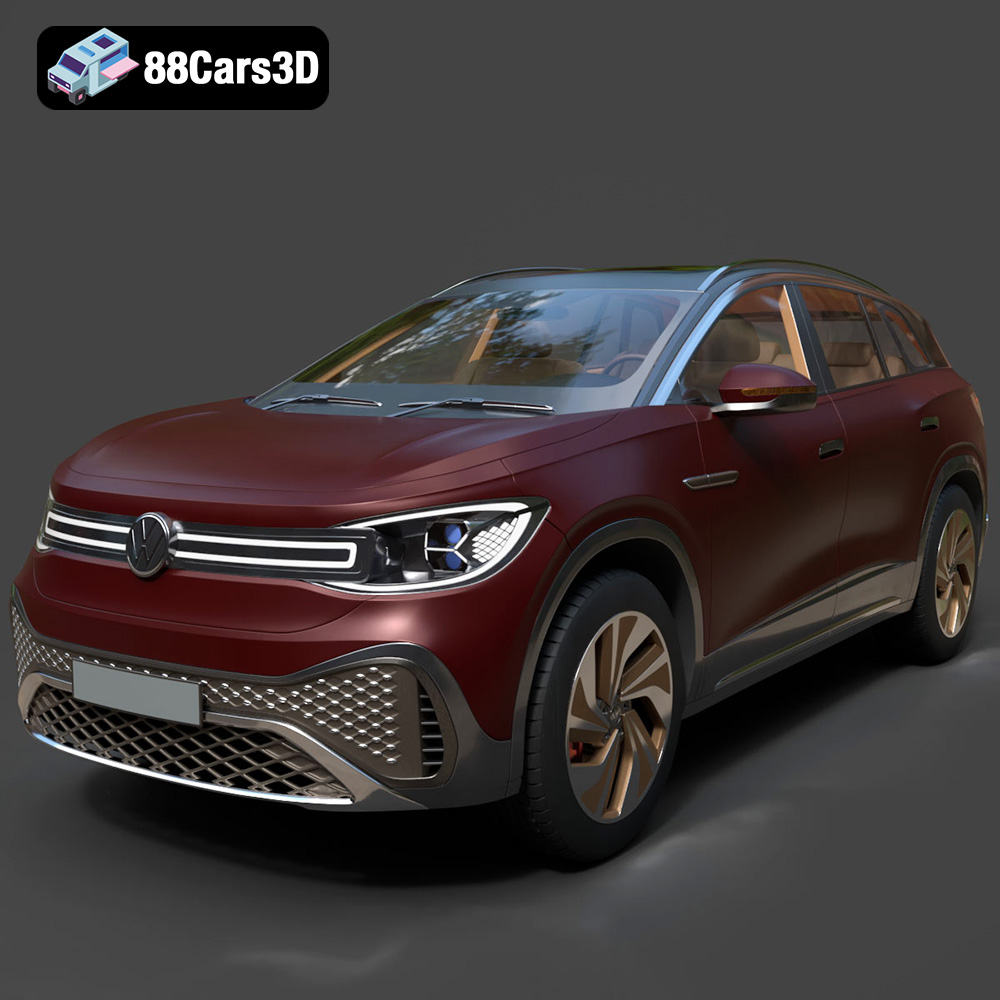
Texture: Yes
Material: Yes
Download the Volkswagen ID6 CROZZ 2022 3D Model featuring clean geometry, realistic detailing, and a fully modeled interior. Includes .blend, .fbx, .obj, .glb, .stl, .ply, .unreal, and .max formats for rendering, simulation, and game development.
Price: $19.99

Texture: Yes
Material: Yes
Download the Volkswagen ID4 2021 3D Model featuring clean geometry, realistic detailing, and a fully modeled interior. Includes .blend, .fbx, .obj, .glb, .stl, .ply, .unreal, and .max formats for rendering, simulation, and game development.
Price: $19.99
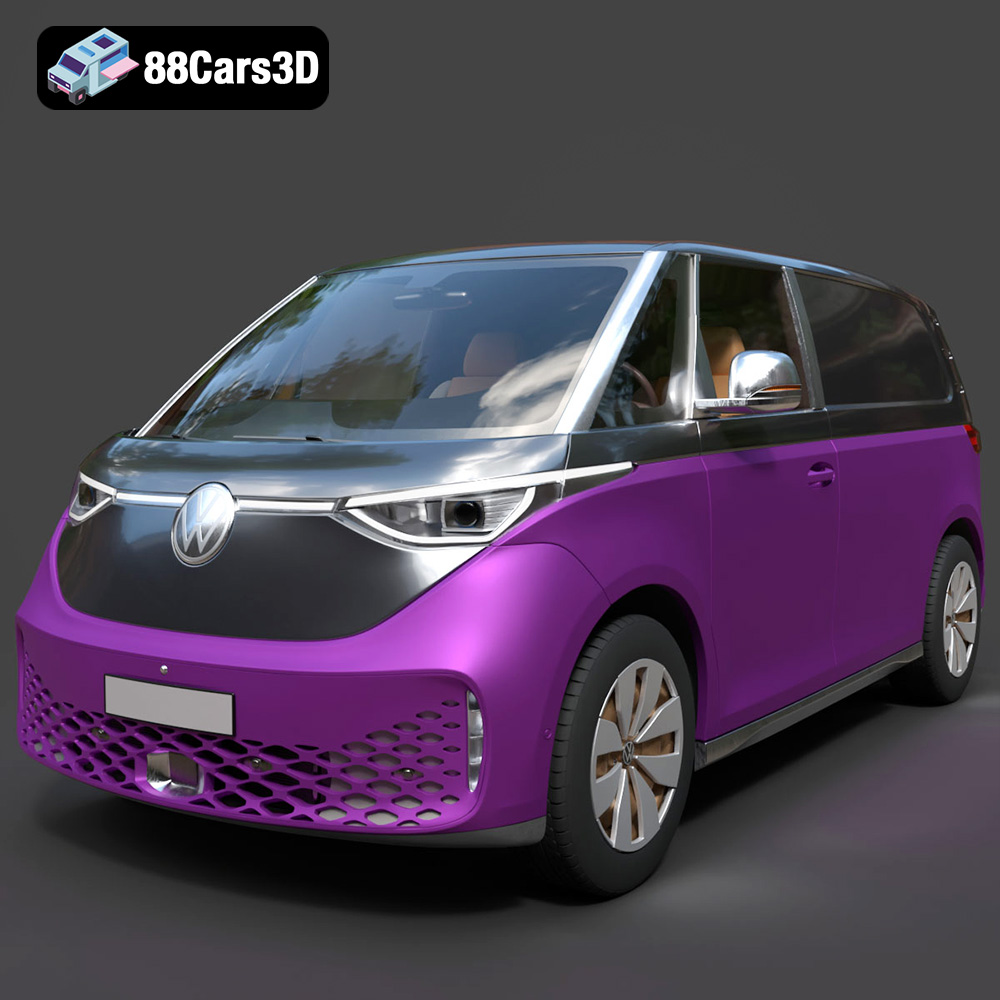
Texture: Yes
Material: Yes
Download the Volkswagen ID. Buzz Cargo 2023 3D Model featuring clean geometry, realistic detailing, and a fully modeled interior. Includes .blend, .fbx, .obj, .glb, .stl, .ply, .unreal, and .max formats for rendering, simulation, and game development.
Price: $19.99
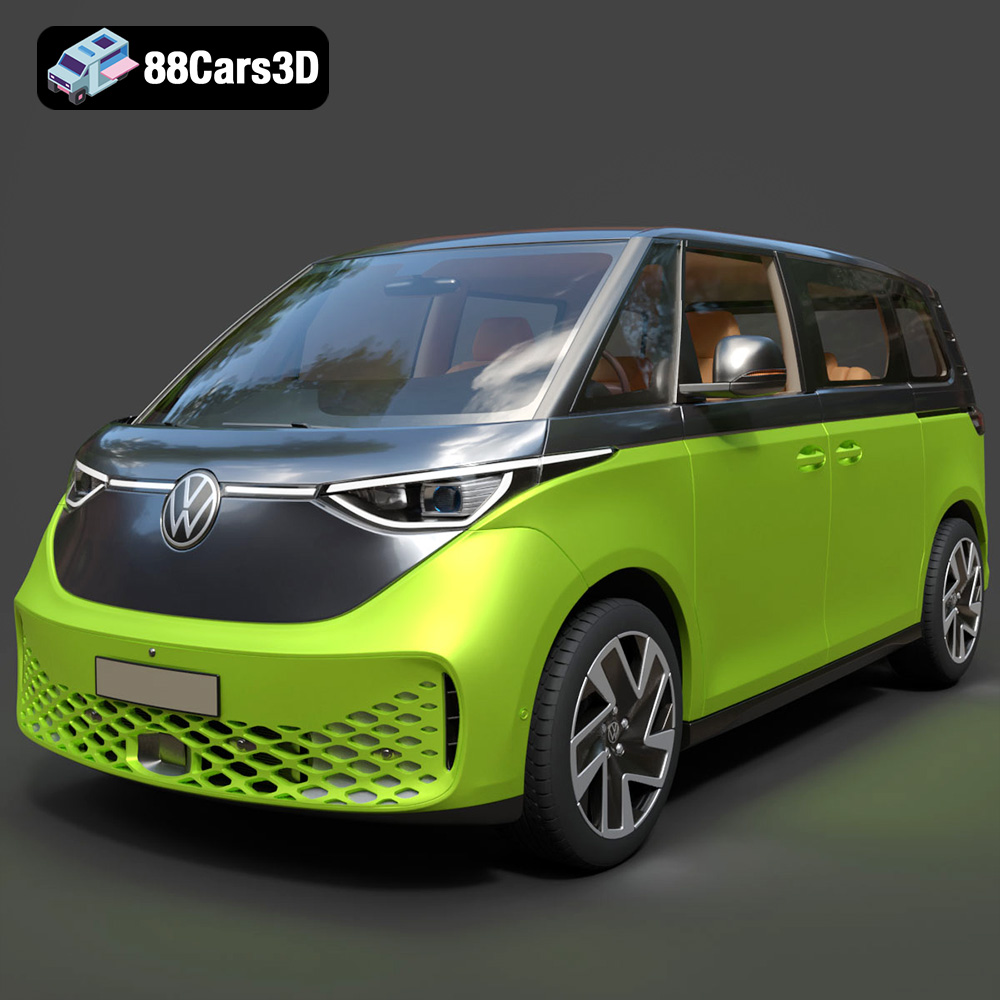
Texture: Yes
Material: Yes
Download the Volkswagen ID. Buzz 2023 3D Model featuring clean geometry, realistic detailing, and a fully modeled interior. Includes .blend, .fbx, .obj, .glb, .stl, .ply, .unreal, and .max formats for rendering, simulation, and game development.
Price: $19.99
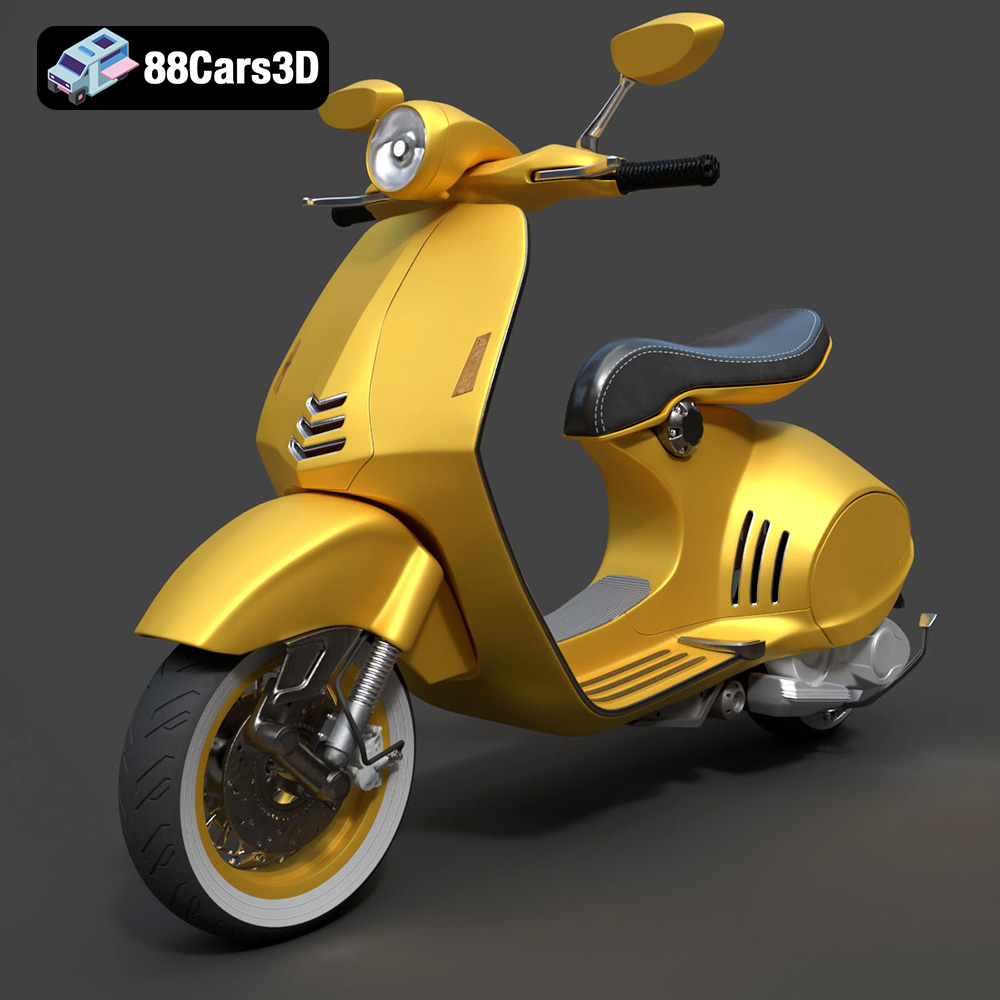
Texture: Yes
Material: Yes
Download the Vespa 946 3D Model featuring clean geometry, realistic detailing, and a fully modeled interior. Includes .blend, .fbx, .obj, .glb, .stl, .ply, .unreal, and .max formats for rendering, simulation, and game development.
Price: $19.99

Texture: Yes
Material: Yes
Download the Toyota Yaris Cross 3D Model featuring clean geometry, realistic detailing, and a fully modeled interior. Includes .blend, .fbx, .obj, .glb, .stl, .ply, .unreal, and .max formats for rendering, simulation, and game development.
Price: $19.99

Texture: Yes
Material: Yes
Download the Volkswagen Amarok 2019 3D Model featuring clean geometry, realistic detailing, and a fully modeled interior. Includes .blend, .fbx, .obj, .glb, .stl, .ply, .unreal, and .max formats for rendering, simulation, and game development.
Price: $19.99

Texture: Yes
Material: Yes
Download the Tesla Model S Plaid 2023 3D Model featuring clean geometry, realistic detailing, and a fully modeled interior. Includes .blend, .fbx, .obj, .glb, .stl, .ply, .unreal, and .max formats for rendering, simulation, and game development.
Price: $19.99

