Get 50% OFF All Premium 3D & STL Models!

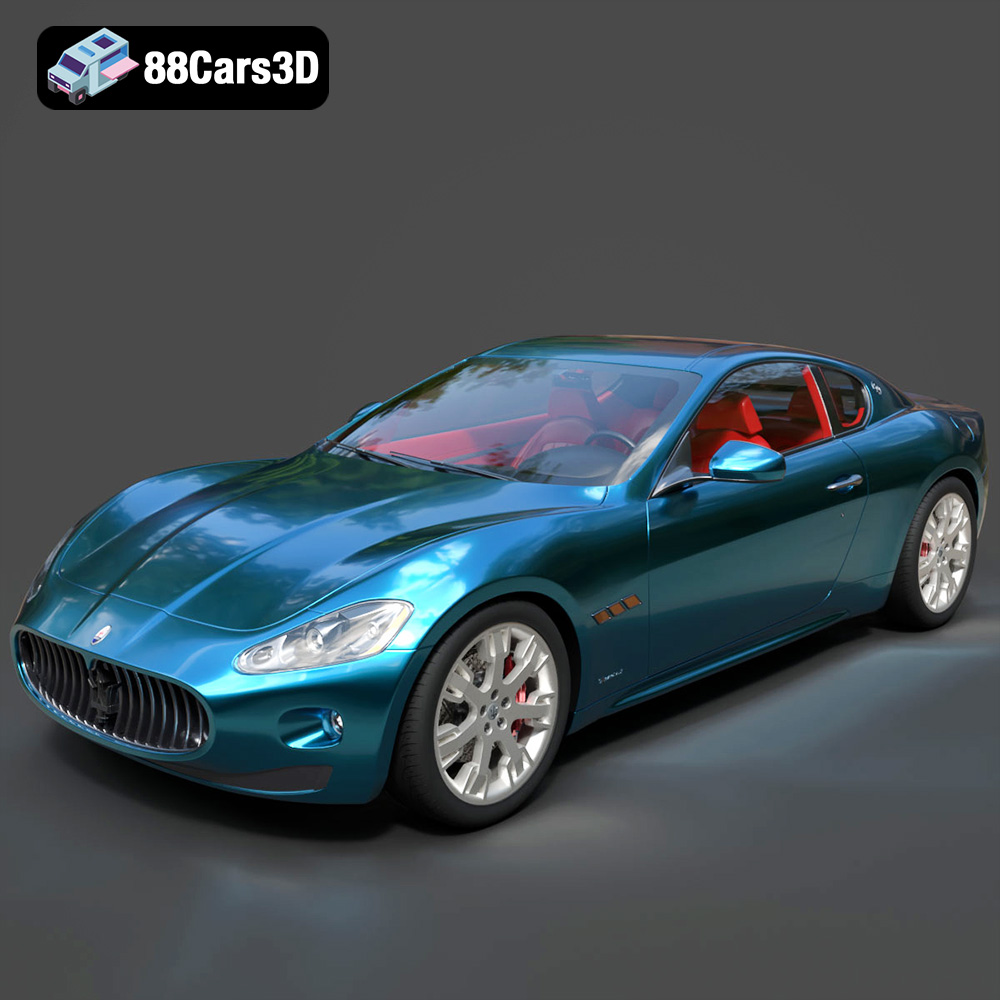
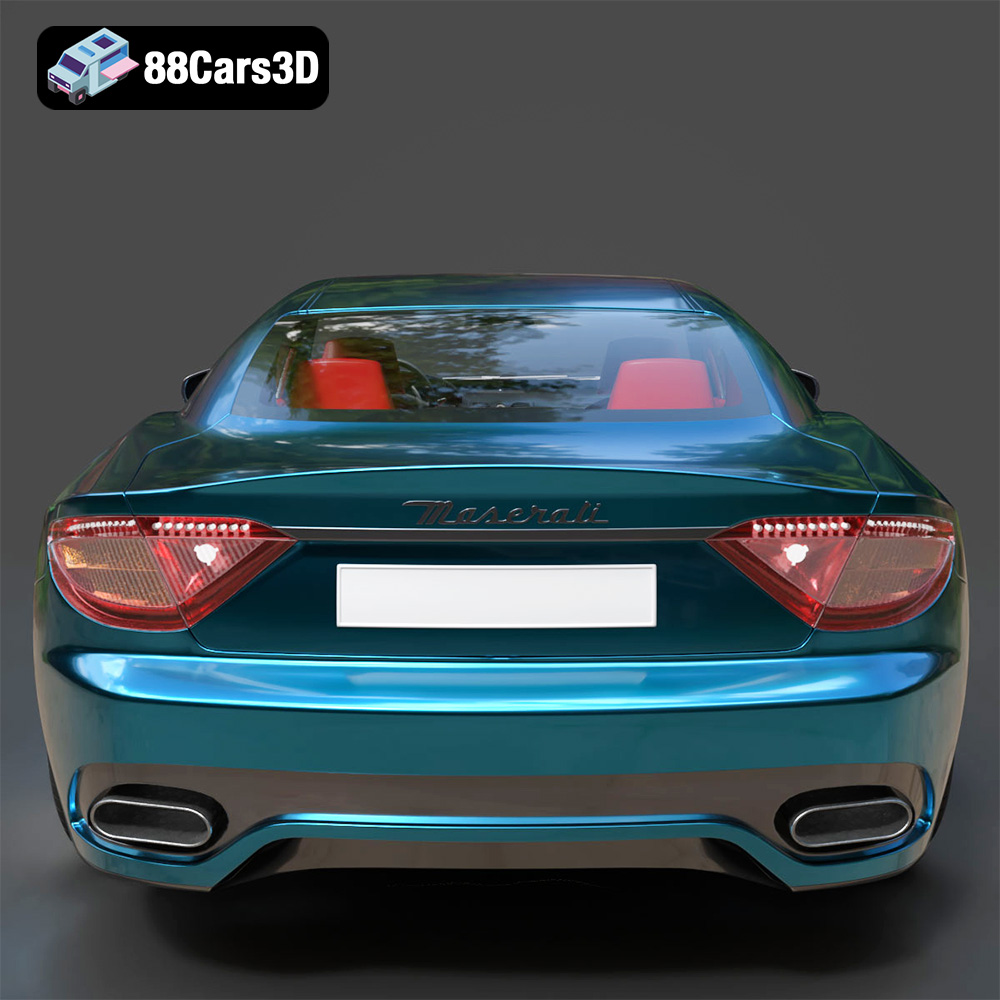
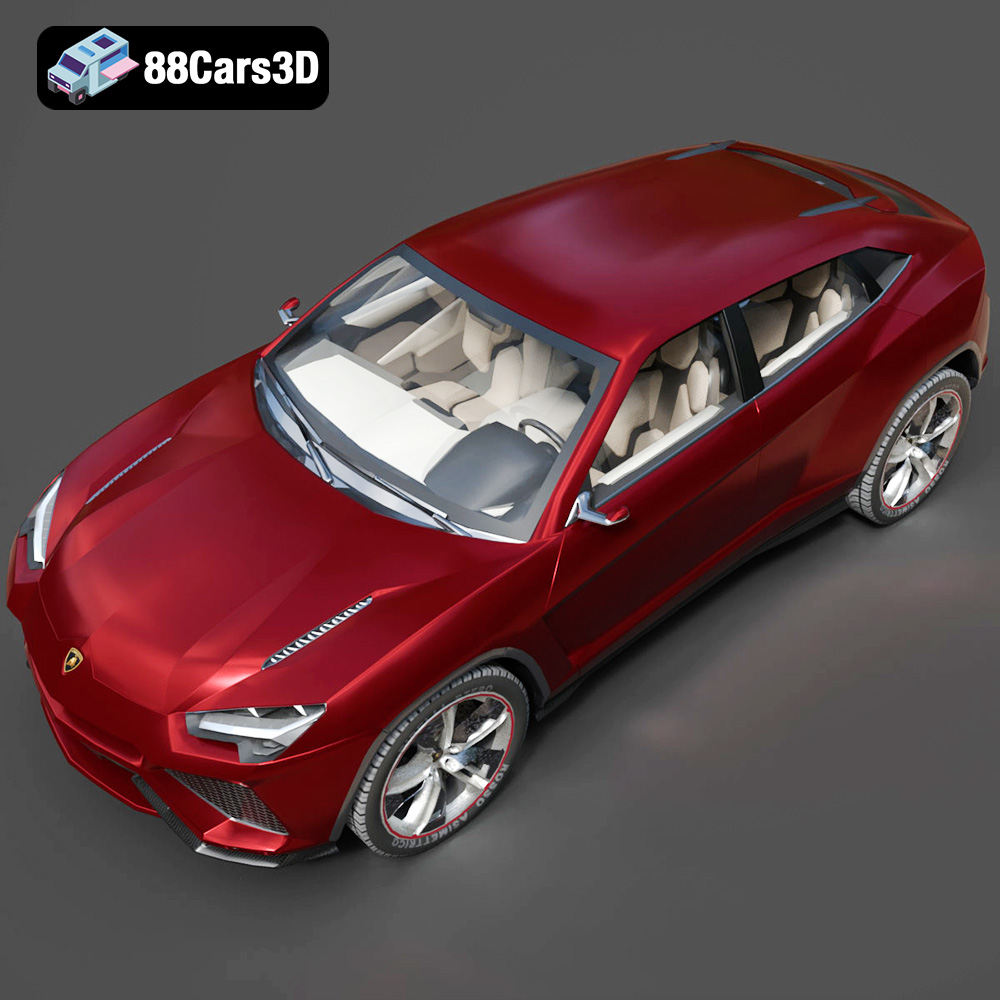
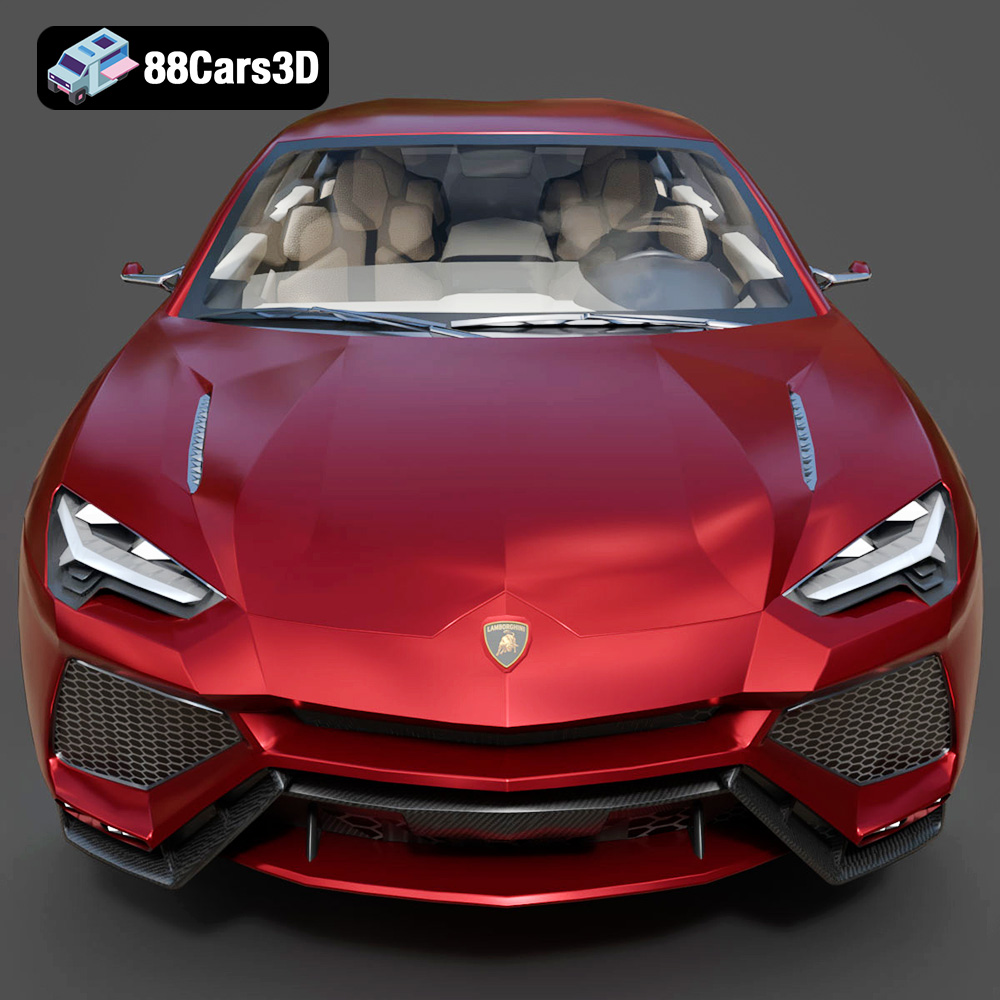
The roar of a Lamborghini, the elegance of a Ferrari, the grand touring spirit of a Maserati – the Italian automotive industry is legendary. Now, you can bring these icons to life with the “Italian Legends Bundle” from 88cars3d.com. This collection of five meticulously crafted 3D models – the Lamborghini Huracán Performante, Ferrari 458 Italia, Lamborghini Urus, Lamborghini Diablo SV, and Maserati GranTurismo – offers enthusiasts, collectors, and creators the opportunity to 3D print their own miniature masterpieces. This article will guide you through the process of successfully 3D printing these models, covering everything from pre-print preparation to post-processing techniques.
Before diving into the specifics of printing the Italian Legends Bundle, it’s crucial to understand the various file formats used in 3D modeling and their suitability for additive manufacturing. Choosing the right format and understanding its limitations can significantly impact the quality and printability of your final product. The bundle from 88cars3d.com includes several formats, but not all are created equal when it comes to 3D printing.
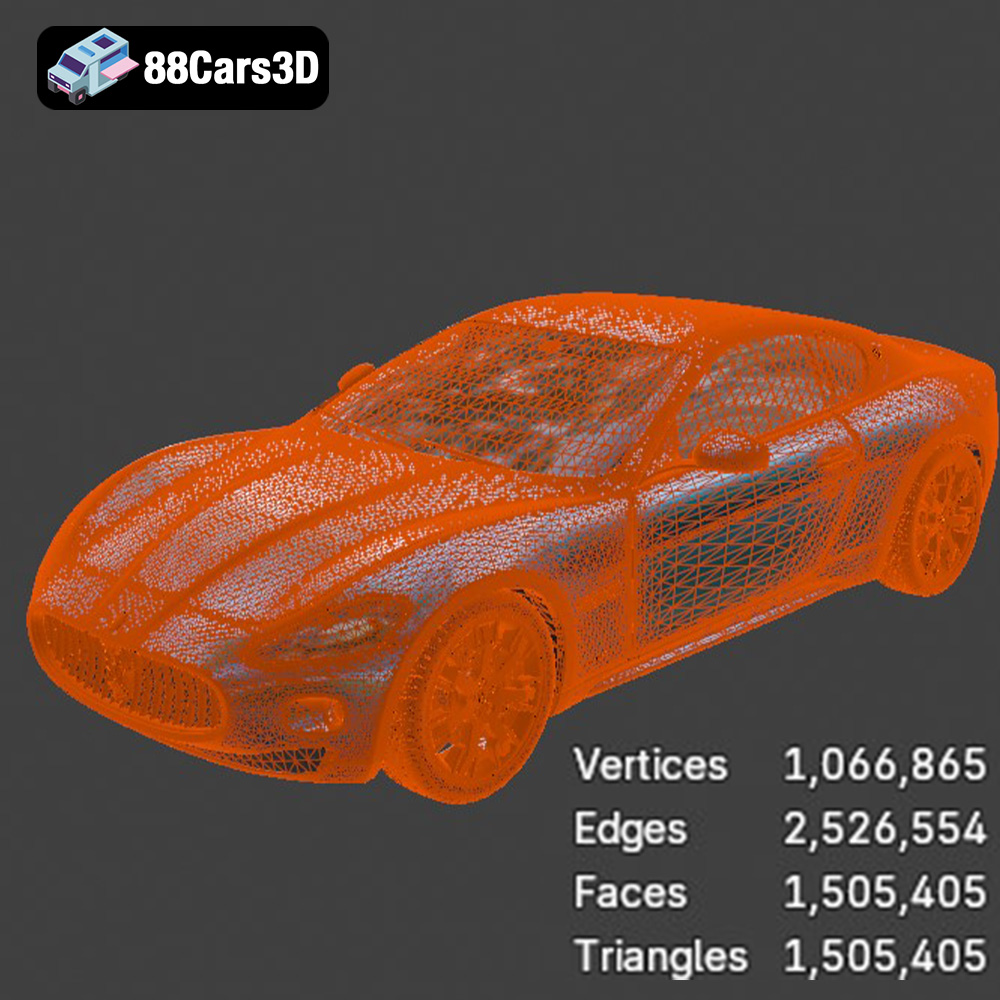
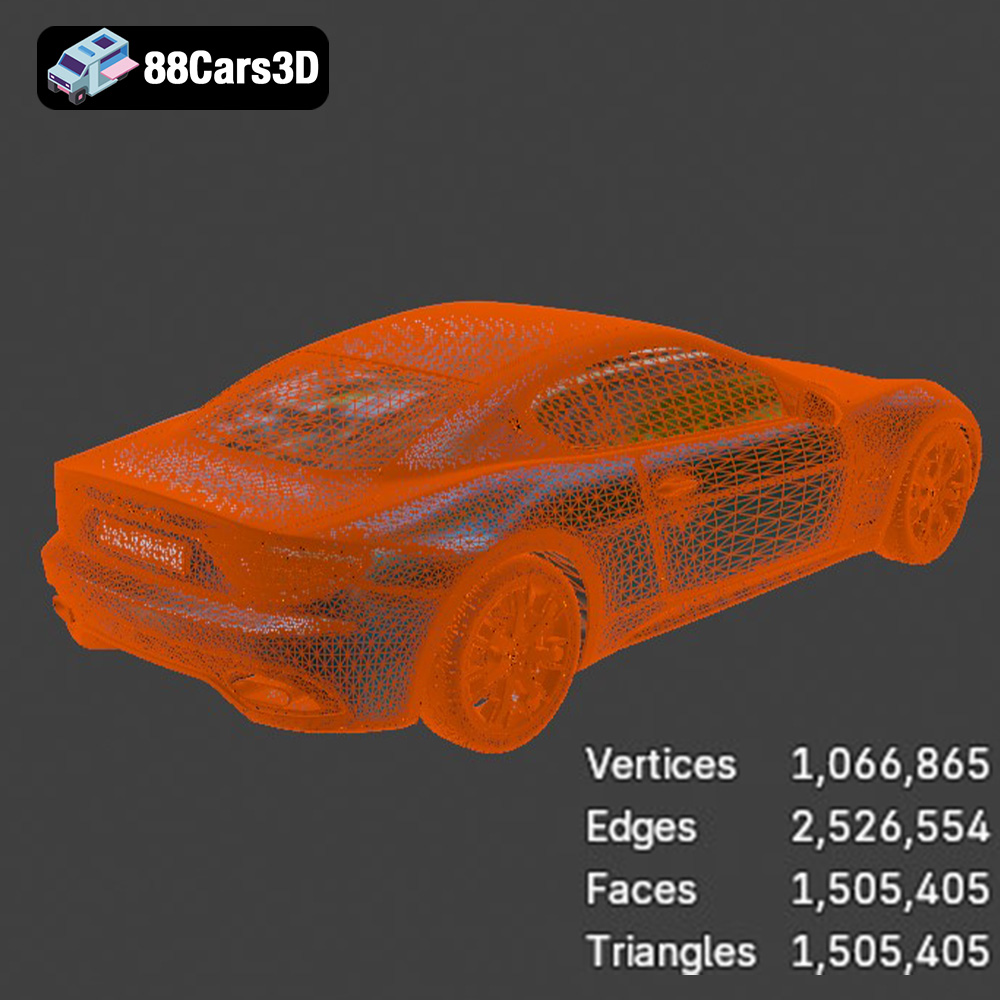
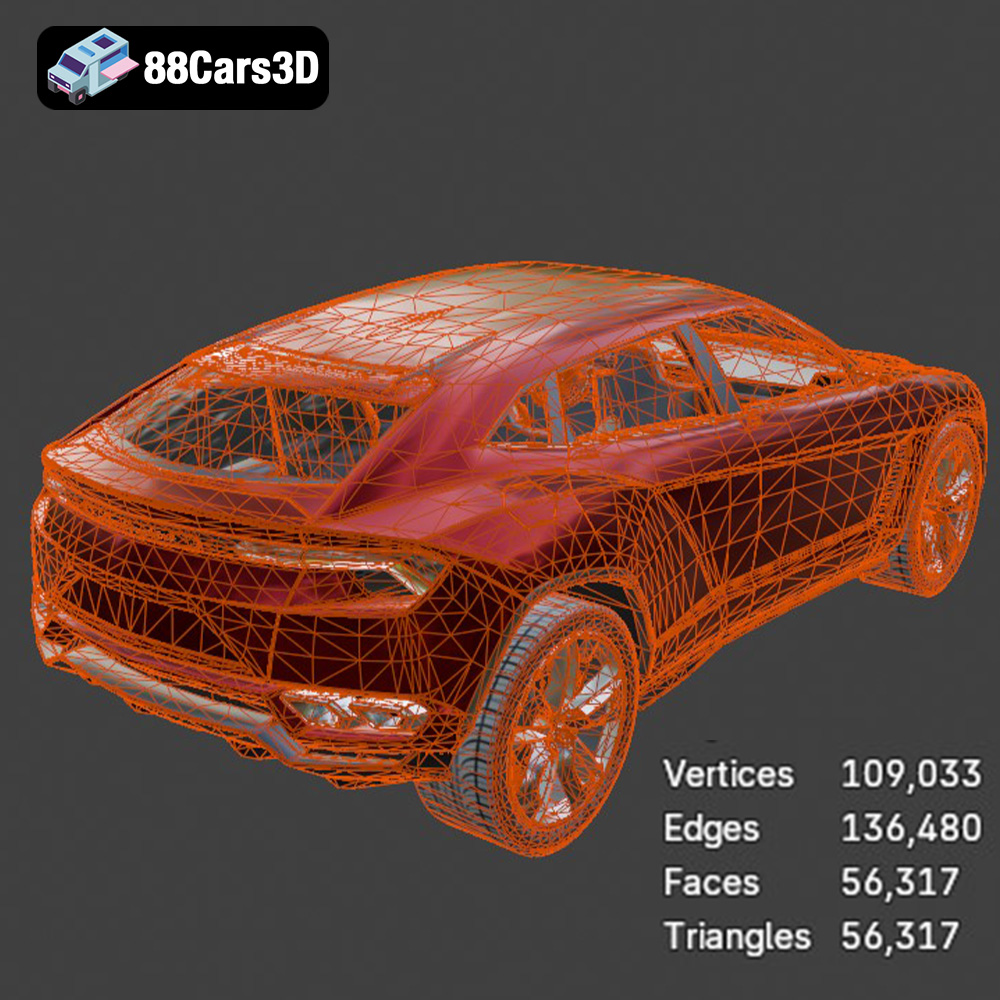
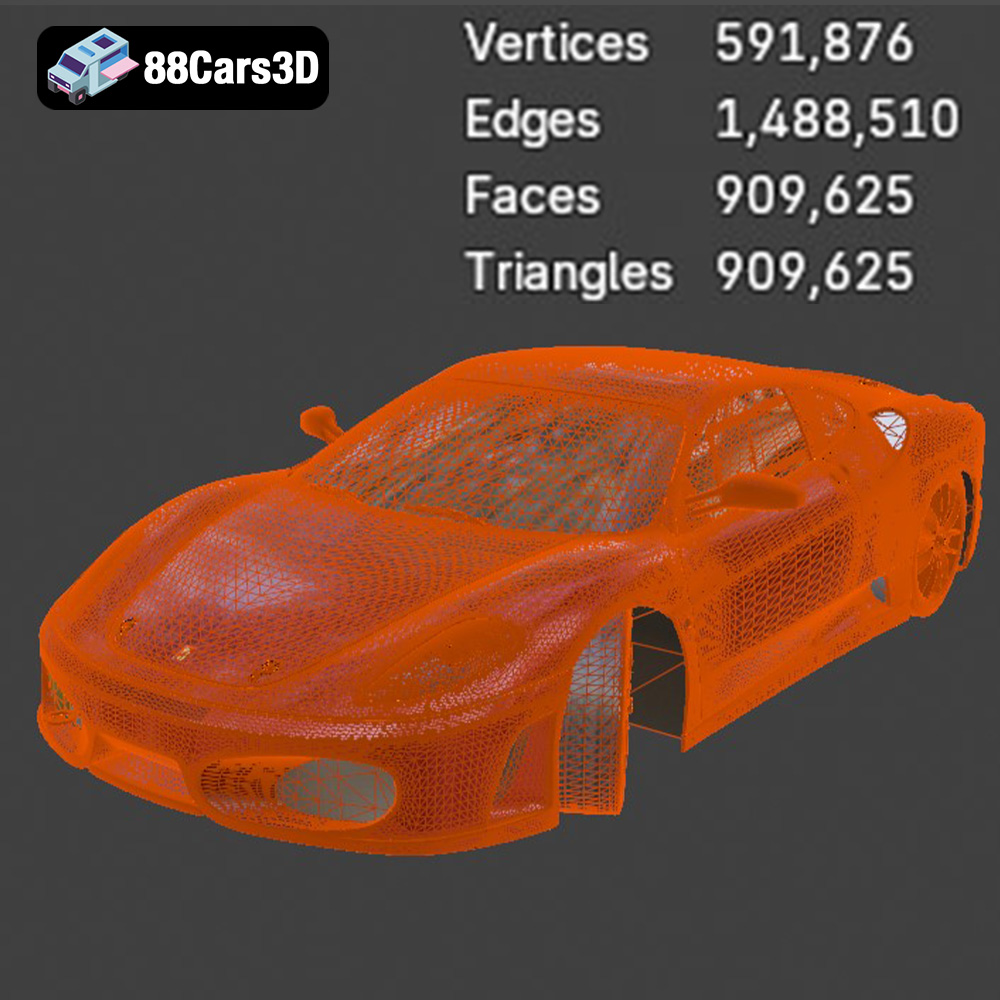
The .stl (Stereolithography) format is the undisputed king of 3D printing. It represents a 3D object’s surface as a collection of triangles, forming a mesh. The higher the number of triangles, the smoother and more detailed the surface will appear. For 3D printing, STL is the preferred format due to its simplicity and wide compatibility with slicing software. However, STL files only store geometric data; they don’t contain information about color, textures, or materials. The Italian Legends Bundle includes optimized STL files, meaning the models are already prepared with a suitable triangle density for balanced detail and printability. When working with STL files, pay attention to mesh integrity. Gaps, holes, or self-intersecting triangles can cause problems during slicing and printing. Most slicing software includes basic mesh repair tools, but for complex issues, consider using dedicated mesh editing software like Meshmixer or Blender.
.obj (Wavefront Object) files are another common 3D model format. Unlike STL, OBJ files can store color and texture information alongside the geometric data. This makes them suitable for 3D printing with multi-material or full-color printers. However, the STL format is generally preferred for single-material prints due to its simplicity. The .obj format also represents geometry as a mesh of polygons but can handle more complex surface definitions than .stl. When using .obj for 3D printing, ensure that your slicing software correctly interprets the material and texture information. Not all slicers support these features equally well.
.ply (Polygon File Format) is designed for storing 3D data acquired from 3D scanners or generated through complex simulations. It supports various data types, including color, textures, and normals. While .ply can be used for 3D printing, it is not as widely supported as .stl. Also, .ply files can be quite large, potentially impacting slicing software performance. The precision mesh format enables the ability to produce extremely high-detail prints. Make sure your slicing software supports the .ply format before attempting to print.
Files with extensions like .blend (Blender), .fbx (Autodesk Filmbox), .glb (GL Transmission Format), and .max (3ds Max) are primarily used for editing and previewing models in their respective software environments. These formats typically contain more complex data structures than .stl or .obj, including information about lighting, animation, and scene setup. They are not directly used for 3D printing. Instead, you would open the model in the corresponding software, make any desired modifications, and then export it as an .stl file for printing. For example, you might use Blender to add custom details to the Lamborghini Diablo SV model before exporting it for 3D printing.
The Italian Legends Bundle, with its intricate details and complex geometries, can be successfully printed using various 3D printing technologies. However, some technologies are better suited than others for achieving optimal results.
FDM printing, also known as Fused Filament Fabrication (FFF), is the most common and affordable 3D printing technology. It works by extruding a thermoplastic filament, such as PLA or PETG, layer by layer to build the object. FDM is suitable for printing larger parts of the Italian Legends Bundle, such as the body shells. When using FDM, consider the following:
Resin printing technologies like SLA (Stereolithography), DLP (Digital Light Processing), and MSLA (Masked Stereolithography) offer significantly higher resolution and detail compared to FDM. They work by curing liquid resin with UV light, layer by layer. Resin printing is ideal for smaller, more intricate parts of the Italian Legends Bundle, such as wheels, interior details, and badges. Consider the following when resin printing:
Proper pre-print preparation is crucial for successful 3D printing. This involves slicing the 3D model into layers and optimizing its orientation for printing.
Slicing software is used to convert the 3D model into a set of instructions (G-code) that the 3D printer can understand. Popular slicing software options include Cura, PrusaSlicer, Simplify3D, and Chitubox (for resin printing). When slicing the Italian Legends Bundle models, pay attention to the following:
The orientation of the 3D model on the print bed significantly affects print quality, support usage, and print time. Consider the following guidelines when orienting parts of the Italian Legends Bundle:
While the general 3D printing principles apply to all models in the Italian Legends Bundle, each car presents unique challenges and requires specific considerations.
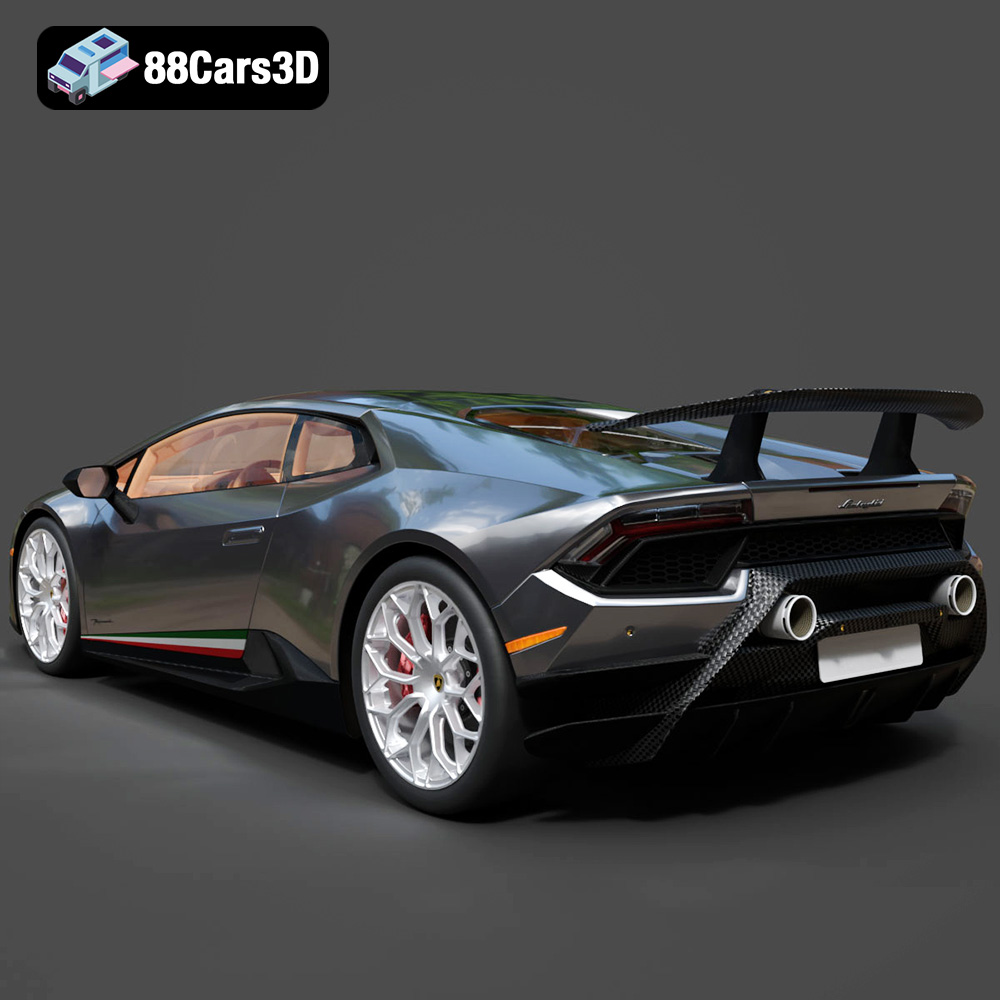
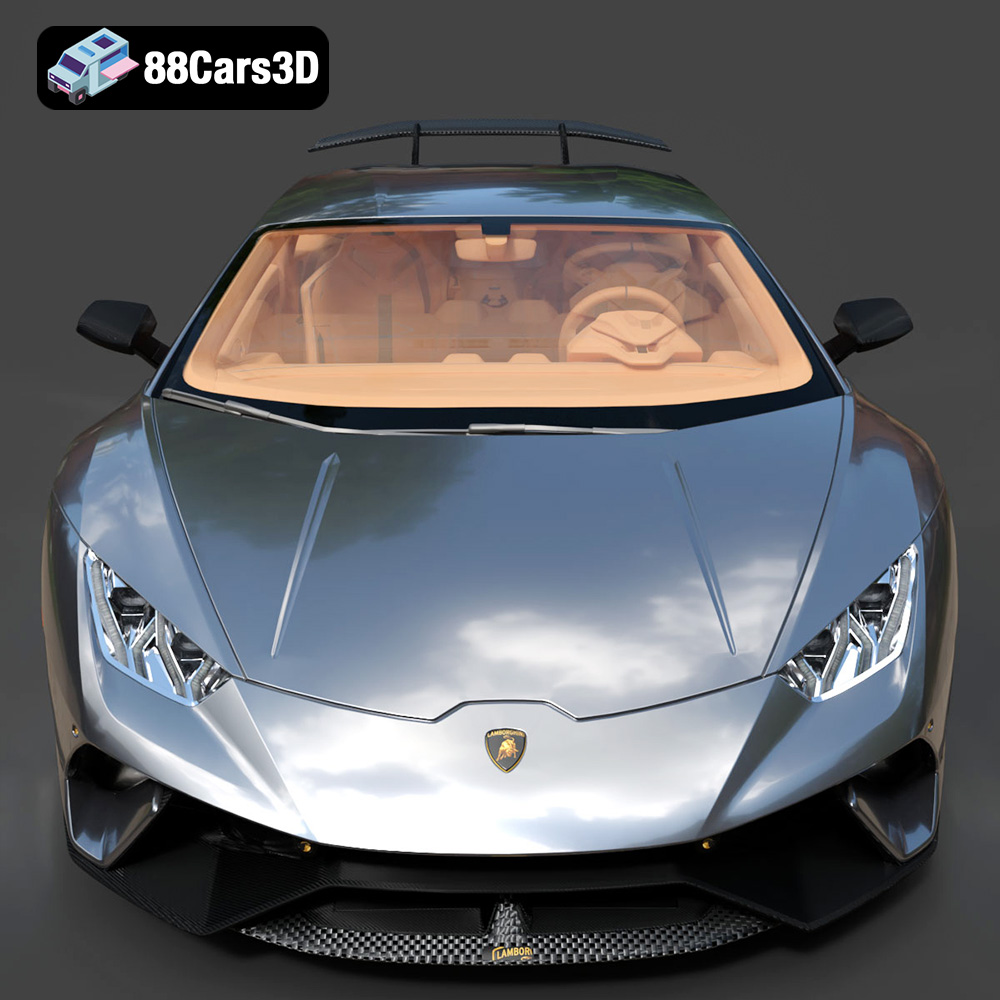
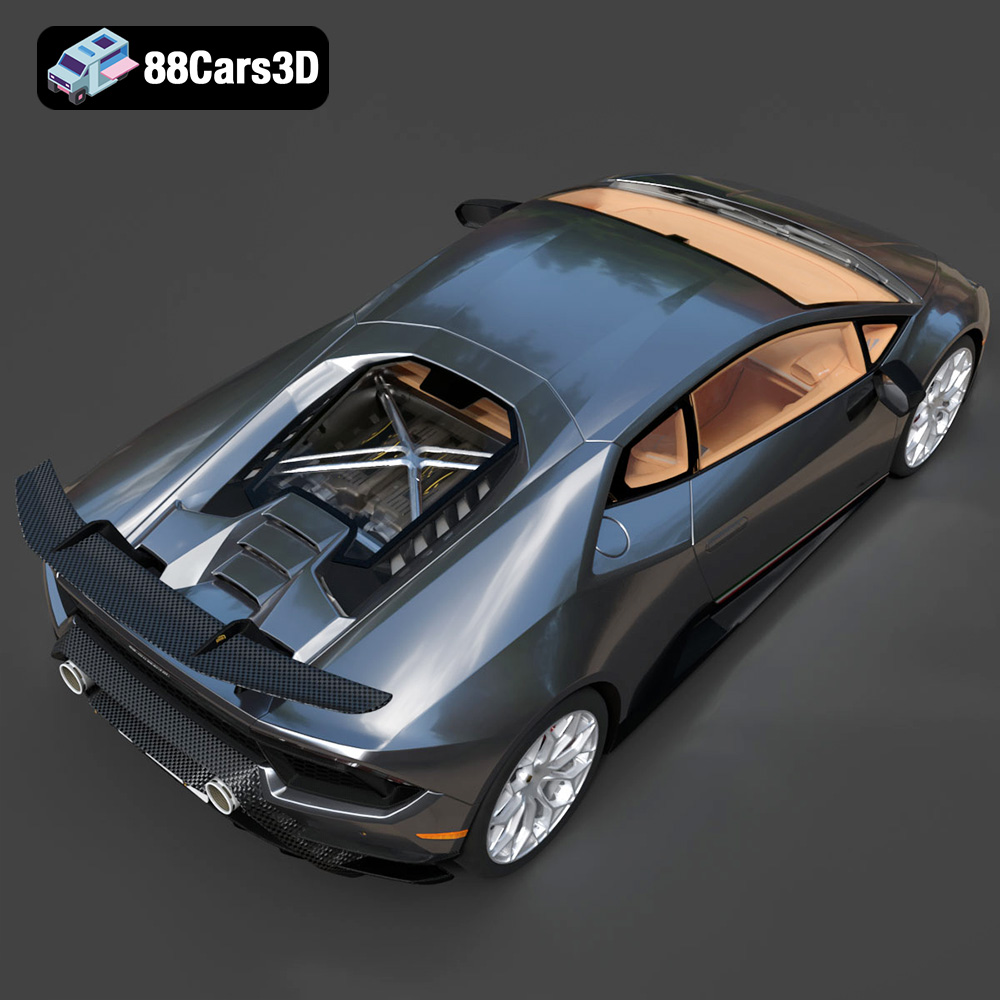
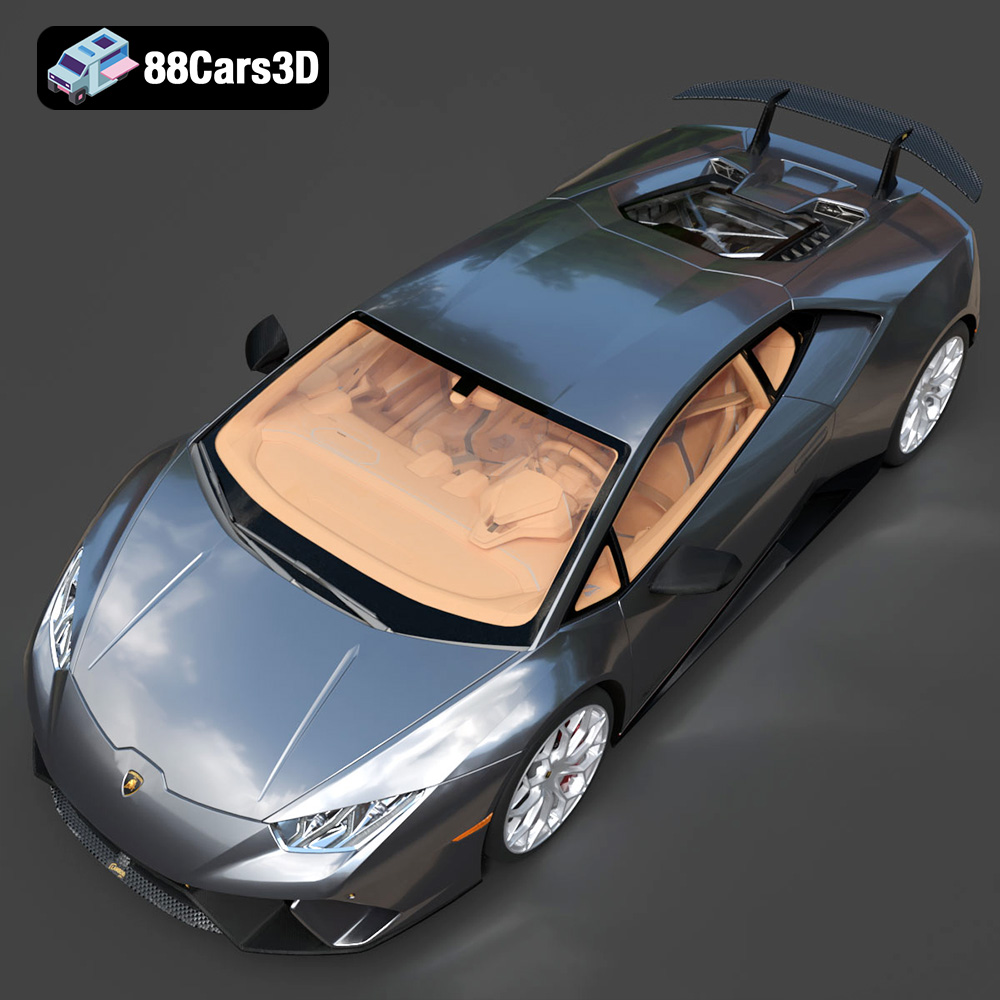
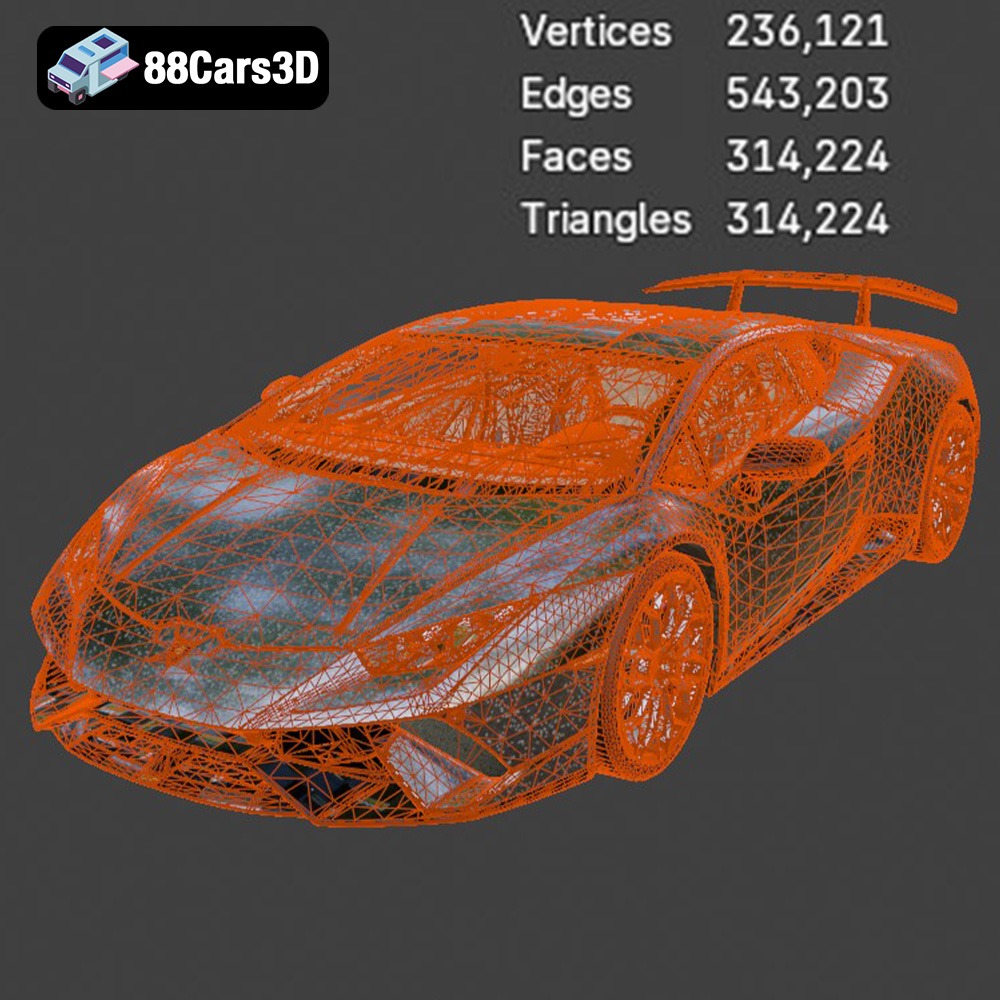
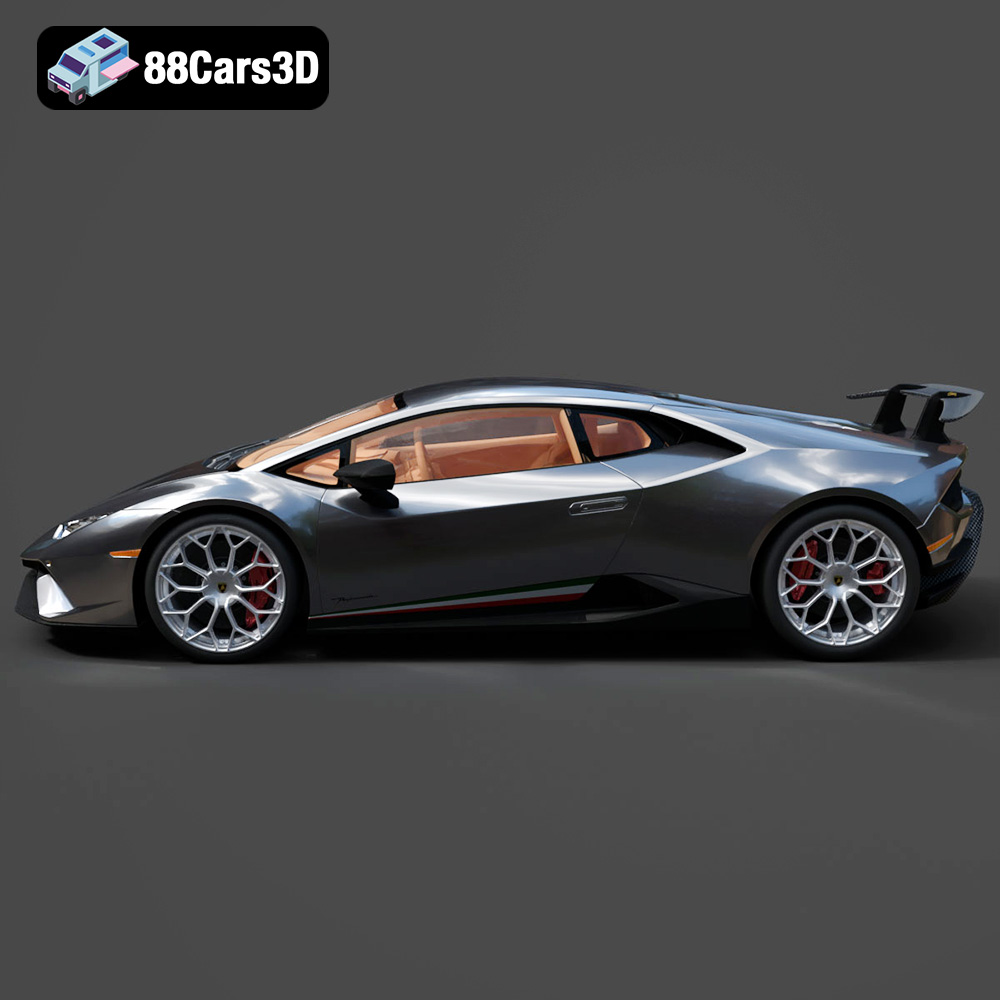
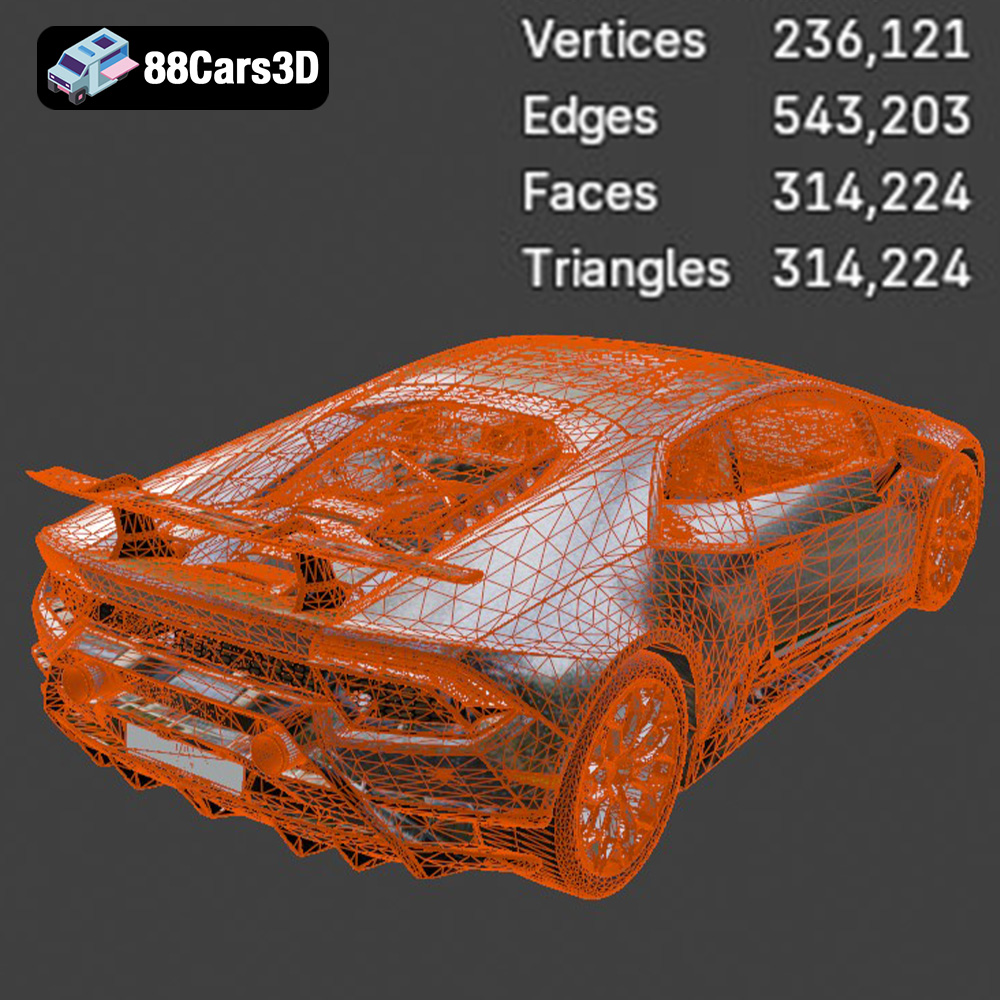
The Huracán Performante is known for its intricate aerodynamics. Pay close attention to printing the rear wing and other aerodynamic elements. Use resin printing for these parts to capture the fine details. When FDM printing the body, orient it with the roof facing upwards for a smoother surface finish.
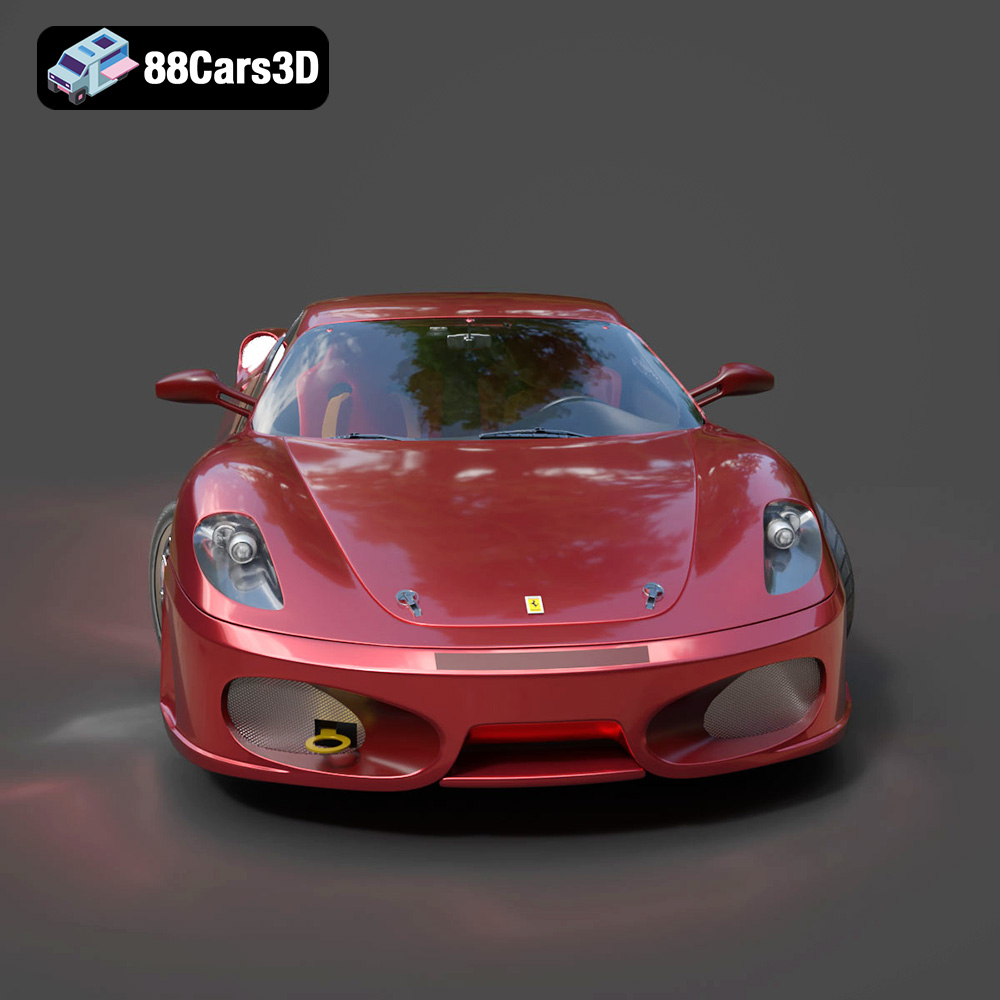
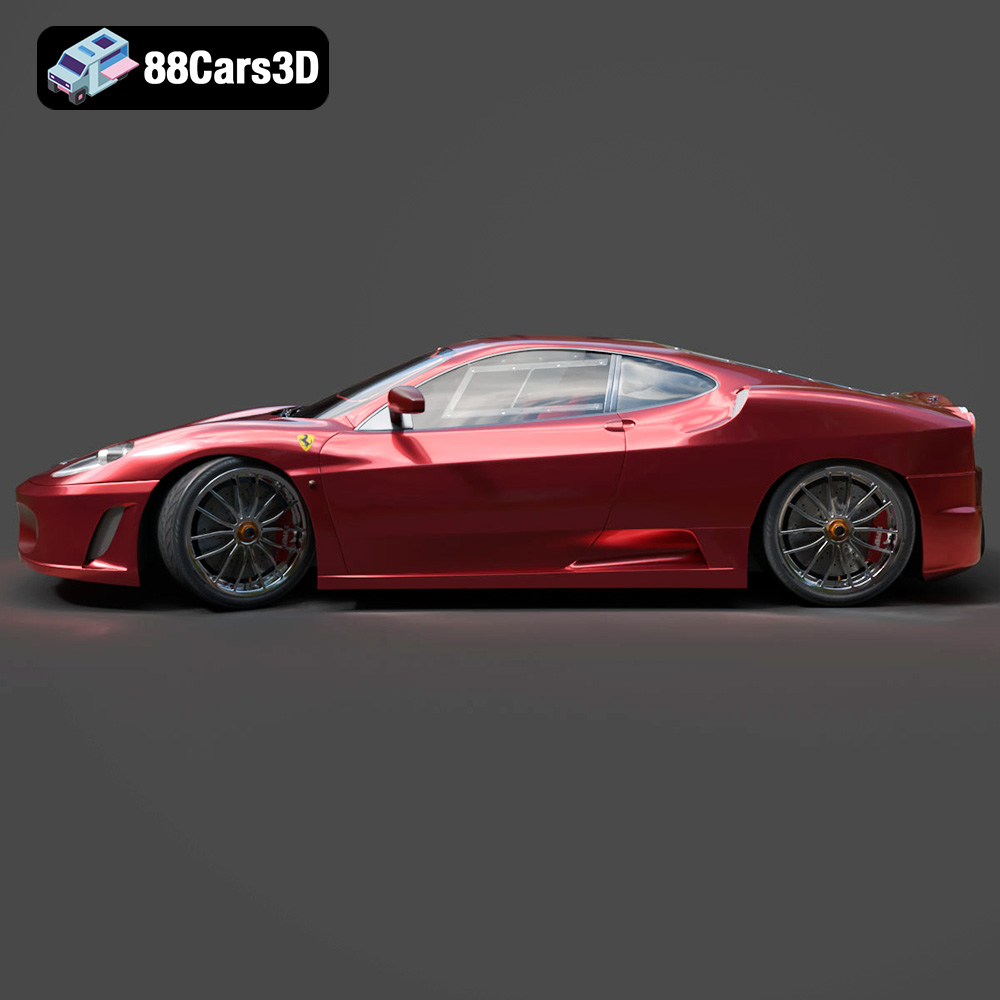
The 458 Italia is a celebration of smooth, flowing lines. Focus on minimizing layer lines during printing. Use a fine layer height and experiment with different print orientations to achieve the best results. Consider using vapor smoothing for FDM prints to reduce layer lines.
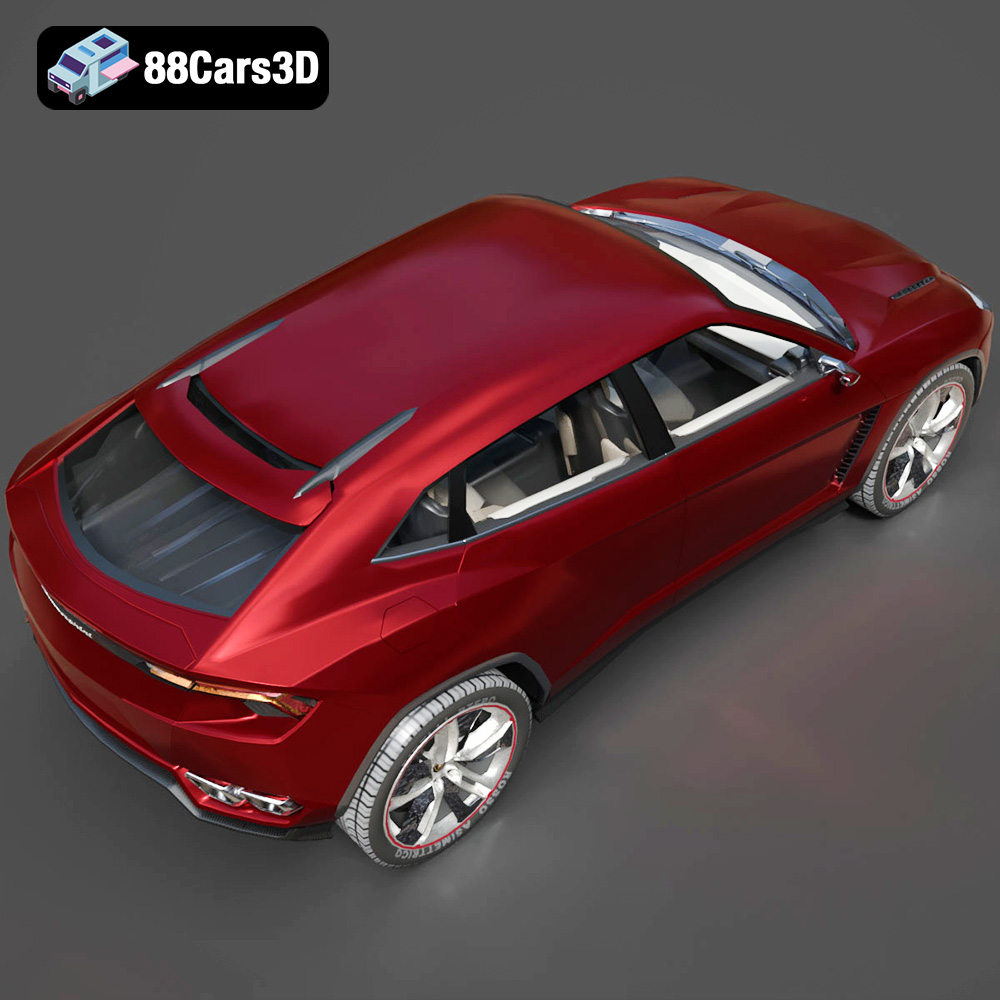
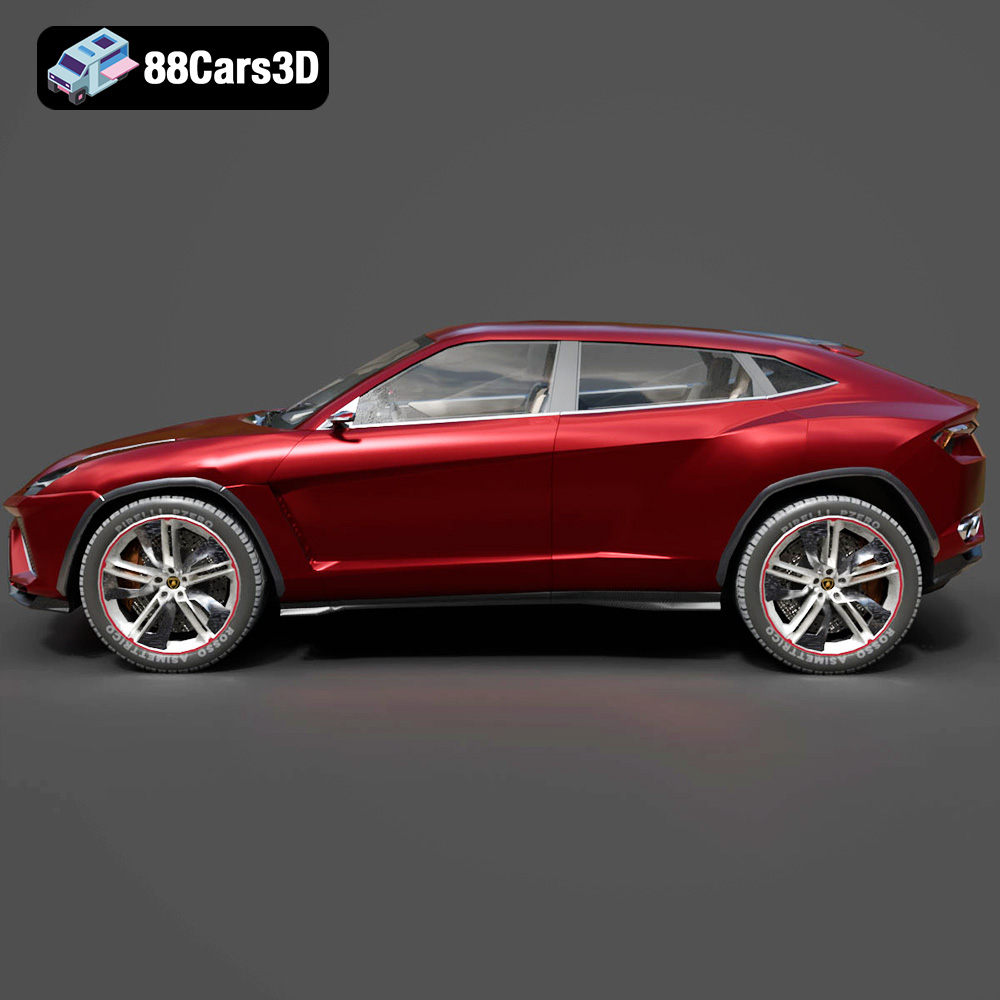
The Urus is a larger model, requiring more material and print time. Optimize the infill settings to balance strength and weight. Consider printing the body in multiple sections to fit smaller print beds. When assembling, use strong adhesive to ensure a seamless connection.
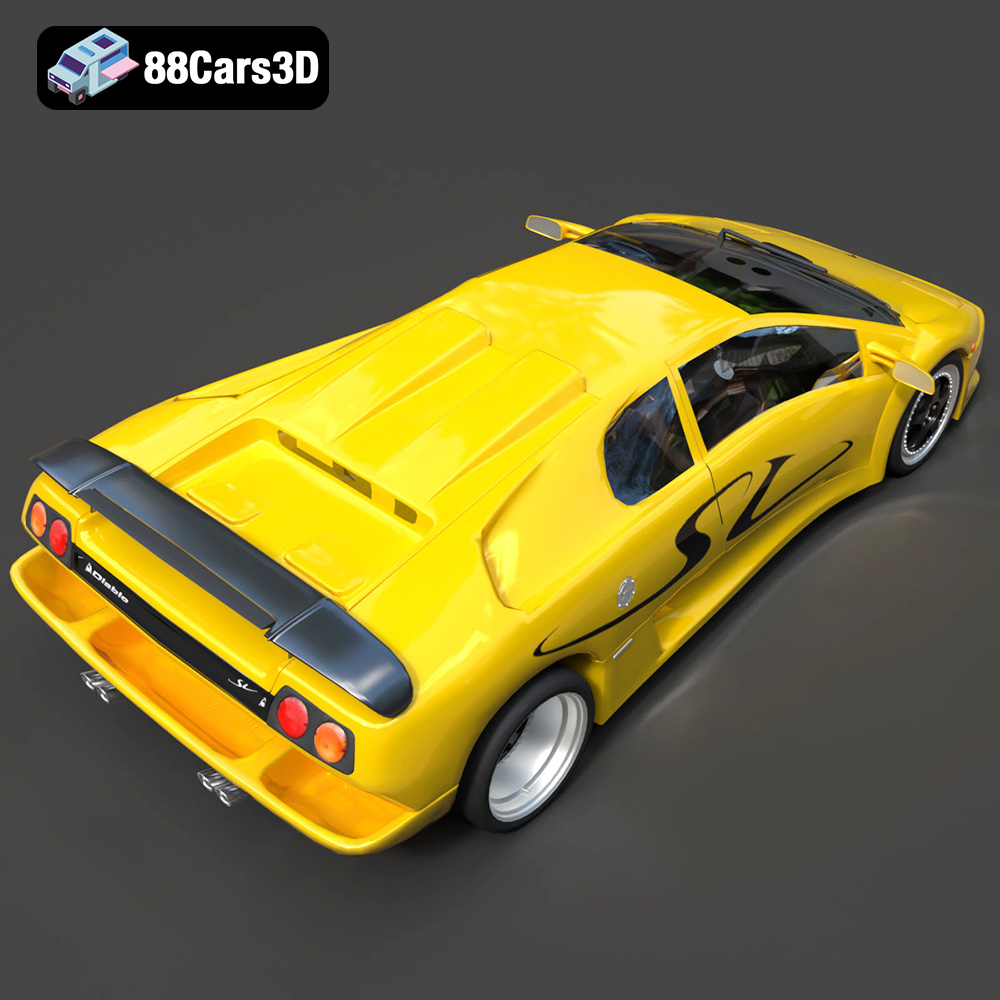
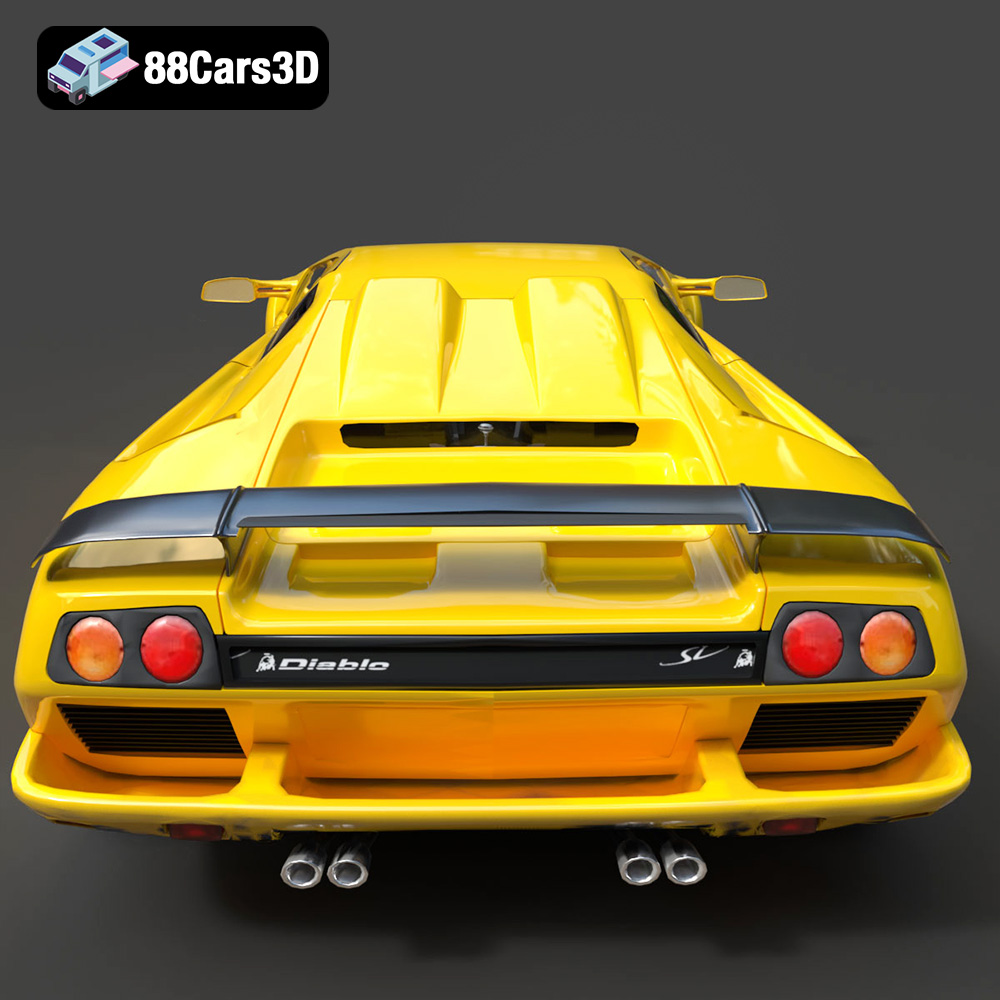
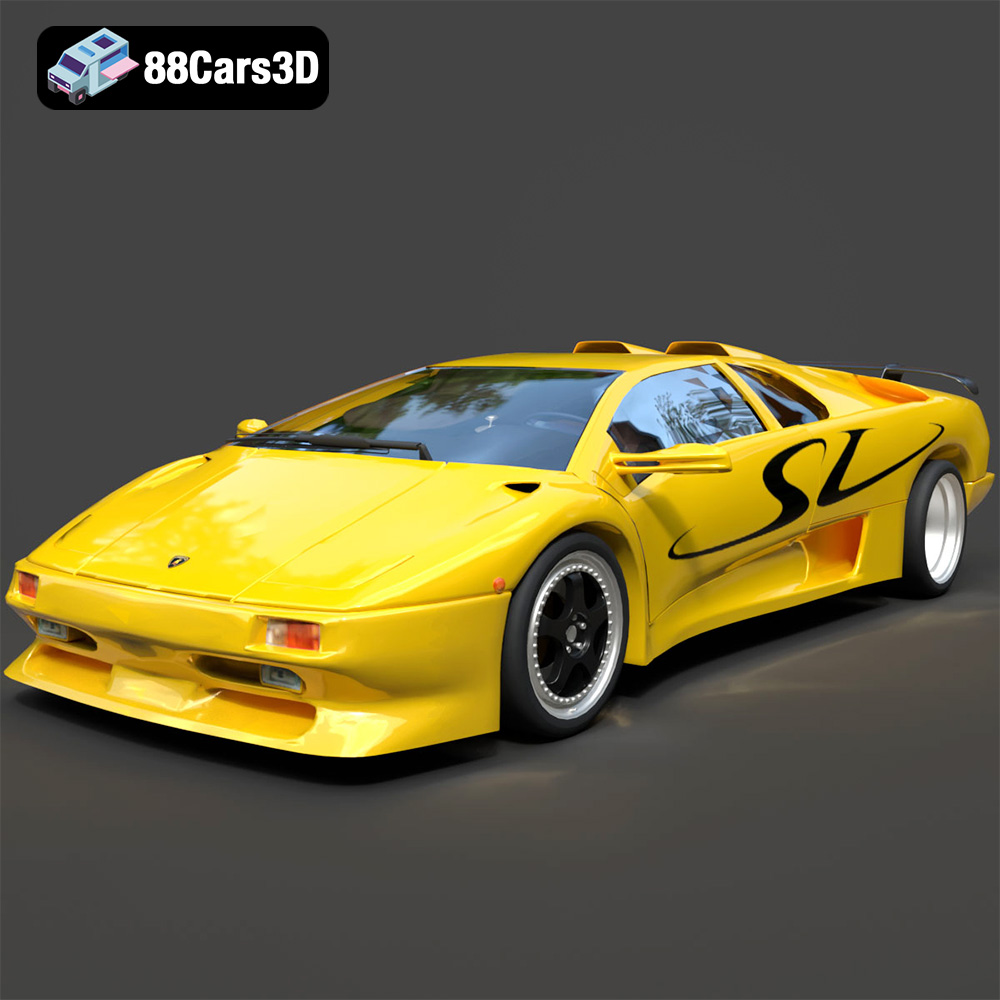
The Diablo SV is all about aggressive angles and sharp edges. Pay attention to printing the signature rear wing and the iconic pop-up headlights. Use resin printing for these parts to capture the details accurately. Support structures will be necessary for the headlights.
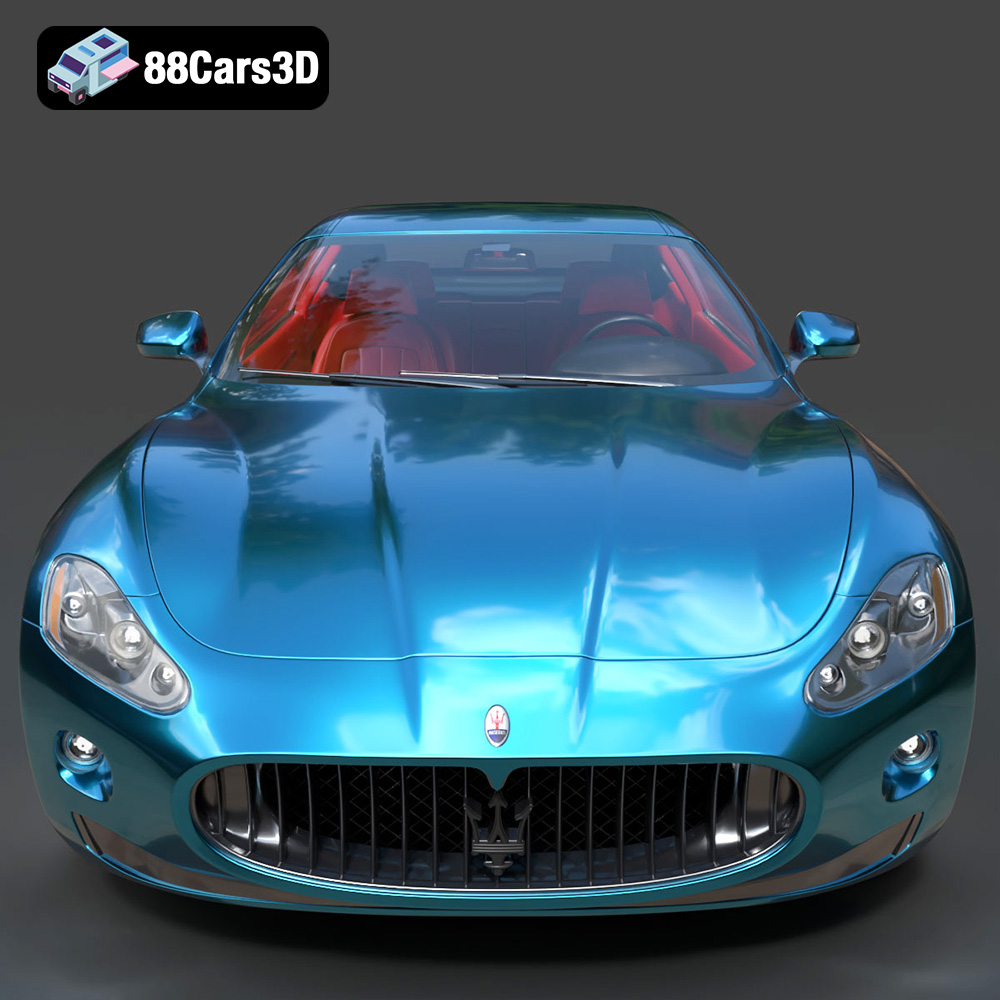
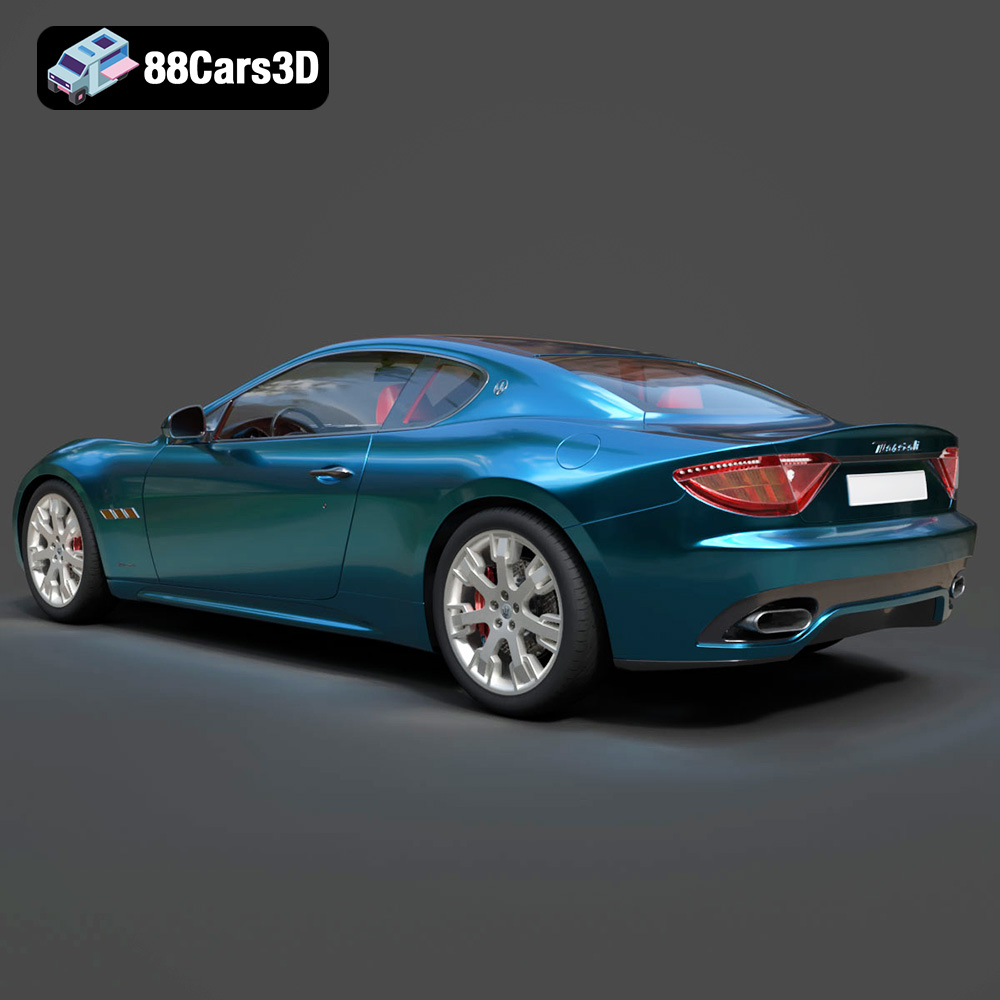
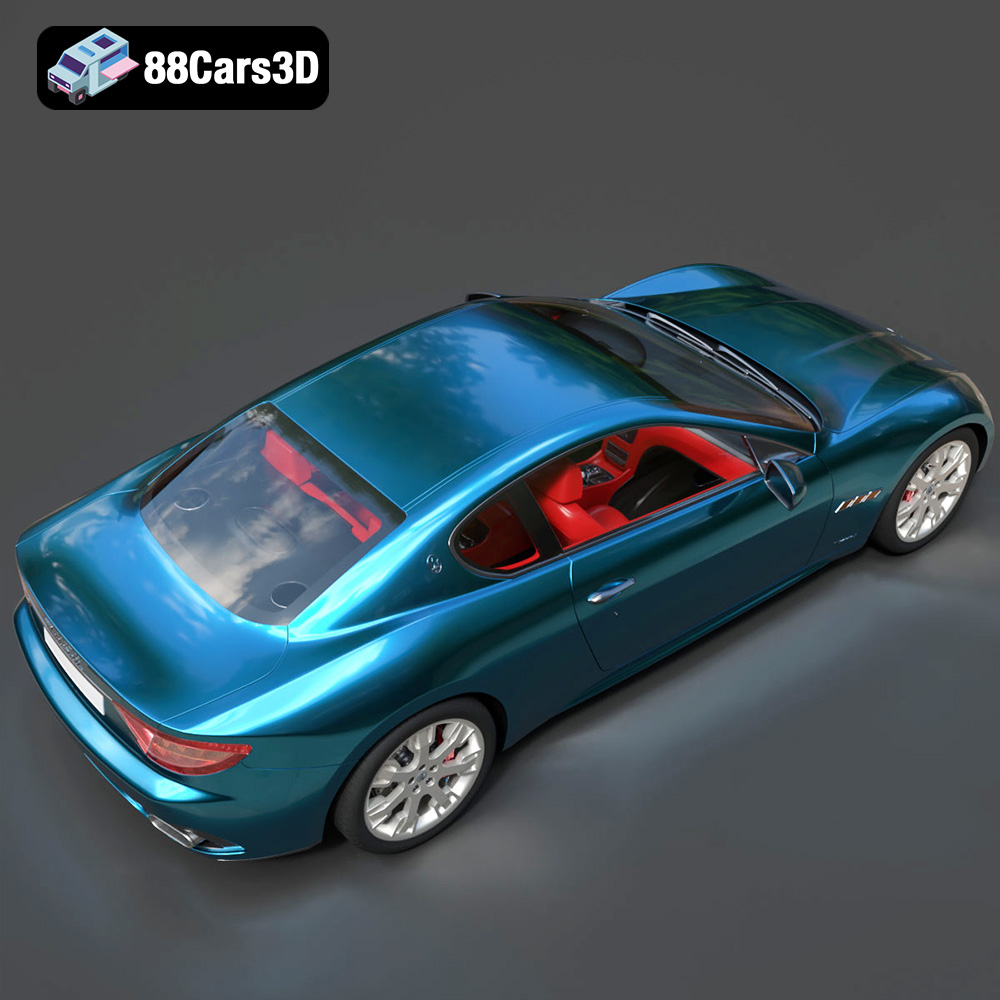
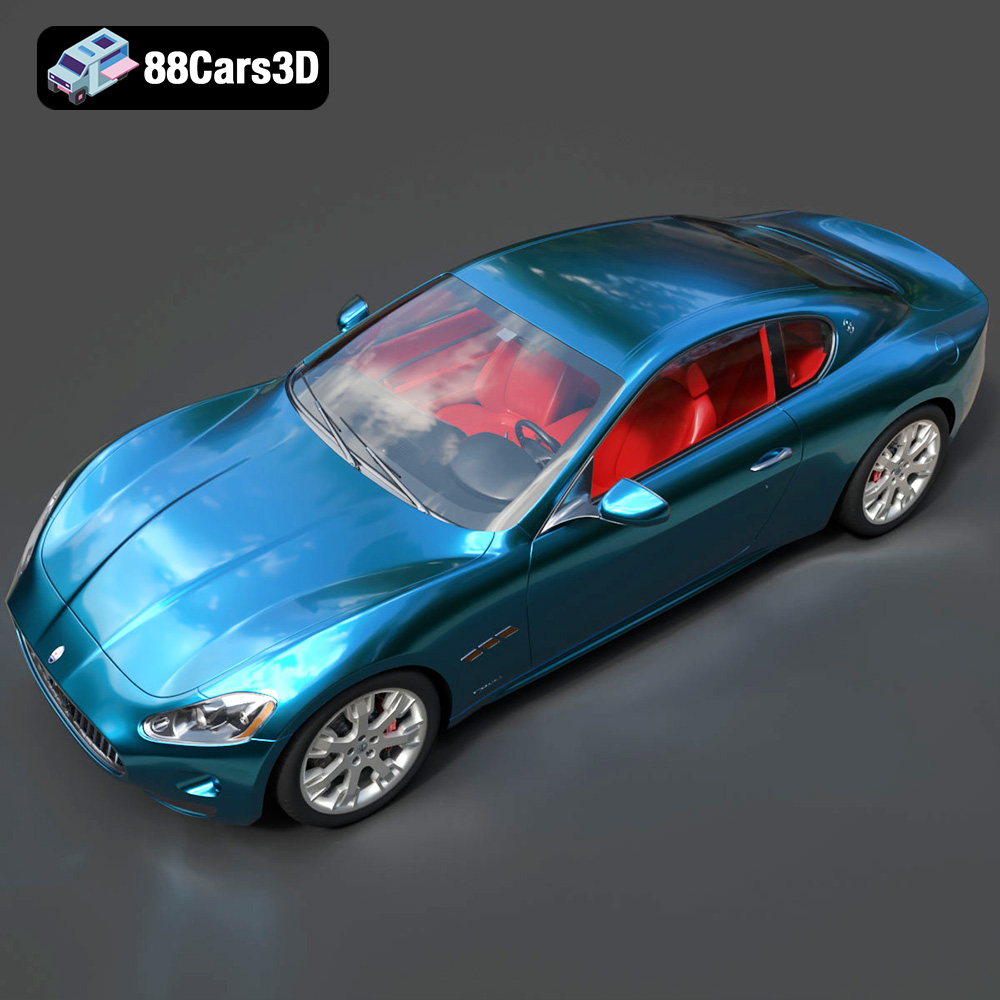
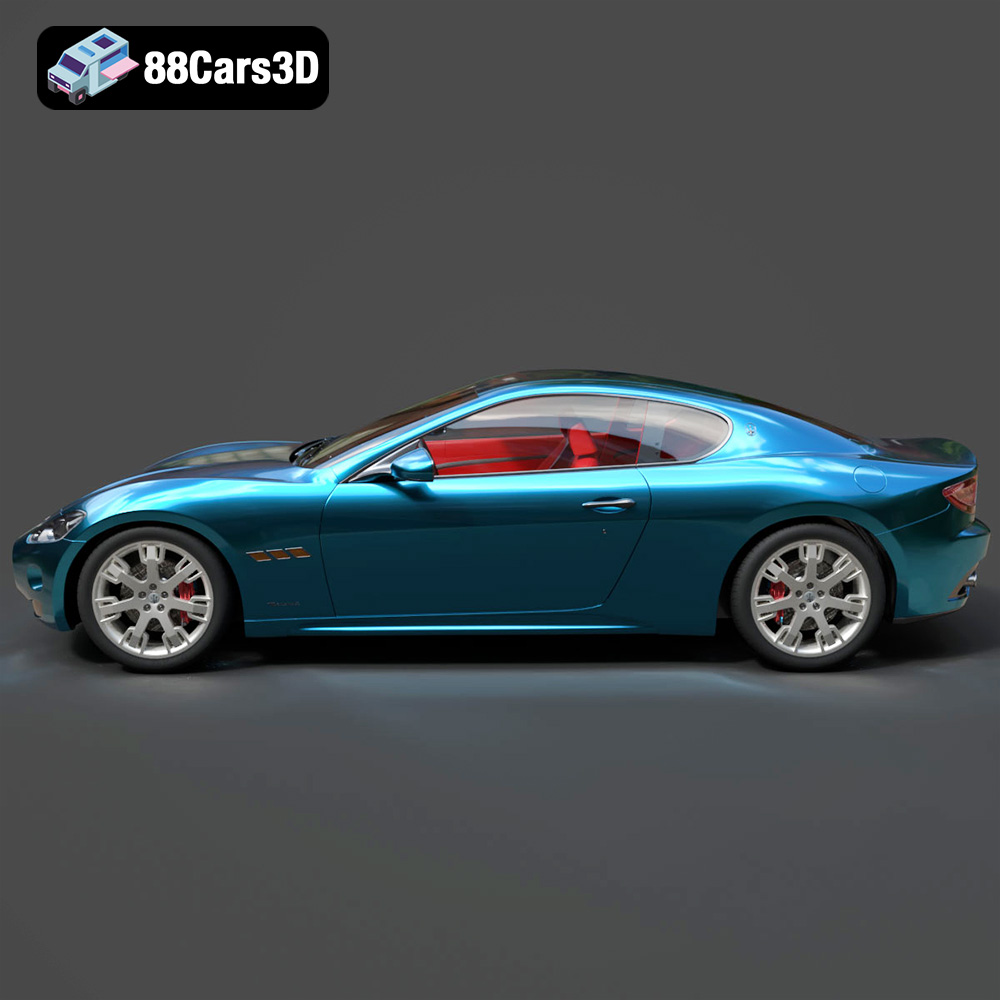
The GranTurismo is known for its luxurious interior and refined exterior. Consider printing the interior separately and painting it to match the original car’s colors. Use resin printing for the intricate dashboard and seat details. The body should be oriented to minimize support usage on the roof and hood.
Post-processing is the final step in 3D printing and involves cleaning, sanding, painting, and assembling the printed parts.
Remove support structures carefully, using cutters or pliers. Sand the parts to remove any imperfections and smooth the surface. Start with coarse sandpaper and gradually move to finer grits. For resin prints, wash the parts with isopropyl alcohol to remove any uncured resin. Wear gloves and eye protection during cleaning and sanding.
Prime the parts with a thin layer of primer to improve paint adhesion. Use automotive spray paint to achieve a realistic finish. Apply multiple thin coats, allowing each coat to dry completely before applying the next. Use masking tape to create clean lines and highlight specific areas. Add fine details, such as window trim and badges, using a fine-tipped brush and acrylic paints.
Carefully assemble the painted parts using adhesive. Use cyanoacrylate (super glue) for small parts and epoxy for larger parts. Align the parts accurately and hold them in place until the adhesive dries. Refer to reference images of the original cars to ensure accurate assembly. The separated components of the Italian Legends Bundle make assembly much easier.
3D printing can sometimes be challenging. Here are some common issues and their solutions:
The print time and material cost for the Italian Legends Bundle will vary depending on the chosen printing technology, material, and print settings. As a general estimate, printing each model in FDM with PLA will take between 10 and 20 hours and cost between $5 and $15 in material. Resin printing will generally take longer, perhaps 15-30 hours per model, but the level of detail is much greater.
The Italian Thoroughbreds Bundle is an elite, curated collection representing the pinnacle of Italian automotive soul, speed, and sculptural design. This bundle brings together the aggressive track-focused aerodynamics of Lamborghini and Ferrari with the grand-touring elegance of Maserati. Designed for creators, collectors, and 3D printing enthusiasts, this collection offers a diverse range of vehicles—from 90s icons to modern-day engineering marvels.
$199.99
The Italian Legends Bundle from 88cars3d.com offers a fantastic opportunity to create your own collection of iconic Italian supercars. By understanding the nuances of 3D printing technology, file formats, pre-print preparation, and post-processing techniques, you can achieve stunning results and bring these automotive legends to life in miniature form. Whether you’re a seasoned 3D printing enthusiast or just starting out, this guide provides the knowledge you need to successfully 3D print your own Italian automotive dream. With careful planning and attention to detail, you can create stunning 3D printed models that will impress any car enthusiast.
Ferrari & Maserati STL Collection
Italian Supercar 3D Models Bundle – Lamborghini