Get 50% OFF All Premium 3D & STL Models!

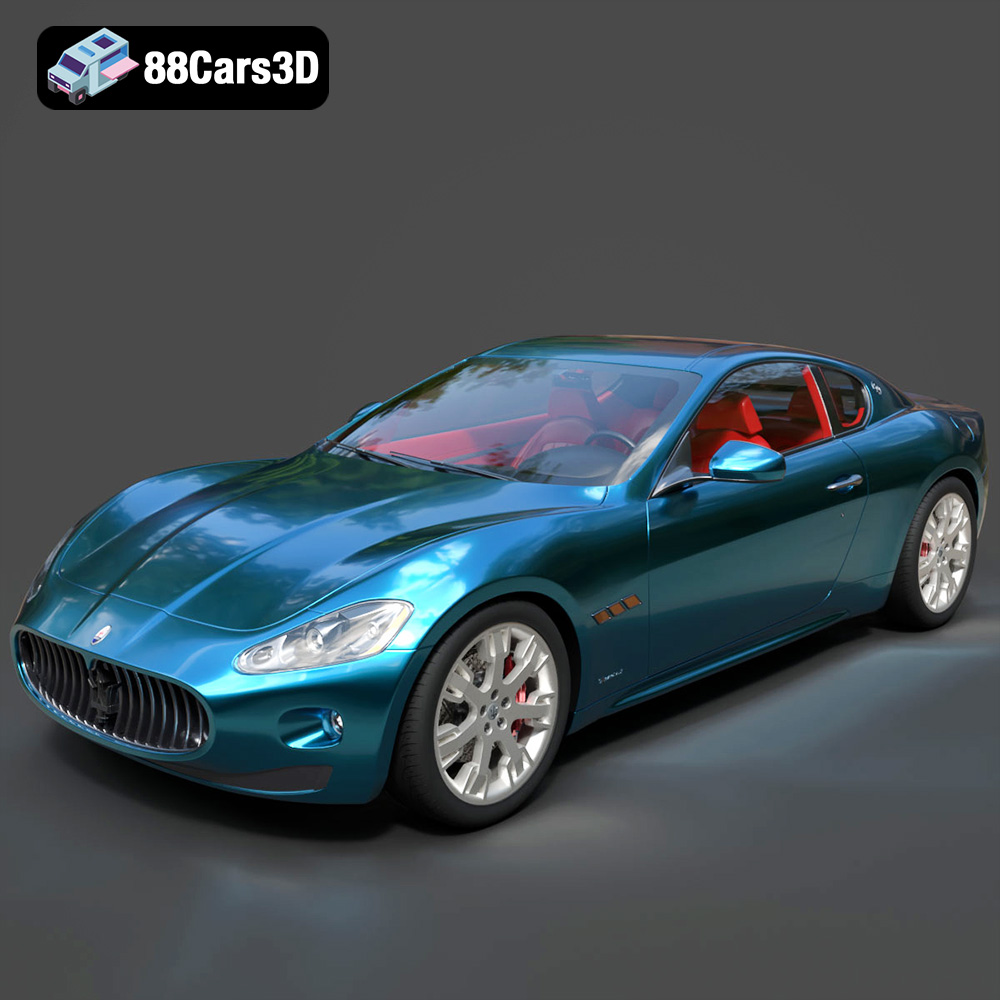
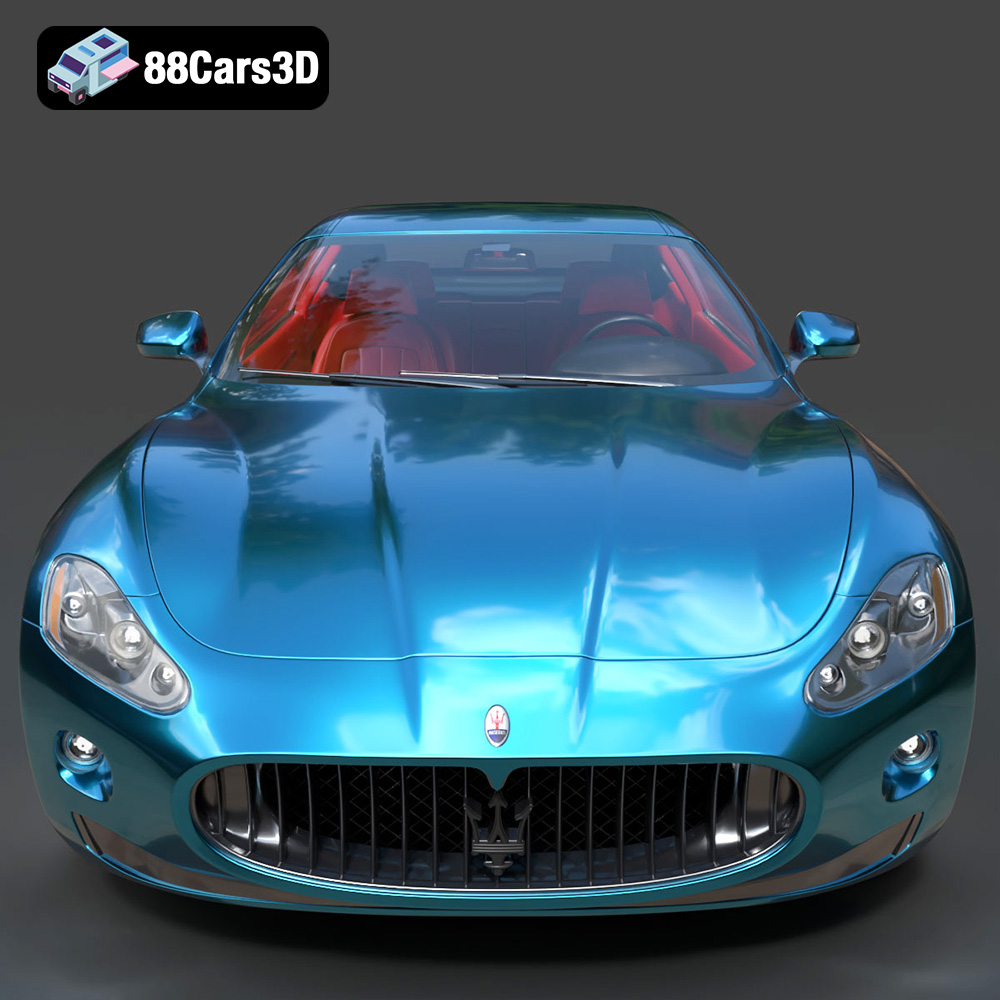
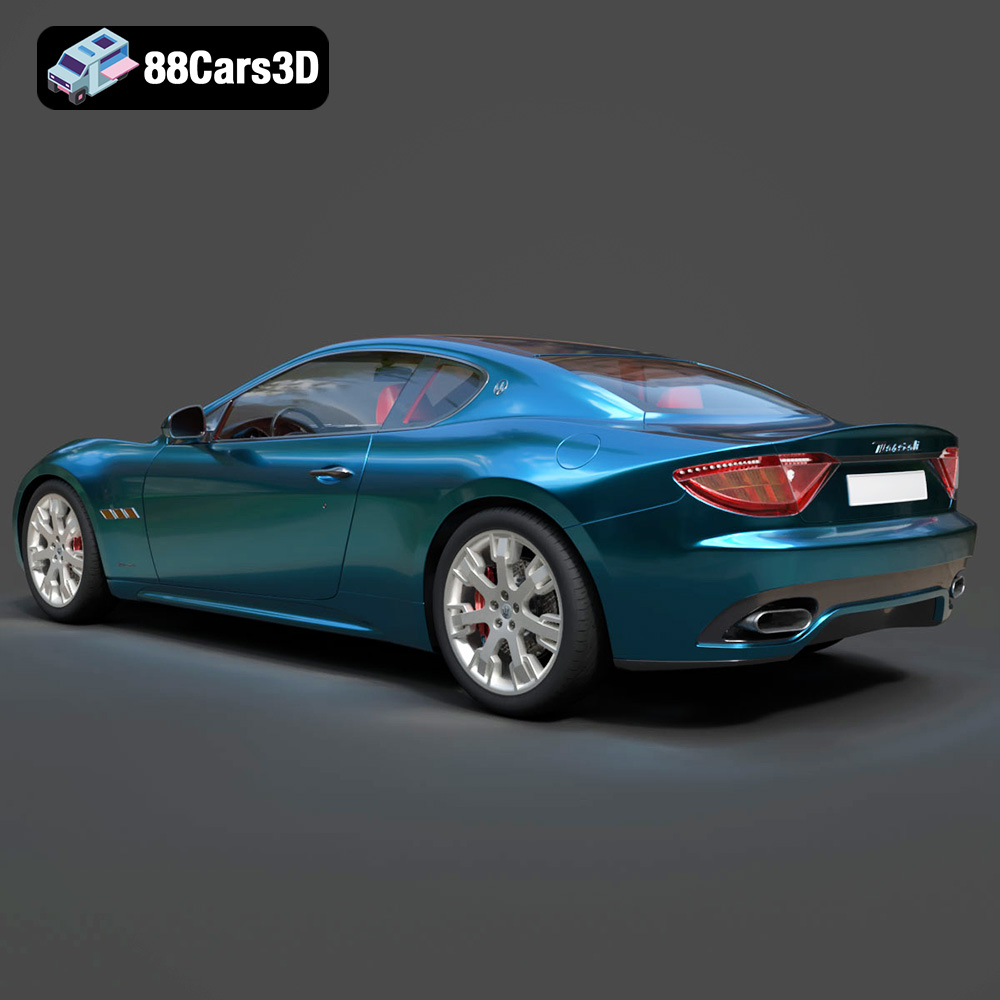
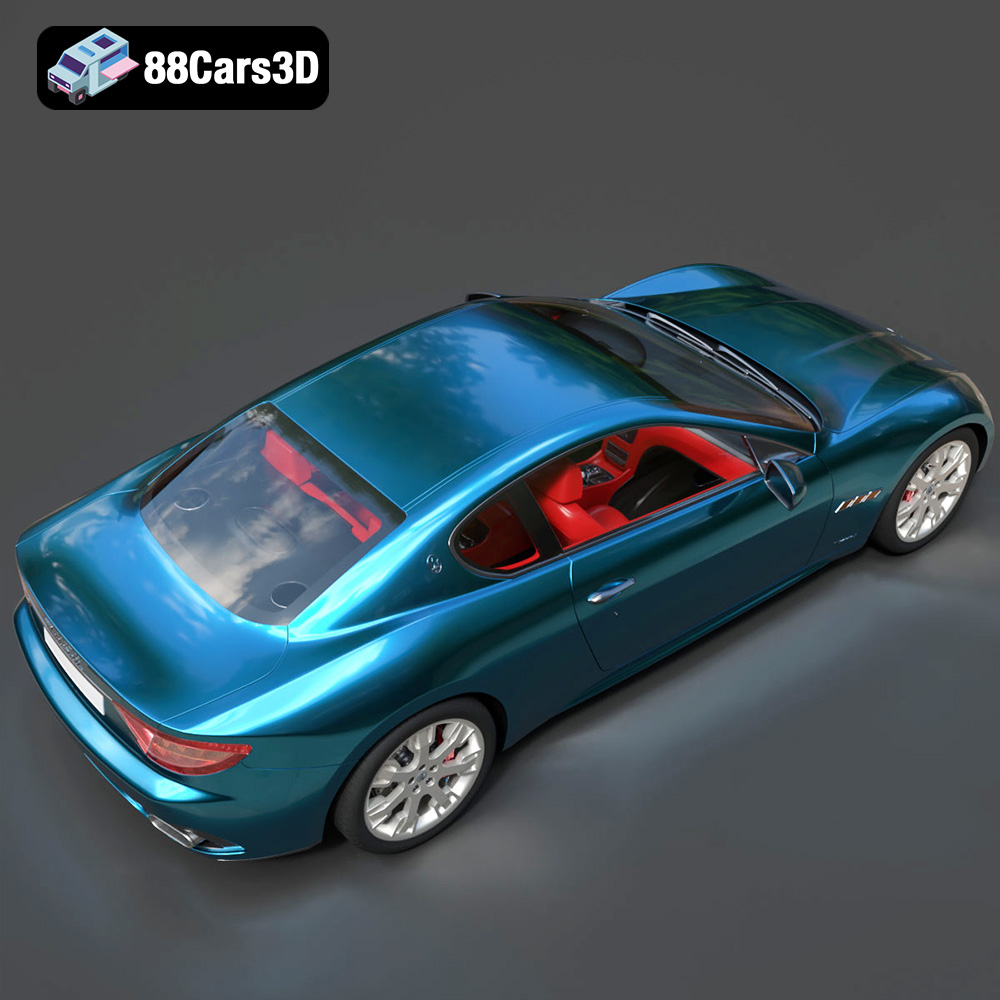
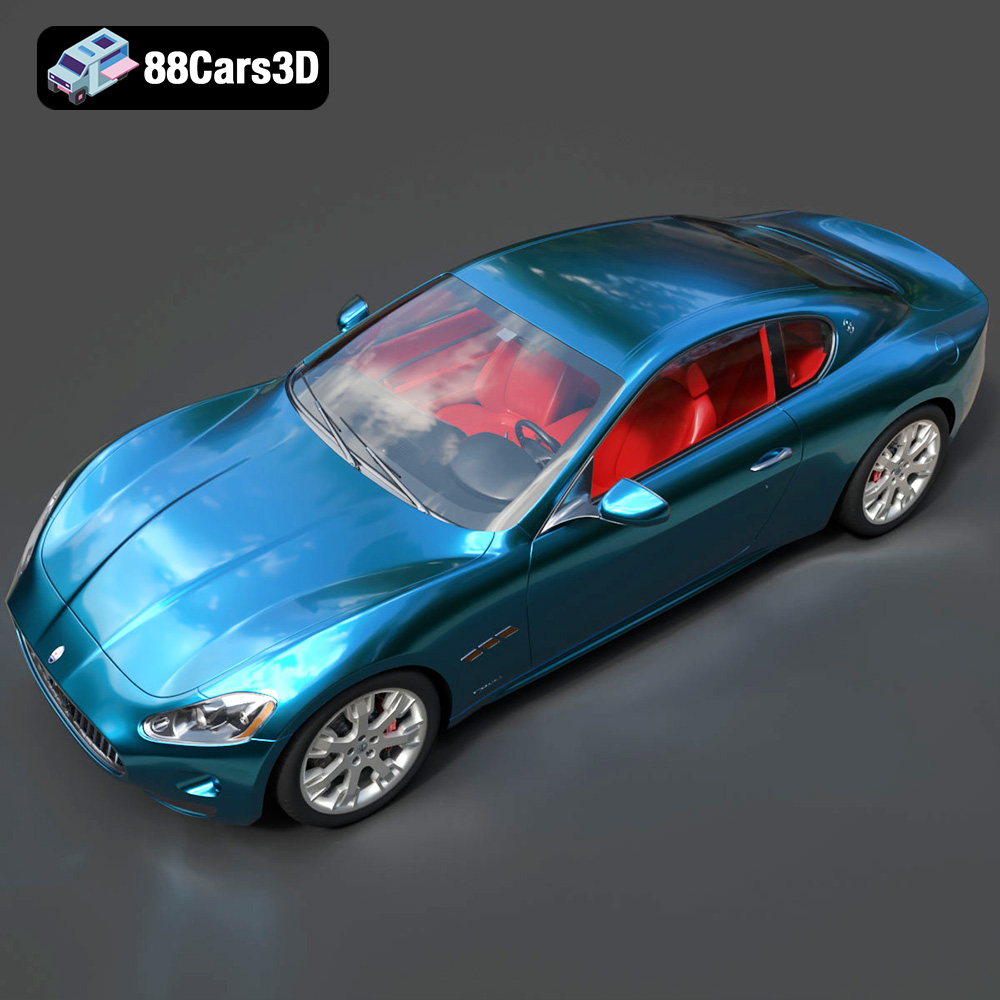
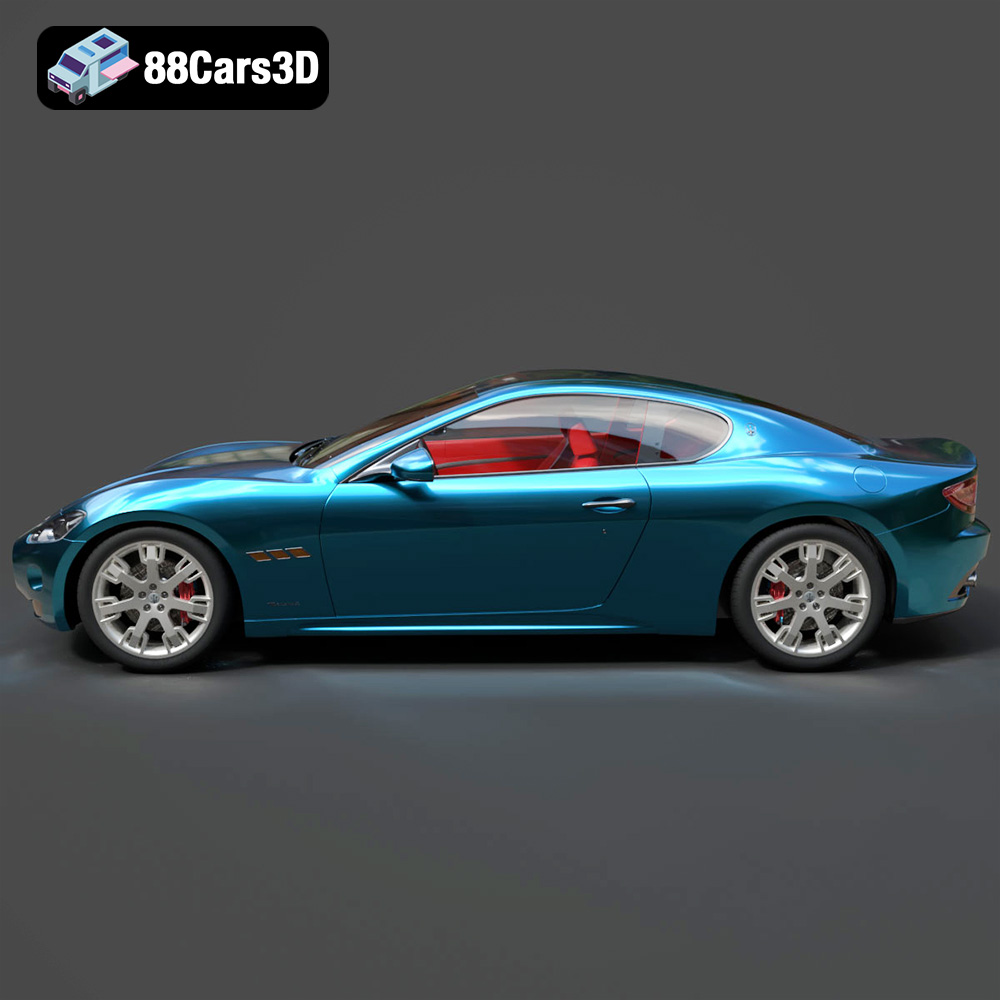
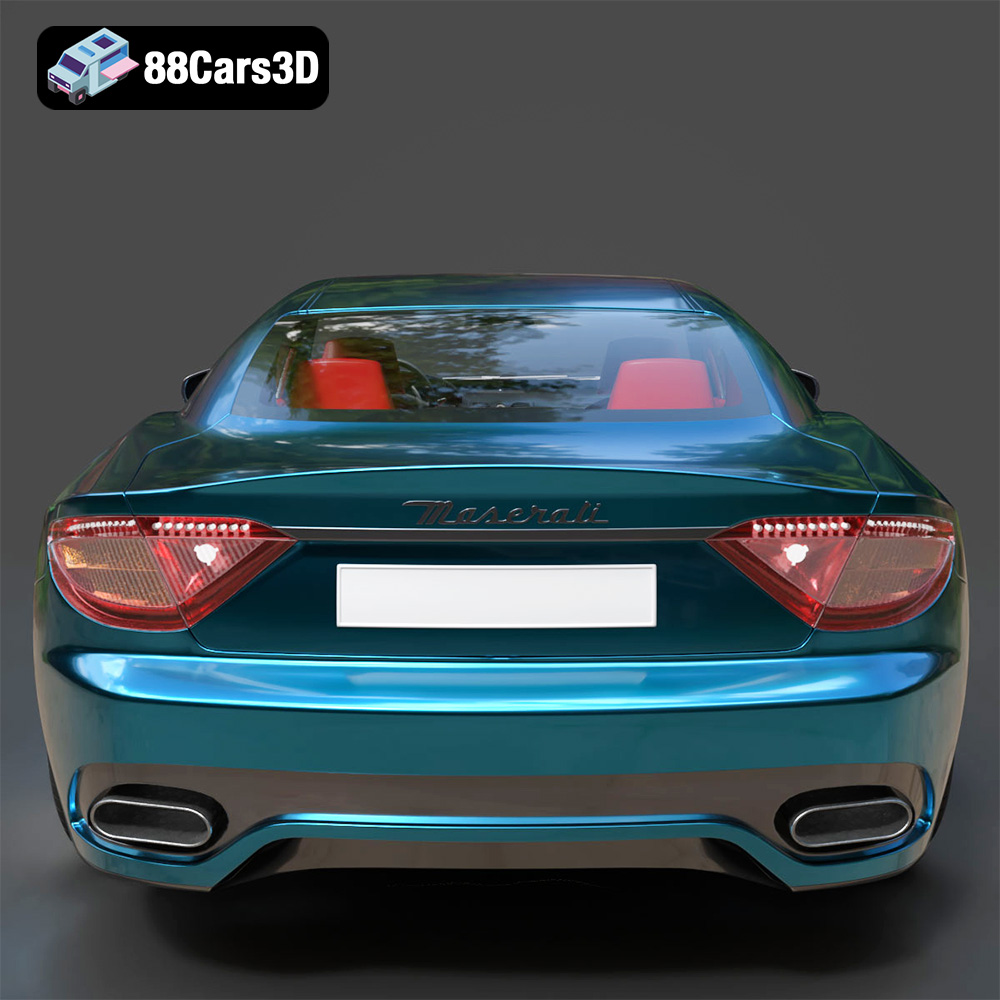
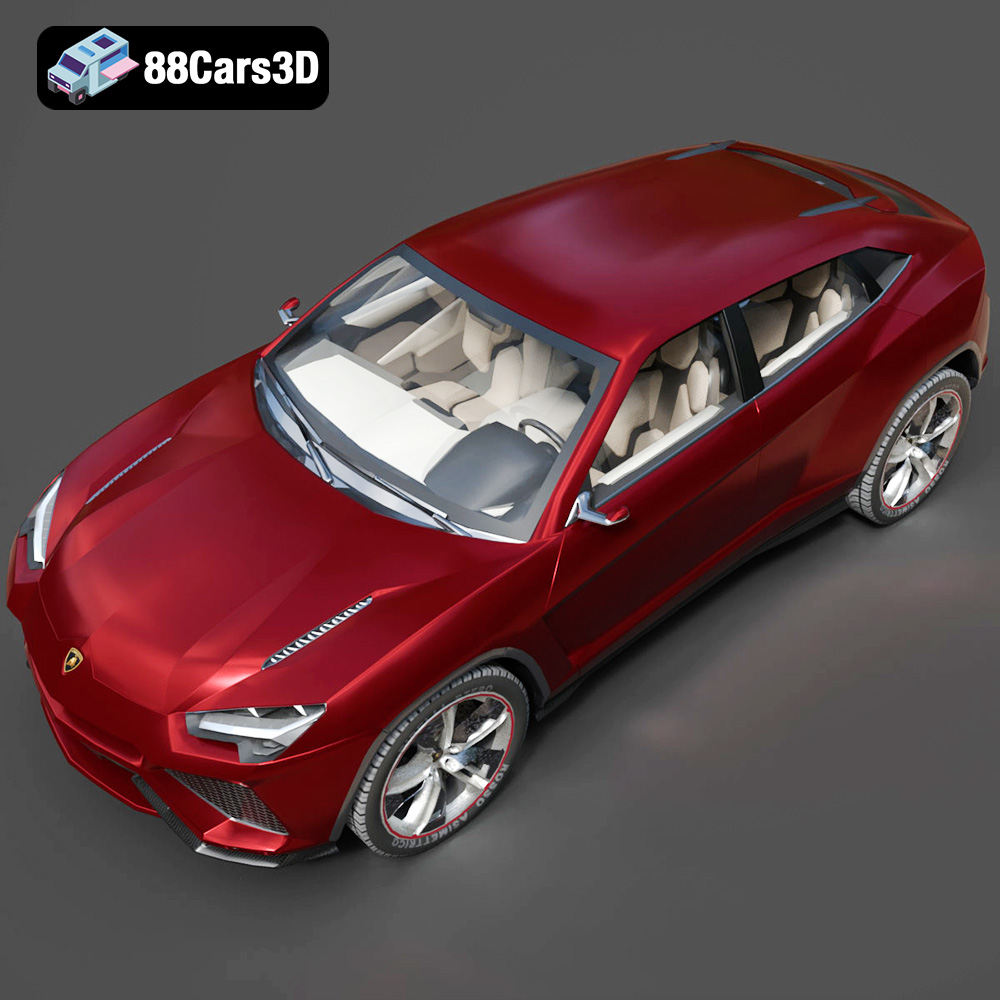
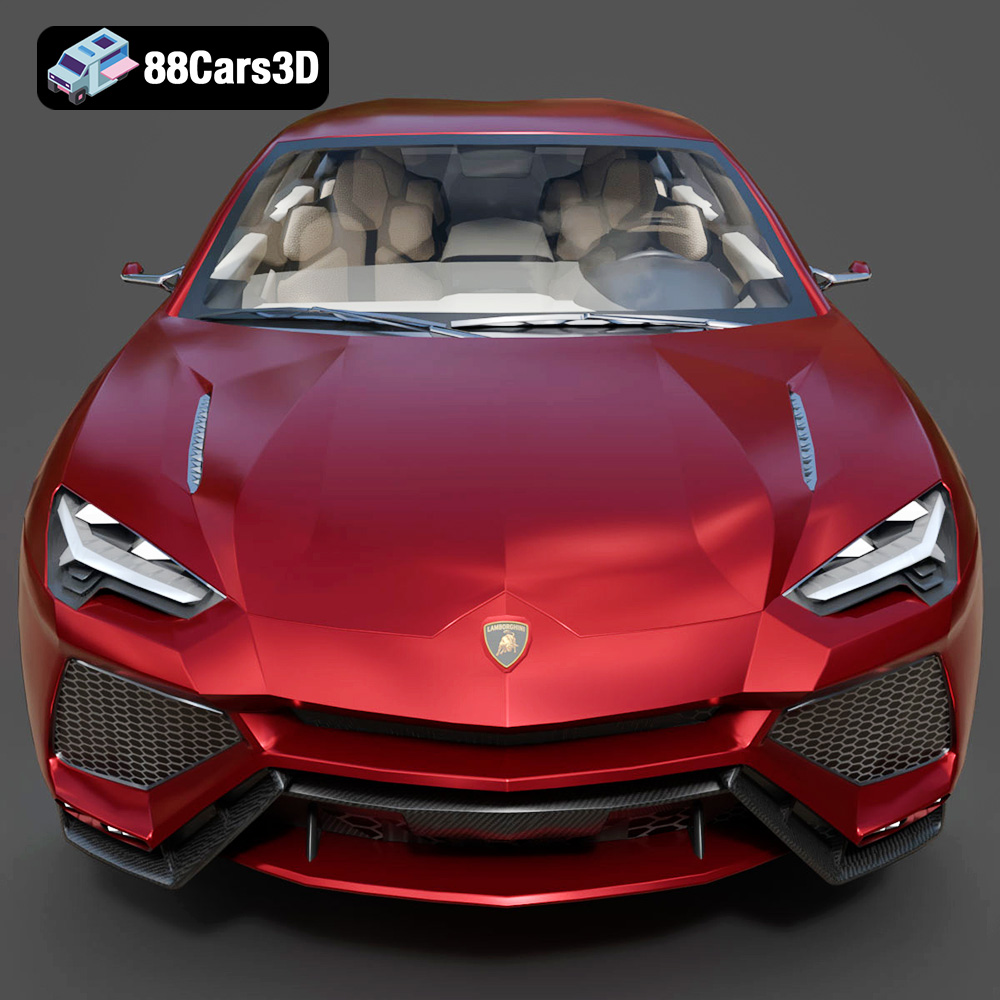
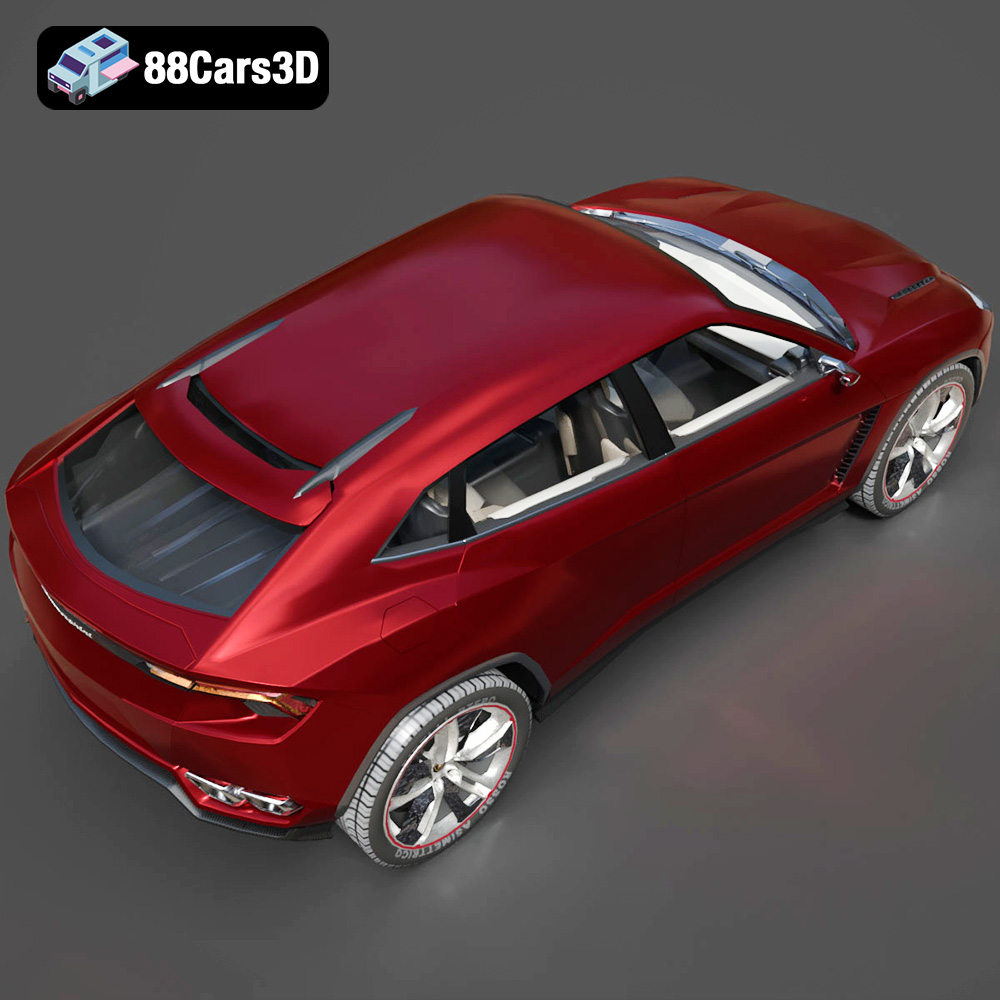
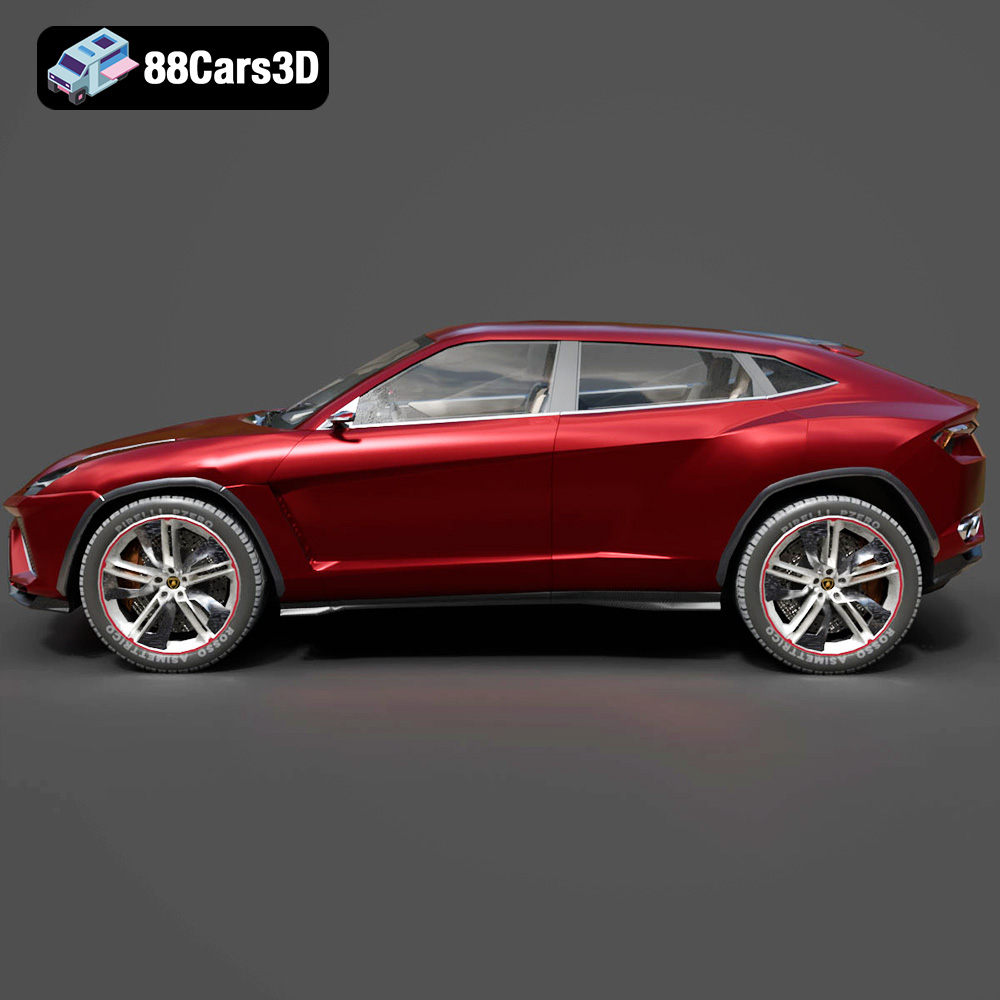
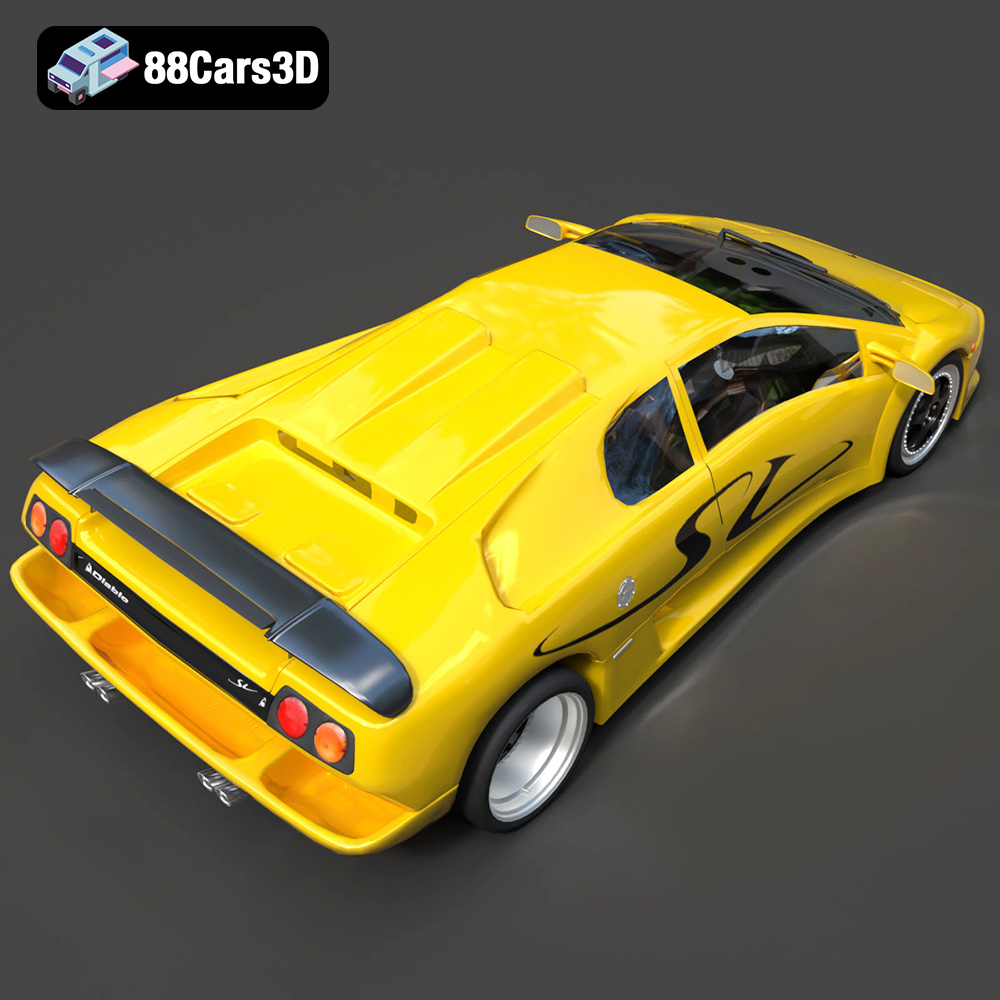
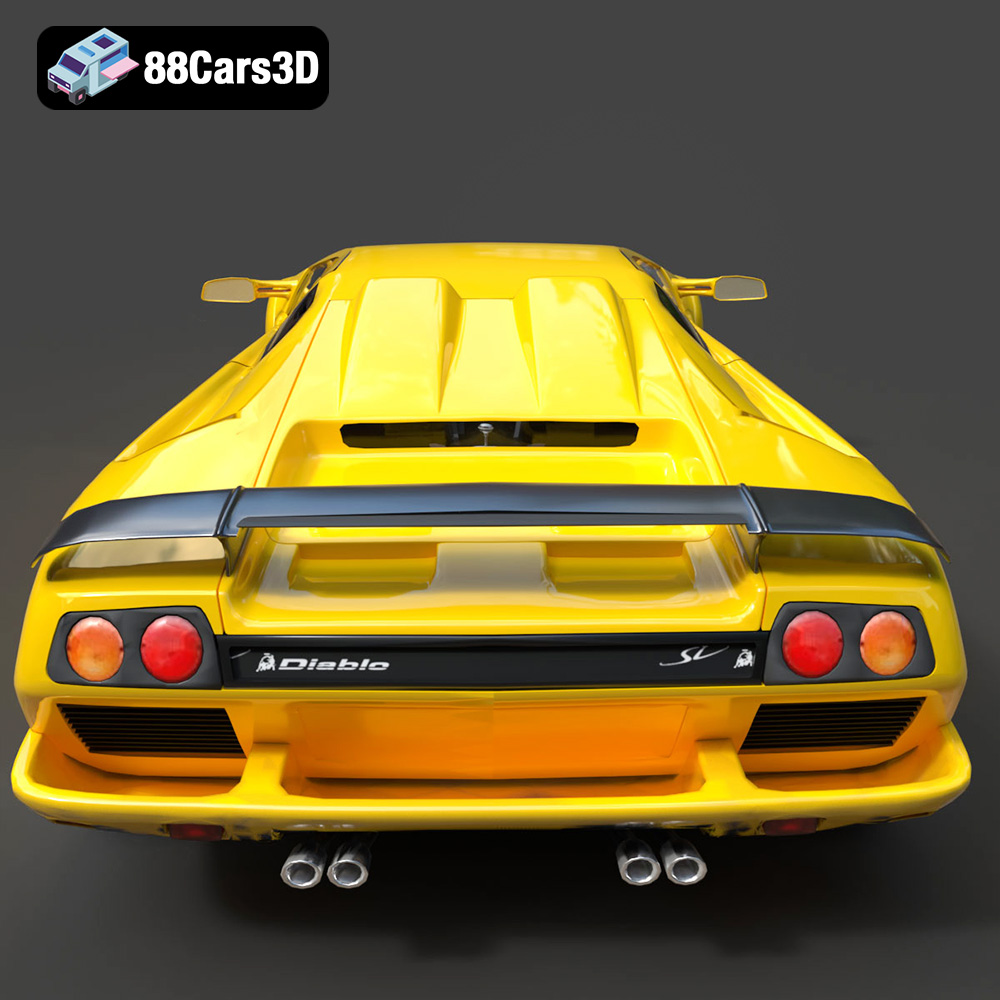
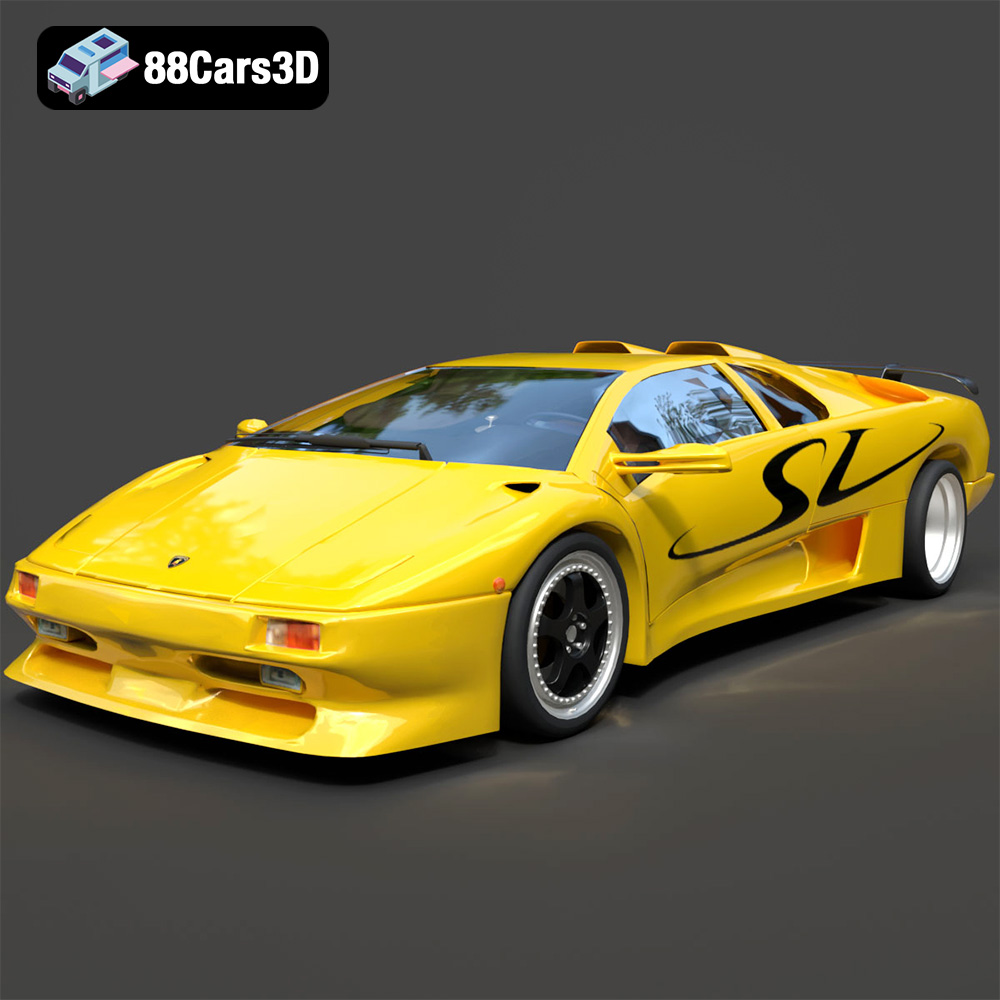
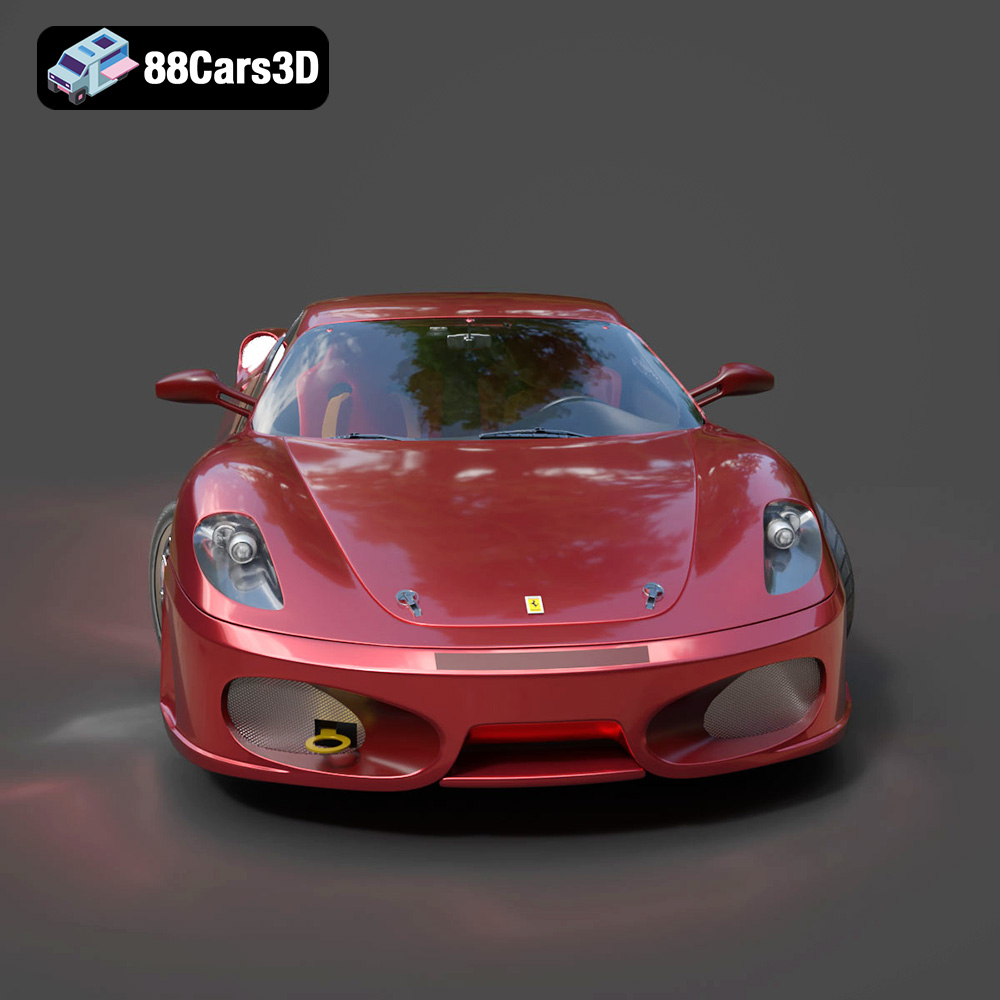
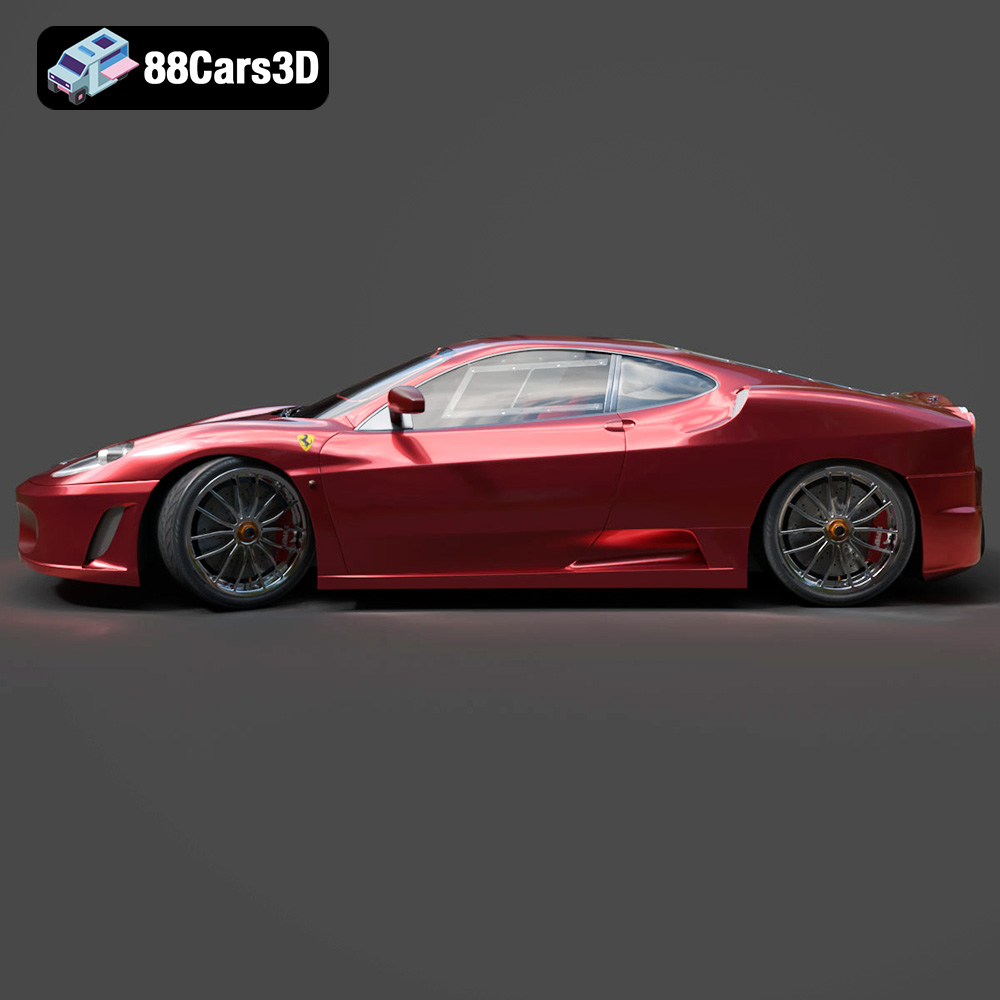
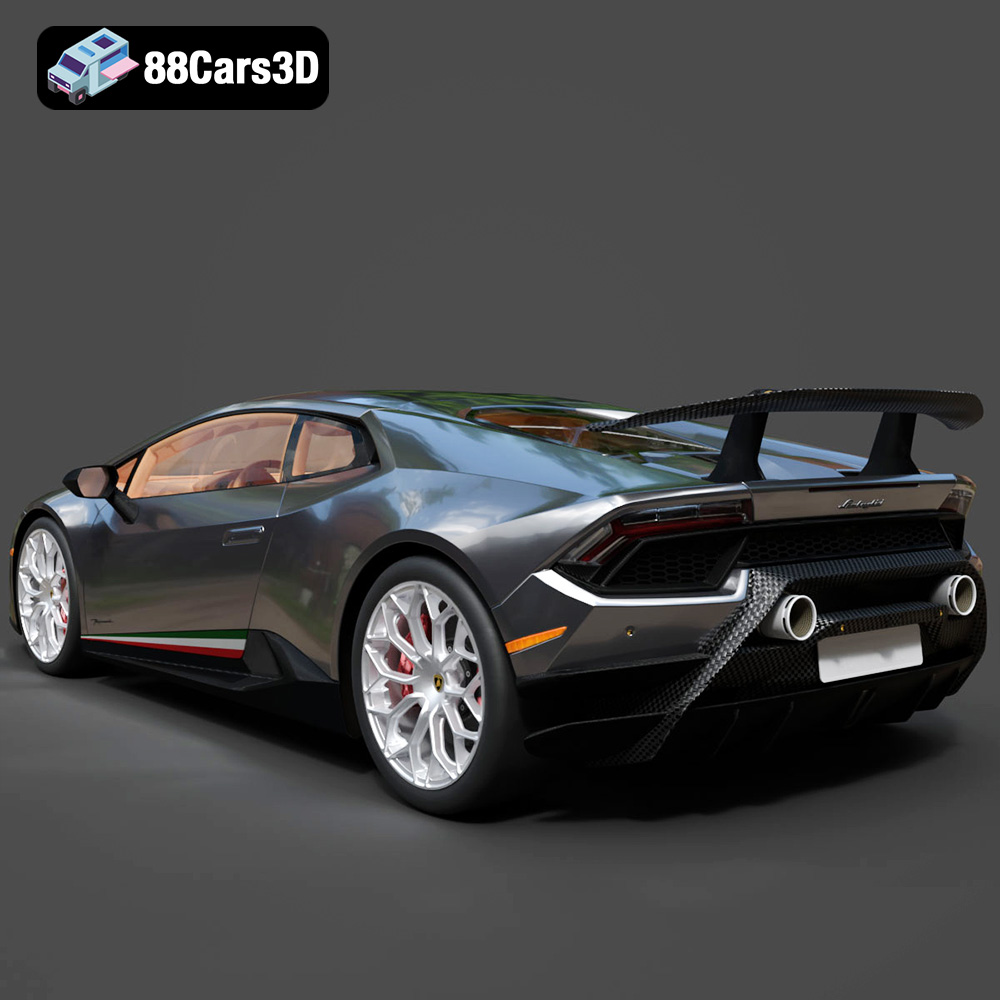
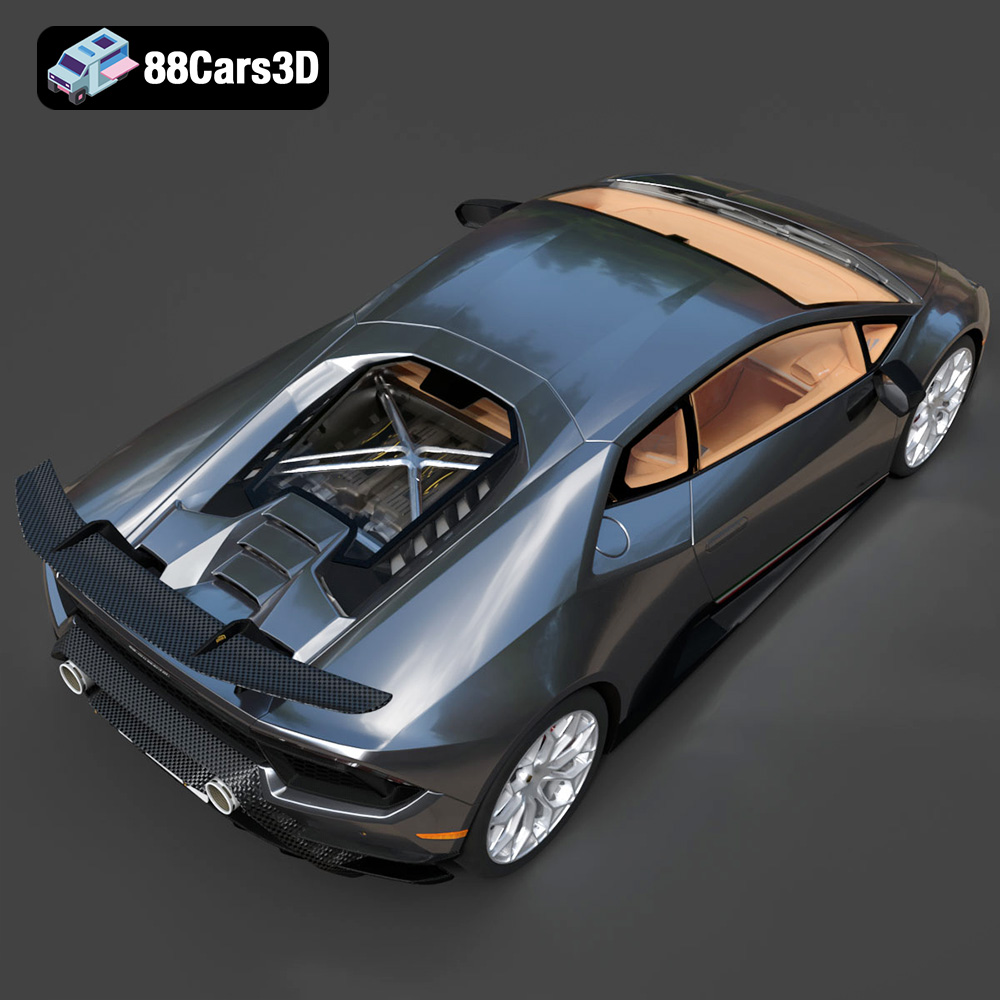
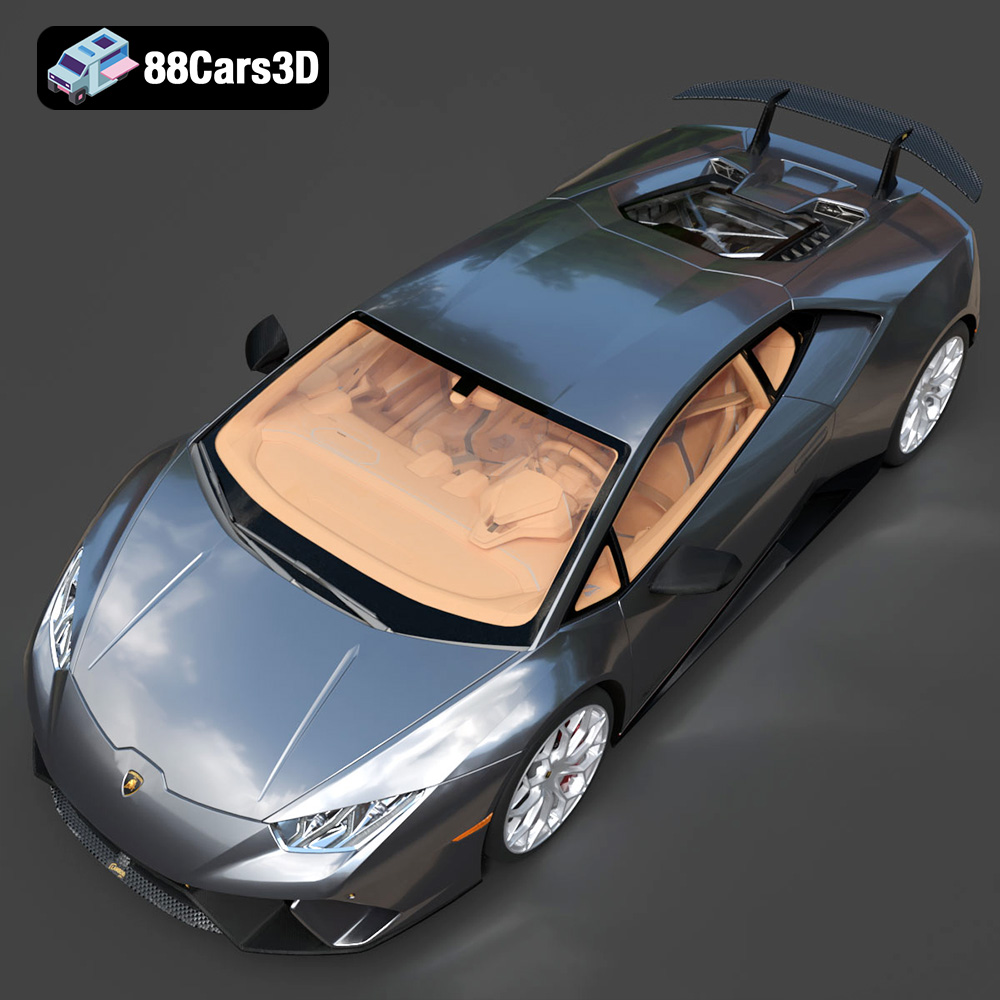
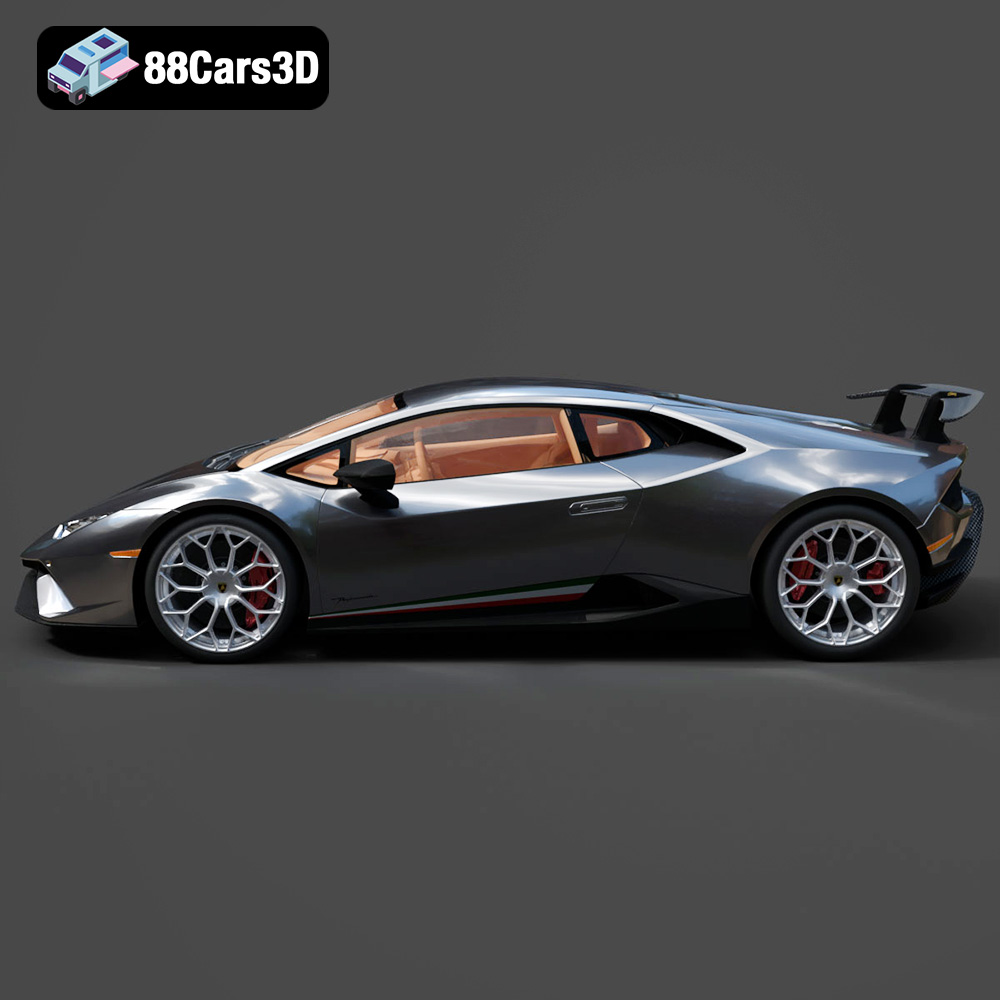
The Italian Legends Bundle from 88cars3d.com is a dream come true for automotive enthusiasts and 3D printing aficionados. This collection of five iconic Italian supercars – the Lamborghini Huracán Performante, Ferrari 458 Italia, Lamborghini Urus, Lamborghini Diablo SV, and Maserati GranTurismo – offers the opportunity to bring miniature masterpieces of automotive engineering to life. These aren’t just any 3D models; they are meticulously crafted, optimized for 3D printing, and brimming with details that capture the essence of each legendary vehicle. This article will delve into the specifics of successfully 3D printing these models, covering everything from printer settings and material choices to pre-print preparation and post-processing techniques.
The level of detail in the Italian Legends Bundle demands a printer capable of high resolution. The two primary types of 3D printers suitable for these models are Fused Deposition Modeling (FDM) and Stereolithography (SLA) or resin printers.
FDM printers, which melt and extrude plastic filament, are a popular choice due to their affordability and ease of use. For the Italian Legends Bundle, an FDM printer with a nozzle size of 0.4mm or smaller is recommended to capture the finer details. While FDM printers might not achieve the same level of detail as resin printers, they are well-suited for larger scale models of the Lamborghini Urus or Maserati GranTurismo, where overall size is more important than minute details. Consider using a printer with a heated bed to improve adhesion and prevent warping, especially with materials like ABS or ASA.
Resin printers utilize liquid resin cured by UV light, offering exceptional detail and smooth surfaces. This makes them ideal for capturing the intricate details of the Ferrari 458 Italia or the aggressive aerodynamics of the Huracán Performante. Resin printers excel at producing smaller, highly detailed models, making them a prime choice for collectors and enthusiasts seeking the ultimate in realism. However, resin printing often requires more post-processing, including washing and curing the printed parts. Consider a resin printer with a high XY resolution for the best results.
The Italian Legends Bundle from 88cars3d.com includes various file formats to suit different applications, but for 3D printing, the .stl format is your primary focus. Understanding the nuances of each format is crucial for a smooth workflow.
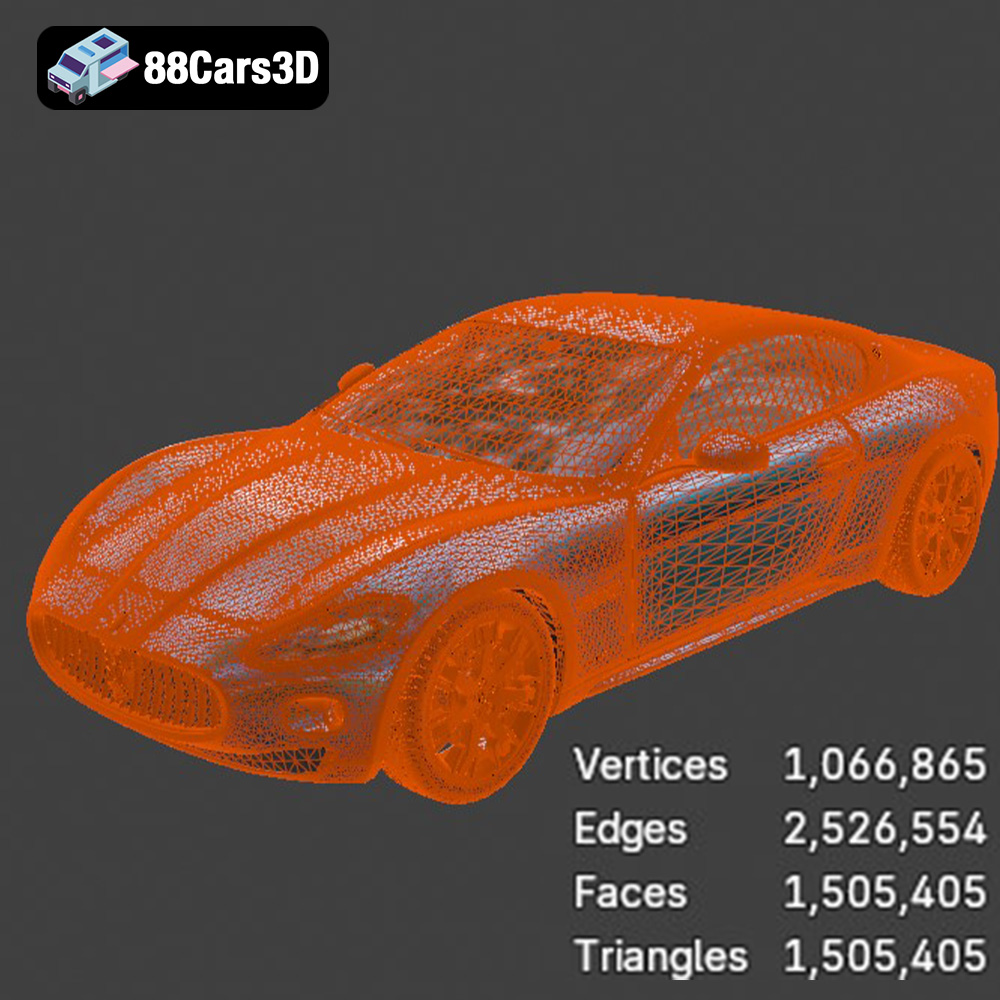
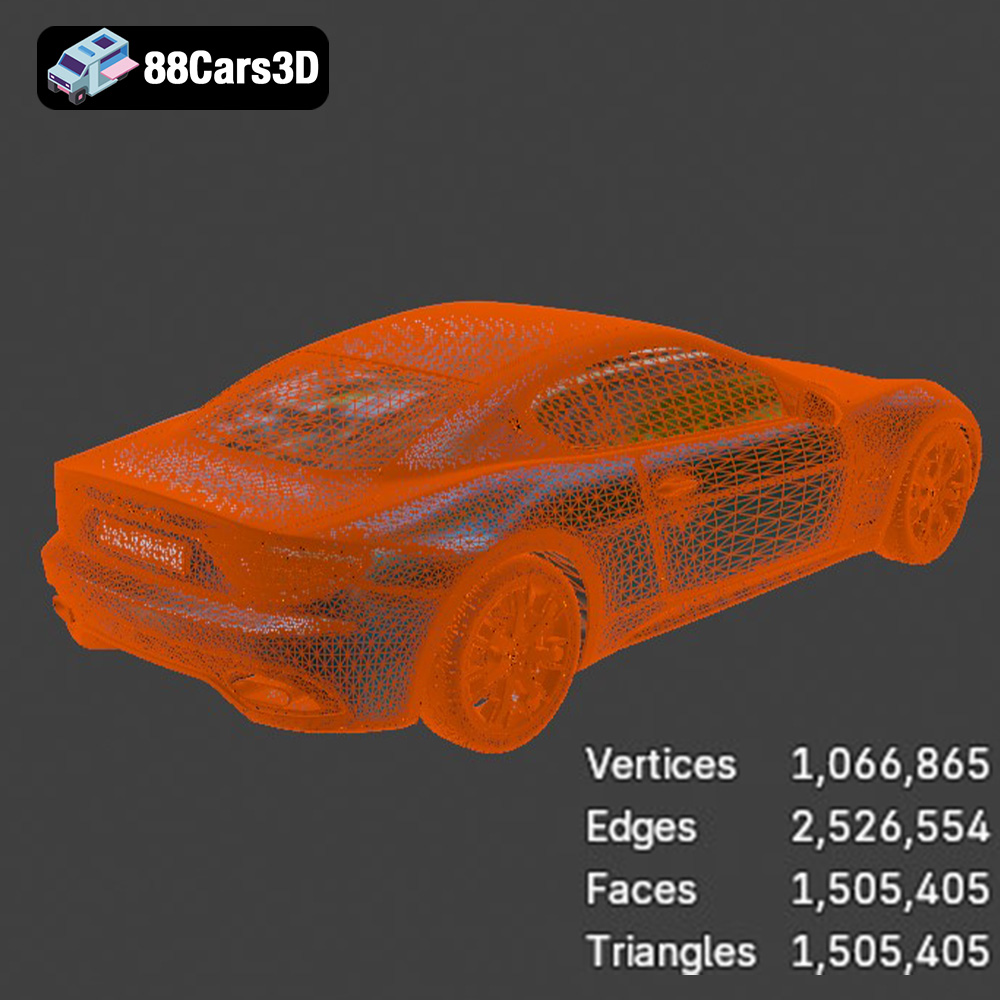
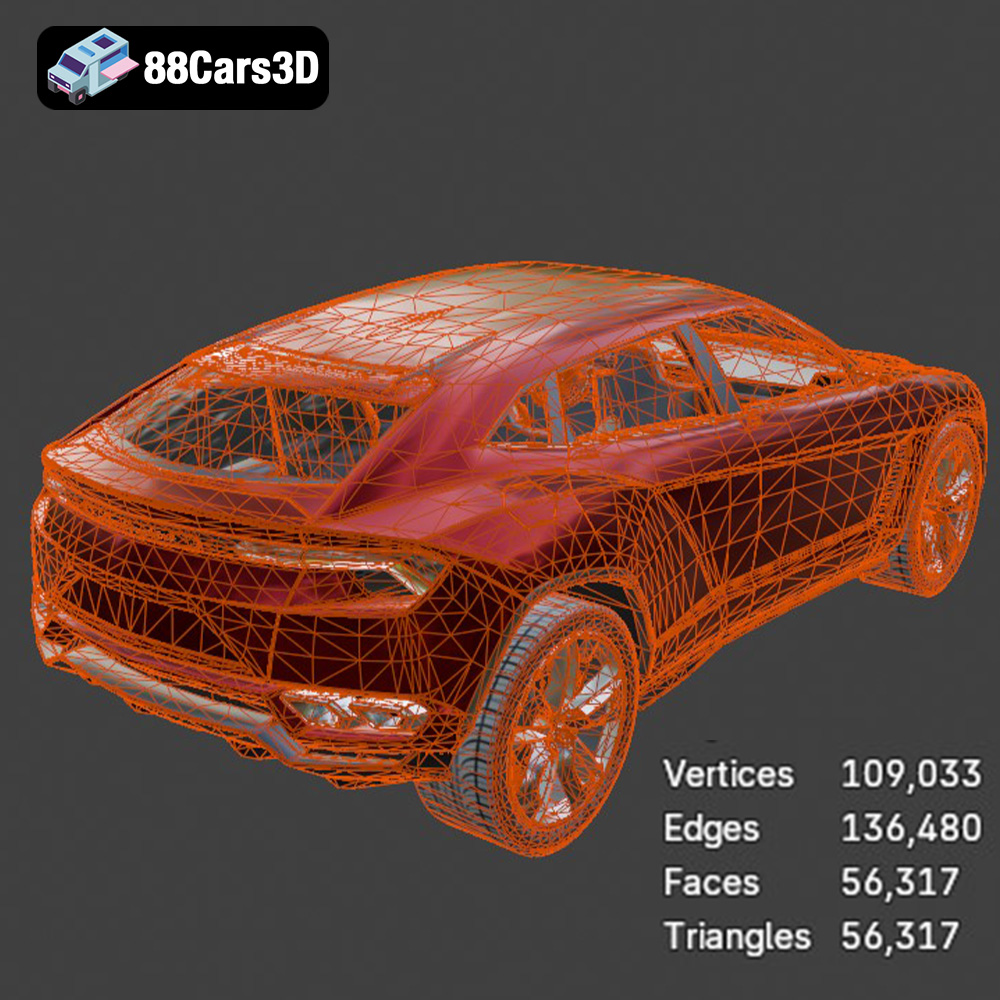
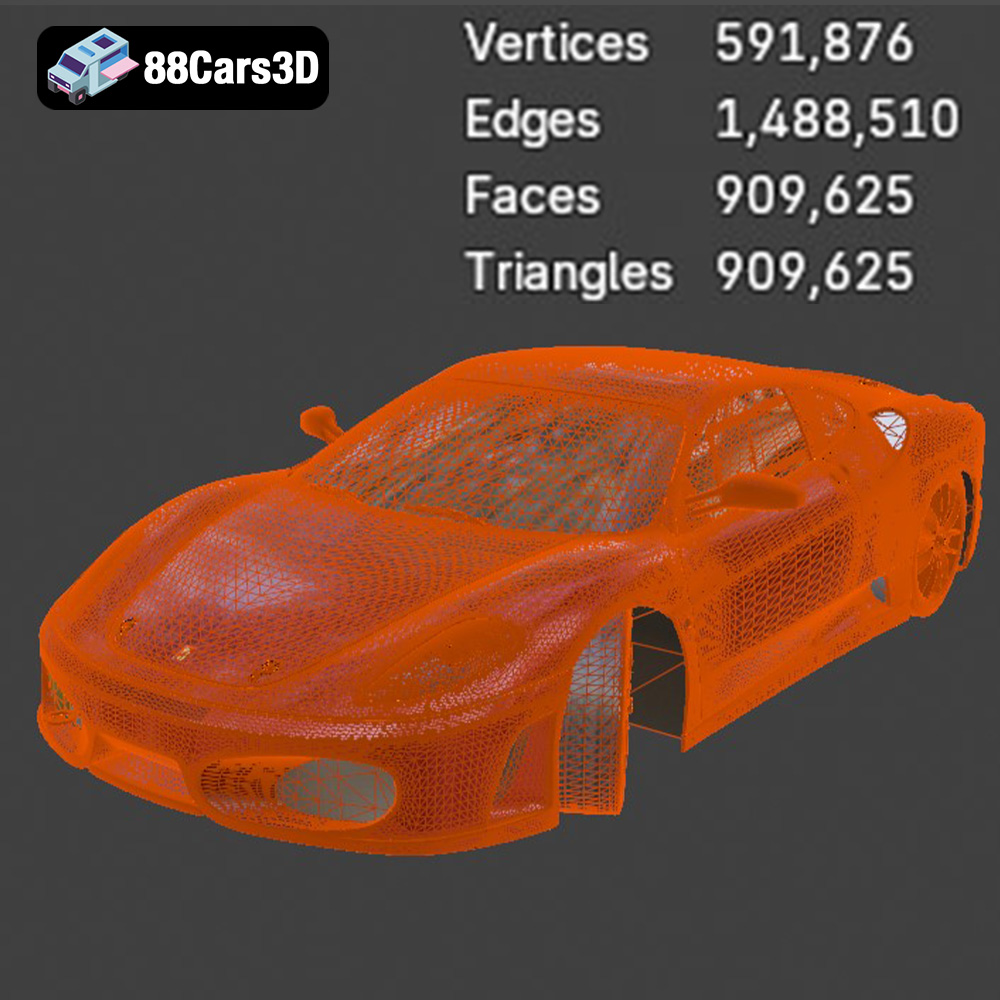
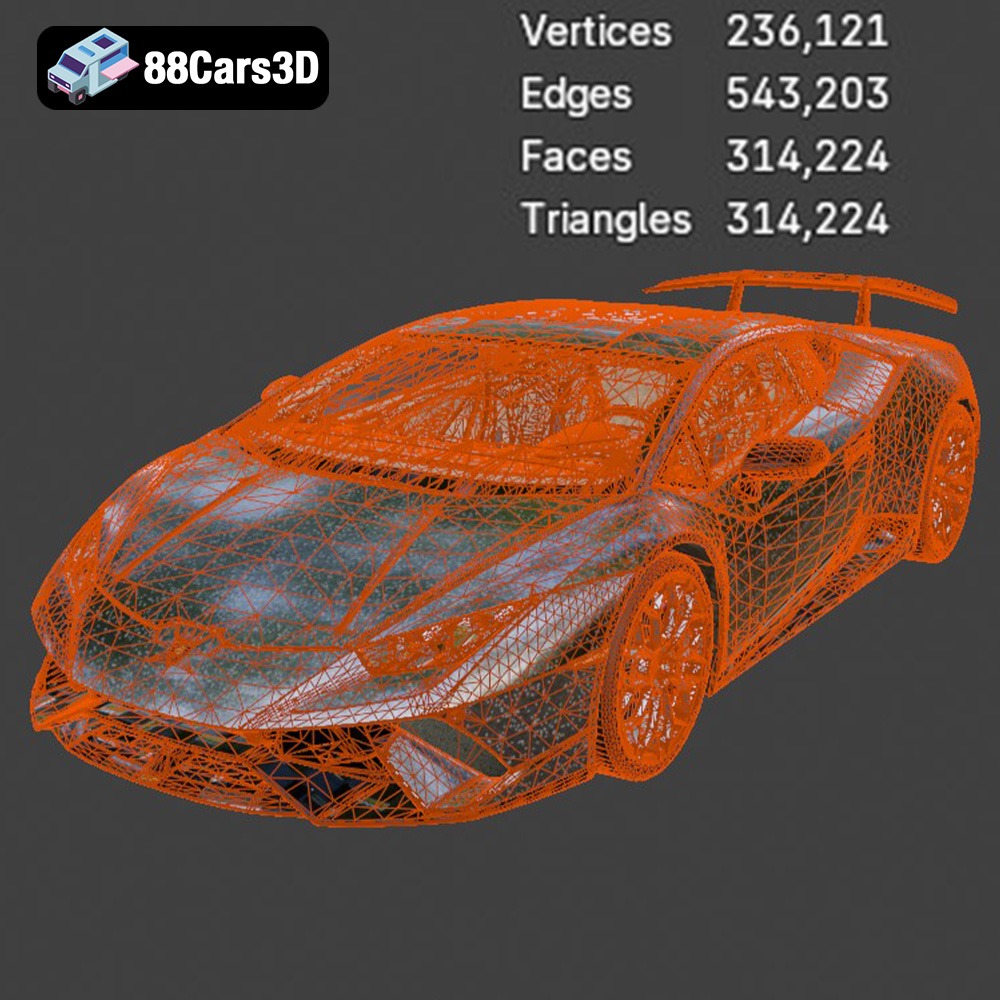
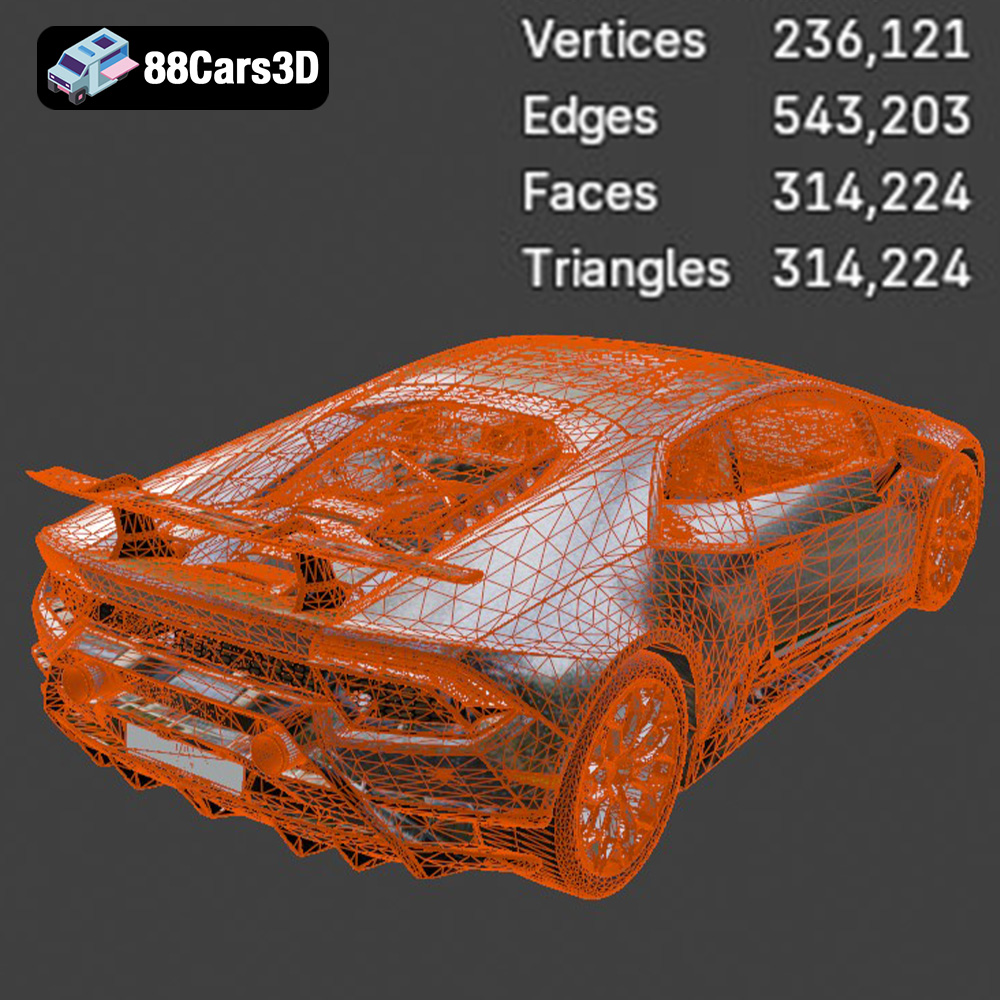
The .stl (Stereolithography) format is the industry standard for 3D printing. It represents the surface geometry of a 3D object as a collection of triangles. While simple, this format is universally compatible with slicing software and 3D printers. For the Italian Legends Bundle, ensure the .stl files are of sufficient resolution (triangle count) to capture the curves and details of the supercars accurately. Lower resolution .stl files may result in faceted surfaces, compromising the realism of the final print. Slicing software uses these .stl files to generate the instructions (G-code) that guide the 3D printer.
.obj files are a more versatile format than .stl, supporting color and texture information. While primarily used for rendering and visualization, .obj files can be used for multi-material 3D printing if the printer supports it. However, for single-material printing of the Italian Legends Bundle, the .stl format is generally preferred due to its simplicity and widespread compatibility. The .obj format is also a mesh-based format and can be imported into most slicing software, however, it can be more demanding on your system’s resources.
.ply (Polygon File Format) is designed for storing 3D data acquired from 3D scanners. It can store color, texture, and even normal information. While offering high precision, .ply files are less commonly used for 3D printing than .stl or .obj. However, if you have access to a .ply file of one of the supercars in the bundle, most slicing software can import and process it for printing.
Formats like .blend (Blender), .fbx, .glb and .max (3ds Max) are more suited for editing and preparing the 3D models before printing. .blend is the native format for Blender, a free and open-source 3D creation suite. .fbx is a popular format for exchanging 3D data between different software packages. .glb is primarily used for Augmented Reality (AR) and allows you to preview the models in a real-world environment before printing. .max is the native format for 3ds Max. You can use these formats to modify the models, add details, or separate parts for easier printing and assembly. After making changes, you would export the model as an .stl file for 3D printing. These formats can be used to resize the model, separate parts for printing, and add customized features to your 3D printed model, which is especially useful if you want to modify the design of the Lamborghini Diablo SV or customize the wheels of the Maserati GranTurismo.
Before you hit the print button, careful preparation is key. This involves using slicing software to convert the 3D model into instructions for your printer and optimizing the model for successful printing.
Slicing software takes the .stl file and divides it into layers, generating G-code that your 3D printer can understand. Popular options include Cura, Simplify3D, and PrusaSlicer. Each software offers a range of settings to control print quality, speed, and support generation. For the Italian Legends Bundle, start with a layer height of 0.1mm to 0.2mm for FDM printing and 0.025mm to 0.05mm for resin printing. Experiment with different infill patterns and densities to balance strength and material usage. Consider using adaptive layer height to increase detail in curved areas.
The orientation of the model on the print bed significantly impacts print quality and support requirements. Experiment with different orientations to minimize overhangs and reduce the need for support structures. For models like the Ferrari 458 Italia with its complex curves, orienting the model at an angle can improve surface finish. Use support structures strategically to support overhangs and prevent warping. In slicing software, you can adjust support density, angle, and placement. For resin printing, consider hollowing the model to reduce material consumption and print time. However, ensure adequate drainage holes are added to allow resin to escape.
The choice of material affects the appearance, strength, and durability of your 3D printed supercar. Different materials have different properties and require different printer settings.
PLA (Polylactic Acid) is a biodegradable thermoplastic known for its ease of use and low printing temperature. It’s a great option for beginners and for printing models where high strength is not required. PLA is suitable for printing the Lamborghini Urus or Maserati GranTurismo for display purposes. However, PLA is not as heat-resistant as other materials and may warp in direct sunlight.
PETG (Polyethylene Terephthalate Glycol-modified) offers a good balance of strength, flexibility, and heat resistance. It’s a more durable option than PLA and is suitable for printing models that may be handled frequently. PETG is a good choice for printing the Lamborghini Huracán Performante or Diablo SV if you plan to display or use them regularly. PETG generally requires a higher printing temperature than PLA and may require some experimentation to dial in the optimal settings.
For resin printing, choose a resin that is specifically designed for high-detail models. There are many types of resin available, including standard resin, tough resin, and flexible resin. Standard resin is a good all-around option, while tough resin offers increased strength and impact resistance. Flexible resin can be used for parts that require some flexibility. Select your resin based on your model’s specific requirements.
Dialing in the correct printer settings is crucial for achieving high-quality 3D prints of the Italian Legends Bundle. These settings will vary depending on the type of printer and material you are using.
After printing, post-processing is often necessary to remove support structures, smooth surfaces, and add finishing touches.
Carefully remove support structures using pliers or a sharp knife. Take your time to avoid damaging the model. For FDM prints, sanding can smooth out layer lines and improve surface finish. Start with coarse sandpaper and gradually move to finer grits. For resin prints, sanding may be necessary to remove small imperfections or support marks.
Painting can bring your 3D printed supercars to life. Use automotive-grade paints for a durable and realistic finish. Apply primer before painting to improve adhesion. Consider using masking tape to create clean lines and separate different colored areas. Add details like decals, badges, and painted brake calipers to enhance the realism of the models. Refer to reference images of the actual cars to ensure accuracy.
3D printing can be challenging, and it’s common to encounter issues along the way. Here are some tips for troubleshooting common problems:
The Italian Thoroughbreds Bundle is an elite, curated collection representing the pinnacle of Italian automotive soul, speed, and sculptural design. This bundle brings together the aggressive track-focused aerodynamics of Lamborghini and Ferrari with the grand-touring elegance of Maserati. Designed for creators, collectors, and 3D printing enthusiasts, this collection offers a diverse range of vehicles—from 90s icons to modern-day engineering marvels.
$199.99
Ferrari & Maserati STL Collection
Italian Supercar 3D Models Bundle – Lamborghini