Get 50% OFF All Premium 3D & STL Models!

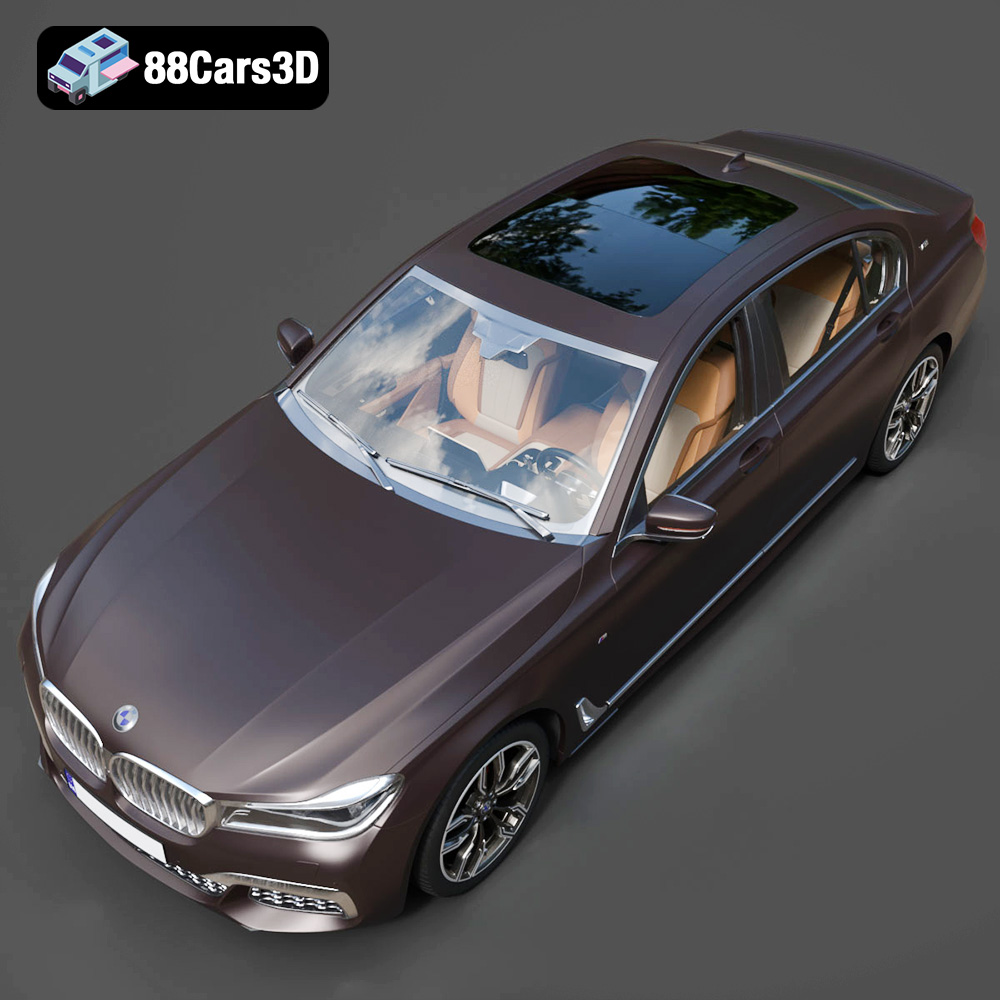
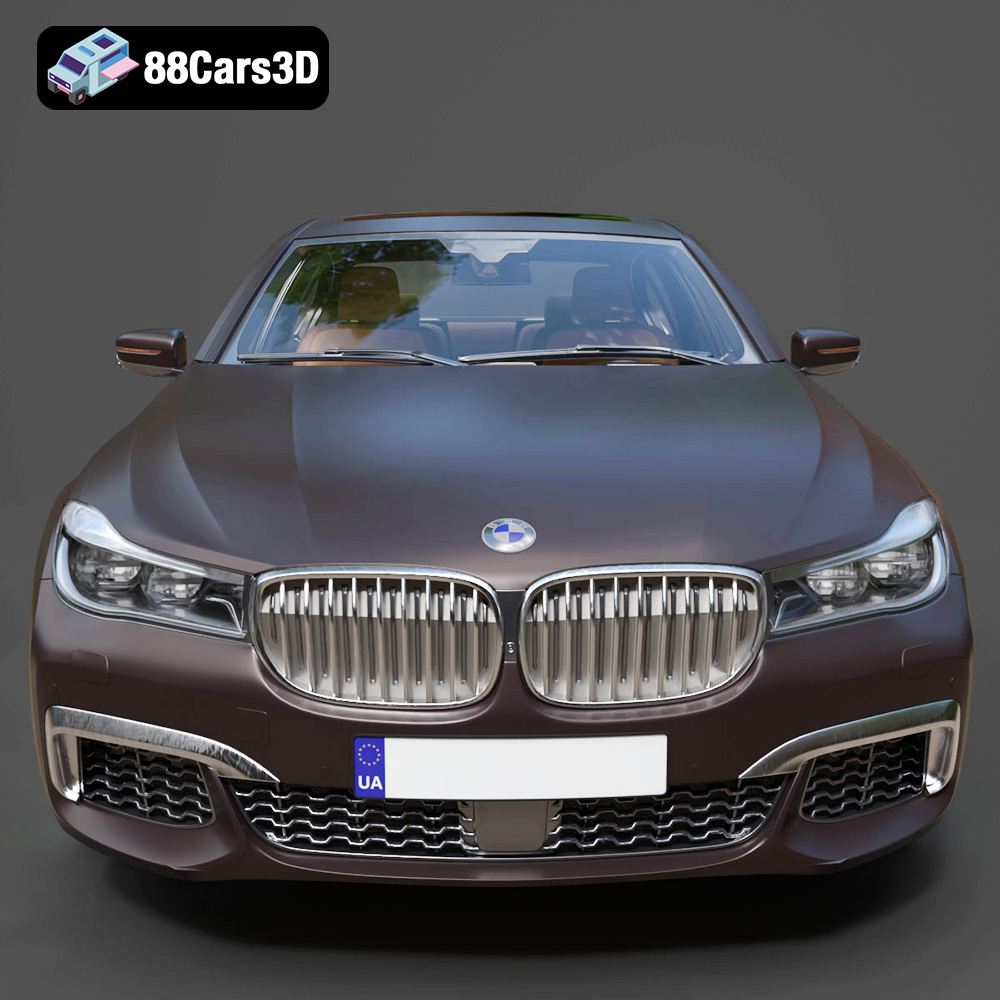
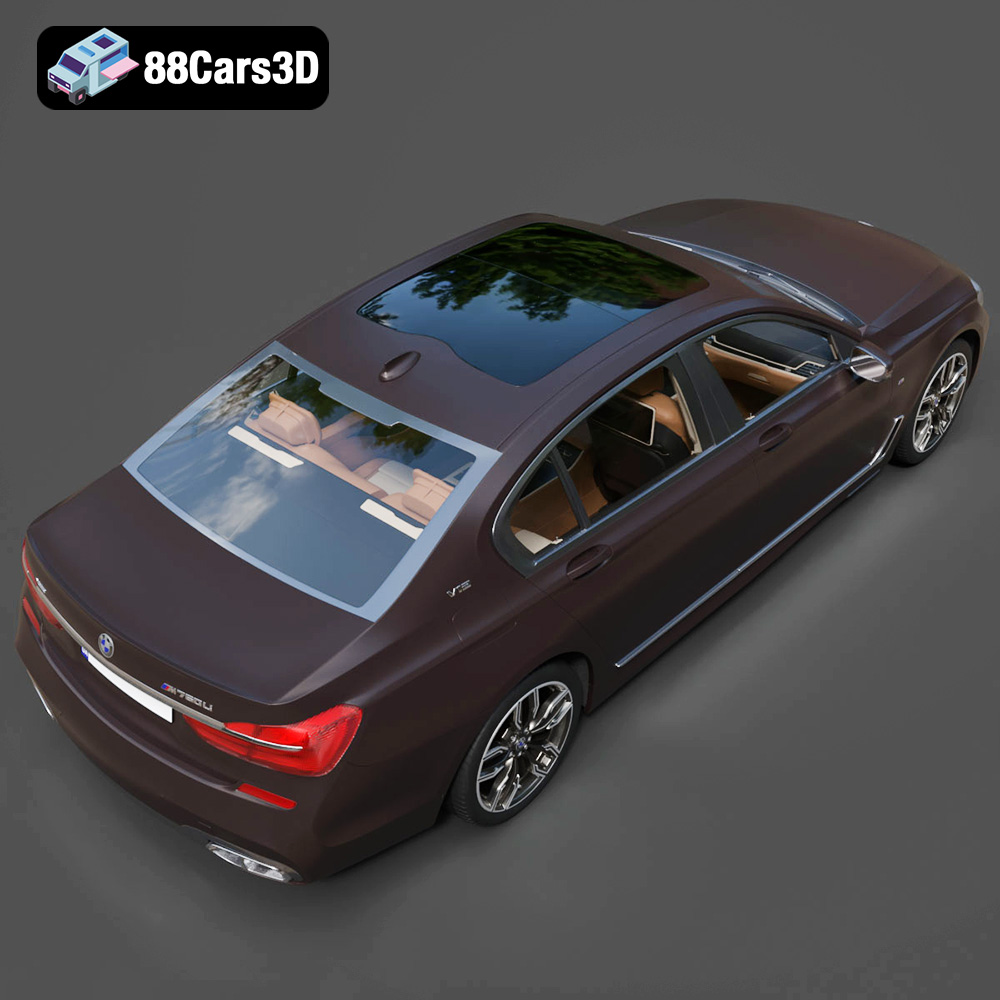
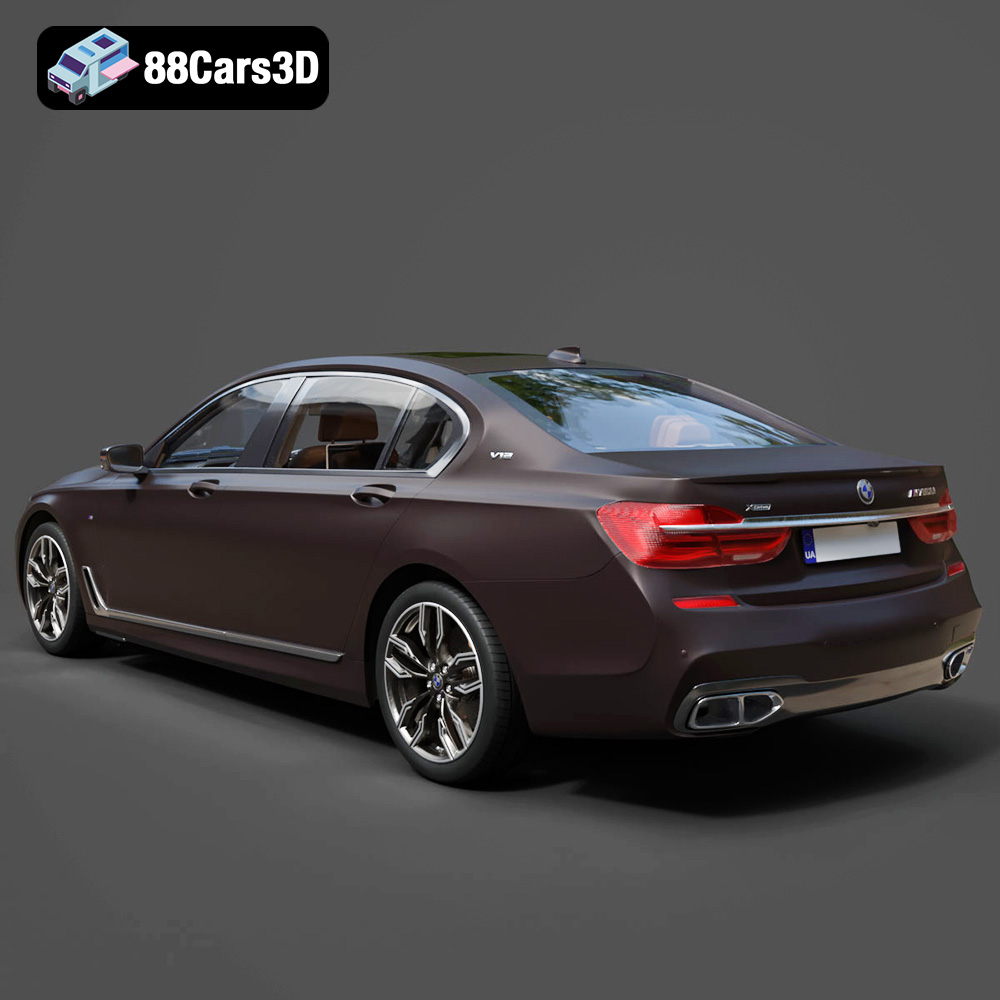
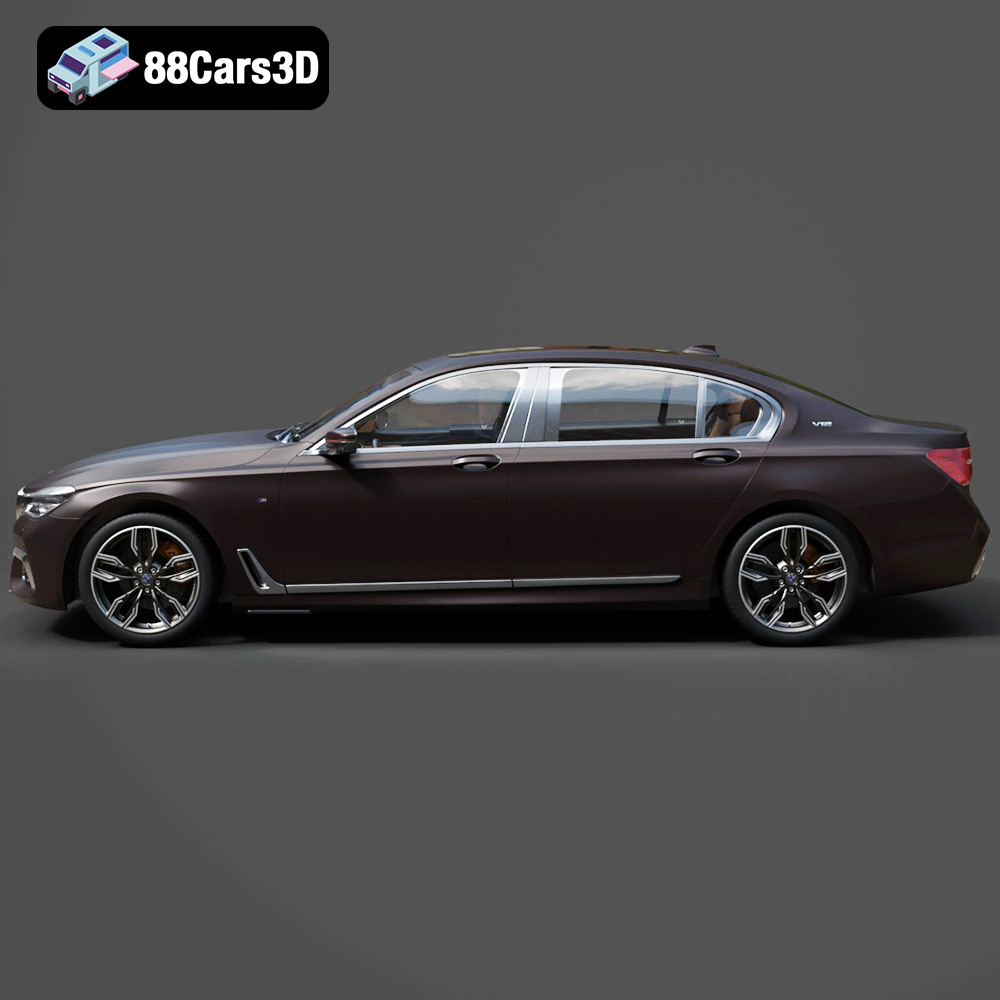
The BMW M7 (G12) with HQ Interior 2017 3D Model is an exceptional piece of digital art, meticulously crafted to replicate the luxury and performance of the real vehicle. Beyond its potential for rendering and visualization, this model is specifically designed to be 3D printable. This article will guide you through the process of transforming the digital design into a tangible, high-quality 3D printed model.
The level of detail present in the BMW M7 (G12) with HQ Interior 2017 3D Model suggests that both Fused Deposition Modeling (FDM) and Stereolithography (SLA) or resin printing technologies are viable options, each with its own advantages and disadvantages. The best choice depends on your desired level of detail, budget, and post-processing capabilities.
FDM printers are more accessible and affordable. They work by extruding thermoplastic filaments layer by layer. For the BMW M7 model, consider using materials like PLA or PETG. PLA is easy to print and offers good rigidity, while PETG provides better durability and temperature resistance. However, FDM printers typically produce parts with noticeable layer lines, which might require more post-processing to achieve a smooth finish. A smaller nozzle (0.4mm or even 0.25mm) can help improve the resolution and capture finer details.
Resin printers, using technologies like SLA or DLP, offer superior detail and smoother surfaces. These printers use liquid resin that is cured by UV light. Resin printing is ideal for capturing the intricate details of the BMW M7, especially the interior. While resin printers can be more expensive and the resin itself requires careful handling, the resulting print quality is often worth the investment for detailed models like this. There are also a wide variety of resins available, ranging from standard resins to more specialized high-detail or flexible resins.
Before you can begin 3D printing the BMW M7 (G12) with HQ Interior 2017 3D Model, it’s essential to understand the various file formats included and how they relate to the 3D printing process. While the model comes in several formats, the STL format is the cornerstone of 3D printing.
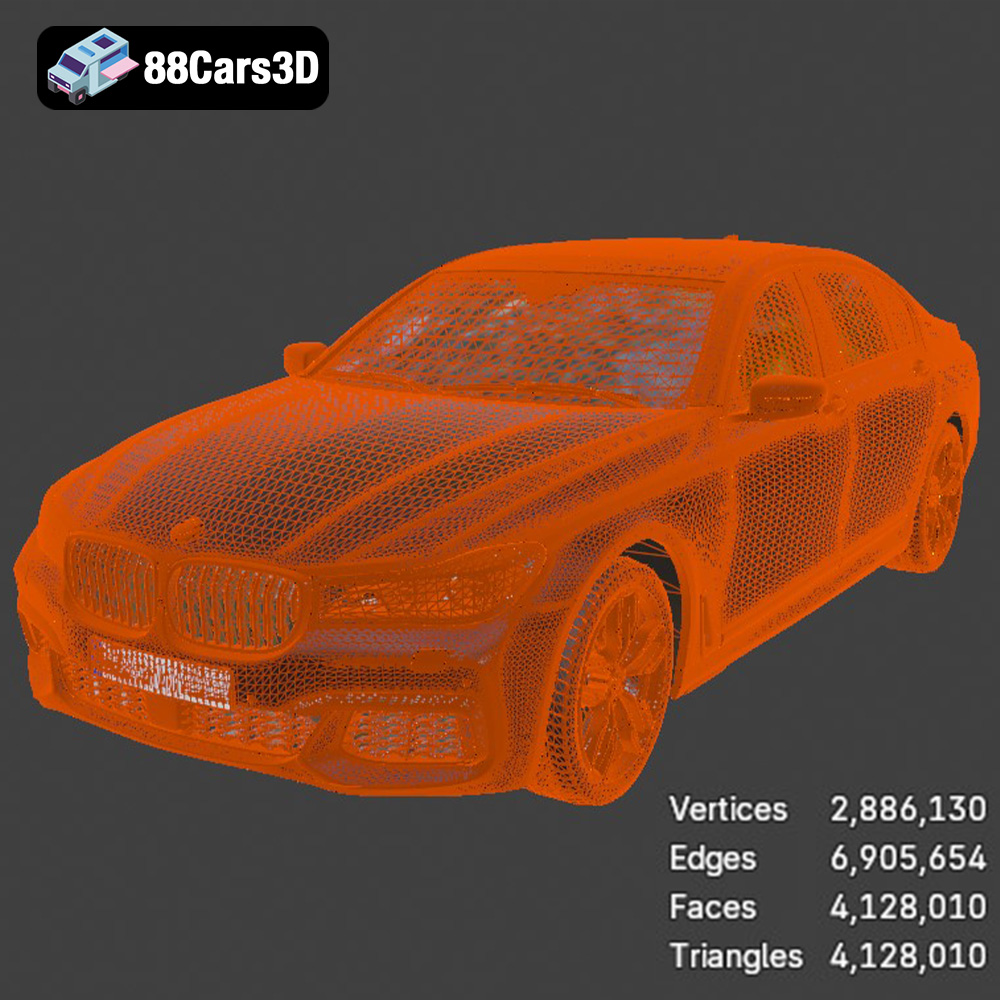
The STL (Stereolithography) file format is the most widely used format in 3D printing. It represents the surface geometry of a 3D object as a collection of triangles. Because it focuses solely on surface geometry and contains no color, texture, or material information, the STL format prioritizes simplicity and compatibility across different 3D printing software and printers. When preparing the BMW M7 model for 3D printing, the STL file will be your primary format.
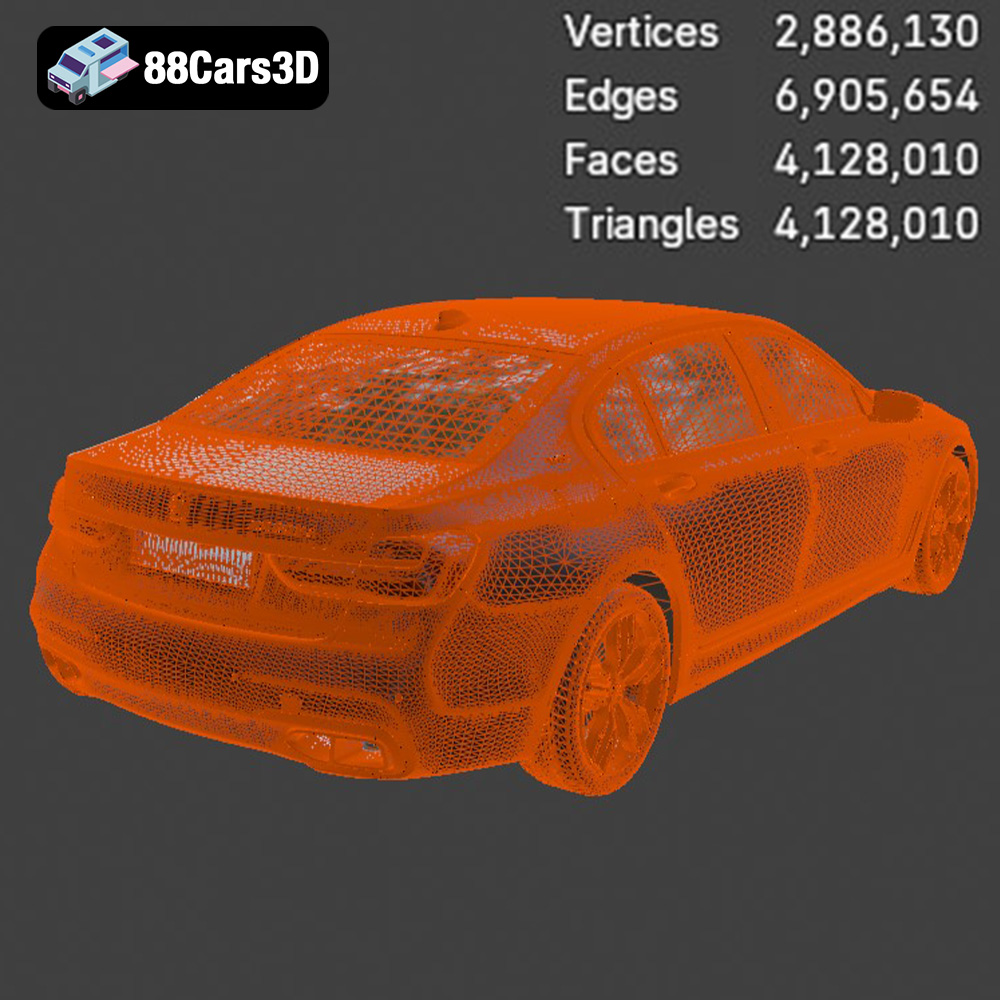
However, an STL file’s quality is directly related to its mesh density. A low-resolution STL will result in a faceted, less detailed print, whereas a high-resolution STL will capture more intricate details but result in a larger file size and longer processing times. Slicing software plays a crucial role in interpreting the STL file and converting it into instructions for the 3D printer. Popular slicing software options include Cura, PrusaSlicer, Simplify3D, and others. Most slicing programs allow you to adjust settings that affect print quality, such as layer height, infill density, and support structures. The STL file is the universal language that enables your slicing software to communicate with your 3D printer and is critical to the success of your 3D printing project.
Once you’ve chosen your 3D printing technology and have the STL file ready, pre-print preparation is crucial. This involves using slicing software to convert the 3D model into a set of instructions that your printer can understand. The slicing process involves several key steps that can significantly impact the quality of your final print.
The orientation of the BMW M7 model on the print bed can influence the surface finish and the need for support structures. For FDM printing, angling the body of the car can minimize the visibility of layer lines on the curved surfaces. Consider printing the wheels separately for better detail and easier post-processing. Support structures are necessary for overhanging parts, such as the mirrors, bumpers, and spoilers. In your slicing software, carefully configure the support settings to ensure they provide adequate support without being too difficult to remove.
Key settings in your slicing software include layer height, infill density, print speed, and temperature. A lower layer height (e.g., 0.1mm for FDM or 0.05mm for resin) will produce smoother surfaces but increase print time. Infill density affects the strength and weight of the model. A density of 15-25% is generally sufficient for display models. Print speed and temperature should be adjusted according to the material you are using.
The material you choose for 3D printing the BMW M7 (G12) with HQ Interior 2017 3D Model will directly impact the final product’s appearance, durability, and functionality. Here’s a breakdown of popular options:
PLA is a biodegradable thermoplastic polymer derived from renewable resources. It’s known for its ease of printing, low odor, and wide availability. PLA is an excellent choice for creating visually appealing models where strength and heat resistance aren’t critical factors. It comes in a vast array of colors and finishes, allowing for creative freedom. However, PLA is prone to warping in high-temperature environments and can be brittle compared to other materials.
PETG is a resilient and flexible thermoplastic with improved durability and chemical resistance compared to PLA. It’s also more heat-resistant, making it suitable for parts that might be exposed to higher temperatures. PETG is a great choice for parts that need to withstand some stress or impact. Its slightly higher printing temperature and tendency to stringing might require some fine-tuning of printer settings.
Resins used in SLA and DLP printing offer the highest level of detail and surface smoothness. They are ideal for intricate parts and models where aesthetics are paramount. However, resin prints often require more post-processing, including washing and curing. Resins can also be more brittle than thermoplastics and may require careful handling due to their chemical composition. There are numerous types of resin available, each with different properties such as flexibility, high temperature resistance, and impact resistance.
Post-processing is an essential step in achieving a professional-looking finish for your 3D printed BMW M7 (G12) with HQ Interior 2017 3D Model. The specific techniques you’ll use will depend on the printing material and the desired level of detail.
Whether you’ve printed with FDM or resin, sanding is often necessary to remove layer lines and imperfections. Start with coarse-grit sandpaper (e.g., 220 grit) to remove significant bumps and then move to finer grits (e.g., 400, 600, 800) to achieve a smooth surface. For resin prints, wet sanding can help to minimize dust and achieve an even smoother finish. Consider using filler primer to fill in any remaining imperfections before painting.
Painting can transform your 3D printed model into a realistic replica. Start with a primer coat to provide a good base for the paint. Use automotive-grade paints for accurate colors and a durable finish. Apply multiple thin coats for best results. Clear coating can add a glossy or matte finish and protect the paint from scratches. Consider using masking techniques to paint different parts of the model separately for a cleaner look. Adding details like chrome trim or custom decals can further enhance the realism of the model. The BMW M7 is available for download from 88cars3d.com as an STL file.
Even with careful preparation, you might encounter some common 3D printing issues. Here are some potential problems and their solutions:
Warping occurs when the corners of the print lift off the print bed, especially with materials like ABS. To prevent warping, ensure the print bed is level and heated to the correct temperature. Use a brim or raft to increase adhesion to the bed. Enclosing the printer can also help to maintain a consistent temperature and prevent warping.
Stringing occurs when the printer extrudes small strands of material while moving between different parts of the print. To reduce stringing, adjust the retraction settings in your slicing software. Lowering the printing temperature and increasing travel speed can also help.
Removing support structures can sometimes be challenging, especially in tight spaces. Use specialized tools like needle-nose pliers or a sharp knife to carefully remove the supports. Soaking the print in warm water can soften the support material and make it easier to remove. Consider using soluble support materials for complex prints, as these can be dissolved away after printing.
The BMW M7 (G12) with HQ Interior 2017 3D Model is a high-detail digital recreation of the luxury performance sedan based on the long-wheelbase G12 platform. Combining executive-class comfort with aggressive M styling cues, this model represents premium engineering, advanced technology, and dynamic road presence.
$9.99
.7series
.arvr
.automotive
.blend
.bmw
.car3dmodel
.executivecar
.fbx
.gameasset
.glb
.hqinterior
.luxurysedan
.m7g12
.max
.obj
.performancecar
.ply
.rendering
.simulation
.stl
.unreal