Get 50% OFF All Premium 3D & STL Models!

“`html
3D printing has revolutionized various industries, offering unparalleled customization and rapid prototyping capabilities. For enthusiasts and professionals interested in printing car models, understanding the nuances of nozzle size and build plate dimensions is crucial. This article delves into the technical considerations for selecting the optimal nozzle and bed size, ensuring high-quality prints and efficient use of resources. Whether you are printing a detailed scale model from 88cars3d.com or a larger prototype, this guide will provide the knowledge needed to make informed decisions.
We will cover the impact of nozzle diameter on print resolution, speed, and material compatibility, as well as the importance of bed size for accommodating different model scales and print quantities. Furthermore, we will explore the interplay between these parameters and how they affect overall print success. Get ready to dive deep into the world of 3D printing and unlock the full potential of your printer.
The nozzle is the heart of your FDM (Fused Deposition Modeling) 3D printer. Its diameter directly impacts the resolution, speed, and strength of your printed car models. Choosing the right nozzle size can significantly improve the final product and optimize printing time. Understanding the trade-offs between these factors is paramount for achieving the desired results.
Smaller nozzle diameters (e.g., 0.25mm or 0.4mm) produce finer layers, resulting in higher resolution and more detailed prints. This is especially important when printing intricate car models with complex geometries. For example, a 0.25mm nozzle can capture the subtle curves and fine details of a classic car design that a larger nozzle might miss. Conversely, larger nozzles (e.g., 0.6mm or 0.8mm) lay down thicker layers, reducing resolution but increasing print speed. A typical layer height for a 0.4mm nozzle would be between 0.1mm and 0.3mm. Decreasing the layer height to 0.05mm can dramatically increase resolution, but also the print time.
Larger nozzles allow for faster printing because they can extrude more material in a shorter amount of time. This is beneficial for printing larger car model components or when rapid prototyping is required. A 0.8mm nozzle can print a large car chassis much faster than a 0.4mm nozzle, albeit at the cost of finer details. You can increase print speed with a larger nozzle by increasing the layer height and width. A good starting point for the layer height would be 50-80% of the nozzle diameter.
Different materials have varying viscosity and extrusion properties, influencing the optimal nozzle size. For example, flexible filaments like TPU often require larger nozzles (0.6mm or larger) to prevent clogging. Abrasive filaments, such as those containing carbon fiber or metal particles, can wear down standard brass nozzles quickly. Hardened steel or ruby-tipped nozzles are recommended for these materials. When printing car models, PLA is a common choice for its ease of use, and a 0.4mm nozzle works well. For more durable models, ABS or PETG might be preferred, and a 0.6mm nozzle could be used to improve layer adhesion and structural integrity.
The build plate or bed size determines the maximum dimensions of the objects you can print. When working with 3D printable car models, particularly those from platforms like 88cars3d.com, understanding the limitations and possibilities offered by different bed sizes is essential for a successful print.
Before downloading and slicing a car model, assess the dimensions of the final printed object and ensure they fit within your printer’s build volume. If you want to print a 1:10 scale model of a car and your printer has a build volume of 200mm x 200mm x 200mm, you’ll need to ensure the longest dimension of the car model does not exceed 200mm. If it does, you may need to scale down the model or split it into multiple parts for printing and subsequent assembly. Scaling the model in your slicing software is a straightforward process but can affect the level of detail captured, especially with smaller nozzles.
A larger bed size allows you to print multiple car model components simultaneously, increasing efficiency and reducing overall print time. This is particularly useful for models that consist of many separate parts, such as wheels, axles, and body panels. Arranging these parts strategically on the build plate maximizes the use of available space. Consider the adhesion properties of your chosen material and the risk of warping, especially with larger prints. Adding a brim or raft can significantly improve bed adhesion and prevent print failures. The spacing between parts should be sufficient to allow for easy removal and to prevent any interference during the printing process.
Large car models can be prone to warping or detachment from the bed, especially with materials like ABS. Ensuring proper bed adhesion is crucial. Techniques include using a heated bed, applying adhesive solutions (e.g., glue stick, hairspray), and using a brim or raft. A heated bed temperature of 60°C is generally recommended for PLA, while ABS typically requires a temperature of 100-110°C. Enclosures can also help maintain a consistent temperature and prevent drafts, further reducing the risk of warping. Leveling the bed accurately is also critical for ensuring consistent first-layer adhesion across the entire print area. Regularly cleaning the bed with isopropyl alcohol removes any residue that might interfere with adhesion.
Slicing software converts the 3D model into a set of instructions (G-code) that the printer can understand. Optimizing slicing parameters is essential for achieving the desired print quality and structural integrity. Common slicing software includes Cura, PrusaSlicer, and Simplify3D. Each offers a wide range of customizable settings that can be fine-tuned for specific car model designs and printing materials.
Layer height is a critical parameter that directly impacts print resolution and print time. Lower layer heights (e.g., 0.1mm) produce smoother surfaces and finer details but increase print time significantly. Higher layer heights (e.g., 0.3mm) reduce print time but result in more visible layer lines. For car models, a layer height of 0.2mm is a good balance between quality and speed. Experiment with different layer heights to determine the optimal setting for your specific printer and model complexity. Adaptive layer height settings, available in some slicing software, automatically adjust the layer height based on the geometry of the model, providing finer details where needed without sacrificing overall print speed.
Infill density determines the internal structure of the printed object, influencing its strength and weight. Higher infill densities result in stronger but heavier and more material-intensive prints. Common infill patterns include grid, honeycomb, and gyroid. For car models, an infill density of 15-20% is often sufficient for structural integrity while minimizing material usage. The choice of infill pattern can also impact the strength and flexibility of the model. Gyroid infill, for example, provides isotropic strength, meaning it is equally strong in all directions. Honeycomb infill is lightweight and provides good compression resistance. Concentric infill can be used to create flexible parts.
Support structures are necessary for printing overhanging features and complex geometries. Proper support generation and removal are crucial for achieving a clean and accurate final print. Slicing software automatically generates support structures based on the model’s geometry and the chosen support settings. Consider using tree supports, which are more efficient and easier to remove than linear supports. Optimize support placement to minimize their impact on the visible surfaces of the car model. Experiment with different support densities and overhang angles to find the optimal balance between support strength and ease of removal. After printing, carefully remove the support structures using appropriate tools, such as pliers or a hobby knife. Post-processing techniques, such as sanding, can be used to smooth any remaining support marks.
The choice of material significantly impacts the durability, appearance, and functionality of the 3D printed car model. Common materials include PLA, ABS, PETG, and resin. Each has its unique properties and is suited for different applications. Understanding these properties is essential for selecting the right material for your specific needs.
PLA (Polylactic Acid) is a biodegradable thermoplastic derived from renewable resources. It is easy to print, has low warping, and is suitable for beginners. PLA is a popular choice for printing car models due to its ease of use and wide availability. However, it has lower heat resistance and is not as durable as other materials. PLA is ideal for creating display models or prototypes that do not require high strength or heat resistance. When printing with PLA, a bed temperature of 60°C and a nozzle temperature of 200°C are generally recommended. Cooling fans should be used to improve layer adhesion and prevent warping.
ABS (Acrylonitrile Butadiene Styrene) is a petroleum-based thermoplastic known for its durability, heat resistance, and impact strength. It is often used in automotive applications and is a good choice for printing car models that require higher strength and temperature resistance. However, ABS is more prone to warping than PLA and requires a heated bed and an enclosure for optimal printing. A bed temperature of 100-110°C and a nozzle temperature of 230-240°C are typically required for printing ABS. Proper ventilation is also important, as ABS emits fumes during printing.
Resin printing, using technologies like SLA (Stereolithography) or DLP (Digital Light Processing), offers superior precision and detail compared to FDM printing. Resin printers use liquid photopolymers that are cured by UV light. This allows for the creation of highly detailed car models with smooth surfaces and intricate features. Resin printing is ideal for creating miniature models, jewelry, and other small, detailed objects. However, resin prints tend to be more brittle than FDM prints and require post-processing steps, such as washing and curing. There are many different types of resin, each with its own properties. Some resins are designed to be more durable or flexible. The cost of resin printers and materials is generally higher than that of FDM printers.
Even with the best settings and equipment, 3D printing can present challenges. Understanding common printing issues and their solutions is essential for achieving successful results. This section covers some of the most frequent problems encountered when printing car models and provides practical tips for troubleshooting.
Warping occurs when the printed object detaches from the bed during printing, often due to uneven cooling or poor bed adhesion. This is particularly common with materials like ABS. To prevent warping, ensure the bed is properly leveled and heated to the recommended temperature. Use adhesive solutions, such as glue stick or hairspray, to improve bed adhesion. Adding a brim or raft can also help to keep the print attached to the bed. Enclosures can help to maintain a consistent temperature and prevent drafts, further reducing the risk of warping. Clean the bed regularly with isopropyl alcohol to remove any residue that might interfere with adhesion. The first layer should be printed slowly and with sufficient squish to ensure good adhesion.
Stringing occurs when the printer extrudes material while moving between different parts of the print, leaving thin strings of filament. Blobs are small, irregular deposits of material on the surface of the print. Both issues can be caused by incorrect temperature settings, retraction settings, or travel speed. To reduce stringing and blobs, optimize the retraction settings in your slicing software. Increase the retraction distance and speed. Lower the nozzle temperature slightly. Increase the travel speed to minimize the time spent moving between different parts of the print. Ensure the filament is dry, as moisture can contribute to these issues. Consider using a filament dryer to remove any moisture from the filament.
Layer shifting occurs when the printer’s axes move unexpectedly during printing, causing misalignment between layers. This can be caused by loose belts, stepper motor issues, or mechanical problems. To prevent layer shifting, check and tighten the belts on your printer. Ensure the stepper motors are properly calibrated and functioning correctly. Check for any obstructions that might be hindering the movement of the axes. Lubricate the rails and lead screws to ensure smooth movement. Reduce the printing speed, especially for complex models. Avoid placing the printer on an unstable surface, as vibrations can contribute to layer shifting.
Before sending an STL file to the slicer, it’s important to ensure that the mesh is clean, manifold (watertight), and free of errors. Non-manifold meshes can lead to printing problems, such as missing features or incorrect infill. Several software tools can be used to repair and optimize STL files, including Meshmixer, Netfabb, and Blender. Many models on marketplaces such as 88cars3d.com are already optimized, but checking never hurts.
Mesh errors can include holes, flipped normals, and intersecting faces. These errors can prevent the slicer from generating a valid toolpath. Meshmixer is a free and powerful tool for identifying and repairing these types of errors. It can automatically detect and fix many common mesh problems with a single click. For more complex issues, manual repair tools are available. Ensure that the mesh is manifold and that all normals are facing outwards. Check for any self-intersections or overlapping faces. Use the “Make Solid” function to create a watertight mesh. Run a final analysis to ensure that all errors have been resolved.
Large and complex STL files can slow down the slicing process and increase print time. Reducing the file size and complexity can improve performance without sacrificing print quality. Decimation is a technique that reduces the number of polygons in the mesh while preserving its overall shape. This can significantly reduce the file size without noticeably affecting the appearance of the printed object. Use the decimation tools in Meshmixer or Blender to reduce the polygon count. Be careful not to over-decimate the mesh, as this can result in a loss of detail. Simplify complex features that are not critical to the overall design. Remove any unnecessary internal geometry that will not be visible in the final print.
A manifold mesh is a closed, watertight mesh without any holes or self-intersections. This is essential for successful 3D printing. Use the “Inspect” tool in Meshmixer to check for any non-manifold edges or vertices. Repair any holes or gaps in the mesh. Ensure that all normals are facing outwards. Use the “Make Solid” function to create a manifold mesh. Export the repaired STL file and verify it in a slicer to ensure that it slices correctly. If you are still experiencing problems, try using a different repair tool or contacting the model’s creator for assistance. Remember that a well-prepared STL file is the foundation for a successful 3D print.
Choosing the right nozzle and bed size, along with careful attention to slicing parameters and material selection, is crucial for achieving high-quality 3D prints of car models. By understanding the trade-offs between resolution, speed, and material compatibility, you can optimize your printing process and create stunning, detailed models. Remember to prepare your STL files properly, troubleshoot common printing issues, and continuously experiment with different settings to refine your technique. When downloading models from marketplaces such as 88cars3d.com, take into account the intended scale and complexity of the print to match it to your printer’s capabilities.
Take the time to calibrate your printer, experiment with different materials, and fine-tune your slicing settings. With practice and attention to detail, you can master the art of 3D printing car models and bring your automotive dreams to life. Your next step is to explore various car models on sites like 88cars3d.com and apply these newly learned skills to achieve incredible results!
“`

Texture: Yes
Material: Yes
Download the Volvo Trucks Benz GT-001 3D Model featuring clean geometry, realistic detailing, and a fully modeled interior. Includes .blend, .fbx, .obj, .glb, .stl, .ply, .unreal, and .max formats for rendering, simulation, and game development.
Price: $29.99
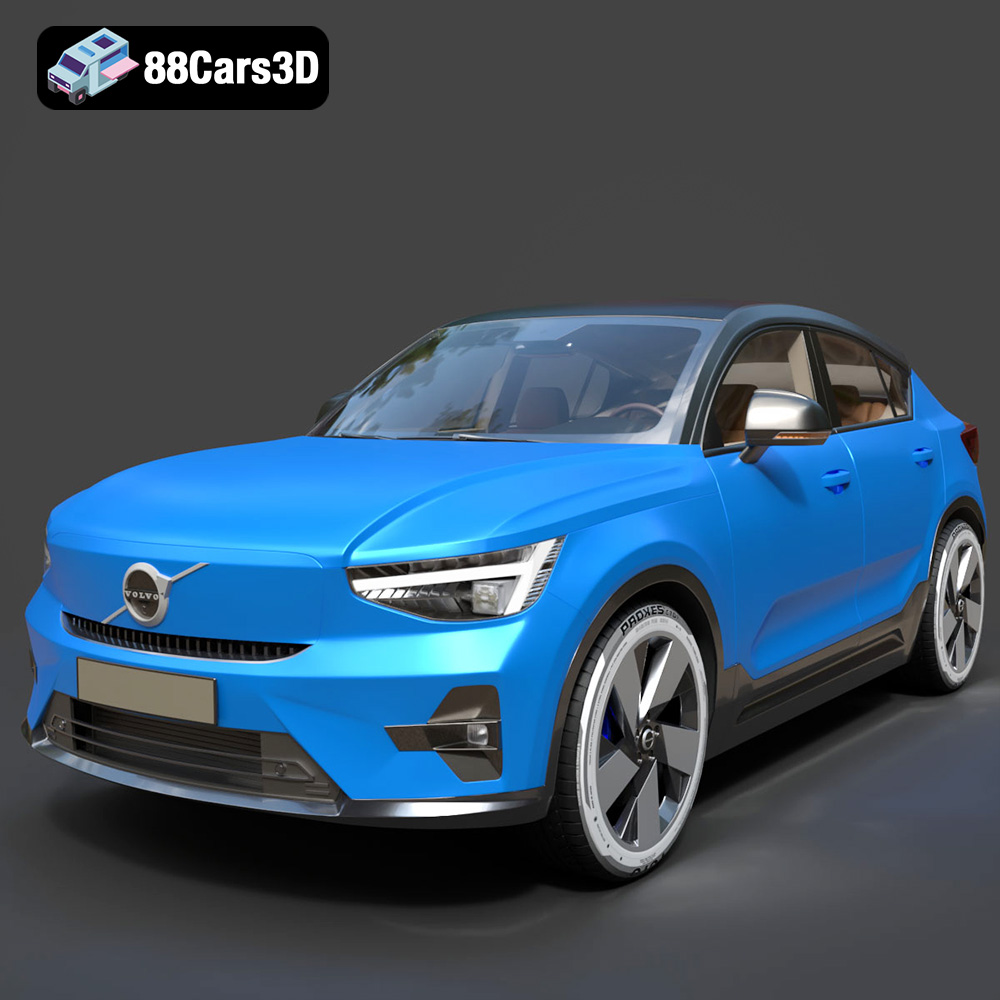
Texture: Yes
Material: Yes
Download the Volvo C40 Recharge 3D Model featuring clean geometry, realistic detailing, and a fully modeled interior. Includes .blend, .fbx, .obj, .glb, .stl, .ply, .unreal, and .max formats for rendering, simulation, and game development.
Price: $19.99
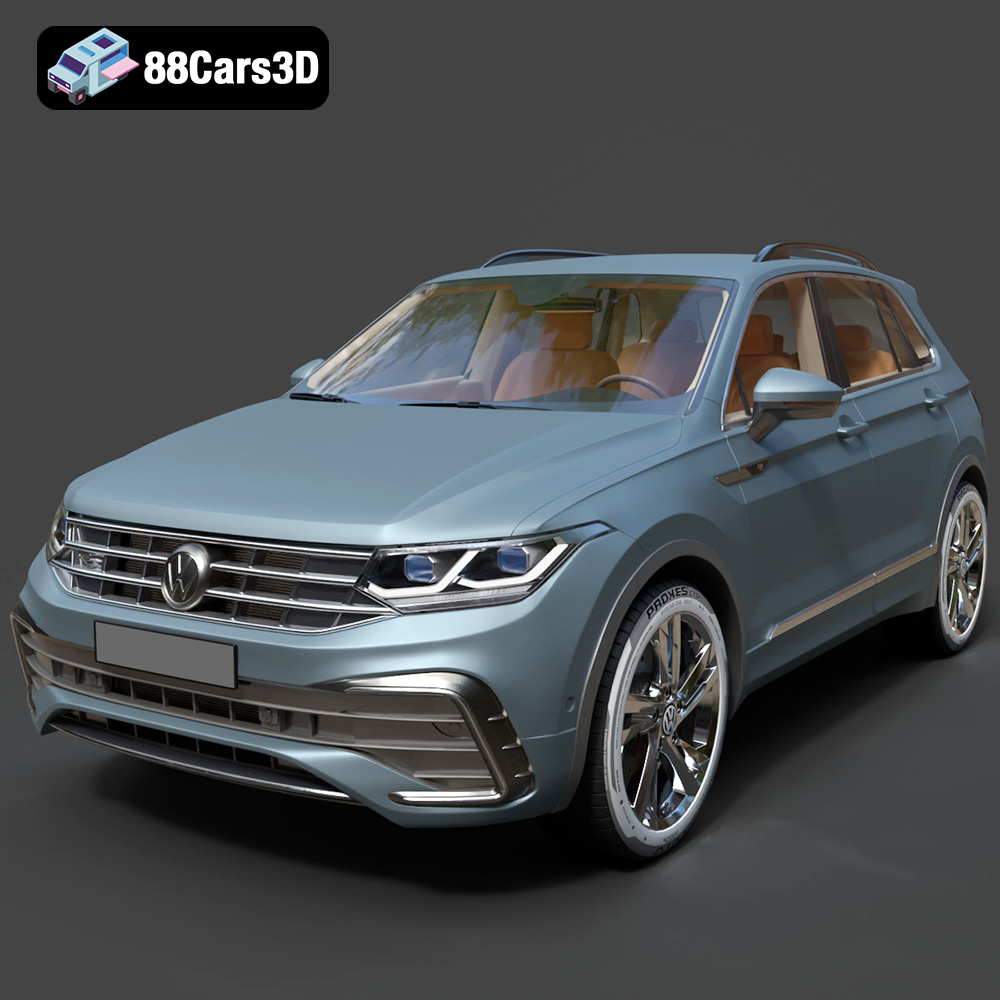
Texture: Yes
Material: Yes
Download the Volkswagen Tiguan 2021 3D Model featuring clean geometry, realistic detailing, and a fully modeled interior. Includes .blend, .fbx, .obj, .glb, .stl, .ply, .unreal, and .max formats for rendering, simulation, and game development.
Price: $19.99
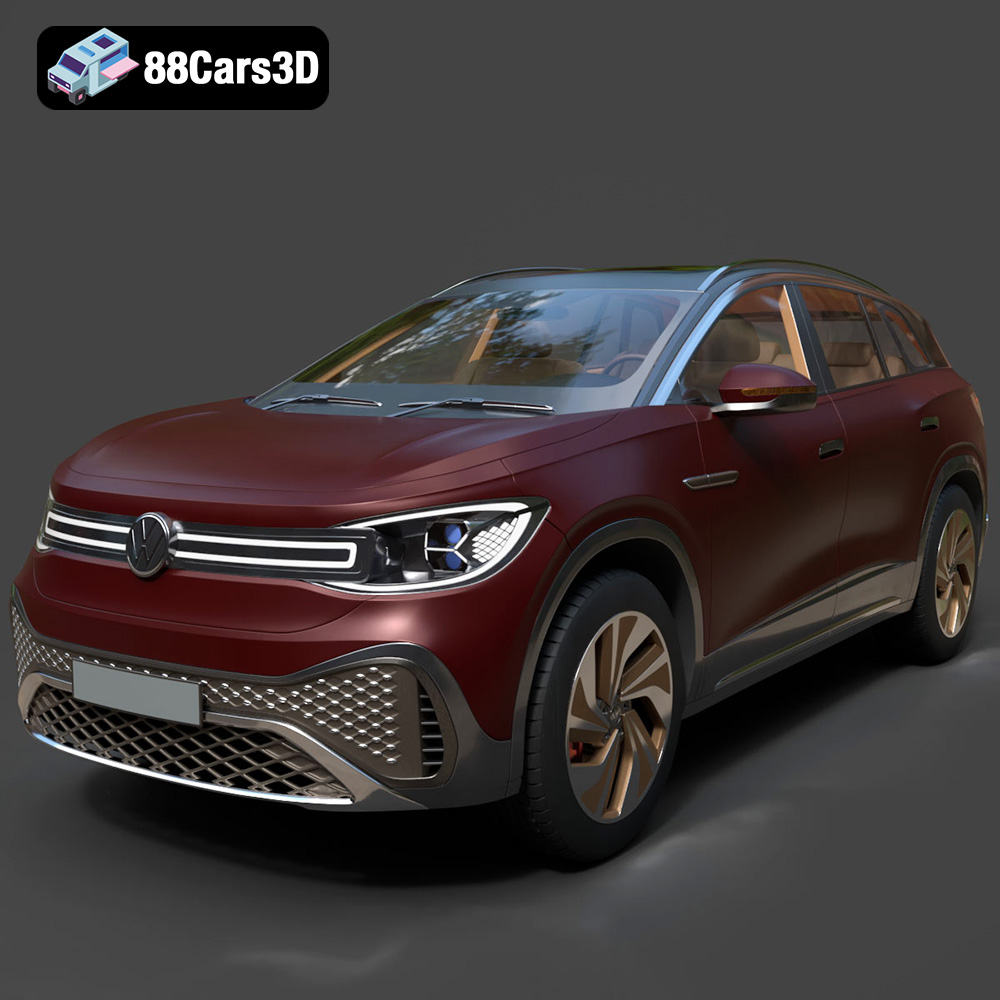
Texture: Yes
Material: Yes
Download the Volkswagen ID6 CROZZ 2022 3D Model featuring clean geometry, realistic detailing, and a fully modeled interior. Includes .blend, .fbx, .obj, .glb, .stl, .ply, .unreal, and .max formats for rendering, simulation, and game development.
Price: $19.99

Texture: Yes
Material: Yes
Download the Volkswagen ID4 2021 3D Model featuring clean geometry, realistic detailing, and a fully modeled interior. Includes .blend, .fbx, .obj, .glb, .stl, .ply, .unreal, and .max formats for rendering, simulation, and game development.
Price: $19.99
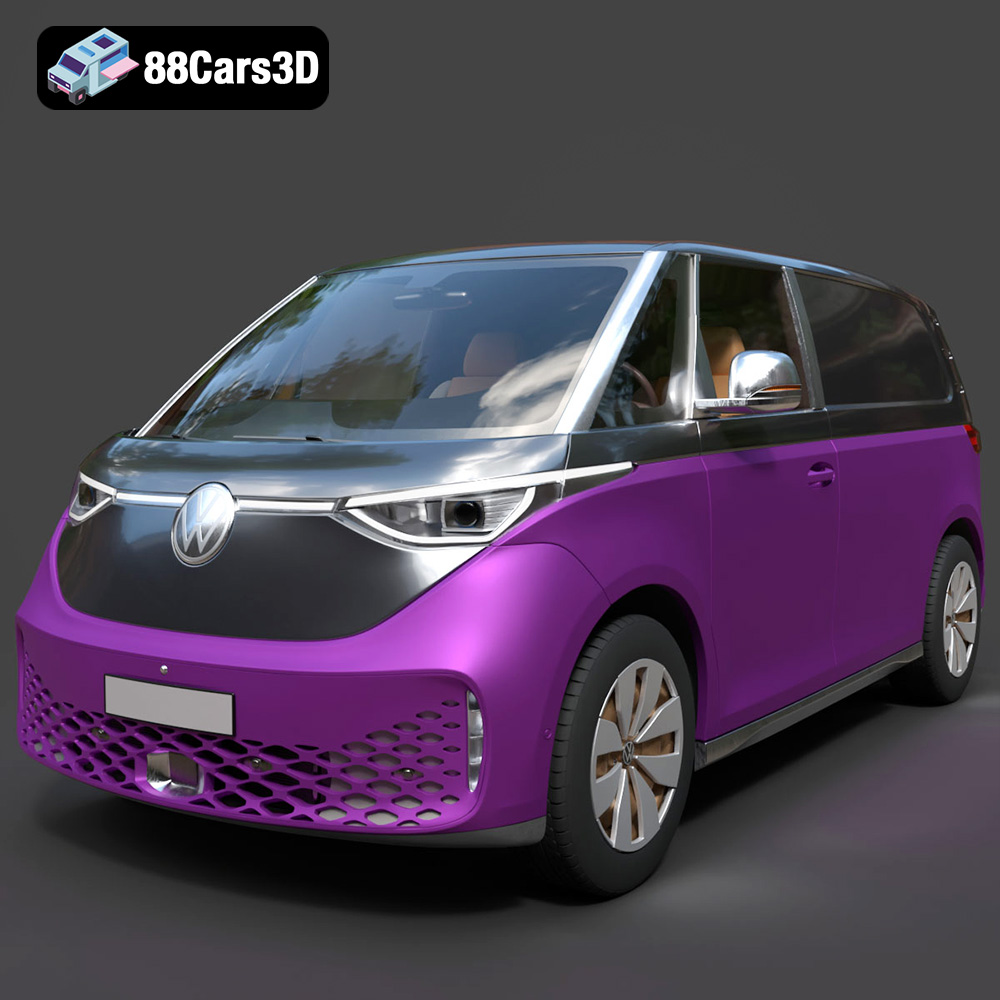
Texture: Yes
Material: Yes
Download the Volkswagen ID. Buzz Cargo 2023 3D Model featuring clean geometry, realistic detailing, and a fully modeled interior. Includes .blend, .fbx, .obj, .glb, .stl, .ply, .unreal, and .max formats for rendering, simulation, and game development.
Price: $19.99
Texture: Yes
Material: Yes
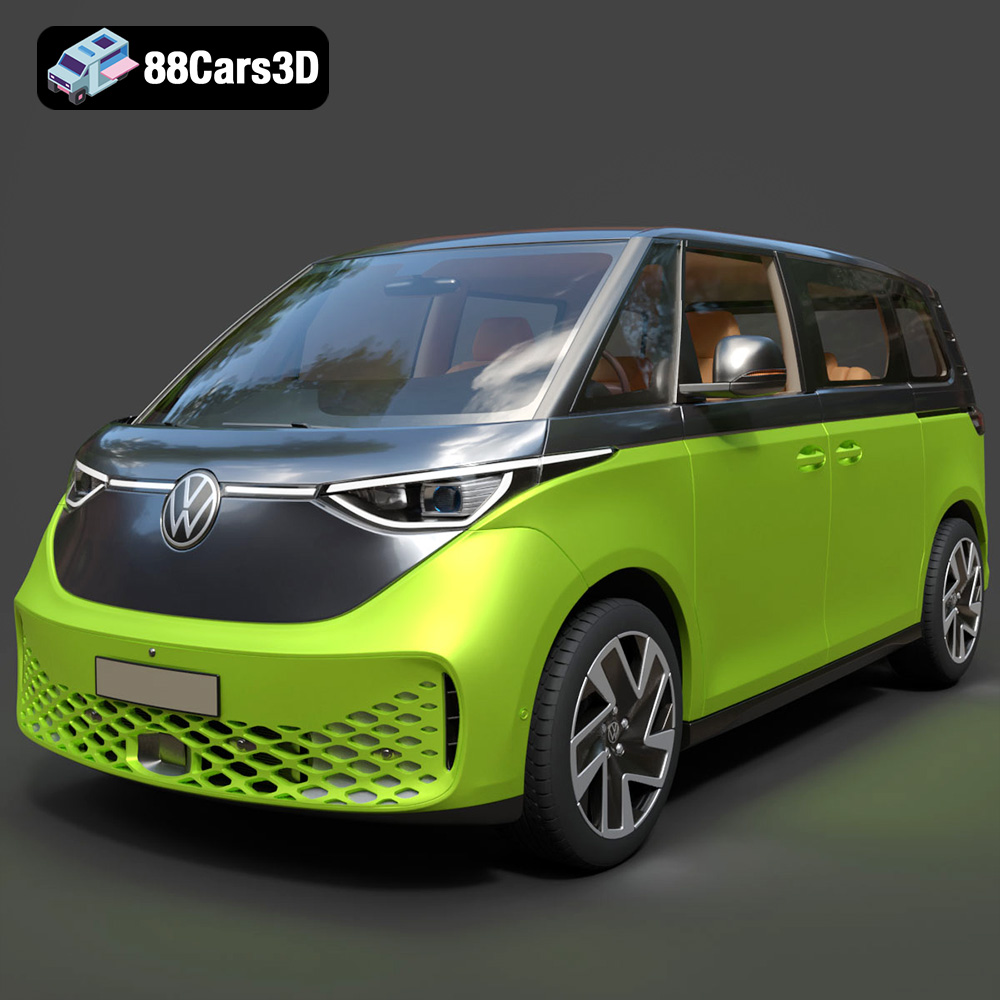
Download the Volkswagen ID. Buzz 2023 3D Model featuring clean geometry, realistic detailing, and a fully modeled interior. Includes .blend, .fbx, .obj, .glb, .stl, .ply, .unreal, and .max formats for rendering, simulation, and game development.
Price: $19.99
Texture: Yes
Material: Yes
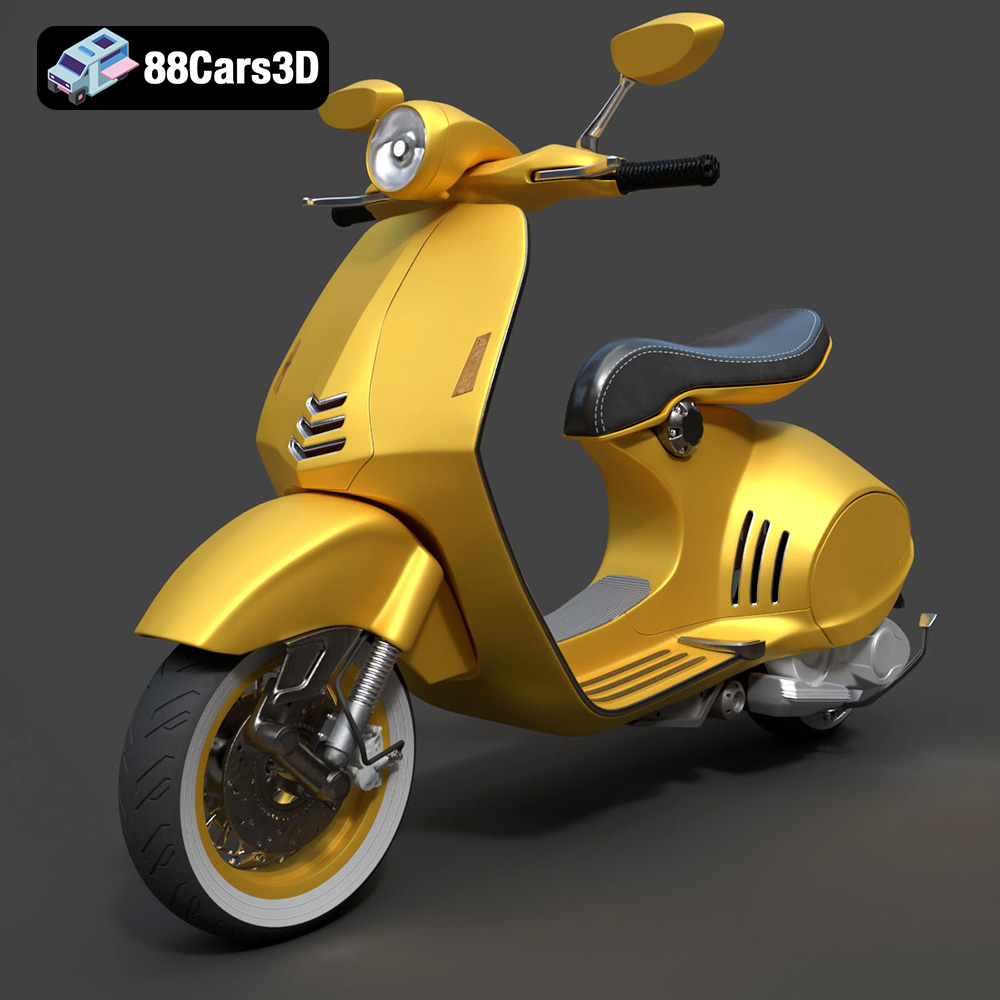
Download the Vespa 946 3D Model featuring clean geometry, realistic detailing, and a fully modeled interior. Includes .blend, .fbx, .obj, .glb, .stl, .ply, .unreal, and .max formats for rendering, simulation, and game development.
Price: $19.99

Texture: Yes
Material: Yes
Download the Toyota Yaris Cross 3D Model featuring clean geometry, realistic detailing, and a fully modeled interior. Includes .blend, .fbx, .obj, .glb, .stl, .ply, .unreal, and .max formats for rendering, simulation, and game development.
Price: $19.99

Texture: Yes
Material: Yes
Download the Volkswagen Amarok 2019 3D Model featuring clean geometry, realistic detailing, and a fully modeled interior. Includes .blend, .fbx, .obj, .glb, .stl, .ply, .unreal, and .max formats for rendering, simulation, and game development.
Price: $19.99

