Get 50% OFF All Premium 3D & STL Models!

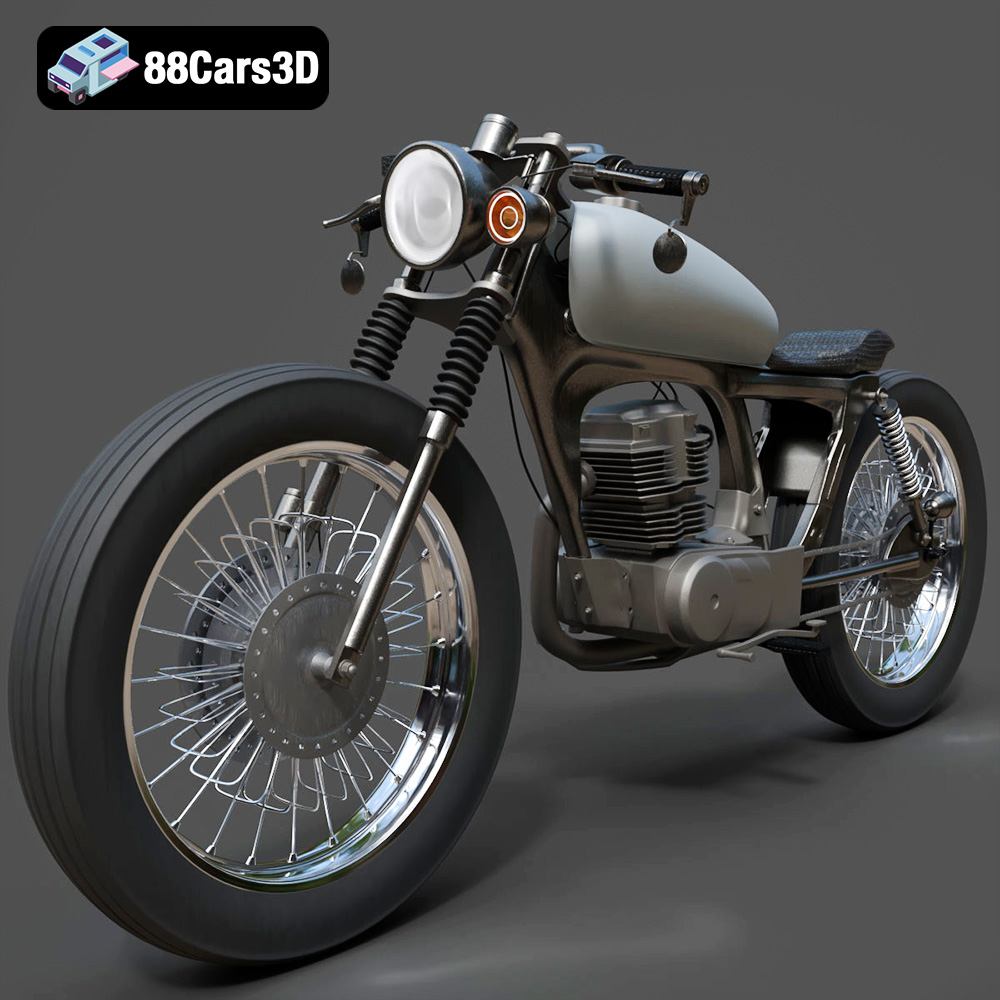
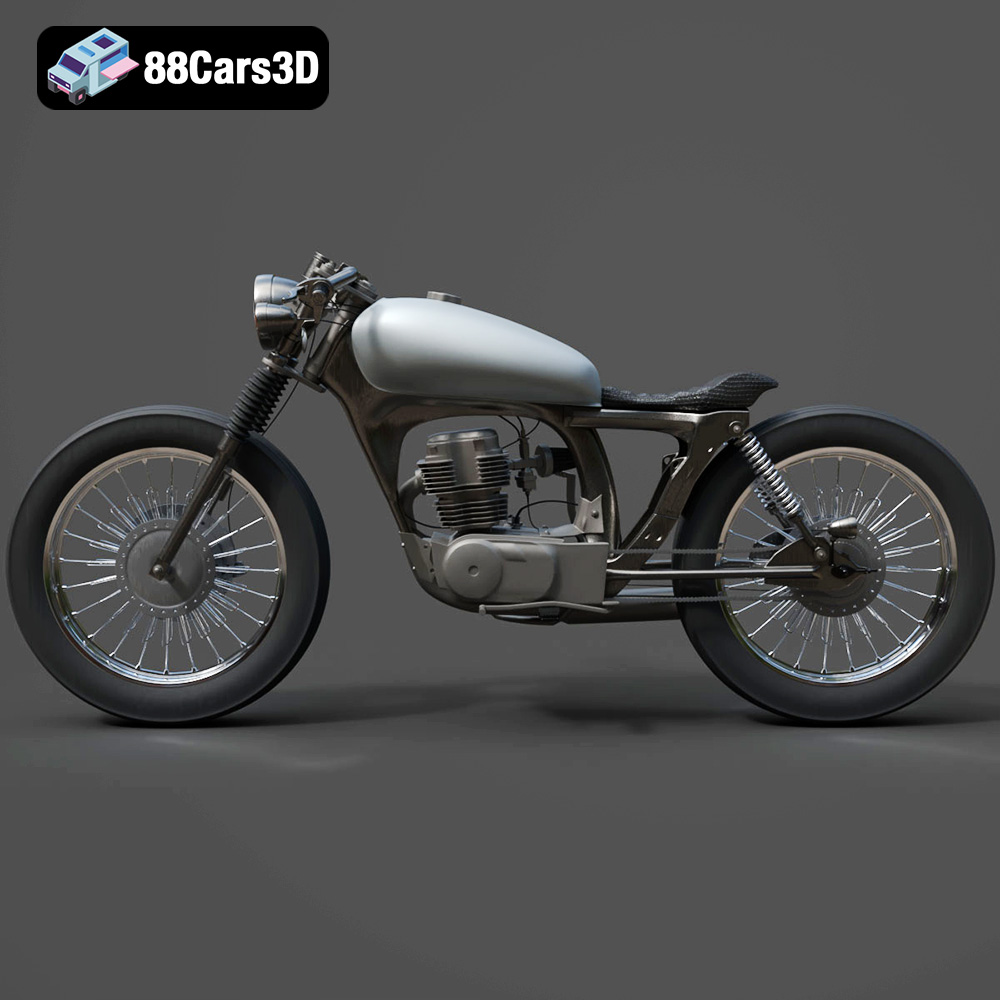
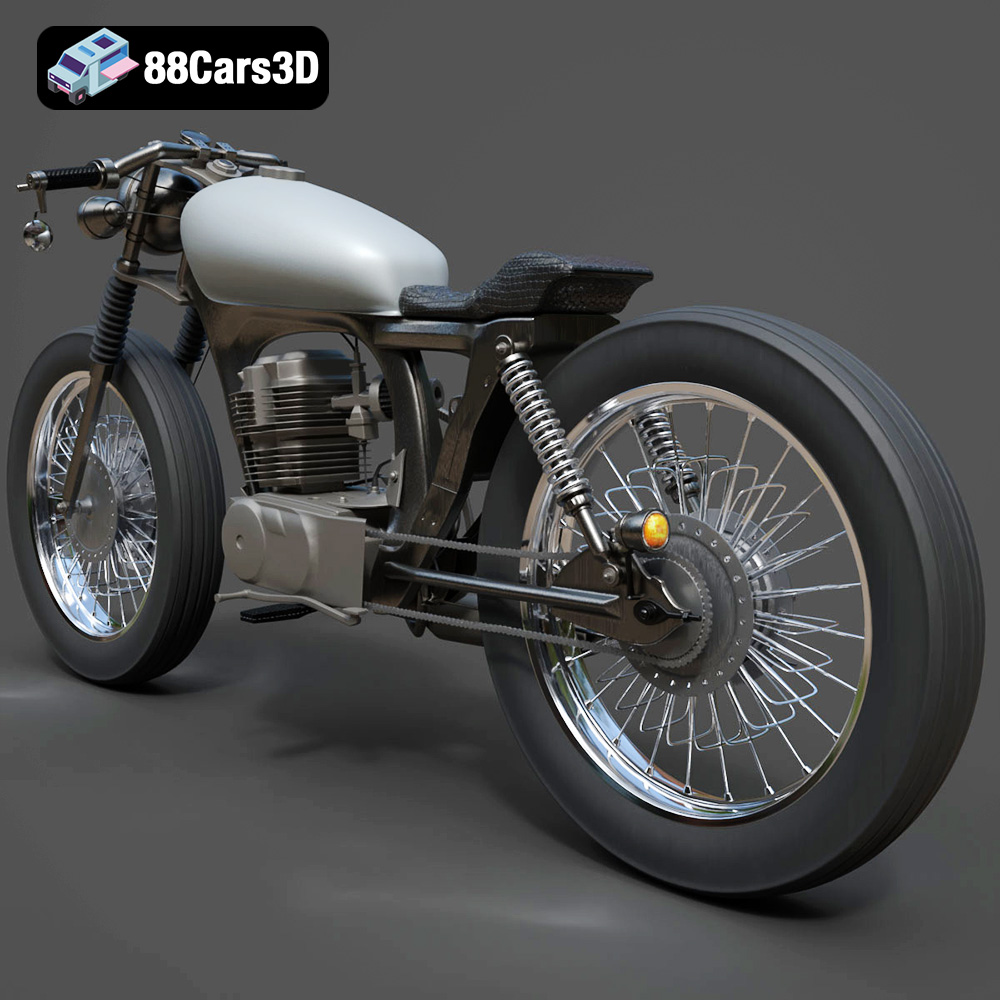
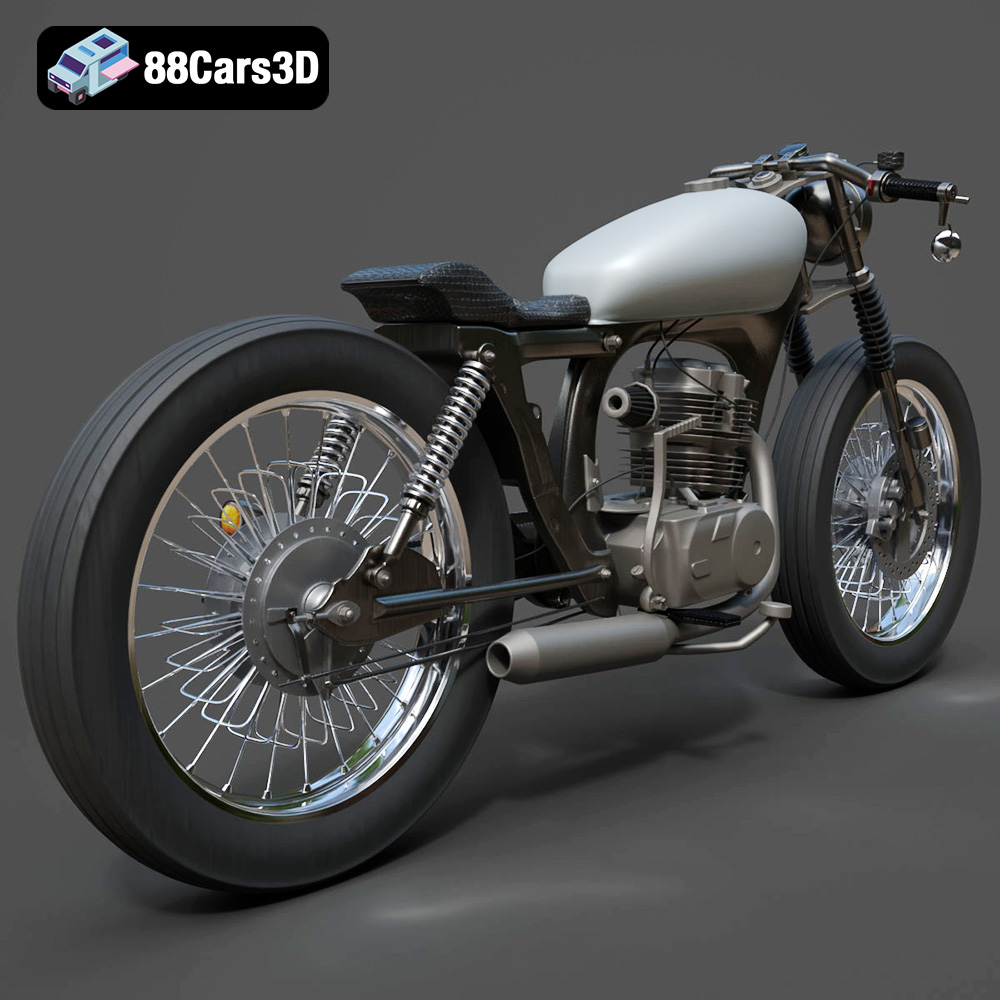
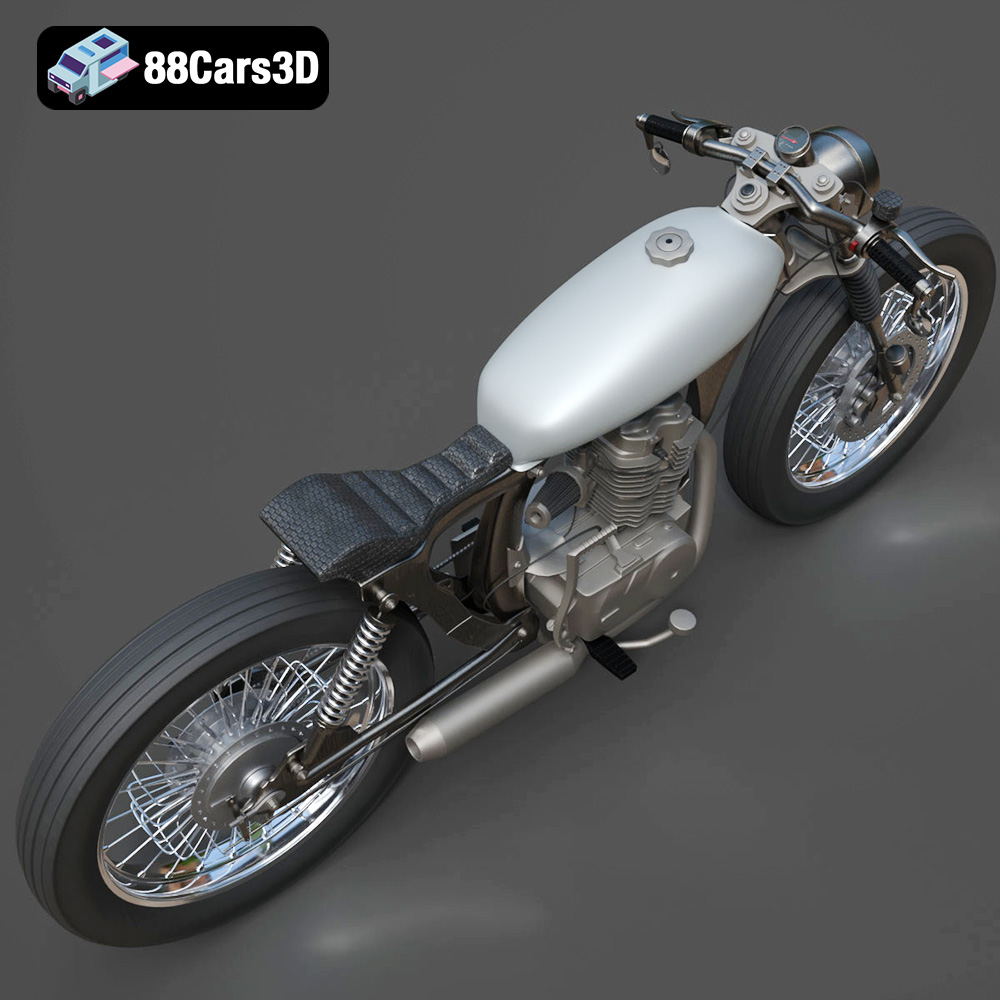
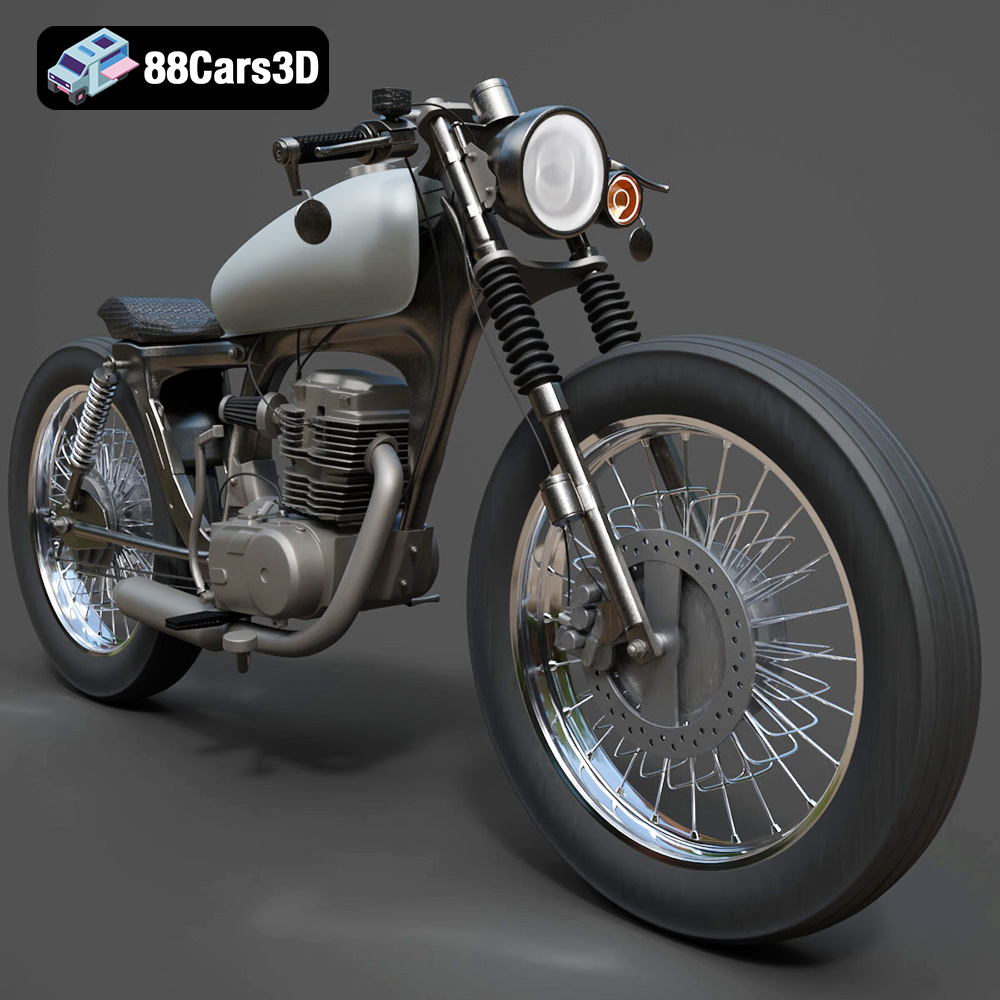
The Honda CG125 is a legendary motorcycle, known for its reliability and ubiquity as a practical commuter bike. Now, thanks to 3D printing and the detailed model available at 88cars3d.com, you can bring this iconic vehicle to life in miniature form. This comprehensive guide will walk you through the process of 3D printing the Honda CG125 Motorcycle 3D Model, covering everything from pre-print preparation to post-processing techniques.
The success of your 3D printed Honda CG125 largely depends on selecting the right printer and material. Both Fused Deposition Modeling (FDM) and Stereolithography (SLA) printers can be used, each offering different advantages.
* Material Recommendations: PLA is a good starting point due to its ease of use and affordability. However, for parts requiring higher durability or heat resistance, consider PETG or ABS. PETG offers a good balance of strength and ease of printing, while ABS provides higher heat resistance but requires an enclosure to prevent warping.
* Printer Bed Adhesion: Ensuring proper bed adhesion is crucial for larger parts of the motorcycle model. Use a heated bed with a temperature appropriate for your chosen material (e.g., 60°C for PLA, 80°C for PETG, 100-110°C for ABS). Bed adhesion aids like glue stick, hairspray, or painter’s tape can further improve adhesion.
* Nozzle Size: A 0.4mm nozzle is standard and suitable for most parts. For finer details, consider using a 0.25mm nozzle, but be prepared for longer print times.
* Resin Recommendations: Standard resin is a good option for displaying the model. For parts requiring flexibility or impact resistance, consider using a tough or flexible resin.
* Layer Height: SLA printers excel at producing fine details. A layer height of 0.05mm or even 0.025mm will result in a smoother surface finish and better capture the model’s intricate details.
* Support Generation: Proper support placement is crucial for SLA printing. Use the slicing software’s automatic support generation feature, but manually adjust the support placement to ensure all overhangs are adequately supported. Pay particular attention to supporting the handlebars, exhaust pipe, and intricate engine components.
Choosing the right file format is crucial for successful 3D printing. The Honda CG125 Motorcycle 3D Model from 88cars3d.com comes in several formats, each designed for different purposes. Understanding these formats will help you optimize your workflow.
The STL (Stereolithography) format is the workhorse of 3D printing. It represents the surface geometry of a 3D object as a collection of triangles. Because it only stores the mesh data (vertices and faces), it’s a relatively simple and lightweight format, making it ideal for transferring models between different software packages and 3D printers.
STL files are universally compatible with slicing software, which are programs that convert the 3D model into a set of instructions that your 3D printer can understand. However, STL files do not contain color or texture information. If you need to print in color, you’ll need to use a different file format.
For the Honda CG125 Motorcycle 3D Model, the STL file will be your primary choice for 3D printing. You’ll load the STL file into your slicing software, adjust the settings according to your printer and material, and then generate the G-code that controls the printer.
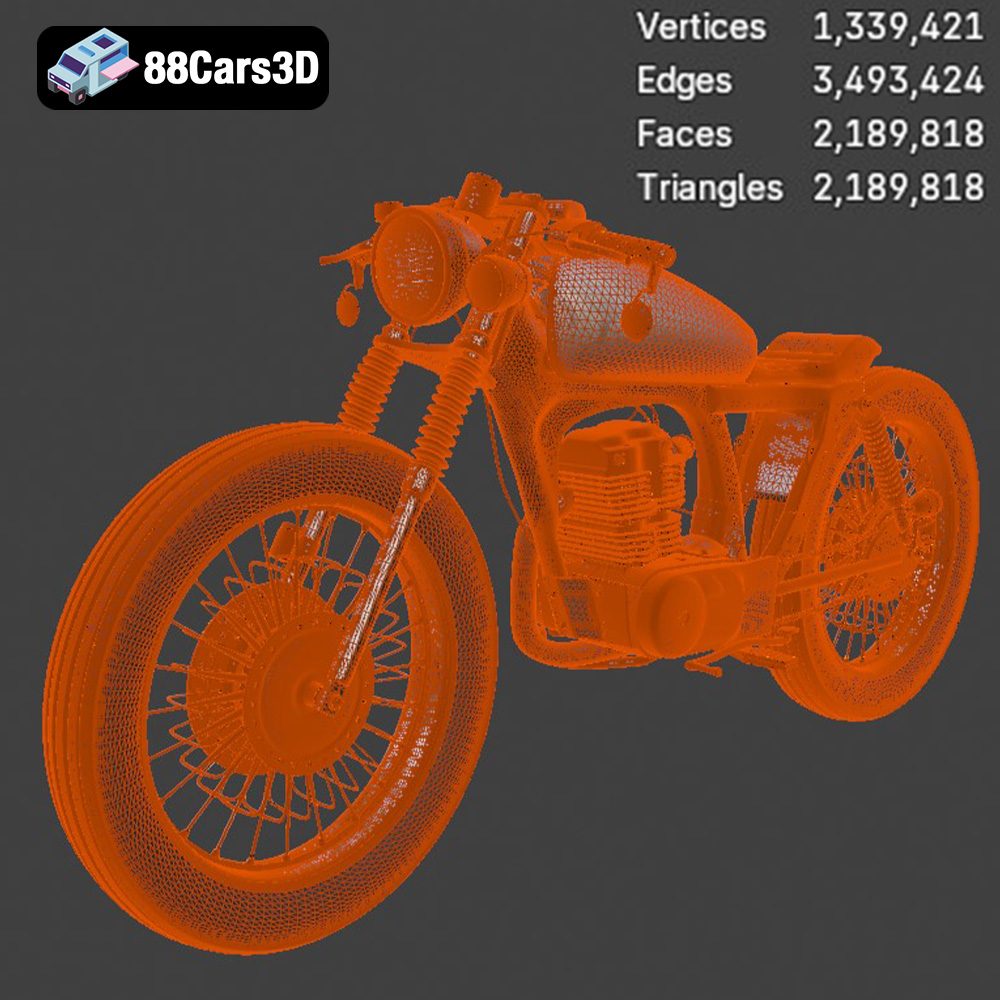
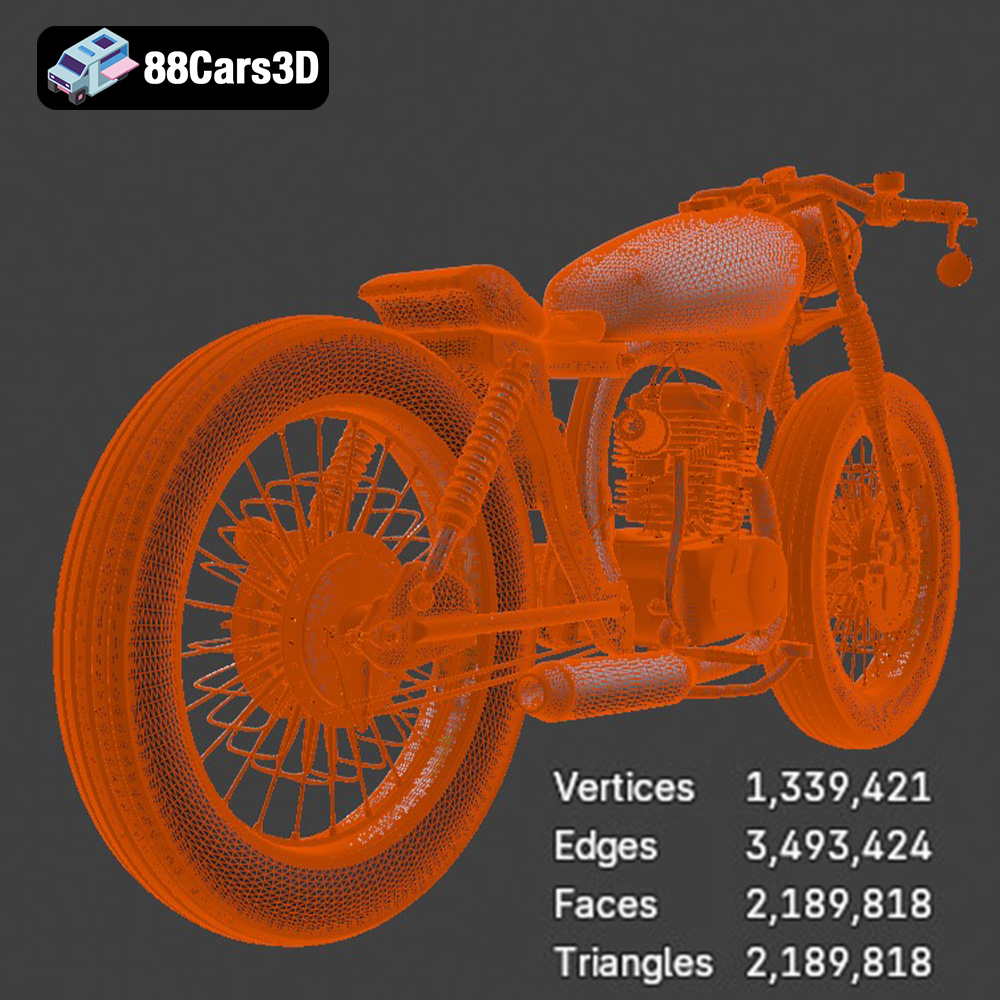
It is important to ensure the STL file has sufficient mesh quality. A model with too few triangles will appear faceted, while a model with too many triangles can be unnecessarily large and slow down processing. The optimal triangle count depends on the size and complexity of the model, but generally, you should aim for a balance between detail and file size. You can adjust the mesh density in your 3D modeling software before exporting to STL. Slicing software can sometimes repair minor mesh errors, but it’s always best to start with a clean, watertight model.
OBJ (Object) is a more versatile format than STL, as it can store color and texture information in addition to the mesh geometry. This makes it suitable for applications where visual fidelity is important, such as rendering and animation.
While some 3D printers can handle OBJ files directly, they are more commonly used in conjunction with a separate texture file (usually a .mtl file). The .mtl file contains information about the colors, textures, and other material properties of the model.
For 3D printing, OBJ files are useful if you want to create a multi-colored print or apply textures to the surface of the model. However, not all slicing software supports OBJ files with textures, so you may need to convert the file to a different format or use specialized software.
PLY (Polygon File Format) is another mesh-based format that is often used for storing 3D data acquired from scanning or photogrammetry. It can store color and other properties at each vertex of the mesh, allowing for highly detailed and accurate representations of real-world objects.
PLY files are less commonly used for 3D printing than STL or OBJ files, but they can be useful for printing highly detailed models where accuracy is paramount. Some slicing software may not directly support PLY files, so you may need to convert them to STL first.
The .blend format is the native file format for Blender, a popular open-source 3D modeling software. This format contains the entire Blender scene, including the model geometry, materials, textures, lighting, and animation.
Having the .blend file of the Honda CG125 Motorcycle 3D Model allows you to customize the model before printing. You can modify the geometry, add details, change the materials, or even create new parts. Once you’re happy with your changes, you can export the model to STL for 3D printing.
FBX (Filmbox) is a proprietary format developed by Autodesk. It’s commonly used for exchanging 3D data between different software packages, especially in the game development and animation industries. FBX files can store geometry, materials, textures, animation, and other scene data.
While FBX files are not directly supported by all slicing software, some advanced slicing programs can import them. This can be useful if you want to preserve the material and texture information of the model during the slicing process.
GLB (GL Transmission Format Binary) is a file format designed for efficient delivery of 3D models over the web. It’s commonly used for displaying 3D models in augmented reality (AR) applications and web-based viewers. GLB files are self-contained and can include geometry, textures, and animations.
While GLB files are not directly used for 3D printing, they can be useful for previewing the model in AR before printing. This allows you to get a sense of the model’s size and appearance in the real world.
Similar to .blend for Blender, .max is the native file format for 3ds Max, another professional 3D modeling and animation software package. This format contains the entire 3ds Max project, including the model geometry, materials, textures, lighting, and animation setup.
Having the .max file of the Honda CG125 Motorcycle 3D Model allows you to customize the model using 3ds Max before exporting it to STL for 3D printing. This is particularly useful if you are familiar with 3ds Max and want to make advanced modifications to the model.
Before sending the Honda CG125 Motorcycle 3D Model to your printer, thorough preparation is essential. This involves inspecting the model, making any necessary repairs, and configuring your slicing software.
* Mesh Analysis: Use your slicing software or a dedicated mesh analysis tool (like MeshLab or Netfabb Basic) to check for non-manifold edges, holes, or other errors in the STL file. These errors can lead to printing failures.
* Repair Tools: Most slicing software includes automatic repair tools that can fix common mesh errors. If the automatic repair fails, you may need to use a 3D modeling program like Blender or MeshMixer to manually repair the model.
* Orientation Considerations: Experiment with different orientations in your slicing software. Consider factors like support material usage, surface finish, and the structural integrity of the printed part. Orient the model to minimize the need for supports on visible surfaces.
* Layer Height: For FDM printing, a layer height of 0.1mm to 0.2mm offers a good balance between print speed and detail. For SLA printing, a layer height of 0.025mm to 0.05mm is recommended for capturing fine details.
* Infill Density: The infill density determines the internal structure of the printed part. For decorative models, a low infill density (10-15%) is sufficient. For functional parts requiring strength, increase the infill density to 20-50%.
* Support Structures: Enable support generation in your slicing software to support overhangs and bridging sections. Adjust the support density and placement to minimize material waste and ease of removal. Consider using tree supports, which are more efficient and easier to remove than linear supports.
* Print Speed: Adjust the print speed according to your printer’s capabilities and the chosen material. A slower print speed generally results in better print quality. Start with a moderate print speed (e.g., 40-60mm/s for FDM) and adjust as needed.
With your printer and settings configured, you’re ready to begin 3D printing the Honda CG125 Motorcycle 3D Model.
* Orientation: Print the frame and body components with the largest flat surface on the build plate to maximize adhesion and minimize warping.
* Supports: Use supports for any overhangs, such as the seat mount or the headlight housing.
* Layer Height: Use a layer height of 0.15mm for a good balance of speed and detail.
* Grouping: Group smaller components, such as the handlebars, wheels, and engine parts, on the build plate to optimize print time and reduce the risk of individual parts detaching during printing.
* Adhesion: Use a brim or raft to improve adhesion for small parts.
* Layer Height: Consider reducing the layer height to 0.1mm or lower for smaller parts to capture finer details.
* Estimate: Use your slicing software to estimate the print time and material costs for each part of the model. Print time will vary depending on your printer, settings, and the size of the model. A complete print could take anywhere from 10 to 30 hours.
* Material: Material costs will also vary depending on the chosen material and the size of the model. Expect to use approximately 200-500 grams of filament for a full print.
Once the printing is complete, post-processing is necessary to refine the model’s appearance and assemble the individual parts.
* Careful Removal: Carefully remove the support structures using pliers, cutters, or a hobby knife. Be gentle to avoid damaging the printed parts.
* Surface Smoothing: Use sandpaper or files to smooth any rough edges or imperfections left by the support removal.
* Cleaning: Clean the printed parts with isopropyl alcohol to remove any remaining residue or debris.
* Sanding: Start with a coarse grit sandpaper (e.g., 220 grit) and gradually move to finer grits (e.g., 400 grit, 600 grit, 800 grit) to achieve a smooth surface finish.
* Priming: Apply a primer coat to the sanded parts to prepare them for painting.
* Painting: Use acrylic paints or spray paints to paint the model. Apply multiple thin coats for a smooth and even finish. Consider using masking tape to create intricate paint schemes.
* Clear Coat: Apply a clear coat to protect the paint and give the model a glossy or matte finish.
* Adhesives: Use super glue or epoxy to assemble the individual parts of the model.
* Alignment: Carefully align the parts before applying the adhesive.
* Finishing Touches: Add any finishing touches, such as decals or weathering effects, to enhance the realism of the model.
Even with careful preparation, 3D printing can sometimes present challenges. Here are some common issues and their solutions:
* Warping: Warping occurs when the printed part lifts off the build plate due to uneven cooling. To prevent warping, use a heated bed, improve bed adhesion, and avoid drafts.
* Stringing: Stringing occurs when thin strands of filament are left between different parts of the model. To prevent stringing, adjust the retraction settings in your slicing software, reduce the print temperature, and ensure the filament is dry.
* Layer Shifting: Layer shifting occurs when the printer’s X or Y axis moves unexpectedly during printing. To prevent layer shifting, tighten the belts, reduce the print speed, and ensure the printer is stable.
* Under-Extrusion: Under-extrusion occurs when the printer doesn’t extrude enough material. To fix this, increase the flow rate, increase the print temperature, and ensure the nozzle is not clogged.
3D printing the Honda CG125 Motorcycle 3D Model from 88cars3d.com is a rewarding project that combines technical skill with creative expression. By carefully selecting your printer and material, preparing the model, and configuring your slicing software, you can create a stunning replica of this iconic motorcycle. Remember to take your time with the post-processing and assembly steps to achieve the best possible results. With patience and attention to detail, you’ll have a fantastic 3D printed model to display and enjoy.
Immerse yourself in the intricate details of the Honda CG125 Motorcycle 3D Model, a faithful recreation of this iconic commuter bike. This model has been crafted to provide a high degree of realism, making it suitable for a wide array of applications. Every component, from the engine to the frame, has been meticulously modeled to ensure accuracy and visual fidelity. The model features clean geometry and realistic materials, providing a professional-grade asset ready for integration into your projects. This 3D model is ideal for game development, rendering projects, AR/VR experiences, and architectural visualizations. Its versatility makes it a valuable addition to any 3D artist’s toolkit.
$19.99
.arvr
.bike3dmodel
.blend
.cg125
.cg125motorcycle
.commuterbike
.fbx
.gameasset
.glb
.honda
.max
.motorcycle
.obj
.ply
.rendering
.simulation
.stl
.unreal