Get 50% OFF All Premium 3D & STL Models!

The Nissan GTR R35 Nismo, a vehicle renowned for its performance and iconic design, translates beautifully into a 3D printed model. Whether you’re a seasoned 3D printing enthusiast or just starting, this guide will provide a detailed walkthrough of how to successfully 3D print the Nissan GTR R35 Nismo 3D Model, available for purchase on 88cars3d.com. We’ll cover everything from choosing the right materials and printer settings to post-processing techniques for achieving a showroom-worthy finish.
The success of your 3D printed Nissan GTR R35 Nismo hinges on selecting the appropriate 3D printing technology. Two primary types are suitable for this project: Fused Deposition Modeling (FDM) and Stereolithography (SLA) or resin printing.
FDM printers are widely accessible and offer a good balance of affordability and material options. They work by extruding heated thermoplastic filament layer by layer. For the GTR model, an FDM printer with a build volume of at least 200mm x 200mm x 200mm is recommended to accommodate the model’s size. A nozzle size of 0.4mm is a good starting point, allowing for a reasonable trade-off between print speed and detail.
SLA printers, on the other hand, use a laser or projector to cure liquid resin layer by layer. This technology excels at producing highly detailed parts with smooth surfaces. If capturing the intricate details of the GTR’s body lines and aerodynamic features is a priority, an SLA printer is the superior choice. Ensure your resin printer has a sufficient build volume for the scaled model you intend to print.
Selecting the right file format is crucial for a smooth and successful 3D printing experience. The Nissan GTR R35 Nismo 3D Model comes with a variety of file formats to suit different needs, but some are better suited for 3D printing than others.
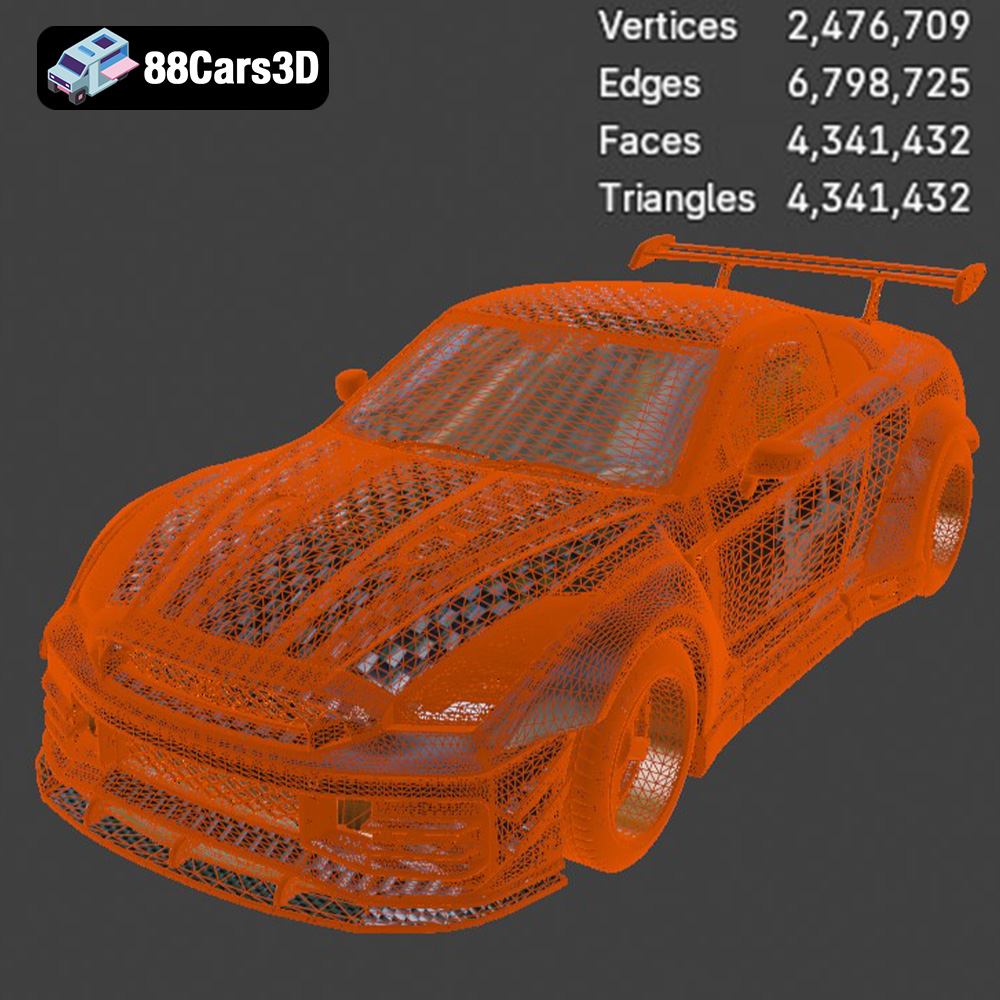
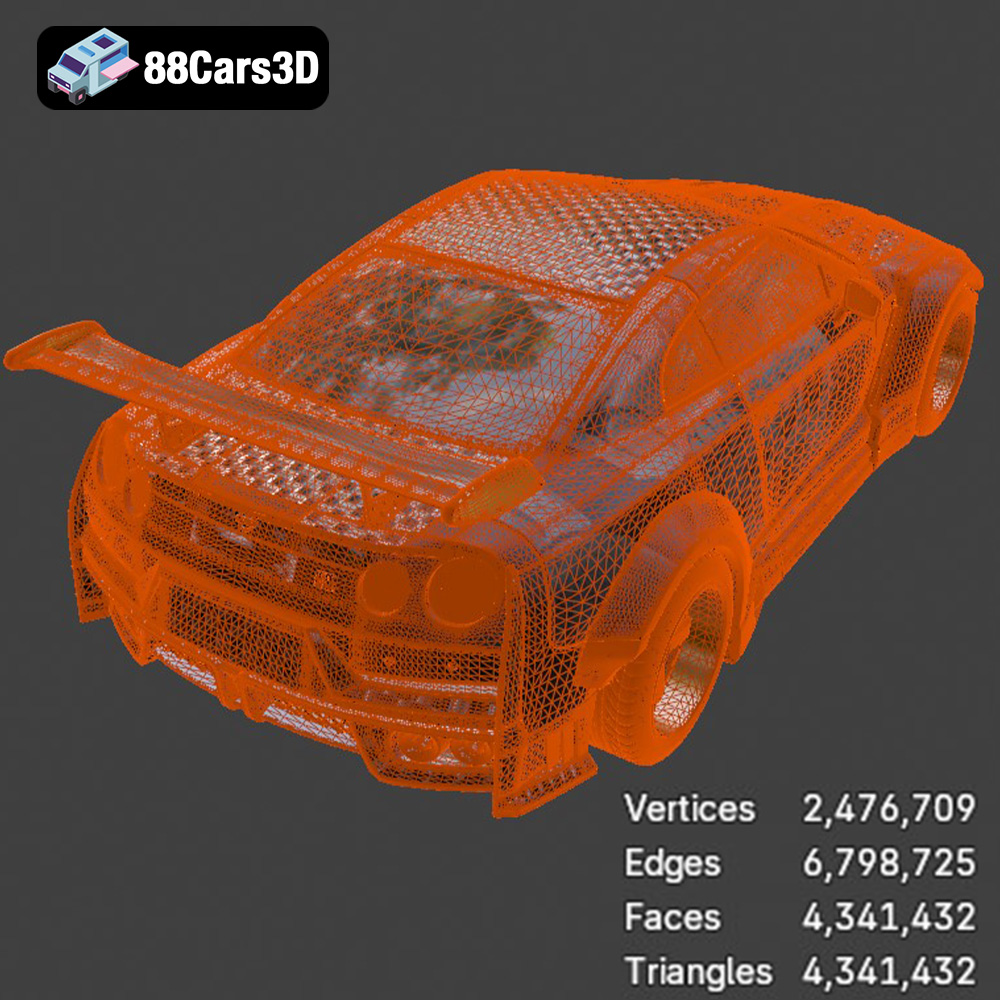
The .stl (Stereolithography) format is the most widely accepted file type for 3D printing. It represents the 3D model’s surface geometry as a mesh of triangles. This simplicity makes it universally compatible with slicing software and 3D printers. However, .stl files only contain information about the shape of the object, not its color or texture. When preparing the Nissan GTR R35 Nismo for 3D printing, the .stl file provided by 88cars3d.com will be your primary file format. Ensure the .stl file is free of errors like non-manifold edges or holes. Slicing software can often repair minor issues, but complex problems might require using a 3D modeling program like Blender or Meshmixer. Aim for a reasonable triangle count; too few triangles will result in a blocky model, while too many can overload your slicer and printer.
While .stl is the king of 3D printing formats, .obj files offer the advantage of storing color and texture information, which can be useful if you plan to print the model in multiple parts and paint them separately, matching the original car’s color scheme. However, few consumer 3D printers support multi-material or full-color printing directly.
.ply files, also known as Polygon File Format or Stanford Triangle Format, are designed for storing 3D data acquired from 3D scanners. They can represent color, transparency, and surface normals, offering a richer dataset than .stl. They aren’t as universally supported as STL, so confirm compatibility with your slicing software.
The .blend file is the native format for Blender, a free and open-source 3D creation suite. This format is ideal for advanced users who want to customize the Nissan GTR R35 Nismo model before 3D printing. You can modify the geometry, add details, or split the model into smaller, more manageable parts for printing. After making your adjustments, you’ll need to export the model as an .stl file for 3D printing.
The .fbx (Filmbox) format is primarily used for exchanging 3D data between different software applications, often in game development workflows. It can contain information about geometry, textures, materials, and animations. While some slicing software may support importing .fbx files, they are not typically used directly for 3D printing due to the added complexity.
.glb is a binary file format representing 3D models in the glTF (GL Transmission Format) format. It’s designed for efficient transmission and loading of 3D scenes, making it ideal for web-based applications and Augmented Reality (AR) experiences. You can use the .glb file to preview the Nissan GTR R35 Nismo model in AR on your smartphone or tablet before committing to a 3D print.
Similar to .blend, the .max file is the native format for 3ds Max, a professional 3D modeling, animation, and rendering software. This format allows users to make advanced modifications to the model before exporting it as an .stl for 3D printing.
Once you’ve chosen your printer and understand the file formats, the next step is to prepare the model for printing using slicing software like Cura, Simplify3D, or PrusaSlicer.
The orientation of the Nissan GTR R35 Nismo model on the print bed significantly impacts the print quality and the amount of support material required. Consider printing the car body with the roof facing upwards. This minimizes the need for supports on the exterior surfaces, preserving the smooth lines and curves. However, this orientation will require substantial support structures inside the car body. Experiment to find the best balance.
For FDM printing, organic tree supports can be beneficial, as they use less material and are easier to remove than traditional linear supports. For SLA printing, carefully consider the placement of supports to avoid damaging delicate features during removal.
* **Layer Height:** For FDM printing, a layer height of 0.1mm to 0.2mm offers a good balance between print speed and detail. For SLA printing, a layer height of 0.05mm to 0.1mm will yield exceptional results.
* **Infill Density:** A low infill density (10-15%) is sufficient for most of the car body, as it primarily serves as a visual model. However, consider increasing the infill density (25-30%) for parts like the wheels and chassis to provide added strength.
* **Print Speed:** Slower print speeds generally result in better print quality. Start with a speed of 40-50mm/s for FDM and adjust as needed.
* **Temperature:** Follow the material manufacturer’s recommendations for nozzle and bed temperature.
The choice of material affects the strength, appearance, and overall durability of your 3D printed Nissan GTR R35 Nismo model.
PLA (Polylactic Acid) is a biodegradable thermoplastic polymer derived from renewable resources. It’s easy to print, has low warping, and is available in a wide range of colors, making it an excellent choice for beginners. However, PLA is not very heat resistant and can become brittle over time, so it may not be ideal for functional parts or models that will be exposed to high temperatures.
PETG (Polyethylene Terephthalate Glycol-modified) offers better strength, flexibility, and heat resistance than PLA. It’s also less prone to warping and is more impact-resistant. PETG is a good all-around material for 3D printing the Nissan GTR R35 Nismo, especially if you plan to display or handle the model frequently.
For SLA printing, various resins are available, each with unique properties. Standard resin offers a good balance of strength and detail, while tough resin is more durable and impact-resistant. Consider using a resin specifically designed for miniature models to capture the intricate details of the GTR.
After printing, post-processing is essential for removing support structures and refining the surface finish of your Nissan GTR R35 Nismo model.
Carefully remove support structures using pliers, a hobby knife, or specialized support removal tools. Be patient and avoid applying excessive force, which could damage the model. Once the supports are removed, use sandpaper to smooth any rough edges or imperfections. Start with a coarse grit (e.g., 220) and gradually move to finer grits (e.g., 400, 600, 800) for a smooth finish.
Apply a thin coat of primer to the model to create a uniform surface for painting. Once the primer is dry, you can paint the model using acrylic paints, spray paints, or an airbrush. Consider using automotive paints for a more authentic finish. Apply multiple thin coats of paint, allowing each coat to dry completely before applying the next.
If the model was printed in multiple parts, carefully assemble them using glue or epoxy. Ensure the parts are aligned correctly before the adhesive sets.
Even with careful preparation, 3D printing can sometimes present challenges. Here are some common issues and their solutions:
* **Warping:** This occurs when the first layer of the print does not adhere properly to the print bed. To prevent warping, ensure the bed is level, use a heated bed (if applicable), and apply an adhesive like glue stick or hairspray.
* **Stringing:** This refers to thin strands of filament that appear between different parts of the print. Reduce stringing by adjusting the retraction settings in your slicing software.
* **Layer Shifting:** This happens when the print head or bed shifts during printing, resulting in misaligned layers. Check that the belts and pulleys are properly tightened and that the printer is stable.
* **Elephant’s Foot:** This is when the bottom layers of the print are wider than the rest of the model. Reduce the bed temperature or adjust the initial layer height to mitigate this issue.
The print time and material cost for the Nissan GTR R35 Nismo 3D Model will vary depending on the size of the model, the printer settings, and the material used. As a rough estimate, a model printed at 1/24 scale on an FDM printer might take 20-30 hours and use 200-300 grams of filament. A resin print at the same scale might take 10-15 hours and use 100-200 ml of resin. Always factor in the cost of support material and potential failed prints.
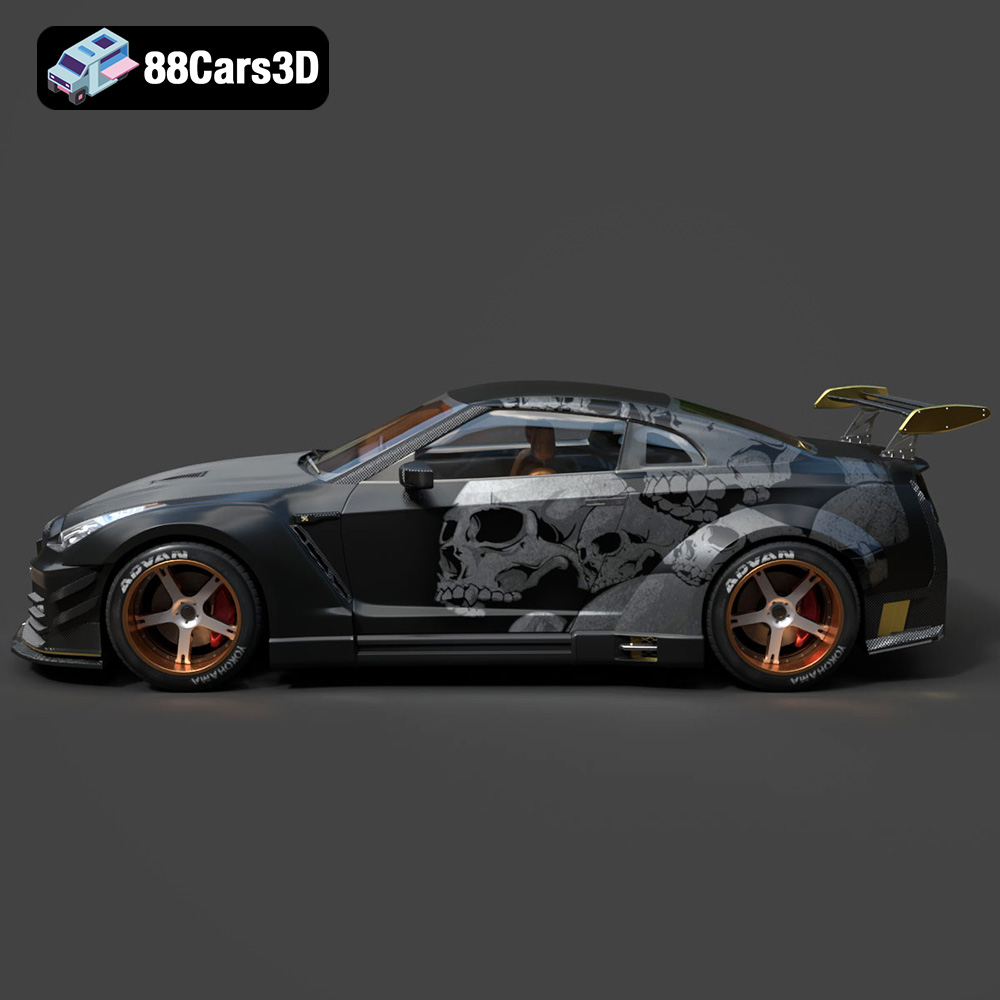
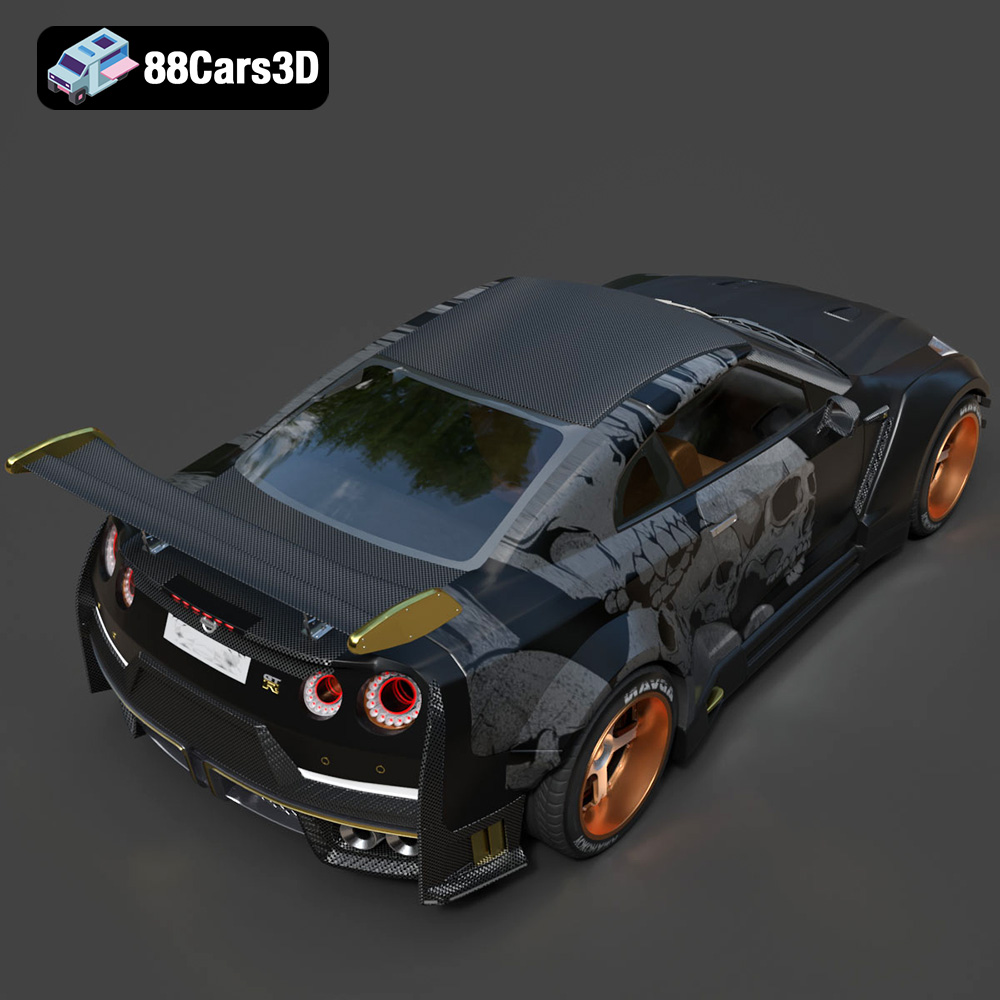
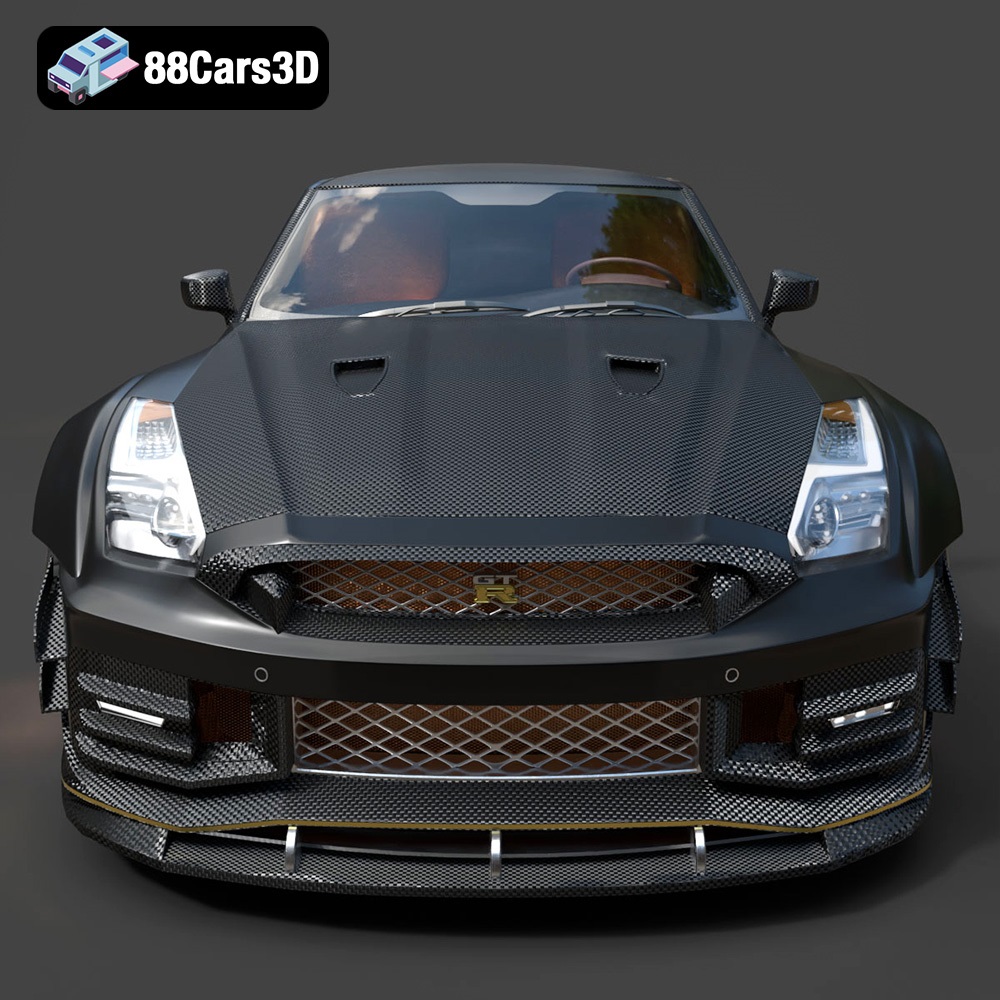
Experience the precision and performance of a legendary track-focused vehicle with the Nissan GTR R35 Nismo 3D Model. Crafted with meticulous attention to detail, this digital asset perfectly captures the aggressive aerodynamics, widened stance, and iconic design language of the real-world counterpart. The authentic proportions and realistic exterior styling make it an essential addition to any professional digital automotive library.
$19.99
3D printing the Nissan GTR R35 Nismo 3D Model is a rewarding project that combines technology, artistry, and a passion for automotive excellence. By carefully selecting your printer, material, and slicing settings, and by mastering post-processing techniques, you can create a stunning replica of this iconic sports car. This comprehensive guide provides the knowledge and skills needed to succeed. Remember to visit 88cars3d.com for a wide selection of high-quality 3D car models optimized for 3D printing, including the impressive Nissan GTR R35 Nismo. Happy printing!
.arvr
.blend
.car3dmodel
.coupe
.fbx
.gameasset
.glb
.gtr
.max
.nismo
.nissan
.obj
.ply
.r35
.rendering
.simulation
.sportsCar
.stl
.supercar
.unreal