Get 50% OFF All Premium 3D & STL Models!

“`html
3D printing offers incredible possibilities, especially for automotive enthusiasts looking to bring their dream cars to life in miniature. However, large, solid 3D models can take an eternity to print and consume a significant amount of filament. This article dives deep into the essential techniques of scaling, hollowing, and optimizing STL models for faster print times without compromising structural integrity. We’ll explore workflows using popular software, discuss optimal 3D printer settings, and provide actionable tips for achieving impressive results. Whether you’re printing a complex car model downloaded from platforms like 88cars3d.com or designing your own, understanding these principles will dramatically improve your 3D printing efficiency.
In this comprehensive guide, you’ll learn:
Before diving into scaling and optimization, it’s crucial to understand the fundamental structure of an STL (Stereolithography) file. An STL file represents a 3D object’s surface as a collection of triangles. The more triangles, the smoother and more detailed the object appears, but also the larger the file size and the longer it takes to process and print. The arrangement of these triangles defines the mesh topology, which significantly impacts print quality and the effectiveness of optimization techniques.
A “manifold” mesh is crucial for successful 3D printing. It essentially means that the mesh is a closed, continuous surface without any holes, self-intersections, or overlapping faces. Non-manifold meshes can cause slicing errors, unexpected print failures, and generally unreliable results. Software like Netfabb and Meshmixer can identify and automatically repair non-manifold issues in STL files, ensuring a smooth printing process. Always check and repair your models, especially those downloaded from various sources, before proceeding with slicing.
Mesh density directly correlates with the level of detail in your 3D model. High-resolution models, while visually appealing, require significantly more processing power and printing time. For many applications, especially when printing at a smaller scale, a lower mesh density is perfectly acceptable and can drastically reduce print time. Tools like MeshLab allow you to visualize and reduce the number of faces in an STL file while preserving the overall shape of the object. This can be particularly helpful for complex car models with intricate details that might not be noticeable at a smaller scale.
Scaling your STL model is often the first step in preparing it for 3D printing. The desired size depends on the intended use, whether it’s a display model for your shelf, a functional prototype, or a component for a larger project. It’s critical to maintain proportions and structural integrity during the scaling process. Most slicing software offers straightforward scaling tools, but it’s important to understand the implications of scaling on detail resolution and structural strength.
Slicing software like Cura, PrusaSlicer, and Simplify3D provides intuitive scaling features. You can scale your model uniformly along all axes or independently along X, Y, and Z. Uniform scaling is generally recommended for maintaining the original proportions of the object. Before scaling, consider the printer’s build volume and ensure the scaled model fits within the printable area. For car models, scaling down can dramatically reduce print time and material consumption, while scaling up can reveal more intricate details (provided your printer has sufficient resolution).
When scaling down a model, fine details may become too small for the printer to accurately reproduce. For example, a small vent or trim on a car model might disappear entirely if scaled down excessively. Conversely, scaling up a low-resolution model can expose the individual triangles, resulting in a faceted appearance. Finding the right balance between size and detail is crucial. If you need to significantly scale down a model with intricate details, consider simplifying the mesh beforehand to ensure a satisfactory print quality. When downloading models from marketplaces such as 88cars3d.com, check the recommended scale to balance detail and printability.
Hollowing an STL model is a powerful technique for reducing material usage and significantly shortening print times. By creating a hollow interior with a defined wall thickness, you can eliminate the need to fill the entire model with infill. This is particularly beneficial for large models and those with thick cross-sections. Hollowing requires careful planning and the addition of strategically placed drainage holes to allow resin (for resin printing) or excess filament (for FDM printing) to escape during the printing process.
Meshmixer is a free and versatile tool for hollowing STL models. Here’s a step-by-step guide:
Remember to carefully position the drainage holes in locations that are easily accessible for post-processing (e.g., hidden areas under the chassis of a car model).
The wall thickness of your hollowed model is a critical parameter. Too thin, and the model may lack structural integrity and be prone to cracking. Too thick, and you negate the benefits of hollowing. A wall thickness of 1.5-2.5mm is generally recommended for FDM printing with PLA or PETG, while 1-1.5mm is often sufficient for resin printing due to the higher strength of resin materials. Drainage hole placement is equally important. Position holes at the lowest points of the model to ensure complete drainage of resin or filament. For complex geometries, you may need to add multiple drainage holes to prevent trapped material. Consider the orientation of the print when placing holes to maximize drainage efficiency. For example, if printing a car body upside down, place holes on what will be the top surface during printing.
Support structures are essential for 3D printing models with overhangs and intricate geometries. However, excessive support structures can significantly increase print time and material usage. Optimizing support structures involves minimizing their volume, strategically positioning them, and choosing appropriate support settings in your slicing software. The goal is to provide adequate support while minimizing the impact on print time and surface finish.
Most slicing software offers both automatic and manual support generation options. Automatic support generation is a quick and convenient way to add supports, but it often results in unnecessary support structures in areas where they aren’t strictly needed. Manual support generation allows you to precisely place supports only where they are required, minimizing material usage and print time. For complex models, a combination of both approaches is often the most effective. Start with automatic support generation and then manually remove or modify supports in areas where they are excessive or interfere with delicate details.
Within your slicing software, you can fine-tune various support settings to optimize their performance. Key settings include:
For FDM printing, consider using a “support interface” layer, which creates a dense layer between the support structure and the model surface, making support removal cleaner and easier. For resin printing, experiment with different support tip diameters and connection styles to minimize scarring on the model surface. Platforms like 88cars3d.com often provide recommended support settings for their models.
Slicing is the process of converting a 3D model into a set of instructions that the 3D printer can understand. The slicing parameters you choose have a significant impact on print speed, print quality, and material usage. Optimizing these parameters is crucial for achieving the desired results efficiently.
Layer height is a fundamental slicing parameter that directly affects both print speed and print quality. A smaller layer height (e.g., 0.1mm) results in smoother surfaces and finer details, but it also increases print time significantly. A larger layer height (e.g., 0.3mm) reduces print time but compromises surface quality and may make layer lines more visible. The optimal layer height depends on the specific model, the desired level of detail, and the printer’s capabilities. For car models, a layer height of 0.15-0.2mm is a good starting point for balancing speed and quality.
Infill refers to the internal structure of a 3D printed object. The infill pattern and density determine the strength and weight of the object, as well as the amount of material used. Common infill patterns include grid, honeycomb, gyroid, and rectilinear. The infill density is expressed as a percentage, with 0% being completely hollow and 100% being completely solid. For most applications, an infill density of 15-25% is sufficient for providing adequate strength while minimizing material usage and print time. Choose an infill pattern that provides good strength in all directions. For example, a gyroid infill offers isotropic strength and is a good choice for functional parts. For purely aesthetic models, a simpler pattern like rectilinear may be sufficient. Remember that hollowing the model significantly reduces the need for dense infill.
The choice of printing material and proper printer calibration are crucial for achieving optimal print speed and quality. Different materials have different printing characteristics and require specific settings. A well-calibrated printer ensures accurate and consistent extrusion, which is essential for fast and reliable printing.
FDM (Fused Deposition Modeling) and resin printing are the two most common 3D printing technologies. FDM printing is generally faster for large, simple models, while resin printing excels at producing highly detailed parts with smooth surfaces. However, resin printing typically involves longer post-processing times, including washing and curing. When printing car models, consider the level of detail required and the desired surface finish when choosing between FDM and resin printing. For FDM printing, PLA and PETG are popular choices due to their ease of use and relatively fast printing speeds. For resin printing, various resin types are available, each with its own specific properties and printing requirements.
Proper printer calibration is essential for achieving accurate and consistent prints, especially when printing at higher speeds. Key calibration steps include:
Regularly calibrate your printer to maintain optimal performance and prevent printing issues. A well-calibrated printer can print faster and more reliably, saving you time and material in the long run.
Even with careful planning and optimization, 3D printing failures can still occur. Understanding the common causes of these failures and how to troubleshoot them is essential for achieving successful prints, especially when pushing the limits of print speed.
Warping, where the corners of the print lift off the bed, is a common issue, especially when printing with materials like ABS. This is often caused by uneven cooling and poor bed adhesion. To prevent warping, ensure the print bed is properly leveled, use a heated bed, and apply an adhesive like glue stick or hairspray to improve bed adhesion. Enclosing the printer can also help to maintain a more consistent temperature and prevent warping. For larger car models, consider using a brim or raft to increase the contact area with the bed and improve adhesion.
Layer delamination, where the layers of the print separate, can occur due to insufficient layer adhesion or weak material properties. This can be caused by low printing temperature, insufficient cooling, or improper material settings. To prevent layer delamination, increase the printing temperature, reduce cooling fan speed (especially for the first few layers), and ensure the material is properly dried. Using a higher infill density can also improve the overall strength of the print. When printing at higher speeds, ensure that the printer can maintain a consistent extrusion rate to prevent weak layer adhesion.
By carefully considering the factors outlined in this guide, you can significantly reduce print times while maintaining acceptable print quality. Remember to experiment with different settings and techniques to find what works best for your specific printer, material, and model. Understanding these principles allows you to bring your favorite automotive designs to life efficiently and effectively. Remember to leverage resources and models from platforms like 88cars3d.com that are pre-optimized for 3D printing.
Optimizing STL models for faster 3D printing is a multifaceted process that involves scaling, hollowing, optimizing support structures, and fine-tuning slicing parameters. By mastering these techniques, you can significantly reduce print times and material usage without compromising the quality of your 3D prints. Remember to choose the right printing material, calibrate your printer properly, and troubleshoot any issues that may arise. Start with small test prints to experiment with different settings and gradually optimize your workflow for larger, more complex models. The journey to becoming a proficient 3D printer is a continuous learning process, but the rewards are well worth the effort. Now, go forth and create some amazing 3D printed automotive masterpieces!
Here are some actionable next steps:
“`

Texture: Yes
Material: Yes
Download the Volvo Trucks Benz GT-001 3D Model featuring clean geometry, realistic detailing, and a fully modeled interior. Includes .blend, .fbx, .obj, .glb, .stl, .ply, .unreal, and .max formats for rendering, simulation, and game development.
Price: $29.99

Texture: Yes
Material: Yes
Download the Volvo C40 Recharge 3D Model featuring clean geometry, realistic detailing, and a fully modeled interior. Includes .blend, .fbx, .obj, .glb, .stl, .ply, .unreal, and .max formats for rendering, simulation, and game development.
Price: $19.99

Texture: Yes
Material: Yes
Download the Volkswagen Tiguan 2021 3D Model featuring clean geometry, realistic detailing, and a fully modeled interior. Includes .blend, .fbx, .obj, .glb, .stl, .ply, .unreal, and .max formats for rendering, simulation, and game development.
Price: $19.99

Texture: Yes
Material: Yes
Download the Volkswagen ID6 CROZZ 2022 3D Model featuring clean geometry, realistic detailing, and a fully modeled interior. Includes .blend, .fbx, .obj, .glb, .stl, .ply, .unreal, and .max formats for rendering, simulation, and game development.
Price: $19.99

Texture: Yes
Material: Yes
Download the Volkswagen ID4 2021 3D Model featuring clean geometry, realistic detailing, and a fully modeled interior. Includes .blend, .fbx, .obj, .glb, .stl, .ply, .unreal, and .max formats for rendering, simulation, and game development.
Price: $19.99
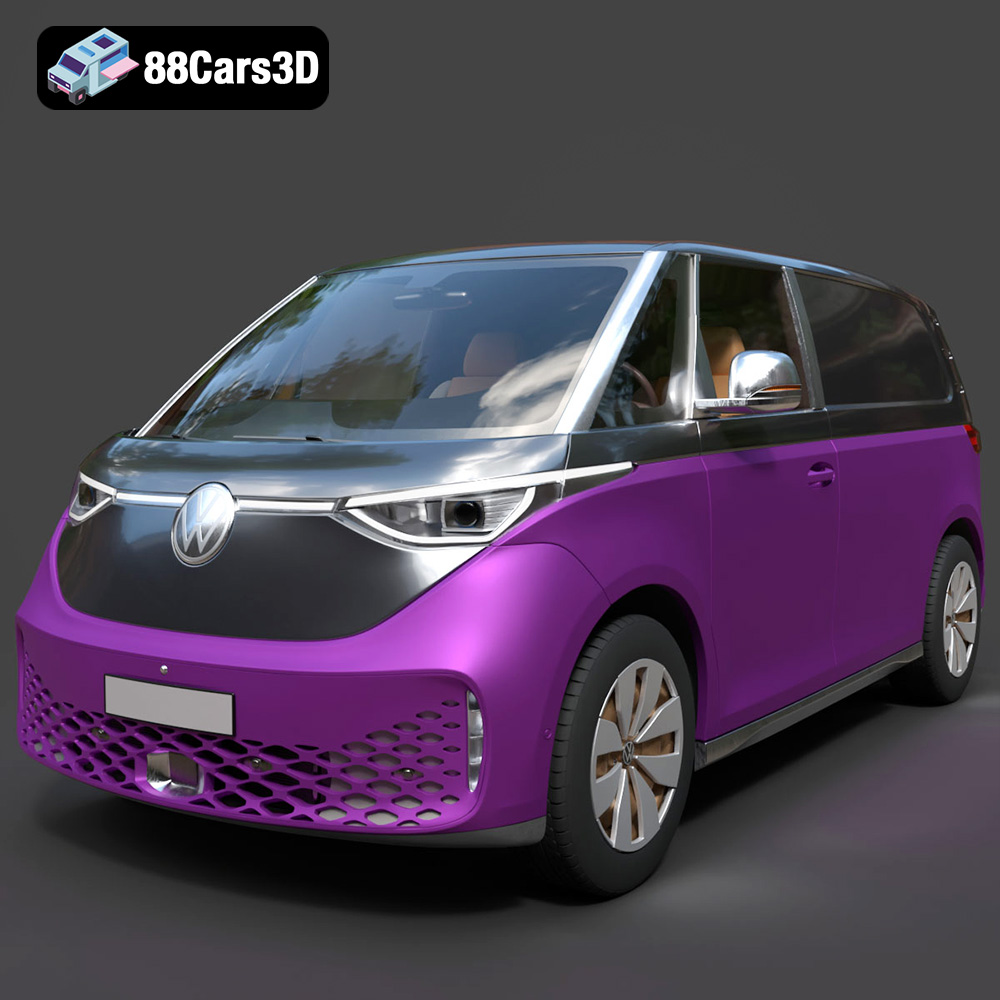
Texture: Yes
Material: Yes
Download the Volkswagen ID. Buzz Cargo 2023 3D Model featuring clean geometry, realistic detailing, and a fully modeled interior. Includes .blend, .fbx, .obj, .glb, .stl, .ply, .unreal, and .max formats for rendering, simulation, and game development.
Price: $19.99
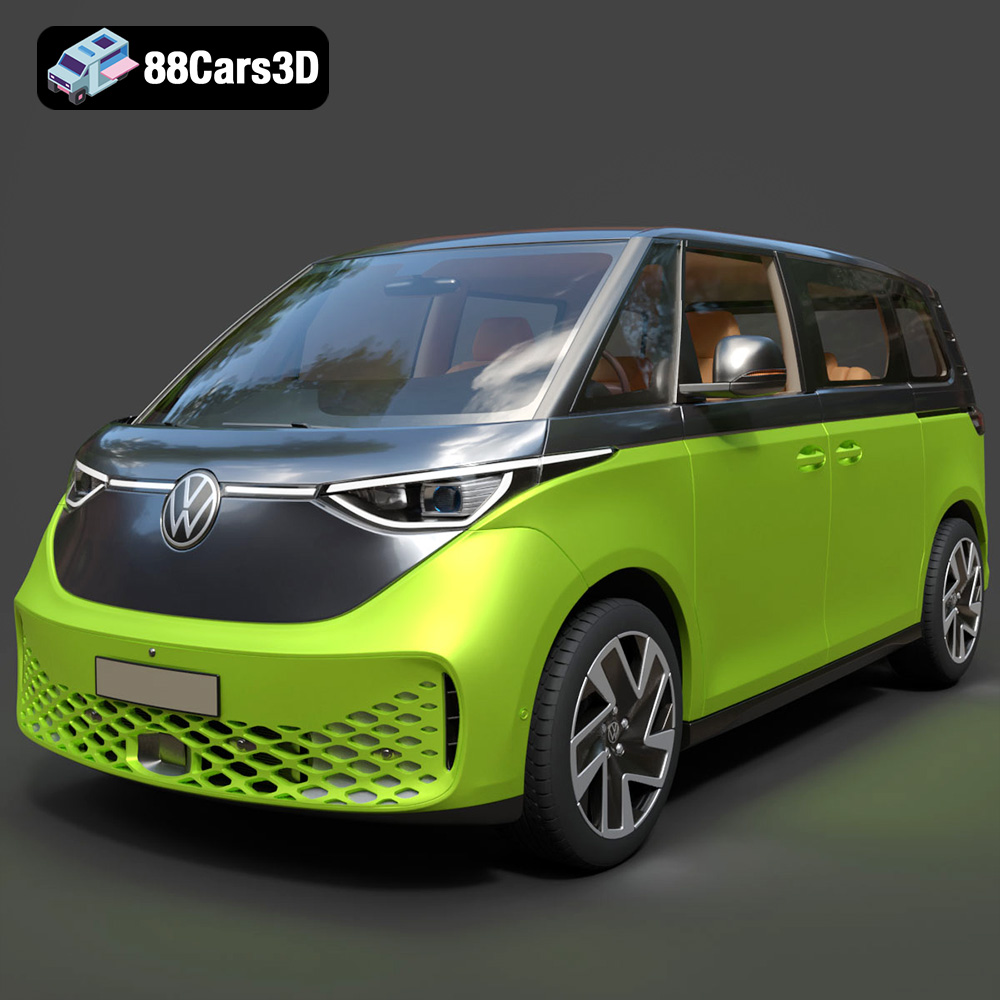
Texture: Yes
Material: Yes
Download the Volkswagen ID. Buzz 2023 3D Model featuring clean geometry, realistic detailing, and a fully modeled interior. Includes .blend, .fbx, .obj, .glb, .stl, .ply, .unreal, and .max formats for rendering, simulation, and game development.
Price: $19.99
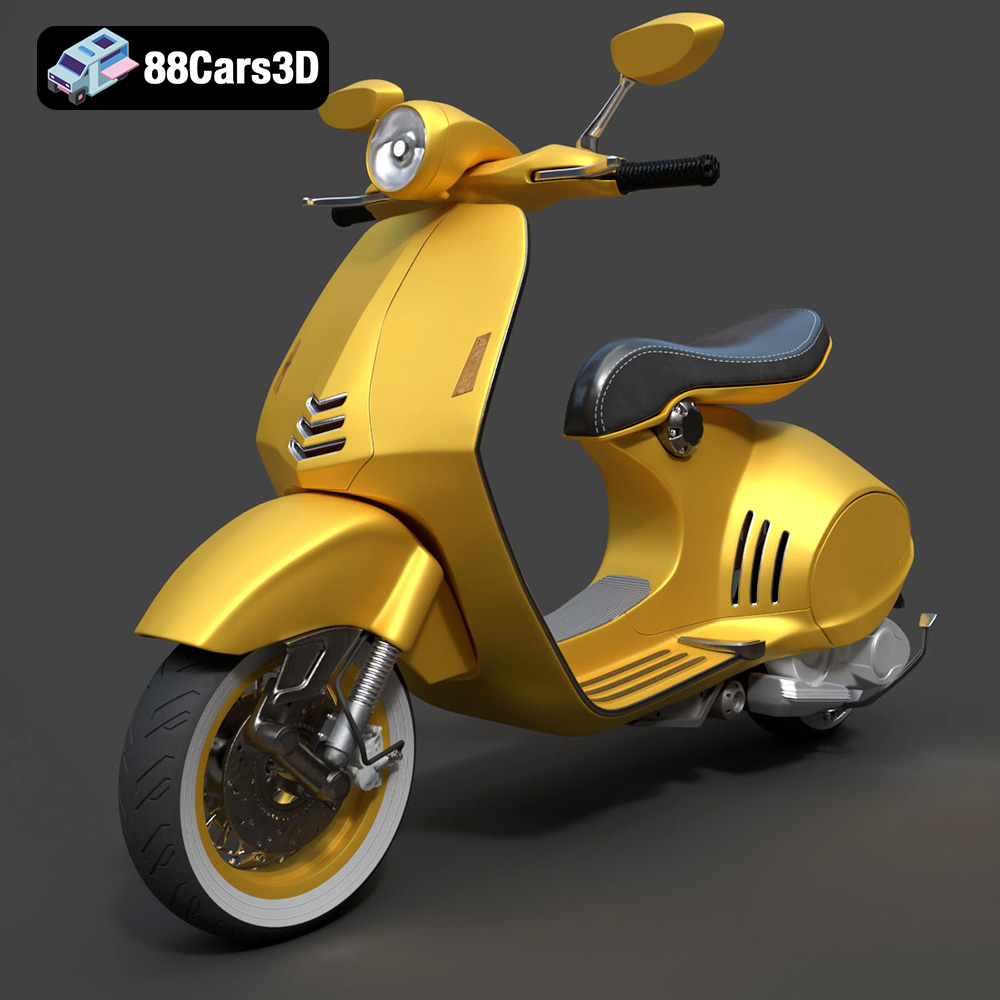
Texture: Yes
Material: Yes
Download the Vespa 946 3D Model featuring clean geometry, realistic detailing, and a fully modeled interior. Includes .blend, .fbx, .obj, .glb, .stl, .ply, .unreal, and .max formats for rendering, simulation, and game development.
Price: $19.99

Texture: Yes
Material: Yes
Download the Toyota Yaris Cross 3D Model featuring clean geometry, realistic detailing, and a fully modeled interior. Includes .blend, .fbx, .obj, .glb, .stl, .ply, .unreal, and .max formats for rendering, simulation, and game development.
Price: $19.99

Texture: Yes
Material: Yes
Download the Volkswagen Amarok 2019 3D Model featuring clean geometry, realistic detailing, and a fully modeled interior. Includes .blend, .fbx, .obj, .glb, .stl, .ply, .unreal, and .max formats for rendering, simulation, and game development.
Price: $19.99

