Get 50% OFF All Premium 3D & STL Models!

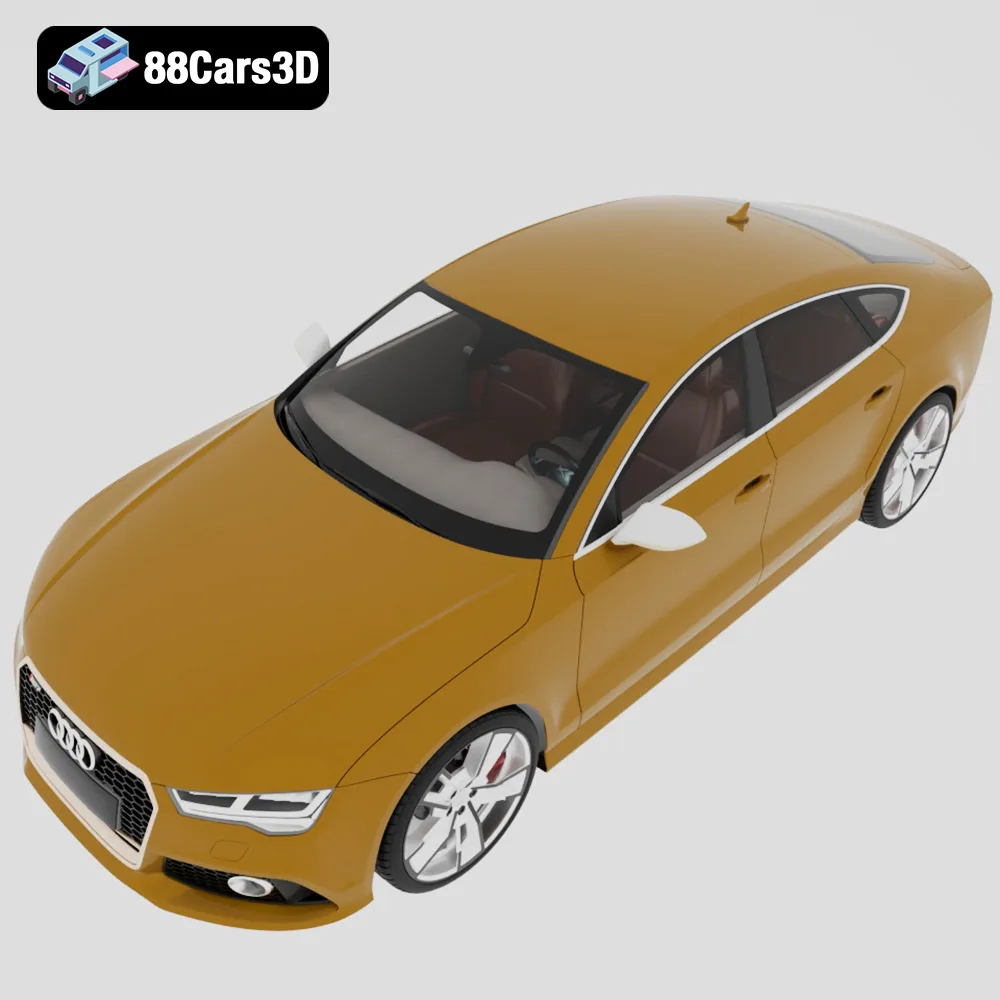
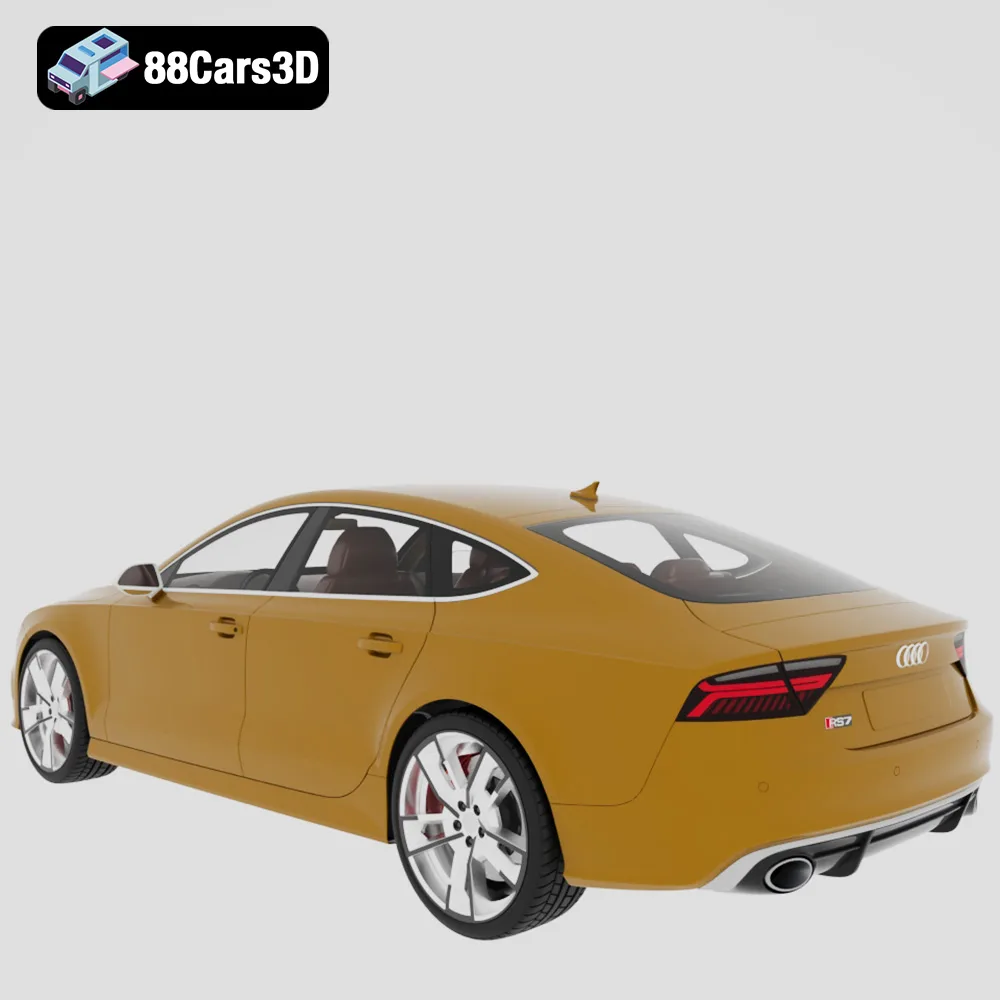
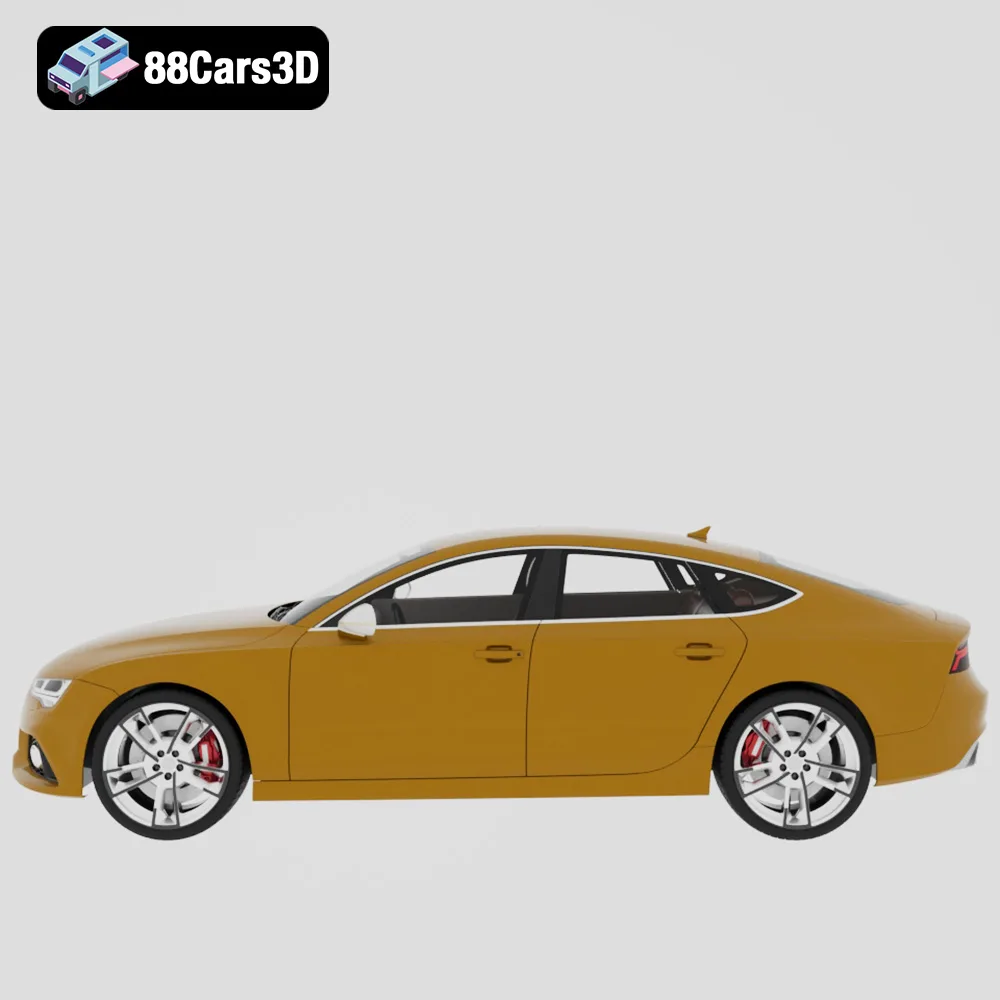
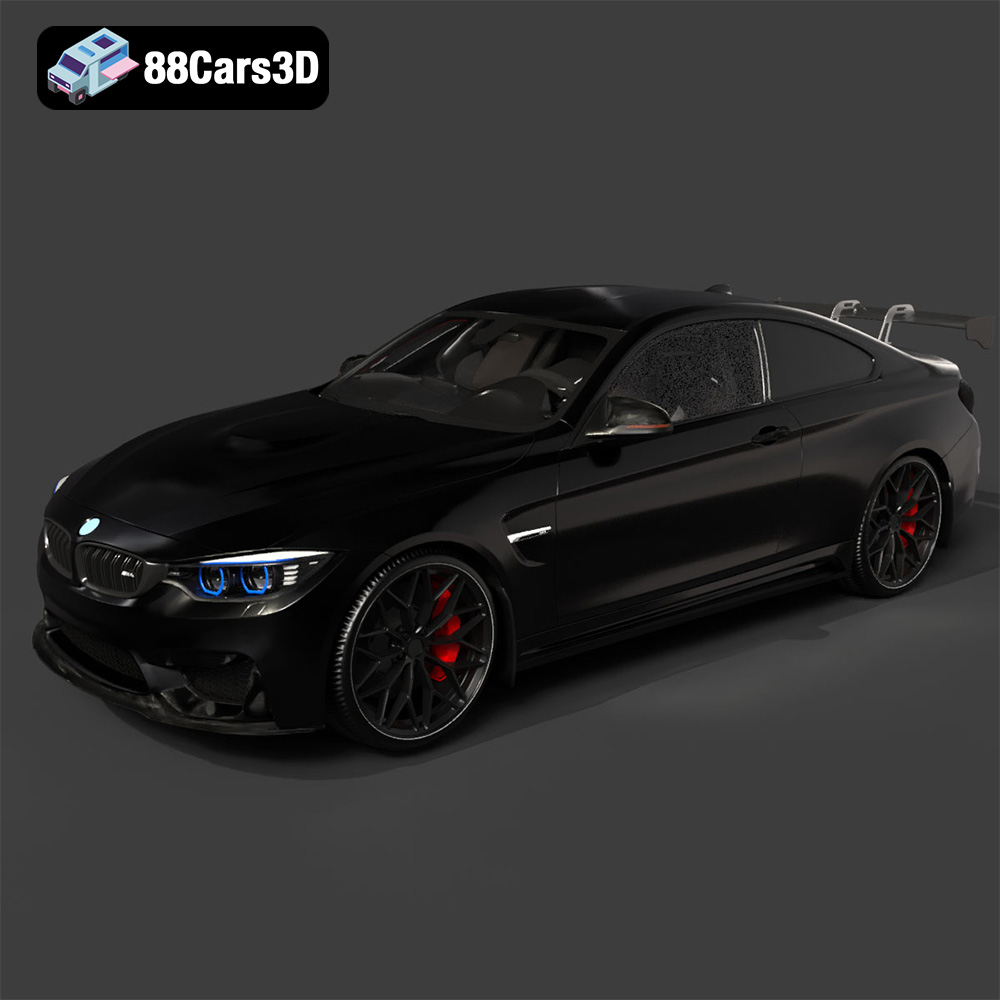
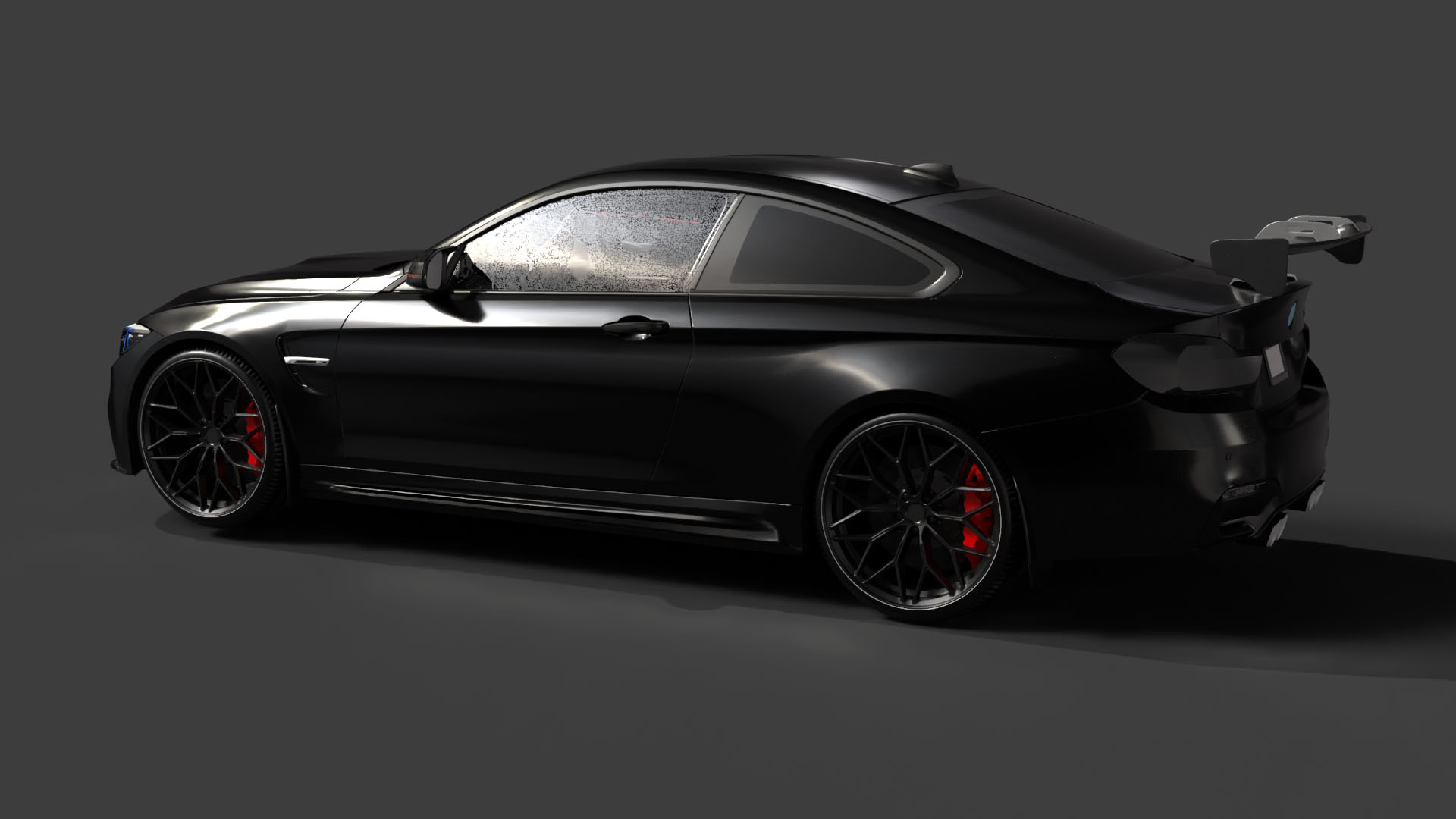
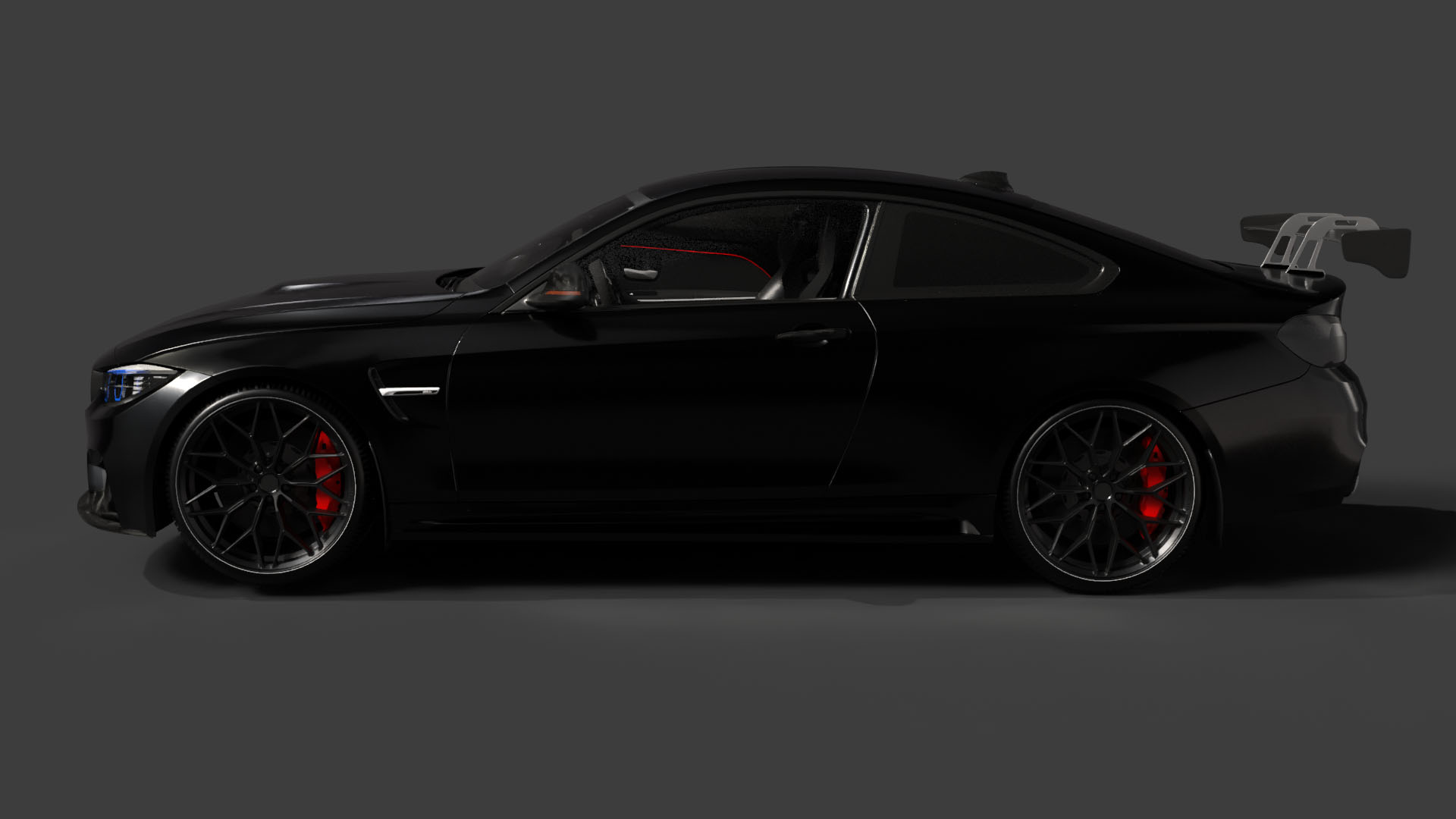
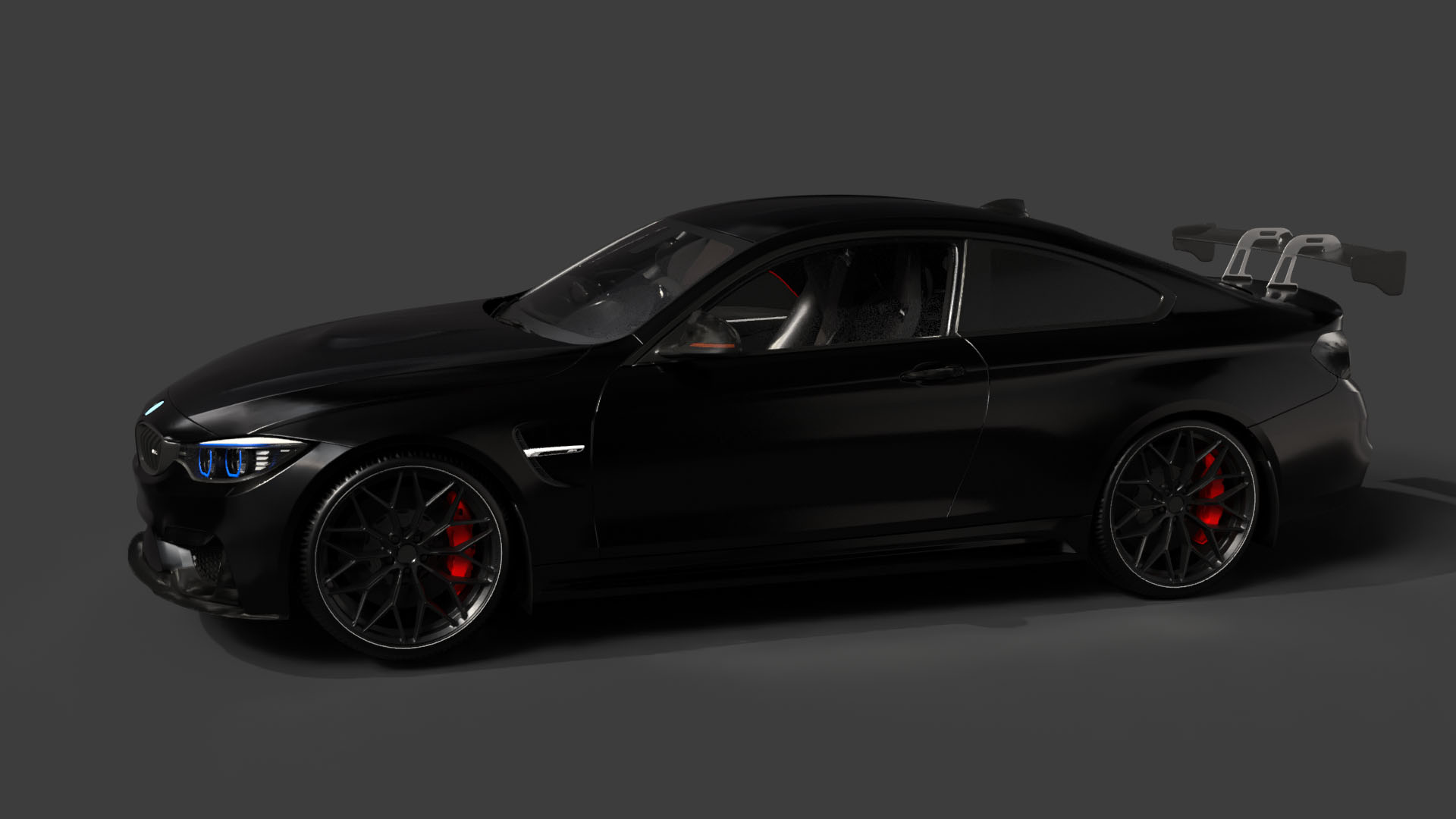
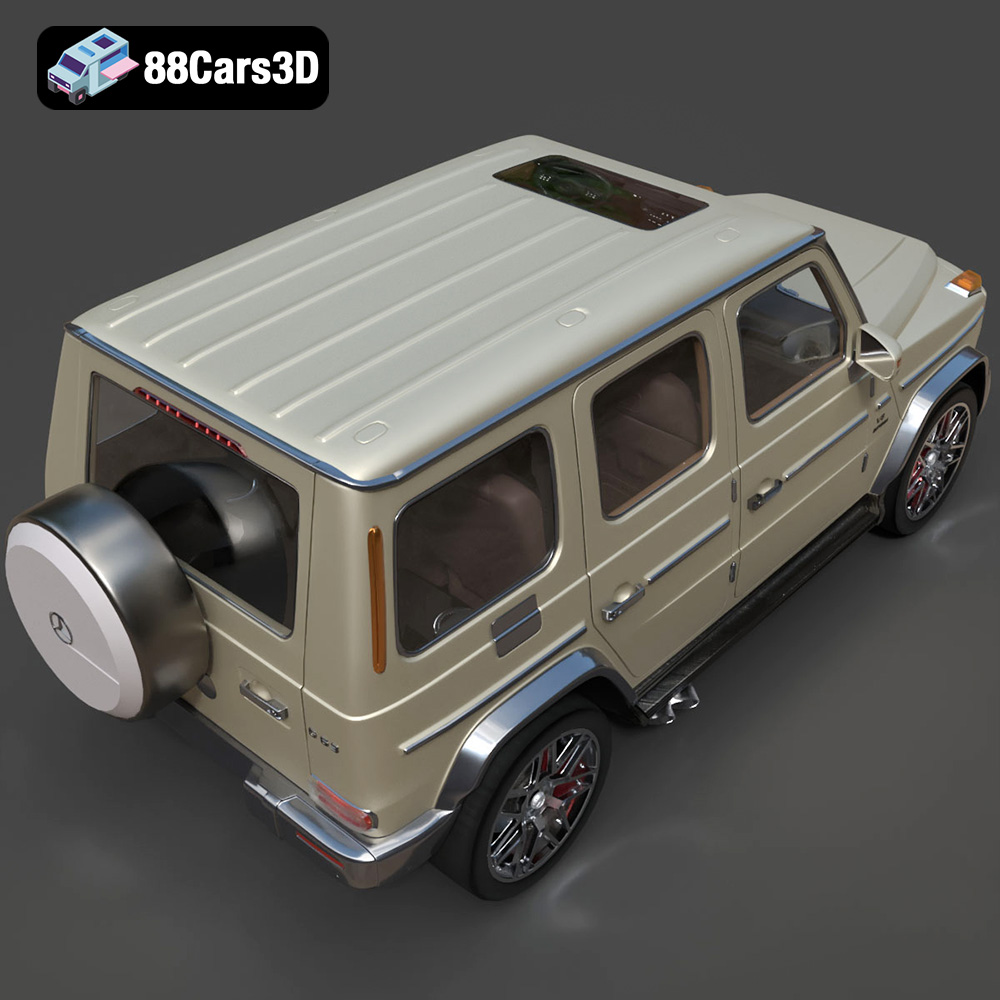
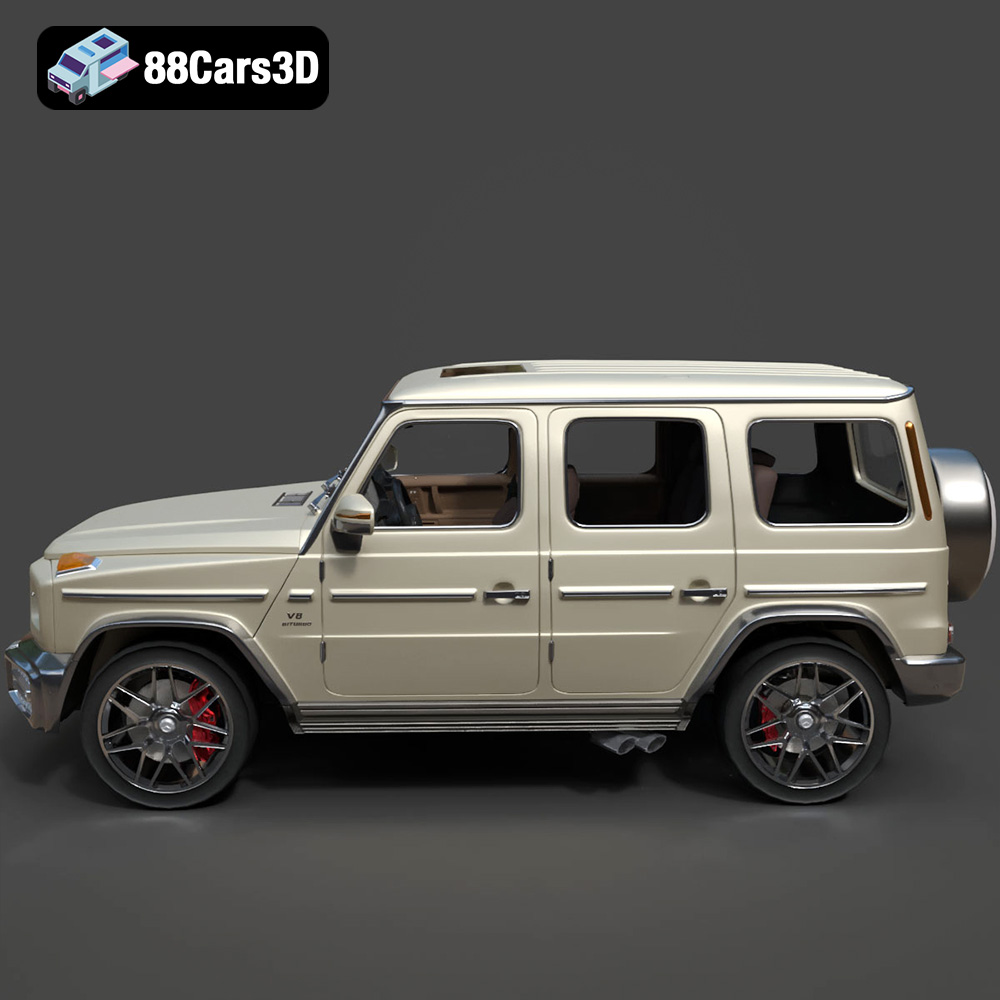
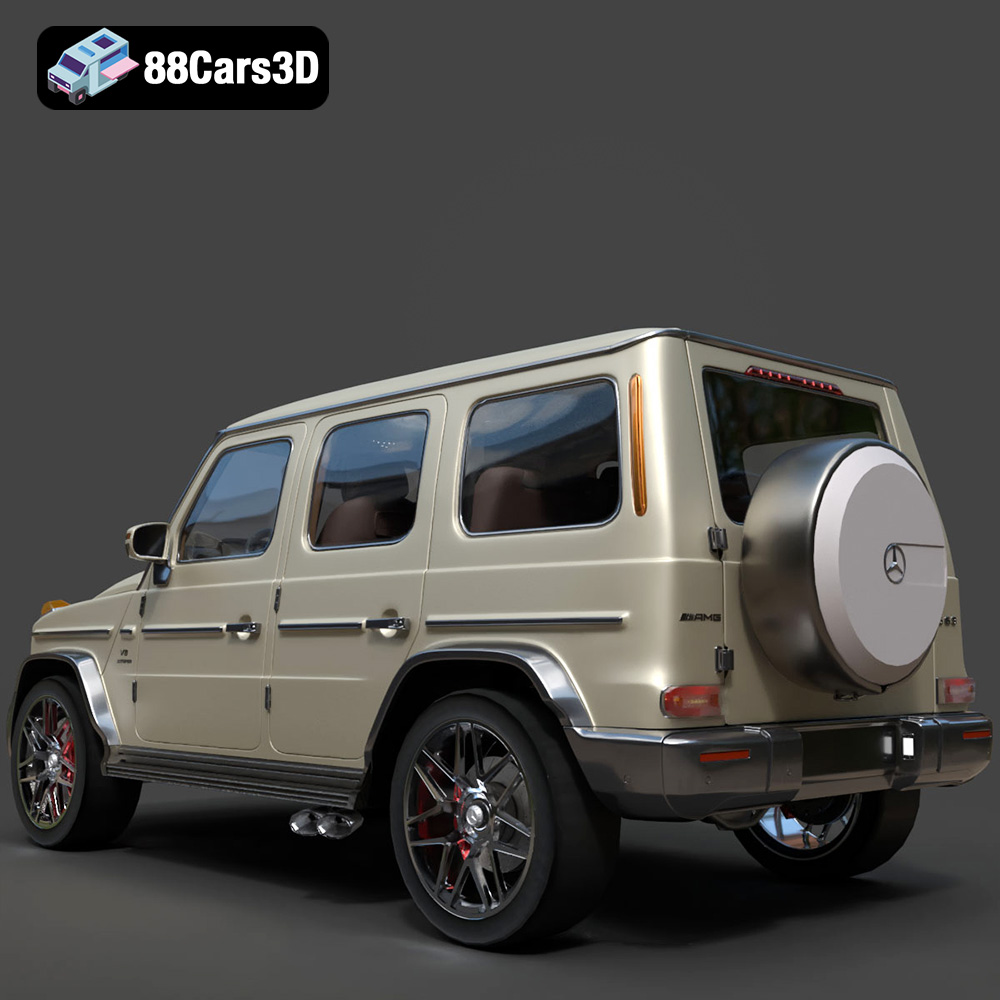
Imagine holding a meticulously crafted miniature Porsche 911 GT3, a sleek Audi RS7, a powerful BMW M4, or a commanding Mercedes-Benz G63 AMG in the palm of your hand. Thanks to the “Ultimate German Luxury Cars 3D Models Bundle” available on 88cars3d.com, this dream is now a reality. This comprehensive guide will walk you through the process of successfully 3D printing these iconic vehicles, transforming digital designs into tangible automotive masterpieces. Whether you’re a seasoned 3D printing enthusiast or a newcomer to the world of additive manufacturing, this article will provide you with the knowledge and techniques needed to create stunning 3D printed models of these German luxury cars.
The level of detail in these models demands a printer capable of high resolution and precision. Selecting the right printer is the first step towards achieving a flawless final product.
* Pros: Resin printers, particularly SLA (Stereolithography) and DLP (Digital Light Processing) printers, excel at producing highly detailed prints with smooth surfaces. This makes them ideal for capturing the intricate grilles, rims, and aerodynamic elements of the Porsche 911 GT3, Audi RS7, BMW M4, and Mercedes-Benz G63 AMG. Resin printers are particularly suitable for printing smaller scales (1:43 or 1:24) where fine details are crucial.
* Cons: Resin printers typically have a smaller build volume compared to FDM printers, which may require splitting larger models into multiple parts. They also require more post-processing, including washing and curing the printed parts. Resin materials can be more expensive than FDM filaments and require careful handling due to their toxicity.
* Pros: FDM printers are more affordable and offer a wider range of material options. They are also suitable for printing larger models due to their larger build volumes. While not as detailed as resin prints, with careful settings and high-quality filaments, you can achieve impressive results, especially at larger scales (1:18).
* Cons: FDM printers can struggle to reproduce very fine details, and the layer lines are often visible on the finished print. This can be mitigated by using a smaller layer height and post-processing techniques like sanding and painting.
Choosing the correct file format is crucial for ensuring compatibility with your slicing software and achieving optimal print quality. The “Ultimate German Luxury Cars 3D Models Bundle” includes several file formats, each with its strengths and weaknesses.
The .stl (Stereolithography) format is the workhorse of 3D printing. It represents the surface geometry of a 3D object as a collection of triangles. This simplicity makes it universally compatible with virtually all 3D printing software and printers. However, .stl files only store information about the shape of the object; they do not contain color, texture, or material properties.
* Advantages for 3D Printing:
* Widely supported by all slicing software.
* Simple and efficient file format.
* Suitable for representing complex geometries.
* Considerations:
* Does not store color or texture information.
* File size can be large for highly detailed models.
* Mesh quality is crucial for print success (see below).
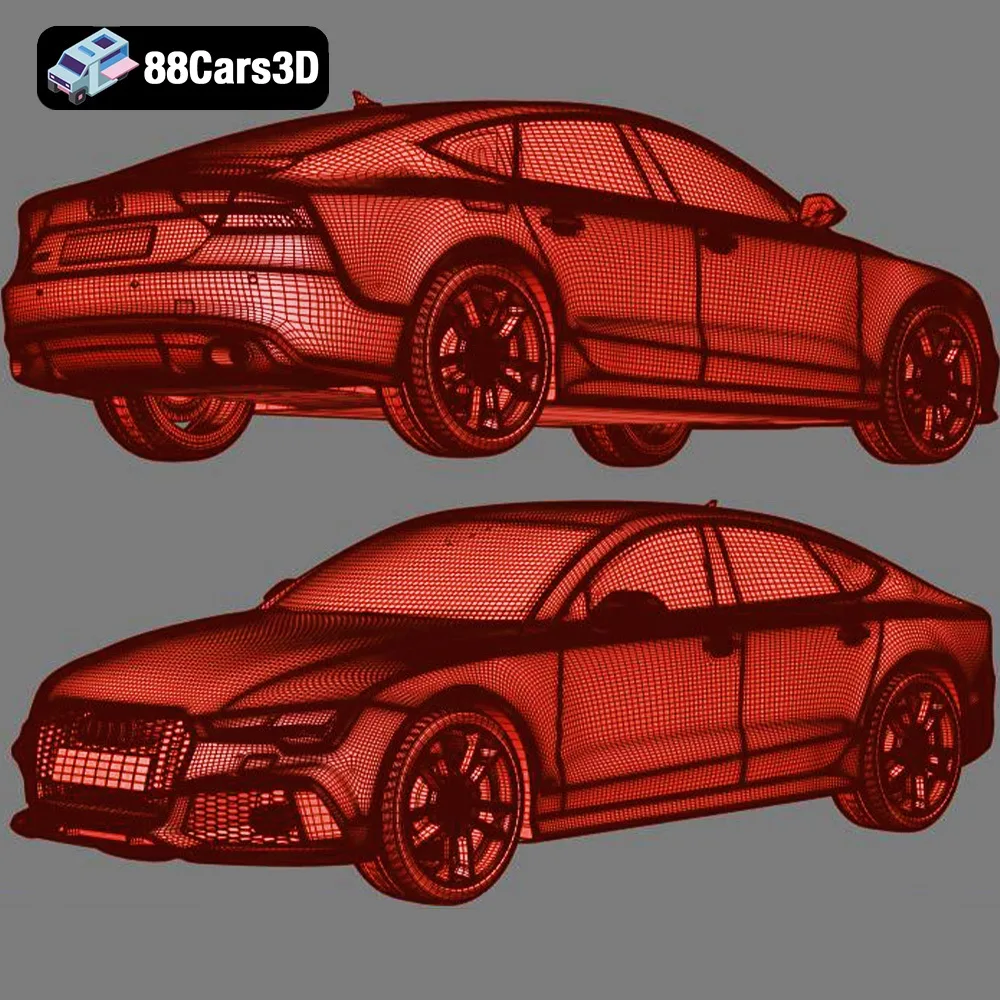
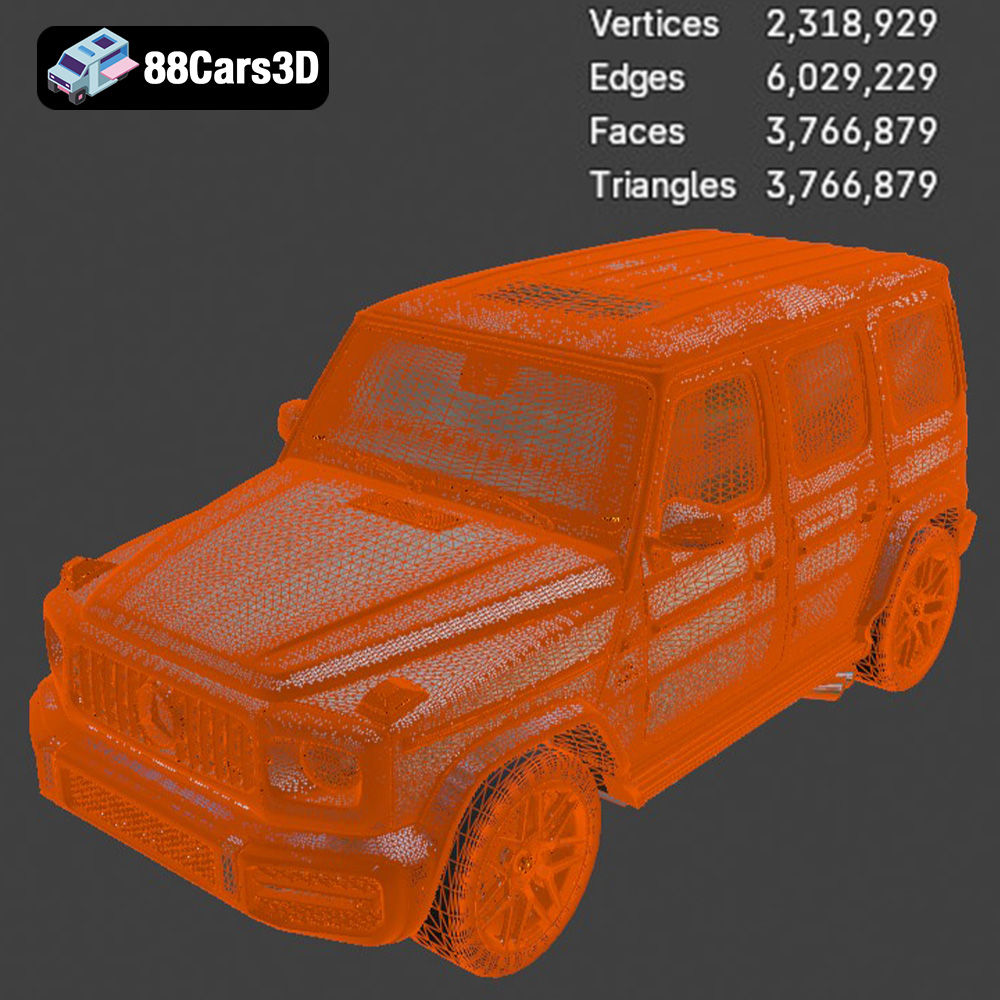
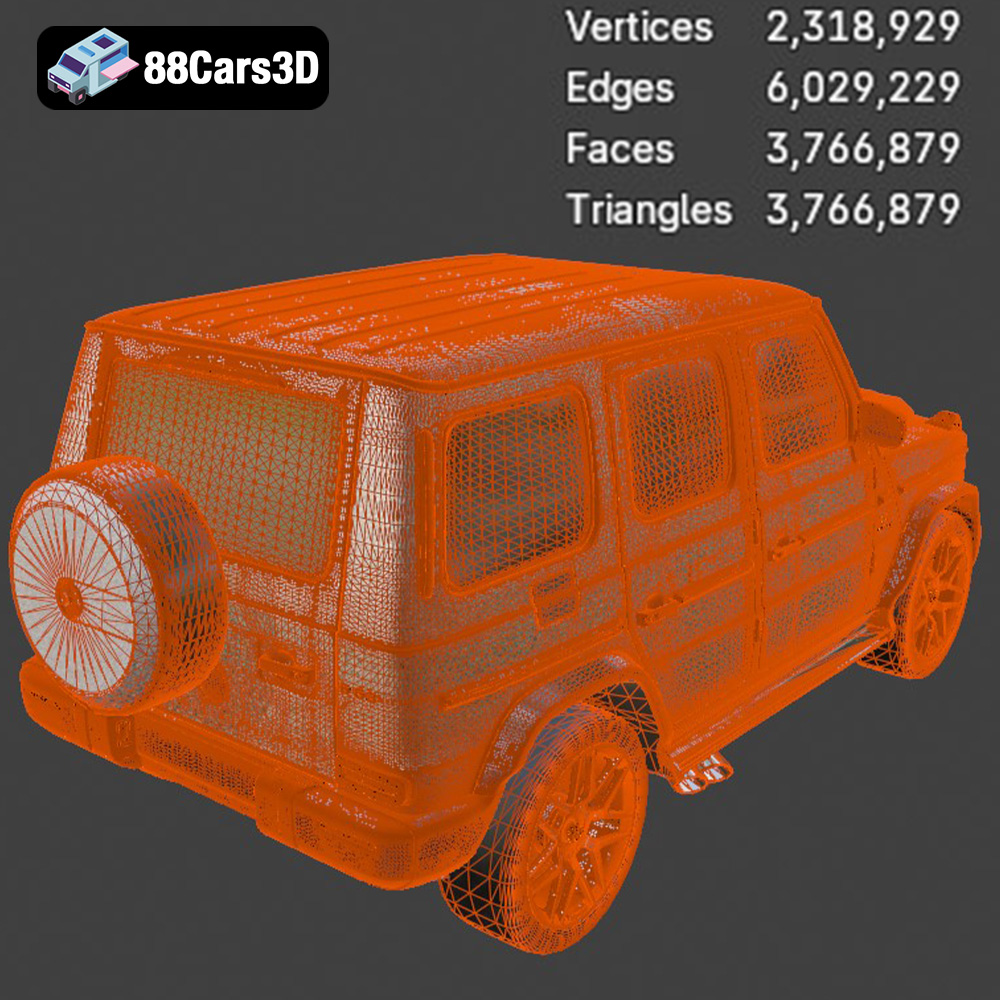
For the “Ultimate German Luxury Cars 3D Models Bundle,” the STL format is the primary choice for 3D printing. Before importing the STL files into your slicing software, it’s important to check the mesh quality. Look for issues such as non-manifold geometry (holes or self-intersections), flipped normals, or excessive triangle counts. Mesh repair tools in software like MeshMixer or Netfabb can help resolve these problems and ensure a successful print. Aim for a balanced triangle count – enough to capture the details of the car models (the iconic round headlights of the Porsche 911 GT3, for example), but not so high that it overloads your slicing software and printer.
The .obj (Wavefront Object) format is another popular 3D model format that supports both geometry and color/texture information. Unlike .stl, .obj files can store data about the surface appearance of the object, making them suitable for 3D printing in color (if your printer supports it) or for rendering applications.
* Advantages:
* Supports color and texture information.
* Widely used in 3D modeling and animation.
* Considerations:
* May not be as universally supported as .stl.
* File size can be larger than .stl.
* Color printing requires specialized hardware and materials.
The .ply (Polygon File Format) is designed to store 3D data acquired from 3D scanners. It can represent surface geometry, color, and other properties with high precision. This format is often used for storing detailed 3D scans of real-world objects.
* Advantages:
* High-precision representation of 3D data.
* Supports color and other properties.
* Considerations:
* Less common than .stl or .obj.
* File size can be very large.
The .blend format is the native file format for Blender, a popular open-source 3D modeling software. It stores the entire Blender scene, including the 3D models, materials, textures, lighting, and animation data. This format is ideal for users who want to customize the 3D models before printing.
* Advantages:
* Allows for full customization of the 3D models.
* Access to Blender’s powerful modeling and sculpting tools.
* Considerations:
* Requires Blender software.
* Not directly printable; models must be exported to .stl or another printable format.
The .fbx (Filmbox) format is a proprietary format developed by Autodesk for exchanging 3D data between different software applications. It supports geometry, materials, textures, animation, and other properties.
* Advantages:
* Supports a wide range of 3D data.
* Widely used in game development and animation.
* Considerations:
* May not be fully supported by all slicing software.
* Best suited for transferring models between different software packages.
The .glb (GL Transmission Format Binary) is a binary file format for representing 3D models. It’s designed to be compact and efficient, making it suitable for displaying 3D models in web browsers and augmented reality (AR) applications.
* Advantages:
* Compact and efficient file format.
* Suitable for displaying 3D models on the web and in AR.
* Considerations:
* Not directly printable; models must be converted to .stl or another printable format.
The .max format is the native file format for 3ds Max, another popular 3D modeling software. Similar to .blend, it stores the entire 3ds Max project, allowing for extensive customization before exporting for 3D printing.
* Advantages:
* Allows for full customization of the 3D models.
* Access to 3ds Max’s powerful modeling tools.
* Considerations:
* Requires 3ds Max software.
* Not directly printable; models must be exported to .stl or another printable format.
Before you send the 3D models to the printer, you need to prepare them using slicing software. This software converts the 3D model into a series of layers that the printer can understand. Popular slicing software options include Cura, Simplify3D, and PrusaSlicer.
* Orientation: As mentioned in the product description, printing the bodies of the cars at a 45-degree angle can help ensure smooth roofs and hoods. This reduces the need for excessive support structures and minimizes visible layer lines. Experiment with different orientations to find the optimal balance between print time, support material usage, and surface quality.
* Supports: Support structures are necessary to support overhanging features like side mirrors, wheel arches, and rear spoilers. Use a support pattern that is easy to remove without damaging the model. Consider using soluble support material (e.g., PVA for PLA) for complex geometries that are difficult to reach.
* Layer Height: A smaller layer height will result in a smoother surface finish and capture finer details. For resin printing, aim for a layer height of 0.04–0.05 mm. For FDM printing, a layer height of 0.1 mm – 0.15 mm is a good starting point, but you can go lower for improved quality.
* Infill: Infill determines the internal density of the print. For aesthetic models, a low infill percentage (15-25%) is sufficient to provide structural integrity without adding excessive weight or print time.
* Print Speed: A slower print speed can improve the quality of the print, especially for intricate details. Start with a moderate print speed and adjust as needed based on the printer’s capabilities and the material being used.
The choice of material significantly impacts the appearance, strength, and durability of the 3D printed car models.
* Pros: PLA is a biodegradable thermoplastic polymer derived from renewable resources. It is easy to print, affordable, and available in a wide range of colors. PLA is a good choice for initial prototypes and models that don’t require high strength or heat resistance.
* Cons: PLA is brittle and has a low melting point, making it unsuitable for applications where the model will be subjected to high temperatures or stress.
* Pros: PETG is a more durable and flexible material than PLA. It also has better heat resistance and is less prone to warping. PETG is a good all-around choice for 3D printing car models that need to be more robust.
* Cons: PETG can be more difficult to print than PLA, requiring higher temperatures and careful bed adhesion.
* Pros: Resin offers the highest level of detail and surface finish. It is ideal for capturing the intricate details of the “Ultimate German Luxury Cars 3D Models Bundle,” such as the grilles, rims, and emblems.
* Cons: Resin is more expensive than FDM filaments and requires more post-processing, including washing and curing. It also requires careful handling due to its toxicity.
Post-processing is essential for achieving a professional-looking finish on your 3D printed car models.
* Sanding: Use progressively finer grits of sandpaper to remove layer lines and imperfections. Start with a coarse grit (e.g., 220) and gradually move to finer grits (e.g., 400, 600, 800, 1000) for a smooth surface. Wet sanding can help to reduce dust and improve the finish.
* Smoothing: For PLA and ABS prints, chemical smoothing using acetone or other solvents can further reduce layer lines and create a glossy surface. However, this should be done with caution and proper ventilation. Resin prints can be smoothed using clear coats and polishing compounds.
* Priming: Apply a primer coat to the model to create a uniform surface for painting. Primers also help to improve adhesion and prevent the paint from chipping.
* Painting: Use acrylic paints or model paints to achieve the desired color and finish. Apply multiple thin coats for best results. Consider using an airbrush for a smoother and more professional finish.
* Detailing: Use fine-tipped brushes and detailing tools to add intricate details such as panel lines, emblems, and lights.
* Many of the models in the “Ultimate German Luxury Cars 3D Models Bundle” have separated parts, such as wheels, doors, and steering components. Use glue or adhesive to assemble these parts according to the instructions provided. Ensure that the parts are properly aligned and secured.
Even with careful preparation, you may encounter some common 3D printing issues. Here are some tips for troubleshooting:
* Warping: Warping occurs when the printed part lifts off the build plate due to uneven cooling. Ensure proper bed adhesion by using a heated bed, applying a bed adhesive (e.g., glue stick or hairspray), and adjusting the bed temperature.
* Stringing: Stringing occurs when the printer nozzle oozes filament while moving between different parts of the print. Reduce stringing by adjusting the retraction settings in your slicing software, lowering the printing temperature, and increasing the travel speed.
* Layer Shifting: Layer shifting occurs when the printer’s X or Y axis skips steps, resulting in misaligned layers. Check the belts and pulleys to ensure they are properly tightened and lubricated. Reduce the printing speed and acceleration settings.
* Support Removal Issues: Supports that are difficult to remove can damage the model. Use a support pattern that is easy to remove, adjust the support density and interface settings, and consider using soluble support material.
While the general guidelines above apply to all models in the “Ultimate German Luxury Cars 3D Models Bundle,” here are some specific tips for each vehicle:
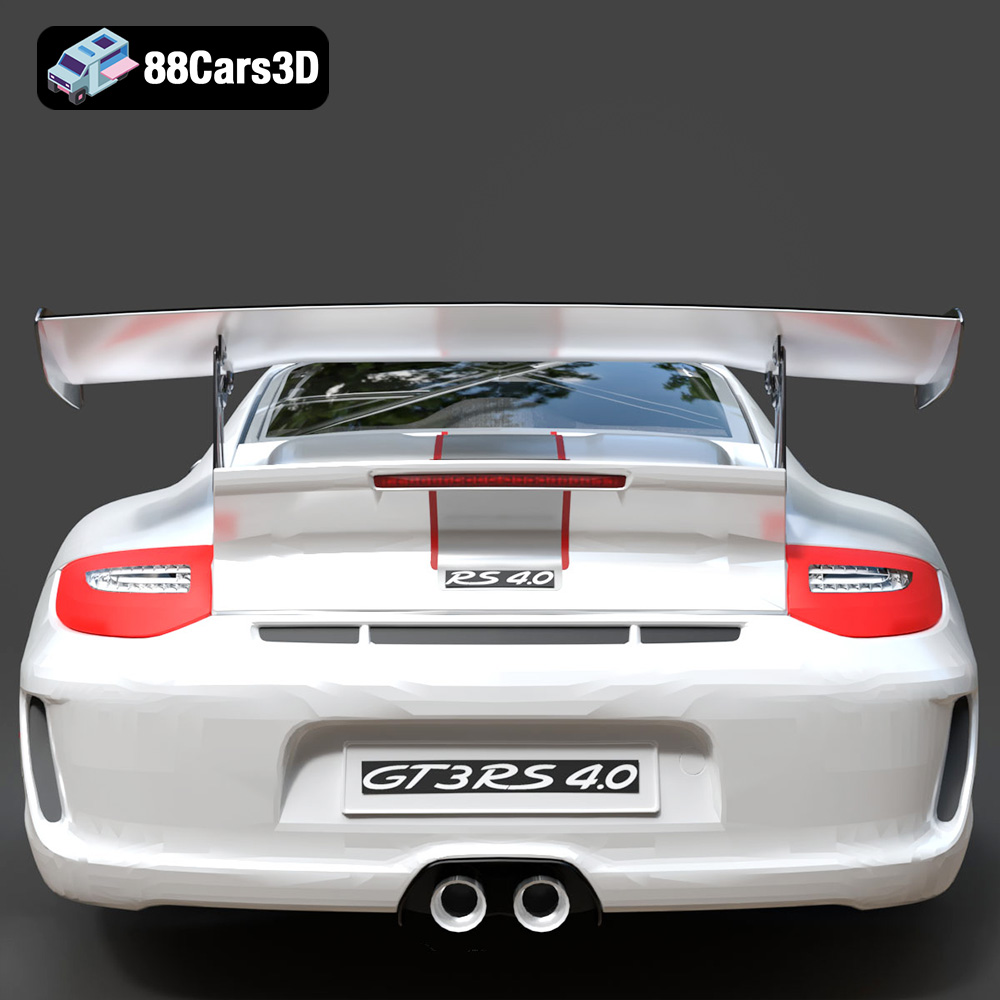
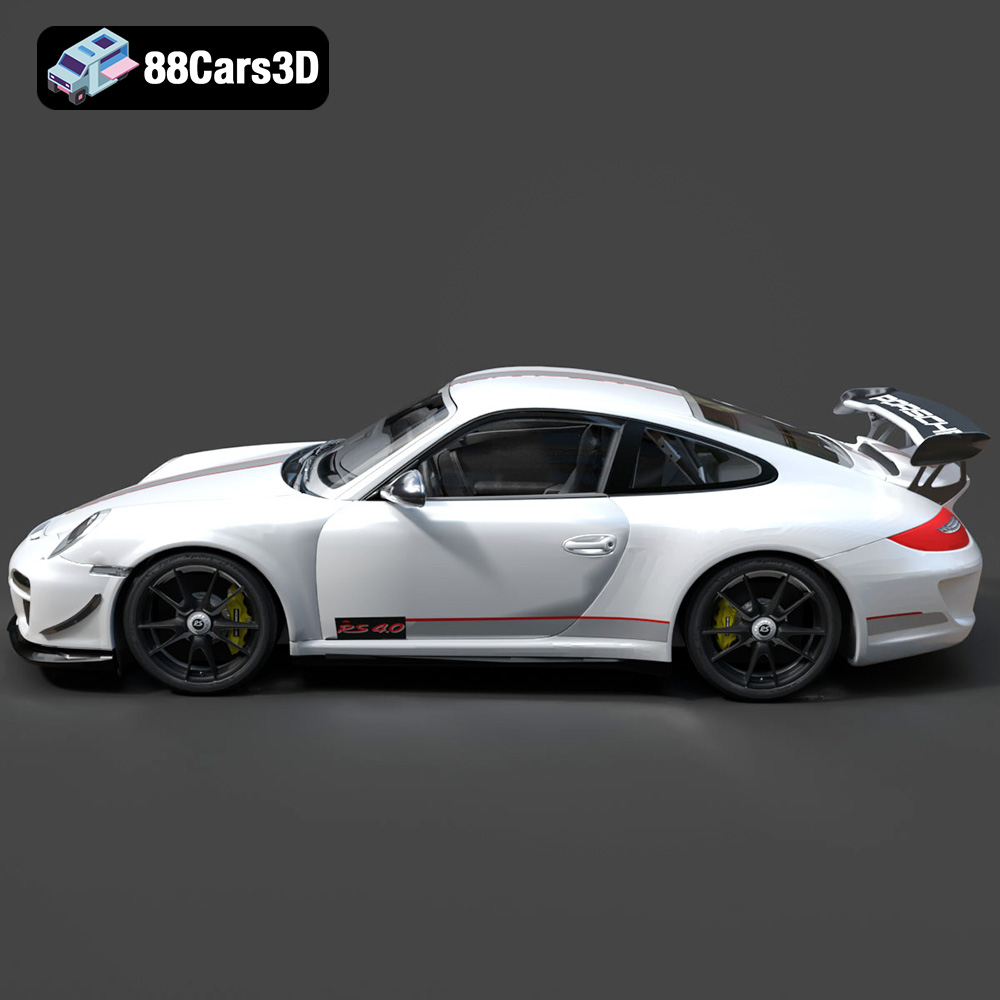
* Porsche 911 997 GT3: Pay close attention to the rear wing and the complex curves of the body. Use a high-resolution setting to capture the aerodynamic details.
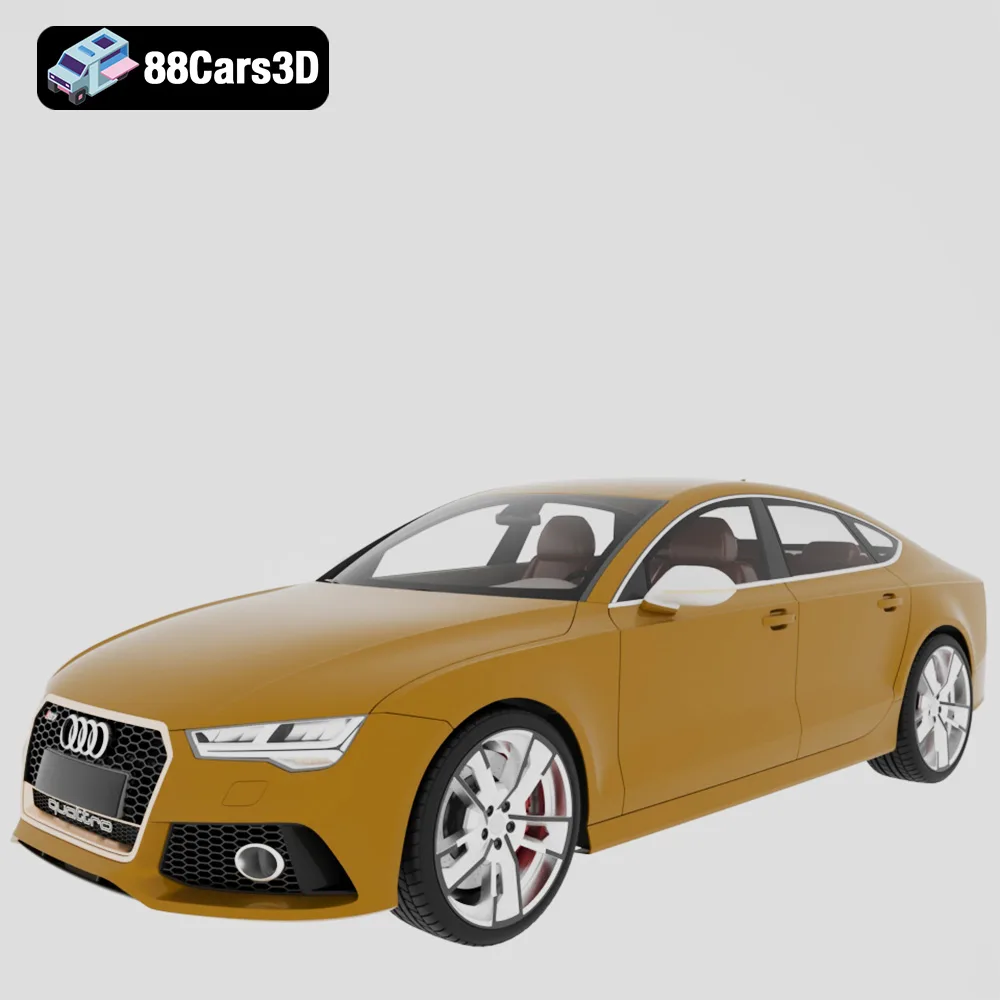
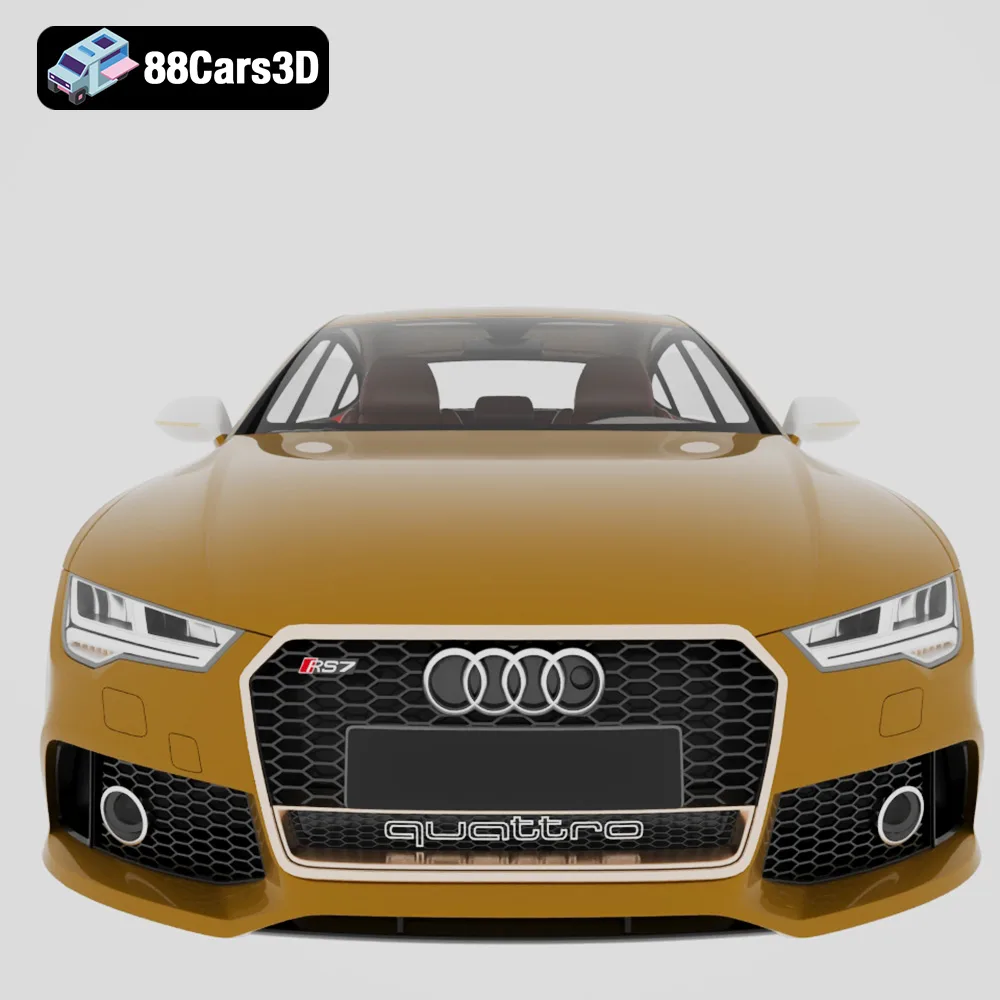
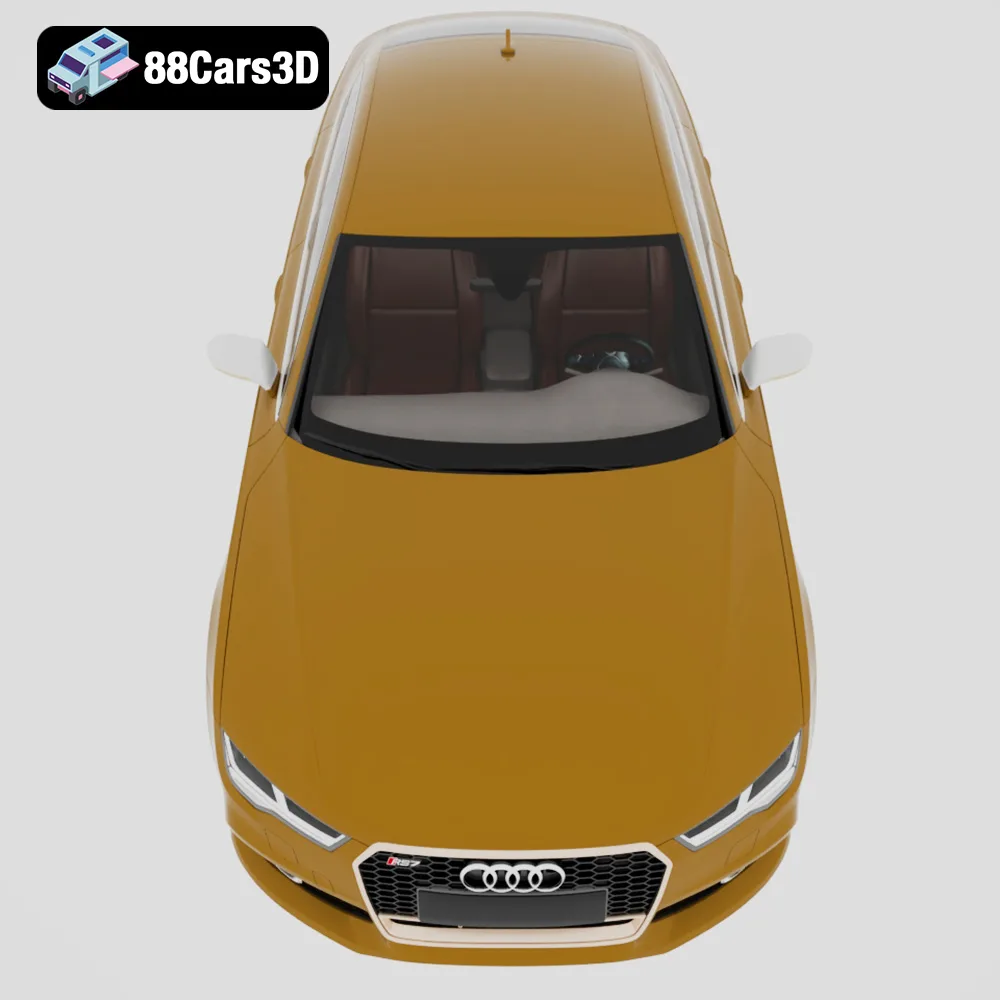
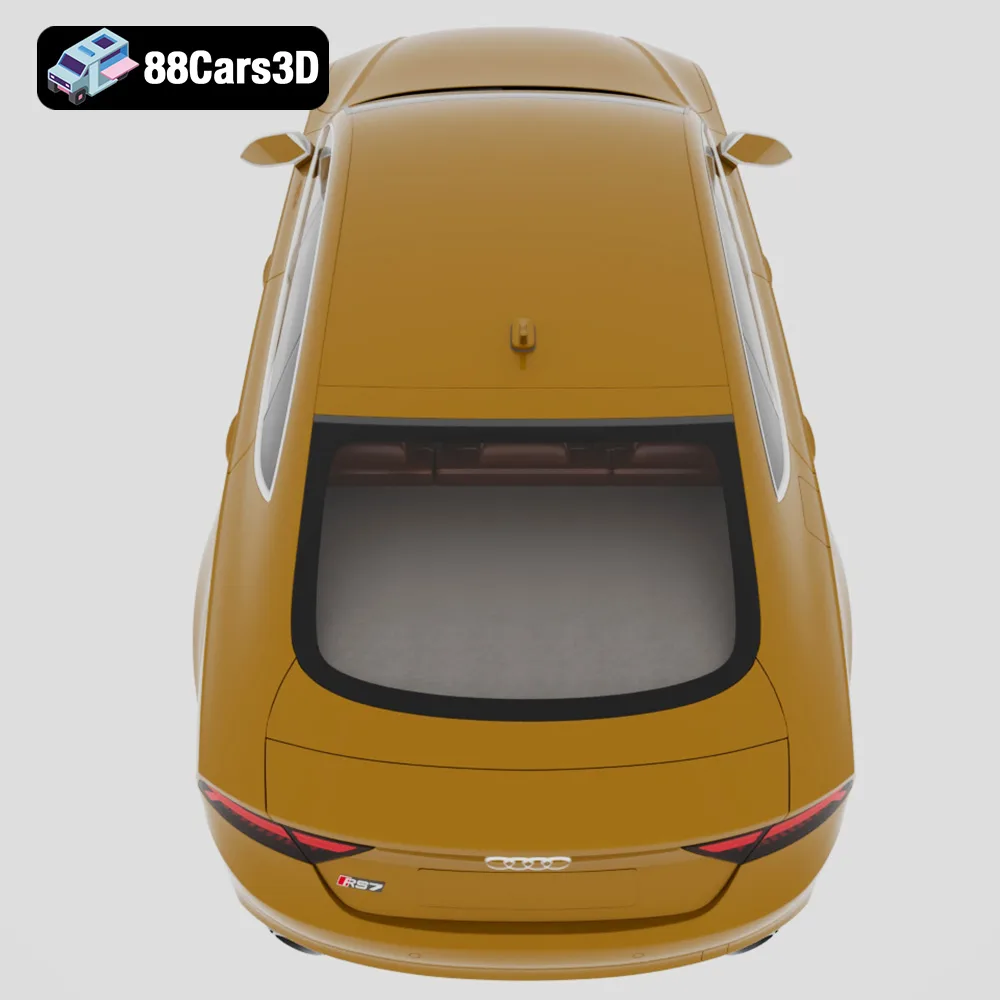
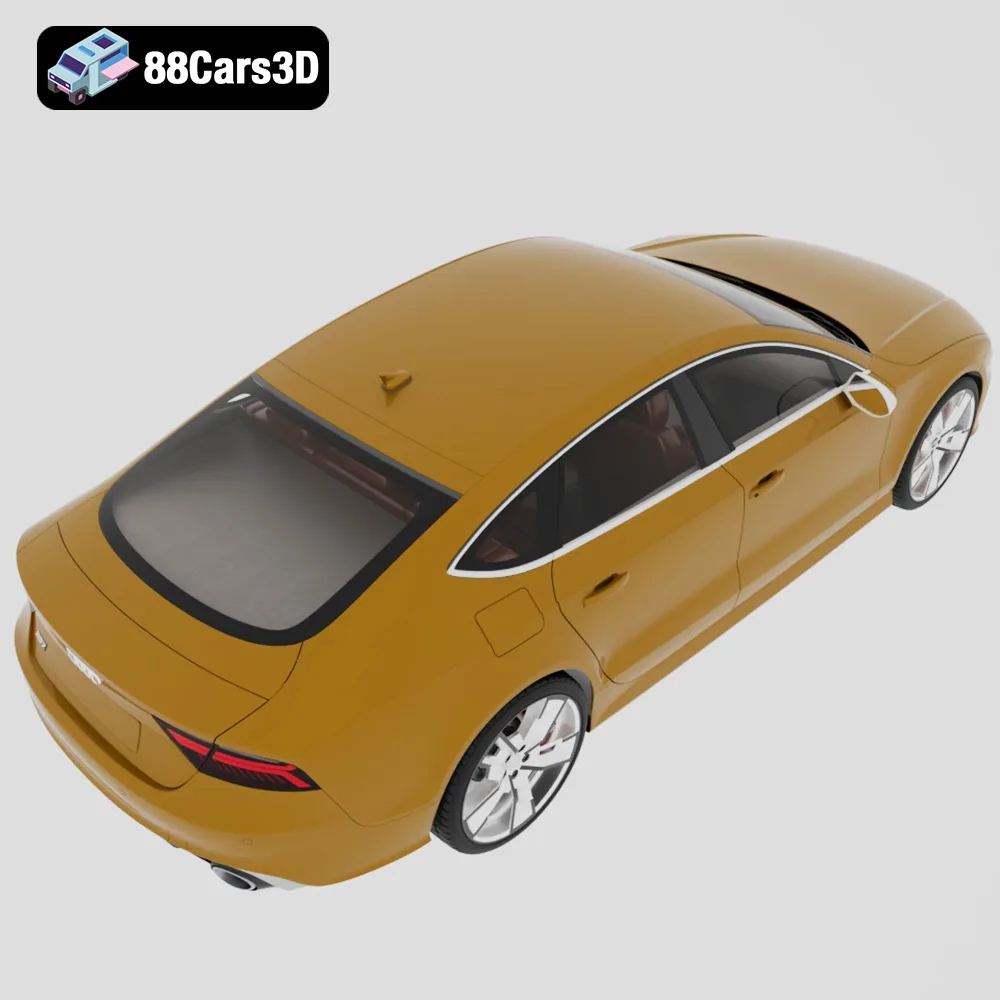
* Audi RS7 Sportback Performance 2016: Focus on the honeycomb front grille and the sleek roofline. Support structures will be crucial for the rear spoiler.
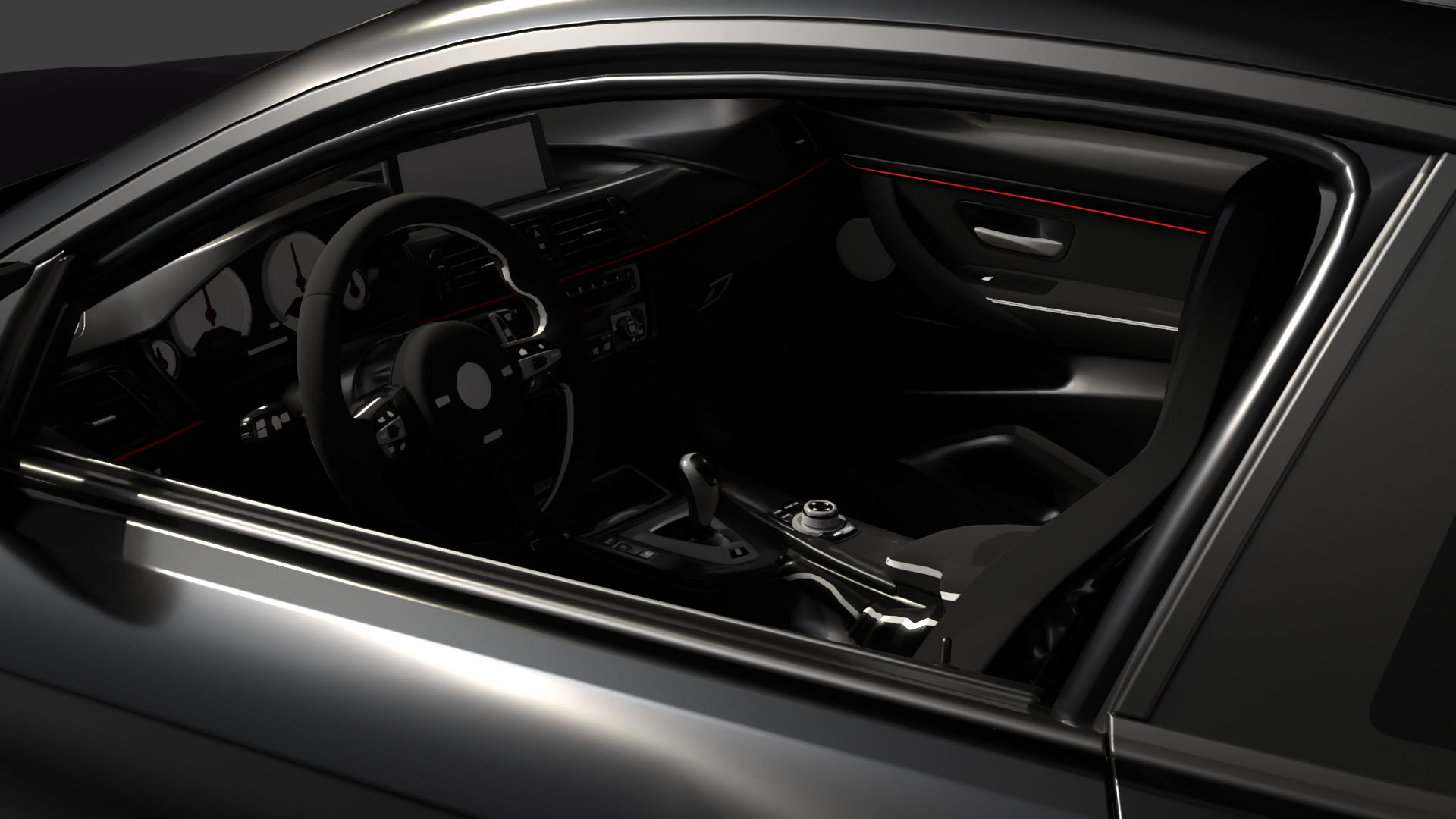
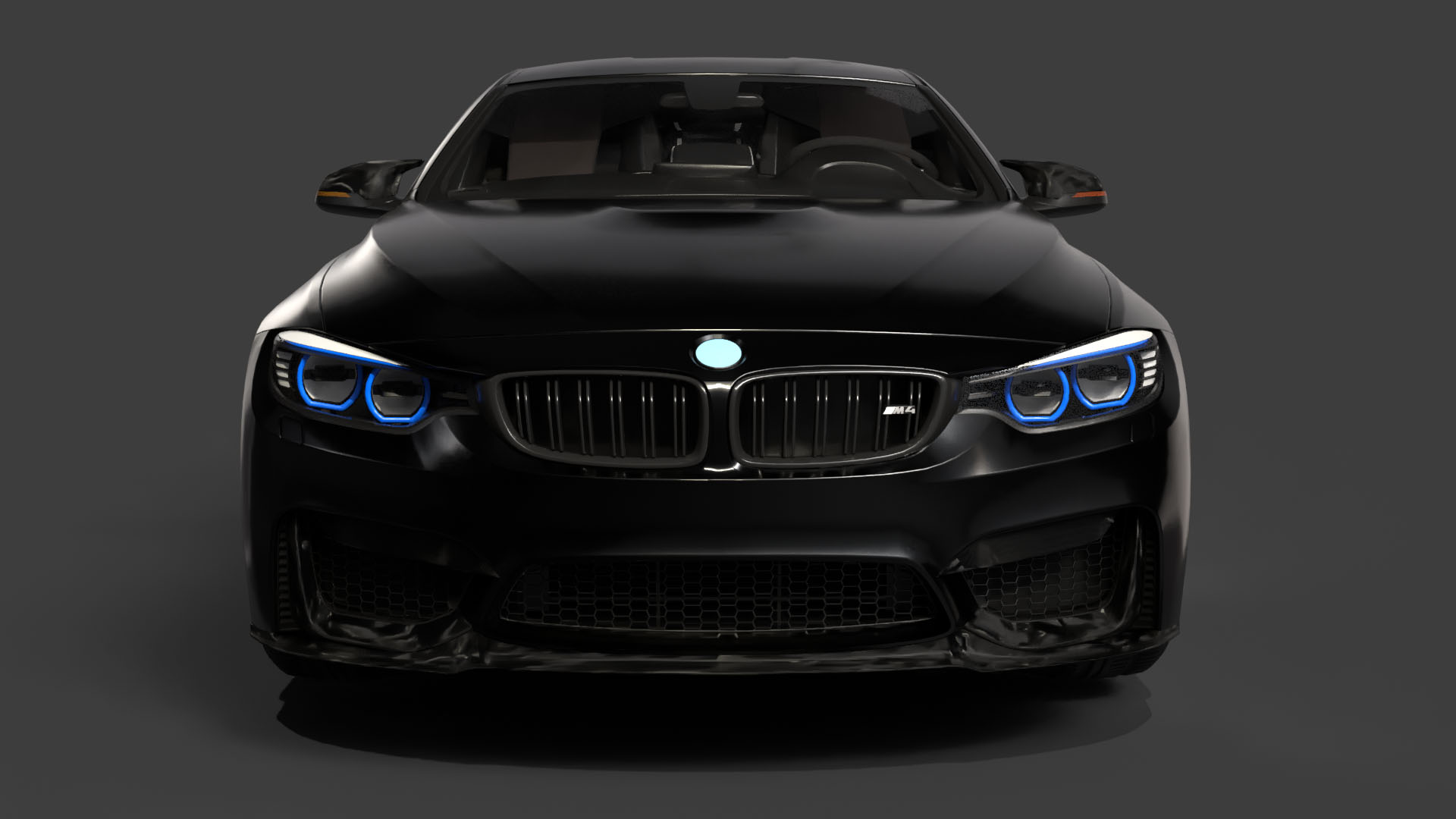
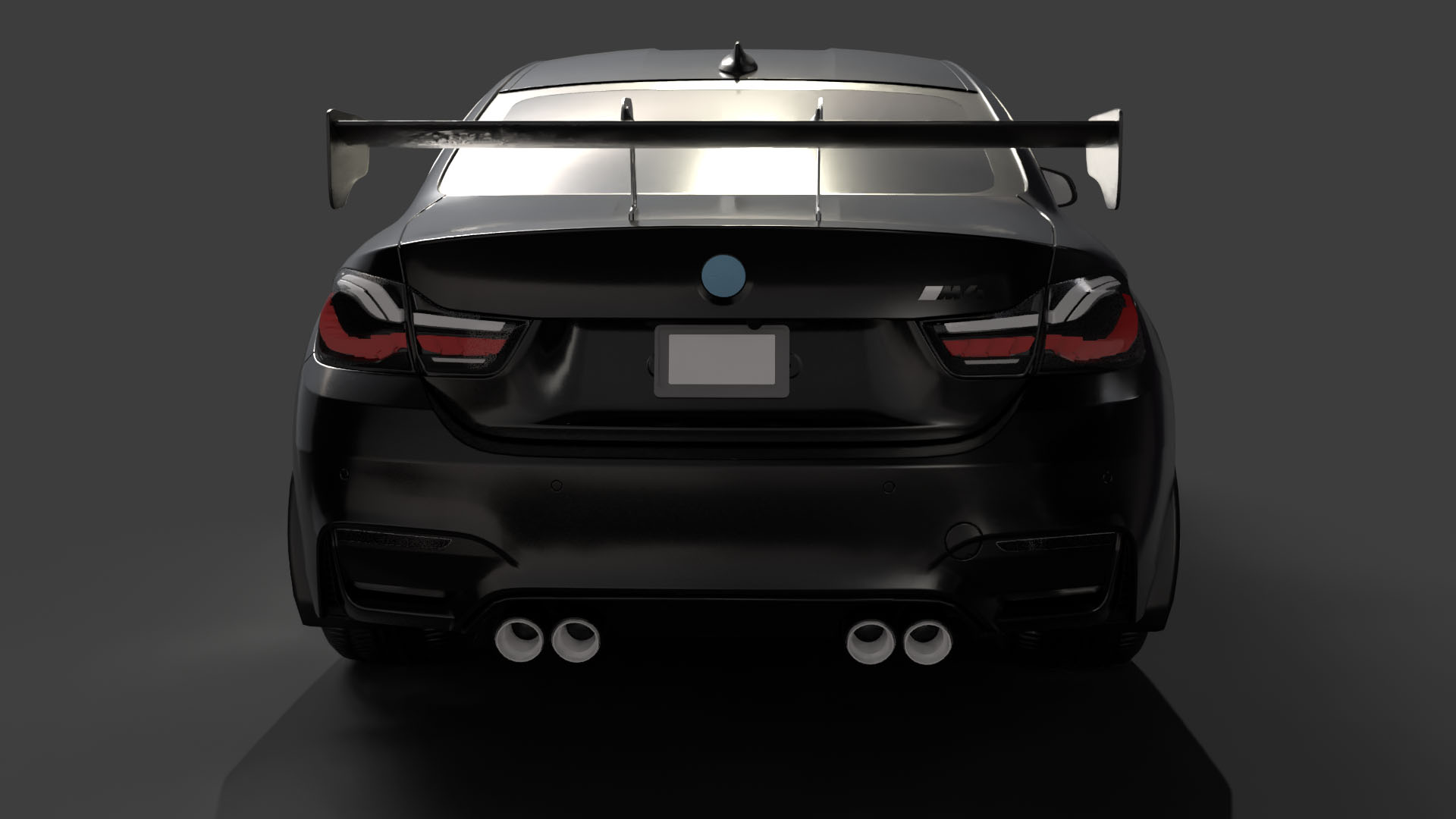
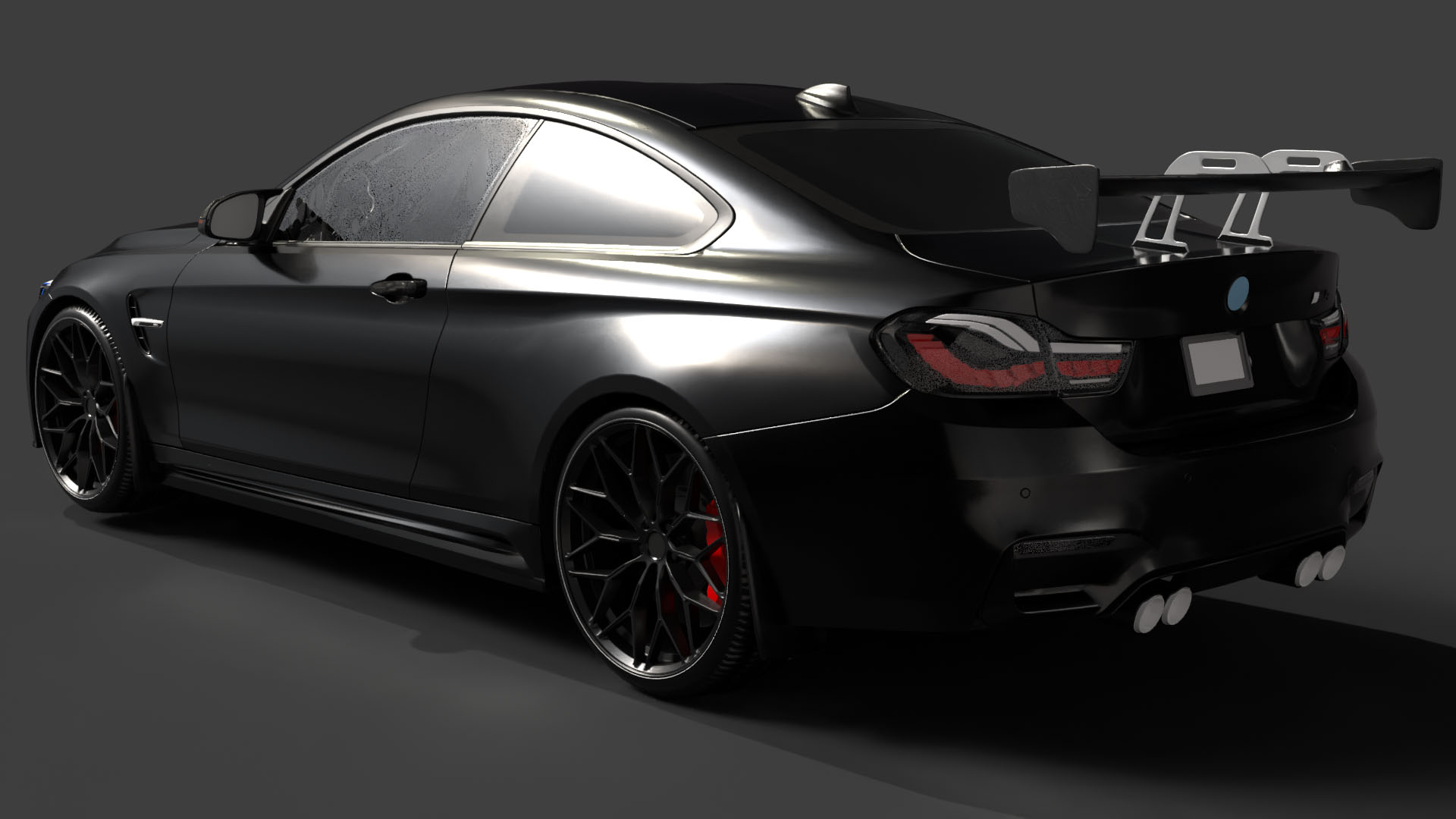
* BMW M4 F82: The aggressive front bumper and sculpted hood require careful orientation and support placement. Ensure that the quad exhaust setup is properly printed.
* Mercedes-Benz G63 AMG: The boxy silhouette is relatively easy to print, but focus on capturing the signature round LED headlights and side-exit exhausts.
The print time and material cost will vary depending on the size of the model, the printer settings, and the material used. As a general guideline, a 1:24 scale model of one of these cars could take anywhere from 8 to 24 hours to print, depending on the infill, layer height, and support structures. Material costs can range from a few dollars for a small PLA print to upwards of $20 for a larger resin print.
3D printing the “Ultimate German Luxury Cars 3D Models Bundle” from 88cars3d.com is a rewarding experience for any automotive enthusiast. By carefully selecting the right printer, preparing the models with precision, choosing the appropriate materials, and mastering post-processing techniques, you can create stunning replicas of these iconic vehicles. Whether you’re a seasoned 3D printing expert or a beginner, this guide provides you with the knowledge and tools needed to bring your automotive dreams to life. Happy printing!
The Ultimate German Luxury Cars 3D Models Bundle is an elite collection featuring the pinnacle of European automotive engineering. Designed for high-end architectural visualization (ArchViz), AAA game development, and photorealistic rendering, this 4-in-1 premium package provides everything a 3D artist needs to populate luxury driveways, urban streetscapes, and virtual showrooms.
$129.99
.corona
3d-assets
archviz-pack
audi-rs7
bmw-m4
car-collection
game-ready
german-cars-bundle
luxury-car-3d-model
mercedes-g63
porsche-911-gt3
vehicle-bundle
vray