Get 50% OFF All Premium 3D & STL Models!

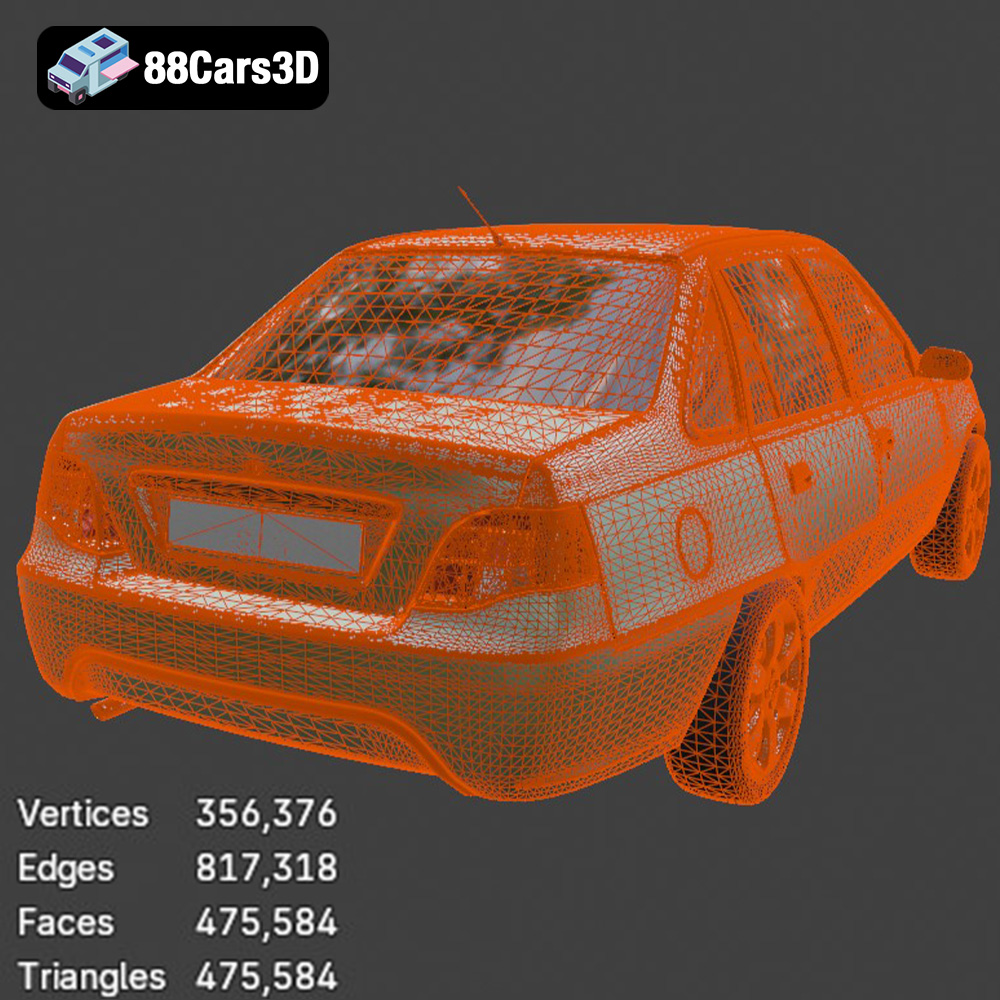
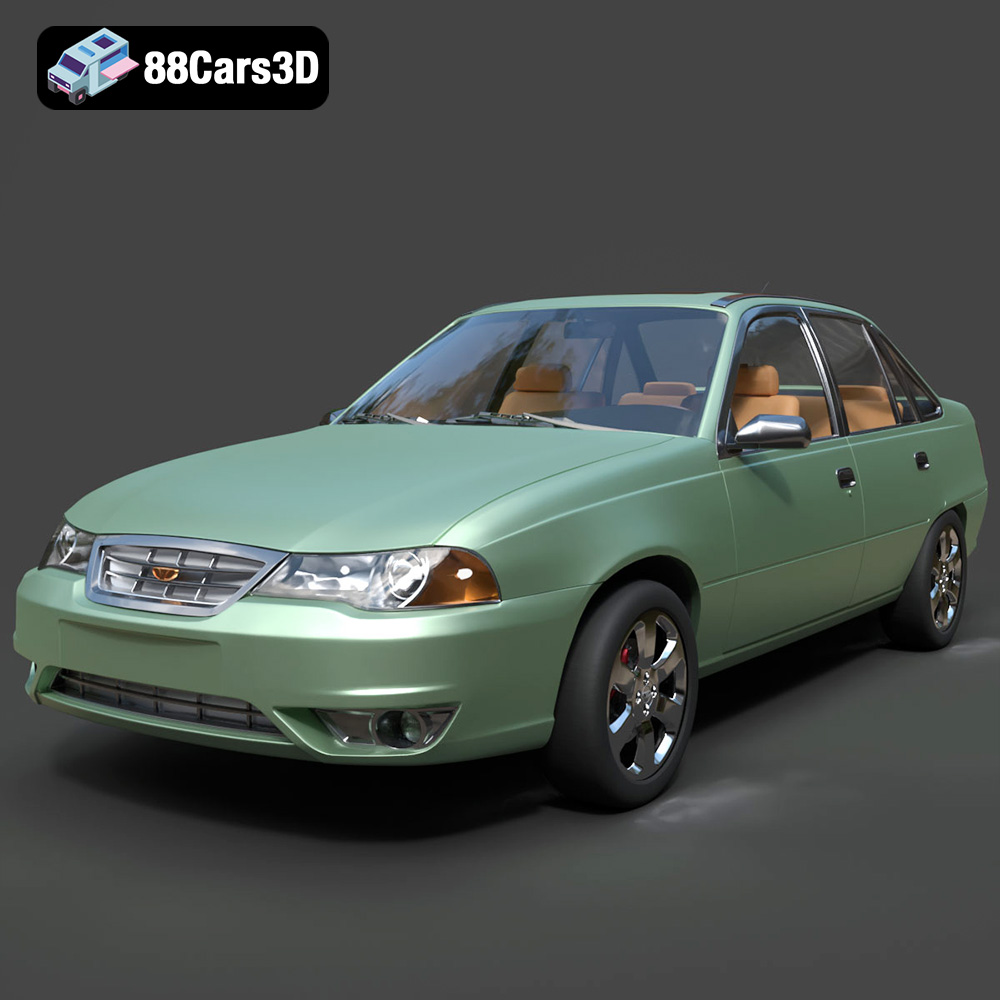
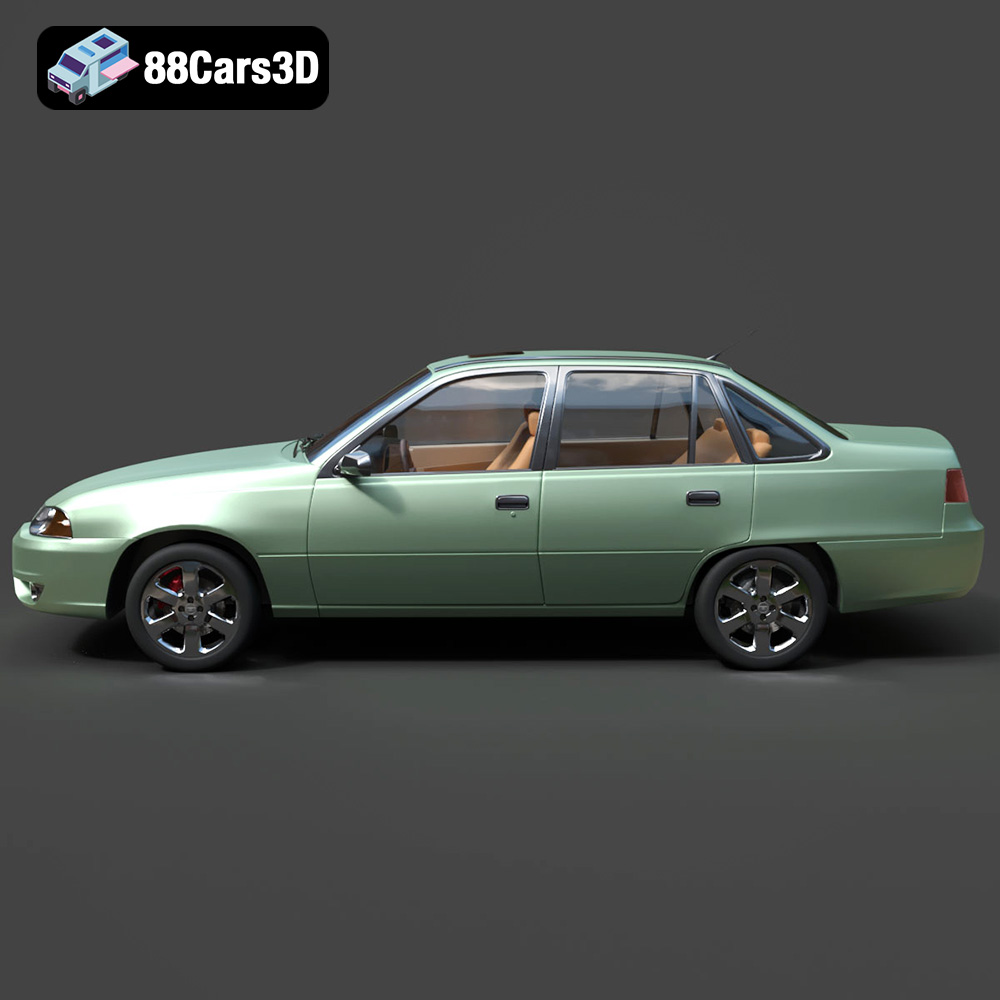
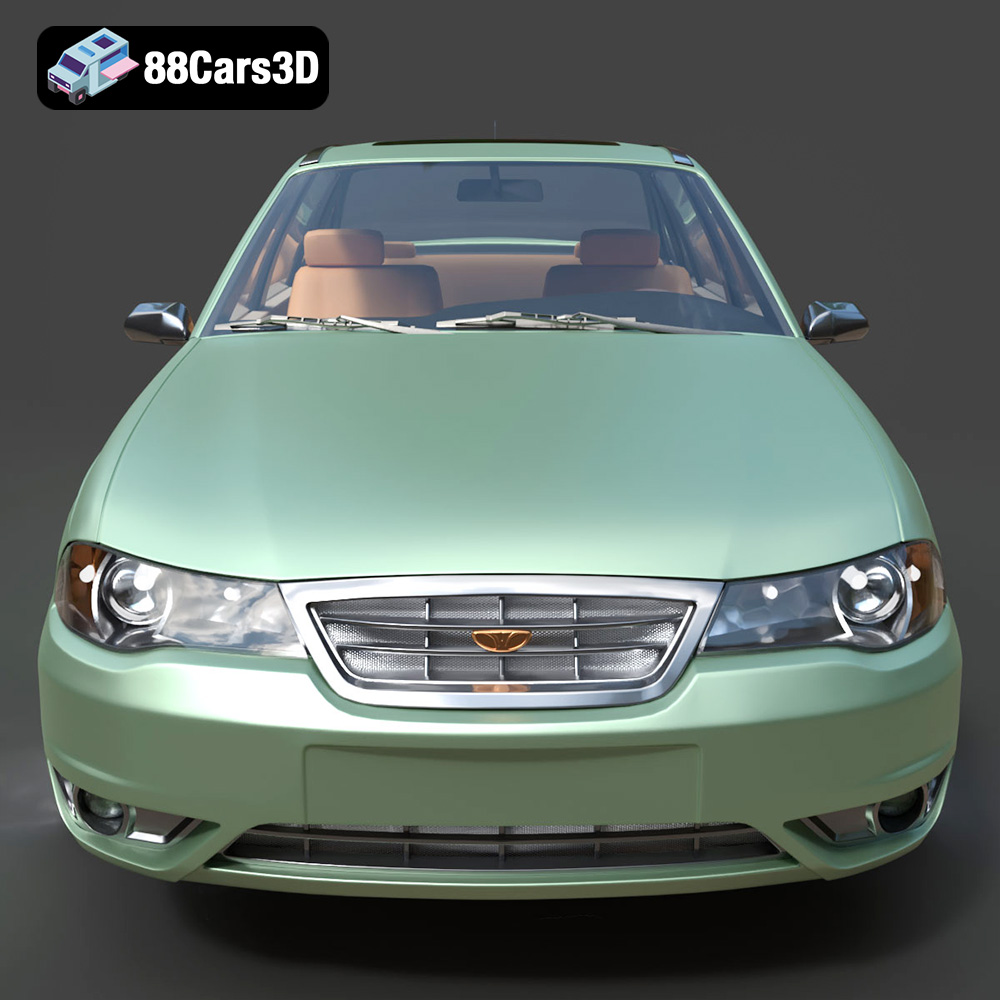
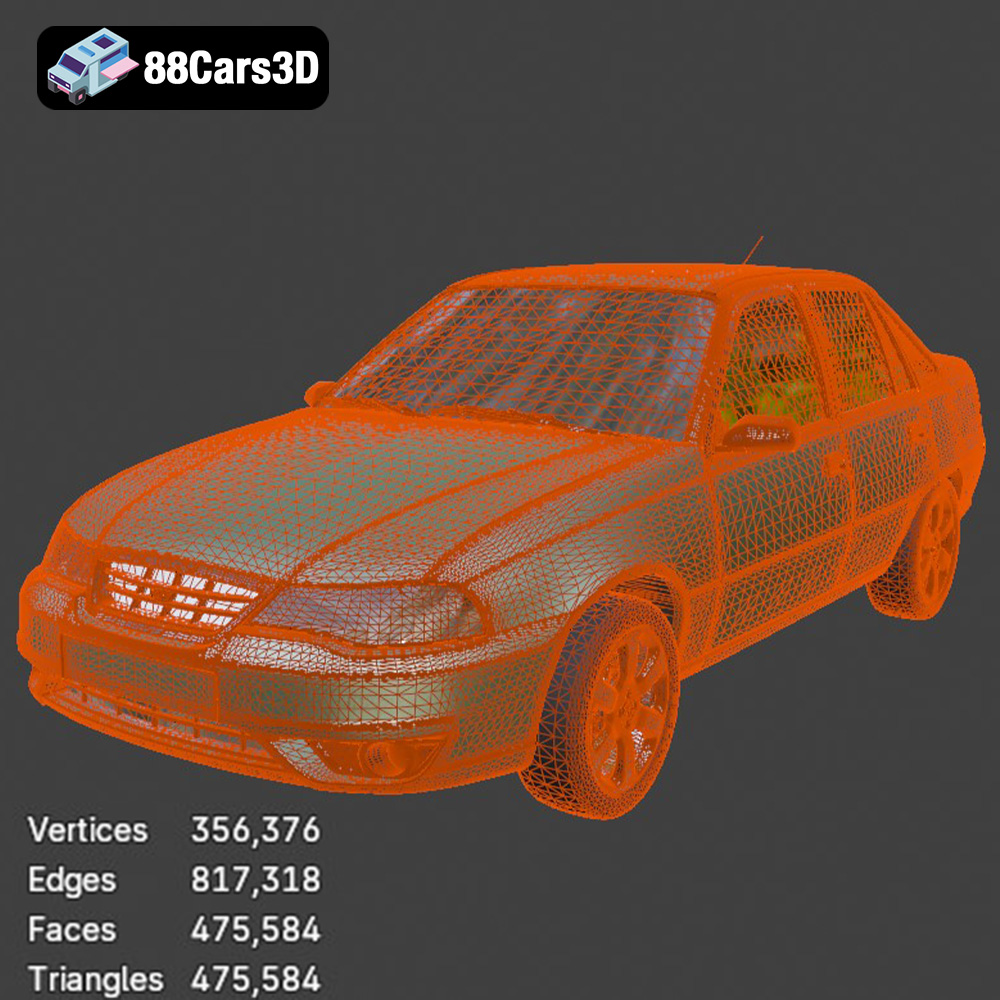
The Daewoo Nexia N100, a staple of 90s budget motoring, holds a special place in the hearts of many. Thanks to 88cars3d.com, enthusiasts and modelers can now bring this iconic sedan to life with 3D printing. This detailed guide will walk you through the process of 3D printing the Daewoo Nexia N100 3D model, covering everything from pre-print preparation to post-processing techniques, ensuring a successful and satisfying project. The model from 88cars3d.com, with its ~475k triangles, strikes a great balance between detail and printability. Let’s dive in!
Before you start slicing and printing, it’s crucial to understand the various file formats used in 3D modeling and their suitability for 3D printing. The Daewoo Nexia N100 3D model from 88cars3d.com includes a variety of file formats, but not all are created equal when it comes to additive manufacturing. Understanding these differences is crucial for a successful print.
The STL (Stereolithography) file format is the workhorse of 3D printing. It represents the surface geometry of a 3D object using a mesh of triangles. This format is widely supported by virtually all 3D printing software and hardware. Its simplicity makes it reliable, but it only stores the shape of the object, not color or texture information. For the Daewoo Nexia N100, the STL file is the primary format you’ll use for 3D printing. Make sure your STL file is free of errors like non-manifold geometry (holes or self-intersections) before slicing. Slicing software can often repair minor errors, but complex issues require more advanced mesh editing tools.
OBJ is another common 3D file format. Unlike STL, it can store color and texture information, making it suitable for full-color 3D printing, although this capability is less relevant when printing with single-color materials. OBJ files can sometimes be larger than STL files for the same model. While OBJ can be used for 3D printing, STL is generally preferred due to its widespread compatibility and optimized nature for additive manufacturing.
PLY (Polygon File Format) is designed for storing 3D data acquired from 3D scanners. It can store color, texture, and even surface normals. While PLY offers high precision, it’s less commonly used for 3D printing compared to STL. It may be useful if the Daewoo Nexia N100 model was originally created from scanned data.
The .blend file is the native format for Blender, a popular open-source 3D modeling software. This format contains the entire Blender scene, including the model, materials, textures, and lighting. While you can’t directly 3D print a .blend file, it’s extremely valuable for customization. You can modify the Daewoo Nexia N100 model in Blender before exporting it as an STL for printing.
FBX (Filmbox) is a proprietary format developed by Autodesk. It supports a wide range of 3D data, including geometry, textures, animations, and materials. While some slicing software can import FBX files, their primary use is for transferring models between different 3D applications. It’s generally better to export an STL from the FBX for 3D printing.
GLB is a binary file format that represents 3D models using the glTF (Graphics Language Transmission Format) standard. It’s designed for efficient delivery and loading of 3D models, particularly for web and augmented reality (AR) applications. While not directly used for 3D printing, GLB files allow you to preview the Daewoo Nexia N100 model in AR before committing to a print.
.max is the native file format for Autodesk 3ds Max, a professional 3D modeling and animation software. Similar to .blend, you cannot directly 3D print a .max file. However, it provides the opportunity to modify the model within 3ds Max before exporting it to a 3D-printable format like STL.
When preparing the Daewoo Nexia N100 model for 3D printing, focus on the STL file. Ensure the mesh is clean, watertight, and free of errors. Use mesh editing tools like MeshMixer or Blender to repair any issues before importing the STL into your slicing software.
Selecting the appropriate 3D printing technology is crucial for achieving the desired results with the Daewoo Nexia N100 model. The two most common technologies for this type of project are Fused Deposition Modeling (FDM) and Stereolithography (SLA) or Resin printing.
FDM printing involves melting and extruding a thermoplastic filament, layer by layer, to build the 3D object. This technology is known for its affordability and ease of use, making it accessible to hobbyists and beginners.
* **Material Recommendations:** PLA is a popular choice for FDM printing due to its ease of use, biodegradability, and wide availability. PETG offers increased strength and temperature resistance, making it suitable for parts that may be exposed to heat.
* **Printer Settings:** A layer height of 0.1mm to 0.2mm is recommended for a good balance between print speed and detail. An infill density of 15-25% provides sufficient strength while minimizing material usage.
* **Considerations:** FDM prints typically have visible layer lines, which may require post-processing (sanding) for a smoother finish. The smaller details of the Nexia N100, such as the grille and badges, might not be as sharply defined as with resin printing.
Resin printing, using technologies like SLA or DLP, involves curing liquid resin with a UV light source, layer by layer. This technology offers superior precision and detail compared to FDM, making it ideal for intricate models like the Daewoo Nexia N100.
* **Material Recommendations:** Standard resin is suitable for most display models. ABS-like resin offers increased durability and impact resistance.
* **Printer Settings:** A layer height of 0.025mm to 0.05mm is recommended for capturing the finest details.
* **Considerations:** Resin printing typically requires more post-processing, including washing and curing the printed parts. Resin materials can be more expensive than FDM filaments. Support structures are almost always required and need to be carefully placed to avoid damaging the model during removal. For small details like the window wipers or thin trim parts, resin is highly recommended.
Before sending the Daewoo Nexia N100 model to your 3D printer, careful preparation is essential for a successful outcome. This involves slicing the model and optimizing it for the chosen printing technology.
A slicing software converts the 3D model into a series of layers that the 3D printer can understand. Popular options include:
* **Cura:** A free and open-source slicer with a user-friendly interface and a wide range of customizable settings.
* **PrusaSlicer:** Another excellent open-source slicer, known for its advanced features and accurate print predictions.
* **Simplify3D:** A commercial slicer with advanced features and excellent support, often preferred by experienced users.
* **Lychee Slicer/ Chitubox:** These slicers are recommended for resin printing and offer advanced features for hollowing models and automatic support placement.
Proper model orientation is critical for minimizing support structures and maximizing print quality. For the Daewoo Nexia N100 body, printing it at an angle (e.g., 45 degrees) can help reduce the visibility of layer lines on the curved surfaces. The wheels should be printed separately, ideally with the flat side facing down to minimize support requirements.
Support structures are necessary for overhanging features like the side mirrors, wheel arches, and the exhaust pipe. In your slicing software, carefully place supports to provide adequate support without being too difficult to remove. Consider using tree supports, which are often easier to remove than traditional linear supports.
For resin printing, hollowing the model is crucial to reduce material consumption and prevent cracking during the curing process. Most slicing software offers hollowing tools that allow you to create a hollow interior with a specified wall thickness (e.g., 1.5mm to 2mm). Be sure to add drainage holes to allow resin to escape from the hollow interior after printing.
The choice of material and print settings significantly impacts the final quality of your 3D printed Daewoo Nexia N100. Let’s explore the recommended options for both FDM and resin printing.
* **Material:** PLA is a great starting point due to its ease of use and minimal warping. PETG offers better strength and heat resistance.
* **Layer Height:** 0.1mm – 0.2mm provides a good balance of detail and print time.
* **Infill:** 15-25% is sufficient for most display models. Increase infill for added strength.
* **Wall Thickness:** 1.2mm – 2mm (3-5 perimeters) ensures a sturdy shell.
* **Print Speed:** 40-60mm/s is a good starting point. Adjust as needed based on your printer’s capabilities.
* **Supports:** Use supports for overhanging features. Adjust support density and placement for optimal results.
* **Bed Adhesion:** Use a brim or raft to improve bed adhesion, especially for larger prints.
* **Material:** Standard resin is suitable for most display models. ABS-like resin offers increased durability.
* **Layer Height:** 0.025mm – 0.05mm captures the finest details.
* **Exposure Time:** Calibrate your resin exposure time based on the resin manufacturer’s recommendations and your printer’s specifications.
* **Lift Speed:** Adjust lift speed to prevent suction and ensure proper layer separation.
* **Supports:** Use a combination of light, medium, and heavy supports as needed.
* **Hollowing:** Hollow the model to reduce resin consumption and prevent cracking. Add drainage holes to allow resin to escape.
Post-processing is an essential step in bringing your 3D printed Daewoo Nexia N100 to life. It involves cleaning, sanding, painting, and assembling the printed parts.
For FDM prints, carefully remove support structures using pliers or a hobby knife. For resin prints, wash the parts in isopropyl alcohol (IPA) to remove uncured resin. Use a soft brush to clean intricate areas. After washing, cure the parts in a UV curing station to fully harden the resin.
Sanding is crucial for smoothing out layer lines and imperfections, especially on FDM prints. Start with coarse sandpaper (e.g., 220 grit) and gradually move to finer grits (e.g., 400, 600, 800 grit). For resin prints, sanding may be less necessary due to the finer layer resolution.
After sanding, apply a primer to create a smooth and uniform surface for painting. Use multiple thin coats of primer, allowing each coat to dry completely before applying the next.
Choose high-quality paints designed for models, such as acrylic or enamel paints. Apply thin, even coats using an airbrush or spray can. For intricate details, use fine brushes and steady hands. Consider using masking tape to create clean lines and separate different colored areas. The original Daewoo Nexia N100 came in a variety of colors, like Metallic Silver, Cherry Red, or Navy Blue, as mentioned in the product description, so choose a color that matches your desired aesthetic.
Once all the parts are painted and detailed, carefully assemble them using glue or adhesive. Pay attention to the alignment and fit of each part. Consider using small clamps or weights to hold the parts together while the glue dries. The Daewoo Nexia N100 model from 88cars3d.com has separate wheels, steering components, and doors for rigging and animation, so you can choose to assemble them in a static position or create a functional model with moving parts.
Even with careful preparation, 3D printing can sometimes present challenges. Here are some common issues and their solutions:
* **Warping:** This occurs when the printed part lifts off the build plate during printing. Ensure proper bed adhesion by using a heated bed, applying a bed adhesive (e.g., glue stick or hairspray), or using a brim or raft.
* **Stringing:** This refers to thin strands of plastic that form between different parts of the print. Reduce stringing by adjusting retraction settings, lowering the printing temperature, or increasing travel speed.
* **Layer Shifting:** This occurs when the layers of the print become misaligned. Check the belts, pulleys, and screws on your 3D printer to ensure they are properly tightened.
* **Support Structure Problems:** If supports are too difficult to remove, try reducing the support density or using tree supports. If supports are not providing enough support, increase the support density or adjust the support placement.
* **Resin Print Failures:** Ensure proper exposure times for your resin. Check for proper leveling of the build plate and clean your resin vat regularly.
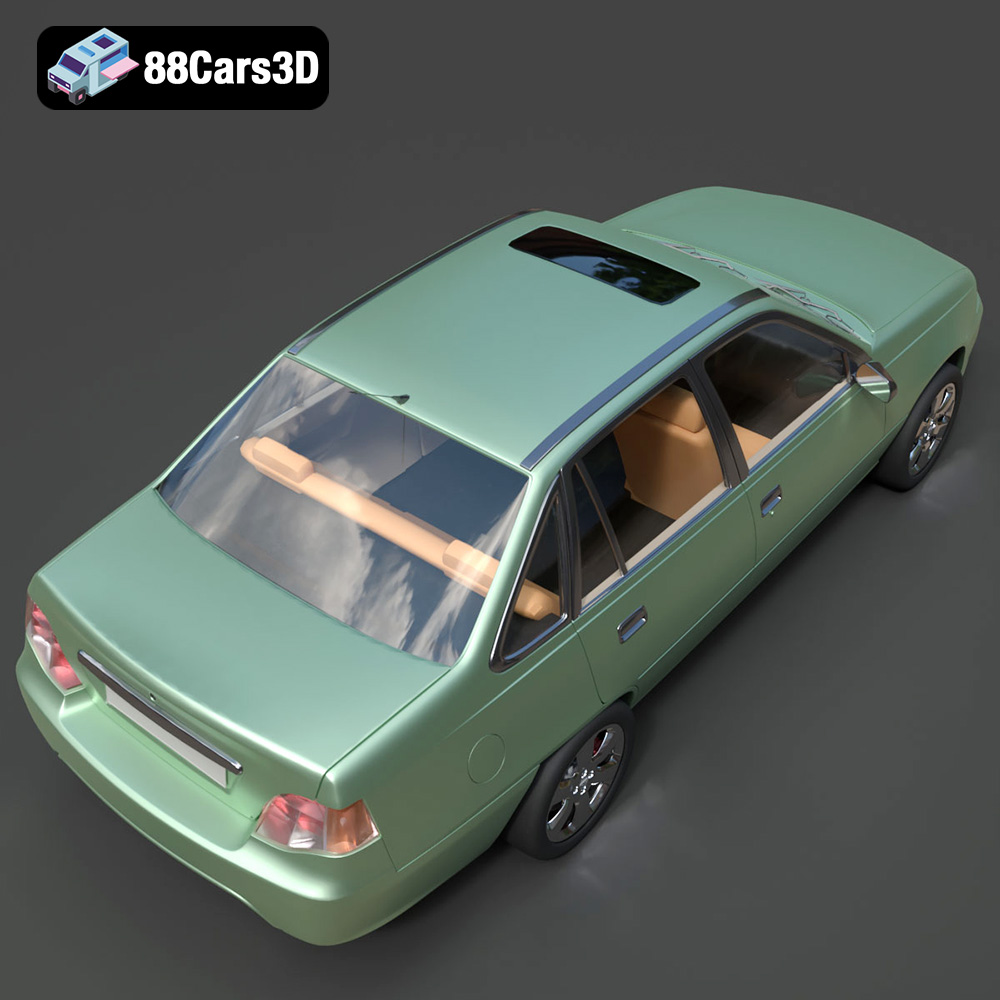
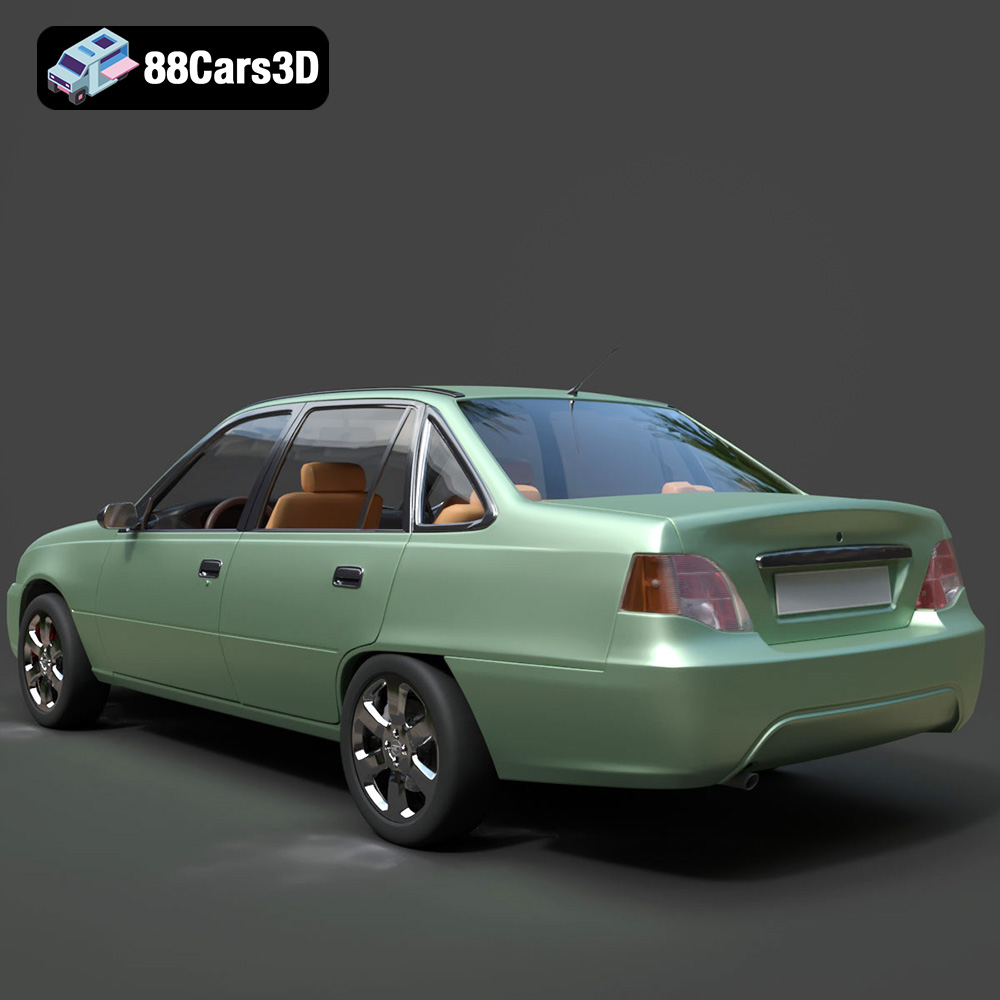
The Daewoo Nexia N100 3D Model is a highly accurate digital recreation of the classic 1990s budget sedan that became a global phenomenon. Built on the proven architecture of the Opel Kadett E, the original N100 Nexia (also known in various markets as the Cielo or Heaven) earned a legendary reputation for rugged reliability.
$9.99
3D printing the Daewoo Nexia N100 3D model from 88cars3d.com is a rewarding project that allows you to recreate a piece of automotive history. By carefully selecting the right 3D printing technology, preparing the model properly, choosing appropriate materials and settings, and applying effective post-processing techniques, you can achieve stunning results. Whether you’re a seasoned 3D printing enthusiast or a beginner, this guide provides you with the knowledge and steps needed to successfully bring this classic sedan to life. Remember to take your time, experiment with different settings, and enjoy the process of creating your own miniature Daewoo Nexia N100!