Get 50% OFF All Premium 3D & STL Models!

“`html
The world of 3D printing opens up incredible possibilities, especially when it comes to creating intricate models like the stunning printable car models available on platforms like 88cars3d.com. But before you hit “print,” you might need to modify, repair, or optimize your STL files. This is where STL editing software comes in. Whether you’re a seasoned designer or just starting your 3D printing journey, choosing the right software is crucial. This guide will walk you through the best free and paid options available, covering everything from basic repairs to advanced design modifications. We’ll delve into specific software features, workflows, and best practices to ensure your 3D prints are nothing short of perfect. Get ready to take your STL file editing skills to the next level!
Before diving into the software options, it’s important to understand why you might need to edit an STL file. Common reasons include:
Don’t let the “free” label fool you; many free STL editing software options are incredibly powerful and capable. These tools are perfect for hobbyists, students, and anyone on a budget who needs to modify or repair STL files. We’ll explore some of the best options, focusing on their strengths, weaknesses, and typical use cases.
MeshLab is a free, open-source system for processing and editing 3D triangular meshes. It’s a robust tool primarily designed for mesh cleaning, repair, and simplification. While it’s not a CAD modeling software, its powerful filtering and editing capabilities make it ideal for preparing STL files for 3D printing. Think of it as a digital surgeon for your 3D models.
Workflow Example: Repairing a Corrupted STL in MeshLab
MeshLab’s interface can be intimidating at first, but its powerful capabilities make it well worth learning. It is especially useful for repairing STL files downloaded from online sources.
Meshmixer, from Autodesk, is another free and versatile tool that bridges the gap between CAD modeling and 3D sculpting. It’s particularly well-suited for preparing models for 3D printing, offering a range of features that go beyond basic mesh repair. While Autodesk no longer actively develops Meshmixer, it remains available and a popular choice among 3D printing enthusiasts due to its ease of use and powerful toolset.
Example: Adding Custom Supports with Meshmixer
Meshmixer is exceptionally useful for preparing complex models with intricate overhangs for successful 3D printing. Its sculpting tools also allow for creative modifications and artistic enhancements.
For professionals and serious hobbyists, paid STL editing software offers a wider range of features, greater precision, and more advanced capabilities. These tools typically provide more robust modeling tools, advanced analysis features, and dedicated support. While they come with a price tag, the investment can be worthwhile for those who require the highest level of control and performance.
Autodesk Netfabb is a comprehensive software solution for additive manufacturing, covering everything from design optimization to build preparation and simulation. It’s widely used in professional settings for its advanced features and reliability. Netfabb excels at mesh repair, lattice structure generation, and build simulation, making it an invaluable tool for optimizing the 3D printing process.
Case Study: Optimizing a Car Component with Netfabb
Netfabb is a powerful tool that enables engineers and designers to optimize their 3D printing workflows, reduce material costs, and improve the quality and performance of their printed parts.
Pixologic ZBrush is a digital sculpting software renowned for its ability to create highly detailed and organic models. While not specifically designed for STL editing for 3D printing, its powerful sculpting tools can be used to refine and enhance existing models, especially those intended for visual applications or artistic purposes. If you’re aiming for photorealistic car models like those you might admire (and perhaps purchase) on 88cars3d.com, ZBrush can add that extra level of detail.
Workflow: Adding Detail to a Car Model with ZBrush
ZBrush is an excellent choice for artists and designers who want to create highly detailed and visually stunning 3D printed models. Keep in mind that ZBrush focuses on artistic sculpting, rather than precise CAD editing, so it’s best used for adding details rather than making significant structural changes.
Selecting the right STL editing software depends on your specific needs, skill level, and budget. Consider the following factors when making your decision:
Some software packages have intuitive interfaces and beginner-friendly tutorials, while others require more technical expertise and a steeper learning curve. If you’re new to STL editing, start with a user-friendly option like Meshmixer before tackling more complex tools like Netfabb or ZBrush.
Determine which features are most important to you. Do you need advanced mesh repair tools, sculpting capabilities, or build simulation features? Choose software that offers the functionality you need to accomplish your specific goals. For example, if you’re consistently printing models with overhangs, strong support generation tools are vital. Similarly, repairing files downloaded from platforms like 88cars3d.com may require more powerful features.
Consider your budget and the licensing options available. Free software like MeshLab and Meshmixer are excellent choices for hobbyists, while paid software like Netfabb and ZBrush offer more advanced features and dedicated support for professional users. Consider whether a subscription-based license or a one-time purchase is more suitable for your needs.
Ensure that the software supports the STL file format and other formats you may need to work with, such as OBJ or FBX. Some software packages may also offer import/export options for CAD-specific file formats like STEP or IGES.
Regardless of the software you choose, optimizing your STL files for 3D printing is crucial for achieving the best possible results. Here are some tips to keep in mind:
Editing STL files is a crucial step in the 3D printing workflow. By choosing the right software and following best practices, you can repair mesh errors, optimize your models for printing, and achieve stunning results. Whether you opt for free tools like MeshLab and Meshmixer or invest in professional software like Netfabb and ZBrush, mastering STL editing will significantly enhance your 3D printing capabilities.
Take the time to explore the different software options and experiment with various techniques to find what works best for you. Don’t be afraid to try new things and push the boundaries of what’s possible with 3D printing. With the right tools and knowledge, you can bring your creative visions to life and create incredible 3D printed models, perhaps even starting with a downloadable printable car model. Now, go forth and create!
“`

Texture: Yes
Material: Yes
Download the Volvo Trucks Benz GT-001 3D Model featuring clean geometry, realistic detailing, and a fully modeled interior. Includes .blend, .fbx, .obj, .glb, .stl, .ply, .unreal, and .max formats for rendering, simulation, and game development.
Price: $29.99
Texture: Yes
Material: Yes
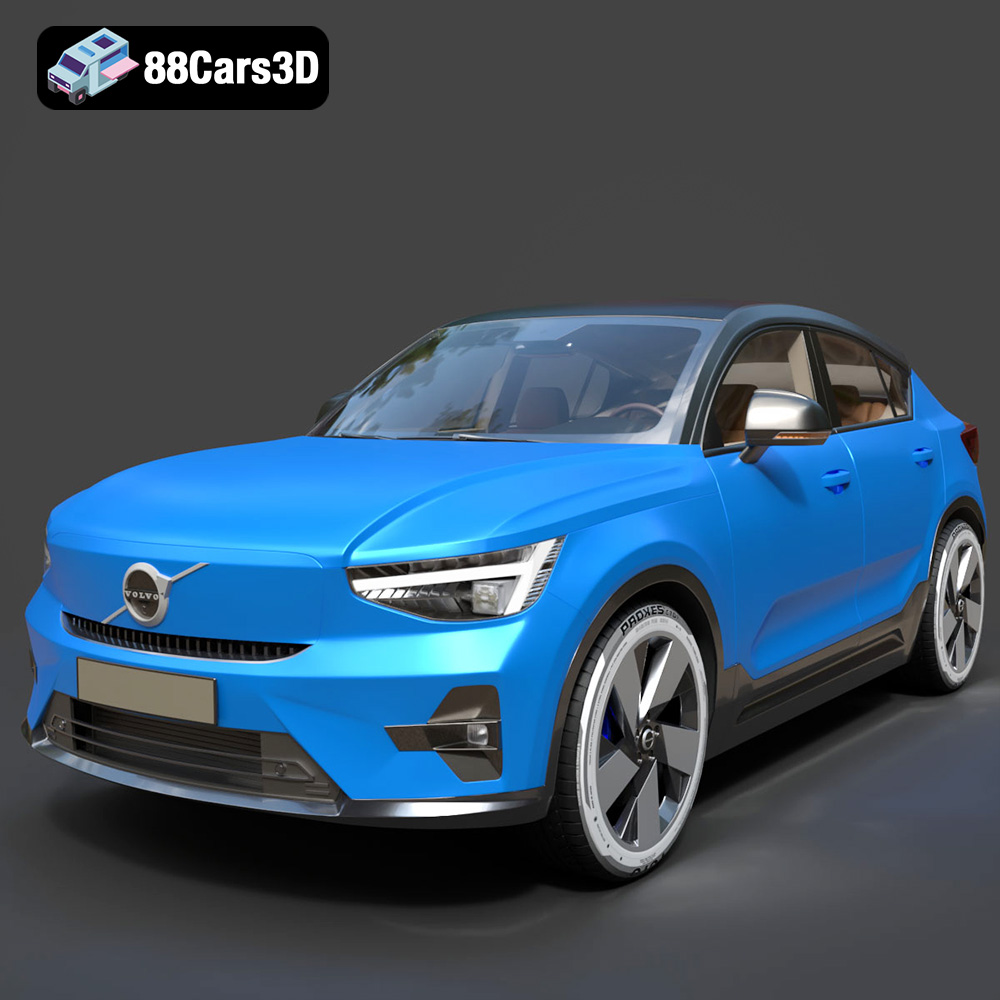
Download the Volvo C40 Recharge 3D Model featuring clean geometry, realistic detailing, and a fully modeled interior. Includes .blend, .fbx, .obj, .glb, .stl, .ply, .unreal, and .max formats for rendering, simulation, and game development.
Price: $19.99
Texture: Yes
Material: Yes
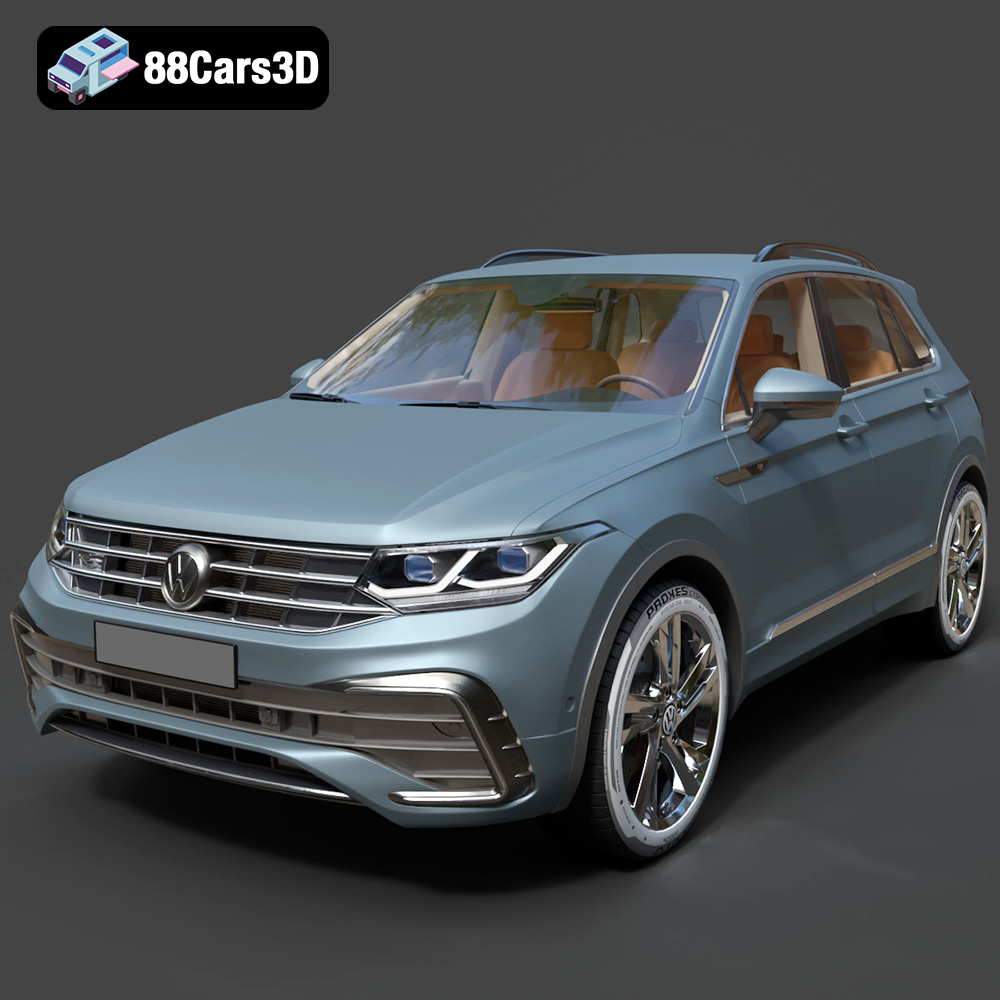
Download the Volkswagen Tiguan 2021 3D Model featuring clean geometry, realistic detailing, and a fully modeled interior. Includes .blend, .fbx, .obj, .glb, .stl, .ply, .unreal, and .max formats for rendering, simulation, and game development.
Price: $19.99
Texture: Yes
Material: Yes
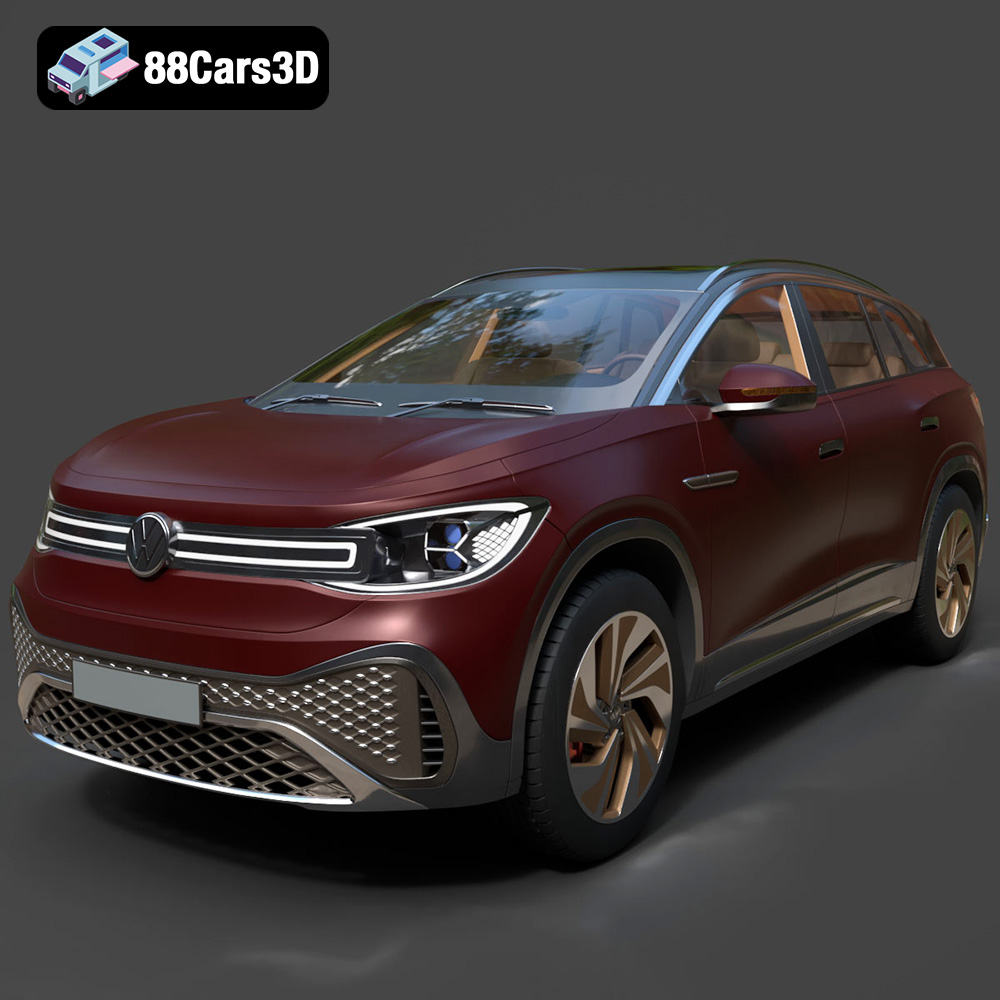
Download the Volkswagen ID6 CROZZ 2022 3D Model featuring clean geometry, realistic detailing, and a fully modeled interior. Includes .blend, .fbx, .obj, .glb, .stl, .ply, .unreal, and .max formats for rendering, simulation, and game development.
Price: $19.99

Texture: Yes
Material: Yes
Download the Volkswagen ID4 2021 3D Model featuring clean geometry, realistic detailing, and a fully modeled interior. Includes .blend, .fbx, .obj, .glb, .stl, .ply, .unreal, and .max formats for rendering, simulation, and game development.
Price: $19.99
Texture: Yes
Material: Yes
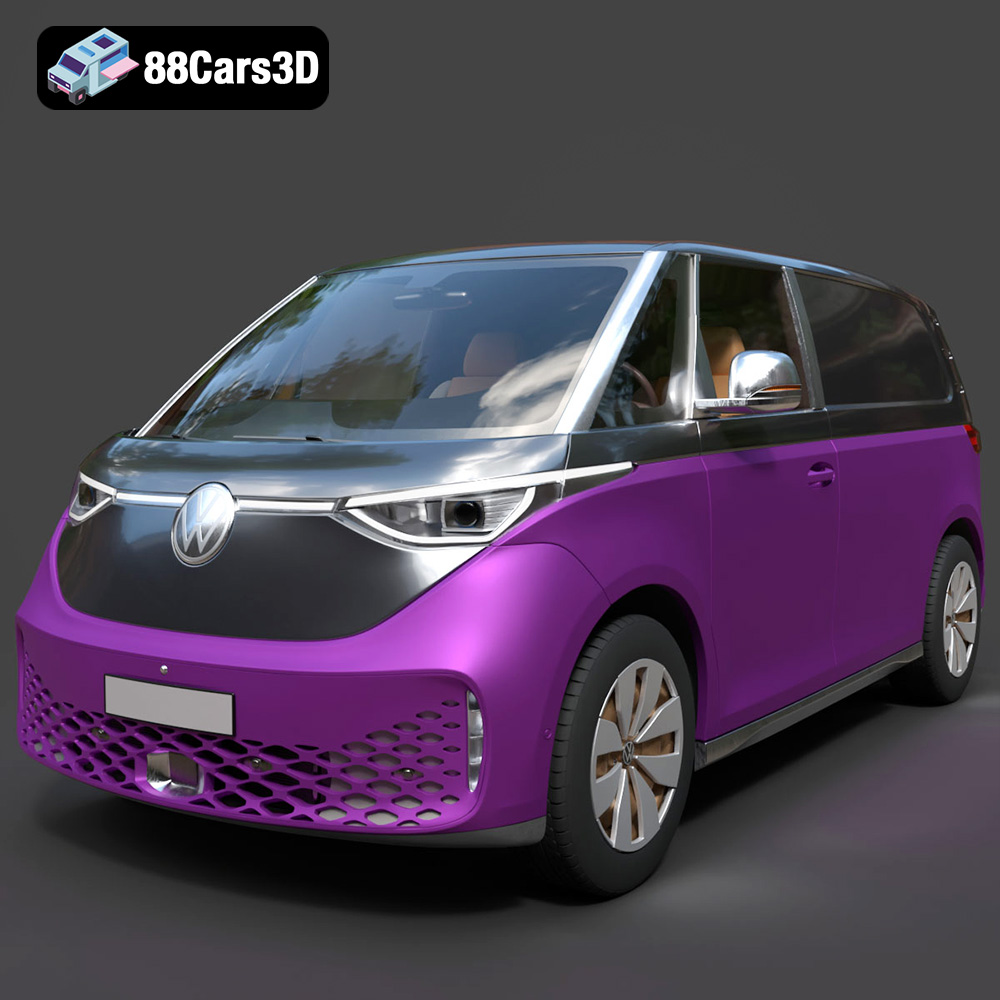
Download the Volkswagen ID. Buzz Cargo 2023 3D Model featuring clean geometry, realistic detailing, and a fully modeled interior. Includes .blend, .fbx, .obj, .glb, .stl, .ply, .unreal, and .max formats for rendering, simulation, and game development.
Price: $19.99
Texture: Yes
Material: Yes
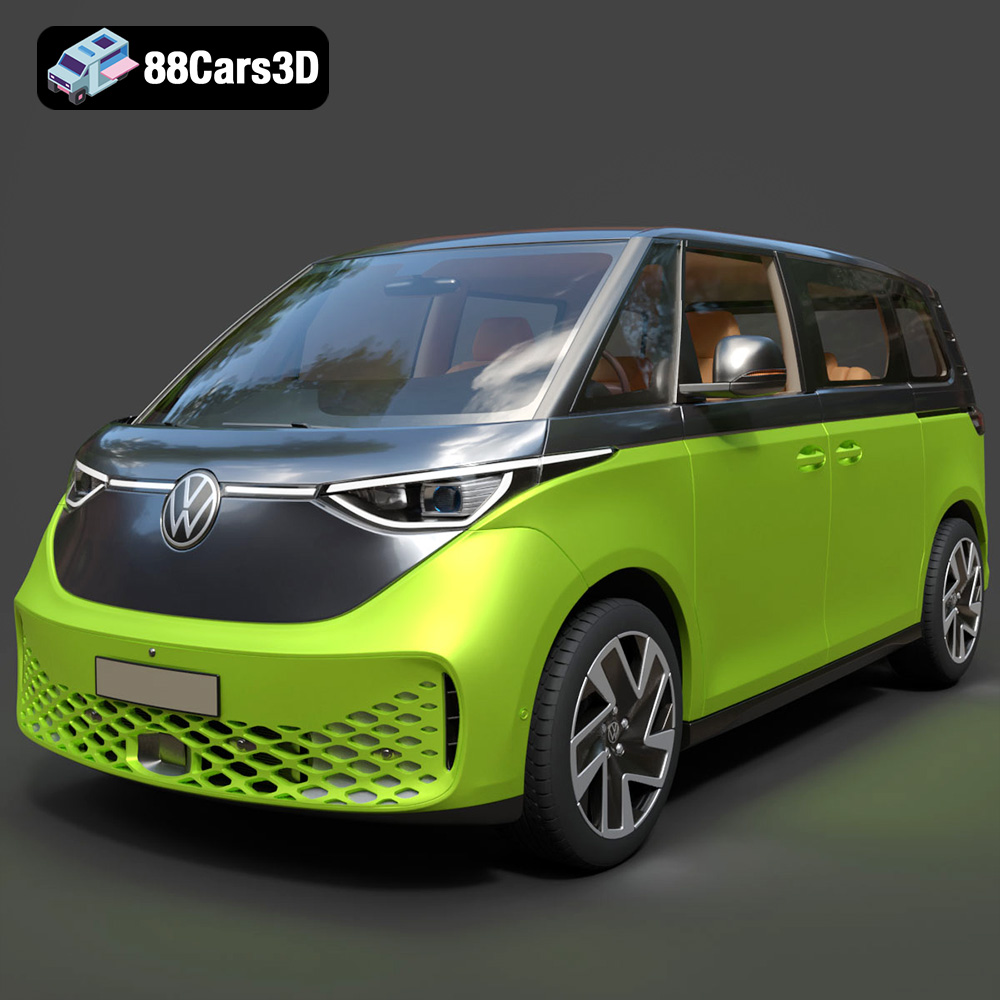
Download the Volkswagen ID. Buzz 2023 3D Model featuring clean geometry, realistic detailing, and a fully modeled interior. Includes .blend, .fbx, .obj, .glb, .stl, .ply, .unreal, and .max formats for rendering, simulation, and game development.
Price: $19.99
Texture: Yes
Material: Yes
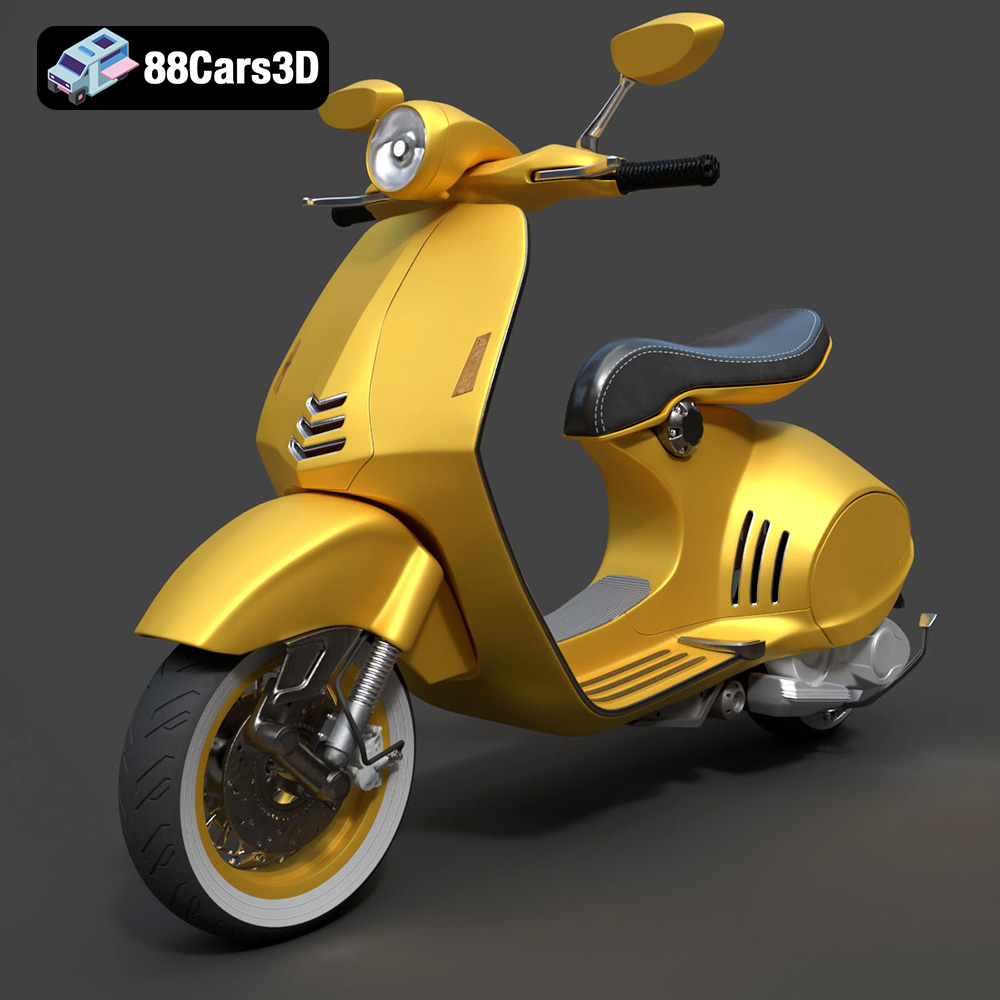
Download the Vespa 946 3D Model featuring clean geometry, realistic detailing, and a fully modeled interior. Includes .blend, .fbx, .obj, .glb, .stl, .ply, .unreal, and .max formats for rendering, simulation, and game development.
Price: $19.99

Texture: Yes
Material: Yes
Download the Toyota Yaris Cross 3D Model featuring clean geometry, realistic detailing, and a fully modeled interior. Includes .blend, .fbx, .obj, .glb, .stl, .ply, .unreal, and .max formats for rendering, simulation, and game development.
Price: $19.99

Texture: Yes
Material: Yes
Download the Volkswagen Amarok 2019 3D Model featuring clean geometry, realistic detailing, and a fully modeled interior. Includes .blend, .fbx, .obj, .glb, .stl, .ply, .unreal, and .max formats for rendering, simulation, and game development.
Price: $19.99

