Get 50% OFF All Premium 3D & STL Models!

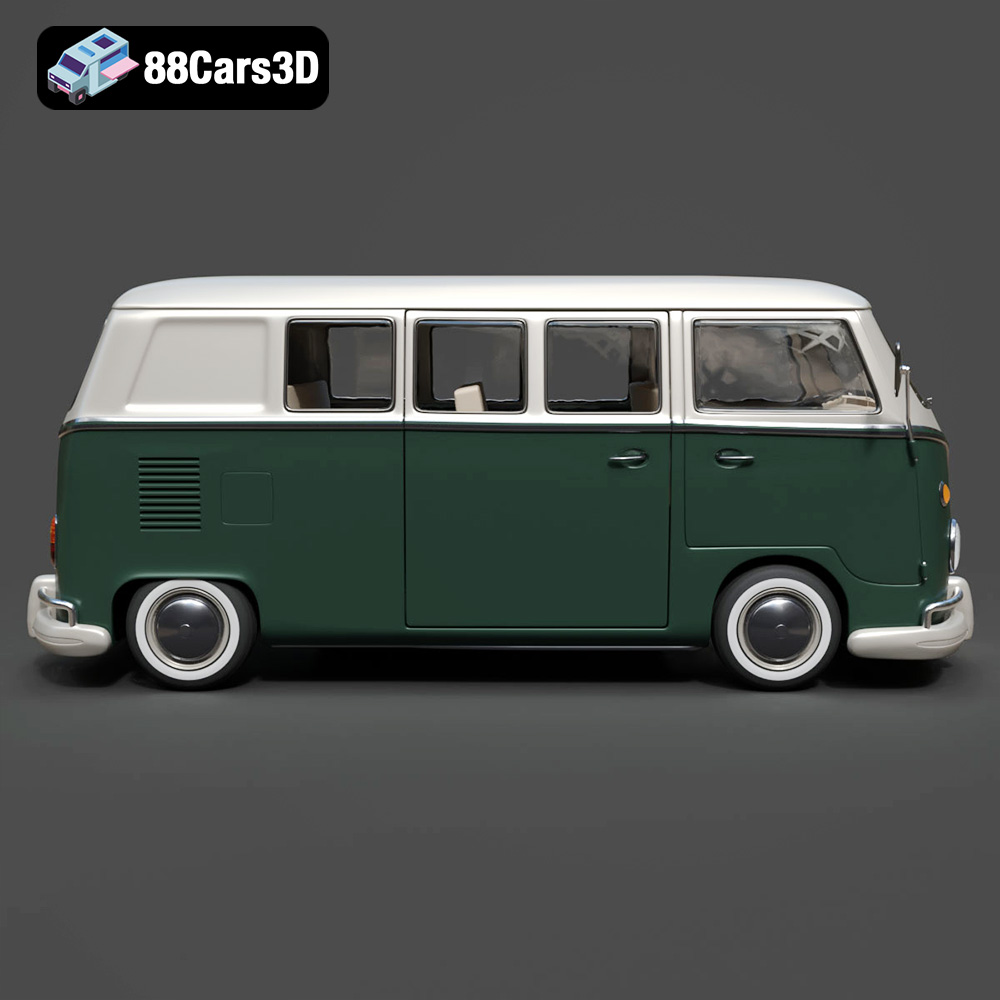
The Volkswagen Bus, a symbol of freedom and the open road, holds a special place in automotive history. Now, thanks to 3D printing and the detailed model available at 88cars3d.com, you can bring this classic van to life on your desktop. This guide provides a comprehensive overview of how to successfully 3D print the Volkswagen Bus 3D Model, covering everything from pre-print preparation to post-processing techniques.
Before diving into the specifics of printing the Volkswagen Bus model, it’s crucial to understand the different file formats commonly used in 3D printing. Each format has its strengths and weaknesses, influencing compatibility and print quality. While many formats exist, some are more suited for 3D printing than others.
The .stl (stereolithography) format is the workhorse of 3D printing. It represents the surface geometry of a 3D object as a collection of triangles. It is universally compatible with slicing software, making it the go-to choice for most 3D printing applications. The Volkswagen Bus 3D Model available at 88cars3d.com includes an STL file for immediate use.
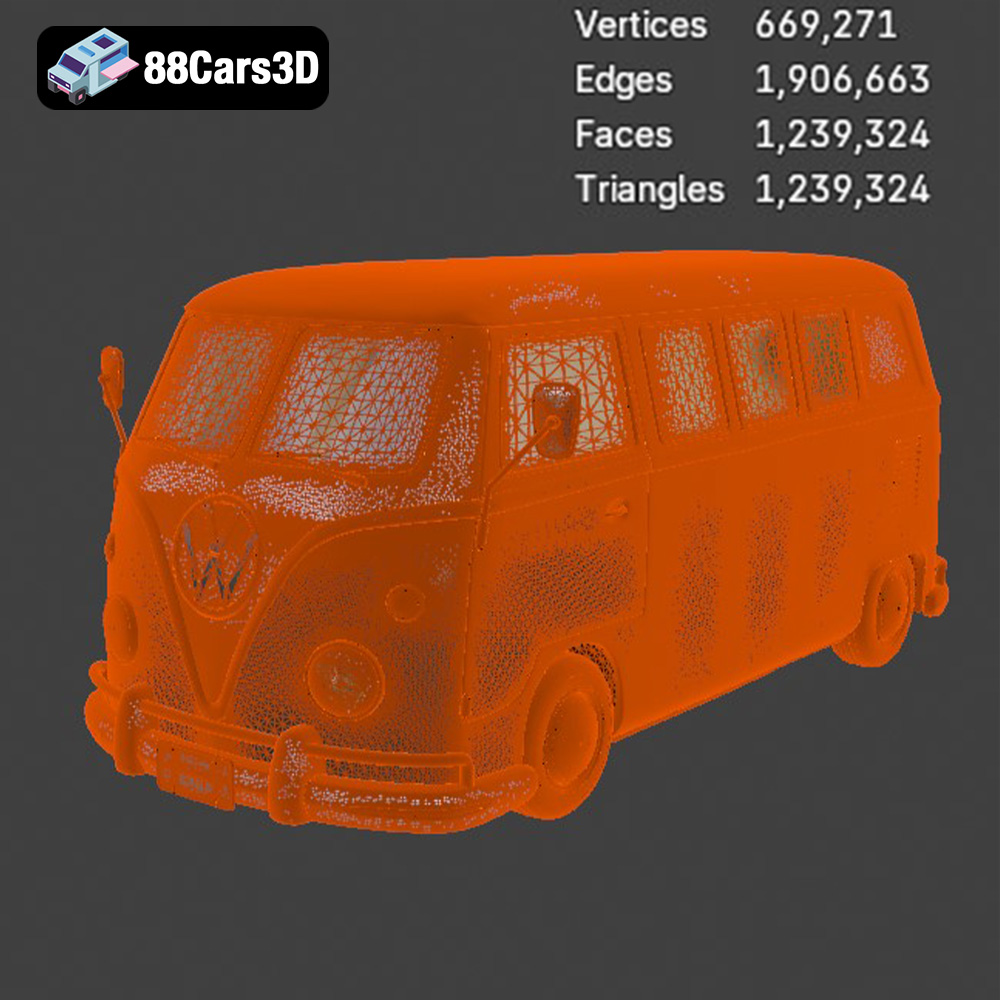
STL files are mesh-only, meaning they contain no color or texture information. This simplicity makes them lightweight and efficient for processing. However, the resolution of the STL file directly impacts the smoothness of the printed object. A higher triangle count results in a smoother surface, but it also increases file size and processing time. When preparing the Volkswagen Bus model for printing, ensure the STL file has sufficient resolution to capture its iconic curves and details. If the model looks too jagged, investigate options for smoothing or increasing the mesh density prior to slicing.
The .obj format is another widely used format that, unlike STL, supports color and texture information. This can be beneficial for more complex models where visual fidelity is paramount. However, .obj files can be larger and more demanding to process than STL files.
The .ply (Polygon File Format or Stanford Triangle Format) is designed for storing 3D data acquired from 3D scanners. It’s known for its ability to store high-detail mesh information, including color and surface normals. While .ply can be used for 3D printing, it’s less common than STL due to its larger file size and potential compatibility issues with some slicing software.
The .blend format is the native file format for Blender, a popular open-source 3D modeling software. It stores the entire Blender scene, including the model’s geometry, textures, materials, and animation data. While not directly printable, .blend files are invaluable for customizing the Volkswagen Bus model before exporting it as an STL for printing.
.fbx (Filmbox) is a proprietary file format developed by Autodesk. It’s commonly used for exchanging 3D data between different software applications. FBX files can contain geometry, textures, materials, and animation data. While some advanced slicing software can import FBX files, it’s generally recommended to convert them to STL for 3D printing to ensure optimal compatibility.
.glb (GL Transmission Format Binary) is a file format designed for efficient delivery and loading of 3D models in web applications. It’s particularly well-suited for augmented reality (AR) applications, allowing users to preview the Volkswagen Bus model in their real-world environment before committing to a print. While not directly used for 3D printing, .glb files can be helpful for visualizing the model’s scale and details.
The .max format is the native file format for Autodesk 3ds Max, a professional 3D modeling and animation software. Similar to .blend files, .max files store the entire 3ds Max project, allowing for extensive customization of the Volkswagen Bus model before exporting it for printing. For 3D printing, converting to .STL is essential.
Once you have the Volkswagen Bus 3D Model in STL format, the next step is to prepare it for printing using slicing software. This software converts the 3D model into a series of layers that the 3D printer can understand. Proper preparation is crucial for a successful print.
Several excellent slicing software options are available, including Cura, PrusaSlicer, Simplify3D, and others. Cura and PrusaSlicer are free and open-source, making them excellent choices for beginners. Simplify3D is a paid option offering more advanced features and customization. When selecting software, consider ease of use, features, and compatibility with your 3D printer.
Before slicing, it’s essential to check the STL file for errors. Mesh errors, such as holes or non-manifold geometry, can cause printing issues. Most slicing software includes basic repair tools, but dedicated mesh repair software like MeshLab or Netfabb can provide more robust solutions. The 3D models from 88cars3d.com are designed to be high quality, but a quick check is always recommended.
Print orientation significantly impacts the final result. For the Volkswagen Bus model, printing the body upright is generally recommended to capture the best surface detail, especially on the front fascia and roof. However, this orientation will require supports for overhanging features like mirrors, bumpers, and window areas. Alternatively, angling the model can reduce the need for supports, but may compromise surface finish in some areas. Experiment with different orientations within your slicing software to find the optimal balance.
The Volkswagen Bus 3D Model description on 88cars3d.com recommends scales of 1:32, 1:24, 1:18, or 1:12. Choose a scale that suits your printer’s build volume and desired level of detail. Scaling the model is straightforward in most slicing software. You can also customize the model further before printing, adding details like roof racks or modifying the interior layout using software like Blender.
The choice of material significantly affects the appearance, strength, and durability of your 3D printed Volkswagen Bus. Different materials offer different properties, making them suitable for various applications.
PLA (Polylactic Acid) is a biodegradable thermoplastic polymer derived from renewable resources. It’s easy to print, making it an excellent choice for beginners. PLA offers good detail and a smooth surface finish, ideal for displaying your Volkswagen Bus model. However, PLA is less heat-resistant and impact-resistant than other materials. This might not be ideal for applications where the model will be exposed to high temperatures or physical stress.
PETG (Polyethylene Terephthalate Glycol-modified) is a stronger and more durable alternative to PLA. It offers good impact resistance and heat resistance, making it suitable for models that need to withstand some wear and tear. PETG can be slightly more challenging to print than PLA, requiring higher temperatures and careful control of retraction settings to prevent stringing.
Resin 3D printing (SLA or DLP) offers the highest level of detail and surface finish. If you’re aiming for a highly accurate and visually stunning Volkswagen Bus model, resin printing is the way to go. Resin printers use liquid resin cured by UV light, resulting in incredibly fine layers and smooth surfaces. However, resin printing requires more post-processing, including washing and curing the printed parts. Resins also tend to be more brittle than FDM filaments.
Other materials like ABS (Acrylonitrile Butadiene Styrene) and Nylon offer even greater strength and heat resistance. ABS is commonly used in automotive applications, making it a fitting choice for printing a car model. However, ABS can be challenging to print due to its tendency to warp. Nylon is incredibly strong and flexible but requires specialized printing conditions. These materials are best left to experienced 3D printing enthusiasts.
Achieving a high-quality 3D print requires careful adjustment of printer settings. The specific settings will vary depending on your printer, material, and desired level of detail, but here are some general guidelines for the Volkswagen Bus model:
Layer height determines the resolution of the print. A lower layer height results in a smoother surface finish and finer details, but it also increases print time. For the Volkswagen Bus model, a layer height of 0.12-0.20 mm is a good starting point for FDM printing. For resin printing, layer heights as low as 0.025 mm can be achieved, resulting in exceptional detail. The product description recommends 0.04 – 0.12 for resin to capture the smaller scale details.
Infill density determines the internal solidity of the printed part. A higher infill density increases strength and weight but also increases print time and material consumption. For the Volkswagen Bus model, an infill density of 15-30% is generally sufficient for structural integrity. Choose an infill pattern that provides good support without being overly dense, such as grid or gyroid.
Support structures are necessary for printing overhanging features like mirrors, bumpers, and window overhangs. The type of support structure and its density can affect the surface finish of the supported areas. Experiment with different support settings in your slicing software to find the optimal balance between support and ease of removal. Tree supports are often a good choice for complex geometries like the Volkswagen Bus.
The optimal printing temperature depends on the material being used. Refer to the material manufacturer’s recommendations for the appropriate nozzle and bed temperatures. Printing speed also affects print quality. Slower speeds generally result in better detail and fewer errors, but they also increase print time. Experiment with different speeds to find the sweet spot for your printer and material.
Once the 3D printing is complete, post-processing is essential to refine the appearance and functionality of your Volkswagen Bus model.
Carefully remove the support structures using pliers, cutters, or a sharp knife. Be patient and avoid damaging the model’s surface. Sand down any remaining support marks with sandpaper, starting with a coarse grit and gradually moving to finer grits.
Sanding is crucial for achieving a smooth surface finish, especially for FDM prints. Start with a coarse grit sandpaper (e.g., 220 grit) to remove any imperfections, then gradually move to finer grits (e.g., 400, 600, 800) to achieve a smooth, paintable surface. For resin prints, wet sanding is recommended to prevent dust buildup.
Apply a primer coat to the model to create a uniform surface for painting. Automotive primers work well for this purpose. Once the primer is dry, sand it lightly with fine-grit sandpaper. Apply multiple thin coats of paint, allowing each coat to dry completely before applying the next. The Volkswagen Bus is famous for its two-tone paint schemes, so get creative with your color choices! Consider using masking tape to create clean lines between different colors.
The Volkswagen Bus 3D Model may consist of multiple parts that need to be assembled. Use super glue or epoxy to join the parts together. Add details like decals, chrome accents, and interior components to enhance the realism of the model.
3D printing can be challenging, and it’s common to encounter issues along the way. Here are some common problems and their solutions:
Warping occurs when the printed part lifts from the print bed, especially with materials like ABS. To prevent warping, ensure the print bed is properly leveled and heated, use a raft or brim, and avoid drafts.
Stringing occurs when the printer nozzle leaves strands of filament between different parts of the print. To prevent stringing, adjust retraction settings, reduce printing temperature, and increase travel speed.
Layer separation occurs when the layers of the print don’t adhere properly to each other. To prevent layer separation, increase printing temperature, reduce printing speed, and ensure the print bed is properly leveled.
Elephant’s foot is a phenomenon where the bottom layers of the print are wider than the rest. To mitigate this, adjust the initial layer height and temperature, and ensure the bed is perfectly level.
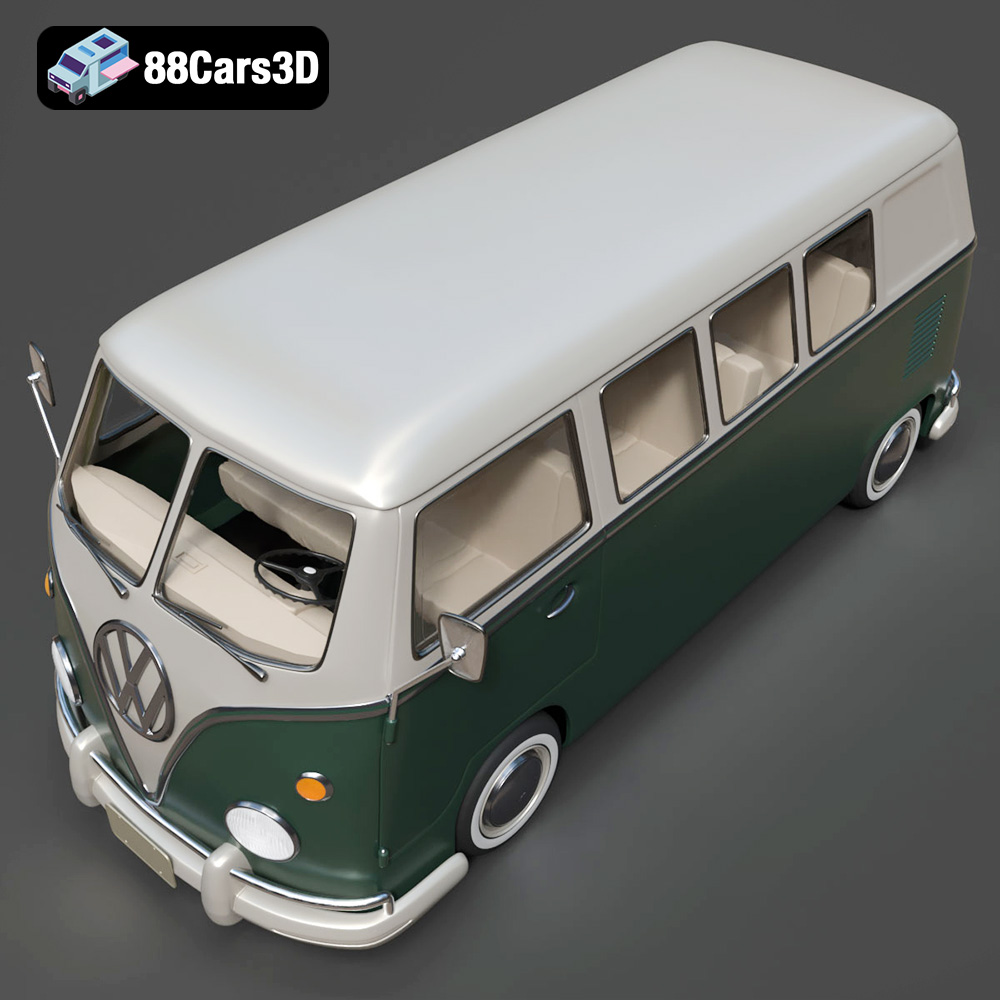
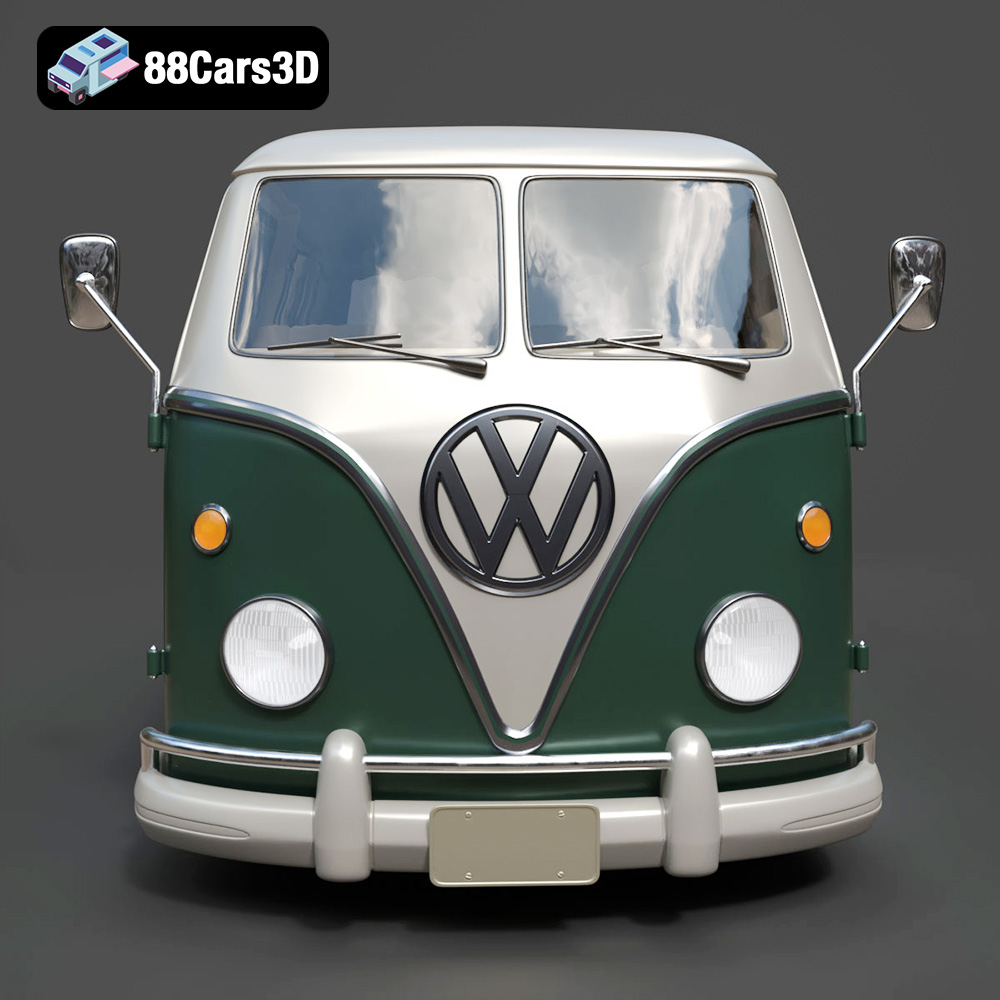
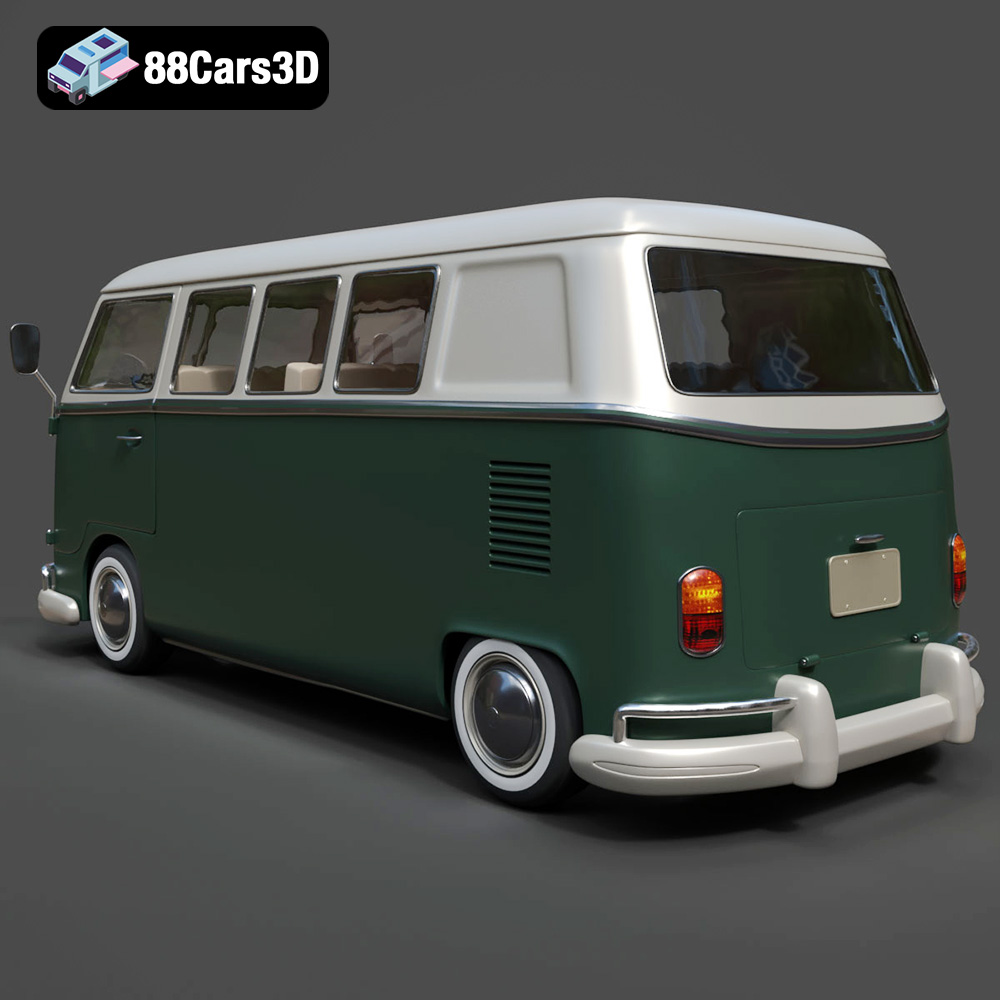
The Volkswagen Bus 3D Model is a high-detail digital recreation of the iconic rear-engine van that became a cultural symbol of freedom, travel, and 1960s counterculture. Known for its rounded body shape, split or panoramic windshield variants, and practical interior space, the Volkswagen Bus remains one of the most recognizable classic vehicles in automotive history.
$9.99
3D printing the Volkswagen Bus 3D Model from 88cars3d.com offers a rewarding and engaging experience. By understanding the nuances of file formats, carefully preparing the model, selecting the appropriate materials, and mastering post-processing techniques, you can create a stunning replica of this iconic vehicle. With a bit of patience and experimentation, you’ll be cruising down memory lane with your very own 3D printed VW Bus in no time. The era of additive manufacturing provides an excellent opportunity to hold history in your hands.
.arvr
.automotive
.blend
.campervan
.car3dmodel
.classicvan
.fbx
.gameasset
.glb
.max
.obj
.ply
.rendering
.retrovehicle
.simulation
.stl
.unreal
.vintagecar
.volkswagen
.vwbus