Get 50% OFF All Premium 3D & STL Models!

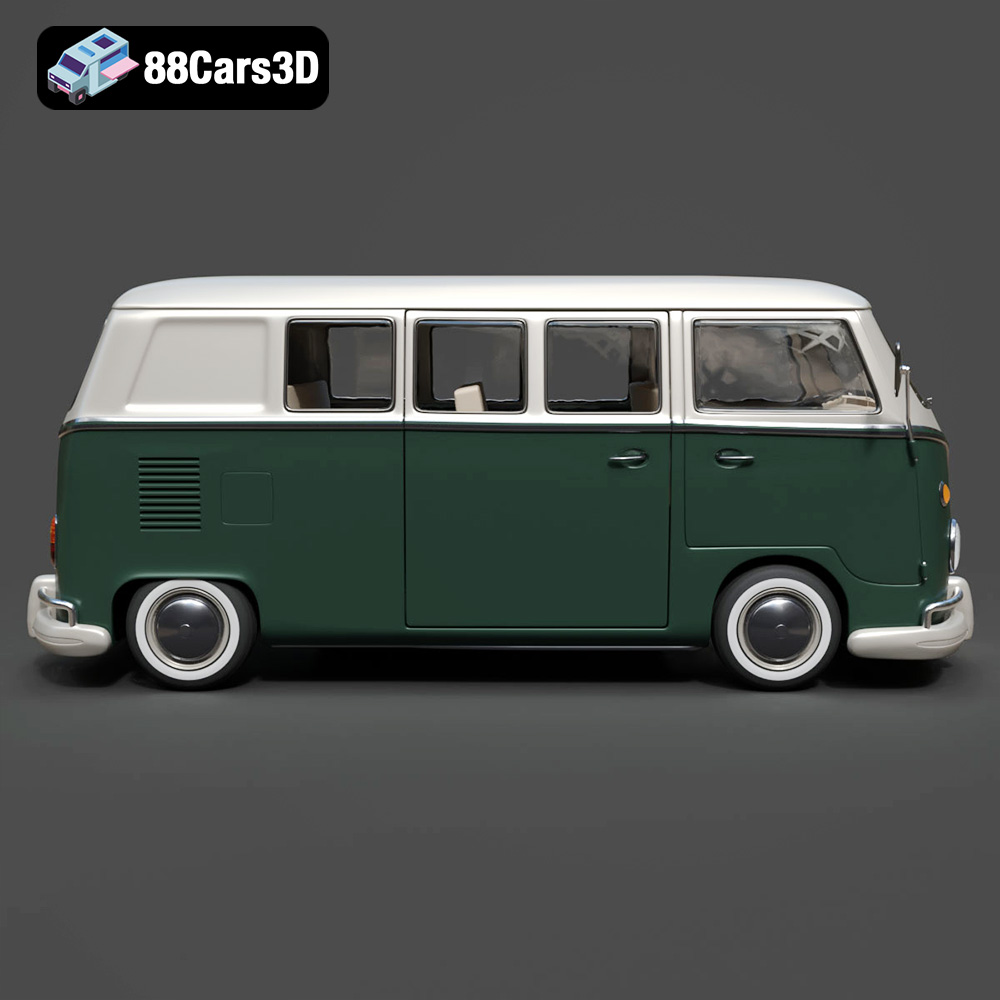
The Volkswagen Bus, a symbol of freedom and the open road, holds a special place in automotive history. Now, thanks to 3D printing technology and resources like 88cars3d.com, you can create your own miniature version of this classic van. This guide will walk you through the process of 3D printing the Volkswagen Bus 3D Model STL, from selecting the right settings and materials to post-processing for a stunning final product.
Before diving into the specifics of printing the Volkswagen Bus, it’s crucial to understand the various 3D model file formats and their implications for 3D printing. Choosing the right format can significantly impact the success of your print.
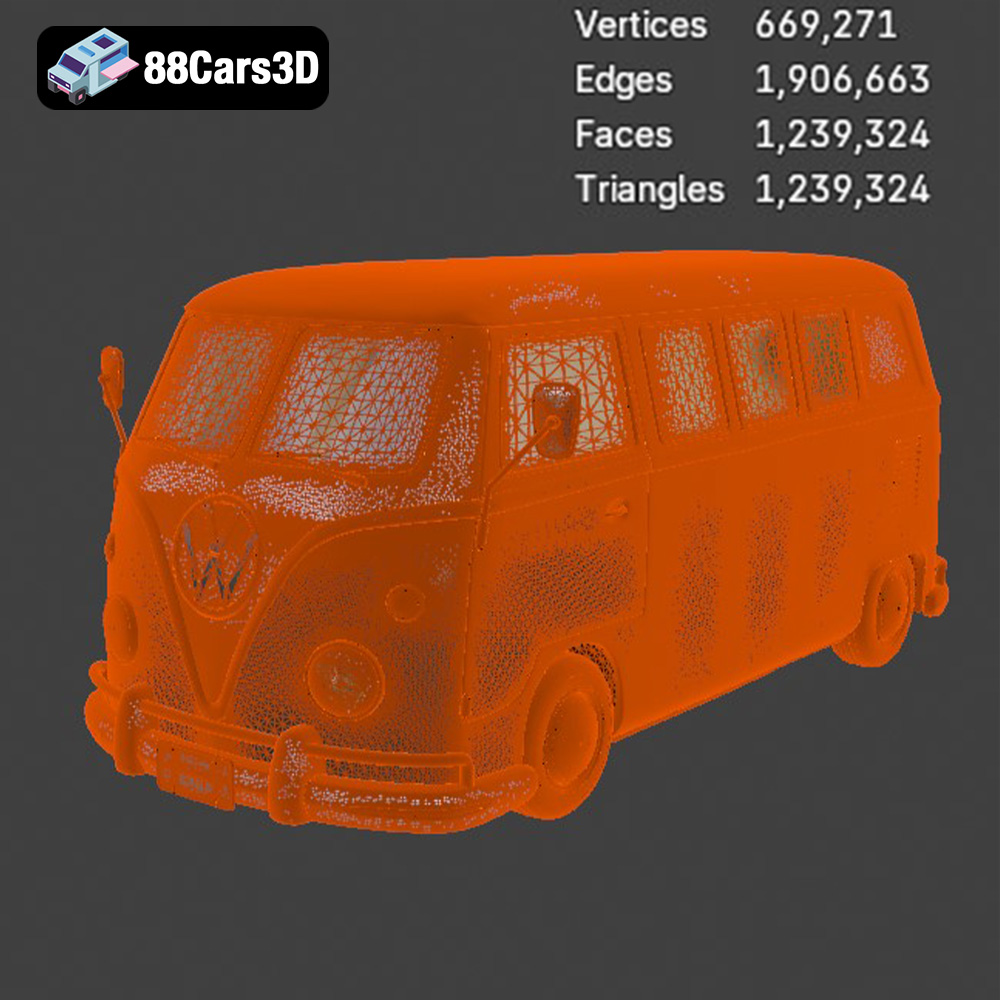
The .stl (Stereolithography) format is the industry standard for 3D printing. It represents the surface geometry of a 3D object as a collection of triangles. This simplicity makes it universally compatible with slicing software and 3D printers. However, it’s important to note that .stl files only store the mesh data, meaning they don’t contain information about color, texture, or materials. For the Volkswagen Bus 3D Model, the .stl file will define the shape of the van, including its curves, windows, and other details. The quality of the .stl file is paramount. A poorly generated .stl can have gaps, overlaps, or inconsistencies in the mesh, leading to printing errors. Therefore, ensure the .stl file is properly exported and, if necessary, repaired using mesh editing software before slicing.
The .obj (Wavefront Object) format is a more versatile format than .stl, as it can store color and texture information in addition to the mesh geometry. This is particularly useful if you want to print a multi-colored version of the Volkswagen Bus. However, compatibility with 3D printing software and printers can vary, and it’s often necessary to convert .obj files to .stl before printing. Consider using .obj if you plan to paint the 3D printed model, as it can help with planning your color scheme.
The .ply (Polygon File Format) is designed for storing highly detailed 3D models, often captured through 3D scanning. While it supports color and texture, its primary strength lies in preserving fine details. The Volkswagen Bus 3D Model might benefit from the precision of .ply, especially for capturing intricate features. However, the increased detail comes at the cost of larger file sizes and potentially increased processing time in slicing software.
The .blend format is the native file format for Blender, a popular open-source 3D modeling software. It contains the entire Blender scene, including the model geometry, materials, textures, lighting, and camera settings. While you can’t directly 3D print a .blend file, it’s invaluable for making modifications to the Volkswagen Bus 3D Model before exporting it to a printable format like .stl. If you intend to customize the model, .blend is the ideal format to work with.
The .fbx (Filmbox) format is widely used for exchanging 3D data between different software applications. It supports geometry, materials, textures, and animation data. While not directly printable, .fbx can be useful for importing the Volkswagen Bus 3D Model into slicing software that supports material properties, potentially allowing you to visualize how different materials will affect the final print. It’s generally used for moving assets between different platforms.
The .glb format is a binary file format that stores 3D models, textures, and animations in a single file. It’s primarily used for displaying 3D models in web browsers and augmented reality (AR) applications. While not directly relevant to 3D printing, .glb allows you to preview the Volkswagen Bus 3D Model in AR before you commit to printing it, giving you a sense of its size and appearance in the real world.
The .max format is the native file format for Autodesk 3ds Max, a professional 3D modeling and animation software. Similar to .blend, .max files contain the entire project scene, including the model geometry, materials, textures, lighting, and camera settings. If you have access to 3ds Max, .max is invaluable for making advanced modifications to the Volkswagen Bus 3D Model before exporting it to a printable format like .stl.
For 3D printing the Volkswagen Bus 3D Model, the .stl format is generally the best choice. It’s universally compatible, widely supported by slicing software, and provides the necessary geometric data for creating a physical object. Ensure the .stl file is of high quality and properly prepared for printing to achieve the best results. If you are using another format such as .obj or .blend to modify the model, make sure to export it as .stl before sending it to your 3D printer.
The 3D printing process begins long before the printer starts extruding material. Careful preparation of the Volkswagen Bus 3D Model in your slicing software is essential for a successful outcome. Here are key aspects to consider:
Choosing the right slicing software is critical. Popular options include Cura, PrusaSlicer, Simplify3D, and others. Each has its own strengths and weaknesses. Experiment with a few to see which best suits your workflow and offers the features you need for the Volkswagen Bus 3D Model. Consider features like automatic support generation, advanced infill patterns, and precise control over layer height and print speed.
The orientation of the Volkswagen Bus on the print bed significantly impacts print quality and support requirements. Printing the body upright, as the product description suggests, can yield the best surface detail, particularly on the roof and hood. However, this will require supports for the mirrors, bumpers, and window overhangs. Strategic placement of supports is crucial. Minimize their contact area with visible surfaces to reduce post-processing effort. Consider using tree supports, which are often easier to remove than traditional linear supports. Manually adding supports in the slicing software can give you more control over their placement and density.
The material you choose plays a crucial role in the final look, feel, and durability of your 3D printed Volkswagen Bus. Here’s a breakdown of popular options:
PLA (Polylactic Acid) is a biodegradable thermoplastic known for its ease of use and wide availability. It’s an excellent choice for beginners due to its low printing temperature, minimal warping, and good surface finish. For the Volkswagen Bus 3D Model, PLA is suitable for creating display models or prototypes. However, it’s not as durable or heat-resistant as other materials, so it’s not ideal for functional parts or models that will be exposed to high temperatures.
PETG (Polyethylene Terephthalate Glycol-modified) offers a good balance of strength, flexibility, and ease of printing. It’s more durable and heat-resistant than PLA, making it a better choice for models that need to withstand some wear and tear. PETG can be slightly more challenging to print than PLA, requiring higher printing temperatures and potentially a heated bed. However, the improved properties make it a worthwhile upgrade for the Volkswagen Bus 3D Model.
For smaller scale models (1:32 or smaller), resin 3D printing offers unparalleled detail. Resin printers use liquid photopolymers that are cured by UV light, resulting in incredibly fine layer resolution. This is ideal for capturing the intricate details of the Volkswagen Bus, such as the chrome trim and panel lines. However, resin printing requires more post-processing, including washing and curing the printed part. Resin can also be more brittle than filament-based materials, so handle your finished Volkswagen Bus with care. Always wear gloves when handling uncured resin.
The optimal printer settings depend on the material you’ve chosen and the level of detail you want to achieve. However, here are some general guidelines for 3D printing the Volkswagen Bus 3D Model:
A lower layer height results in a smoother surface finish and finer details. For PLA or PETG, a layer height of 0.12-0.2mm is a good starting point. For resin printing, you can go even lower, down to 0.05mm or even 0.025mm for incredibly detailed prints. Experiment with different layer heights to find the best balance between print quality and print time.
Infill density affects the strength and weight of the printed part. For a display model, an infill density of 15-30% is usually sufficient. Choose an infill pattern that provides adequate support without adding excessive weight or print time. Gyroid infill is a popular choice for its strength and efficiency.
Print speed and temperature are closely related and depend on the material you’re using. Refer to the filament or resin manufacturer’s recommendations for optimal settings. Generally, slower print speeds result in better print quality, but increase print time. Experiment with different settings to find the sweet spot for your printer and material.
Post-processing is where your 3D printed Volkswagen Bus truly comes to life. Here are some essential techniques:
Carefully remove the supports using pliers or a sharp knife. Be patient and avoid damaging the model. Once the supports are removed, sand the surface to smooth out any imperfections and remove support marks. Start with a coarse grit sandpaper (e.g., 220 grit) and gradually move to finer grits (e.g., 400, 600, 800 grit) for a smooth finish. Wet sanding can help reduce dust and improve the surface finish.
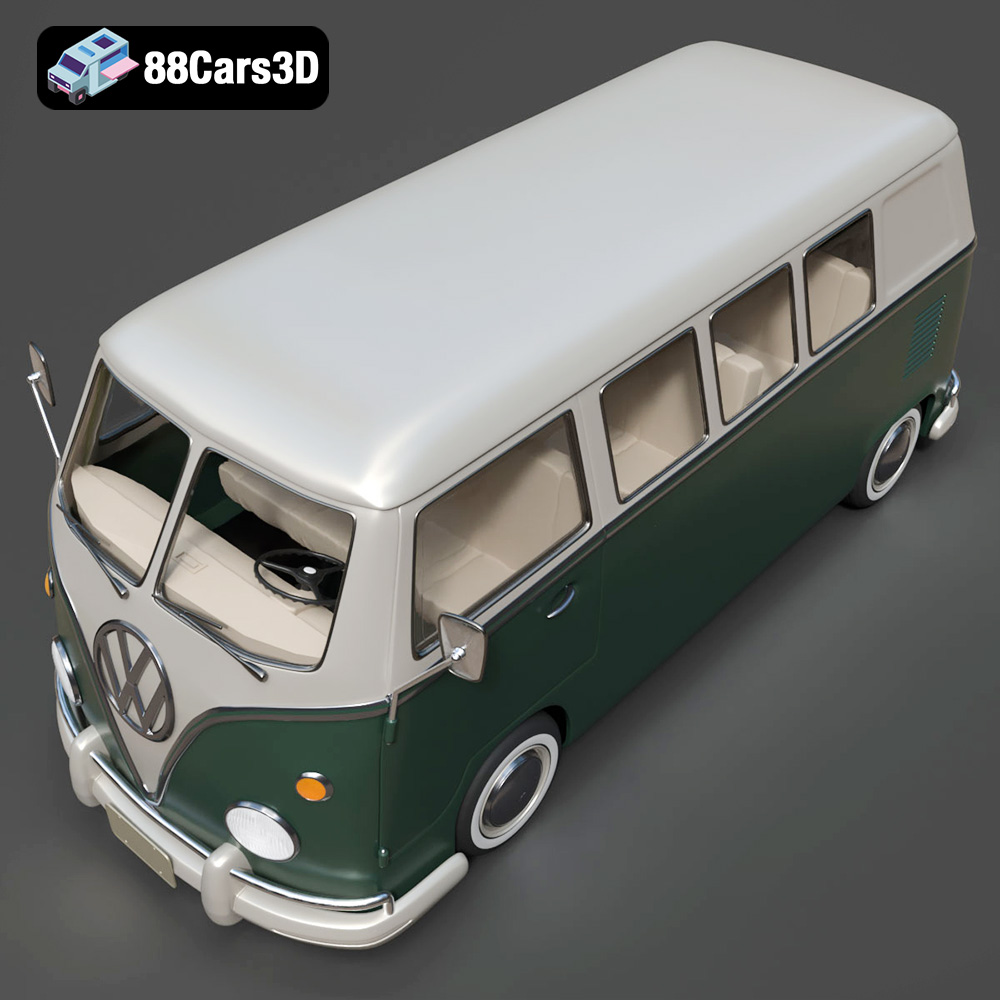
Apply a primer to the sanded surface to create a uniform base for painting. Choose a primer that is compatible with your chosen paint. Once the primer is dry, paint the Volkswagen Bus in your desired color scheme. The product description suggests a two-tone paint finish, which is a classic look for the Volkswagen Bus. Use masking tape to create clean lines between different colors. Apply multiple thin coats of paint for a smooth and even finish.
If the Volkswagen Bus 3D Model is printed in multiple parts, assemble them using glue or screws. Add details such as chrome accents, decals, and interior components to enhance the realism of the model. You can find aftermarket decals and miniature parts online to customize your Volkswagen Bus. Consider adding clear plastic for the windows to complete the look.
Even with careful preparation, 3D printing can sometimes present challenges. Here are some common issues and their solutions:
Warping occurs when the printed part lifts off the print bed, often due to temperature differences. To prevent warping, ensure your print bed is properly leveled and heated. Use a bed adhesive such as glue stick or hairspray to improve adhesion. Enclosing the printer can also help maintain a consistent temperature and reduce warping.
Stringing occurs when molten filament oozes from the nozzle during travel moves, leaving thin strands of plastic between parts. To reduce stringing, decrease the printing temperature, increase retraction distance, and increase travel speed. Ensure your filament is dry, as moisture can exacerbate stringing.
Layer separation occurs when the layers of the printed part do not adhere properly, resulting in weak or delaminated sections. To prevent layer separation, increase the printing temperature, decrease the print speed, and ensure adequate cooling. Check that your filament is not old or degraded, as this can affect its adhesion properties.
The print time and material costs for the Volkswagen Bus 3D Model depend on several factors, including the size of the model, the layer height, the infill density, and the material you’re using. As a rough estimate, a 1:24 scale model printed in PLA with a 0.2mm layer height and 20% infill could take 10-20 hours to print and use approximately 100-200 grams of filament. Resin prints typically take less time, but the cost of resin is higher than filament. Before starting the print, use your slicing software to estimate the print time and material usage.
For exceptional 3D models optimized for printing, rendering, and more, consider exploring the selection at 88cars3d.com. You’ll find a variety of detailed models to suit your creative projects.
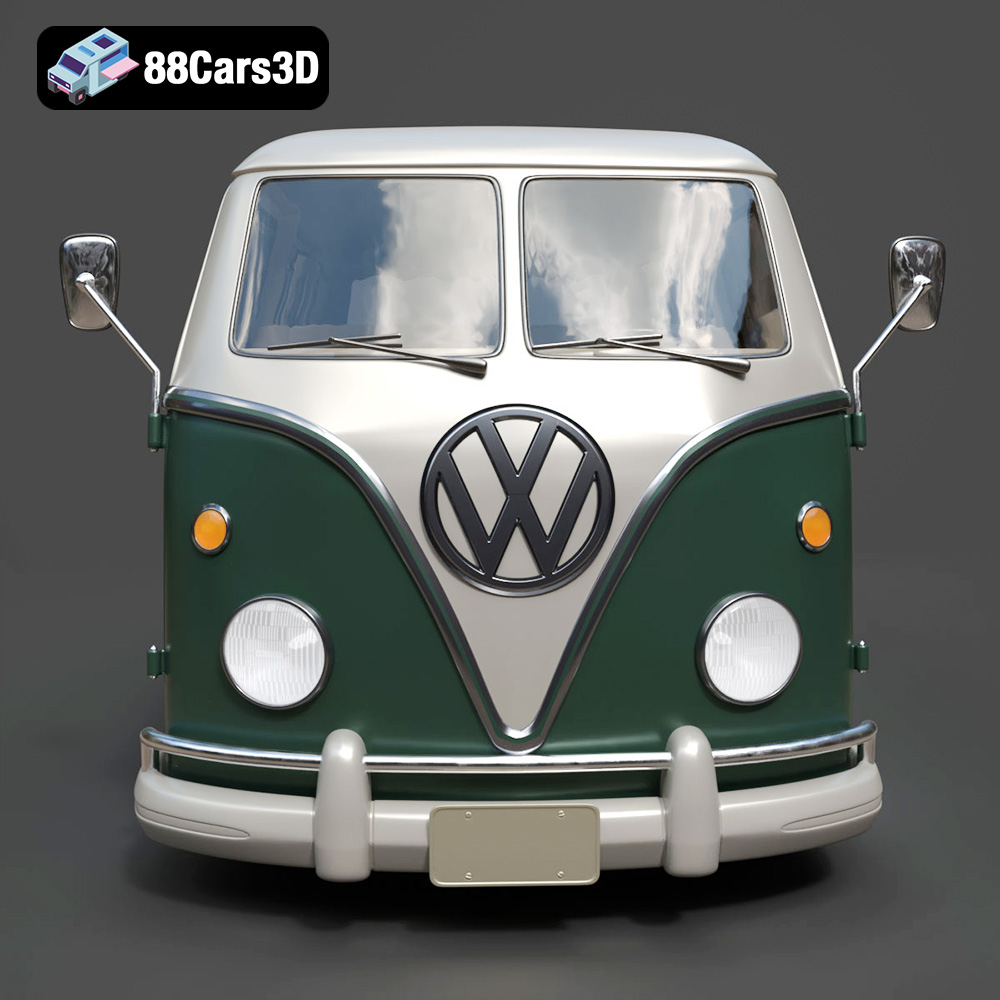
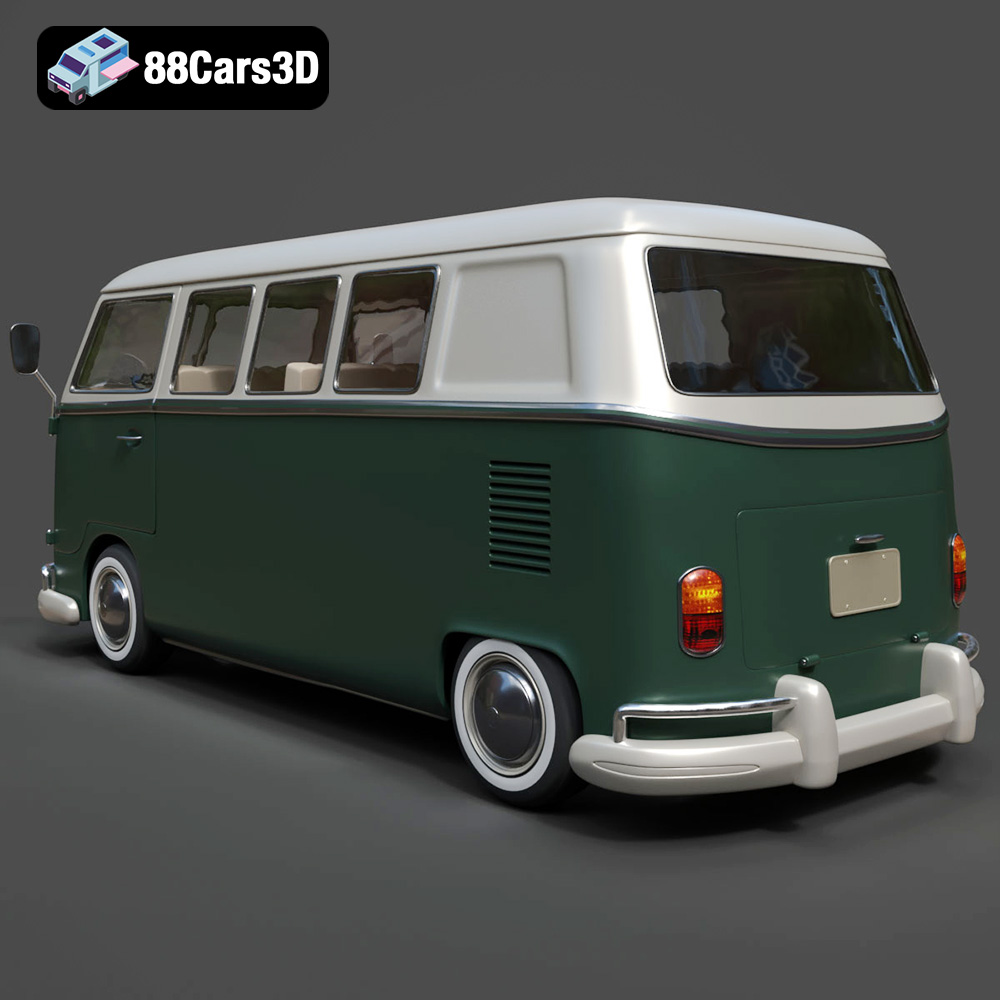
The Volkswagen Bus 3D Model is a high-detail digital recreation of the iconic rear-engine van that became a cultural symbol of freedom, travel, and 1960s counterculture. Known for its rounded body shape, split or panoramic windshield variants, and practical interior space, the Volkswagen Bus remains one of the most recognizable classic vehicles in automotive history.
$9.99
3D printing the Volkswagen Bus 3D Model is a rewarding project that allows you to create a tangible piece of automotive history. By carefully selecting the right materials, optimizing your printer settings, and mastering post-processing techniques, you can achieve stunning results. Remember to use high-quality STL files from reputable sources like 88cars3d.com for the best possible outcome. Happy printing!
.arvr
.automotive
.blend
.campervan
.car3dmodel
.classicvan
.fbx
.gameasset
.glb
.max
.obj
.ply
.rendering
.retrovehicle
.simulation
.stl
.unreal
.vintagecar
.volkswagen
.vwbus