Get 50% OFF All Premium 3D & STL Models!

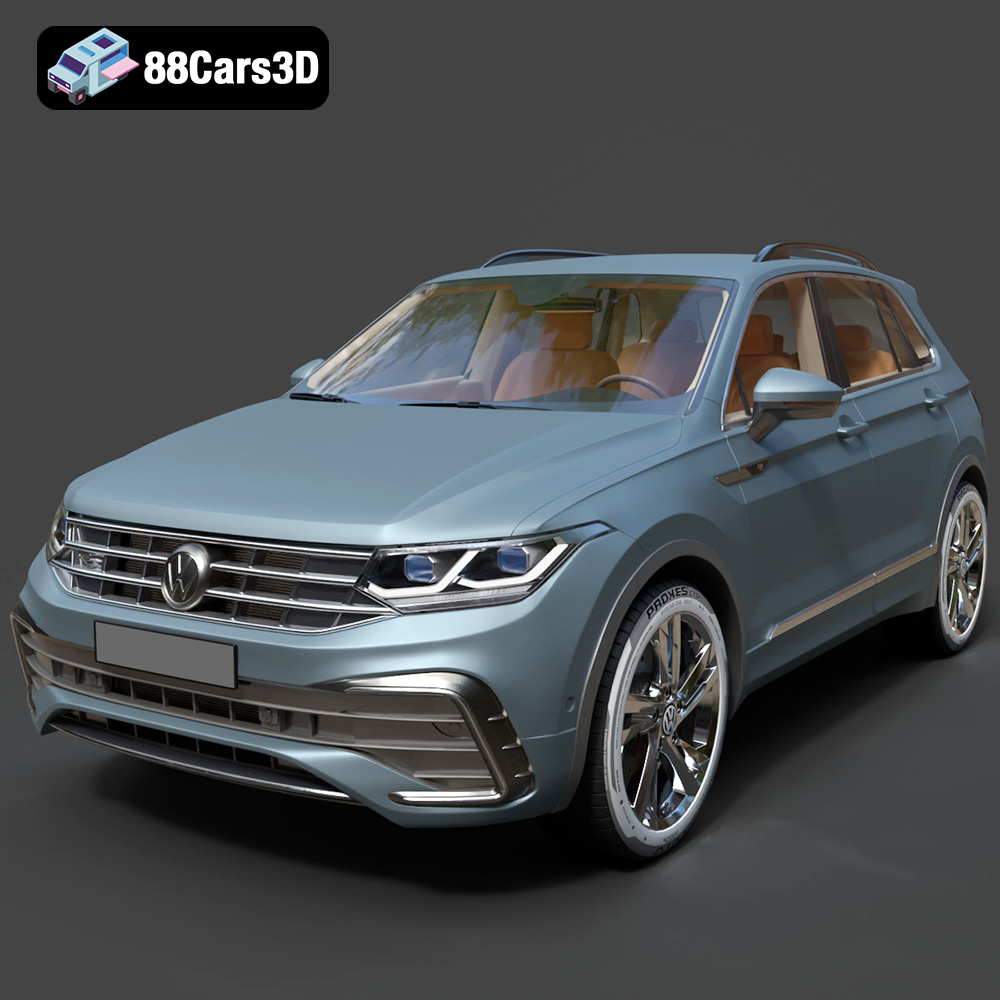
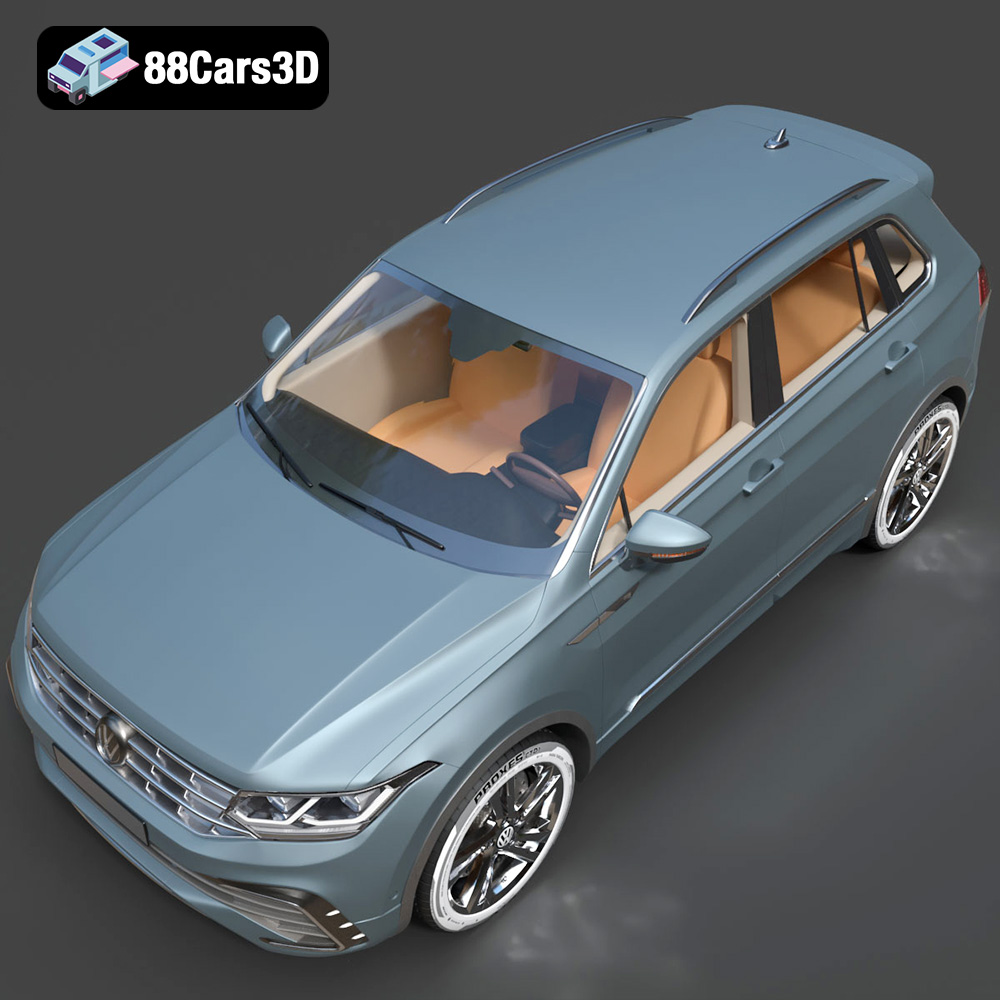
The Volkswagen Tiguan 2021 3D model available at 88cars3d.com is a fantastic digital asset. While it’s designed for a variety of applications from game development to AR/VR, its availability in STL format makes it perfect for 3D printing enthusiasts. This article will provide a detailed guide on how to successfully 3D print this model, covering everything from pre-print preparation to post-processing. Whether you’re a seasoned 3D printing veteran or a beginner looking to tackle your first car model, this guide will provide the knowledge you need.
Before diving into the specifics of printing the Volkswagen Tiguan, it’s crucial to understand the different file formats commonly used in 3D modeling and their suitability for additive manufacturing. While 88cars3d.com offers the Tiguan in a variety of formats, understanding which ones are best for printing is key.
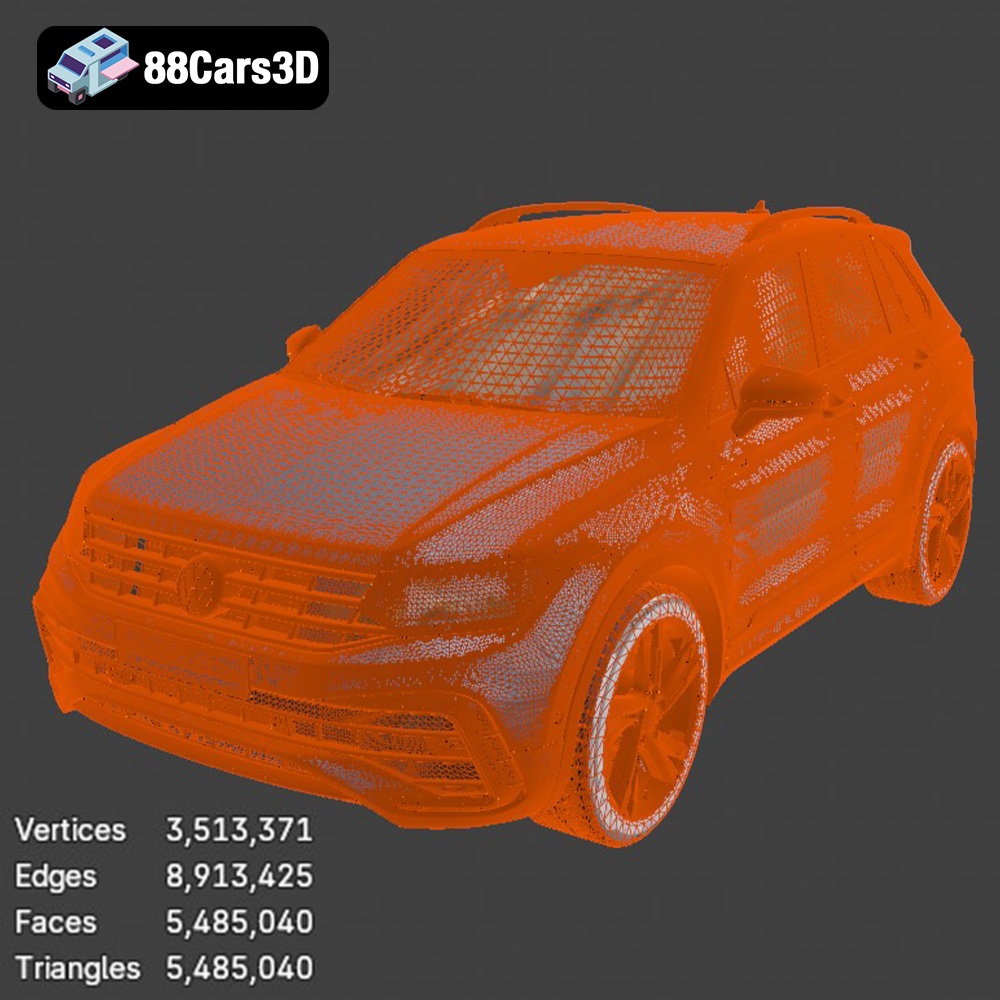
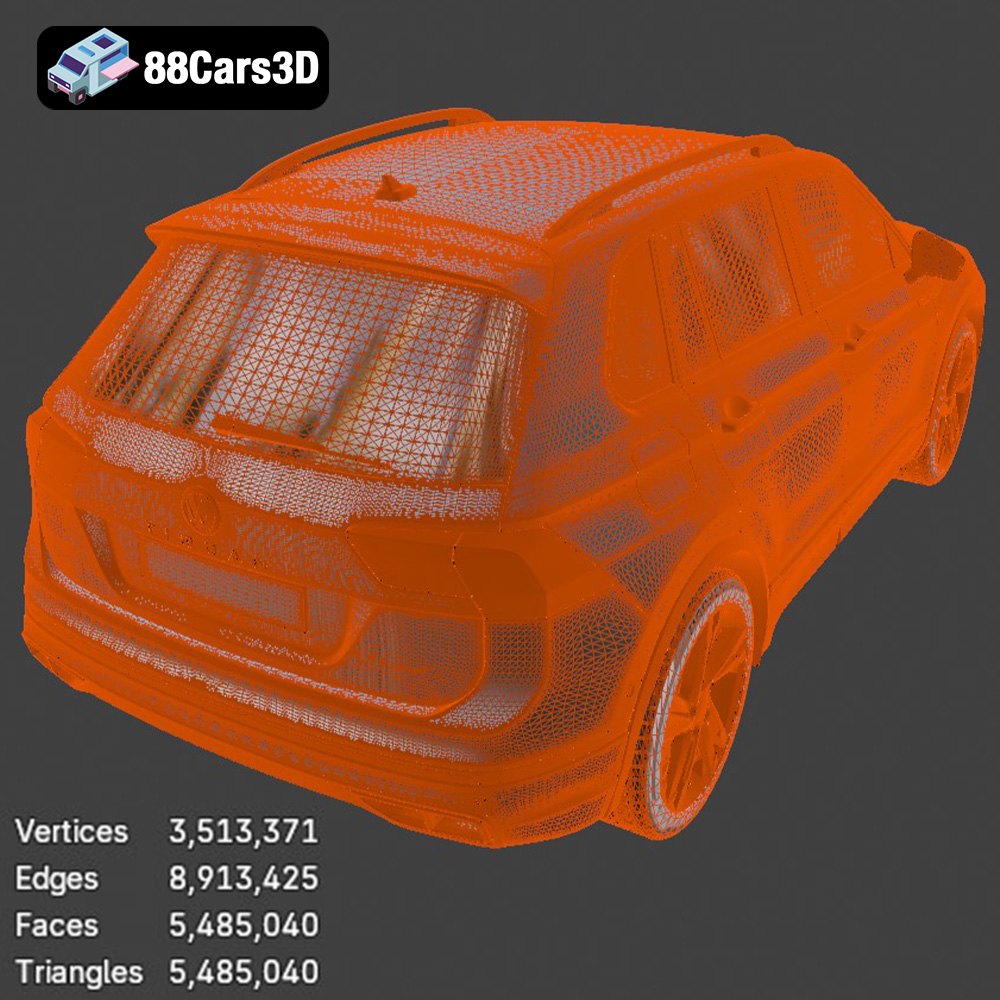
The .stl (Stereolithography) file format is the workhorse of 3D printing. It represents the surface geometry of a 3D object as a collection of triangles. The denser the mesh of triangles, the more detailed the representation of the original model. However, a very dense mesh can also lead to larger file sizes and slower processing times during slicing. The STL format is universally compatible with virtually all 3D printing software and hardware, making it the go-to choice for most printing projects. When preparing your Volkswagen Tiguan model for printing, you’ll primarily be working with the STL file provided by 88cars3d.com. Check the mesh quality in your slicer; excessively large files or obvious faceting may indicate the need for mesh repair or simplification.
The .obj (Object) file format is another widely used format, but unlike STL, it supports color and texture information. While you can technically print an OBJ file, most 3D printers that use FDM (Fused Deposition Modeling) or SLA (Stereolithography) technologies don’t support full-color printing. Therefore, the texture information in the OBJ file might not be relevant for printing purposes unless you plan to manually paint the printed model.
The .ply (Polygon File Format) is designed for storing 3D data acquired from 3D scanners. It’s known for its ability to represent complex geometry with high precision. While .ply files can be used for 3D printing, they are often larger than STL files and might require more processing power from your slicing software. Like OBJ, it can store color data, useful if you plan to paint the finished product.
The .blend file is the native format for Blender, a popular open-source 3D modeling software. This format contains the entire scene, including the model geometry, materials, textures, lighting, and camera setups. While you can’t directly 3D print a .blend file, it offers the advantage of allowing you to modify the Volkswagen Tiguan model before exporting it to a printable format like STL. This can be useful for adding custom details, optimizing the model for printing, or splitting it into smaller parts.
The .fbx (Filmbox) and .max (3ds Max) formats are commonly used in professional 3D modeling and animation workflows. These formats are more complex than STL or OBJ and support advanced features like animations, rigging, and skeletal structures. They are less directly applicable to 3D printing, but may contain valuable material and texture information that can be transferred to other formats before slicing.
The .glb format is optimized for displaying 3D models in augmented reality (AR) and web-based applications. It’s a compact and efficient format that can be easily shared and viewed on different devices. It’s not directly used in the 3D printing process, but it allows for a preview of the Volkswagen Tiguan model before you commit to printing it.
Once you’ve downloaded the Volkswagen Tiguan 2021 3D model from 88cars3d.com in STL format, the next step is to prepare it for printing using slicing software. This software converts the 3D model into a series of layers that your 3D printer can understand and build upon.
Several excellent slicing software options are available, both free and paid. Popular choices include Cura, PrusaSlicer, Simplify3D, and IdeaMaker. Each slicer has its strengths and weaknesses, so it’s worth experimenting to find the one that best suits your needs and printer.
The orientation of the Volkswagen Tiguan model on the build plate is crucial for print quality and support material usage. Consider these factors:
* **Minimize Support Material:** Orient the model to reduce the need for supports, especially on visible surfaces. This might involve tilting the model or printing it on its side.
* **Surface Quality:** The bottom-most layer of the print often has a different texture than the rest of the model. Choose an orientation that places less critical surfaces on the build plate. For example, orienting the car so that the roof faces upwards would prevent the need for supports on the roof surface.
* **Strength:** If the printed model needs to withstand stress, orient it so that the layers run along the direction of the force. In most cases with a car model, strength isn’t critical, but it is worth considering.
Consider the size of your 3D printer’s build volume and the level of detail you want to achieve. Scaling up the model will make it easier to print fine details, but it will also increase print time and material usage. Scaling down the model can save time and material but may result in a loss of detail. The Volkswagen Tiguan model from 88cars3d.com should have good detail, allowing reasonable scale changes.
The choice of material greatly impacts the final look, feel, and durability of your 3D printed Volkswagen Tiguan.
PLA (Polylactic Acid) is a popular choice for 3D printing due to its ease of use, low printing temperature, and biodegradability. It’s ideal for creating aesthetically pleasing models but is less durable and heat-resistant than other materials. PLA is a great starting point for printing the Tiguan, especially if you are new to 3D printing.
PETG (Polyethylene Terephthalate Glycol-modified) offers a good balance of strength, flexibility, and heat resistance. It’s more durable than PLA and can withstand higher temperatures. PETG is a good choice for functional parts or models that will be exposed to outdoor elements. If you want a slightly tougher Tiguan, PETG is a solid option.
For incredibly detailed models with smooth surfaces, resin printing is the way to go. SLA (Stereolithography) and DLP (Digital Light Processing) printers use liquid resin that is cured by UV light. Resin prints typically require more post-processing, such as washing and curing. If ultimate detail is your goal, and you have access to a resin printer, this is your best bet. The Volkswagen Tiguan 2021 3D model from 88cars3d.com is well-suited to resin printing to show off all of its intricate details.
Achieving a successful 3D print requires careful attention to print settings. Here are some key parameters to consider:
Layer height determines the resolution of the print. Lower layer heights result in smoother surfaces and finer details but increase print time. For the Volkswagen Tiguan, a layer height of 0.1mm to 0.2mm is a good starting point for FDM printing. For resin printing, layer heights can be even smaller, down to 0.025mm or even lower.
Infill density affects the strength and weight of the model. A higher infill density makes the model stronger but also increases print time and material usage. For a purely decorative model like the Tiguan, a low infill density (10-15%) is sufficient.
As discussed earlier, support structures are necessary for printing overhangs and complex geometries. Experiment with different support patterns and densities to find the optimal balance between support strength and ease of removal. Tree supports are a popular option for minimizing material usage and improving surface quality.
Slower printing speeds generally result in higher quality prints. Start with a conservative printing speed and gradually increase it until you find the maximum speed that your printer can handle without compromising quality.
Once the print is complete, there are several post-processing steps you can take to improve its appearance.
Carefully remove support structures using pliers, a hobby knife, or specialized support removal tools. Be gentle to avoid damaging the model.
Sanding can help to smooth out layer lines and imperfections. Start with coarse sandpaper and gradually move to finer grits. For resin prints, wet sanding is often recommended.
Painting can add color and realism to the model. Use acrylic paints or specialized model paints. Apply multiple thin coats for the best results. Consider adding details like windows, lights, and trim to enhance the realism of your Volkswagen Tiguan.
Even with careful preparation, you may encounter some common printing issues. Here are some tips for troubleshooting:
* **Warping:** Warping occurs when the corners of the print lift off the build plate. Ensure that the build plate is properly leveled and that the bed adhesion is good. Using a brim or raft can also help to prevent warping.
* **Stringing:** Stringing occurs when the printer extrudes filament between different parts of the model. Increase retraction settings and decrease printing temperature to reduce stringing.
* **Layer Shifting:** Layer shifting occurs when the layers of the print are misaligned. Check the belt tension and ensure that the printer is stable and free from vibrations.
Printing the Volkswagen Tiguan 2021 3D model from 88cars3d.com is a rewarding project that can produce a stunning replica of this popular SUV. By following the steps outlined in this guide, you can increase your chances of success and achieve high-quality results.
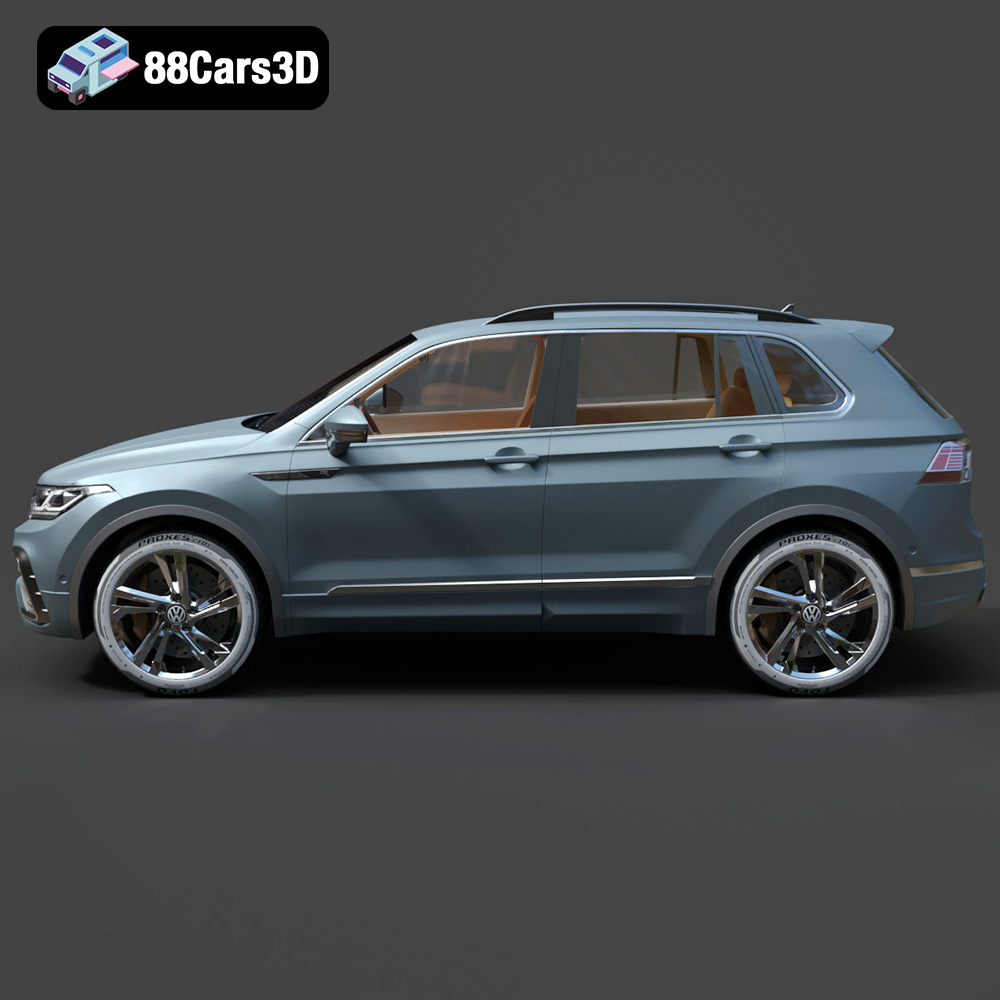
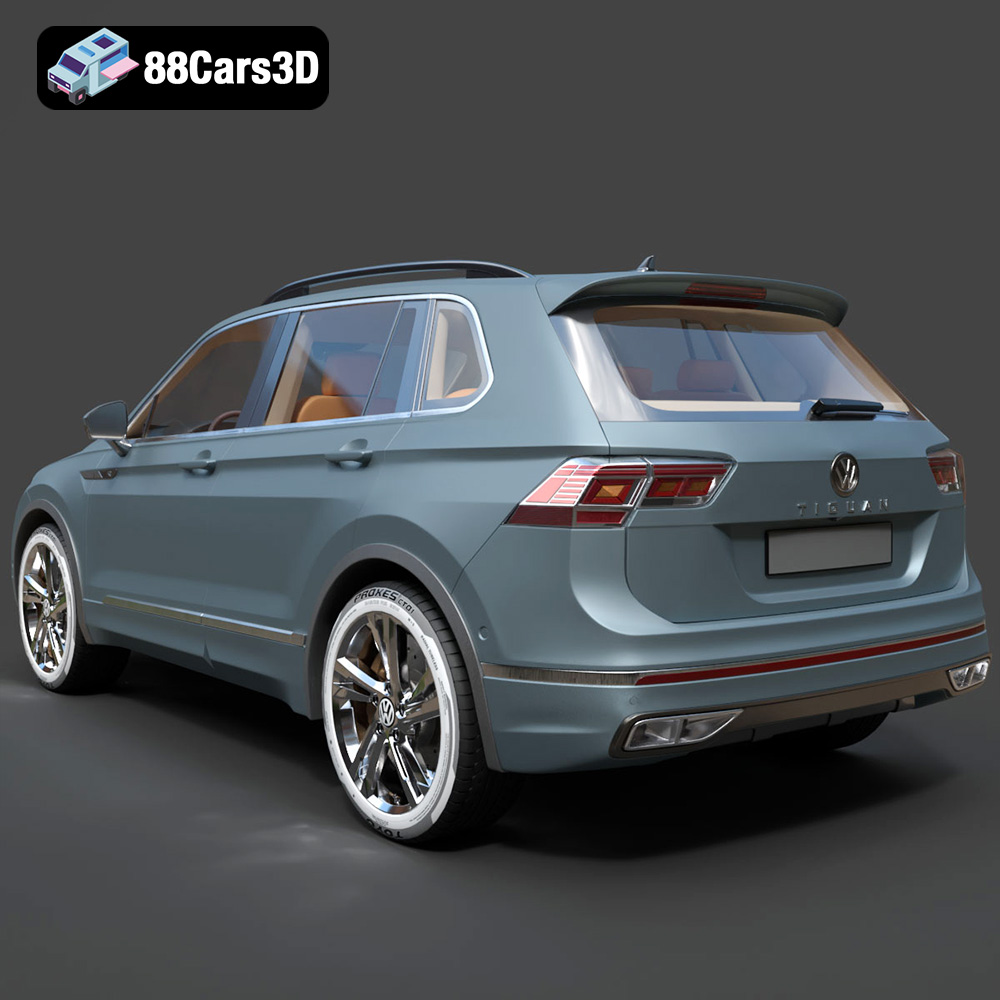
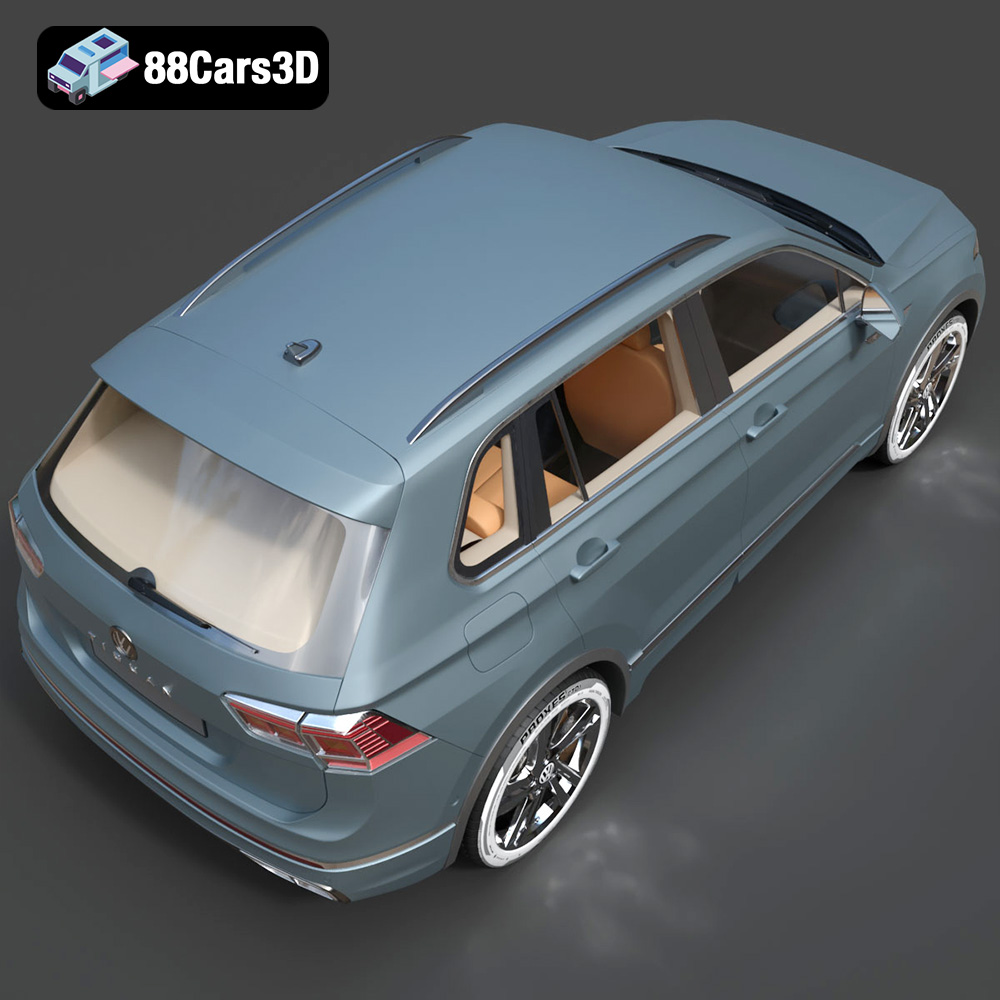
Experience the precision of the Volkswagen Tiguan 2021 3D Model, a realistic digital replica designed to meet professional standards. This model perfectly captures the modern styling, dynamic stance, and sophisticated details of the popular SUV, providing an exceptional asset for a diverse array of digital projects.
$19.99
.arvr
.blend
.car3dmodel
.crossover
.fbx
.gameasset
.glb
.max
.obj
.ply
.rendering
.simulation
.stl
.tiguan
.unreal
.volkswagen
SUV