Get 50% OFF All Premium 3D & STL Models!

“`html
The world of 3D printing offers incredible flexibility, but achieving optimal results hinges on understanding the interplay between your 3D printer’s components and the specific requirements of your print job. Two of the most crucial elements are the nozzle size and the bed size. Choosing the correct configuration can significantly impact print speed, detail resolution, structural integrity, and even the feasibility of printing certain objects. This guide will delve into the technical considerations for selecting the ideal nozzle and bed size, particularly in the context of printing intricate models, such as those found on platforms like 88cars3d.com, offering printable car models.
We’ll explore how nozzle size impacts print quality and speed, delve into bed adhesion techniques for various materials, and discuss strategies for maximizing your print volume. Whether you’re printing a miniature classic car or a large-scale prototype, understanding these principles will empower you to achieve consistently successful and high-quality 3D prints. Let’s get started and unlock the full potential of your 3D printer!
The nozzle is the unsung hero of FDM (Fused Deposition Modeling) 3D printing. Its diameter directly dictates the width of each extruded filament line, thereby influencing print resolution, strength, and printing speed. Selecting the right nozzle size is not merely a matter of preference; it’s a strategic decision that directly impacts the final product.
A smaller nozzle diameter, such as 0.25mm or 0.4mm, enables finer layer heights and narrower extrusion widths. This leads to increased resolution and the ability to reproduce intricate details. For highly detailed models, like the car models available on 88cars3d.com, a smaller nozzle can capture subtle curves, sharp edges, and fine surface textures with greater accuracy. However, this increased resolution comes at the cost of increased print time. With smaller nozzles, the printer needs to make more passes to fill the same volume, resulting in a longer printing process. The layer height should ideally be 25%-75% of the nozzle diameter. For a 0.4mm nozzle, layer heights between 0.1mm and 0.3mm are common.
Conversely, a larger nozzle diameter, such as 0.6mm, 0.8mm, or even 1.0mm, allows for faster printing speeds. Larger nozzles can extrude more material per unit time, significantly reducing the number of passes required to fill a given volume. While this is advantageous for quickly producing large, less detailed parts, it compromises the ability to capture fine details. A larger nozzle also necessitates a larger layer height to ensure proper layer adhesion. For example, a 0.8mm nozzle might use layer heights between 0.4mm and 0.6mm. This trade-off between speed and detail is a crucial consideration when choosing the right nozzle.
Certain materials are better suited for specific nozzle sizes. For example, flexible filaments like TPU benefit from larger nozzles (0.6mm or greater) to reduce back pressure and prevent clogging. Abrasive filaments, such as those infused with carbon fiber or metal particles, require hardened steel nozzles to resist wear and tear. The material’s viscosity and melting temperature also play a role. High-temperature materials like PEEK and Ultem might necessitate specialized nozzles designed to withstand extreme heat. It’s crucial to research the recommended nozzle size for your chosen filament to ensure optimal print quality and prevent damage to your printer.
Once you’ve selected the appropriate nozzle size, it’s essential to adjust your slicing software settings accordingly. Incorrect settings can lead to under-extrusion, over-extrusion, poor layer adhesion, and other printing defects. Understanding how to optimize these settings is crucial for achieving high-quality prints.
The extrusion multiplier (also known as flow rate) controls the amount of filament extruded per unit length. It’s essential to calibrate this setting for each nozzle size and material combination. Over-extrusion occurs when too much material is extruded, leading to bulging layers and dimensional inaccuracies. Under-extrusion occurs when insufficient material is extruded, resulting in gaps between layers and weak prints. To calibrate the extrusion multiplier, print a single-walled cube and measure its thickness. Adjust the extrusion multiplier until the measured thickness matches the expected thickness (which should equal the nozzle diameter). For example, if you’re using a 0.4mm nozzle and the measured wall thickness is 0.38mm, increase the extrusion multiplier slightly (e.g., from 1.0 to 1.05).
As previously mentioned, layer height should be proportional to the nozzle diameter. A general rule of thumb is to use a layer height that is between 25% and 75% of the nozzle diameter. Line width, which determines the width of each extruded line, should also be adjusted based on the nozzle size. In most slicers, the line width is automatically set to equal the nozzle diameter, but it can be manually adjusted for specific effects. Increasing the line width can improve layer adhesion and print strength, while decreasing it can enhance detail resolution. However, excessively large line widths can lead to over-extrusion and reduced accuracy.
Larger nozzles generally allow for faster print speeds, but it’s crucial to adjust the printing temperature accordingly. Increasing the temperature can improve the flow of the filament and prevent clogging, especially when using larger nozzles. However, excessive temperatures can lead to stringing and warping. Finding the optimal balance between print speed and temperature is essential for achieving high-quality prints. A temperature tower test is an excellent way to determine the ideal temperature range for a specific filament and nozzle combination. This test involves printing a tower with varying temperatures and visually assessing the print quality at each temperature level.
The bed size of your 3D printer dictates the maximum dimensions of the objects you can print in a single piece. While larger bed sizes offer greater flexibility, they also come with their own set of challenges. Understanding these considerations is crucial for selecting the right printer for your specific needs.
When choosing a 3D printer, carefully consider the size of the objects you intend to print. If you primarily print small parts, a smaller bed size may suffice. However, if you plan to print larger objects, or multiple smaller objects simultaneously, a larger bed size is essential. For instance, if you’re interested in printing larger car models from 88cars3d.com, a printer with a bed size of at least 300x300mm would be recommended to accommodate these larger designs without requiring you to split the model into smaller pieces. Splitting models introduces seams and potential weak points, which can compromise the structural integrity and aesthetic appeal of the final product.
Bed adhesion is critical for successful 3D printing, especially on larger build plates. Warping, where the corners of the print lift off the bed, is a common problem with larger prints. Several techniques can improve bed adhesion: applying adhesive substances like glue stick or hairspray, using a heated bed, employing build plate materials like PEI or glass, and adjusting the first layer settings. For larger prints, consider using a brim or raft. A brim is a single-layer outline that surrounds the base of the print, providing a larger surface area for adhesion. A raft is a multi-layered platform that the print sits on, offering even greater adhesion and helping to distribute heat evenly. Furthermore, ensuring your bed is properly leveled is absolutely critical for reliable adhesion, particularly across larger print surfaces.
For printing temperature-sensitive materials like ABS or ASA on larger beds, an enclosure is highly recommended. An enclosure helps to maintain a consistent temperature around the print, reducing the risk of warping and cracking. Enclosures can be purchased or built DIY, and they significantly improve the success rate of printing large, complex objects with these materials. The consistent temperature gradient helps to minimize internal stresses within the print, contributing to a more stable and dimensionally accurate final product.
Many 3D models, especially those with overhangs or intricate geometries, require support structures to be printed successfully. Support structures provide temporary scaffolding for unsupported areas, preventing them from collapsing during the printing process. Optimizing support structure generation and print orientation is crucial for minimizing material usage, reducing print time, and ensuring easy removal of supports.
Most slicing software offers both automatic and manual support generation options. Automatic support generation is convenient for quickly adding supports to a model, but it may not always be optimal. Manual support generation allows for greater control over the placement and density of supports, enabling you to minimize material usage and improve print quality. For complex models, consider using a combination of automatic and manual support generation. Start with automatic supports, then manually edit them to remove unnecessary supports or add additional supports in critical areas. Software like Meshmixer is particularly useful for adding custom support structures.
The orientation of your model on the build plate significantly impacts the amount of support material required. Experiment with different orientations to minimize overhangs and unsupported areas. For example, rotating a model so that its largest flat surface is parallel to the bed can often reduce the need for supports. However, this may not always be the best option, as it can also affect the surface finish and strength of the print. Consider the trade-offs between support material usage, print time, and print quality when choosing the optimal orientation. When downloading models from marketplaces such as 88cars3d.com, consider the intended orientation of the model design, as this often reflects an optimized configuration for minimal support usage.
The choice of support material can also affect the ease of support removal. Some filaments, like HIPS (High Impact Polystyrene), can be dissolved in limonene, making them ideal for supports that are difficult to remove manually. Interface layers, which are thin layers printed between the support structure and the model, can also improve support removal. Interface layers use a different material or settings to create a weaker bond between the support and the model, making it easier to separate them. Experiment with different support materials and interface layer settings to find the best combination for your specific printer and filament.
Even with careful planning and optimized settings, 3D printing can sometimes be unpredictable. Common issues such as warping, poor layer adhesion, and clogging can arise, especially when dealing with different nozzle sizes and bed sizes. Understanding the root causes of these problems and implementing effective solutions is essential for consistent and successful printing.
Warping, as previously mentioned, is a common issue, particularly with larger prints and temperature-sensitive materials. Ensuring proper bed adhesion is paramount. Re-leveling the bed, applying adhesive substances, using a heated bed, and employing brims or rafts are all effective solutions. In addition, consider adjusting the printing temperature and fan speed. Increasing the bed temperature can improve adhesion, while reducing the fan speed can prevent the print from cooling too quickly and warping. If warping persists, an enclosure may be necessary to maintain a consistent temperature around the print.
Clogging can occur when filament gets stuck in the nozzle, leading to under-extrusion or complete print failure. Using a larger nozzle for filaments prone to clogging, like those with additives, can help. Regular nozzle cleaning is also crucial. Many printers come with a cleaning needle that can be used to clear blockages. Cold pulls, where the nozzle is heated slightly and then the filament is quickly pulled out, can also remove stubborn clogs. In extreme cases, disassembling the hot end and cleaning the nozzle manually may be necessary.
Poor layer adhesion can result in weak prints that are prone to cracking or delamination. Increasing the printing temperature, reducing the fan speed, and increasing the extrusion multiplier can all improve layer adhesion. Ensure that the first layer is properly squished onto the bed. The distance between the nozzle and the bed during the first layer is critical for good adhesion. If the first layer is too high, the filament will not stick properly. If it’s too low, it can cause the nozzle to drag and clog. Platforms like 88cars3d.com often provide recommendations for printing certain models which often include suggested first-layer settings.
Selecting the right nozzle size and bed size is a critical step in achieving high-quality 3D prints. Understanding the trade-offs between print speed, resolution, and material compatibility is essential for making informed decisions. By carefully considering the requirements of your project and adjusting your slicing software settings accordingly, you can optimize your prints for success. Remember to experiment with different settings and techniques to find what works best for your specific printer and filament.
From fine-tuning your extrusion multiplier to mastering bed adhesion techniques, the knowledge you’ve gained here will empower you to tackle a wide range of 3D printing projects with confidence. Whether you’re printing intricate car models from 88cars3d.com or developing functional prototypes, the principles discussed in this guide will help you achieve consistently successful and high-quality results. So, go forth, experiment, and unlock the full potential of your 3D printer!
“`

Texture: Yes
Material: Yes
Download the Volvo Trucks Benz GT-001 3D Model featuring clean geometry, realistic detailing, and a fully modeled interior. Includes .blend, .fbx, .obj, .glb, .stl, .ply, .unreal, and .max formats for rendering, simulation, and game development.
Price: $29.99
Texture: Yes
Material: Yes
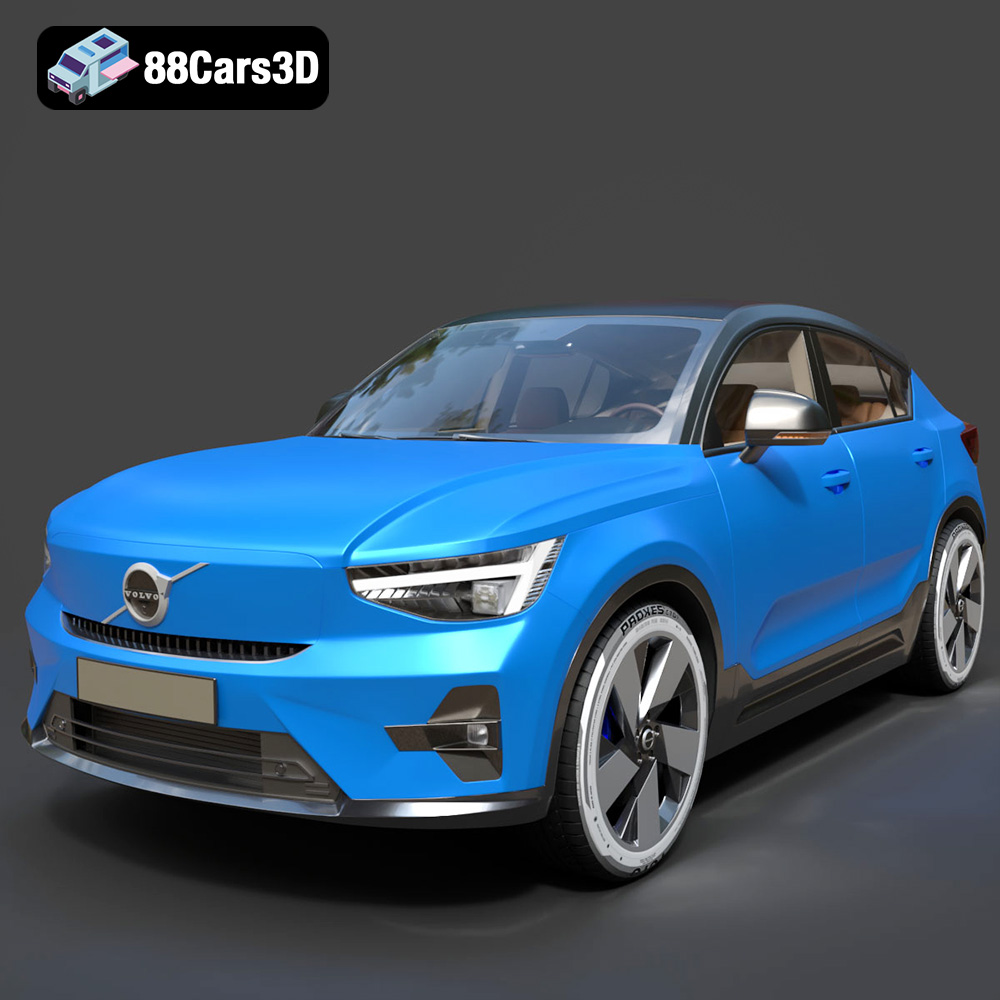
Download the Volvo C40 Recharge 3D Model featuring clean geometry, realistic detailing, and a fully modeled interior. Includes .blend, .fbx, .obj, .glb, .stl, .ply, .unreal, and .max formats for rendering, simulation, and game development.
Price: $19.99
Texture: Yes
Material: Yes
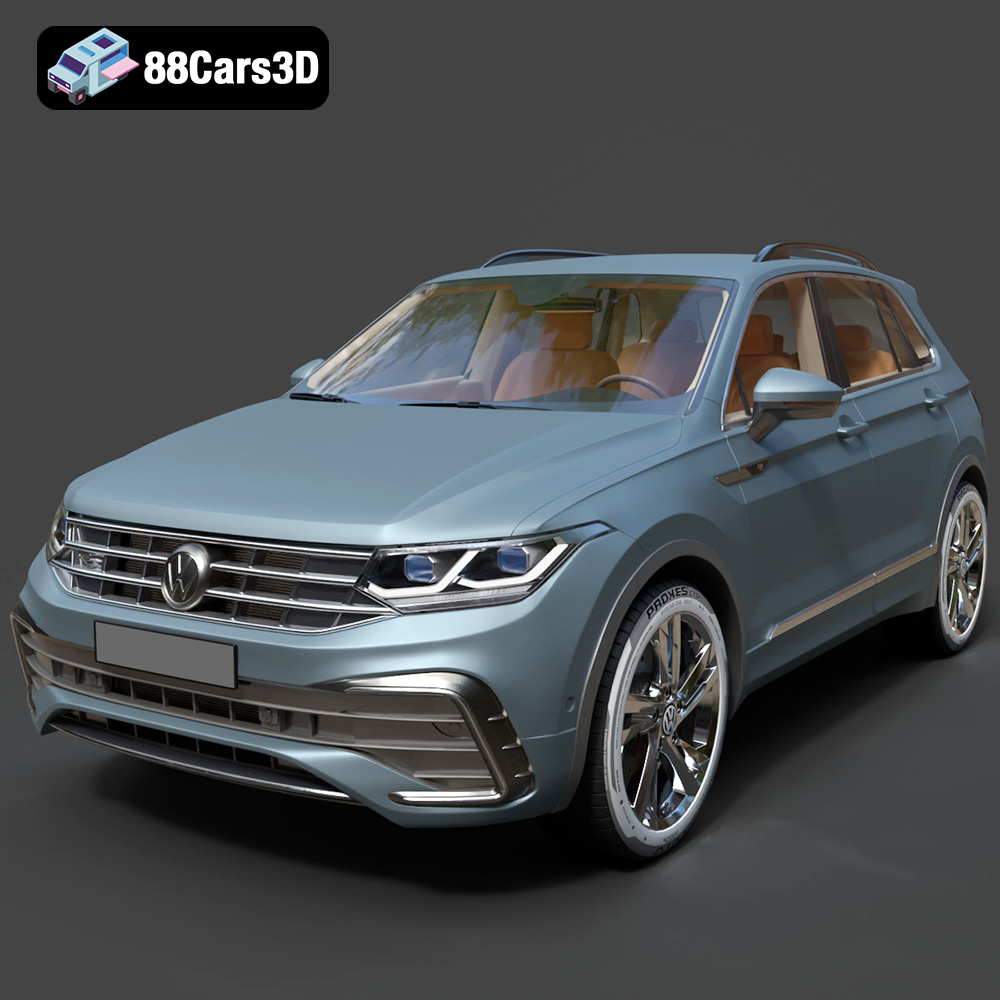
Download the Volkswagen Tiguan 2021 3D Model featuring clean geometry, realistic detailing, and a fully modeled interior. Includes .blend, .fbx, .obj, .glb, .stl, .ply, .unreal, and .max formats for rendering, simulation, and game development.
Price: $19.99

Texture: Yes
Material: Yes
Download the Volkswagen ID6 CROZZ 2022 3D Model featuring clean geometry, realistic detailing, and a fully modeled interior. Includes .blend, .fbx, .obj, .glb, .stl, .ply, .unreal, and .max formats for rendering, simulation, and game development.
Price: $19.99

Texture: Yes
Material: Yes
Download the Volkswagen ID4 2021 3D Model featuring clean geometry, realistic detailing, and a fully modeled interior. Includes .blend, .fbx, .obj, .glb, .stl, .ply, .unreal, and .max formats for rendering, simulation, and game development.
Price: $19.99
Texture: Yes
Material: Yes
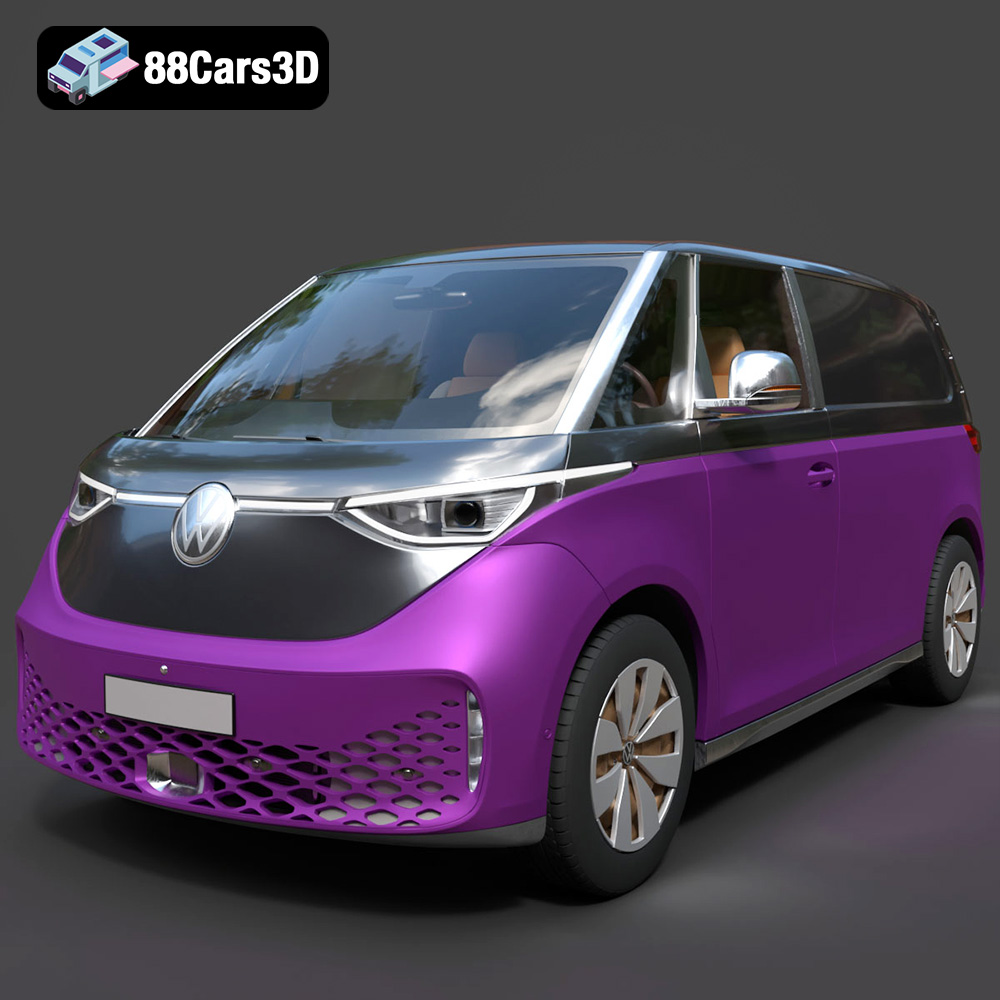
Download the Volkswagen ID. Buzz Cargo 2023 3D Model featuring clean geometry, realistic detailing, and a fully modeled interior. Includes .blend, .fbx, .obj, .glb, .stl, .ply, .unreal, and .max formats for rendering, simulation, and game development.
Price: $19.99
Texture: Yes
Material: Yes
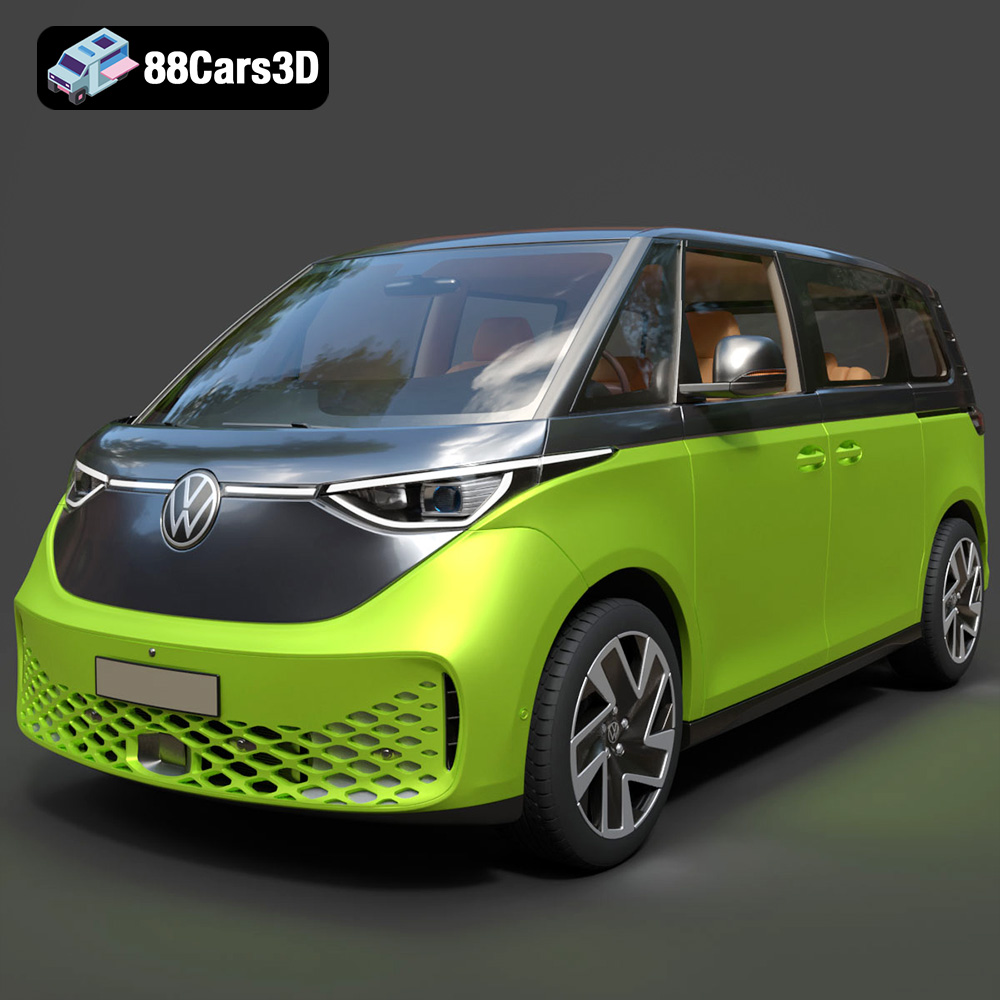
Download the Volkswagen ID. Buzz 2023 3D Model featuring clean geometry, realistic detailing, and a fully modeled interior. Includes .blend, .fbx, .obj, .glb, .stl, .ply, .unreal, and .max formats for rendering, simulation, and game development.
Price: $19.99
Texture: Yes
Material: Yes
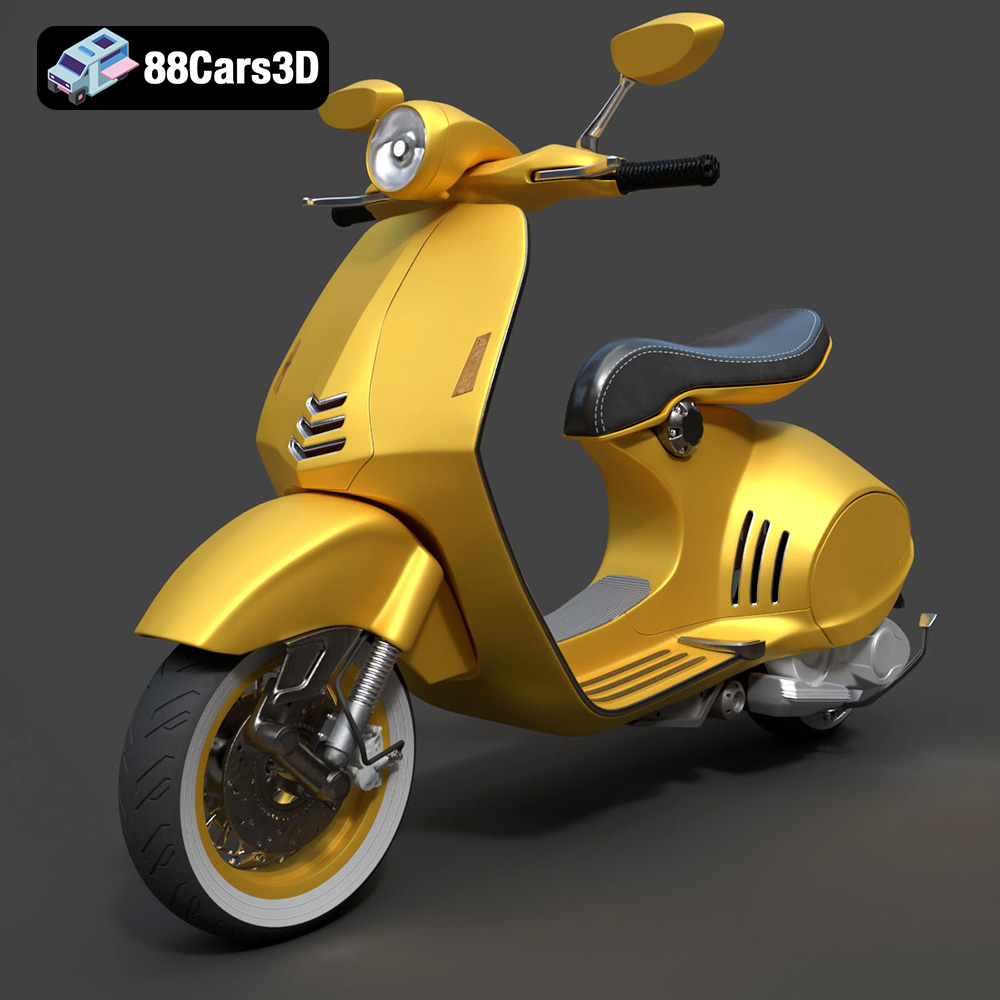
Download the Vespa 946 3D Model featuring clean geometry, realistic detailing, and a fully modeled interior. Includes .blend, .fbx, .obj, .glb, .stl, .ply, .unreal, and .max formats for rendering, simulation, and game development.
Price: $19.99

Texture: Yes
Material: Yes
Download the Toyota Yaris Cross 3D Model featuring clean geometry, realistic detailing, and a fully modeled interior. Includes .blend, .fbx, .obj, .glb, .stl, .ply, .unreal, and .max formats for rendering, simulation, and game development.
Price: $19.99

Texture: Yes
Material: Yes
Download the Volkswagen Amarok 2019 3D Model featuring clean geometry, realistic detailing, and a fully modeled interior. Includes .blend, .fbx, .obj, .glb, .stl, .ply, .unreal, and .max formats for rendering, simulation, and game development.
Price: $19.99

