Get 50% OFF All Premium 3D & STL Models!

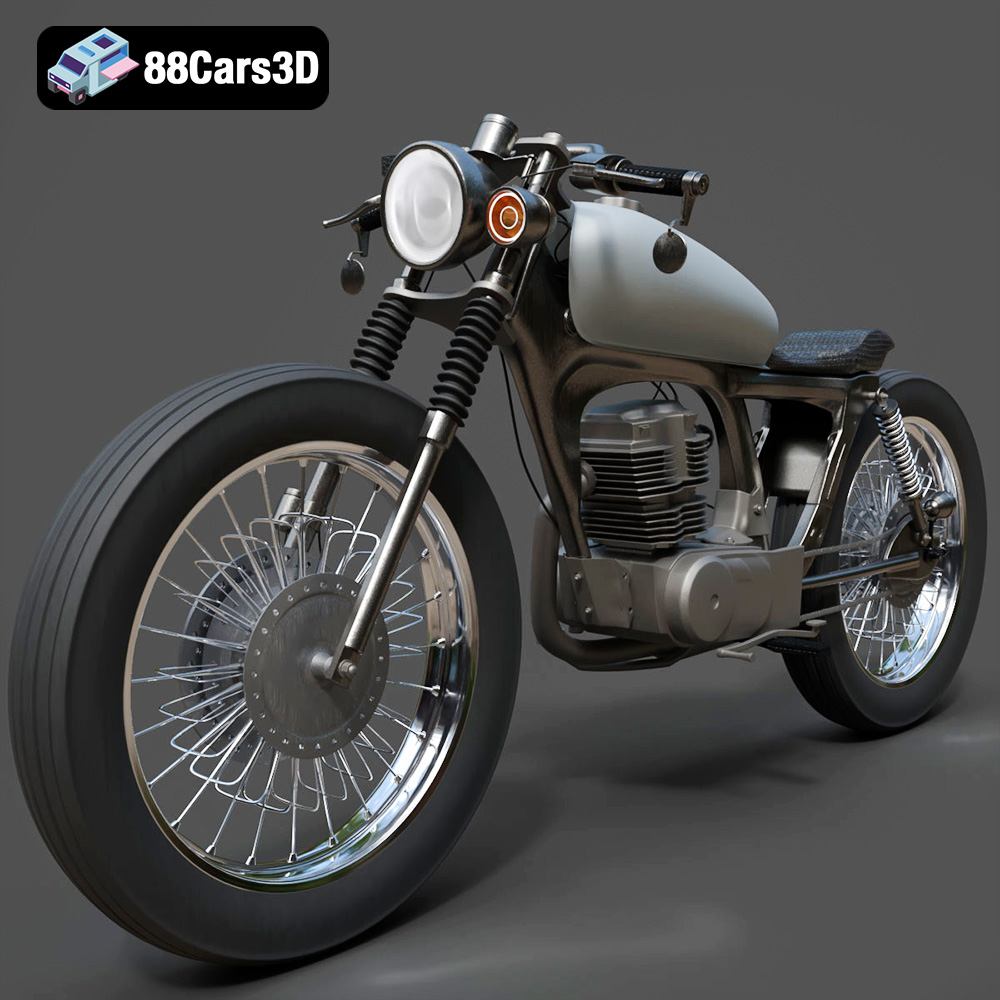
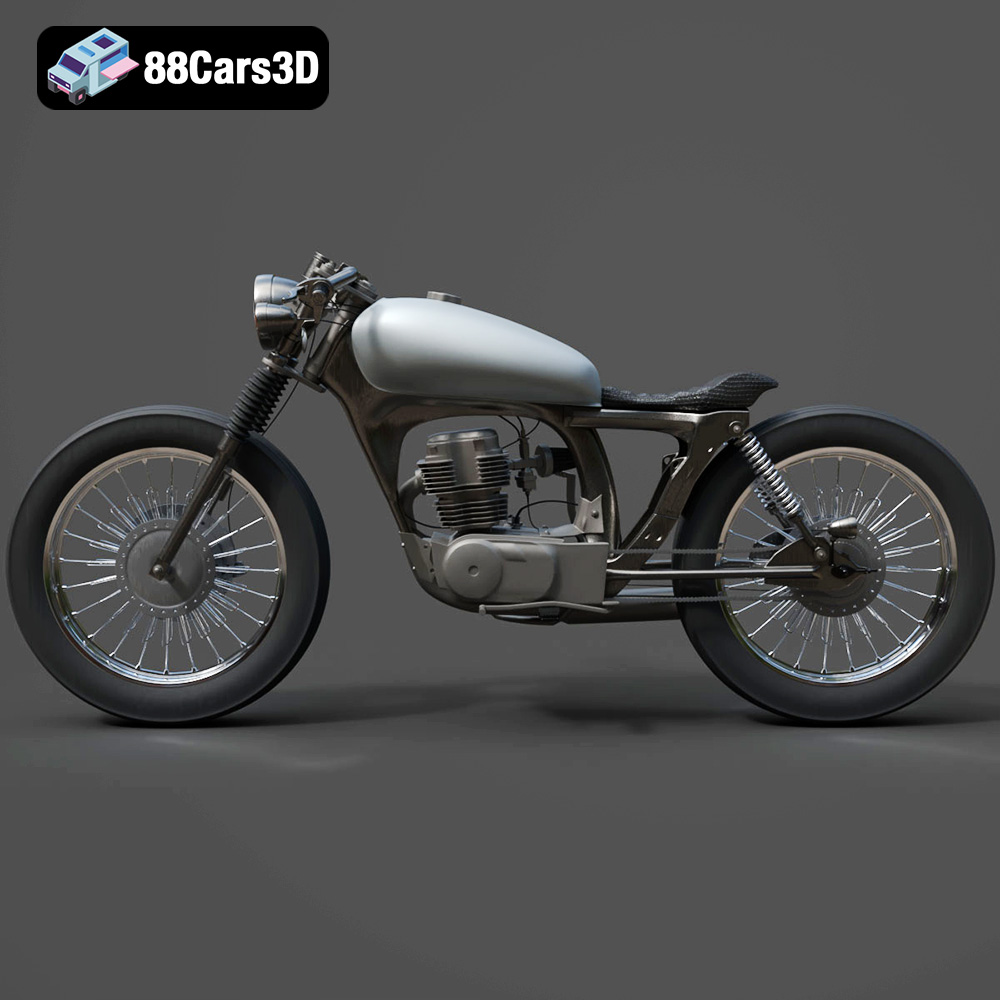
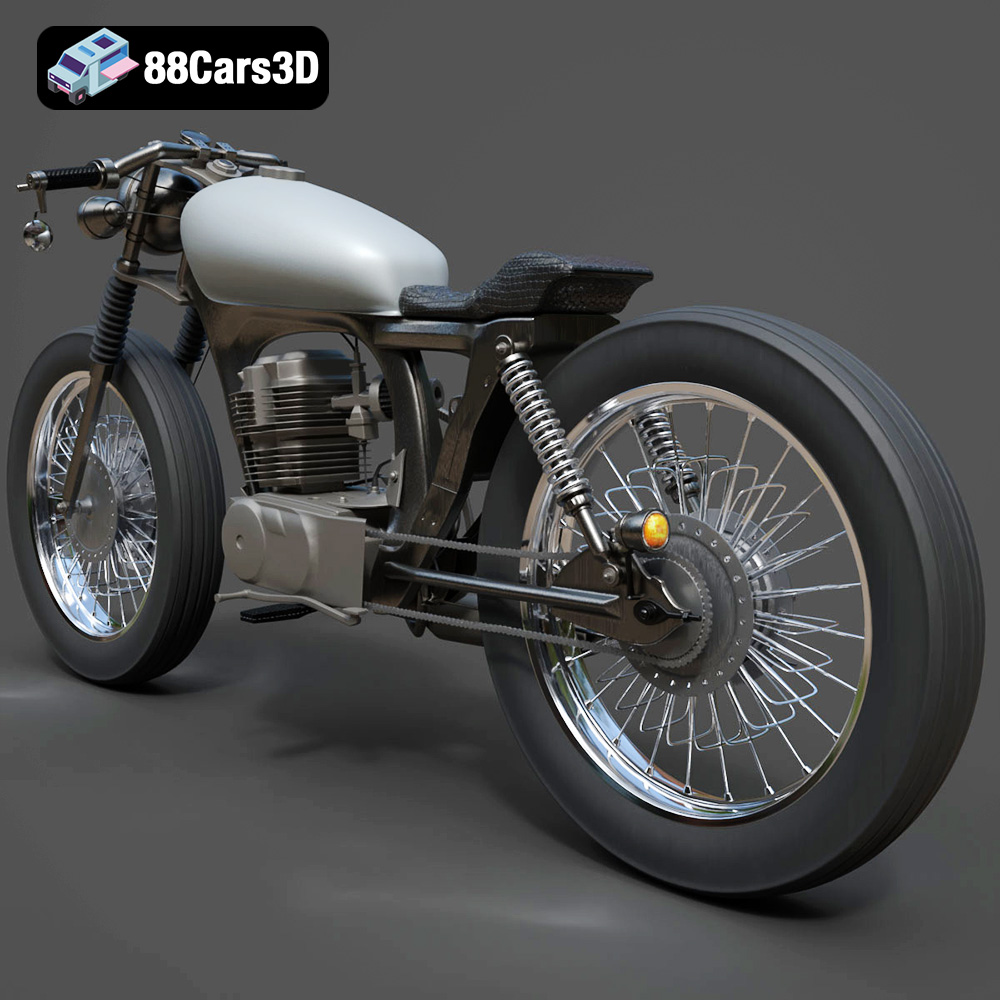
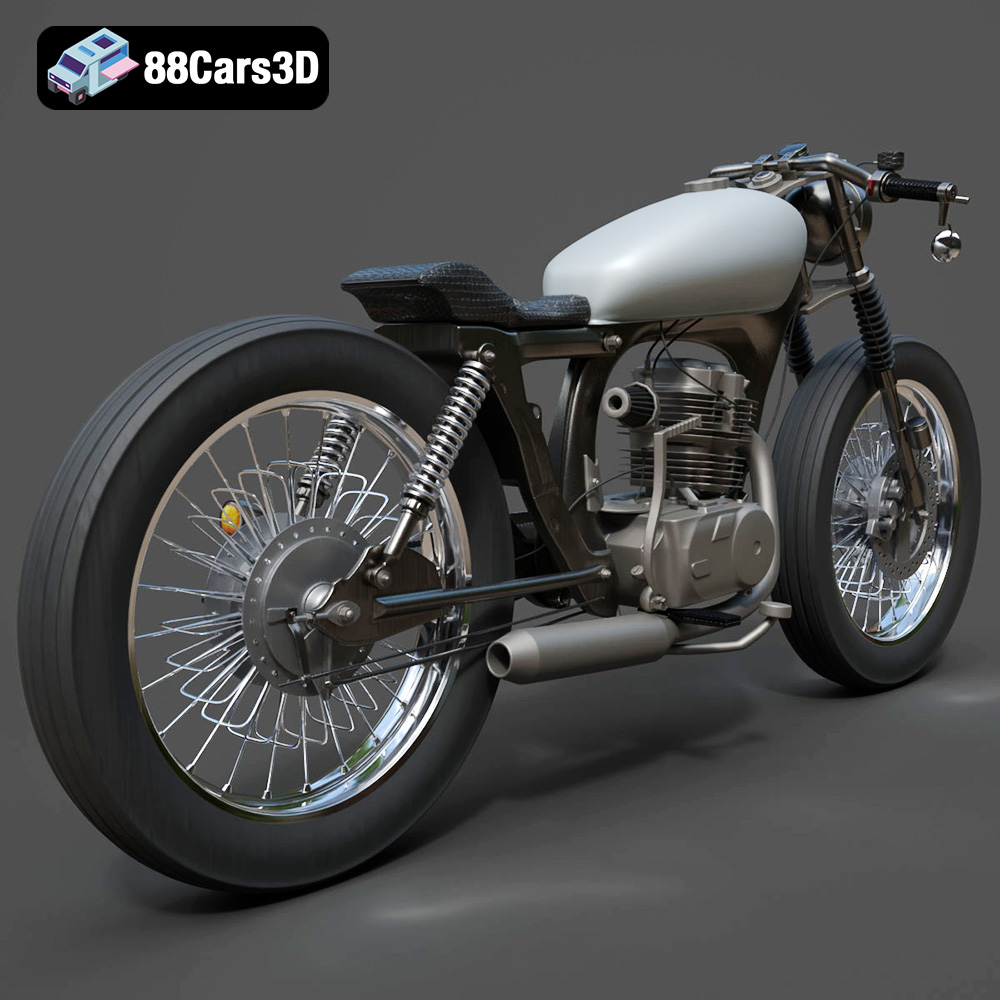
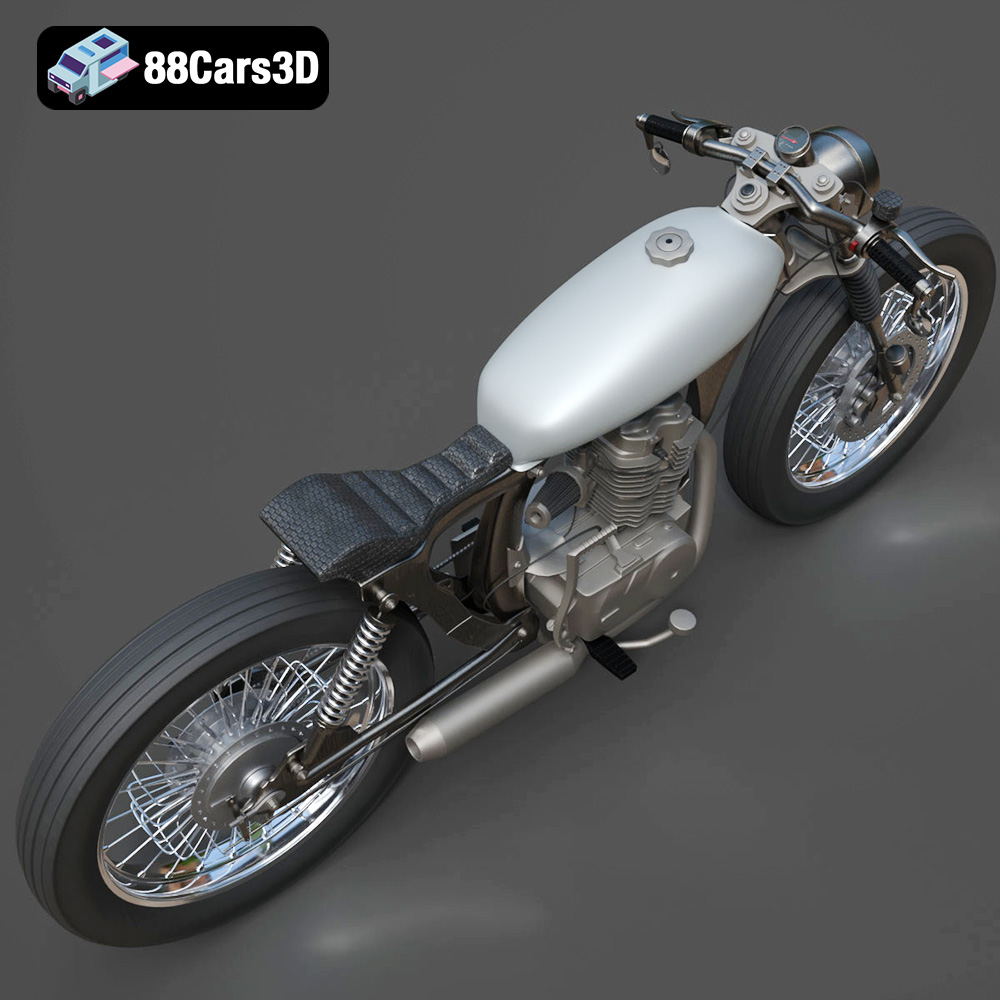
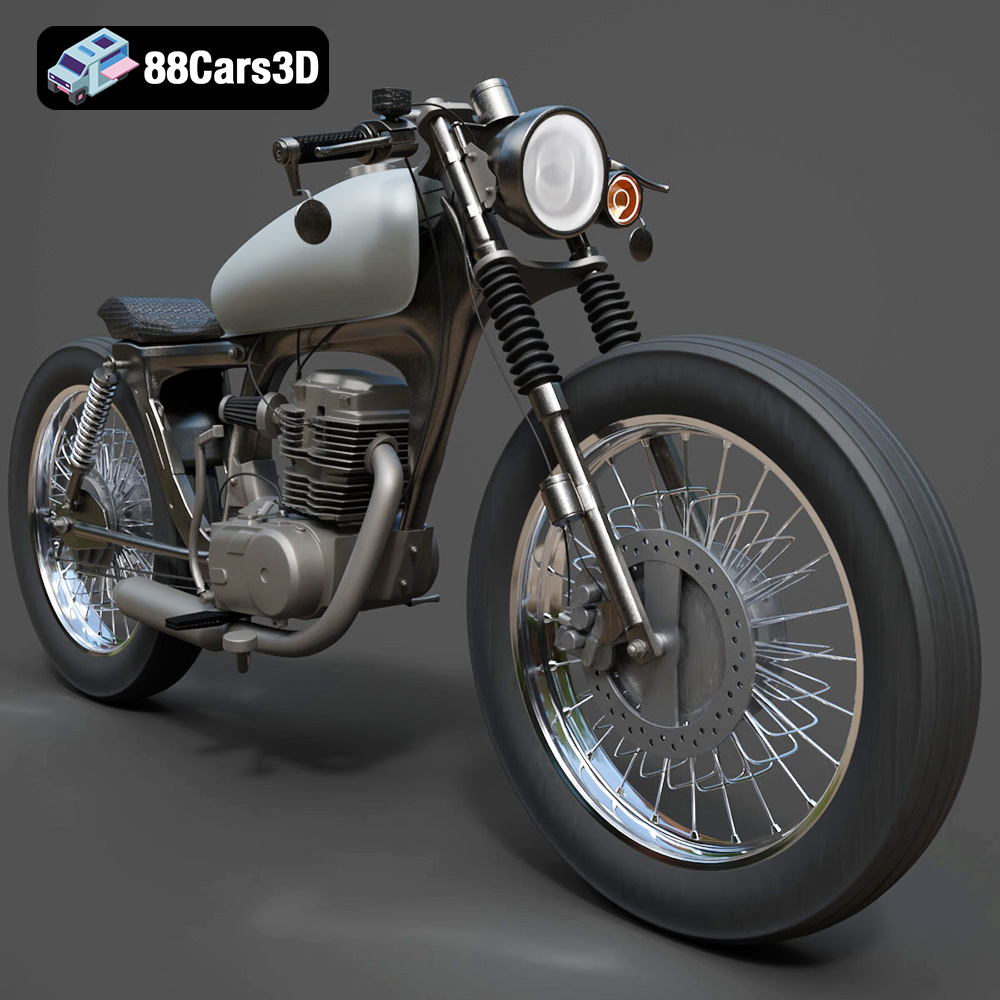
The Honda CG125 is a motorcycle legend, known for its reliability and simplicity. Now, thanks to 88cars3d.com, you can bring this iconic machine to life in your own home with a 3D printer. This blog post will guide you through the entire process of 3D printing the Honda CG125 Motorcycle 3D Model, from choosing the right materials and settings to post-processing techniques that will make your finished model stand out. Whether you’re a seasoned 3D printing enthusiast or just starting out, this comprehensive guide will equip you with the knowledge you need to successfully create a stunning 3D printed replica.
Before diving into the specifics of printing the Honda CG125, it’s crucial to understand the different 3D model file formats and how they impact the 3D printing process. Several formats are commonly used, but not all are equally suitable for additive manufacturing. Knowing the strengths and weaknesses of each format will help you choose the right one for your needs and ensure a successful print.
The STL (Stereolithography) format is the workhorse of 3D printing. It represents the surface geometry of a 3D object as a collection of triangles. This simplicity makes it universally compatible with almost all 3D printers and slicing software. However, the STL format only stores information about the shape of the object; it doesn’t contain any data about color, texture, or materials.
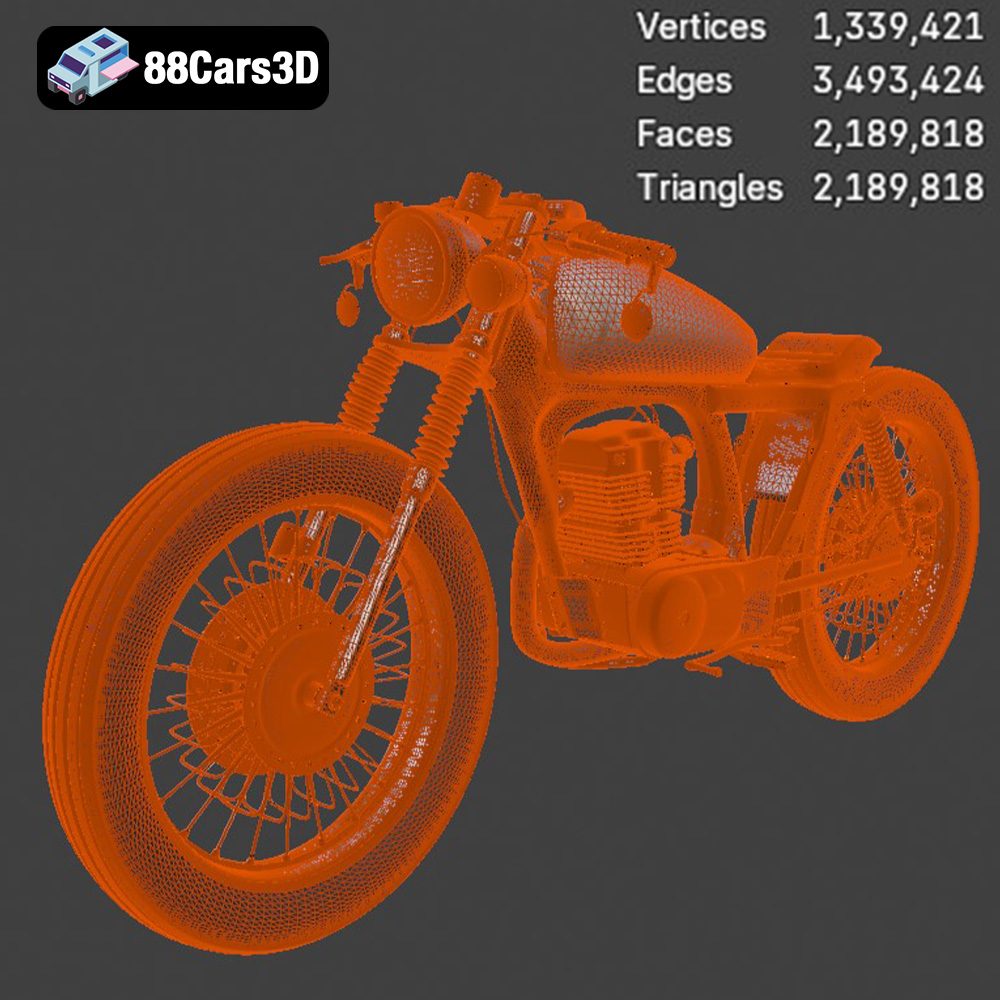
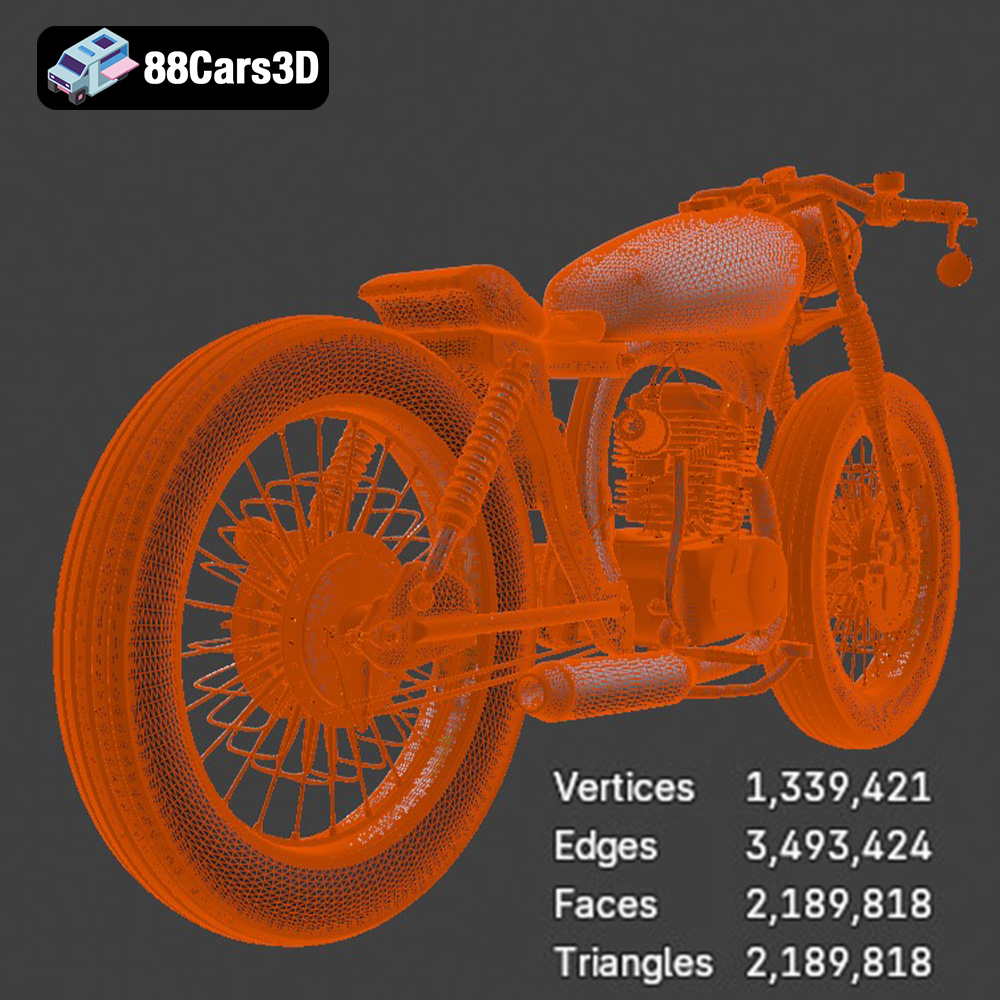
When working with STL files, mesh quality is paramount. A poorly generated STL can have gaps, overlaps, or non-manifold edges, which will cause errors during slicing and printing. Most 3D modeling software allows you to control the mesh density when exporting to STL. A higher mesh density results in a smoother surface but also increases file size and processing time. Finding the right balance between detail and efficiency is key. If the model has very fine details like small curves or text, increase the mesh density. But for flat or slightly curved surfaces, a lower density should be sufficient. You can also use mesh repair tools in software like MeshMixer or Netfabb to fix any issues before slicing. Always inspect the STL file in your slicer’s preview mode to ensure there are no visible errors. For the Honda CG125, paying attention to the details of the engine, exhaust, and frame is especially important when preparing the STL file.
OBJ (or .OBJ) files, unlike STLs, can store color and texture information. This makes them suitable for 3D printing with multi-material printers or for applying textures in post-processing. However, OBJ files can be more complex to handle than STLs, and not all slicing software fully supports the material and texture data. If you plan on printing the Honda CG125 in multiple colors or applying intricate textures after printing, OBJ could be a good choice.
PLY (Polygon File Format or Stanford Triangle Format) is designed to store 3D data acquired from 3D scanners. It supports color, texture, and other properties, making it suitable for high-detail prints. However, PLY files are less commonly used in 3D printing compared to STL and OBJ, and compatibility with slicing software may be limited.
.BLEND files are the native format for Blender, a free and powerful 3D modeling software. If you have access to the .blend file of the Honda CG125 Motorcycle 3D Model, you can modify the model before exporting it to a 3D printable format like STL. This allows for complete customization, such as adding details, changing the design, or splitting the model into smaller parts for easier printing.
FBX (Filmbox) is a proprietary file format developed by Autodesk. While primarily used for animation and game development, FBX files can sometimes be imported directly into slicing software, potentially preserving material information. However, compatibility can vary, and it’s often necessary to convert FBX to STL or OBJ for reliable 3D printing.
GLB is a binary file format representing 3D models, primarily used for web and augmented reality applications. While GLB is excellent for visualizing the Honda CG125 Motorcycle 3D Model in AR before printing to check scale and appearance, it is not directly used for the slicing process. GLB files are typically converted to STL for 3D printing.
.MAX files are the native format for 3ds Max, another professional 3D modeling software package. Similar to Blender’s .blend files, the .max file of the Honda CG125 offers the highest level of customization. You can modify the model’s geometry, materials, and even create custom animations before exporting to a printable format. However, you would need a 3ds Max license to open and edit this file type.
For 3D printing the Honda CG125 Motorcycle 3D Model, the STL format is the recommended choice due to its widespread compatibility, simplicity, and suitability for representing the model’s geometry. Before printing, ensure that the STL file is properly prepared and free of errors to achieve the best possible results.
The success of your 3D printed Honda CG125 depends heavily on the chosen 3D printing technology and material. Fused Deposition Modeling (FDM) and Stereolithography (SLA) are the two most common technologies for hobbyists and enthusiasts. Each has its pros and cons when it comes to printing detailed models like this.
FDM printers work by extruding molten plastic layer by layer. They are generally more affordable and easier to maintain than SLA printers. Common materials for FDM printing include PLA, PETG, and ABS.
* **PLA:** PLA is a biodegradable thermoplastic derived from renewable resources. It’s easy to print, has low warping, and is a great choice for beginners. It’s suitable for the Honda CG125 if you’re not planning on using it in high-temperature environments. Consider PLA for printing larger parts of the motorcycle.
* **PETG:** PETG is a more durable and heat-resistant option than PLA. It offers good layer adhesion and is less prone to warping than ABS. If you need a more robust print or plan to use the model in an environment where it might be exposed to higher temperatures, PETG is a good choice.
* **ABS:** ABS is known for its strength and heat resistance. However, it’s more difficult to print than PLA and PETG, as it’s prone to warping and requires a heated bed and enclosure. ABS might be considered for parts that need to withstand stress, but for the Honda CG125, PETG is typically sufficient.
SLA printers use a laser or projector to cure liquid resin layer by layer. They are capable of producing highly detailed prints with smooth surfaces. However, resin printers can be more expensive than FDM printers, and the resin materials can be more brittle and require careful handling.
* **Standard Resin:** Standard resin is a good choice for general-purpose printing. It offers high detail and a smooth surface finish. This is an excellent choice for the smaller, more intricate parts of the Honda CG125 model where fine details are important, such as the engine components or the headlight.
* **Tough Resin:** Tough resin is formulated to be more durable and impact-resistant than standard resin. If you need a stronger print, consider using tough resin.
* **Flexible Resin:** Flexible resin can be used to create parts that are pliable and bendable. This could be useful for printing tires or other rubber-like components of the Honda CG125.
For the Honda CG125 Motorcycle 3D Model, consider using a combination of FDM and SLA printing. Print larger, less detailed parts like the frame and body panels with FDM (PLA or PETG). Print smaller, more intricate parts like the engine, exhaust, and instruments with SLA (standard or tough resin). This approach allows you to leverage the strengths of both technologies.
Before you hit the print button, you need to prepare the 3D model using slicing software. This software converts the 3D model into a series of instructions that your 3D printer can understand. Popular slicing software options include Cura, Simplify3D, and PrusaSlicer.
The orientation of the model on the print bed is crucial for print quality and support structure requirements. Experiment with different orientations in your slicing software to minimize the need for supports, especially in areas where they might be difficult to remove. Orienting the Honda CG125 frame at an angle can reduce the amount of support needed.
Support structures are necessary to support overhanging features during printing. Choose support settings carefully to balance support strength and ease of removal. Consider using tree supports, which are more efficient and easier to remove than traditional linear supports. In areas where surface finish is critical, use support interface layers to improve the surface quality where supports are attached. For the Honda CG125, pay close attention to areas like the handlebars, seat, and any overhanging engine components.
* **Layer Height:** A layer height of 0.1-0.2mm is a good starting point for FDM printing. Lower layer heights result in smoother surfaces but increase print time.
* **Infill Density:** An infill density of 15-25% is typically sufficient for structural parts. Increase infill density for parts that need to withstand more stress. Experiment with infill patterns like gyroid or cubic for a good balance of strength and print time.
* **Print Speed:** A print speed of 40-60mm/s is a good starting point. Reduce print speed for intricate details or overhangs.
* **Temperature:** Follow the material manufacturer’s recommendations for nozzle and bed temperature.
* **Layer Height:** A layer height of 0.025-0.05mm is common for SLA printing. Lower layer heights result in finer details but increase print time.
* **Exposure Time:** Optimize the exposure time for your resin to ensure proper curing. Follow the resin manufacturer’s recommendations and perform test prints to fine-tune the settings.
* **Support Density and Thickness:** Adjust support settings to provide adequate support without making them too difficult to remove.
* **Hollowing:** For larger parts, consider hollowing the model to reduce resin consumption and print time. Add drain holes to allow resin to escape during printing.
Choosing the right material is critical for a successful print. For the Honda CG125, different materials may be suitable for different parts, as discussed earlier.
* **Frame and Body Panels (FDM):** PLA or PETG. Estimated print time: 10-20 hours depending on size and infill. Material cost: $5-10.
* **Engine and Detailed Parts (SLA):** Standard or tough resin. Estimated print time: 5-10 hours. Material cost: $10-20.
These are just estimates. Actual print times and material costs will vary depending on your printer, settings, and the size of the model.
Once the printing is complete, post-processing is essential to achieve a professional-looking finish.
Carefully remove support structures using pliers, cutters, or a sharp knife. Be gentle to avoid damaging the model. Sand the surface with progressively finer grits of sandpaper to remove layer lines and smooth out imperfections. Start with a coarse grit (e.g., 220) and work your way up to a fine grit (e.g., 400 or 600).
Apply a primer to the model to create a smooth, even surface for painting. Choose a primer that is compatible with your chosen paint. Apply thin, even coats of paint, allowing each coat to dry completely before applying the next. Consider using an airbrush for a professional finish. For the Honda CG125, you’ll likely want to use different colors for the frame, body panels, engine, and other components. Research the original color schemes of the CG125 for an authentic look.
If you printed the Honda CG125 in multiple parts, assemble them using glue or screws. Ensure a precise fit and alignment before applying glue. Consider using clamps to hold the parts together while the glue dries.
Even with careful preparation, you may encounter some issues during the printing process. Here are some common problems and solutions:
* **Warping (FDM):** Ensure your bed is properly leveled and heated. Use a brim or raft to improve adhesion.
* **Poor Layer Adhesion (FDM):** Increase nozzle temperature or reduce print speed. Ensure proper bed adhesion.
* **Support Failure (FDM/SLA):** Increase support density or thickness. Adjust support placement to provide adequate support.
* **Resin Curing Issues (SLA):** Optimize exposure time. Ensure proper ventilation and temperature.
* **Brittle Parts (SLA):** Consider using tough resin or adjusting printing settings to improve part strength.
By addressing these common issues, you can overcome challenges and achieve a successful print of the Honda CG125 Motorcycle 3D Model. 88cars3d.com offers many other incredible models as well.
Immerse yourself in the intricate details of the Honda CG125 Motorcycle 3D Model, a faithful recreation of this iconic commuter bike. This model has been crafted to provide a high degree of realism, making it suitable for a wide array of applications. Every component, from the engine to the frame, has been meticulously modeled to ensure accuracy and visual fidelity.
$19.99
.arvr
.bike3dmodel
.blend
.cg125
.cg125motorcycle
.commuterbike
.fbx
.gameasset
.glb
.honda
.max
.motorcycle
.obj
.ply
.rendering
.simulation
.stl
.unreal