Get 50% OFF All Premium 3D & STL Models!

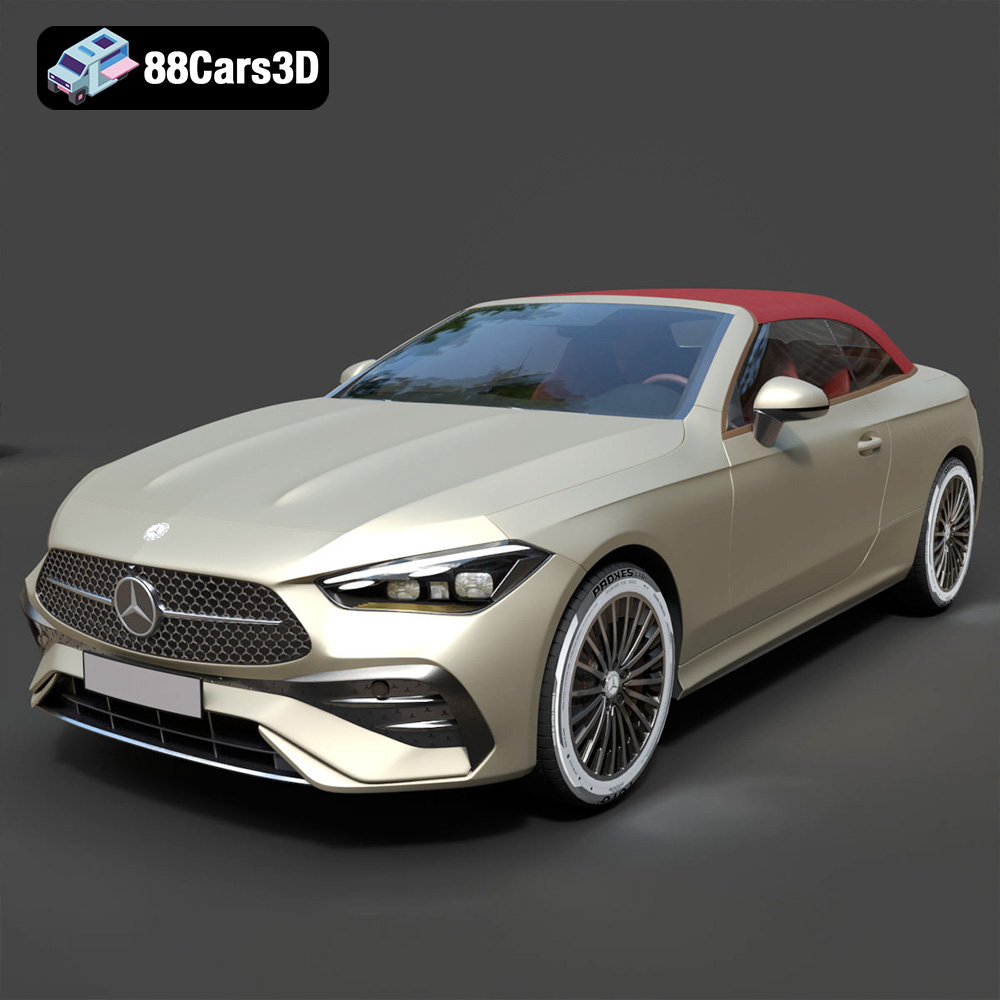
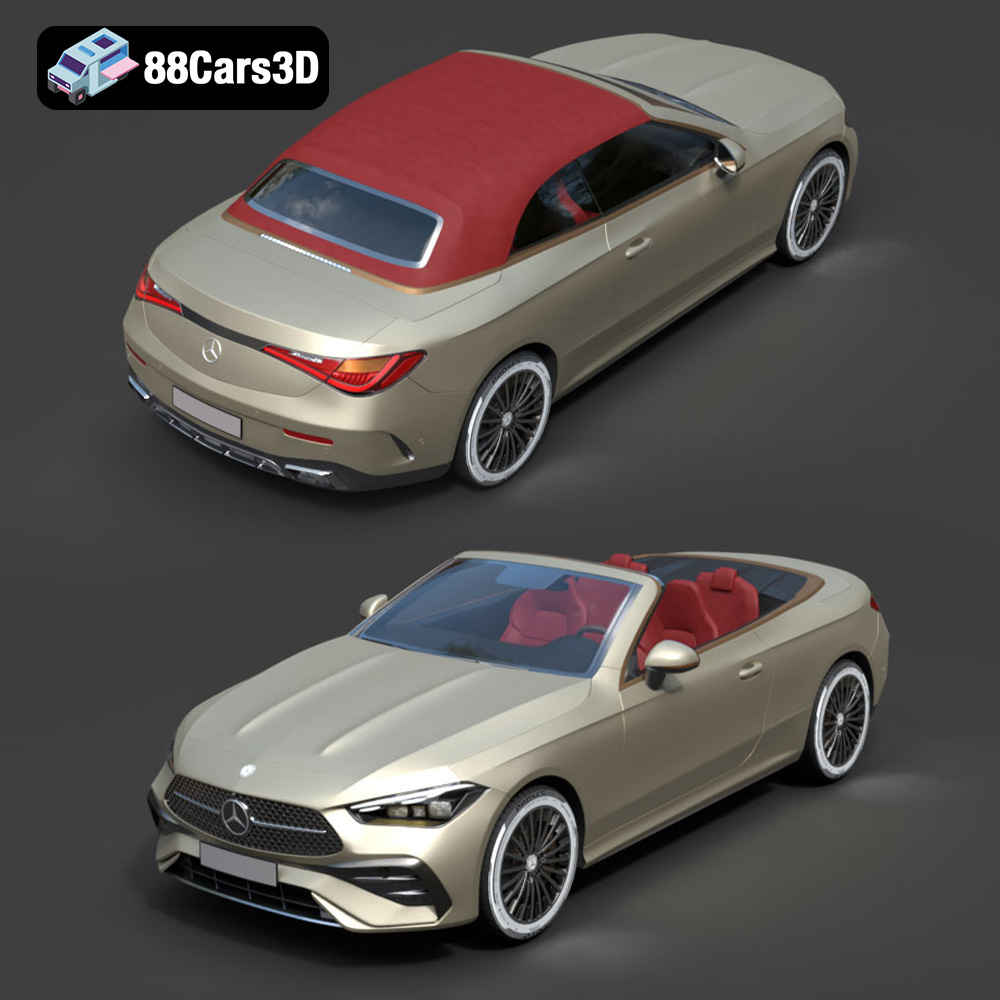
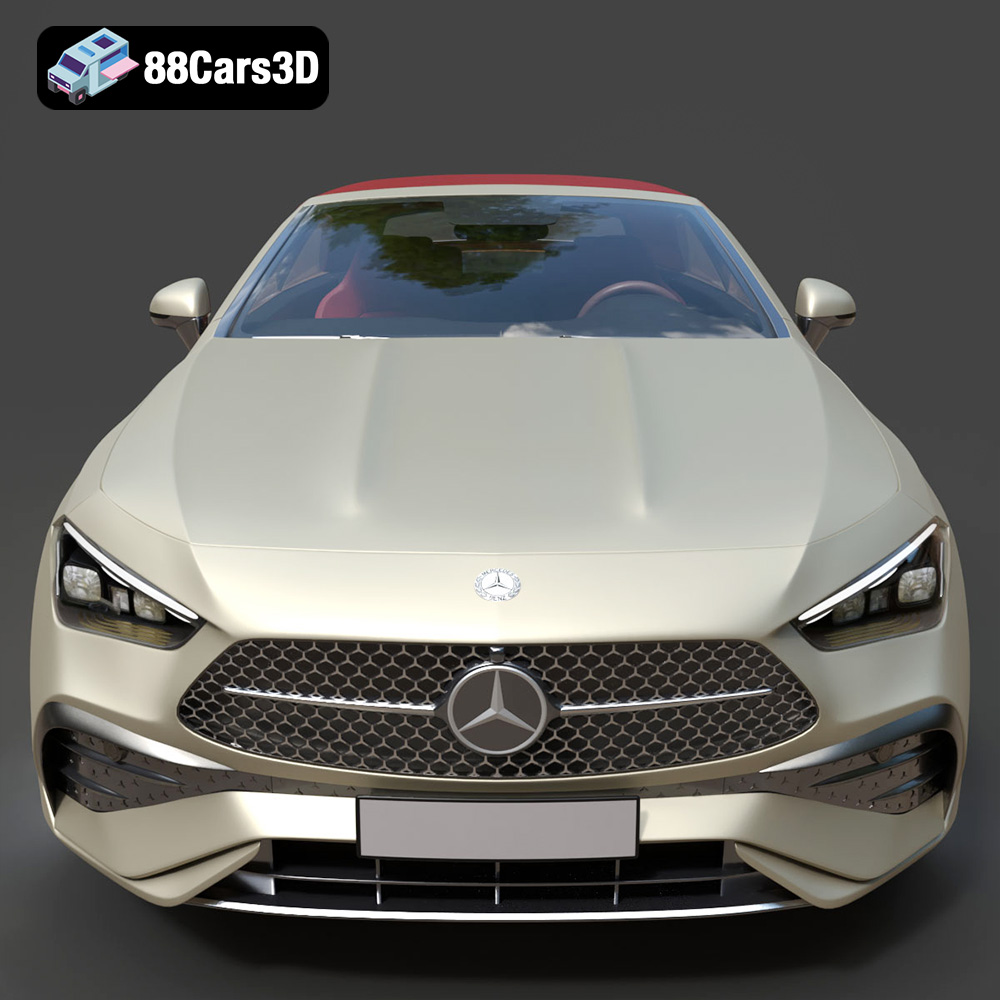
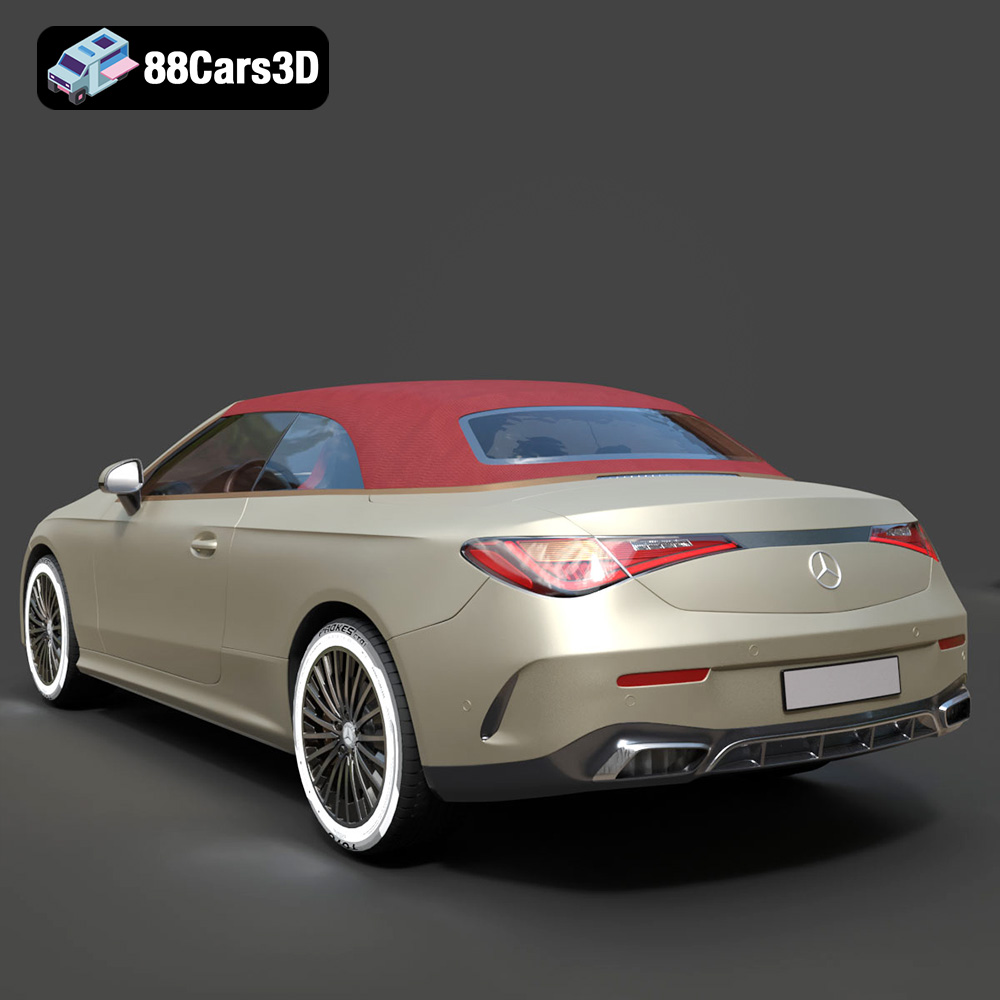
The Mercedes-Benz CLE Cabriolet is a stunning vehicle, and now you can bring a piece of that luxury to your desk with a 3D printed model. The ultra-high-poly 3D model available at 88cars3d.com offers incredible detail, making it a rewarding but challenging project for 3D printing enthusiasts. This comprehensive guide will walk you through the process, from selecting the right materials and settings to post-processing and finishing touches, ensuring you achieve a truly impressive result.
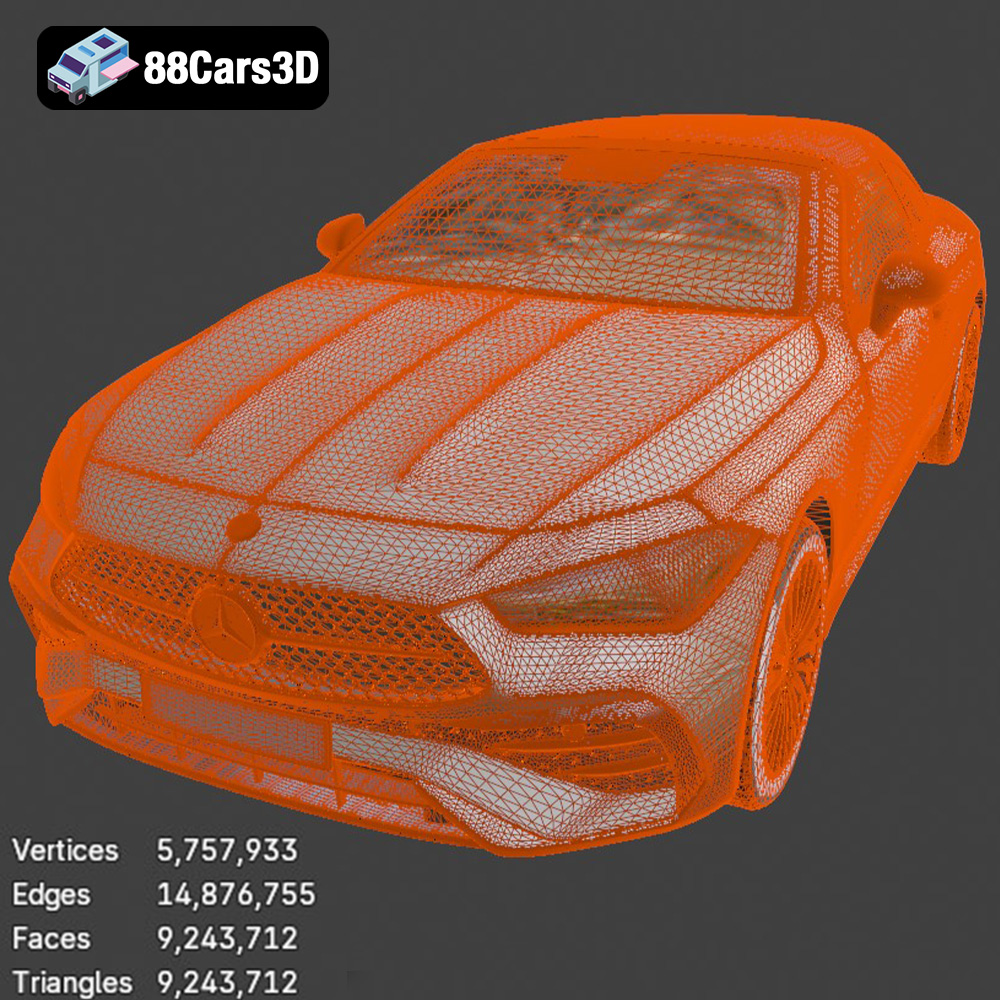
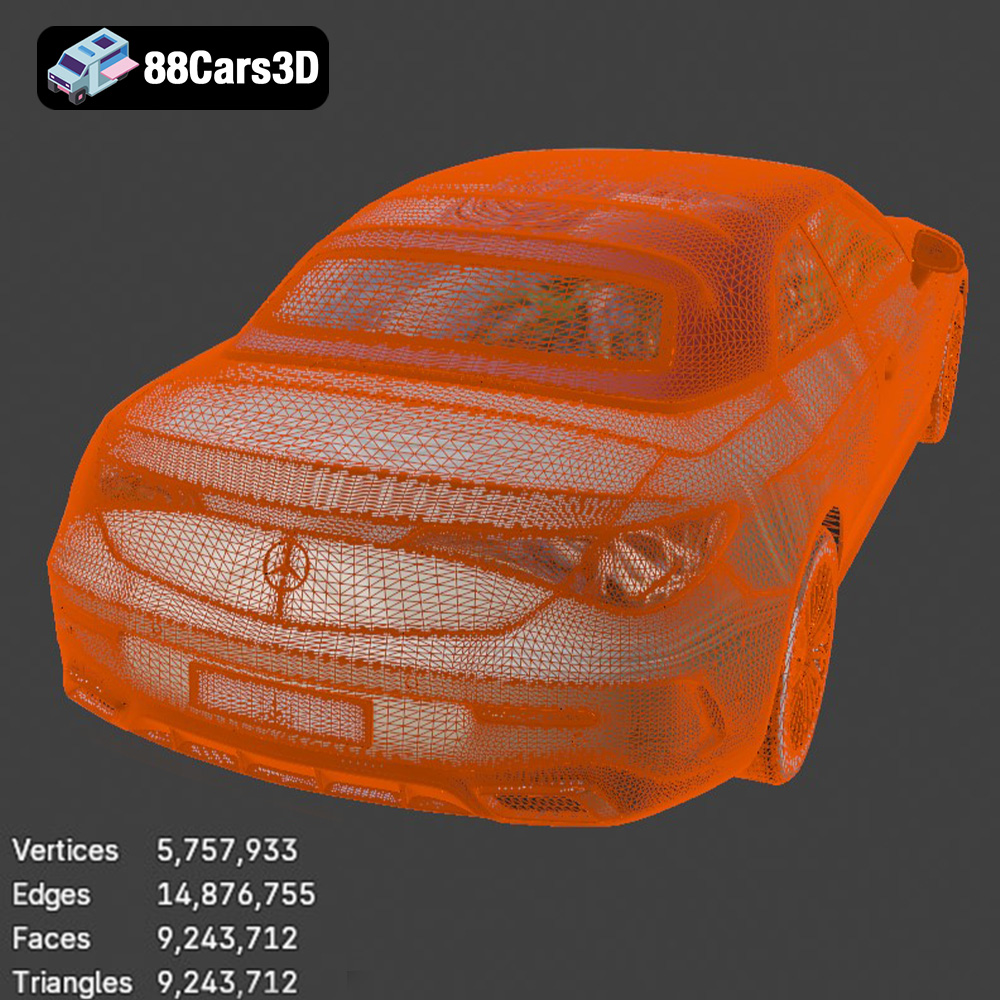
The 3D model of the Mercedes-Benz CLE Cabriolet boasts an impressive 9.24 million triangles. This level of detail, while fantastic for rendering, presents unique challenges for 3D printing. High polygon counts translate to intricate surfaces and fine details that require careful consideration when setting up your print. Successfully printing this model hinges on understanding its limitations and optimizing your workflow accordingly. Due to the intricate details and high polygon count, resin printing is the generally recommended approach. FDM printing can be done, but will require significant effort in printer calibration and post-processing.
Before diving in, thoroughly examine the model in your slicing software. Pay close attention to overhangs, thin walls, and areas that might require extensive support structures. The detailed interior, especially the MBUX infotainment system and AIRSCARF seats, will demand precise printing and support removal. Identify potential weak points and plan your printing strategy accordingly.
While the model is designed for larger scales like 1:18, 1:12, or even 1:8, smaller scales might be tempting for faster prints. However, reducing the scale significantly can compromise the finer details and make successful printing much harder. If you choose to scale down, be prepared for potential challenges with thin features and intricate supports.
Choosing the right file format is a crucial first step in your 3D printing journey. While several formats are available, some are better suited for specific tasks and printers. Understanding the nuances of each format ensures a smoother workflow and optimal print quality. Let’s explore some of the most common file formats:
The STL (Stereolithography) format is the undisputed industry standard for 3D printing. It represents the 3D model’s surface geometry using a mesh of triangles. This simplicity makes it universally compatible with virtually all slicing software and 3D printers. However, STL files only store the mesh data, meaning they don’t contain information about color, texture, or materials. For the Mercedes-Benz CLE Cabriolet model, the STL file provides a solid foundation for 3D printing, capturing the car’s shape and details. When working with STL files, pay close attention to the mesh quality. A poorly optimized mesh with overlapping or inverted triangles can lead to printing errors. Use mesh repair tools in your slicing software or dedicated programs like MeshMixer to fix any issues before printing. For a model with such fine detail as this one, ensure the STL export settings are set to the highest resolution possible to maintain the accuracy of the design. Because the CLE Cabriolet is so detailed, exporting the STL with low resolution settings will result in a significant loss of detail.
The OBJ (Object) format is another popular option, offering broader capabilities than STL. Unlike STL, OBJ files can store color and texture information, making them suitable for colored 3D prints or models that incorporate surface details. However, this added complexity can sometimes lead to compatibility issues with certain slicing software or printers.
The PLY (Polygon File Format) is designed for storing 3D data acquired from 3D scanners. It supports a wide range of data types, including color, texture, and normals, allowing for highly accurate representations of scanned objects. While PLY files can be used for 3D printing, they are less common than STL or OBJ, and compatibility may be limited.
The .blend file format is the native format for Blender, a popular open-source 3D modeling software. It stores the entire Blender scene, including the model’s geometry, materials, textures, and animation data. While .blend files cannot be directly used for 3D printing, they provide a valuable resource for customizing the model before exporting it to a printable format like STL.
The FBX (Filmbox) format is widely used for exchanging 3D data between different software applications. It supports a variety of data types, including geometry, materials, textures, and animations. When importing an FBX file into your slicing software, you may be able to preserve some of the material information, allowing for more realistic previews of the final print.
The GLB (GL Transmission Format Binary) is designed for efficient delivery and loading of 3D models in web and mobile applications. It’s particularly well-suited for Augmented Reality (AR) applications, allowing users to preview the model in their real-world environment before printing. While GLB files are not directly used for 3D printing, they can provide a valuable way to visualize the model and ensure it meets your expectations.
Similar to .blend, the .max file format is the native format for 3ds Max, another professional 3D modeling software. It stores the entire 3ds Max project, allowing for extensive customization and modification of the model before exporting it to a printable format.
For 3D printing the Mercedes-Benz CLE Cabriolet model, the STL format is the most practical choice. Its universal compatibility ensures a seamless workflow with your slicing software and printer. While other formats like OBJ and FBX may offer additional features, they are not essential for achieving a high-quality 3D print of this model. Focus on optimizing the STL file’s mesh quality to ensure accurate and detailed results. Remember to double check the STL files for any errors, such as non-manifold geometry or inverted normals, before starting the printing process. These errors can lead to failed prints or imperfections in the final product.
The choice of material significantly impacts the final appearance, strength, and detail of your 3D printed Mercedes-Benz CLE Cabriolet. For this model, given its intricate details, resin printing is the preferred option, but FDM printing is also possible with the right settings and post-processing.
Resin printers excel at capturing fine details, making them ideal for this project. They use liquid photopolymer resin that is cured by UV light, resulting in smooth surfaces and high precision.
* **Recommended Resins:** Standard resin is a good starting point for its affordability and ease of use. However, consider using a high-detail resin or a resin blended with flexible additives for improved impact resistance and reduced brittleness.
* **Color Considerations:** Choose a resin color that complements your desired paint finish. Grey or white resins are excellent primers for painting.
* **Print Time and Material Cost:** Resin printing can be slower than FDM, especially for larger models. The material cost is generally higher per volume than filament, but the level of detail often justifies the expense.
* **Safety Precautions:** Always wear gloves and eye protection when handling resin, as it can cause skin irritation. Ensure proper ventilation in your printing area.
FDM (Fused Deposition Modeling) printers use thermoplastic filaments that are melted and extruded layer by layer. While FDM printers may not achieve the same level of detail as resin printers, they offer a wider range of material options and can be more cost-effective for larger prints.
* **PLA (Polylactic Acid):** PLA is a biodegradable thermoplastic that is easy to print and offers good strength. It’s a good choice for beginners, but it can be brittle and prone to warping in larger prints.
* **PETG (Polyethylene Terephthalate Glycol-modified):** PETG is a more durable and flexible alternative to PLA. It offers good layer adhesion and is less prone to warping. PETG is a good choice for parts that require some impact resistance.
* **ABS (Acrylonitrile Butadiene Styrene):** ABS is a strong and heat-resistant thermoplastic commonly used in automotive applications. However, it’s more difficult to print than PLA or PETG, requiring a heated bed and an enclosure to prevent warping.
* **Print Time and Material Cost:** FDM printing is generally faster and more cost-effective than resin printing, especially for larger models.
* **Considerations for the CLE Cabriolet:** If using FDM, orient the parts to minimize the visibility of layer lines. Consider using a smaller nozzle (0.2mm or 0.4mm) for improved detail resolution.
Slicing software converts the 3D model into a set of instructions that your printer can understand. Proper slicing is crucial for achieving a successful print.
Popular slicing software options include:
* **Cura:** A free and user-friendly slicer with a wide range of features.
* **PrusaSlicer:** Another free and open-source slicer known for its advanced features and excellent print quality.
* **Simplify3D:** A paid slicer with advanced customization options and support for multiple printers.
* **Lychee Slicer:** Popular choice for resin printing.
* **Chitubox:** Another popular choice for resin printing.
* **Body Orientation:** For resin printing, consider angling the body to minimize the cross-sectional area of each layer. This reduces the force on the supports and improves print quality. For FDM, orient the body to minimize the visibility of layer lines on the exterior surfaces.
* **Support Placement:** The Mercedes-Benz CLE Cabriolet model will require extensive support structures, especially for the side mirrors, windshield frame, steering column, and wheel spokes. Manually place supports in critical areas to ensure adequate support without damaging the model during removal. Use a support interface layer to improve adhesion and prevent scarring on the printed surface.
* **Layer Height:** For resin printing, use a layer height of 0.04-0.08mm to capture the fine details. For FDM printing, use a layer height of 0.1-0.2mm. Lower layer heights will improve detail but increase print time.
* **Infill:** Use an infill density of 15-25% for the body to provide adequate strength without adding excessive weight. Consider using a higher infill density for parts that require more structural integrity, such as the wheels.
To save resin and reduce print time, consider hollowing out the body of the car. However, ensure that there are adequate drainage holes to allow resin to escape during printing. Place the drainage holes in inconspicuous areas, such as the underside of the model.
Fine-tuning your printer settings is essential for achieving a high-quality 3D print of the Mercedes-Benz CLE Cabriolet.
* **Exposure Time:** Adjust the exposure time based on the resin manufacturer’s recommendations. Overexposure can lead to excessive curing and loss of detail, while underexposure can result in weak prints.
* **Lift Speed:** Optimize the lift speed to minimize the force on the supports and prevent them from breaking.
* **Resin Temperature:** Ensure the resin is at the recommended temperature for optimal curing.
* **Printing Temperature:** Set the printing temperature according to the filament manufacturer’s recommendations.
* **Bed Temperature:** Use a heated bed to improve adhesion and prevent warping.
* **Print Speed:** Reduce the print speed for intricate details and overhangs.
* **Retraction Settings:** Optimize the retraction settings to minimize stringing and improve surface quality.
Post-processing is crucial for achieving a professional-looking finish on your 3D printed Mercedes-Benz CLE Cabriolet.
Carefully remove the support structures using a sharp hobby knife or side cutters. Be patient and avoid applying excessive force, as this can damage the model. Soak the model in warm water to soften the supports and make them easier to remove.
Sand the model to remove any remaining support marks and layer lines. Start with a coarse grit sandpaper (e.g., 220 grit) and gradually move to finer grits (e.g., 400, 600, 800 grit). Use a filler primer to fill in any imperfections or gaps.
Apply a primer coat to the model to provide a smooth and even surface for painting. Use high-quality automotive paints to replicate the authentic Mercedes-Benz finishes, such as MANUFAKTUR Graphite Grey Magno, Alpine Grey, or Spectral Blue. Apply multiple thin coats of paint for the best results. Consider using an airbrush for a more professional finish. Apply a clear coat to protect the paint and add a glossy finish.
Assemble the different parts of the model using glue or screws. Ensure that the parts are properly aligned before attaching them.
Even with careful preparation, you may encounter some challenges during the 3D printing process. Here are some common issues and their solutions:
* **Warping:** Warping is a common issue with FDM printing, especially with larger models. To prevent warping, use a heated bed, an enclosure, and a brim or raft.
* **Stringing:** Stringing is caused by molten filament oozing from the nozzle during travel moves. To reduce stringing, optimize the retraction settings and lower the printing temperature.
* **Layer Delamination:** Layer delamination occurs when the layers of the print separate. To prevent layer delamination, increase the printing temperature, reduce the print speed, and ensure good bed adhesion.
* **Support Failure:** Support failure can occur if the supports are not strong enough or if they are not properly attached to the model. To prevent support failure, increase the support density, use a support interface layer, and ensure that the supports are properly aligned.
* **Resin Curing Issues:** With resin printing, ensure the correct exposure times are set, and that the resin is not expired. Environmental temperature can also play a factor.
The 3D model from 88cars3d.com provides numerous customization options. Experiment with different colors, materials, and finishes to create a truly unique model.
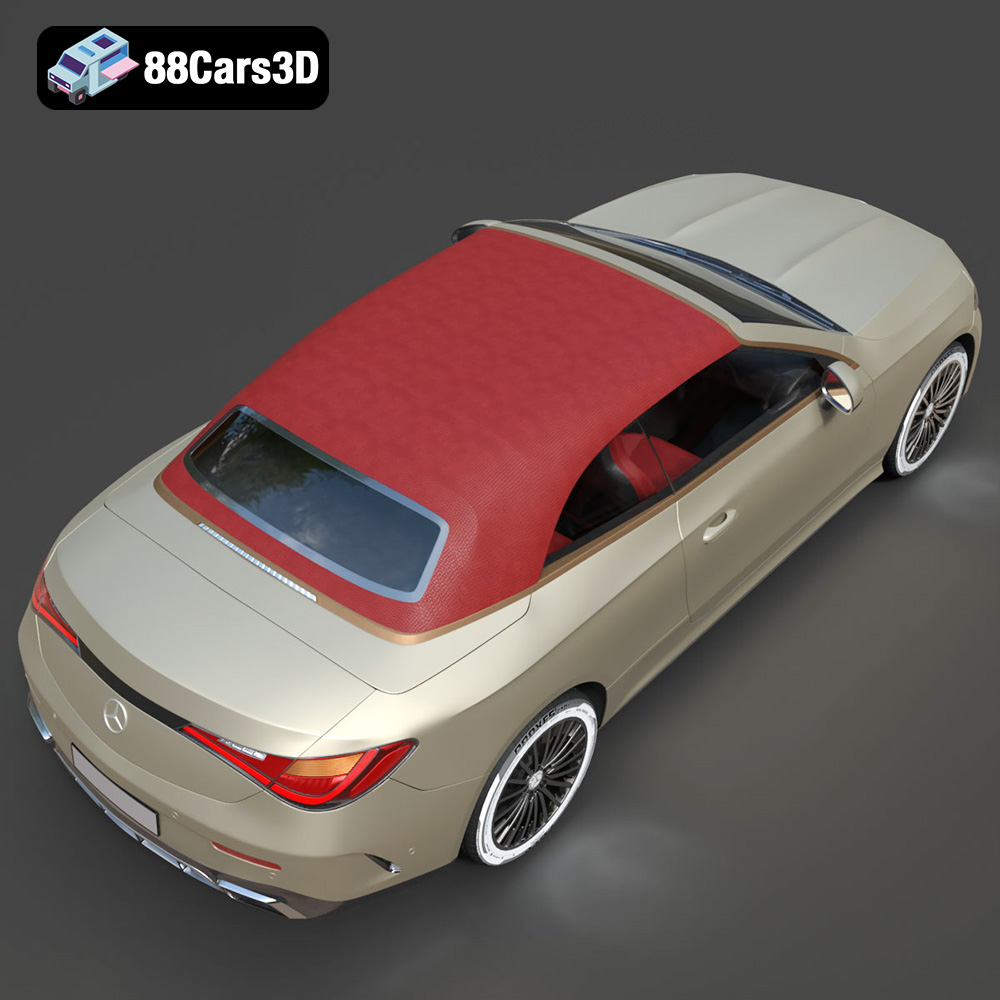
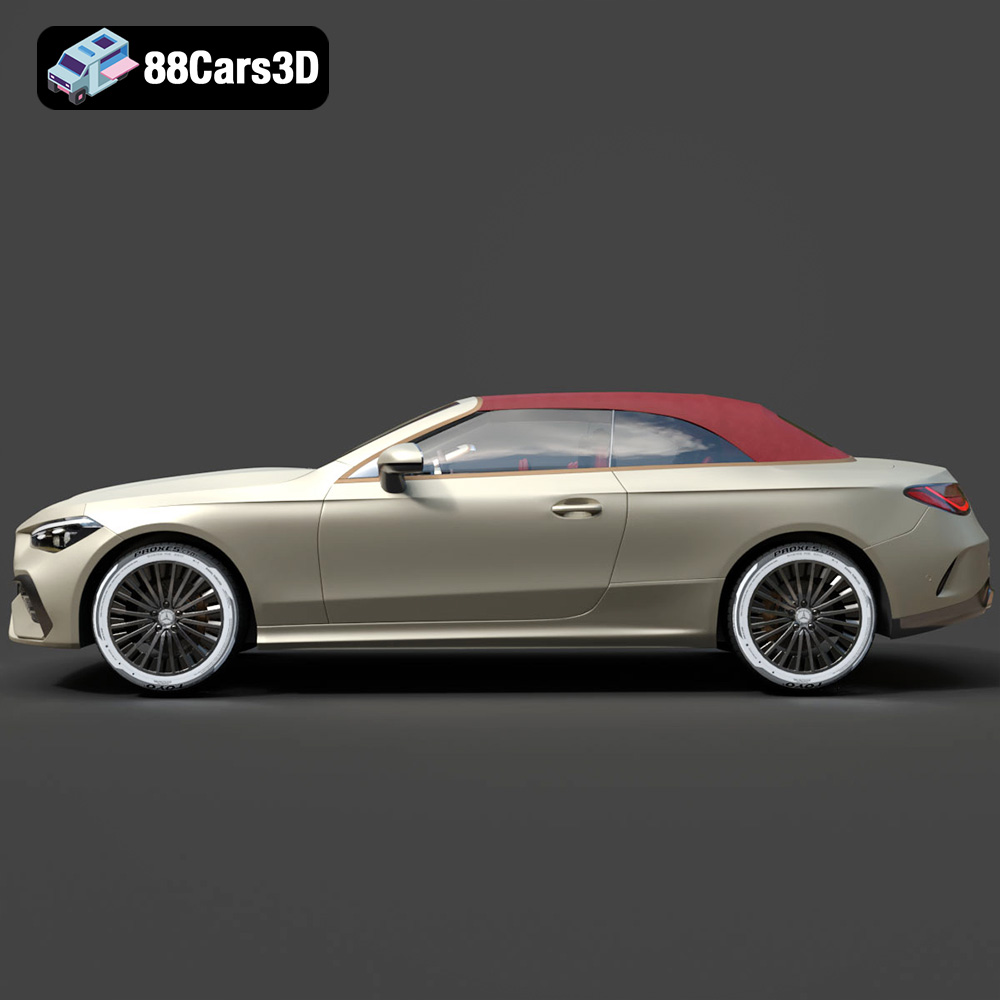
* **Soft Top Configuration:** Print the model with the soft top raised or stowed to showcase the interior.
* **Interior Detailing:** Paint the interior with realistic colors and textures, such as leather or carbon fiber.
* **Ambient Lighting:** Add LED lights to the interior to replicate the ambient lighting effects.
* **Wheels and Tires:** Print different wheel designs and tire treads to customize the look of the car.
3D printing the Mercedes-Benz CLE Cabriolet (2024) model is a rewarding project that combines technical challenges with artistic expression. By carefully selecting your materials, optimizing your printer settings, and mastering post-processing techniques, you can create a stunning replica of this iconic vehicle. Remember to leverage the detailed model available at 88cars3d.com to its full potential, and don’t be afraid to experiment with different customization options to make your model truly unique. Happy printing!
The Mercedes-Benz CLE Cabriolet 3D Model is an uncompromising, ultra-high-detail digital recreation of the brand’s newest luxury open-top cruiser. Engineered to seamlessly replace both the C-Class and E-Class convertibles, the CLE Cabriolet represents a new era of open-air elegance, combining a commanding, athletic stance with sophisticated aerodynamics and uncompromised everyday comfort.
$29.99
.archviz
.automotive
.blend
.cabriolet
.cle
.convertible
.fbx
.mercedes
.obj
.rendering
2024-mercedes
car-3d-model
cle-cabriolet
hero-car
high poly
luxury car
mercedes-benz
vfx