Get 50% OFF All Premium 3D & STL Models!

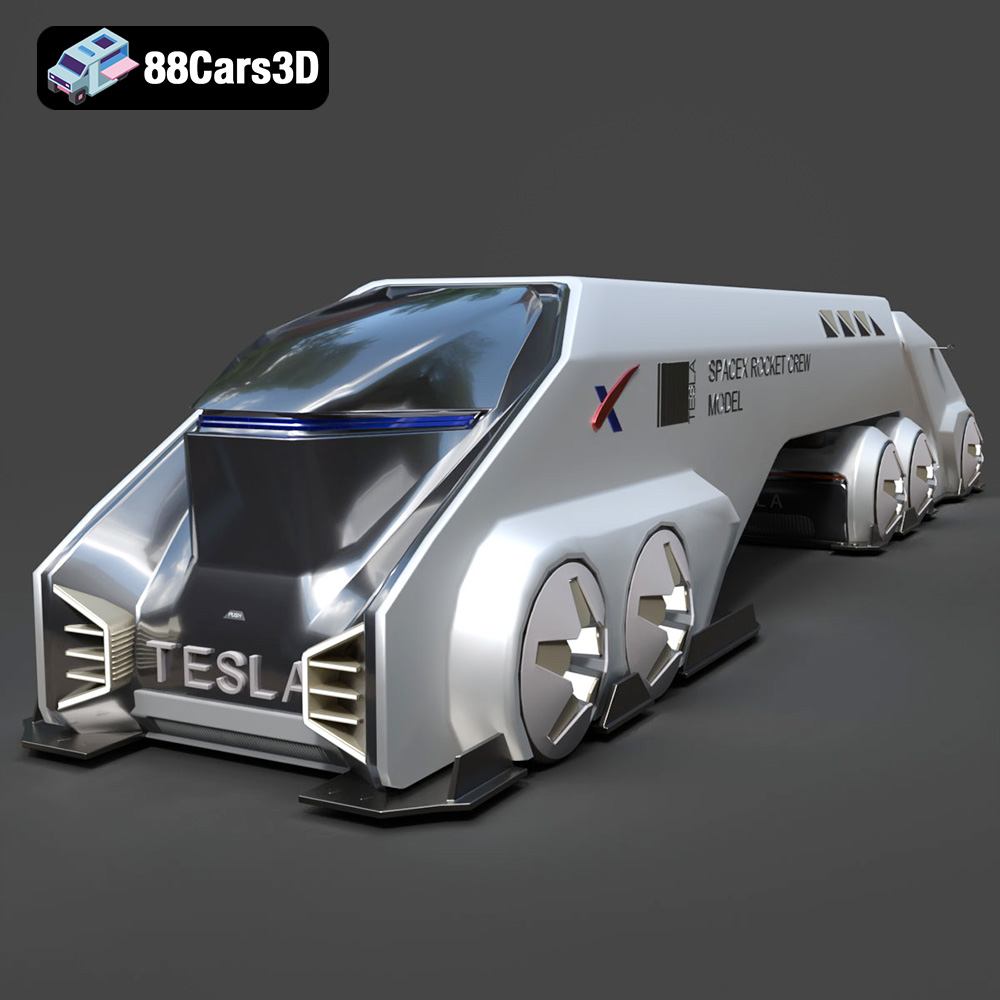
The future is now, and it’s printable! The Tesla Space Rocket-001 3D Model, available at 88cars3d.com, is more than just a digital file; it’s a gateway to bringing a piece of futuristic engineering into your physical world. This blog post will guide you through every step of 3D printing this incredible model, from initial preparation to final finishing touches. Whether you’re a seasoned 3D printing enthusiast or a curious beginner, we’ll cover the necessary techniques and tips to ensure a successful and satisfying build. Get ready to launch your creativity and turn digital dreams into tangible reality!
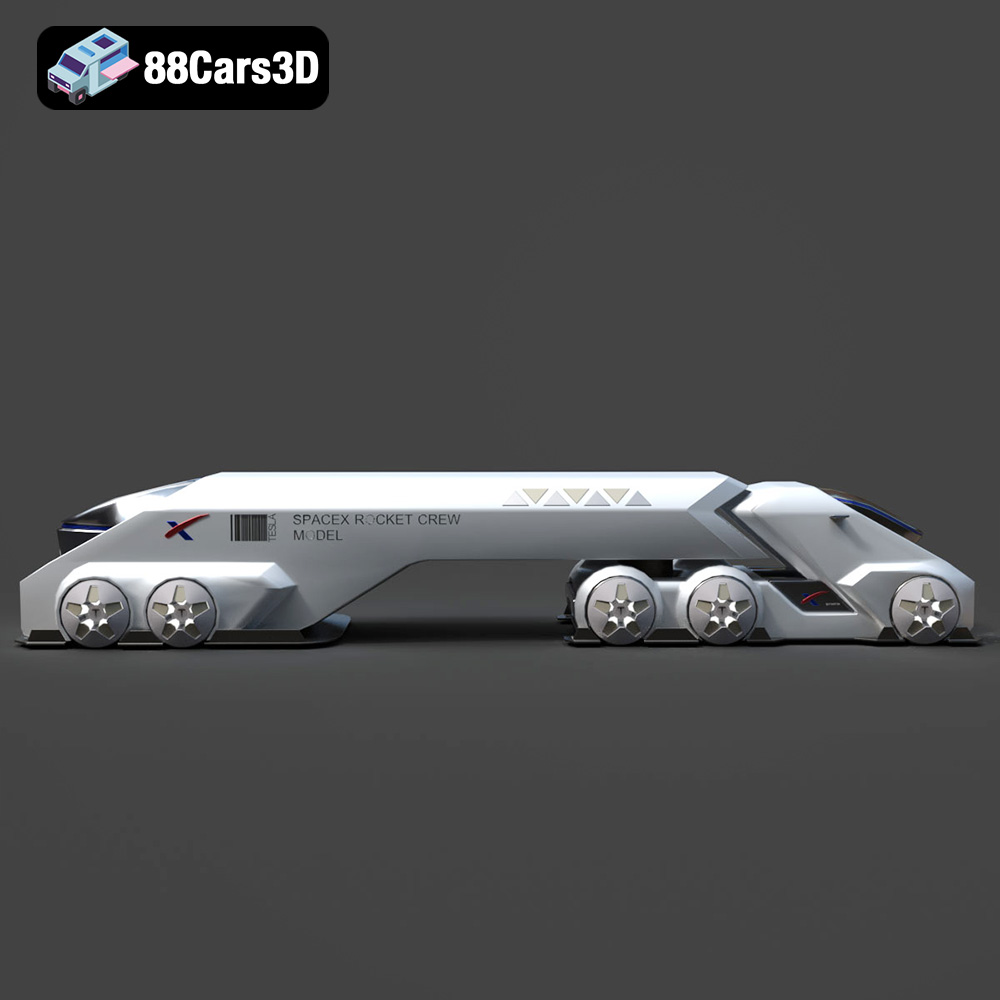
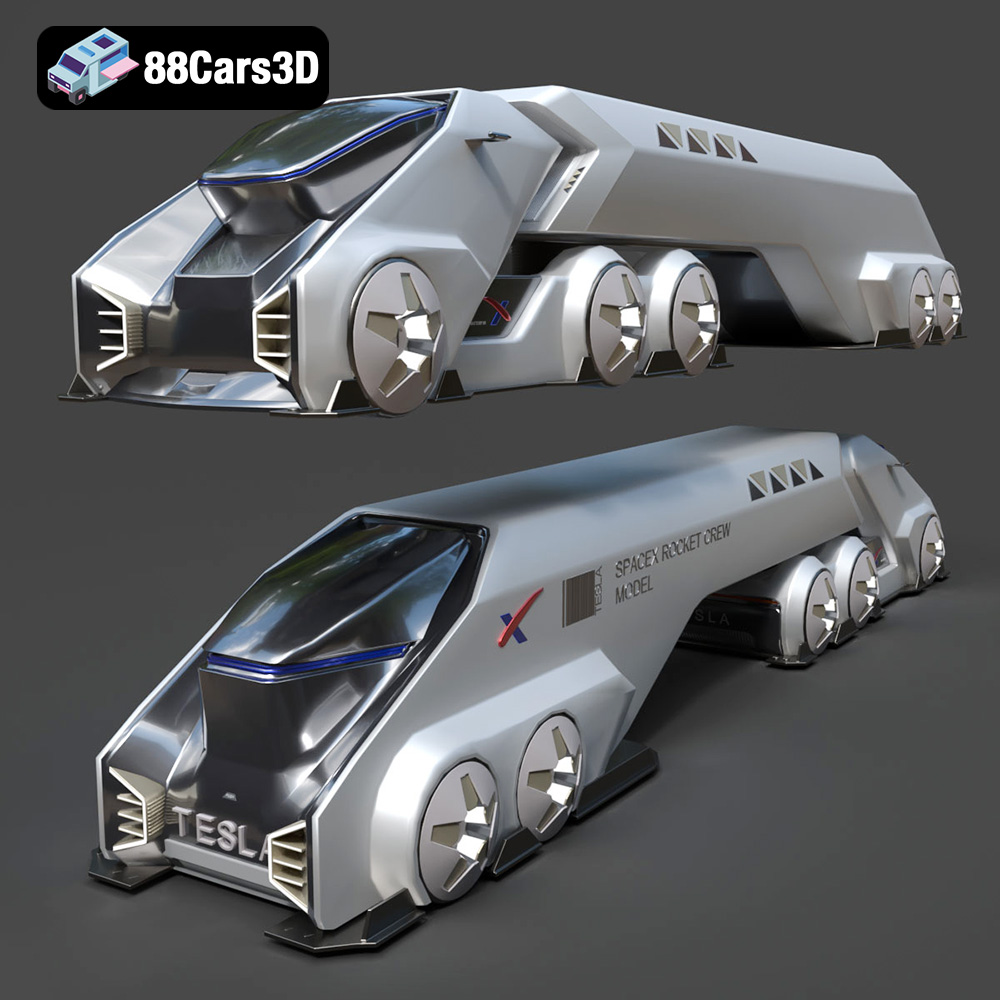
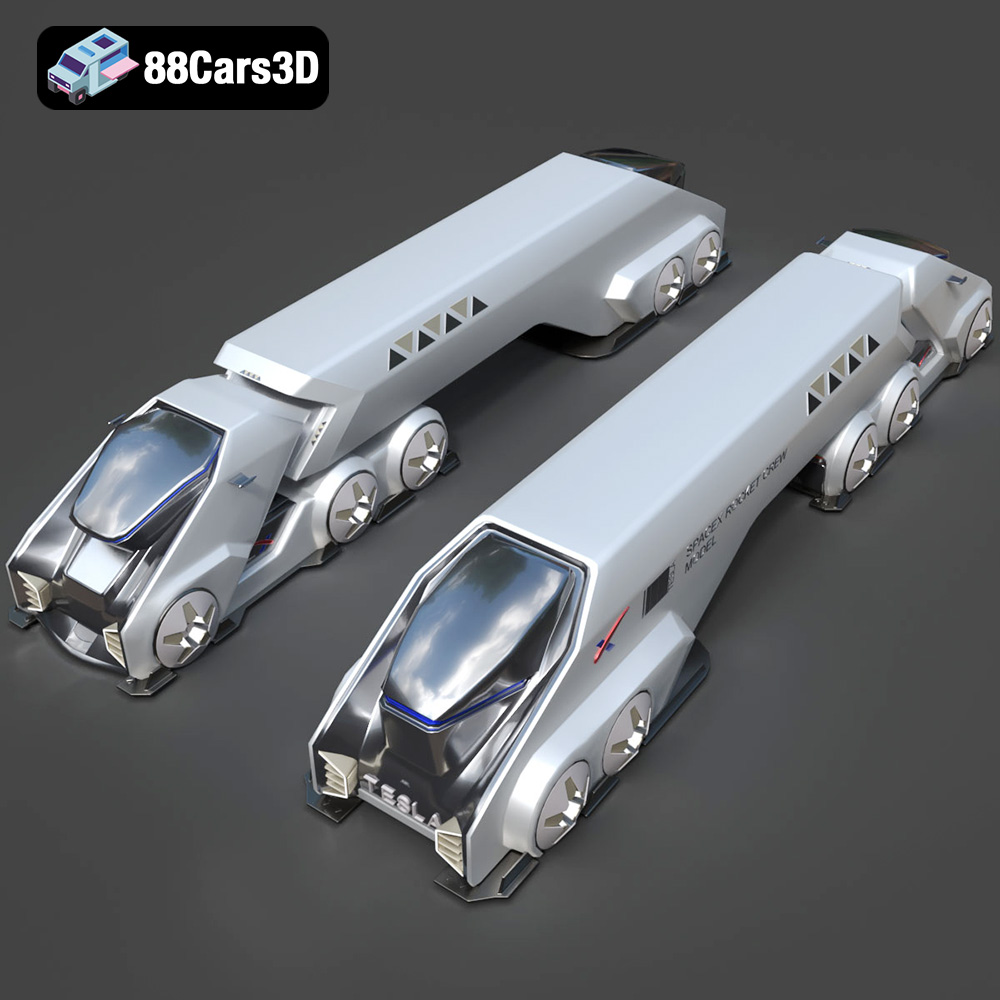
Before diving into the 3D printing process, it’s crucial to understand the model’s intricacies. The Tesla Space Rocket-001 is designed with a sleek, futuristic aesthetic and complex structural elements. This means that careful consideration must be given to factors like orientation, support structures, and material selection to achieve optimal print quality. Analyzing the model in your slicing software will reveal areas that require particular attention, such as overhangs, intricate details, and large flat surfaces. Understanding these features will help you tailor your printing strategy for the best possible outcome.
The design of the Tesla Space Rocket-001 presents several challenges and opportunities for 3D printing. The long, cylindrical body may require careful orientation to minimize support material usage, while the rocket’s fins and other intricate details will demand precise printer settings to capture their complexity accurately.
The Tesla Space Rocket-001 3D Model can be printed using various 3D printing technologies, including Fused Deposition Modeling (FDM), Stereolithography (SLA), and Selective Laser Sintering (SLS). Each technology has its own strengths and weaknesses, so choosing the right one for your needs is essential. FDM is ideal for larger parts and cost-effective prototyping, while SLA excels at producing highly detailed parts with smooth surfaces. SLS is suitable for complex geometries and functional parts but generally involves higher costs.
Choosing the correct file format is a crucial step in the 3D printing workflow. Different file formats store 3D model data in various ways, affecting their suitability for specific applications, including 3D printing, rendering, and game development. Let’s examine the most common file formats and how they relate to 3D printing the Tesla Space Rocket-001.
The .stl (Stereolithography) file format is the undisputed industry standard for 3D printing. It represents the surface geometry of a 3D object as a collection of triangles, forming a mesh. This simplicity makes it universally compatible with virtually all 3D printers and slicing software. For the Tesla Space Rocket-001, the .stl format will be your primary choice for 3D printing.
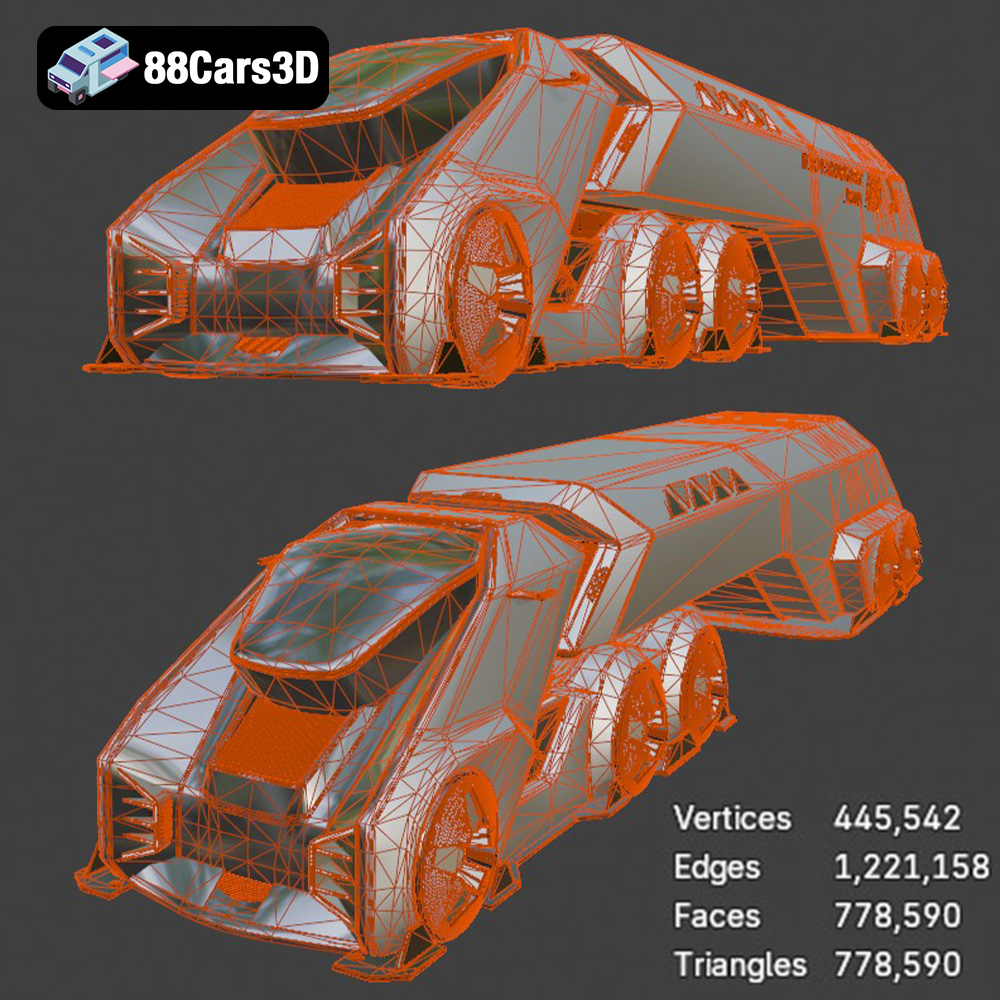
When using the .stl format, it’s important to ensure the mesh quality is adequate for your desired level of detail. A higher triangle count will result in a smoother surface but also a larger file size and potentially longer processing times in your slicing software. Conversely, a low triangle count can lead to faceting or a blocky appearance, especially on curved surfaces. Most slicing software allows you to adjust the mesh resolution when importing an .stl file.
While .stl is ideal for 3D printing, it’s important to note that it only stores geometric data. It doesn’t contain information about color, textures, or materials. Therefore, if you intend to create a multi-colored or textured print, you’ll need to explore other file formats and potentially use post-processing techniques like painting. Also, since it only contains mesh data, it is not easily editable unless you import into a mesh editing program like MeshMixer or Blender.
The .obj (Object) file format is another widely supported format that, unlike .stl, can store color and texture information alongside the geometric data. This makes it suitable for applications where visual appearance is paramount, such as rendering and game development. However, its support for 3D printing is more limited, as many slicing software packages don’t fully support the color and texture data within the .obj file. Some newer printers can interpret limited color .obj files.
The .ply (Polygon File Format) is designed for storing 3D data acquired from 3D scanners. It can capture high levels of detail and supports color information, making it suitable for applications like reverse engineering and digital archiving. While it can be used for 3D printing, it’s less common than .stl, and compatibility with slicing software may vary.
The .blend file is the native format for the Blender 3D creation suite. It stores the entire scene, including the 3D model, materials, textures, lighting, and animation data. While you cannot directly 3D print a .blend file, it’s invaluable for customizing the Tesla Space Rocket-001 before exporting it to a 3D printable format like .stl.
If you want to modify the model, such as adding custom details or splitting it into smaller parts for easier printing, Blender is an excellent tool. Once you’ve made your desired changes, you can export the model as an .stl file for 3D printing.
The .fbx (Filmbox) format is a proprietary format developed by Autodesk, primarily used for exchanging data between 3D applications, particularly in game development and animation. It supports complex scenes, including geometry, textures, materials, animations, and skeletal rigs. While .fbx is not directly used for 3D printing, it can be useful for importing the Tesla Space Rocket-001 into a 3D modeling or slicing software that supports the format, allowing you to retain material information for visualization purposes.
The .glb (GL Transmission Format Binary) is a relatively new format designed for efficient transmission and loading of 3D models in web and augmented reality (AR) applications. It’s a binary format that contains the complete 3D scene, including geometry, textures, and animations, in a single file. Before printing the Tesla Space Rocket-001, you might use the .glb file to preview the model in AR, allowing you to visualize it in your physical environment and assess its size and scale.
The .max file is the native format for Autodesk 3ds Max, another popular 3D modeling and animation software. Similar to .blend, it stores the entire scene, including the 3D model, materials, textures, lighting, and animation data. If you have access to 3ds Max, you can use the .max file to customize the Tesla Space Rocket-001 before exporting it to an .stl file for 3D printing.
Before sending the Tesla Space Rocket-001 3D Model to your printer, you need to prepare it using slicing software. This involves importing the .stl file, adjusting the model’s orientation, generating support structures, and configuring printer settings. Optimizing the model for your specific printer and material is key to achieving a successful print.
Popular slicing software options include Cura, Simplify3D, PrusaSlicer, and ideaMaker. Each slicer has its own unique features and user interface, so it’s worth experimenting to find the one that best suits your needs. All of these programs accept .stl files, so you can easily import the Tesla Space Rocket-001 model.
The orientation of the Tesla Space Rocket-001 on the print bed significantly impacts print quality, support material usage, and print time. For example, consider printing the rocket vertically to minimize the need for supports on the body, but this may require more supports for the fins. Experiment with different orientations to find the best balance for your printer and material.
The choice of 3D printing material is crucial for the Tesla Space Rocket-001. Different materials offer varying levels of strength, flexibility, and aesthetic appeal. Consider the intended use of the printed model when selecting a material.
PLA (Polylactic Acid) is a biodegradable thermoplastic that’s easy to print and produces excellent results, making it ideal for beginners. It’s available in a wide range of colors and finishes, making it suitable for creating visually appealing models. However, PLA is not as strong or heat-resistant as other materials.
PETG (Polyethylene Terephthalate Glycol-modified) offers a good balance of strength, flexibility, and ease of printing. It’s more durable than PLA and has better heat resistance, making it suitable for functional parts. PETG can also be more translucent than PLA, allowing for interesting visual effects.
Resin printing, using technologies like SLA or DLP, offers the highest level of detail and surface finish. Resin is ideal for printing intricate parts and models that require a smooth, polished look. However, resin prints tend to be more brittle than FDM prints and require careful post-processing.
Dialing in the correct printer settings is vital for a successful print of the Tesla Space Rocket-001. Key settings include layer height, infill density, print speed, and temperature. These settings will vary depending on your printer, material, and desired print quality.
Layer height determines the resolution of your print. A lower layer height will result in finer details and smoother surfaces but will also increase print time. For the Tesla Space Rocket-001, a layer height of 0.1mm to 0.2mm is a good starting point for achieving a balance between detail and print speed.
Infill density determines the internal structure of your print. A higher infill density will result in a stronger, more solid model but will also increase material usage and print time. For a decorative model like the Tesla Space Rocket-001, an infill density of 15% to 25% is typically sufficient.
Support structures are essential for printing overhangs and intricate details. Properly configured supports prevent parts from collapsing during printing. Slicing software can automatically generate supports, but it’s important to review and customize them to minimize material usage and ensure easy removal.
Once the Tesla Space Rocket-001 is printed, post-processing techniques can enhance its appearance and functionality. Common post-processing steps include removing support structures, sanding, filling, and painting.
Removing support structures can be challenging, especially in intricate areas. Use specialized tools like pliers, cutters, and sandpaper to carefully remove the supports without damaging the model.
Sanding and filling are essential for achieving a smooth, professional-looking finish. Start with coarse sandpaper to remove layer lines and imperfections, then gradually move to finer grits for a polished surface. Filling can be used to fill in gaps and imperfections before sanding.
Painting is the final step in post-processing and allows you to customize the appearance of your 3D printed Tesla Space Rocket-001. Use acrylic paints or spray paints designed for plastic models. Apply multiple thin coats for a smooth, even finish. Consider adding details like panel lines and weathering effects to enhance the realism of the model.
Even with careful preparation, 3D printing can sometimes present challenges. Here are some common issues you might encounter when printing the Tesla Space Rocket-001 and how to resolve them:
Warping occurs when the corners of your print lift off the print bed. This is often caused by poor bed adhesion or temperature fluctuations. Ensure your print bed is clean and level, and use a heated bed to improve adhesion. Applying a brim or raft can also help prevent warping.
Stringing occurs when molten plastic oozes from the nozzle during travel moves, leaving behind thin strands of material. This can be caused by high printing temperatures, slow retraction speeds, or excessive travel distances. Adjust these settings in your slicing software to minimize stringing.
Layer shifting occurs when the printer’s axes move unexpectedly, resulting in misaligned layers. This can be caused by loose belts, stepper motor issues, or mechanical obstructions. Check your printer’s hardware and ensure all components are properly tightened and lubricated.
Before starting your 3D printing project, it’s helpful to estimate the print time and material cost. This will allow you to plan your project accordingly and avoid unexpected expenses. The slicing software will provide estimates for print time and material usage based on your chosen settings. Multiply the material usage (in grams) by the cost per gram of your filament to estimate the material cost. Keep in mind that these are just estimates, and the actual print time and material cost may vary depending on your printer and printing conditions.
The Tesla Space Rocket-001 presents a fantastic opportunity to explore the world of 3D printing. With careful planning, the right materials, and a little patience, you can create a stunning replica of this futuristic spacecraft. Remember to experiment with different settings and techniques to find what works best for your printer and desired results. Happy printing, and may your journey into the future of additive manufacturing be a successful one! And be sure to check out 88cars3d.com for more amazing 3D models.
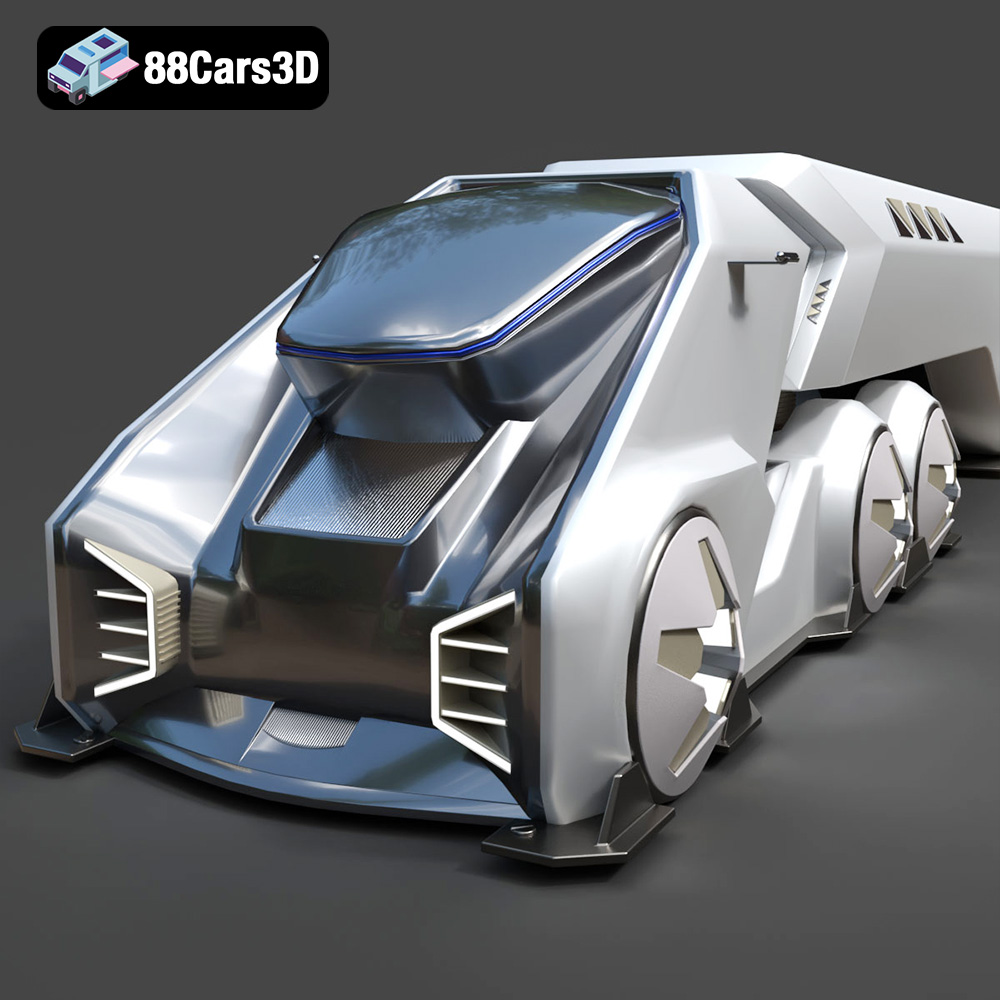
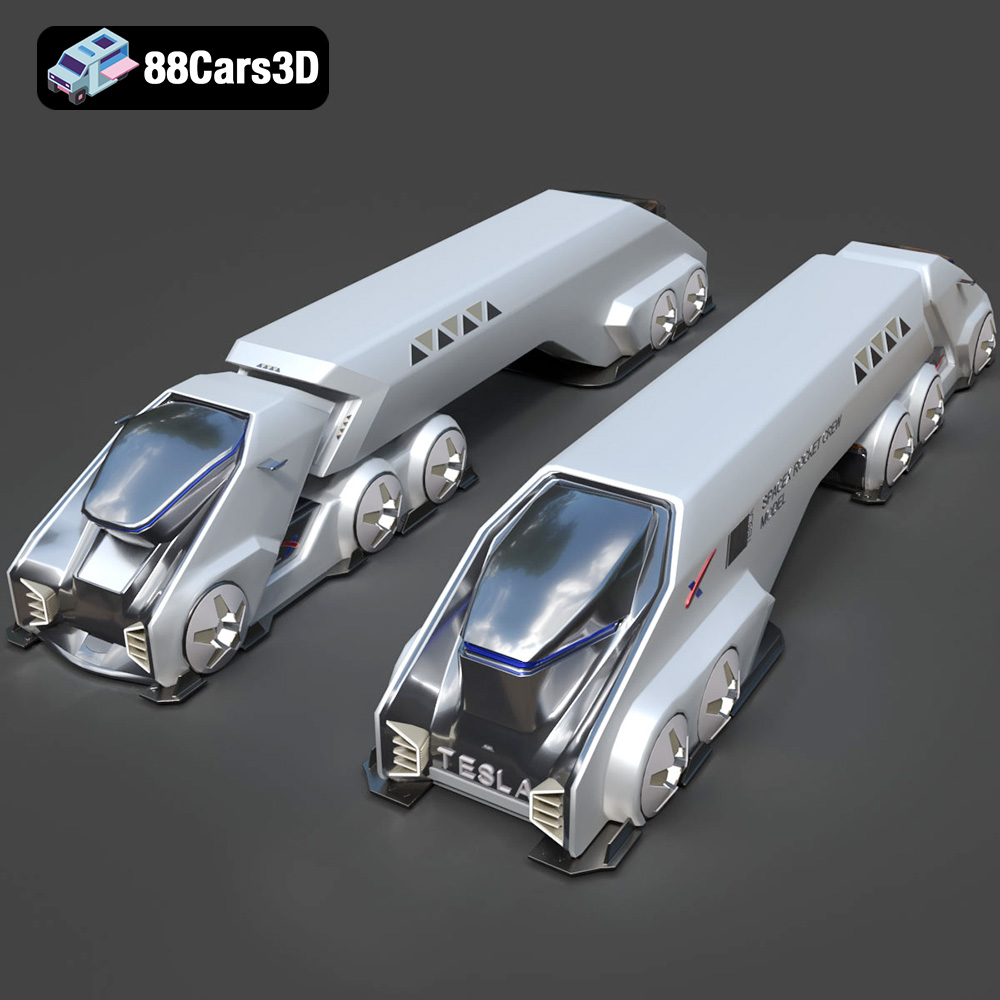
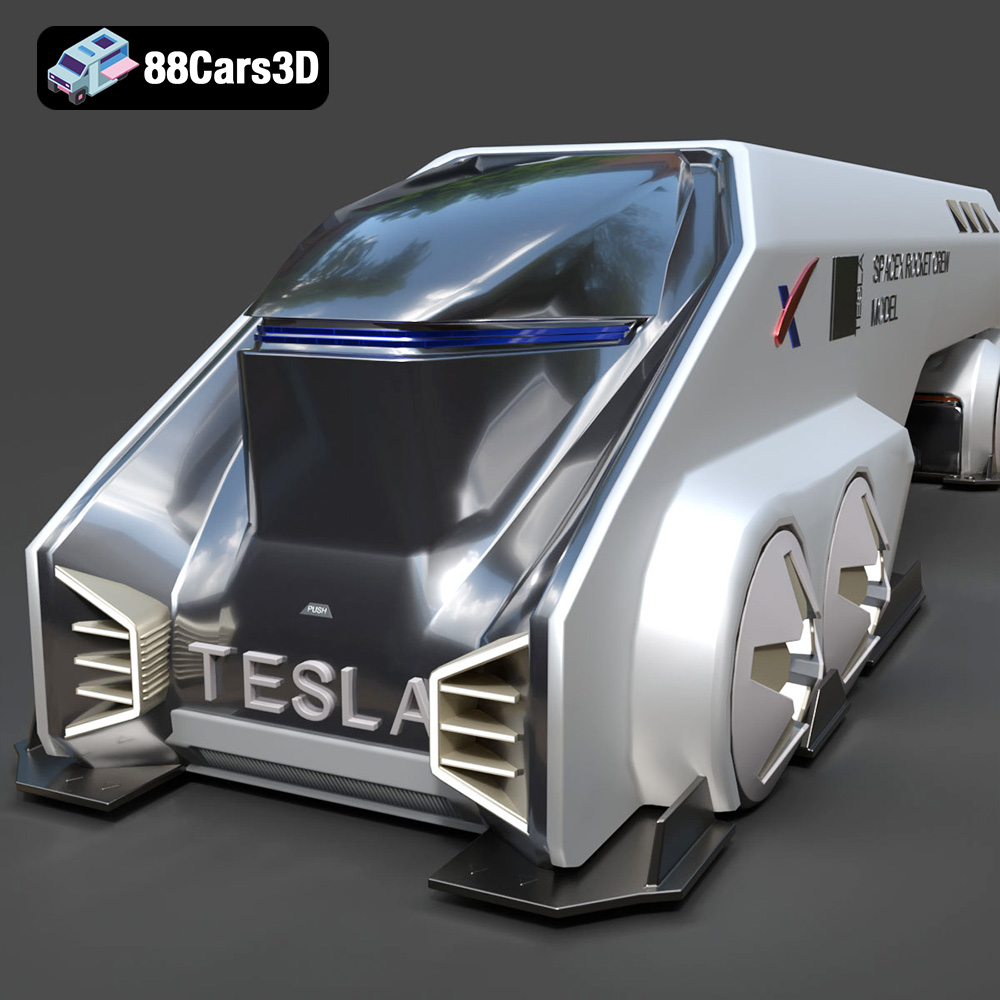
Discover the Tesla Space Rocket-001 3D Model, a highly detailed digital asset crafted for professional visual projects. This model accurately captures the futuristic design and structural elements of the Tesla Space Rocket-001, providing a robust foundation for dynamic rendering and interactive environments.
Engineered with precision, this model features clean geometry, realistic materials, and optimized topology. The fully textured components ensure that it stands up to close-up renders and complex lighting setups while maintaining optimal system performance across different engines.
Ideal for diverse applications, this model is perfectly suited for video game development, architectural rendering, immersive AR/VR experiences, and detailed technical visualization.
$19.99
.arvr
.blend
.car3dmodel
.concept
.fbx
.gameasset
.glb
.max
.obj
.ply
.rendering
.rocket
.simulation
.spacecraft
.spacerocket
.stl
.tesla
.unreal