Get 50% OFF All Premium 3D & STL Models!

The Ultimate Creators Showcase from 88cars3d.com is a fantastic collection of 3D models spanning various categories, from high-performance vehicles to futuristic concepts and even an aircraft. This bundle offers a unique opportunity for 3D printing enthusiasts to expand their collection with detailed and optimized models. In this comprehensive guide, we’ll delve into the specifics of 3D printing these models, covering everything from pre-print preparation to post-processing techniques.
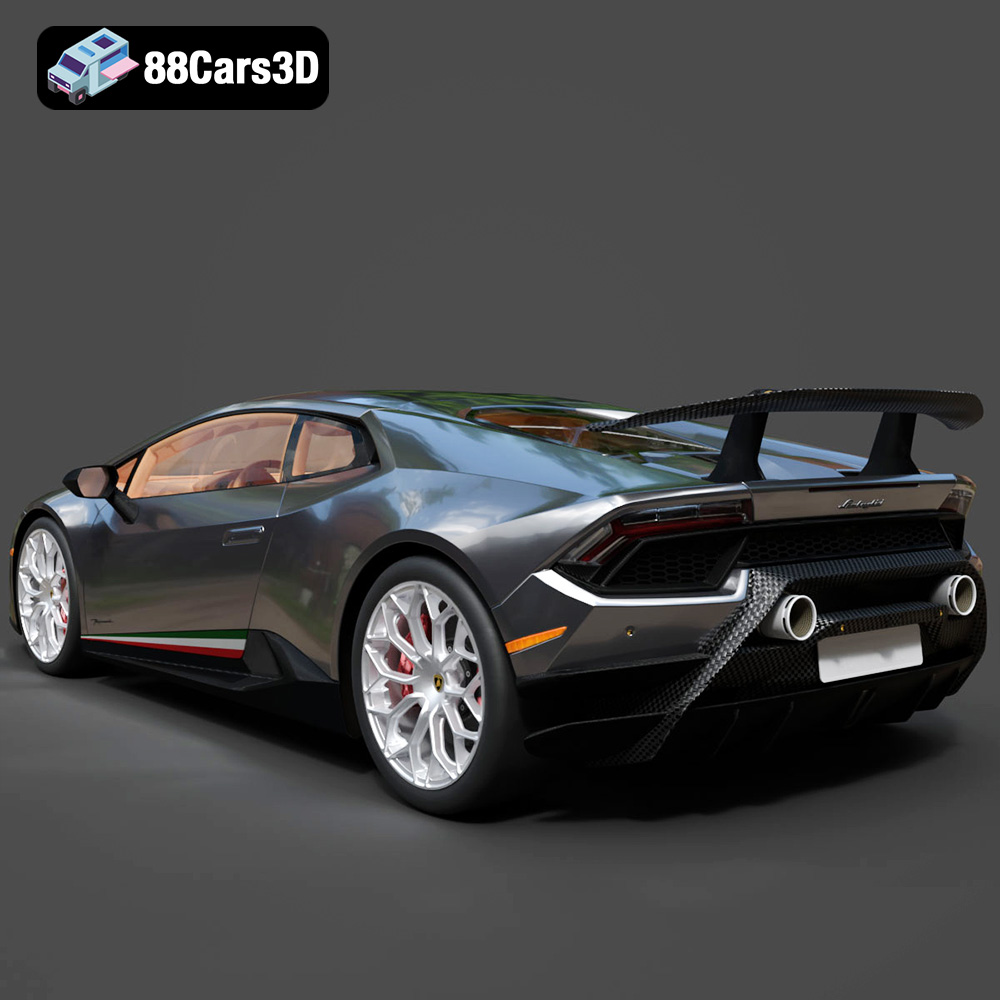
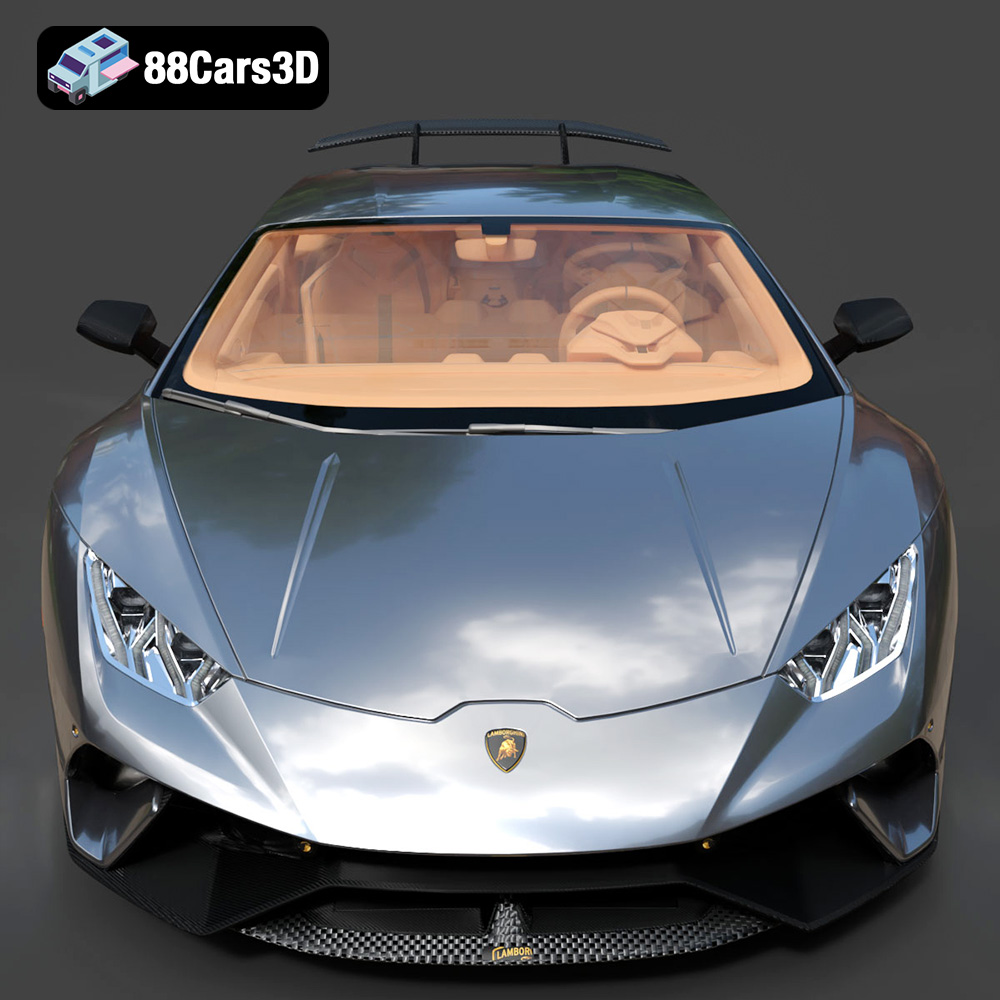
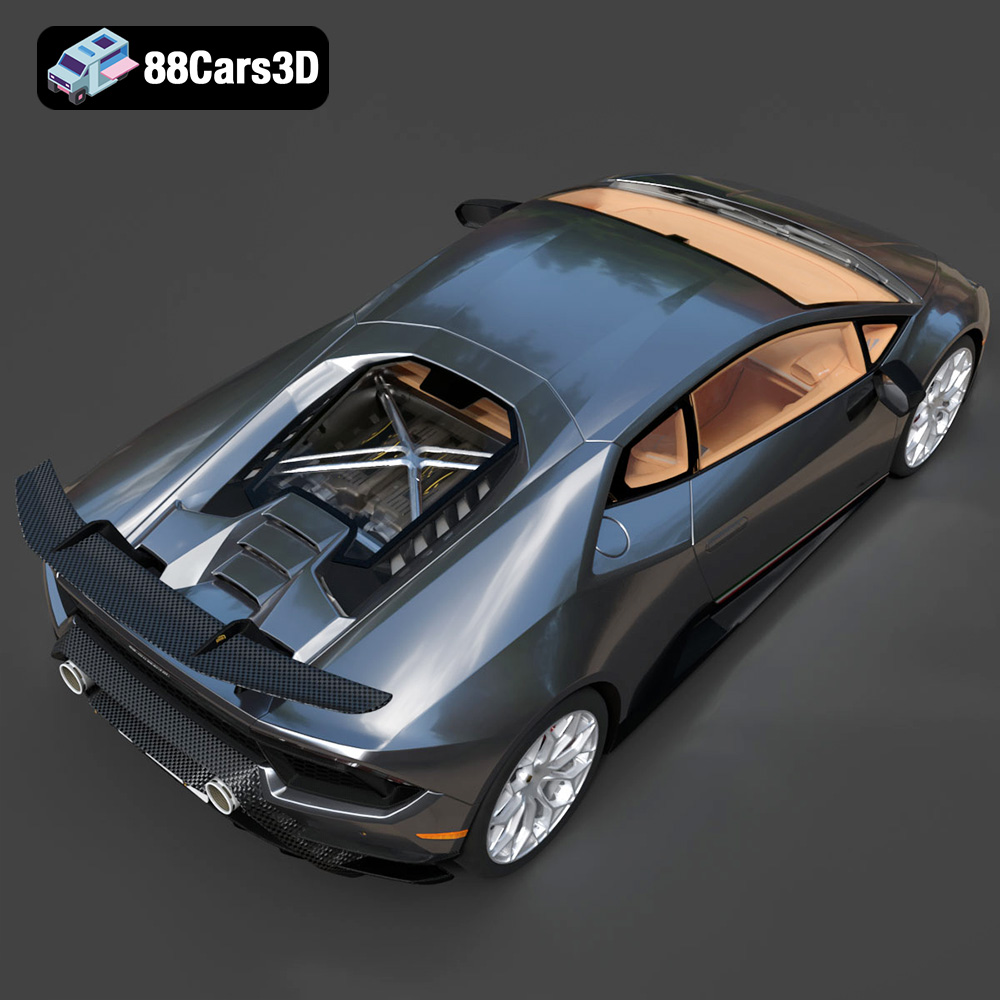
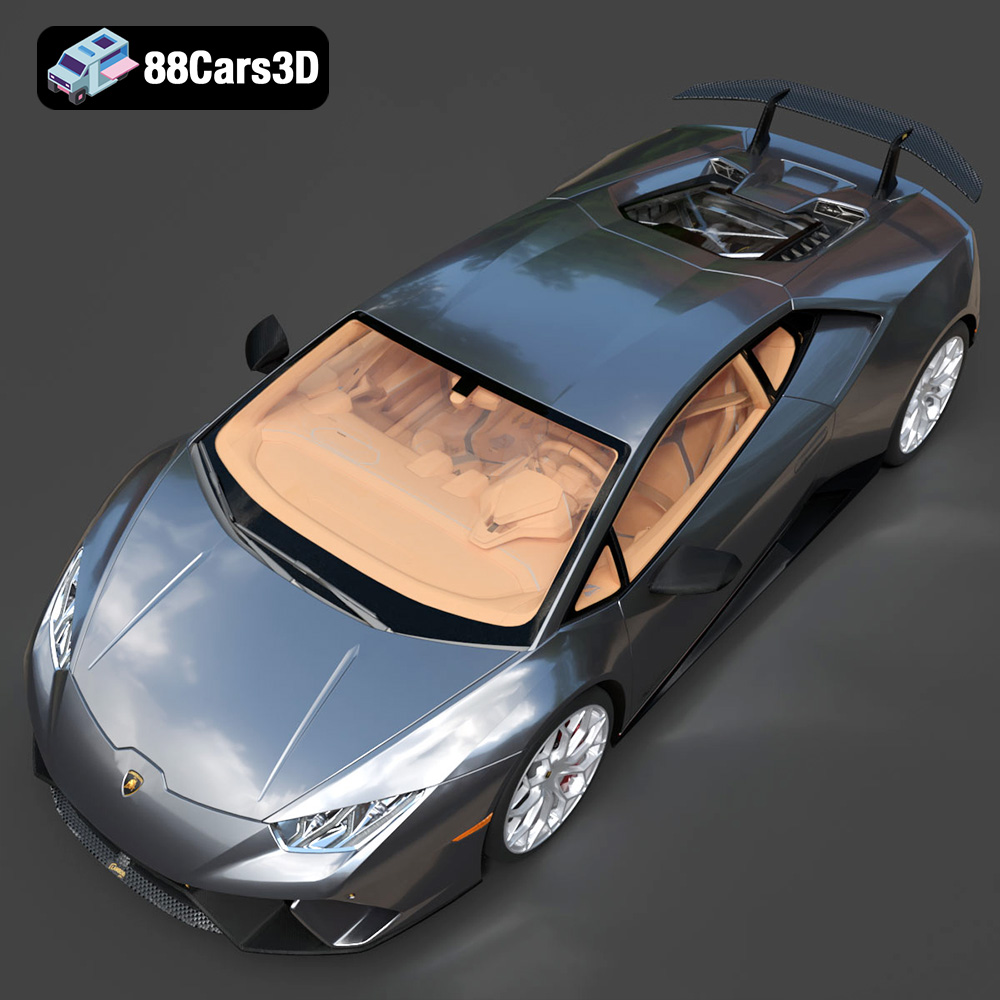
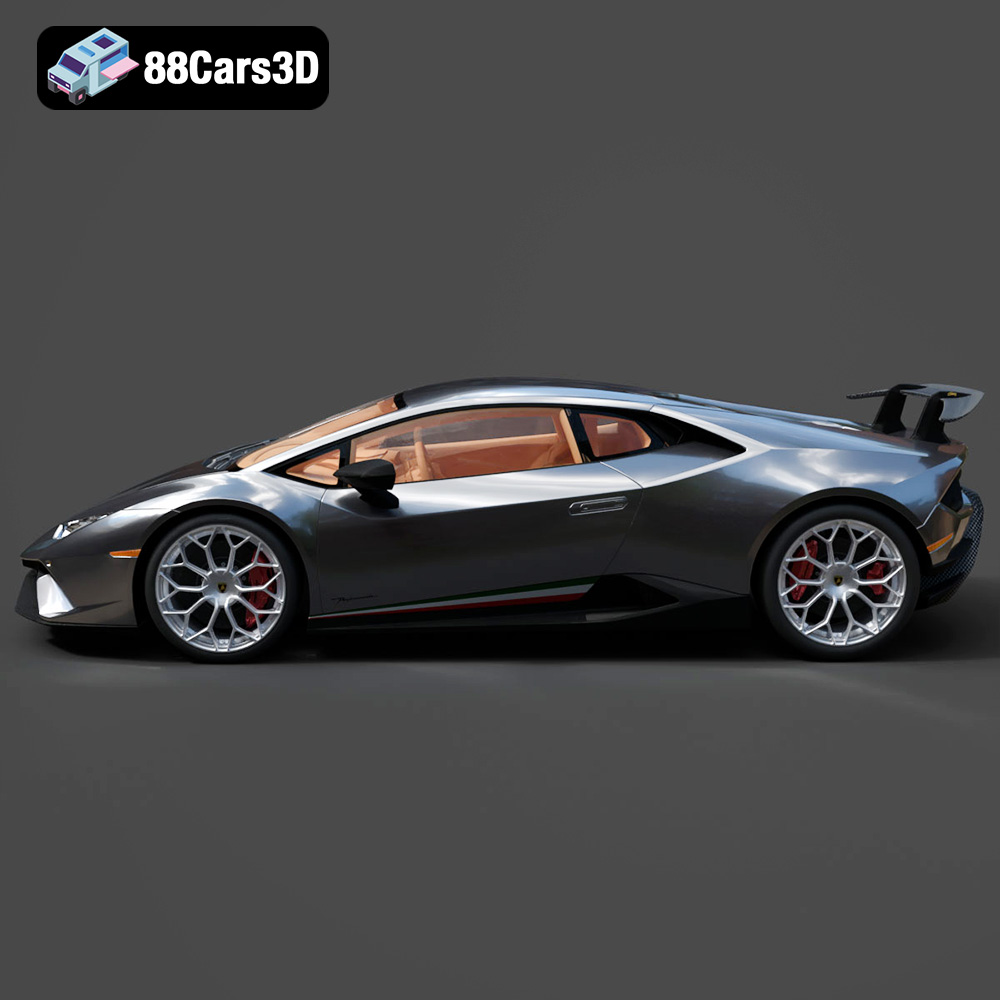
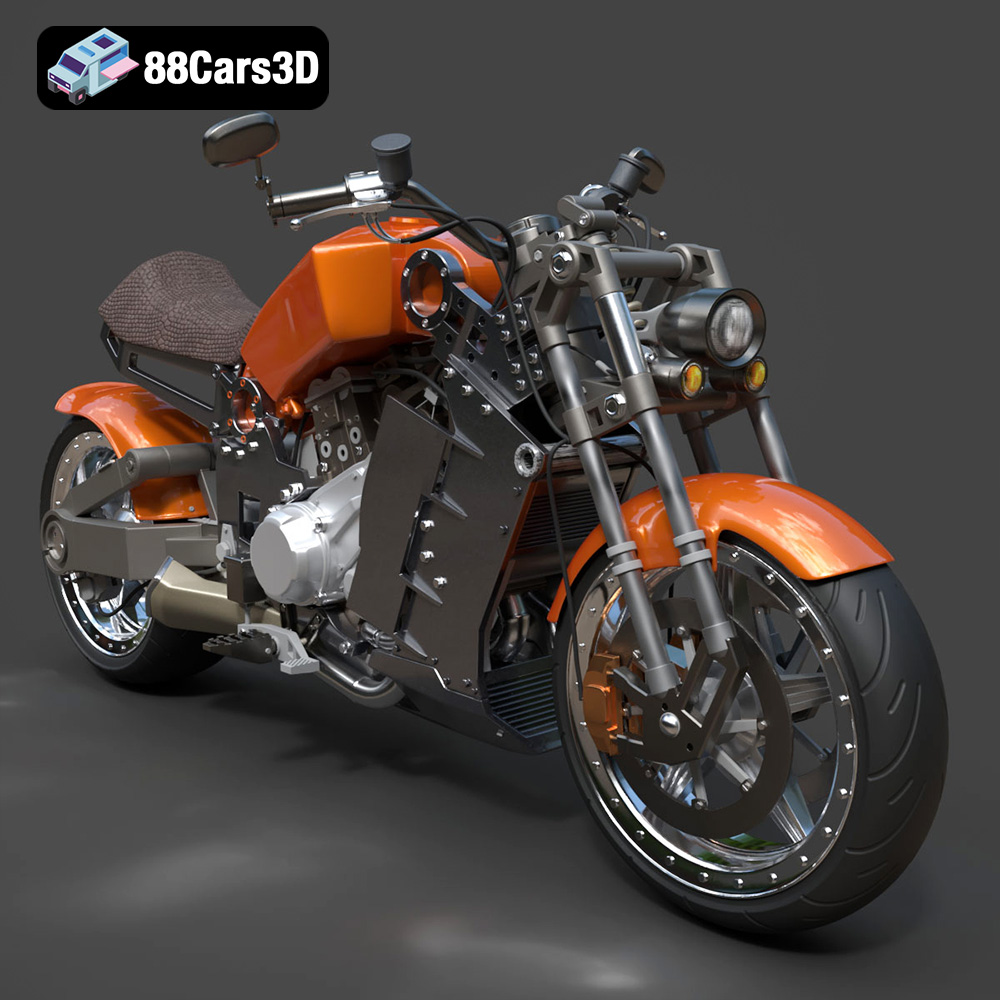
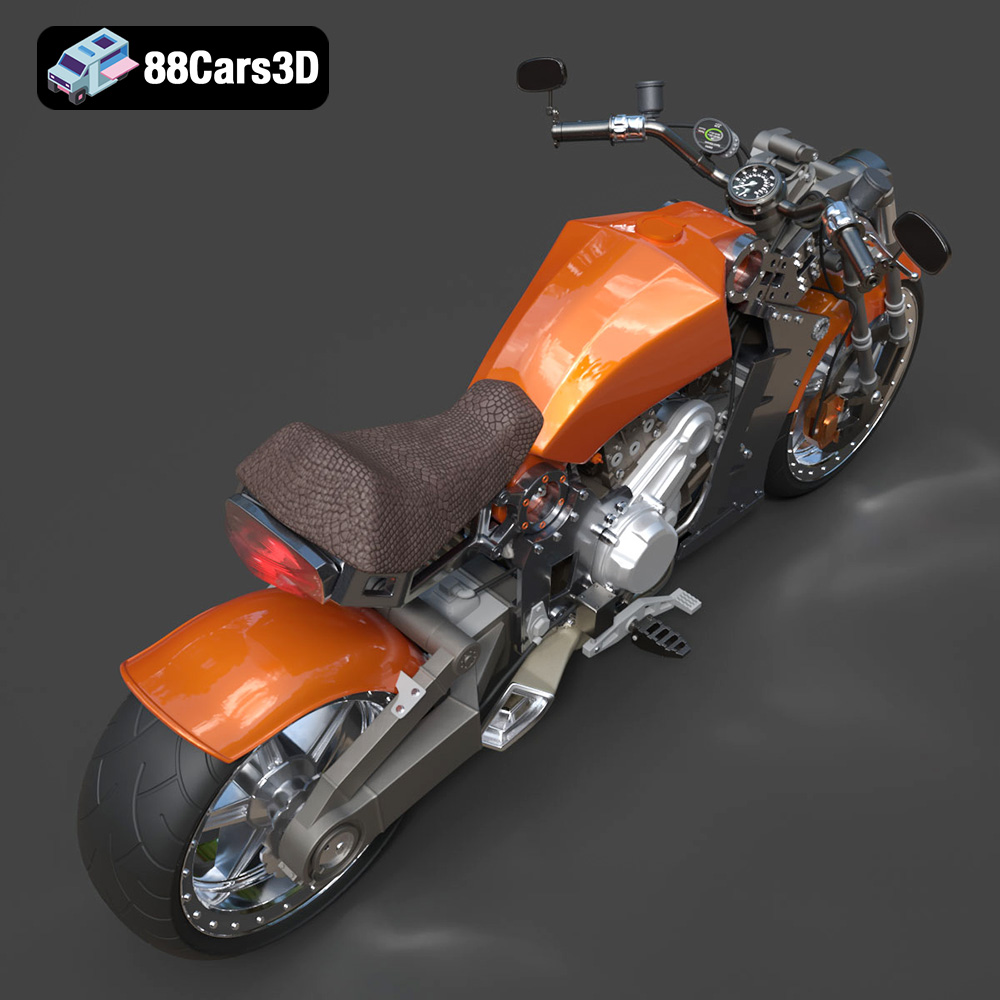
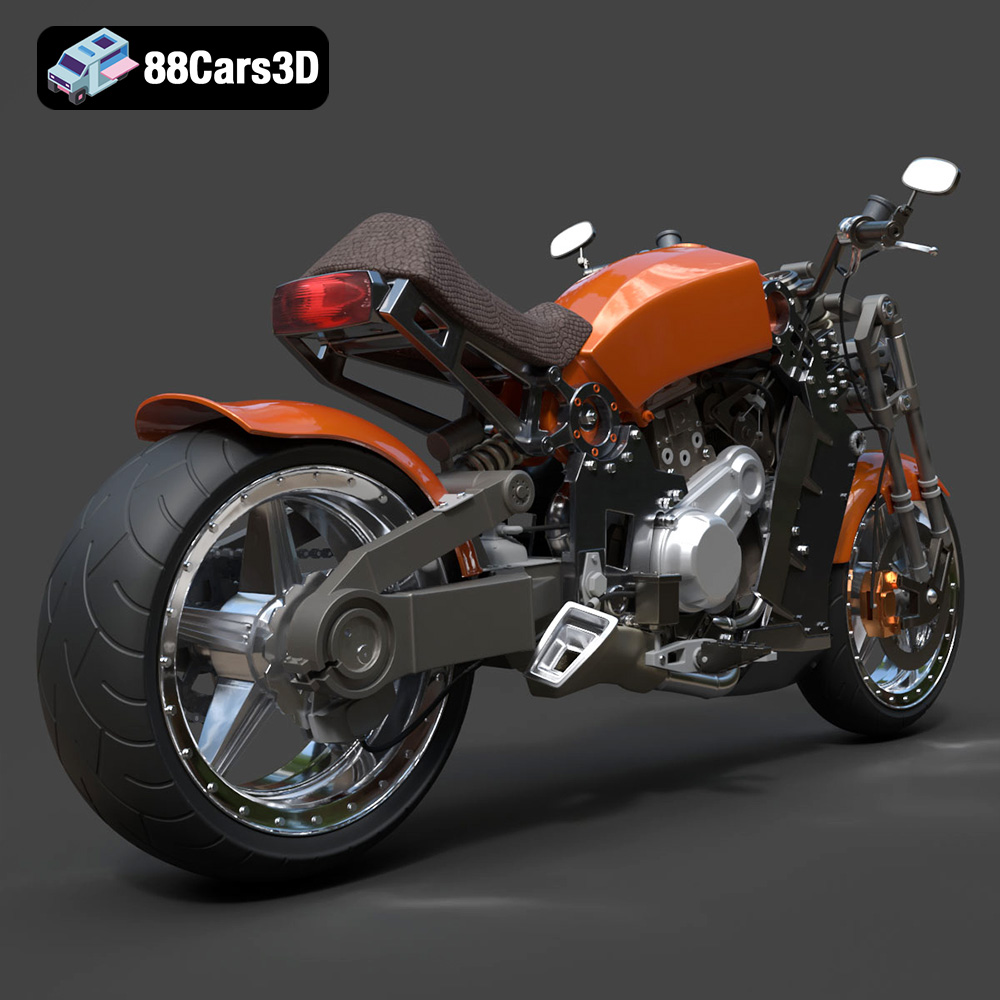
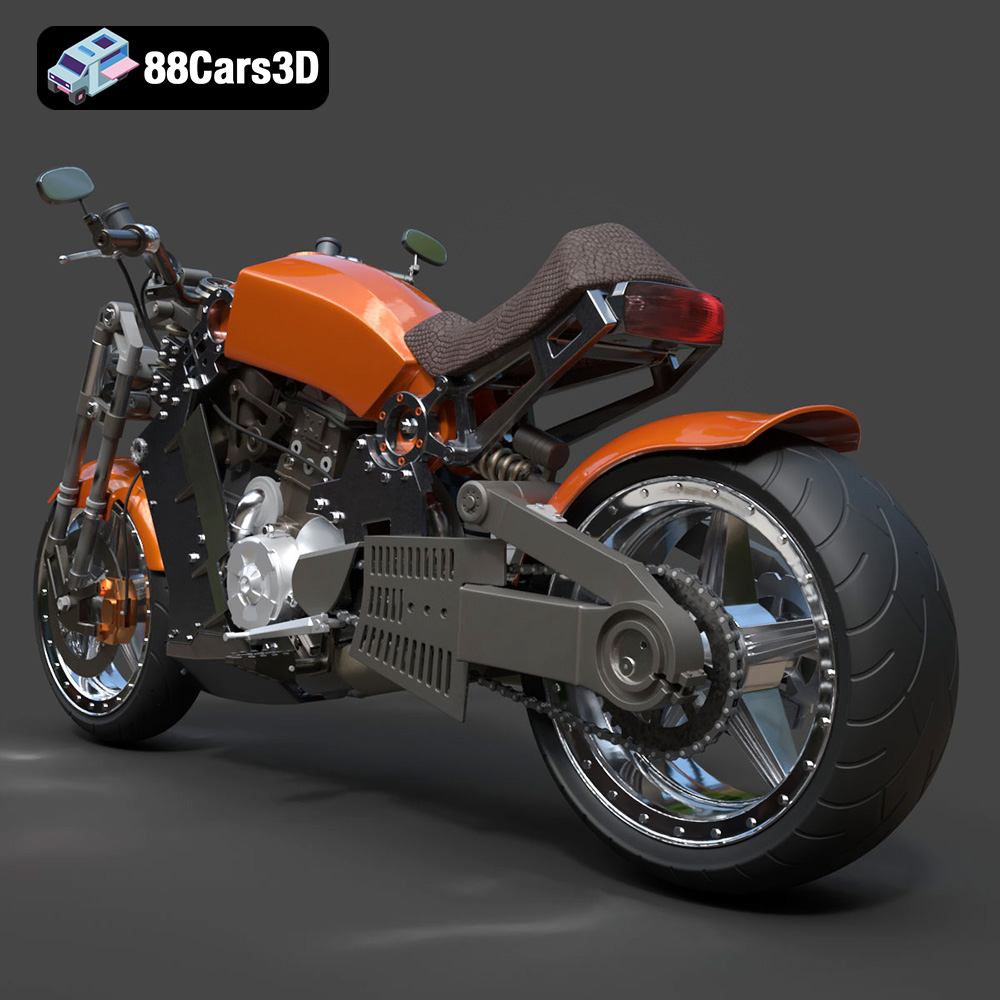
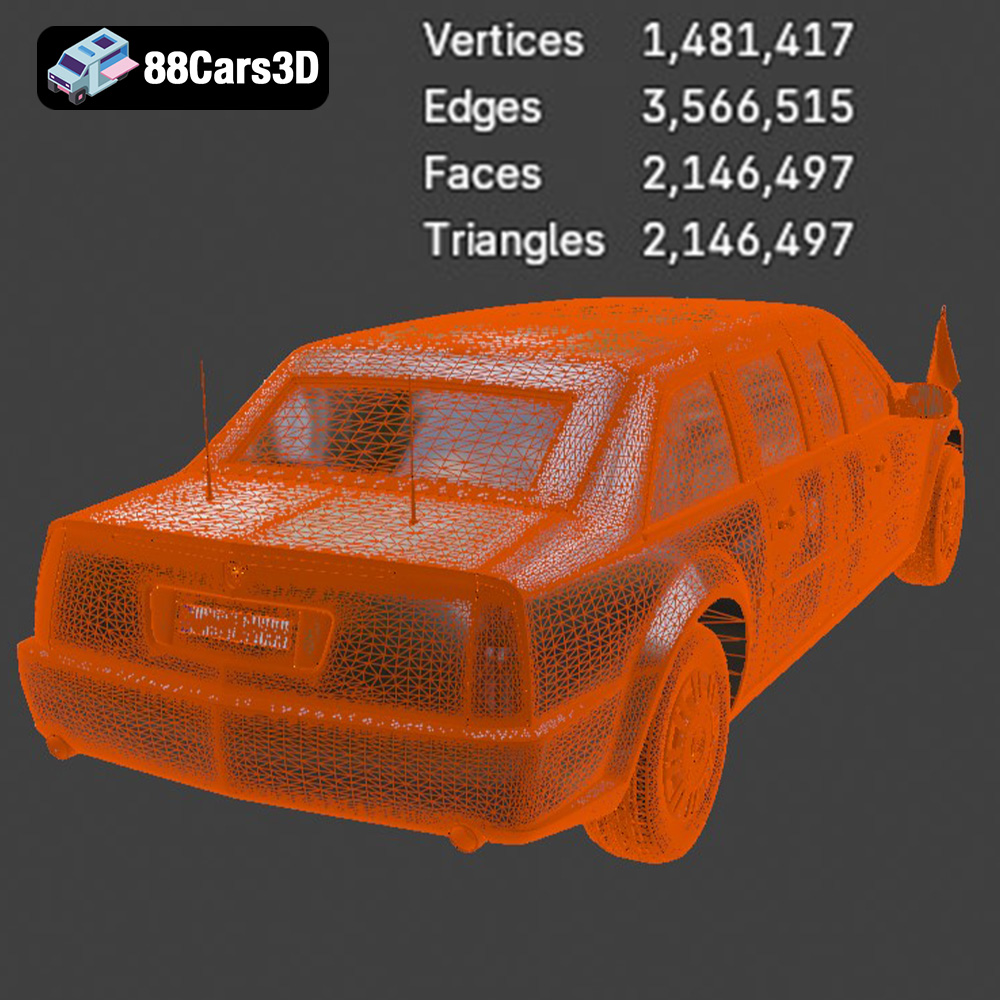
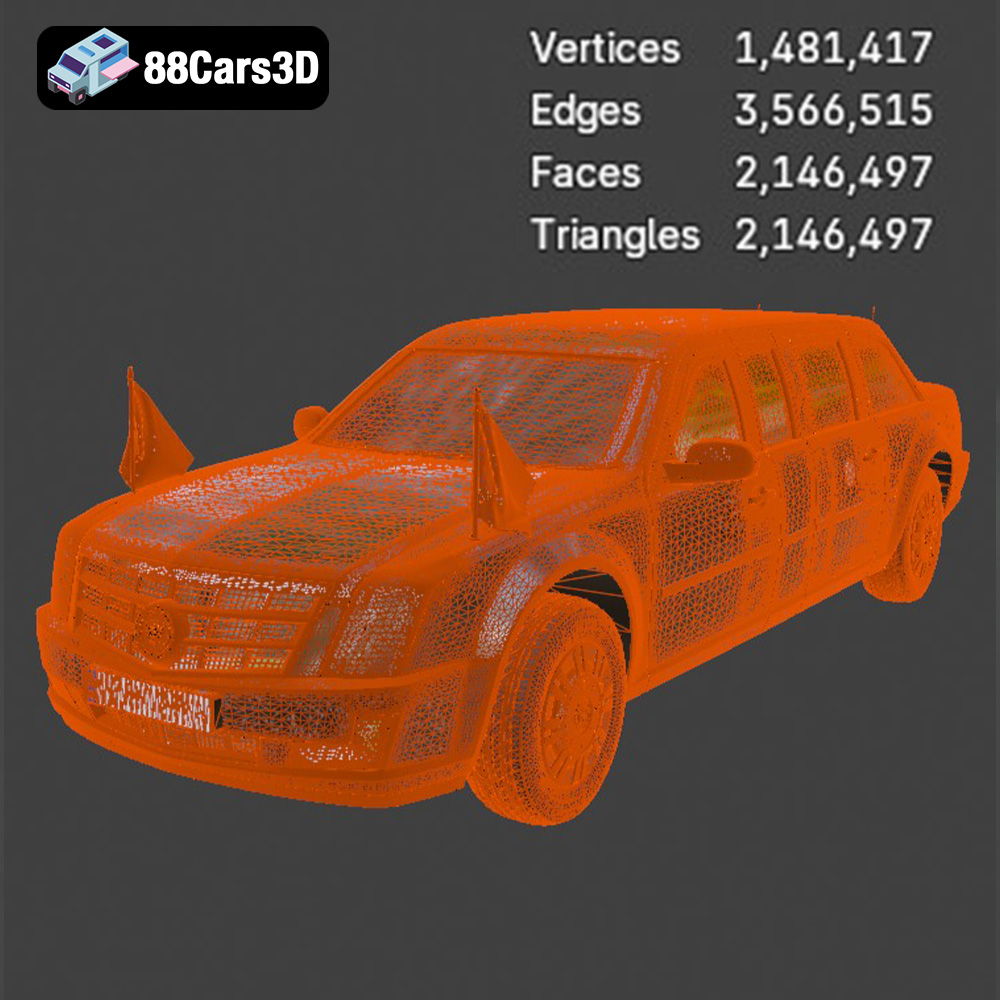
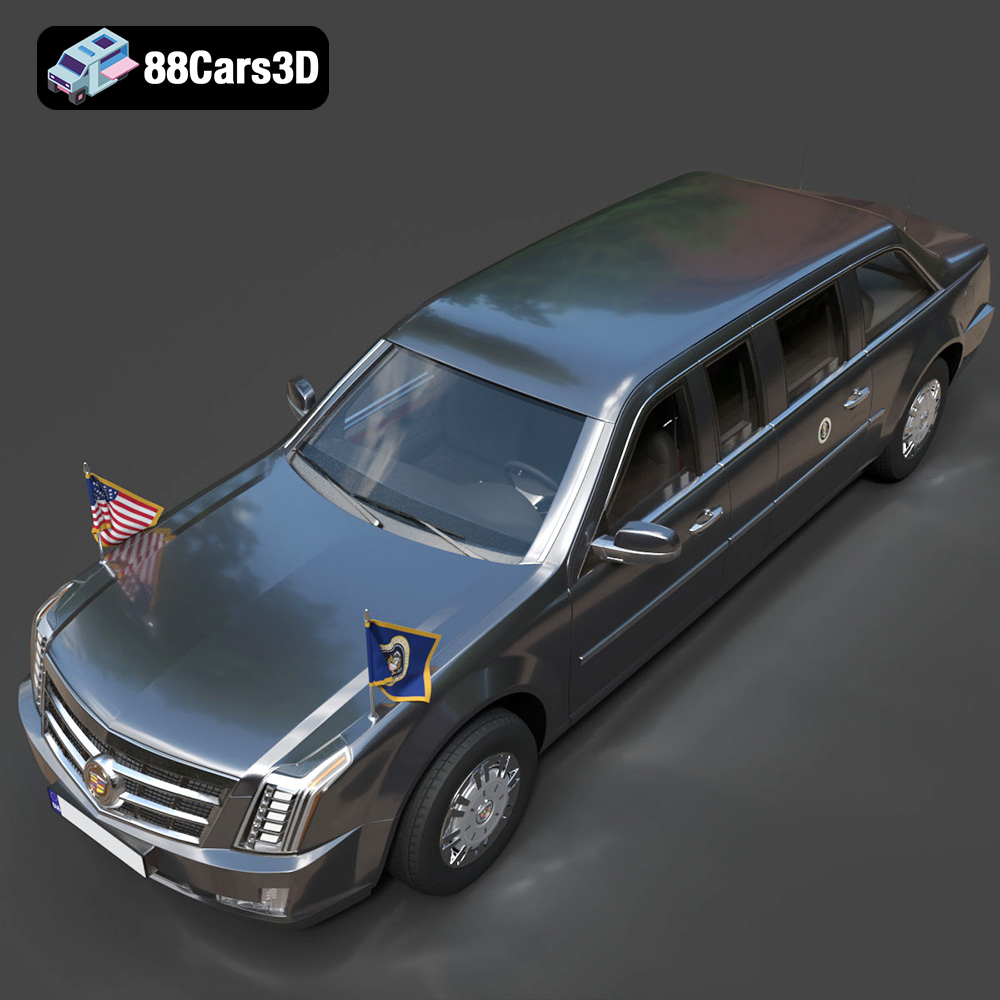
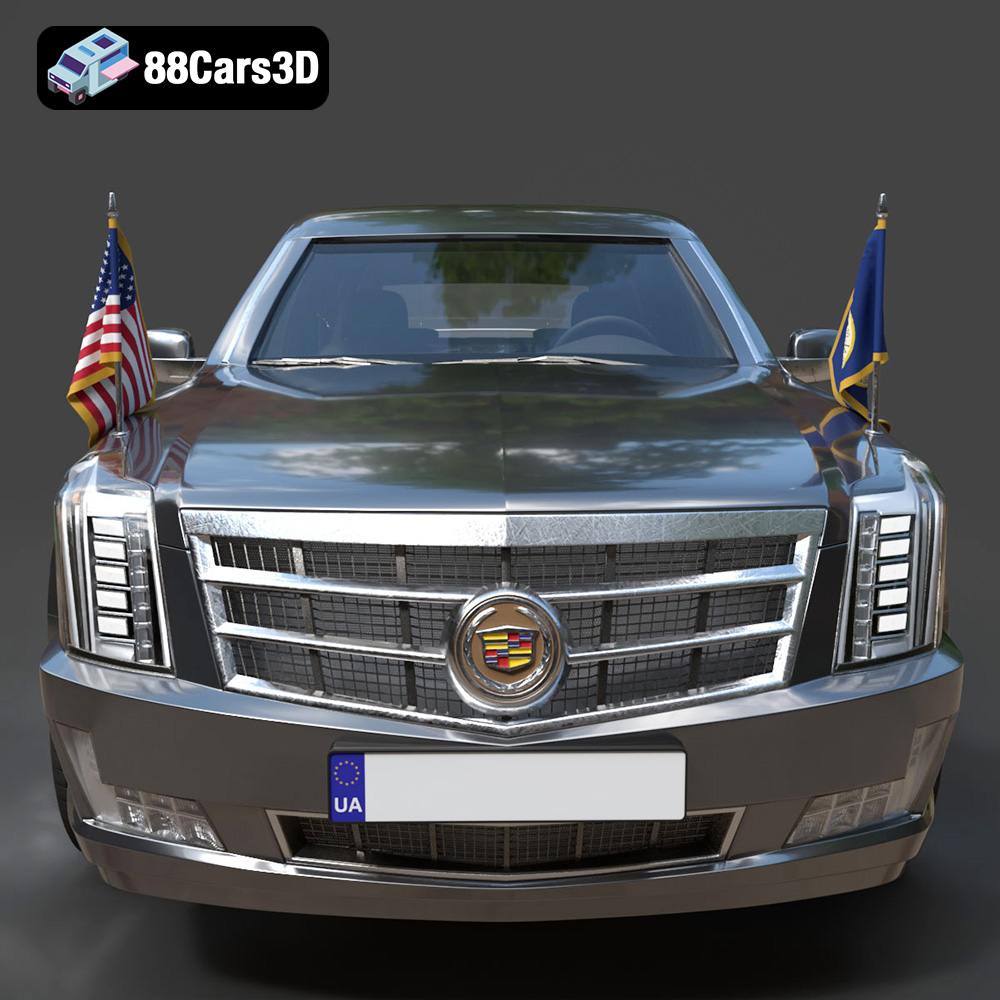
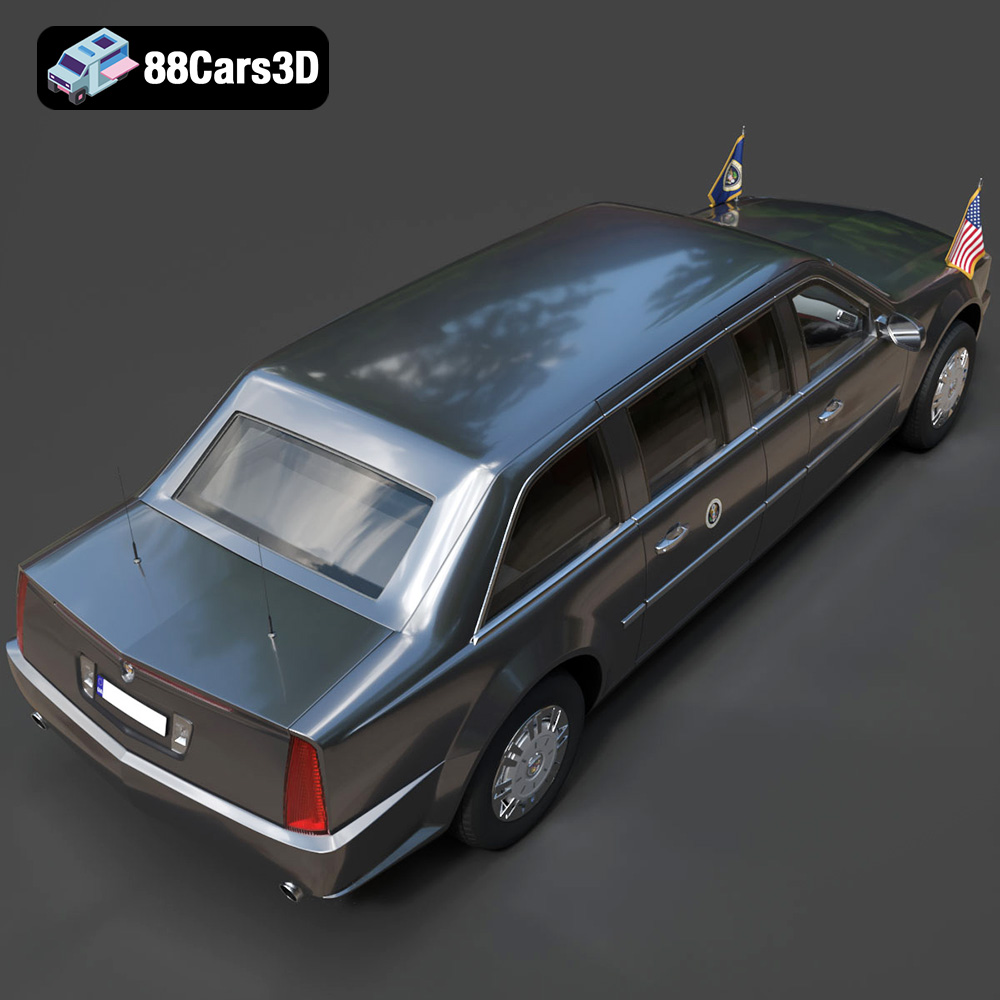
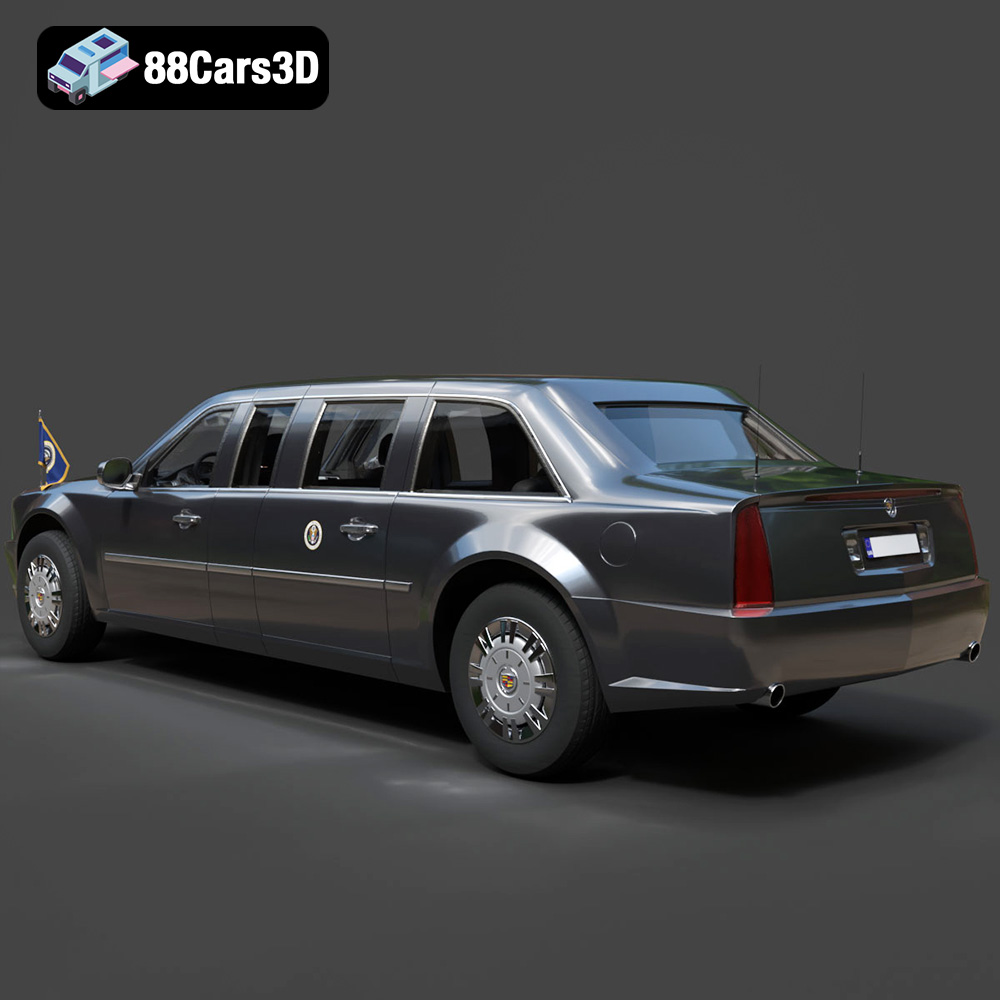
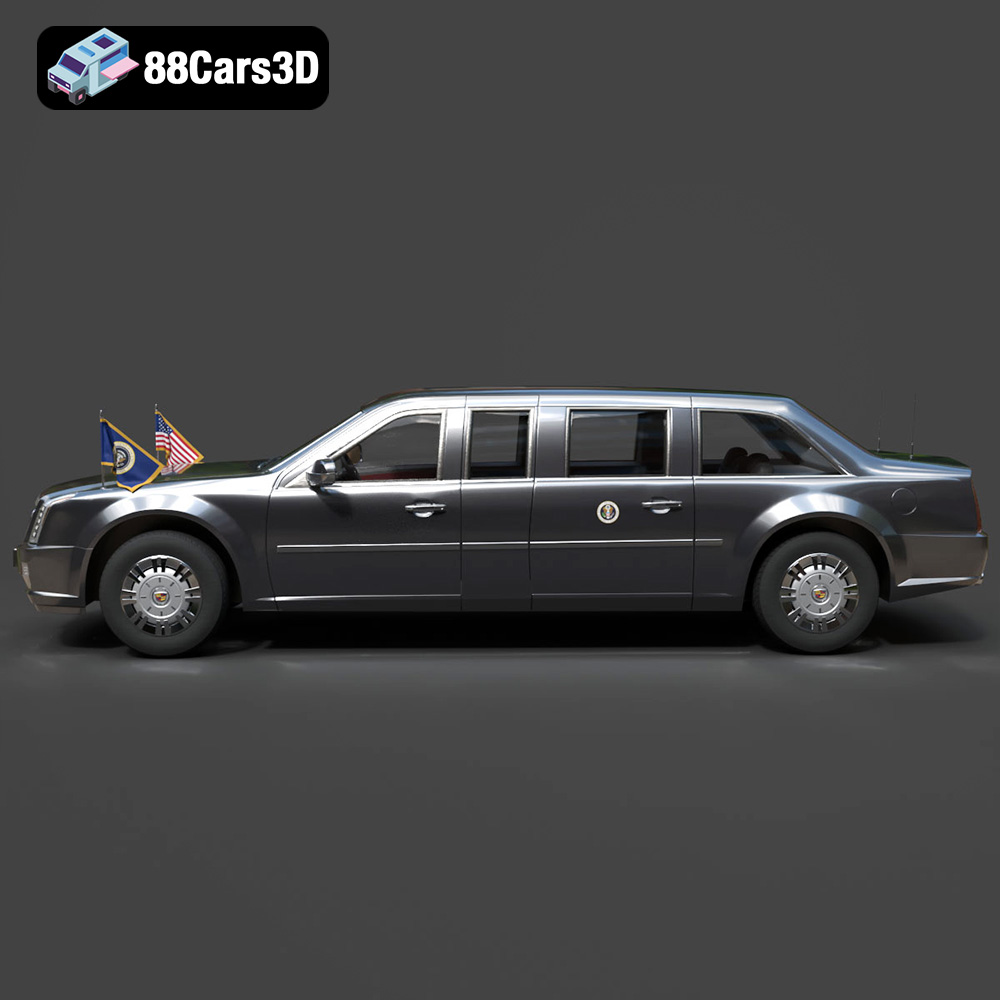
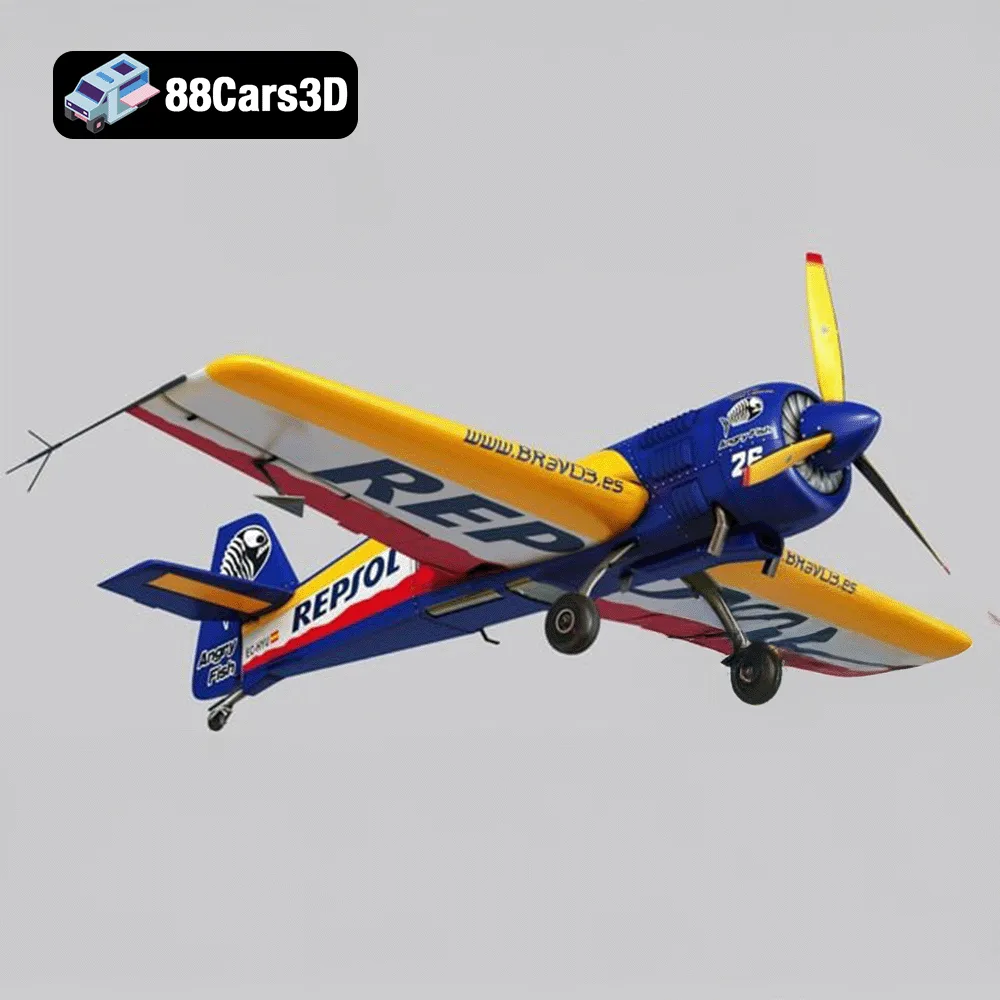
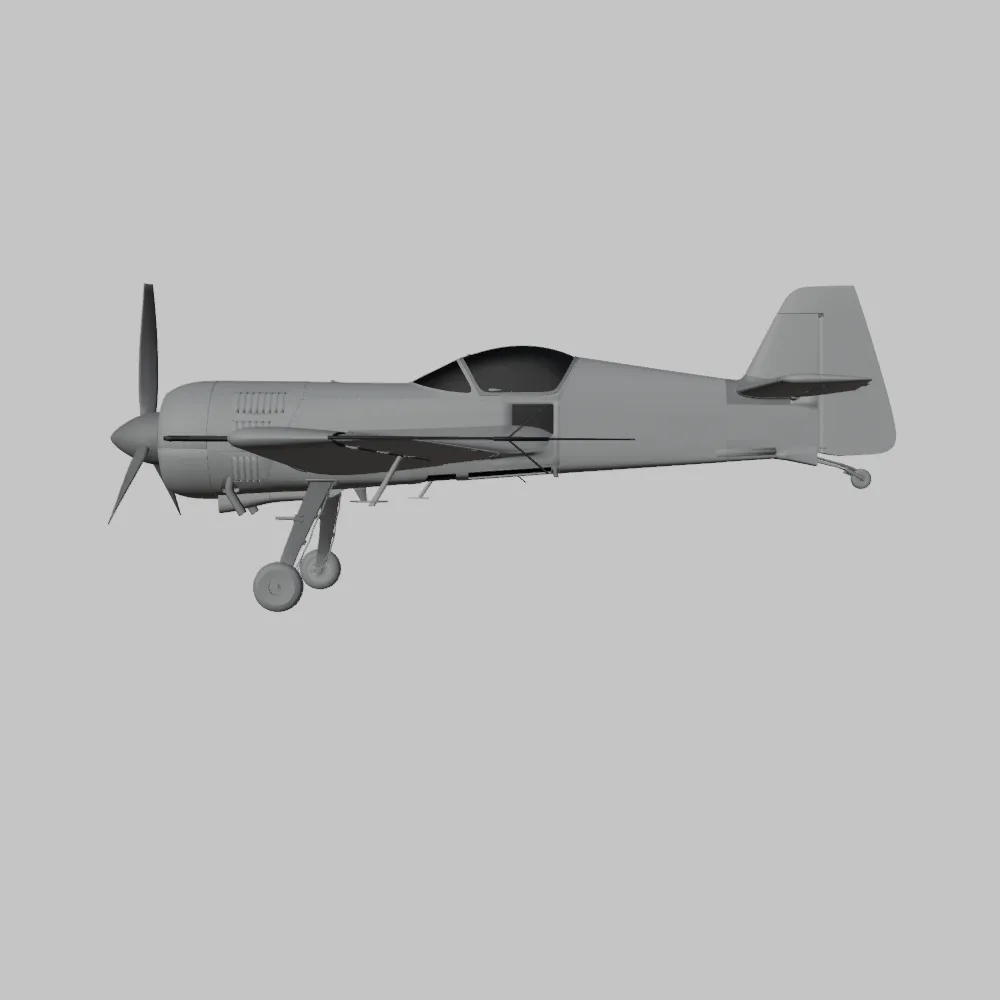
This bundle is designed with versatility in mind. It includes the Sukhoi SU-26 aerobatic aircraft, the futuristic ZAV Concept Motorcycle, the Lamborghini Huracan Performante, the Presidential Limousine, and the Daewoo Damas microvan. Each model presents unique 3D printing challenges and opportunities. The Sukhoi SU-26 and Daewoo Damas are explicitly mentioned as 3D printable with STL files, while the others benefit from the included high-quality meshes optimized for various applications including scale modeling through 3D printing. We will consider 3D printing all of these models.
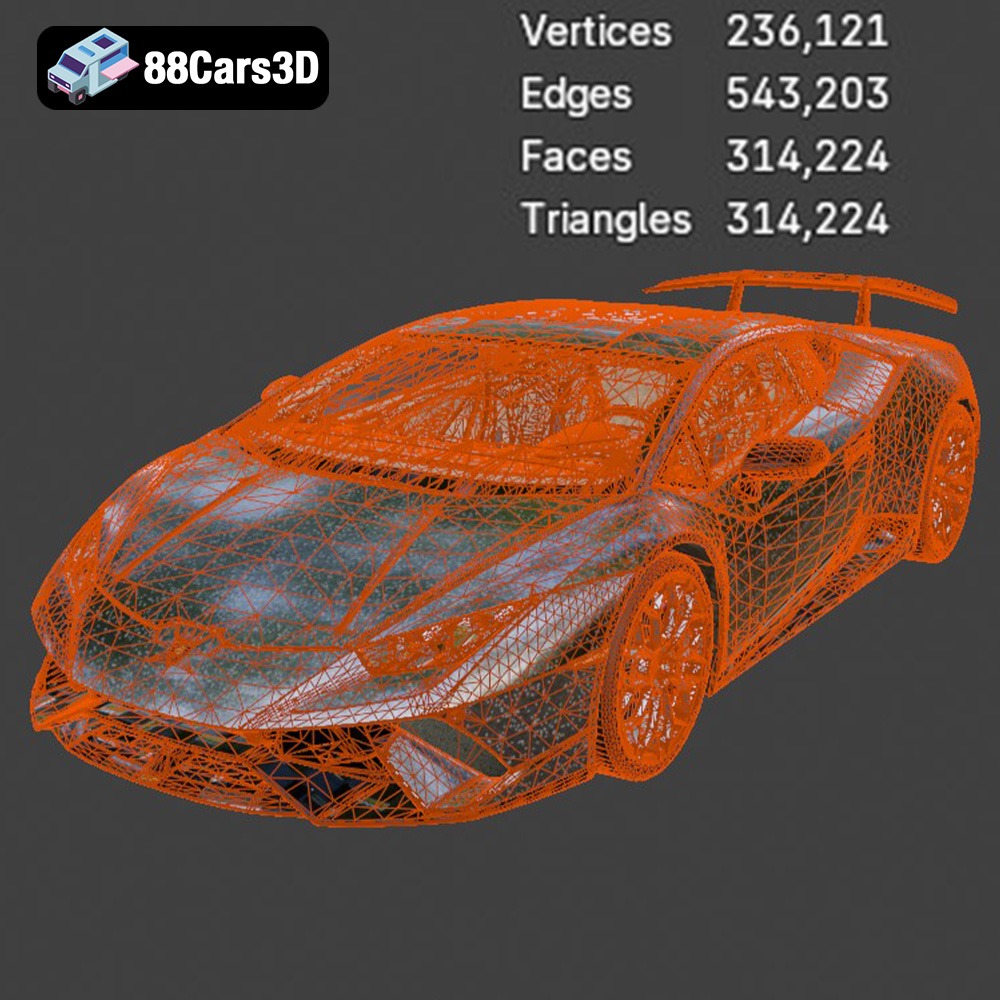
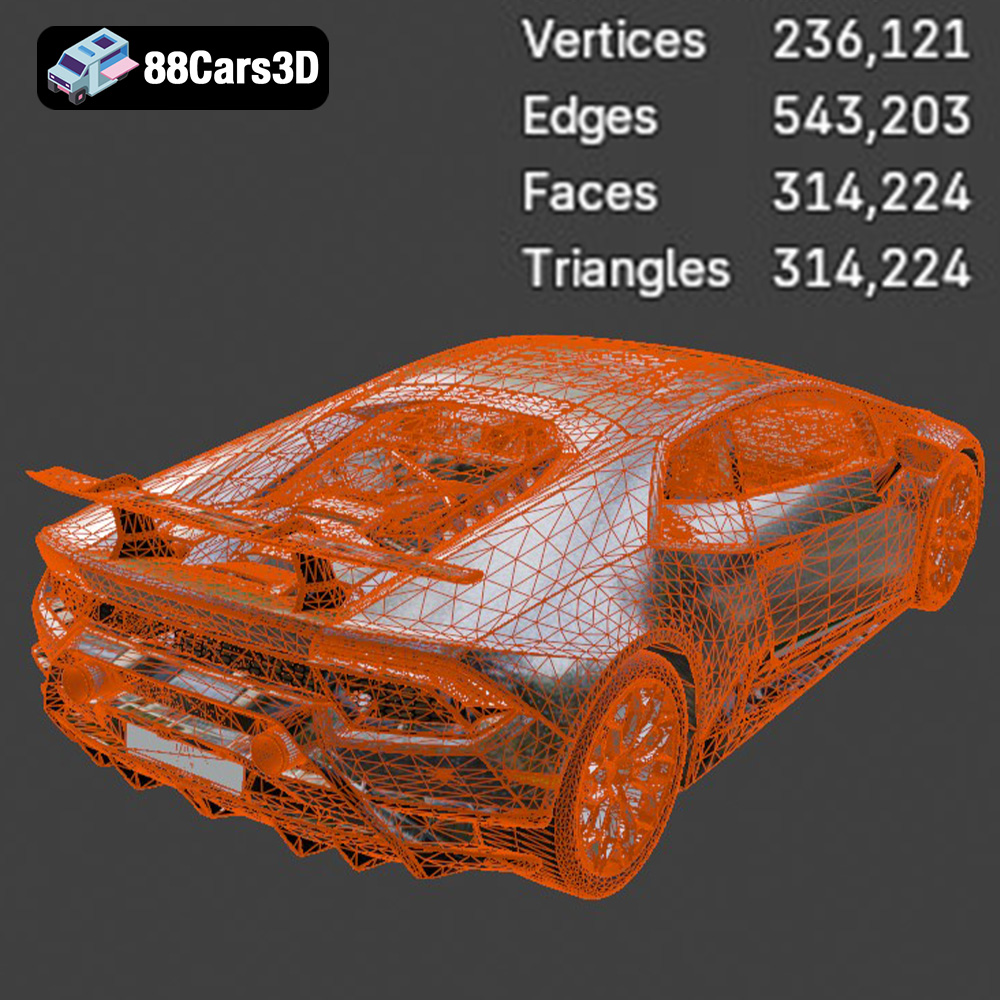
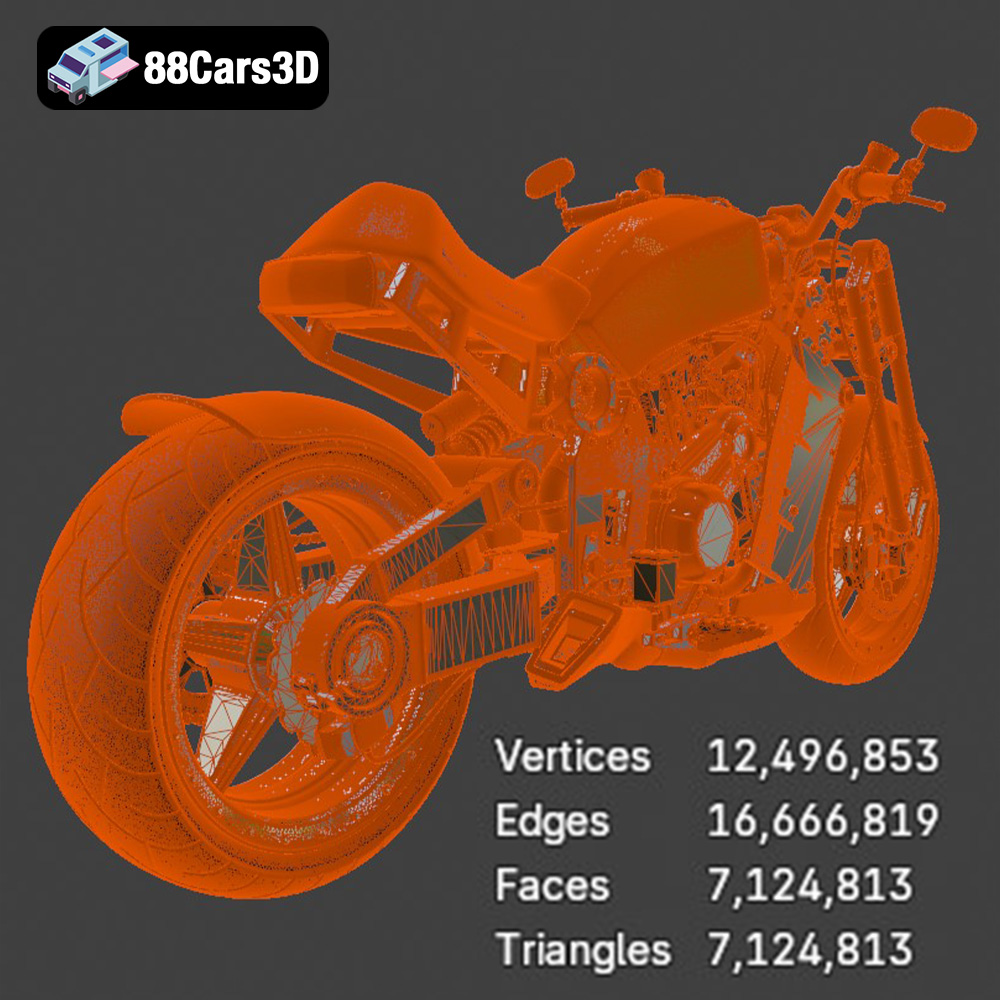
The models in this bundle range in complexity. The Huracan Performante and Presidential Limousine have intricate details that require careful consideration of printer settings. The ZAV Concept Motorcycle, with its futuristic design, may require more advanced support strategies. The Sukhoi SU-26 and Daewoo Damas, designed with 3D printing in mind, offer a more straightforward printing experience.
Consider how you intend to use the 3D printed models. Are they for display, functional models, or part of a larger diorama? This will influence your choice of material, print settings, and post-processing techniques. For display pieces, focus on surface finish and detail. For functional models, prioritize strength and durability.
Choosing the right file format is crucial for successful 3D printing. The Ultimate Creators Showcase includes several formats, but some are better suited for 3D printing than others.
The STL (Stereolithography) file format is the industry standard for 3D printing. It represents the surface geometry of a 3D object as a collection of triangles. This simplicity makes it universally compatible with slicing software and 3D printers. The bundle explicitly mentions STL files optimized for printing certain models, making it the go-to format for direct 3D printing.
OBJ files are more versatile than STLs, supporting color and texture information. While they can be used for 3D printing, the added complexity can sometimes cause issues with slicing software, especially if the textures aren’t properly handled. OBJ files are best when you intend to paint the model after printing.
PLY (Polygon File Format) is designed to store 3D data acquired from 3D scanners. It excels at representing high-detail meshes and supports color information. Like OBJ, it’s not the primary format for 3D printing, but it can be useful if you have a highly detailed scan you want to reproduce physically.
BLEND files are native to Blender, a popular open-source 3D modeling software. This format is extremely useful for customizing the models before 3D printing. You can modify the geometry, add details, or separate parts for easier printing. If you’re comfortable with Blender, this format provides the most flexibility.
FBX (Filmbox) is a proprietary file format developed by Autodesk. It supports a wide range of data, including geometry, textures, materials, and animations. While primarily used for game development and animation, FBX files can be imported into some slicing software. However, ensure the software properly interprets the material and texture information.
GLB (GL Transmission Format Binary) is a file format designed for efficient transmission and loading of 3D models. It’s commonly used for web-based 3D viewers and augmented reality (AR) applications. While not directly used for 3D printing, GLB files are excellent for previewing the models on your phone or tablet using AR apps to get a sense of their size and detail before printing.
Similar to .blend files, MAX files are native to Autodesk 3ds Max, another professional 3D modeling software. If you use 3ds Max, this format allows you to fully edit and customize the models before exporting them to a 3D printable format like STL.
For the Ultimate Creators Showcase, STL files are the best starting point for 3D printing, especially for the Sukhoi SU-26 and Daewoo Damas, as they are optimized for it. If you want to customize the models, use the BLEND or MAX files. If you’re going to paint the models after printing, OBJ or PLY files can be useful, but convert them to STL before slicing.
When working with STL files, always check the mesh quality in your slicing software. Look for errors like non-manifold edges, holes, or self-intersecting faces. Repair these errors using software like Meshmixer or Netfabb before proceeding with the print. High-quality meshes will result in cleaner, more accurate 3D prints.
Before you send any of the Ultimate Creators Showcase models to your 3D printer, you’ll need to prepare them using slicing software. This involves importing the STL file, adjusting the size and orientation, adding supports, and generating the G-code that your printer will use.
Popular slicing software options include Cura, PrusaSlicer, Simplify3D, and Chitubox (for resin printing). Each software has its strengths and weaknesses, so experiment to find the one that best suits your needs and printer.
Model orientation significantly impacts print quality and the amount of support material needed. For the Lamborghini Huracan and Presidential Limousine, orient the models to minimize overhangs and support structures on visible surfaces. For the Sukhoi SU-26, consider printing the fuselage in sections to reduce the need for extensive supports. The ZAV Concept Motorcycle might require creative support placement to capture its intricate details. The Daewoo Damas, being boxier, may be less sensitive to orientation.
Support structures are essential for printing overhangs and complex geometries. Experiment with different support types and densities to find the optimal balance between support strength and ease of removal. Tree supports, available in some slicers, can be particularly useful for minimizing support material and improving surface finish.
The Ultimate Creators Showcase models are designed to be highly detailed. If you’re printing on a smaller printer or want to reduce print time, you can scale down the models. However, be mindful of the minimum feature size that your printer can accurately reproduce.
Resolution, or layer height, also affects print quality. Lower layer heights (e.g., 0.1mm) will result in smoother surfaces and finer details, but will also increase print time. Higher layer heights (e.g., 0.2mm) are faster but may sacrifice some detail.
The choice of material depends on the intended use of the 3D printed model and the type of printer you’re using.
PLA (Polylactic Acid) is a biodegradable thermoplastic that’s easy to print and offers good dimensional accuracy. It’s an excellent choice for display pieces and non-functional models. PLA is suitable for printing the Sukhoi SU-26, Daewoo Damas, Lamborghini Huracan, and Presidential Limousine.
PETG (Polyethylene Terephthalate Glycol-modified) is more durable and heat-resistant than PLA. It’s a good option for functional parts or models that will be exposed to higher temperatures. Consider PETG for components of the ZAV Concept Motorcycle that might require more strength.
Resin printers, like SLA or DLP, offer exceptional detail and are ideal for printing small, intricate models. If you want to capture the finest details of the Lamborghini Huracan or Presidential Limousine, resin printing is the way to go. However, resin prints are generally more brittle than FDM prints and may require more post-processing.
* **Sukhoi SU-26:** PLA for a lightweight display model; PETG for a more durable RC model.
* **ZAV Concept Motorcycle:** PETG for structural components; resin for detailed cosmetic parts.
* **Lamborghini Huracan Performante:** PLA or PETG for larger prints; resin for highly detailed scale models.
* **Presidential Limousine:** PLA for display; resin for capturing the intricate details of the vehicle.
* **Daewoo Damas:** PLA for a simple diorama piece; PETG for a more durable model.
Optimal printer settings vary depending on the printer, material, and desired print quality. Here are some general guidelines:
* **Layer Height:** 0.1mm – 0.2mm (lower for more detail, higher for faster printing)
* **Infill:** 15% – 25% (adjust for strength and weight)
* **Print Speed:** 40mm/s – 60mm/s (adjust for material and printer capabilities)
* **Temperature:** PLA: 200°C – 220°C; PETG: 230°C – 250°C (refer to filament manufacturer’s recommendations)
* **Bed Temperature:** PLA: 60°C; PETG: 70°C – 80°C (ensure good adhesion)
* **Supports:** Enable supports and adjust density and type as needed.
* **Layer Height:** 0.025mm – 0.05mm (lower for more detail, higher for faster printing)
* **Exposure Time:** Varies depending on resin and printer (refer to resin manufacturer’s recommendations)
* **Lift Speed:** Adjust for smooth separation from the FEP film
* **Supports:** Generate supports using slicing software and adjust for optimal support.
Post-processing is essential for achieving a professional finish on your 3D printed models.
Carefully remove support structures using pliers, cutters, or a sharp knife. Be gentle to avoid damaging the model.
Sand the surface of the model to remove layer lines and imperfections. Start with coarse sandpaper (e.g., 220 grit) and gradually move to finer grits (e.g., 400, 600, 800 grit). Wet sanding can help to reduce dust and improve the surface finish.
Apply a primer to the model to create a smooth surface for painting. Once the primer is dry, paint the model using acrylic paints or spray paint. Consider using masking tape to create clean lines and multi-color designs.
Some of the Ultimate Creators Showcase models may consist of multiple parts that need to be assembled. Use glue or screws to connect the parts. Ensure proper alignment for a seamless finish. The separated components for easy rigging, animation, or modular 3D printing advertised on 88cars3d.com really shines here.
Even with careful preparation, you may encounter issues during 3D printing. Here are some common problems and solutions:
Warping occurs when the corners of the model lift off the print bed. To prevent warping, ensure good bed adhesion by using a heated bed, applying an adhesive like glue stick or hairspray, and leveling the bed properly.
Stringing occurs when thin strands of filament are left between parts of the model. To reduce stringing, adjust retraction settings in your slicing software, lower the printing temperature, and increase travel speed.
Layer shifting occurs when the printer head shifts mid-print, resulting in misaligned layers. To fix layer shifting, check the belts and pulleys on your printer, ensure the printer is stable, and reduce print speed.
Print time and material costs vary depending on the size and complexity of the model, the chosen material, and the printer settings. A small Daewoo Damas printed in PLA might take a few hours and cost a few dollars in material. A large Lamborghini Huracan printed in PETG with high infill could take several days and cost significantly more.
Use your slicing software to estimate print time and material usage before starting the print. This will help you plan your projects and manage your budget.
The Ultimate Creators Showcase from 88cars3d.com offers a diverse and exciting collection of models for 3D printing enthusiasts. By carefully considering model complexity, choosing the right file format, preparing the model with slicing software, selecting the appropriate material, and fine-tuning your printer settings, you can bring these incredible designs to life. Remember to invest time in post-processing to achieve a professional finish. Happy printing!
The Ultimate Creators’ Showcase is an exclusive, masterfully curated master-portfolio bundle designed for artists, collectors, and 3D printing enthusiasts who demand unparalleled variety without compromising on extreme detail. Unlike traditional brand-specific collections, this unique bundle bridges the gap between high-altitude aerospace engineering, cyberpunk conceptual design, elite track performance, VIP luxury, and highly sought-after urban utility.
$99.99
3d bundle
3d print ready
3d printable bundle
archviz-assets
cg models
concept-bike
cyberpunk-vehicle
daewoo damas
high poly cars
lamborghini huracan
luxury car
presidential limousine
rc plane stl
sci-fi motorcycle
stl collection
sukhoi airplane
supercar 3d model
urban van
vehicle pack
vfx assets