Get 50% OFF All Premium 3D & STL Models!

“`html
The world of 3D printing offers incredible opportunities for automotive enthusiasts, model makers, and hobbyists to bring their visions to life. One of the most challenging, yet rewarding, aspects of 3D printing car models is creating detailed interiors. Achieving realistic and intricate cabins requires a combination of careful planning, precise printer settings, and a thorough understanding of STL file preparation. This guide will walk you through the process of 3D printing stunning car interiors, from selecting the right STL files to post-processing your finished prints. Whether you’re aiming to replicate a classic dashboard or a modern cockpit, the techniques outlined here will equip you with the knowledge to succeed.
In this comprehensive guide, we will explore everything from understanding STL file structure, choosing optimal slicing parameters, mastering support generation, and implementing post-processing techniques. We’ll dive into material selection and printer calibration, ensuring you’re set up for success. Learn how to transform digitally designed STL files into tangible, highly detailed car interiors that will elevate your 3D printing projects to a new level of realism.
The STL (Stereolithography) file format is the industry standard for 3D printing. It represents the surface geometry of a 3D object as a collection of triangles. For car interiors, this means that every curve, contour, and detail is approximated by a mesh of interconnected triangles. The density and distribution of these triangles directly impact the smoothness and accuracy of the final print. Platforms like 88cars3d.com offer print-ready STL files that are specifically designed for optimal 3D printing results.
A higher mesh density (more triangles) results in a smoother surface and finer details. However, it also leads to larger file sizes and increased processing time during slicing. Conversely, a lower mesh density reduces file size but can compromise the quality of curved surfaces, resulting in a faceted appearance. The ideal mesh density is a balance between detail and efficiency. For intricate car interiors, aim for a level of detail where curves appear smooth when viewed at a typical viewing distance of 30-50 cm.
STL files must be “manifold,” meaning that they represent a closed, continuous surface without any holes or self-intersections. Non-manifold geometry can cause slicing errors and printing failures. Before printing, it’s crucial to inspect and repair any errors in the STL file. Software like Meshmixer and Netfabb can automatically detect and fix common issues such as flipped normals, holes, and overlapping triangles. These tools analyze the mesh and ensure that it is watertight and ready for printing. When downloading models from marketplaces such as 88cars3d.com, you can generally expect the models to be pre-checked, but it’s always good practice to verify the file before printing.
Slicing software is the bridge between your 3D model and the 3D printer. It converts the STL file into a series of instructions (G-code) that the printer can understand. The slicing parameters you choose will significantly impact the quality, strength, and printing time of your car interior model. For detailed interiors, precise settings are crucial to capture the finest features without compromising structural integrity.
Layer height is arguably the most important setting for achieving detailed prints. A smaller layer height results in finer vertical resolution, allowing you to capture intricate details with greater accuracy. For car interiors, consider using a layer height of 0.1mm to 0.15mm for FDM printing and 0.025mm to 0.05mm for resin printing. While smaller layer heights increase print time, the improved detail is often worth the trade-off, especially for visible areas like dashboards and seats. For example, when printing a dashboard with fine grooves and buttons, a 0.1mm layer height will allow the printer to accurately reproduce these features.
Infill density determines the amount of material inside the printed part. For car interiors, a higher infill density (20-30%) is generally recommended to provide structural support and prevent warping, especially for larger components. The infill pattern also plays a role in the part’s strength and printing time. Common infill patterns include grid, honeycomb, and gyroid. Gyroid infill is particularly useful as it provides excellent strength in all directions while minimizing material usage. Consider using a rectilinear infill pattern for flat surfaces like floors and ceilings to ensure a smooth top layer.
Support structures are essential for printing overhangs and complex geometries. They provide temporary support to prevent parts from collapsing during printing. However, generating and removing supports can be a delicate process, especially for intricate car interiors. Poorly placed or overly aggressive supports can damage the surface of the print, while insufficient supports can lead to print failures. The key is to find a balance between providing adequate support and minimizing the impact on the final product.
Most slicing software offers automatic support generation, which can be a good starting point. However, for complex geometries like car interiors, manual support placement is often necessary to optimize support structures and minimize material usage. Manually placing supports allows you to target specific areas that require support while avoiding delicate features that could be damaged during removal. For example, you can place thin, easily removable supports under the edges of seats and dashboards. In Cura, you can use the “Support Blocker” tool to prevent supports from generating in areas where they are not needed.
The choice of support material can also impact the ease of support removal and the quality of the supported surface. For FDM printing, soluble support materials like PVA (Polyvinyl Alcohol) can be used in conjunction with PLA to create support structures that dissolve in water, leaving a clean and smooth surface. For resin printing, you can adjust the exposure time for support layers to make them easier to remove. Adding an interface layer between the support structure and the printed part can also help to improve surface quality and reduce scarring. Experiment with different support settings and materials to find what works best for your printer and filament.
Print orientation plays a crucial role in the success of your 3D prints. It affects the amount of support required, the surface finish, and the overall strength of the part. Choosing the right orientation can minimize support material, reduce printing time, and improve the aesthetic appearance of your car interior model. Bed adhesion is equally important, as it ensures that the part remains firmly attached to the build plate throughout the printing process.
The goal of print orientation is to minimize the need for support structures. Orienting the model so that the majority of its surfaces are self-supporting can significantly reduce printing time and material usage. For example, if you’re printing a dashboard, orient it so that the flat surface is facing down on the build plate, minimizing the need for supports under the overhangs. Use the slicing software’s preview feature to visualize the support structures before printing and adjust the orientation accordingly. Rotating the model even a few degrees can make a significant difference in the amount of support required.
Proper bed adhesion is essential for preventing warping and ensuring that the part stays firmly attached to the build plate. For FDM printing, you can use techniques such as applying a layer of glue stick or hairspray to the build plate, using a heated bed, and printing a brim or raft around the base of the model. For resin printing, make sure the build plate is properly leveled and that the resin is adequately mixed. Increasing the initial layer exposure time can also improve bed adhesion. If you’re printing a large car interior component, consider using a raft to provide a larger surface area for adhesion.
The choice of material and the calibration of your 3D printer are critical factors in achieving high-quality prints. Different materials have different properties, such as strength, flexibility, and heat resistance. Selecting the right material for your car interior model will ensure that it meets your specific requirements. Proper printer calibration is essential for ensuring that the printer accurately extrudes the material and produces parts that are dimensionally accurate.
For FDM printing, common materials for car interiors include PLA, PETG, and ABS. PLA is easy to print and offers good detail, but it is not very heat resistant. PETG is more heat resistant and durable than PLA, making it a good choice for parts that will be exposed to sunlight. ABS is even more heat resistant and stronger than PETG, but it is more difficult to print and requires a heated enclosure to prevent warping. For resin printing, there are a variety of resins available, each with its own unique properties. Standard resins are good for general-purpose printing, while tough resins are more durable and resistant to impact. Choose a material that is appropriate for the intended use of your car interior model.
Proper printer calibration is essential for achieving dimensionally accurate and high-quality prints. This includes calibrating the extruder, leveling the bed, and adjusting the print temperature and speed. The extruder should be calibrated to ensure that it is extruding the correct amount of filament. The bed should be leveled to ensure that the first layer adheres properly to the build plate. The print temperature and speed should be adjusted to match the material being used. Follow the manufacturer’s instructions for calibrating your specific 3D printer. Regular calibration will help to ensure that your prints are accurate and consistent.
Post-processing is the final step in the 3D printing process. It involves cleaning up the print, removing support structures, and applying finishing touches to improve the appearance and functionality of the part. For car interiors, post-processing can make a significant difference in the realism and overall quality of the model. Techniques like sanding, filling, priming, and painting can transform a raw 3D print into a professional-looking finished product.
Sanding is used to remove layer lines and smooth out the surface of the print. Start with a coarse grit sandpaper (e.g., 220 grit) and gradually work your way up to finer grits (e.g., 400 grit, 600 grit, 800 grit). For hard-to-reach areas, use small sanding tools or flexible sanding sponges. After sanding, fill any gaps or imperfections with a filler putty. Apply the putty in thin layers and let it dry completely before sanding it smooth. Priming is essential for creating a uniform surface for painting. Apply several thin coats of primer, allowing each coat to dry completely before applying the next. Sand the primer lightly between coats to remove any imperfections.
Painting is the final step in the post-processing process. Choose paints that are appropriate for the material being used. Acrylic paints are a good choice for most 3D printed parts. Apply the paint in thin, even coats using an airbrush or a spray can. For detailed areas, use a fine-tipped brush. After the paint has dried, apply a clear coat to protect the paint and add a glossy or matte finish. Add details such as decals, trim, and weathering to enhance the realism of the car interior model.
3D printing detailed car interiors from STL files is an achievable goal with the right knowledge and techniques. From understanding the intricacies of STL file structure and mastering slicing parameters to strategically generating support structures and implementing effective post-processing methods, each step contributes to a final product that reflects precision and realism. By carefully selecting materials, calibrating your printer, and applying meticulous post-processing techniques, you can transform digital designs into tangible, high-quality car interiors. Remember to experiment with different settings and materials to find what works best for your specific printer and projects. With practice and dedication, you can unlock the full potential of 3D printing and create stunning car interiors that will impress even the most discerning automotive enthusiasts. So, dive in, explore, and elevate your 3D printing skills to bring your automotive visions to life!
“`
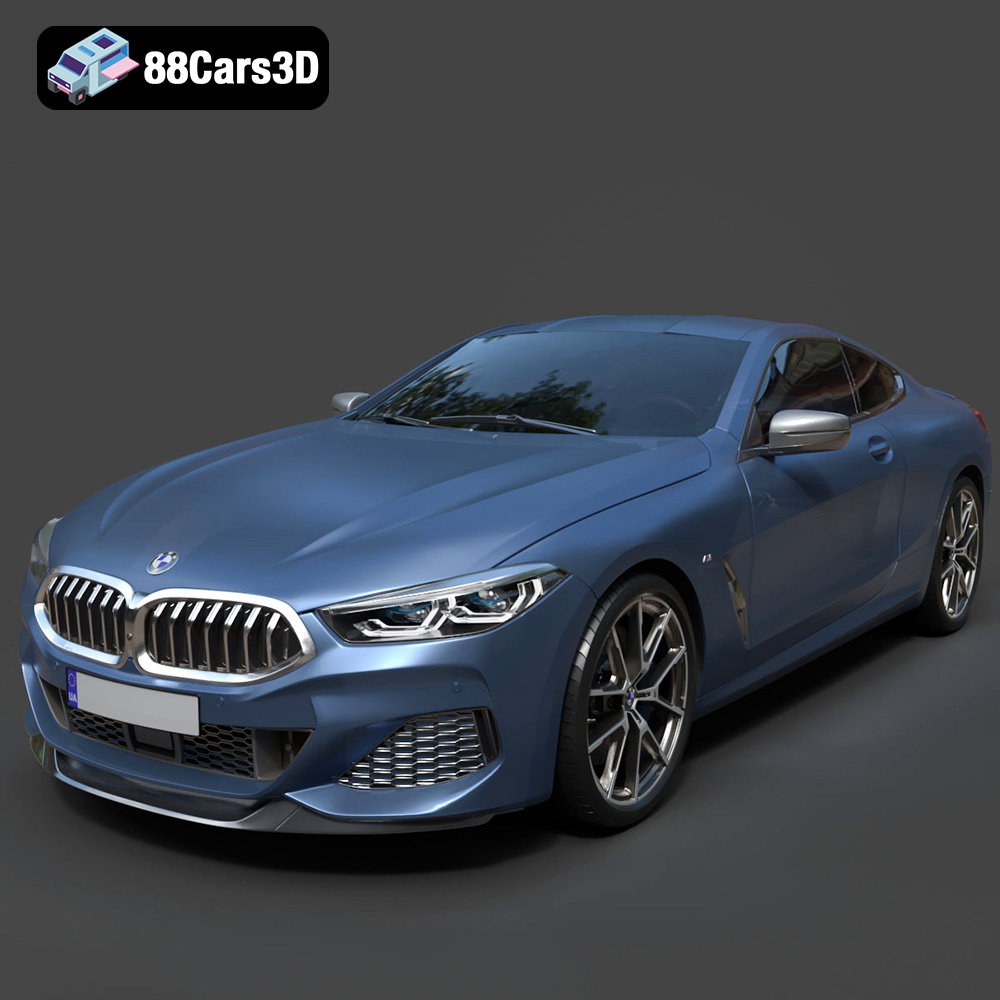
Texture: Yes
Material: Yes
Download the BMW 8-Series M850i G15 Coupe 2019 3D Model featuring clean geometry, realistic detailing, and a fully modeled interior. Includes .blend, .fbx, .obj, .glb, .stl, .ply, .unreal, and .max formats for rendering, simulation, and game development.
Price: $19.99
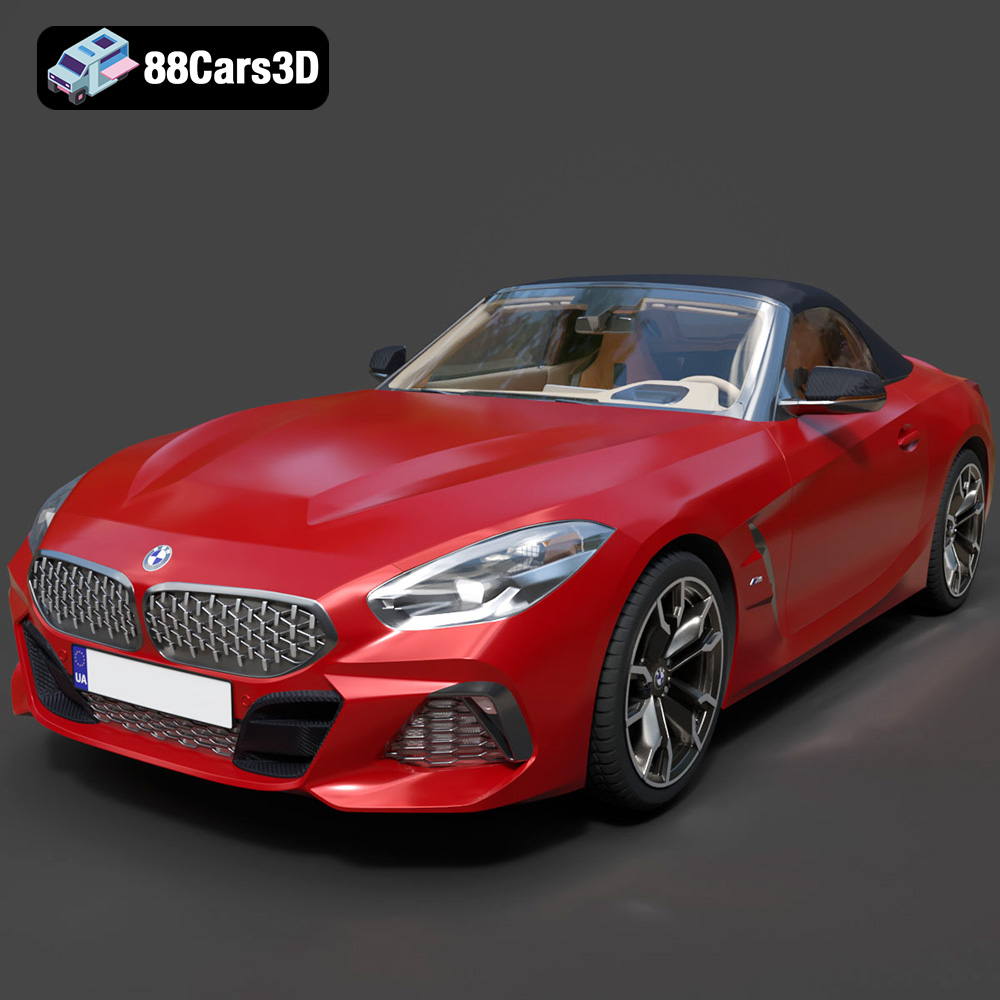
Texture: Yes
Material: Yes
Download the BMW Z4 Mk3 G29 Roadster M40i 2019 3D Model featuring clean geometry, realistic detailing, and a fully modeled interior. Includes .blend, .fbx, .obj, .glb, .stl, .ply, .unreal, and .max formats for rendering, simulation, and game development.
Price: $19.99

Texture: Yes
Material: Yes
Download the BMW X6 (Mk3) (G06) M Sport 2020 3D Model featuring clean geometry, realistic detailing, and a fully modeled interior. Includes .blend, .fbx, .obj, .glb, .stl, .ply, .unreal, and .max formats for rendering, simulation, and game development.
Price: $19.99

Texture: Yes
Material: Yes
Download the BMW 8-Series G14 Convertible M850i 2019 3D Model featuring clean geometry, realistic detailing, and a fully modeled interior. Includes .blend, .fbx, .obj, .glb, .stl, .ply, .unreal, and .max formats for rendering, simulation, and game development.
Price: $19.99
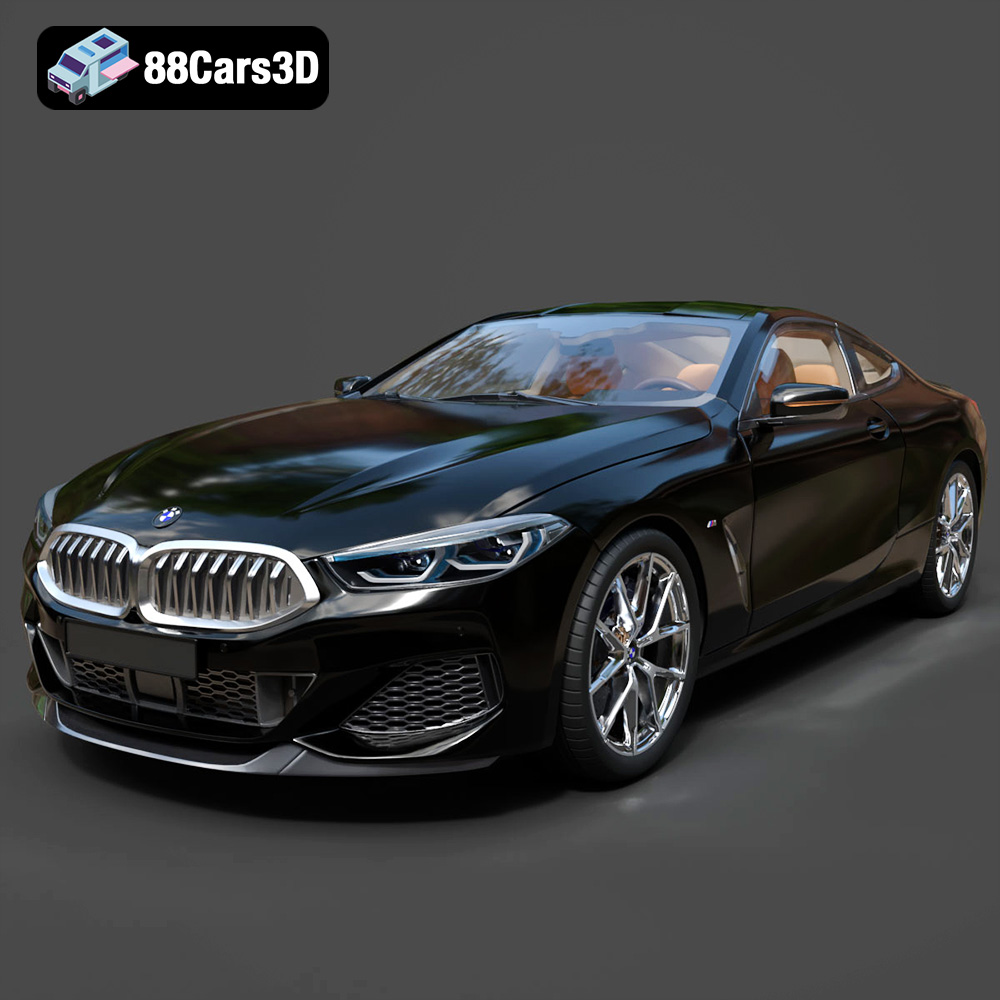
Texture: Yes
Material: Yes
Download the BMW 8 Series M850i Coupe 2019 3D Model featuring clean geometry, realistic detailing, and a fully modeled interior. Includes .blend, .fbx, .obj, .glb, .stl, .ply, .unreal, and .max formats for rendering, simulation, and game development.
Price: $19.99
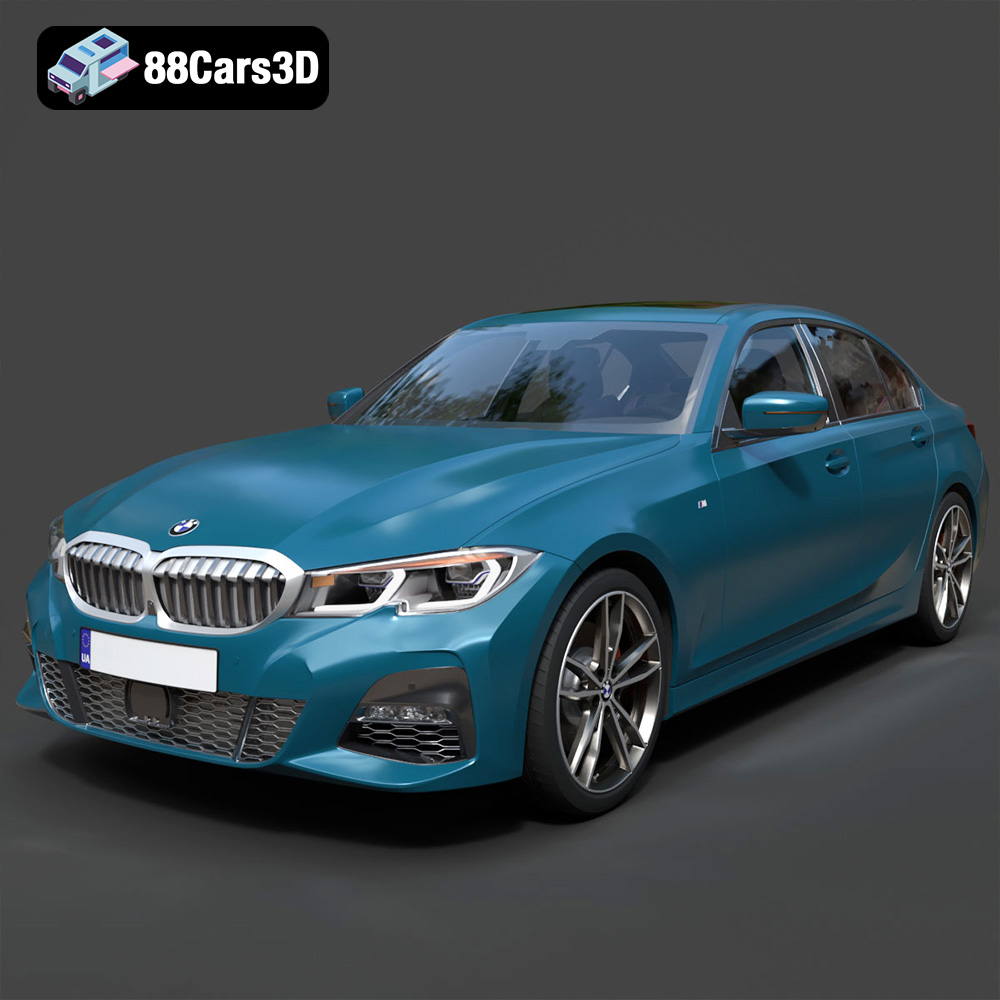
Texture: Yes
Material: Yes
Download the BMW 3 Series M-Sport Sedan 2019 3D Model featuring clean geometry, realistic detailing, and a fully modeled interior. Includes .blend, .fbx, .obj, .glb, .stl, .ply, .unreal, and .max formats for rendering, simulation, and game development.
Price: $19.99
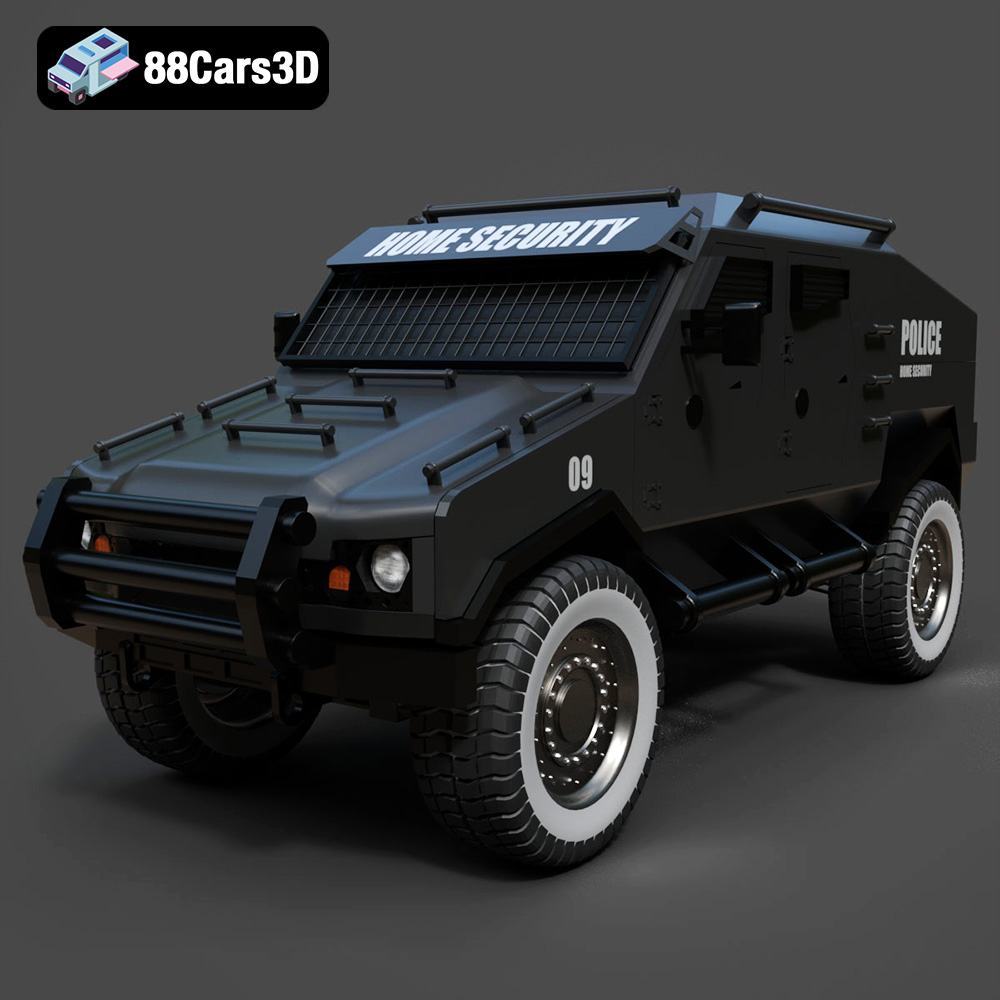
Texture: Yes
Material: Yes
Download the Armoured Vehicle 001 3D Model featuring clean geometry, realistic detailing, and a fully modeled interior. Includes .blend, .fbx, .obj, .glb, .stl, .ply, .unreal, and .max formats for rendering, simulation, and game development.
Price: $19.99
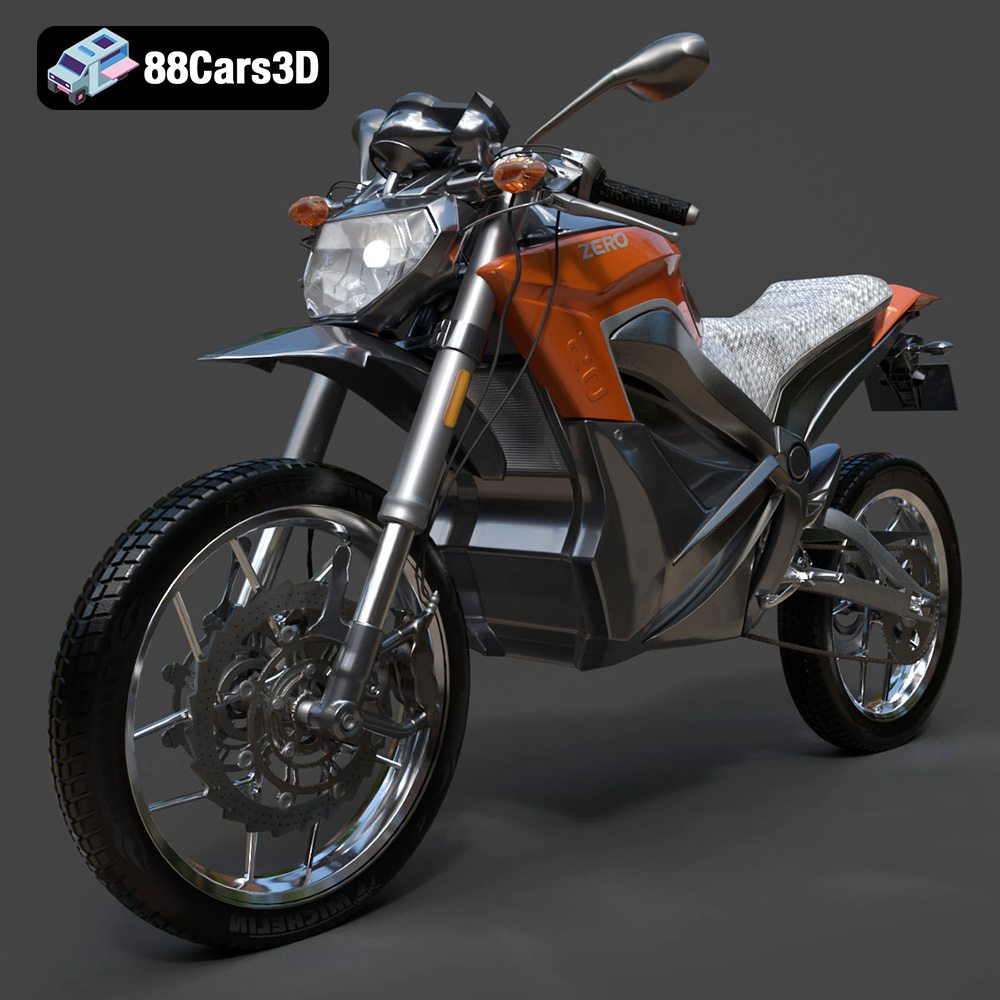
Texture: Yes
Material: Yes
Download the Zero Motorcycles S ZF8.5 3D Model featuring clean geometry, realistic detailing, and a fully modeled interior. Includes .blend, .fbx, .obj, .glb, .stl, .ply, .unreal, and .max formats for rendering, simulation, and game development.
Price: $19.99

Texture: Yes
Material: Yes
Download the Zeekr 001 3D Model featuring clean geometry, realistic detailing, and a fully modeled interior. Includes .blend, .fbx, .obj, .glb, .stl, .ply, .unreal, and .max formats for rendering, simulation, and game development.
Price: $19.99

Texture: Yes
Material: Yes
Download the Volvo Trucks Benz GT-001 3D Model featuring clean geometry, realistic detailing, and a fully modeled interior. Includes .blend, .fbx, .obj, .glb, .stl, .ply, .unreal, and .max formats for rendering, simulation, and game development.
Price: $29.99

