Get 50% OFF All Premium 3D & STL Models!

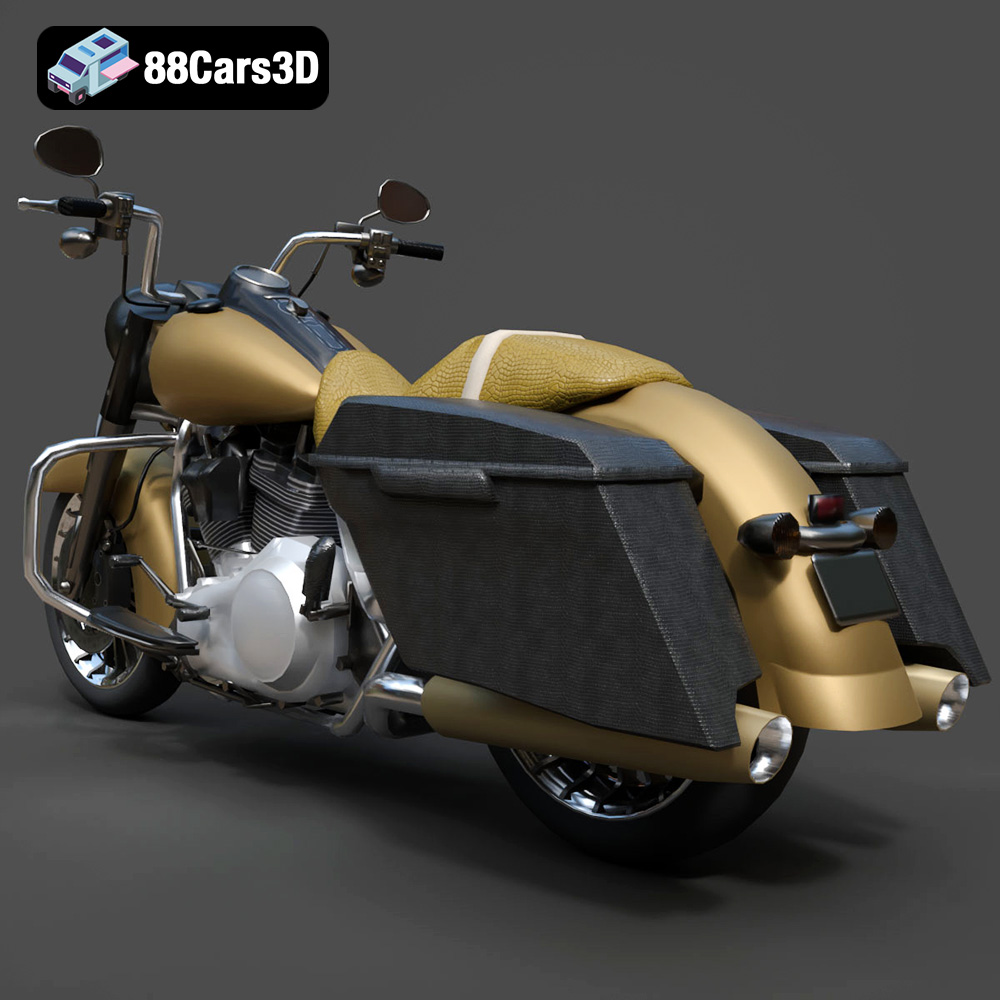
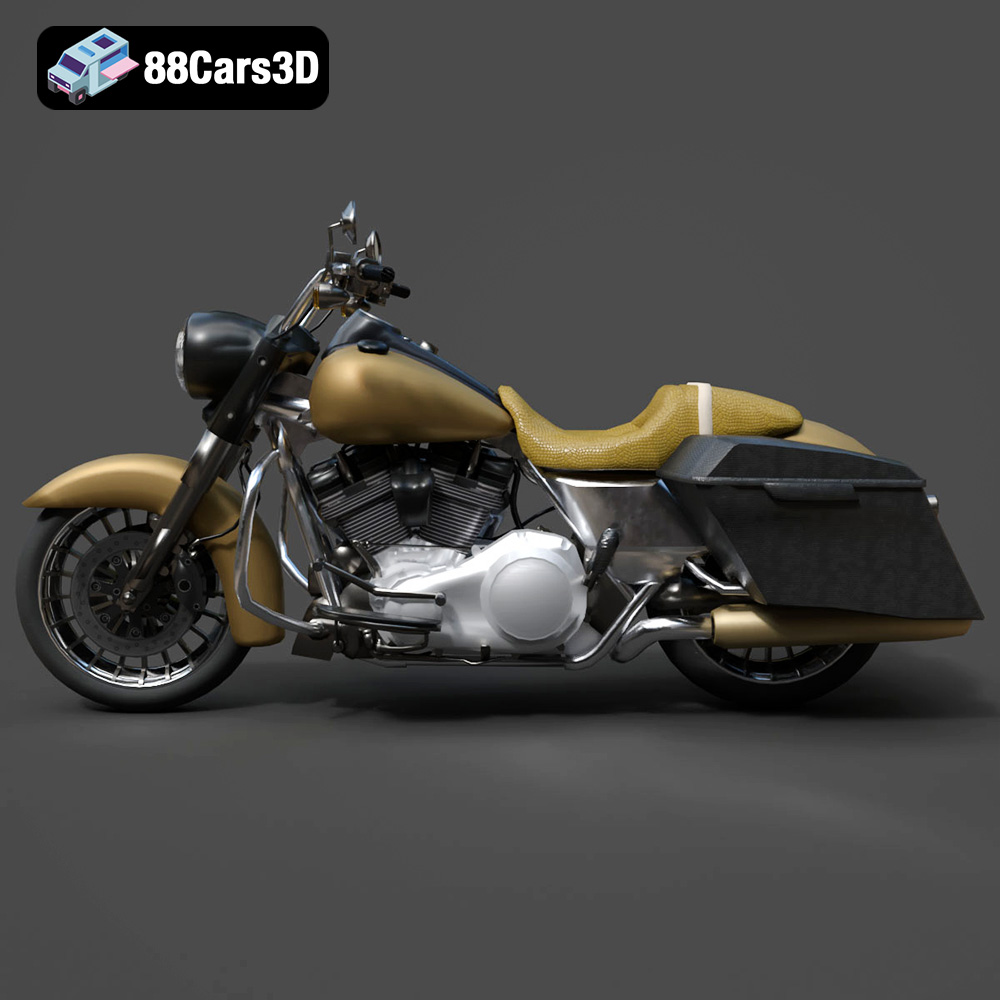
The Harley-Davidson Road King. Just the name evokes images of open highways, classic Americana, and the unmistakable rumble of a V-twin engine. Now, thanks to 88cars3d.com, you can bring this legendary motorcycle to life with your 3D printer. This comprehensive guide will walk you through the process of 3D printing the Harley-Davidson Road King 3D Model (Game-Ready), covering everything from selecting the right materials to mastering post-processing techniques. Whether you’re a seasoned 3D printing enthusiast or just starting out, this guide will provide you with the knowledge and skills to create a stunning replica of this iconic motorcycle.
Before diving into the specifics of printing the Road King, it’s crucial to understand the different 3D model file formats and how they impact the printing process. While numerous formats exist, some are better suited for 3D printing than others.
The .stl (Stereolithography) file format is the undisputed king of 3D printing. It represents the surface geometry of a 3D object as a collection of triangles. This simplicity is its strength, making it universally compatible with virtually all 3D printers and slicing software. The Road King model available from 88cars3d.com includes an STL file, ensuring a smooth printing experience. However, STL files only contain mesh data; they don’t store color, texture, or material information. This means you’ll need to add these details during post-processing.
The .obj (Object) file format is more versatile than STL, as it can store color and texture information along with the 3D geometry. This makes it suitable for colored prints or for applying textures in your slicing software. However, not all 3D printers support colored printing, and even fewer support texture mapping. If you plan to paint your 3D printed Road King, the STL format is perfectly adequate.
The .ply (Polygon) file format is designed for capturing high-detail 3D scans. It’s capable of storing color, texture, and other properties at each vertex of the mesh. This makes it ideal for reproducing complex surfaces with intricate details. While the Road King model is optimized for game development and may not necessitate the extreme detail captured by .ply, the option is available for highly detailed prints.
The .blend file is the native format for Blender, a popular open-source 3D modeling software. This format stores the entire Blender scene, including the model geometry, materials, textures, lighting, and animation data. If you want to modify the Road King model before printing, the .blend file gives you complete control.
The .fbx (Filmbox) format is a proprietary format developed by Autodesk. It’s widely used in the game development industry for exchanging 3D models between different software packages. The .fbx file can store geometry, materials, textures, animation, and other data. Some slicing software can import .fbx files and use the material information to guide the printing process.
The .glb (GL Transmission Format Binary) is a binary file format that represents 3D models in a compact and efficient manner. It’s often used for displaying 3D models in web browsers and AR applications. You can use a .glb file to preview the Road King model in augmented reality before printing it.
The .max file is the native format for 3ds Max, another professional 3D modeling software. Like the .blend file, the .max file contains the entire project scene, allowing for extensive modifications before exporting for 3D printing.
For 3D printing, the .STL file format generally provides the best balance of compatibility, simplicity, and print quality. Before printing, always inspect the mesh quality of your STL file in your slicing software to ensure there are no errors or gaps. A well-prepared STL file is the foundation for a successful 3D print. Ensure your chosen slicing software fully supports the format you are using. Often, this will be STL.
Choosing the right material is crucial for achieving the desired look, feel, and durability of your 3D printed Harley-Davidson Road King. Several materials are suitable, each with its own advantages and disadvantages.
PLA (Polylactic Acid) is a thermoplastic derived from renewable resources like corn starch or sugarcane. It’s easy to print, has low odor, and is biodegradable, making it a popular choice for beginners. PLA is also relatively inexpensive. However, PLA is not as strong or heat-resistant as other materials, so it may not be the best choice for parts that will be subjected to stress or high temperatures. For a display model, PLA is a fine choice.
PETG (Polyethylene Terephthalate Glycol-modified) is a modified version of PET (the plastic used in water bottles). It offers a good balance of strength, flexibility, and heat resistance. PETG is also more impact-resistant than PLA. It’s slightly more challenging to print than PLA, but with proper settings, it can produce excellent results. PETG is a good option if you want a more durable 3D printed Road King.
Resin 3D printing, using materials like standard resin or ABS-like resin, excels at producing parts with fine details and smooth surfaces. As the product description on 88cars3d.com suggests, resin printing is highly recommended for this model, particularly for preserving details at smaller scales. Resin prints tend to be more brittle than FDM prints, so handle them with care. If you’re looking for the highest level of detail and are comfortable with the resin printing process, this is the way to go.
ABS (Acrylonitrile Butadiene Styrene) is a strong and heat-resistant thermoplastic commonly used in injection molding. It’s more challenging to print than PLA or PETG, requiring higher temperatures and an enclosed build chamber to prevent warping. ABS also emits fumes during printing, so proper ventilation is essential. If you need a very durable and heat-resistant 3D printed Road King, and you have experience with ABS printing, it’s an option to consider.
For the Harley-Davidson Road King 3D Model (Game-Ready), I recommend starting with PETG if you’re using an FDM printer. It provides a good balance of strength, durability, and ease of printing. If you have a resin printer, standard resin or ABS-like resin will deliver the best detail.
Before you can start printing, you need to prepare the 3D model using slicing software. This software converts the 3D model into a set of instructions that the 3D printer can understand.
Several excellent slicing software options are available, both free and paid. Popular choices include:
* **Cura:** A free and open-source slicer with a user-friendly interface and a wide range of settings.
* **PrusaSlicer:** Another free and open-source slicer based on Slic3r. It’s known for its advanced features and precise control.
* **Simplify3D:** A paid slicer with a comprehensive set of features and excellent support.
* **ChiTuBox:** A popular slicer for resin 3D printers.
Choose a slicer that you’re comfortable with and that’s compatible with your 3D printer.
The orientation of the model on the build plate can significantly impact the print quality and the amount of support material required. For the Road King, consider printing the frame at an angle to minimize the visibility of layer lines on the curved surfaces. The wheels should be printed separately for best results.
Support structures are necessary to support overhanging features like the handlebars, saddlebags, and exhaust pipes. Use the support generation feature in your slicing software to automatically add supports. Experiment with different support settings to find the optimal balance between support strength and ease of removal. For resin printing, pre-supported models or automatic support generation within the slicer are generally recommended.
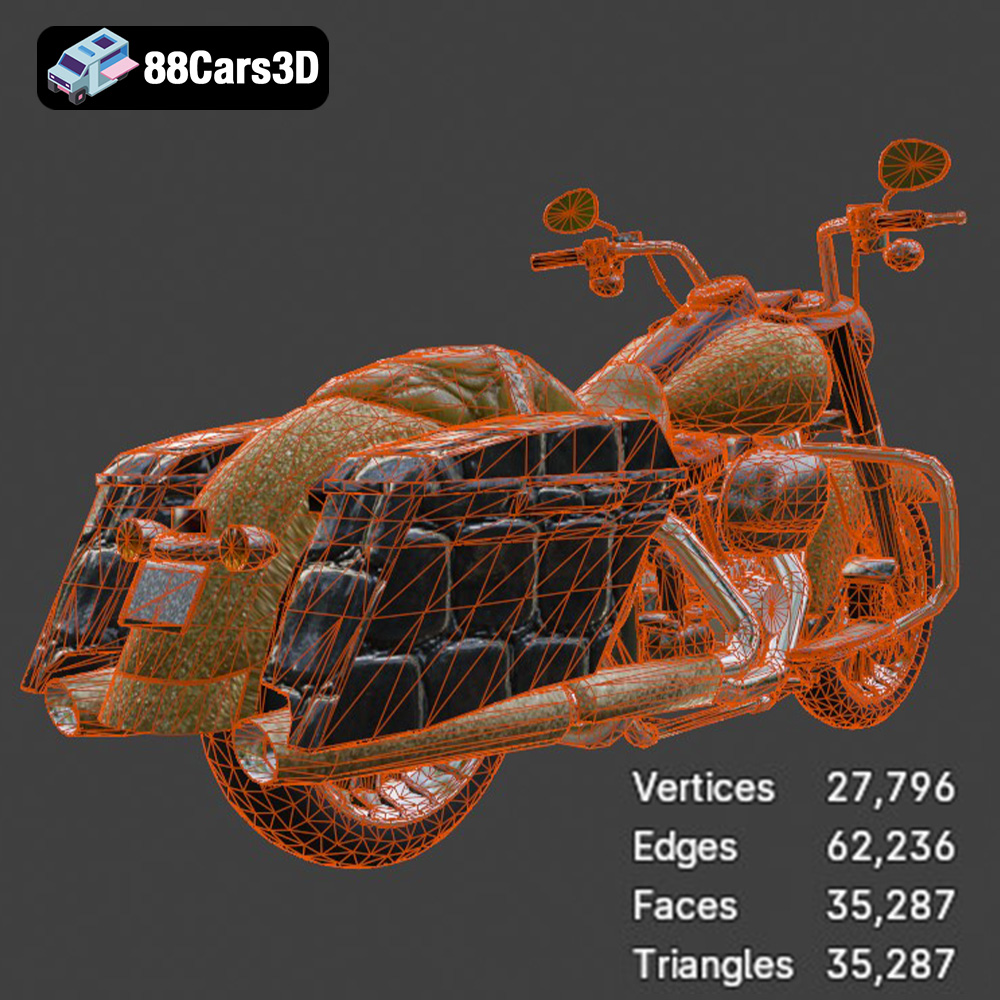
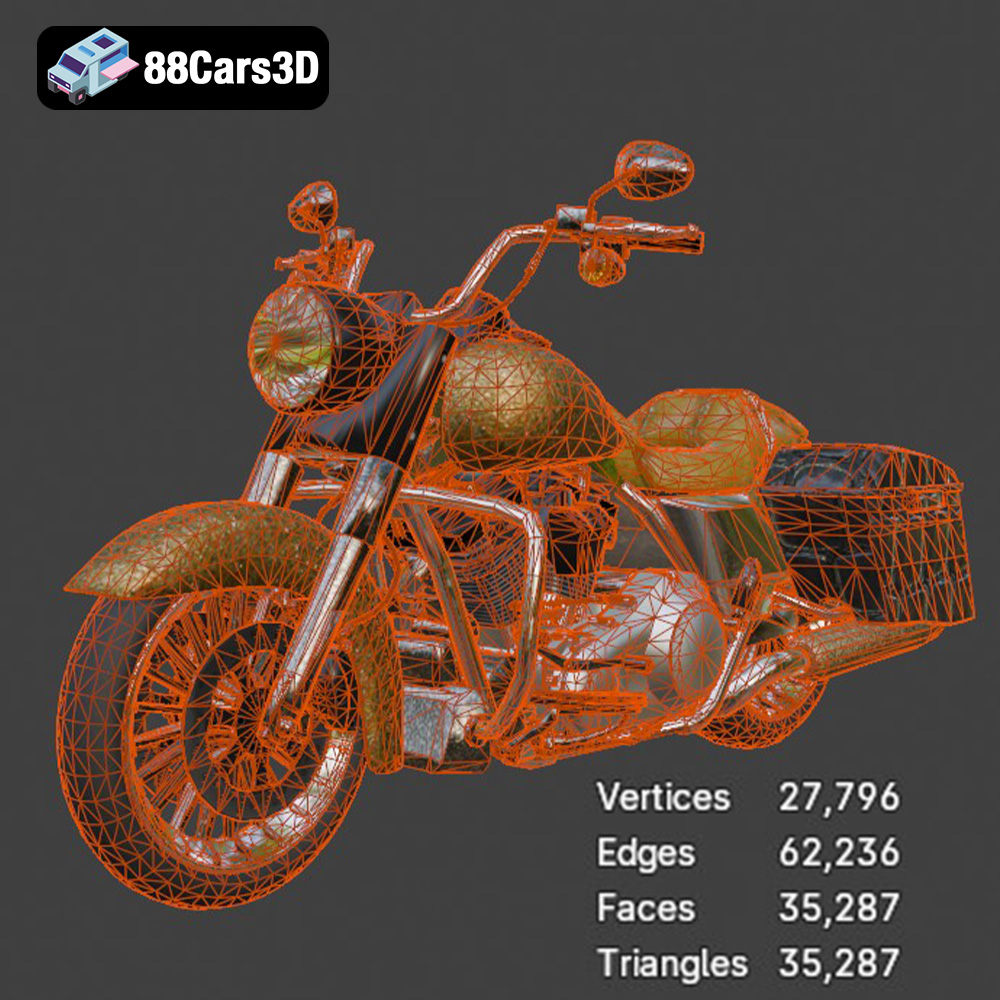
As the product description notes, this model is best printed at smaller scales like 1:32 or 1:43 due to its low-poly nature. Experiment with different scales to find the size that best suits your needs. Remember that smaller scales will require finer layer heights to capture the details. Layer heights of 0.04-0.08 mm are recommended for resin printing.
Before slicing, it’s essential to check the 3D model for any errors or defects. Use the “mesh repair” feature in your slicing software or a dedicated mesh repair tool like MeshMixer or Netfabb to fix any issues. A clean and error-free model will result in a much smoother printing process.
The right printer settings are essential for a successful 3D print. Here are some recommended settings for the Harley-Davidson Road King model:
* **FDM:** 0.1-0.2 mm (for a balance of speed and detail)
* **Resin:** 0.04-0.08 mm (for maximum detail)
* **FDM:** 15-30% (for sufficient strength without adding excessive weight)
* **Resin:** Solid (resin prints are typically solid)
* **FDM:** 1.2-2.0 mm (for a strong and durable shell)
* **FDM:** 40-60 mm/s (adjust based on your printer’s capabilities)
* **Resin:** Refer to your resin manufacturer’s recommendations
* **PLA:** 200-220°C (nozzle), 60°C (bed)
* **PETG:** 230-250°C (nozzle), 80°C (bed)
* **ABS:** 230-260°C (nozzle), 100-110°C (bed)
These are just starting points. You may need to adjust the settings based on your specific printer, material, and desired print quality. Experiment with different settings and keep track of your results to optimize your printing process.
Once the printing is complete, the real magic begins. Post-processing is the process of cleaning up, refining, and finishing the 3D printed parts to achieve the desired look and feel.
Carefully remove the support structures using pliers, a hobby knife, or specialized support removal tools. Be patient and avoid damaging the model during this process. Once the supports are removed, sand the surface of the parts to smooth out any imperfections and remove any remaining support marks. Start with coarse sandpaper (e.g., 220 grit) and gradually move to finer grits (e.g., 400, 600, 800 grit) for a smooth finish. Wet sanding can help to minimize dust and produce a smoother surface.
Apply a primer coat to the parts to create a uniform surface for painting. Use a spray primer designed for plastics. Let the primer dry completely before proceeding to the painting stage. Once primed, you can paint the Road King with your desired colors. Classic Harley-Davidson colors like Vivid Black or two-tone schemes would look fantastic. Use masking tape to create clean lines for multi-color designs. Apply thin coats of paint and let each coat dry completely before applying the next.
Add details like chrome accents, engine components, and decals to enhance the realism of the model. Metallic silver or chrome paint can be used to replicate the shiny metal parts of the motorcycle. Once all the parts are painted and detailed, carefully assemble them using glue or epoxy. Pay attention to the alignment of the parts to ensure a clean and accurate final assembly.
Even with careful planning and preparation, 3D printing can sometimes be challenging. Here are some common issues and how to troubleshoot them:
Warping occurs when the corners of the print lift off the build plate. This is often caused by poor bed adhesion or temperature fluctuations. To prevent warping, ensure your build plate is clean and level, use a heated bed (if applicable), and print in an enclosed environment to minimize temperature variations.
Stringing is when thin strands of plastic are left between different parts of the print. This is usually caused by excessive nozzle temperature or retraction settings that are not optimized. Lower the nozzle temperature and increase the retraction distance or speed to reduce stringing.
Layer shifting is when the layers of the print become misaligned. This can be caused by loose belts, stepper motor issues, or excessive print speed. Check the tension of your printer’s belts, ensure the stepper motors are functioning correctly, and reduce the print speed if necessary.
If you’re not getting the level of detail you expect, try reducing the layer height, increasing the print resolution, and using a smaller nozzle. Resin printing typically offers higher detail than FDM printing.
The Harley-Davidson Road King 3D Model (Game-Ready) is designed for game development, but with some minor adjustments, it can be optimized for 3D printing:
* **Increase Mesh Density:** While the low-poly nature is great for games, it can result in a faceted appearance in 3D prints. Consider using a mesh smoothing tool or subdividing the mesh to increase the polygon count before printing.
* **Hollowing:** To save material and reduce weight, consider hollowing out the larger parts of the model, like the fuel tank and saddlebags.
* **Part Separation:** Separate the model into smaller parts to make it easier to print and assemble. This also allows you to print parts in different orientations to optimize print quality.
* **Wall Thickness:** Ensure that all parts have sufficient wall thickness to be strong and durable.
By following these tips, you can transform the game-ready model into a stunning 3D printed replica of the iconic Harley-Davidson Road King. The high-quality models available on 88cars3d.com provide an excellent starting point.
3D printing the Harley-Davidson Road King is a rewarding project that combines technical skill with creative expression. By understanding the different file formats, choosing the right materials, mastering slicing techniques, and applying post-processing methods, you can create a stunning replica of this legendary motorcycle. Remember to experiment with different settings and techniques to find what works best for you. With patience and perseverance, you’ll be cruising down the virtual highway with your very own 3D printed Road King in no time! Enjoy the journey and the rumble of success as you bring this iconic machine to life.
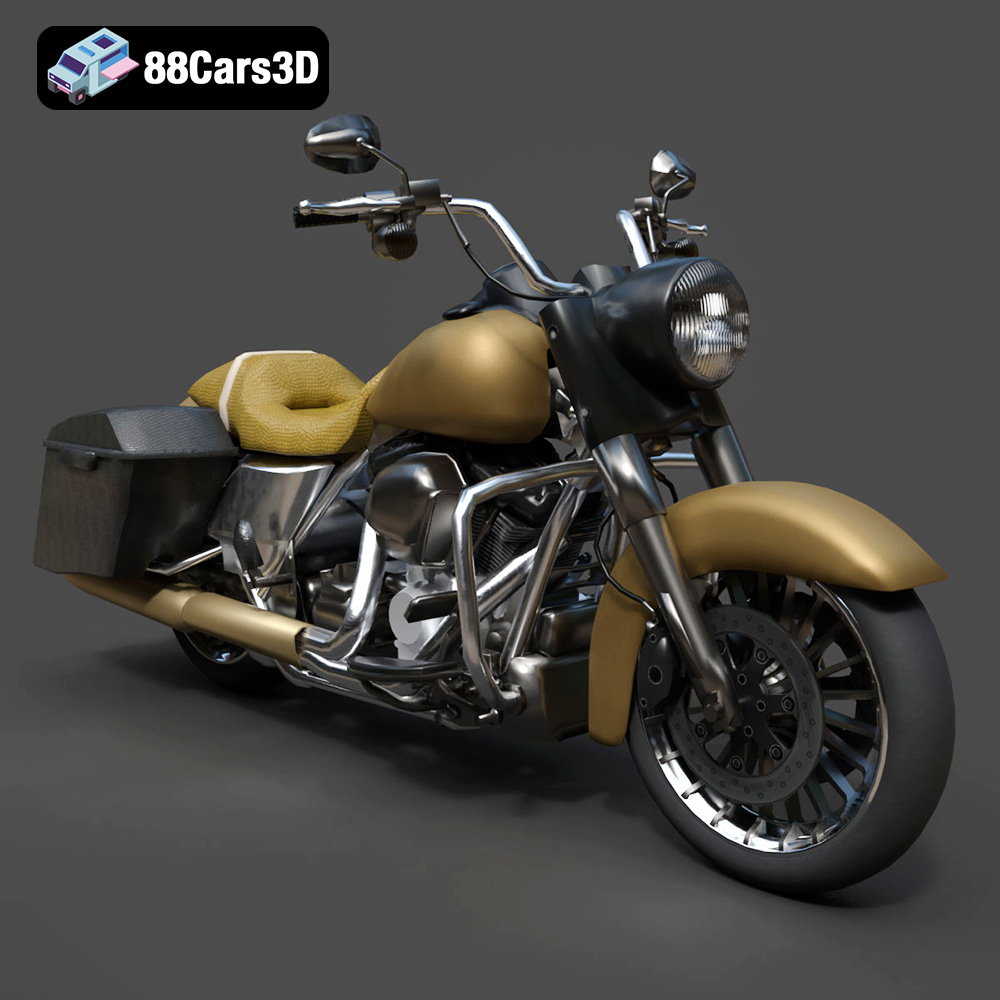
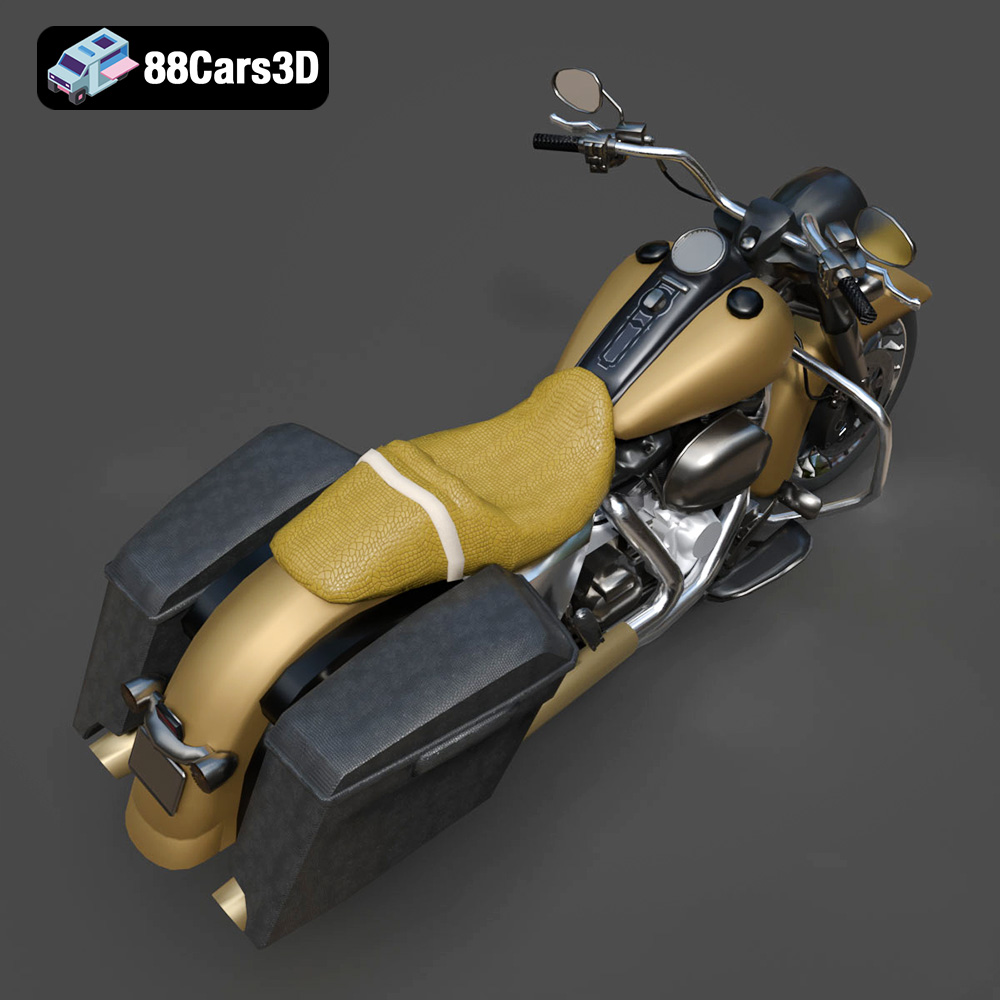
The Harley-Davidson Road King 3D Model is an incredibly optimized, game-ready digital recreation of the quintessential American touring cruiser. Stripping away the heavy fairings of other touring models, the Road King is famous for its classic, nostalgic silhouette, featuring a large chrome headlight nacelle, a prominent V-twin engine, and iconic hard saddlebags.
$9.99
.blend
.cruiser
.fbx
.obj
.rendering
.stl
35k-polygons
car-3d-model
game-ready
harley-davidson
low-poly
mobile-game-asset
optimized
road-king
touring-motorcycle
VR/AR