Get 50% OFF All Premium 3D & STL Models!

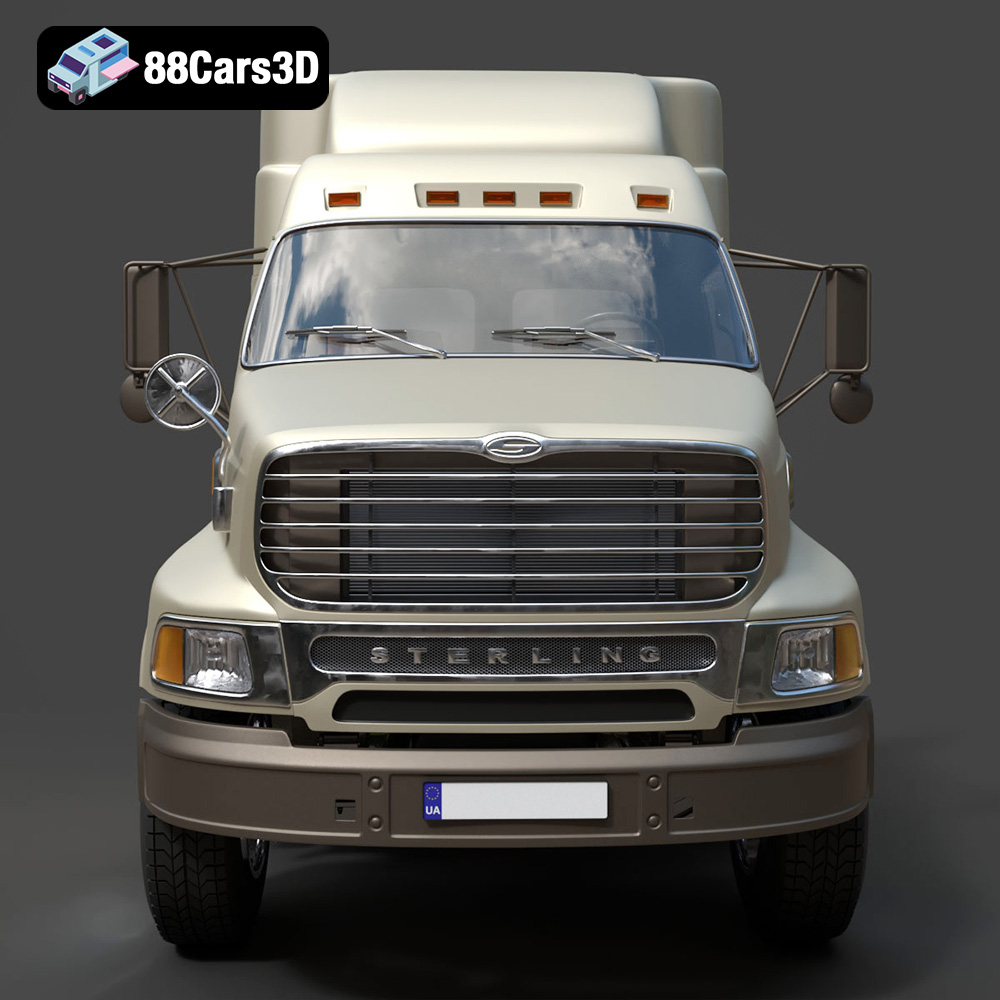
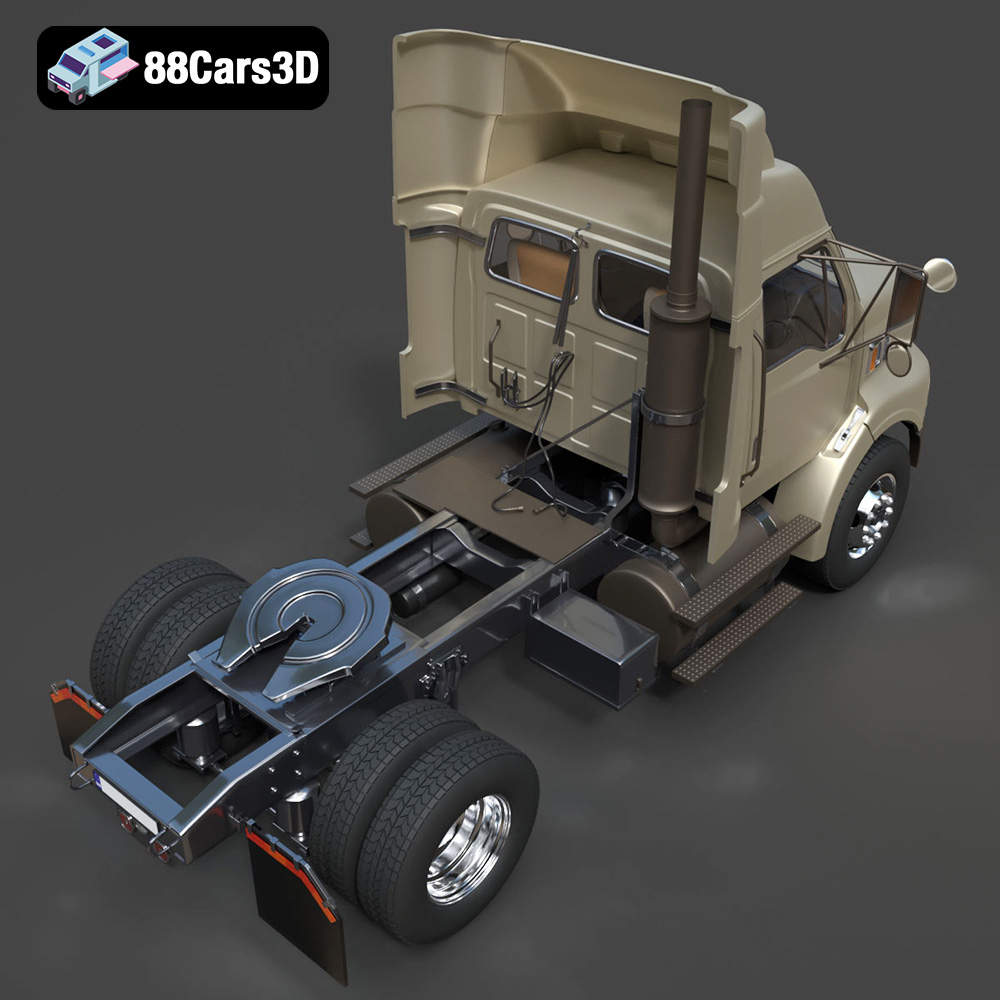
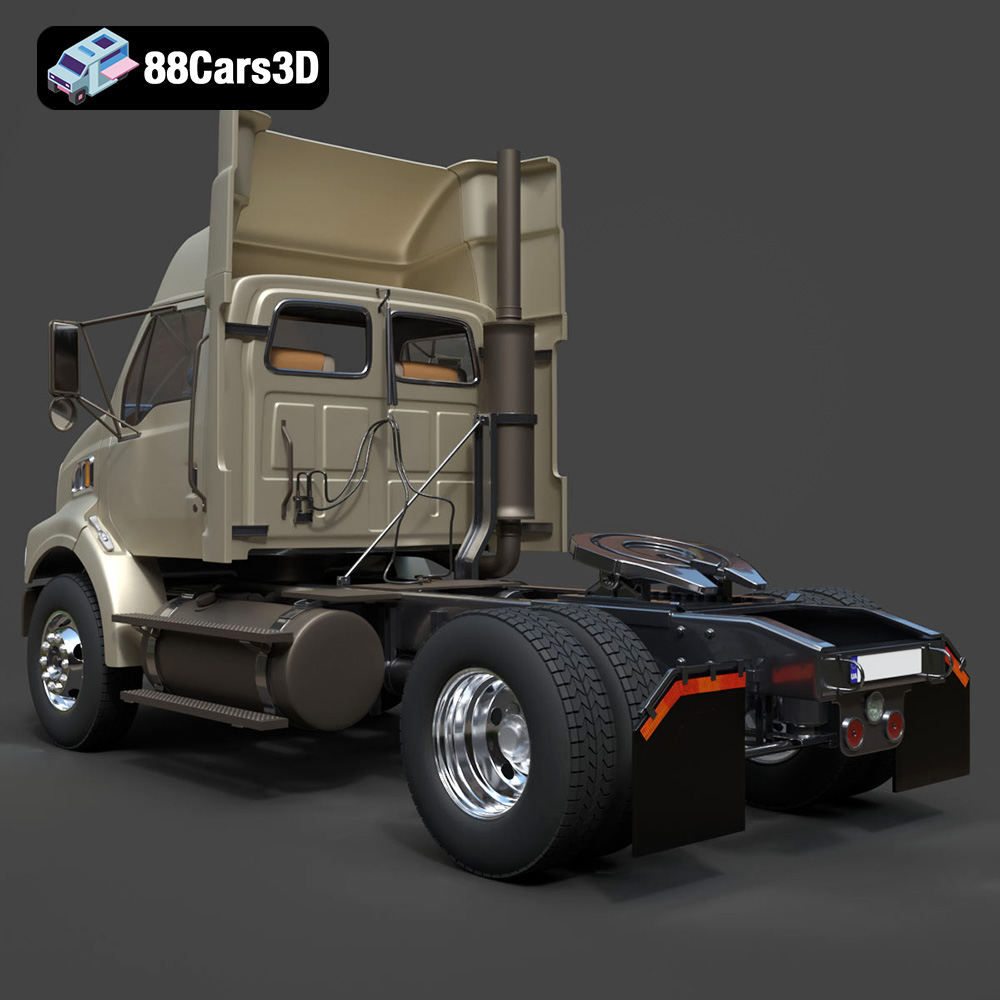
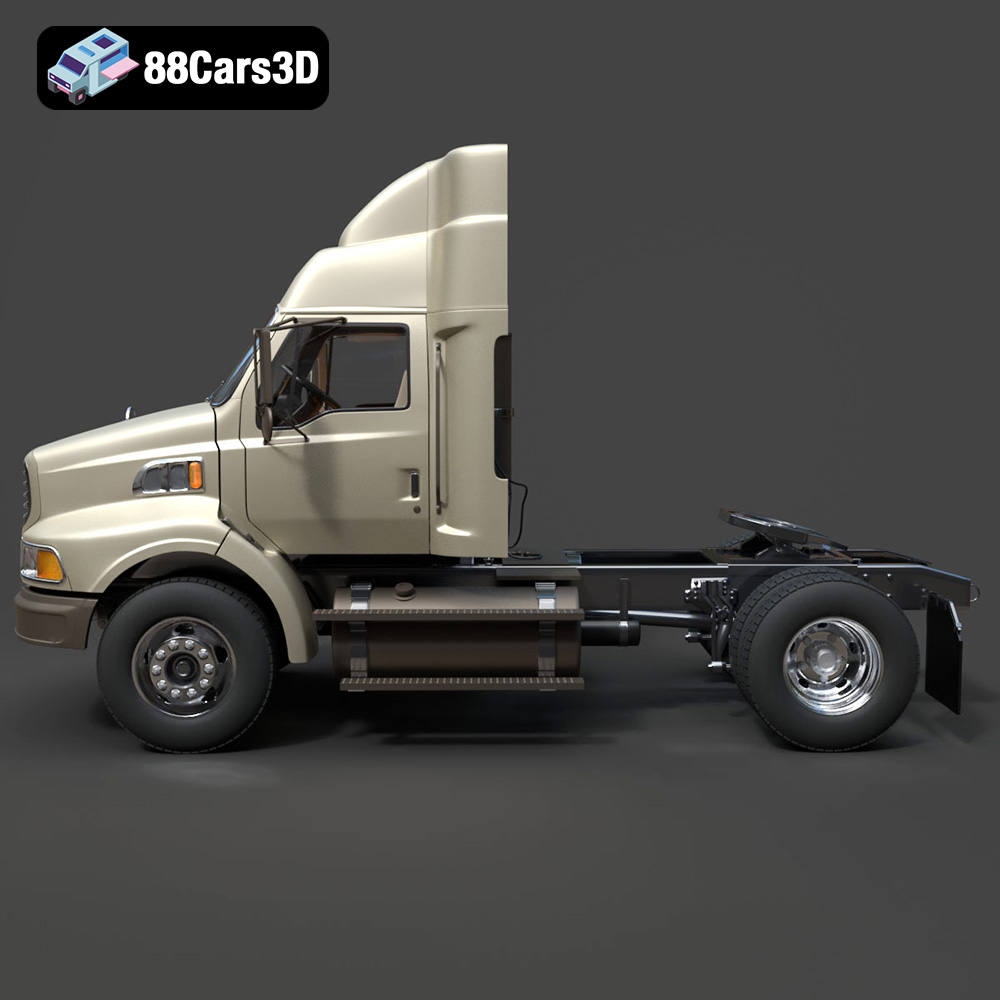
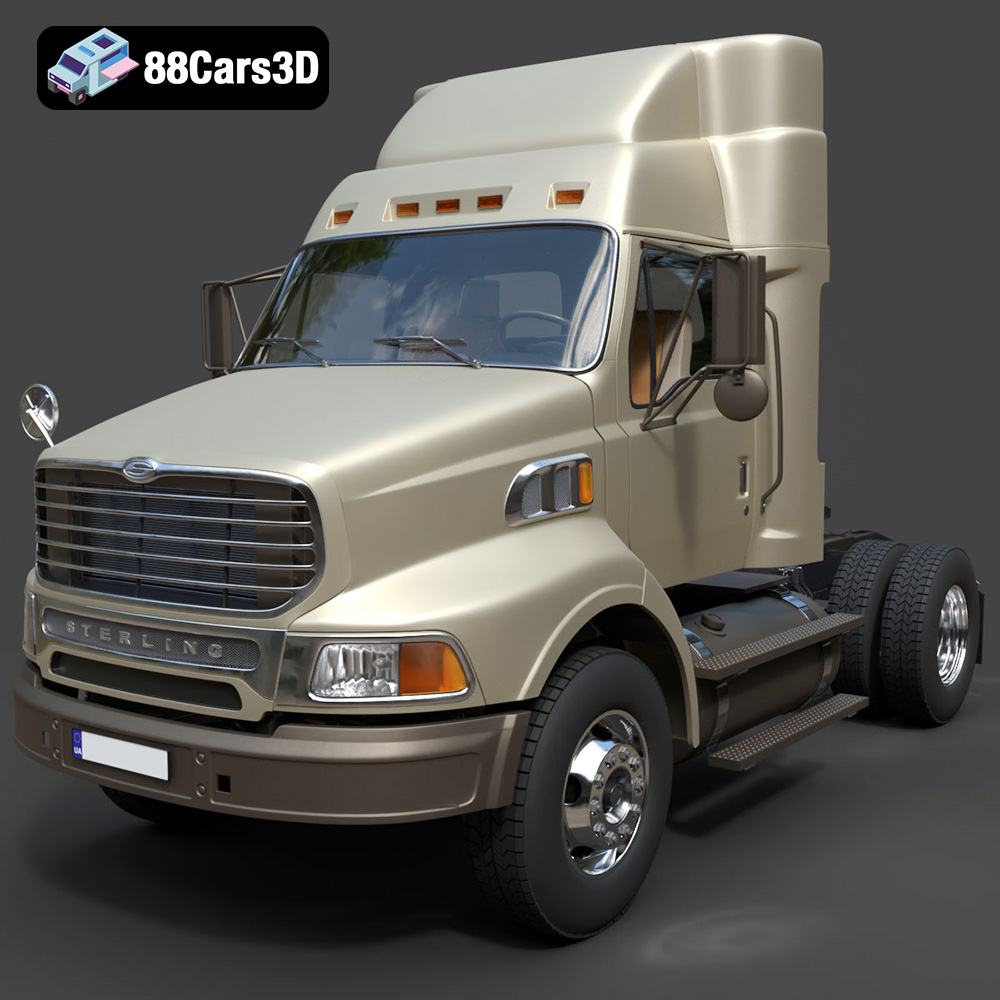
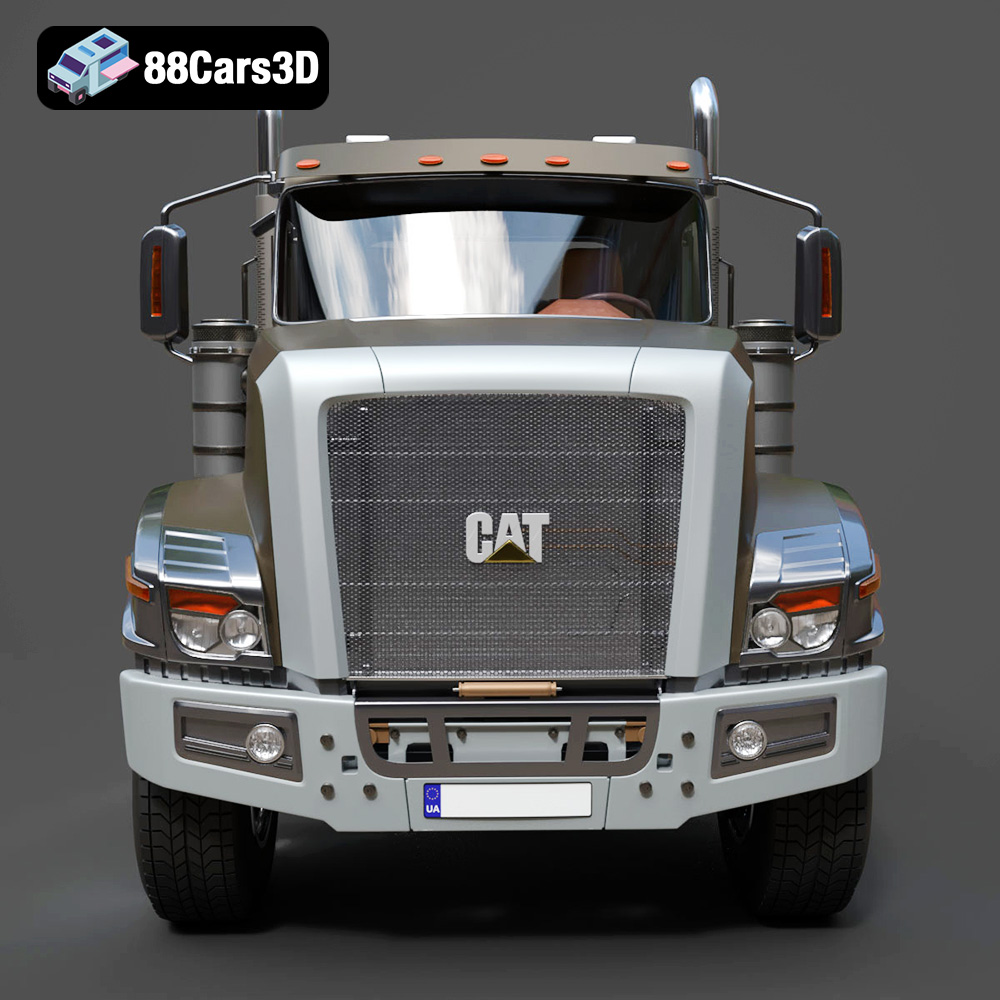
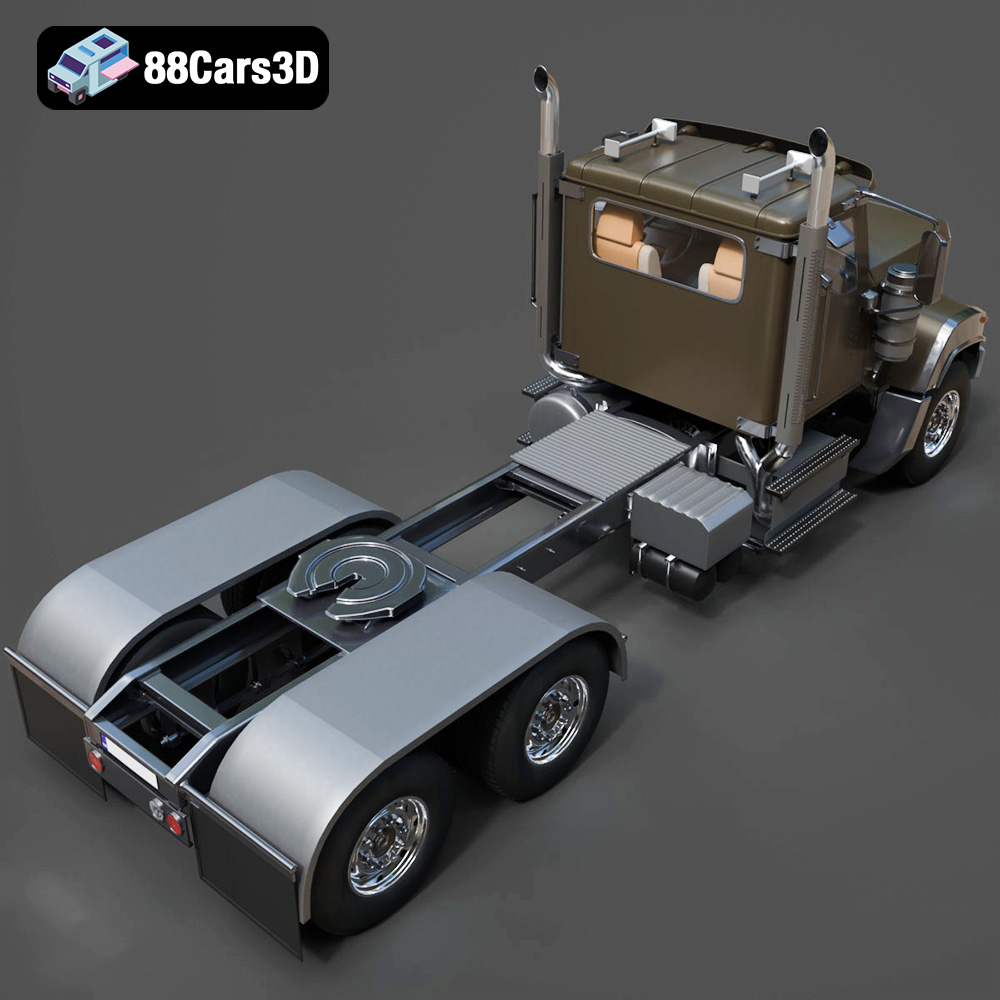
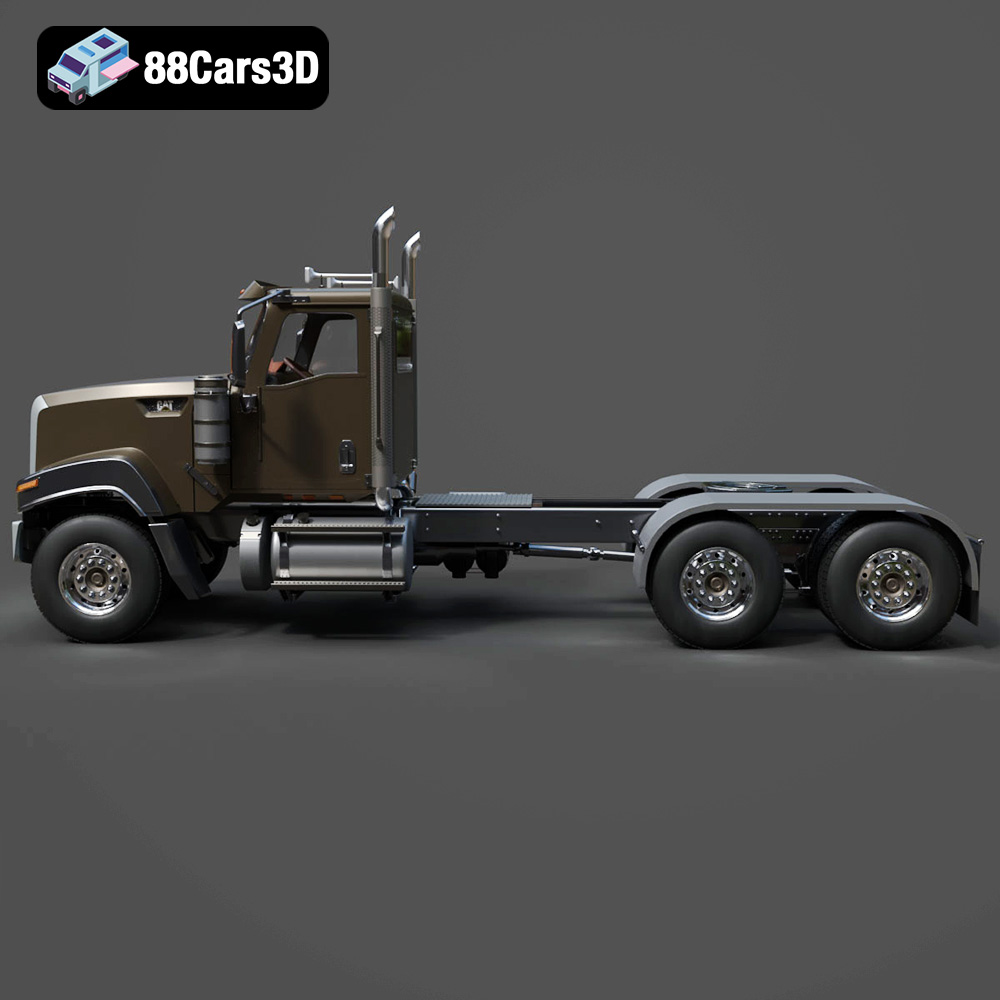
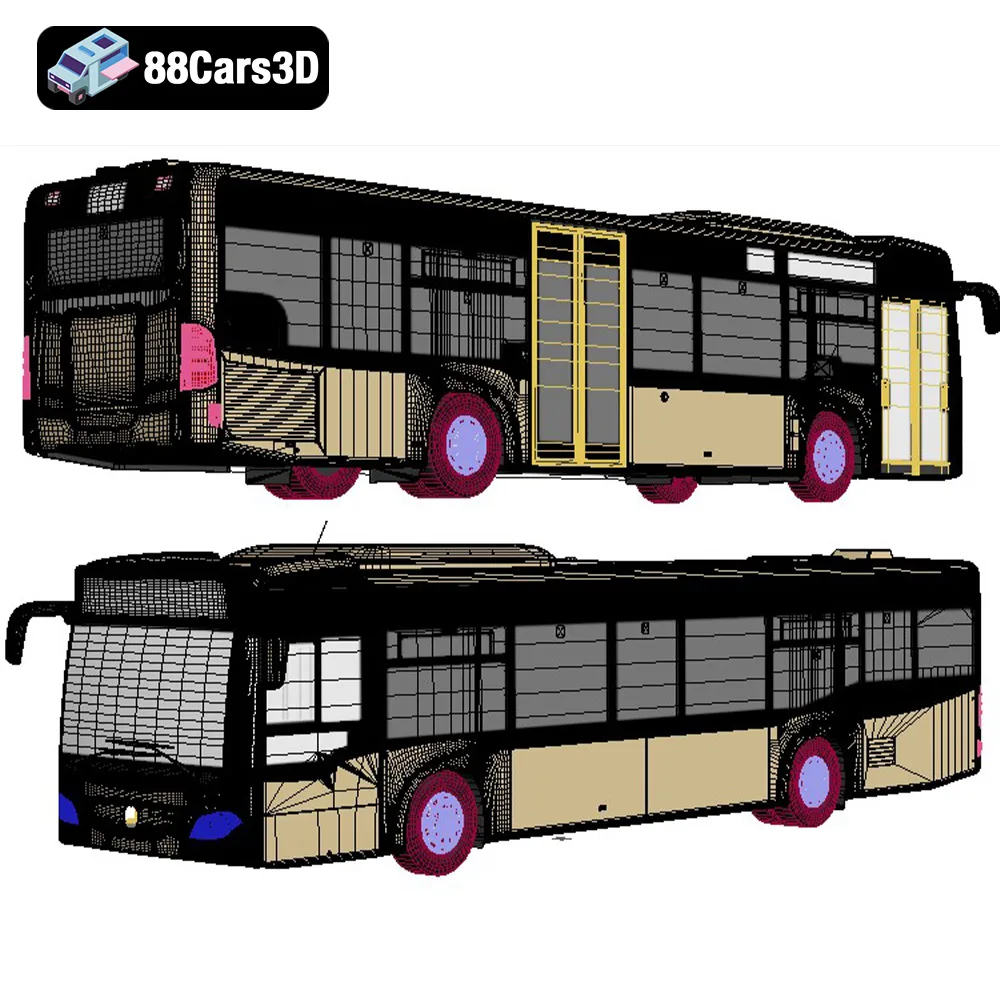
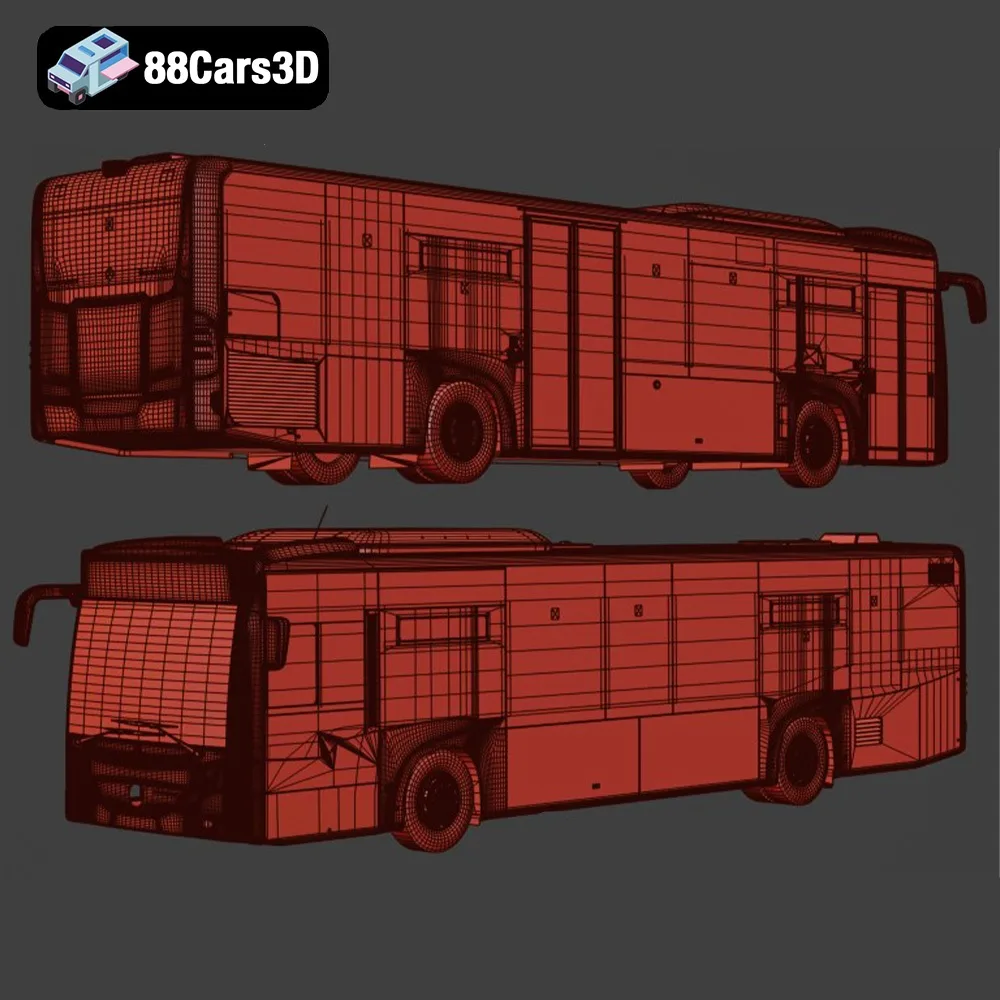
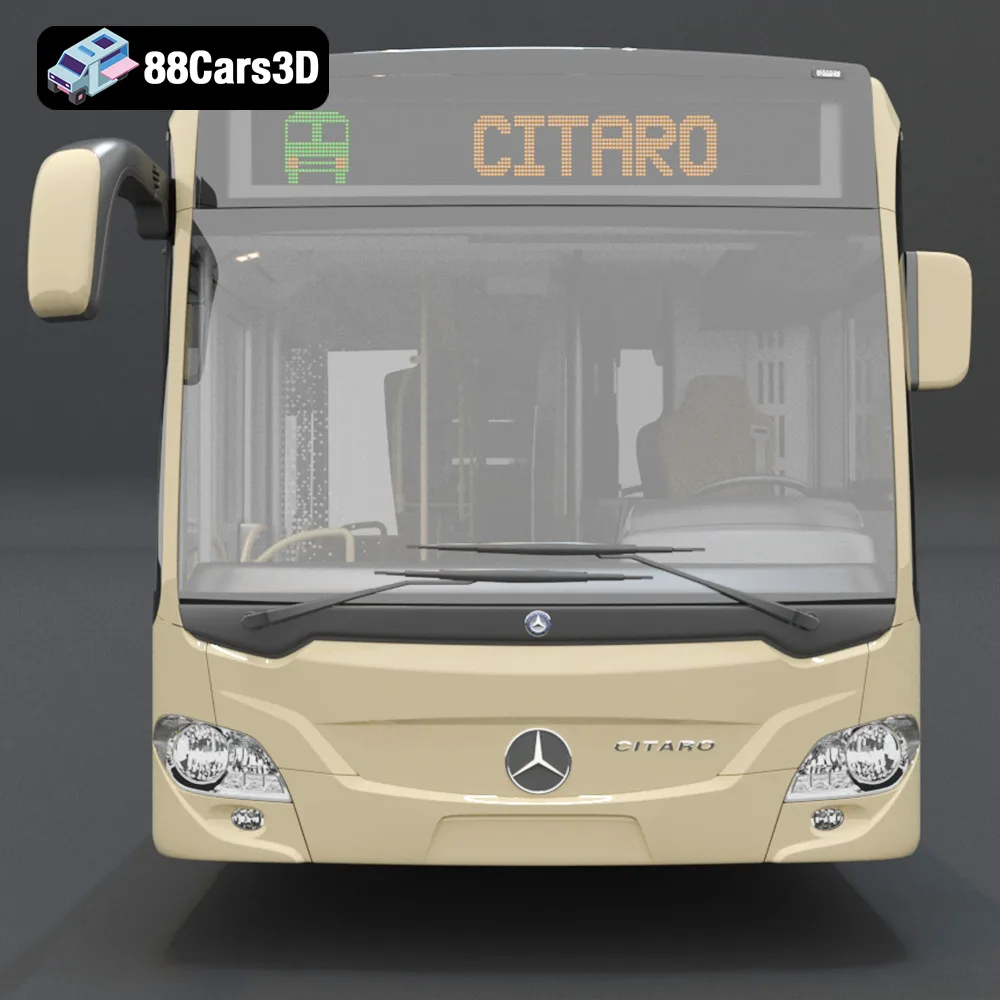
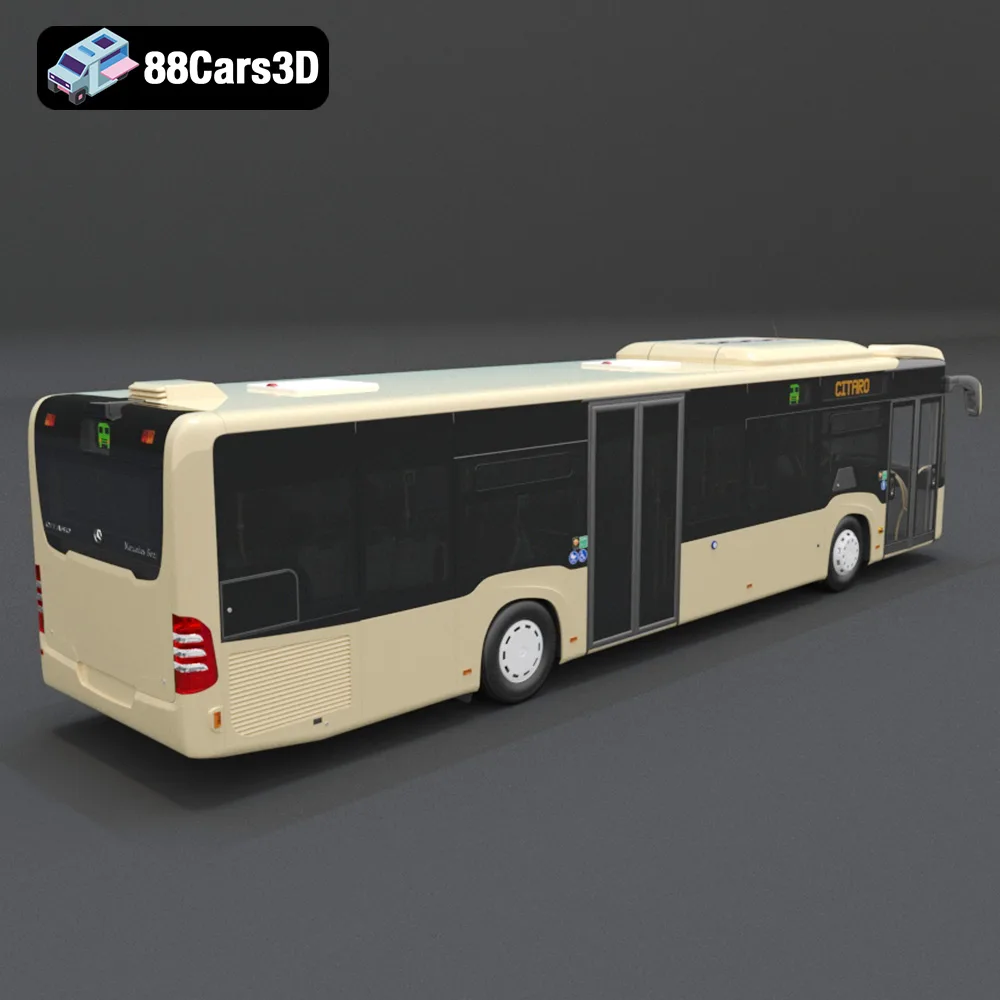
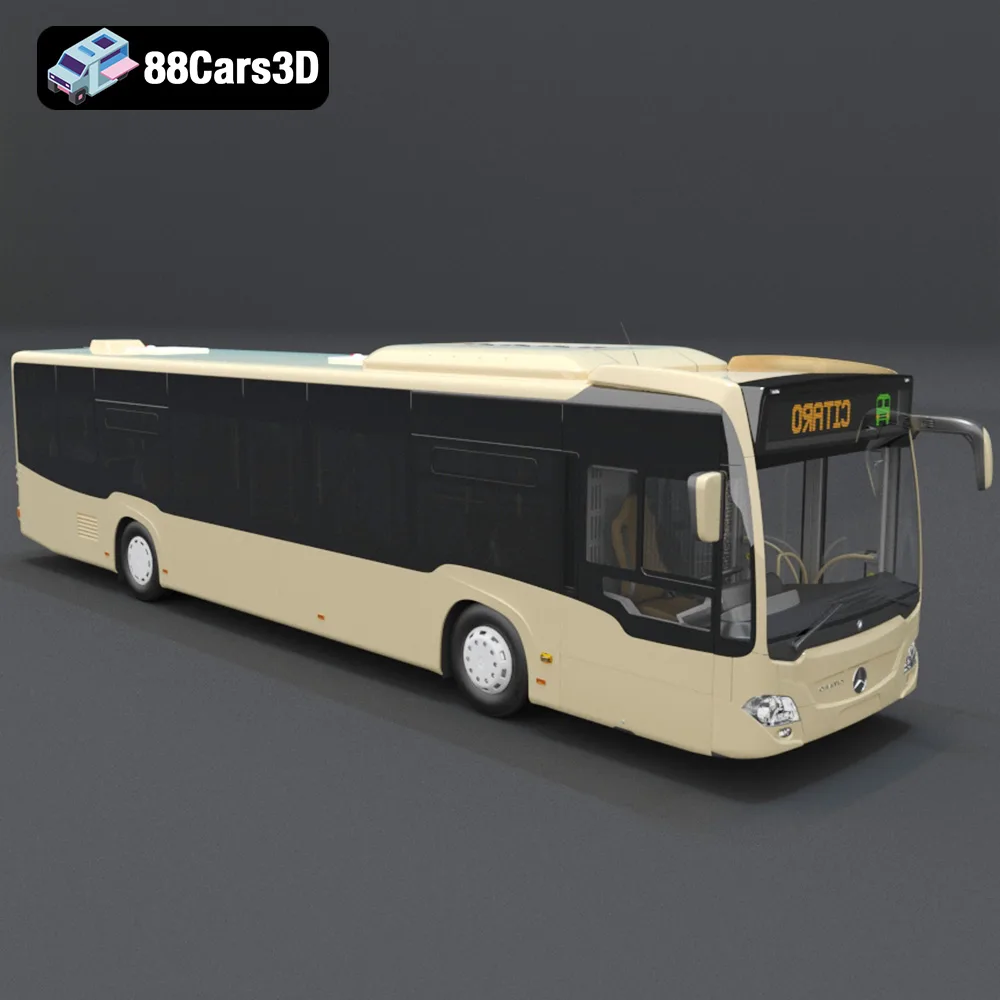
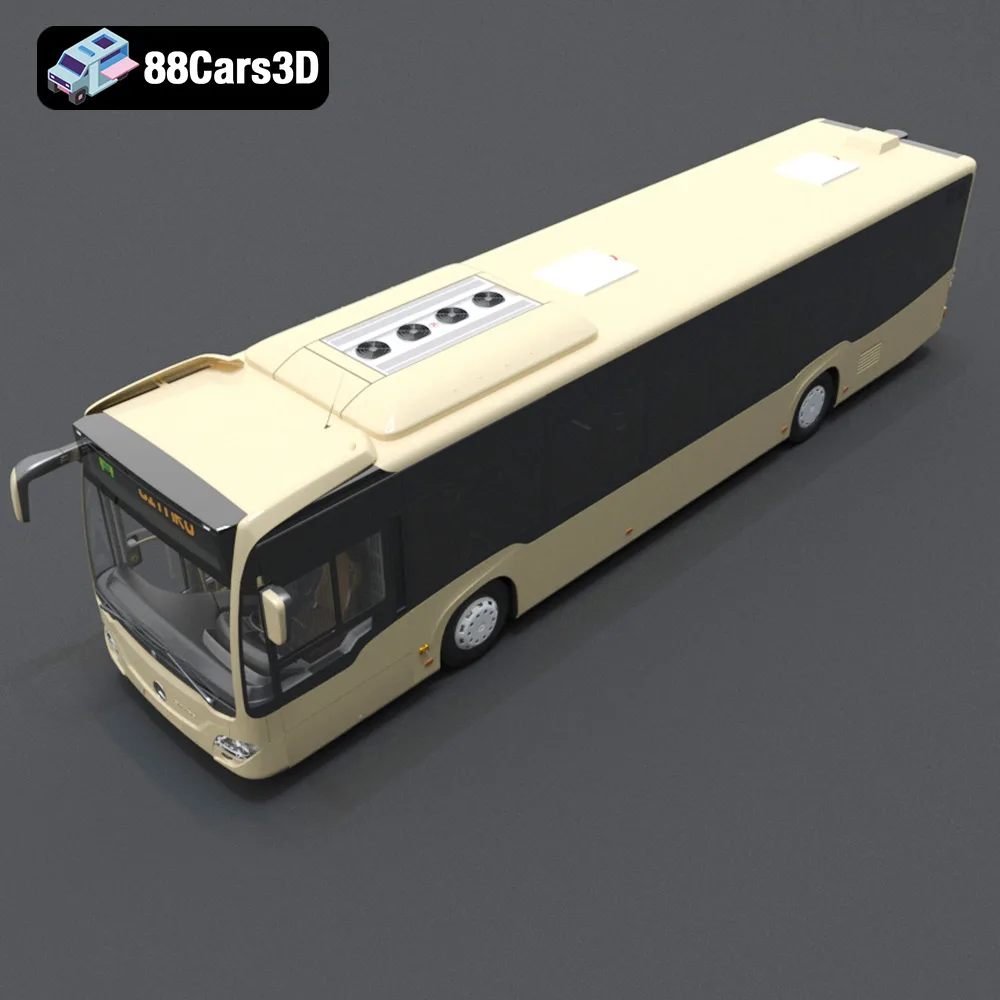
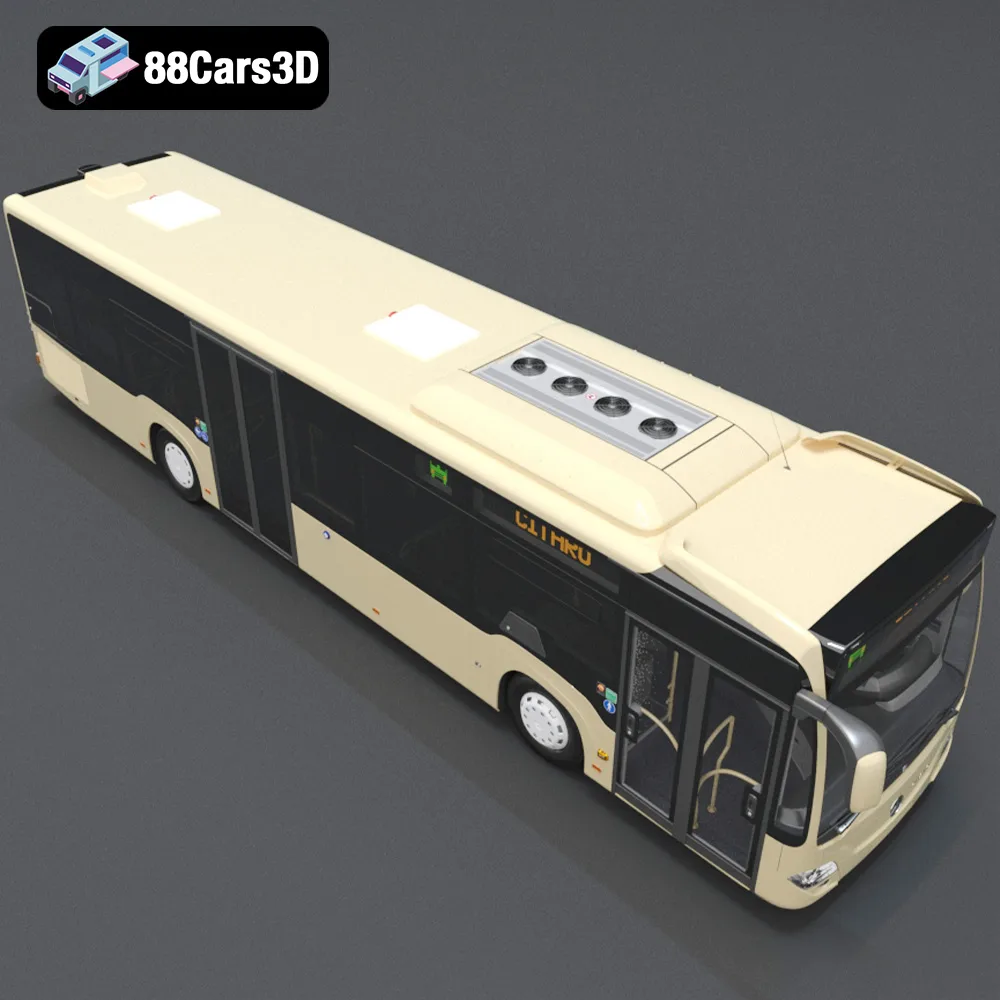
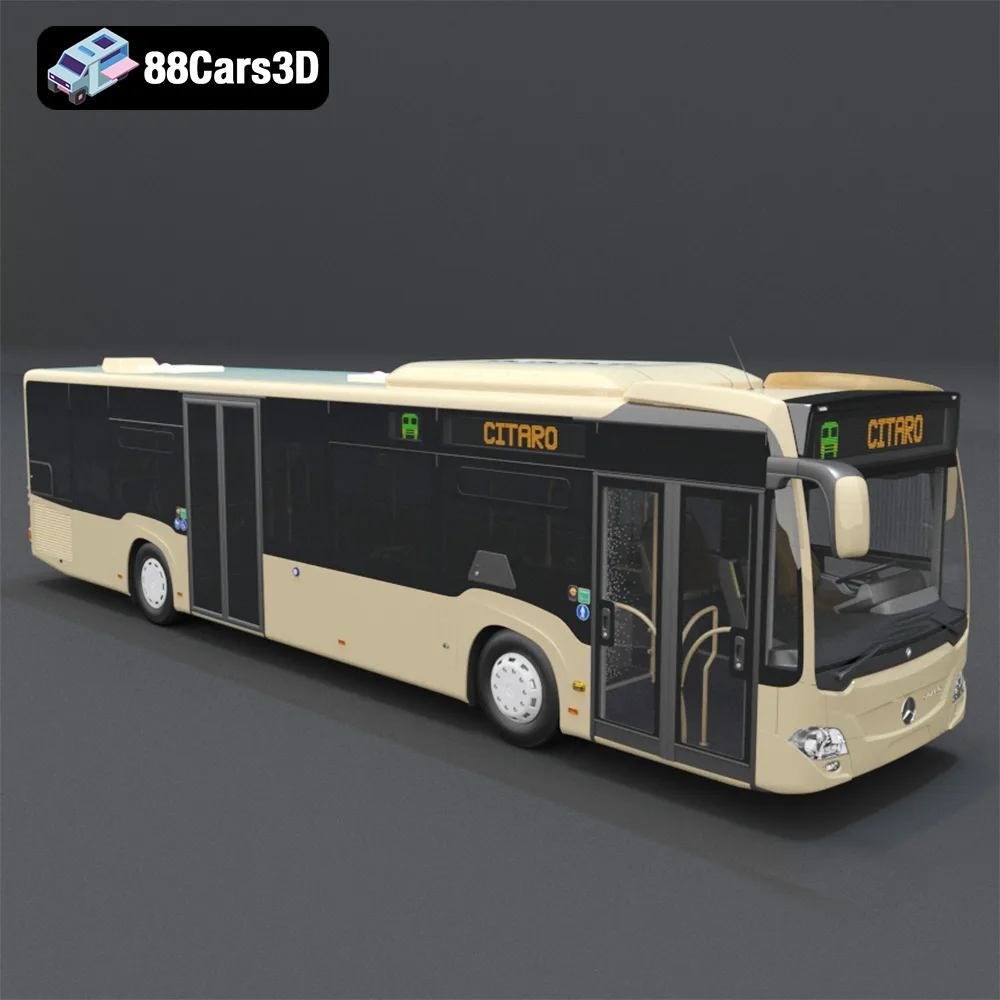
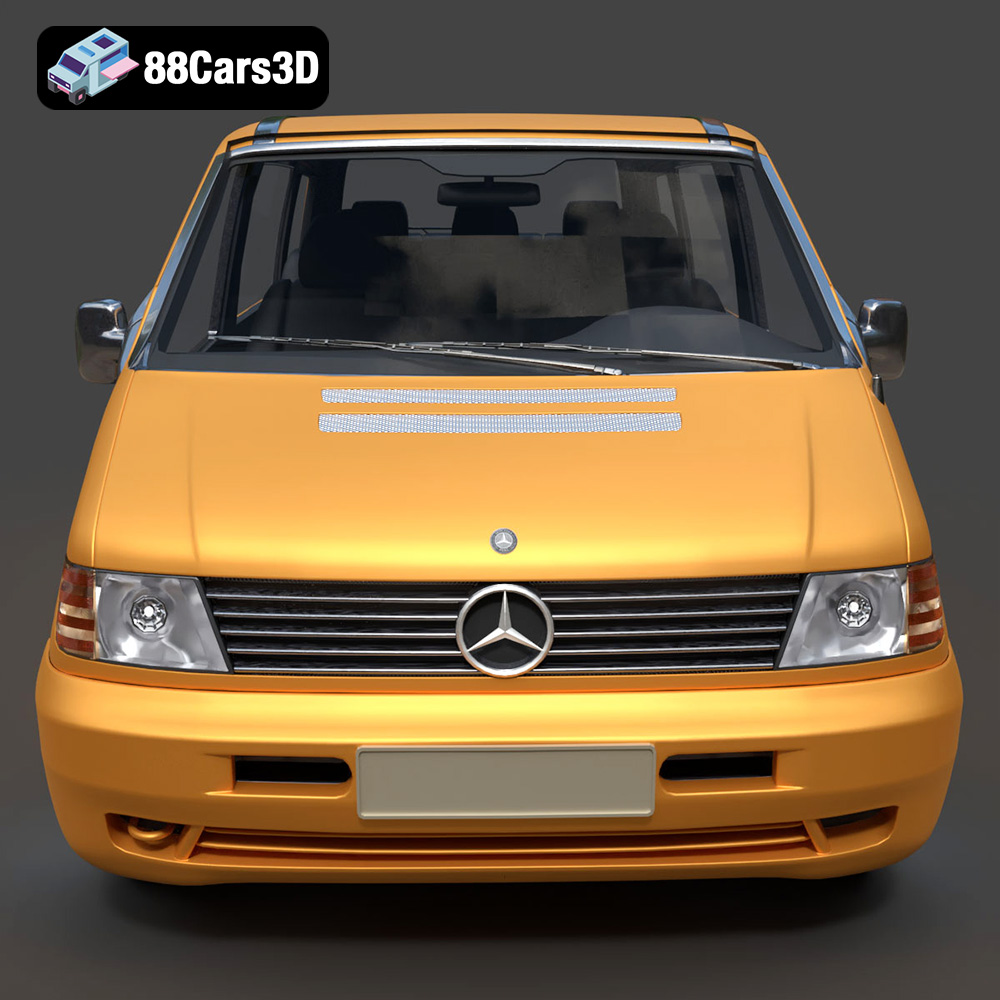
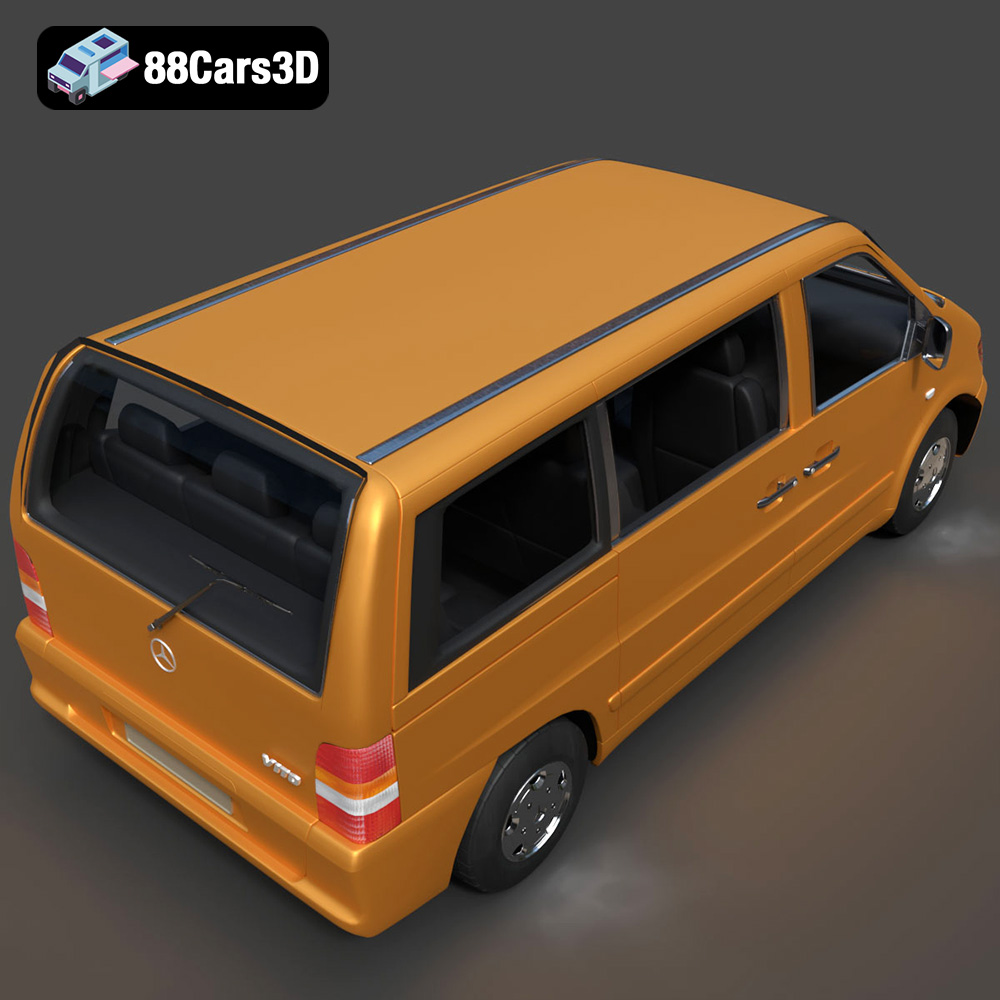
The Heavy Duty & Commercial Logistics 3D Models Bundle from 88cars3d.com is a treasure trove for anyone passionate about scale modeling, industrial visualization, or even game development. Containing meticulously crafted 3D models of a Ford Sterling A9500 Tractor Truck, a Caterpillar CT680 Tractor Truck, a Mercedes Citaro NGT Modern City Bus, and a Mercedes-Benz Vito Passenger Van, this bundle offers incredible detail and versatility. But how do you bring these digital masterpieces to life with 3D printing? This comprehensive guide will walk you through everything you need to know to successfully 3D print these models, transforming virtual vehicles into tangible creations.
Before diving into the specifics of printing the Heavy Duty & Commercial Logistics Bundle, it’s crucial to understand the different file formats included and how they relate to 3D printing. The bundle includes several formats like .blend, .fbx, .obj, .glb, .stl, and .max. However, for 3D printing, the **.stl** format is your primary focus.
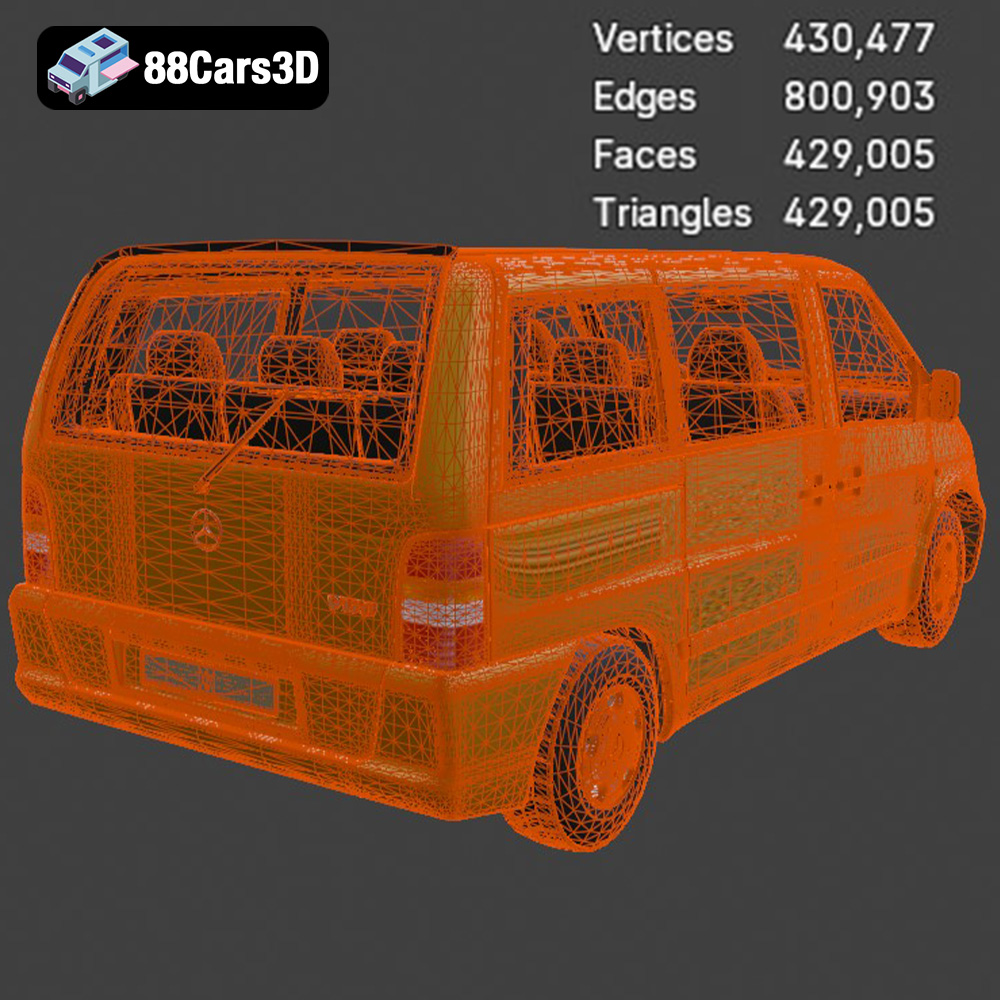
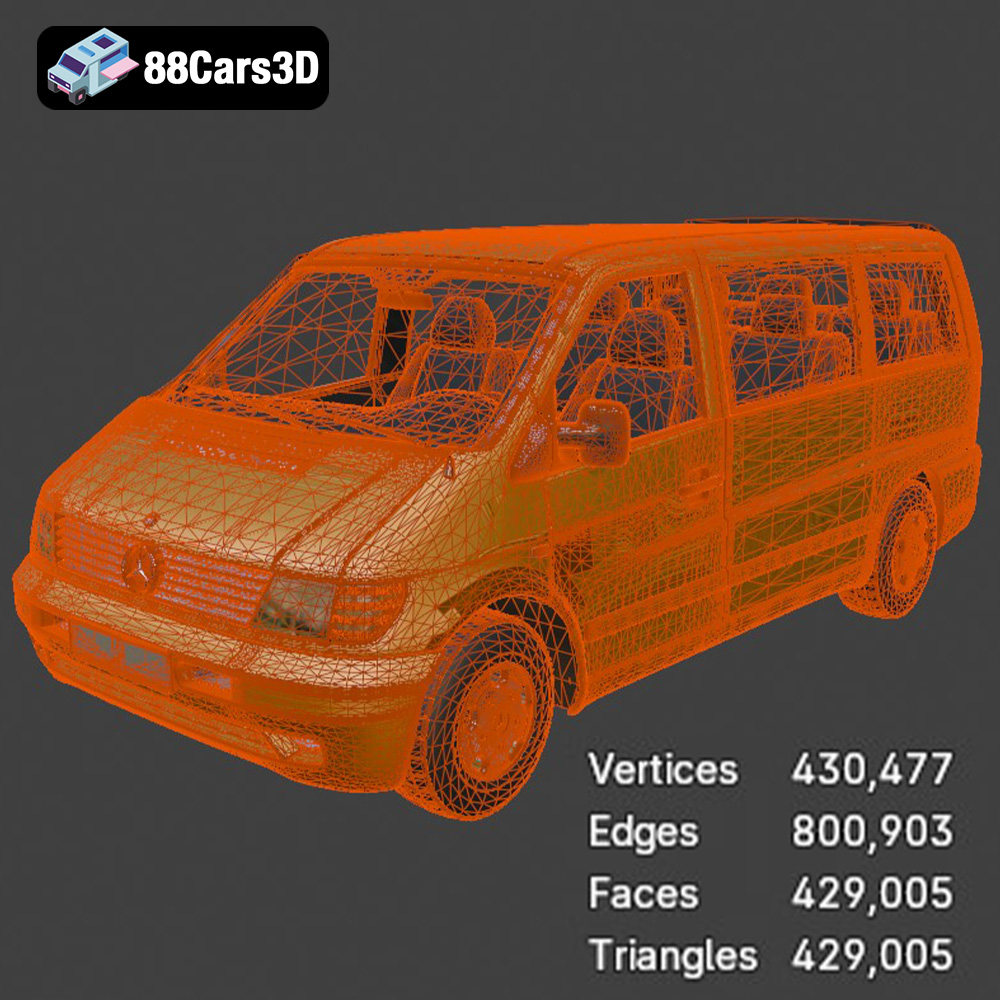
The STL (Stereolithography) file format is the workhorse of 3D printing. It represents the surface geometry of a 3D object as a collection of triangles. This simplicity makes it universally compatible with slicing software and 3D printers. However, STL files only contain mesh data – no color, texture, or material information is included. This means you’ll need to apply these attributes during post-processing, such as painting.
For the Heavy Duty & Commercial Logistics Bundle, the STL files provided by 88cars3d.com are specifically optimized for 3D printing. This means the models have been designed with manifold geometry (watertight and without holes), ensuring a successful print. However, it’s still vital to inspect the STL files in your slicing software to identify any potential issues before printing.
While STL is the primary format for printing, understanding the other included formats is also helpful:
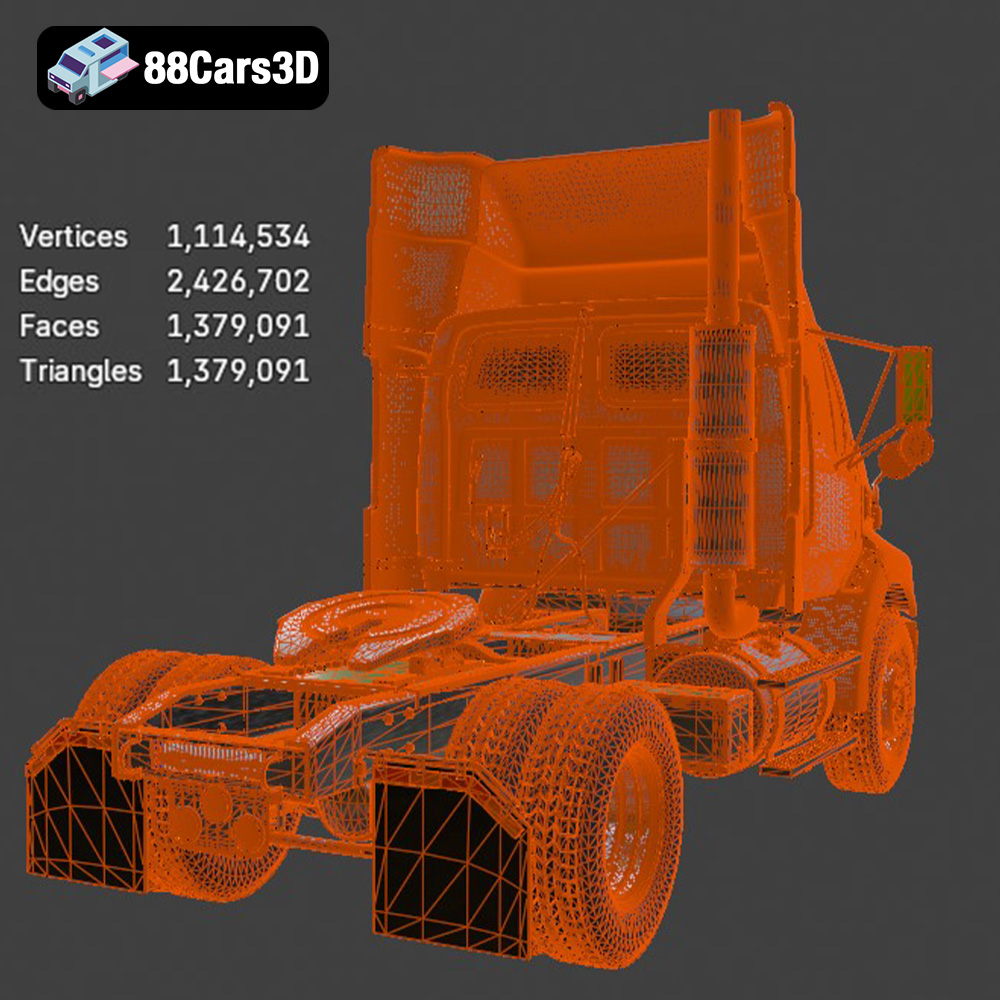
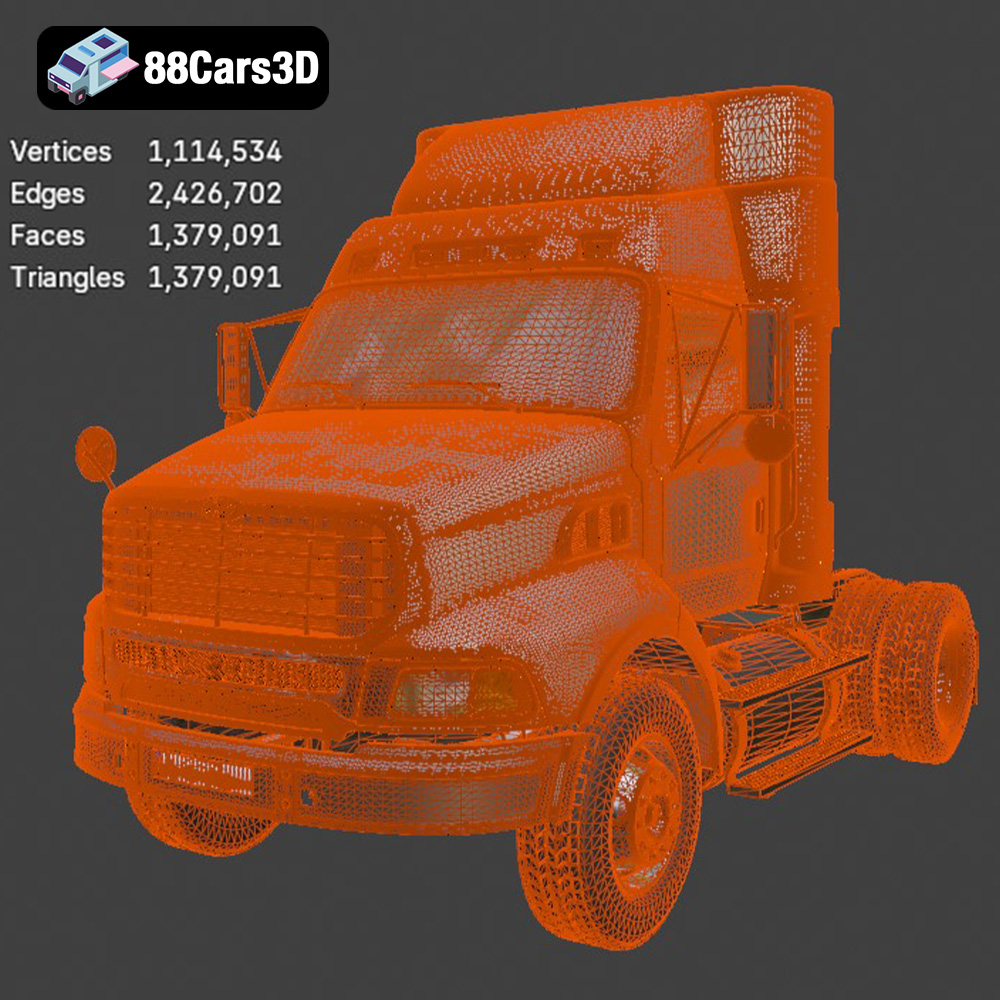
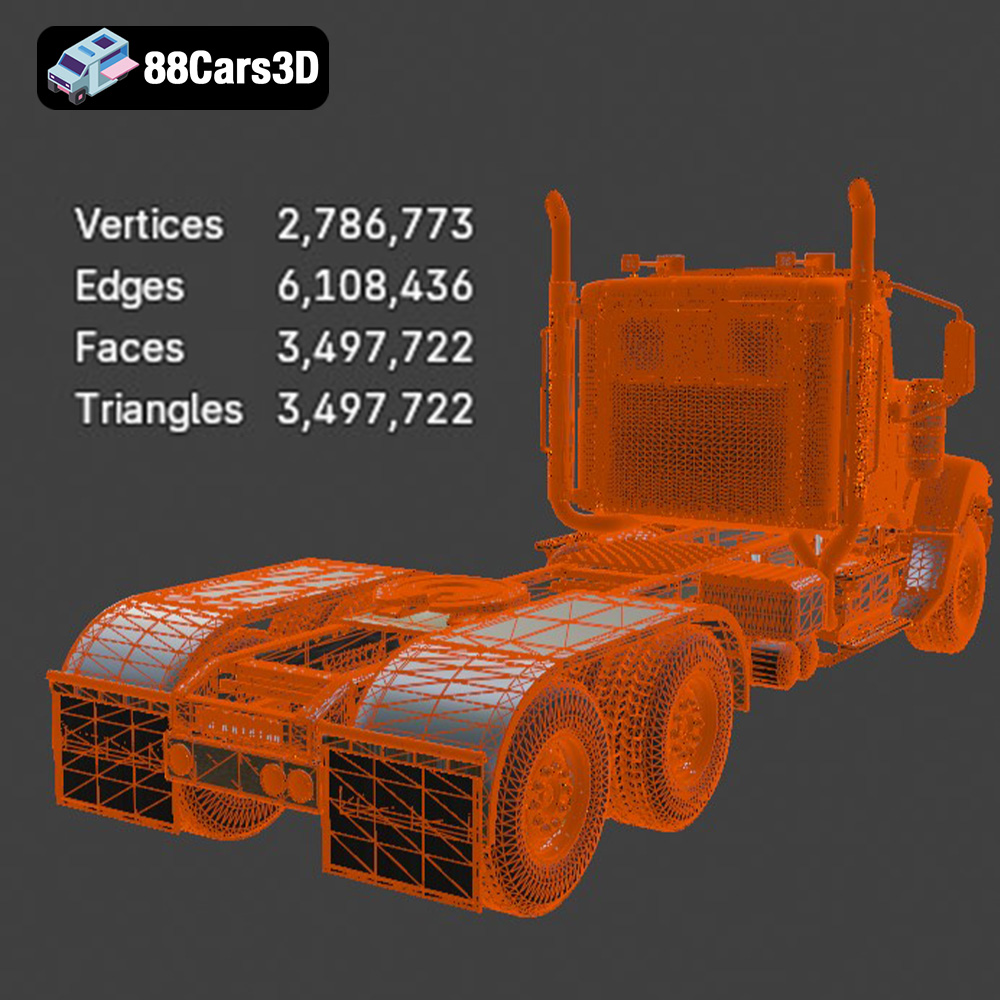
The quality of the STL mesh significantly impacts the final print. High-resolution meshes with a large number of triangles capture finer details but can increase file size and processing time. Lower-resolution meshes print faster but may lose some detail. The STL files from 88cars3d.com are optimized for a balance between detail and printability. However, you can adjust the mesh resolution in your slicing software if needed.
Compatibility with slicing software is generally not an issue with STL files. Popular slicing software like Cura, PrusaSlicer, Simplify3D, and Chitubox all readily support the format. These programs allow you to adjust print settings, add supports, and generate the G-code instructions that your 3D printer needs.
The material you choose will significantly impact the final appearance, strength, and durability of your 3D printed Heavy Duty & Commercial Logistics models. Here’s a breakdown of common options:
* **PLA (Polylactic Acid):** This is a popular, easy-to-print material derived from renewable resources. PLA offers good detail, is relatively inexpensive, and comes in a wide range of colors. It’s a great choice for initial prints and for models that won’t be exposed to high temperatures. However, PLA is not as durable or heat-resistant as other options.
* **PETG (Polyethylene Terephthalate Glycol-modified):** PETG combines the ease of printing of PLA with increased strength and flexibility. It also boasts better temperature resistance. PETG is a solid all-around choice for models that need to withstand some wear and tear.
* **ABS (Acrylonitrile Butadiene Styrene):** Known for its high strength and heat resistance, ABS is a common material in the automotive industry. However, it’s more challenging to print than PLA or PETG, requiring a heated bed and an enclosed printer to prevent warping. ABS is best suited for experienced users and for models that need to withstand high temperatures or significant stress.
* **Standard Resin:** Offers excellent detail and surface finish, making it ideal for capturing the intricate details of the Heavy Duty & Commercial Logistics models, especially at smaller scales. Standard resin prints are typically more brittle than FDM prints, so handle with care.
* **Tough Resin:** Formulated to be more impact-resistant and durable than standard resin. This is a good choice for models that might experience some handling or stress.
* **Flexible Resin:** Adds flexibility to your prints, allowing for parts that can bend or compress without breaking. This might be useful for tires or other components that require some give.
* **Ford Sterling A9500 & Caterpillar CT680:** For FDM printing, PETG or ABS are recommended due to the larger size and need for durability. For resin printing, standard or tough resin will capture the truck’s details beautifully.
* **Mercedes Citaro NGT Modern City Bus:** Similar to the trucks, PETG or ABS are suitable for FDM. Resin printing will excel at capturing the bus’s complex window shapes and panel details.
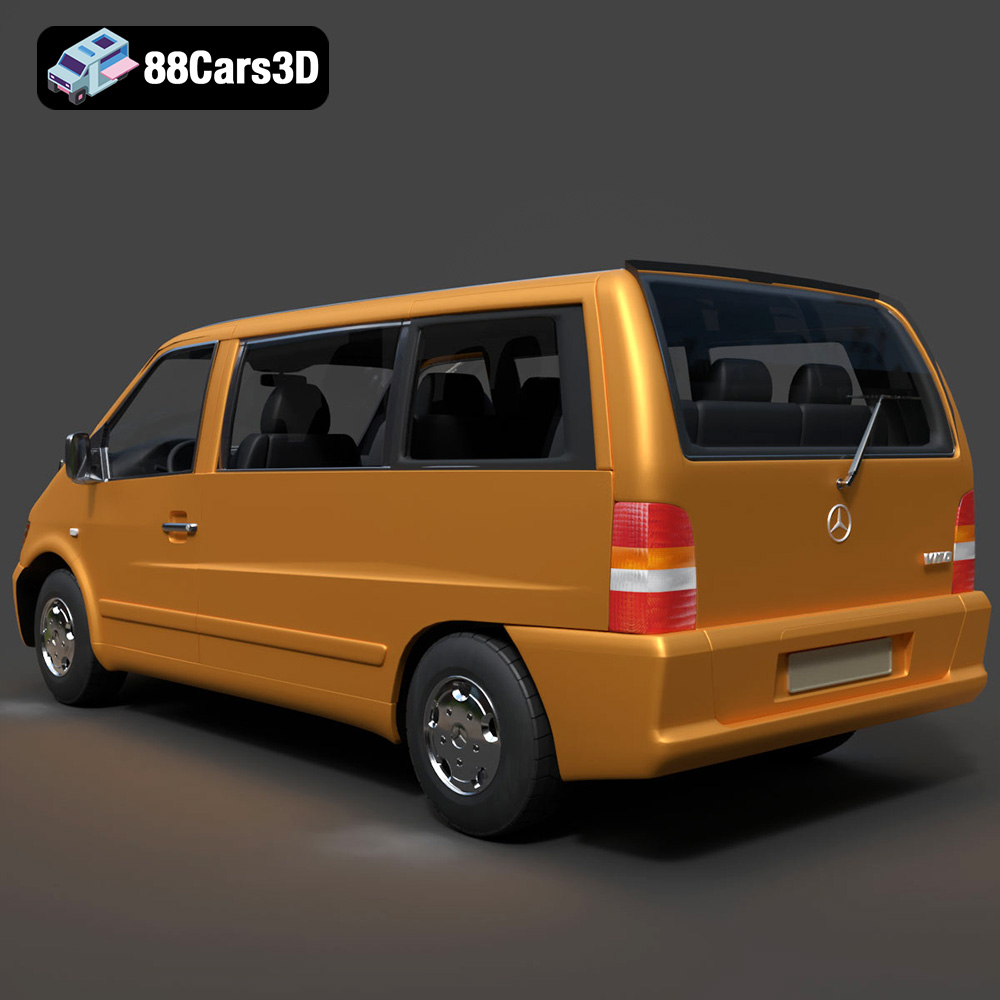
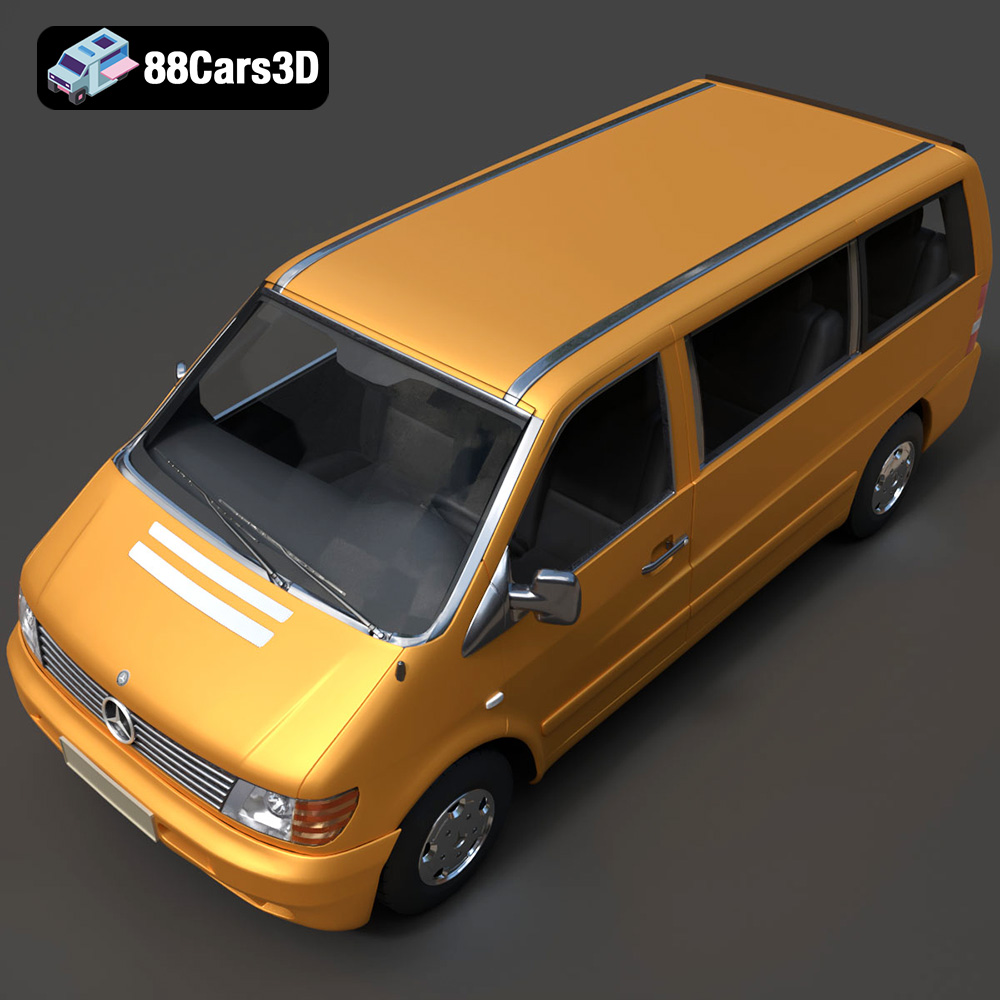
* **Mercedes-Benz Vito Passenger Van:** PLA or PETG work well for FDM, while resin will provide the best surface finish for a sleek appearance.
The slicing process converts your 3D model into instructions for your printer. Proper settings are crucial for a successful print.
Choose a slicer that suits your printer and workflow. Popular options include:
* **Cura:** Free and open-source, with a user-friendly interface and a wide range of settings.
* **PrusaSlicer:** Another excellent free option, known for its advanced features and precise control.
* **Simplify3D:** A paid slicer with a reputation for its optimization algorithms and advanced support generation.
* **Chitubox:** The industry standard for slicing resin 3D models.
* **Layer Height:** Lower layer heights (e.g., 0.1mm for FDM, 0.05mm for resin) produce finer details but increase print time. For the Heavy Duty & Commercial Logistics models, a layer height of 0.1-0.15mm for FDM or 0.03-0.05mm for resin strikes a good balance between detail and speed.
* **Infill Density (FDM):** Infill affects the internal strength of your print. A higher infill density (e.g., 20-30%) makes the model stronger but also increases material usage and print time. For scale models, a moderate infill density is generally sufficient.
* **Wall Thickness (FDM):** Increasing the wall thickness (number of perimeters) adds strength and rigidity to the exterior of the model. A wall thickness of 1.2mm (3 perimeters with a 0.4mm nozzle) is a good starting point.
* **Supports:** Overhanging features require supports to prevent them from collapsing during printing. Use the slicer’s support generation feature and experiment with different support patterns (e.g., tree supports, linear supports) to find what works best for your model and printer. Pay close attention to support placement to minimize their impact on the surface finish.
* **Orientation:** The orientation of the model on the print bed affects the surface finish, support requirements, and overall print time. Experiment with different orientations to find the optimal arrangement for each part. Generally, orienting the largest flat surface parallel to the print bed can improve adhesion and reduce warping.
The product description recommends scales of 1:43 and 1:50. Adjust the scale in your slicing software accordingly. Ensure all parts are scaled proportionally to maintain accuracy. When scaling down, consider the limitations of your printer and material – very fine details might not be printable at extremely small scales.
Once you’ve prepared your model and selected your settings, it’s time to start printing.
Keep a close eye on the first few layers to ensure proper adhesion to the print bed. Listen for any unusual noises from the printer, which could indicate a problem. For long prints, check in periodically to make sure everything is proceeding smoothly.
* **Warping (FDM):** This occurs when the corners of the print lift off the print bed. To prevent warping, use a heated bed, apply an adhesive like glue stick or hairspray to the bed, and ensure proper bed leveling. Enclosing the printer can also help maintain a consistent temperature.
* **Stringing (FDM):** This is caused by molten filament oozing from the nozzle during travel moves. Adjust retraction settings in your slicer to minimize stringing.
* **Layer Separation (FDM):** This occurs when layers don’t adhere properly to each other. Increase the print temperature, reduce the print speed, and ensure proper bed adhesion.
* **Support Issues:** Supports that are too weak can collapse during printing, while supports that are too strong can be difficult to remove. Experiment with different support settings to find a balance between support strength and ease of removal.
* **Resin Print Failures:** Common issues include parts not adhering to the build plate or incomplete layers. Ensure the build plate is properly leveled, increase the exposure time, and check the resin for any contaminants.
Post-processing is essential for achieving a professional-looking finish on your 3D printed Heavy Duty & Commercial Logistics models.
Carefully remove supports using pliers, cutters, or a hobby knife. Be patient and avoid damaging the model. Sand down any rough spots or support marks with progressively finer grits of sandpaper (e.g., 220, 400, 600 grit). For resin prints, you may need to cure the parts further after removing supports.
Apply a primer to the model to create a smooth, even surface for painting. Choose a primer that is compatible with your chosen paint. Use acrylic paints for detailing and consider using an airbrush for a smooth, professional finish. Research the correct paint colors for each vehicle to achieve an authentic look. The product description mentions modern Volvo factory colors like Sage Green, Glacier Silver, or Crystal White, which could be inspiring for other vehicles as well.
The Heavy Duty & Commercial Logistics Bundle is designed with separate parts for easy assembly. Use super glue or epoxy to attach the parts together. Add details like decals, mirrors, and lights to enhance the realism of your models.
Estimating print time and material cost can help you plan your project.
* **Model Size:** Larger models take longer to print.
* **Layer Height:** Lower layer heights increase print time.
* **Infill Density (FDM):** Higher infill densities increase print time.
* **Print Speed:** Slower print speeds improve print quality but increase print time.
* **Support Structures:** The amount of support material significantly impacts print time.
* **Filament (FDM):** Filament is typically sold by weight (e.g., kg). Your slicing software can estimate the amount of filament required for each print. Multiply the filament weight by the cost per kg to estimate the material cost.
* **Resin:** Resin is sold by volume (e.g., liter). Your slicing software can estimate the amount of resin required for each print. Multiply the resin volume by the cost per liter to estimate the material cost.
For a model like the Ford Sterling A9500, printed at 1:43 scale with PETG and 20% infill, you can expect a print time of 12-20 hours and a material cost of $5-$10. Resin prints will likely be faster but the resin may cost more than the equivalent amount of filament.
3D printing the Heavy Duty & Commercial Logistics 3D Models Bundle is a rewarding project that combines technical skill with creative expression. By understanding the principles of 3D printing, carefully preparing your models, and paying attention to detail, you can create stunning scale models that will impress any enthusiast. So, gather your materials, fire up your printer, and start building your own fleet of meticulously crafted vehicles from 88cars3d.com!
The Heavy Duty & Commercial Logistics 3D Models Bundle is the ultimate asset collection for industrial architectural visualization, logistics animations, and simulator game development. While sports cars are common, highly detailed commercial and heavy-duty vehicles are incredibly rare and time-consuming to model. Whether you are building a bustling cargo port, a modern warehouse loading dock, or an open-world truck simulator, this pack provides the massive scale and industrial realism your project needs.
$109.99
caterpillar-ct680
commercial-vehicles
ford-sterling
heavy-duty-truck
industrial-archviz
logistics-3d-models
mercedes-citaro-bus
simulator-ready
truck-3d-model
vehicle-bundle