Get 50% OFF All Premium 3D & STL Models!

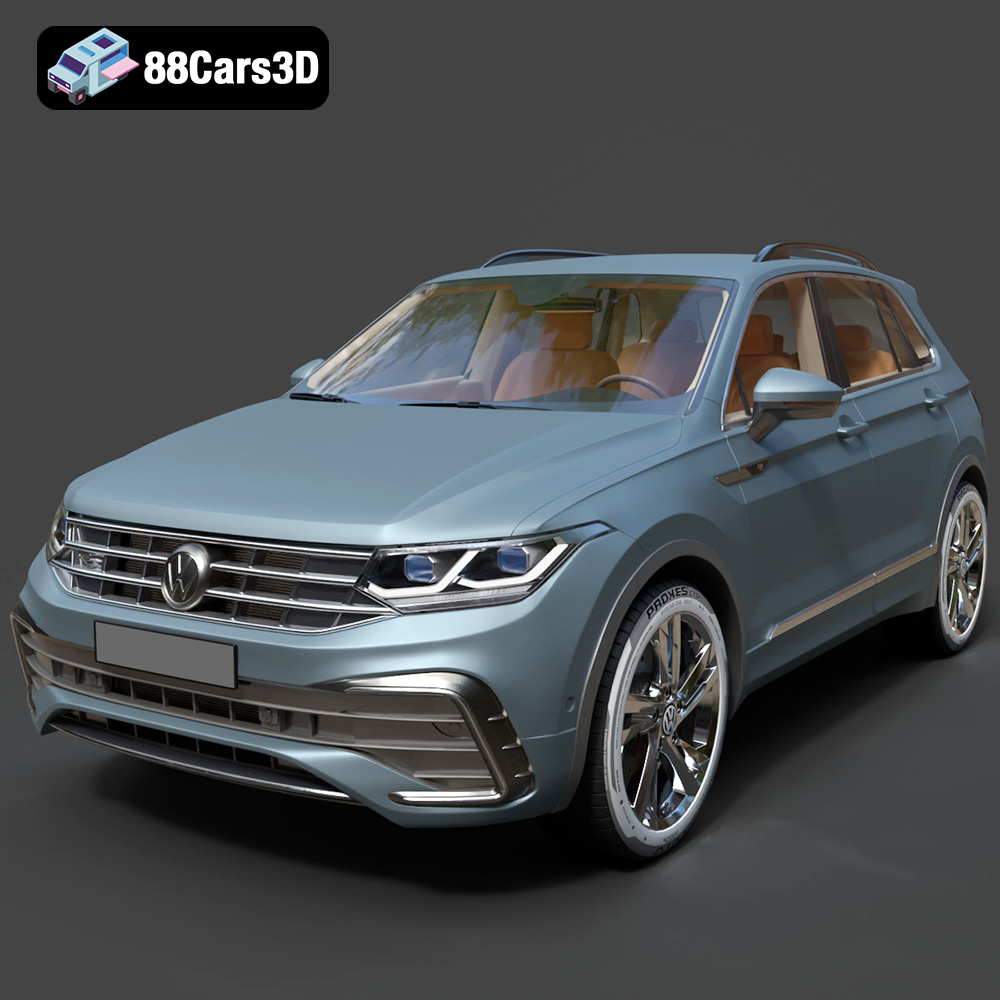
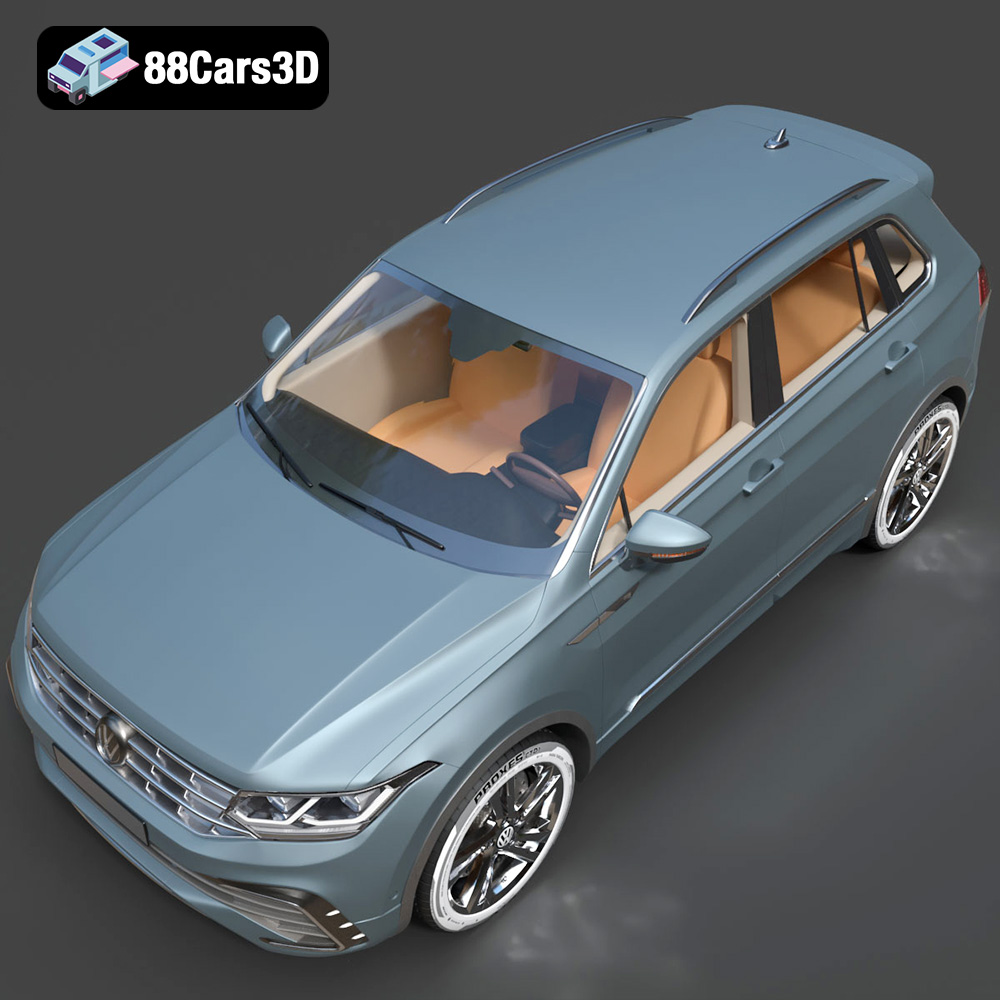
The Volkswagen Tiguan 2021, a modern SUV known for its stylish design and practical features, is now within reach for 3D printing enthusiasts. Thanks to meticulously crafted 3D models available online, you can bring this iconic vehicle to life on your desktop. This comprehensive guide will walk you through the intricacies of 3D printing the Volkswagen Tiguan 2021 model, covering everything from printer settings and material selection to post-processing and troubleshooting. Whether you’re a seasoned 3D printing expert or a beginner eager to learn, this article will equip you with the knowledge needed to achieve a stunning 3D printed replica. Models like this available at 88cars3d.com are a great place to start!
Choosing the right file format is paramount for a successful 3D printing endeavor. While the Volkswagen Tiguan 2021 3D model may be available in various formats, the .stl (Stereolithography) format is the undisputed champion for 3D printing. Let’s delve into why, and also briefly cover the other provided formats.
The .stl format is the industry’s workhorse for 3D printing. It represents the surface geometry of a 3D object as a collection of triangles, essentially creating a mesh. This simplicity is its strength. Almost all 3D printers and slicing software readily support .stl files.
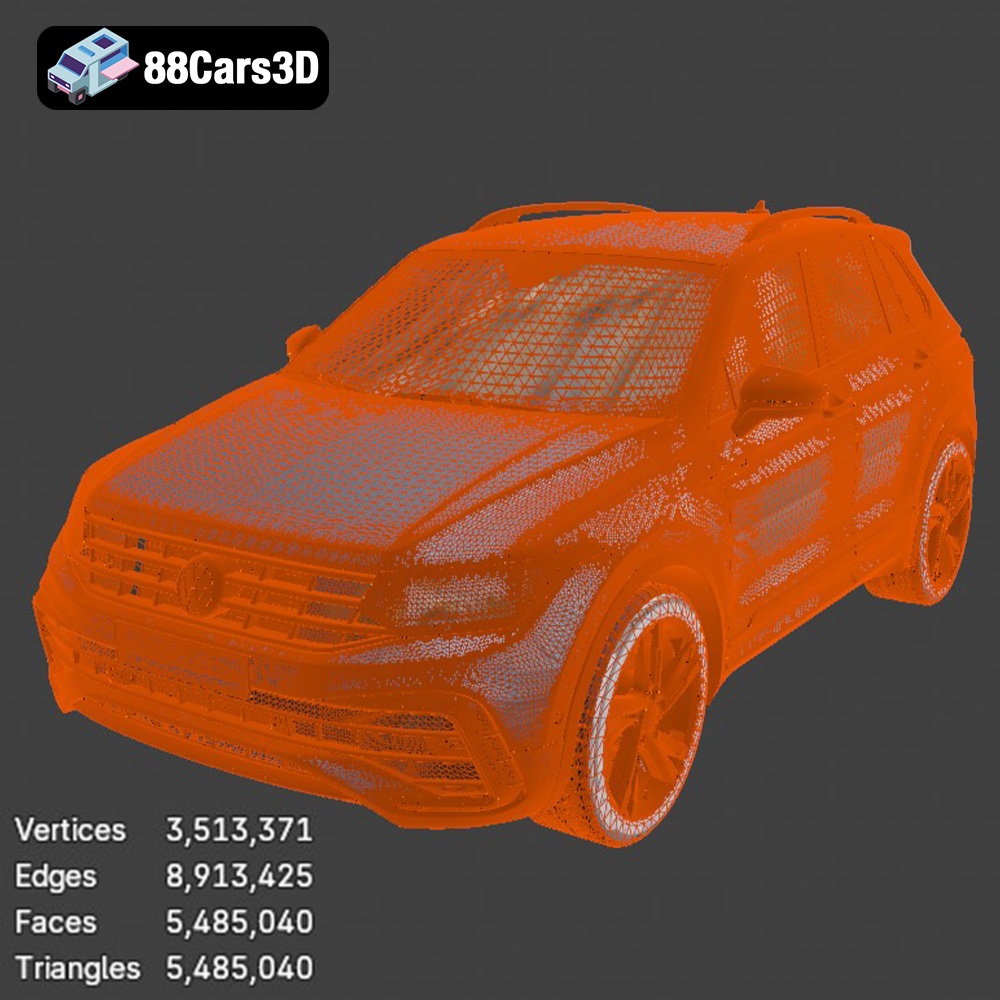
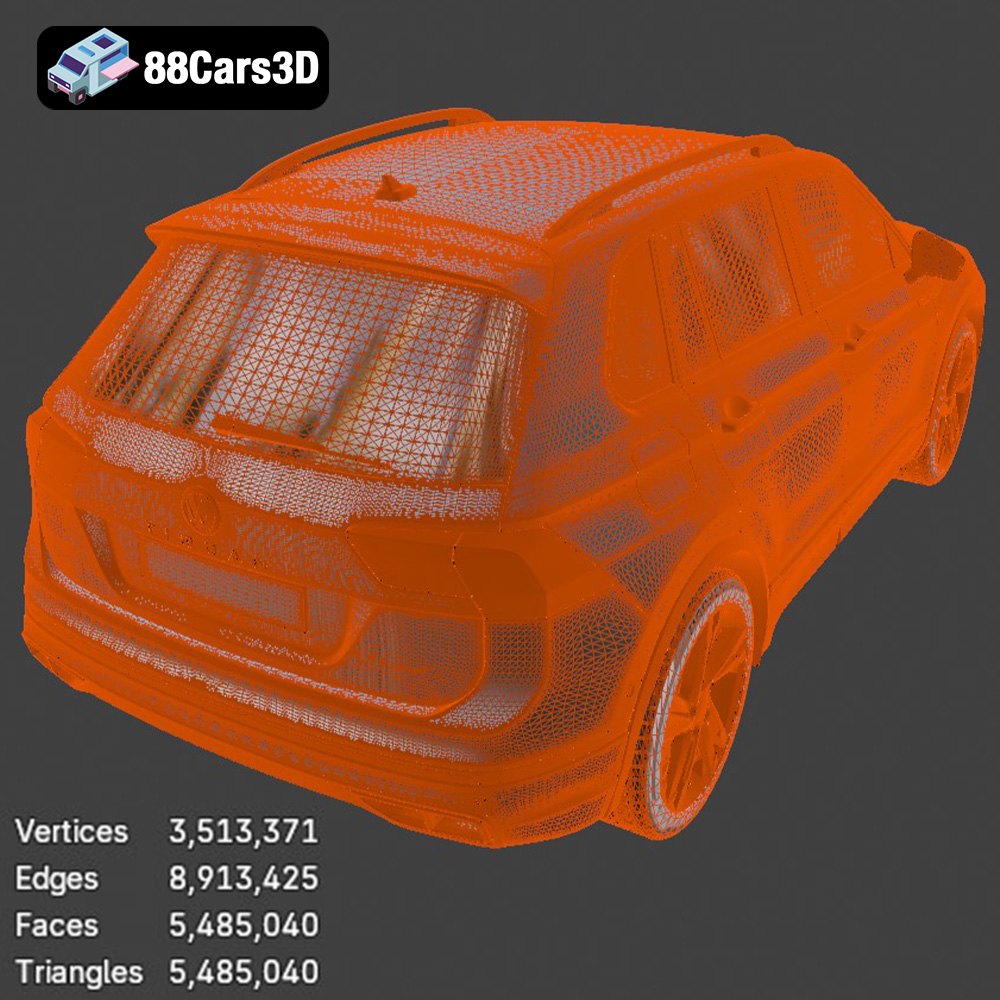
When working with .stl files, it’s crucial to ensure the mesh quality is adequate for your desired print resolution. A low-resolution .stl will result in a faceted, blocky print, while an excessively high-resolution .stl can create unnecessarily large file sizes and strain your slicing software. The ideal resolution balances detail and performance. For the Volkswagen Tiguan 2021, a moderate resolution .stl will likely suffice for a good balance of detail and printability. You might consider different STL files for exterior and interior if you want to print the interior with higher detail.
Slicing software compatibility is rarely an issue with .stl files. Programs like Cura, Simplify3D, PrusaSlicer, and others all handle .stl files seamlessly. The slicer will interpret the .stl data and generate the necessary toolpaths for your 3D printer.
While .stl reigns supreme for printing, the other formats provided with the Volkswagen Tiguan 2021 model serve different purposes:
* **.obj (Object):** A more universal format than .stl, .obj files can store color and texture information. This is useful for rendering or visualization, but most 3D printers still print in a single color per print job. If you intend to paint your 3D printed Tiguan, then OBJ is not necessary for printing.
* **.ply (Polygon File Format):** Similar to .obj, .ply files can store color and texture data, and often contain more detailed mesh information.
* **.blend (Blender File):** This is the native file format for Blender, a popular open-source 3D modeling software. If you plan to modify the Tiguan model before printing, having the .blend file is highly advantageous. You can adjust the model’s geometry, add details, or optimize it for printing using Blender’s powerful tools.
* **.fbx (Filmbox):** Primarily used for game development and animation, .fbx files can store animation data, materials, and textures. While not directly used for 3D printing, you might use the .fbx file to extract specific components of the Tiguan model for printing.
* **.glb (GL Transmission Format Binary):** Optimized for web-based viewing and augmented reality (AR) applications. Not directly relevant to 3D printing.
* **.max (3ds Max File):** The native file format for 3ds Max, another professional 3D modeling software. Similar to the .blend file, this allows for extensive modification before exporting to .stl for printing.
In summary, the .stl format is the go-to choice for 3D printing the Volkswagen Tiguan 2021. The other formats offer valuable capabilities for modification, rendering, and other digital applications, but ultimately, you’ll convert to .stl for the actual printing process. Always check your STL file for manifold geometry to ensure successful slicing.
Before you even think about hitting the “print” button, meticulous pre-print preparation is crucial for achieving a successful and visually appealing 3D printed Volkswagen Tiguan 2021. This involves examining the model, making necessary repairs, orienting it optimally, and configuring your slicing software settings.
* **Mesh Analysis:** Load the .stl file into your slicing software or a dedicated mesh analysis tool like MeshMixer or Netfabb. Look for non-manifold edges, holes, and other geometric errors that can cause problems during slicing.
* **Repair Tools:** Most slicing software packages include basic mesh repair tools. Use these tools to automatically fix minor errors. For more complex issues, use MeshMixer or Netfabb, which offer more advanced repair capabilities. Ensure the model is a closed, watertight solid for proper printing.
* **Hollowing (Optional):** For larger prints, consider hollowing the model to save material and reduce print time. Leave a small hole (or multiple holes) in an inconspicuous area to allow for drainage of resin (if using resin printing) or escape of trapped air (if using FDM printing). You will need to plug these holes after the print is completed.
* **Orientation:** This is a critical step. The orientation of the model on the print bed significantly impacts print quality, support requirements, and overall print time. For the Volkswagen Tiguan 2021, consider printing it at a slight angle (e.g., 30-45 degrees) to minimize the need for support structures on visible surfaces like the hood and roof. Experiment to find the best balance between minimizing supports and preserving detail.
* **Support Generation:** Once you’ve determined the optimal orientation, generate support structures in your slicing software. Focus on supporting overhangs and areas that would otherwise print in mid-air. Use adjustable support settings to control the density and thickness of the supports. Thinner supports are easier to remove but might be less stable. Supports are crucial for accurate printing of complex geometries.
* **Support Material (Optional):** If you have a dual-extrusion printer, consider using a soluble support material like PVA. This will make support removal much easier and cleaner, especially for intricate areas.
The choice of 3D printing technology and materials directly affects the final outcome of your Volkswagen Tiguan 2021 model. Two popular options are Fused Deposition Modeling (FDM) and Stereolithography (SLA) (or resin printing).
* **Materials:** PLA is the most common and beginner-friendly FDM material. It’s biodegradable, relatively inexpensive, and easy to print. PETG is another good option, offering improved strength and temperature resistance compared to PLA. For functional parts or parts that will be exposed to heat, consider using ABS or ASA.
* **Printer Settings:**
* *Layer Height:* 0.1mm to 0.2mm for a good balance of detail and print time. Lower layer heights will provide finer details but significantly increase print time.
* *Infill Density:* 10-20% infill is usually sufficient for a model like the Tiguan. Increase infill for areas that require more strength or support.
* *Print Speed:* 40-60mm/s is a good starting point. Adjust the speed based on your printer’s capabilities and the complexity of the model.
* *Nozzle Temperature:* Follow the material manufacturer’s recommendations. PLA typically prints around 200-220°C, while PETG prints around 230-250°C.
* *Bed Temperature:* PLA usually requires a bed temperature of 60-70°C, while PETG requires 70-80°C.
* **Pros:** FDM printers are generally more affordable and easier to maintain than SLA printers. A wide range of materials are available.
* **Cons:** FDM prints typically have lower resolution and layer lines are more visible compared to SLA prints.
* **Materials:** Various resins are available, each with different properties. Standard resin is suitable for most visual models. Tough resin offers increased strength and impact resistance. Flexible resin can be used for tires or other flexible parts.
* **Printer Settings:**
* *Layer Height:* 0.025mm to 0.05mm for extremely high detail.
* *Exposure Time:* Follow the resin manufacturer’s recommendations. This is a critical parameter that affects the print’s accuracy and strength.
* *Lift Speed:* Adjust the lift speed to minimize stress on the model during printing.
* **Pros:** SLA printing produces incredibly detailed prints with smooth surfaces. Ideal for capturing the intricate features of the Volkswagen Tiguan 2021.
* **Cons:** SLA printers and resins are generally more expensive than FDM counterparts. Resin printing requires careful handling and post-processing.
Slicing software acts as the bridge between your 3D model and your 3D printer. Configuring it correctly is paramount for achieving a high-quality print.
* **Layer Height:** As mentioned earlier, layer height dictates the resolution of your print. Smaller layer heights produce smoother surfaces but increase print time.
* **Infill Density:** Controls the amount of material inside the model. Higher infill increases strength but also increases print time and material usage.
* **Print Speed:** Adjust the print speed based on your printer’s capabilities and the complexity of the model.
* **Support Settings:** Fine-tune the support density, overhang angle, and support type to minimize support material usage while still providing adequate support for overhanging features.
* **Adhesion Settings:** Use a brim or raft to improve bed adhesion, especially for larger prints or materials that are prone to warping.
* **Temperature Settings:** Set the nozzle and bed temperatures according to the material manufacturer’s recommendations.
* **Curved Surfaces:** Pay close attention to layer height and print speed when printing curved surfaces like the car’s body panels. Lower layer heights and slower print speeds will help to minimize the “stair-stepping” effect.
* **Small Details:** Ensure that your slicing software is configured to accurately reproduce small details like the headlights, taillights, and emblems. You may need to adjust the minimum feature size setting to ensure these details are printed correctly.
Once the printing is complete, the real artistry begins. Post-processing transforms a raw 3D print into a polished, professional-looking model.
* **Careful Detachment:** Use pliers, cutters, or a sharp knife to carefully remove support structures. Take your time to avoid damaging the model.
* **Soluble Supports:** If you used soluble supports, simply dissolve them in water or a specialized solvent.
* **Start with Coarse Grit:** Begin with a coarse-grit sandpaper (e.g., 220 grit) to remove any remaining support marks or imperfections.
* **Progress to Fine Grit:** Gradually work your way up to finer grits (e.g., 400, 600, 800, 1000 grit) to smooth the surface.
* **Wet Sanding:** Wet sanding can help to further smooth the surface and prevent the sandpaper from clogging.
* **Smoothing Compounds:** Consider using a smoothing compound like Bondo or XTC-3D to fill in layer lines and create a perfectly smooth surface.
* **Priming:** Apply a primer coat to prepare the surface for painting. Primer helps to fill in any remaining imperfections and provides a better surface for the paint to adhere to.
* **Painting:** Use spray paint or an airbrush to apply the desired colors. Apply multiple thin coats rather than one thick coat to avoid runs and drips.
* **Clear Coat:** Apply a clear coat to protect the paint and add a glossy or matte finish.
* **Glue or Epoxy:** If the model consists of multiple parts, use glue or epoxy to assemble them.
* **Alignment:** Ensure that the parts are properly aligned before the glue dries.
Even with careful preparation, 3D printing can sometimes present challenges. Here are some common issues and their solutions:
* **Warping:** This occurs when the print lifts off the build plate during printing. Ensure proper bed adhesion, use a brim or raft, and maintain a consistent bed temperature.
* **Stringing:** This is when thin strands of plastic are left between different parts of the print. Reduce the nozzle temperature, increase retraction settings, and adjust travel speed.
* **Layer Shifting:** This occurs when the layers of the print are misaligned. Check the belts and pulleys on your printer to ensure they are properly tightened.
* **Under-Extrusion:** This is when not enough plastic is being extruded from the nozzle. Increase the nozzle temperature, increase the flow rate, and check for clogs in the nozzle.
* **Over-Extrusion:** This is when too much plastic is being extruded from the nozzle. Decrease the nozzle temperature, decrease the flow rate, and calibrate the extruder.
With patience, experimentation, and a willingness to learn, you can overcome these challenges and achieve stunning 3D printed results. High-quality models from sites like 88cars3d.com provide a great basis for excellent prints.
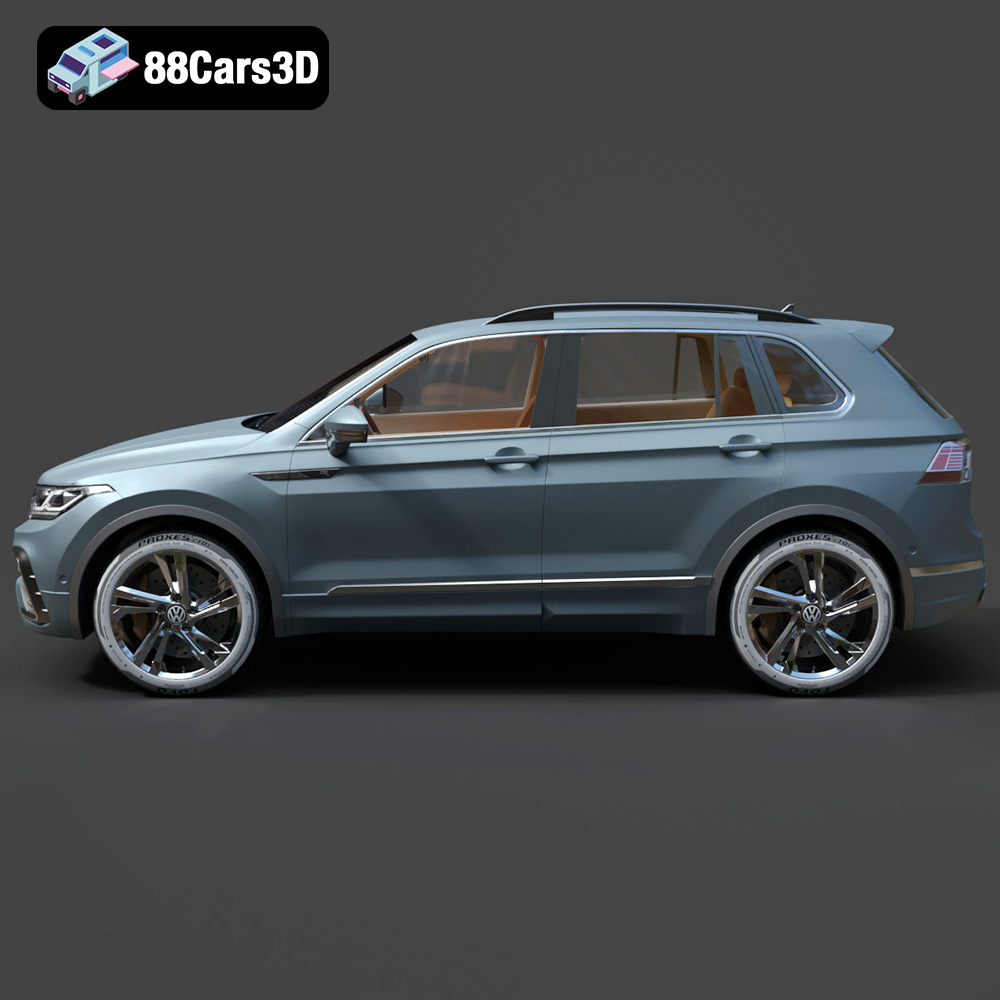
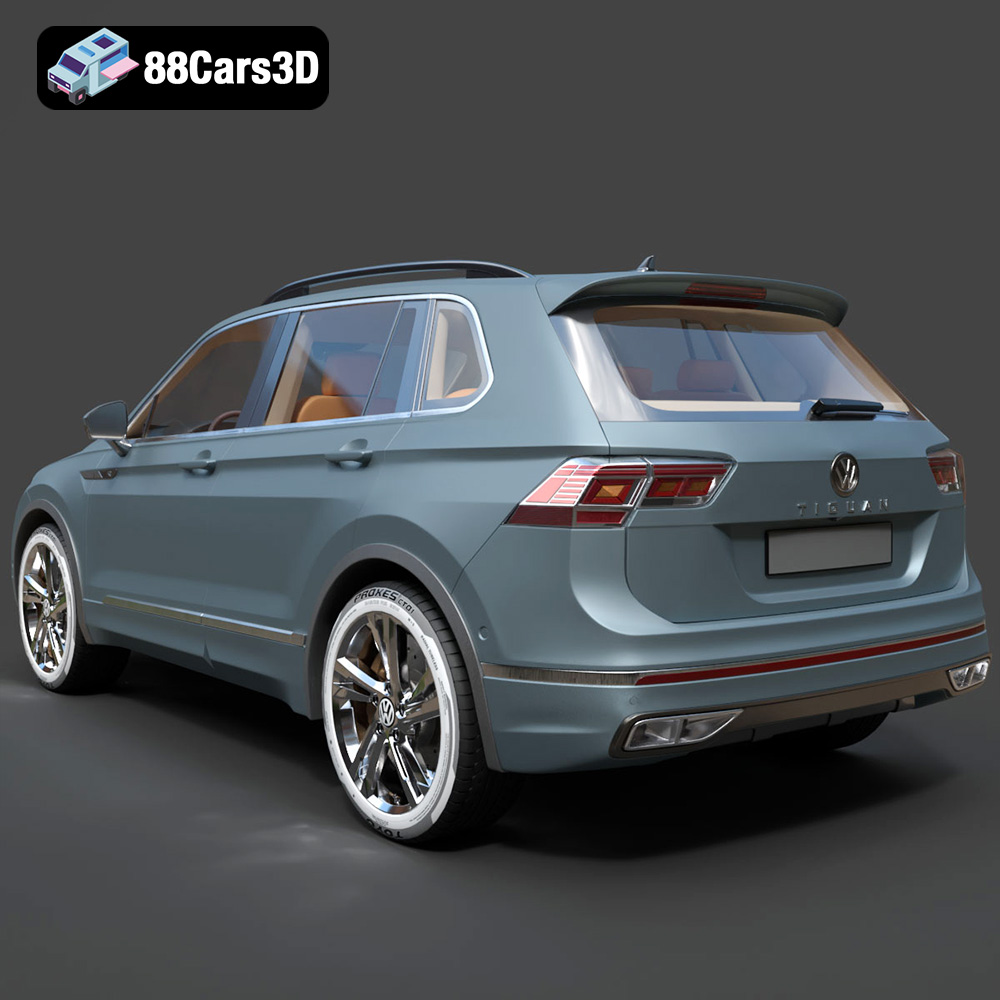
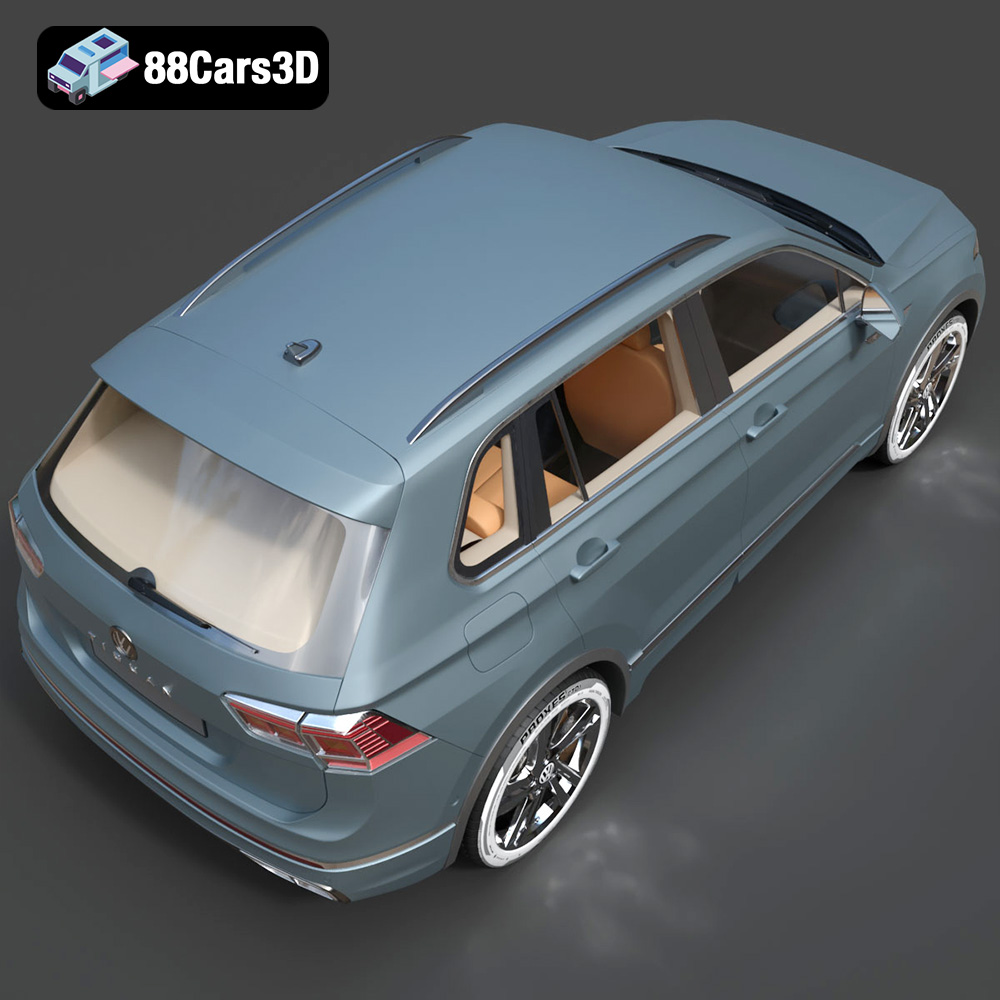
Experience the precision of the Volkswagen Tiguan 2021 3D Model, a realistic digital replica designed to meet professional standards. This model perfectly captures the modern styling, dynamic stance, and sophisticated details of the popular SUV, providing an exceptional asset for a diverse array of digital projects. Engineered with an emphasis on performance and visual fidelity, this 3D vehicle features clean geometry, accurate proportions, and realistic materials. The well-structured topology allows for seamless workflow integration, ensuring outstanding results in both tight studio close-ups and expansive dynamic environments. This versatile model is optimized for demanding applications, making it an excellent choice for game development, cinematic rendering, augmented and virtual reality (AR/VR) experiences, and architectural visualization. The comprehensive package is structured to integrate flawlessly into your preferred professional pipeline.
$19.99
.arvr
.blend
.car3dmodel
.crossover
.fbx
.gameasset
.glb
.max
.obj
.ply
.rendering
.simulation
.stl
.tiguan
.unreal
.volkswagen
SUV