Get 50% OFF All Premium 3D & STL Models!

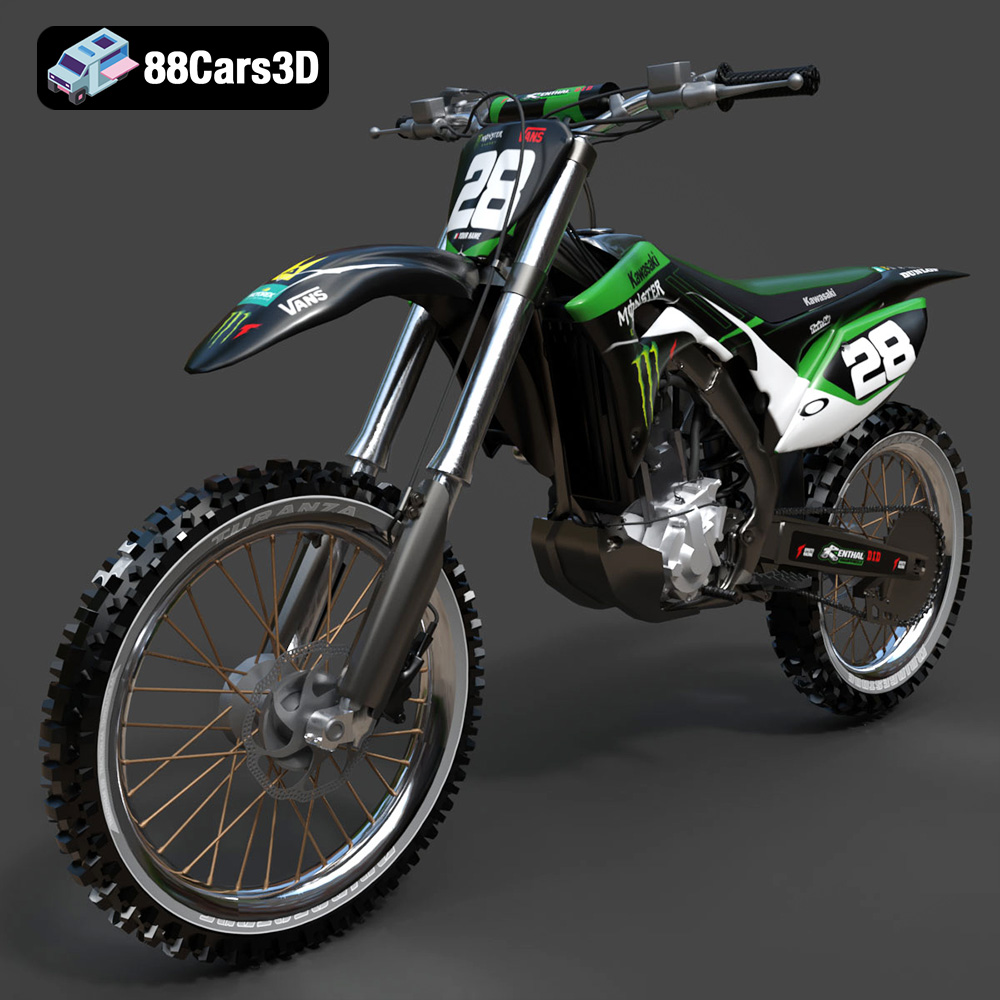
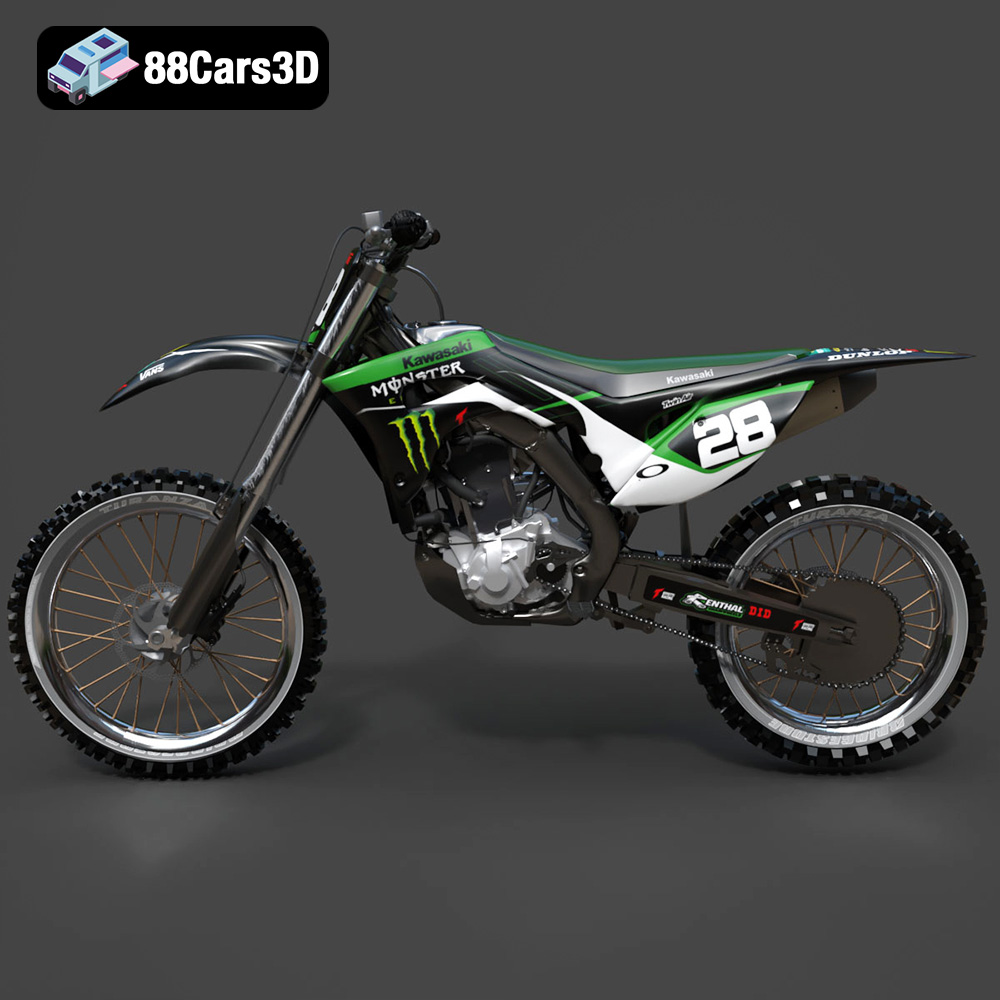
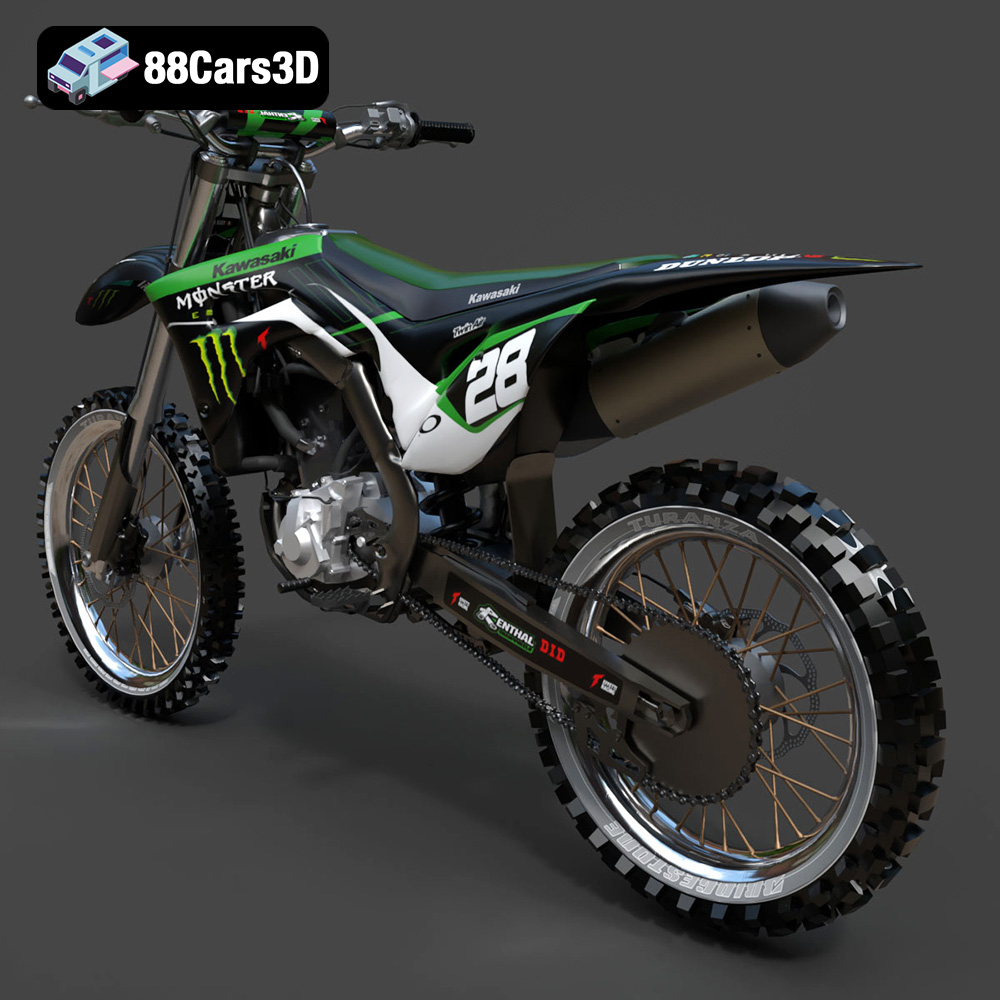
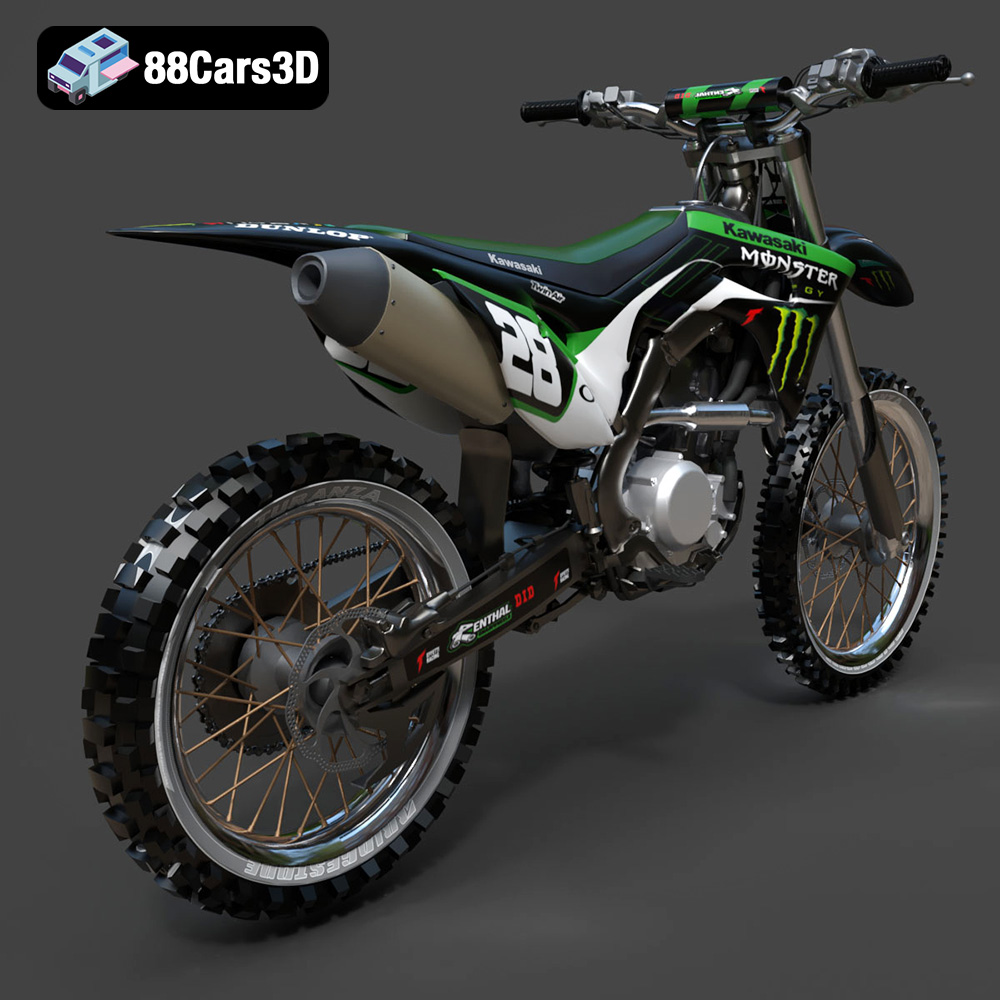
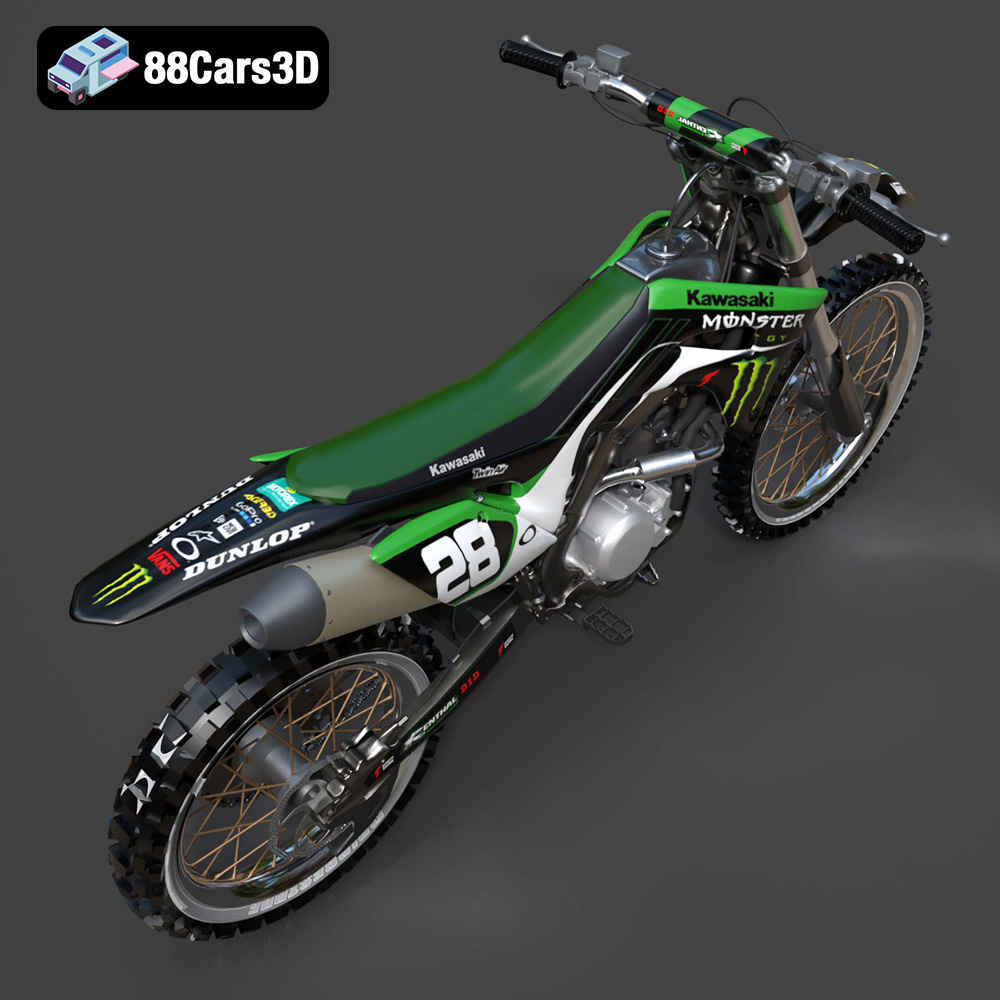
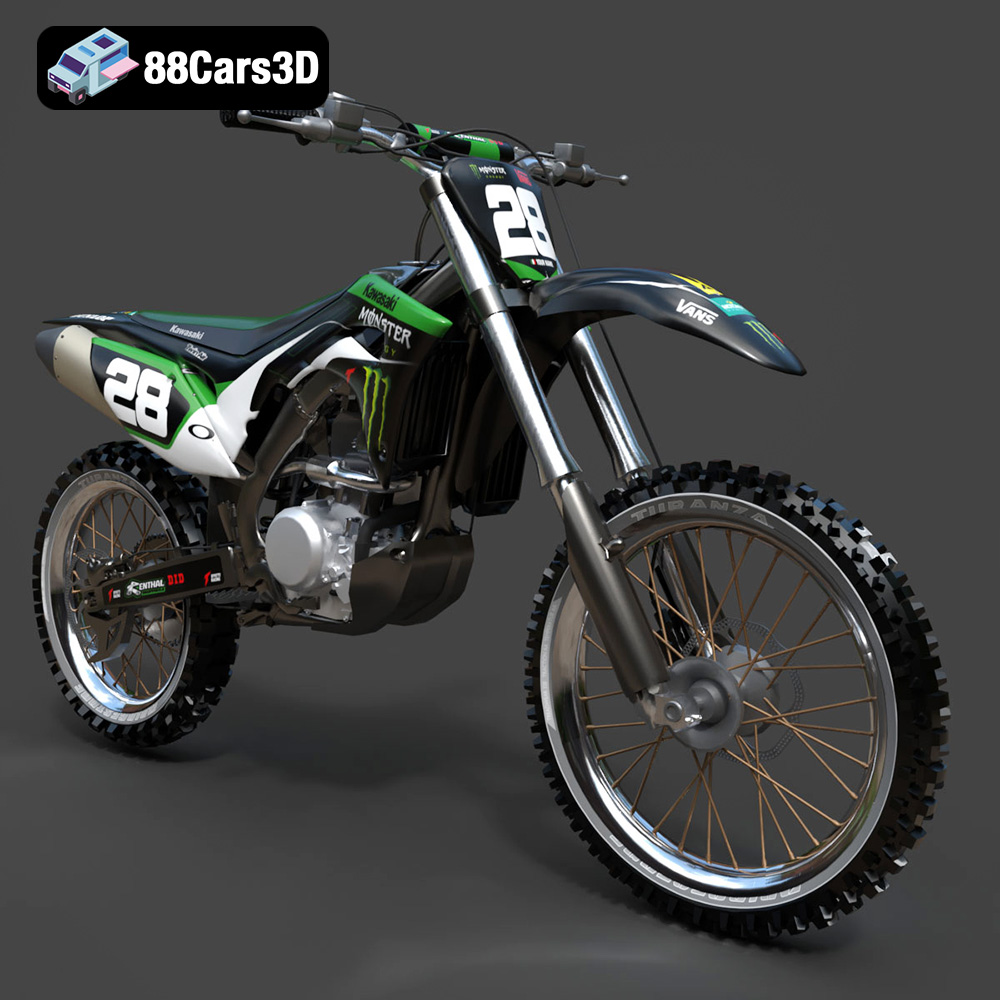
The Kawasaki Motorcycle-001 3D model from 88cars3d.com is a fantastic subject for a 3D printing project, offering both visual appeal and technical challenges. This detailed model, with its intricate components and realistic design, provides a great opportunity to explore the capabilities of additive manufacturing. This blog post will guide you through the entire process, from preparing the STL files to achieving a stunning finished print. We’ll cover material choices, optimal printer settings, essential pre-print preparations, and post-processing techniques to help you overcome common hurdles and create a truly impressive 3D printed replica of this iconic motorcycle.
Selecting the appropriate 3D printing technology is crucial for successfully printing the Kawasaki Motorcycle-001 model. The level of detail in the model suggests that resin printing (SLA/DLP/MSLA) and filament printing (FDM) are the two most viable options.
* **Pros:** FDM printers are more affordable and can handle larger print volumes. They are also suitable for printing with a wider range of materials, including PLA, PETG, ABS, and Nylon.
* **Cons:** FDM printing typically results in lower resolution and visible layer lines, which may detract from the model’s intricate details. Post-processing is often necessary to achieve a smooth surface finish.
* **Recommendations:** If you’re using an FDM printer, opt for a nozzle size of 0.4mm or smaller. Slower print speeds and finer layer heights (0.1mm-0.15mm) are recommended to capture the smaller details of the Kawasaki Motorcycle-001.
* **Pros:** Resin printers excel at producing highly detailed prints with smooth surfaces. They are ideal for capturing the intricate details of the Kawasaki Motorcycle-001, such as the engine components, exhaust system, and intricate bodywork.
* **Cons:** Resin printers typically have smaller build volumes and use materials that can be more expensive and require careful handling. Post-processing, including washing and curing, is essential.
* **Recommendations:** When using a resin printer, choose a resin specifically designed for high detail. Calibrate your printer settings according to the resin manufacturer’s recommendations. Ensure proper ventilation during printing and wear appropriate personal protective equipment (PPE) when handling uncured resin.
Choosing the right file format is a critical first step in the 3D printing process. Different file formats store 3D model data in various ways, affecting the quality, compatibility, and overall success of your print. For the Kawasaki Motorcycle-001 3D model, understanding the nuances of each format is essential.
The STL (Stereolithography) format is the workhorse of 3D printing. It represents the surface geometry of a 3D object as a collection of triangles, essentially creating a mesh. This simplicity is its strength, making it universally compatible with nearly all 3D printing software and printers. However, STL files only store information about the shape of the object; they do not contain color, texture, or material data.
* **Best Use:** STL is the primary format for 3D printing the Kawasaki Motorcycle-001. It’s ideal for creating a physical prototype or a single-color, untextured model.
* **Slicing Software Compatibility:** All slicing software readily accepts STL files. You’ll use the slicer to define printing parameters like layer height, infill, and support structures.
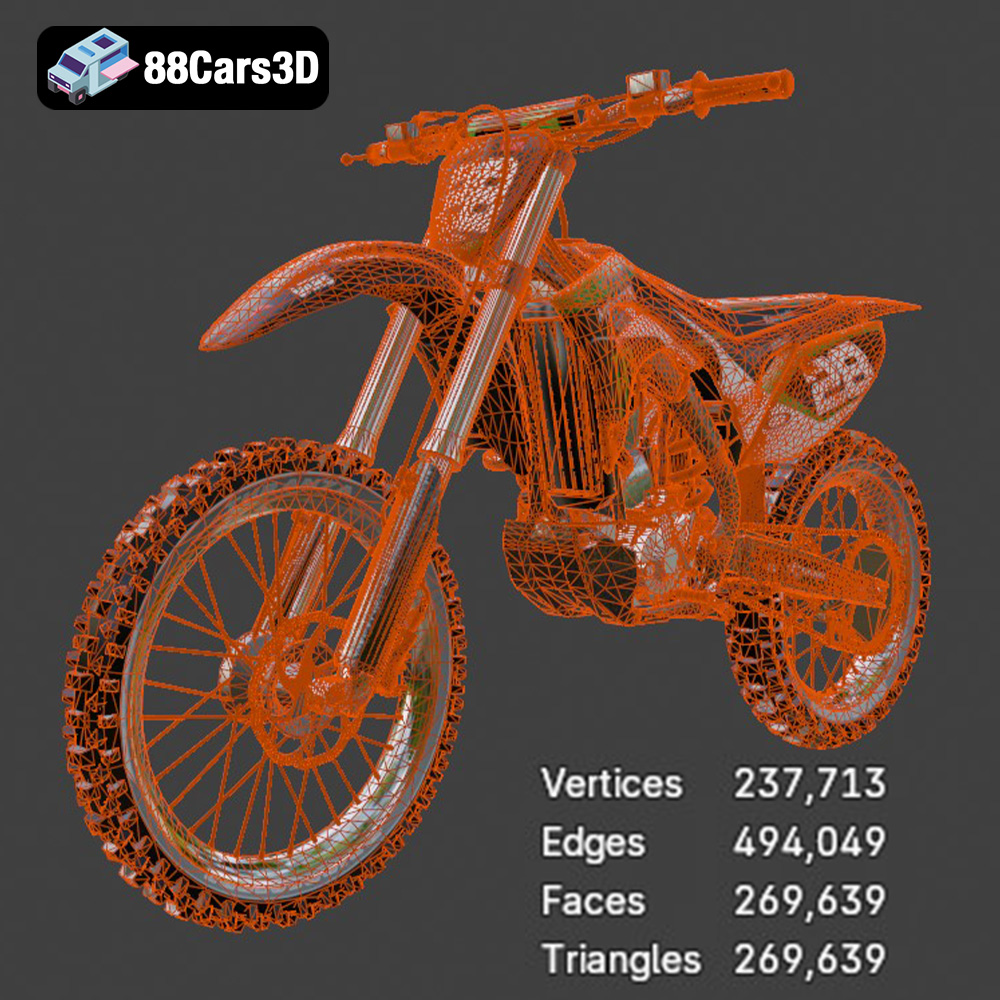
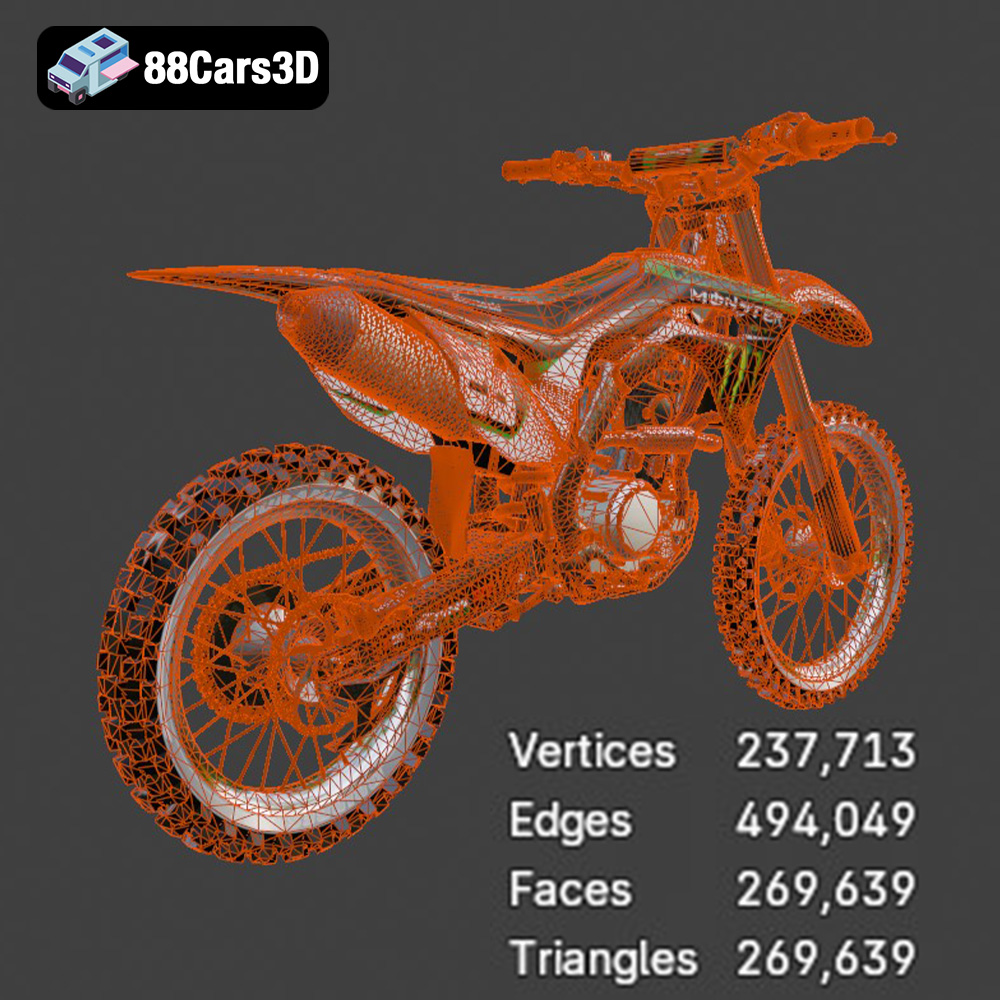
* **Mesh Quality:** The quality of the STL file is crucial. A poorly generated STL with gaps, overlaps, or self-intersections can lead to printing errors. Before printing, it’s wise to repair any mesh defects using software like Meshmixer or Netfabb. Higher triangle counts in the STL result in smoother surfaces but also larger file sizes and longer processing times. A good balance between detail and file size is key for optimal printing performance. For the intricate details of the Kawasaki Motorcycle-001, consider increasing the resolution of the STL during export from your modeling software. However, keep an eye on the file size to ensure it remains manageable for your slicing software.
OBJ (Object) files are more versatile than STL, as they can store color and texture information in addition to geometry. This makes them suitable for applications where visual appearance is important.
* **Use Case:** While OBJ files can technically be 3D printed, they are less common than STL, particularly for single-material prints. If your goal is to print a multi-colored Kawasaki Motorcycle-001 (using a printer capable of this), OBJ might be a viable option.
* **Slicing Software:** Most slicing software supports OBJ files, but it’s crucial to ensure the software can properly interpret and utilize the color and texture data.
* **Technical Details:** OBJ files often rely on external material files (MTL) to define colors and textures. These files must be kept together with the OBJ file for the textures to display correctly.
PLY (Polygon File Format) is designed for storing 3D data acquired from scanning technologies. It can represent geometry, color, and other properties with high precision.
* **Use Case:** PLY is rarely used directly for 3D printing consumer models. Its strengths lie in capturing highly accurate scanned data, which is not the primary purpose of the Kawasaki Motorcycle-001.
* **Slicing Software:** Support for PLY files in slicing software is less universal than for STL or OBJ.
* **Technical Details:** PLY files can store vertex colors, which can potentially be used for multi-color printing if your printer and software support it.
BLENDER files store entire project scenes with editable objects.
* **Use Case:** Use BLENDER to customize, repair or modify the Kawasaki Motorcycle-001 model before exporting to STL for printing.
* **Slicing Software:** BLENDER files are not directly compatible with slicing software. Export to a compatible format like STL first.
* **Technical Details:** BLENDER allows you to prepare the model for printing by separating parts, adding registration keys, and hollowing out sections.
FBX (Filmbox) is a proprietary format developed by Autodesk, often used in game development and animation. It supports geometry, materials, textures, and animation data.
* **Use Case:** FBX is useful for bringing the model into design or rendering software that can then export a printable format.
* **Slicing Software:** Limited slicing software directly imports FBX.
* **Technical Details:** FBX can include material properties, but these often don’t translate directly to 3D printing unless your printer specifically supports material definition.
GLB (GL Transmission Format Binary) is designed for efficient transmission and loading of 3D models, particularly in web and AR/VR applications.
* **Use Case:** GLB allows you to see the Kawasaki Motorcycle-001 model in augmented reality (AR) on your smartphone before printing, providing a sense of scale and visual appeal.
* **Slicing Software:** GLB files are not directly used for 3D printing.
* **Technical Details:** GLB files are self-contained, meaning they include all necessary data (geometry, textures, etc.) within a single file.
MAX (3ds Max) is the native file format for Autodesk 3ds Max.
* **Use Case:** Use 3ds Max to customize, repair or modify the Kawasaki Motorcycle-001 model before exporting to STL for printing.
* **Slicing Software:** MAX files are not directly compatible with slicing software. Export to a compatible format like STL first.
* **Technical Details:** Similar to BLENDER files, 3ds Max allows you to prepare the model for printing by separating parts, adding registration keys, and hollowing out sections.
For 3D printing the Kawasaki Motorcycle-001, **STL is the recommended format**. Ensure the STL file is of high quality, free of errors, and optimized for your chosen printing technology.
Proper preparation before printing is critical for a successful outcome. This involves slicing the 3D model and carefully choosing the print orientation.
* **Choosing a Slicer:** Select a slicing software compatible with your 3D printer. Popular options include Cura, PrusaSlicer, Simplify3D, and Chitubox (for resin printers).
* **Importing the STL:** Import the Kawasaki Motorcycle-001 STL file into your chosen slicer.
* **Adjusting Settings:** Carefully adjust the slicing settings based on your printer, material, and desired print quality. Key settings include:
* **Layer Height:** A lower layer height (e.g., 0.1mm for FDM, 0.05mm or less for resin) will result in finer details and smoother surfaces.
* **Infill Density:** Adjust the infill density to balance print strength and material usage. For a display model, a lower infill (10-20%) may be sufficient. For a more durable model, increase the infill density.
* **Print Speed:** Slower print speeds generally improve print quality, especially for intricate details.
* **Temperature:** Set the printing temperature according to the filament or resin manufacturer’s recommendations.
* **Support Structures:** The Kawasaki Motorcycle-001 model will likely require support structures to print overhanging features. Consider using tree supports in Cura for easier removal and less scarring.
* **Minimizing Supports:** Orient the model to minimize the need for support structures. This will save material and reduce post-processing time.
* **Hiding Layer Lines:** Orient the model so that visible layer lines are less noticeable. For example, orienting curved surfaces vertically can minimize the “stair-stepping” effect.
* **Strength Considerations:** If the model will be subjected to stress, orient it so that the strongest axis aligns with the direction of the force.
* **Resin Printing Orientation:** For resin printing, orient the model at an angle to minimize the surface area being printed at each layer. This can reduce the risk of warping or layer separation.
The material you choose significantly impacts the final appearance, strength, and durability of your 3D printed Kawasaki Motorcycle-001.
* **Pros:** PLA is biodegradable, easy to print, and available in a wide range of colors. It’s a good option for beginners and for creating display models.
* **Cons:** PLA is not as strong or heat-resistant as other materials. It can also be brittle.
* **Use Case:** Suitable for creating a visually appealing replica of the Kawasaki Motorcycle-001 that will primarily be used for display.
* **Pros:** PETG is stronger and more durable than PLA, with better heat resistance and flexibility. It’s also relatively easy to print.
* **Cons:** PETG can be more prone to stringing than PLA, and its surface finish may not be as smooth.
* **Use Case:** A good choice if you want a more durable model that can withstand some handling.
* **Pros:** ABS is a strong, heat-resistant, and durable material commonly used in injection molding.
* **Cons:** ABS is more difficult to print than PLA or PETG, requiring higher temperatures and an enclosed build chamber to prevent warping. It also emits fumes during printing.
* **Use Case:** Suitable for experienced 3D printers who want a very durable and heat-resistant model.
* **Pros:** Resin offers the highest level of detail and smooth surface finish.
* **Cons:** Resin can be brittle and requires careful handling. It also requires post-processing, including washing and curing.
* **Use Case:** Ideal for capturing the intricate details of the Kawasaki Motorcycle-001 and achieving a professional-looking finish.
Fine-tuning your printer settings is key to achieving the best possible results with the Kawasaki Motorcycle-001 model.
* **Layer Height:** 0.1mm – 0.15mm (for fine details)
* **Nozzle Size:** 0.4mm or smaller
* **Infill Density:** 15-25% (for display), 30-50% (for durability)
* **Print Speed:** 40-60mm/s (slower for intricate details)
* **Temperature:** According to filament manufacturer’s recommendations
* **Support Structures:** Enable supports with a support overhang angle of 60-70 degrees. Use tree supports for easier removal.
* **Bed Adhesion:** Use a brim or raft to improve bed adhesion, especially for parts with a small footprint.
* **Layer Height:** 0.025mm – 0.05mm
* **Exposure Time:** According to resin manufacturer’s recommendations (calibrate for your specific printer and resin)
* **Lift Speed:** Moderate to slow lift speed to prevent layer separation
* **Support Structures:** Use light to medium supports with a support density that provides adequate stability without being too difficult to remove.
* **Hollowing:** Consider hollowing out larger parts of the model to reduce resin consumption and printing time. Add drain holes to allow resin to escape during printing.
Post-processing is essential to refine your 3D printed Kawasaki Motorcycle-001 and achieve a professional finish.
* Carefully remove support structures using appropriate tools, such as pliers, cutters, and a hobby knife.
* Take your time to avoid damaging the model.
* For resin prints, ensure all uncured resin is removed from the supports before detaching them.
* Sand the model to remove any remaining support marks and layer lines.
* Start with coarse sandpaper (e.g., 220 grit) and gradually move to finer grits (e.g., 400, 600, 800, 1000 grit) for a smooth finish.
* Wet sanding can help to reduce dust and improve the surface finish.
* Apply a primer to the model to create a uniform surface for painting.
* Choose a primer compatible with your chosen material (e.g., a plastic primer for PLA/PETG/ABS, a resin primer for resin prints).
* Apply thin, even coats of primer, allowing each coat to dry completely before applying the next.
* Paint the model using acrylic paints or spray paints.
* Apply thin, even coats of paint, allowing each coat to dry completely before applying the next.
* Use masking tape to create clean lines and separate different color areas.
* Consider using an airbrush for a smoother, more professional finish.
* If the model was printed in multiple parts, carefully assemble them using glue or epoxy.
* Ensure the parts are properly aligned before the glue sets.
* Use clamps or tape to hold the parts together while the glue dries.
Even with careful preparation, you may encounter issues during the 3D printing process. Here are some common problems and their solutions:
* **Cause:** Uneven cooling of the plastic, leading to the corners of the print lifting off the build plate.
* **Solution:** Ensure proper bed adhesion, use a heated bed, and enclose the printer to maintain a consistent temperature.
* **Cause:** Filament oozing from the nozzle during travel moves.
* **Solution:** Adjust retraction settings, reduce printing temperature, and increase travel speed.
* **Cause:** Poor layer adhesion, leading to the print splitting along layer lines.
* **Solution:** Increase printing temperature, reduce print speed, and ensure proper bed adhesion.
* **Cause:** Inadequate support structures, leading to overhanging features collapsing.
* **Solution:** Increase support density, adjust support placement, and use a stronger support material.
* **Cause:** Insufficient exposure time, improper support placement, or contaminated resin.
* **Solution:** Calibrate exposure time for your resin, add more supports to critical areas, and filter your resin regularly.
The print time and material cost for the Kawasaki Motorcycle-001 model will vary depending on the size of the model, the chosen material, the printer settings, and the complexity of the support structures.
* **FDM Printing:**
* **Print Time:** 12-36 hours (depending on size and settings)
* **Material Cost:** $10-$30 (depending on filament type and amount)
* **Resin Printing:**
* **Print Time:** 8-24 hours (depending on size and settings)
* **Material Cost:** $20-$50 (depending on resin type and amount)
Remember that these are just estimates. It’s always a good idea to run a test print to get a more accurate estimate for your specific setup.
By following these guidelines, you’ll be well-equipped to successfully 3D print the Kawasaki Motorcycle-001 model from 88cars3d.com and create a stunning replica that showcases the power of additive manufacturing.
This meticulously crafted 3D model captures the essence of the Kawasaki Motorcycle-001, delivering a high level of realism and detail. Every component is modeled with precision to mirror the actual motorcycle, making it ideal for a variety of applications.
$19.99
.arvr
.blend
.car3dmodel
.fbx
.gameasset
.glb
.kawasaki
.max
.motorcycle
.motorcycle001
.obj
.ply
.rendering
.simulation
.stl
.unreal