Get 50% OFF All Premium 3D & STL Models!

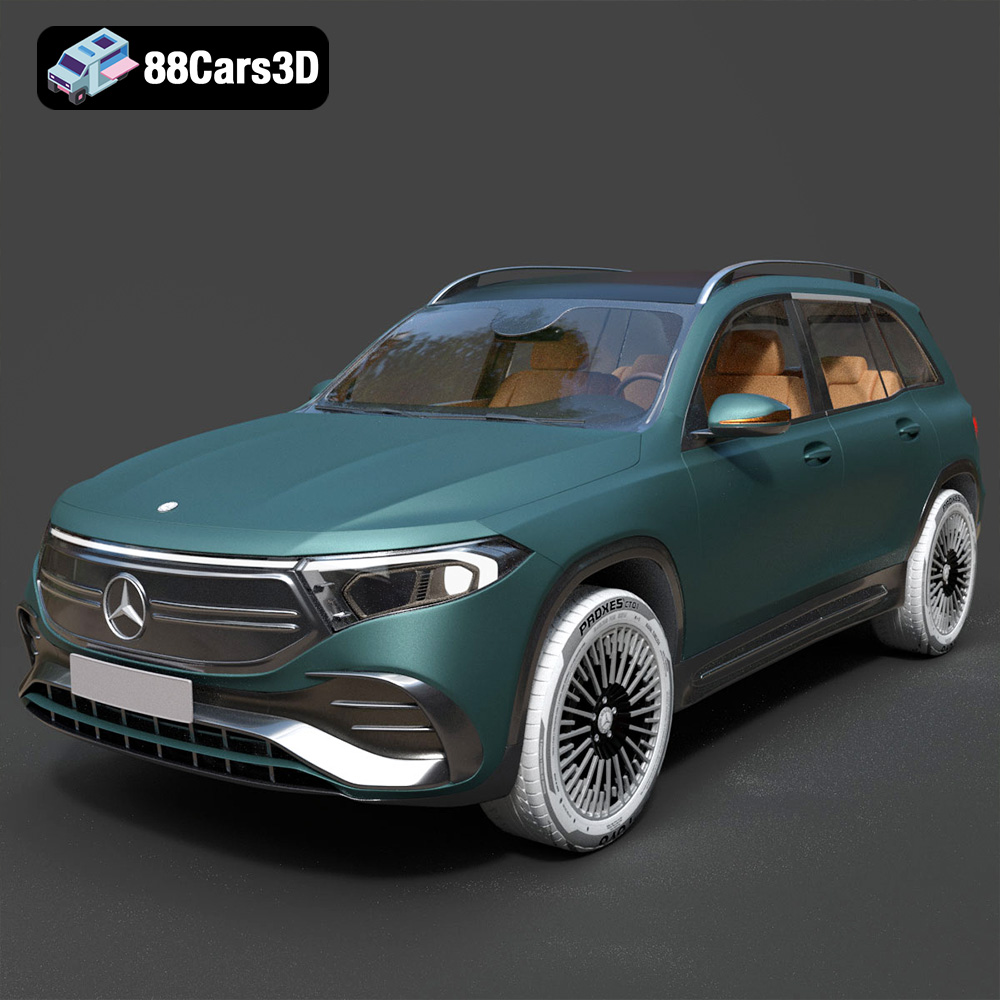
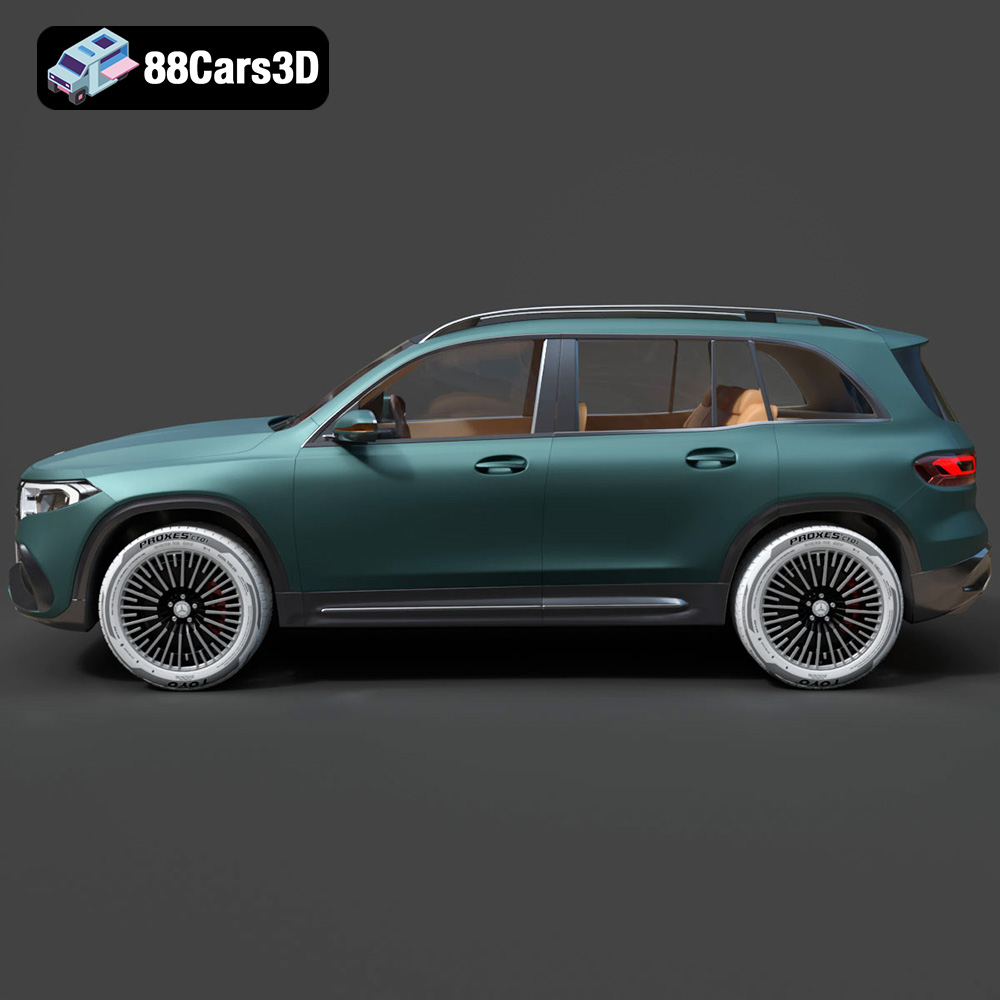
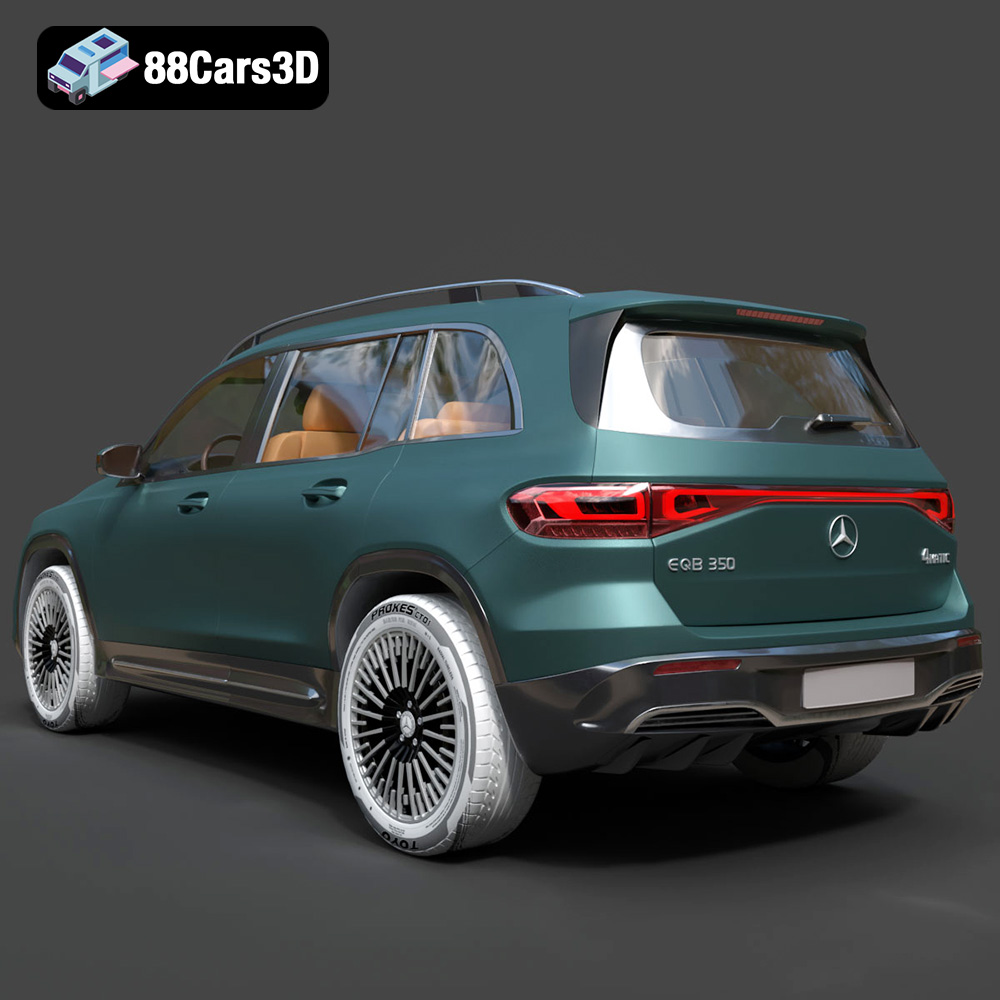
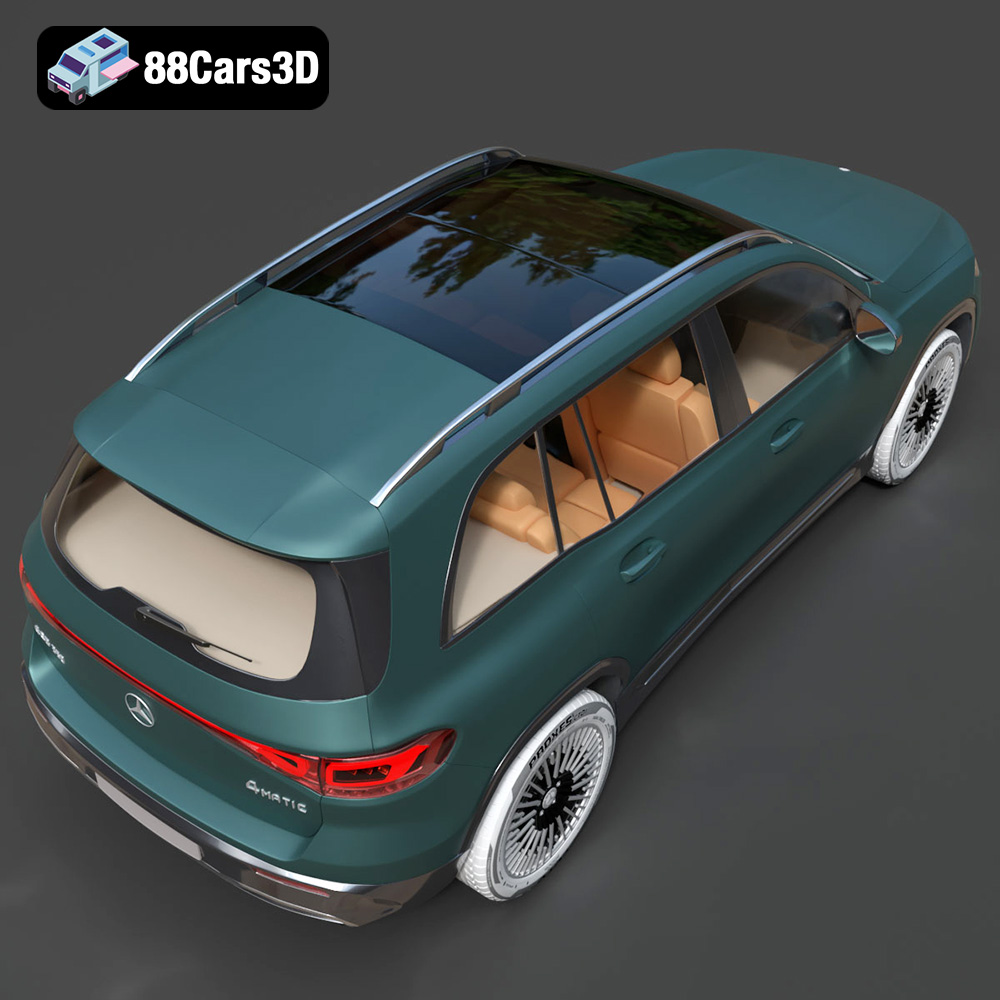
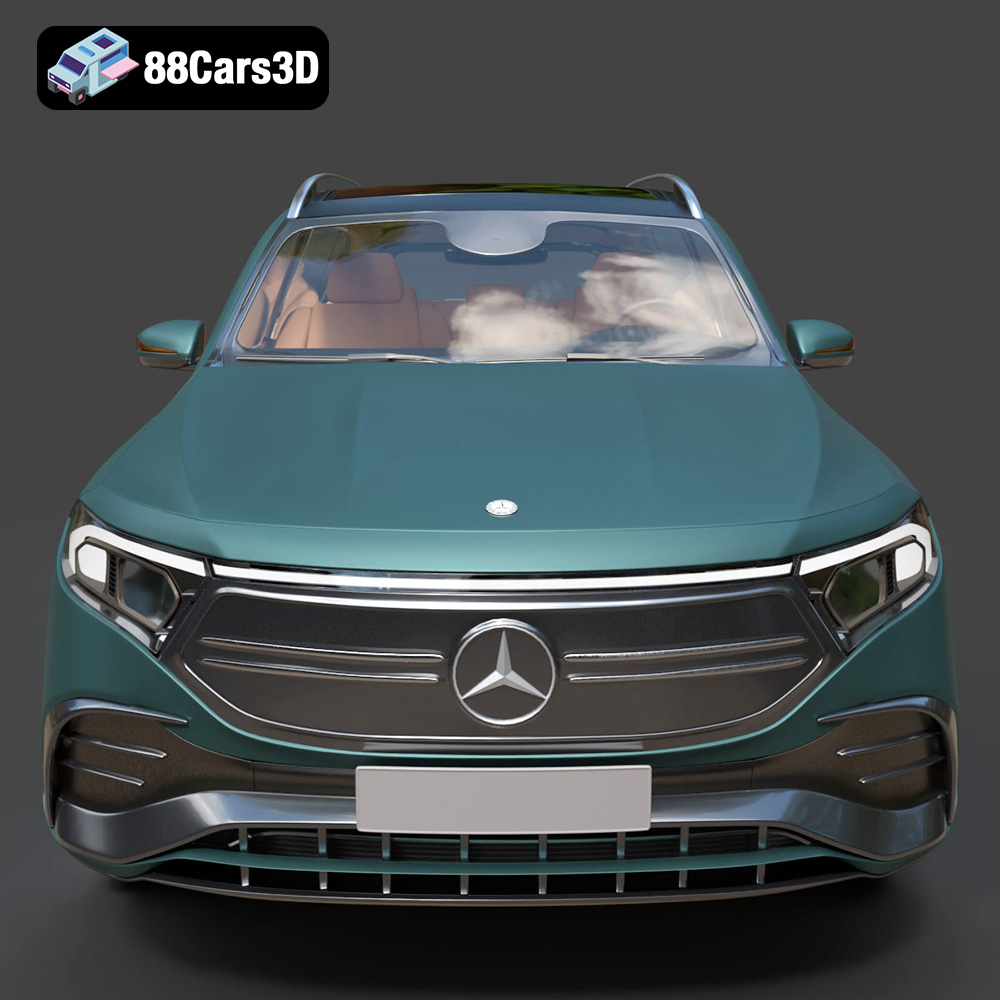
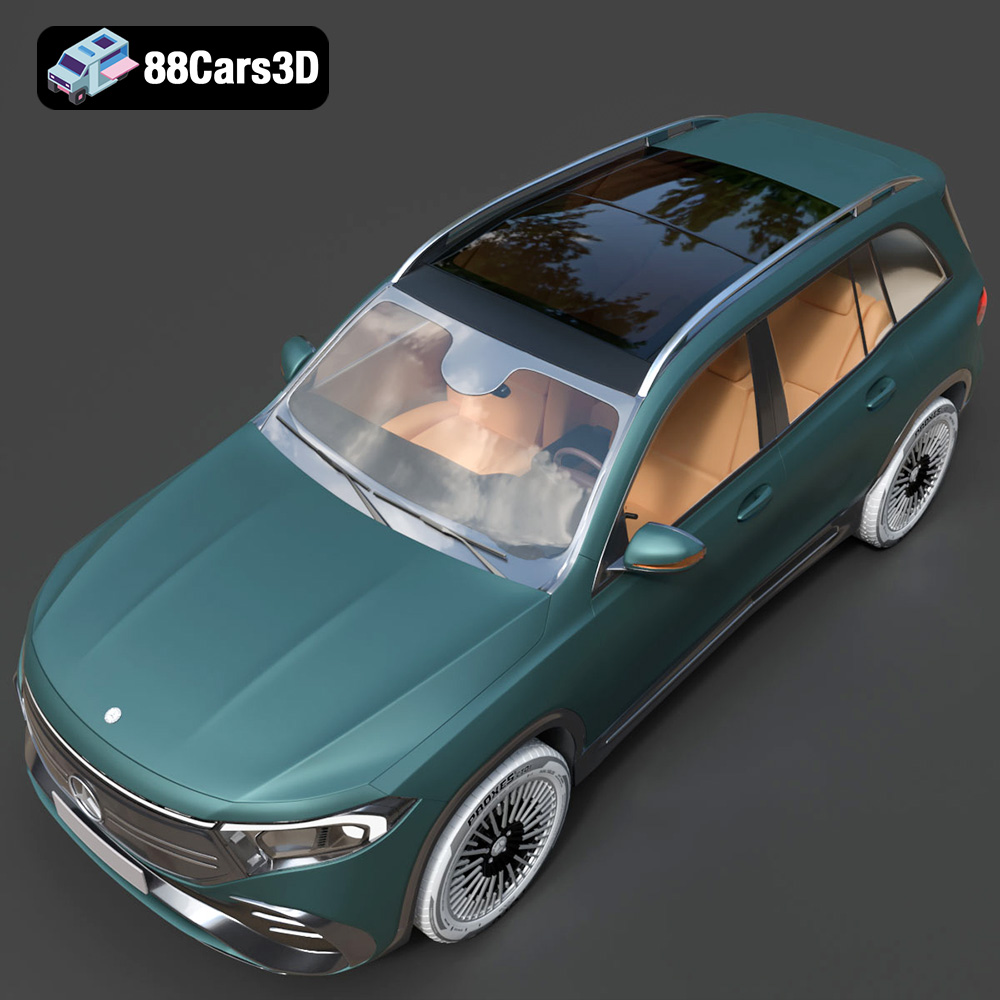
The Mercedes-Benz EQB-001, a sleek and modern electric SUV, is now within reach not just virtually, but physically, thanks to the power of 3D printing. At 88cars3d.com, you can find a meticulously crafted 3D model of this vehicle, optimized for various applications including, crucially, 3D printing. This guide will walk you through the process of bringing your own EQB-001 into the real world, covering everything from choosing the right materials and printer settings to post-processing techniques that will make your 3D printed model stand out. Whether you’re a seasoned 3D printing enthusiast or a beginner eager to explore the possibilities, this guide will provide you with the knowledge and steps to create a stunning replica of the Mercedes-Benz EQB-001.
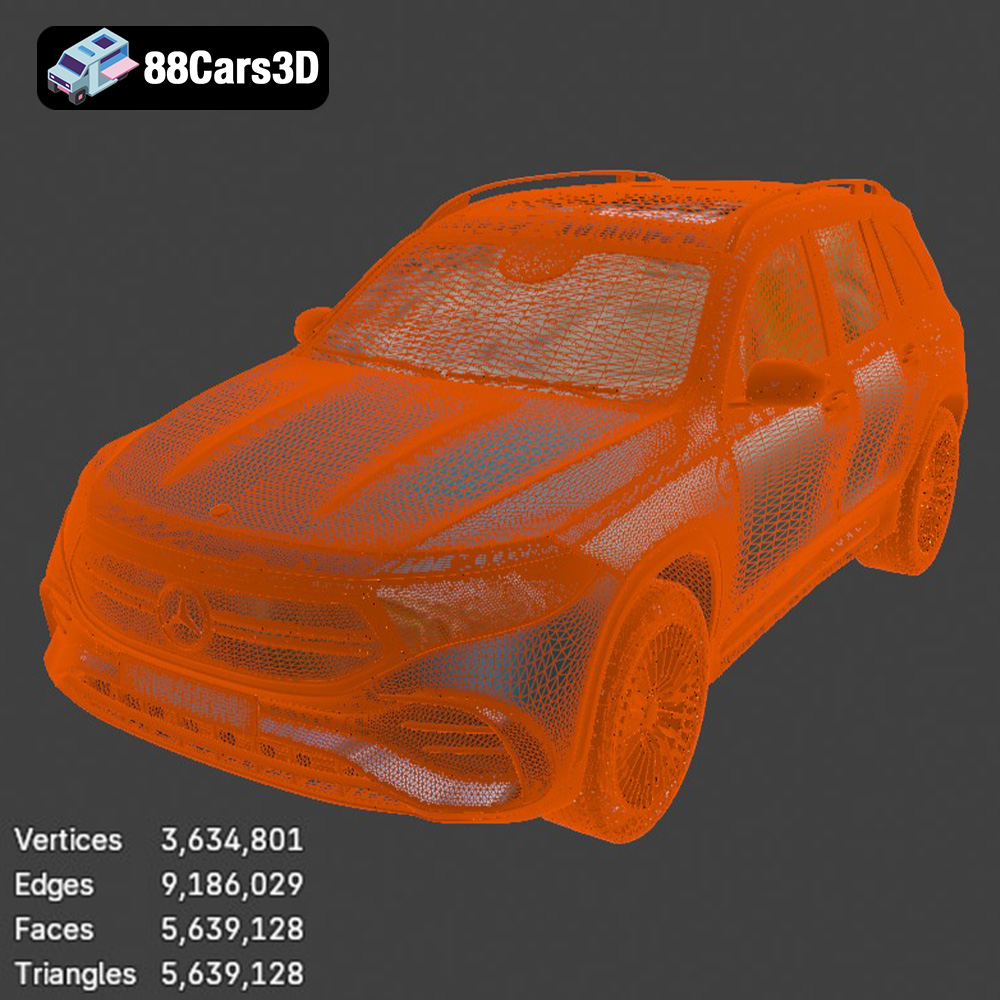
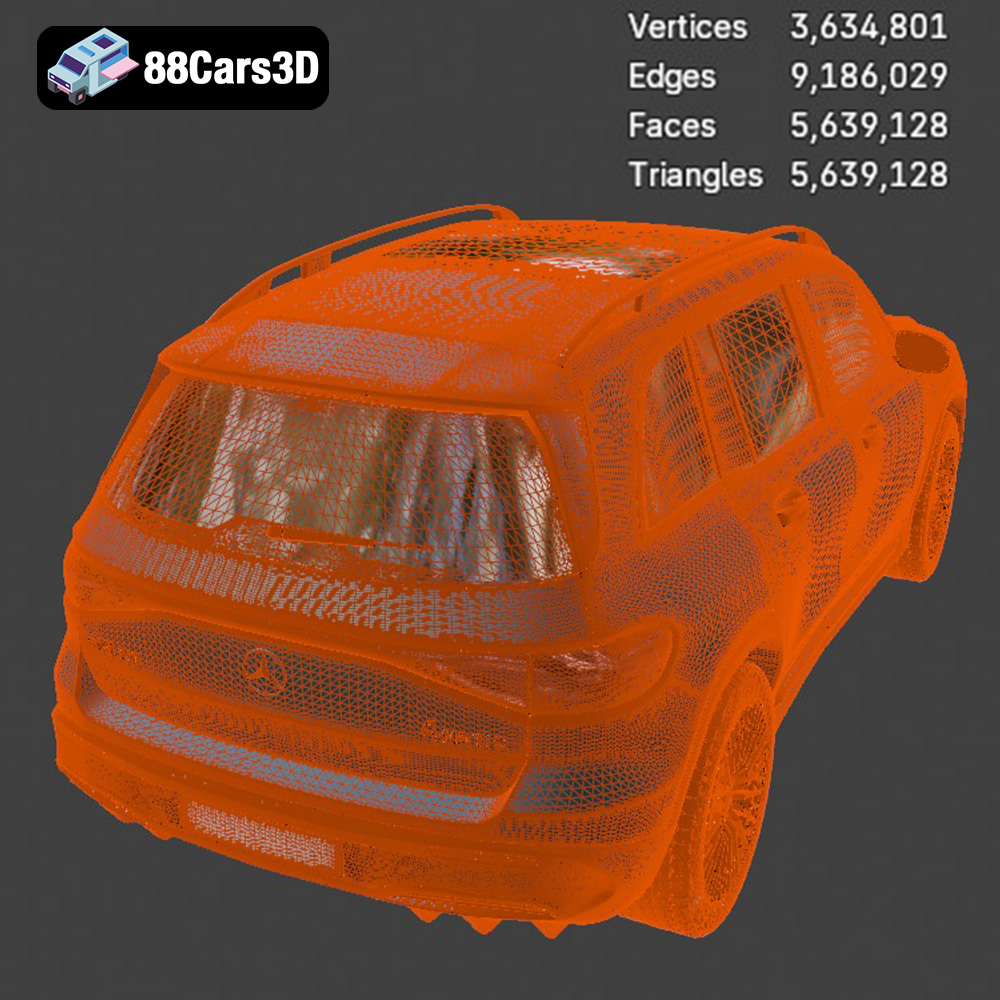
Before diving into the specifics of 3D printing, let’s understand what makes the Mercedes-Benz EQB-001 model from 88cars3d.com suitable for additive manufacturing. The model is designed with clean geometry and a well-defined mesh, vital for a smooth and successful 3D print. The availability of an STL file is key because this is the standard file format that virtually all 3D printers can read and process. The model’s design also considers the inherent limitations of 3D printing, ensuring that intricate details are printable and that the overall structure is robust enough to withstand the printing process.
The complexity of the EQB-001 model will influence your printing strategy. Models with intricate grilles, mirrors, and interior details will require finer layer heights and more support structures, increasing print time and material usage. Assess the model in your slicing software to identify potential problem areas and plan accordingly. Consider simplifying certain parts, such as combining small, separate elements into a single printable piece, if absolute fidelity isn’t paramount.
The 3D model’s scalability is also important. While you can technically print the EQB-001 at virtually any size, smaller prints will naturally lose some of the finer details. Conversely, larger prints will exaggerate any imperfections in the model’s geometry. Experiment with scaling the model in your slicing software to find a size that balances detail preservation with practicality.
The world of 3D models uses many different file formats, but only some are optimal for 3D printing. Each format has strengths and weaknesses depending on your intended application. When it comes to additive manufacturing, the STL file format reigns supreme.
The STL (Stereolithography) file format is the de facto standard for 3D printing. It represents the surface geometry of a 3D object as a collection of triangles. Because it only stores surface information, it’s a relatively simple and efficient format, making it ideal for transferring 3D models to slicing software. However, STL files do not contain information about color, texture, or materials; it’s purely a geometric representation.
For 3D printing, the quality of the STL file is crucial. A poorly generated STL with large, uneven triangles can result in a rough, faceted print surface. Ensure that the STL file for the Mercedes-Benz EQB-001 is generated with sufficient resolution (high triangle count) to capture the model’s curves and details accurately. Slicing software like Cura, PrusaSlicer, and Simplify3D can import and process STL files with ease. You can also often adjust the STL import settings within the slicing software to further refine the mesh. Pre-printing tasks like repairing broken meshes and optimizing triangle density for efficient printing are performed within the slicing software, utilizing the inherent STL file.
OBJ files are more versatile than STL files, as they can store color and texture information in addition to the geometric data. This makes them suitable for applications where visual appearance is paramount, such as rendering and game development. However, OBJ files are generally larger than STL files and may not be as well-supported by all 3D printing software. While you *can* technically 3D print an OBJ file (if your slicer supports it), the lack of inherent optimization for printing can sometimes lead to problems.
PLY (Polygon File Format) is another format that supports color and texture. It’s known for its ability to store high-resolution mesh data, making it suitable for capturing complex and detailed 3D scans. While PLY files can be used for 3D printing, they are often overkill for most applications, as the extra detail may not be noticeable in the final print.
.blend files are specific to Blender, a popular open-source 3D modeling software. This format contains the entire Blender scene, including the model’s geometry, materials, textures, lighting, and animation data. If you want to modify the Mercedes-Benz EQB-001 model before printing, the .blend file is the ideal starting point. You can make changes to the design, add custom details, or optimize the model for 3D printing before exporting it as an STL file.
FBX (Filmbox) is a proprietary file format developed by Autodesk. It’s commonly used for exchanging 3D data between different software applications, particularly in the game development and animation industries. FBX files can store geometry, materials, textures, and animation data. While some advanced slicing software may support importing FBX files, it’s generally recommended to convert them to STL before 3D printing.
GLB is a binary file format representing 3D models, and it is widely used for augmented reality (AR) and real-time visualization. It’s designed to be compact and efficient, making it suitable for web-based applications and mobile devices. While GLB files are not directly used for 3D printing, they can be helpful for previewing the Mercedes-Benz EQB-001 model in AR before you commit to printing it. This allows you to get a sense of the model’s size and appearance in the real world.
.max files are specific to 3ds Max, another popular 3D modeling software package. Like .blend files, .max files contain the entire scene data, allowing you to fully edit and customize the model before exporting it for 3D printing.
The preparation stage is crucial for a successful 3D print of the Mercedes-Benz EQB-001. This involves using slicing software to convert the STL file into instructions that your 3D printer can understand. Slicing software, such as Cura, PrusaSlicer, or Simplify3D, takes the 3D model and divides it into thin, horizontal layers. It then generates the G-code, which tells the printer where to move, how much material to extrude, and at what temperature.
The choice of slicing software depends on your printer, your experience level, and the features you require. Cura is a popular free option that’s easy to use and offers a wide range of settings. PrusaSlicer is another excellent free option, known for its advanced features and accurate print profiles. Simplify3D is a paid option that provides even more control and customization.
Model orientation significantly impacts the strength, detail, and support requirements of your print. For the Mercedes-Benz EQB-001, consider printing it with the bottom facing down. This minimizes the need for supports on the visible surfaces, preserving the smooth contours of the car’s body. However, this orientation may require more supports for the overhangs on the roof and rear. Alternatively, printing the model on its side can reduce support usage, but it may result in visible layer lines on the curved surfaces. Experiment to find the optimal balance.
The material you choose for 3D printing the Mercedes-Benz EQB-001 will affect its appearance, strength, and durability. The most common materials for desktop 3D printing are PLA (Polylactic Acid) and PETG (Polyethylene Terephthalate Glycol-modified). Resin printing offers another avenue with its own considerations.
PLA is a biodegradable thermoplastic derived from renewable resources like cornstarch or sugarcane. It’s easy to print with, has a low printing temperature, and doesn’t require a heated bed (although it’s often recommended). PLA is a good choice for the EQB-001 if you prioritize ease of use and a smooth surface finish. However, PLA is relatively brittle and has low heat resistance, so it’s not ideal for parts that will be exposed to high temperatures or stress.
PETG is a modified version of PET (Polyethylene Terephthalate), the plastic used in water bottles. PETG is stronger and more durable than PLA, and it has better heat resistance. It’s also more flexible, making it less prone to cracking. PETG is a good choice for the EQB-001 if you need a more robust model that can withstand some wear and tear. However, PETG can be more challenging to print with than PLA, as it requires higher printing temperatures and a heated bed.
Resin 3D printing, using technologies like SLA (Stereolithography) or DLP (Digital Light Processing), offers the highest level of detail and surface finish. Resin printers use liquid resin that is cured by UV light. This allows for much finer layer heights than FDM (Fused Deposition Modeling) printers, resulting in incredibly smooth surfaces and intricate details. Resin is an excellent choice for the Mercedes-Benz EQB-001 if you prioritize visual fidelity. However, resin printers are generally more expensive than FDM printers, and resin printing requires more post-processing, including washing and curing the parts. Resin prints also tend to be more brittle than PLA or PETG prints.
Achieving a high-quality 3D print of the Mercedes-Benz EQB-001 requires careful attention to printer settings. The specific settings will depend on your printer, material, and desired level of detail, but here are some general guidelines.
Layer height is the thickness of each layer of plastic. Lower layer heights result in smoother surfaces and finer details but increase print time. For the EQB-001, a layer height of 0.1mm to 0.2mm is a good starting point. Print speed also affects print quality. Slower print speeds generally result in better adhesion between layers and fewer imperfections. A print speed of 40mm/s to 60mm/s is a good starting point for PLA or PETG.
Infill density refers to the amount of plastic inside the model. Higher infill densities increase strength but also increase print time and material usage. For a decorative model like the EQB-001, an infill density of 15% to 20% is usually sufficient. The infill pattern also affects strength and weight. Common infill patterns include grid, honeycomb, and gyroid.
Support structures are necessary for printing overhangs and other features that would otherwise collapse. The type of support structure and its placement can significantly impact print quality. Tree supports are generally preferred for complex models like the EQB-001, as they use less material and are easier to remove. Bed adhesion is also crucial for preventing warping and ensuring that the print sticks to the build plate. Using a heated bed, applying adhesive (such as glue stick or hairspray), and ensuring that the bed is properly leveled are all important for good bed adhesion.
After the 3D print is complete, some post-processing is usually required to achieve the desired finish. This may involve removing support structures, sanding the surface, painting the model, and assembling multiple parts.
Carefully remove the support structures using pliers or a knife. Be gentle to avoid damaging the model. Sand the surface with progressively finer grits of sandpaper to remove layer lines and smooth out imperfections. Start with a coarse grit (e.g., 220) and gradually move to finer grits (e.g., 400, 600, 800). For resin prints, you may need to use wet sanding to achieve a smooth finish.
Painting can enhance the appearance of the Mercedes-Benz EQB-001 and add realism. Use a primer to prepare the surface for paint. Apply thin, even coats of paint using spray paint or an airbrush. Consider using automotive paints for a durable and realistic finish. Add details like window trim, lights, and emblems using fine-tipped paintbrushes. Finally, apply a clear coat to protect the paint and add shine.
3D printing can be a challenging process, and it’s common to encounter issues along the way. Here are some common problems and their solutions.
Warping occurs when the corners of the print lift off the build plate. This is often caused by poor bed adhesion or uneven heating. To prevent warping, ensure that the build plate is clean and properly leveled, use a heated bed, apply adhesive, and enclose the printer to maintain a consistent temperature.
Stringing occurs when the printer extrudes plastic while moving between different parts of the model. Blobs are small accumulations of plastic that can form on the surface of the print. To prevent stringing and blobs, adjust the retraction settings in your slicing software, lower the printing temperature, and increase the travel speed.
Layer separation occurs when the layers of the print do not adhere properly, resulting in a weak and brittle model. This can be caused by low printing temperatures, insufficient layer adhesion, or poor material quality. To prevent layer separation, increase the printing temperature, adjust the layer height, and use a high-quality filament or resin.
By following these steps and tips, you can successfully 3D print a stunning replica of the Mercedes-Benz EQB-001. Remember to experiment with different settings and techniques to find what works best for your printer and material. The 3D model available at 88cars3d.com is a great starting point for your journey into the world of 3D printed cars.
Discover the ultimate level of detail and realism with the Mercedes-Benz EQB-001 3D Model. Carefully crafted to replicate the true design of this modern vehicle, this model ensures precision and authenticity for any digital project.
$19.99
.arvr
.blend
.car3dmodel
.electriccar
.eqb
.eqb001
.ev
.fbx
.gameasset
.glb
.max
.mercedes
.mercedesbenz
.obj
.ply
.rendering
.simulation
.stl
.unreal
SUV