Get 50% OFF All Premium 3D & STL Models!

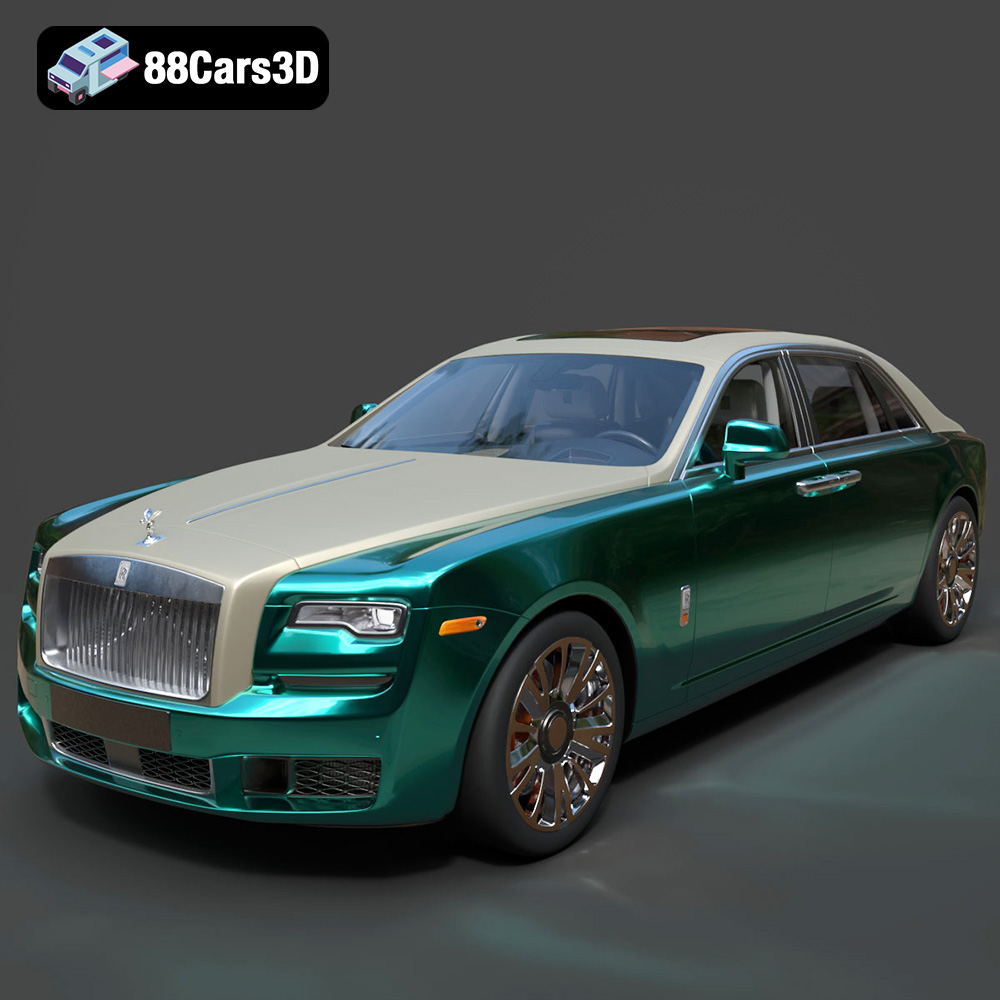
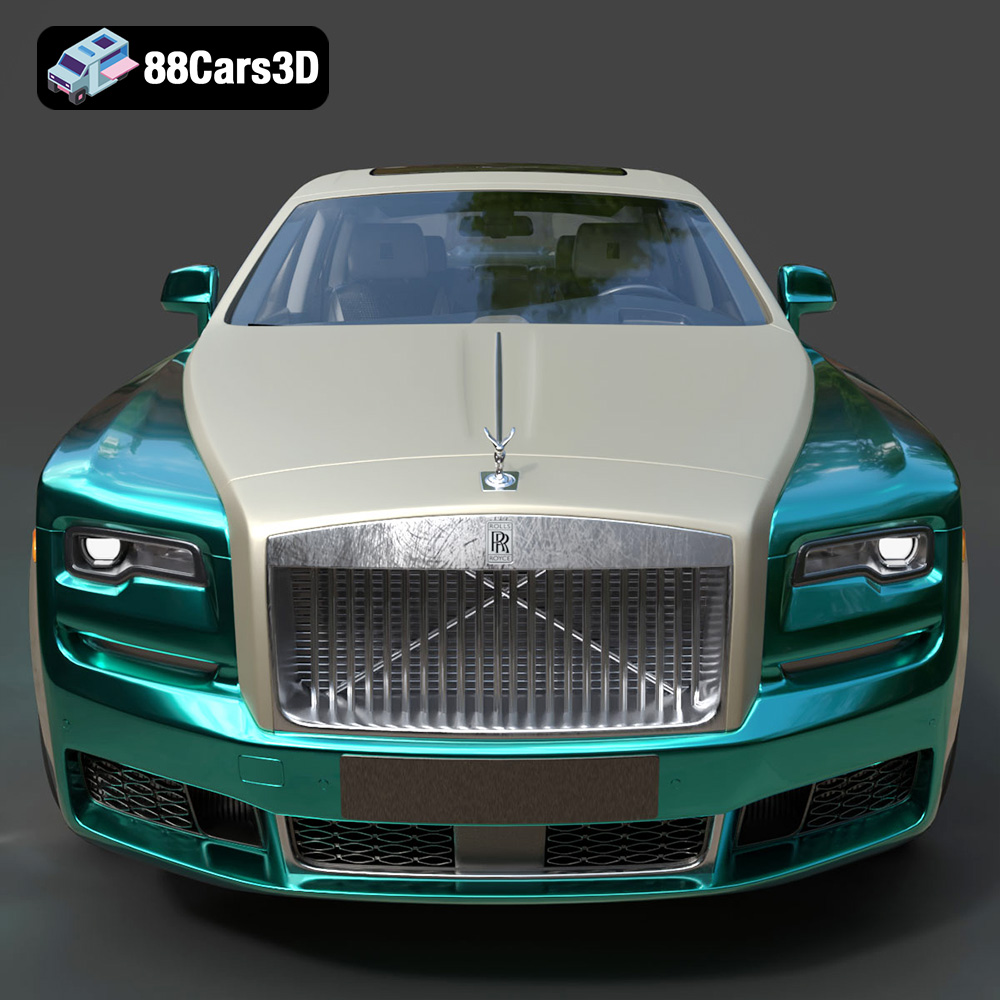
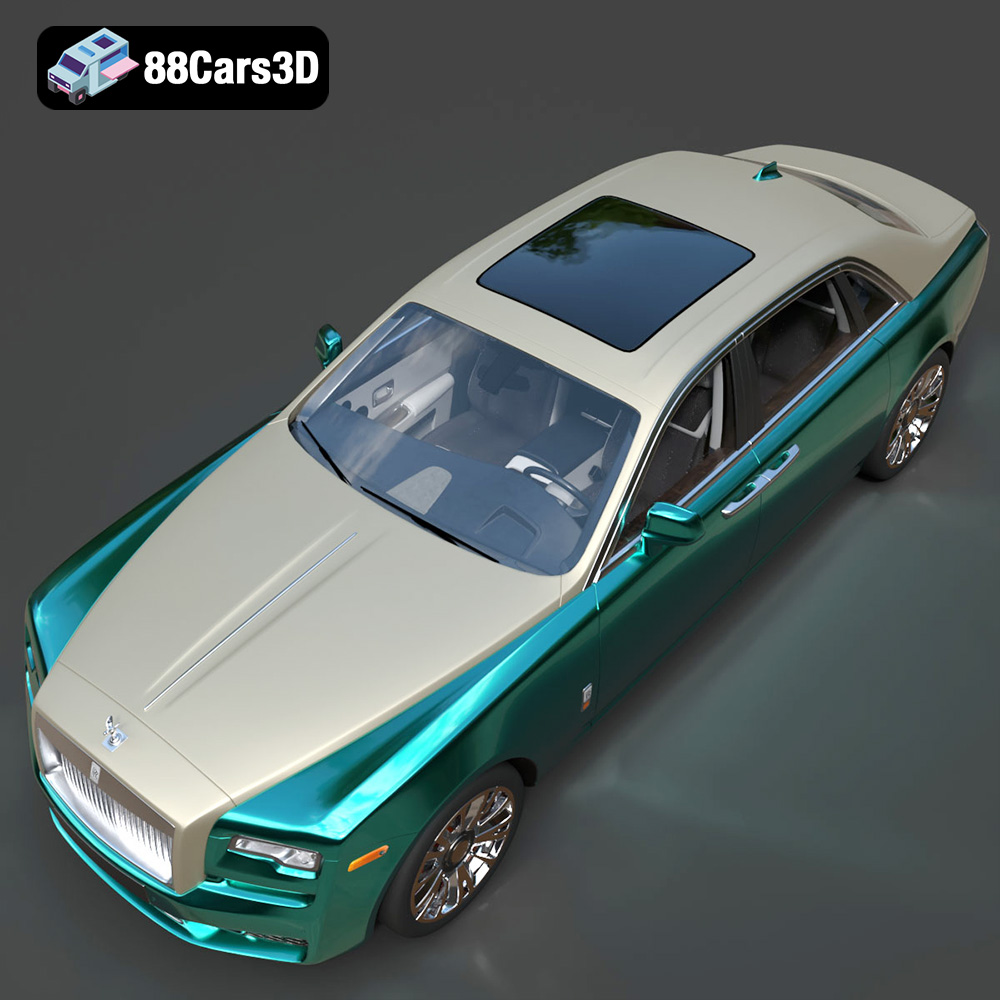
The Rolls-Royce Ghost EWB (Extended Wheelbase) is a symbol of automotive luxury and refined engineering. Now, thanks to 3D printing technology, you can bring a scaled-down version of this iconic vehicle to life. Whether you’re a car enthusiast, a model collector, or simply intrigued by the possibilities of additive manufacturing, 3D printing the Rolls-Royce Ghost EWB model offers a rewarding and challenging project. This comprehensive guide will walk you through the entire process, from preparing the STL files to applying the finishing touches, ensuring a stunning final product. 88cars3d.com offers a fantastic, highly-detailed model, so let’s explore how to make the most of it with your 3D printer.
Before diving into the printing process, it’s crucial to understand the various file formats available for 3D models and their suitability for 3D printing. The Rolls-Royce Ghost EWB 3D model from 88cars3d.com comes with a comprehensive suite of file formats, but some are more suited for 3D printing than others.
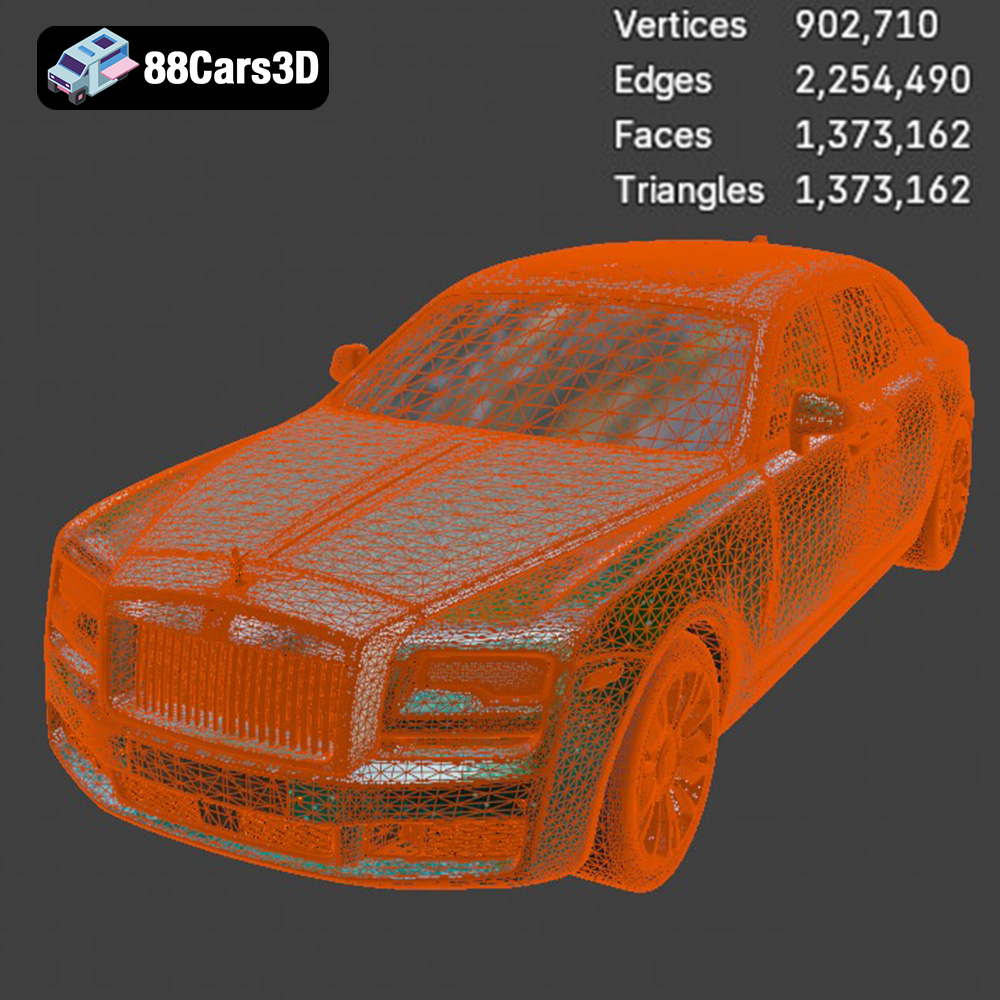
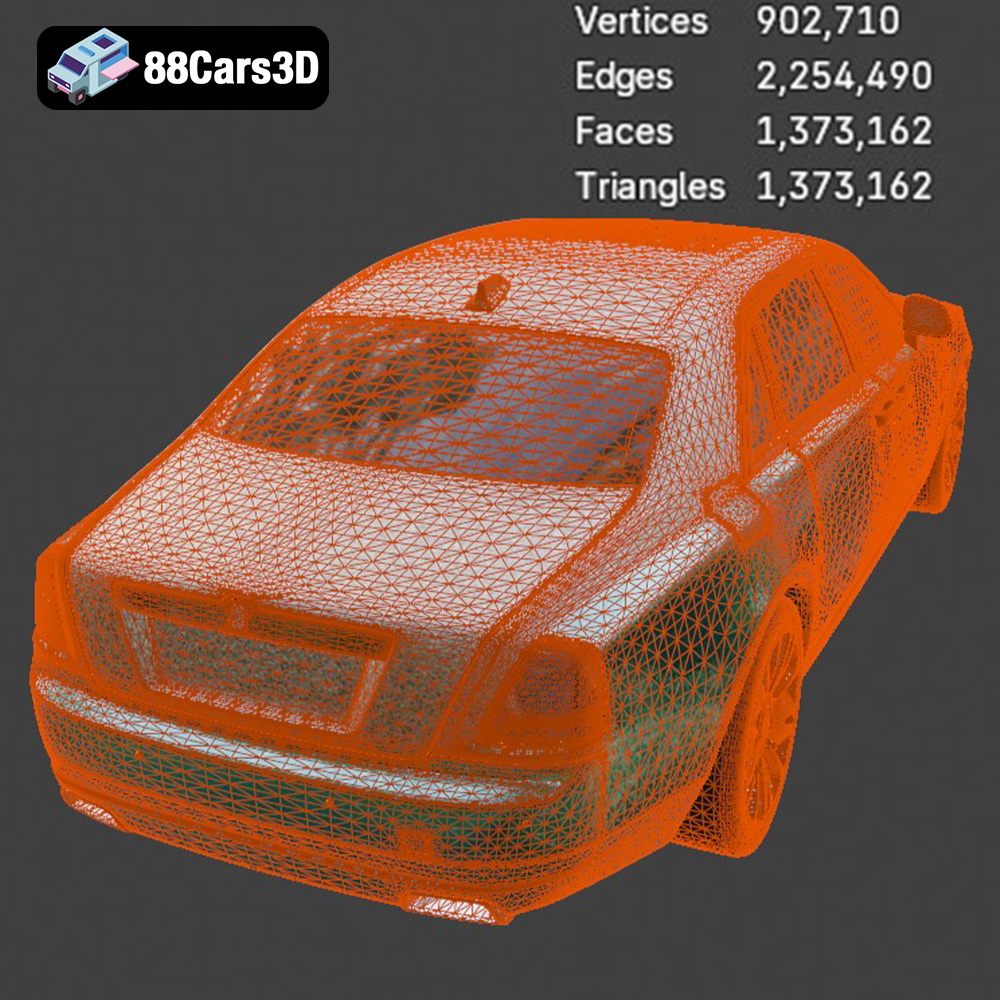
The .stl (stereolithography) format is the workhorse of 3D printing. It represents the surface geometry of a 3D object as a collection of triangles. This simplicity makes it universally compatible with slicing software and 3D printers. The quality of an STL file depends on the number of triangles used; more triangles mean a smoother surface and higher resolution. However, an excessive number of triangles can lead to larger file sizes and increased processing time. When preparing an STL file for printing, it’s essential to strike a balance between detail and file size. Slicing software uses the .STL file to understand the shape and generate the gcode for your printer. For the Rolls-Royce Ghost EWB, ensure the STL file from 88cars3d.com is of sufficient resolution to capture its intricate details.
The .obj (object) format is another widely supported format that, unlike .stl, can store color and texture information. This makes it suitable for full-color 3D printing, though such printers are less common. While .obj files can be used for 3D printing, they are often preferred for rendering and visualization purposes due to their texture capabilities.
The .ply (polygon) format is designed to store 3D data acquired from 3D scanners. It can represent color, texture, and other properties. .ply is excellent for maintaining high-detail scans and models, making it suitable for very accurate prints where preserving fine details is critical.
The .blend format is the native file format for Blender, a popular open-source 3D creation suite. It contains all the data related to a Blender project, including the 3D model, materials, textures, lighting, and animations. While you can’t directly 3D print a .blend file, it allows you to customize the model before exporting it to a printable format like .stl. This is incredibly useful if you want to modify the Rolls-Royce Ghost EWB model before printing, perhaps adding custom details or splitting it into multiple parts for easier printing.
The .fbx (Filmbox) format is commonly used for exchanging 3D data between different software applications. It supports materials, textures, animations, and other advanced features. While some slicing software can import .fbx files, it’s generally recommended to convert them to .stl for 3D printing to ensure compatibility and simplify the printing process.
The .glb (GL Transmission Format Binary) format is designed for efficient delivery of 3D models on the web. It’s often used for AR/VR applications and allows you to preview the model in augmented reality before printing. While not directly used for 3D printing, .glb can be helpful for visualizing the final product and determining the optimal size and orientation.
Similar to .blend, the .max format is the native file format for 3ds Max, another professional 3D modeling and animation software. It contains all the information about a 3ds Max project, allowing for extensive customization. Again, you’ll need to export the model to a printable format like .stl before 3D printing.
For 3D printing the Rolls-Royce Ghost EWB model, the .stl format is the most practical choice. Ensure you select the highest resolution .stl file available from 88cars3d.com to capture the car’s exquisite details. If you wish to customize the model before printing, use the .blend or .max file, make your changes, and then export it as an .stl file.
Once you’ve selected the .stl file, the next step is to prepare it for 3D printing using slicing software. This involves setting the printing parameters, adding supports, and ensuring the model is properly oriented.
Slicing software is essential for converting the 3D model into a set of instructions (G-code) that your 3D printer can understand. Popular options include Cura, Simplify3D, PrusaSlicer, and others. Each offers a range of settings that affect the print quality, speed, and material usage.
Key slicing settings to consider for the Rolls-Royce Ghost EWB include:
* **Layer Height:** A smaller layer height (e.g., 0.1mm to 0.2mm) will produce smoother surfaces and finer details, which is crucial for a model like the Ghost EWB. However, it will also increase the print time.
* **Infill Density:** This determines how solid the interior of the model is. For a display model, a lower infill density (e.g., 10-20%) is sufficient. For a more robust model, you might increase it to 30-40%.
* **Print Speed:** Slower print speeds (e.g., 40-60mm/s) generally result in higher quality prints, especially for complex models with overhangs and fine details.
* **Temperature:** Adjust the nozzle and bed temperatures according to the material you’re using (see material recommendations below).
* **Support Structures:** The Ghost EWB has several overhangs, particularly around the wheels, bumpers, and roof. Adding support structures is essential to prevent sagging and ensure successful printing.
The orientation of the model on the build plate significantly impacts the print quality and the amount of support needed. Consider these factors:
* **Minimize Overhangs:** Orient the model to minimize the number and size of overhangs. This reduces the need for supports and improves surface quality.
* **Maximize Bed Adhesion:** Choose an orientation that provides a large, flat surface area for the first layer to adhere to the build plate.
* **Hide Seams:** Consider where the Z-seam (the point where each layer starts and stops) will be located. Orient the model to hide the seam in less visible areas.
When adding supports, use the slicing software’s automatic support generation feature as a starting point. Then, manually adjust the support placement to ensure critical areas are adequately supported while minimizing the amount of support material needed. Consider using tree supports, which are more efficient and easier to remove than traditional linear supports.
Before slicing, it’s a good practice to check the .stl file for errors such as non-manifold edges, flipped normals, and holes. These errors can cause printing problems. Most slicing software includes tools for automatically repairing these issues. If you encounter more complex errors, you may need to use a dedicated mesh repair tool like MeshMixer or Netfabb.
Additionally, consider optimizing the model by reducing the number of triangles without significantly sacrificing detail. This can improve slicing performance and reduce the file size.
The choice of material is crucial for the final appearance and durability of the 3D printed Rolls-Royce Ghost EWB model. Each material has its own properties, advantages, and disadvantages.
PLA (polylactic acid) is a biodegradable thermoplastic derived from renewable resources. It’s easy to print, has low warping, and produces good surface detail. PLA is an excellent choice for beginners and for models that don’t require high strength or heat resistance.
* **Pros:** Easy to print, low warping, good surface detail, biodegradable.
* **Cons:** Low heat resistance, brittle, not suitable for outdoor use.
* **Recommended Settings:** Nozzle temperature: 200-220°C, Bed temperature: 60°C, Print speed: 40-60mm/s.
PETG (polyethylene terephthalate glycol-modified) is a strong, flexible, and heat-resistant thermoplastic. It’s more durable than PLA and can withstand higher temperatures. PETG is a good choice for models that need to be functional or used outdoors.
* **Pros:** Strong, flexible, heat-resistant, good layer adhesion.
* **Cons:** More prone to stringing than PLA, requires higher printing temperatures.
* **Recommended Settings:** Nozzle temperature: 230-250°C, Bed temperature: 70-80°C, Print speed: 40-60mm/s.
If you want to achieve the highest level of detail and surface finish, consider using a resin 3D printer. Resin printers use liquid photopolymers that are cured by UV light, resulting in extremely smooth surfaces and fine details. However, resin printing is more complex than filament printing and requires more post-processing.
* **Pros:** Exceptional detail, smooth surfaces, high accuracy.
* **Cons:** More complex process, requires post-processing (washing and curing), resins can be expensive and toxic.
* **Recommended Settings:** Follow the resin manufacturer’s recommendations for exposure time and layer thickness.
For the Rolls-Royce Ghost EWB model, PLA or PETG are good choices for filament printing. If you want the ultimate level of detail, resin printing is the way to go.
Achieving a high-quality 3D print of the Rolls-Royce Ghost EWB requires careful attention to printer settings. Here’s a breakdown of the key parameters and how to optimize them.
As mentioned earlier, layer height significantly impacts the surface quality and detail. A smaller layer height results in smoother surfaces and finer details, but it also increases the print time.
* **PLA:** 0.1mm to 0.2mm layer height is ideal for balancing detail and print time.
* **PETG:** 0.15mm to 0.25mm layer height works well.
* **Resin:** Layer heights as low as 0.025mm can be achieved for exceptional detail.
Slower print speeds generally result in higher quality prints, especially for complex models with overhangs and fine details.
* **PLA:** 40-60mm/s is a good starting point. You can increase the speed for less detailed areas.
* **PETG:** 40-60mm/s is recommended.
* **Resin:** Print speed is determined by the resin’s exposure time.
Acceleration settings also affect print quality. Lower acceleration values reduce vibrations and improve surface finish.
Maintaining consistent temperature control is crucial for successful 3D printing.
* **Nozzle Temperature:** Adjust the nozzle temperature according to the material you’re using.
* **Bed Temperature:** A heated bed is essential for good bed adhesion. Ensure the bed is properly leveled and clean. You can use adhesion aids like glue stick or hairspray for better adhesion.
Properly configured support structures are essential for printing the Rolls-Royce Ghost EWB.
* **Support Density:** Increase the support density for areas with complex overhangs.
* **Support Interface:** Use a support interface layer (a dense layer between the support and the model) for easier support removal and a cleaner surface finish.
Once the 3D printing is complete, post-processing is necessary to remove supports, smooth the surface, and add the final touches.
Carefully remove the support structures using pliers, a hobby knife, or other tools. Be patient and avoid damaging the model.
* **Sanding:** Sand the surface of the model using progressively finer grits of sandpaper (e.g., 220, 400, 600, 800). This will smooth out any layer lines and imperfections.
* **Filling:** Use filler primer or putty to fill any remaining gaps or imperfections. Sand the filler smooth after it dries.
Painting is an essential step for achieving a realistic and professional look.
* **Priming:** Apply a primer coat to the model to create a uniform surface for painting.
* **Painting:** Use high-quality acrylic paints to paint the model. Consider using an airbrush for a smoother finish.
* **Detailing:** Add fine details using paint markers or small brushes.
If you printed the model in multiple parts, assemble them using glue or screws. Ensure the parts fit together properly and align correctly.
Even with careful preparation, you may encounter some common 3D printing issues. Here are some tips for troubleshooting:
* **Warping:** Ensure the bed is properly leveled and heated. Use adhesion aids like glue stick or hairspray.
* **Stringing:** Reduce the nozzle temperature and increase retraction settings.
* **Layer Shifting:** Check the belts and pulleys on your printer and tighten them if necessary.
* **Underextrusion:** Increase the nozzle temperature and check for clogs in the nozzle.
* **Support Problems:** Increase the support density and adjust the support placement.
By carefully following these tips and techniques, you can successfully 3D print a stunning Rolls-Royce Ghost EWB model that showcases the elegance and sophistication of this iconic vehicle. Remember to visit 88cars3d.com for more amazing 3D models ready for additive manufacturing.
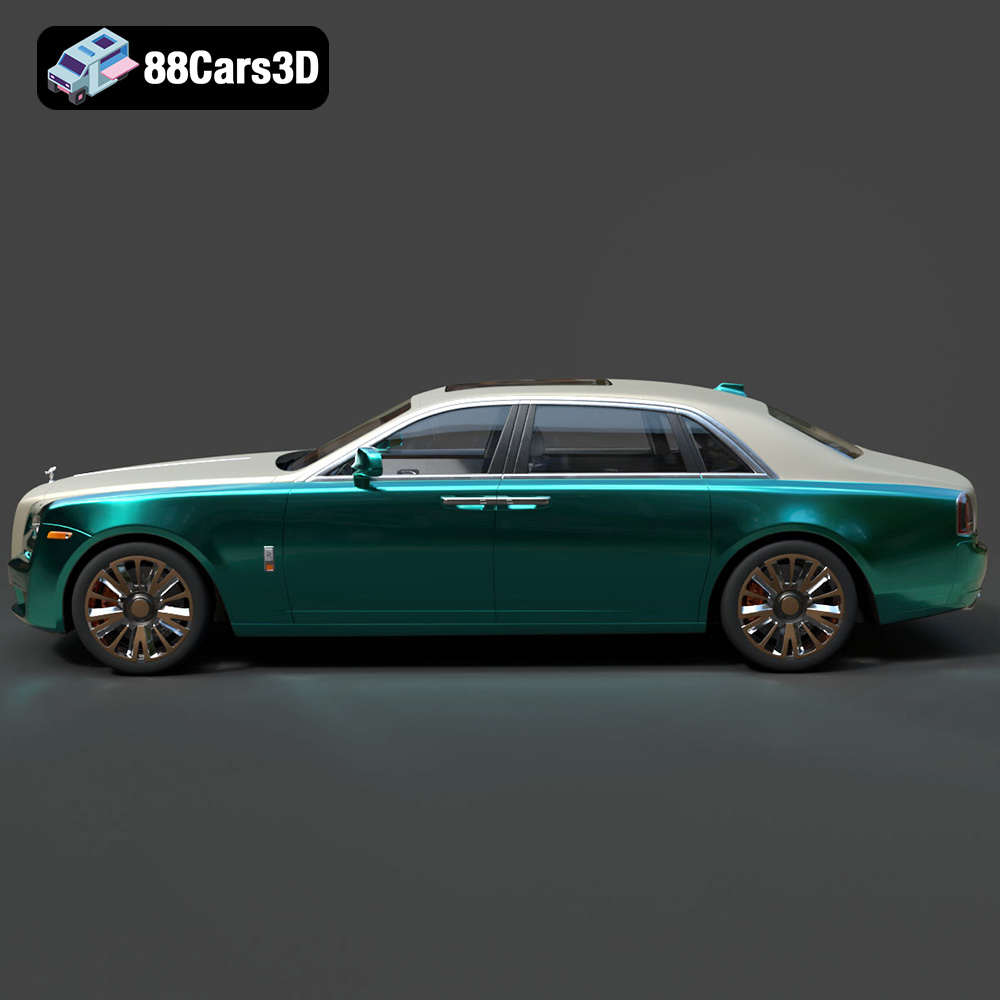
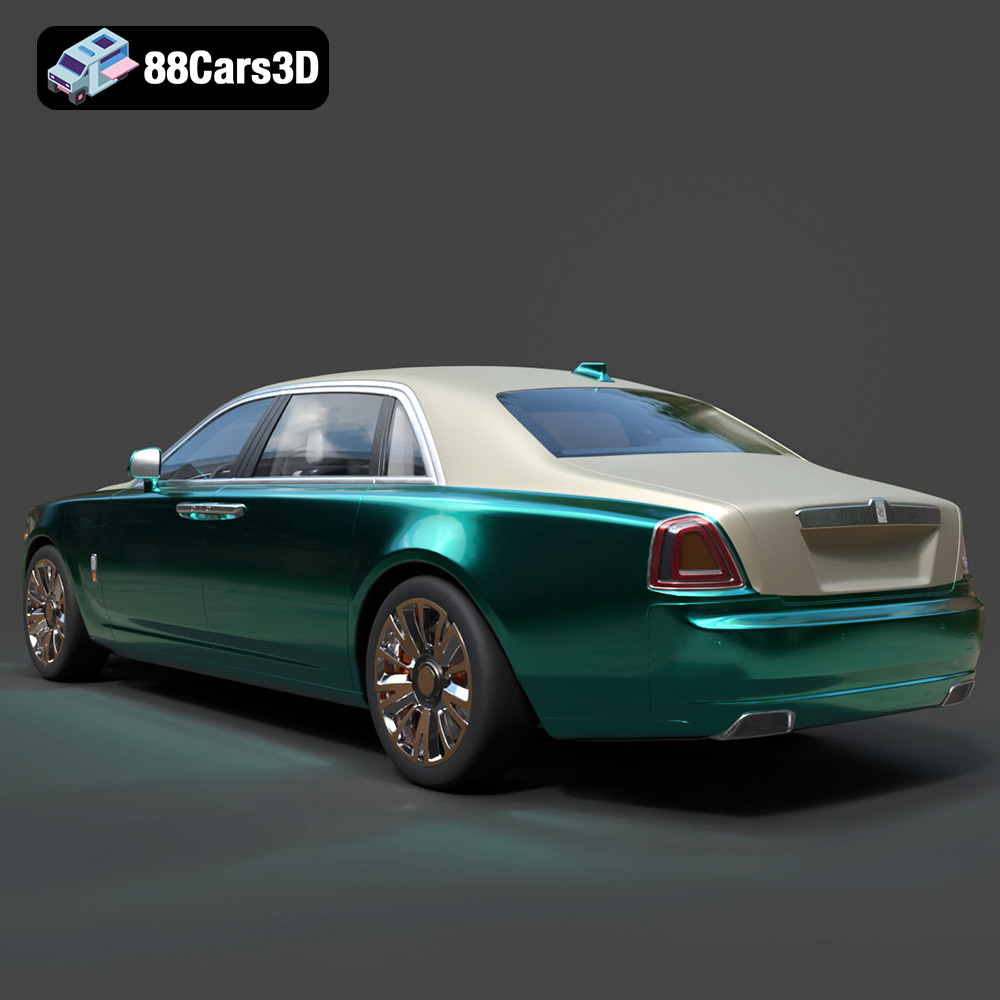
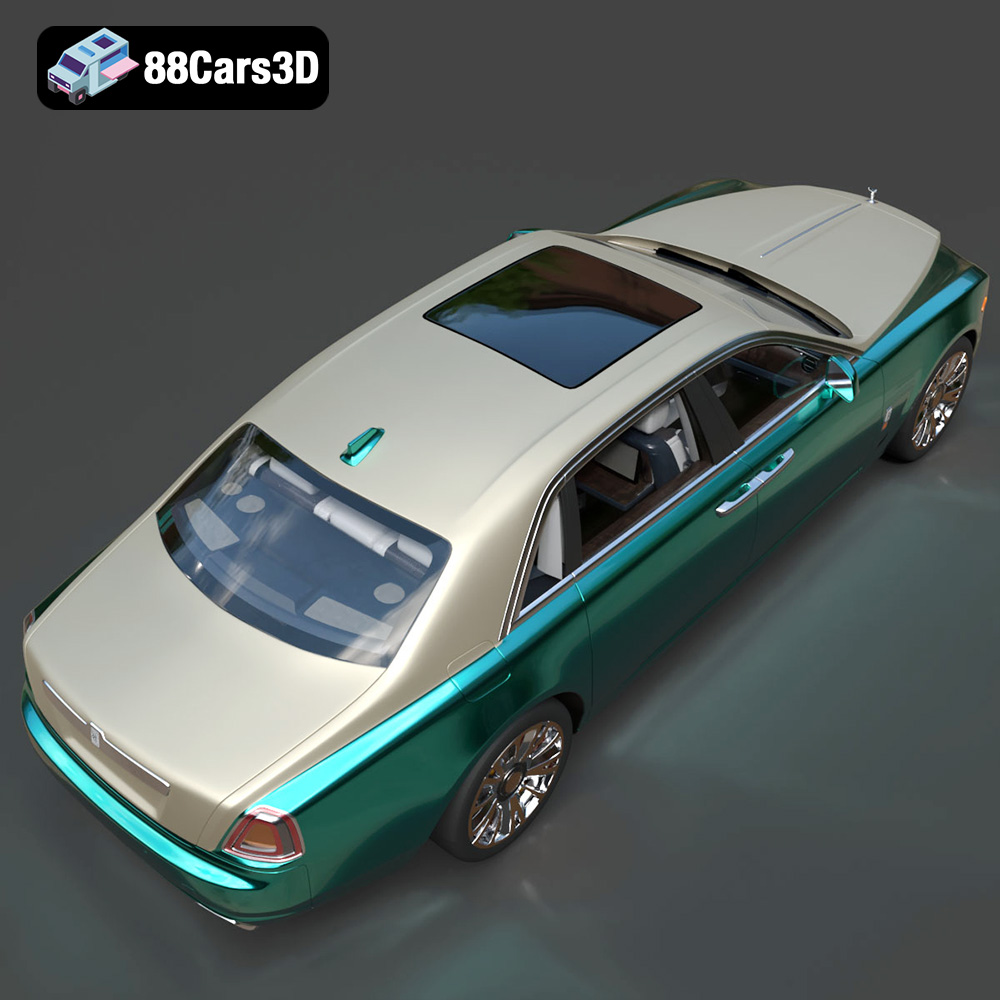
Experience unparalleled digital luxury with the Rolls-Royce Ghost EWB 3D Model. This exceptionally detailed replica captures the imposing presence and refined aesthetics of the renowned extended wheelbase vehicle. Designed with meticulous attention to detail, this asset delivers remarkable realism, making it a perfect addition to any digital collection or professional pipeline.
$19.99
.arvr
.blend
.car3dmodel
.ewb
.fbx
.gameasset
.ghost
.glb
.luxurycar
.max
.obj
.ply
.rendering
.rollsroyce
.sedan
.simulation
.stl
.unreal